
Create with an AI Funny Story Video Generator That Lands the Joke
Write a punchy skit, awkward classroom anecdote, office tale, or creator monologue, then use Media.io's AI Funny Story Video Generator to shape it into comic scenes with recognizable characters, visual punchlines, and script-based voiceover and music. Built for YouTube Shorts, TikTok clips, lessons, and branded laughs that need a clear setup and payoff.
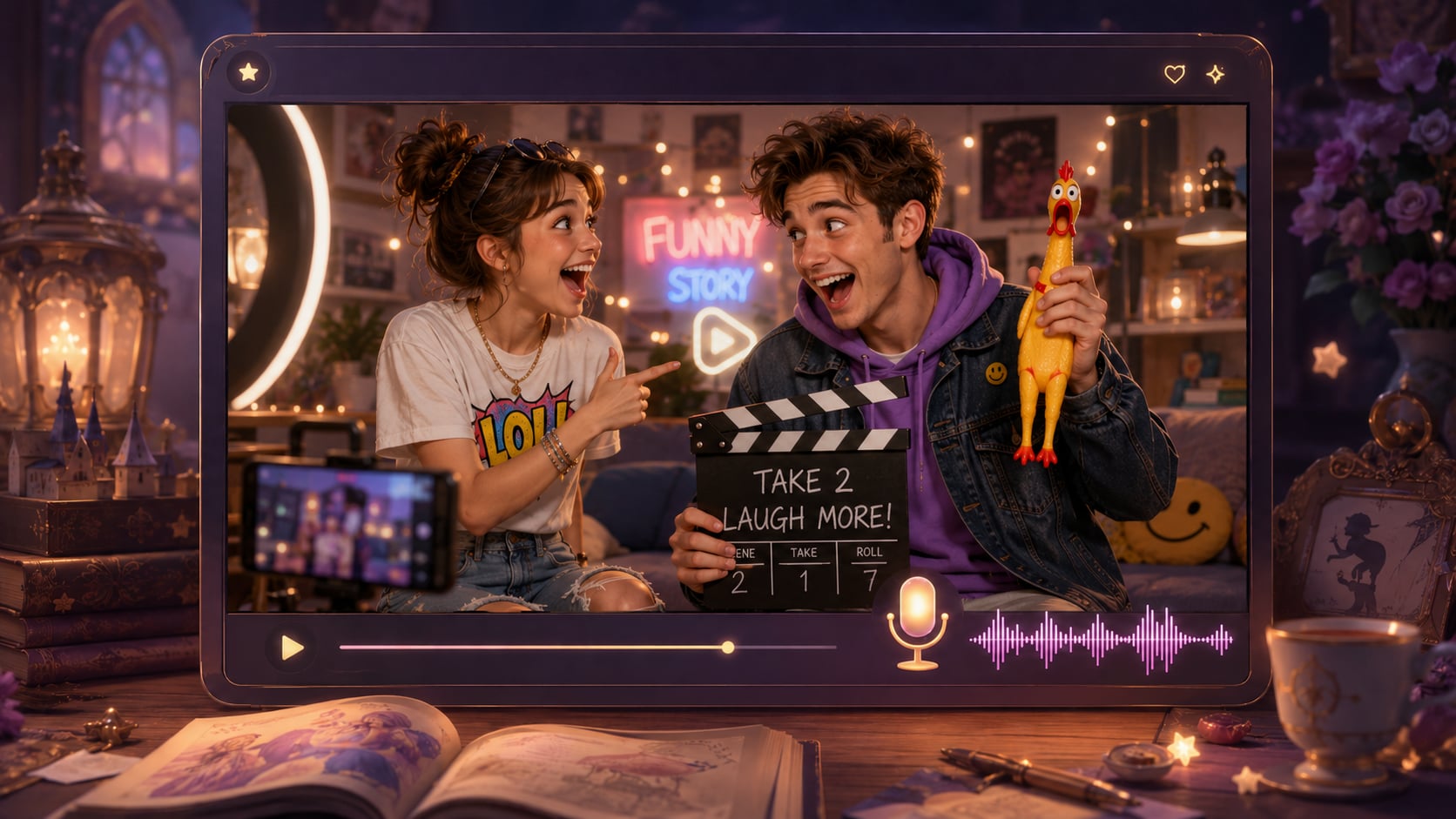
Build Funny Story Videos with Setup, Timing, and Payoff
Give your joke structure first, then let Media.io help shape the scenes, characters, and audio that carry the laugh.
Make Every Setup, Pause, and Punchline Read on Screen
Guide the comic beat with a detailed script, then let Media.io shape scenes, voiceover, and music around the story. A funny story video maker works best when your narration marks the awkward pause, reaction, twist, or callback the audience should notice.
- Script-Based Audio - Voiceover and music can follow the mood and timing of your written story
- Comedy Beat Support - Describe reactions, pauses, and reveals so scenes have clearer intent
- Caption-Friendly Flow - Build narration that works for short-form viewers watching quickly
- Visual Payoff Focus - Set up the scene so the punchline has an image to land on
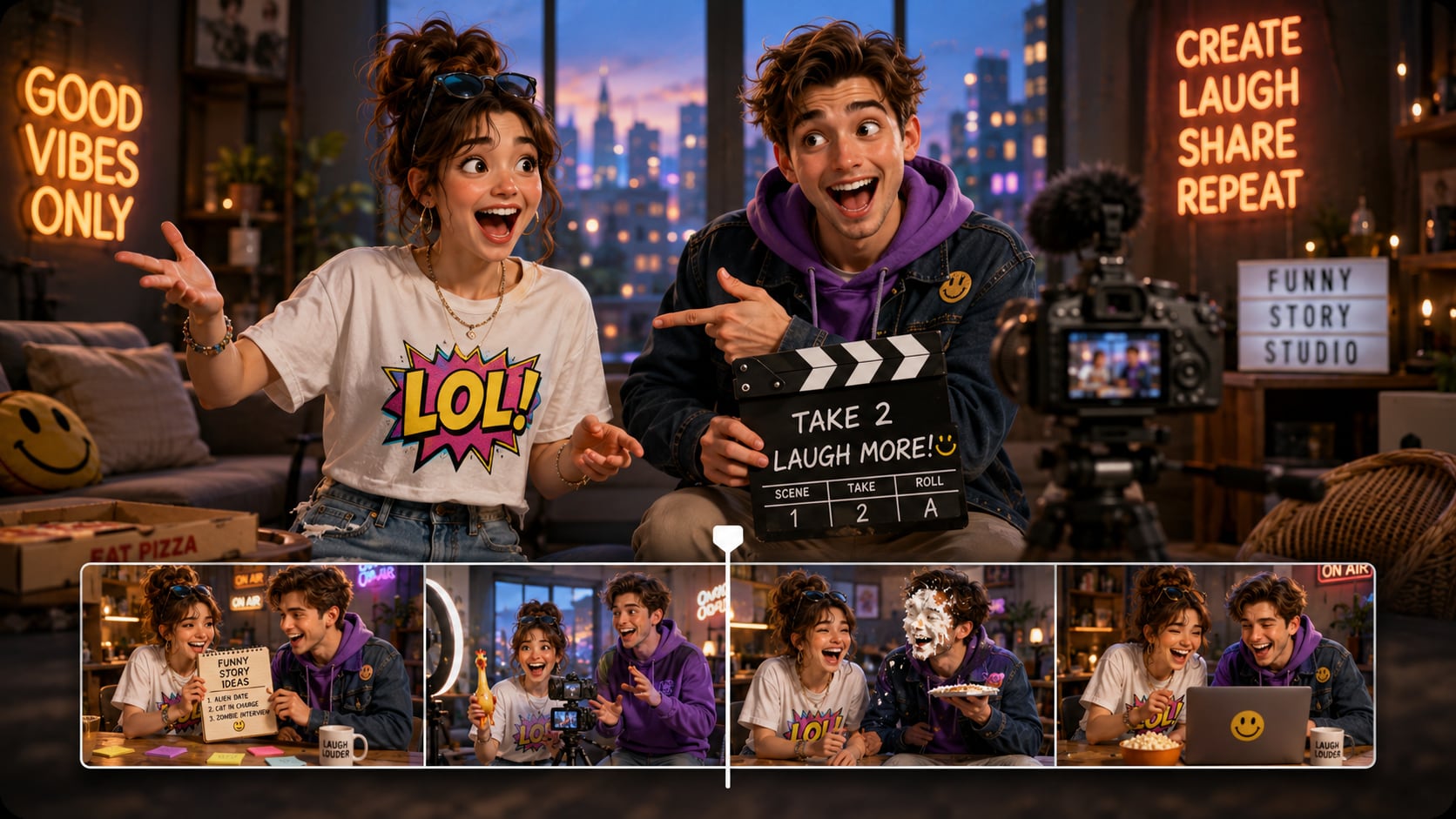
Turn Skits and Anecdotes into Scene-Ready Outlines
Paste a detailed comedy draft, school story, office mishap, or creator monologue and review the extracted outline before video generation. Use it for script to video generator ideas without adding another editing step.
- Editable Outline - Review and adjust title, theme, setting, plot, and characters
- Better Scene Logic - Separate setup, misunderstanding, escalation, and payoff
- Source Material Fit - Use skits, jokes, narration drafts, or structured story notes
- Less Random Output - Give the generator more context before visuals are created
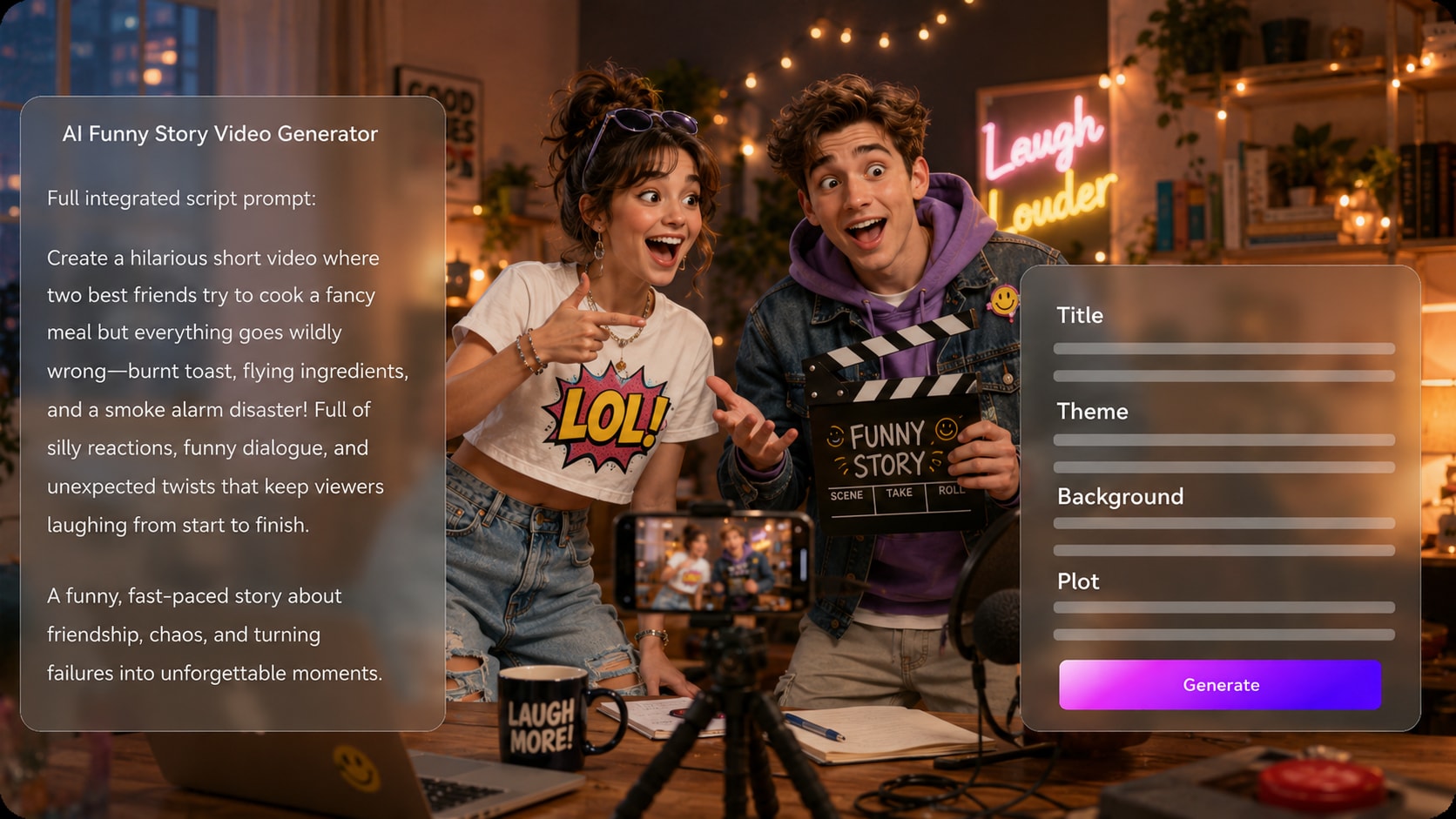
Shape Characters Who Can Carry the Gag
Create clear comic roles with text prompts, real photos, or sketches, then guide how they should look and behave.
- Text Character Guidance - Describe roles, outfits, expressions, and personality cues
- Photo Or Sketch Input - Use references when a personalized character style matters
- Recurring Cast Feel - Build recognizable roles for episodic creator formats
- Reaction-Ready Scenes - Prompt facial expressions and body language that support the joke
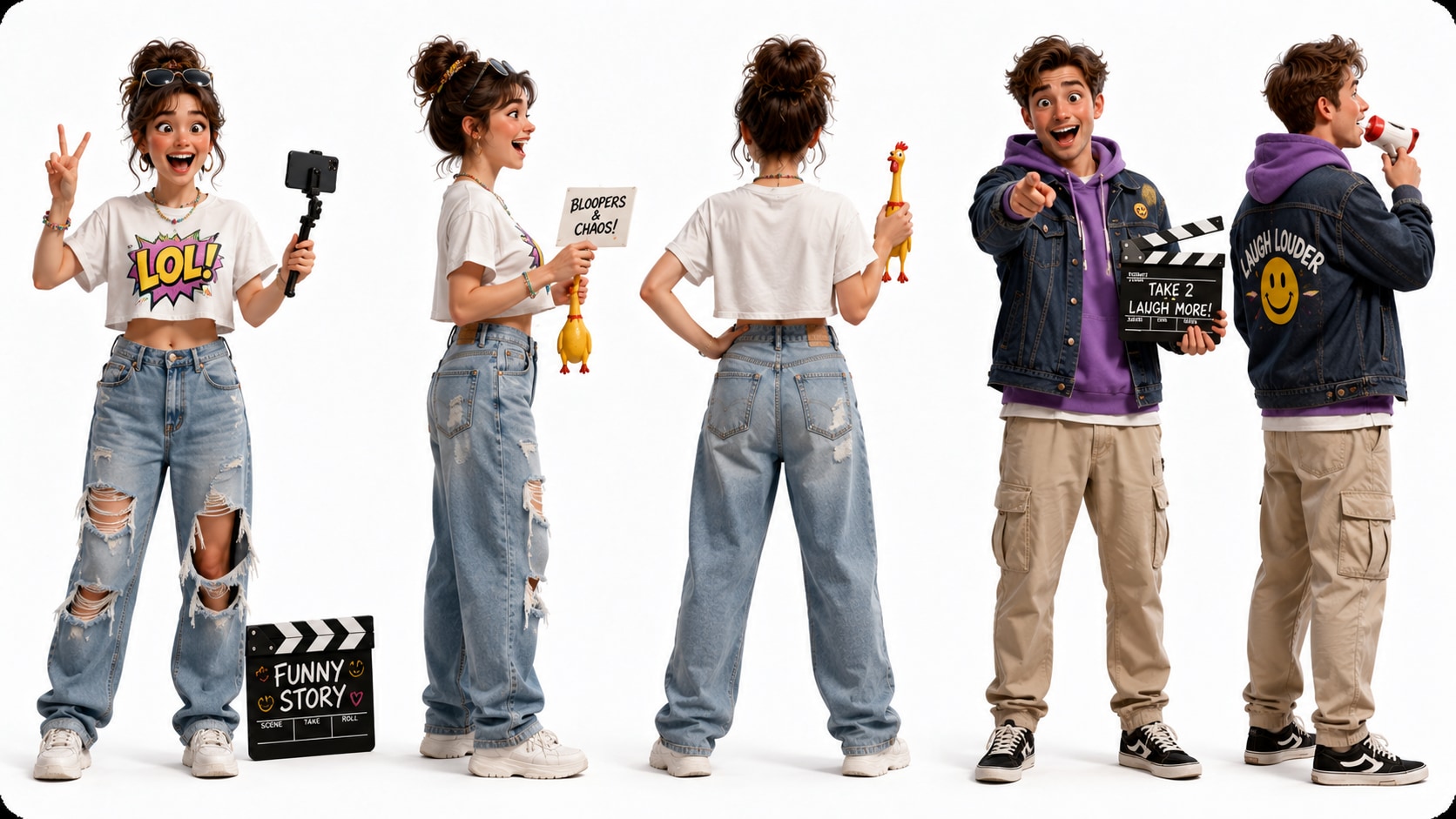
Polish Review the Storyboard Before the Joke Goes Public
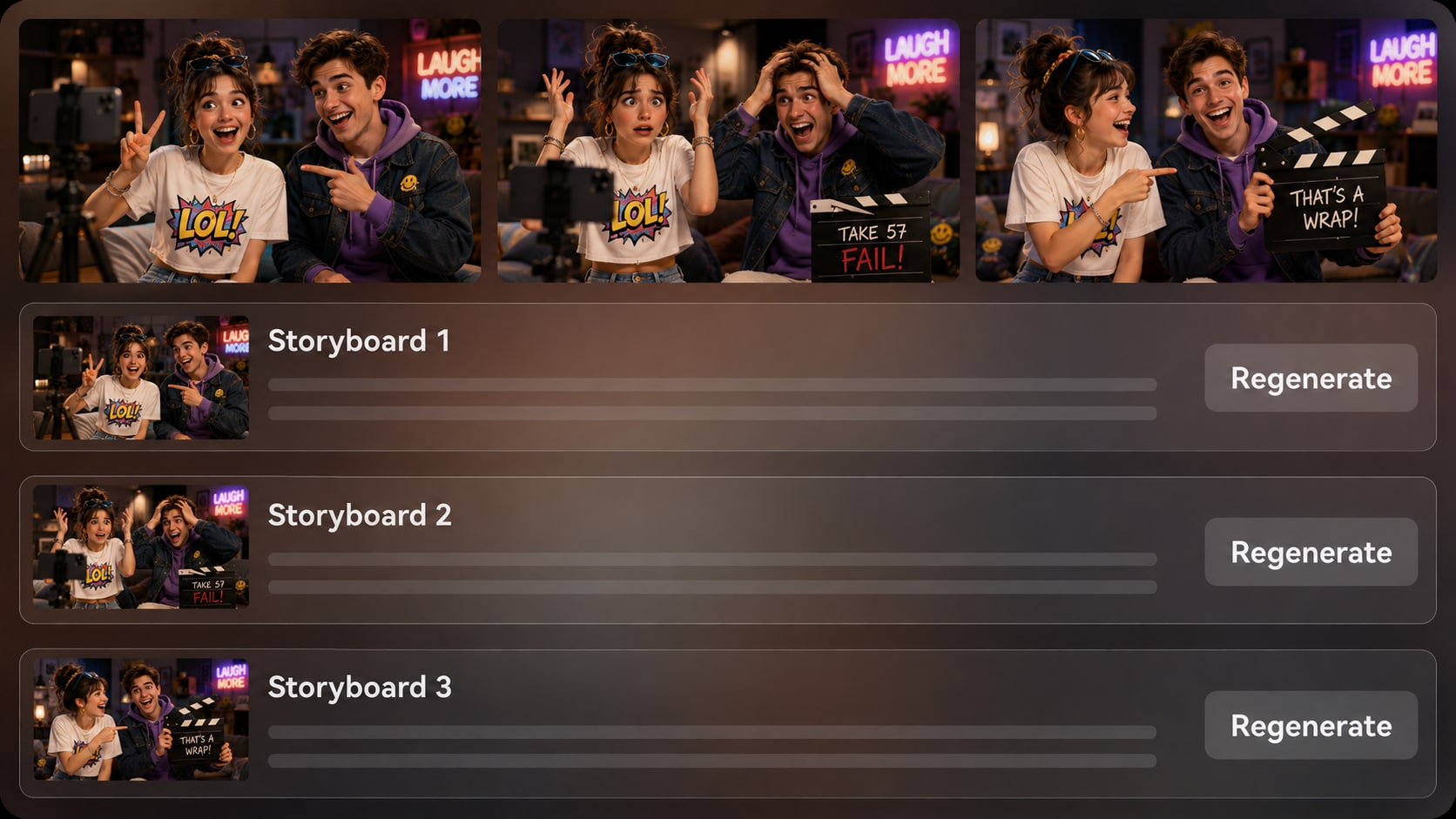
Check generated storyboard images scene by scene before final video generation. If a shot misses the gag, looks too flat, or muddles the reaction, regenerate that specific storyboard image and continue with a version that better supports the story.
- Storyboard Preview - See visual beats before generating the final video
- Specific Shot Regenerate - Create a new version of an unsatisfying storyboard image
- Pacing Check - Spot weak transitions, missing reactions, or unclear punchlines
- Post-Generation Polish - Review the final video and refine it with Media.io tools when needed
Create a Funny Story Video from a Script
Start with the joke on the page, then guide the outline, characters, storyboard, and final polish.

Write the Setup
Provide a detailed script or structured story input with the setup, misunderstanding, escalation, and punchline. Review and edit the extracted outline fields, including title, theme, setting / background, story plot, and characters, then choose a format such as 9:16, 1:1, or 16:9 during setup.

Guide the Cast
Add character guidance from text, real photos, or sketches when your funny story needs recognizable roles. Review the generated storyboard images after the outline is prepared, and regenerate a specific storyboard image if a reaction, setting, or gag does not read clearly.

Generate and Polish
Generate the final video with voiceover and music based on the script, then watch it for timing, clarity, and visual payoff. If the clip needs extra refinement, use Media.io tools such as Enhance Video Quality before preparing it for your chosen channel.
Choose an AI Funny Story Video Generator Built for Jokes, Not Random Clips
A comedy workflow needs structure, timing, and review control, not just a text box that produces unrelated visuals.
Create Funny Story Videos for Every Kind of Audience

YouTube Shorts Creators
Build short funny stories with a fast hook, clear narration, and visual payoffs that fit repeatable channel formats.

TikTok Creators
Turn awkward moments, hot takes, and mini skits into vertical videos with expressive scenes and punchy pacing.

Storytellers
Adapt personal anecdotes, fictional mishaps, and recurring characters into visual stories that keep the joke easy to follow.

Educators
Make classroom examples more memorable with humorous characters, clear explanations, and a light story arc students can follow.
See More Scripts into Watchable Clip Examples
Explore how scripted stories can move from written beats to videos for social channels, lessons, campaigns, and creative pitches.
Loved by Comedy-Minded Creators
Creators like having a script-first path that keeps the setup, characters, and visual payoff easier to control.


"My jokes stopped feeling like random clips because I could review the outline and see the visual beats before generating the final video."

"I use it for short awkward-moment stories. The storyboard preview helps me catch when a reaction shot needs to be clearer."

"It helped me turn a funny classroom example into a short video my students actually followed without losing the lesson."

"For comedy scene ideas, I like starting from a script and checking the sequence visually before showing it to collaborators."

"The workflow makes brand humor easier to test because I can keep the story simple, review the characters, and polish the final clip."

"I paste narration drafts and use the outline to make sure the setup, twist, and punchline stay in the right order."
FAQs on AI Funny Story Video Generator
What Is an AI Funny Story Video Generator?
An AI funny story video generator helps turn a detailed comedy script, skit, anecdote, or narration draft into a visual story video. Media.io works by extracting a story outline, generating storyboard images, and creating a final video with voiceover and music based on the script.
What Should I Paste into a Funny Script to Video Generator?
Use a detailed script or structured story input with characters, setting, setup, conflict, escalation, and punchline. The more clearly you mark reactions, pauses, and visual gags, the easier it is to guide the video direction.
Can the Script Guide the Voiceover and Music for a Funny Story Video?
Yes. The final generated video can include voiceover and music based on the script, so your narration tone, comic rhythm, and scene mood should be written directly into the story input.
How Do I Write a Better Script for an AI Comedy Video?
Write in short scenes with one clear joke per beat. Include who is speaking, what the audience should notice, where the reaction happens, and how the punchline changes the scene.
How Can I Avoid a Funny Story Video That Feels Random?
Avoid one-line prompts and give Media.io a structured story instead. Review the extracted outline, check the setting and character details, and use storyboard review to catch shots that do not support the joke.
Can I Create Recognizable Characters for Recurring Comedy Skits?
Yes. You can guide characters with text descriptions, real photos, or sketches to create recognizable roles for your story. Media.io supports clear character guidance, but you should still review the storyboard and final video for visual fit.
Can I Make Funny Story Videos for TikTok and YouTube Shorts?
Yes. During setup, you can choose a format direction such as vertical, square, or widescreen depending on where the video will be used. Short scripts with strong openings and quick payoffs usually work best for TikTok and YouTube Shorts.
Can I review the storyboard If a Joke Scene Looks Wrong?
You can edit the extracted outline before storyboard generation. The storyboard images themselves are not manually editable, but if a specific storyboard image is unsatisfying, you can regenerate that shot and review the result before final generation.
Why Use Media.io for Funny Story Videos Instead of a Generic AI Video Generator?
Media.io is useful for funny story videos because it starts from detailed script structure, extracts an editable outline, supports character guidance, shows storyboard images for review, and creates voiceover and music based on the story. That makes it better suited to jokes that need setup, timing, and payoff.
Explore More Script-to-Video Ideas for Story Creators
If your funny story is part of a bigger content plan, explore adjacent AI Script to Video workflows for narration channels, scary shorts, educational explainers, brand stories, trailers, and family-friendly storytelling.















Make Your Funny Story
Ready for the Next Scroll
Start with a detailed comedy script, guide the characters and beats, then generate a funny story video you can review, polish, and share.
 4.8 (286 Votes)