이미지에서 이미지까지
ToMoviee Lite
업로드
0 / 3
내 기록에서 선택하거나 업로드하려면 클릭하거나 드래그하세요
아이디어가 없나요? 먼저 이미지를 생성하세요. >
지원되는 업로드 형식: jpg, png, jpeg.
프롬프트
0/2000
Auto
1
샘플 비디오

Free Photo Stitch Online - Stitch Photos Together in Seconds

Use Media.io to stitch photos together online for free. Combine travel shots, panoramas, screenshots, comparison images, or product photos into one clean stitched image in just a few clicks. It’s a simple way to make wider, taller, and more polished visuals without complicated editing.

Stitch Photos Free

Unlimited free photo stitching.

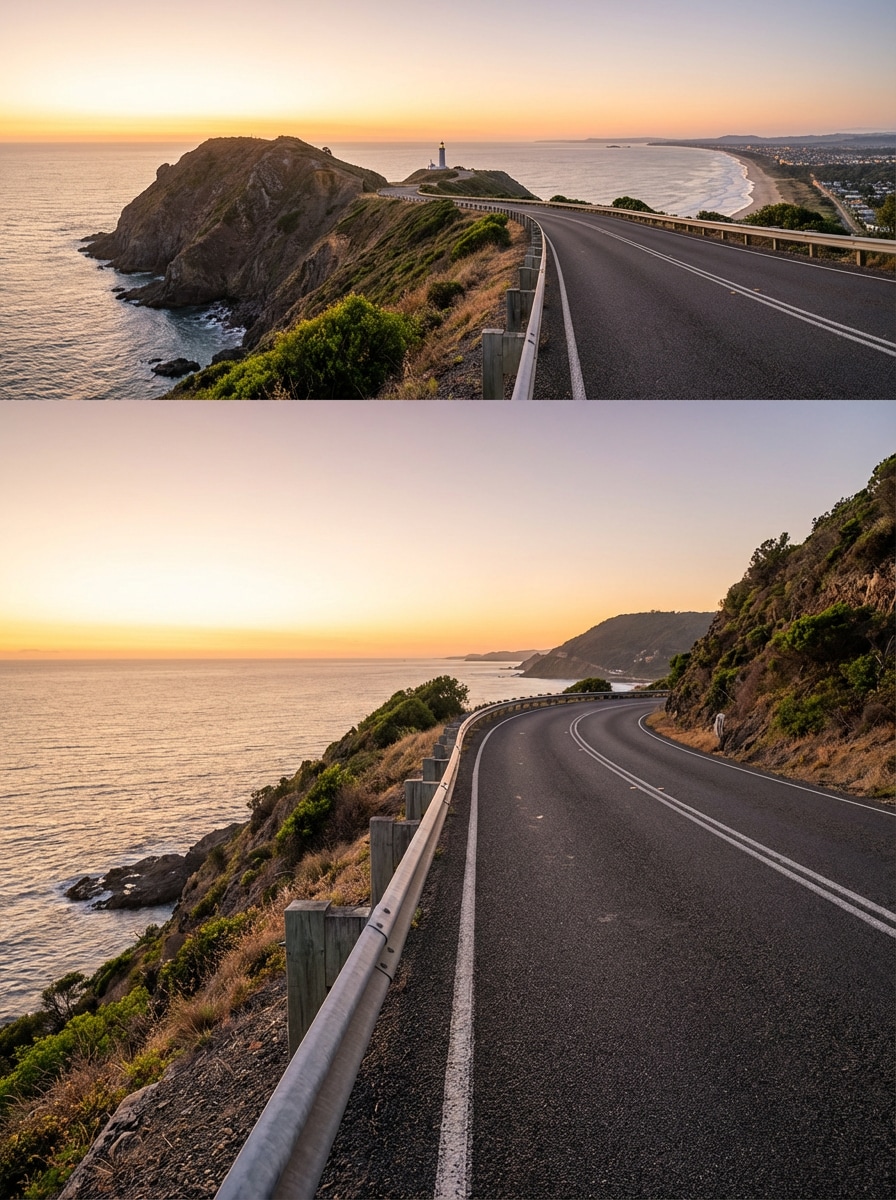
Travel Panorama Stitch

Travel Panorama Stitch

Use the uploaded images as the subject and stitch them into one wide travel panorama with smooth sky blending, natural lighting continuity, clean horizon alignment, and realistic edge transitions while preserving sharp detail across the full scene.

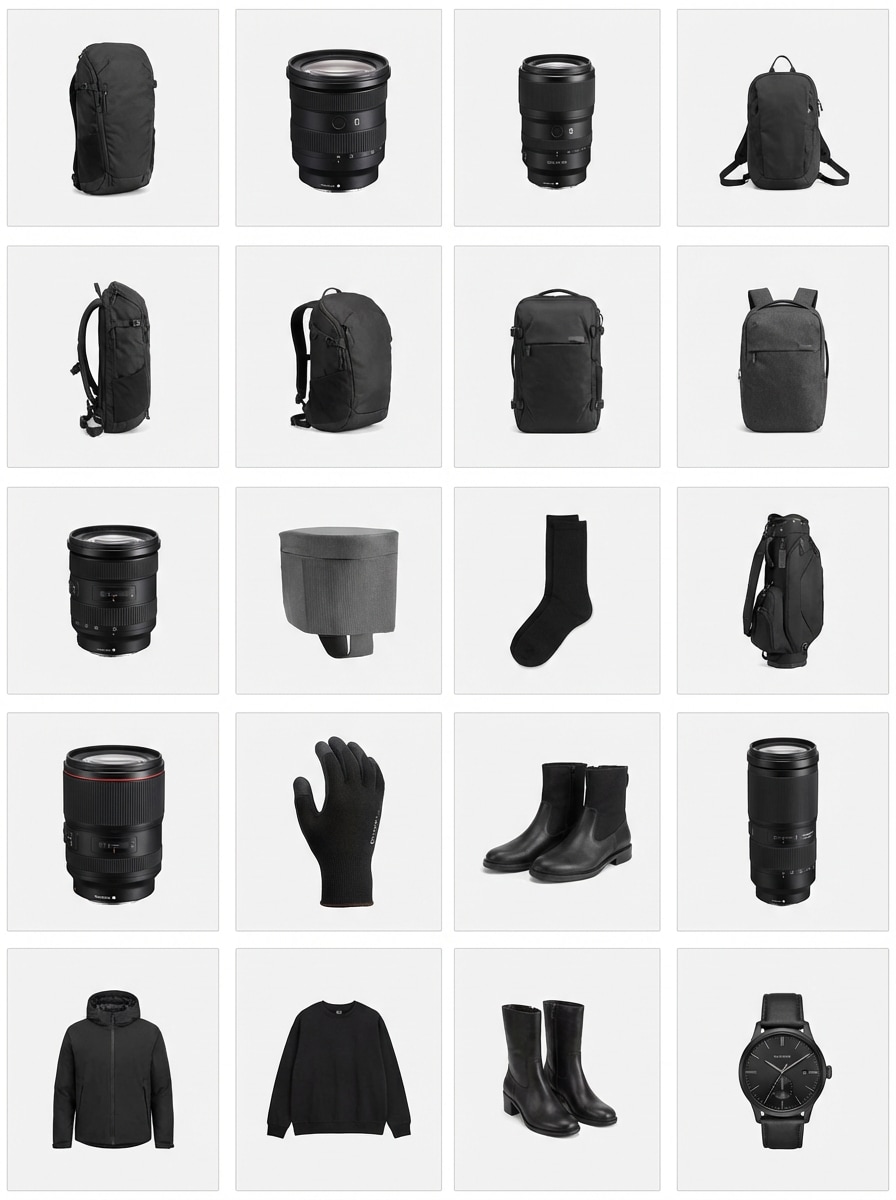
Side by Side Product Join

Side by Side Product Join

Use the uploaded photos as the subject and combine them into one clean side-by-side stitched image with even spacing, consistent lighting, sharp product detail, and a tidy layout suitable for listings, promotions, or comparisons.

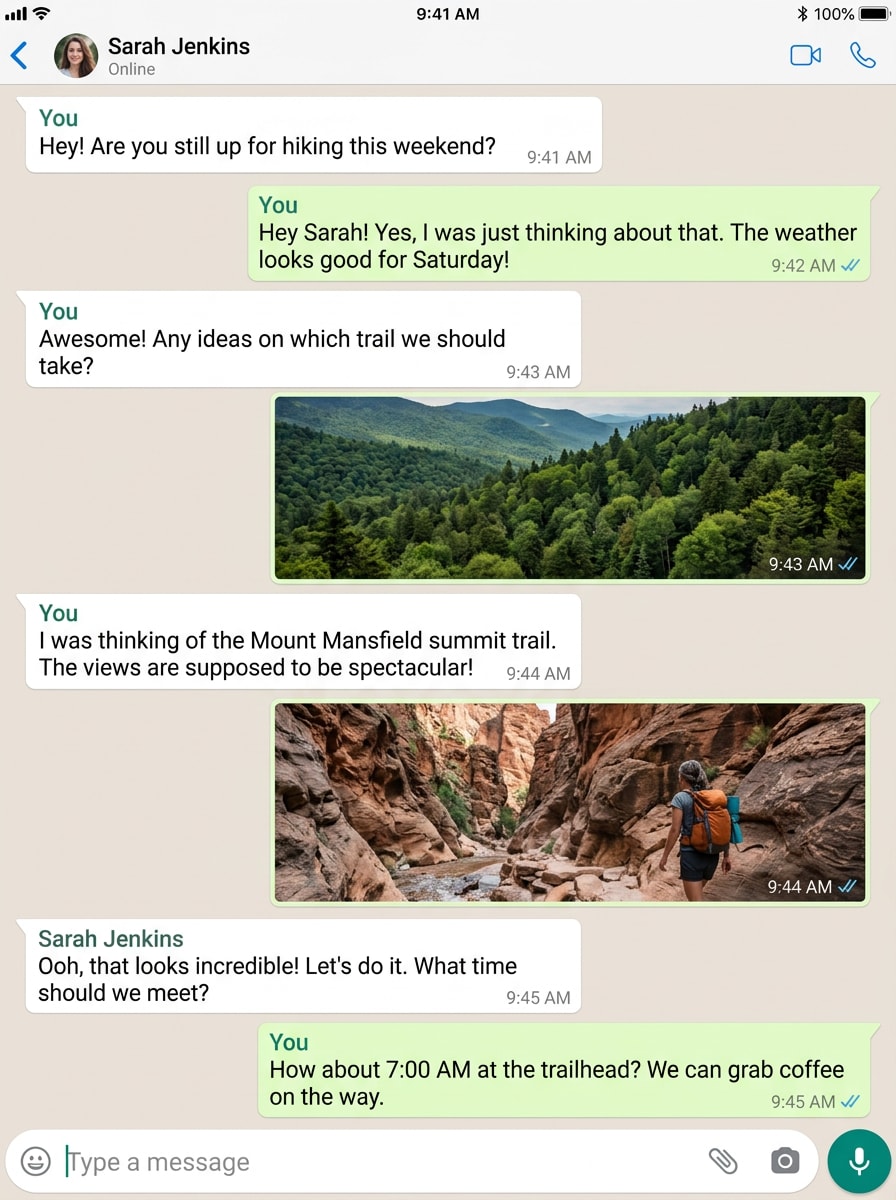
Vertical Screenshot Stitch

Vertical Screenshot Stitch

Use the uploaded screenshots as the subject and stitch them into one long vertical image with clear text readability, precise alignment, smooth transitions, and a polished continuous layout that is easy to view and share.

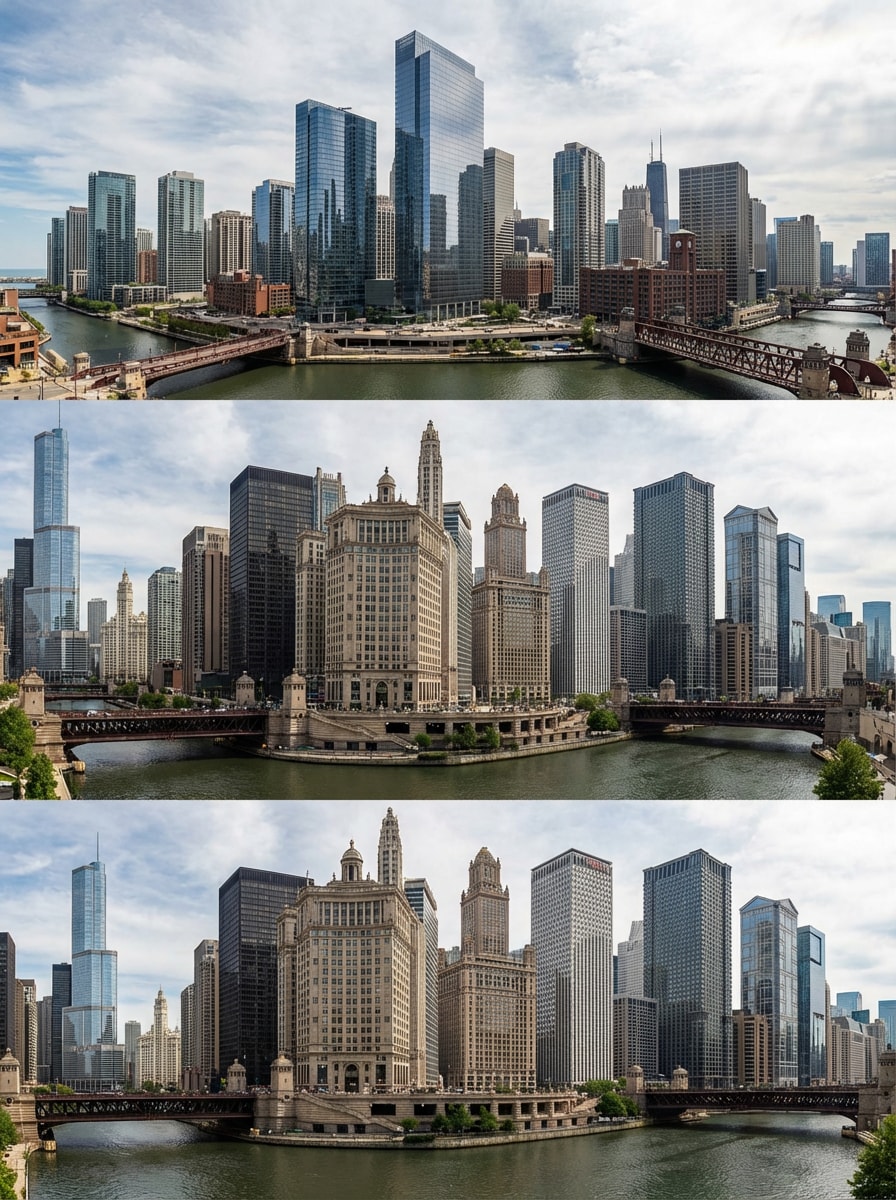
Skyline Panorama Merge

Skyline Panorama Merge

Use the uploaded city photos as the subject and merge them into a panoramic skyline image with corrected perspective, clean architectural lines, natural contrast, and seamless scene continuity from edge to edge.

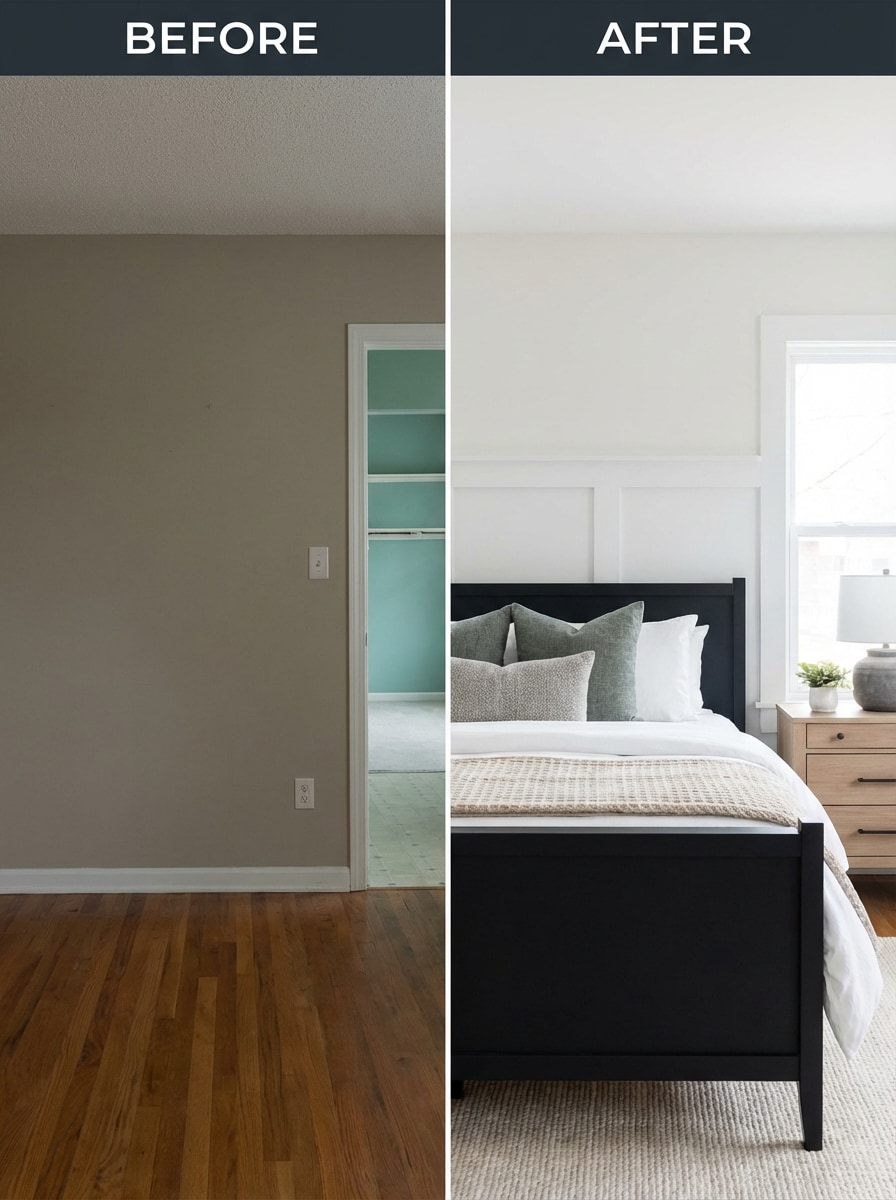
Before and After Photo Stitch

Before & After Stitch

Use the uploaded images as the subject and join them into one polished before-and-after stitched layout with balanced scale, aligned framing, and clean visual separation for social posts, design updates, or comparison graphics.

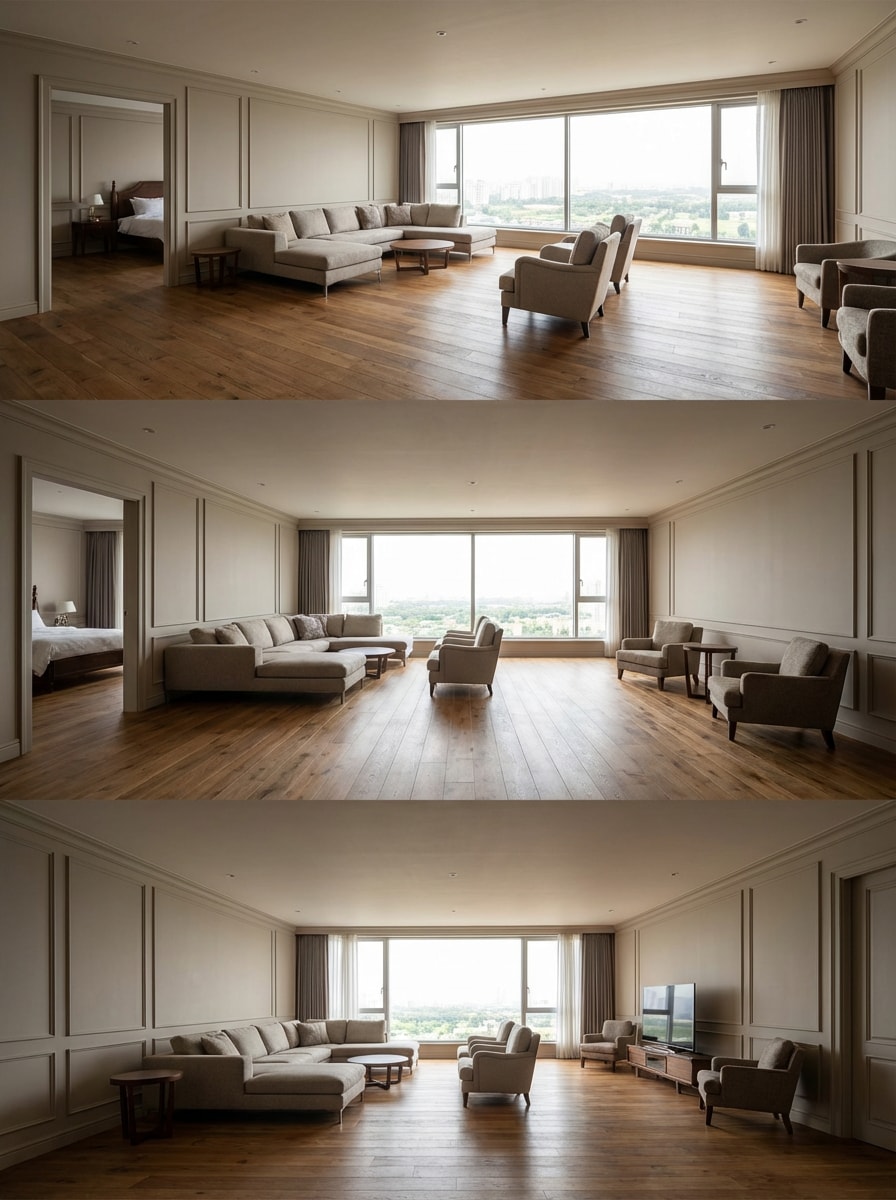
Room Wide View Stitch

Room Wide View Stitch

Use the uploaded interior photos as the subject and stitch them into one spacious wide-angle room image with smooth wall transitions, aligned lines, balanced exposure, and a natural immersive final composition.

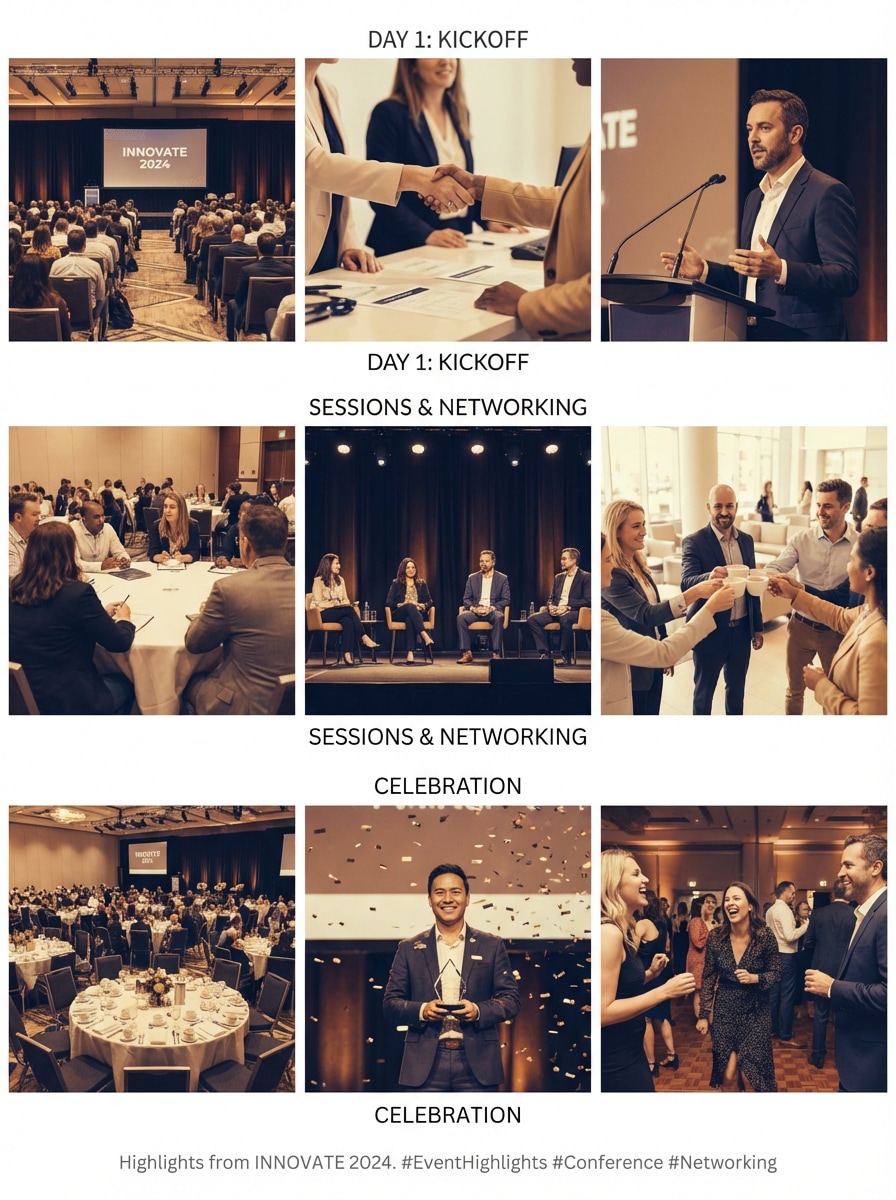
Event Highlight Merge

Event Highlight Merge

Use the uploaded event photos as the subject and combine them into one stitched highlight image with cohesive tones, neat spacing, and a clean storytelling layout that feels polished and social-ready.

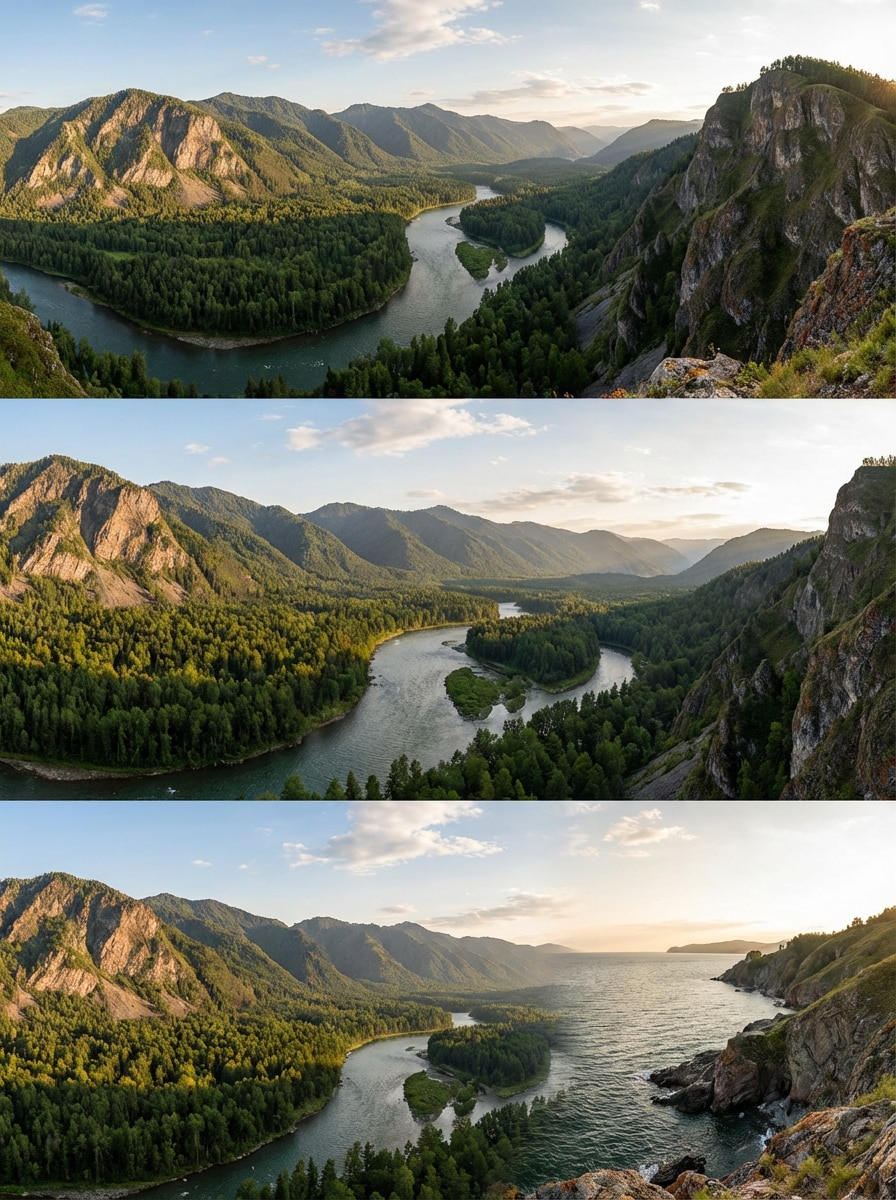
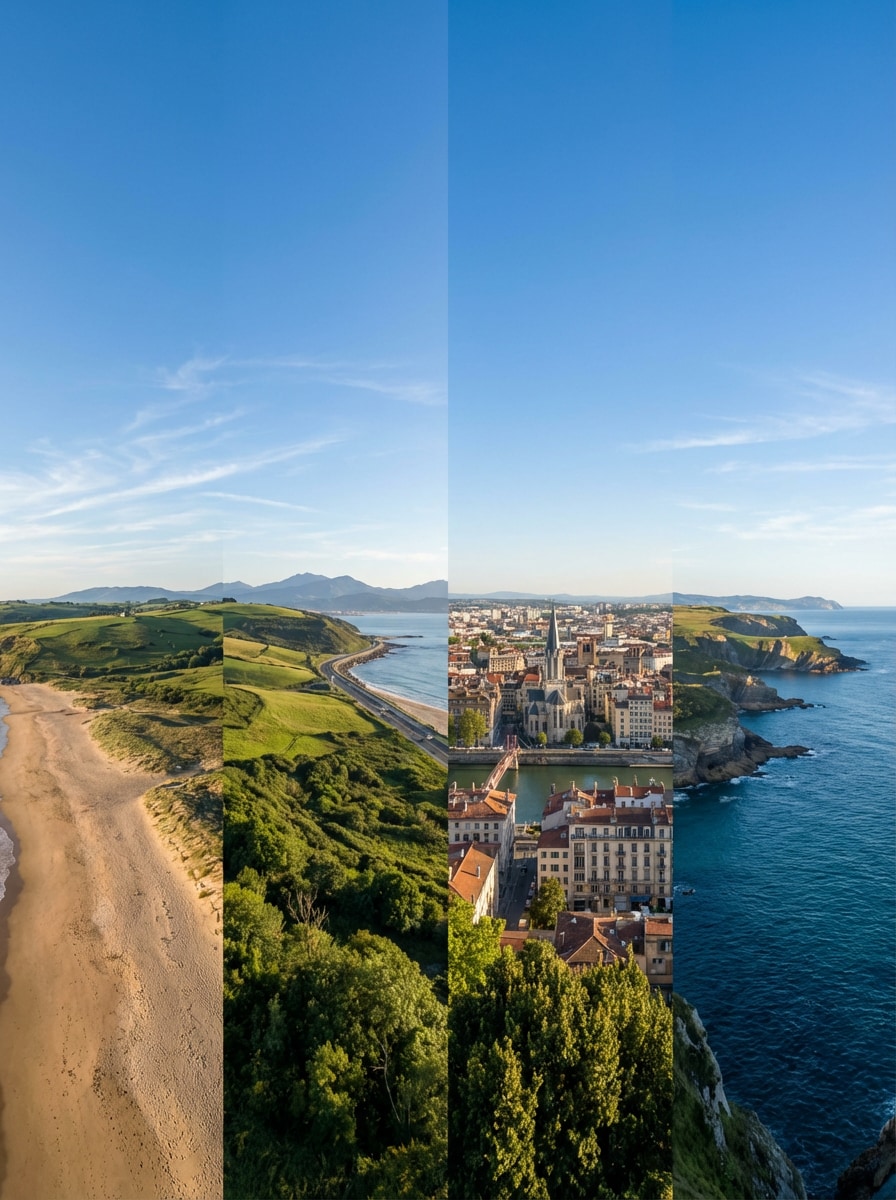
Nature Panorama Stitch

Nature Panorama Stitch

Use the uploaded nature photos as the subject and create a seamless panorama with realistic texture, consistent light, smooth overlap blending, and a clean wide composition that preserves the beauty of the original scene.

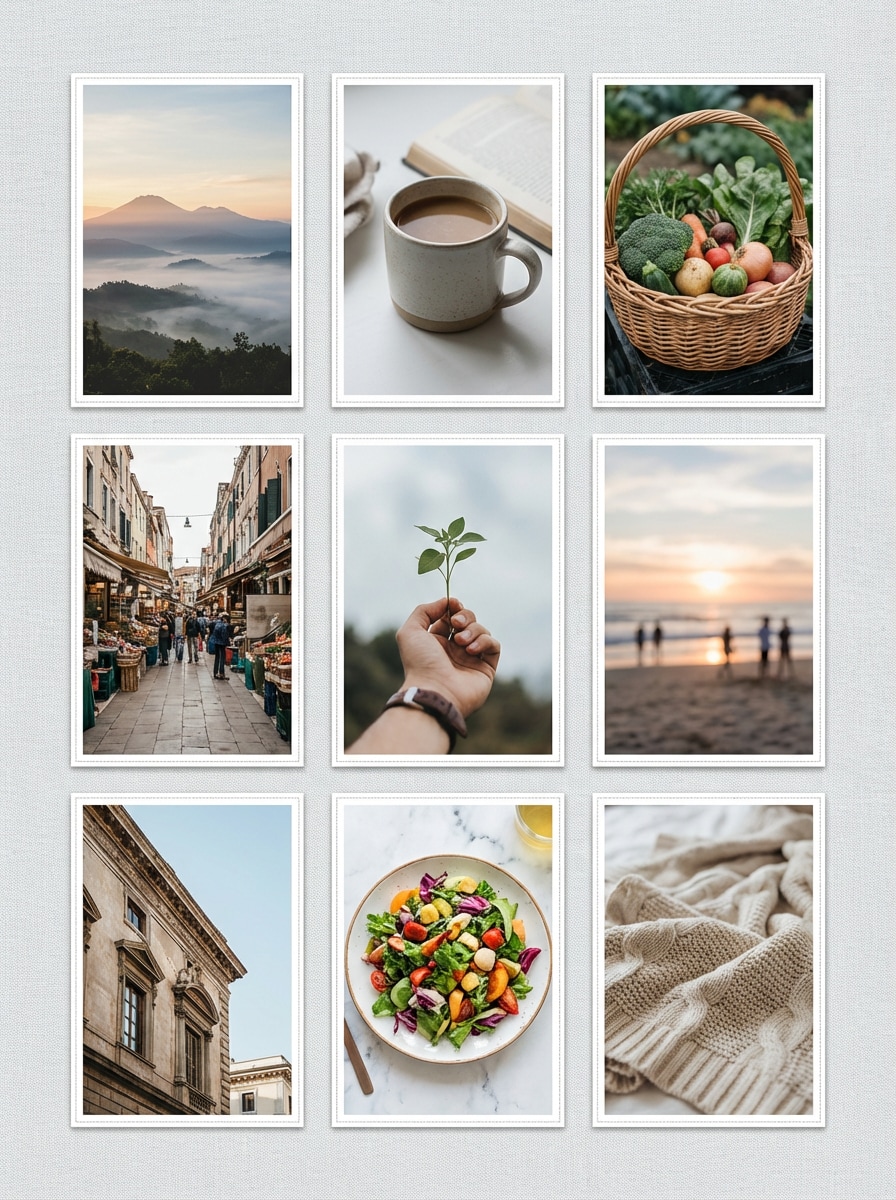
Social Photo Join Layout

Social Photo Join Layout

Use the uploaded images as the subject and merge them into one neat stitched layout with tidy spacing, visual balance, smooth color harmony, and a clean final composition suitable for stories, posts, or recaps.

Long Image Stitch

Long Image Stitch

Use the uploaded images as the subject and stitch them into one long combined image with sharp detail, accurate alignment, seamless transitions, and a high-quality final result ready for saving, sharing, or presentation.

Why Users Love Free Photo Stitch Tools

Turn Separate Photos into One Bigger Image

Stitch multiple photos together to create panoramas, long images, and cleaner visual stories in just a few clicks.

It’s a practical way to make scattered shots feel more complete and easier to share.

Make Panoramas from Travel and Landscape Shots

Combine overlapping travel or scenery photos into one wider panorama that captures more of the view.

This helps you turn ordinary snapshots into more immersive and memorable visuals.

Great for Comparisons, Screenshots, and Product Views

Join images side by side or vertically for before-and-after edits, long screenshots, product detail views, or visual updates.

One combined image is often cleaner and easier to read than several separate files.

Fast Online Workflow Without Heavy Editing

Media.io helps you create clean stitched images directly in your browser.

You get a more polished result without using complex desktop design or panorama software.

How to Stitch Photos Together Online

01

Step 1 – Open the Free Photo Stitch Tool

Go to Media.io in your browser and open the photo stitch tool.

No complicated software or editing background is needed to begin.

02

Step 2 – Upload and Arrange Your Photos

Upload the images you want to combine, then arrange them horizontally, vertically, or in sequence for panorama-style stitching.

Travel shots, screenshots, product photos, and comparisons all work well.

03

Step 3 – Generate and Download the Final Stitch

Click Generate to stitch your images into one clean combined result.

Download the final image for sharing, presentations, listings, or visual storytelling.

What Users Say About Media.io Free Photo Stitch Tool

user
Olivia

Travel Blogger

star star star star star

“Perfect for panoramas” I used it to stitch a few mountain photos into one wide travel shot. The result looked much better than posting separate images.

user
Ryan

Online Seller

star star star star star

“Great for comparisons” I combine product photos and detail shots into one clean image for listings. It saves time and looks more professional.

user
Sophia

Student Creator

star star star star star

“Super easy to use” I stitched screenshots and event photos into one long visual for a project. The layout was clean and easy to share.

Frequently Asked Questions about Free Photo Stitch

1. What is a free photo stitch tool?

A free photo stitch tool helps you combine multiple images into one larger photo. You can use it to create panoramas, join pictures side by side, stitch screenshots vertically, or merge several visuals into one cleaner final image.

2. Can I stitch photos together online for free?

Yes. Media.io lets you stitch photos together online for free, making it easy to join travel shots, screenshots, product images, or comparisons into one combined image without advanced editing tools.

3. Can I create a panorama from multiple photos?

Absolutely. A photo stitch tool is a practical way to turn overlapping landscape or city shots into one wider panorama. It helps you capture more of the full view in a single image.

4. Can I join images vertically or side by side?

Yes. You can use free photo stitch workflows for both horizontal and vertical joins. That makes it useful for panoramas, long screenshots, before-and-after images, product comparisons, and recap visuals.

5. What kinds of photos work best for stitching?

Photos with related framing, similar lighting, and overlapping or complementary content usually work best. Travel scenery, screenshots, room shots, and product images are all common examples.