작업물은 7일 동안만 저장됩니다. 멤버십 플랜으로 업그레이드한 후 생성된 에셋은 영구적으로 저장됩니다.
창의적 잠재력을 풀고 미디어 AI의 마법을 즉시 경험하십시오!

Animal Identifier From Photo for Fast, Clear Species Recognition
Upload a photo to identify pets, birds, insects, and wildlife in seconds. This animal identifier helps answer “what animal is this” with browser-based AI, making animal identification online simple when you want to identify an animal by picture, compare similar species, or identify animal from photo results more clearly.
Review these example directions, then tailor the details to get stronger results with Media.io’s AI animal identifier for animal identification by picture, sound-based concepts, or animal scanner online-style visuals.
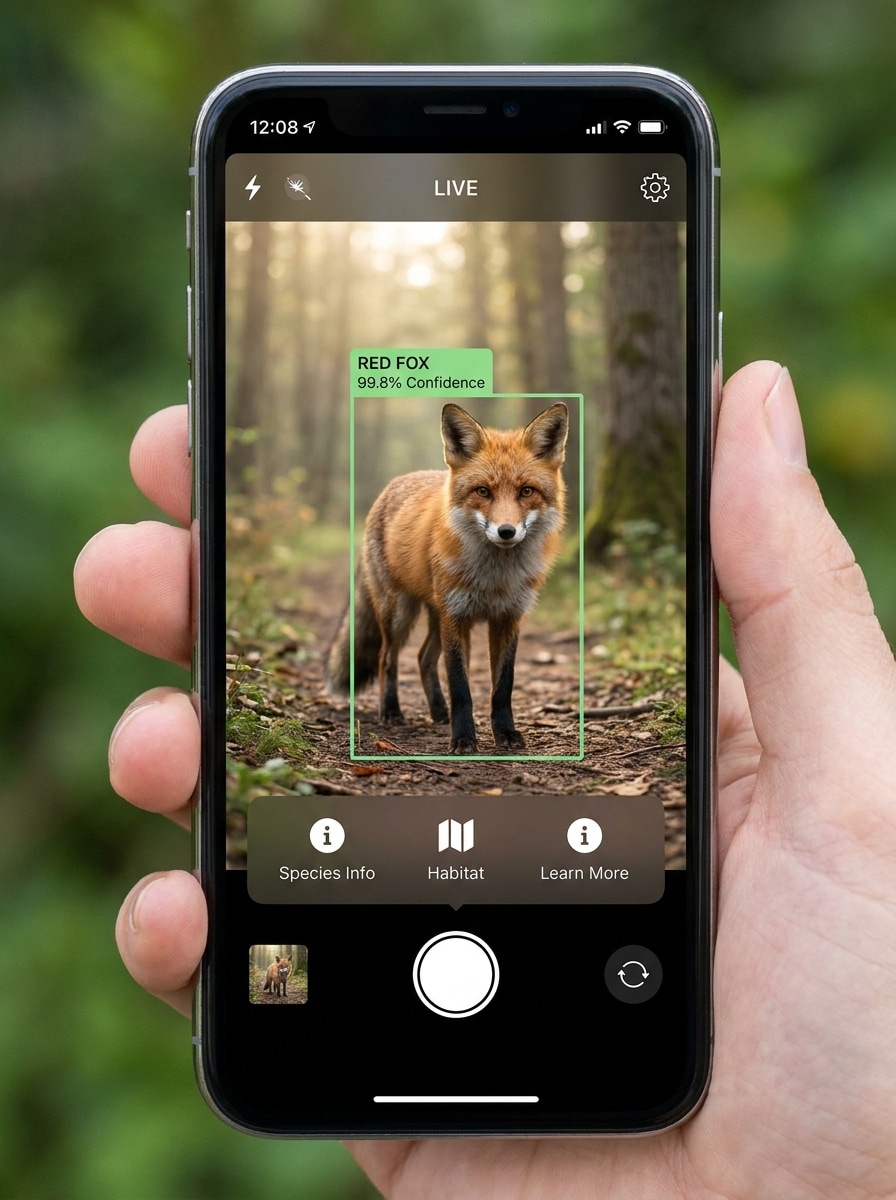
Camera Overlay Identification
Use the uploaded image as the subject and transform it into a realistic smartphone wildlife scan interface. Keep the animal clearly visible in the center, add a clean detection box, species label, confidence score, and subtle camera UI overlays, with natural outdoor lighting, crisp fur or feather detail, and a modern educational tech look.
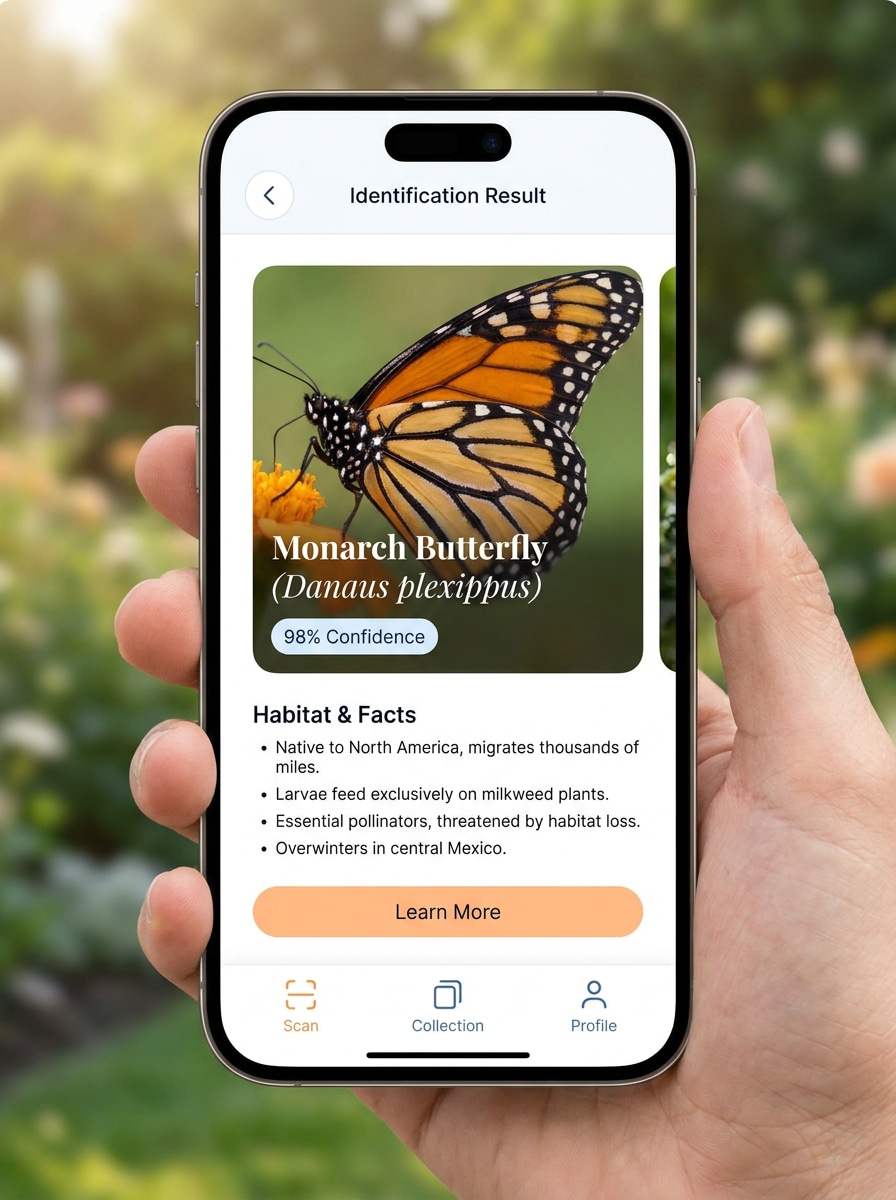
Instant Result Screen
Use the uploaded image as the source photo and convert it into a polished app result screen for animal recognition. Show the animal photo prominently with a species name, confidence percentage, quick facts, and a minimal interface, using balanced lighting, refined spacing, and a trustworthy consumer-friendly design.
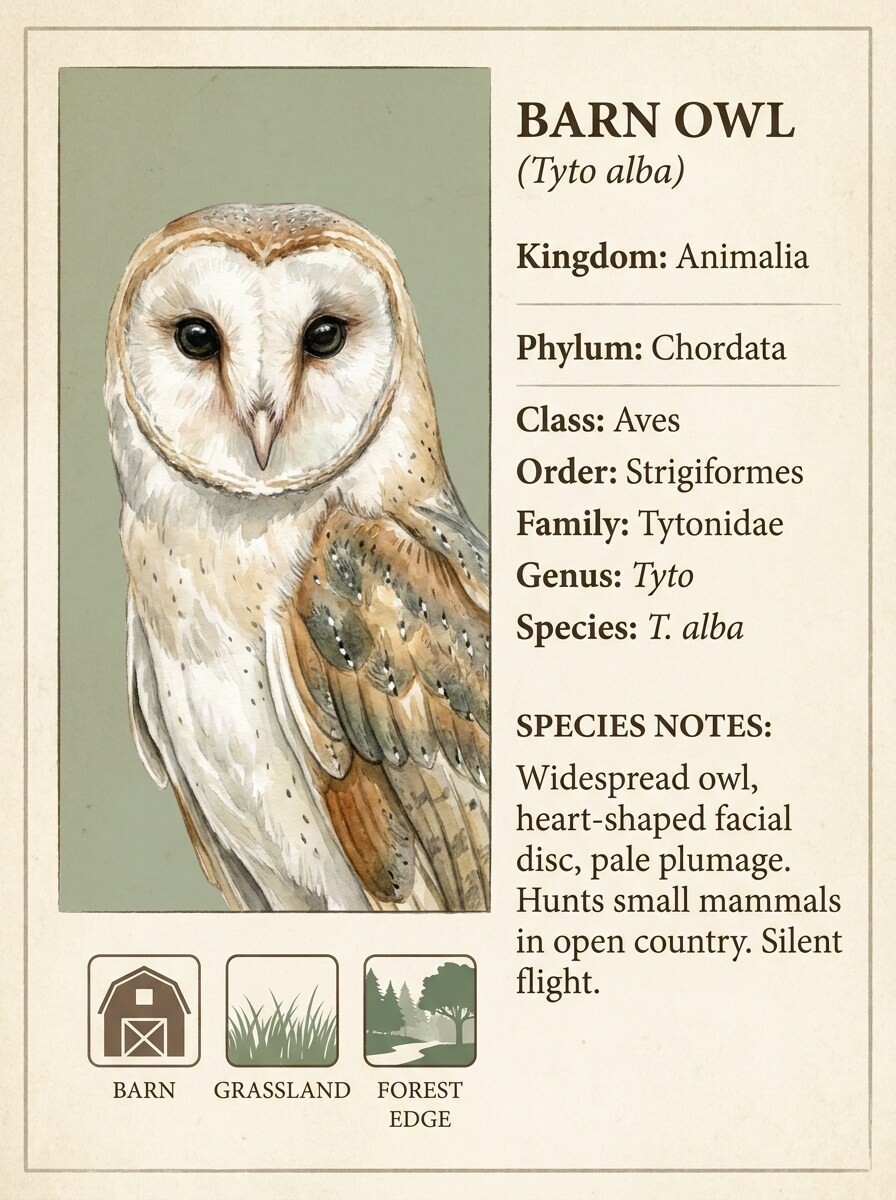
Field Guide Card
Use the uploaded image as the featured specimen and transform it into a premium wildlife field-guide card. Add taxonomy labels, small habitat icons, concise identification notes, and an editorial layout with beige and forest-green tones, fine detail, soft paper texture, and a calm naturalist mood.
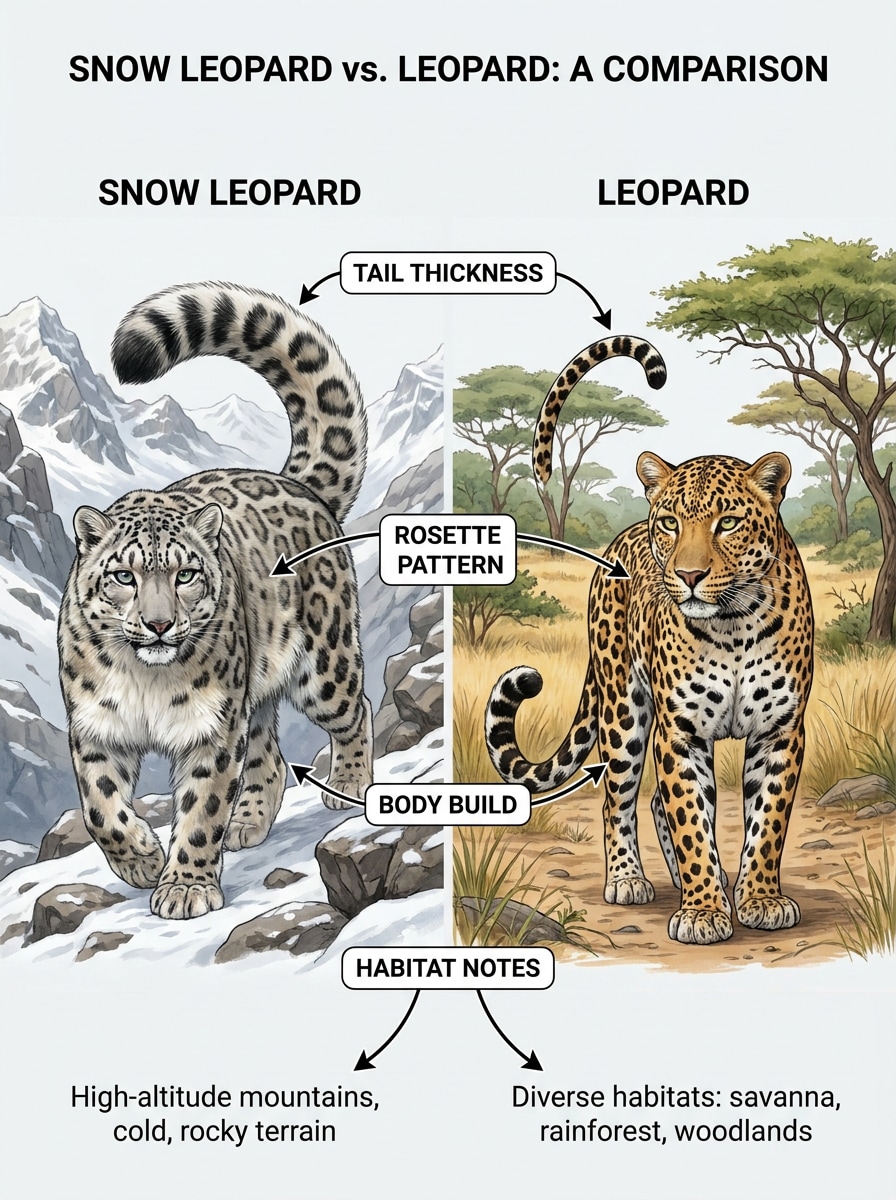
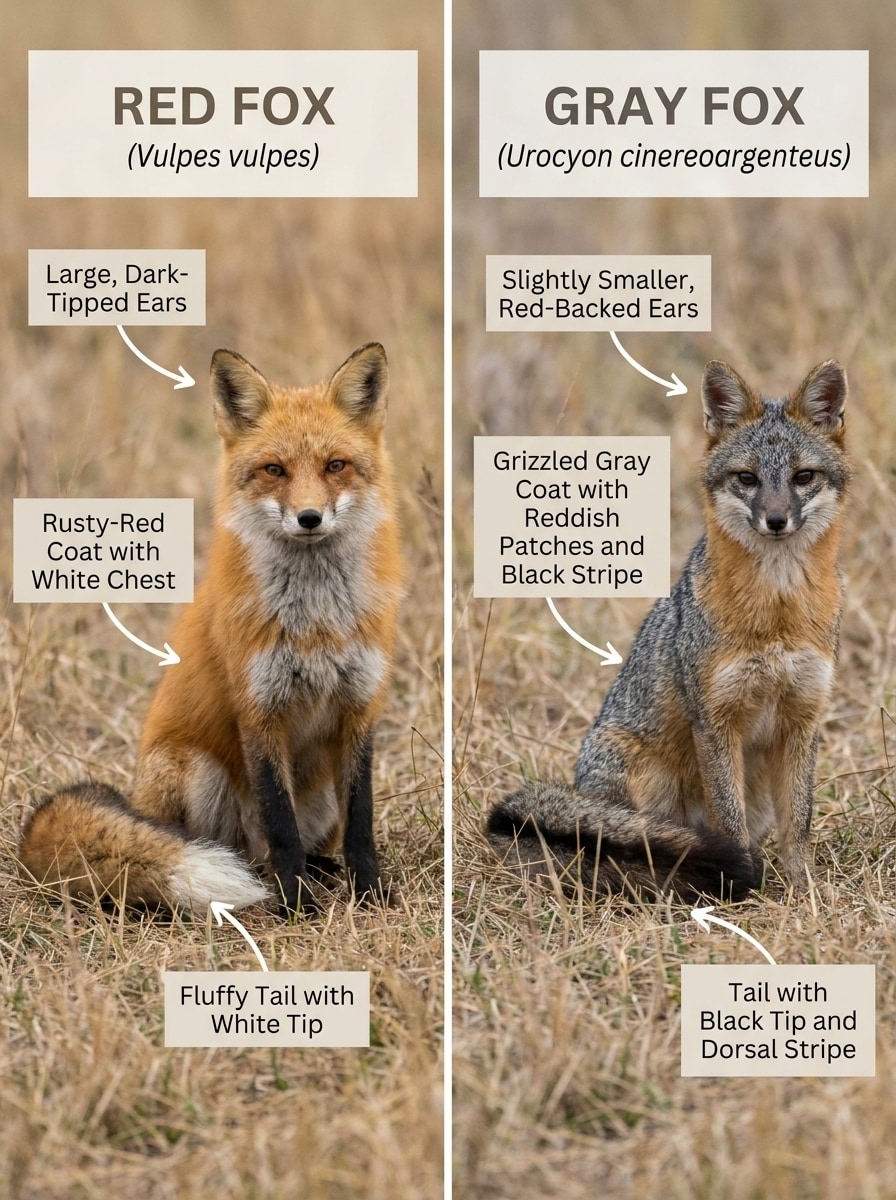
Species Comparison Board
Use the uploaded image as the main reference and turn it into a side-by-side species comparison board. Keep the uploaded animal on one side, place a similar species on the other, and add arrows, labels, and highlighted traits such as ear shape, coat markings, beak form, or tail pattern in a clean infographic style.
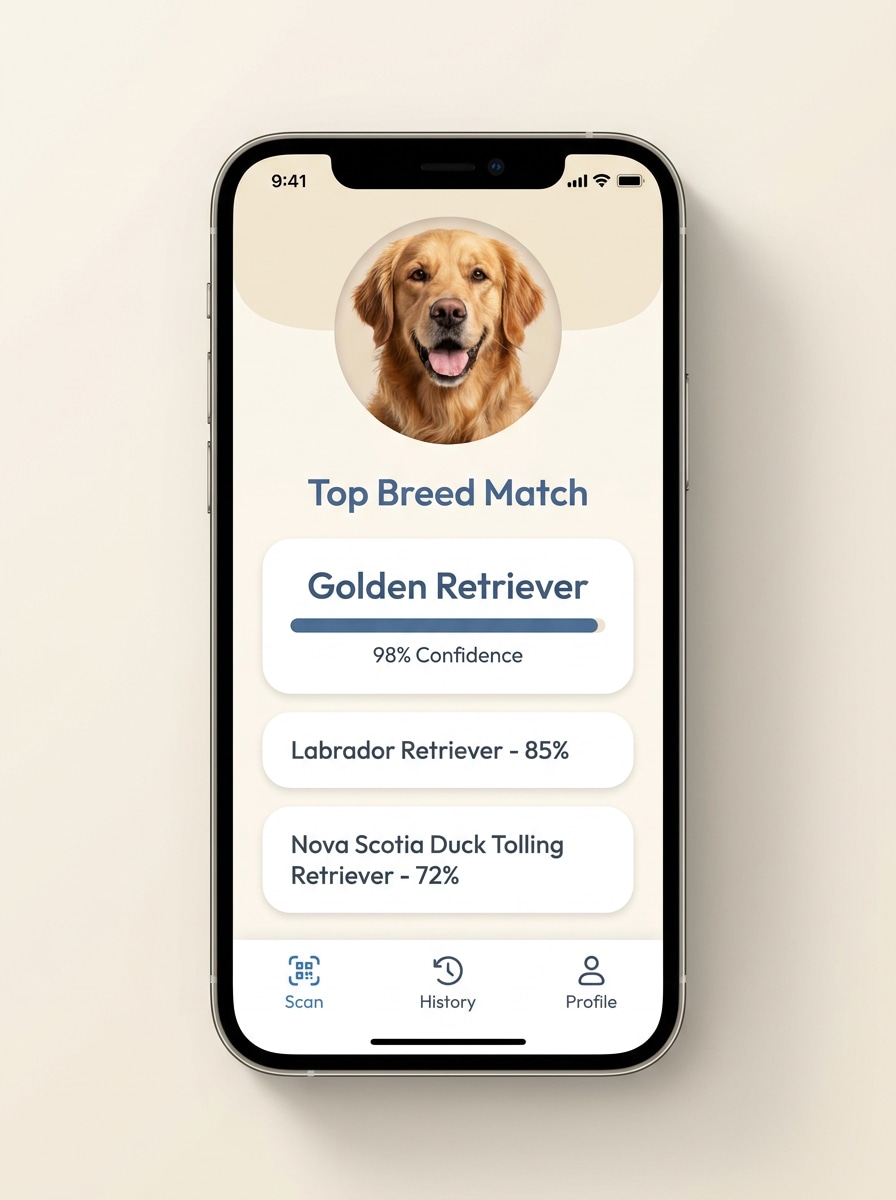
Breed Match Result
Use the uploaded pet photo as the subject and transform it into a friendly breed-match result interface. Preserve the animal’s recognizable face and markings, then add likely breed matches, confidence scores, and a warm modern app layout with clean typography, soft colors, and clear visual hierarchy.
Cute Pet Close-Up
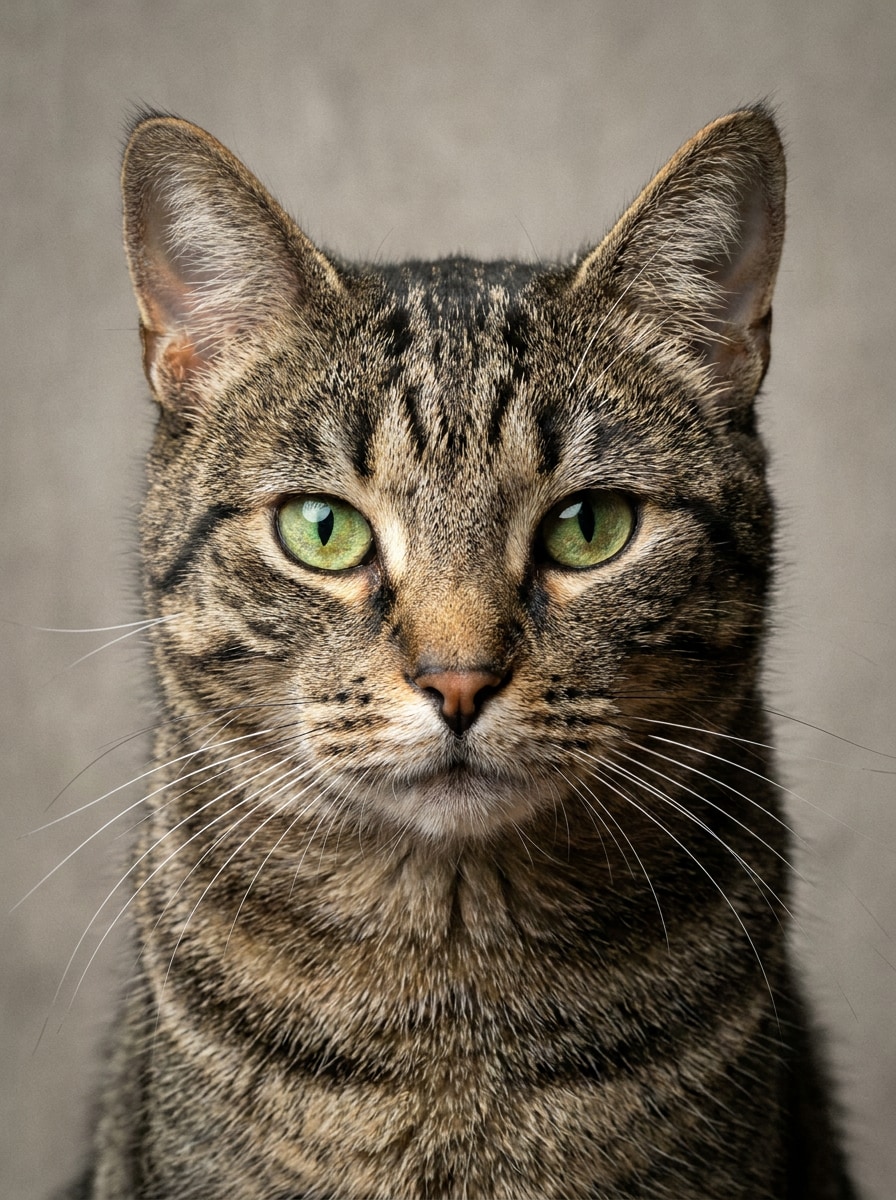
Use the uploaded pet image as the reference and enhance it into a sharp close-up portrait optimized for visual identification. Emphasize eye clarity, ear shape, fur texture, facial markings, and natural color while keeping the background simple, the framing recognition-friendly, and the overall finish polished and realistic.
Taxonomy Overlay
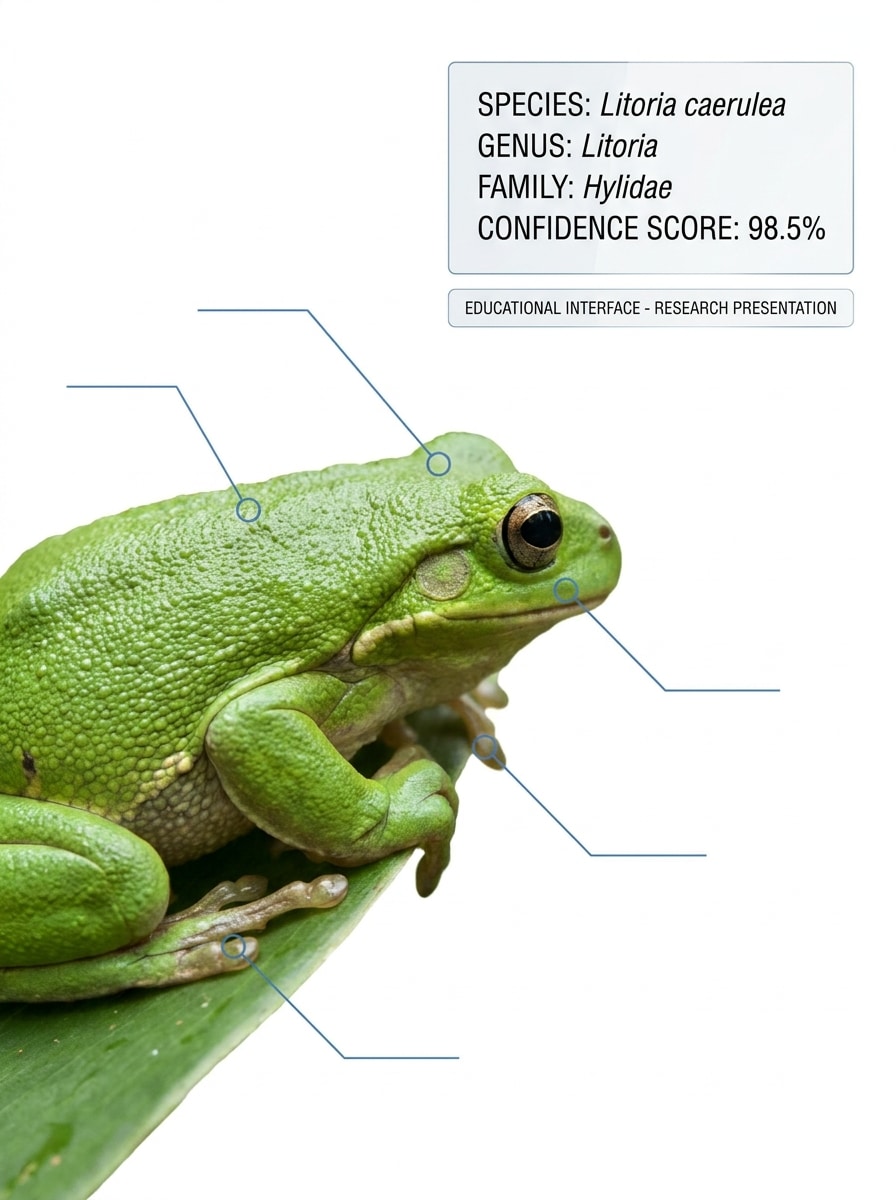
Use the uploaded image as the identified subject and transform it into a science-forward recognition visual. Add species name, genus, family, confidence score, and subtle annotation markers, using a clean white or light background, precise labeling, and a trustworthy research-inspired presentation.
Macro Feature Detection
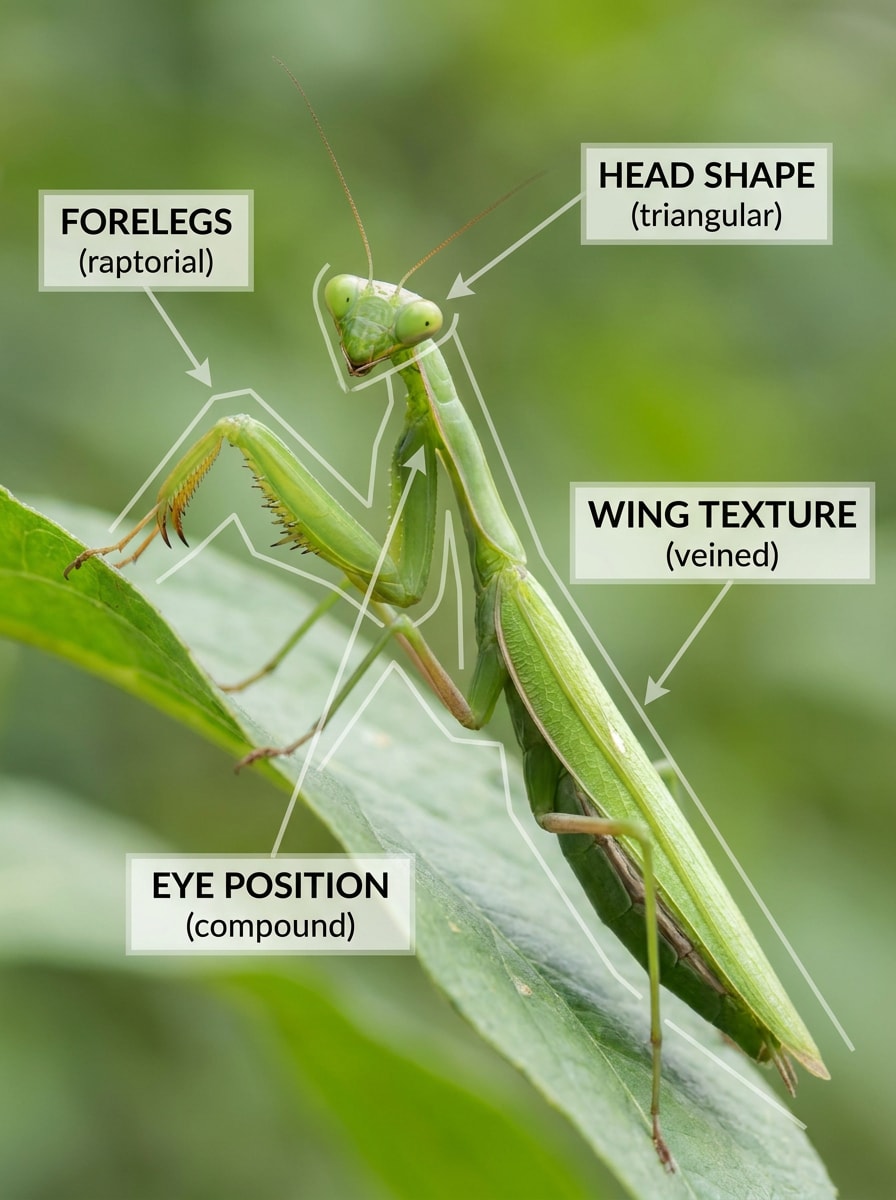
Use the uploaded image as the source and transform it into a macro-detail detection visual that highlights the features used to identify the animal. Add elegant callouts for fur patterns, claw shape, feather texture, eye rings, or scales, with high clarity, controlled contrast, and an educational close-up composition.
Trail Encounter Snapshot
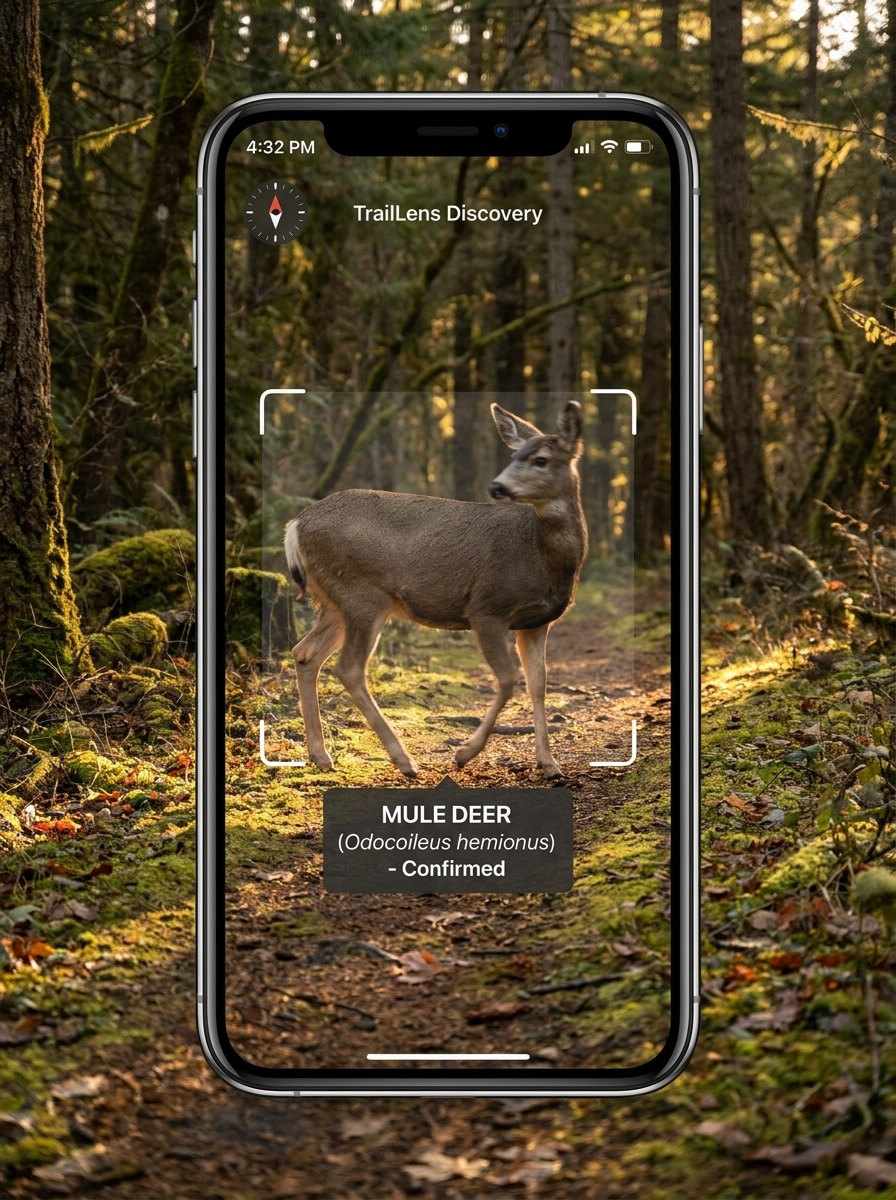
Use the uploaded image as the subject and turn it into a realistic trail-encounter identification scene. Keep the quick phone-photo feeling, preserve the animal clearly enough for recognition, and add a scan overlay, species result, and subtle adventure mood with natural landscape colors and outdoor lighting.
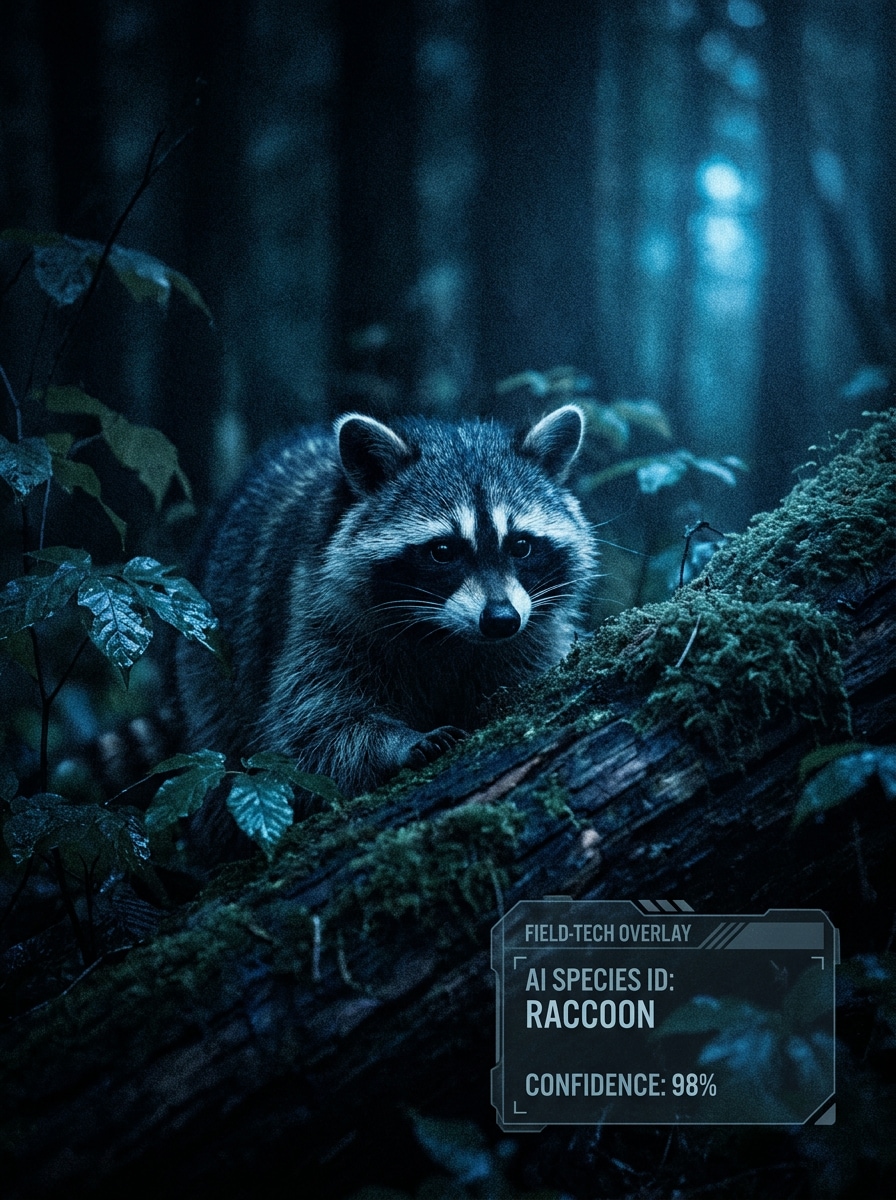
Night Vision Wildlife ID
Use the uploaded image as the source and transform it into a low-light wildlife identification scene. Preserve the animal silhouette and key features, apply subtle AI enhancement, then add a species label and confidence score with a rugged but readable interface, cool dark tones, and realistic nighttime atmosphere.
Why Use Media.io for an AI Animal Identifier
Turn Any Clear Animal Photo Into a Guided Identification Visual
Reference-based animal work needs more than a generic style change. Media.io helps preserve recognizable traits while you reshape the animal identifier visual, so animal identification pictures still feel tied to the original subject and more useful for species-focused concepts.
Rework One Subject Into Multiple Styles
If the subject still needs to look like itself after the transformation, Media.io helps hold onto core identity cues while updating the final animal identifier visual style for a cleaner finished result.
Keep Final Visuals Sharp for Real Projects
A small preview is not always enough for real-world use. Media.io helps create sharper animal identification by picture visuals, with output up to 4K, so your examples stay clearer in presentations, educational materials, and identify animal by picture online demos.
Create in Browser Across Devices
Across desktop and mobile, Media.io keeps the workflow in your browser so you can move from a laptop session to a quick phone check without restarting. That helps the process stay practical when you are not tied to one device.
How to Create Animal Identifier Visuals Online
Turn your words into stunning visuals in three simple steps, then continue refining the result if you want to take it further.
Step 1
Upload Your Reference Image
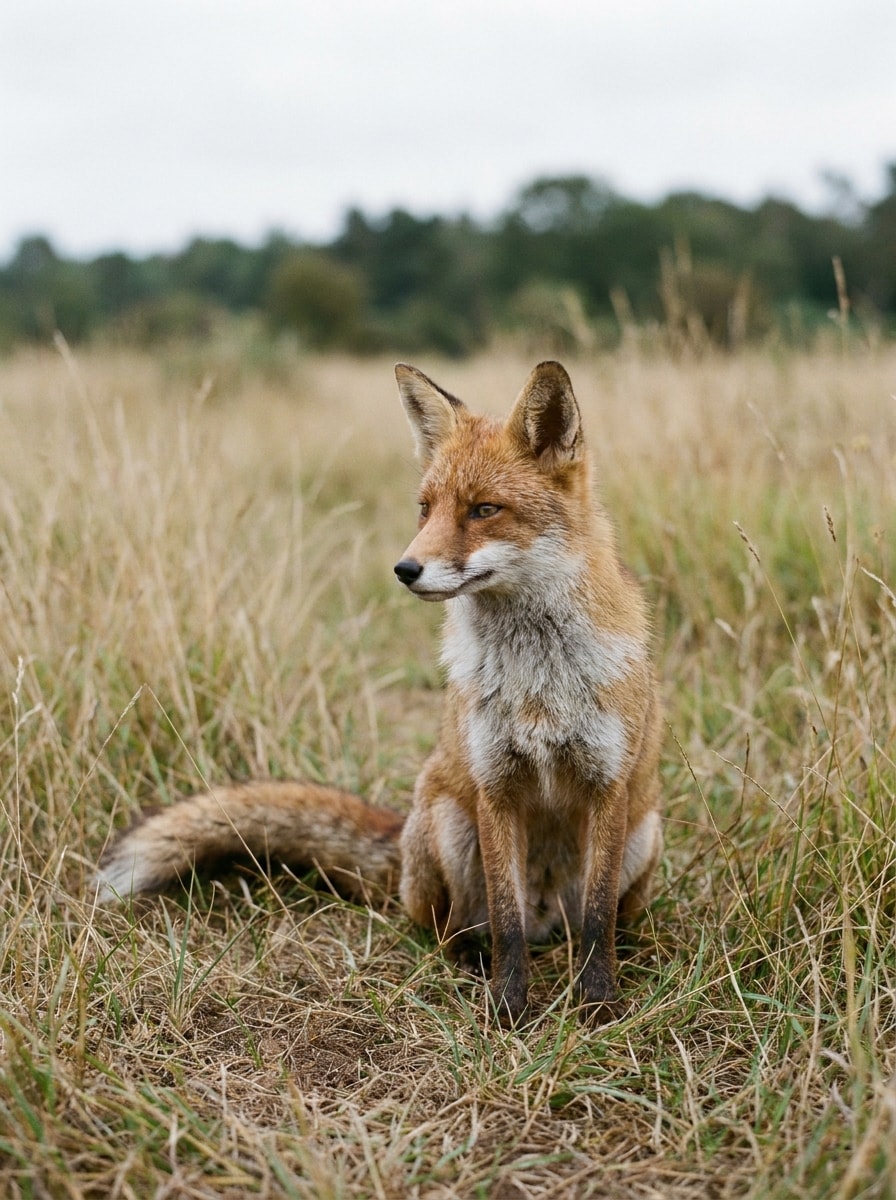
Upload a clear photo, wildlife snapshot, pet portrait, or close-up detail in JPG, PNG, or JPEG format. A well-framed image with visible markings, fur, feathers, scales, or body shape works best when you want to identify the animal or build an animal species identifier concept.
Step 2
Describe the Change and Set Options
Add a prompt that explains the output you want, such as a scan overlay, field-guide card, or species comparison board. Then choose your model and adjust aspect ratio, quality, resolution, or image count to match mobile, educational, or social publishing needs.
Step 3
Generate, Download, and Keep Improving
Generate several variations, compare the layouts, and download the best result. If the visual needs clearer labels or a different style, edit the prompt and regenerate until your animal identifier design feels accurate, readable, and ready to share.
See how creators use this Animal Identifier for content, marketing, and personal projects, then adapt each idea to fit the brief.
Build clearer answers for curious photo searches
Turn a simple upload into a polished visual that answers questions like “what type of animal is this” or “identify the animal” with labels, confidence-style UI, and highlighted features. It is a practical way to make species recognition easier to understand at a glance.
Design pet, bird, and wildlife recognition demos
If you are explaining a product, class concept, or content workflow, create result screens and comparison boards that show how users might identify animal by picture online. This works well for pet breeds, backyard birds, insects, and trail encounters.
Create educational content from real animal photos
Use one reference image to produce field-guide cards, taxonomy overlays, or feature callouts for blogs, lessons, and social posts. It is also useful for concept visuals around questions like “what animal makes this noise,” “what animal is making this noise,” “what animal noise is this,” or “what animal sounds like this,” especially when you want to pair sound ID ideas with image-based species comparisons.
What Users Say About Media.io
Lena Morris
Nature Content Creator
"Excellent for wildlife explainer visuals" I used Media.io to turn trail photos into clean animal scan mockups for short videos. The overlays and comparison layouts made my wildlife content look much more polished without needing design software.
Derrick Shaw
STEM Teacher
"Useful for class-ready identification cards" The field-guide style outputs are great for lessons. I can upload a bird or insect photo and quickly create visuals that help students notice the traits used for identification.
Priya Nandan
Pet App Prototype Designer
"Fast way to mock up breed ID interfaces" I needed screens that looked like a real pet recognition app, and Media.io delivered. The results kept the pet recognizable while adding confidence scores and a clean mobile UI.
Caleb Ruiz
Outdoor Blogger
"Simple browser workflow" I like that I can do everything in the browser. Upload, edit the prompt, compare versions, and download—it's quick when I want to show readers what an animal sighting could look like in an AI identification tool.
1. How does an AI animal identifier work from a photo?
An AI animal identifier uses your uploaded image as a reference and helps generate or transform visuals around that subject, such as scan screens, labels, comparison boards, or taxonomy cards. In Media.io, you upload a JPG, PNG, or JPEG photo, describe the identification-style result you want, and generate variations directly in your browser.
2. Can I identify an animal online for free?
Yes, Media.io offers free credits for new and casual use, so you can try an animal identifier online workflow before upgrading. If you need more generations or higher-volume use, you can review plan options on the pricing page. Free users may see watermarks, while paid plans support watermark-free high-resolution downloads.
3. What kinds of animals can this image identifier recognize?
This workflow is well suited for pets, birds, insects, amphibians, and general wildlife visuals because Media.io lets you upload a reference image and build outputs around visible traits such as fur patterns, feather details, facial markings, scales, or body shape. That makes it useful for people exploring searches like “identify an animal by picture,” “animal identification by picture,” or “what type of animal is this.”
4. How accurate is an animal identifier from a picture?
Accuracy depends heavily on the source image. Clear, well-lit photos with visible distinguishing features usually produce stronger results than distant, blurry, obstructed, or low-light images. For similar species, Media.io can help you create multiple variations or side-by-side boards so key traits are easier to review before deciding what animal it may be.
5. Do I need to install an app, or can I use it in my browser?
You can use Media.io directly in your browser without installing an app. It is a web-based tool that works across desktop and mobile devices, so whether you want to identify animal by picture, create animal identification pictures, or test an animal species identifier concept, you can do it online from the device you already have.
6. What image quality works best for animal identification?
Choose a photo where the animal is easy to see and key features are not cropped out. Sharp focus, balanced lighting, and visible eyes, ears, paws, feathers, scales, markings, or body outline all help when using Media.io for searches like “identify animal by picture,” “picture animal identifier,” or “what animal is this.” Media.io also supports clearer presentation outputs, including up to 4K generation, though free users may have watermarks.