전체
이미지
비디오
오디오

AI Patch Generator for Custom Embroidered Badge and Logo Concepts

Turn logos, sketches, photos, or badge references into polished patch-style visuals with Media.io. Create embroidered, woven, chenille, tactical, and vintage emblem concepts fast, then refine shape, stitching, color, and layout for merch, teams, uniforms, or branding.

Create My AI Patch

Type your idea -> AI designs it. Free to try.

Explore our curated collection of ai patch generator styles.

Realistic Morale Patch

Realistic Morale Patch

Use the uploaded image as the main subject and transform it into a realistic military-style embroidered morale patch. Create a shield-shaped badge with a thick merrow border, subdued tactical colors like olive, tan, black, and dark gray, centered insignia composition, dense stitched thread texture, crisp outlines, and a dramatic patch mockup on a dark fabric background.

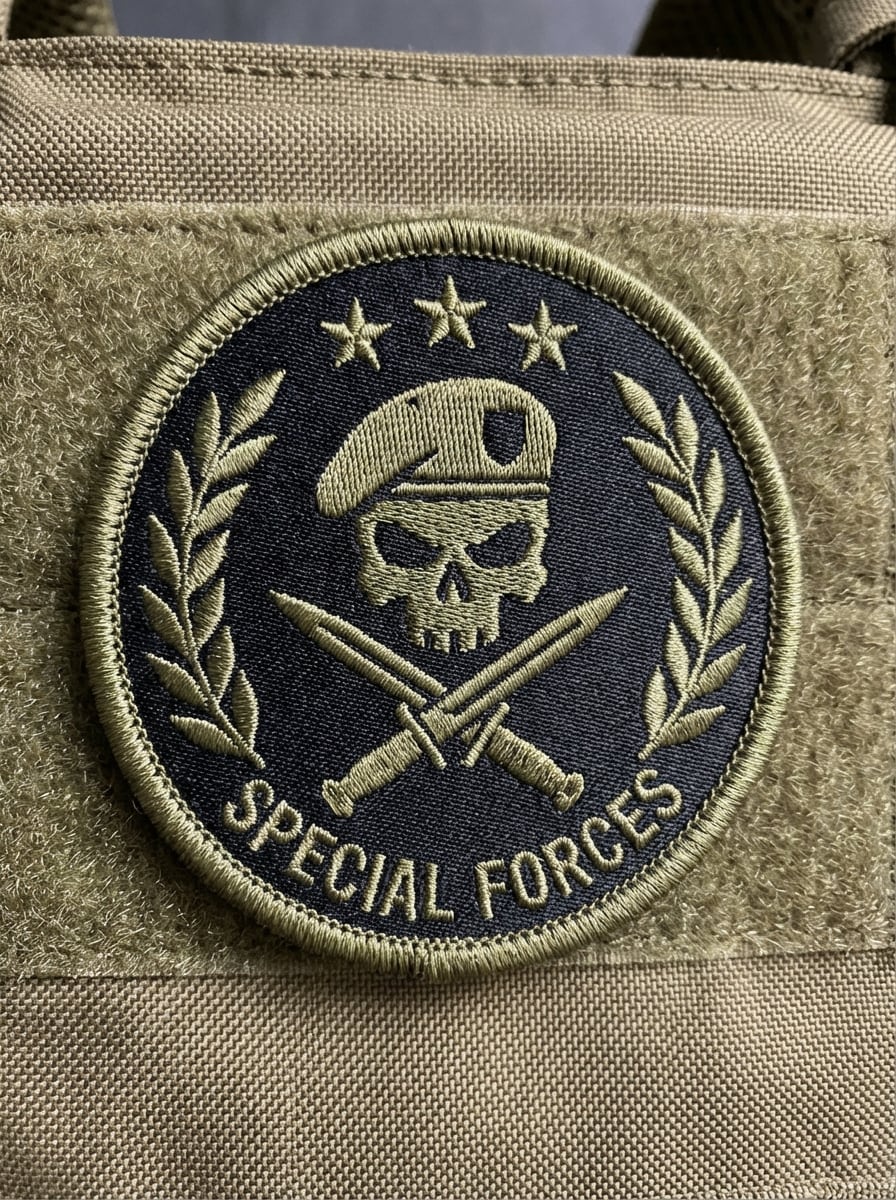
Special Forces Emblem

Special Forces Emblem

Use the uploaded image as the subject and restyle it into an elite unit insignia patch. Build a premium embroidered emblem with a black and olive palette, stars and laurel accents, simplified icon shapes, symmetrical badge layout, velcro-style presentation, clean border stitching, matte textile texture, and sharp high-contrast lighting for an authentic tactical feel.

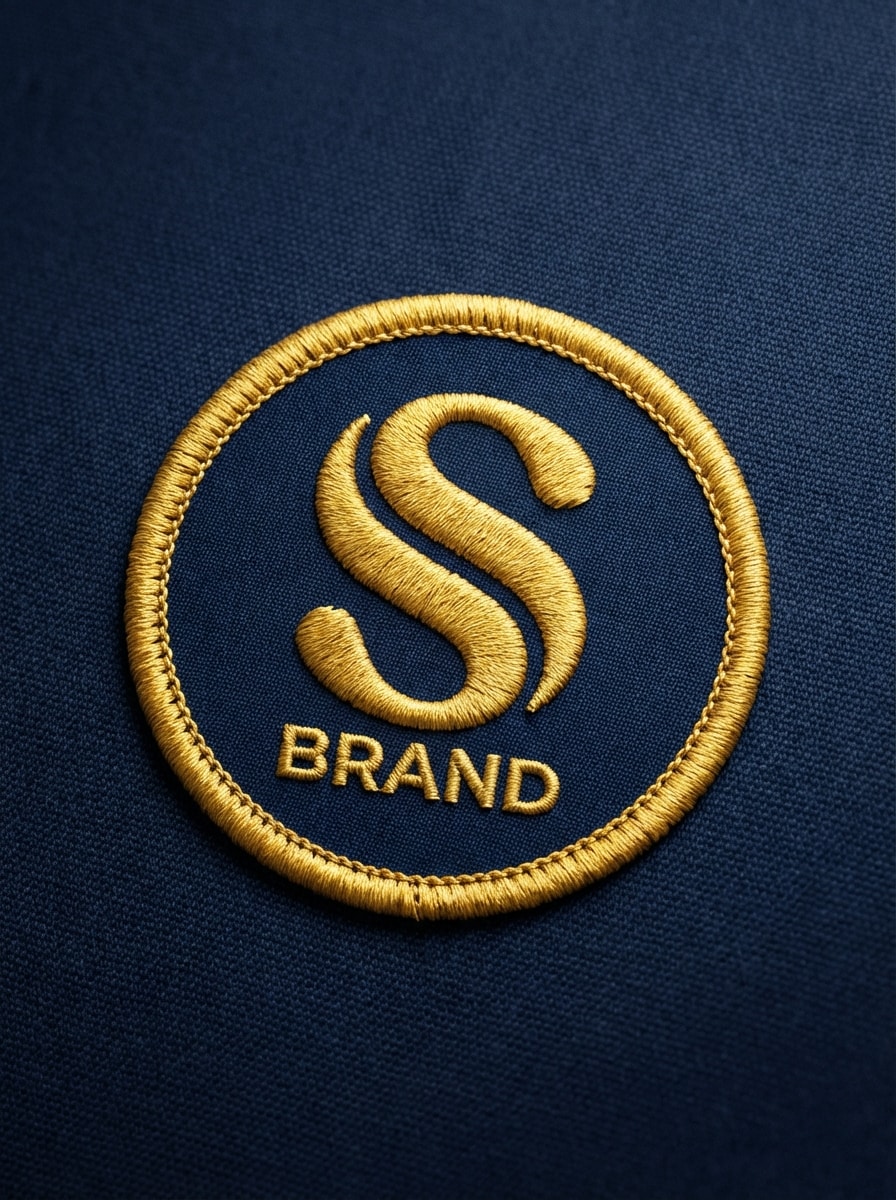
Corporate Embroidered Logo Patch

Corporate Embroidered Logo Patch

Use the uploaded logo or brand image as the base and convert it into a premium embroidered patch design. Present it as a circular badge with a thick stitched edge, simplified vector-like shapes, clean typography, controlled brand colors, visible thread texture, soft studio lighting, and a front-facing product mockup suitable for uniforms, merch, or branded apparel.

Woven Minimal Brand Patch

Woven Minimal Brand Patch

Use the uploaded brand mark or graphic and transform it into a clean woven patch. Create a rectangular format with a minimal color palette, crisp linework, fine thread texture, neat border stitching, balanced negative space, apparel-ready styling, and realistic textile material under soft directional lighting for a modern premium branding result.

Chenille Varsity Patch

Chenille Varsity Patch

Use the uploaded image as the subject and turn it into a varsity chenille jacket patch. Add bold collegiate lettering, fuzzy chenille texture, felt backing, contrasting embroidered border, classic school colors, centered composition, soft editorial lighting, and a fashion-forward streetwear mockup that clearly shows the raised fabric texture and layered patch construction.

Y2K Street Patch

Y2K Street Patch

Use the uploaded image as the subject and remake it as a Y2K-style embroidered patch. Include flame accents, chrome-inspired icon details, bold stitched outlines, saturated electric colors, layered emblem composition, glossy-meets-textile contrast, edgy streetwear mood, and a dramatic apparel patch presentation with clean embroidery detail and strong visual impact.

National Park Badge

National Park Badge

Use the uploaded landscape, logo, or outdoor image as the source and convert it into a vintage national-park-style embroidered patch. Simplify mountains and pine trees into badge-friendly shapes, add sunset stripes, a retro silhouette, woven thread detail, muted earthy colors, collectible souvenir styling, and a centered patch mockup with warm nostalgic lighting.

Retro Americana Patch

Retro Americana Patch

Use the uploaded image as the core graphic and transform it into a retro Americana embroidered patch. Build a classic badge silhouette with a cream, red, and navy palette, distressed vintage illustration styling, thick border stitching, textured thread surfaces, nostalgic mid-century mood, and a premium patch mockup that feels authentic and collectible.

Sports Mascot Patch

Sports Mascot Patch

Use the uploaded mascot, character, or logo as the subject and convert it into a bold sports team patch. Create an aggressive emblem layout with layered outlines, limited team colors, room for typography, heavy stitch texture, championship-style composition, clean central iconography, and bright directional lighting that highlights the embroidered depth and competitive team identity.

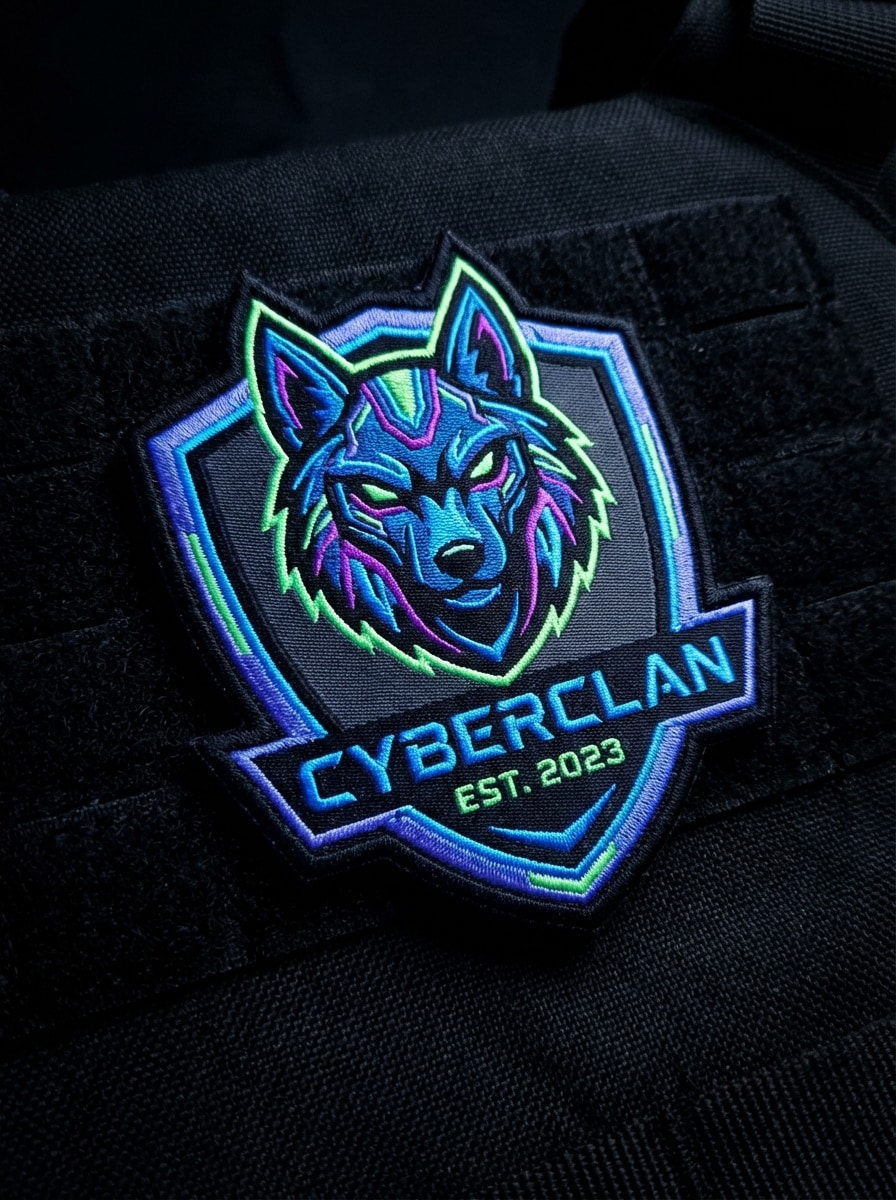
Gaming Clan Patch

Gaming Clan Patch

Use the uploaded image as the base and turn it into a gaming clan insignia patch. Design a sharp crest shape with a neon-accented dark palette, bold mascot icon, futuristic stitched details, esports badge layout, dramatic black-fabric mockup, high contrast glow effects, and clean embroidered edges for a modern competitive gaming identity.

Why Use Media.io for AI Patch Generator Designs

Turn Any Reference Into a Patch Concept

Upload a JPG, PNG, or JPEG logo, sketch, photo, or badge reference and use it to guide your custom patch design. This image-to-image workflow helps you create embroidered, woven, chenille, or emblem-style results with more visual control.

Flexible Models for Different Patch Styles

Media.io supports Nano Banana Pro, Nano Banana 2, Media 2.0, Seedream 5.0 Lite, and Media 1.0, giving you strong options for transforming logos and images into tactical badges, varsity patches, vintage emblems, and polished brand patch mockups.

Control Resolution, Ratio, and Variations

Generate patch concepts in 1K, 2K, or 4K resolution, choose aspect ratios like 1:1, 9:16, 16:9, 4:3, or 3:4, and create 1 to 4 images at once. It is useful for comparing badge layouts, border shapes, and stitched styles quickly.

Works Online Across Your Devices

Media.io runs in the browser on Windows, Mac, iOS, and Android, so you can create an AI patch design from desktop or mobile. Upload references, test styles, and download your results without installing extra software.

How to Use the AI Patch Generator

1
2
3
1
Step 1: Open Media.io AI Patch Generator

Go to Media.io and open the AI Patch Generator under AI -> Image to Image. This online tool runs in your browser, so you can create patch-style badge concepts on Windows, Mac, iPhone, Android, or tablet without installing software.

2
Step 2: Upload a Reference Image and Set the Style

Upload a JPG, PNG, or JPEG reference, then enter a detailed prompt such as: "Use the uploaded logo as the subject and transform it into a circular embroidered patch with thick stitched borders, bold icon simplification, navy and cream palette, realistic thread texture, front-facing badge mockup." Adjust model, resolution, aspect ratio, and image count as needed.

3
Step 3: Generate, Refine & Download

Click Generate to create your patch variations. Tweak the prompt or settings if you want a different embroidered, woven, tactical, or chenille look. When the result fits your concept, download the high-resolution image for branding, merch, team, or patch design presentation.

Step 1
Step 2
Step 3

What Users Say About Media.io for Patch Concepts

user
Ethan R.

Apparel Brand Owner

star star star star star

"Useful for logo-to-patch mockups" I used Media.io to turn our brand mark into embroidered patch concepts for hats and jackets. The stitched texture and badge-style layouts made it much easier to show ideas to my manufacturer before moving into production.

user
Maya L.

Esports Team Manager

star star star star star

"Fast clan emblem variations" We uploaded our team mascot and tested several gaming patch styles in one session. It was great for comparing dark crest layouts, sharper outlines, and different embroidered looks without starting from scratch every time.

user
Jordan P.

Freelance Designer

star star star star star

"Good for custom badge exploration" I like using reference images and then pushing them into vintage badge, varsity, or tactical patch directions. The workflow is simple, and having multiple aspect ratios and resolution options helps when presenting concepts to clients.

user
Sofia M.

Club Merchandise Coordinator

star star star star star

"Easy browser-based workflow" We needed quick mockups for club patches and uniform ideas. Media.io worked well in the browser, even on mobile, and let us convert sketches and logos into more polished patch visuals for review.

AI Patch Generator FAQs

1. How do I create a custom patch design with AI?

With Media.io, you can create a custom patch design by opening the AI image-to-image tool, uploading a JPG, PNG, or JPEG reference, and describing the patch style you want, such as embroidered, woven, tactical, or chenille. You can then generate and refine the result directly in your browser.

Yes. Media.io supports image-to-image generation, so you can upload a logo and transform it into an embroidered patch concept. This is helpful if you want to explore circular badges, shield emblems, stitched borders, or woven-style branding visuals from an existing design.

Media.io supports uploading JPG, PNG, and JPEG files for reference-based image generation. You can use a logo, sketch, character image, or badge reference to guide the AI patch generator toward the style, shape, and visual details you want.

Yes. Since Media.io lets you upload a reference image and guide the output with a detailed prompt, you can create military-style patch concepts, morale badge looks, crest-based emblems, and other symbolic patch designs with controlled colors, layout, and texture.

In practical design terms, embroidered patch concepts usually emphasize raised stitching, bold borders, and more textured thread detail, while woven patch concepts often look cleaner and finer with tighter linework. With Media.io, you can prompt for either look and compare multiple generated variations.

Free users get 3 credits per day. If you need more generations, higher-volume use, or want watermark-free high-resolution downloads, you can upgrade on the pricing page: https://www.media.io/pricing.html

Media.io Online AI Tools Quality Rating:
vote 4.7 (162,357 Votes)