완성된 IPIT AI 프롬프트
다음을 위한 실용적인 프롬프트로 시작하세요: IPIT 인 프롬프트 커플, 여자, 자매, 아버지, 가족, 또는 미러 인물 사진. 각 프롬프트에는 포즈, 관계, 의상, 조명, 배경, 카메라 각도, 사실적인 마무리가 설명되어 있어 처음부터 모든 것을 직접 작성하지 않아도 생성할 수 있습니다.
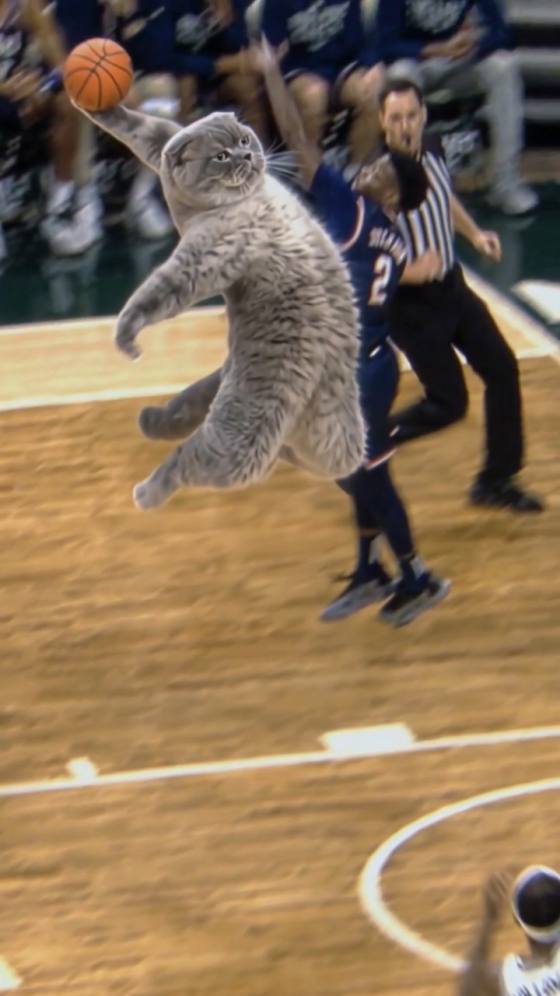
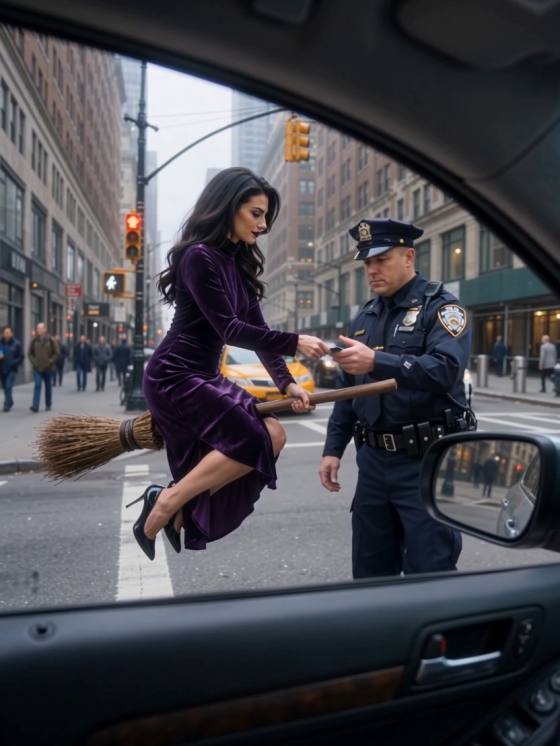
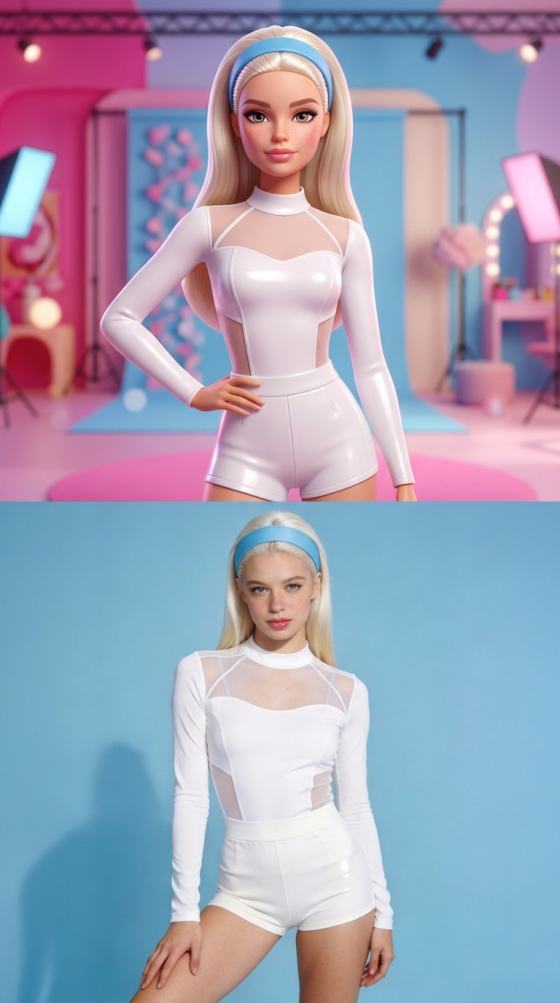
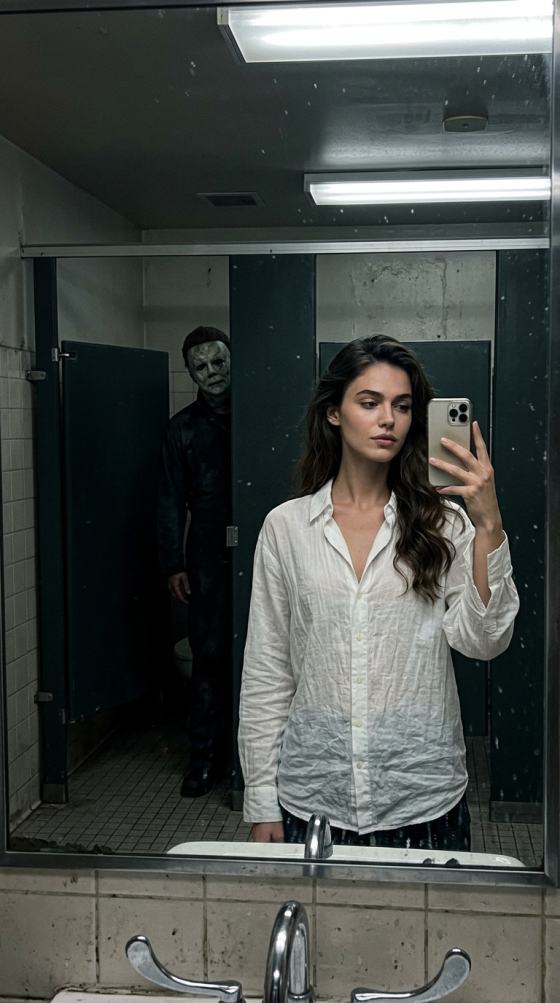
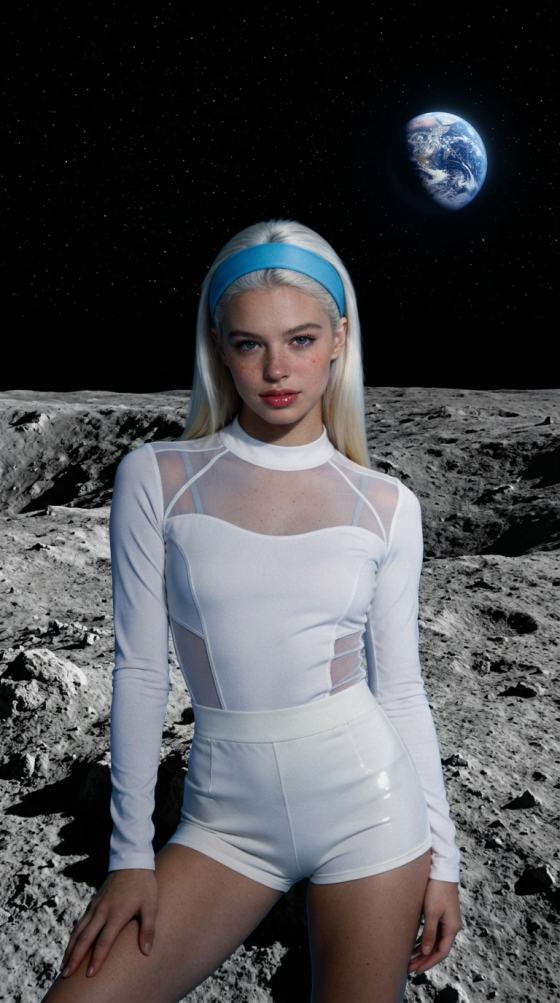

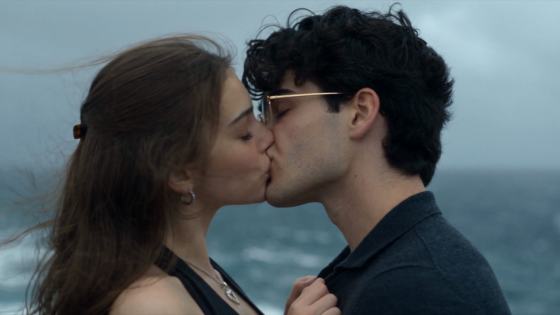



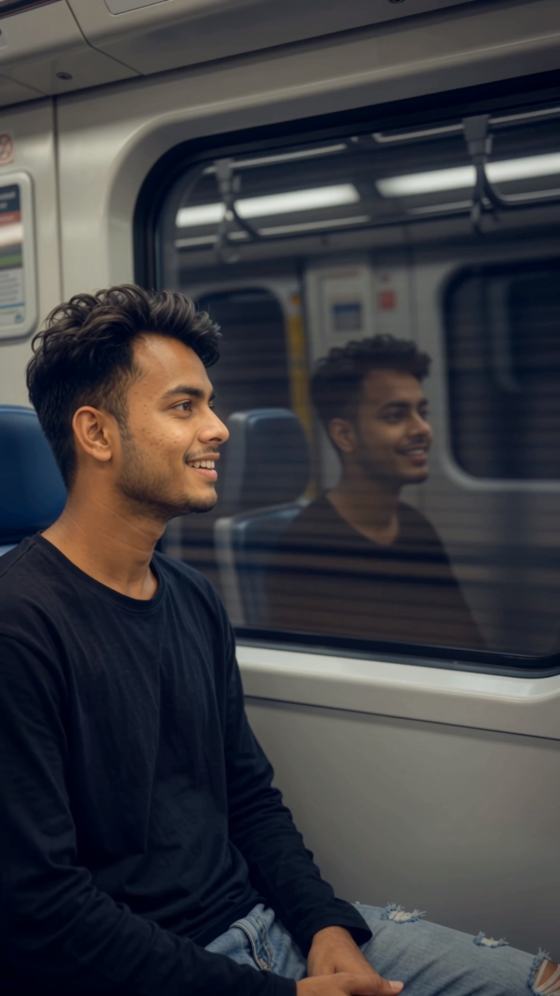
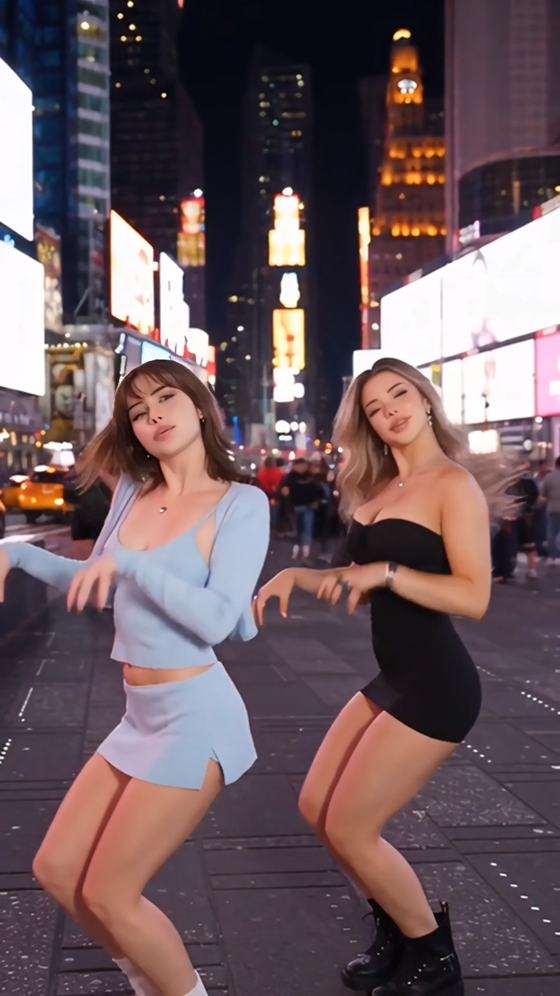
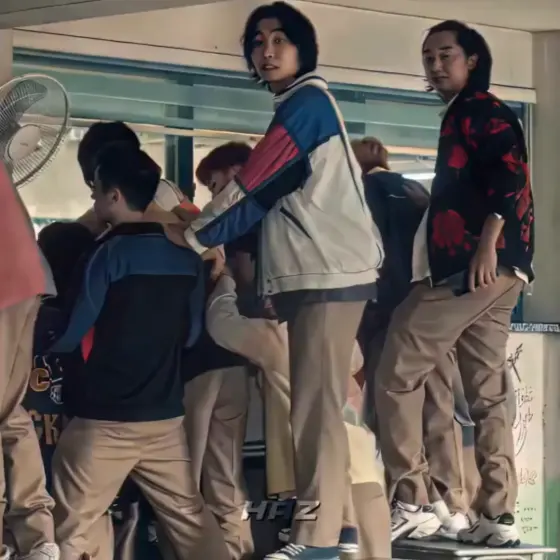

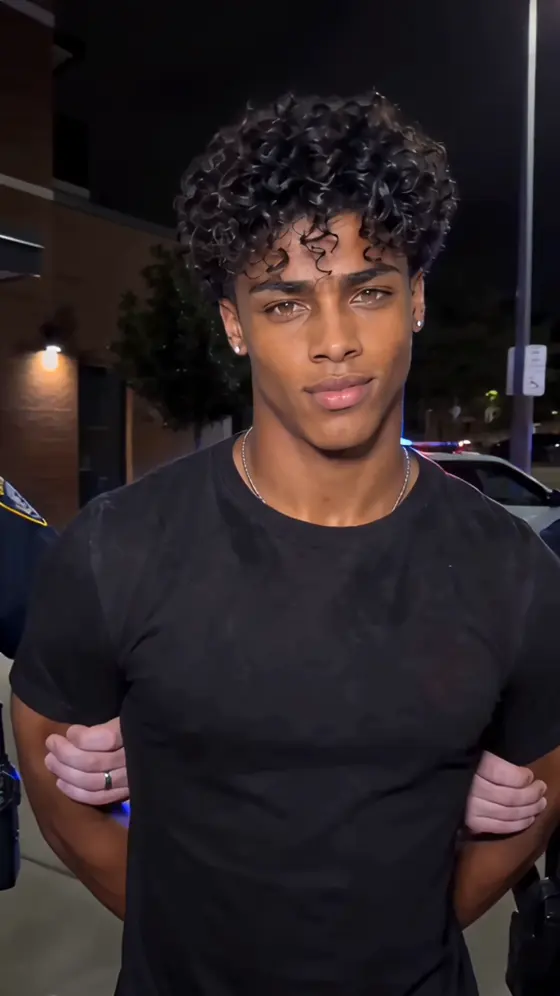

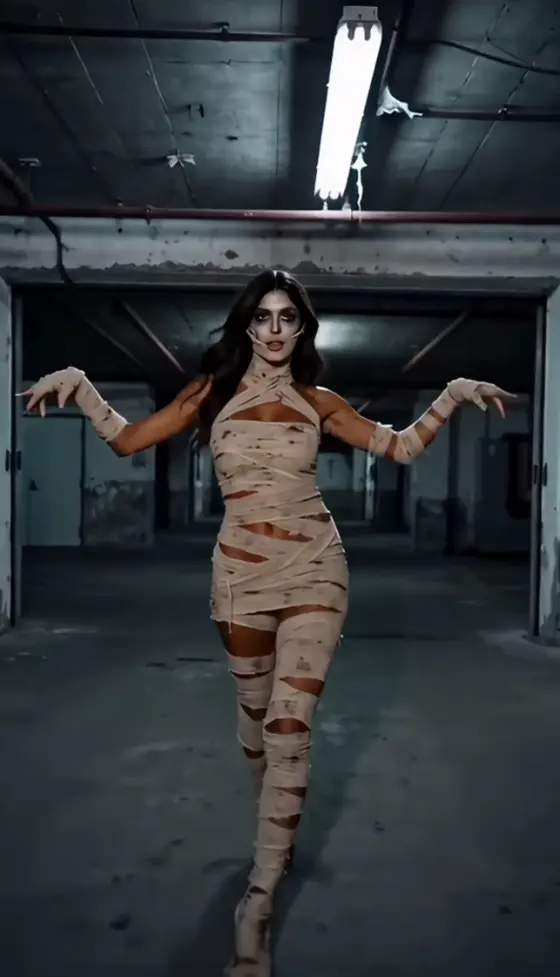



























AI로 트렌딩 IPIT 인 프롬프트 커플, 여자, 자매, 아버지, 가족, Sokka Thangamadi, 그리고 미러 스타일 사진을 만들어보세요. 선명한 이미지를 업로드하고, 완성된 프롬프트를 복사하여 Media.io에서 온라인으로 사실적인 소셜 미디어용 인물 사진을 생성하세요.
가입 시 무료 크레딧 제공.
다음을 위한 실용적인 프롬프트로 시작하세요: IPIT 인 프롬프트 커플, 여자, 자매, 아버지, 가족, 또는 미러 인물 사진. 각 프롬프트에는 포즈, 관계, 의상, 조명, 배경, 카메라 각도, 사실적인 마무리가 설명되어 있어 처음부터 모든 것을 직접 작성하지 않아도 생성할 수 있습니다.
선명한 인물 사진을 업로드하고 AI에게 얼굴 정체성, 피부 톤, 헤어스타일, 표정을 보존하도록 지시하세요. 이를 통해 Media.io는 원본 인물과의 연결감을 유지하는 사실적인 IPIT 인 프롬프트 여자, 커플, 자매, 아버지, 가족 사진 제작에 유용합니다.
다정한 커플 사진, 형제자매 인물 사진, 아버지와 자녀의 순간, 그리고 완성된 가족 구성을 생성하세요. 나이, 의상, 인물 간 거리, 감정, 배경, 문화적 세부 사항을 조정하여 모든 IPIT 인 프롬프트 가족 결과물을 더욱 개인적으로 만들 수 있습니다.
Photoshop, 수동 합성, 또는 고급 프롬프트 엔지니어링이 필요하지 않습니다. IPIT AI 아이디어를 선택하고, 이미지를 업로드하고, 프롬프트를 붙여넣고, 생성한 다음, 포즈, 얼굴, 의상, 배경이 원하는 스타일과 일치할 때까지 문구를 수정하세요.
정면을 향한 인물 사진, 커플 셀카, 형제자매 사진, 아버지와 자녀 이미지, 또는 가족사진을 업로드하세요. AI가 중요한 신원 세부 사항을 보존할 수 있도록 얼굴이 잘 보이고 흐림이 적은 선명한 이미지를 사용하세요.
커플, 여자, 자매, 아버지, 가족, Sokka Thangamadi, 또는 미러 사진용 프롬프트를 선택하세요. 의상, 장소, 포즈, 조명, 카메라 스타일, 화면 비율, 그리고 변경되지 않아야 할 세부 사항을 맞춤 설정하세요.
이미지를 생성하고, 얼굴 일관성과 구도를 검토한 다음, 필요하면 프롬프트를 수정하세요. 최종 인물 사진을 Instagram, WhatsApp DP, 프로필 사진, 가족 앨범, 초대장, 또는 개인 게시물용으로 다운로드하세요.
이러한 일반적인 IPIT AI 시나리오를 출발점으로 활용하세요. 모든 프롬프트는 의상, 배경, 감정, 관계, 카메라 각도, 조명, 화면 비율, 출력 스타일에 맞게 조정할 수 있습니다.
다음을 만들어보세요: IPIT 인 프롬프트 커플 사진 — 통일된 의상, 로맨틱한 바디 랭귀지, 자연스러운 표정, 시네마틱 조명, 또는 IPIT 인 미러 프롬프트 — 사실적인 반사와 스마트폰 카메라 디테일을 포함합니다.
세련된 개인 인물 사진, 다정한 자매 사진, 또는 IPIT 인 프롬프트 Sokka Thangamadi 컨셉을 생성하세요 — 따뜻한 형제자매 감성, 타밀 스타일 연출, 전통 의상, 축제 배경, 세련된 인물 사진을 포함합니다.
다음을 만들어보세요: IPIT 인 프롬프트 아버지 이미지 또는 자연스러운 그룹 포지셔닝, 통일된 의상, 따뜻한 표정, 가정, 스튜디오, 야외, 축제, 또는 기념 배경이 포함된 완성된 가족 인물 사진.

라이프스타일 크리에이터

얼굴이 자연스럽게 유지되었어요. 커플 프롬프트를 사용하면서 의상과 배경만 변경했어요. 두 얼굴 모두 알아볼 수 있게 유지되었고, 최종 이미지는 Instagram에 올리기에 적합해 보였어요.
학생 크리에이터
멋진 자매 사진이에요. 자매 프롬프트가 유용한 기반을 제공했어요. 사리 색상과 축제 조명을 추가했더니 생성된 인물 사진이 인위적이지 않고 따뜻하게 느껴졌어요.
가족 블로거
쉬운 가족 인물 사진이에요. 일반 가족사진을 업로드하고 스튜디오 프롬프트를 사용했더니 모든 사람을 수동으로 잘라내지 않아도 더 깔끔한 그룹 인물 사진을 생성할 수 있었어요.
IPIT 인 프롬프트는 트렌딩 인물 사진, 관계, 가족, 미러 사진 스타일을 재현하는 AI 사진 프롬프트에 사용되는 검색 구문입니다. 이 Media.io 페이지에서는 업로드한 이미지와 함께 복사, 맞춤 설정, 사용하여 새로운 비주얼을 생성할 수 있는 완성된 지침을 의미합니다.
두 사람의 선명한 사진을 업로드하고, IPIT 인 프롬프트 커플 예시를 선택한 다음, 두 사람이 어떻게 포즈를 취해야 하는지 지정하세요. 통일된 의상, 관계 분위기, 조명, 카메라 각도, 배경, 그리고 두 얼굴과 사실적인 신체 비율을 보존하라는 명확한 지시를 포함하세요.
네. IPIT 인 프롬프트 여자는 개인 패션, 전통, 시네마틱, 또는 감성적인 인물 사진을 만들 수 있습니다. IPIT 인 프롬프트 자매는 통일된 스타일링과 자연스러운 다정함으로 두 자매를 함께 배치할 수 있습니다. 더 나은 결과를 위해 각 사람의 나이, 헤어스타일, 의상, 위치, 그리고 변경되지 않아야 할 얼굴 세부 사항을 언급하세요.
Sokka Thangamadi 구문은 다정한 타밀어 표현과 관련이 있으며 따뜻한 형제자매 또는 여자 중심의 비주얼에 영감을 줄 수 있습니다. 유용한 IPIT 인 프롬프트 Sokka Thangamadi 지침에는 타밀 문화 스타일링, 사리, 장신구, 축제 조명, 가족의 온기, 사실적인 인물 사진 촬영이 포함될 수 있습니다. 구문에만 의존하지 말고 의도한 장면을 명확하게 설명하세요.
네. IPIT 인 미러 프롬프트를 위해 정확한 반사 기하학, 보이는 휴대폰 또는 카메라, 자연스러운 손 위치, 사실적인 실내 조명, 일관된 얼굴 정체성, 올바른 좌우 관계를 요청하세요. 선명한 원본 이미지는 왜곡된 반사, 중복된 물체, 또는 잘못된 손가락을 줄이는 데 도움이 됩니다.
네. 아버지와 딸, 아버지와 아들, 부모와 자녀, 또는 전체 가족 인물 사진을 만들 수 있습니다. 얼굴이 명확하게 보이는 이미지를 업로드하고, 인물 수, 관계, 배열, 의상, 배경, 나이 차이, 표정, 그리고 보존되어야 할 특징을 설명하세요.
선명한 원본 이미지를 사용하고 구체적인 지시를 작성하세요. 신원 보존, 자연스러운 피부 질감, 사실적인 손, 올바른 신체 비율, 정확한 눈, 은은한 조명, 믿을 수 있는 피사계 심도, 그리고 DSLR 인물 사진이나 스마트폰 미러 셀카 같은 카메라 스타일을 언급하세요. 한 부분이 부자연스러워 보이면 더 작은 프롬프트 변경으로 다시 생성하세요.
Media.io는 지원되는 AI 생성 도구를 시험해 볼 수 있는 무료 가입 크레딧을 제공합니다. 사용 가능한 모델, 크레딧 비용, 내보내기 해상도, 처리 한도는 계정 또는 플랜에 따라 다를 수 있습니다. 대량의 이미지를 생성하기 전에 생성 화면을 검토하세요.
 4.7 (162,357 투표)


