
AI Story Video for Social Media for Ads, Products, and Brand Stories
Use AI Story Video for Social Media to turn product copy into a story with a buyer reason. Paste a brief, landing page section, or UGC script, then shape the hook, product moment, reusable host, captions, music, and ad-ready formats.
Build Social Stories with a Clear Hook, Cast, and Scene Flow
Use Media.io to move from written story ideas to platform-ready narrative videos with more control before you post.
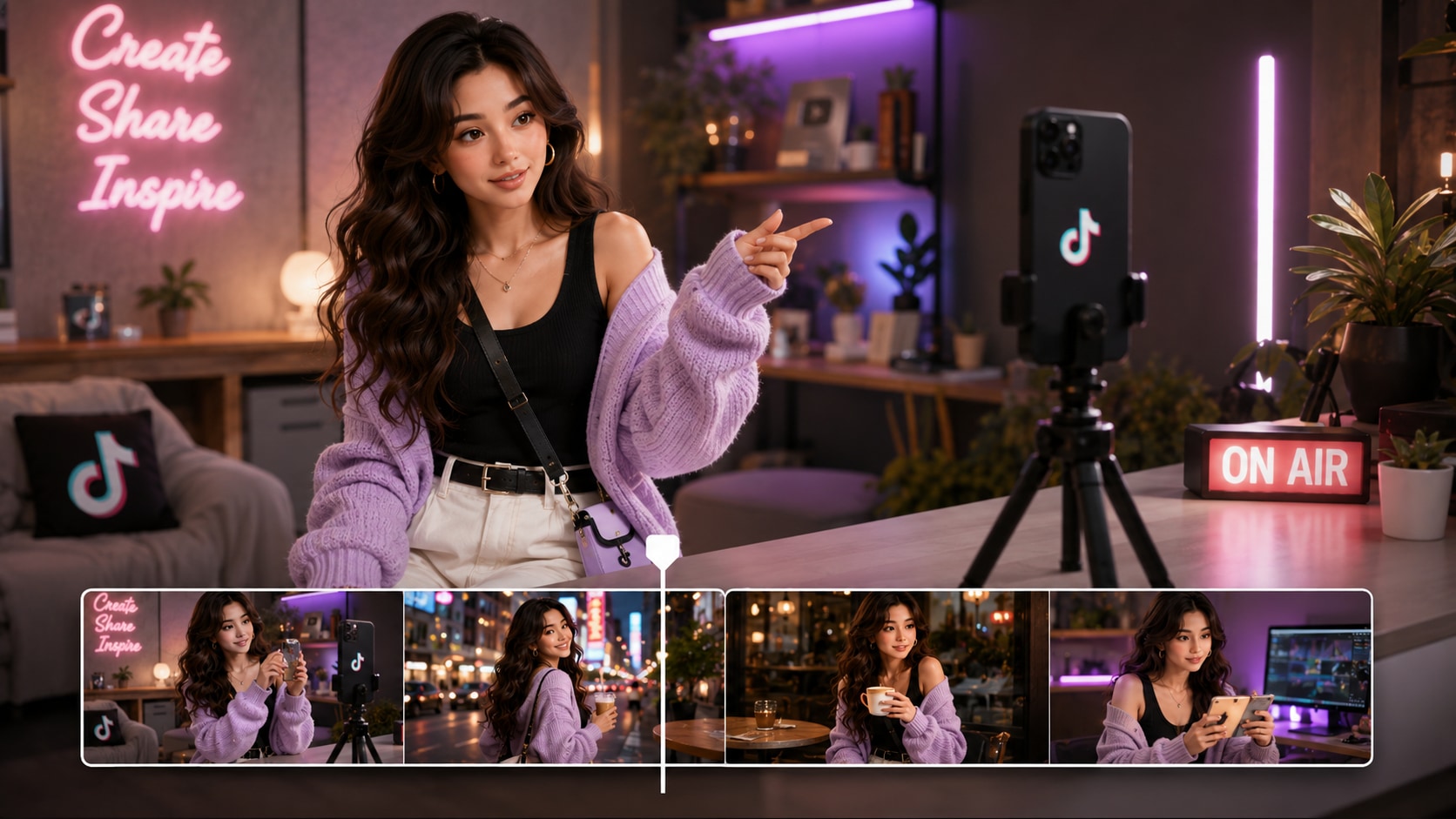
Shape Open with a Story Hook Made for the Feed
Shape short-form stories around the moment that stops the scroll. Media.io helps a script to social video workflow feel more deliberate by letting you set format, style, and visual direction before generation, so the opening scene matches your platform goal.
- Platform Framing - Prepare vertical, square, or landscape direction during setup
- Hook-First Scenes - Start with the conflict, question, reveal, or emotional turn
- Creator Pacing - Build for Shorts, Reels, TikTok, or social campaign cuts
- Visual Direction - Match mood and style before the storyboard is generated
Turn Scripts into a Story Outline You Can Trust
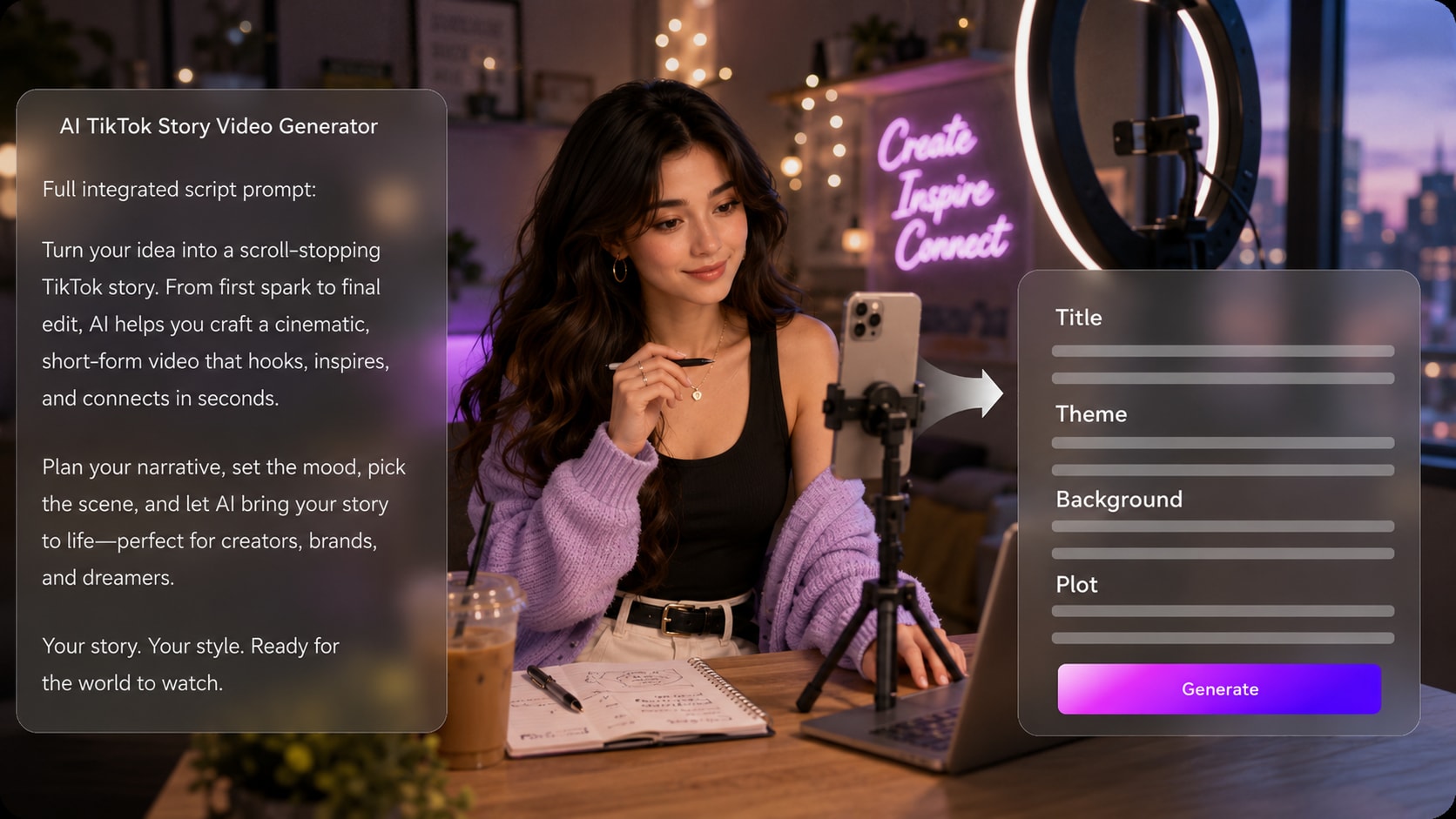
Start with a detailed narration draft, lesson story, or campaign script instead of a one-line prompt. Media.io extracts an editable outline with title, theme, setting, plot, and characters, giving your story structure before visual generation begins.
- Editable Outline - Review title, theme, background, plot, and character notes
- Better Source Input - Use detailed scenes, dialogue, and narration beats
- Clearer Story Arc - Keep the setup, turning point, and ending connected
- Less Guesswork - Align the video direction before scene images appear
Guide Characters Viewers Can Recognize Again
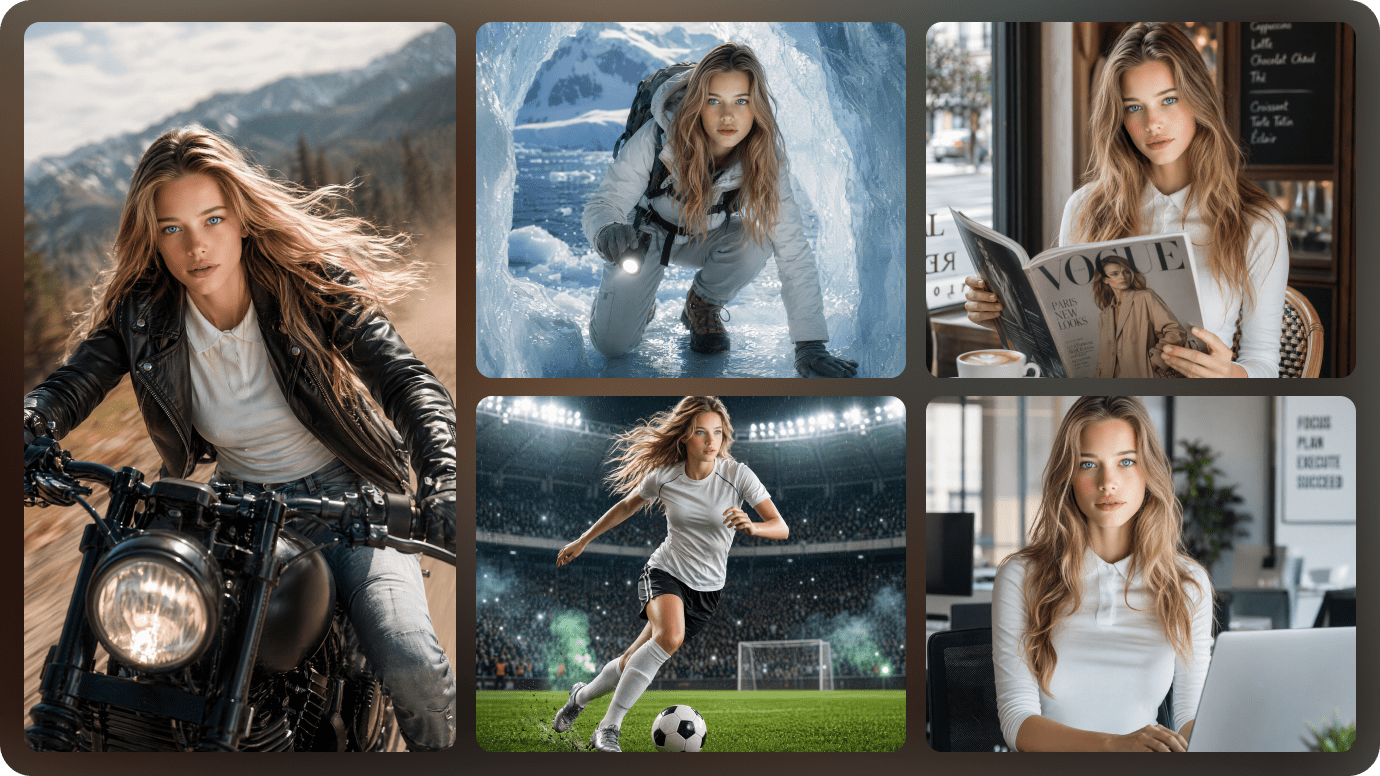
Keep recurring hosts, fictional heroes, classroom guides, or brand characters visually intentional across episodes.
- Photo Guidance - Use a real image when a recognizable person or host matters
- Sketch Guidance - Turn rough character ideas into clearer visual references
- Text Characters - Describe age, wardrobe, mood, and role in the story
- Recurring Cast - Help audiences follow familiar faces across social episodes
Polish Review the Scene Flow Before You Publish
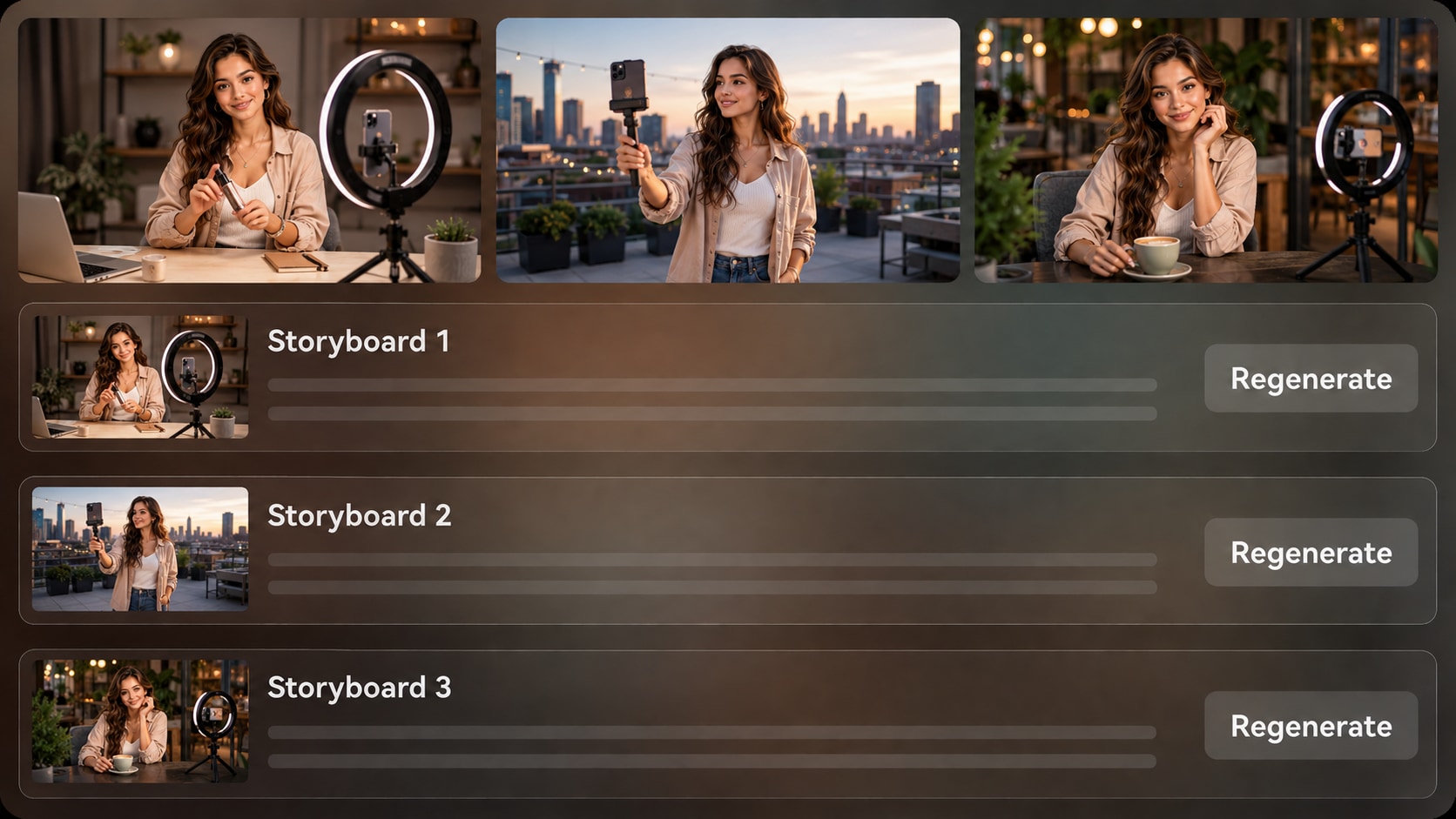
Check generated storyboard images before committing to the final video. If one shot weakens the story, regenerate that specific image and review the flow again.
- Storyboard Review - See the visual sequence before final generation
- Shot Regeneration - Regenerate an unsatisfying storyboard image when needed
- Script-Based Audio - Let voiceover and music follow the story's tone
- Post-Generation Polish - Review the final video and enhance it when needed
Create a Social Story Video from a Script in Three Steps
Give Media.io enough story detail, review the structure, then generate and refine the scenes before posting.

Write the Script
Provide a detailed script or structured story input with scene notes, narration, characters, and the intended social platform. Review and edit the extracted outline fields, including title, theme, setting / background, story plot, and characters, then choose an aspect ratio such as 9:16, 1:1, or 16:9 during setup.

Guide the Scenes
Choose the available style and visual direction, then prepare character guidance from text, real photos, or sketches when the cast matters. After Media.io generates storyboard images, review whether each shot supports the hook, story beat, and platform pacing.

Generate and Polish
Generate the final video with voiceover and music based on the script. If a storyboard image does not fit, regenerate that specific shot before finalizing, then review the completed video and use Media.io tools such as Enhance Video Quality when extra polish is needed.
Compare AI Story Video for Social Media Workflows Before You Post
A social story tool should help with structure, characters, pacing, and review, not just produce a quick clip from a prompt.
Create Story Videos for the Social Channels You Actually Use

TikTok Creators
Build short story clips with a stronger hook, clear character setup, and fast visual progression for feed-based viewing.

YouTube Shorts Creators
Turn narration scripts into compact episodes that keep the plot clear from the first frame to the final reveal.

Social Marketers
Use founder notes, campaign briefs, or customer stories to create narrative videos that explain value through a simple arc.

Educators
Convert lesson stories, history moments, or classroom scenarios into visual clips that make learning easier to follow online.
Get Inspired from Social Story Ideas
Explore how different story types can become short narrative videos for creators, teachers, brands, and entertainment channels.
Loved by Social Story Creators
Creators like having a script-led workflow that makes story structure easier to review before publishing.


"The outline step helped me catch weak story beats before generating the video, which made my short clips feel more planned."

"I use it for narration-led Shorts because the storyboard preview shows whether the scenes actually follow the script."

"It gave our campaign stories a clearer visual arc instead of a pile of disconnected stock-style moments."

"Lesson stories are easier to package for social posts when I can start from a structured script and review the scene flow."

"The character guidance and storyboard images are useful for testing social teasers before I commit to a bigger edit."

"I can keep my channel script-focused while still producing visual stories that feel more intentional than random clips."
FAQs on AI Story Video for Social Media
How Do I Create an AI Story Video for Social Media?
Start with a detailed script, narration draft, or structured story input. Media.io can extract an editable outline, generate storyboard images, and create a final story video with voiceover and music based on your script.
What Should I Paste into a Social Story Video Generator?
Use more than a one-line idea. Include the hook, setting, characters, scene order, narration, key actions, emotional turn, and ending so the video has enough direction for short-form storytelling.
Can the Script Guide the Voiceover and Music?
Yes. The final generated video can include voiceover and music based on the script, so your narration tone, scene mood, and story rhythm should be clear in the written input.
How Do I Write a Better Script for TikTok, Reels, or Shorts?
Open with the conflict or question, keep each scene visually specific, and avoid long setup paragraphs. Write in clear beats so the outline, storyboard, and final video can follow the story without losing momentum.
What Mistakes Should I Avoid in Social Story Videos?
Avoid vague prompts, too many characters, unclear scene transitions, and endings that arrive without a setup. Social stories work better when the first scene has a reason to watch and every scene moves the plot forward.
Can I Use the Same Character Across Social Story Episodes?
You can guide recognizable characters with text descriptions, real photos, sketches, or reference views. This helps the visual identity stay clearer, but you should review each generation because it is not a guaranteed character lock.
Which Social Platforms Can I Make Story Videos for?
You can plan videos for TikTok, Instagram Reels, YouTube Shorts, Facebook, LinkedIn, and other social channels by choosing a format direction such as vertical, square, or landscape during setup.
Can I review the storyboard After It Is Generated?
The extracted story outline is editable before storyboard generation. The storyboard images themselves are not manually editable, but if a specific storyboard image is unsatisfying, you can regenerate that shot and review the flow again.
Why Use Media.io Instead of a Generic AI Video Generator for Social Stories?
Media.io is useful for social stories because it connects script-based outline extraction, visual setup choices, character guidance, storyboard review, shot regeneration, and script-based audio in one creator workflow.
Explore More Ways to Turn Scripts into Social Videos
If your next post needs a different tone, format, or audience, explore adjacent AI Script to Video generators for story channels, lessons, trailers, brand clips, and genre-based social content.















Make Social Stories
That Are Easier to Follow
Start with a detailed script, shape the outline, review the scenes, and generate a story video built for the platforms where your audience watches.
 4.8 (286 Votes)