
AI Memorial Story Video Generator for Respectful Life Story Tributes
Honor a loved one with a video shaped from real memories, not generic filler. Media.io's AI Memorial Story Video Generator helps family storytellers, creators, educators, and filmmakers turn a eulogy, life timeline, or tribute script into an outlined story with guided characters, calm visuals, and script-based narration.
Shape a Memorial Story That Feels Personal and Calm
Guide the tribute from written memories to scenes, narration, and visuals that match the person being remembered.
Turn a Eulogy into a Life Story Arc
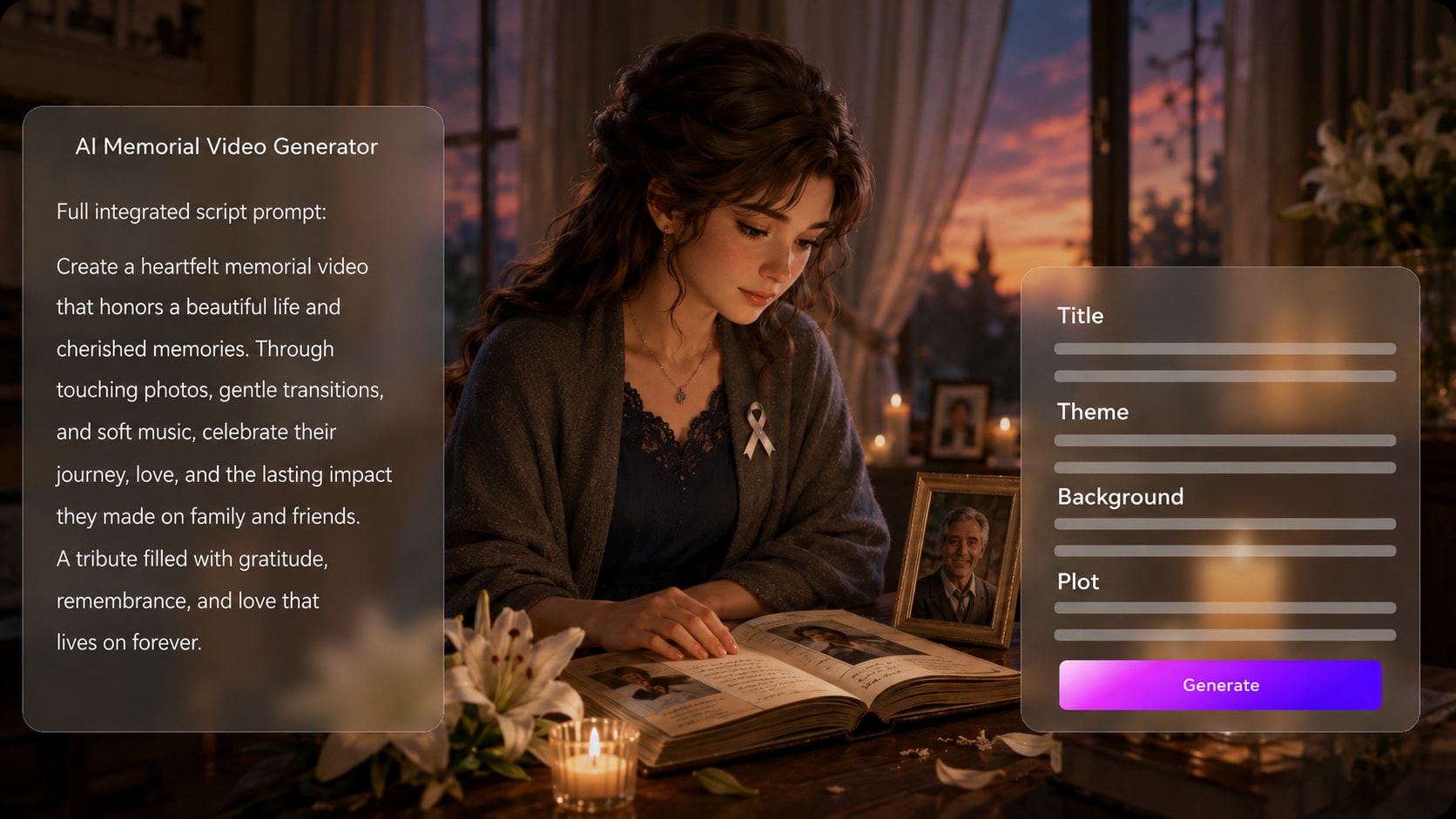
Start with a detailed eulogy, obituary, or life timeline and let Media.io extract an editable outline with title, theme, setting, plot, and characters. This makes an AI tribute video generator workflow feel organized instead of improvised.
- Life Timeline - Structure childhood, milestones, family, work, and legacy
- Editable Outline - Review the title, theme, setting, plot, and characters
- Script Focus - Use detailed narration drafts for stronger scene planning
- Respectful Flow - Keep the tribute calm, clear, and story-led
Guide People and Places with Care
Shape the tribute around meaningful visual references. Media.io can use real photos, sketches, or text descriptions to guide character generation, helping viewers recognize the person, family role, or memory being honored without relying on generic scenes.
- Photo Guidance - Use real images to inform character appearance
- Text Characters - Describe relatives, teachers, friends, or younger versions
- Memory Settings - Mention homes, gardens, classrooms, beaches, or hometown streets
- Visual Direction - Choose a style that feels warm, dignified, or documentary-like
Direct Review Each Moment Before It Becomes the Video
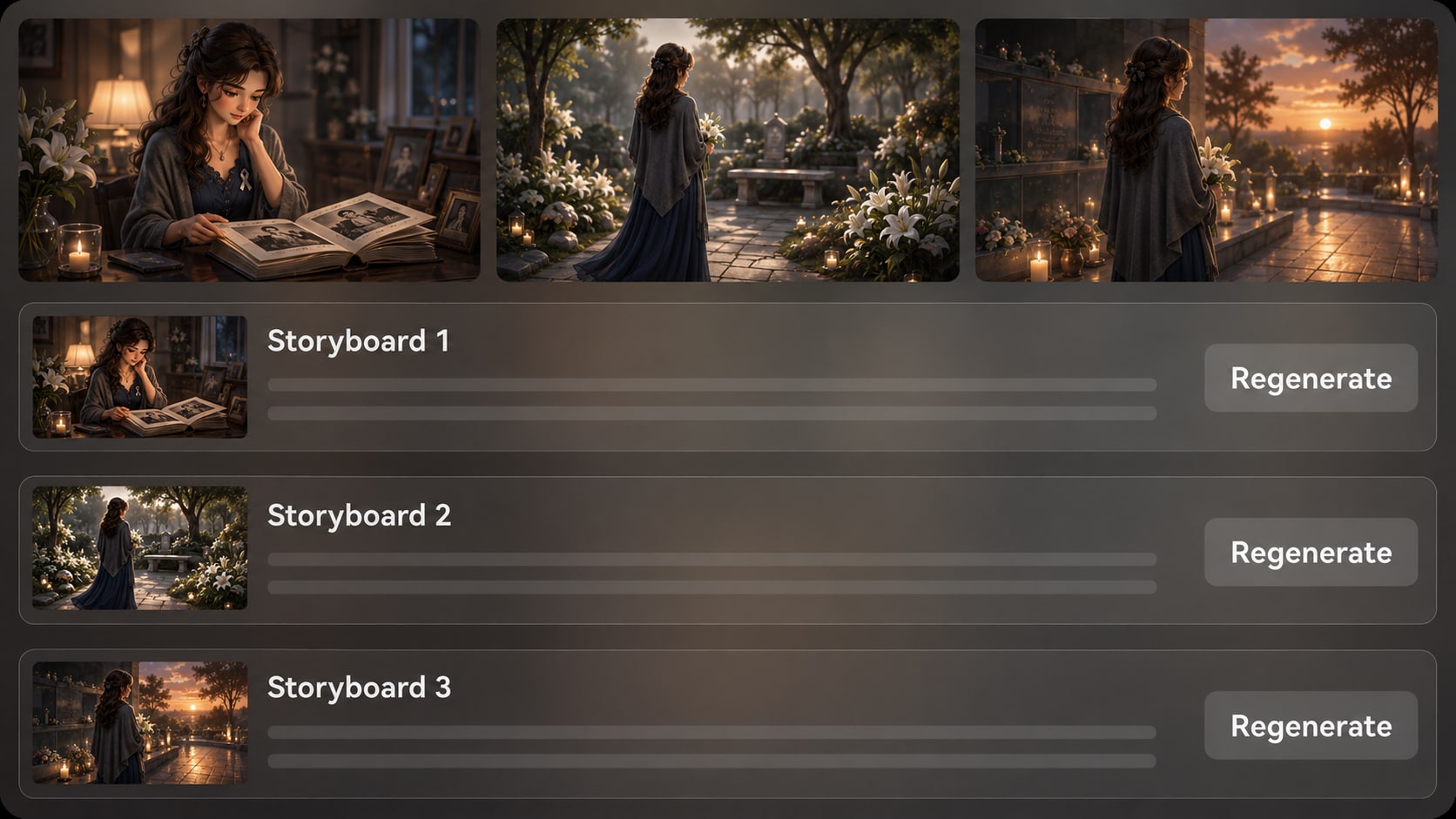
After the outline, Media.io generates storyboard images that show the tribute scene by scene. If one image feels too dramatic, inaccurate, or emotionally off, regenerate that specific storyboard image and keep reviewing before final generation.
- Storyboard Preview - See the remembrance flow before producing the video
- Sensitive Checks - Catch visuals that do not fit the story or tone
- Regenerate Shots - Create a new version of a specific unsatisfying image
- Continuity Review - Check whether people, places, and mood feel coherent
Match the Narration to a Gentle Tribute Mood
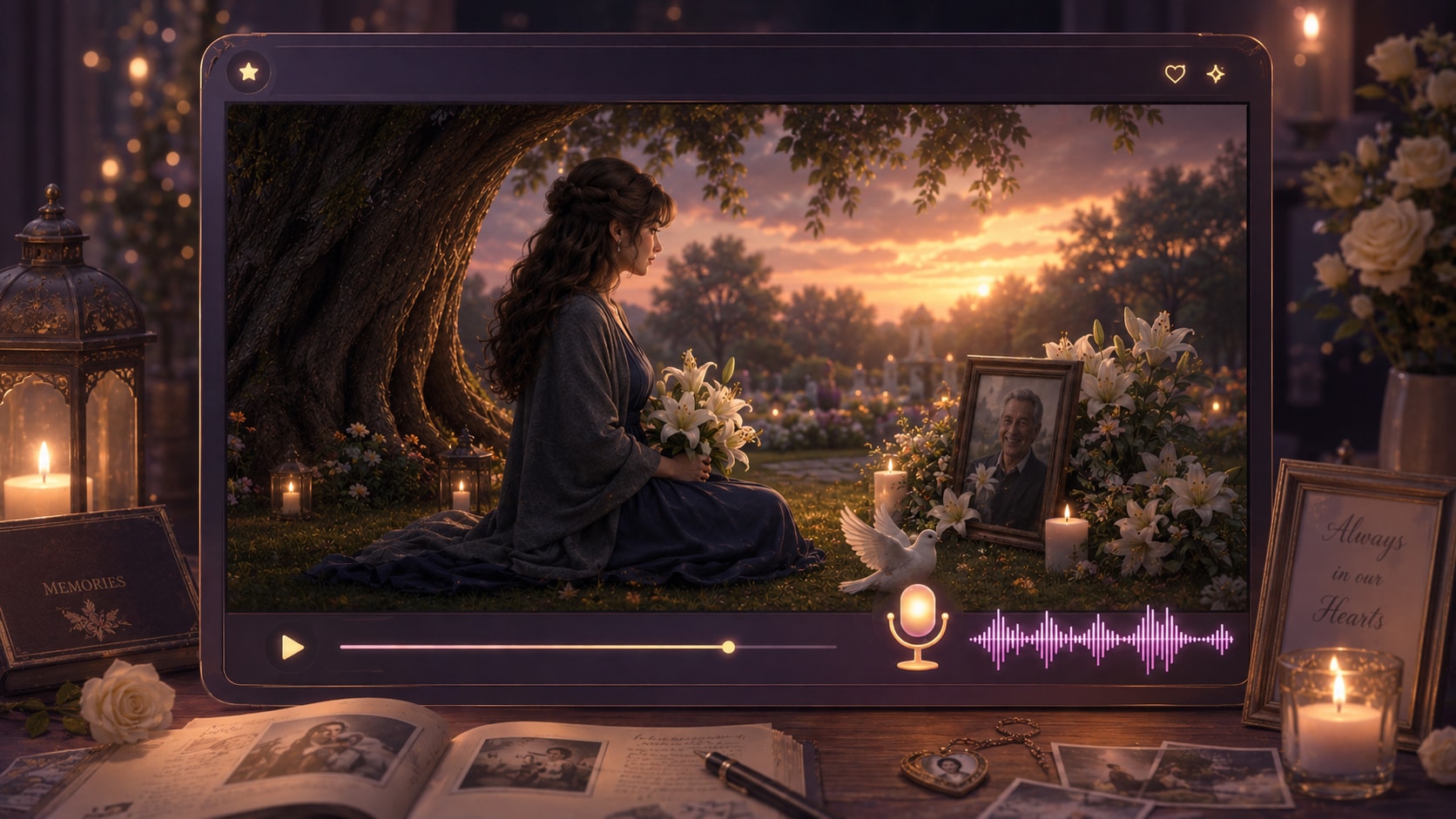
Create a memorial story video maker workflow where the voiceover and music can be based on the script. Write the narration with pauses, gratitude, and key memories so the final video carries a calmer emotional rhythm.
- Script-Based Voiceover - Let the narration follow the words you provide
- Soft Audio Direction - Signal reflective, hopeful, or documentary tone in the script
- Caption-Friendly Story - Use clear sentences for family viewers and social clips
- Polish After Generation - Review and refine the finished video with Media.io tools
Create a Memorial Story Video in Three Careful Steps
Use a script-led workflow so the tribute stays focused on the person, memories, and message.

Write the Tribute
Provide a detailed script or structured story input, such as a eulogy, obituary, life timeline, or narration draft. Review and edit the extracted outline fields, including title, theme, setting or background, story plot, and characters, then choose an aspect ratio such as 9:16, 1:1, or 16:9 during setup.

Guide the Scenes
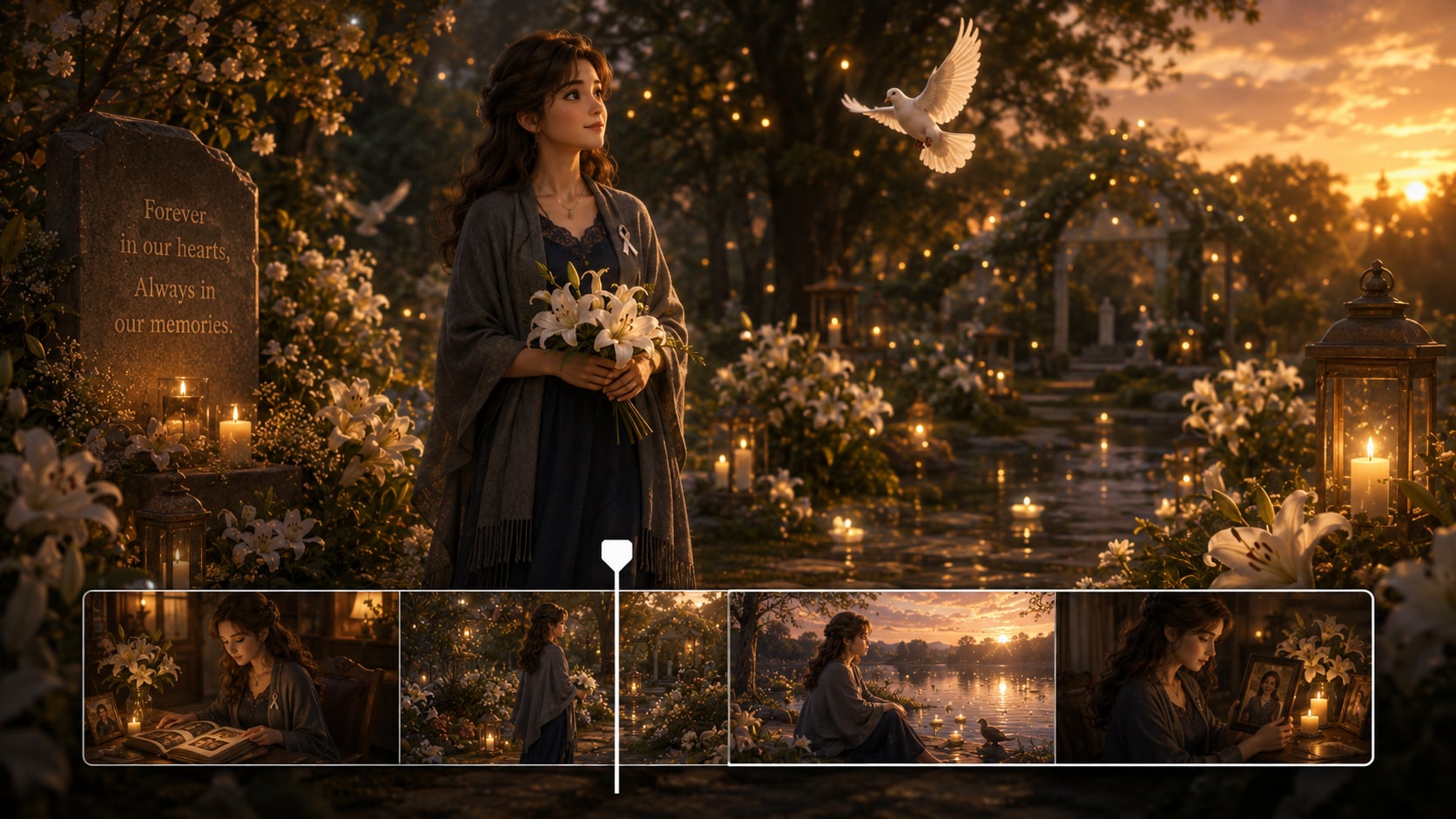
Add character guidance from real photos, sketches, or text descriptions, then prepare the visual direction with available format, style, and mood choices. Review the generated storyboard images to check whether each memory, setting, and transition feels appropriate for a memorial tribute.

Generate and Polish
Generate the final video with voiceover and music based on the script. If a storyboard image does not feel right before generation, regenerate that specific shot. After the video is created, review it carefully and use Media.io tools such as Enhance Video Quality when extra polish is needed.
Choose an AI Memorial Story Video Generator over a Generic Slideshow Maker
A memorial story needs narrative structure, sensitive pacing, and visual guidance, not just a sequence of images.
Create Remembrance Videos for Every Storytelling Context

Family Storytellers
Create a respectful life-story video from a eulogy, family notes, or shared memories for a service or private keepsake.

YouTube Creators
Build documentary-style memorial videos, biography tributes, or legacy stories with a clearer script-to-scene workflow.

TikTok Creators
Shape short remembrance videos with focused narration, emotional pacing, and visual moments that fit vertical storytelling.

Educators and Historians
Turn oral histories, community profiles, and classroom remembrance projects into clear visual stories for students.
View Different Types of Story Videos
Explore sample story formats and adapt the same script-led workflow for tributes, histories, lessons, and creator projects.
Loved by Remembrance Creators
Creators value a workflow that keeps memorial storytelling structured, calm, and easier to review.


"The outline step helped me organize my father's story before turning it into a tribute video for our family."

"I liked being able to start from a real narration script instead of fighting with disconnected clips."

"The storyboard preview made it easier to check whether each scene matched the memory we were sharing."

"We used it to shape a volunteer remembrance story with a respectful tone and a clear message."

"The script-to-outline process gave me a practical starting point for a short legacy film concept."

"It helped me make a short tribute feel more thoughtful than a basic photo montage."
FAQs on AI Memorial Story Video Generator
What Is an AI Memorial Story Video Generator?
An AI memorial story video generator helps turn a detailed tribute script, eulogy, obituary, or life timeline into a video story. Media.io supports this by extracting an editable outline, generating storyboard images, and creating a final video with script-based voiceover and music.
What Should I Provide to Make a Better Memorial Story Video?
Start with a detailed script or structured notes that include the person's name, key life stages, family relationships, important places, values, and the message you want viewers to remember. The more specific the input, the easier it is to create a coherent tribute.
Can the Voiceover and Music Match the Memorial Script?
Yes. The generated voiceover and music can be based on the script you provide, so your wording, pauses, emotional tone, and story structure matter. Write the script in a calm narration style if you want the video to feel reflective and respectful.
How Do I Write a Memorial Script for AI Video Generation?
Use a simple life-story structure: opening memory, early life, family or community role, meaningful milestones, personal qualities, and closing tribute. Add clear scene cues, names, settings, and emotional direction so the video has enough guidance.
What Mistakes Should I Avoid in a Memorial AI Video?
Avoid vague prompts, overly dramatic language, too many unrelated events, and details you have not verified. For sensitive tributes, review the outline and storyboard images carefully before generating the final video.
Can I Use Photos or Descriptions to Guide Characters in a Memorial Video?
Yes. Media.io can use real photos, sketches, or text descriptions for character feature extraction and character generation. Treat this as recognizable character guidance rather than a guarantee of perfect likeness or locked character identity.
Can I Make Memorial Videos for YouTube, TikTok, or a Service?
Yes. During setup, you can choose a format that fits your intended use, such as vertical social clips, square posts, or widescreen tribute videos. Always review the final video and polish it as needed before sharing publicly or presenting it at an event.
Can I review the storyboard If a Memorial Scene Looks Wrong?
You can review and edit the extracted outline before storyboard generation. The storyboard images themselves are not manually editable, but if a specific storyboard image feels unsuitable, you can regenerate that shot and review the new version.
Why Use Media.io for Memorial Story Videos Instead of a Generic AI Video Tool?
Media.io is useful for memorial storytelling because it starts from detailed scripts, extracts an editable story outline, supports character guidance, generates storyboard images for review, and creates voiceover and music based on the script. That gives sensitive tribute projects more structure and control.
Explore More Ways to Turn Scripts into Story Videos
Memorial creators often work across biography, education, brand storytelling, and social video formats. Explore related AI Script to Video generators when you need a different tone, audience, or story structure.















Create a Memorial Story
That Feels Thoughtful and Personal
Start with a detailed tribute script or life timeline, then shape a respectful video you can review, polish, and share.
 4.8 (286 Votes)