
AI Comedy Skit Generator for Cinematic Scripts and recognizable characters
Write the joke, map the beats, and let Media.io help shape the scene. This AI Comedy Skit Generator is built for creators starting with sketch scripts, classroom bits, ad ideas, or social premises who need recognizable roles, reviewable storyboard shots, and a video that keeps the setup and punchline clear.
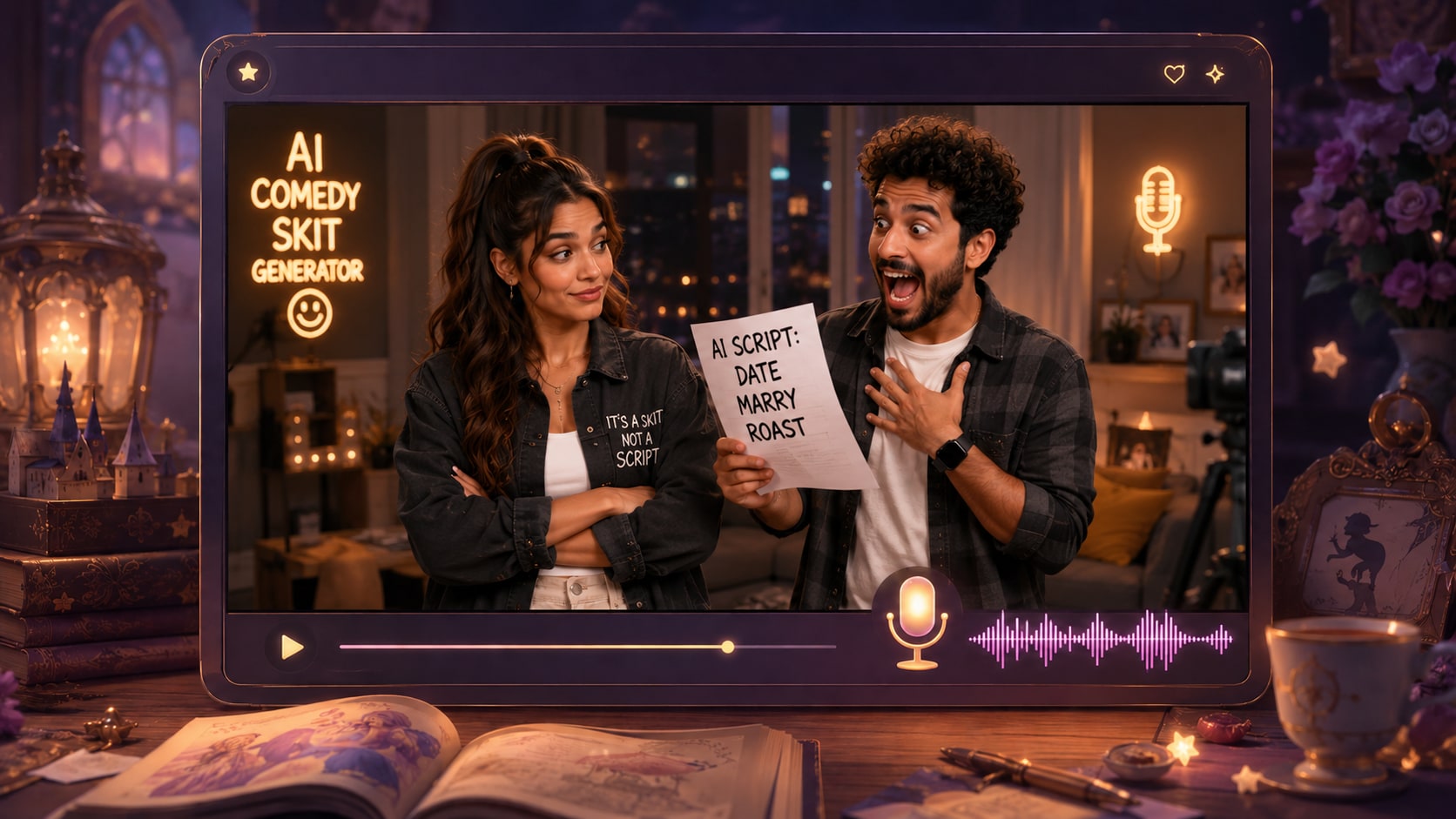
Build Comedy Videos That Respect the Joke
Shape your script into scenes, reactions, and visual timing that fit short-form comedy.
Shape Setup, Escalation, and Punchline
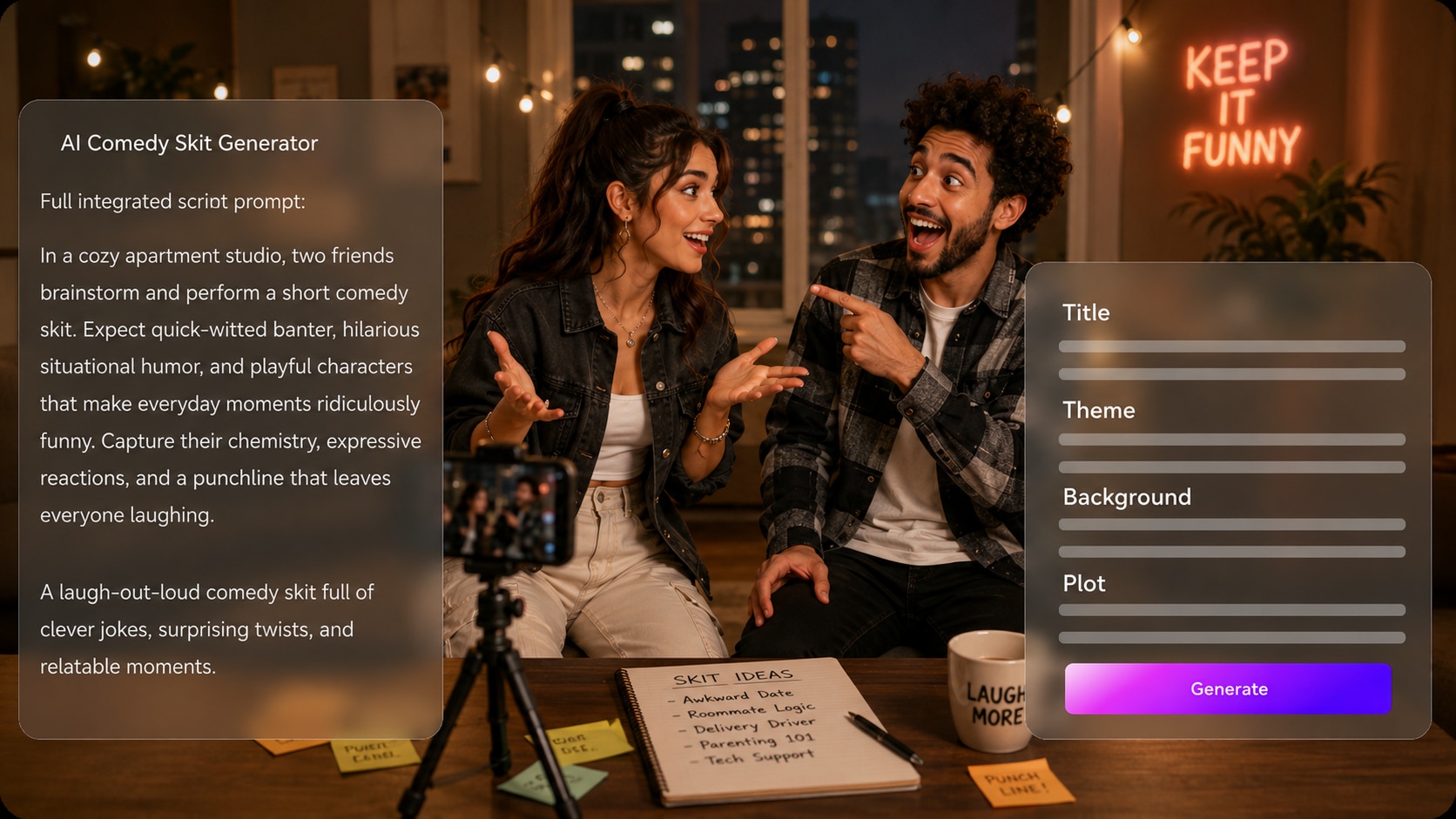
Start with a detailed sketch script, not a vague one-line gag. Media.io can extract an editable outline with title, theme, setting, plot, and characters, so your AI comedy script to video workflow has a real scene path before visuals are generated.
- Script First - Paste dialogue, narration, and scene notes
- Editable Outline - Review theme, plot, setting, and cast
- Comedy Beats - Clarify setup, reversal, and payoff
- Better Direction - Choose format, style, and visual direction
Keep the Cast Easy to Recognize
Build sketch roles audiences can follow, from the deadpan teacher to the chaotic customer. Use it for script to video generator ideas without adding another editing step.
- Text Roles - Describe wardrobe, attitude, and comic type
- Photo Input - Use a real image for clearer character guidance
- Sketch Input - Turn rough character art into a usable reference
- Recurring Bit - Help viewers track who is setting up the joke

Direct Check the Visual Gag Before Final Generation
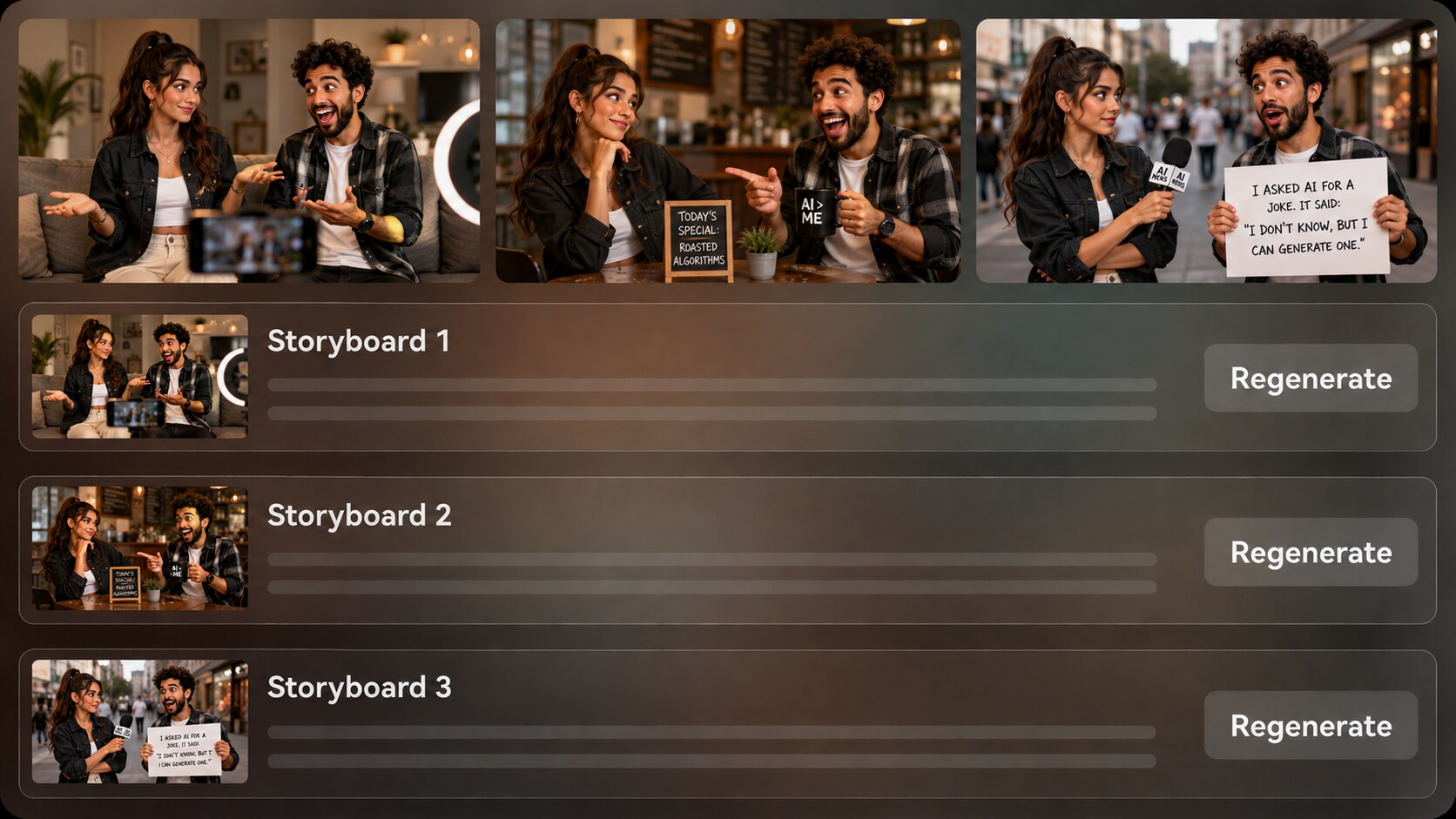
Review generated storyboard images after the outline, so you can see whether a reaction shot, reveal, or awkward pause makes sense visually. If one shot feels off, regenerate that specific storyboard image before creating the final video.
- Storyboard Preview - See the skit as scene images first
- Reaction Control - Check faces, reveals, and awkward beats
- Shot Regenerate - Refresh an unsatisfying storyboard image
- Cleaner Flow - Reduce random jumps before final output
Publish Skits for the Channel You Actually Use
Prepare the skit direction around the way people will watch it, whether that means vertical social pacing, a square classroom clip, or a widescreen creator video.
- Social Ready - Set up for Shorts, TikTok, or Reels
- Lesson Friendly - Make examples easier to explain on screen
- Campaign Useful - Test funny ad concepts without a full shoot
- Polish Afterward - Review the result and refine when needed

Create a Comedy Skit Video from a Script
Use a script-led workflow so the joke, characters, and visual timing stay intentional.

Draft the Bit
Provide a detailed script or structured story input with dialogue, scene notes, character roles, and the punchline. Review and edit the extracted outline fields, including title, theme, setting / background, story plot, and characters, then choose an aspect ratio such as 9:16, 1:1, or 16:9 during setup.

Guide the Scene
Set the video direction with available format, style, and visual choices. Add clear character guidance from text, real photos, or sketches when the skit depends on a recurring host, teacher, customer, friend group, or exaggerated persona.

Generate and Polish
Review the generated storyboard images for setup, reaction, reveal, and pacing. If a storyboard shot does not support the joke, regenerate that image, then generate the final video with script-based voiceover and music and polish it with Media.io tools such as Enhance Video Quality when needed.
Compare AI Comedy Skit Generator with Generic Clip Tools
Comedy needs structure, characters, and timing, not just a prompt that produces a random funny-looking scene.
Create Skits for Every Comedy Workflow

TikTok Creators
Turn fast premises, awkward moments, and recurring characters into vertical skits built for quick viewer recognition.

YouTube Shorts Creators
Build repeatable sketch formats with a clear cold open, setup, reaction, and final punchline.

Educators
Make lesson examples more memorable with classroom-safe jokes, role-play scenes, and visual explanations.

Marketers
Test funny product moments, relatable customer scenes, and brand-safe social ads before booking a shoot.
See How Scripted Stories Become Watchable Videos
Browse fixed sample categories to compare pacing, tone, and story formats before planning your own comedy video.
Loved by Comedy Creators
Creators use the workflow to test jokes visually before they spend time filming or editing from scratch.


"I had a two-person bit written out, and the outline step helped me catch where the punchline needed a clearer reaction."

"The storyboard preview is useful because comedy falls apart when the reveal shot is wrong. I could regenerate the weak image before making the video."

"I used it to turn a grammar example into a short classroom skit. The characters made the lesson feel less dry."

"It helped our team test a funny customer-service concept before deciding whether to produce it with a crew."

"I like seeing the scene beats visually. It is a practical way to pitch a sketch without drawing a full storyboard myself."

"My scripts already had narration, and the generated voiceover and music followed the tone better when I wrote clear scene notes."
FAQs on AI Comedy Skit Generator
What Is an AI Comedy Skit Generator?
An AI comedy skit generator helps turn a written comedy premise, dialogue script, or structured sketch into a short video. Media.io works best when you provide detailed scene notes, character descriptions, and the setup-to-punchline flow.
Can I Use a Full Comedy Script Instead of a Short Prompt?
Yes. A detailed script or structured story input is the best starting point because it gives Media.io enough context to extract an editable outline with title, theme, setting / background, story plot, and characters.
Can the Script Guide the Voiceover and Music?
Yes. The final generated video can include voiceover and music based on the script, so clear narration cues, emotional tone, and scene descriptions help the audio match the comedy style.
How Should I Write a Better Script for an AI Comedy Skit?
Write the skit in visible beats: cold open, setup, escalation, reveal, reaction, and punchline. Add character traits, setting details, and any important pauses or visual gags so the scene has enough direction.
How Do I Avoid Making the Skit Feel Random or Unfunny?
Avoid vague prompts like 'make a funny video. ' Use specific dialogue, a clear conflict, a visual payoff, and concise character roles. Review the extracted outline before generation to make sure the joke structure is still intact.
Can I Make Recognizable Characters for Recurring Comedy Bits?
You can provide character guidance from text, real photos, or sketches to help create recognizable roles for your skit. This supports clearer recurring personas, but it should not be treated as a guaranteed clear character guidance.
Can I Make Comedy Videos for TikTok or YouTube Shorts?
Yes. During setup, you can choose a format direction such as a vertical, square, or widescreen aspect ratio depending on where you plan to publish the skit.
Can I review the storyboard If One Joke Beat Looks Wrong?
The extracted story outline is editable, while the generated storyboard images themselves are not manually edited as cards. If a specific storyboard image is unsatisfying, you can regenerate that shot before creating the final video.
Why Use Media.io for Comedy Skits Instead of a Generic AI Video Generator?
Media.io is useful for comedy because it starts from a detailed script, extracts an editable outline, guides characters, generates storyboard images for review, and creates final video with script-based voiceover and music. That gives creators more control over timing and context.
Explore More Script-to-Video Workflows
If your comedy idea branches into horror, lessons, brand stories, kids content, or broader narrative formats, explore adjacent AI Script to Video generators for different tones and publishing goals.















Write the Joke
Then See the Skit
Start with a detailed comedy script and use Media.io to shape the outline, characters, storyboard shots, and final video.
 4.8 (281 Votes)