画像から画像生成
Nano Banana Pro
0/2000
1K
自動
1
Banana Pro無制限モード
キャラクターに保存
作品
アイデアハブ
すべて
生成リスト
作品は 7 日間のみ保存されます。メンバーシッププランにアップグレードした後に作成されたアセットは、永久に保存されます。
ai_video_generator創造力を解き放ち、Media AIの魔法をすぐに体験しよう!

Tree Identifier From Photo for Fast Leaf and Bark Recognition

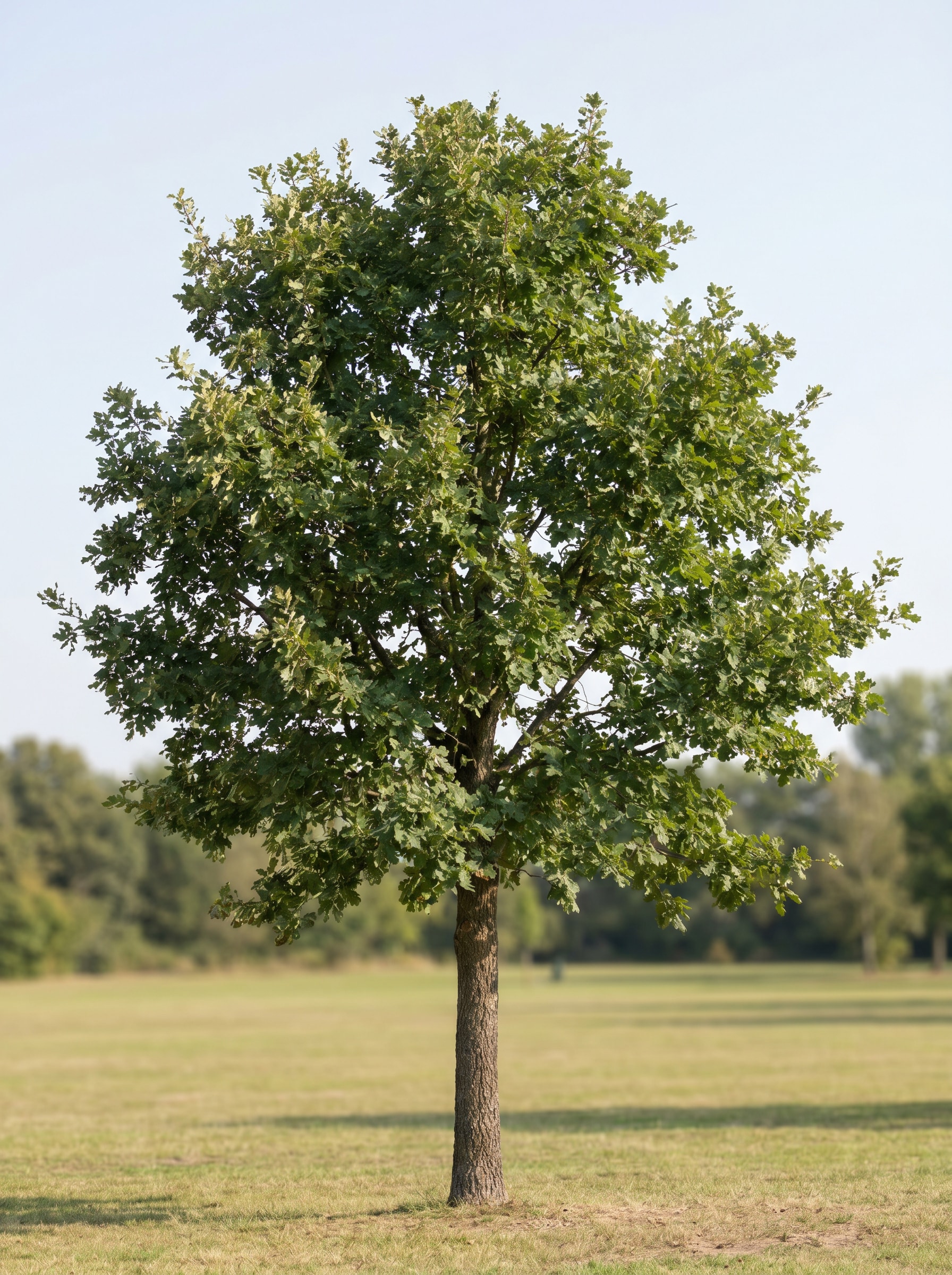
Tree Identifier Before
Tree Identifier After

Use this tree identifier to analyze uploaded photos of leaves, bark, fruit, seeds, or full trees. Media.io helps you identify tree from photo with quick visual results, making tree identification online easier on mobile or desktop for field checks, garden research, and nature study.

Identify My Tree

Type your idea -> AI designs it. Free to try.

Review these example directions, then tailor the prompt details to get stronger results with this Media.io Tree Identifier, whether you need a tree identifier online for leaves, bark, seeds, or full-tree comparisons.

Before-and-After Species Match

Before-and-After Species Match

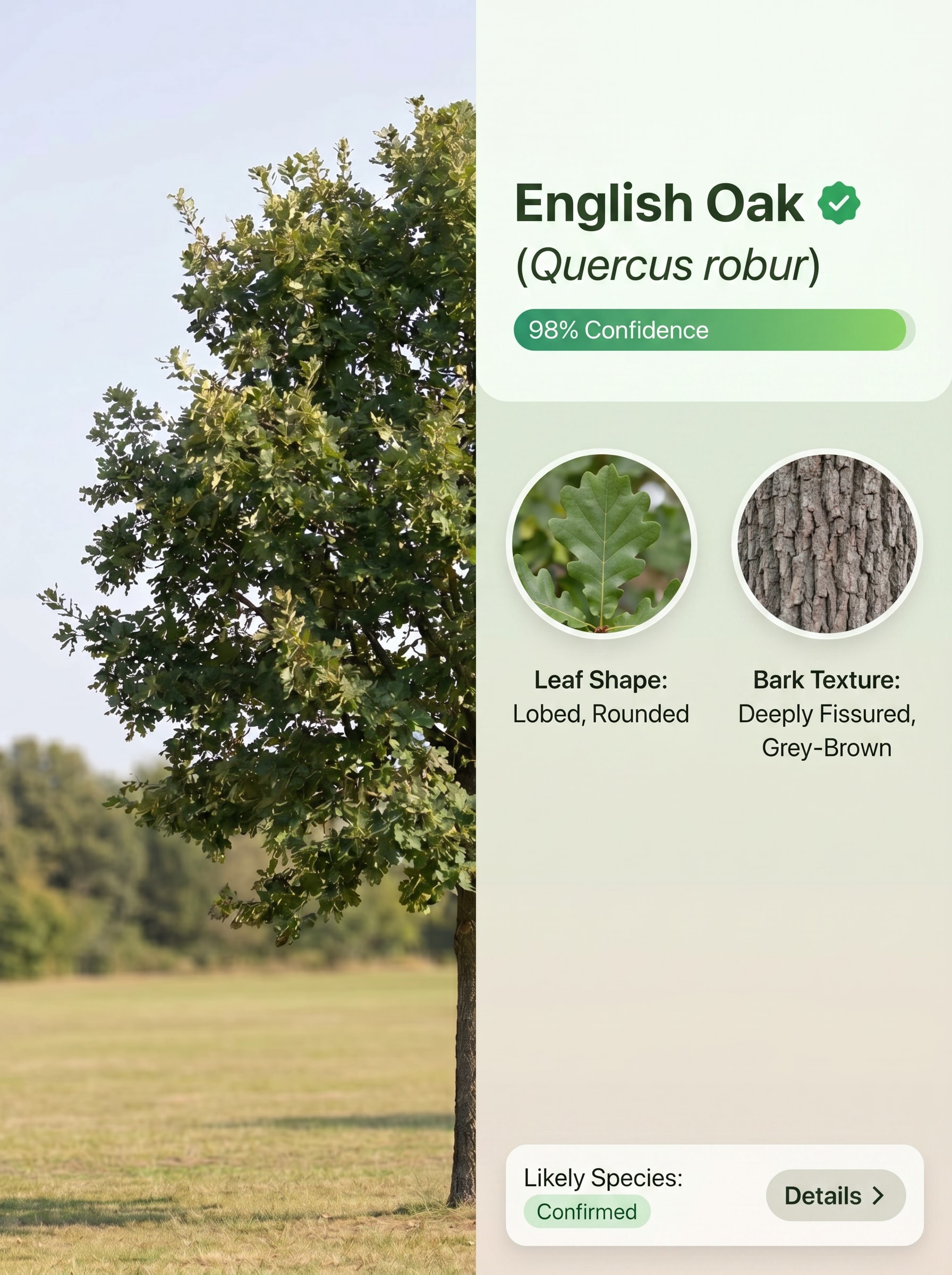
Use the uploaded image as the subject and transform it into a clean split-screen tree identification card. Show the original tree photo on the left and a polished species result panel on the right with subtle labels for leaf shape, bark texture, likely species, and confidence-style visual cues, using natural greens, soft neutrals, sharp detail, and a modern mobile-app aesthetic.

Instant Scan Mobile Mockup

Instant Scan Mobile Mockup

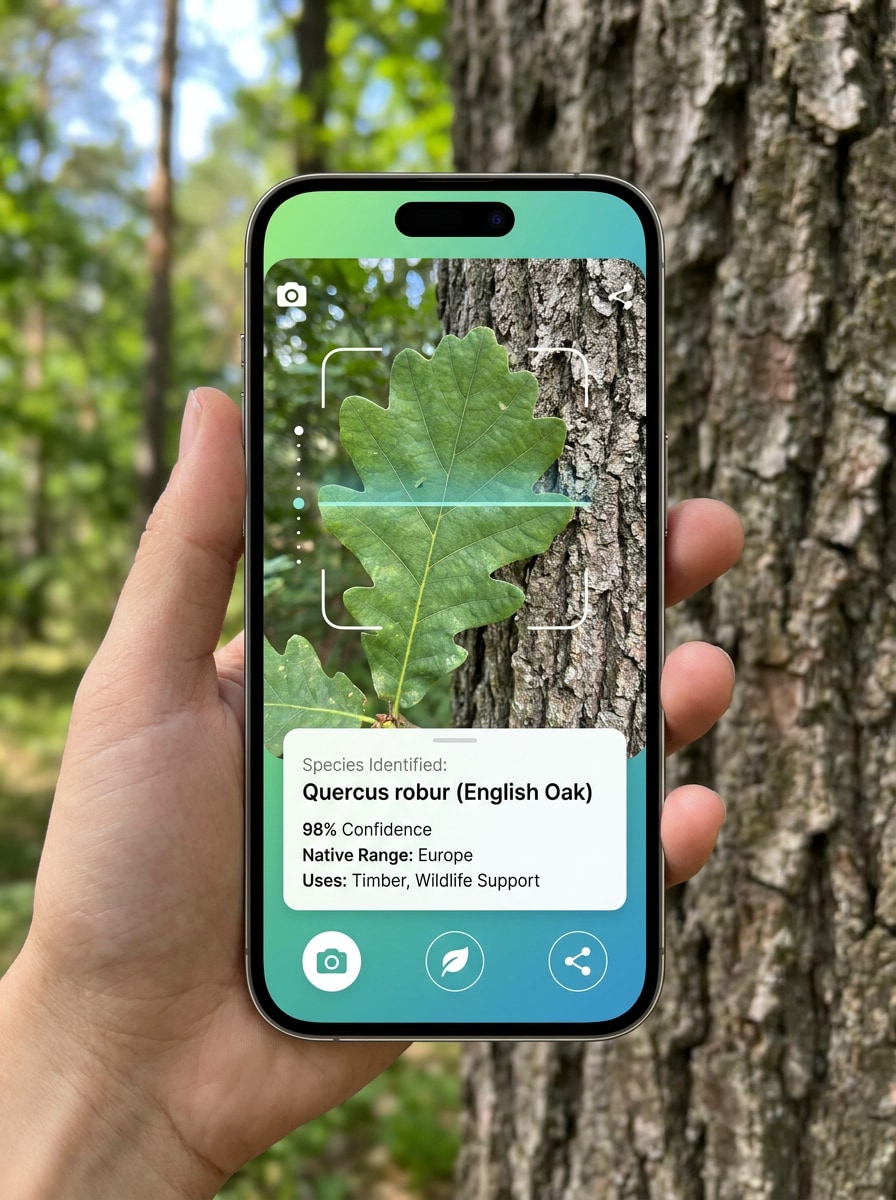
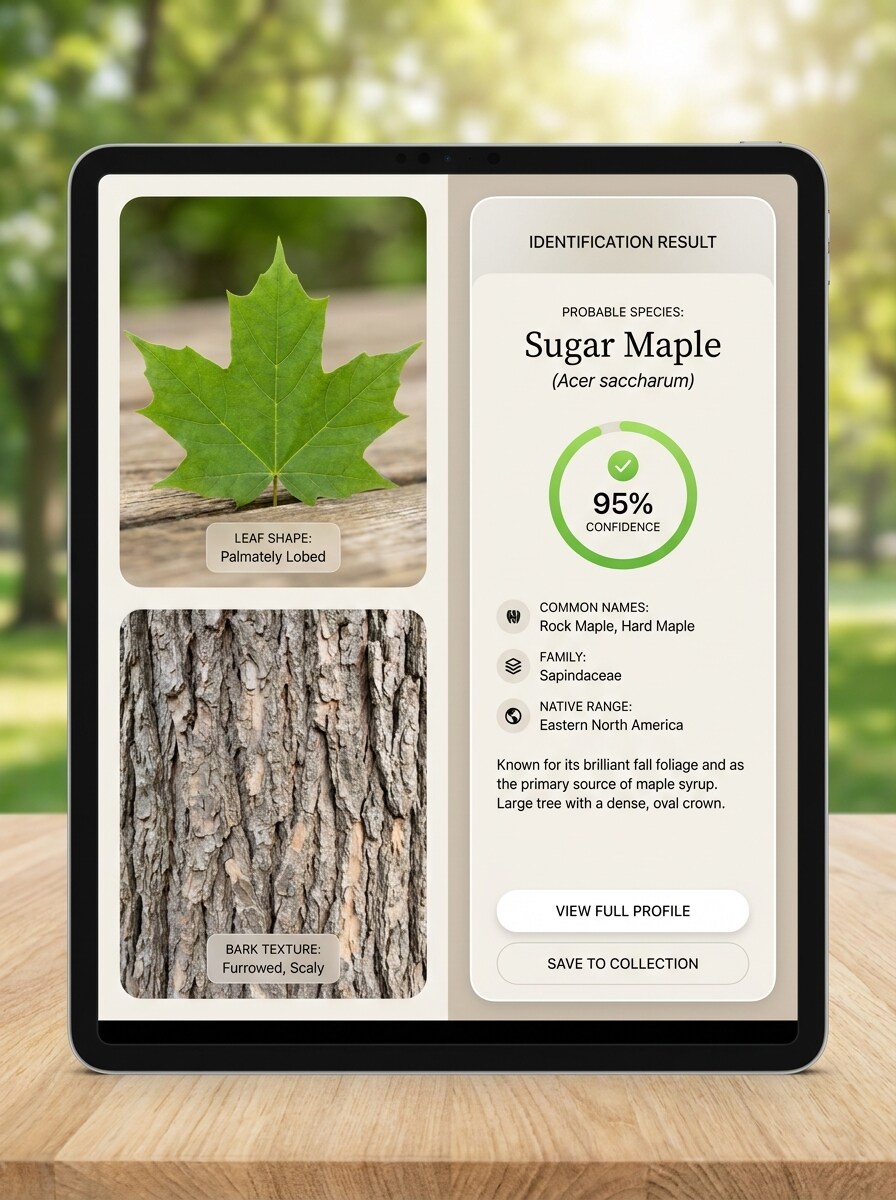
Use the uploaded image as the subject and turn it into a vertical smartphone scan interface that looks like a live tree ID session. Feature the uploaded leaf and bark photo inside the camera frame, an instant species result card below, clean icons, bright daylight tones, and a sleek eco-tech design with clear, high-resolution educational presentation.

Leaf Anatomy Explainer

Leaf Anatomy Explainer

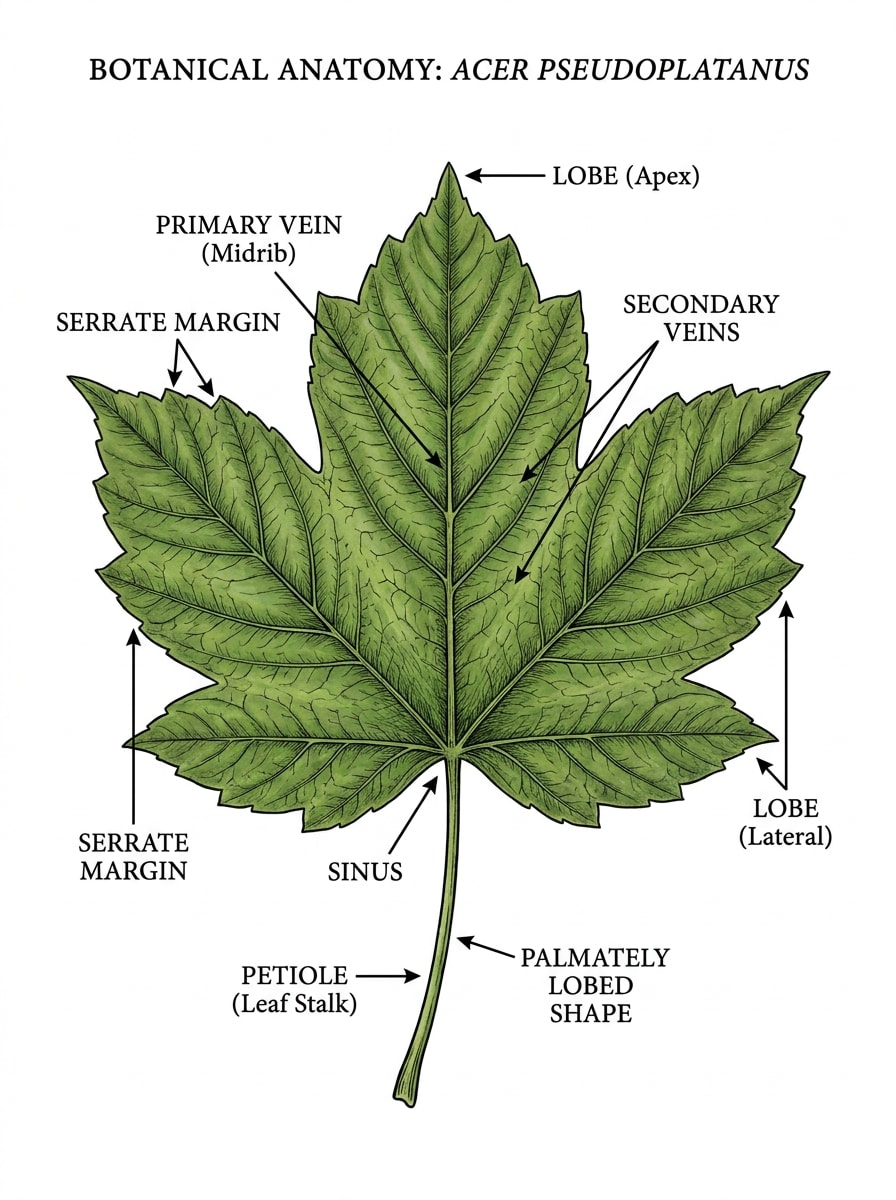
Use the uploaded image as the subject and transform it into a botanical leaf identification chart. Keep the uploaded leaf recognizable while adding refined labels for veins, margins, lobes, petiole, and overall shape, with a clean educational layout, natural green palette, white background, crisp linework, and field-guide clarity suitable for a tree leaf identifier visual.

Bark Texture Comparison

Bark Texture Comparison

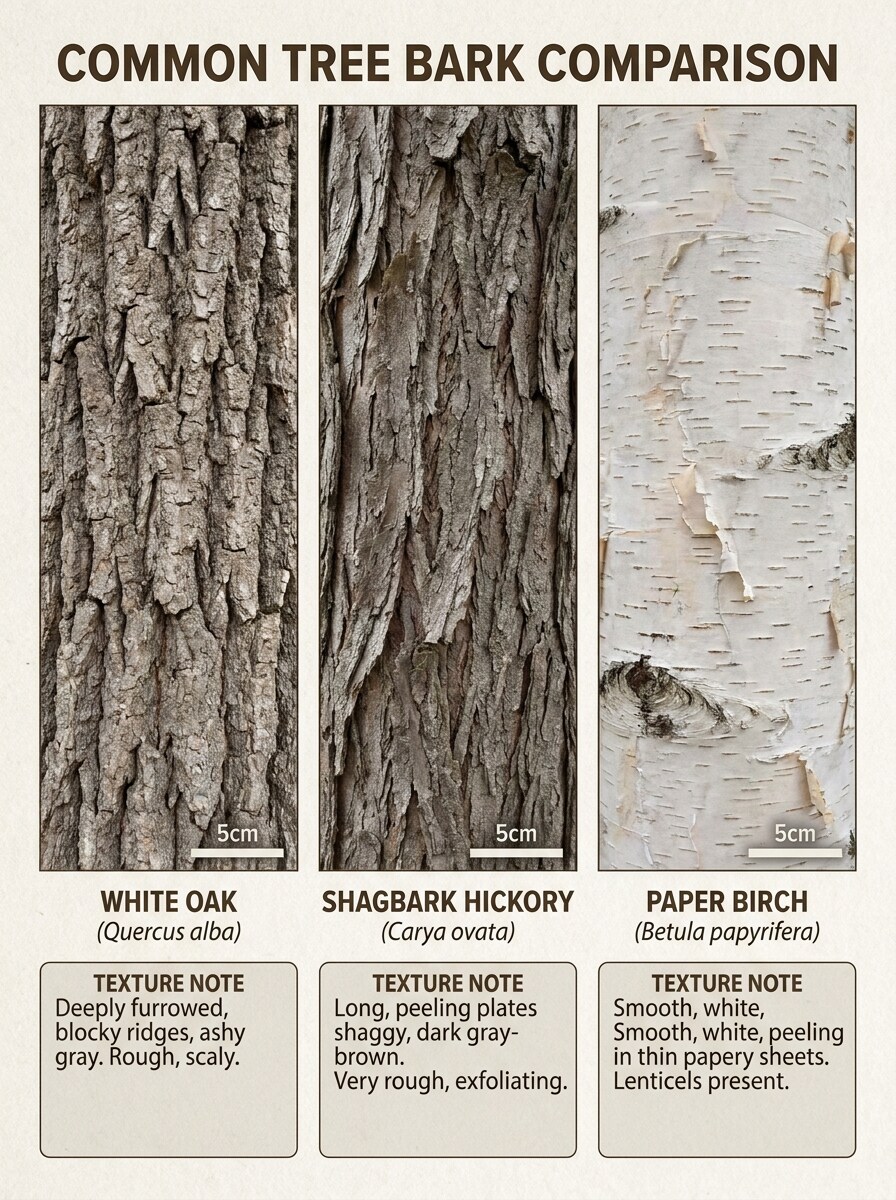
Use the uploaded image as the subject and convert it into a side-by-side bark comparison reference card. Preserve the uploaded bark texture while presenting it next to complementary comparison panels with species labels, texture notes, scale markers, and a tidy field-reference layout, using earthy browns, soft grays, realistic detail, and practical educational styling.

Four-Season Tree Profile

Four-Season Tree Profile

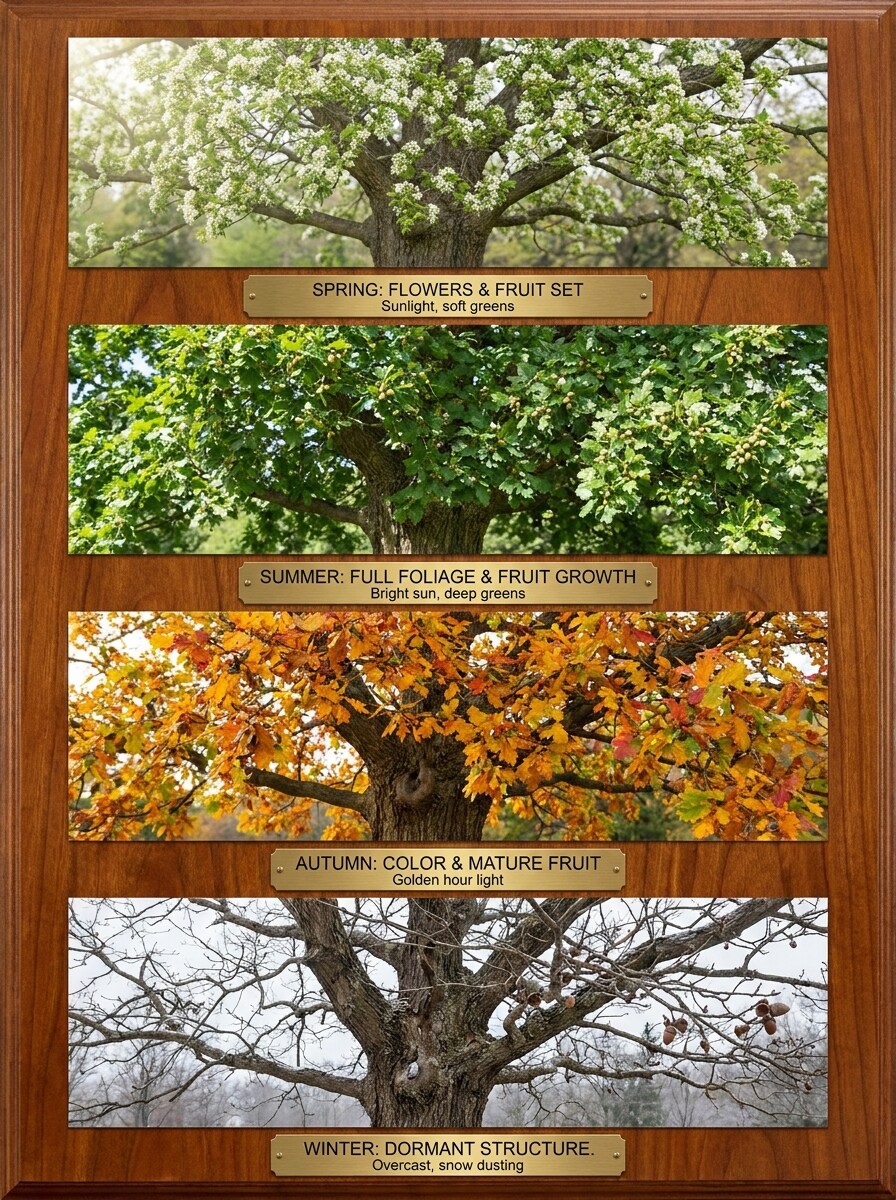
Use the uploaded image as the subject and transform it into a four-panel seasonal tree profile. Keep the same tree identity across spring, summer, fall, and winter, highlighting changing leaves, fruit, silhouette, and branch structure with balanced educational labels, soft natural light, realistic textures, and a clean comparison layout.

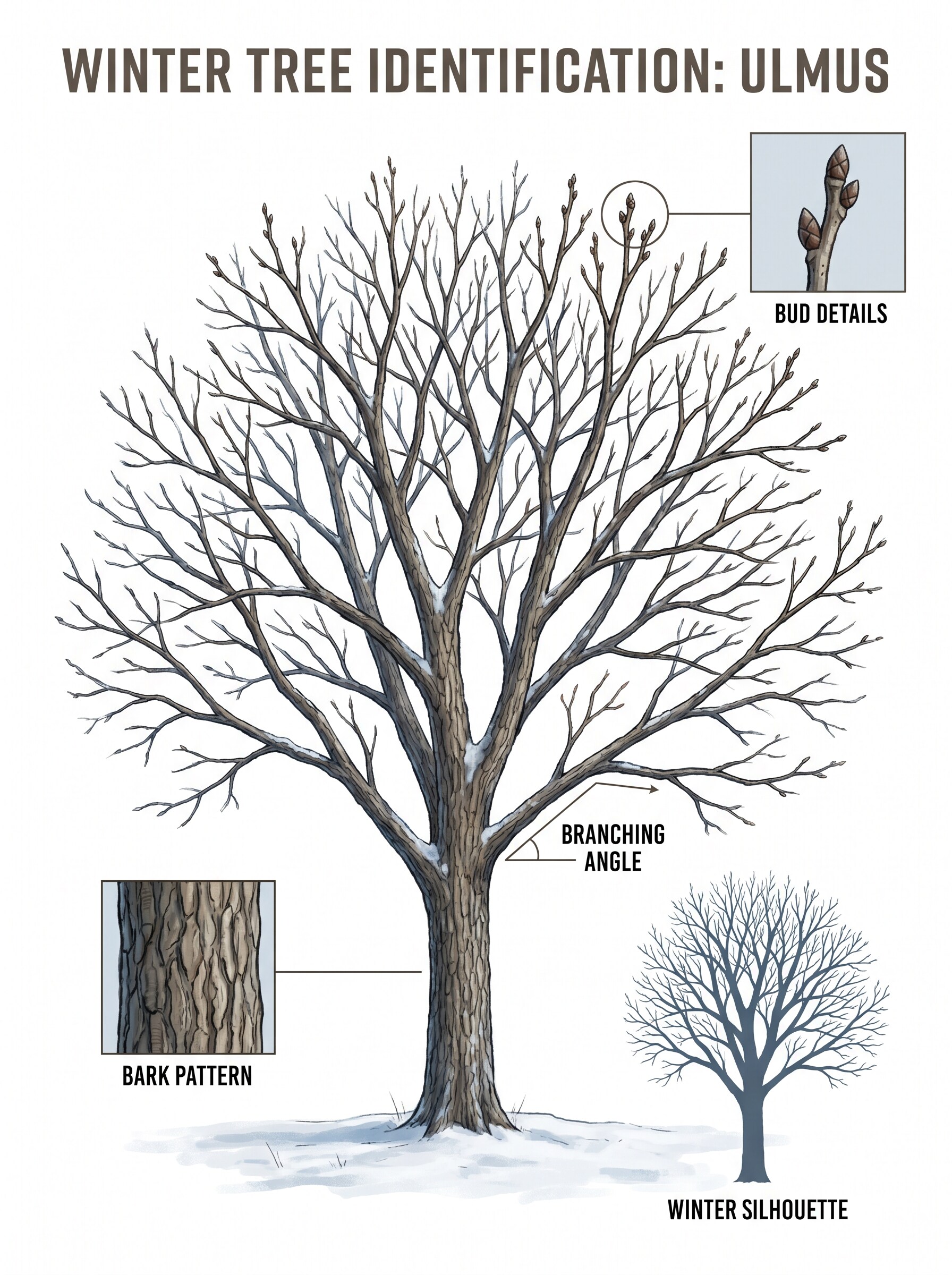
Winter Tree ID

Winter Tree ID

Use the uploaded image as the subject and turn it into a winter tree identification visual. Preserve the tree structure while emphasizing bark pattern, branching angles, buds, and silhouette, with cool natural lighting, restrained seasonal colors, subtle annotation lines, and a practical field-guide format for identifying trees when leaves are absent.

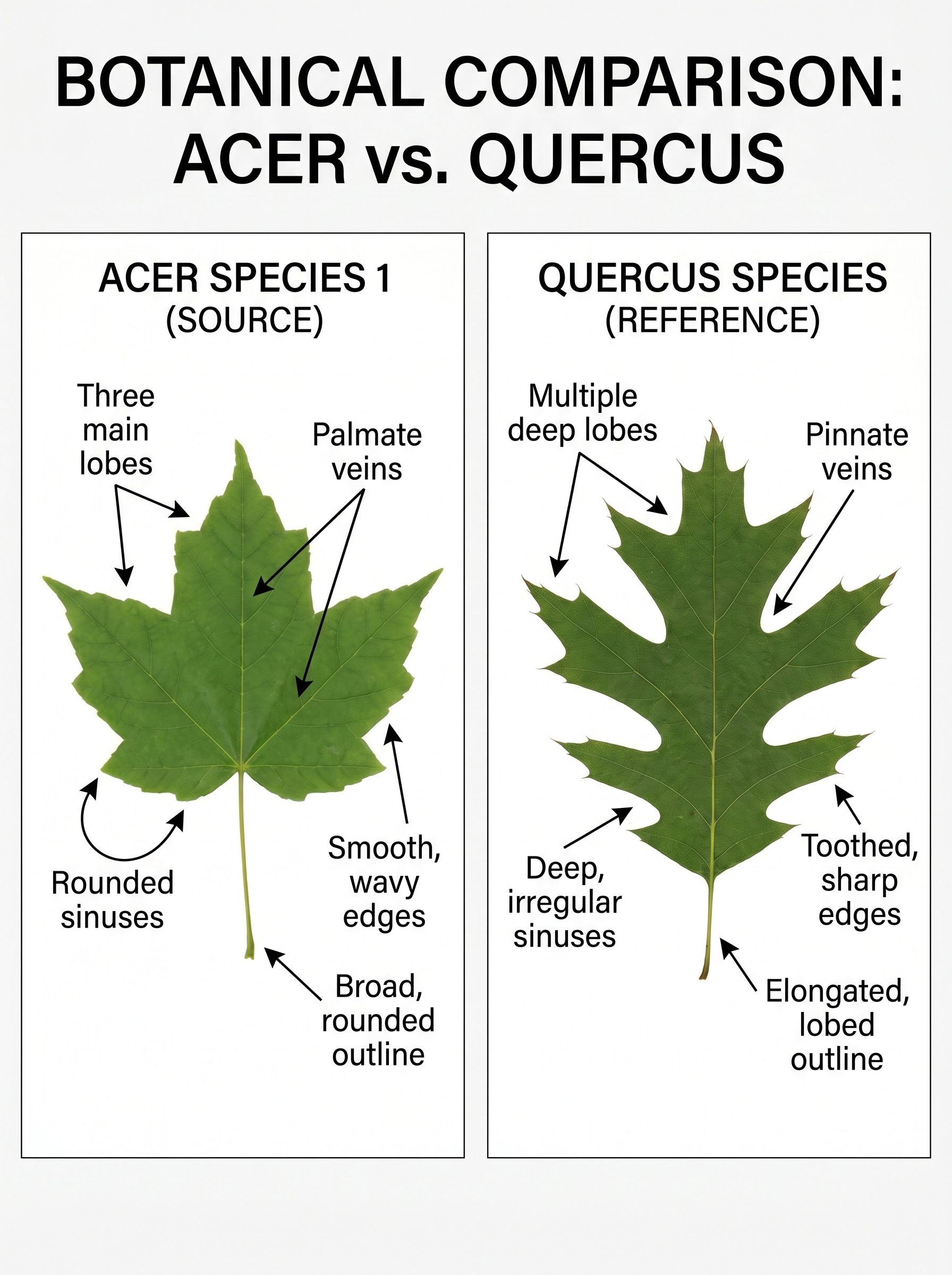
Maple vs Sycamore Leaf Match

Maple vs Sycamore Leaf Match

Use the uploaded image as the subject and transform it into a comparison card that helps distinguish similar species. Show the uploaded leaf as one side of the layout, then add a contrasting reference leaf panel with clear notes about lobes, veins, edge shape, and overall outline, using top-down composition, clean labels, and crisp botanical detail.

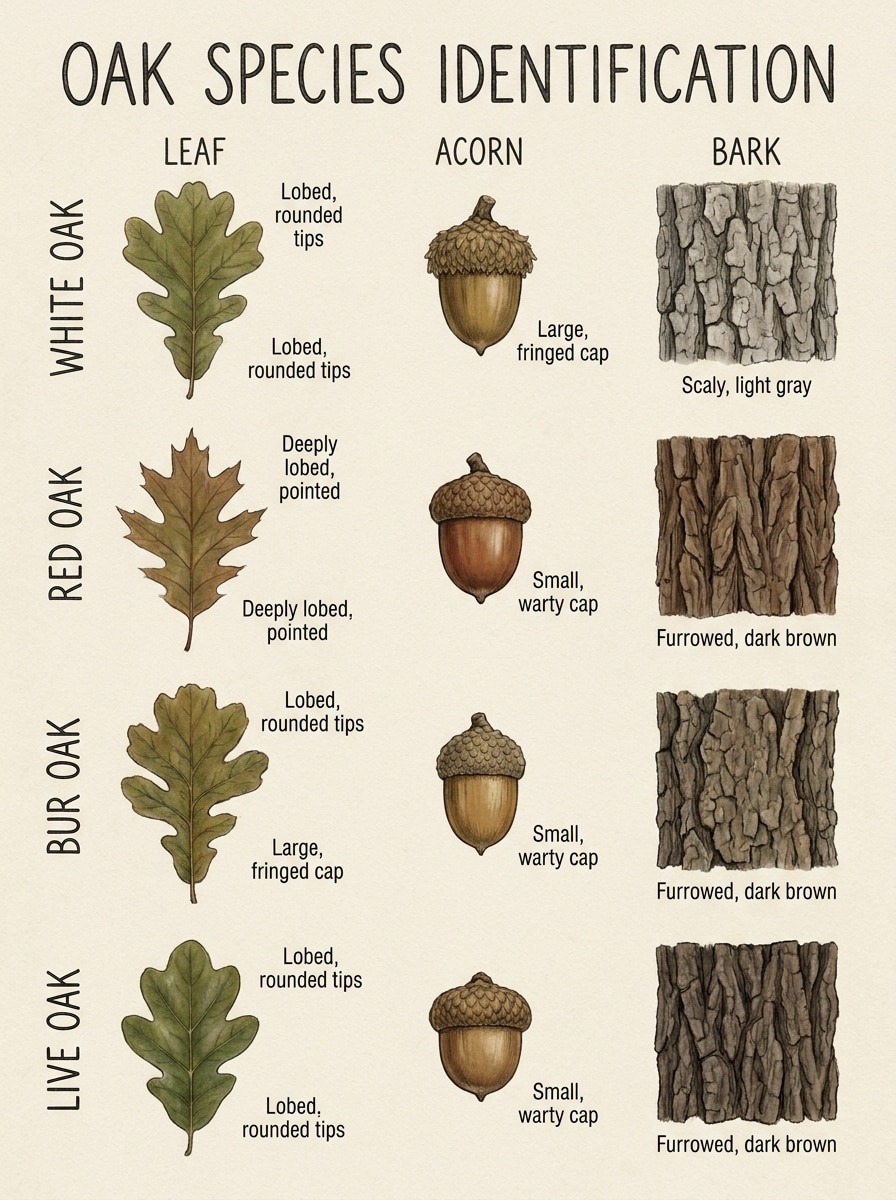
Oak Species Comparison Board

Oak Species Comparison Board

Use the uploaded image as the subject and transform it into an oak comparison board. Keep the uploaded oak-like leaf, acorn, or bark texture recognizable while surrounding it with coordinated species panels, muted earthy colors, concise labels, and a field-guide composition that compares form, texture, and identifying traits with high clarity.

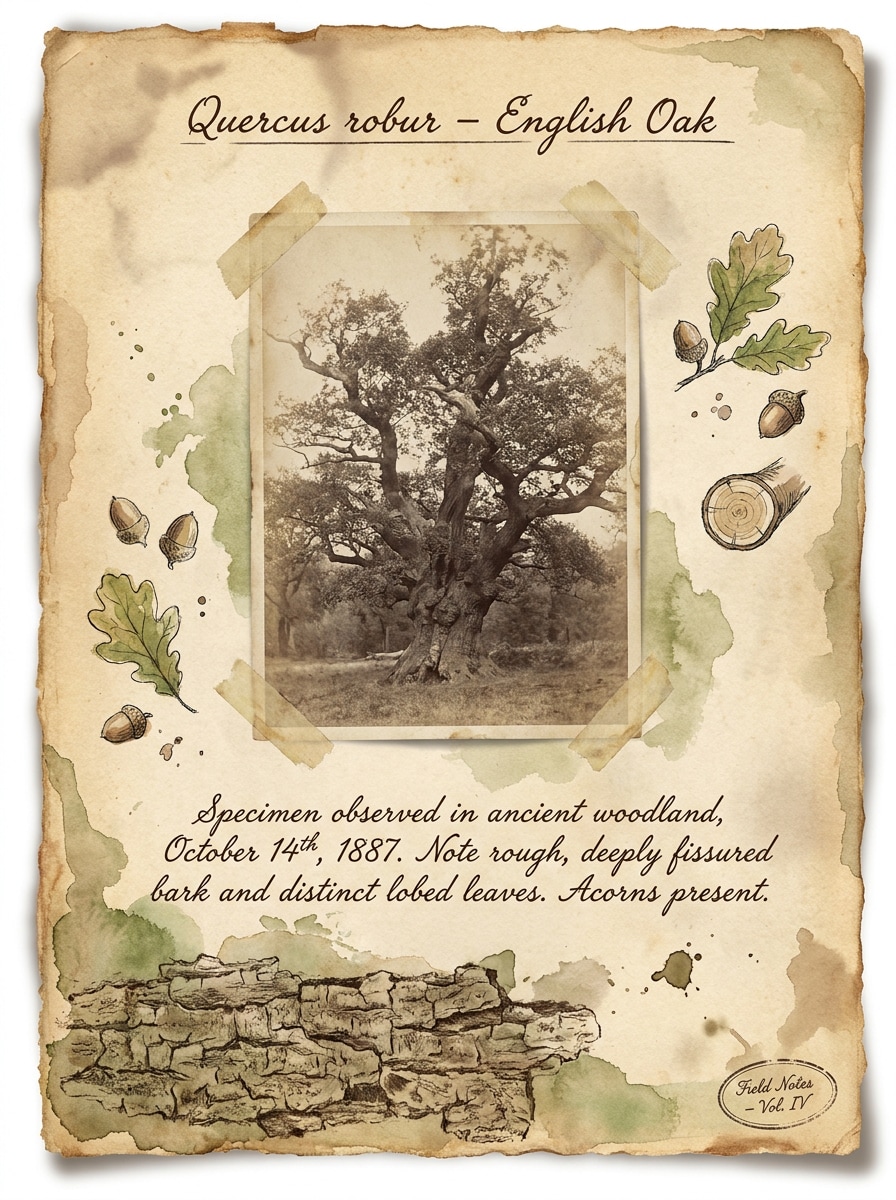
Naturalist Journal Look

Naturalist Journal Look

Use the uploaded image as the subject and restyle it as a vintage naturalist journal page. Combine the uploaded tree photo with handwritten-style notes, a small species heading, leaf sketch elements, bark texture accents, and warm earthy tones, creating a curated field notebook mood with tactile paper texture and thoughtful scientific charm.

Minimal Species Badge

Minimal Species Badge

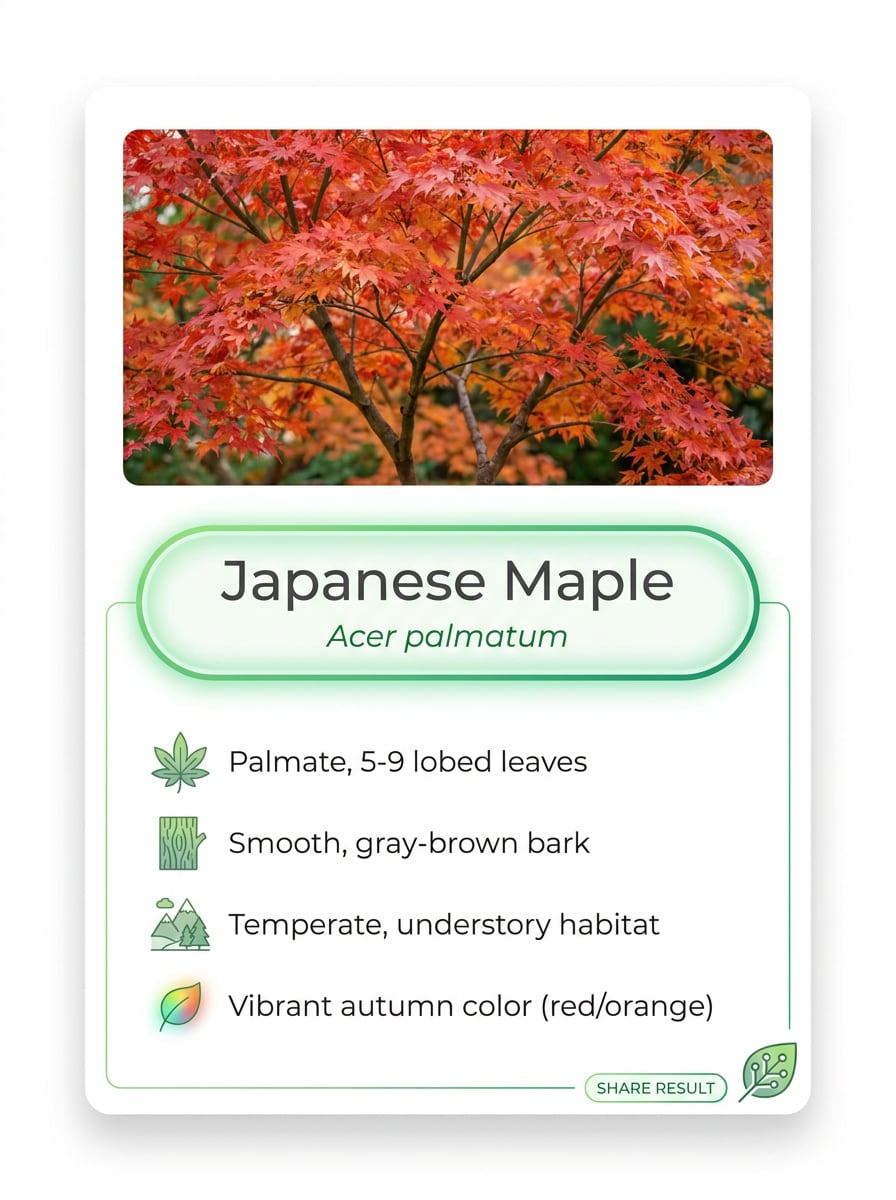
Use the uploaded image as the subject and convert it into a minimal species result card. Feature the uploaded tree, leaf, or bark photo prominently with a clean species name badge, a few identifying traits, subtle iconography, white space, soft eco-tech colors, and a polished modern layout that feels easy to scan and share.

Why Use Media.io for Tree Photo Identification

Photo-Based Results From Real Tree Clues

Start with the photo you already have—leaves, bark, fruit, seeds, or the whole canopy—and Media.io turns it into a faster, more visual review than relying only on an online tree identification guide.

Rework One Subject Into Multiple Styles

When a result needs to stay tied to the original subject, Media.io helps preserve recognizable features while adapting the overall tree identifier visual style for social, branding, or mockup use.

Simple Control Over Quality and Framing

If the final tree identifier visual will be reused beyond a small preview, Media.io helps deliver sharper results up to 4K so the image stays more reliable in practical design and presentation work.

Keep the Workflow Moving Across Devices

Whether you are exploring tree identifier visuals on a laptop or checking drafts from your phone, Media.io keeps everything browser-based so you can pick up the same workflow across devices more easily.

How to Use This Tree Identifier Online

Turn your words into stunning visuals in three simple steps, then continue refining the result if you want to take it further.

how to use image to image AI for tree identifier step 1
Step 1

Upload Your Reference Image

Upload a clear photo in JPG, PNG, or JPEG format. You can use a leaf close-up, bark texture, fruit or seed photo, or a full-tree image depending on what details you want the tool to analyze.

how to use image to image AI for tree identifier step 2
Step 2

Describe the Change and Set Options

Add a prompt that tells the tool how to present the result, such as a field-guide card, comparison board, or annotated species match. Then choose your model and set aspect ratio, resolution, or image count if needed.

how to use image to image AI for tree identifier step 3
Step 3

Generate, Download, and Keep Improving

Generate tree ID visuals, compare the variations, and download the one that best matches your needs. You can refine the prompt, try another crop, or upload a sharper bark or leaf image for better results.

Unlock the Potential of Identify Tree By Leaf

See how creators use this Tree Identifier for content, marketing, and personal projects, then adapt each idea to fit the brief.

Check Leaves and Bark During Outdoor Walks

Snap a branch, trunk, or canopy photo and turn it into a visual reference card while hiking, gardening, or exploring local parks. This is useful when you want to identify tree by leaf, test a leaf identifier online workflow, or compare rough bark patterns without carrying a printed field manual.

Create Study Graphics for Classes and Nature Clubs

Build clear comparison visuals for students, homeschool projects, scouts, or community workshops. You can turn photos into a tree leaf identifier style chart, bark comparison board, or seasonal profile that is easier to teach from than scattered screenshots, especially for tree leaf identifier online or online tree identification by leaf examples.

Compare Similar Species With More Context

Use separate photos of leaves, bark, fruit, and overall shape to create a more complete visual review for tricky lookalikes. That helps with cases like ash tree identification, tree of heaven identification, or checking a sample with an ash tree identifier when a simple leaf identifier result feels too limited.

What Users Say

user
Rachel M.

Home Gardener

star star star star star

"Helpful for backyard tree checks" I uploaded a few leaf and bark photos from my yard and got clean comparison visuals I could actually use. It felt much easier than jumping between random guides.

user
Daniel T.

Outdoor Educator

star star star star star

"Great for teaching visuals" The field-guide style outputs are useful in class. I can make seasonal boards, bark references, and side-by-side examples from simple source photos.

user
Priya S.

Nature Blogger

star star star star star

"Fast mobile workflow" I tested it on my phone during a walk and liked how quickly I could turn a tree photo into a polished result card. The layout looks shareable right away.

user
Marcus L.

Landscape Designer

star star star star star

"Useful for client references" I use it to turn plant and tree photos into cleaner reference visuals for presentations. Having control over ratio and resolution is especially helpful.

Tree Identifier FAQs

1. Can I identify a tree from a photo?

Media.io supports an upload-based workflow, so you can use a photo of a leaf, bark texture, fruit, seeds, or the whole tree as your reference image. This makes it practical when you want to identify a tree from a photo instead of relying only on an online tree identification guide or a basic tree identifier online search.

You can start with Media.io using free credits, which is helpful if you want to try a tree identifier online before upgrading. If you need more usage or watermark-free high-resolution downloads, you can check the pricing page.

Clear, well-lit images work best. Try a sharp close-up of the leaf, a detailed bark texture shot, a fruit or seed image, or a full-tree photo showing canopy shape. If you need online tree identification by leaf, keep the leaf flat and in focus; for bark identification of trees or identify tree by bark requests, fill the frame with texture and avoid motion blur.

Media.io is well suited to photo-based inputs, so you can upload leaves, bark, fruit, seeds, or broader tree views depending on what you have. That supports workflows like tree bark identification, tree identifier bark checks, tree seed identification by photo, and tree leaf identifier online comparisons from a single browser-based tool.

Media.io is web-based, so you can use it on any device with a browser, including Windows, Mac, iPhone, iPad, and Android devices. That makes it convenient for both desk research and quick field use when you want a picture this tree identifier style workflow without installing extra software.

It usually takes only a short time to upload your image, enter your prompt, and generate results, though exact speed can vary by model choice and settings. For quick checks, many users upload one clear image first, then refine with another bark or leaf photo if needed.

Media.io Online AI Tools Quality Rating:
vote 4.7 (162,357 Votes)