Create a Cute Bubble Tea Filter Look from Any Photo
Turn selfies, pet photos, and portraits into playful boba-inspired art with an online bubble tea filter. Media.io lets you upload one image, apply kawaii drink-core styles, and generate a shareable boba aesthetic photo in seconds with matcha, milk tea filter looks, or pastel bubble tea vibes. This workflow is especially useful for AI boba filter.
Review these example directions, then tailor the prompt details to get stronger results with Media.io’s Bubble Tea Filter.
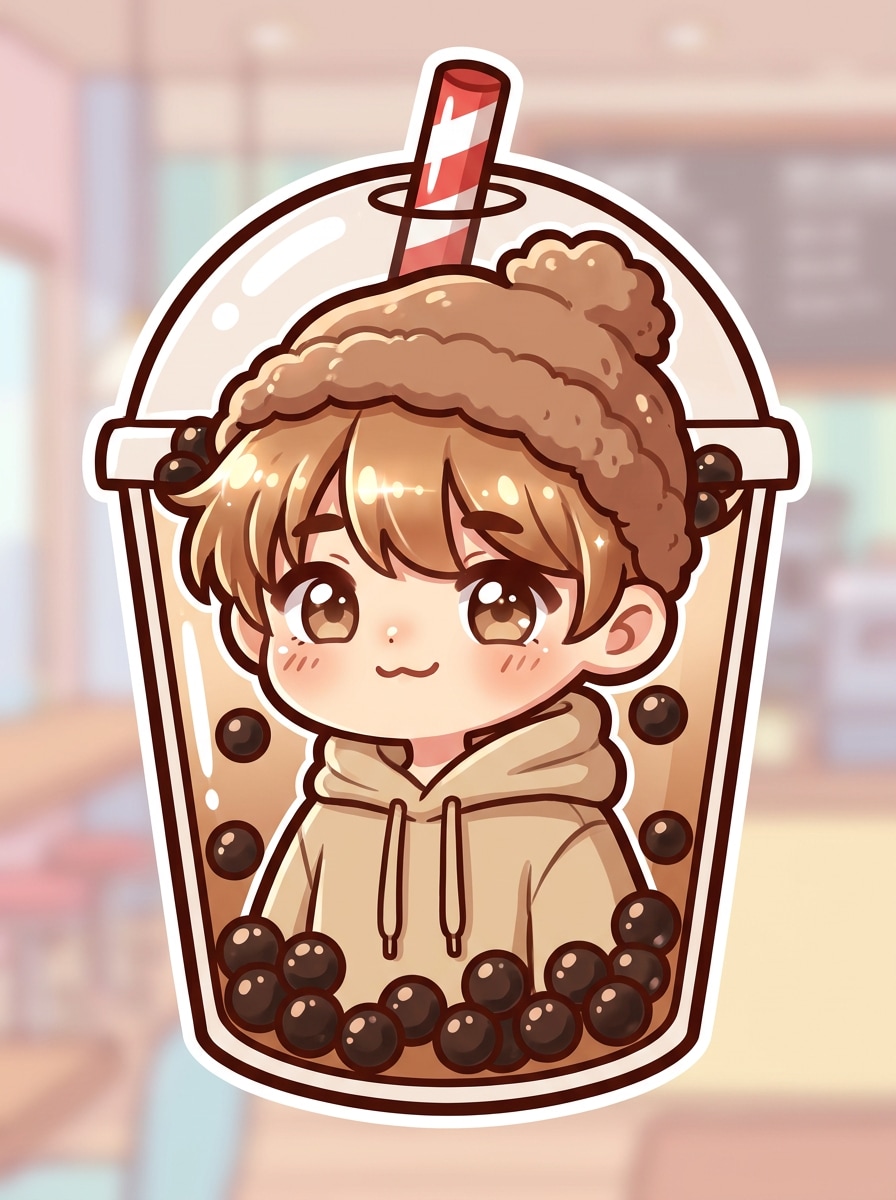
Kawaii Boba Avatar
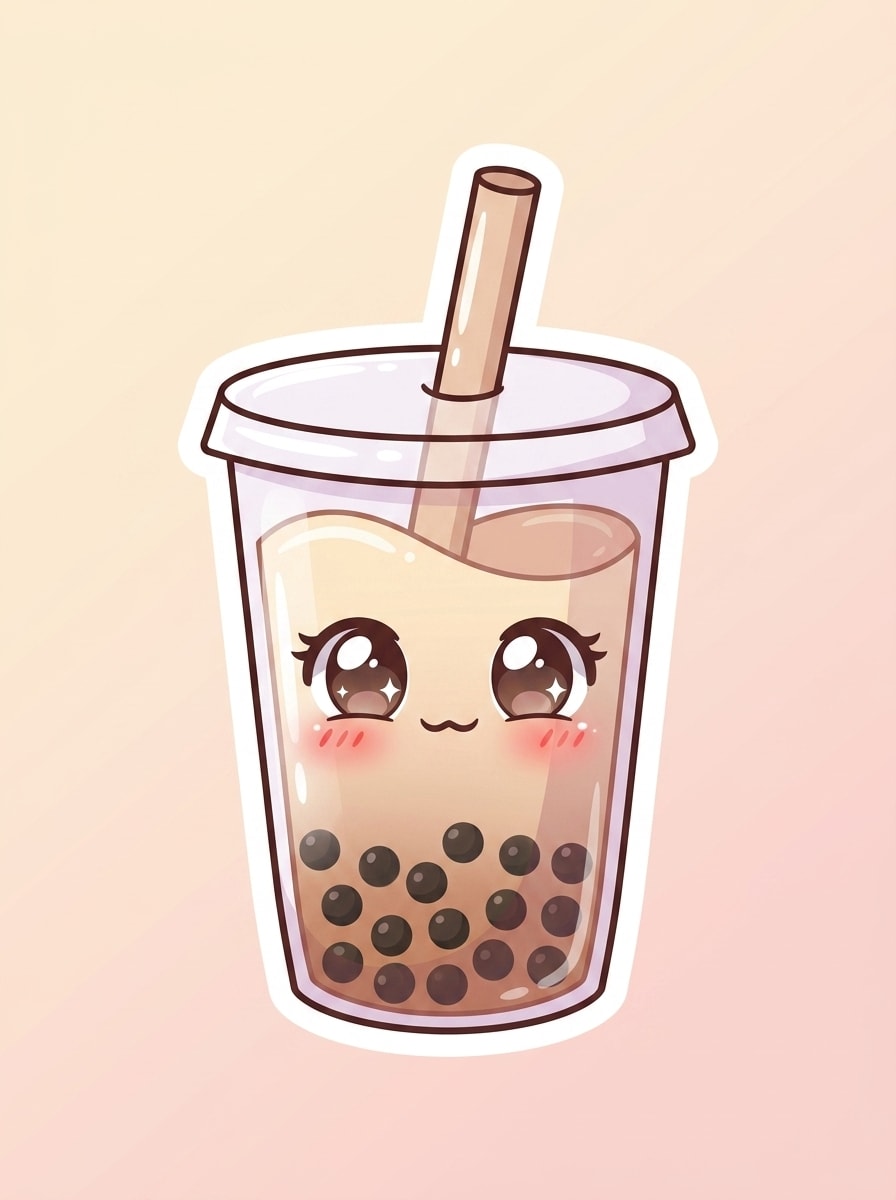
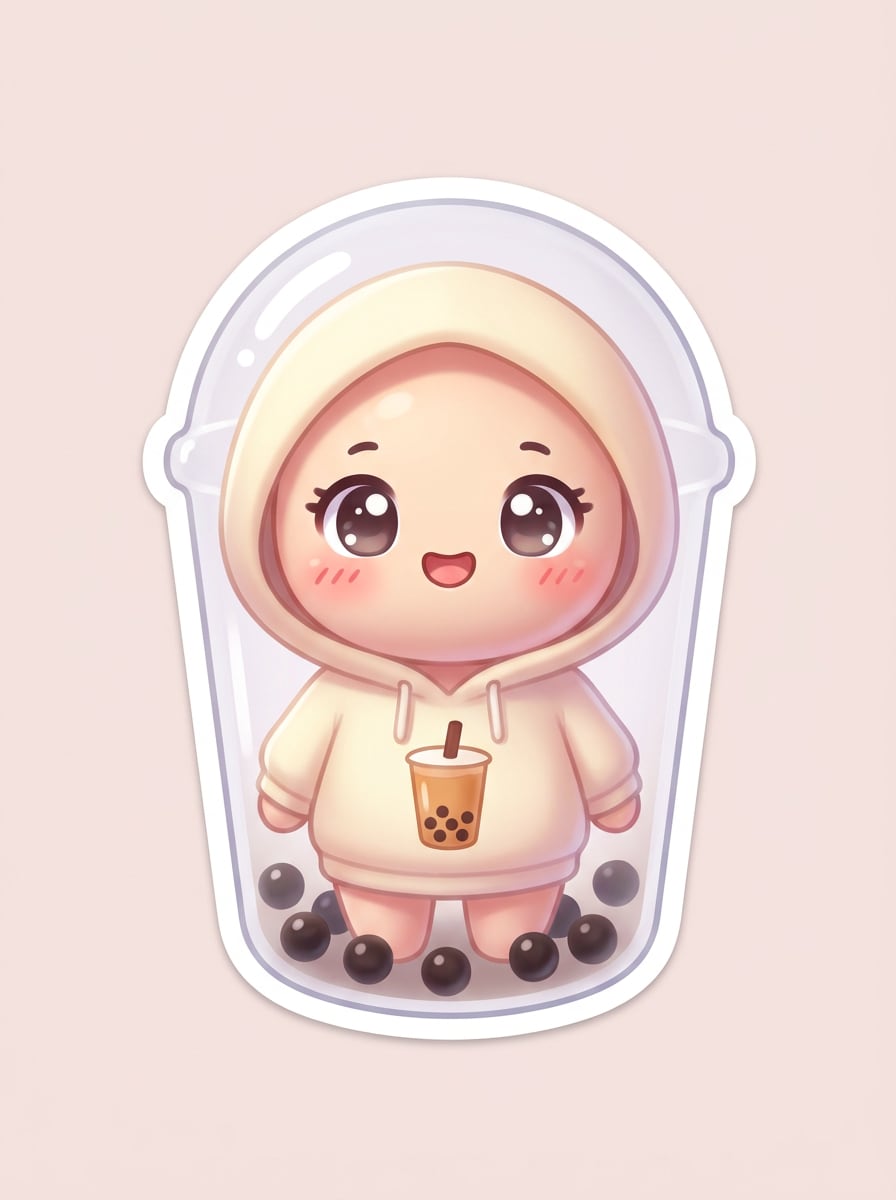
Use the uploaded portrait as the subject and transform it into a kawaii bubble tea character. Add a transparent cup body effect, tapioca pearls at the bottom, glossy anime-style eyes, rosy cheeks, pastel cream and cocoa tones, soft highlights, sticker-like charm, and a clean minimal background.
Chibi Milk Tea Portrait
Use the uploaded image as the subject and turn it into a chibi-style milk tea illustration. Keep the face recognizable while adding a rounder head shape, soft brown sugar palette, subtle cup outline, boba pearls, a playful straw accessory, bright contrast, and a cute social-ready finish.
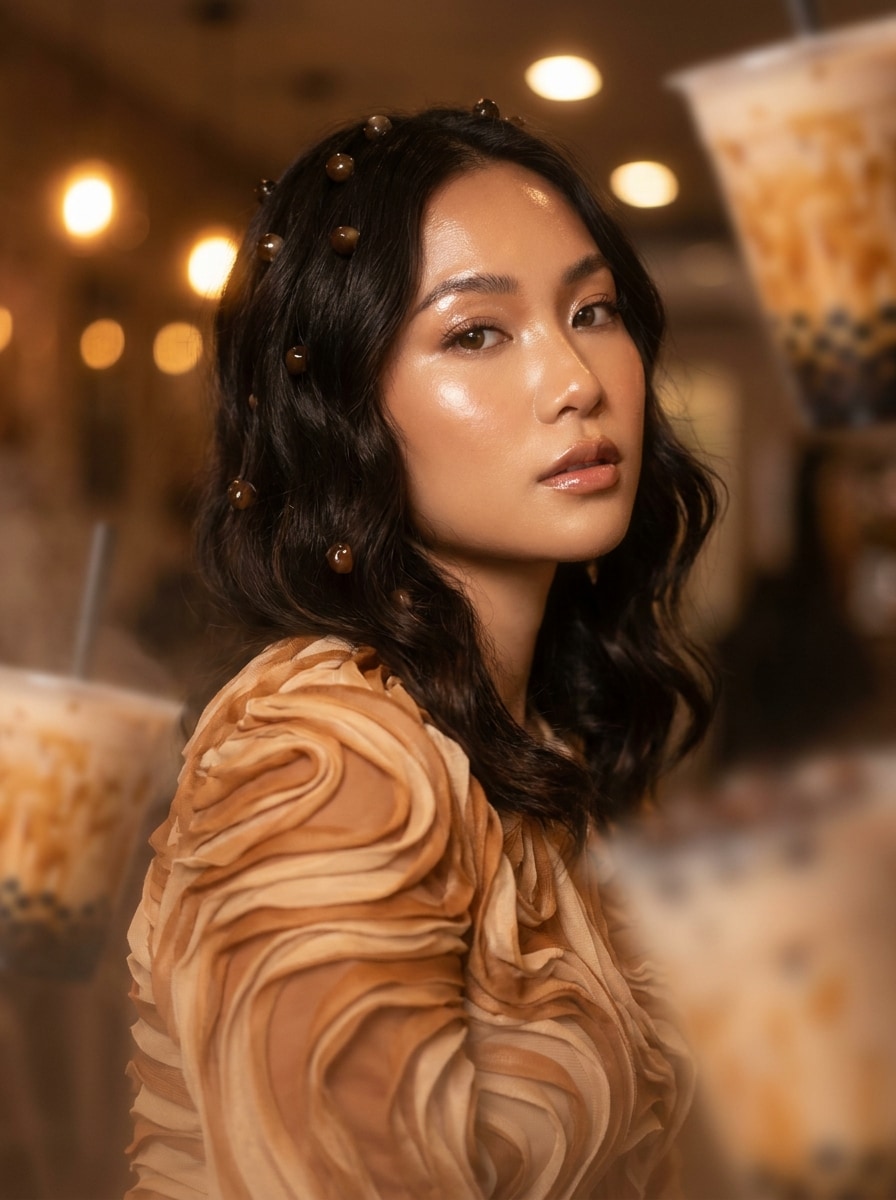
Brown Sugar Boba Glow
Use the uploaded photo as the base and apply a rich brown sugar bubble tea makeover. Blend caramel swirls, glossy highlights, warm beige café lighting, floating tapioca accents, creamy textures, and a polished social-media finish that feels cozy, trendy, and dessert-inspired.
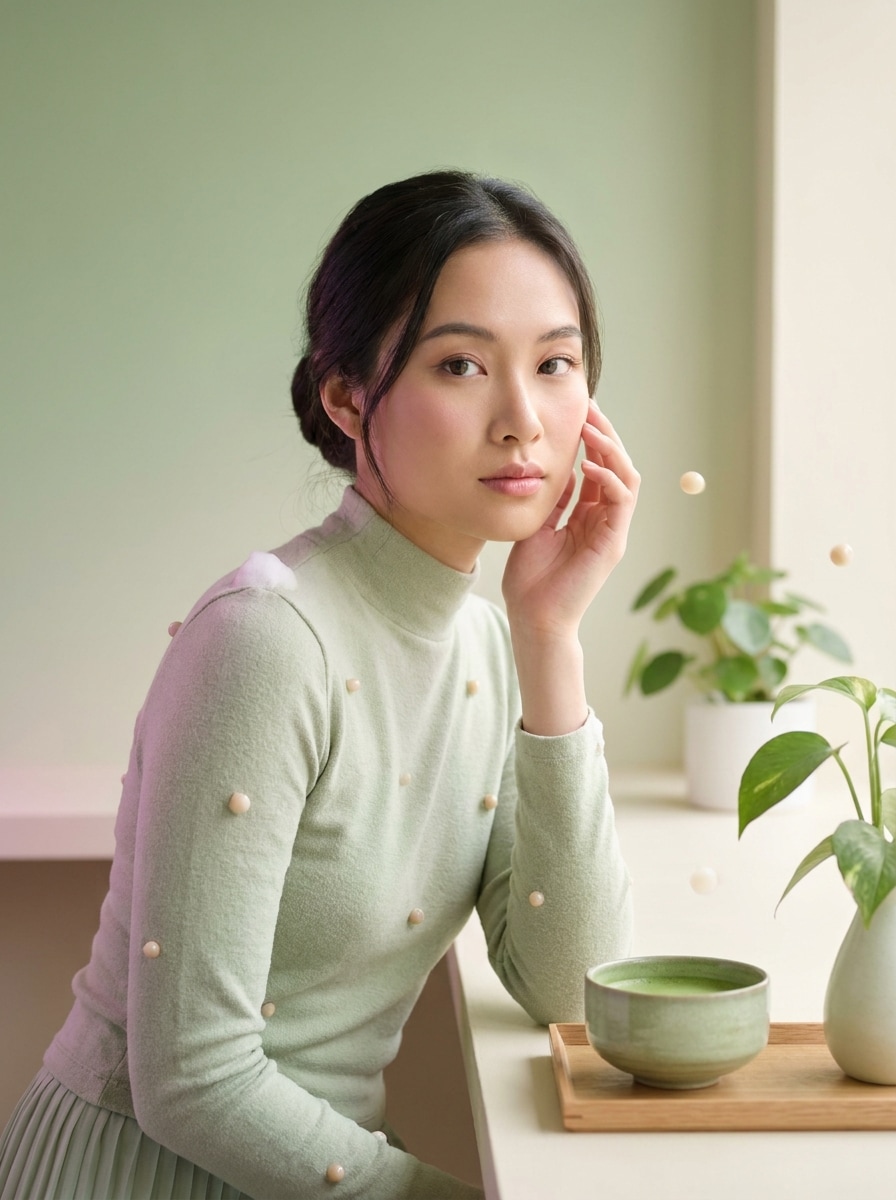
Matcha Bubble Tea Dream
Use the uploaded image as your reference and transform it into a dreamy matcha bubble tea scene. Add a soft green gradient, creamy foam textures, delicate boba pearls, pastel shadows, gentle glow, and a calm café mood with a clean, airy editorial look.
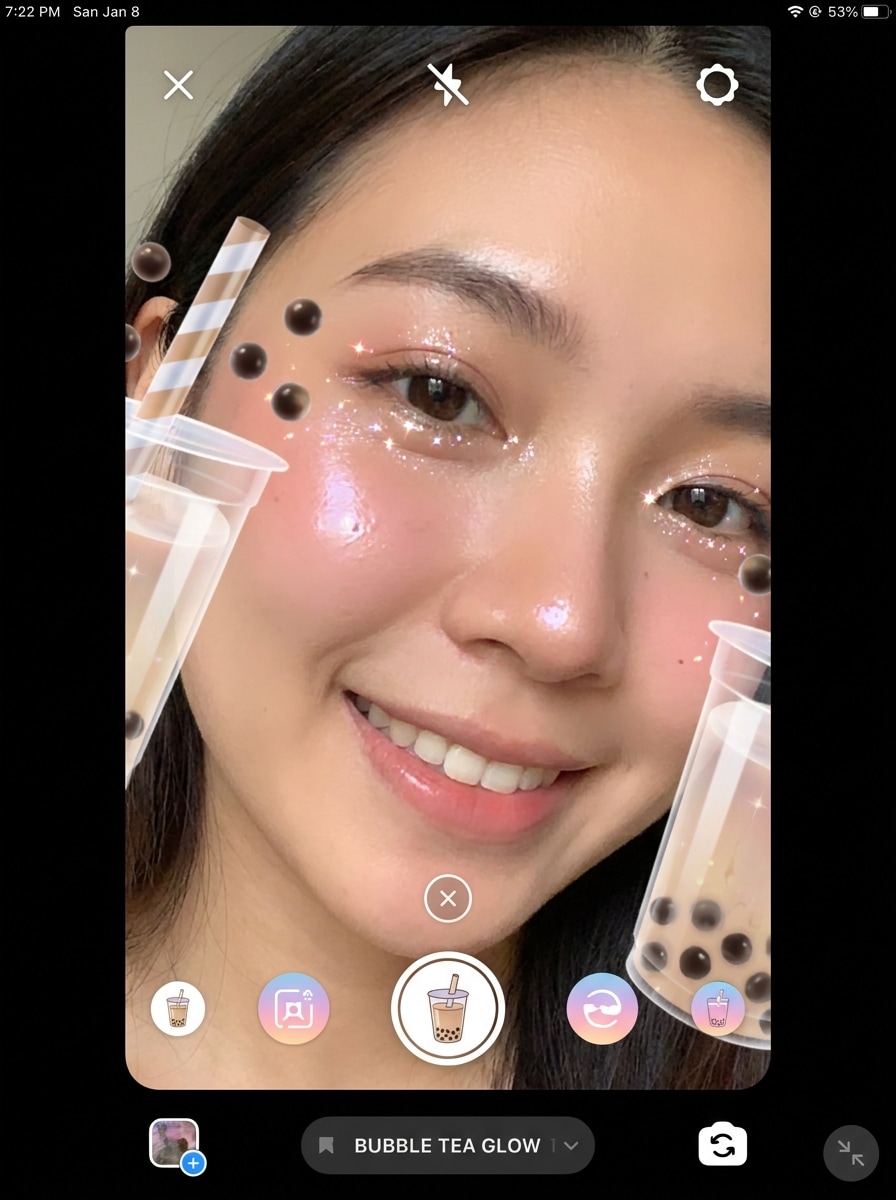
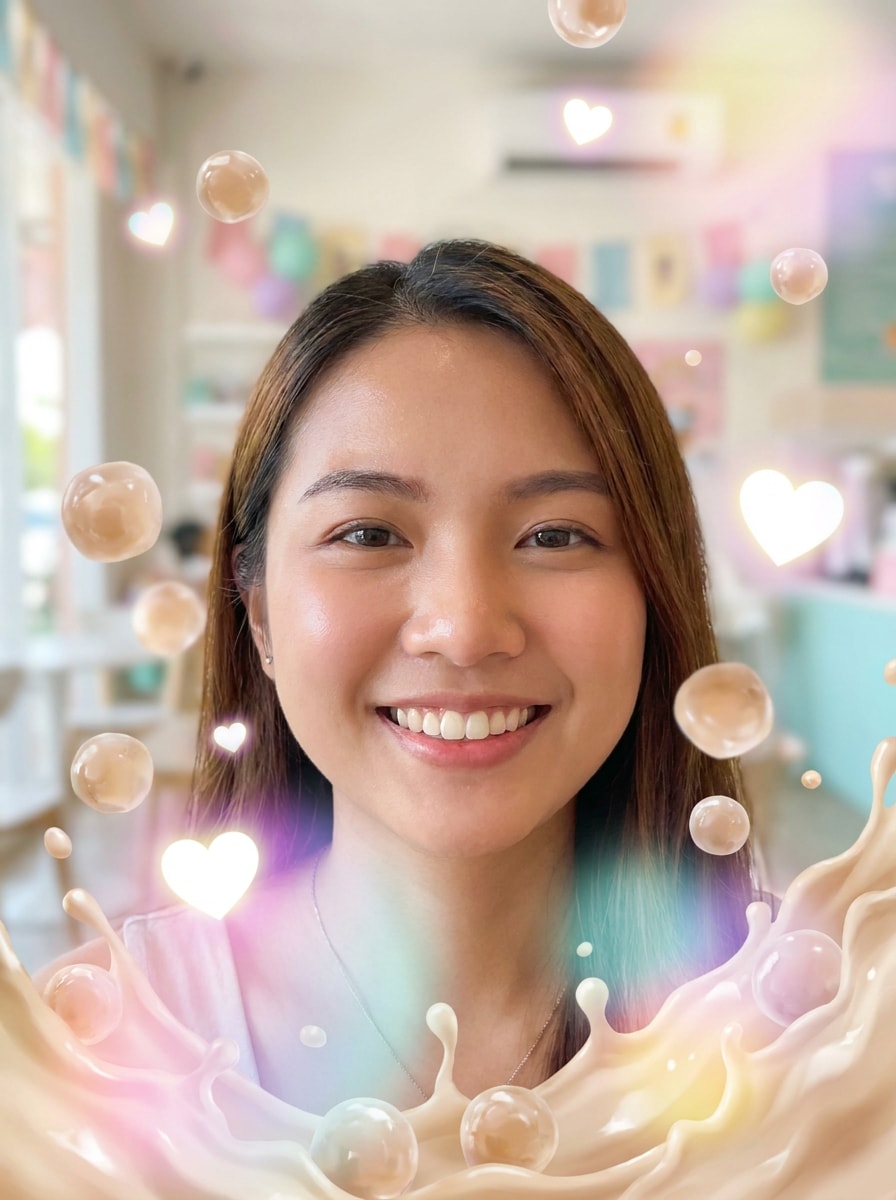
Bubble Tea Face Lens
Use the uploaded selfie as the subject and create a playful AR-style bubble tea face effect. Add cup framing around the face, floating pearls, a straw near the head, glossy cheeks, sparkles, blush tones, and a bright vertical composition made for fun social sharing.
Floating Boba Overlay
Use the uploaded photo as your base and add a trendy floating boba overlay. Include tapioca pearls drifting across the frame, a creamy milk tea splash effect, soft blur, glowing hearts, pastel highlights, and a playful vertical layout with energetic, lens-like charm.
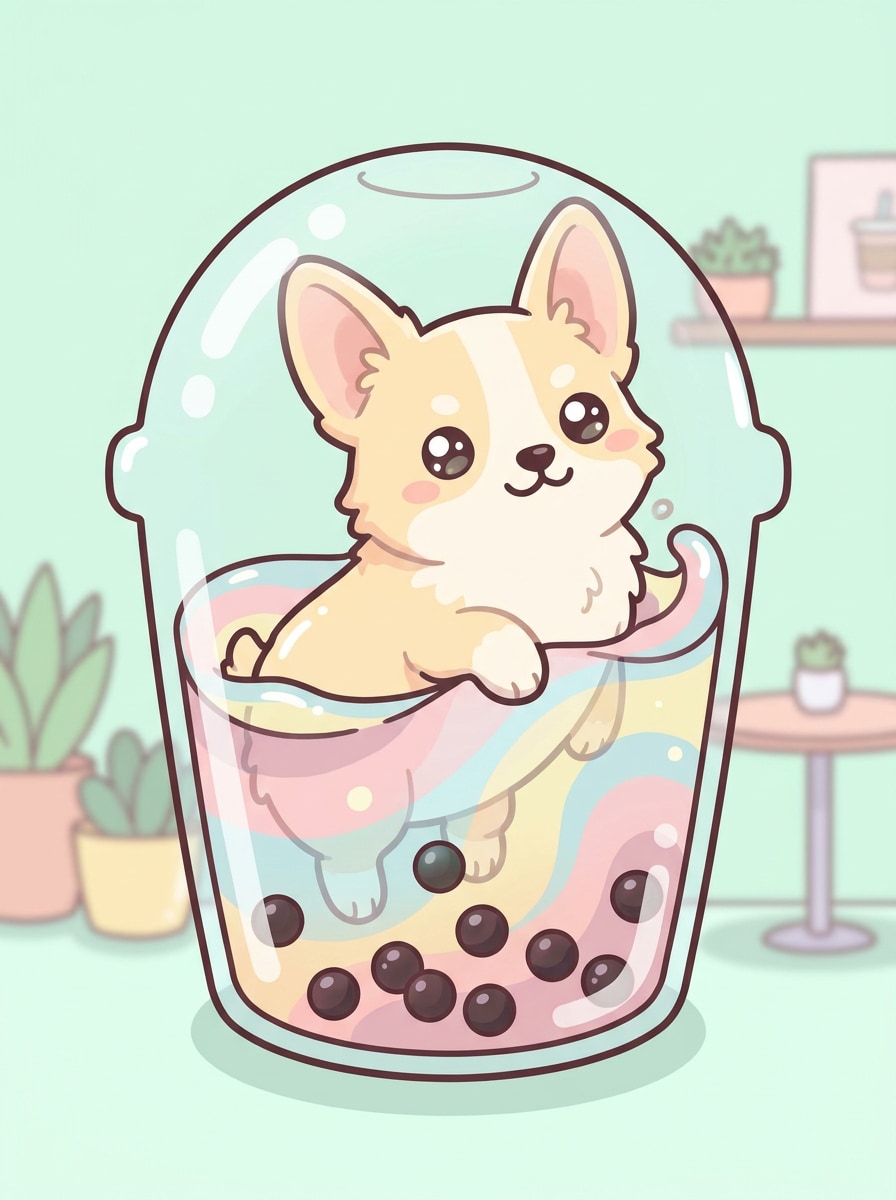
Boba Pet Filter
Use the uploaded pet photo as the subject and transform it into an adorable bubble tea character. Add a cup silhouette, visible pearls, pastel café colors, soft cartoon textures, rounded highlights, and a playful expression while keeping your pet recognizable and highly shareable.
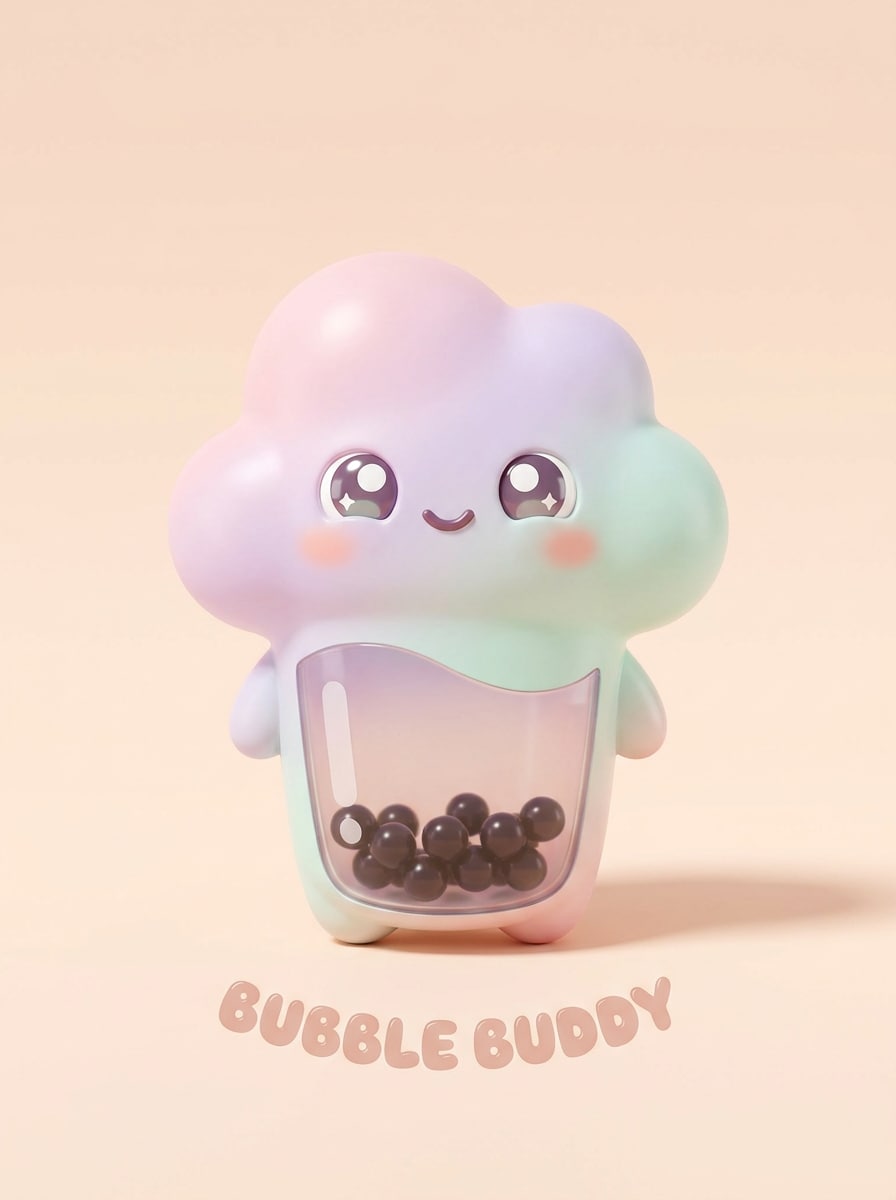
Drink Mascot Product Shot
Use the uploaded object photo as the reference and restyle it into a bubble tea mascot. Add cup-shaped design cues, tapioca pearls, kawaii facial details, soft gradients, tidy product-shot lighting, and a clean commercial background for a cute branded visual.
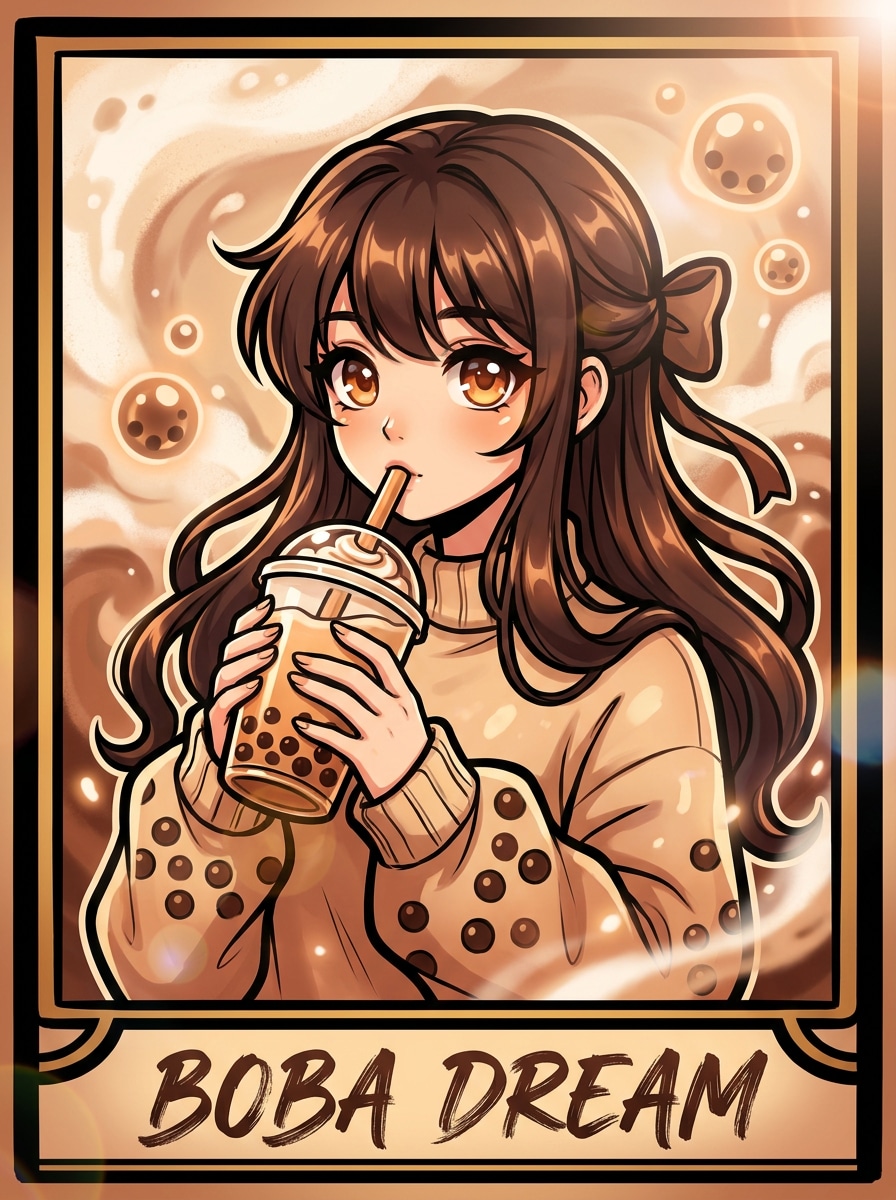
Anime Boba Poster
Use the uploaded portrait as the subject and turn it into an anime-inspired bubble tea poster. Add dramatic linework, glossy eyes, a milk tea palette, tapioca motifs, soft but vibrant color treatment, poster-style framing, and a confident, stylized social-ready mood.
Sticker Pack Boba Art
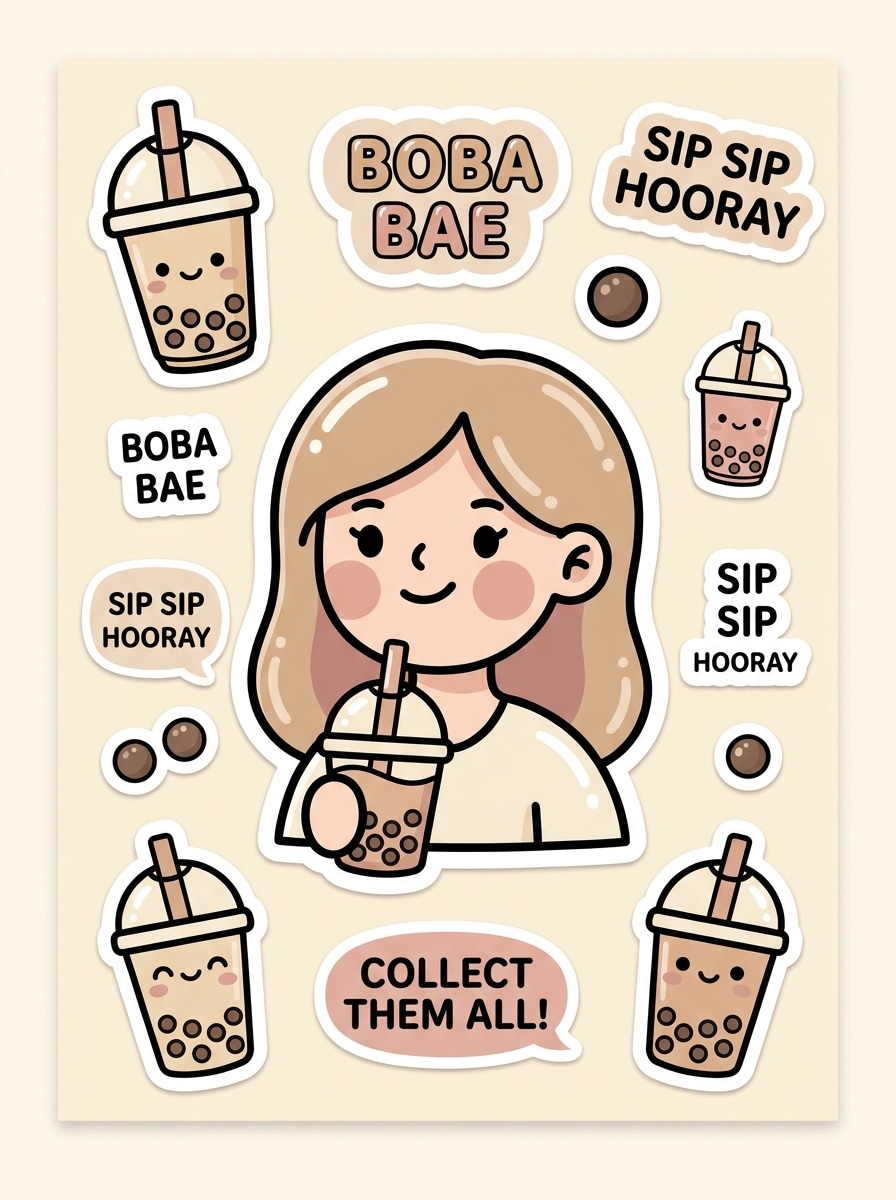
Use the uploaded photo as the subject and convert it into bubble tea sticker art. Add bold outlines, simplified shapes, pastel colors, cute boba icons, glossy highlights, a crisp cutout feel, and a fun collectible look that works well for profile pictures and social posts.
Why Use Media.io for Bubble Tea Photo Effects
Reference-Based Edits That Still Look Like You
For upload-driven edits, Media.io keeps the reference subject visually consistent while changing the final bubble tea filter visual direction, which makes personalized outputs easier to use with confidence.
Match the Right Style for Every Version
One concept can lead to several creative directions. Media.io helps you reinterpret the same bubble tea filter idea across different visual styles, so each version can better fit a post, brand brief, or personal mood board.
Create High-Resolution Images for Real Use
Polished output matters when the image goes beyond a rough draft. Media.io helps create bubble tea filter visuals with up to 4K quality, so details hold up better when you crop, present, or reuse the final design.
Easy Browser Workflow on Phone or Desktop
Switching between phone and computer feels simpler with Media.io because the bubble tea filter workflow runs in your browser. That makes it practical to start a concept on mobile and refine it later on desktop without changing tools.
How to Make a Bubble Tea Filter Image Online
Turn your words into stunning visuals in three simple steps, then continue refining the result if you want to take it further.
Step 1
Upload Your Reference Image
Start with a clear selfie, pet photo, portrait, or object image in JPG, PNG, or JPEG format. A well-lit reference helps the bubble tea styling stay cleaner, cuter, and more recognizable in the final result.
Step 2
Describe the Change and Set Options
Enter the look you want, such as a kawaii avatar, matcha café mood, or glossy brown sugar effect. Then choose your preferred model and adjust aspect ratio, resolution, or image count to fit your post or profile use.
Step 3
Generate, Download, and Keep Improving
Create your image, compare variations, and download the version you like best. If needed, refine the prompt, try another style, or generate more versions until your bubble tea-inspired edit feels just right.
See how creators use this Bubble Tea Filter for content, marketing, and personal projects, then adapt each idea to fit the brief.
Upgrade Selfies into Playful Social Avatars
Turn an everyday portrait into a fun drink-themed character for profile pictures, story posts, or chat icons. Media.io can turn a simple image into a cute boba filter look that feels more original than basic sticker layering or manual edits.
Create Shareable Pet and Friend Edits
Give pet photos or group portraits a bubbly café-inspired makeover for birthdays, fandom pages, and casual posting. A stylized boba aesthetic photo made with Media.io can make familiar subjects more memorable and easier to share.
Design Cute Promo Visuals for Shops and Creators
Use drink-core styling to create mascots, menu art, creator posts, or brand-friendly graphics with a soft dessert palette. Media.io works especially well when you want a boba tea photo filter style for café content, seasonal campaigns, or charming visuals with instant thumbnail appeal.
What Users Say
Ava Lin
Lifestyle Creator
"My selfies looked instantly cuter" I uploaded a simple selfie and got a polished bubble tea character look in minutes. The matcha and brown sugar styles were both adorable, and the results felt more custom than a typical social lens.
Jordan Reyes
Pet Content Account Owner
"Perfect for pet edits" I tried it on my cat photos and the boba-themed results were hilarious in the best way. It kept the face recognizable while adding a soft cartoon finish that was great for profile pictures.
Mina Cho
Cafe Marketing Assistant
"Useful for cute promo graphics" We used the tool to mock up drink-themed character visuals for social posts. The clean outputs and flexible image sizes made it easy to test ideas without needing a designer for every concept.
Ethan Walker
Student Designer
"Easy to use on my phone" I wanted a fun boba profile image and made one from my phone browser without installing anything. The interface was simple, and generating a few variations helped me land on a style I actually wanted to keep.
A bubble tea filter for photos is an AI image effect that transforms an uploaded picture into a boba-inspired style. With Media.io, that can mean cup framing, tapioca pearl details, pastel café colors, anime-style features, or a playful AR-lens look applied to selfies, pets, and portraits.
2. How do I make a bubble tea filter image online?
Upload a JPG, PNG, or JPEG photo to Media.io, then describe the look you want, such as kawaii, matcha, brown sugar, or sticker-style boba art. After that, choose your image settings, generate the result, and download the version you like best.
3. Can I use this boba filter for selfies, pets, or profile pictures?
Media.io is built for image-to-image editing, so you can use the same workflow for selfies, pet photos, portraits, and profile picture ideas. Your uploaded image acts as the reference, helping the final bubble tea transformation stay recognizable while adding themed visual styling.
4. Is the bubble tea filter free to try?
Yes, Media.io offers free credits so you can try the bubble tea filter before upgrading. Free results may include a watermark, while paid plans support more credits and watermark-free high-resolution downloads; you can compare options on the pricing page.
5. Will my bubble tea photo effect look good in high resolution?
Media.io supports 1K, 2K, and 4K resolution options, so your final image can look sharp beyond a quick social preview. That helps if you want to use the bubble tea effect for profile images, story graphics, cards, covers, or other polished visual assets; free users may see watermarks.
6. Can I use the bubble tea filter on iPhone, Android, or desktop?
Media.io is a web-based tool, so you can use it on iPhone, Android, Windows, or Mac as long as you have a browser. That makes it easy to create a quick bubble tea edit on mobile and refine the result later on desktop.