画像から画像生成
Nano Banana Pro
0/2000
1K
自動
1
Banana Pro無制限モード
作品
アイデアハブ
すべて
生成リスト
作品は 7 日間保存されます。アップグレード後に作成されたアセットは永久保存されます。
ai_video_generator創造力を解き放ち、Media AIの魔法をすぐに体験しよう!

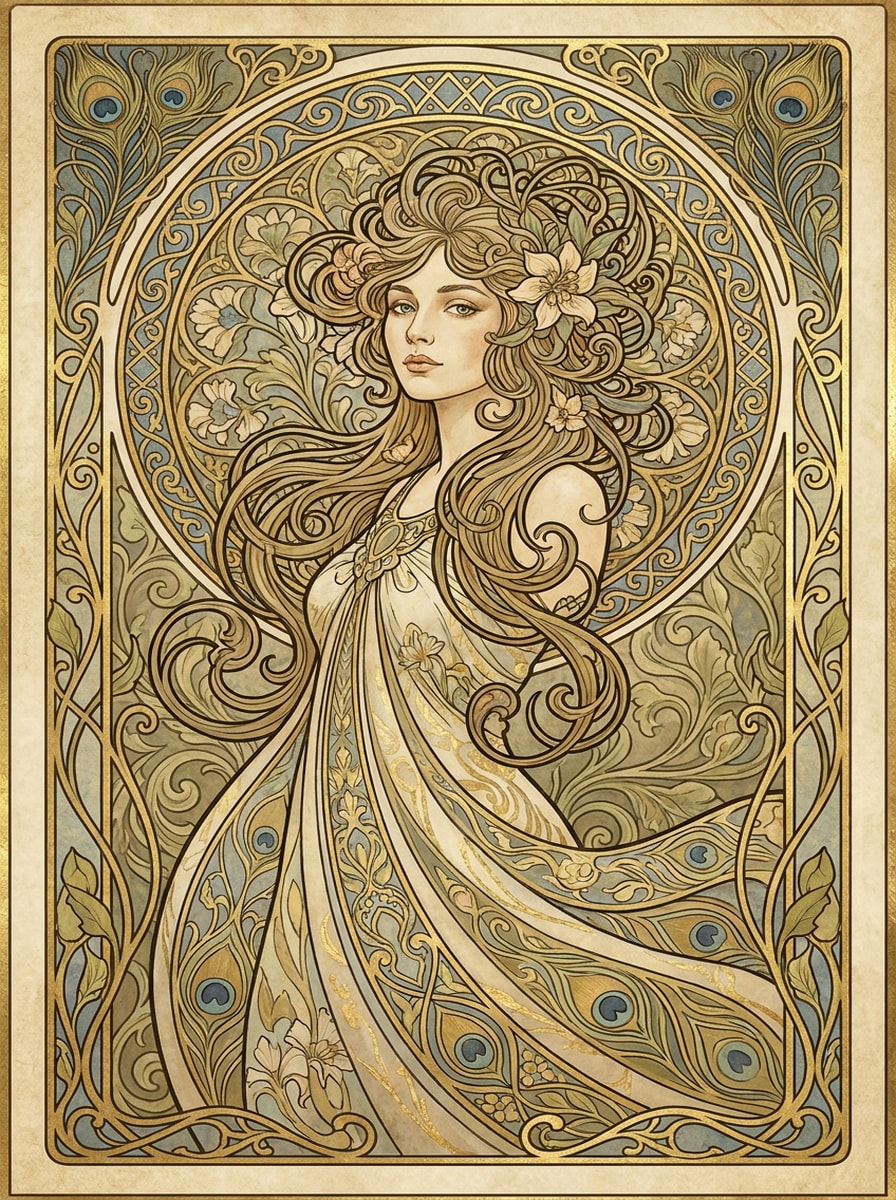
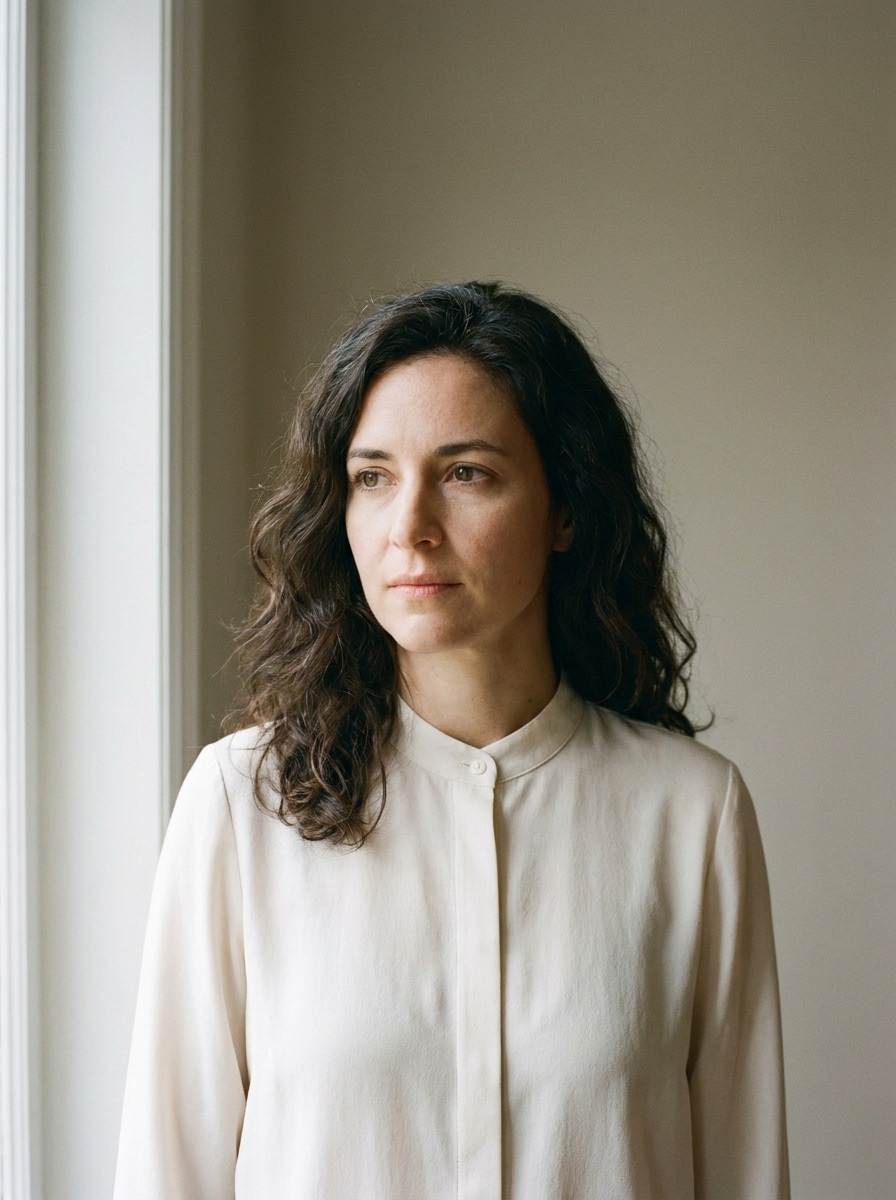
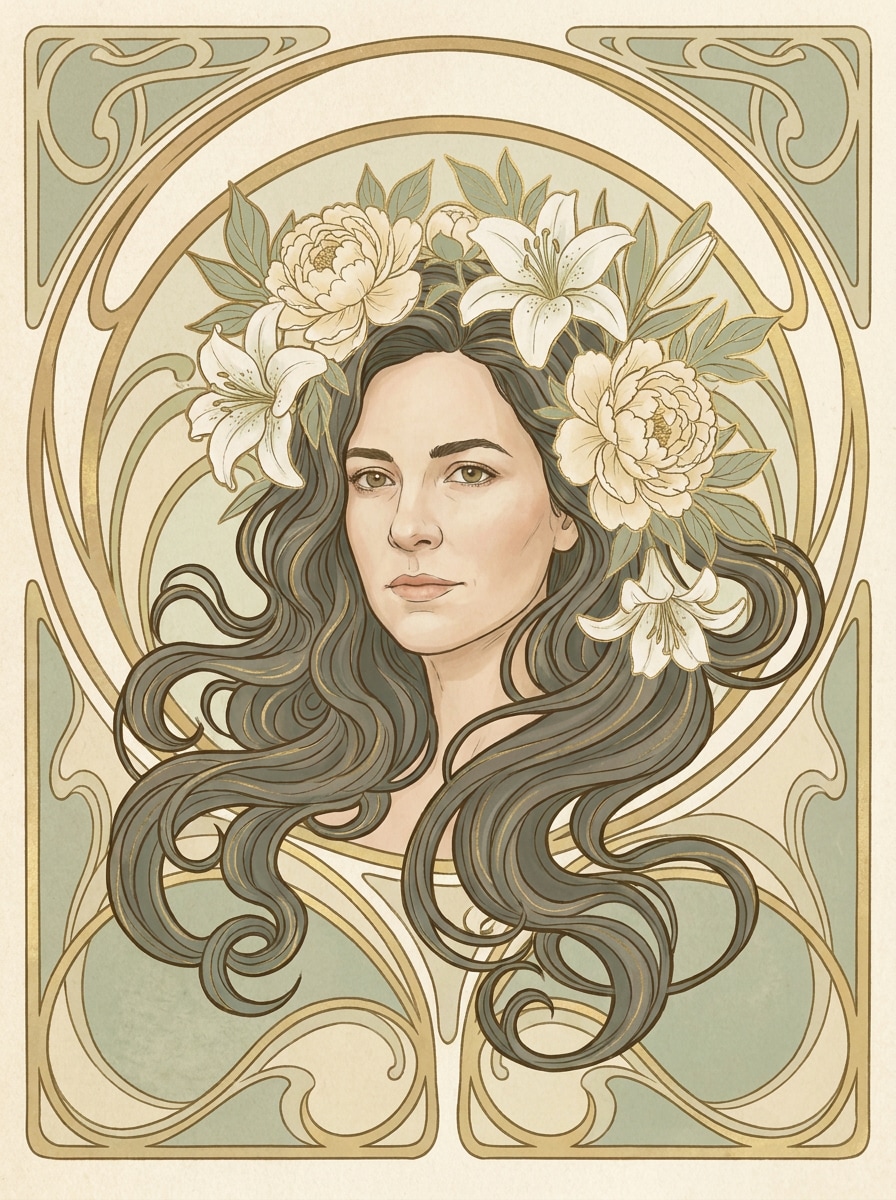
Create an Art Nouveau Portrait with Elegant Floral Detail

Art Nouveau Portrait Before
Art Nouveau Portrait After

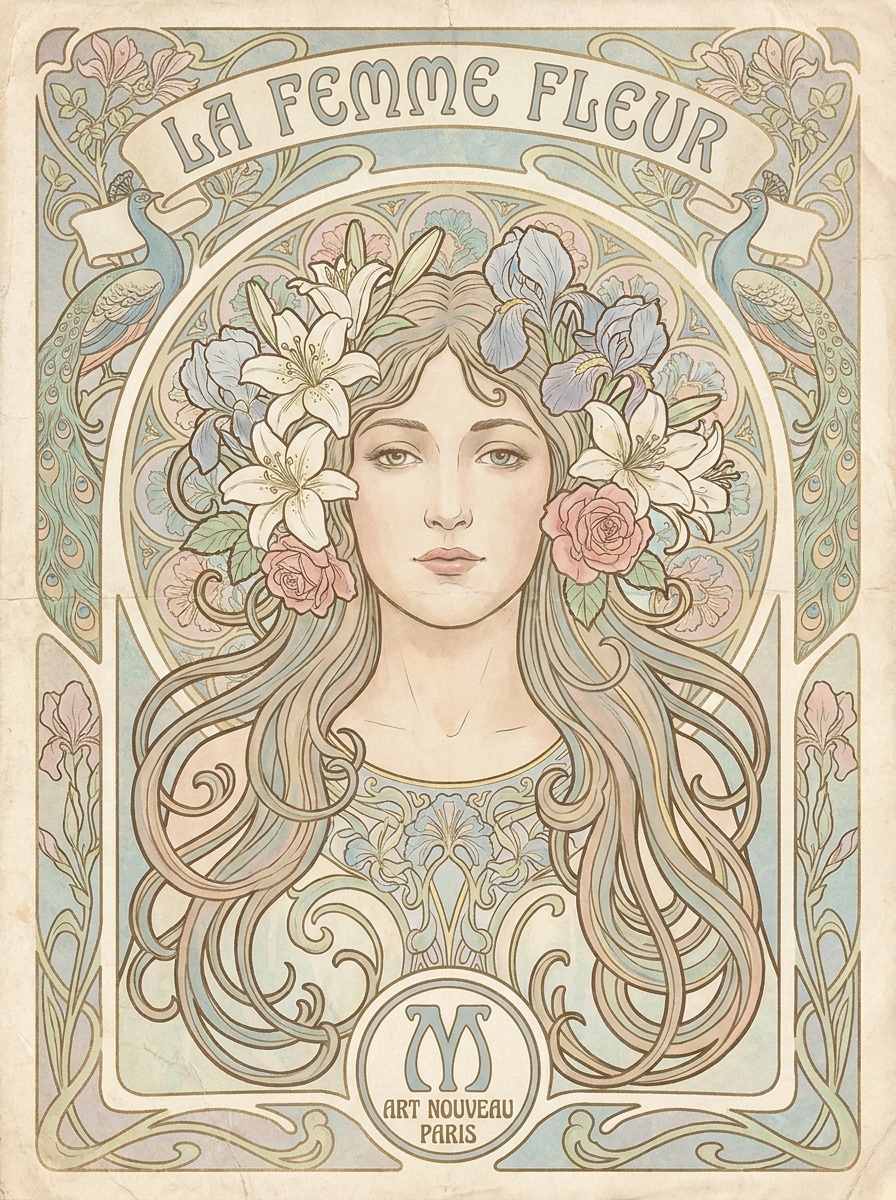
Turn a simple photo into an art nouveau portrait with flowing lines, vintage poster styling, and decorative floral framing. Use Media.io as an AI art nouveau filter to create Mucha-inspired wall art, profile images, or a refined art nouveau photo effect in minutes.

Create My Art Nouveau Portrait

Type your idea -> AI designs it. Free to try.

Review these example directions, then tailor the prompt details to get stronger results with this art nouveau portrait in Media.io.

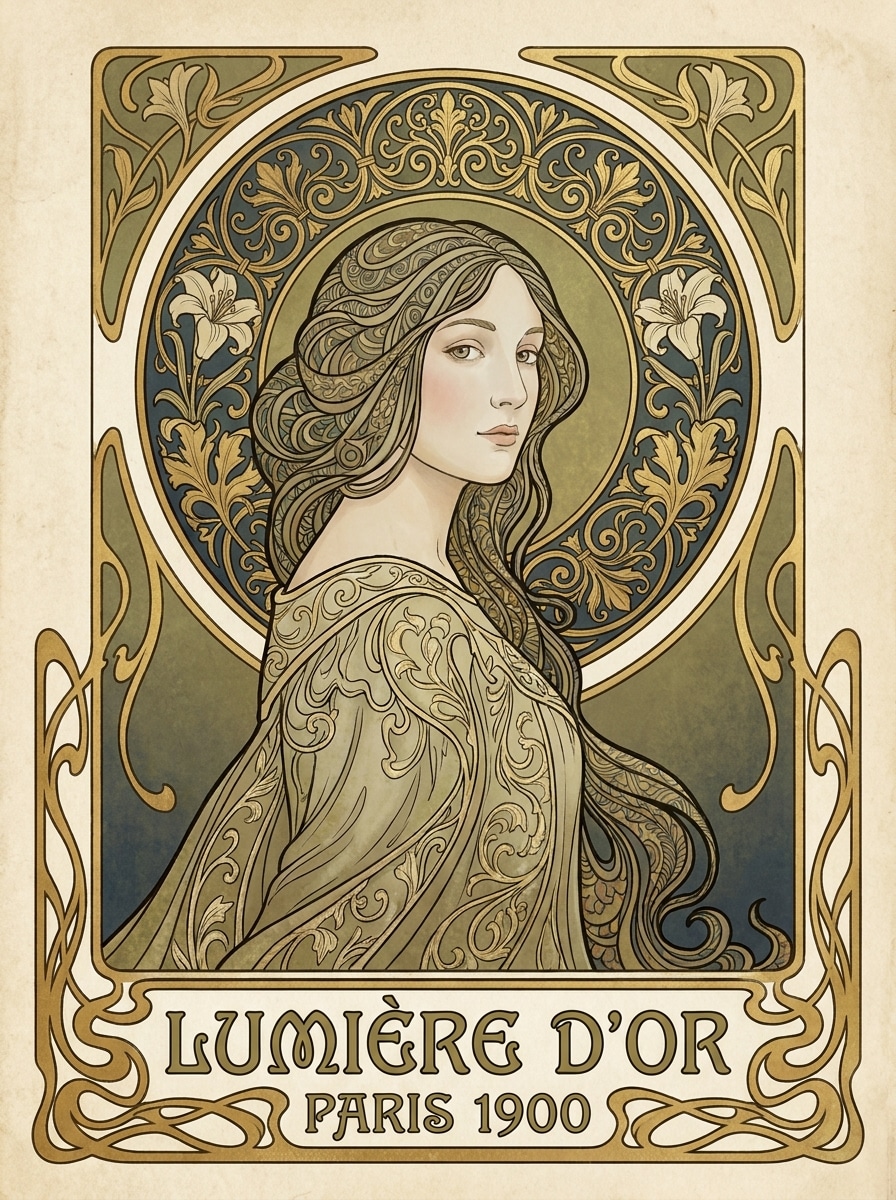
Mucha-Inspired Floral Poster

Mucha-Inspired Floral Poster

Use the uploaded image as the subject and transform it into an elegant Art Nouveau poster portrait with preserved facial identity, flowing hair, a floral wreath of peonies and lilies, curved ornamental linework, soft pastel cream and sage tones, subtle gold accents, symmetrical framing, vintage paper texture, and a museum-worthy print finish.

Golden Halo Portrait

Golden Halo Portrait

Use the uploaded portrait as the subject and restyle it into a luxurious Art Nouveau composition with a glowing circular halo, elegant gold ornamentation, stylized botanical motifs, smooth skin rendering, soft ivory and champagne palette, graceful contour lines, refined poster symmetry, and an antique illustrated finish with luminous depth.

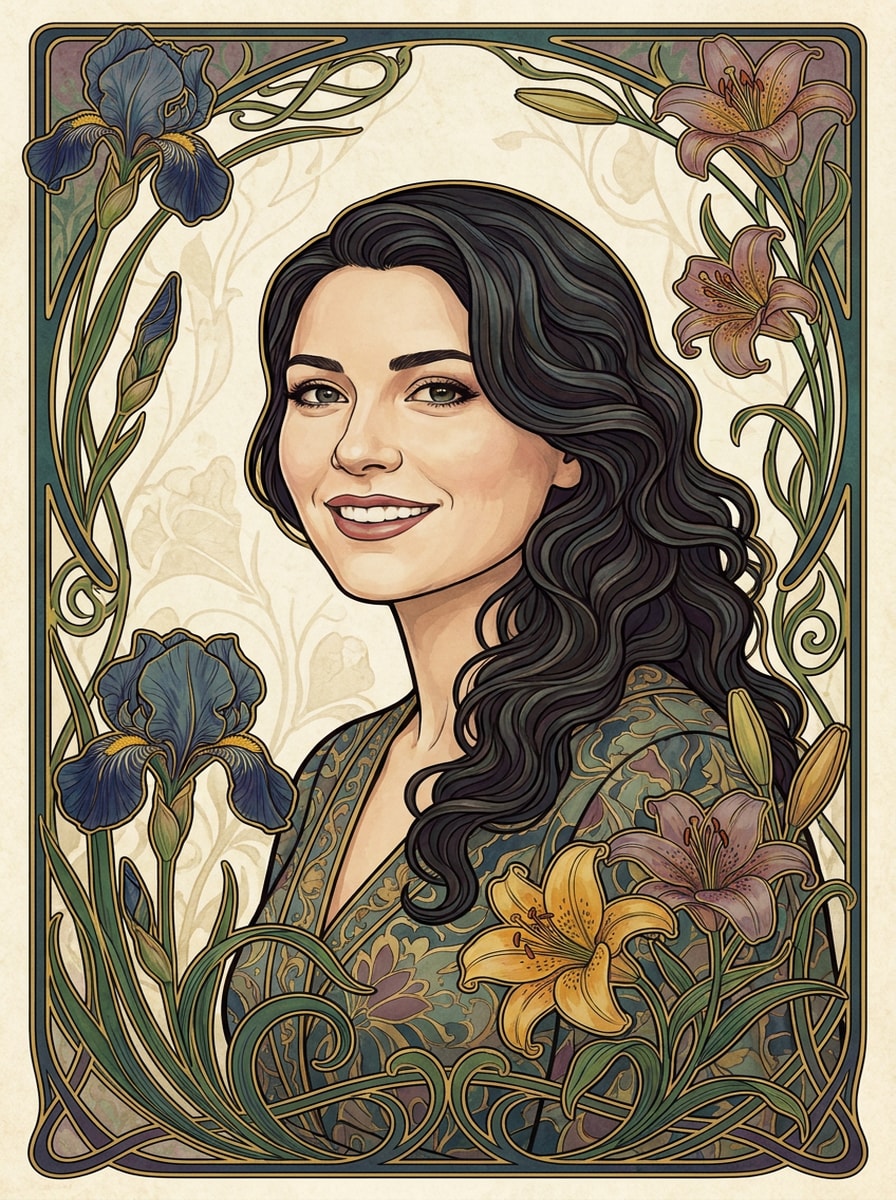
Iris and Lily Frame

Iris and Lily Frame

Use the uploaded image as the subject and create a botanical Art Nouveau portrait framed by blooming irises and white lilies, delicate vines, organic curves, muted jewel tones of teal, plum, and cream, softly painted textures, balanced decorative borders, and a polished vintage poster mood while keeping the face recognizable.

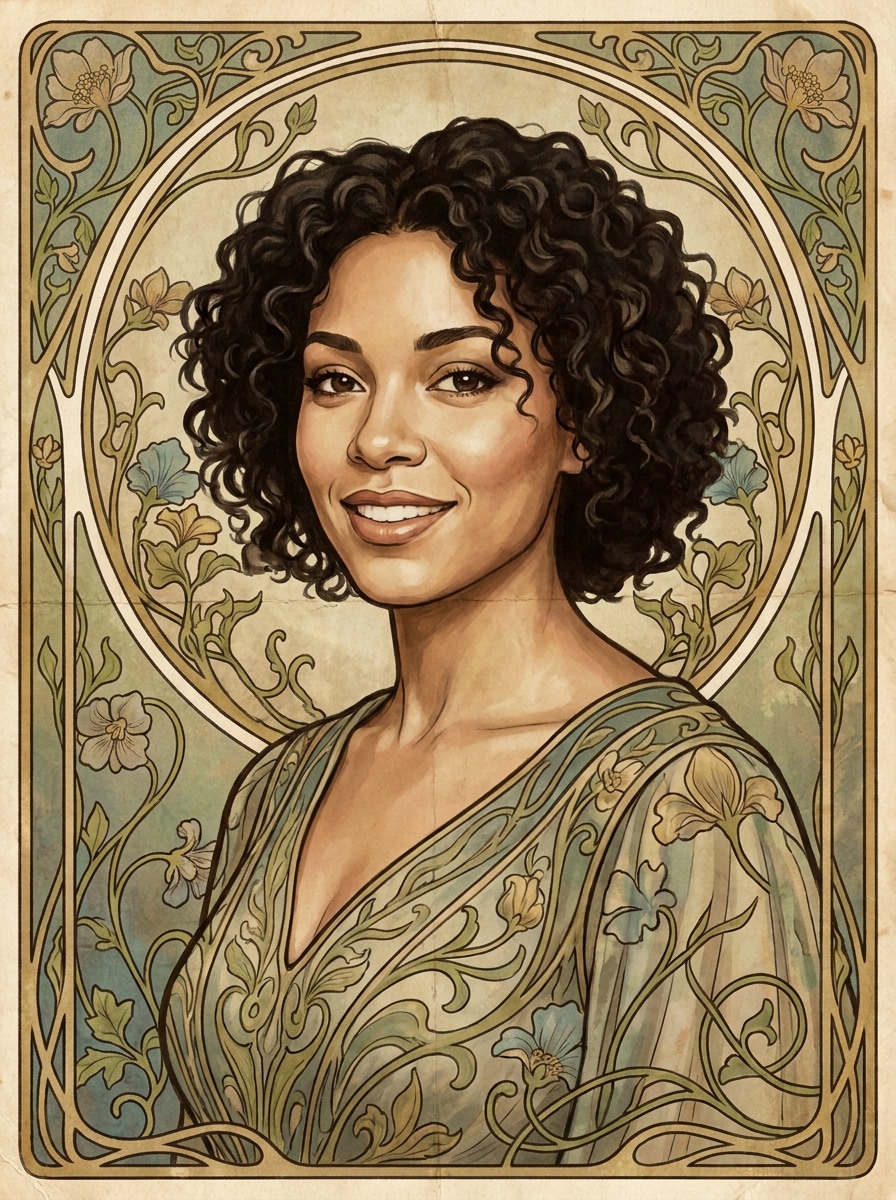
Vine Ornament Portrait

Vine Ornament Portrait

Use the uploaded image as the subject and transform it into a romantic Art Nouveau portrait with winding vine ornaments, graceful contour lines, soft painterly shading, decorative side borders, dusty rose and olive palette, subtle paper grain, and a calm vintage atmosphere that blends illustration with recognizable facial features.

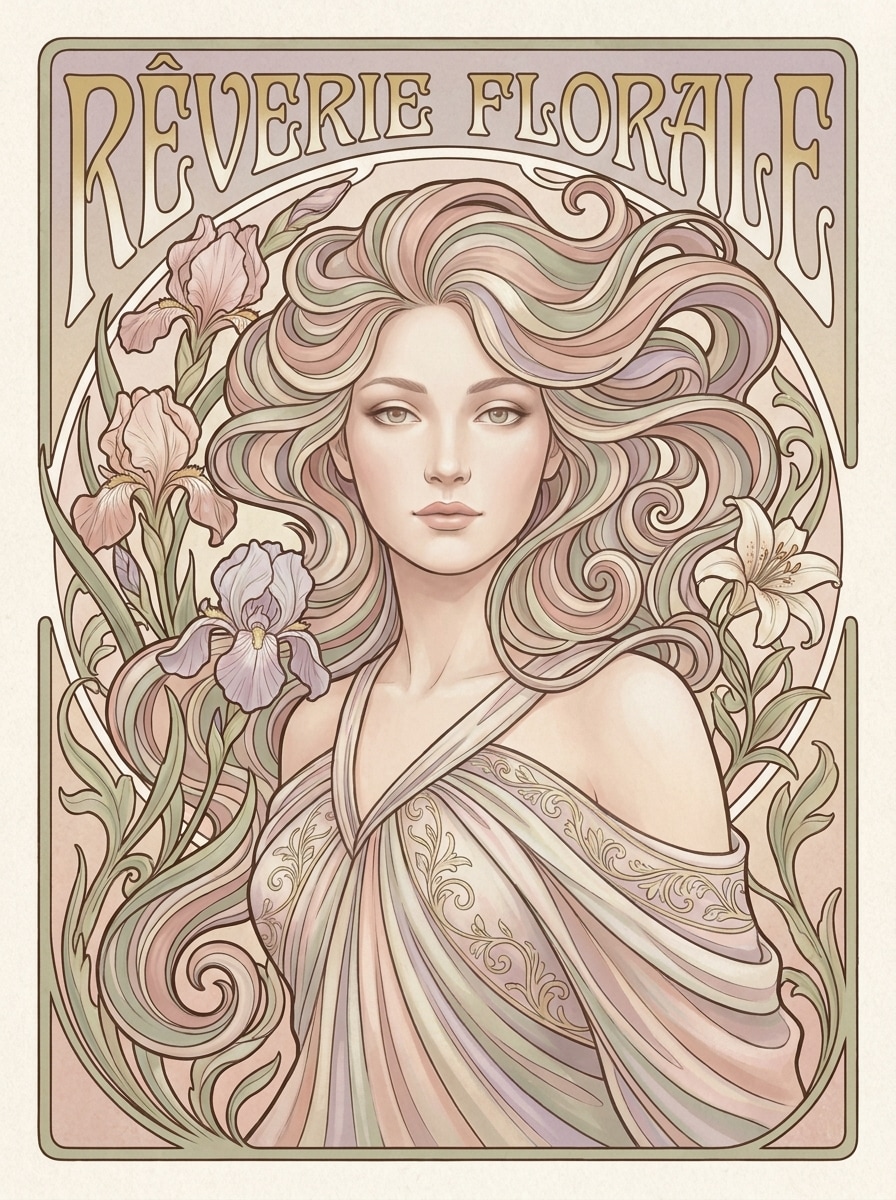
Soft Pastel Muse

Soft Pastel Muse

Use the uploaded portrait as the subject and restyle it into a dreamy Art Nouveau artwork with blush pink, sage, lavender, and cream tones, flowing hair details, delicate blossoms, velvety skin treatment, airy decorative framing, soft diffused lighting, and an elegant poster composition that feels romantic, serene, and collectible.

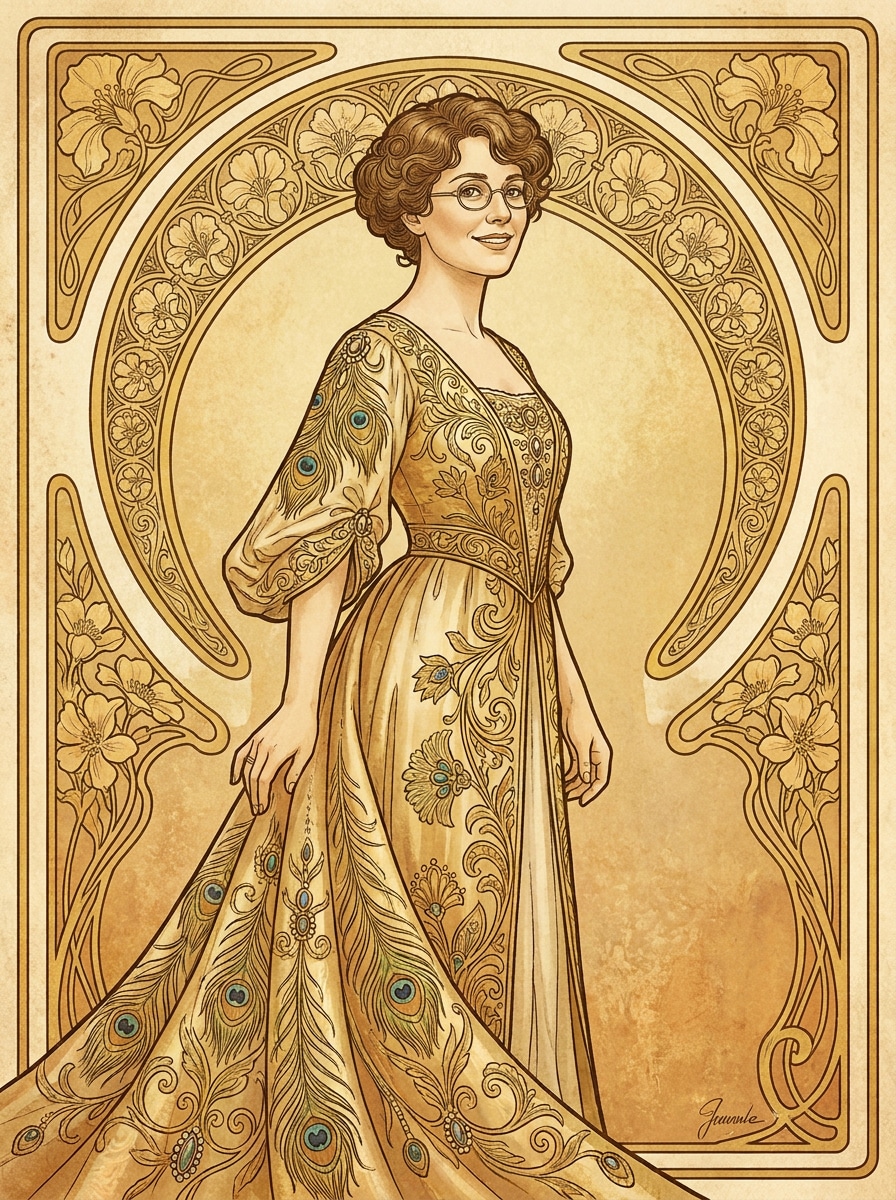
Belle Époque Glamour

Belle Époque Glamour

Use the uploaded selfie as the subject and transform it into a Belle Époque Art Nouveau portrait with elegant posture, ornate costume-inspired detailing, decorative arches, warm gold-beige and rose palette, smooth illustrative shading, subtle antique print texture, and a glamorous editorial finish suited for a vintage poster look.

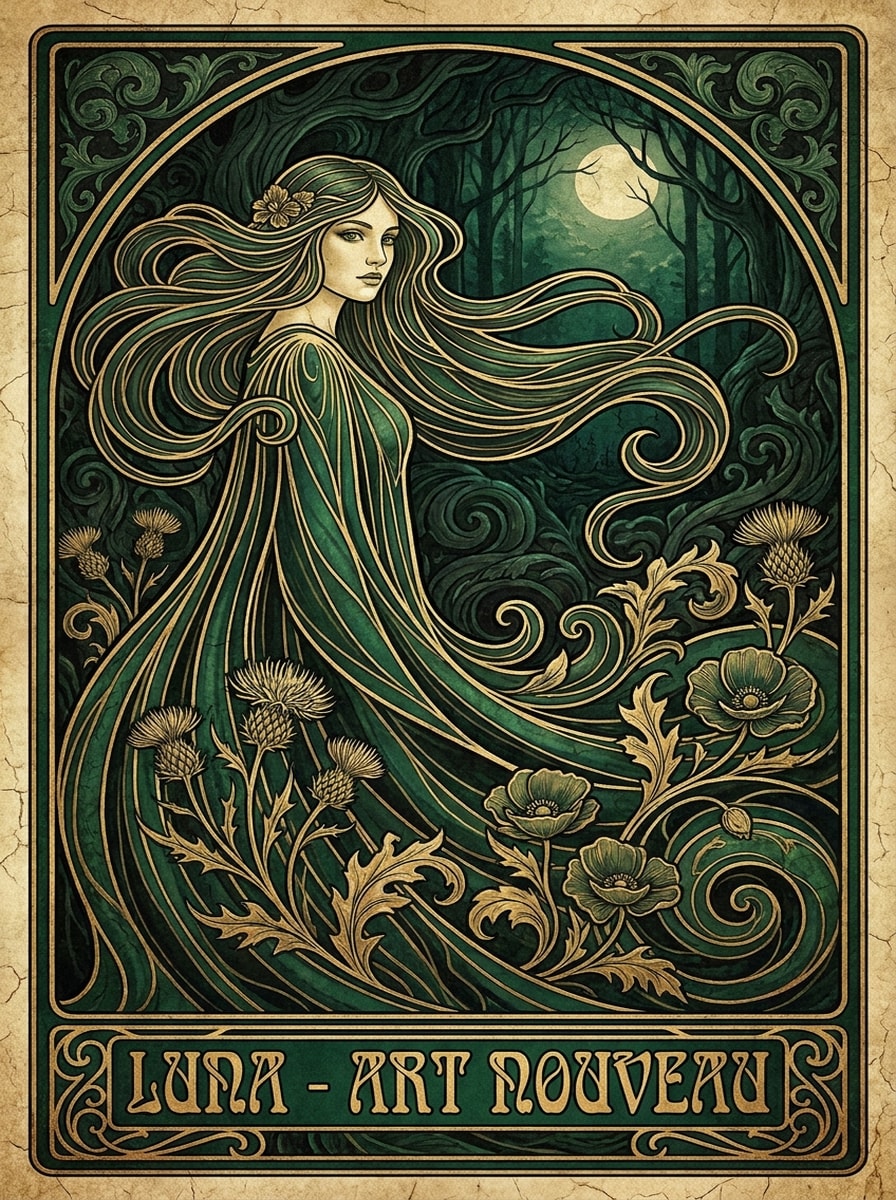
Emerald Noir Nouveau

Emerald Noir Nouveau

Use the uploaded portrait as the subject and create a darker Art Nouveau interpretation with deep emerald and black tones, metallic gold linework, moody floral motifs, elongated curves, dramatic contrast, satin-like textures, elegant shadow modeling, and a refined antique poster atmosphere that remains stylish and recognizable.

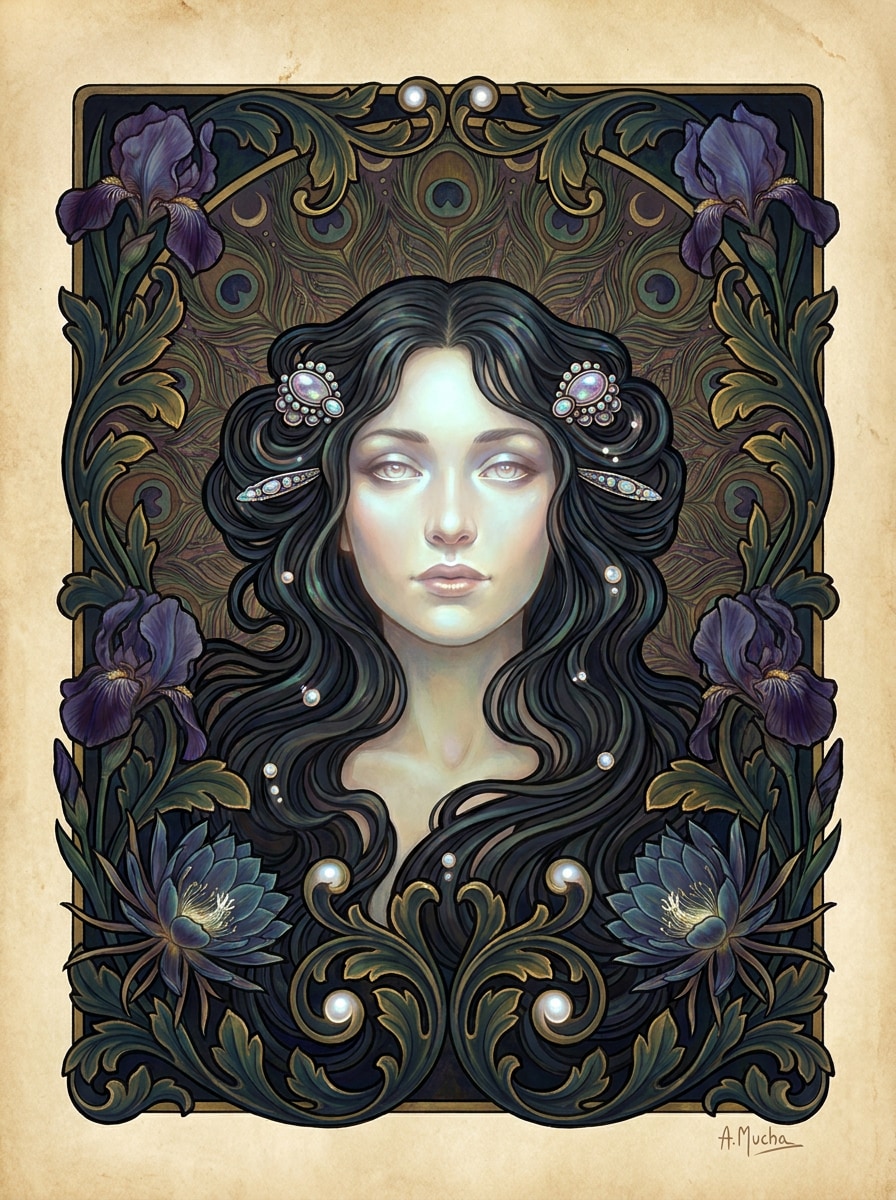
Midnight Floral Frame

Midnight Floral Frame

Use the uploaded image as the subject and turn it into a midnight Art Nouveau portrait with dark roses and lilies, glowing accents, elegant facial rendering, decorative symmetry, rich navy and plum shadows, fine gold outlines, subtle vintage texture, and a luminous poster finish with dramatic yet graceful mood.

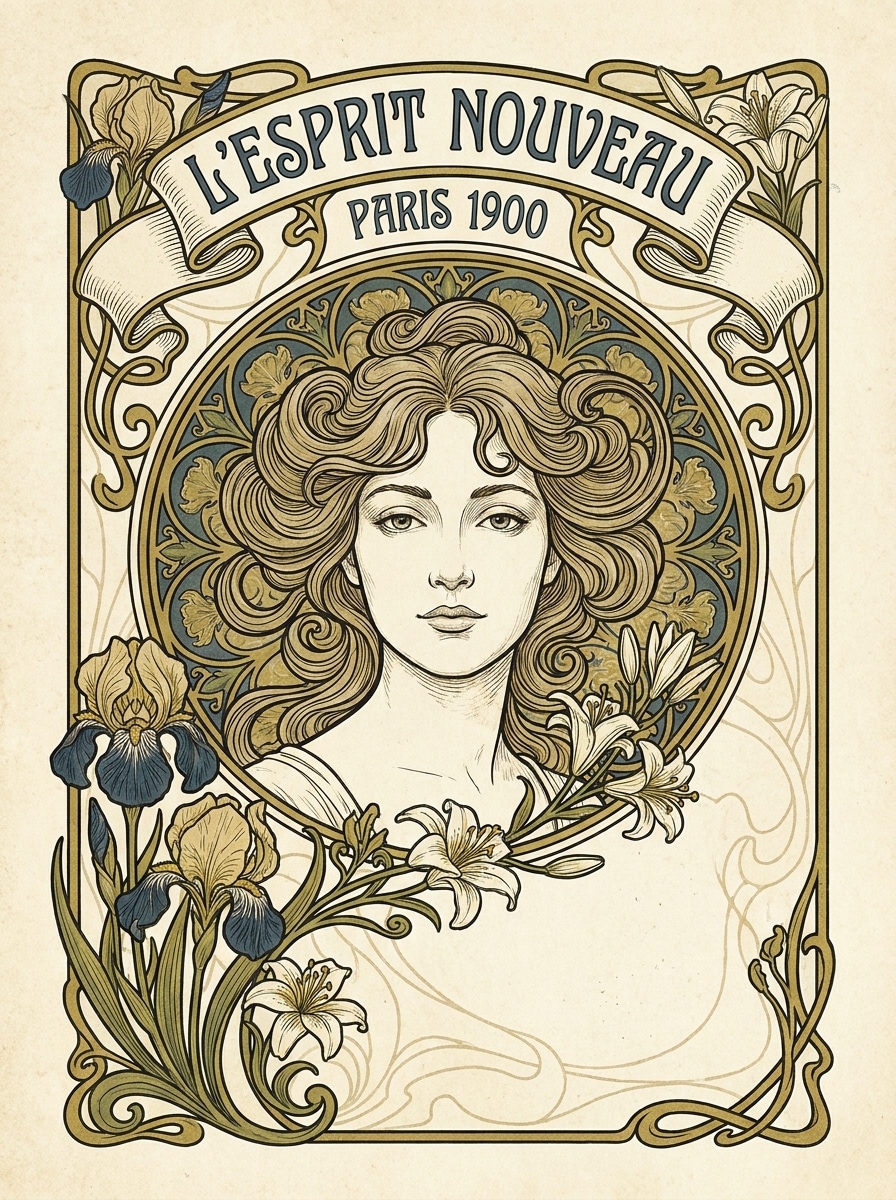
Museum Poster Layout

Museum Poster Layout

Use the uploaded photo as the subject and transform it into a print-ready Art Nouveau wall poster with decorative borders, balanced negative space, floral iconography, title-panel composition, crisp ornamental details, muted cream and gold palette, subtle aged paper texture, and a polished layout designed to feel gallery-worthy.

Framed Decorative Panel

Framed Decorative Panel

Use the uploaded portrait as the subject and restyle it as a vertical Art Nouveau decorative panel with ornamental framing, graceful curves, harmonious teal, amber, and cream colors, soft surface texture, clean symmetry, refined botanical details, and a polished display-ready composition ideal for prints or digital wall art.

Why Use Media.io for Art Nouveau Portrait Transformations

Personalize Results Around a Reference Subject

Reference-based work needs more than a loose style shift. Media.io helps keep key identity details recognizable while reworking the art nouveau portrait look, so the result feels personal instead of generic.

Rework One Subject Into Multiple Styles

If the subject still needs to look like itself after the transformation, Media.io helps hold onto core identity cues while updating the final art nouveau portrait style for a cleaner finished result.

Keep Final Visuals Sharp for Real Projects

When a art nouveau portrait is headed for real publishing use, Media.io gives you sharper output up to 4K, which helps the image stay clear across presentations, backgrounds, and reused assets.

Fast Browser-Based Workflow With No Design Setup

Creative work rarely stays on one screen. Media.io keeps the art nouveau portrait workflow in your browser, so you can start on phone and finish on desktop without stopping to install extra software.

How to Make an Art Nouveau Portrait from a Photo

Turn your words into stunning visuals in three simple steps, then continue refining the result if you want to take it further.

how to use image to image AI for art nouveau portrait step 1
Step 1

Upload Your Reference Image

Start with a clear portrait, selfie, or head-and-shoulders photo in JPG, PNG, or JPEG format. Well-lit images with a visible face, simple background, and clean framing usually give the best base for a stylized vintage transformation.

how to use image to image AI for art nouveau portrait step 2
Step 2

Describe the Change and Set Options

Tell the AI the exact look you want, such as floral borders, halo framing, gold accents, pastel tones, or a Mucha-inspired poster layout. Then choose your model and adjust aspect ratio, resolution, and the number of image variations.

how to use image to image AI for art nouveau portrait step 3
Step 3

Generate, Download, and Keep Improving

Generate your portrait, compare different results, and download the version you like best. If needed, refine the prompt, try a darker or softer palette, or create more variations until the final artwork matches your style.

Unlock the Potential of Art Nouveau Filter

See how creators use this art nouveau portrait style for content, marketing, and personal projects, then adapt each idea to fit the brief.

Create standout profile art and social reveals

Give an ordinary selfie a dramatic before-and-after upgrade with flowing lines, botanical framing, and vintage poster styling. Media.io can turn it into a recognizable portrait with a more artistic, saved-and-shared identity, including a floral art nouveau photo look for creator profiles or personal posts.

Design giftable wall prints and decorative posters

Transform a favorite photo into elegant printable artwork for birthdays, anniversaries, or room decor. Media.io helps create a refined poster-style portrait with halo motifs, floral borders, and antique texture, making the final piece feel more personal and display-ready.

Build themed editorial visuals for brands and events

Use this look for campaign mood boards, beauty promotions, boutique branding, or event invitations that need a vintage luxury mood. With Media.io, one uploaded portrait can become a polished visual asset for covers, cards, or social content with a consistent Art Nouveau atmosphere.

What Users Say

user
Elena M.

Lifestyle Creator

star star star star star

"Beautiful vintage styling" I uploaded a simple selfie and got a poster-style portrait with soft gold details and floral framing that actually looked polished enough to print. The face stayed recognizable, which is what I wanted most.

user
Jordan R.

Etsy Print Seller

star star star star star

"Great for decorative portrait concepts" The Art Nouveau look came out far better than basic photo filters. I could test multiple layouts quickly and generate artwork that felt more like collectible wall decor than a casual effect.

user
Sofia L.

Social Media Designer

star star star star star

"Fast results without design software" I needed a vintage floral portrait look for a campaign concept and Media.io made it easy. The browser workflow was simple, and I liked being able to adjust aspect ratio for different placements.

user
Marcus T.

Gift Maker

star star star star star

"Perfect for personalized art gifts" I turned a photo of my partner into a framed decorative portrait and it came out elegant and unique. It felt much more personal than ordering generic art, and the output quality was surprisingly strong.

Art Nouveau Portrait FAQs

1. How do I turn a photo into an Art Nouveau portrait?

Upload a clear portrait to Media.io, then enter a prompt describing the look you want, such as floral borders, soft gold accents, flowing curves, or a Mucha-inspired poster style. Choose your preferred model and image settings, generate the image, and refine the prompt if you want a different mood, composition, or stronger art nouveau filter result.

Media.io offers free credits, so you can try an art nouveau portrait transformation before subscribing. Free exports may include a watermark, while paid plans unlock more credits, broader usage, and watermark-free high-resolution downloads. You can compare plan options on the pricing page.

A sharp, well-lit photo with a clearly visible face usually works best. Simple backgrounds, centered framing, and natural facial detail help Media.io apply an elegant Art Nouveau look more cleanly, whether you want a soft floral poster, a halo composition, or a darker decorative portrait.

It is designed for reference-based image transformation, so Media.io uses your uploaded image to guide the result and keep the subject more recognizable than a text-only workflow. The final likeness can still vary depending on your prompt, model choice, and how stylized you want the portrait to become.

You can upload an existing portrait and describe classic details associated with this style, such as floral wreaths, ornamental curves, halo framing, pastel palettes, and antique poster texture. That makes Media.io a practical choice for users who want an Art Nouveau-inspired transformation instead of a generic portrait effect.

Generation is typically fast, so Media.io can take you from uploaded photo to stylized result in a short workflow. Exact timing depends on the model you choose, your resolution settings, and how many variations you generate in one batch.

Media.io Online AI Tools Quality Rating:
vote 4.7 (162,357 Votes)