AIフェイススワップ
元画像をアップロード
顔が鮮明な画像をアップロードしてください
クリックまたはドラッグでアップロード、または履歴から選択クリックしてアップロード履歴
アイデアがない?まず画像を生成してみよう >
jpg、jpeg、png の画像(最大 50 MB、最小幅/高さ 300 px)をアップロードしてください。
顔写真をアップロード
入れ替えたい顔をアップロードしてください。
instagram face swap

Instant Instagram Face Swap Made Easy

Transform your Instagram photos in seconds with Media.io's AI Face Swap tool. Effortlessly switch faces between friends, family, or yourself to spark creativity or humor. Whether you're building a viral meme, refreshing your profile, or enhancing a story post, our tool keeps your swaps natural and photorealistic. Try it now and experience how simple it is to stand out on social media.

Try Instagram Face Swap Free
Fast & RealisticFree to TrySafe for Social MediaNo App Required
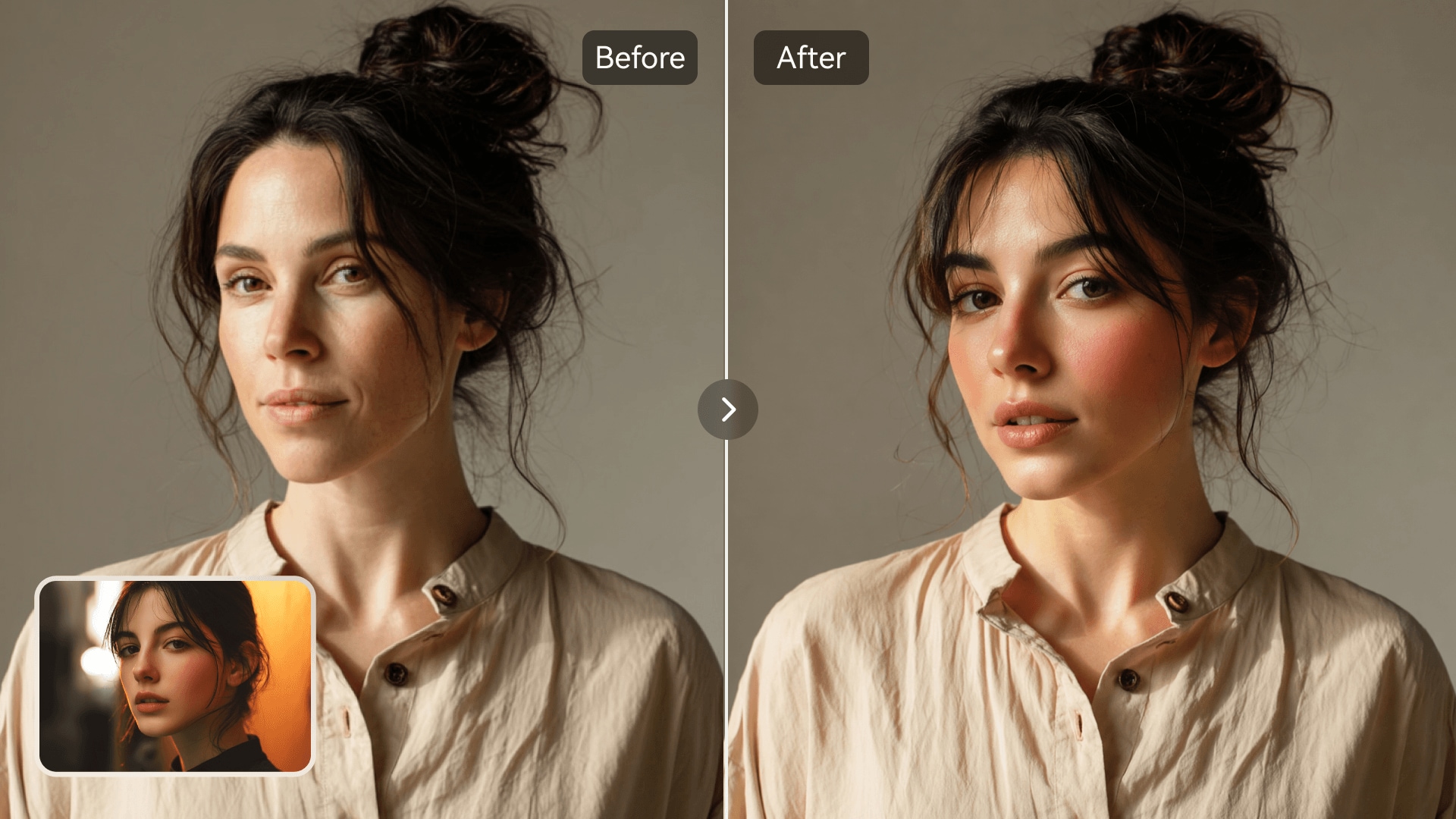
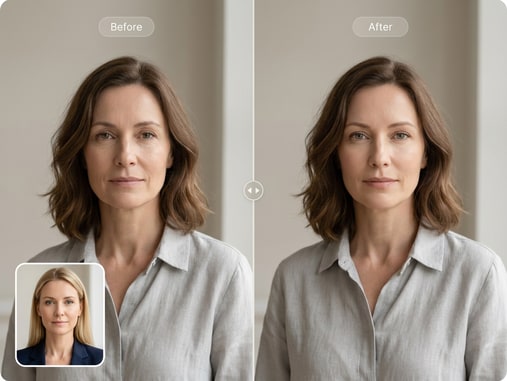
Instagram face swap before and after comparison
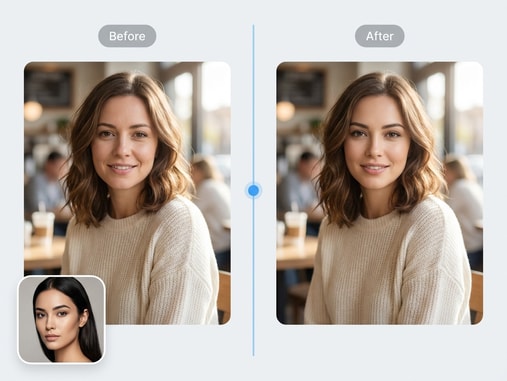
Friends swapping faces for Instagram meme

Ai-Accurate Face Matching

Media.io's facial recognition algorithm detects landmarks to create lifelike face swaps with perfect alignment. It matches lighting, skin tone, and expression automatically so your final photo looks natural. You don't need special editing skills or complex tools. Simply upload your photos, select faces, and let AI merge them seamlessly.

Perfect for Instagram Photos & Memes

Whether for selfies, reels, or carousel posts, create stunning content that grabs attention. Try fun meme-style swaps to engage followers or test creative mashups for your brand. AI ensures realistic results that blend smoothly into any aesthetic. Keep your feed fresh and interactive without extra time editing.

Secure Online Process

Every upload on Media.io is processed safely in the cloud and deleted automatically after conversion. Your personal photos remain private and protected. No one else can access your swapped images or data. Enjoy peace of mind while you experiment creatively and responsibly online.

Share Instantly to Instagram

Once you finish your face swap, download your image in high quality and post directly to Instagram. The export works perfectly for stories, profile pictures, or feed posts. Media.io adjusts aspect ratios and clarity automatically for optimal results. You get engaging photos fast, ready to share within seconds.

Try Celebrity Face Swap with Media.io

Experiment creatively with the AI tool that lets you swap faces across photos for fun or artistic projects. Discover lifelike quality in every image.

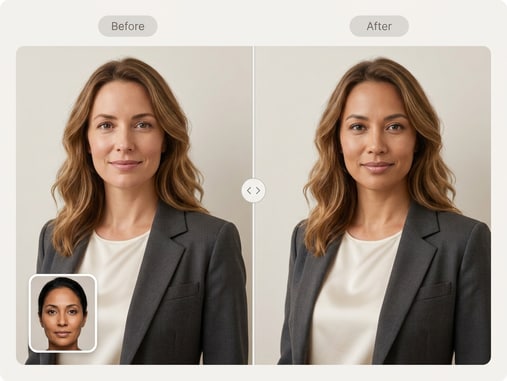
Celebrity style AI face swap demo image

How to Do Instagram Face Swap Online

01

1. Upload Photos

Open Media.io Face Swap and upload one or two photos from your device. Each image should clearly show the faces you wish to swap for the best AI detection.

02

2. Let AI Process the Swap

The AI instantly finds faces, aligns them, and blends skin tone, lighting, and details to create a natural swap. You can preview results in seconds before saving.

03

3. Download & Share on Instagram

Download your swapped photo in HD and share it directly to Instagram stories, reels, or your feed. It's quick, safe, and designed for eye-catching results.

What Users Say About Media.io Face Swap

user
Laura G.

Content Creator

starstarstarstarstar

"Boosted My Instagram Posts Easily" I tried Media.io for a quick face swap on my Instagram meme and it worked perfectly. The blending looked so natural that my audience thought it was an original photo. I loved that I didn't need any editing experience or filters to make it work. The results uploaded beautifully into my story within seconds.

user
Marco V.

Social Media Manager

starstarstarstarstar

"Makes On-Brand Visuals Simple" I use Media.io to test different creative concepts for my client's social channels. The face swap feature delivers consistent, sharp results that align well with brand themes. I appreciate how quick it is to test and iterate without extra design tools. It saves me so much time when planning new content calendars.

user
Elena P.

Digital Artist

starstarstarstarstar

"Perfect for Funny Concepts" As someone who plays with digital humor, this AI swapper is exactly what I needed. The images remain high-quality even after exporting for Instagram posts. I've created a series of lighthearted swaps, and my followers love them. It's a creative goldmine for any visual artist experimenting online.

user
Ralph D.

Marketing Coordinator

starstarstarstarstar

"Professional Look with Zero Effort" This tool's precision shocked me. My swapped faces matched lighting and shading even better than some paid apps I've used before. Our campaign visuals looked fully professional and generated strong engagement. I plan to use Media.io for more of our creative promotions.

user
Kylie S.

Photographer

starstarstarstarstar

"Ideal for Playful Projects" I've used many AI tools, but this one handles detail like no other. I tried a few face swaps for a stylized portrait series and everything blended perfectly. It also respects image safety and deletes uploads, which gives extra confidence for client photos. Highly recommended for safe, impressive social edits.

Trusted by thousands of social media creators for realistic face swap editing.

FAQs About Instagram Face Swap

1. How Do I Swap Someone's Face in a Picture for Instagram?
faqfaq

Simply open Media.io Face Swap in your browser, upload your photo, and let the AI detect faces automatically. You can choose two faces to swap, preview the result, and download instantly. The AI ensures perfect alignment and natural color blending. No complicated filters or software are needed-just upload and enjoy.

Yes, face swaps created with Media.io fit directly into Instagram's story and reel formats. The AI optimizes resolution and orientation for mobile use. This means you can upload content straight to your feed or stories without resizing. It keeps your visuals sharp and ready to share.

Absolutely. Media.io Face Swap operates fully online, so you don't need any downloads or installations. Upload your photos, let the AI process them, and save the result. It's accessible from any desktop or mobile browser securely.

No, Media.io automatically deletes all uploads after the face swap process. Your files are processed safely in the cloud and never reused or stored. This ensures complete privacy and security for your images. You can use the tool confidently for personal or creative content.

Yes, you can try basic face swaps for free on Media.io to see how the AI works. Premium options provide faster processing and higher resolution downloads. The free version still produces clear and realistic results. It's perfect for testing creative projects or social posts before upgrading.

Yes, the smart detection system identifies multiple faces in group photos. You can choose which ones to swap to create fun, balanced results. It aligns them automatically to ensure natural proportions. This works perfectly for family or group Instagram posts.

Use clear, well-lit photos where faces look directly at the camera. Consistent lighting and minimal obstructions ensure smoother skin tone blending. The AI recognizes landmarks accurately, producing more realistic swaps. You'll get cleaner results ideal for social media use.

Yes, as long as you're using personal or royalty-free photos responsibly. Meme-style swaps are fun and encouraged for humor or creative sharing. Always swap faces only with consent when involving others. Media.io prioritizes ethical, safe content creation for all users.

Media.io Online AI Tools Quality Rating:
vote4.7 (162,357 Votes)