
AI Story Video Maker for Instagram Reels That Shapes Short Stories into Scroll-Stopping Clips
Write the hook, beats, and ending you want viewers to remember. Media.io gives creators an AI Story Video Maker for Instagram Reels that turns detailed scripts into an editable story outline, guided characters, storyboard images, and script-based voiceover and music for vertical stories that feel planned, not random.
Build Reels That Feel Written, Directed, and Ready to Watch
Give each short story a clear hook, visual direction, and publishable rhythm before you generate the final clip.
Create a Hook That Fits the Reels Feed
Open with the line, conflict, or question that makes people stop scrolling. It also fits AI story video maker workflows when the audience expects topic-specific scenes.
- Hook Setup - Start from a narration draft, scene list, or structured story prompt
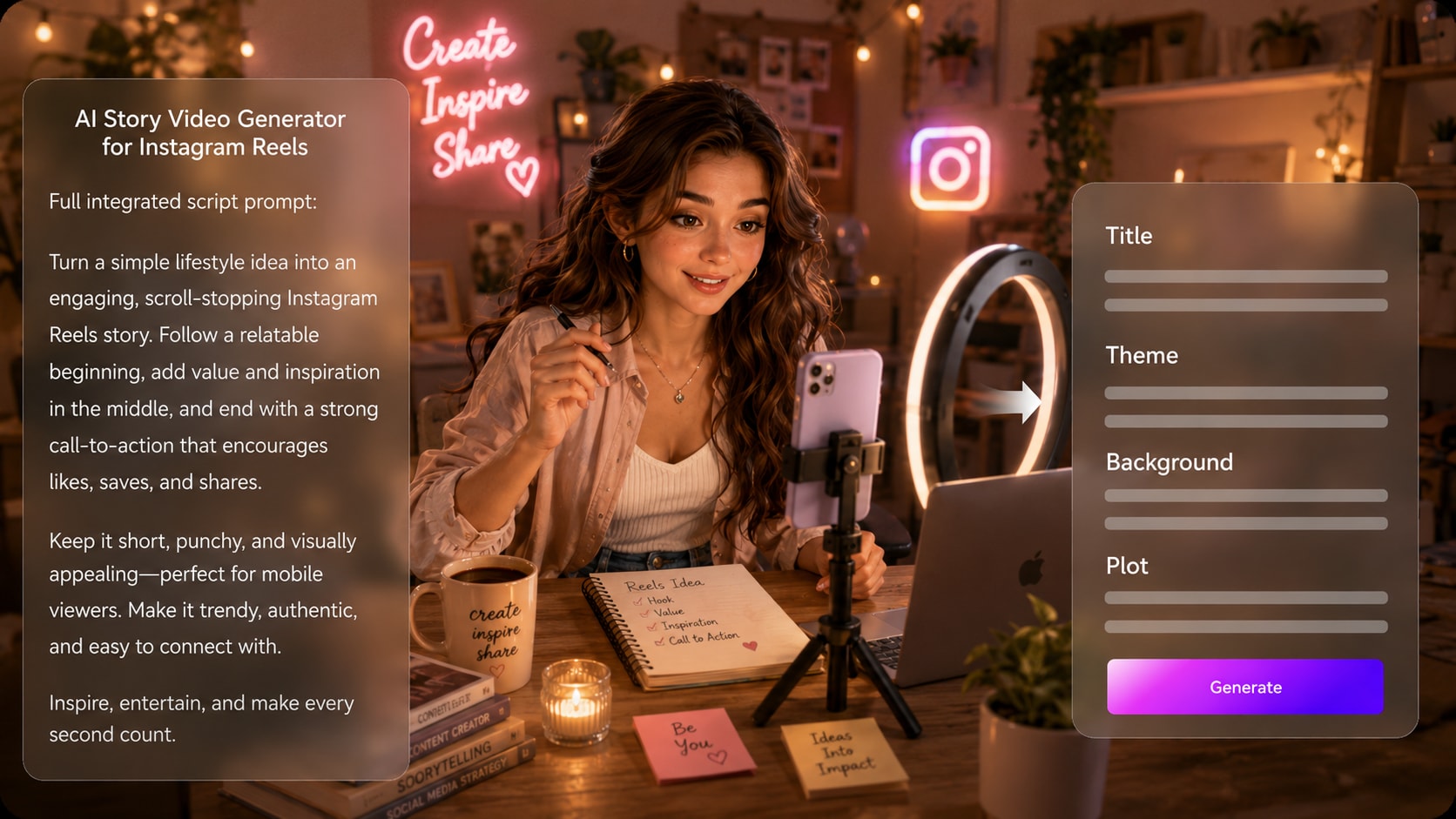
- Outline Fields - Review title, theme, setting, plot, and character notes
- Reels Direction - Choose format, style, and visual choices during setup
- Story Payoff - Keep the ending connected to the opening beat
Shape Short Scenes That Still Make Sense
Keep the story moving without flattening it into disconnected visuals. Use it for script to video generator ideas without adding another editing step.
- Scene Beats - Separate the setup, turning point, and ending in the source script
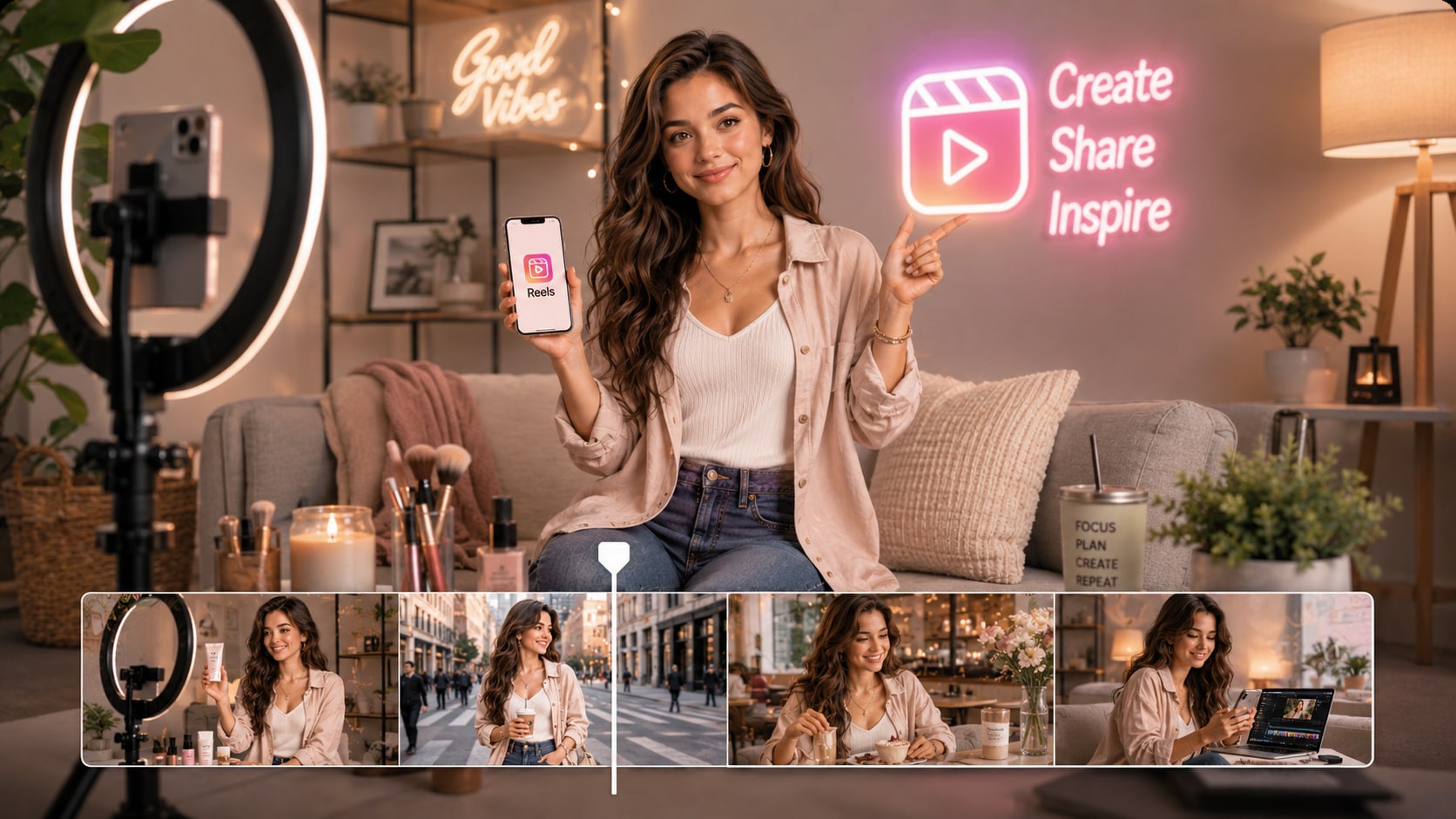
- Visual Context - Add background, place, time, and mood cues for each key moment
- Pacing Clarity - Let short scenes serve the plot instead of filling space
- Creator Fit - Useful for anecdotes, lessons, promotions, and serial storytelling
Guide Characters Viewers Can Recognize
Give your story a face, not just a voice.
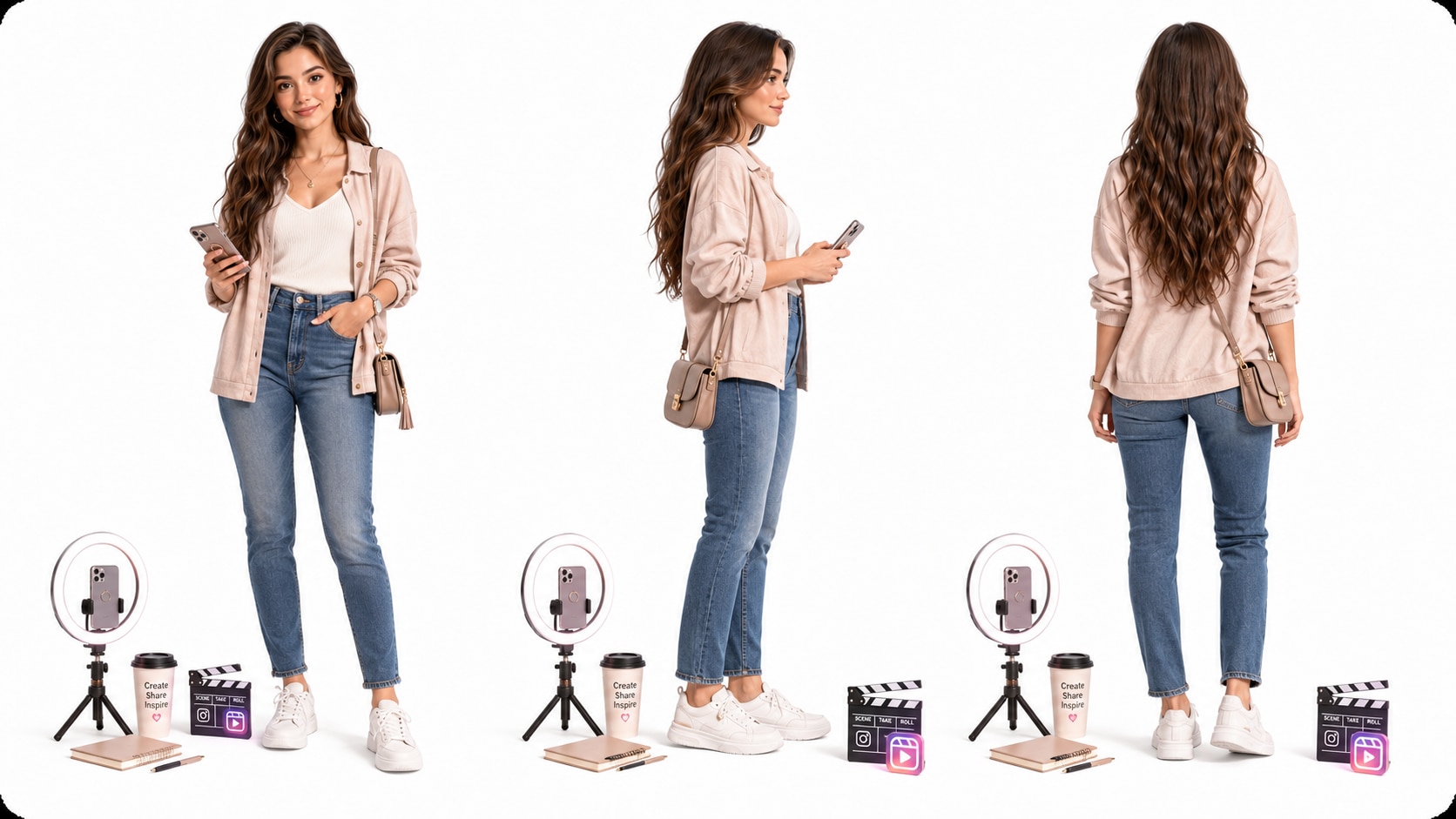
- Text Characters - Describe personality, role, outfit, and visual cues
- Photo Guidance - Use real photos when a personal or creator-led look matters
- Sketch Input - Turn rough character ideas into clearer visual direction
- Recurring Cast - Keep audience attention on who is speaking or acting
Polish Review the Reel Before You Commit
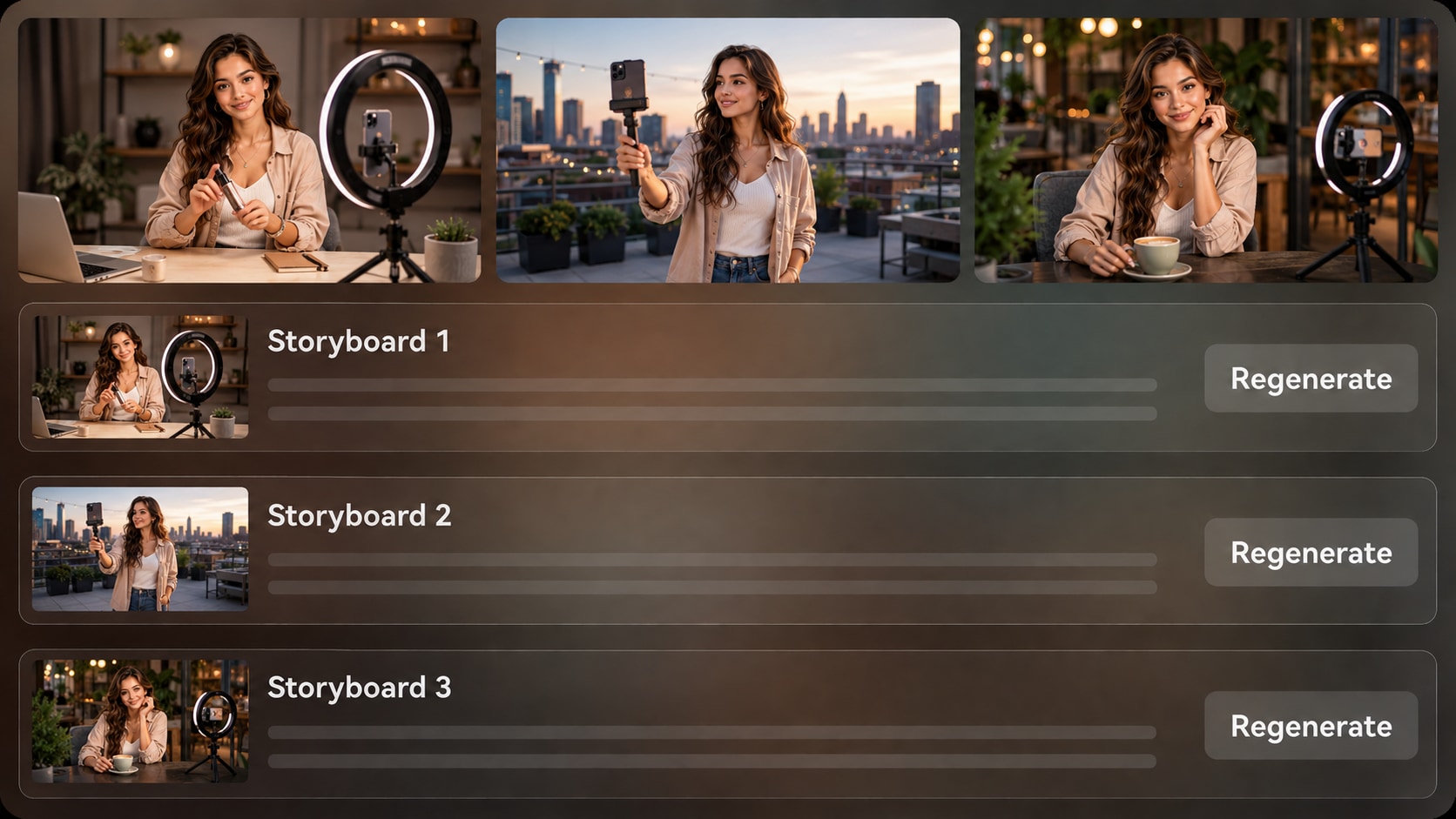
Check the generated storyboard images before the final video so weak moments are easier to catch. If one storyboard image misses the emotion, angle, or scene idea, use Regenerate for that shot, then review the final result and polish it with Media.io tools.
- Storyboard Preview - See scene-by-scene images after the outline is prepared
- Shot Regenerate - Create a new version when a specific image feels off
- Script-Based Audio - Generate voiceover and music that follow the written story
- Final Polish - Review the video and improve it with Media.io tools when needed
Create an Instagram Reels Story Video in Three Practical Steps
Start with a real script, guide the scenes, then review the generated story before you post.

Write the Script
Provide a detailed script or structured story input with the hook, main beats, setting, characters, and ending. Review and edit the extracted outline fields, including title, theme, setting or background, story plot, and characters, then choose an aspect ratio such as 9:16, 1:1, or 16:9 during setup.

Guide the Look
Choose the format, style, and visual direction that fit your Reel. Add character descriptions, photos, or sketches when helpful, then let Media.io prepare storyboard images from the outline so you can check whether the story moments read clearly.

Generate and Polish
Generate the final video with voiceover and music based on your script. If a storyboard image does not match the intended moment, regenerate that shot before production, then review the finished video and use Media.io tools such as Enhance Video Quality when extra polish is needed.
Compare AI Story Video Maker for Instagram Reels with Generic Clip Generators
A generic prompt can make a clip; a Reels story workflow helps protect the hook, scene order, character cues, and final viewing rhythm.
Create Reels for the Creators Who Depend on Story

Instagram Creators
Build narrative Reels from hooks, personal stories, series concepts, and creator scripts without assembling every scene by hand.

TikTok Creators
Repurpose short scripts into dramatic, funny, educational, or faceless stories with pacing that suits swipe-driven feeds.

YouTube Shorts Creators
Turn recurring story episodes, channel narration, or mini explainers into Shorts with clearer structure and visual continuity.

Marketers
Adapt brand stories, founder notes, customer moments, or campaign ideas into short narrative videos built for social attention.
View More Story Video Examples
Explore fixed sample styles that show how different story formats can become watchable short-form videos.
Loved by Reels Story Creators
Creators like the workflow because it keeps the script, visuals, and short-form pacing connected.


"I can start with a full narration script and see whether the story arc works before generating the final Reel."

"The outline step helps me catch weak scenes before they become a finished video. That saves a lot of rework."

"Founder stories and campaign hooks feel easier to shape because the plot, setting, and character notes stay visible."

"I use it for faceless story clips when I want a stronger opening and visuals that match the narration."

"Short lesson stories are much clearer when I write the beats first and let the visuals follow that structure."

"It is useful for testing a teaser scene in vertical format before I decide how to shoot or edit the concept."
FAQs on AI Story Video Maker for Instagram Reels
What Is an AI Story Video Maker for Instagram Reels?
An AI story video maker for Instagram Reels helps turn a detailed script or structured story input into a short vertical narrative video. Media.io supports outline extraction, visual setup, storyboard images, script-based audio, and final polish tools.
What Should I Paste into Media.io to Create a Better Reel Story?
Paste more than a one-line idea. Include the opening hook, characters, setting, scene beats, emotional turn, ending, and any style notes so the generated outline has enough context to guide the video.
Can the Script Guide the Voiceover and Music?
Yes. The final generated video can include voiceover and music based on the script, which helps the narration style and audio mood follow the story you wrote.
How Do I Write a Script That Works Well for Instagram Reels?
Start with a clear hook, keep each scene beat short, describe only the visuals that matter, and end with a payoff, lesson, reveal, or call to action. Reels scripts work best when every line supports retention.
What Mistakes Should I Avoid When Making AI Story Reels?
Avoid vague prompts, too many characters, unclear scene order, and endings that do not resolve the hook. Review the outline before generation so the story does not become a set of disconnected visuals.
Can I Create Recognizable Characters for a Series of Reels?
Media.io can generate character guidance from text and can use real photos or sketches to help create more recognizable characters. It should be used as guidance rather than a guarantee of perfect clear character guidance.
Can I Make Videos for Instagram Reels and Other Short-Form Platforms?
Yes. During setup, choose a format and aspect ratio that fits your publishing plan, such as vertical video for Instagram Reels, TikTok, or YouTube Shorts, or other ratios when needed.
Can I review the storyboard or Regenerate a Bad Shot?
You can review and edit the extracted outline fields before storyboard generation. The storyboard images themselves are not manually editable, but if a specific storyboard image is unsatisfying, you can click Regenerate to create that shot again.
Why Use Media.io Instead of a Generic AI Video Generator for Reels?
Media.io is useful for Reels storytelling because it connects detailed script input with an editable story outline, character guidance, storyboard review, script-based voiceover and music, and post-generation polish.
Explore More Ways to Turn Scripts into Social Videos
Build beyond Instagram Reels with adjacent AI Script to Video workflows for narration clips, educational stories, brand moments, and short-form creator content.















Make Your Next Reel
Start with a Better Story
Paste a detailed script, guide the scenes, review the storyboard, and generate a story video built for the Reels feed.
 4.8 (281 Votes)