Creations are stored for only 7 days. Assets created after upgrading to a Membership plan will be stored permanently.
Unlock your creative potential and experience the magic of Media AI right away!
Filtro Pirata AI per Ritratti Cinematografici da una Foto Caricata
Trasforma qualsiasi selfie in un drammatico ritratto da pirata con cappelli, bende sull'occhio, mari in tempesta o stile cartoon. Questo filtro pirata ti aiuta a creare look realistici, fantasy o pronti per i social in modo rapido, che tu voglia un'atmosfera in stile filtro pirata snapchat o una trasformazione del personaggio più raffinata.
Scrivi la tua idea -> L'AI la progetta. Gratis da provare.
Esamina questi esempi di istruzioni, poi personalizza i dettagli per ottenere risultati migliori con il filtro ritratto pirata di Media.io.
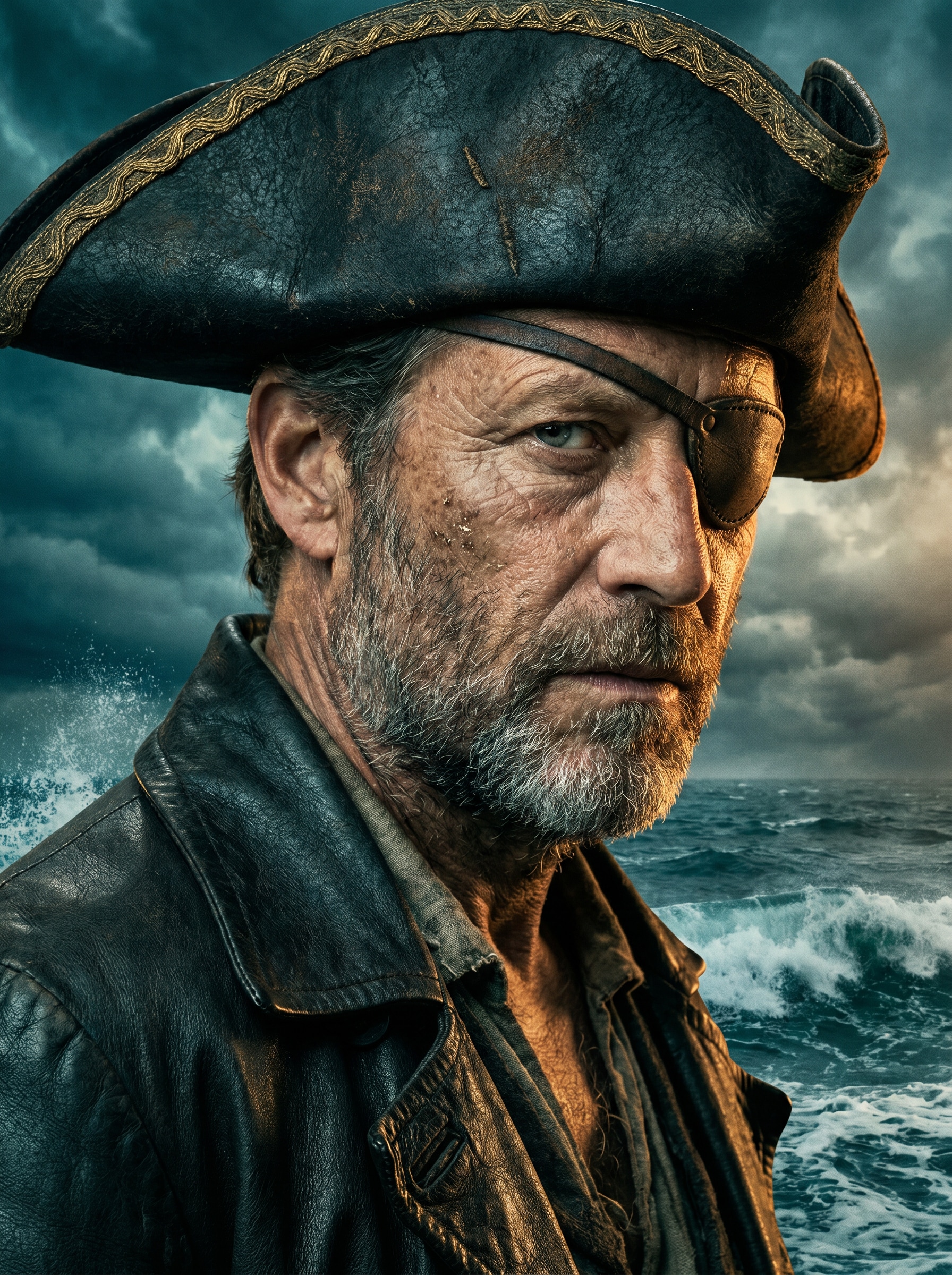
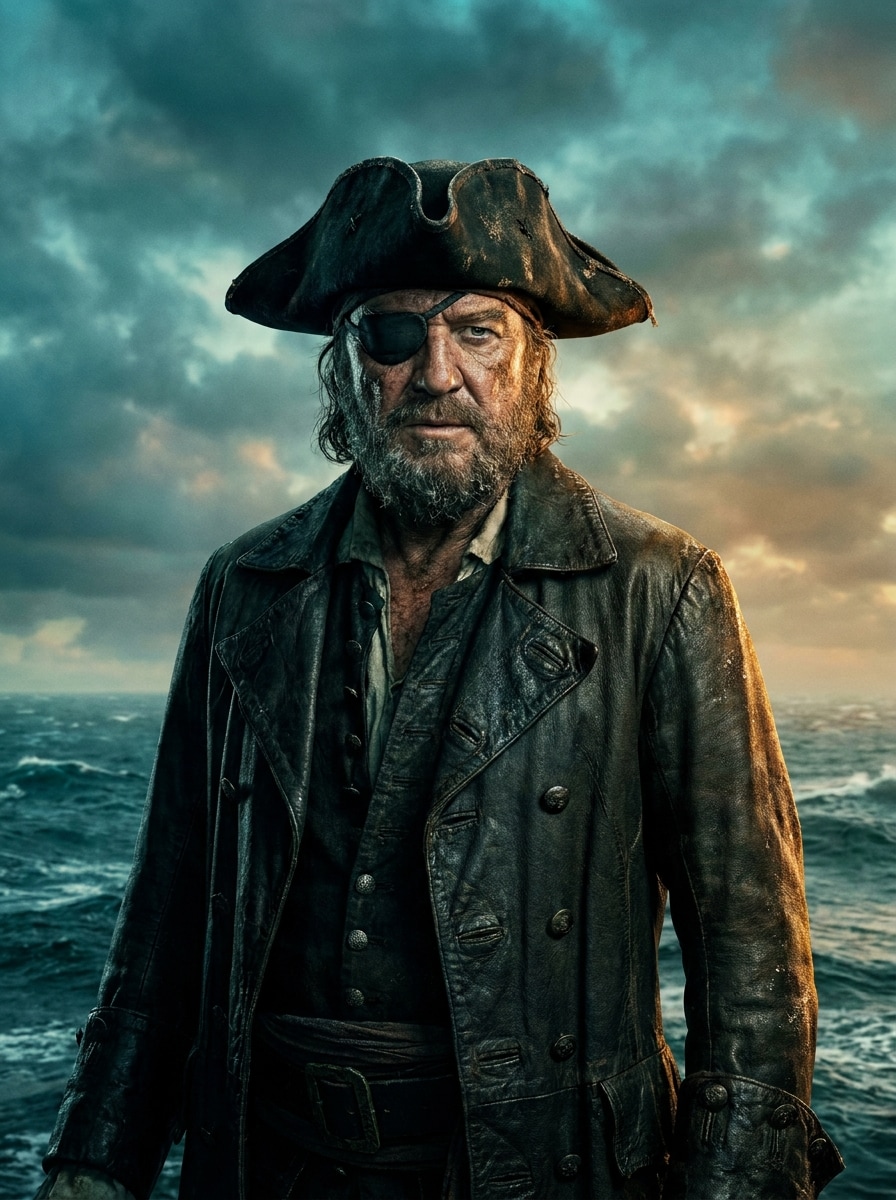
Capitano Pirata di Hollywood
Usa l'immagine caricata come soggetto e trasformala in un ritratto cinematografico da capitano pirata con un cappello tricorno consumato, cappotto di pelle scura, benda sull'occhio sottile, sfondo di tempesta oceanica, illuminazione drammatica sul bordo, texture cutanea realistica, gradazione ricca di turchese e ambra, dettagli facciali nitidi e qualità da locandina cinematografica.
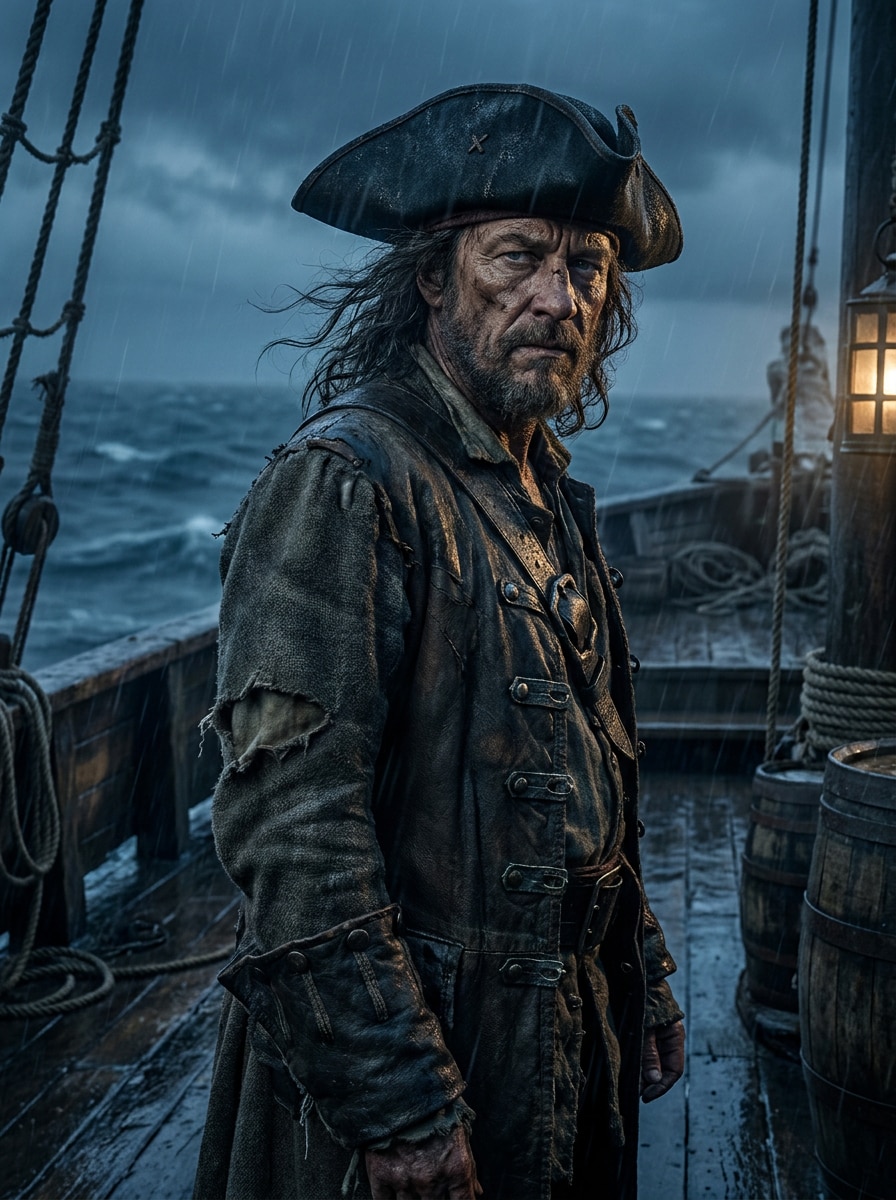
Avventura nel Mare Oscuro
Usa il ritratto caricato come soggetto principale e ridisegnalo in una scena di avventura pirata oscura con abiti robusti, nebbia di pioggia, il ponte di una vecchia nave in legno, ombre blu cupe, texture bagnate, contrasto drammatico, atmosfera cinematografica e dettagli realistici che evocano un epico viaggio in mare.
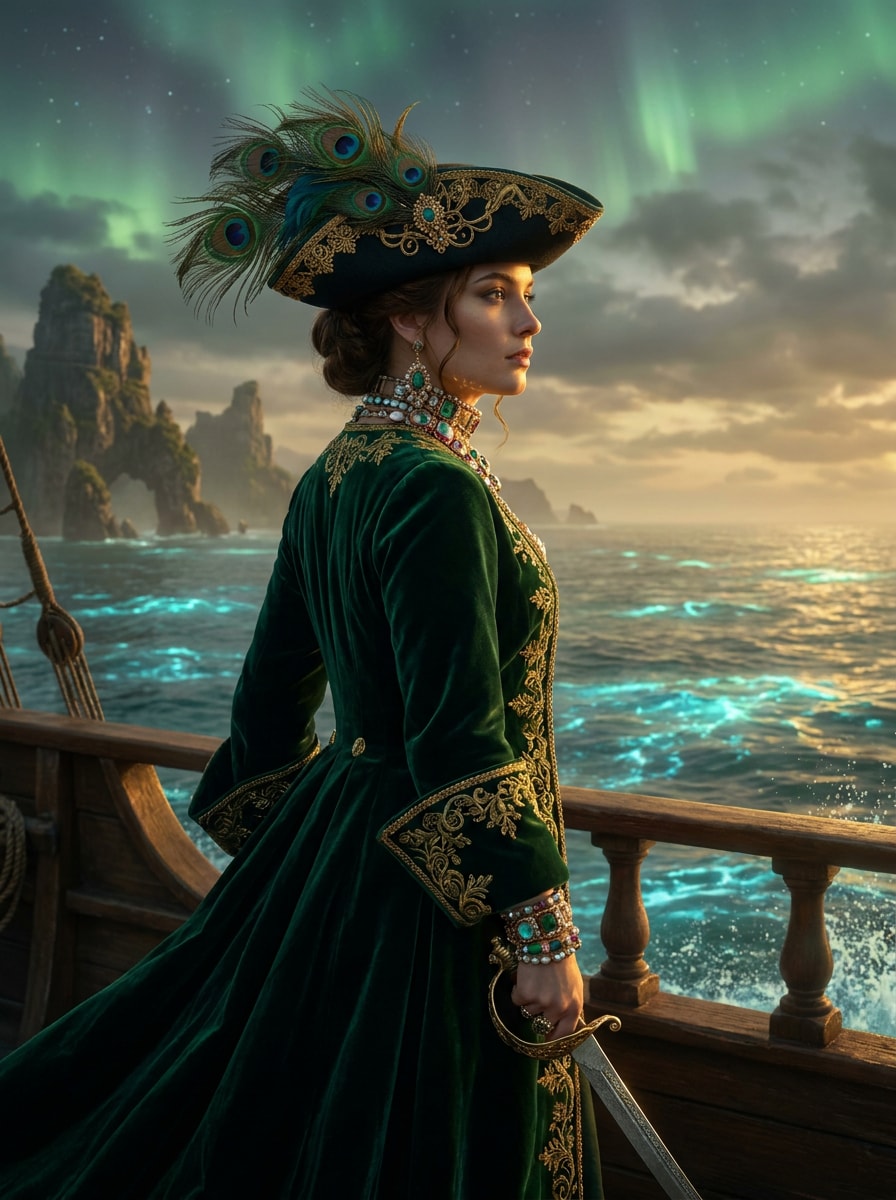
Regina dei Pirati Fantasy
Usa l'immagine caricata come soggetto e trasformala in un'elegante regina dei pirati fantasy con un cappello tricorno ornato, accessori con gemme, cappotto svolazzante, sfondo oceanico mistico, accenti luminosi, ricca palette di smeraldo e oro, dettagli facciali raffinati e profondità di arte fantasy cinematografica.
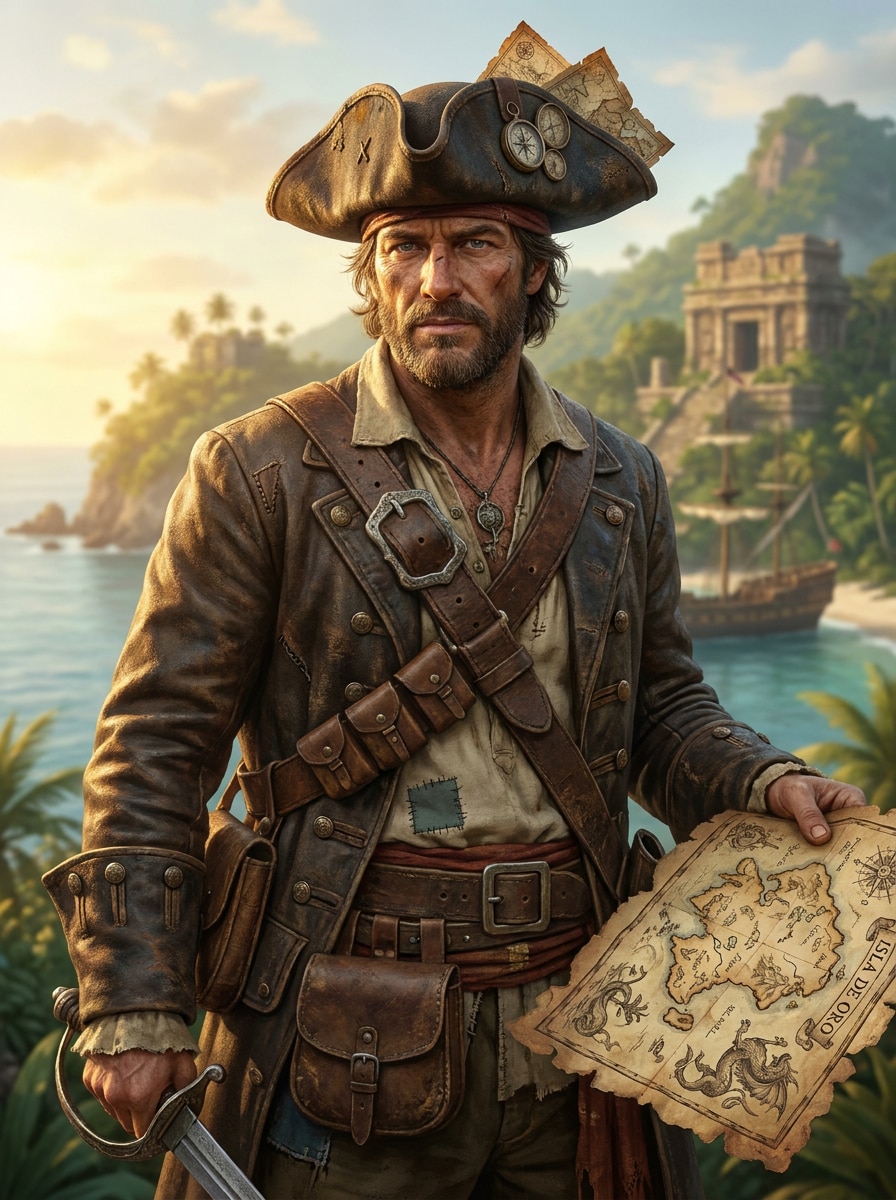
Eroe Cacciatore di Tesori
Usa la foto caricata come eroe e trasformala in un pirata cacciatore di tesori con un cappotto consumato, dettagli di vecchie mappe, accessori per la cintura, scenario di isola tropicale, caldo sole dorato, espressione avventurosa, tessuti con texture e realismo fantasy raffinato adatto per poster o immagini del profilo.
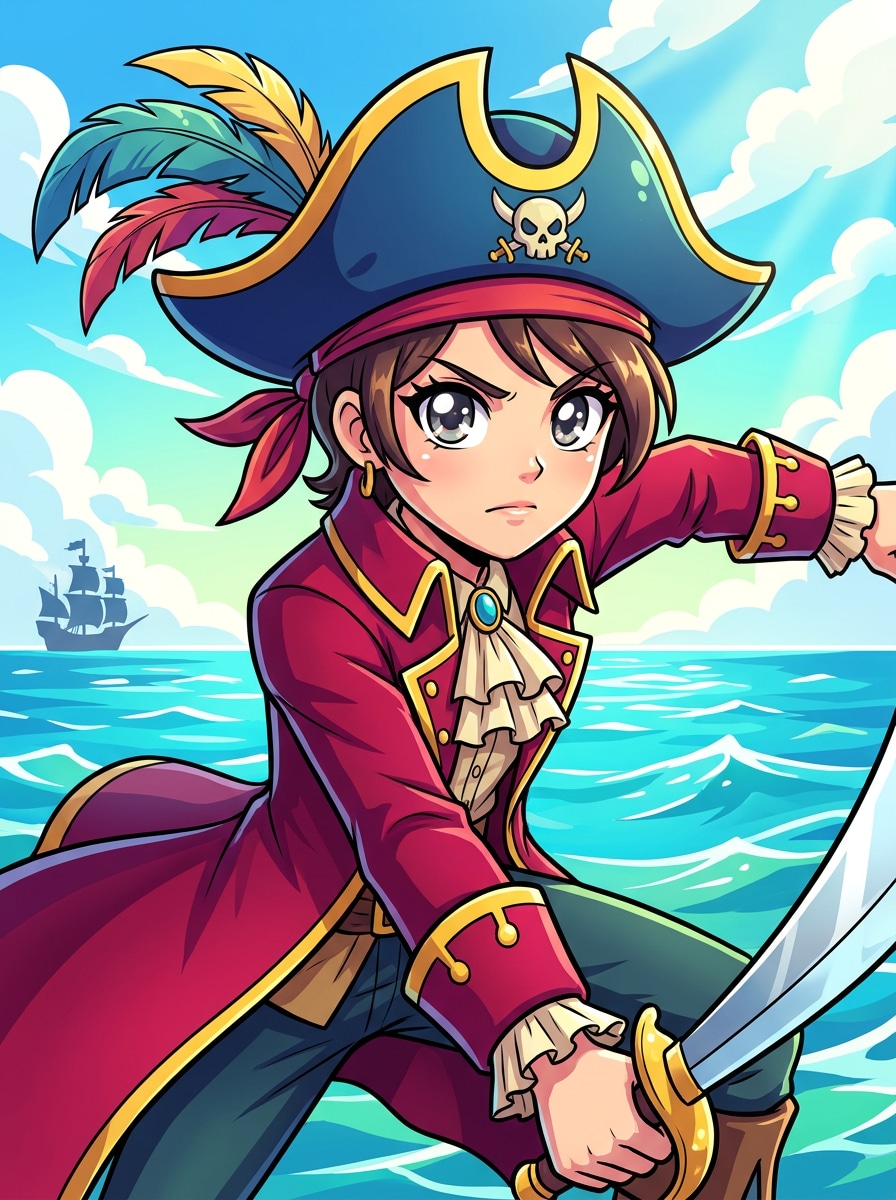
Personaggio Pirata Anime
Usa il selfie caricato come base del personaggio e convertilo in un vivace pirata anime con occhi espressivi, cappello tricorno stilizzato, cappotto pirata a strati, sfondo oceanico colorato, rendering cel-shaded, posa dinamica, riflessi luminosi e qualità illustrativa raffinata per avatar o post sui social.
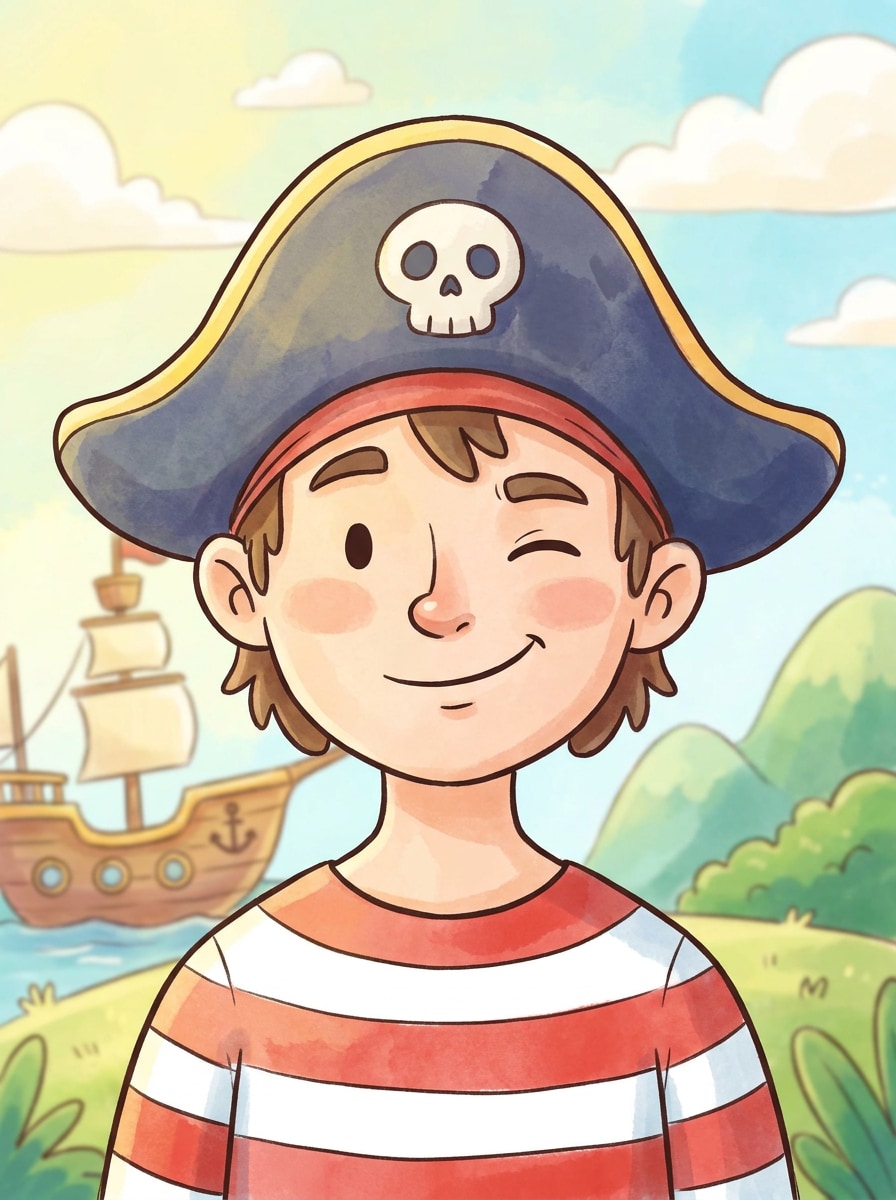
Cartone Pirata da Libro di Fiabe
Usa il ritratto caricato come riferimento e trasformalo in un affascinante cartone pirata da libro di fiabe con un'espressione giocosa, camicia a righe, cappello da pirata, morbide texture pittoriche, colori luminosi adatti alle famiglie, contorni puliti, atmosfera allegra e uno stile illustrativo raffinato con profondità delicata.
Filtro Pirata Carino per Bambini
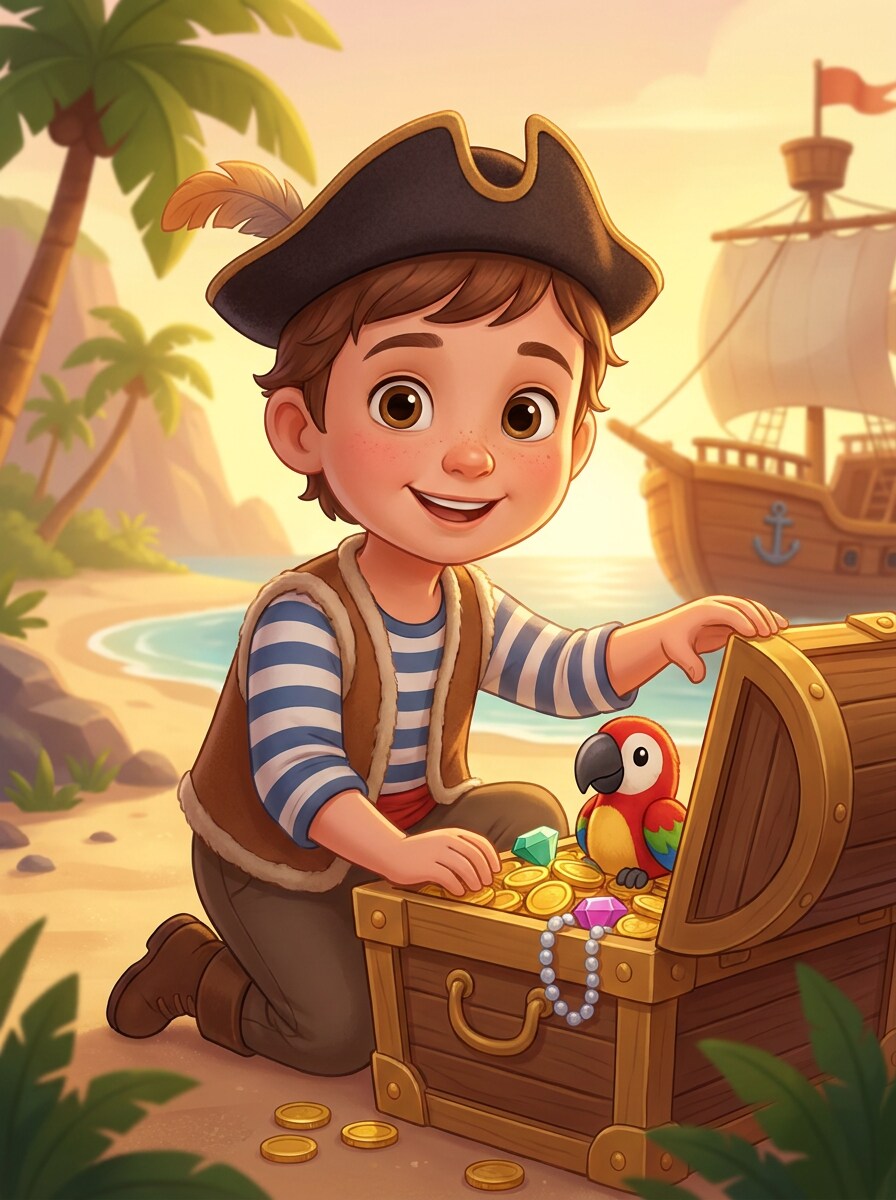
Usa la foto del bambino caricata come soggetto e ridisegnala in un adorabile ritratto da pirata con un costume giocoso, piccolo cappello tricorno, oggetti di scena con forzieri del tesoro, sfondo luminoso, lineamenti del viso morbidi, stile adatto alle famiglie, illuminazione calda e un look pulito e gioioso ideale per ricordi.
Ritratto per Invito a Festa dei Pirati
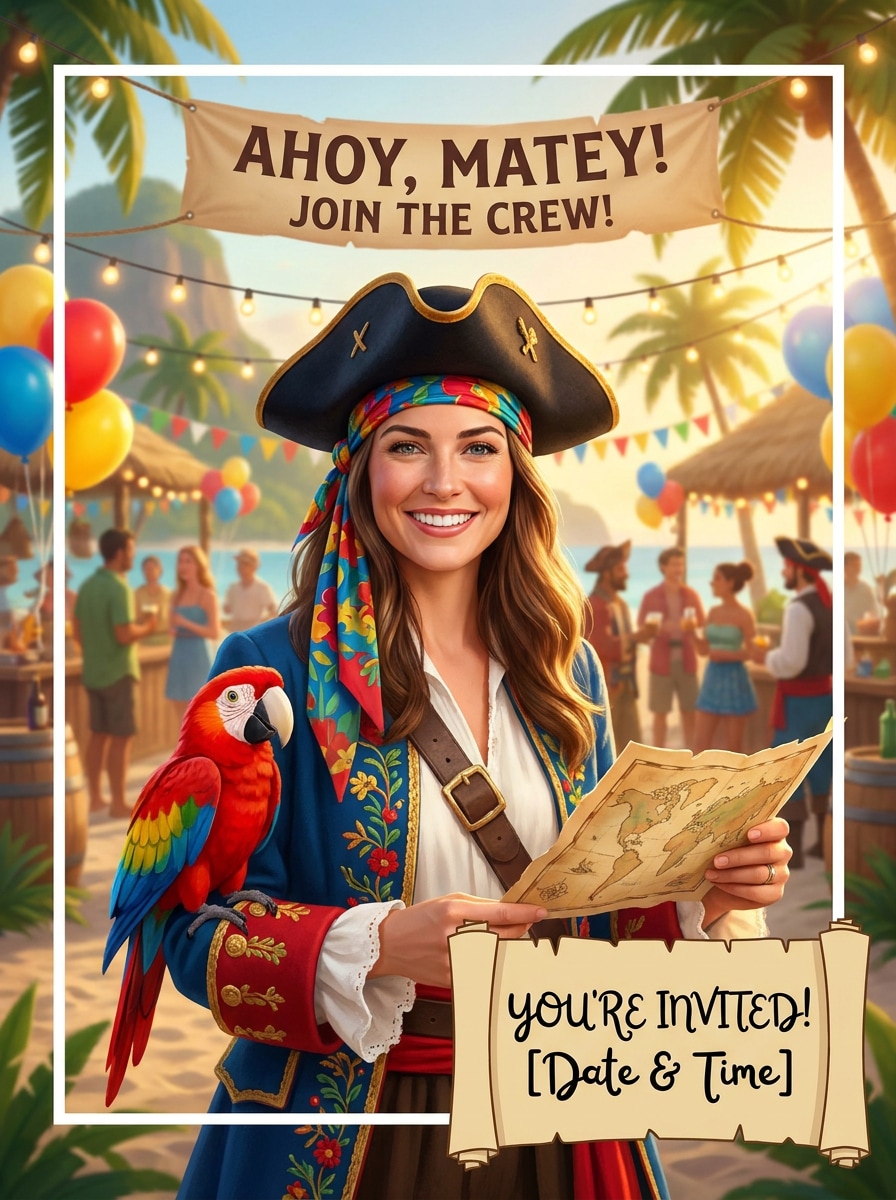
Usa l'immagine caricata come soggetto principale e crea un ritratto festivo a tema pirata con dettagli allegri del costume, sfondo di festa sull'isola, colori vivaci e celebrativi, inquadratura pulita, illuminazione equilibrata, oggetti di scena giocosi e una composizione stampabile che funziona perfettamente per inviti e grafica per eventi.
Avatar Pirata PFP
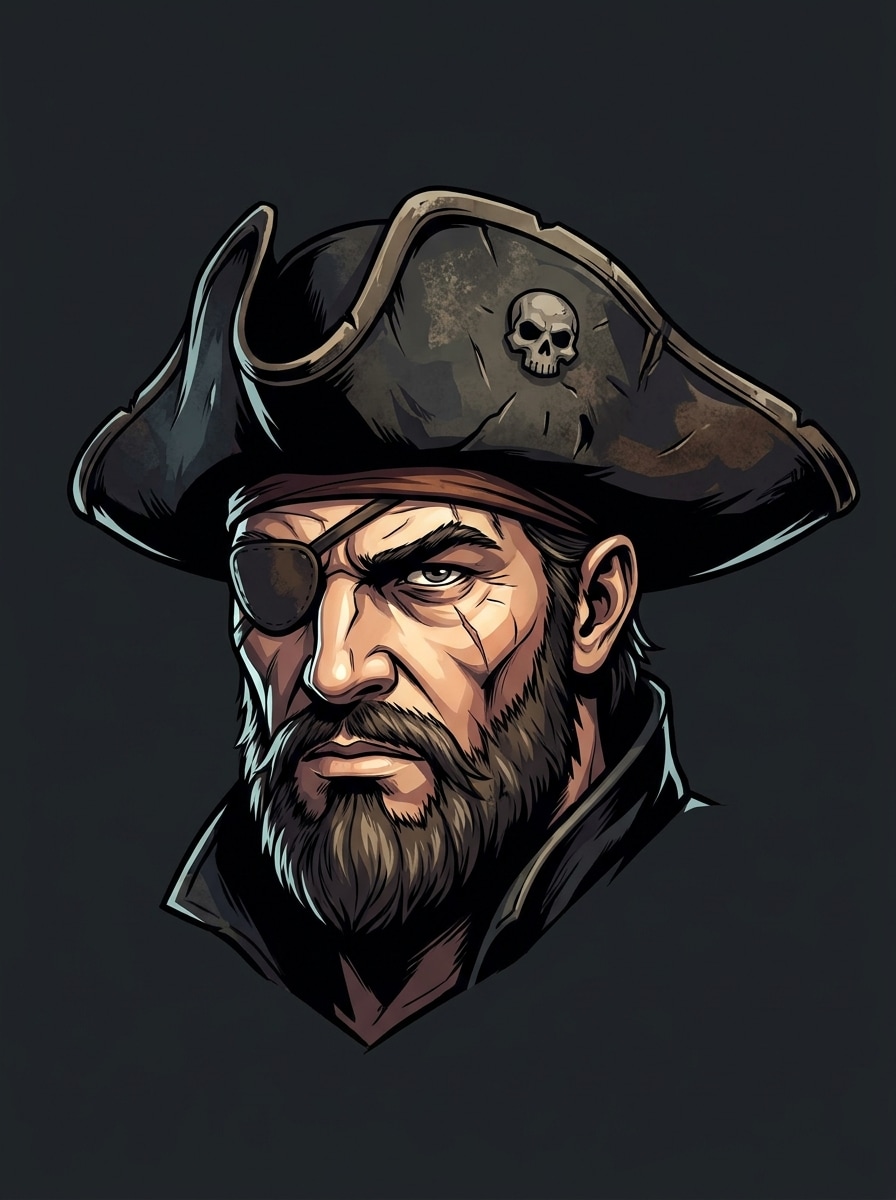
Usa il selfie caricato come riferimento di identità e crea un avatar pirata nitido con composizione centrata, dettagli facciali in grassetto, cappello tricorno, benda sull'occhio sottile, separazione pulita dallo sfondo, alto contrasto, bordi nitidi e uno stile di ritratto raffinato progettato per immagini del profilo e miniature.
Filtro Viso Pirata Divertente
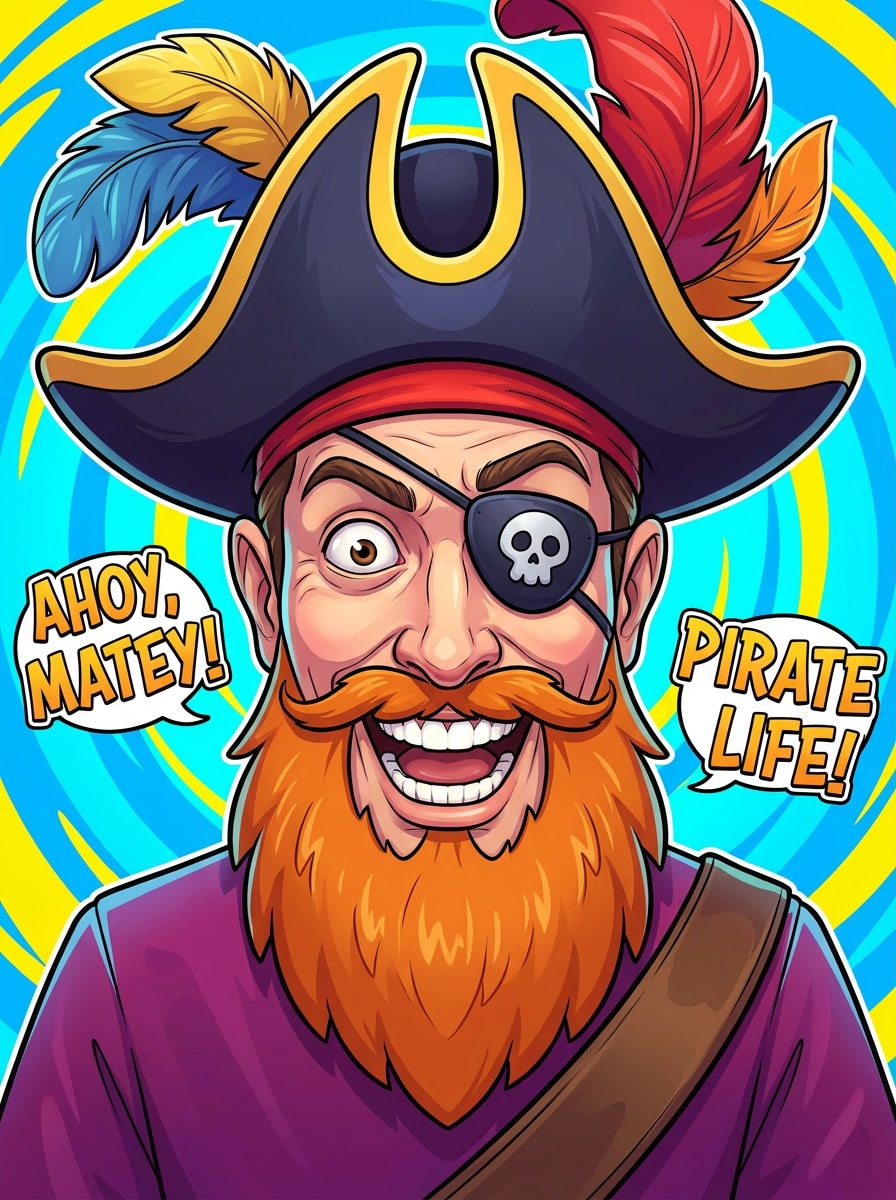
Usa la foto caricata come soggetto e applica una trasformazione umoristica del viso da pirata con un cappello sovradimensionato, benda sull'occhio giocosa, barba cartoon, espressione esagerata, colori vivaci, focus facciale pulito ed energia adatta ai meme, mantenendo il risultato visivamente raffinato e facile da condividere.
Perché Usare Media.io per le Trasformazioni di Ritratti da Pirata
Preserva l'Identità Cambiando il Look
Per selfie, scatti cosplay o foto del profilo, Media.io ti permette di caricare un'immagine di riferimento chiara e creare un look con filtro ritratto pirata che mantiene il soggetto riconoscibile, così il risultato sembra personale invece che generico.
Abbina lo Stile Giusto per Ogni Versione
Iniziare su mobile e finire sul desktop è semplice con l'editor basato su browser di Media.io, quindi creare un effetto immagine in stile filtro pirata snapchat non richiede software speciale o competenze di design avanzate.
Mantieni le Immagini Finali Nitide per Progetti Reali
Se la tua immagine pirata deve reggere oltre una piccola anteprima, Media.io ti aiuta a generare risultati più nitidi fino a 4K, rendendo il visual finale più affidabile per presentazioni, mockup creativi e uso pratico del design.
Lavora su Tutti i Dispositivi Senza Installazioni Extra
Le idee per un filtro costume pirata spesso nascono in movimento e vengono raffinate in seguito. Media.io mantiene l'intero flusso di lavoro online, così puoi tornare allo stesso progetto da un altro dispositivo senza installazioni o configurazioni extra.
Come Creare un Filtro Pirata dalla Tua Foto
Trasforma le tue parole in immagini straordinarie in tre semplici passaggi, poi continua a perfezionare il risultato se vuoi approfondire ulteriormente.
Passo 1
Carica la Tua Immagine di Riferimento
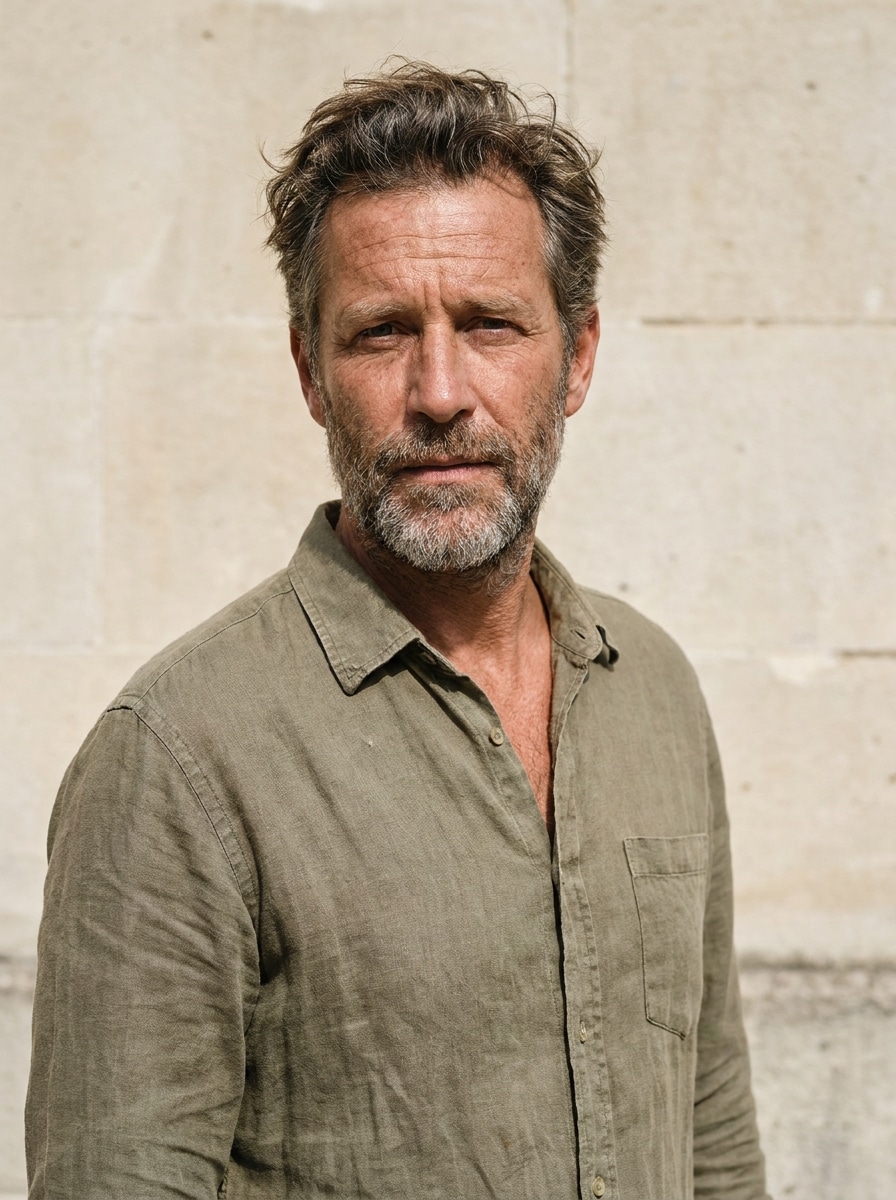
Inizia con un selfie chiaro, un ritratto o una foto di famiglia in formato JPG, PNG o JPEG. Un'immagine ben illuminata con un viso visibile fornisce allo strumento dettagli migliori per costruire un look da pirata convincente.
Passo 2
Descrivi il Cambiamento e Imposta le Opzioni
Digita lo stile pirata che desideri, come capitano realistico, regina fantasy, avatar cartoon o un filtro pirata snapchat look. Poi scegli il tuo modello e regola il rapporto d'aspetto, la risoluzione e il numero di variazioni.
Passo 3
Genera, Scarica e Continua a Migliorare
Crea le tue immagini da pirata, confronta le versioni e scarica il tuo risultato preferito. Se vuoi un costume più elaborato, un'illuminazione più cupa o uno sfondo più pulito, modifica il prompt e genera di nuovo.
Scopri come i creator usano questo Filtro Pirata per contenuti, marketing e progetti personali, poi adatta ogni idea al tuo scopo.
Crea immagini del profilo e post social di grande impatto
Trasforma un selfie ordinario in un audace ritratto di personaggio per TikTok, Instagram o avatar di chat. Funziona particolarmente bene per chiunque voglia un divertente restyling da pirata con più dettagli e personalità rispetto a un effetto base nell'app o a una rapida tendenza del filtro pirata snapchat.
Progetta inviti a feste a tema e ricordi di famiglia
Crea ritratti giocosi per inviti di compleanno, attività in classe o decorazioni per eventi. Un'elaborazione pirata stilizzata o un look ispirato al filtro pirata snapchat può rendere la grafica per feste dei bambini personalizzata senza assumere un illustratore o imparare strumenti di editing complessi.
Costruisci concept per cosplay e character art velocemente
Prova diversi cappelli, cappotti, atmosfere di illuminazione e sfondi fantasy prima di un servizio fotografico o dell'acquisto di un costume. È un modo pratico per visualizzare in anteprima uno stile con filtro pirata AI, che tu voglia un capitano realistico, un brigante da libro di fiabe o un avventuriero in stile anime da una foto sorgente.
Cosa Dicono gli Utenti di Questo Filtro Pirata
Maya T.
Content Creator
"Risultati divertenti con veri dettagli del personaggio" Volevo qualcosa di più drammatico di un filtro social standard, e questo mi ha dato un ritratto completo da pirata con un'ottima illuminazione, dettagli del costume e un viso che sembrava ancora il mio.
Jordan P.
Genitore e Organizzatore di Feste
"Perfetto per gli inviti" L'ho usato per creare ritratti a tema pirata per l'invito di compleanno di mio figlio. I risultati erano luminosi, amichevoli e molto più raffinati dei semplici effetti con sticker.
Elena R.
Appassionata di Cosplay
"Ottimo per testare idee di costume" Mi ha aiutato a visualizzare in anteprima diversi stili pirata da una foto, dai look realistici da capitano alle varianti fantasy. Questo ha reso più facile decidere accessori e direzione del colore per il mio costume.
Noah S.
Designer Studentesco
"Facile su mobile e desktop" Ho iniziato sul mio telefono e scaricato l'immagine finale sul mio laptop. Il flusso di lavoro era semplice e la qualità del ritratto era abbastanza buona da usare in un mockup per poster.
Esplora i più popolari effetti video e immagini AI
1. Come trasformo una foto in un ritratto da pirata online?
Carica una foto chiara JPG, PNG o JPEG su Media.io, poi inserisci un prompt che descriva lo stile pirata che desideri, come un capitano realistico, una regina fantasy o un avatar cartoon. Puoi scegliere un modello, impostare il rapporto d'aspetto e la risoluzione e generare una o più variazioni dalla tua immagine.
2. Questo filtro pirata è gratuito?
Sì, gli utenti gratuiti possono provare Media.io con crediti gratuiti. Se hai bisogno di più generazioni, più crediti o download ad alta risoluzione senza filigrana, puoi confrontare le opzioni a pagamento nella pagina dei prezzi.
3. Posso creare una foto realistica da pirata o un avatar pirata cartoon?
Media.io supporta più stili da immagine a immagine, quindi puoi trasformare un singolo caricamento in un ritratto realistico da pirata, un personaggio fantasy o un avatar in stile cartoon. Questa flessibilità è utile se vuoi un look da poster cinematografico, un'elaborazione pronta per i meme o un'immagine del profilo social raffinata.
4. Che tipo di foto funziona meglio per un filtro pirata AI?
Un ritratto chiaro e ben illuminato con il viso facilmente visibile di solito funziona meglio per un filtro pirata AI. Sfondi semplici, illuminazione equilibrata e una posa frontale o leggermente angolata aiutano Media.io ad applicare dettagli del costume pirata, cappelli e stile facciale con maggiore precisione.
5. Quanto tempo ci vuole per generare un'immagine pirata dalla mia foto?
La generazione è progettata per essere rapida, quindi di solito puoi creare variazioni da pirata in un breve flusso di lavoro dopo aver caricato l'immagine e impostato le opzioni. Il tempo esatto può variare in base al modello, alla risoluzione e al numero di immagini generate in un singolo batch.
6. Posso usare il filtro pirata su iPhone, Android o desktop?
Media.io è uno strumento basato sul web, quindi puoi usare il filtro pirata su iPhone, Android, Windows o Mac con un browser. Questo rende facile caricare un selfie su mobile e perfezionare l'immagine finale in seguito sul desktop.