Creations are stored for only 7 days. Assets created after upgrading to a Membership plan will be stored permanently.
Unlock your creative potential and experience the magic of Media AI right away!
Chef Filter for Realistic, Fun, and Cinematic Photo Makeovers
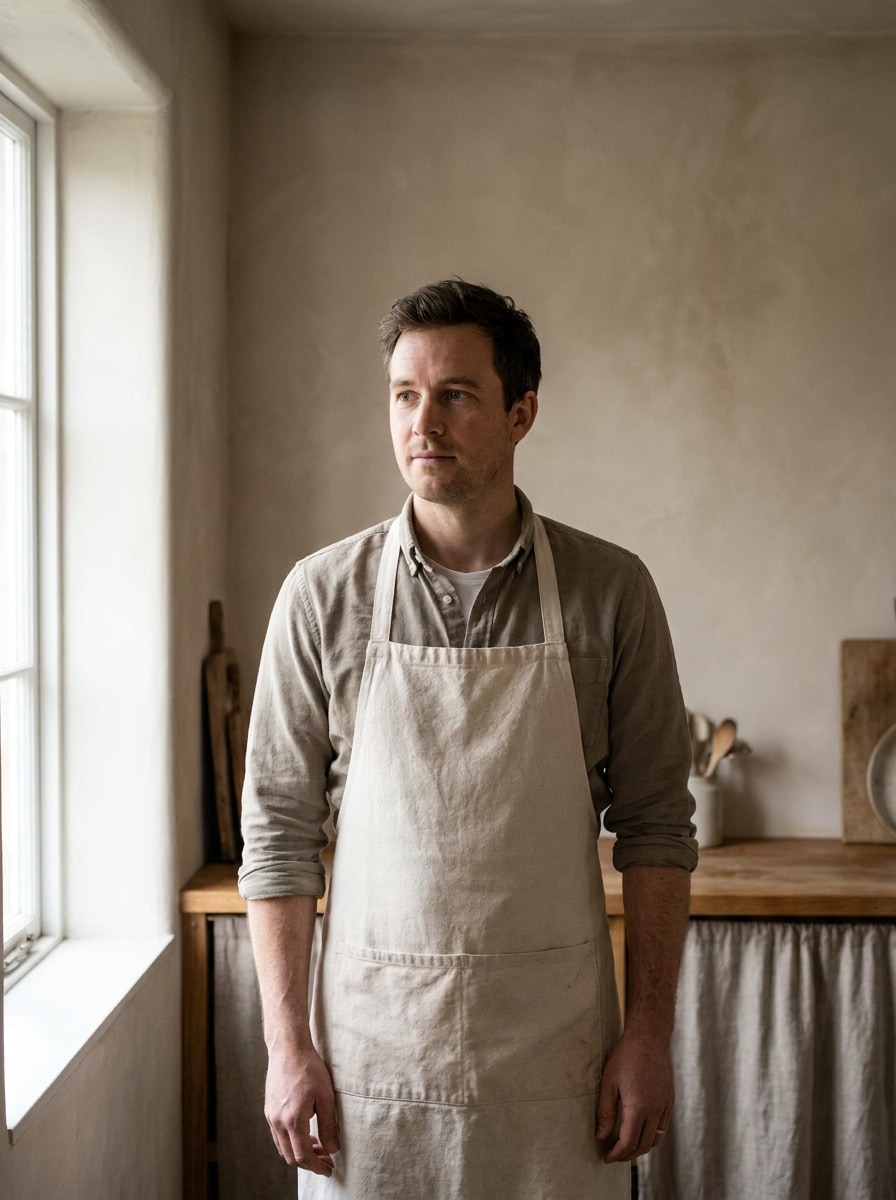
Create a chef-themed portrait from your photo in seconds. This chef filter lets you try polished kitchen looks, playful hat overlays, and stylized avatars with an AI chef filter workflow that feels fast, simple, and social-ready on any device.
Review these example directions, then tailor the prompt details to get stronger results with this chef filter or a more specific chef uniform filter look.
Professional Chef Studio
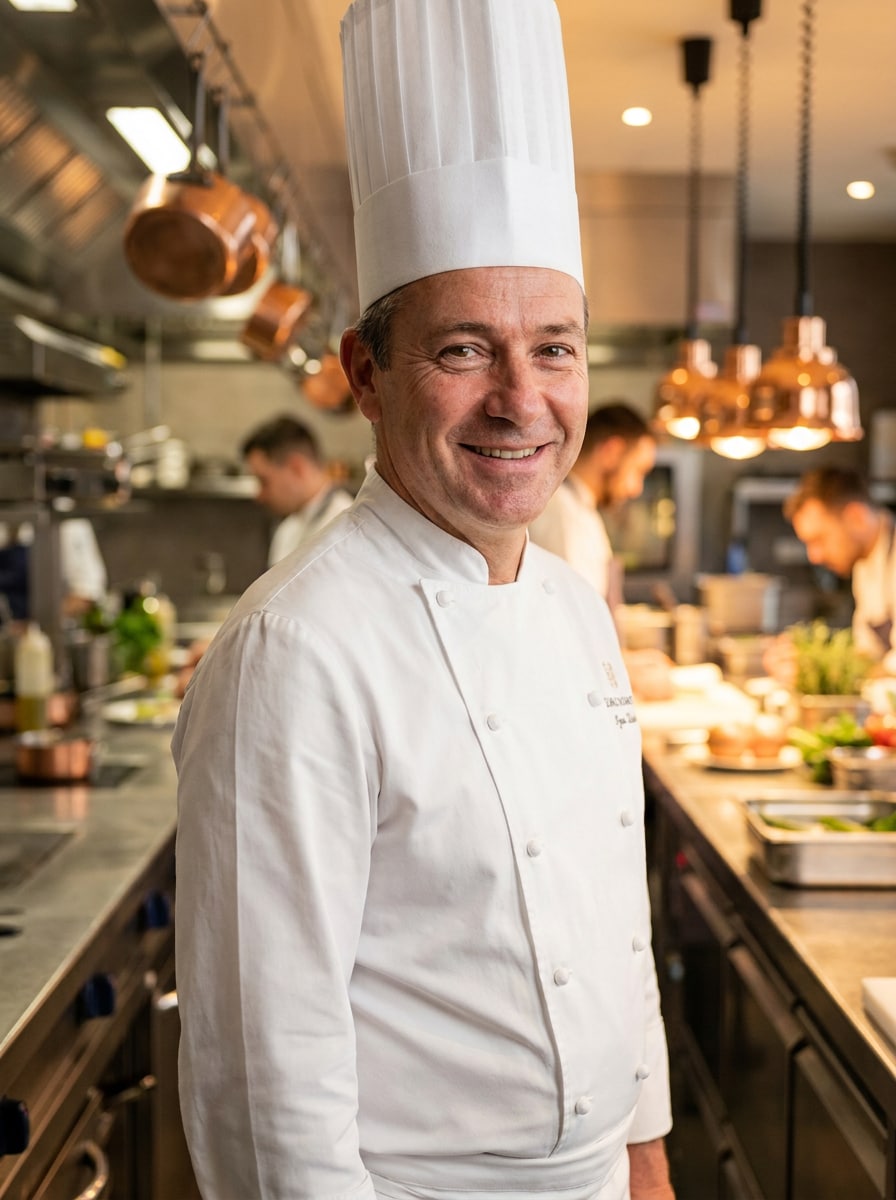
Use the uploaded image as the main subject and transform it into a realistic professional chef portrait. Add a crisp white toque, tailored chef coat, subtle apron details, and a refined restaurant kitchen background with stainless-steel textures, warm cinematic lighting, confident posture, natural skin detail, and sharp editorial-quality focus.
Fine Dining Executive Chef
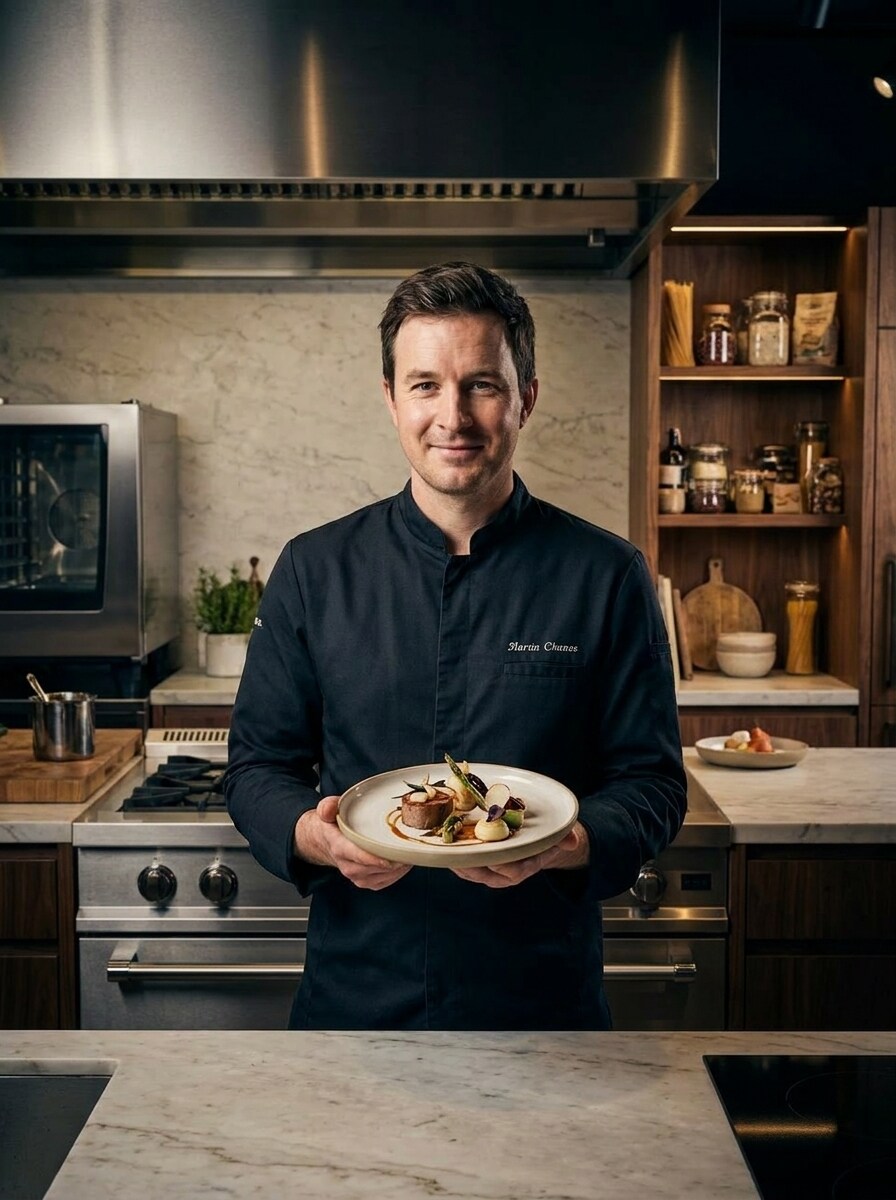
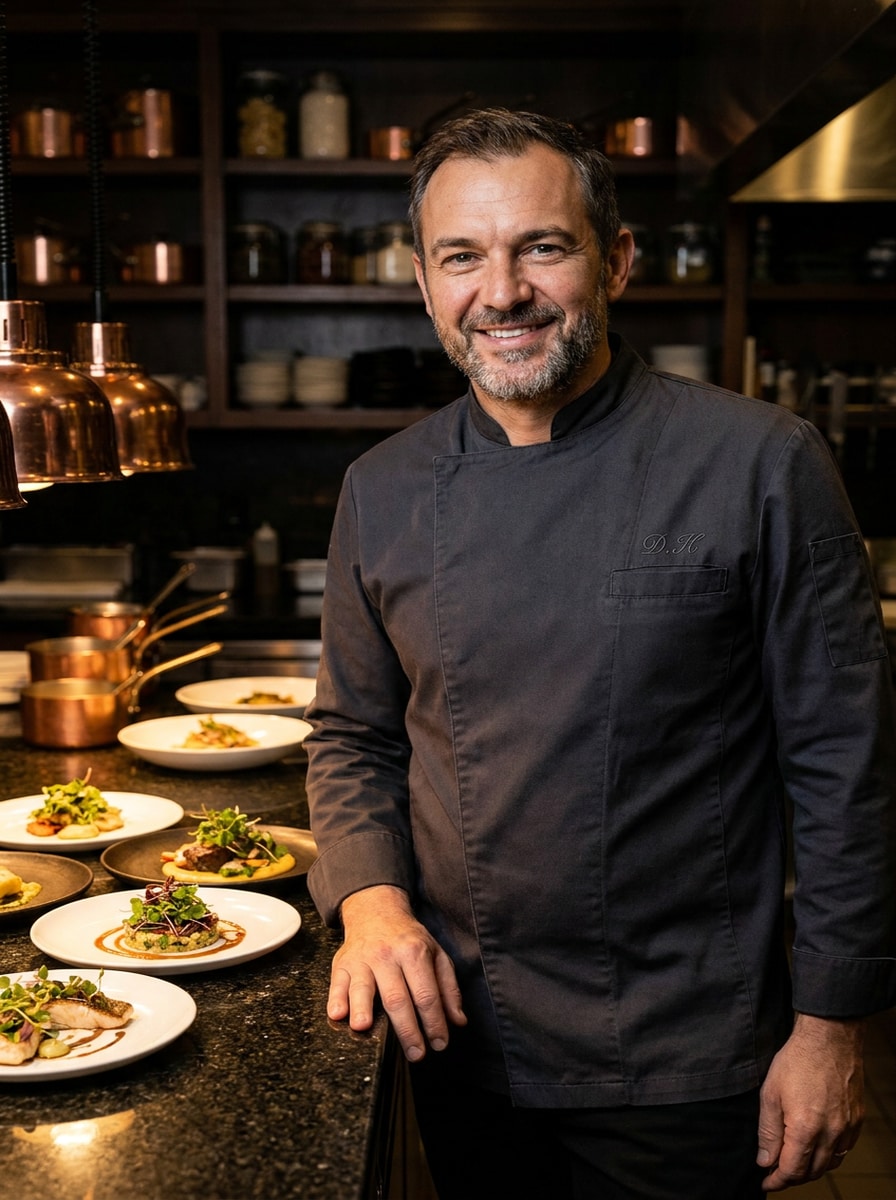
Use the uploaded image as the subject and turn it into a luxury executive chef portrait. Add an elegant chef jacket, premium plating on the counter, dramatic restaurant lighting, deep neutral tones, glossy metal accents, poised body language, and a high-fashion culinary editorial mood with realistic facial preservation.
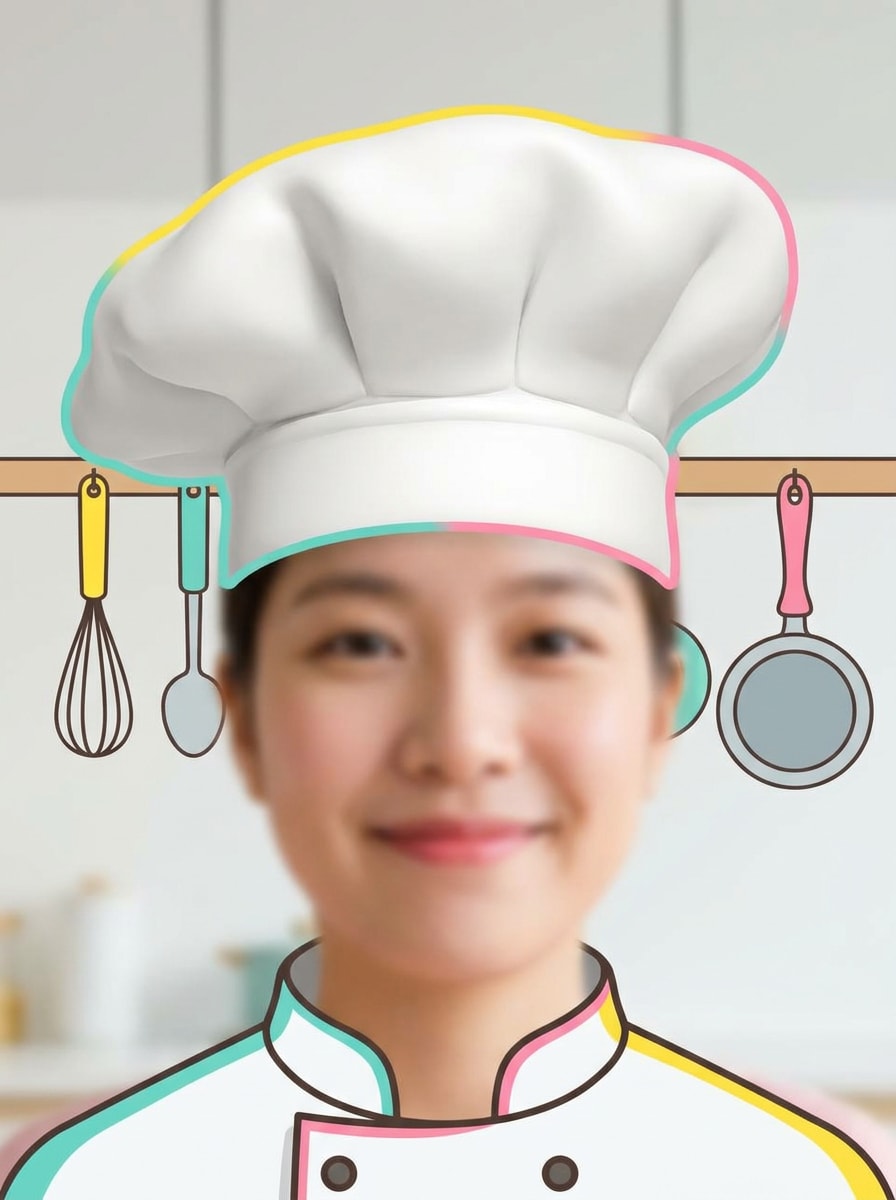
Chef Hat AR Look
Use the uploaded image as the base for a playful social-style chef makeover. Add an oversized white chef hat, soft flattering facial enhancement, bright cheerful color grading, simple kitchen hints in the background, smooth clean textures, and an upbeat mobile-friendly portrait layout with a fun filter vibe.
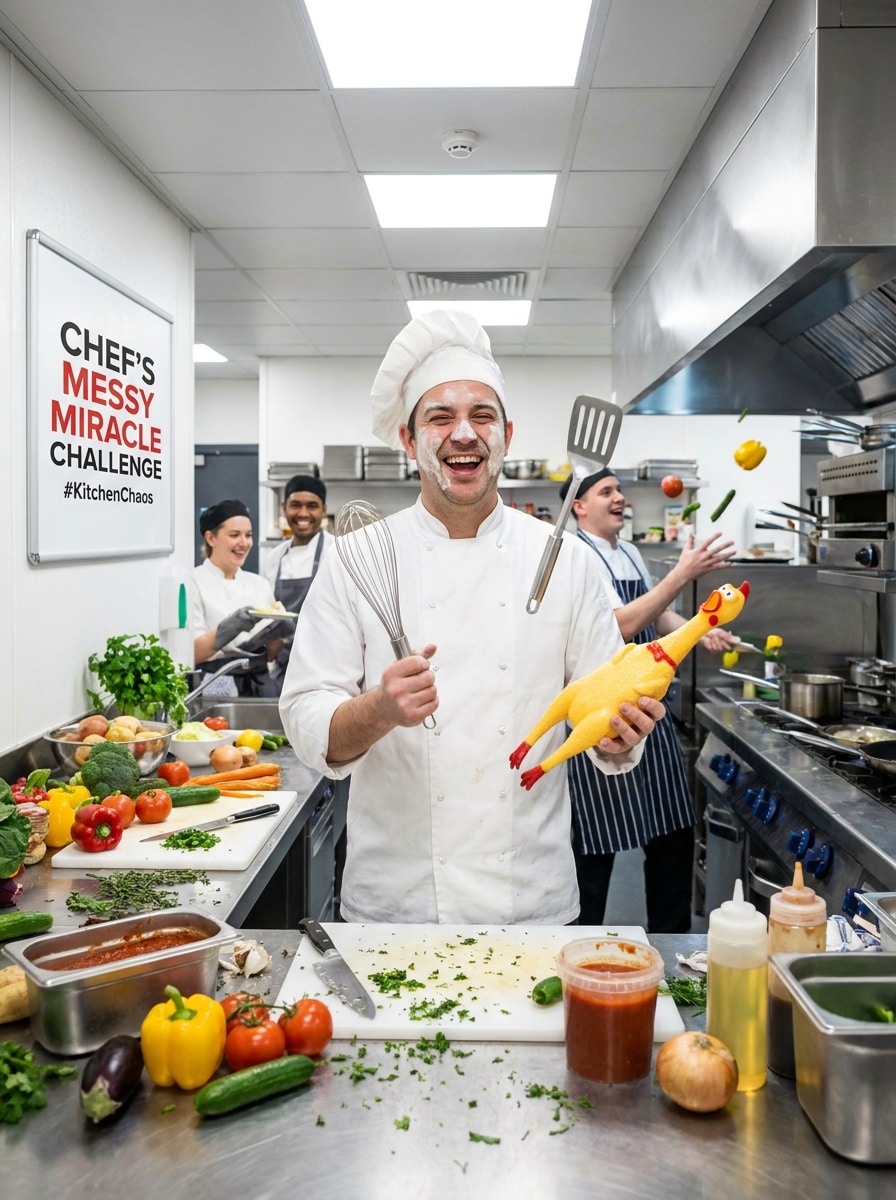
Cooking Challenge Meme
Use the uploaded image as the character and create a humorous cooking challenge chef scene. Add a chef hat, apron, expressive face, playful food props, lively kitchen clutter, vibrant colors, energetic lighting, and a meme-friendly composition that feels funny, shareable, and still visually clean.
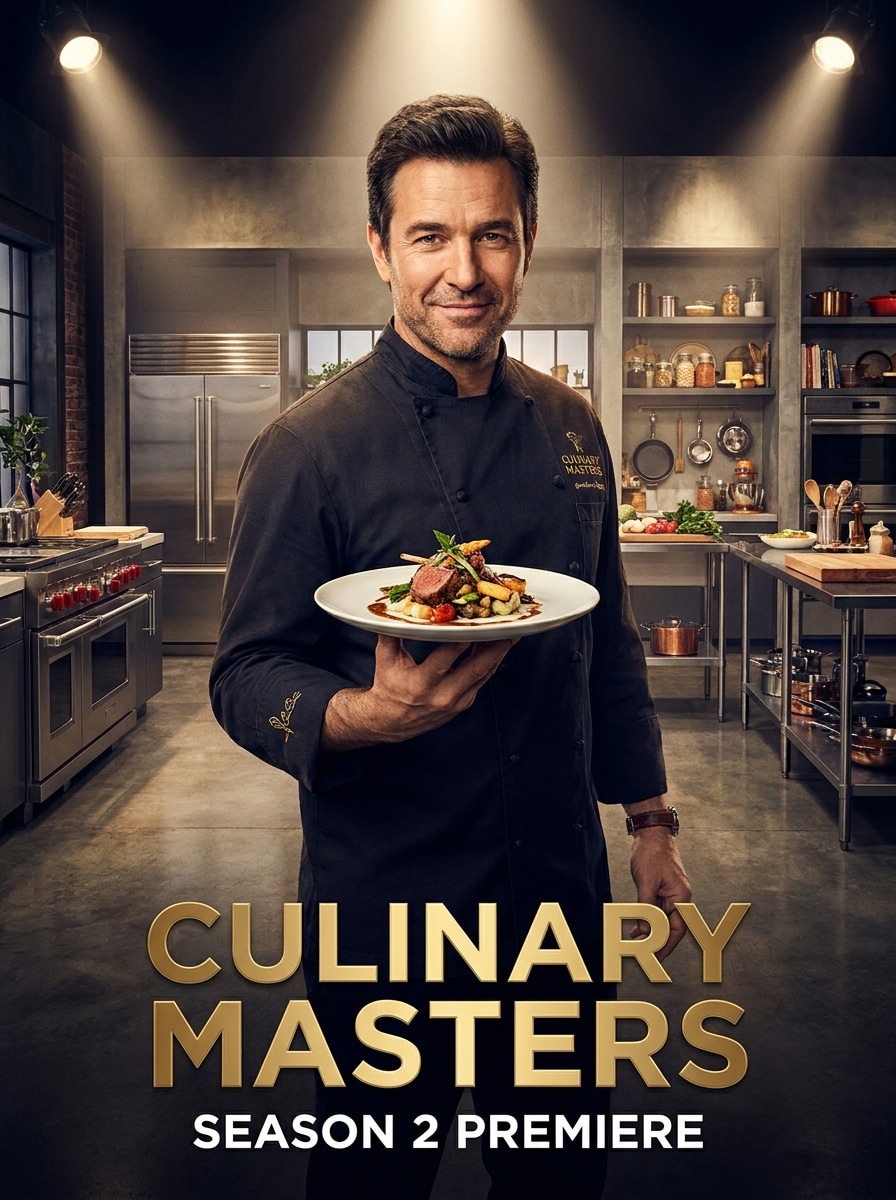
TV Show Chef
Use the uploaded image as the subject and turn it into a celebrity cooking-show portrait. Add a premium studio kitchen set, spotlight-style lighting, elegant food styling, cinematic color grading, sleek chef attire, rich contrast, and a confident host-like presence with realistic facial detail and promotional polish.
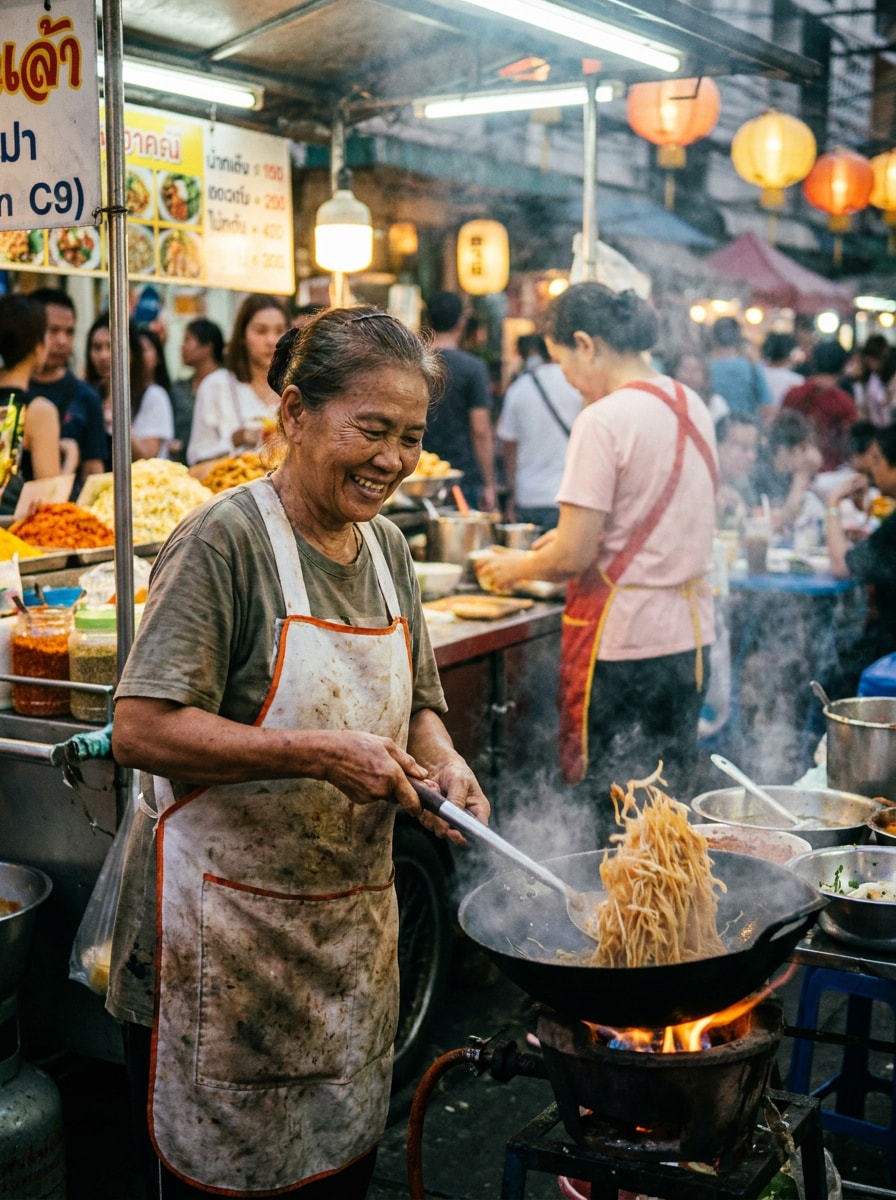
Street Food Chef
Use the uploaded image as the subject and transform it into a vibrant street food chef portrait. Add an apron, casual chef styling, food stall backdrop, glowing signage, rich market colors, candid action energy, warm evening lighting, and realistic textures that feel lively, authentic, and culturally atmospheric.
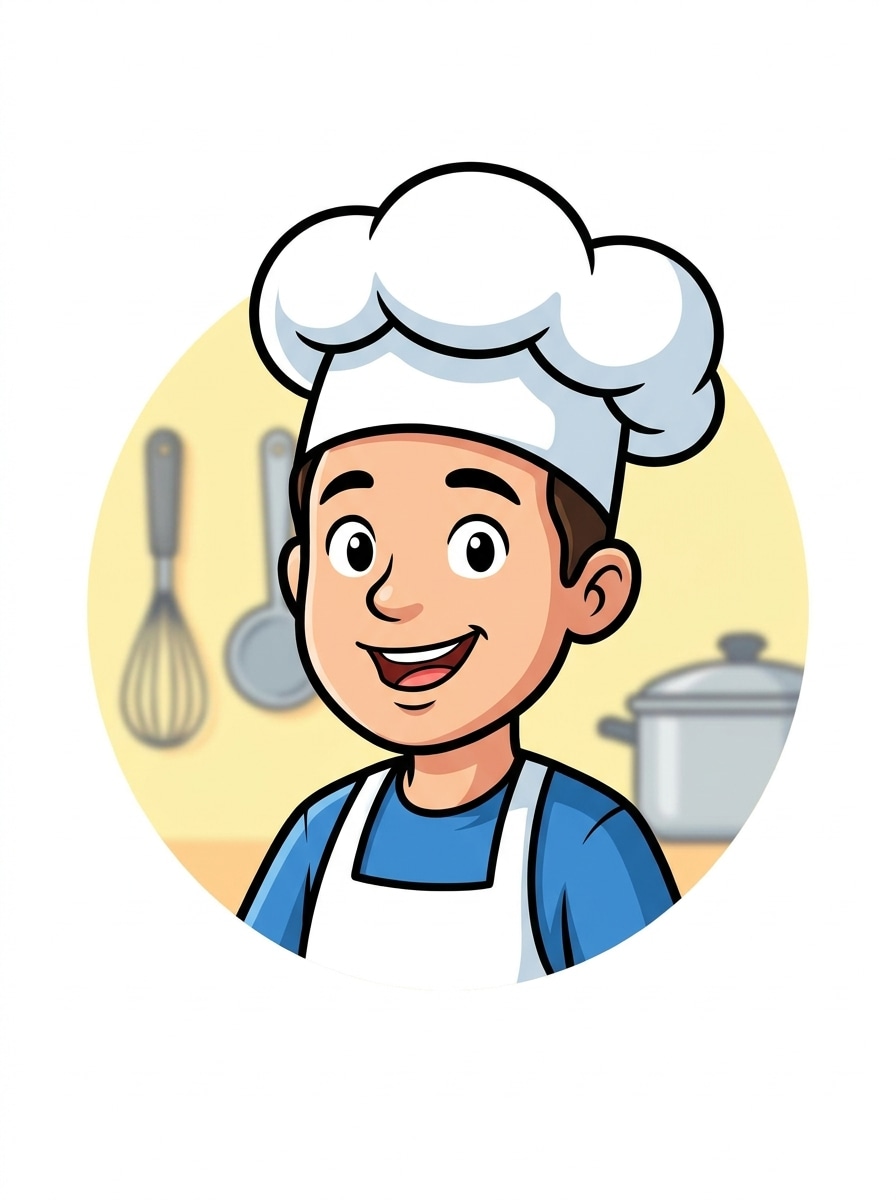
Cartoon Chef Avatar
Use the uploaded image as the reference and convert it into a cute cartoon chef avatar. Add a chef hat, apron, friendly smile, bold clean outlines, bright color palette, simplified kitchen cues, smooth illustrated shading, and a neat profile-picture composition that stays recognizable and polished.
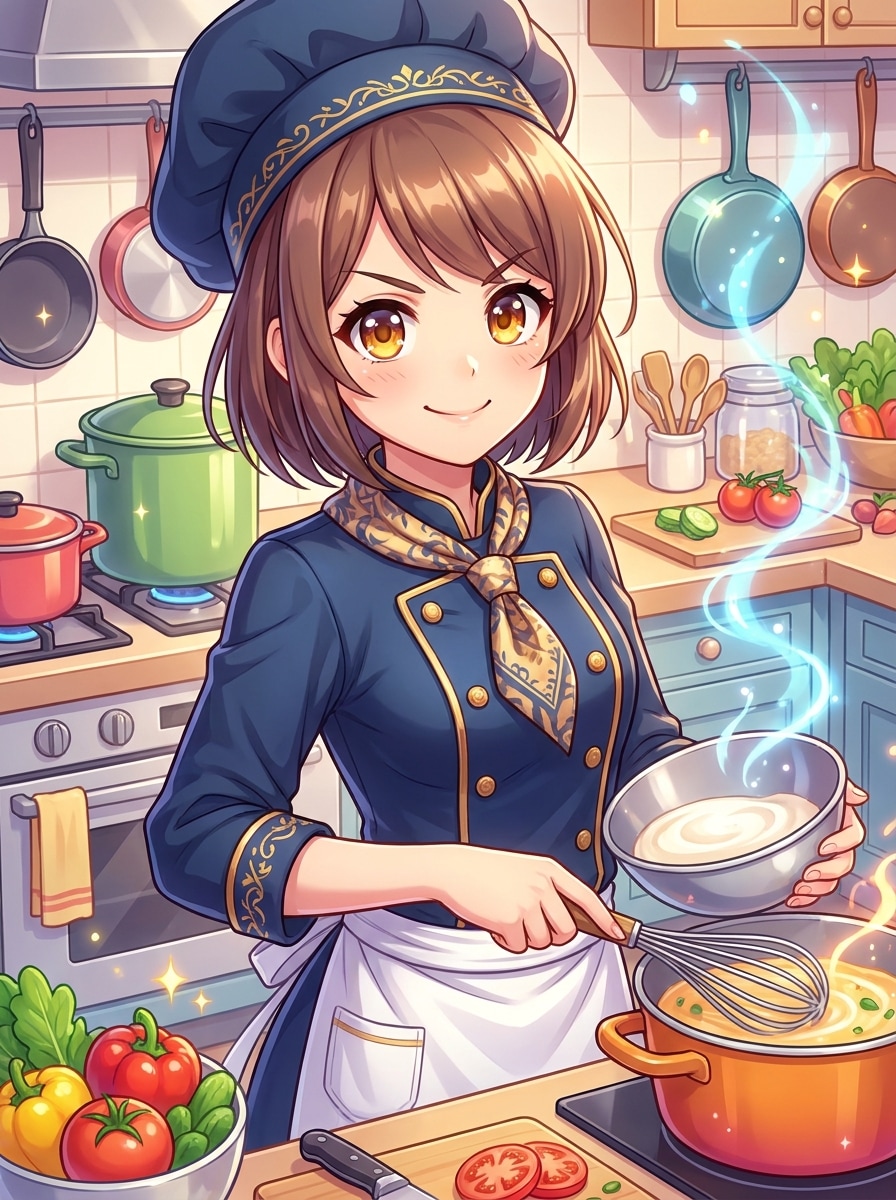
Anime Chef Character
Use the uploaded image as the reference face and transform it into an anime-inspired chef character. Add expressive eyes, a stylish chef uniform, vivid color accents, a polished illustrated kitchen backdrop, dynamic lighting, glossy shading, and a charismatic composition that feels energetic and collectible.
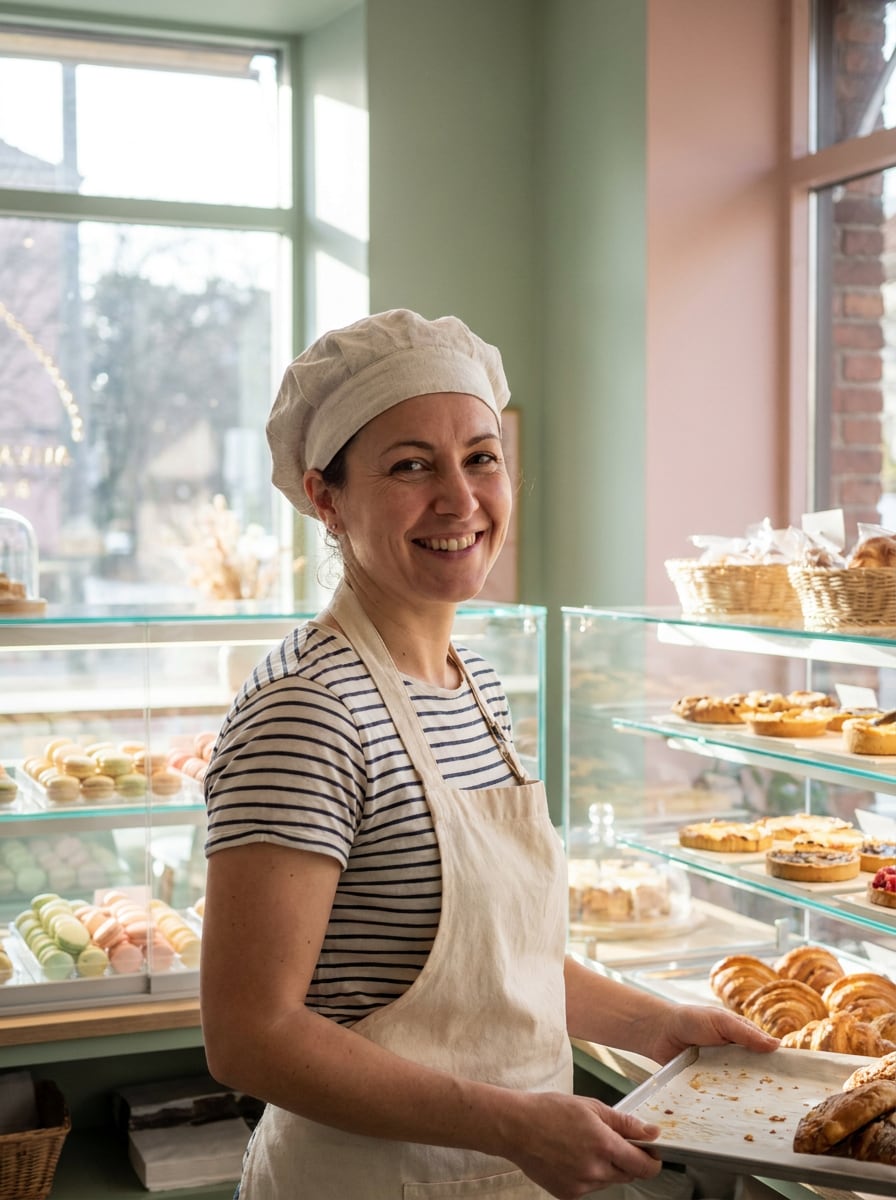
Pastry Chef Makeover
Use the uploaded image as the subject and create a pastry chef makeover with a soft bakery aesthetic. Add a light chef cap, elegant apron, pastel dessert tones, airy bakery shelves, gentle natural lighting, creamy textures, and a refined portrait mood that feels warm, artistic, and realistic.
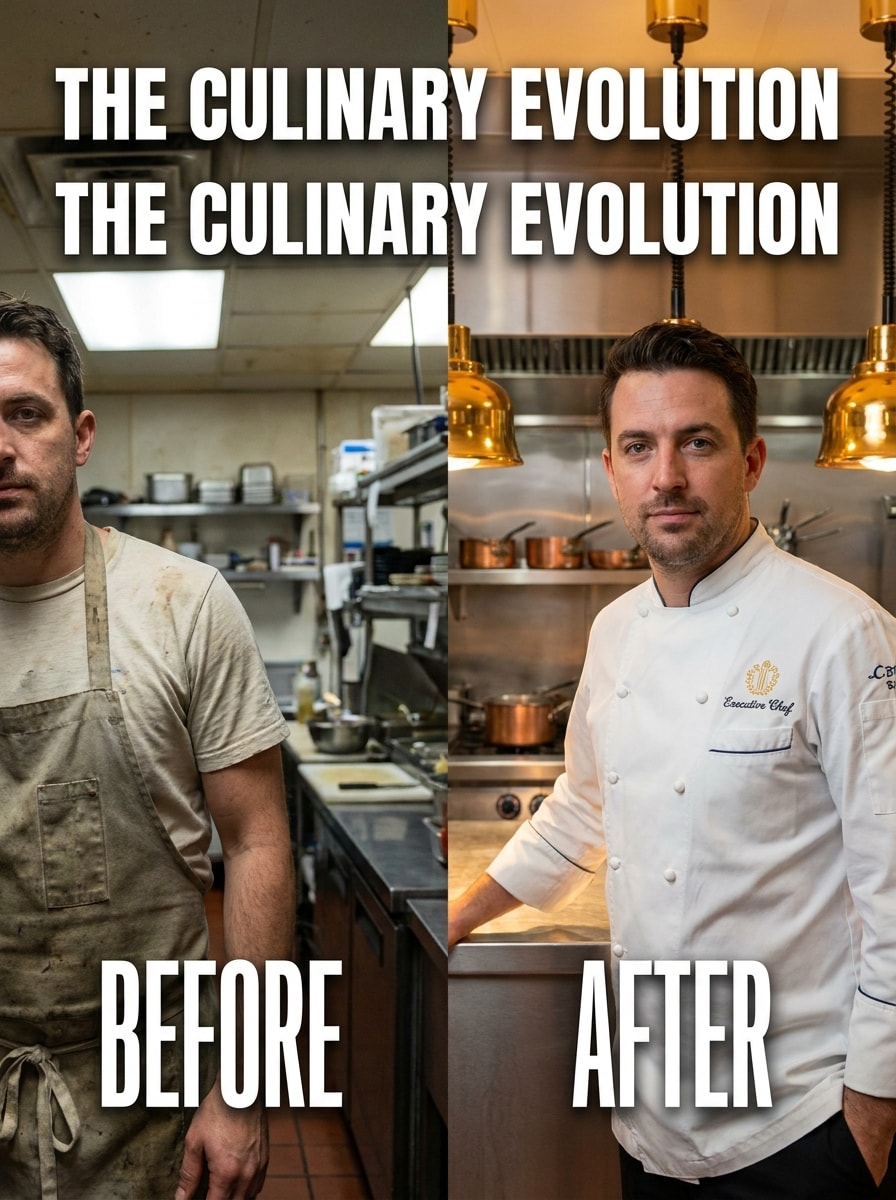
Home Cook to MasterChef
Use the uploaded image as the starting point and create a dramatic chef upgrade. Turn a casual portrait into a polished master-chef-style transformation with upgraded uniform details, a professional kitchen backdrop, cinematic lighting, bold contrast, confident expression, and realistic detail designed for impressive before-and-after sharing.
Why Use Media.io for a Chef Photo Makeover
Preserve Identity While Changing the Look
For selfies, profile photos, or a cooking portrait filter experiment, Media.io uses your uploaded image as a reference so the chef transformation still looks like you, making the final portrait feel more personal, believable, and ready to share.
Switch Between Playful, Professional, and Illustrated Chef Styles
If your creative direction is still evolving, Media.io lets you test multiple looks around the same chef filter idea or refine it into a chef uniform filter style, so you can compare options quickly without rebuilding the concept from scratch.
Keep Final Visuals Sharp for Real Projects
For projects that need more than draft quality, Media.io helps you create chef filter visuals with up to 4K output, so details stay cleaner when you present, crop, or repurpose the final image.
Create Fast in the Browser With No Design Learning Curve
Creative work rarely stays on one screen. Media.io keeps the chef filter visual workflow in your browser, so you can start on phone and finish on desktop without stopping to install extra software.
How to Use the Chef Filter Online
Turn your words into stunning visuals in three simple steps, then continue refining the result if you want to take it further.
Step 1
Upload Your Reference Image
Start with a clear selfie, portrait, or casual photo in JPG, PNG, or JPEG format. A front-facing image with visible facial details makes it easier to create a convincing chef makeover, from a realistic kitchen portrait to a playful character-style effect.
Step 2
Describe the Change and Set Options
Enter the look you want, such as a professional kitchen portrait, cartoon chef avatar, or social-ready hat effect. Then choose your preferred model and adjust aspect ratio, image count, and resolution to match your final use.
Step 3
Generate, Download, and Keep Improving
Create variations, compare the results, and download your favorite version. If you want a better expression, outfit, or background, edit the prompt and generate again until the chef portrait fits your style perfectly.
See how creators use this chef filter for content, marketing, and personal projects, then adapt each idea to fit the brief.
Create a standout themed profile picture
Turn a normal selfie into a polished culinary persona for TikTok, Instagram, Discord, or YouTube. Media.io makes it easy to build a memorable food-themed avatar when you want a playful identity without hiring a designer.
Mock up restaurant, café, or cooking-brand promos
Generate chef-style portraits for menu campaigns, event posters, class flyers, or staff spotlights. Media.io helps creators and small businesses develop fast visual concepts before organizing a full photo shoot.
Make viral before-and-after transformation content
Use one uploaded photo to create dramatic role-swap visuals for reels and short videos. With Media.io, a casual snapshot can become a cinematic kitchen star, a pastry specialist, or a fun cartoon cook that encourages shares and reactions.
What Users Say About This Chef Filter
Alyssa M.
Food Content Creator
"Perfect for themed social posts" I uploaded a basic selfie and got a polished chef portrait in minutes. The realistic kitchen background and outfit details looked far better than simple sticker apps.
Jordan P.
Restaurant Marketer
"Fast mockups for campaigns" We used it to test chef-style promo visuals before a real shoot. It was quick, easy to tweak, and helpful for previewing ideas for posters and social media.
Nina R.
Student Creator
"Funny and surprisingly high quality" I tried the cartoon and meme-style versions first, then made a more realistic one. The tool kept my face recognizable, which made the whole transformation much more fun.
Marcus T.
Small Business Owner
"Easy on phone and desktop" I started on my phone and finished on my laptop without any hassle. The browser workflow made it simple to create a professional-looking chef image for a cooking event flyer.
1. What is a chef filter, and how does it work on a photo?
A chef filter is an image-to-image effect that turns your uploaded photo into a chef-themed portrait. In Media.io, you upload a JPG, PNG, or JPEG image, describe the style you want, and the AI applies details like chef hats, uniforms, kitchen scenes, or illustrated looks while following your reference photo.
2. Can I use this chef photo filter for free?
Media.io offers free credits so you can try this chef photo filter online before upgrading. If you need more generations or want higher-quality, watermark-free downloads, you can compare plans on the pricing page and choose the option that fits your usage.
3. How do I turn a selfie into a realistic chef portrait online?
Upload a clear selfie, then enter a prompt describing the chef look you want, such as a professional kitchen portrait with a white hat, chef coat, and warm restaurant lighting. In Media.io, you can also choose the model, aspect ratio, and resolution, then generate multiple versions until the portrait feels natural and polished.
4. Does the AI chef filter work on iPhone, Android, and desktop?
Media.io is web-based, so the AI chef filter works on iPhone, Android, Windows, and Mac as long as you have a browser. That makes it easy to upload a photo and create chef-style images without installing separate software.
5. Can I choose different chef styles like cartoon or professional kitchen looks?
Media.io supports a range of transformation styles, so you can create realistic restaurant portraits, playful social-style effects, pastry chef looks, street-food scenes, or illustrated avatar results. You guide the outcome through your prompt, reference photo, and selected generation settings.
6. How long does it take to generate an image with the chef filter?
It usually takes only a short time to generate a result after you upload your image and submit the prompt. The exact speed can vary based on your chosen settings and how many versions you generate, but Media.io keeps the workflow fast enough for quick creative testing.