
Authentic Xerox & Grunge Textures
Achieve a realistic black and white photocopy effect featuring gritty ink bleed, high-contrast duplication, rough paper texture, and iconic zine effect vibes.
 Nano Banana Pro
 Unlock your creative potential and experience the magic of Media AI right away!
Instantly convert your favorite images into high-contrast, grungy masterpieces. Apply a realistic AI photocopy effect complete with ink bleed, heavy paper grain, raw print textures, and punk-style duplication in just one click.
 Before
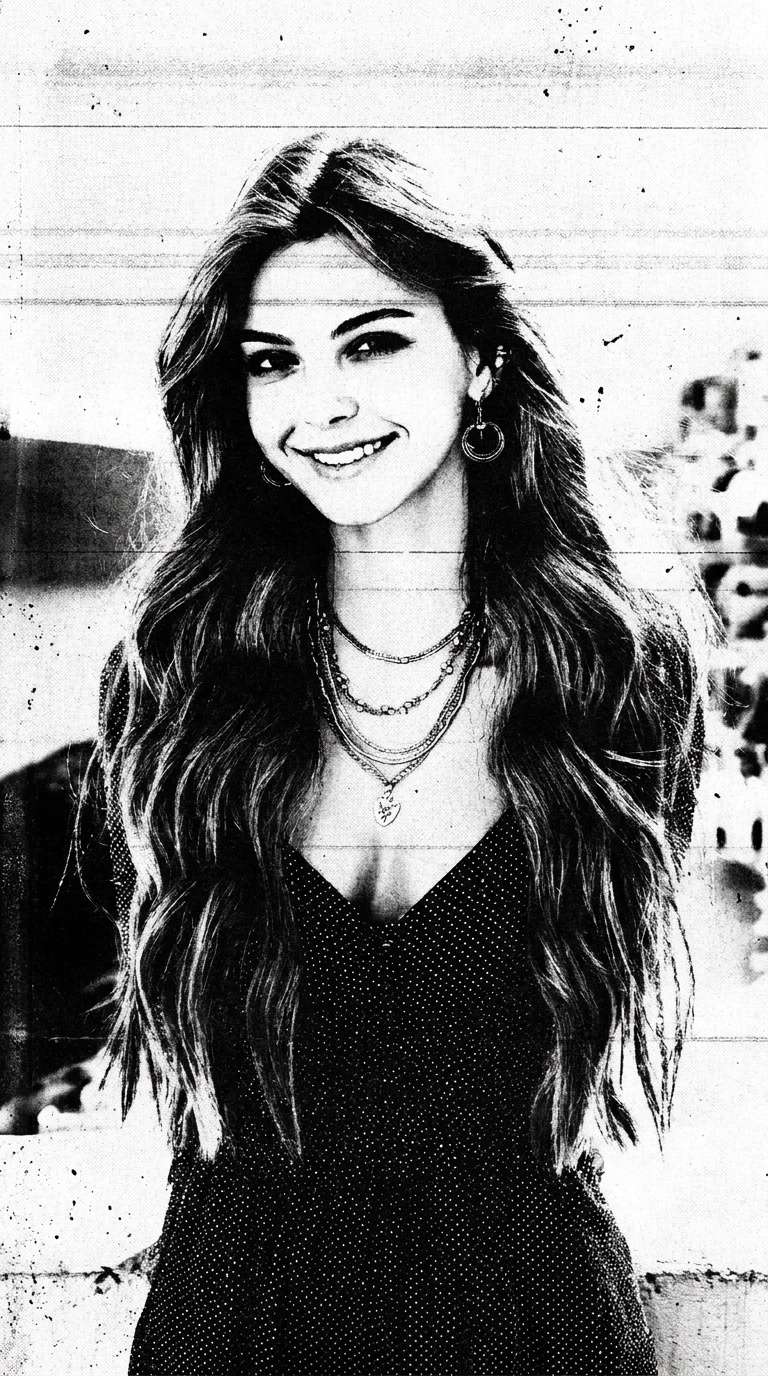 After
After
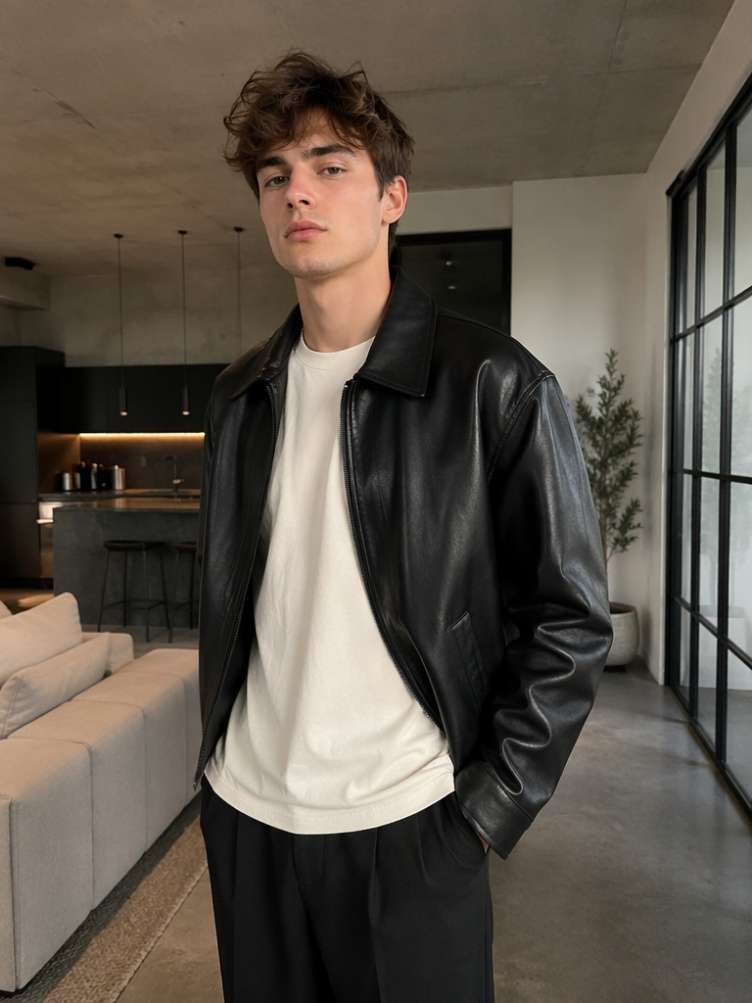 Before
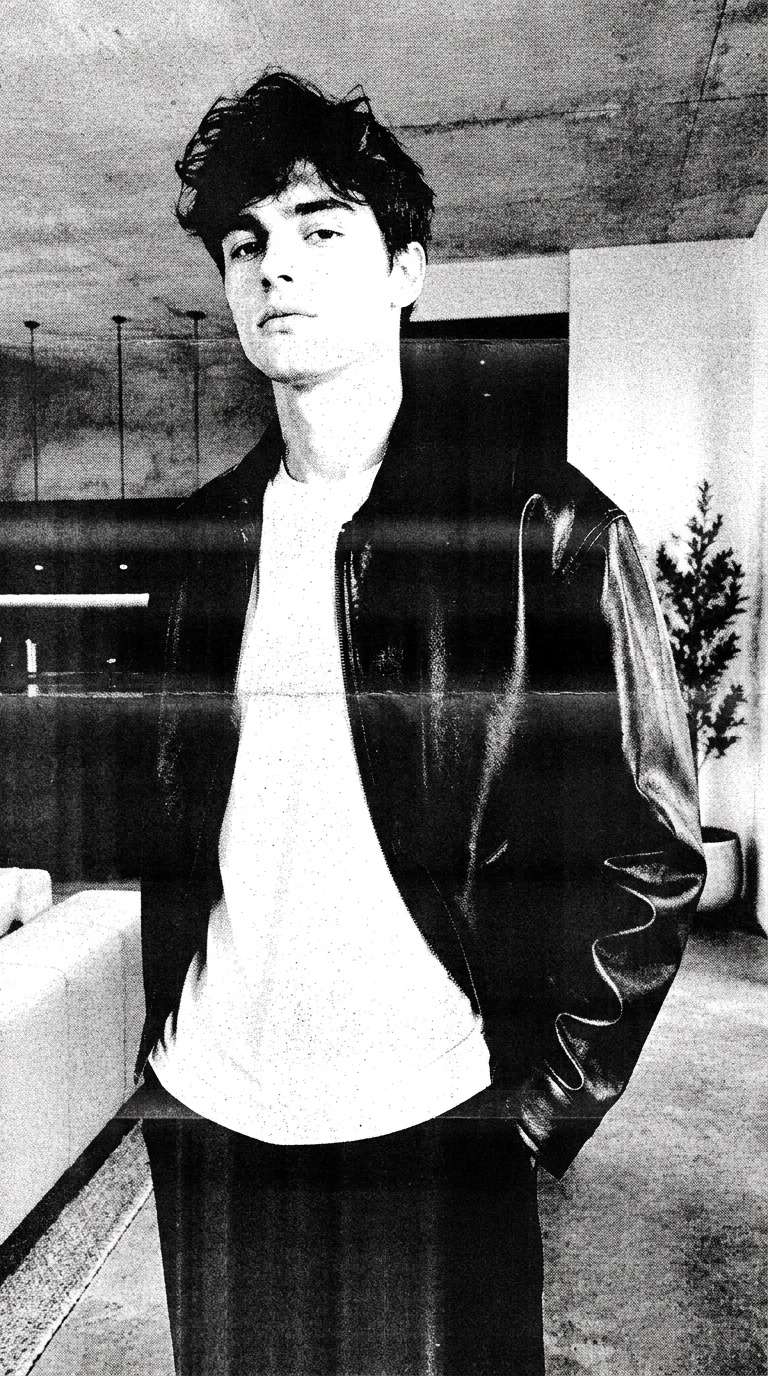 After
After
Free credits on signup.
Achieve a realistic black and white photocopy effect featuring gritty ink bleed, high-contrast duplication, rough paper texture, and iconic zine effect vibes.
The photocopy photo filter preset page opens instantly with a pre-filled AI prompt. Simply swap the sample photo with your own to get immediate lo-fi artwork.
Take control of your creative output. Modify the preset prompt to adjust contrast levels, add specific grain, introduce halftones, or apply a distinct punk poster effect.
Create stunning xerox photo effect graphics online. Use your free signup credits to download high-resolution, watermark-free designs ready for posters, merch, or social feeds.
Visit the dedicated AI photocopy effect page. A style prompt is preloaded. Simply upload your portrait or graphic to replace the default sample.
Keep the preset prompt as is, or easily edit it. Add custom keywords like "extreme ink bleed," "heavy grunge texture," or "zine layout" to mold your unique style.
Click the generate button and watch the AI process the photocopy filter. Download your high-contrast, watermark-free masterpiece in seconds.

Zine Publisher & Designer

“The most realistic black and white photocopy effect online!” I used to spend hours manually applying grain, threshold layers, and ink bleed in Photoshop. Media.io’s AI photocopy effect gives me that perfect gritty paper texture in just seconds. It has completely transformed my zine design workflow.

Indie Musician & Promoter
“Flawless punk poster effect for gig promotion.” We needed raw, high-contrast, photocopied graphics for our band's tour announcement. By uploading a portrait and using the pre-loaded xerox photo effect, we got gorgeous, rough print-style art instantly. Best of all, they download in high quality without watermarks.

Streetwear Brand Founder
“Amazing photocopy photo filter with absolute creative control.” Most online filters look cheap and lack depth. Media.io's tool allows me to adjust the preloaded AI prompt to tweak texture density, duplication levels, and paper creases. It makes designing fashion catalog mockups incredibly fun and fast.

Mixed-Media Artist
“An essential tool for retro zine effect styles.” Getting that gritty duplicated paper art look can be tricky without actual ink and printers. This tool completely nails the rough print look. I can easily generate raw texture graphics, export watermark-free, and drop them directly into my digital collages.
The AI photocopy effect is an advanced, prompt-driven filter that converts standard digital photos into gritty, high-contrast, black-and-white photocopy graphics. It emulates classic Xerox machines, adding vintage paper grain, heavy ink bleed, rough print textures, and punk aesthetic paper folds to your portraits and graphics.
Our workflow is highly streamlined: when you open the effect page, the preset prompt for photocopy art is already pre-loaded. Simply upload your photo to replace the sample, choose whether you want to edit the prompt to add custom details, click generate, and download your finished black and white photocopy art.
Yes, absolutely. Because the generator relies on an editable preset prompt, you can add custom descriptive terms to alter the output. For instance, you can type "intense ink bleed", "halftone dots", "extreme high contrast", or "low exposure paper noise" into the prompt editor to perfectly customize the photocopy filter results.
This tool is highly versatile and excels at processing high-contrast portraits, street fashion photography, music event posters, text designs, and geometric sketches. Photos with distinct subjects and high-contrast lighting render beautifully when transformed into rough duplicated paper art styles.
Yes, Media.io offers free credits upon signup, allowing you to try the AI photocopy effect online. You can quickly generate and download your high-quality, watermark-free designs, making it perfect for immediate commercial, web, or print use.
 4.7 (162,357 Votes)