Bild zu Bild
Nano Banana Pro
Bild hochladen
0 / 9
Klicken oder ziehen, um hochzuladen, oder wählen Sie aus Meine Historie
Keine Ideen? Erstellen Sie zuerst ein Bild. >
Unterstützte Upload-Formate: jpg, png, jpeg.
Tipps
0/2000
Seitenverhältnis
Auto
9:16
16:9
1:1
4:3
3:4
3:2
2:3
21:9
Auflösung
1K
2K
4K
Banana Pro Unbegrenzter Modus
Anzahl der Bilder
1
2
3
4
Öffentliche Sichtbarkeit
Alle
Bild
Video
Audio
Liste generieren
Die generierten Ergebnisse werden 7 Tage lang aufbewahrt. Bitte speichern Sie sie rechtzeitig.
ai_video_generatorEntfalten Sie Ihr kreatives Potenzial und erleben Sie jetzt die Magie der Media-KI!

Blur Image Generator for Background, Face, and Privacy Edits

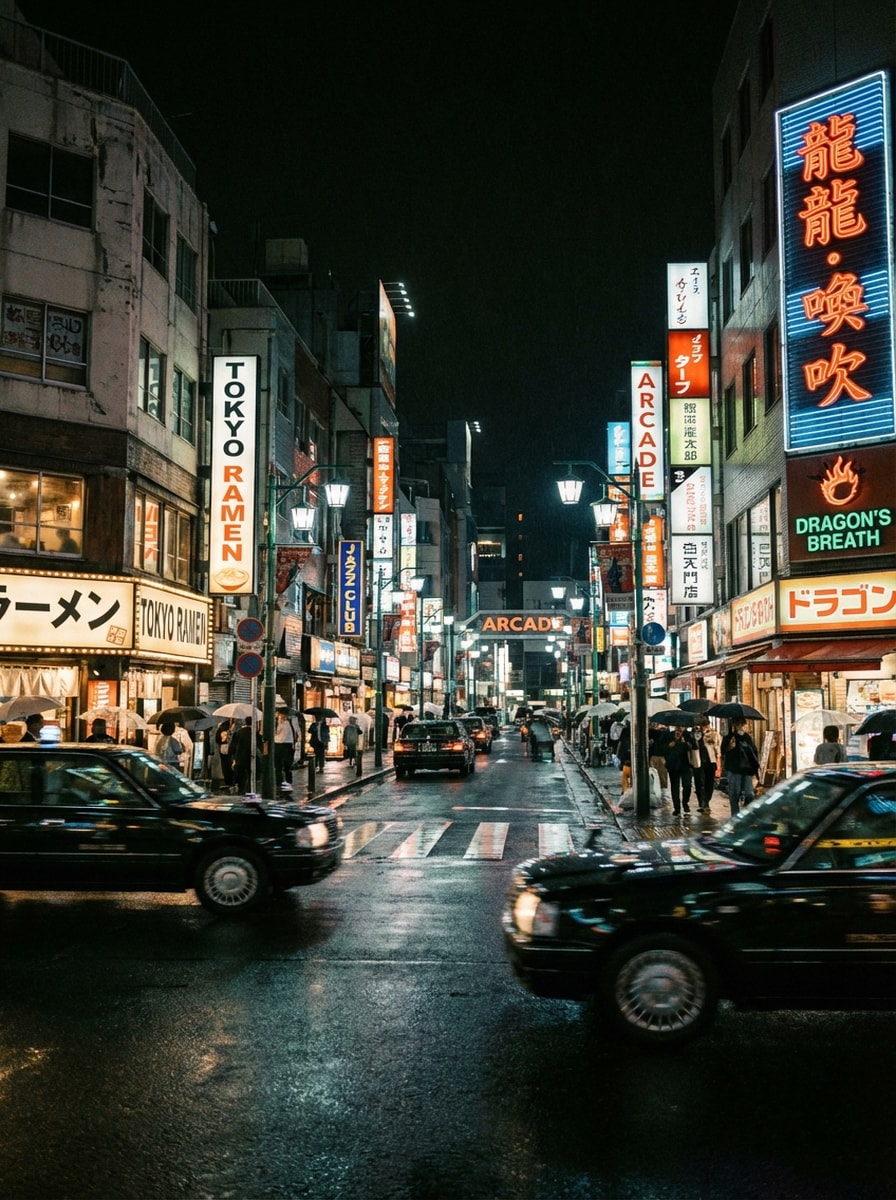
Blur Image Generator Before
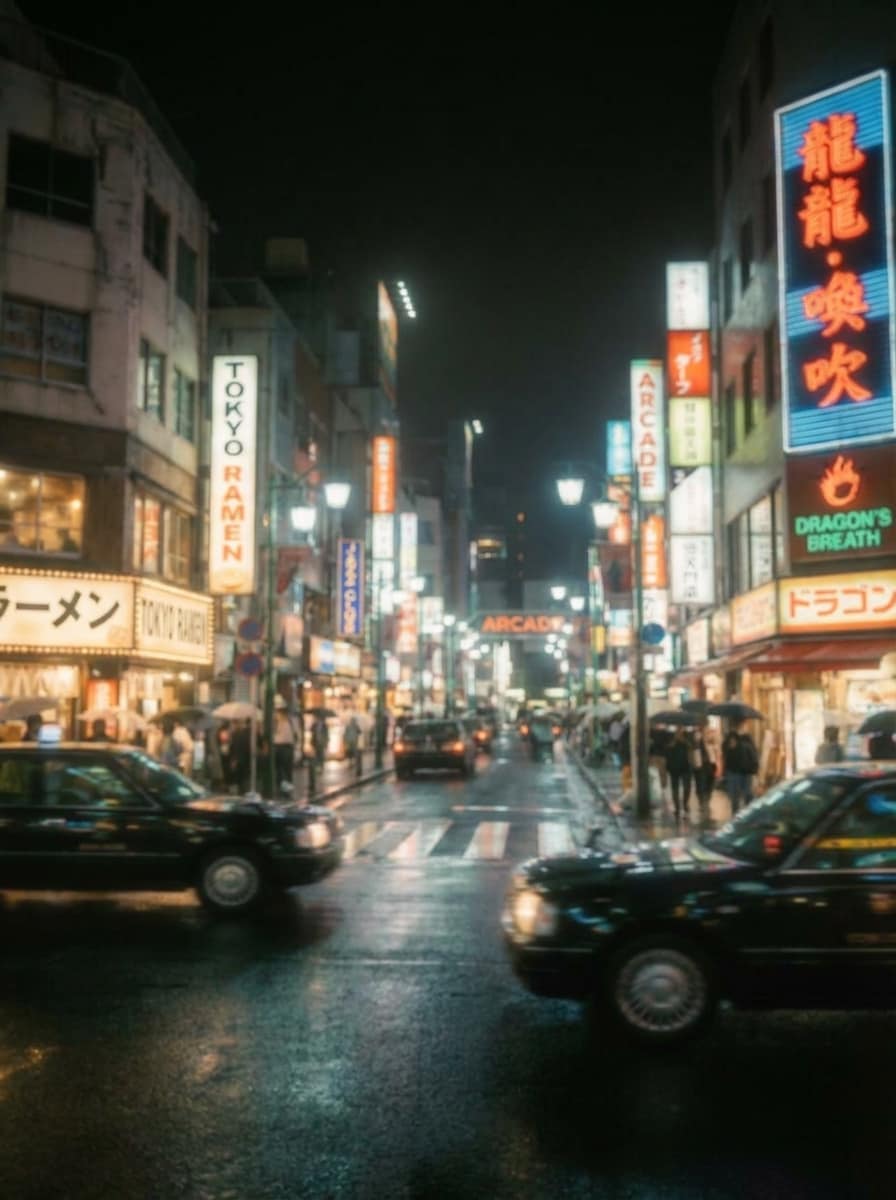
Blur Image Generator After

Use Media.io’s blur image generator to blur backgrounds, faces, text, and sensitive details in seconds. Upload a photo, apply smooth selective blur effects, and download polished results right in your browser on desktop or mobile.

Blur My Image Now

Type your idea -> AI designs it. Free to try.

Explore our curated collection of blur image generator styles.

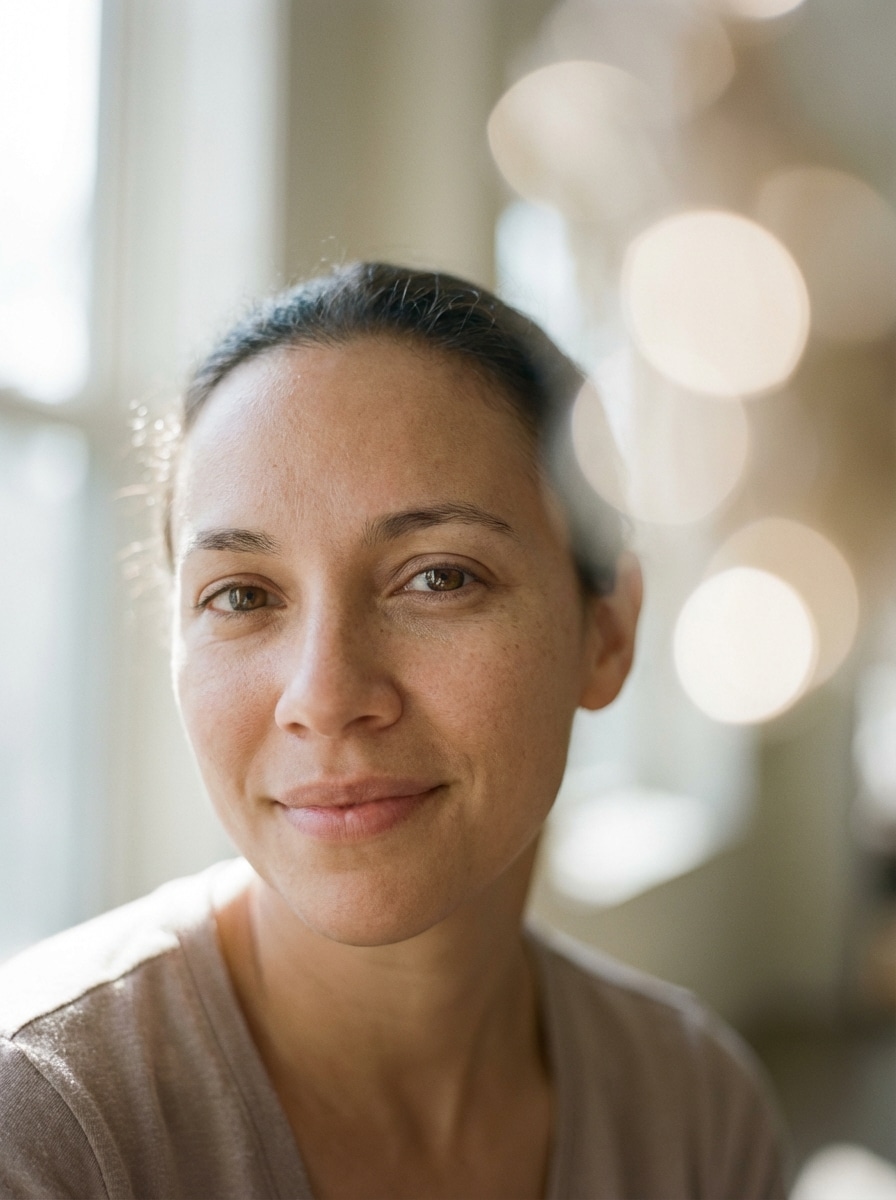
Dslr Bokeh Portrait

Dslr Bokeh Portrait

Use the uploaded image as the source. Create a realistic portrait with the subject in crisp focus and the background transformed into a creamy DSLR bokeh blur. Use natural window light, smooth circular highlights, refined edge separation, flattering skin texture, soft neutral tones, and a premium editorial photography finish.

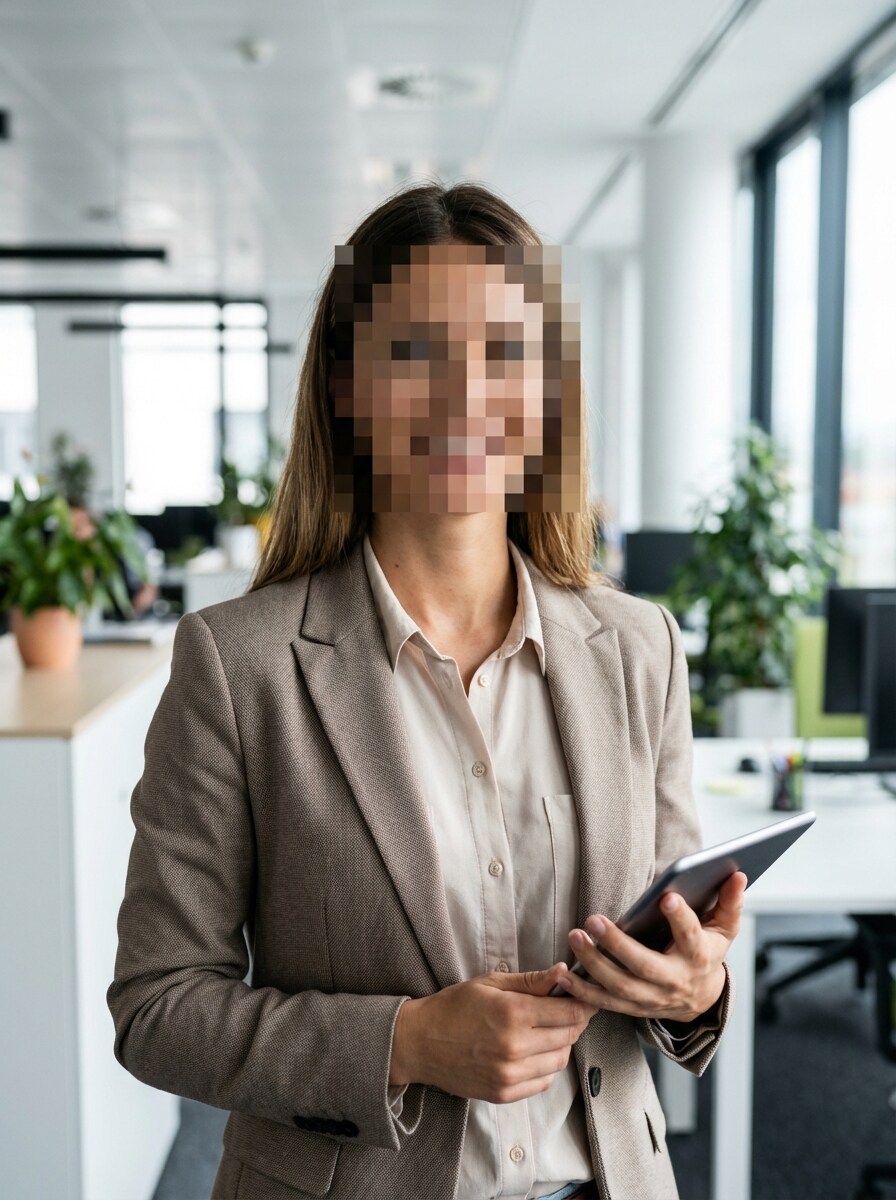
Face Censor Blur

Face Censor Blur

Use the uploaded image as the source. Generate a realistic privacy edit with the face region heavily blurred for anonymization while the rest of the image remains sharp and undisturbed. Maintain accurate skin-adjacent edge blending, true-to-source lighting, clean composition, and a convincing censorship effect suitable for social or professional use.

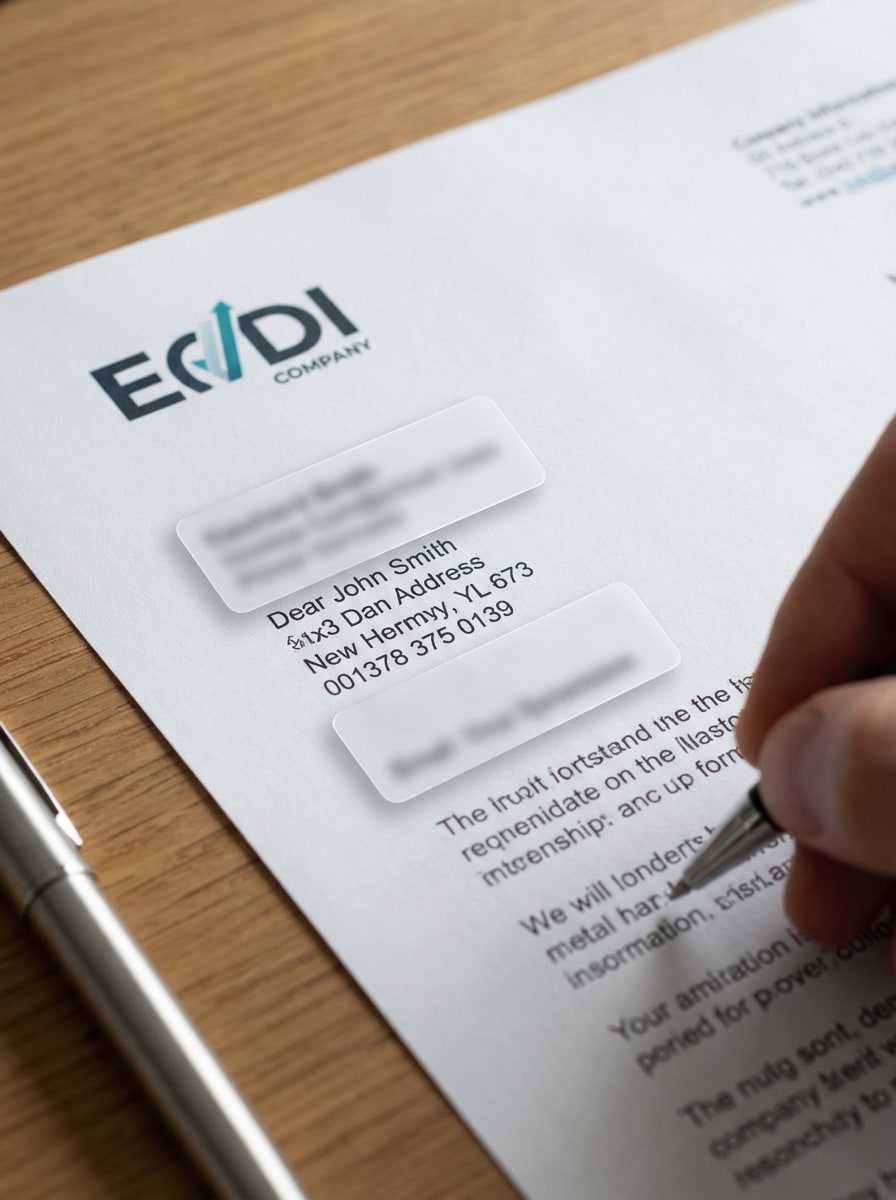
Sensitive Info Blur

Sensitive Info Blur

Use the uploaded image as the source. Create a targeted blur edit over personal information such as names, addresses, account numbers, or contact details while preserving the surrounding screen or document in sharp focus. Use neat selective masking, realistic blur intensity, clean geometry, and a polished privacy-redaction appearance.

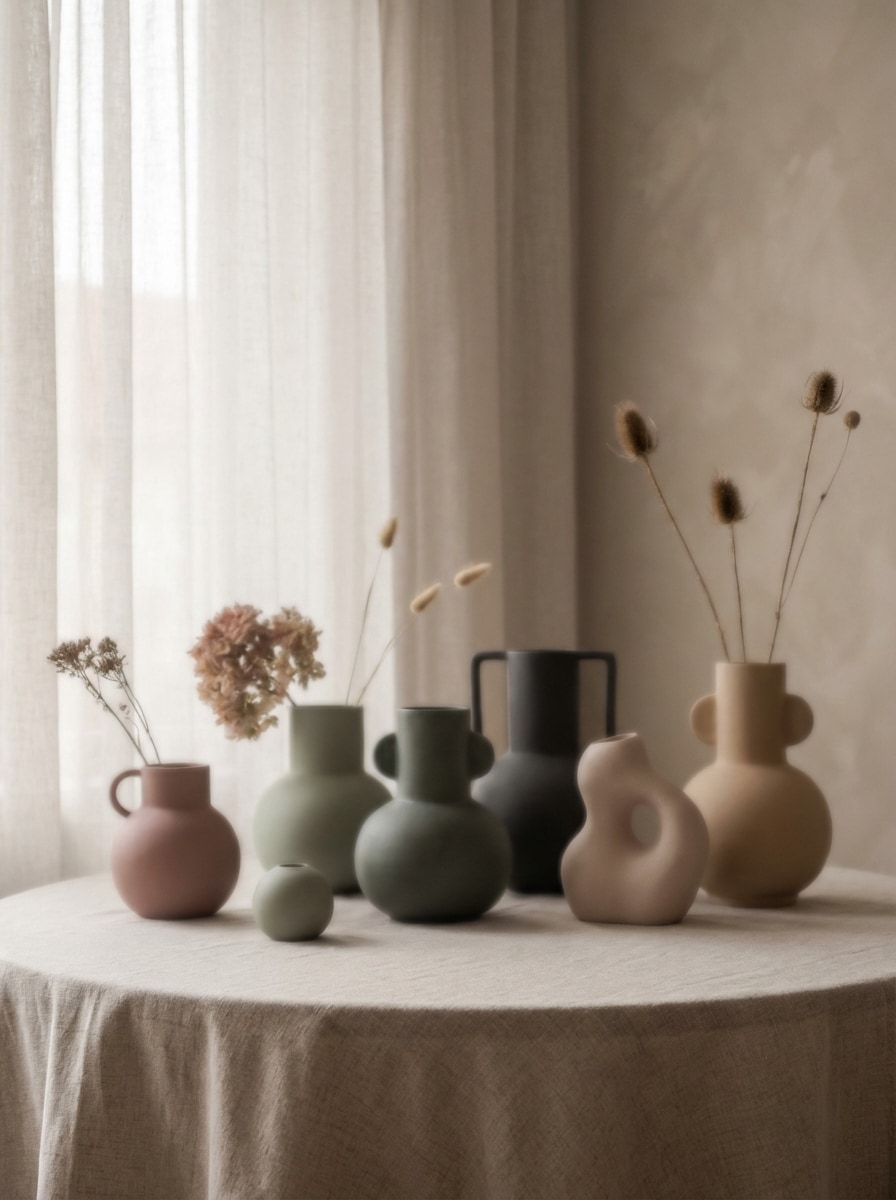
Gaussian Blur Aesthetic

Gaussian Blur Aesthetic

Use the uploaded image as the source. Transform the image with an elegant Gaussian blur effect that softens details evenly while preserving shape, color balance, and visual rhythm. Use atmospheric lighting, subtle tonal transitions, muted modern colors, and a premium editorial style suitable for creative posts, posters, or mood boards.

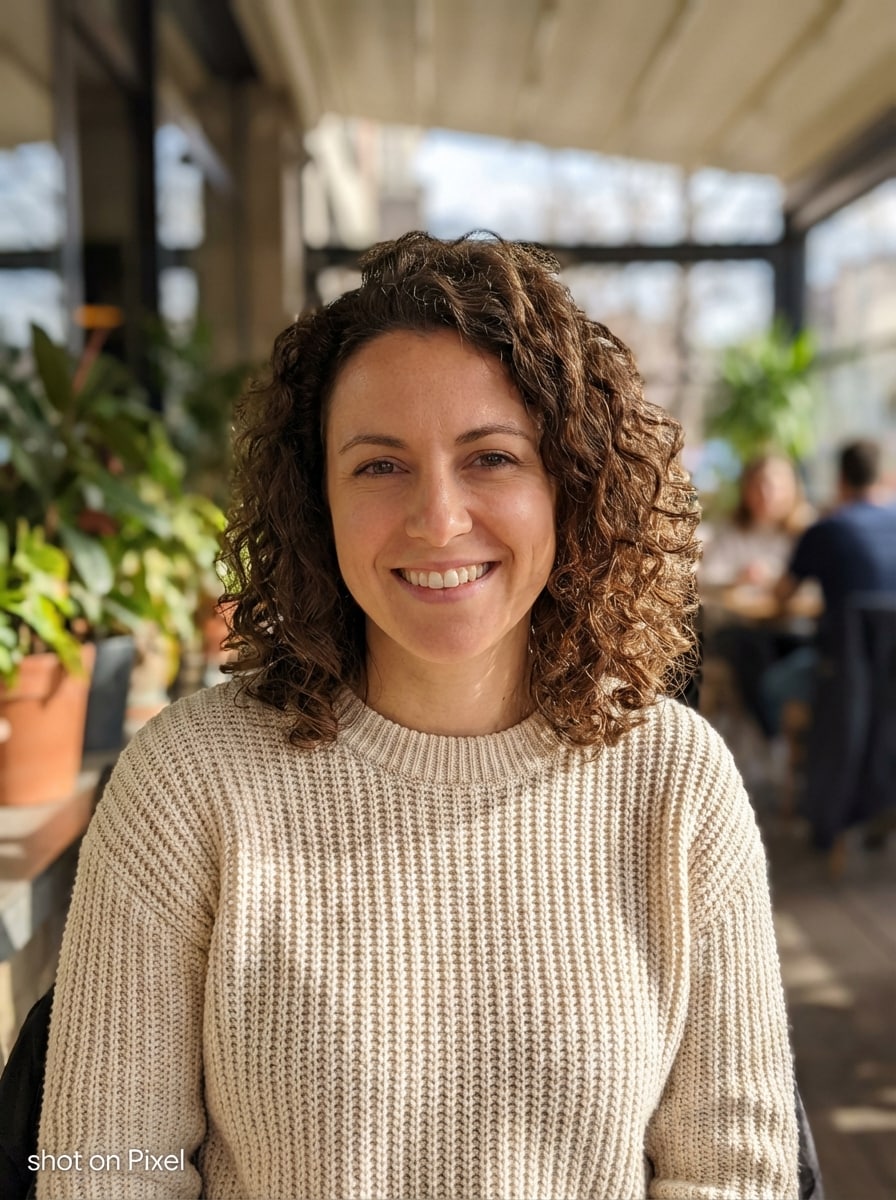
Iphone Portrait Simulation

Iphone Portrait Simulation

Use the uploaded image as the source. Generate a realistic smartphone portrait-mode effect with accurate subject separation, crisp facial and clothing detail, smooth natural background blur, authentic mobile camera color rendering, subtle depth falloff, and a clean lifestyle photography look optimized for social sharing.

Why Use Media.io for Blur Image Generation

Precise Blur From Your Uploaded Photo

Upload a JPG, PNG, or JPEG image and use it as the reference for selective blur edits. This image-to-image workflow is ideal for background blur, face blur, and censoring sensitive details while keeping the rest of the photo intact.

High-Resolution Blur Results

Generate polished outputs in 1K, 2K, or 4K resolution, so your blurred image still looks clean and usable. It’s a practical choice for creators, online sellers, and anyone who needs professional-looking blur effects without sacrificing important sharp areas.

Flexible Ratios and Multiple Variations

Choose from common aspect ratios such as 1:1, 9:16, 16:9, 4:3, and 3:4, then generate 1 to 4 image variations at a time. That makes it easier to test different blur strengths and compositions for social posts, product photos, or privacy edits.

Browser-Based and Privacy-Aware

Media.io works directly in your browser on Windows, Mac, iPhone, and Android, with no installation required. Uploaded images are automatically deleted from servers after 7 days, giving you a more convenient and privacy-conscious way to blur photos online.

How to Use the Blur Image Generator

1
2
3
1
Open Media.io Blur Image Generator

Go to AI Image to Image Generator and open the Blur Image Generator under AI -> Image to Image. This online tool runs in your browser, so you can blur photos on desktop or mobile without installing extra software.

2
Upload Your Photo and Describe the Blur

Upload a JPG, PNG, or JPEG image, then type a detailed prompt such as: "Use the uploaded image as subject, keep the person sharp, and blur the background with natural bokeh and clean edges." Adjust aspect ratio, resolution, and other settings as needed.

3
Generate, Refine & Download

Click Generate to create your blurred image. If needed, refine the prompt for stronger background blur, face blur, or censor blur, then download the final high-resolution result for social media, work, or personal use.

Step 1
Step 2
Step 3

Unlock the Potential of Blur Image Generator

Discover how creators and professionals are using our AI-powered Blur Image Generator to transform their creative workflows and bring unique ideas to life.

Create Clean Portrait Background Blur

Turn ordinary selfies and portraits into polished visuals by blurring distracting backgrounds while keeping the subject sharp. It’s a simple way to get a more professional, social-ready look without needing advanced photo editing skills.

Protect Privacy in Shared Images

Use selective blur to hide faces, license plates, addresses, or sensitive text before posting online. This is especially useful for creators, businesses, parents, and anyone who needs a fast image censor tool in the browser.

Add Artistic Blur for Product and Content Design

Apply soft-focus, motion blur, or spotlight-style blur to product shots, food photos, and promo graphics. These effects help direct attention, create depth, and give your visuals a more stylish, high-impact presentation.

What Users Say About This Blur Photo Tool

user
Lena Morris

Lifestyle Creator

star star star star star

"Perfect for quick background blur" I used this blur image generator to clean up busy backgrounds in my portrait shots. The subject stayed sharp, and the final image looked much more polished than basic mobile blur apps.

user
Daniel Cho

Online Seller

star star star star star

"Helpful for product focus" I wanted my items to stand out without learning complicated editing software. Uploading a product photo and adding background blur was fast, and the high-resolution output was good for listings.

user
Priya Nair

Community Manager

star star star star star

"Useful for privacy edits" The face blur and sensitive info blur options made it easy to prepare images for public posts. I like that I can do privacy-safe edits directly in the browser on my phone.

user
Marcus Bell

Freelance Designer

star star star star star

"Great mix of utility and style" Most tools only do a basic blur, but this one helped me create soft-focus and motion-style effects too. It’s practical for client mockups and quick visual experiments.

Blur Image Generator FAQs

1. How can I blur an image online?

Open Media.io in your browser, upload your photo, and describe the blur effect you want, such as background blur, face blur, or a soft-focus edit. Then generate the result and download it. Since it’s web-based, you can blur an image online without installing software. This helps you create blur image generator results more consistently.

Yes, free users can try the blur image generator with available free credits. If you need more usage, you can upgrade through the pricing page. Free exports may include a watermark, while paid plans support watermark-free high-resolution downloads. Free users can use free credits. For more usage, users can subscribe to a plan on the pricing page.

Yes. Media.io’s image-to-image workflow is well suited for selective edits, so you can upload a photo and prompt the tool to keep the subject sharp while applying blur only to the background. This is useful for portraits, product photos, and food images. This helps you create blur image generator results more consistently.

Upload your image and specify which area should be hidden, such as a face, license plate, address, or other sensitive detail. The tool can generate a targeted blur edit so the selected area is obscured while the rest of the photo stays clearer and more readable. This helps you create blur image generator results more consistently.

Blur changes the appearance of selected areas, but Media.io supports 1K, 2K, and 4K output options to help maintain strong overall image quality. You can still produce a polished result, especially when only specific regions like the background or private details are blurred. Free users may have watermarks. This helps you create blur image generator results more consistently.

Yes. Media.io is a browser-based photo blur tool that works on iPhone, Android, Windows, and Mac. As long as your device has a web browser, you can upload a picture, create blur effects, and download the final image without installing an app. Media.io is a web-based tool that works on any device with a browser (Windows, Mac, iOS, Android). This helps you create blur image generator results more consistently.

Media.io Online AI Tools Quality Rating:
vote 4.7 (162,357 Votes)