Pilih / @ karakter, jelaskan adegan yang ingin Anda buat.
0/2000
9:16
1K
1
Unlimited Banana Pro
Creations
Ideas Hub
How It Works
All
Popular features
View All
Tantangan Kreatif Halloween
View All
Cerita Buah AI
View All
Video Cerita AI
View All
Video Viral Hari Ini
View All
Video Produk AI
View All
Karakter AI
View All
Tren Tari
View All
GPT Image 2
View All
Seedance 2.0
View All
Kecocokan Selebriti AI
View All
Petunjuk Pose Pasangan
View All
Prompt Pose Gadis AI Estetika
View All
Prompt Pose Anak Laki-Laki AI Bergaya
View All
Generate List
Creations are stored for only 7 days. Assets created after upgrading to a Membership plan will be stored permanently.
Unlock your creative potential and experience the magic of Media AI right away!
Buat Mockup Majalah Realistis dari Desain Anda dengan Cepat
Ubah sampul datar atau tata letak editorial Anda menjadi mockup majalah dalam hitungan menit. Unggah karya seni Anda, pilih adegan, dan hasilkan visual sampul, spread, atau gaya hidup yang sempurna tanpa Photoshop menggunakan generator mockup majalah bertenaga AI dari Media.io. Alur kerja ini sangat berguna untuk mockup majalah.
Ketik ide Anda -> AI merancangnya. Gratis untuk dicoba.
Tinjau contoh arahan ini, lalu sesuaikan detail prompt untuk mendapatkan hasil yang lebih baik dengan alur kerja mockup majalah ini di Media.io.
Sampul Studio Putih Minimal
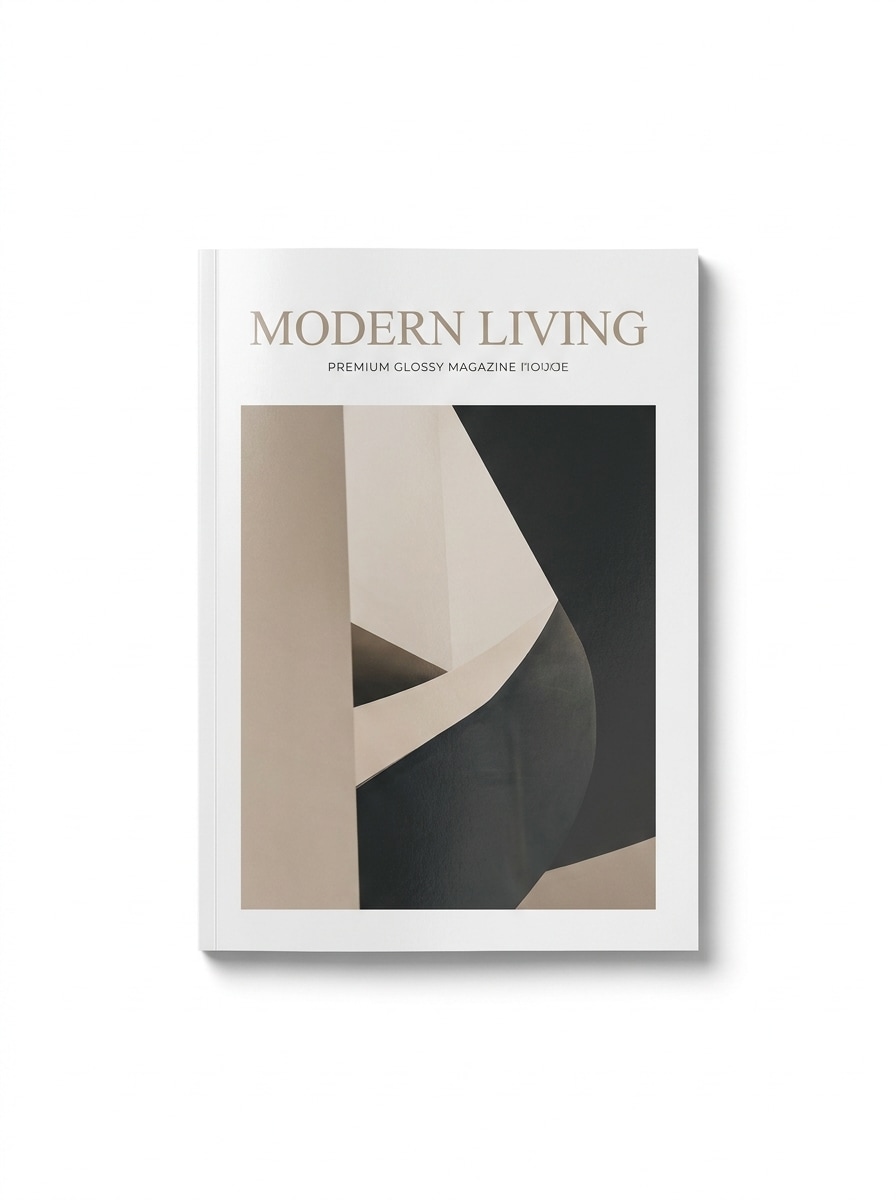
Gunakan gambar yang diunggah sebagai desain sampul majalah dan ubah menjadi mockup studio yang bersih. Tempatkan satu majalah tertutup di tengah dengan latar belakang putih bersih, bayangan alami yang lembut, tekstur kertas glossy premium, tepi yang tajam, refleksi halus, pencahayaan editorial yang seimbang, dan realisme fotografi produk kelas tinggi.
Sampul Fashion Mewah
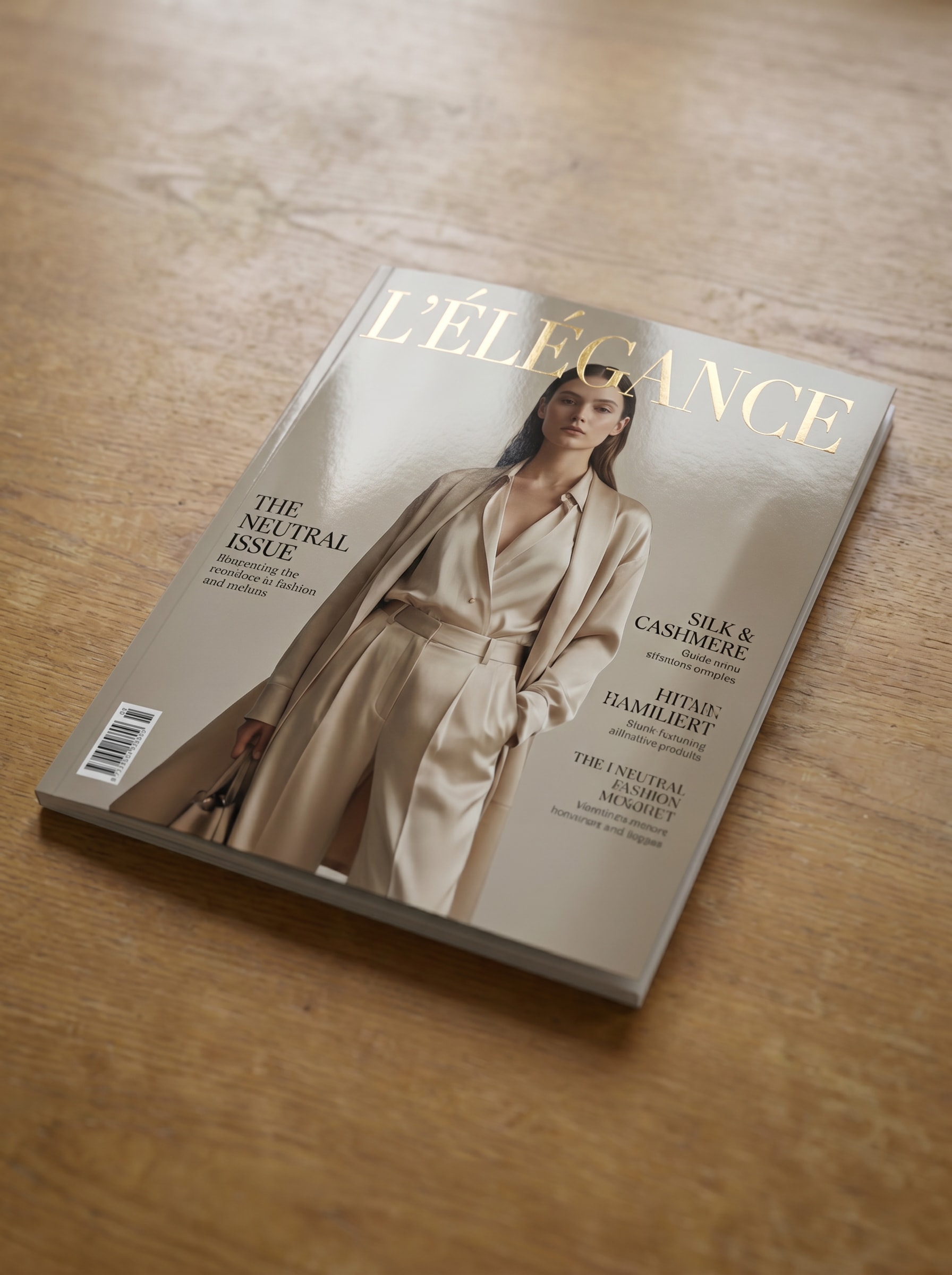
Gunakan gambar yang diunggah sebagai karya sampul dan ubah menjadi presentasi majalah fashion mewah. Tampilkan terbitan cetak premium dengan nada netral yang elegan, pencahayaan studio yang lembut, depth of field yang dangkal, hasil akhir glossy yang halus, tekstur kertas realistis, dan suasana editorial kelas atas yang cocok untuk mockup sampul majalah.
Majalah Dipegang Tangan
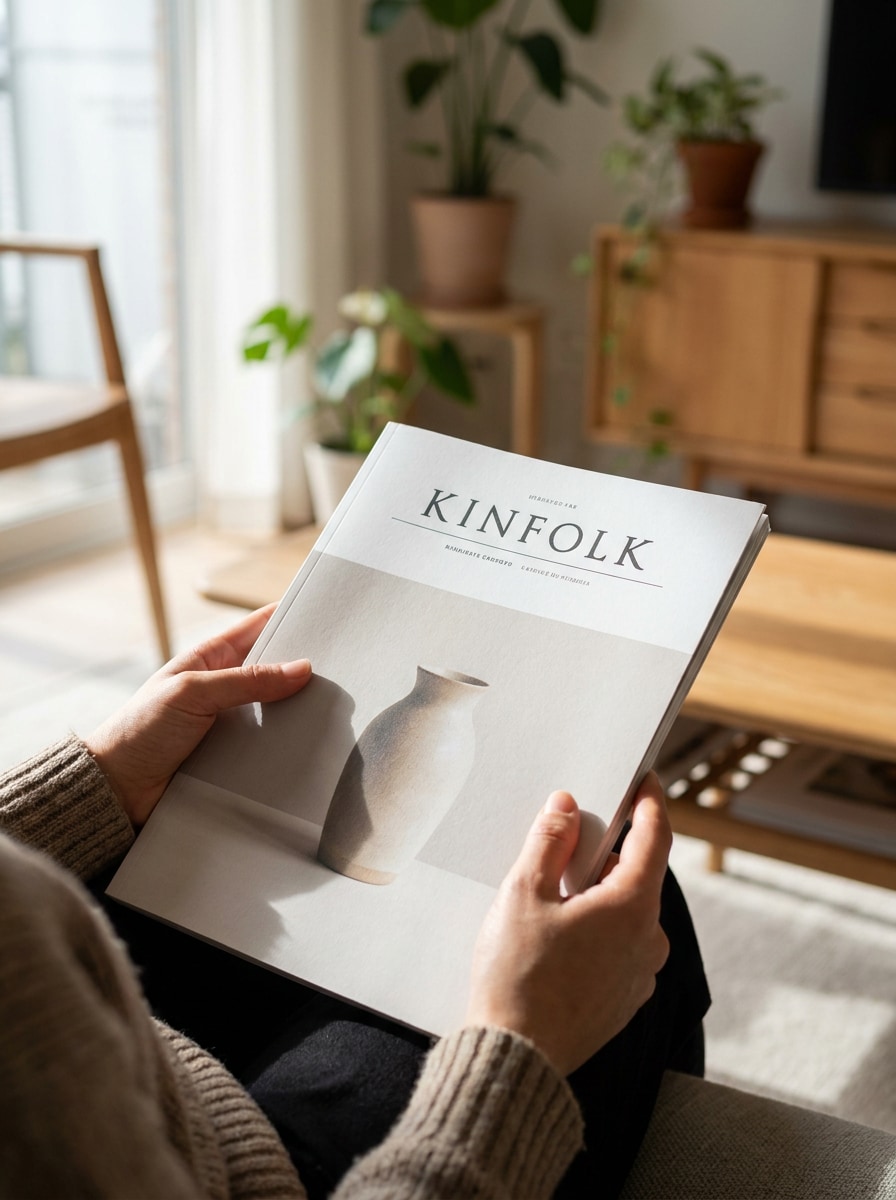
Gunakan gambar yang diunggah sebagai sampul subjek dan tempatkan dalam adegan dipegang tangan yang realistis. Tampilkan seseorang yang secara alami memegang majalah dengan sampul depan terlihat sepenuhnya, cahaya siang yang lembut, nada kulit yang meyakinkan, bayangan realistis, tekstur kertas yang terasa nyata, dan suasana gaya hidup editorial premium.
Adegan Meja Kopi
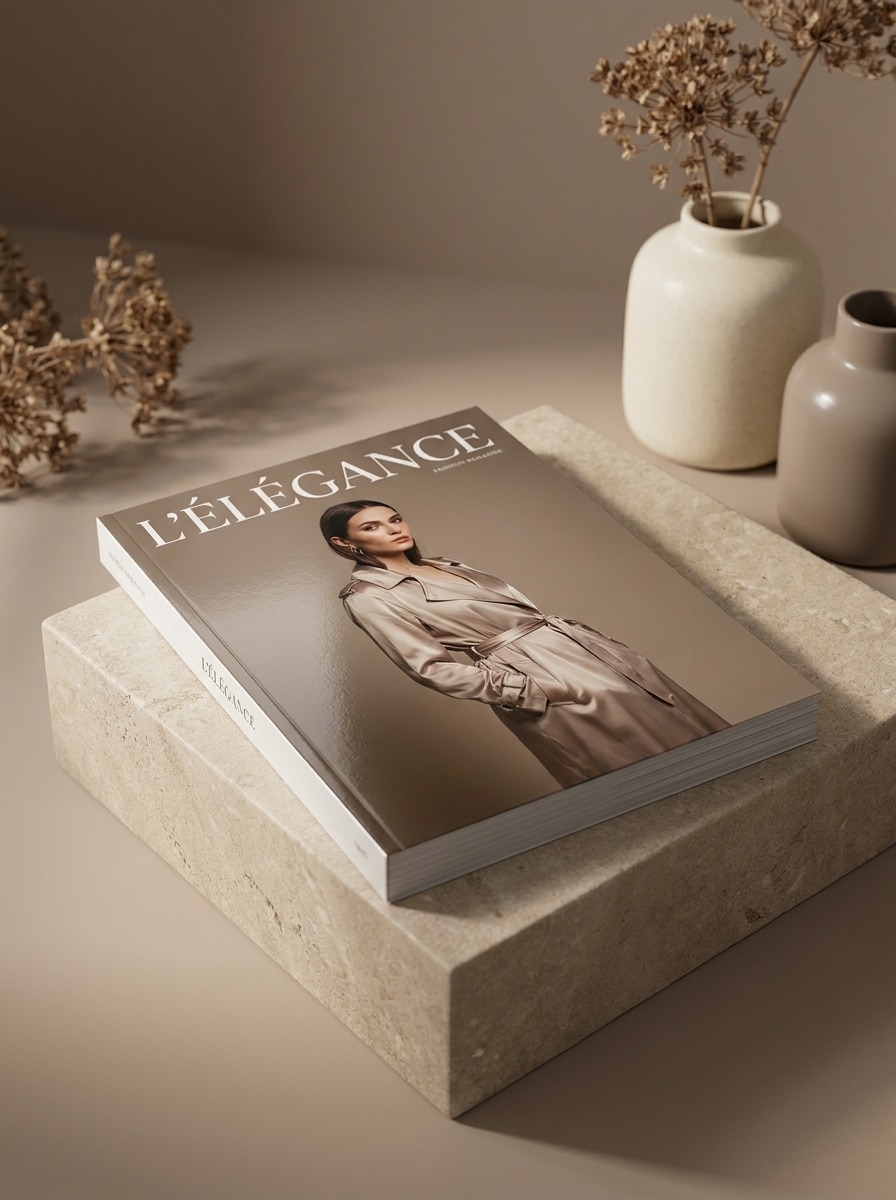
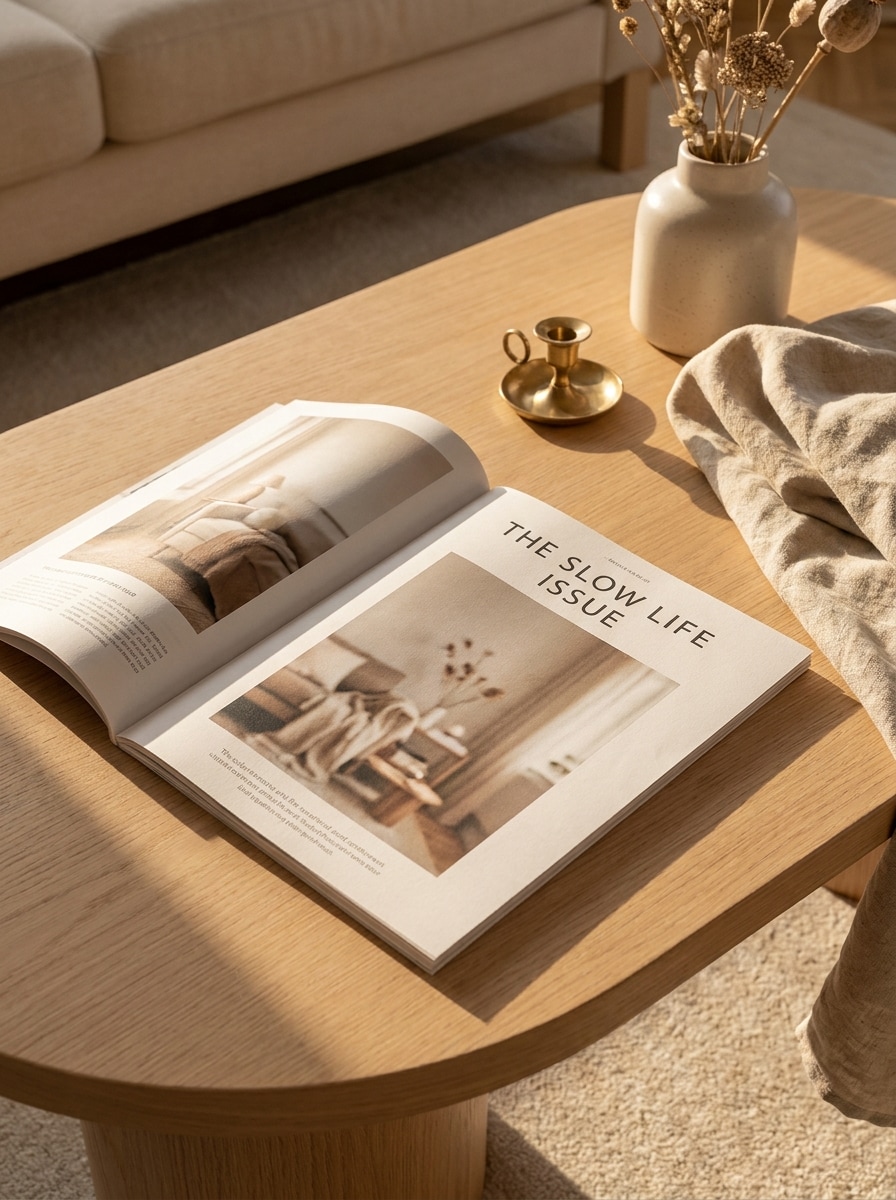
Gunakan gambar yang diunggah sebagai sampul majalah dan letakkan di atas meja kopi bergaya dalam interior modern. Tambahkan sinar matahari lembut, aksen dekorasi halus, bayangan realistis, tekstur cetak premium, komposisi bersih, dan nuansa gaya hidup editorial yang hangat yang cocok untuk mockup majalah dan pratinjau klien.
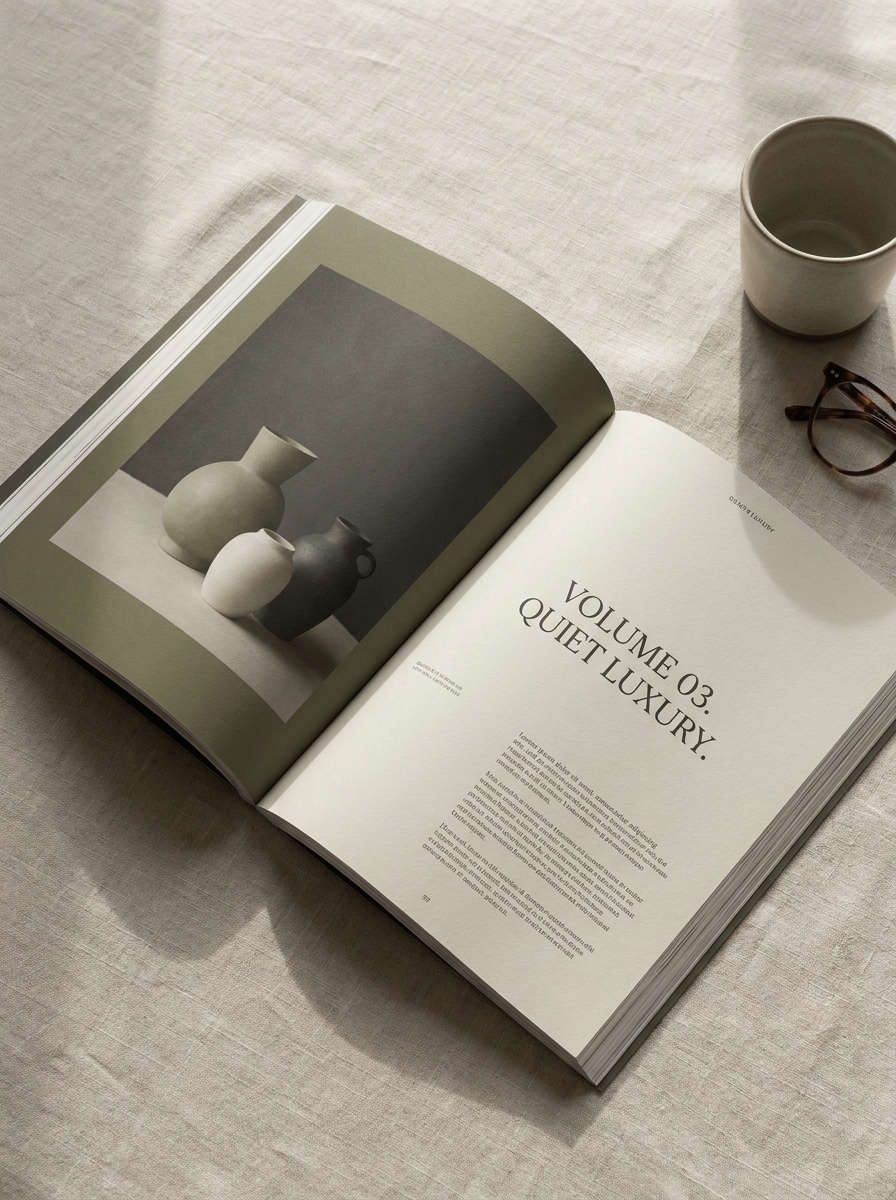
Hamparan Terbuka Flat Lay
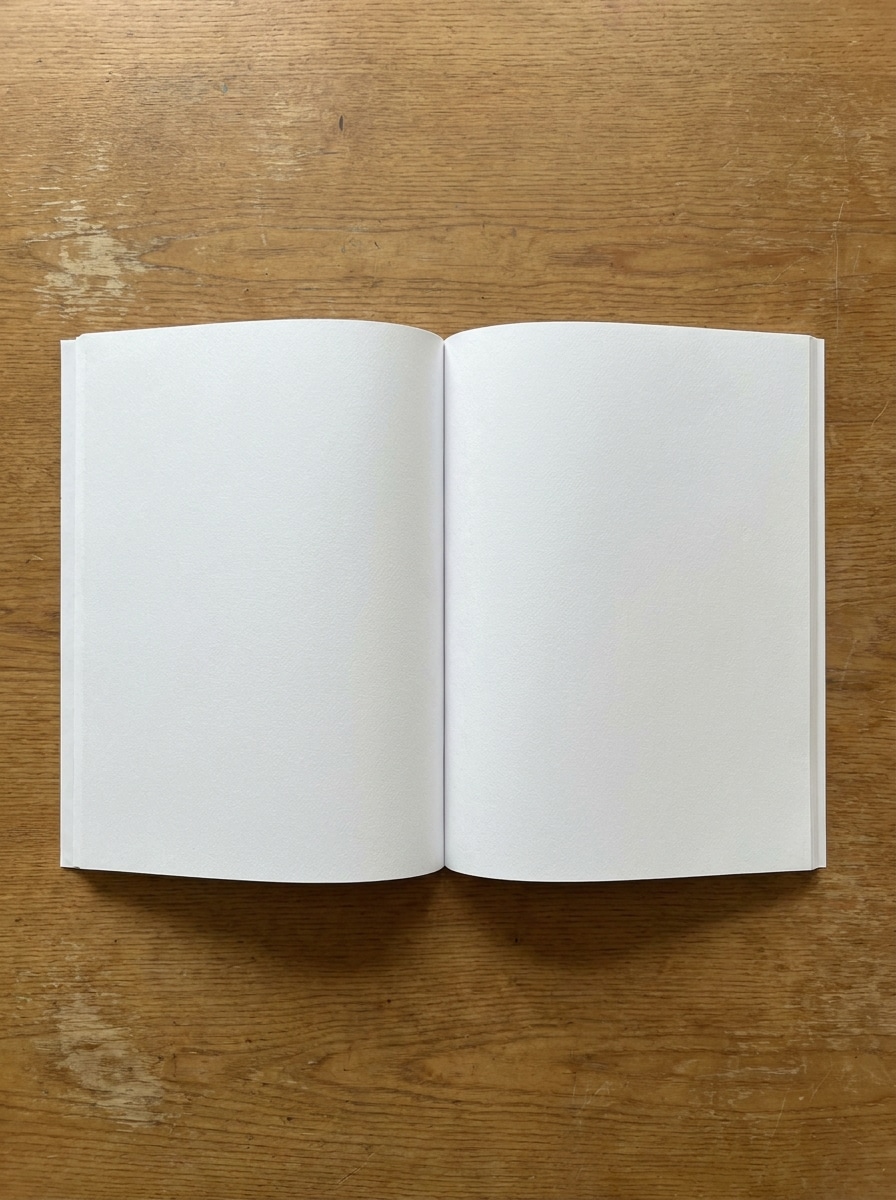
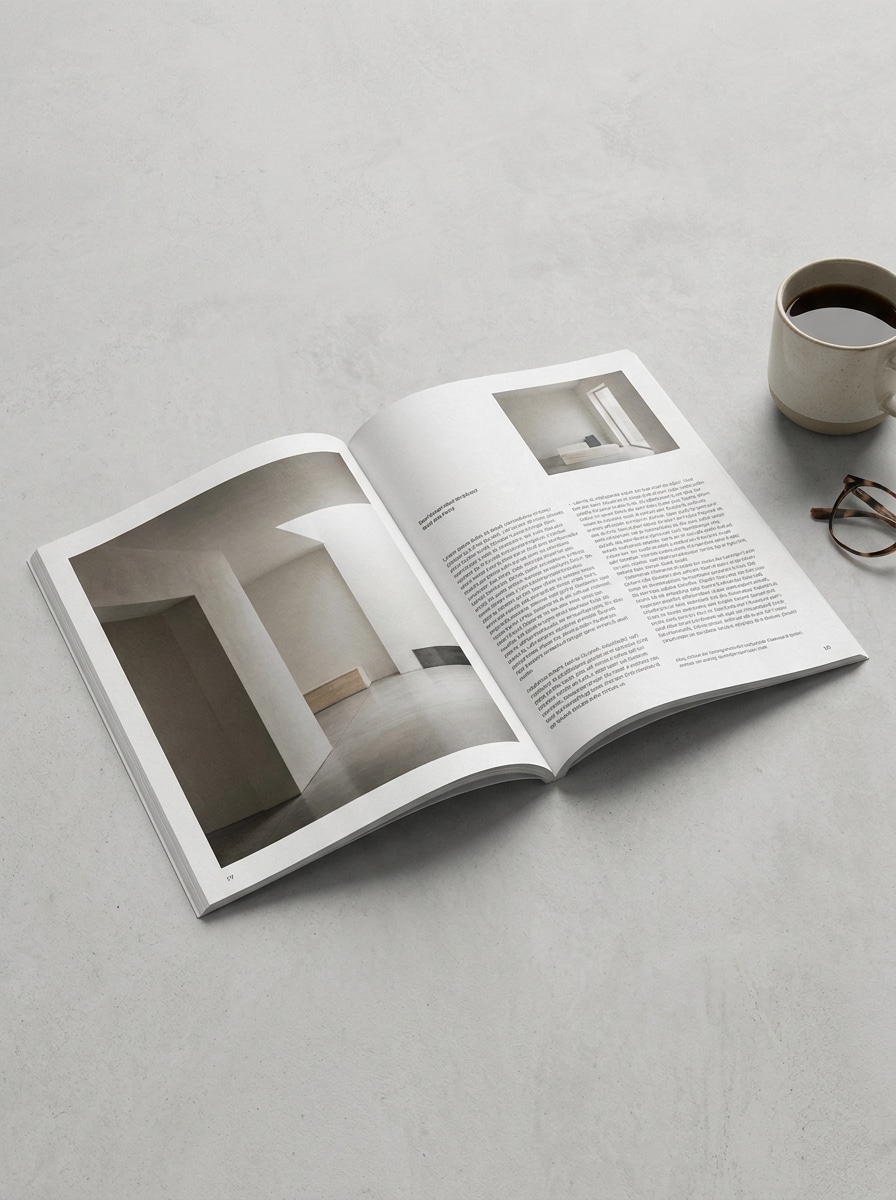
Gunakan halaman yang diunggah sebagai karya sumber dan ubah menjadi mockup hamparan majalah terbuka. Tampilkan flat lay dari atas dengan tata letak dua halaman yang terlihat, kelengkungan halaman yang realistis, detail cetak yang tajam, bayangan lembut, latar belakang bersih, dan presentasi profesional yang ideal untuk portofolio editorial.
Majalah Terbuka Bersudut
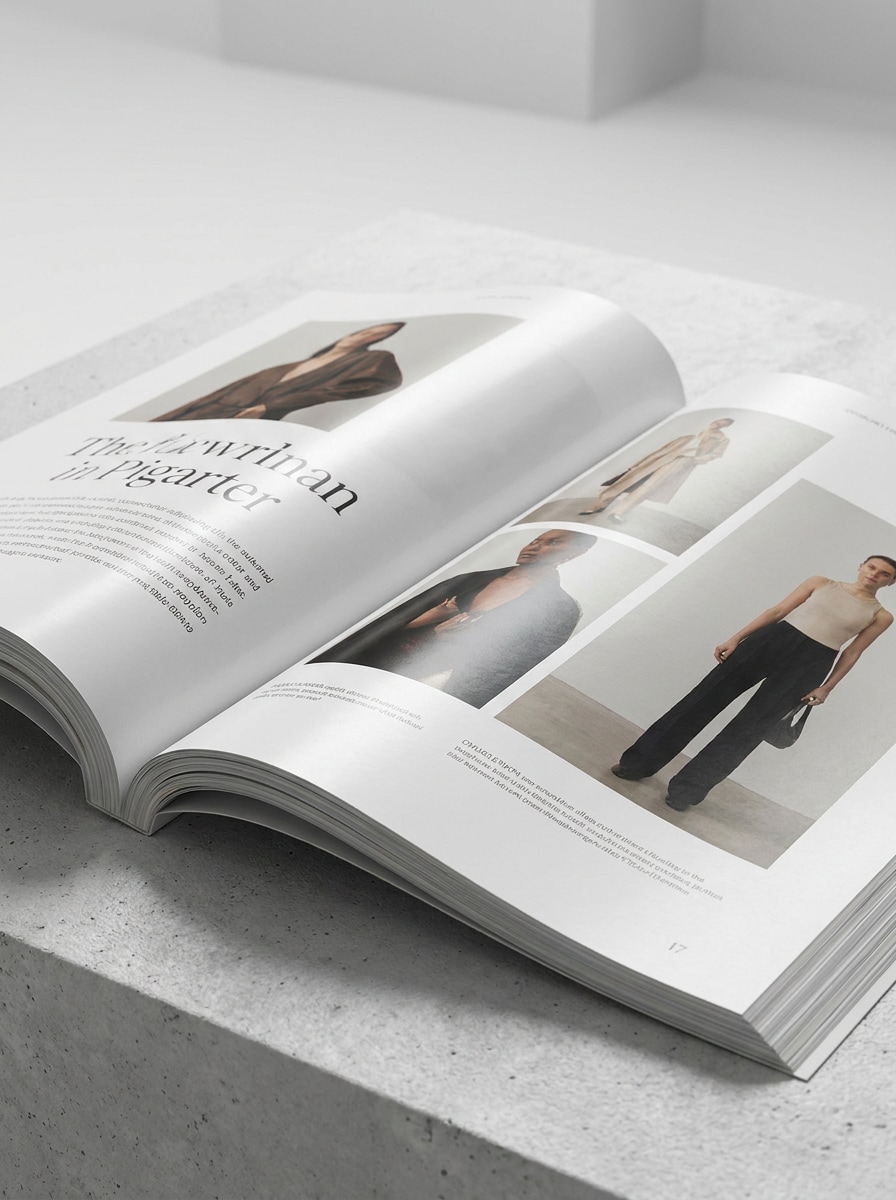
Gunakan desain hamparan yang diunggah dan ubah menjadi mockup majalah terbuka bersudut dengan kedalaman dan perspektif. Tekankan tekukan halaman yang realistis, kilap halus, gaya editorial premium, pencahayaan studio, latar belakang bersih, dan realisme cetak yang sempurna untuk tampilan sampul dan hamparan mockup majalah yang siap dipresentasikan.
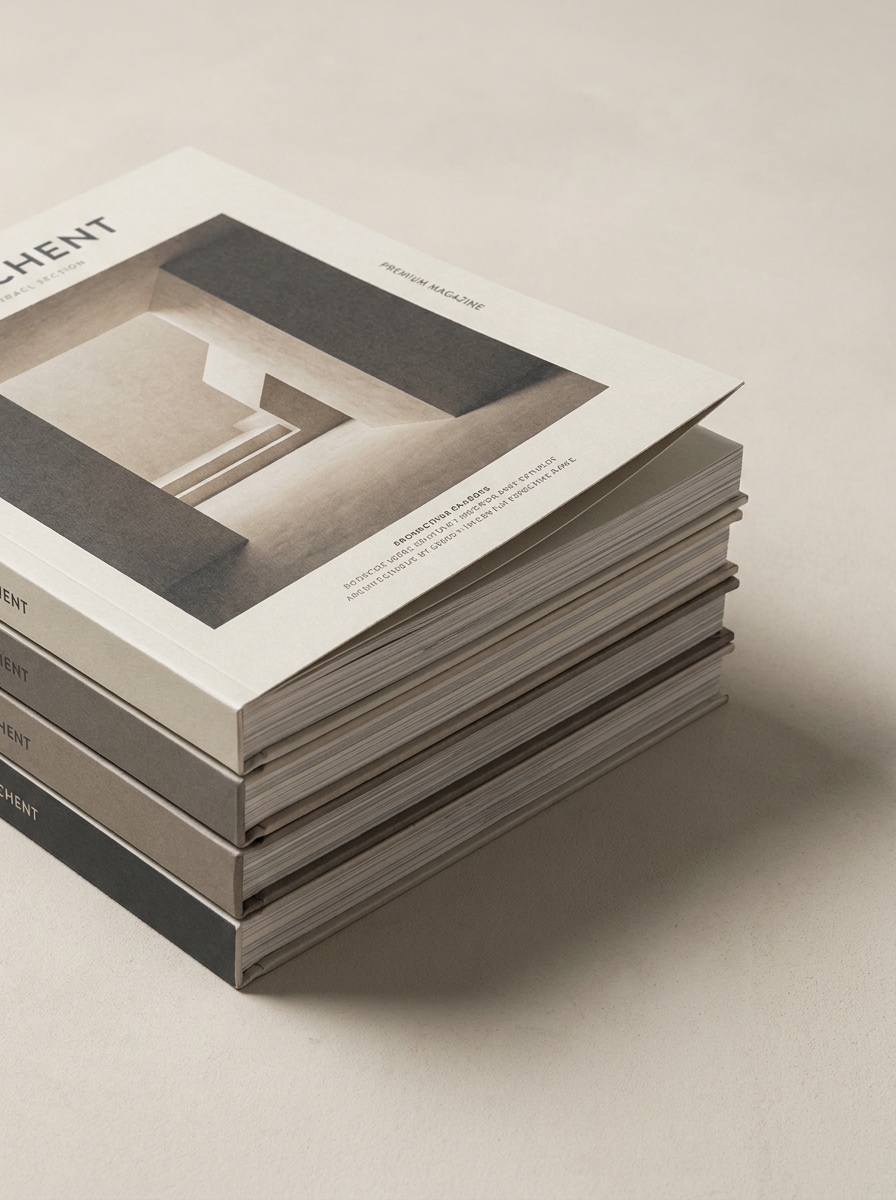
Set Majalah Bertumpuk
Gunakan desain sampul yang diunggah dan buat tumpukan majalah cetak. Biarkan terbitan teratas terlihat sepenuhnya, tampilkan tepi kertas yang realistis, bayangan studio, kedalaman berlapis, komposisi bersih, dan tampilan fotografi produk modern yang terasa cocok untuk portofolio, pratinjau ecommerce, atau mockup iklan majalah.
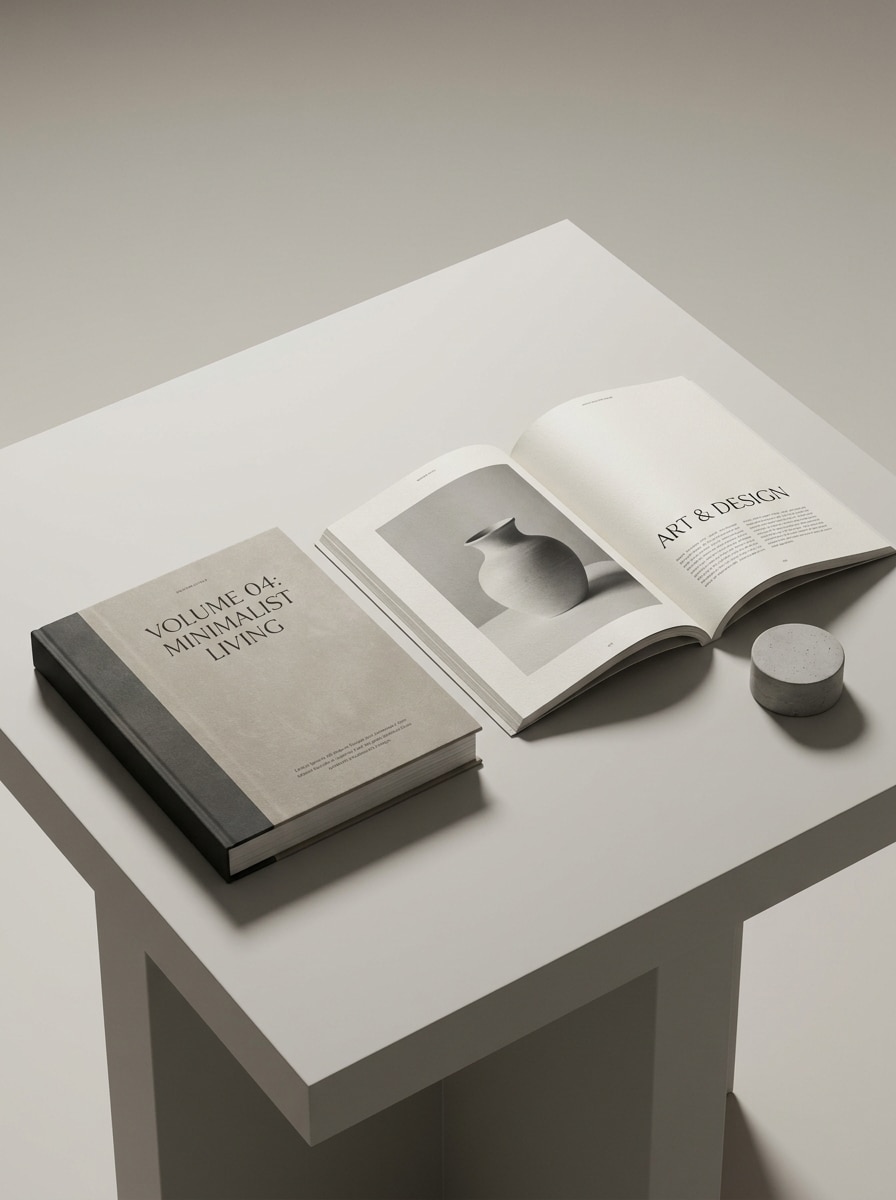
Kombinasi Sampul dan Hamparan
Gunakan karya majalah yang diunggah dan sajikan sebagai sampul tertutup sekaligus hamparan terbuka dalam satu adegan yang terkoordinasi. Jaga tata letak tetap rapi dengan bayangan realistis, tekstur cetak yang konsisten, pencahayaan studio, jarak yang bersih, dan etalase editorial premium untuk beberapa sudut pandang.
Hasil Akhir Editorial Matte
Gunakan desain sampul atau hamparan yang diunggah dan ubah menjadi mockup editorial matte premium. Tekankan butiran kertas yang halus, pencahayaan yang tersebar, nada yang lembut, bayangan yang halus, tekstur lembut, dan kemewahan yang tidak mencolok sehingga hasil akhirnya terasa nyata, modern, dan siap untuk portofolio.
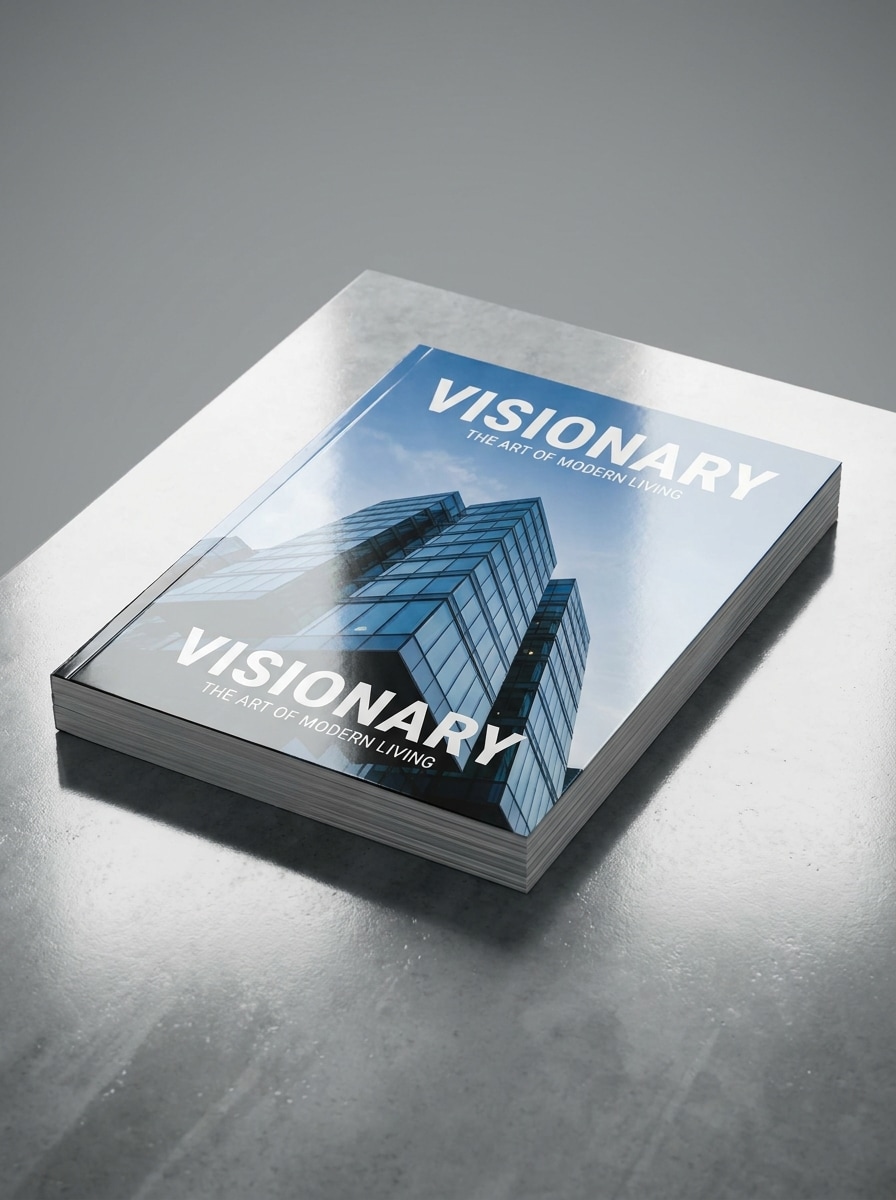
Hasil Akhir Komersial Glossy
Gunakan gambar yang diunggah sebagai desain majalah dan buat mockup komersial glossy dengan refleksi yang sempurna. Tampilkan tepi yang tajam, highlight yang terkontrol, pencahayaan produk premium, kejernihan cetak yang vivid, ketebalan kertas realistis, dan presentasi ramping yang cocok untuk dek penjualan, iklan, atau pratinjau penerbitan bermerek.
Mengapa Menggunakan Media.io untuk Mockup Majalah
Pertahankan Subjek Tetap Dikenali dalam Gaya Baru
Untuk sampul atau editorial yang masih perlu terasa setia pada desain aslinya, Media.io membantu mempertahankan tanda identitas utama sambil menyempurnakan tampilan mockup majalah secara keseluruhan, sehingga hasilnya terasa lebih sempurna tanpa kehilangan keunikan karya tersebut.
Ubah Karya Datar Menjadi Adegan Cetak Realistis
Ketika arahan seni masih terbuka, Media.io memungkinkan Anda menguji berbagai tampilan di sekitar ide mockup majalah yang sama, sehingga lebih mudah menemukan gaya yang tepat tanpa memulai dari awal.
Sesuaikan Mockup untuk Sampul, Portofolio, dan Penerbitan Sosial
Satu konsep sering kali perlu bekerja di berbagai konteks penerbitan, dan Media.io membantu mengadaptasi desain yang sama ke dalam variasi yang sadar tata letak, baik Anda membutuhkan adegan berfokus sampul, hamparan, atau bahkan mockup majalah gratis untuk tinjauan cepat.
Jaga Visual Akhir Tetap Tajam untuk Proyek Nyata
Ketika mockup majalah akan digunakan untuk penerbitan nyata, Media.io memberikan output yang lebih tajam hingga 4K, yang membantu gambar tetap jelas di seluruh presentasi, latar belakang, dan aset yang digunakan kembali.
Cara Membuat Mockup Sampul Majalah Secara Online
Ubah kata-kata Anda menjadi visual yang memukau dalam tiga langkah sederhana, lalu terus sempurnakan hasilnya jika Anda ingin melangkah lebih jauh.
Langkah 1
Unggah Gambar Referensi Anda
Mulailah dengan mengunggah JPG, PNG, atau JPEG yang jelas dari sampul, hamparan dalam, atau tata letak editorial Anda. Gambar sumber yang tajam membantu AI mempertahankan tipografi, gambar, dan komposisi keseluruhan Anda sambil membangun presentasi cetak yang lebih realistis.
Langkah 2
Deskripsikan Perubahan dan Atur Opsi
Beri tahu Media.io jenis adegan yang Anda inginkan, seperti sampul studio yang bersih, terbitan dipegang tangan, hamparan terbuka, atau tata letak bertumpuk. Kemudian pilih model Anda dan sesuaikan rasio aspek, resolusi, dan jumlah gambar sesuai kebutuhan presentasi Anda.
Langkah 3
Hasilkan, Unduh, dan Terus Tingkatkan
Hasilkan beberapa variasi, bandingkan perspektif dan hasil akhir kertas, dan unduh versi yang paling cocok untuk proyek Anda. Anda dapat menyempurnakan prompt, mencoba adegan lain, atau membuat versi baru untuk portofolio, pitching, dan postingan sosial.
Lihat bagaimana para kreator menggunakan Mockup Majalah ini untuk konten, pemasaran, dan proyek pribadi, lalu sesuaikan setiap ide agar sesuai dengan brief.
Presentasikan Sampul kepada Klien dengan Dampak Lebih Besar
Alih-alih mengirimkan tata letak datar, tunjukkan konsep editorial Anda dalam adegan dunia nyata yang sempurna. Ini ideal untuk desainer yang menginginkan mockup sampul majalah yang lebih kuat untuk persetujuan, dek pitching, studi kasus portofolio, atau bahkan mockup majalah gratis untuk menguji arah visual sejak dini.
Tampilkan Konsep Editorial Lengkap di Luar Halaman Depan
Gunakan satu desain yang diunggah untuk memvisualisasikan sampul, hamparan dua halaman, atau keduanya sekaligus. Ini adalah alur kerja praktis untuk studio yang membangun presentasi bermerek, terbitan sampel, atau pratinjau mockup majalah gratis yang cepat tanpa file PSD berlapis.
Buat Aset Pemasaran untuk Peluncuran Cetak dan Digital
Bangun visual untuk spanduk toko, pengumuman sosial, dan penempatan promosi dari sumber desain yang sama. Media.io dapat membantu menghasilkan adegan yang sempurna yang berfungsi sebagai aset mockup iklan majalah, pratinjau ecommerce, kreatif peluncuran, atau mockup sampul majalah sederhana untuk publikasi Anda.
Apa Kata Pengguna
Lena Brooks
Desainer Editorial
"Cara cepat mempresentasikan sampul" Saya menggunakannya untuk mengubah sampul datar menjadi presentasi majalah siap klien dalam beberapa menit. Adegan dipegang tangan dan studio terlihat jauh lebih sempurna daripada PDF datar yang saya mulai.
Marcus Hale
Konsultan Merek
"Berguna untuk mockup tanpa Photoshop" Saya menginginkan alur kerja mockup majalah gratis yang cepat untuk dek pitching, dan ini jauh lebih mudah daripada mengedit template secara manual. Mengunggah karya seni dan mencoba beberapa adegan menghemat banyak waktu saya.
Ava Nguyen
Art Director Freelance
"Hamparan terbuka terlihat meyakinkan" Hasil hamparan terbuka sangat realistis, terutama lengkungan halaman dan pencahayaannya. Saya menggunakan hasilnya dalam pembaruan portofolio dan terlihat mendekati mockup majalah gratis premium yang biasanya saya cari.
Jordan Ellis
Penerbit Konten
"Bagus untuk visual sosial dan ecommerce" Saya membuat mockup sampul, versi bertumpuk, dan adegan meja dari satu desain. Itu memberi saya beberapa aset untuk postingan sosial dan pratinjau produk tanpa harus membangun ulang karya seni setiap kali.
1. Bagaimana cara membuat mockup majalah dari desain saya?
Unggah karya sampul atau hamparan Anda ke Media.io, lalu deskripsikan adegan yang Anda inginkan, seperti sampul studio, terbitan dipegang tangan, atau tata letak editorial terbuka. Media.io menggunakan gambar referensi Anda untuk menghasilkan presentasi yang realistis, dan Anda dapat menyempurnakan prompt atau membuat beberapa versi sebelum mengunduh.
2. Bisakah saya membuat mockup majalah secara gratis?
Pengguna gratis dapat mencoba Media.io dengan kredit gratis, yang berguna jika Anda ingin mencoba alur kerja mockup majalah gratis atau menjelajahi generator mockup majalah gratis. Ekspor gratis mungkin menyertakan tanda air, sementara paket berbayar membuka lebih banyak kredit dan unduhan bebas tanda air di halaman harga.
3. Bisakah saya mengubah sampul datar menjadi mockup majalah realistis dengan AI?
Media.io dirancang untuk pembuatan image-to-image, sehingga Anda dapat mengunggah sampul datar dan mengubahnya menjadi adegan cetak yang lebih realistis dengan perspektif, bayangan, dan tekstur kertas. Hal itu membuat Media.io berguna ketika Anda menginginkan hasil mockup majalah yang sempurna tanpa membangun presentasi secara manual di Photoshop.
4. Jenis file apa yang paling cocok untuk generator mockup majalah?
Media.io mendukung unggahan JPG, PNG, dan JPEG. Untuk hasil terbaik, gunakan file sumber yang bersih dan beresolusi tinggi dengan tipografi yang dapat dibaca dan karya sampul atau hamparan yang jelas agar AI dapat mempertahankan detail desain penting selama transformasi.
5. Bisakah saya membuat hamparan terbuka sekaligus mockup sampul?
Anda dapat mengunggah seni sampul atau halaman dalam dan menghasilkan berbagai gaya presentasi, termasuk adegan sampul depan atau hamparan dua halaman terbuka. Hal itu membuat Media.io berguna bagi siapa saja yang membutuhkan berbagai mockup majalah, baik untuk pitching, halaman produk, atau konsep mockup sampul majalah yang cepat.
6. Apakah mockup majalah saya akan diekspor dalam resolusi tinggi?
Media.io menawarkan opsi resolusi 1K, 2K, dan 4K, sehingga Anda dapat memilih kualitas output yang sesuai dengan proyek Anda. Ekspor beresolusi lebih tinggi berguna untuk portofolio, tinjauan klien, dan presentasi detail di mana tekstur kertas, tipografi, dan tata letak perlu tetap jelas. Pengguna gratis mungkin memiliki tanda air.