Pilih / @ karakter, jelaskan adegan yang ingin Anda buat.
0/2000
9:16
1K
1
Unlimited Banana Pro
Creations
Ideas Hub
How It Works
All
Popular features
View All
Tantangan Kreatif Halloween
View All
Cerita Buah AI
View All
Video Cerita AI
View All
Video Viral Hari Ini
View All
Video Produk AI
View All
Karakter AI
View All
Tren Tari
View All
GPT Image 2
View All
Seedance 2.0
View All
Kecocokan Selebriti AI
View All
Petunjuk Pose Pasangan
View All
Prompt Pose Gadis AI Estetika
View All
Prompt Pose Anak Laki-Laki AI Bergaya
View All
Generate List
Creations are stored for only 7 days. Assets created after upgrading to a Membership plan will be stored permanently.
Unlock your creative potential and experience the magic of Media AI right away!
Pengidentifikasi Koin dari Foto untuk Pengenalan Online yang Lebih Jelas dan Lebih Cepat
Unggah foto koin untuk memperjelas detail yang aus, mempertajam tanggal, dan meningkatkan tinjauan gambar depan-belakang agar lebih mudah diidentifikasi. Media.io berfungsi sebagai pengidentifikasi koin berbasis browser yang mendukung pencarian identifikasi koin dari foto, tinjauan pengidentifikasi koin berdasarkan foto, tampilan perbandingan cepat, dan gambar yang lebih bersih sebelum analisis.
Ketik ide Anda -> AI merancangnya. Gratis untuk dicoba.
Tinjau contoh petunjuk berikut, lalu sesuaikan detail prompt untuk mendapatkan hasil yang lebih baik dengan pengidentifikasi koin Media.io ini, baik Anda ingin mengidentifikasi koin berdasarkan gambar, membandingkan kedua sisi, atau menyiapkan visual yang lebih bersih untuk penelitian.
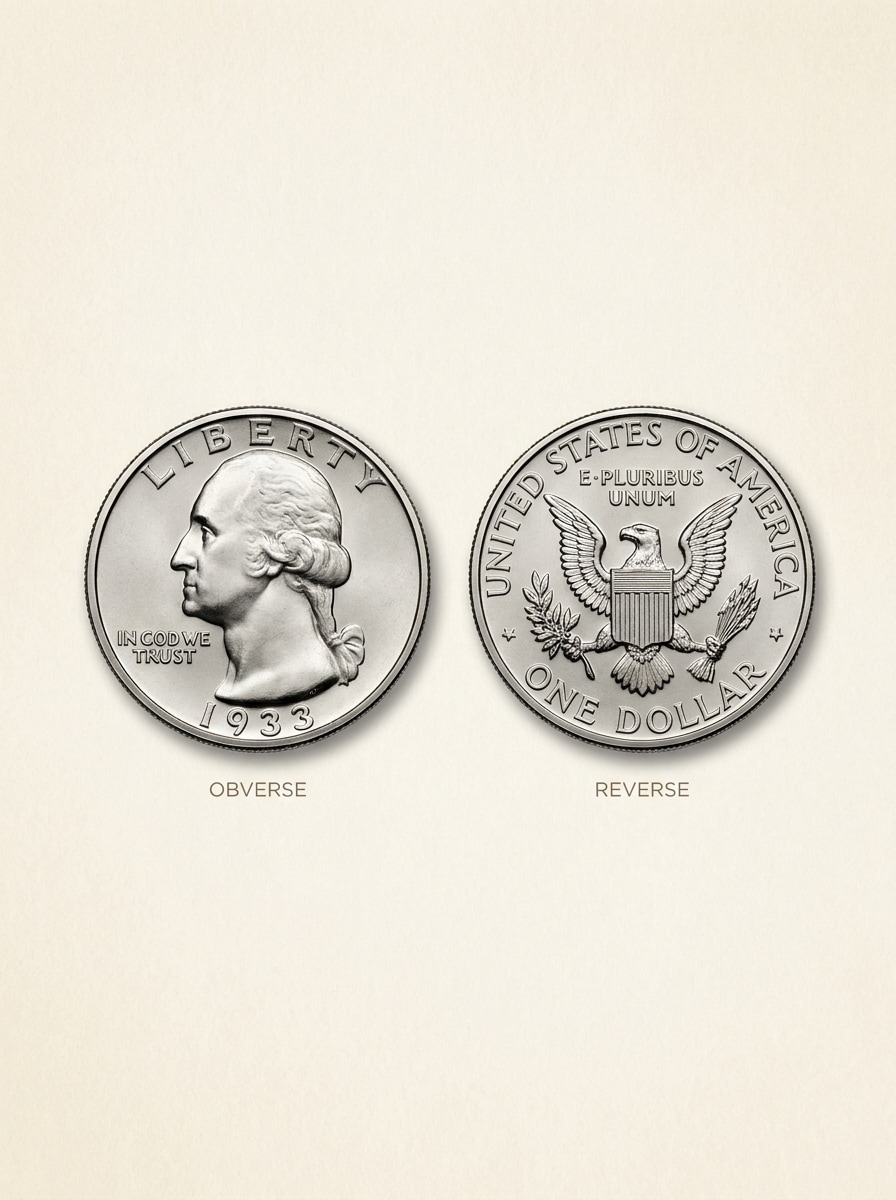
Perbandingan Sisi Depan dan Belakang
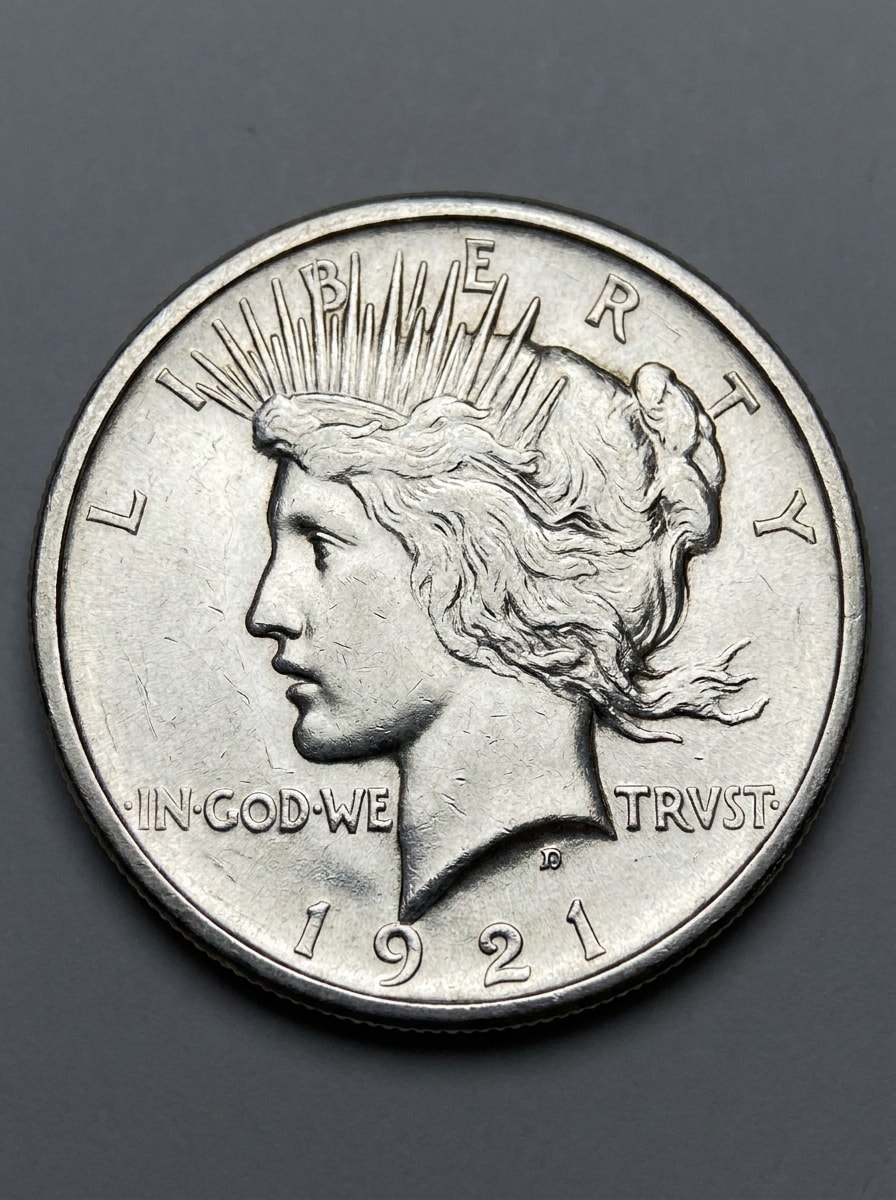
Gunakan gambar yang diunggah sebagai subjek dan ubah menjadi perbandingan katalog kolektor yang bersih. Tampilkan sisi depan dan belakang koin secara berdampingan di atas latar belakang netral yang lembut, dengan tekstur metalik yang tajam, tanggal dan huruf yang mudah dibaca, pencahayaan studio yang seimbang, bayangan halus, dan tata letak edukatif yang tepat untuk identifikasi.
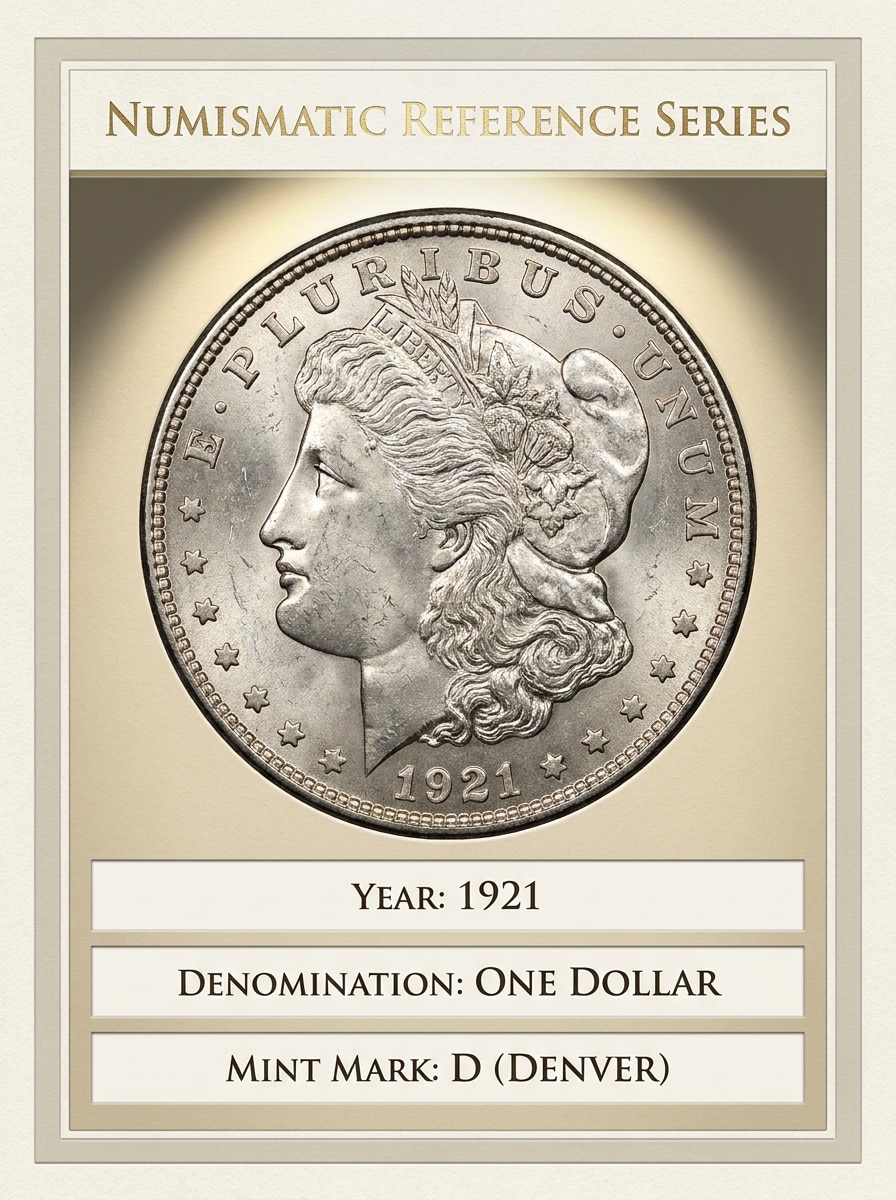
Kartu Daftar Koin Langka
Gunakan gambar koin yang diunggah sebagai subjek utama dan ubah gayanya menjadi kartu referensi numismatik premium. Tambahkan pencahayaan bergaya museum yang elegan, detail permukaan yang tajam, zona informasi bersih untuk tahun, denominasi, dan tanda mint, nada netral yang halus, dan presentasi berfokus kolektor yang terasa terpercaya dan terorganisir.
Restorasi dari Buram ke Tajam
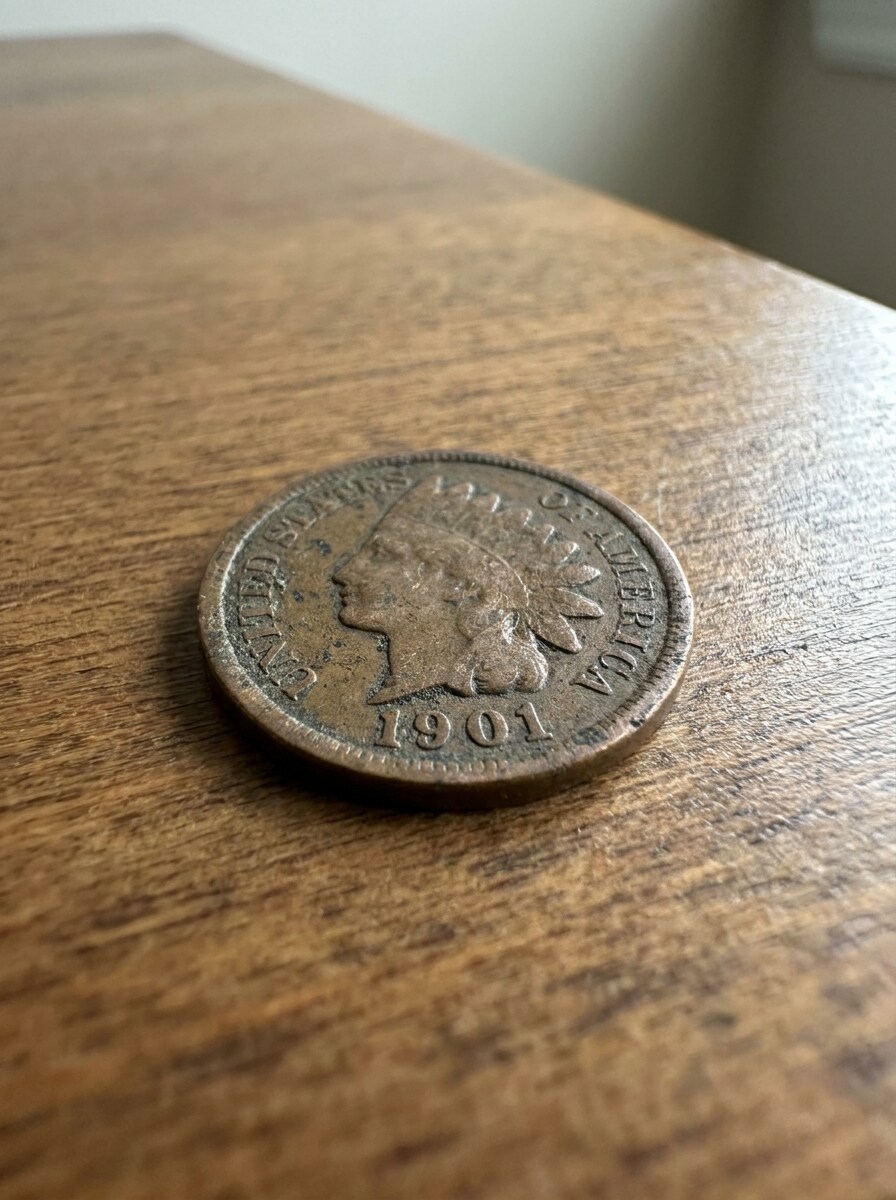
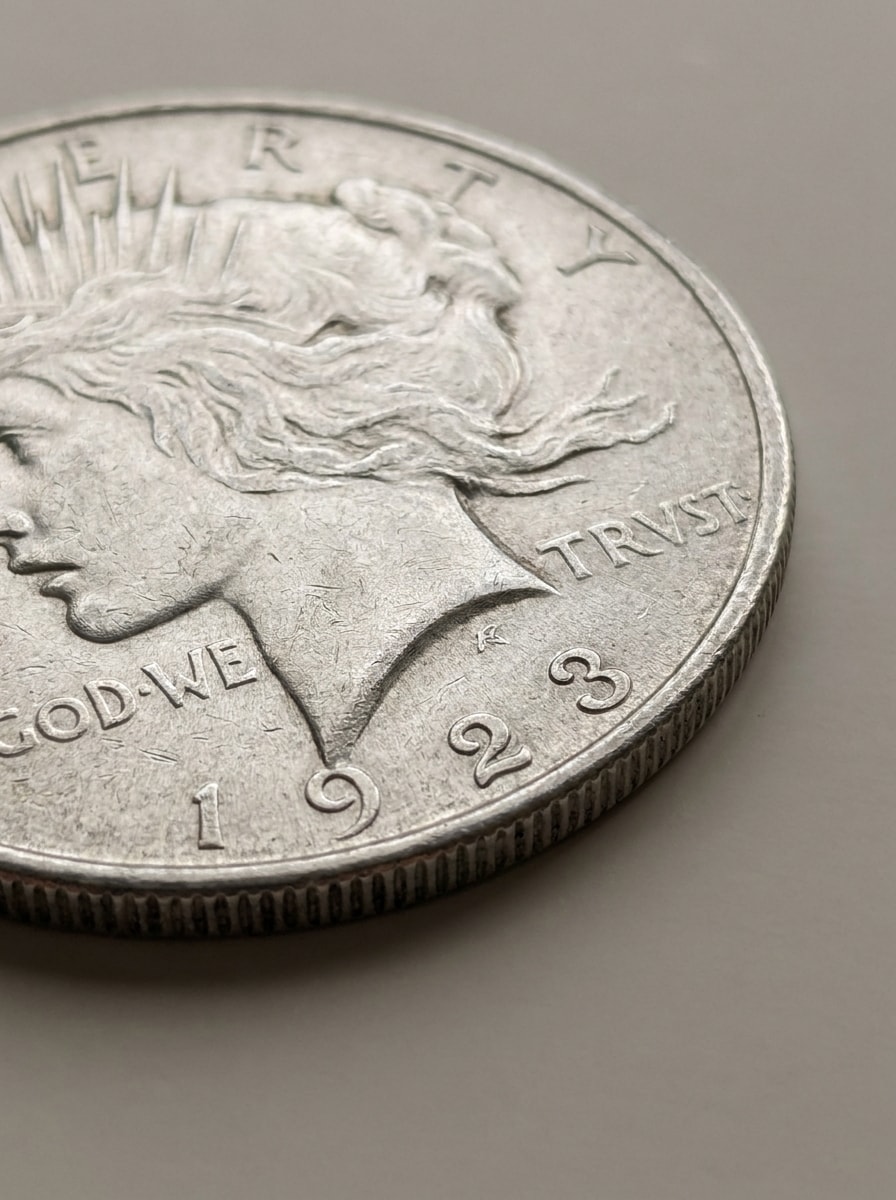
Gunakan foto koin yang diunggah dan ubah menjadi restorasi makro yang lebih tajam sambil tetap terlihat realistis. Perbaiki teks ukiran, visibilitas tanggal, detail tepi, dan tekstur metalik, dengan kontras yang merata, sorotan terkontrol, pengurangan keburaman, dan tampilan dokumenter yang bersih untuk inspeksi dan pengenalan lebih dekat.
Peningkatan Kontras Karat
Gunakan gambar koin yang diunggah sebagai subjek dan cerahkan untuk pengenalan yang lebih baik. Pertahankan koin asli sambil mengangkat bayangan, meningkatkan eksposur, mengungkap prasasti, dan memperjelas tanda mint, dengan kilau metalik yang realistis, keseimbangan warna netral, dan hasil akhir makro kontras tinggi yang tetap terlihat autentik.
Mockup Aplikasi Pemindaian Instan
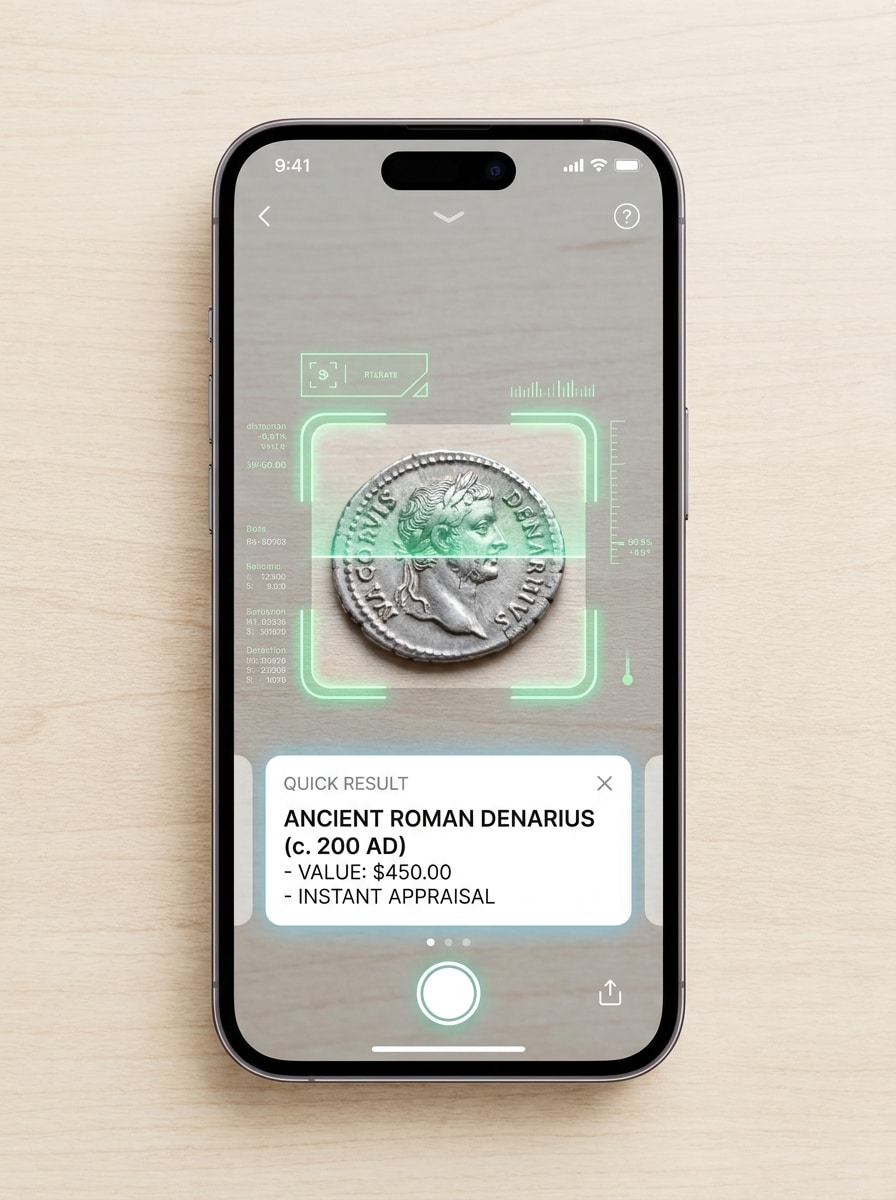
Gunakan foto koin yang diunggah sebagai subjek yang dipindai dan tempatkan di dalam adegan pengenalan smartphone modern. Tampilkan koin di tengah tampilan kamera dengan bingkai deteksi, kartu hasil cepat, elemen antarmuka yang tajam, pencahayaan terang dan bersih, dan suasana utilitas cepat yang menunjukkan pemindaian online instan.
Overlay Bidik dan Deteksi
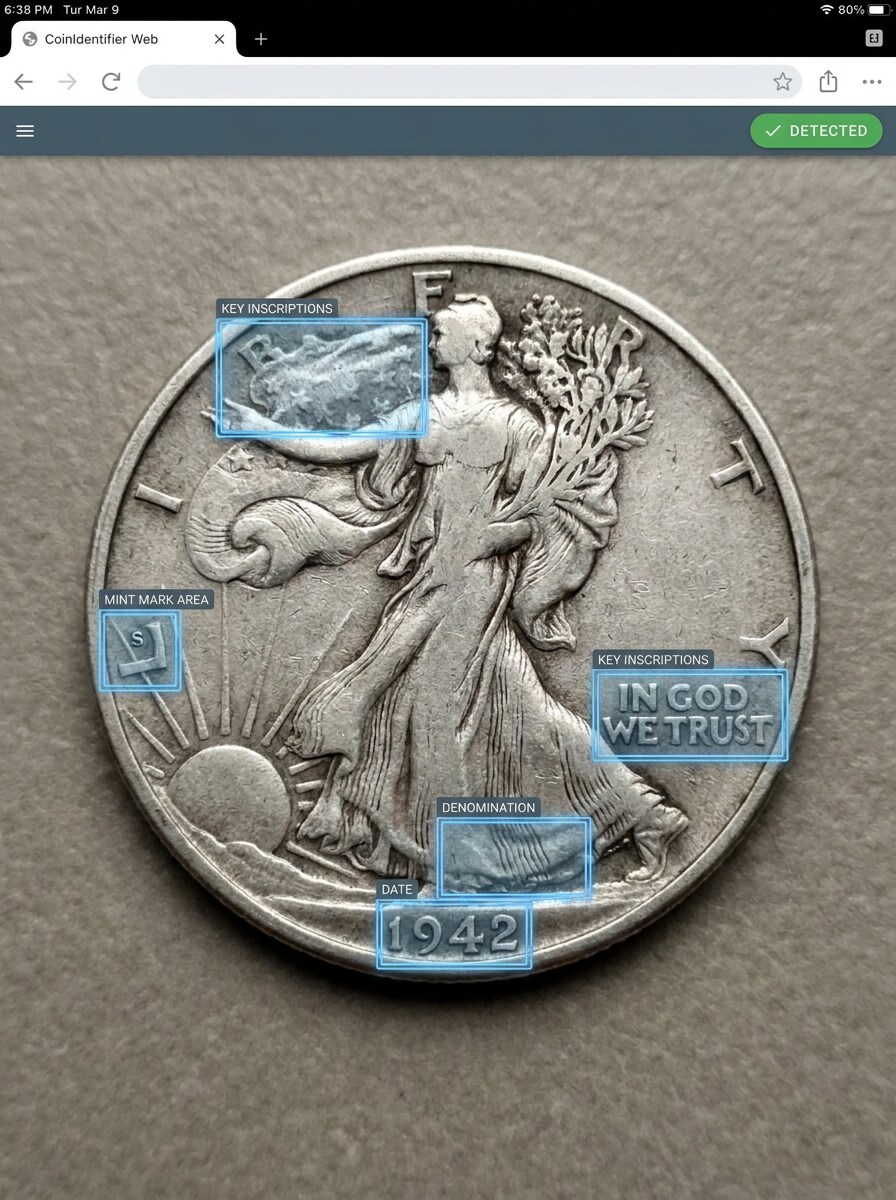
Gunakan gambar koin yang diunggah dan ubah menjadi demo pengenalan realistis dengan overlay cerdas. Soroti tanggal, denominasi, area tanda mint, dan prasasti utama menggunakan callout halus, sambil menjaga foto koin tetap alami, terperinci tajam, tercahayai merata, dan cocok untuk pengalaman identifikasi berbasis browser.
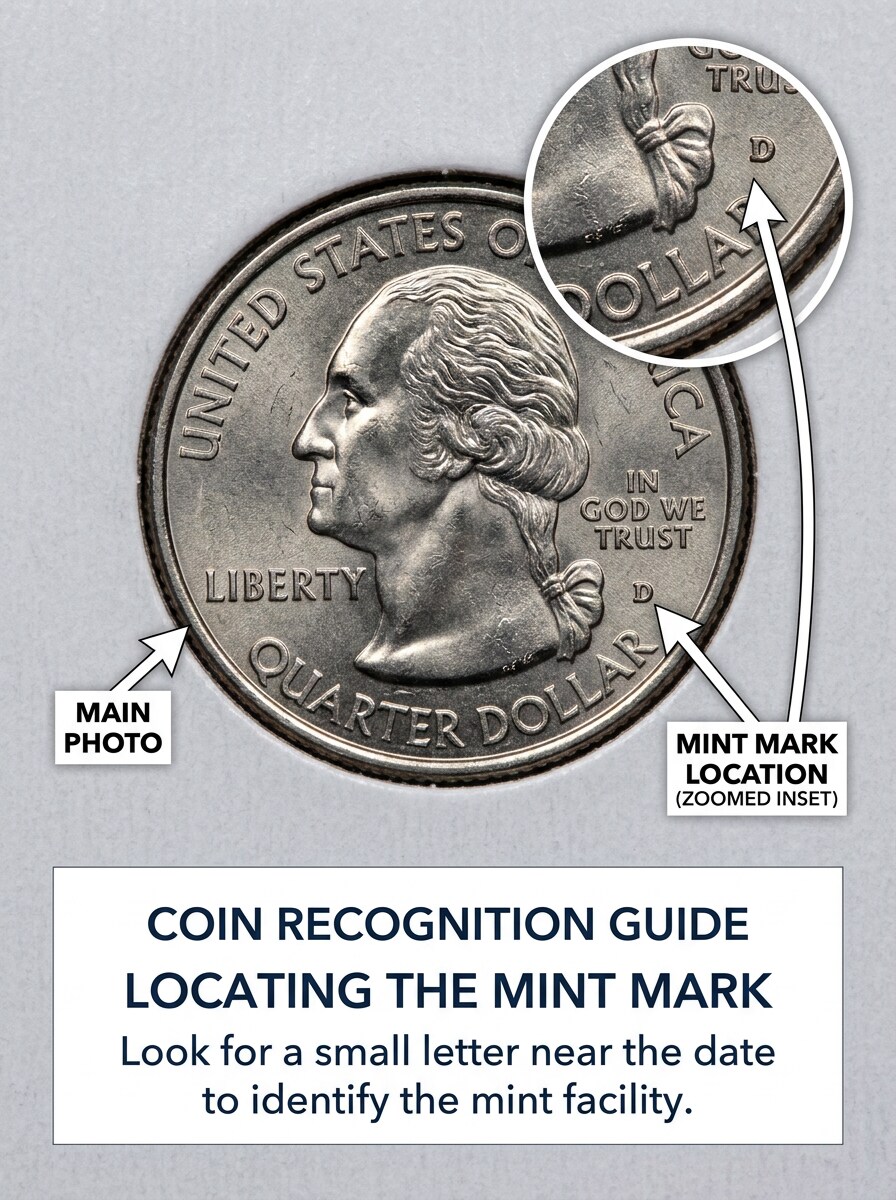
Panduan Zoom Tanda Mint
Gunakan koin yang diunggah sebagai subjek dan buat panduan makro instruksional. Pertahankan foto koin utama yang jelas dan realistis, lalu tambahkan sisipan yang diperbesar yang menunjuk ke lokasi tanda mint, anotasi berlabel, ruang tipografi bersih, pencahayaan terang dan terfokus, serta komposisi yang ramah kolektor dan edukatif.
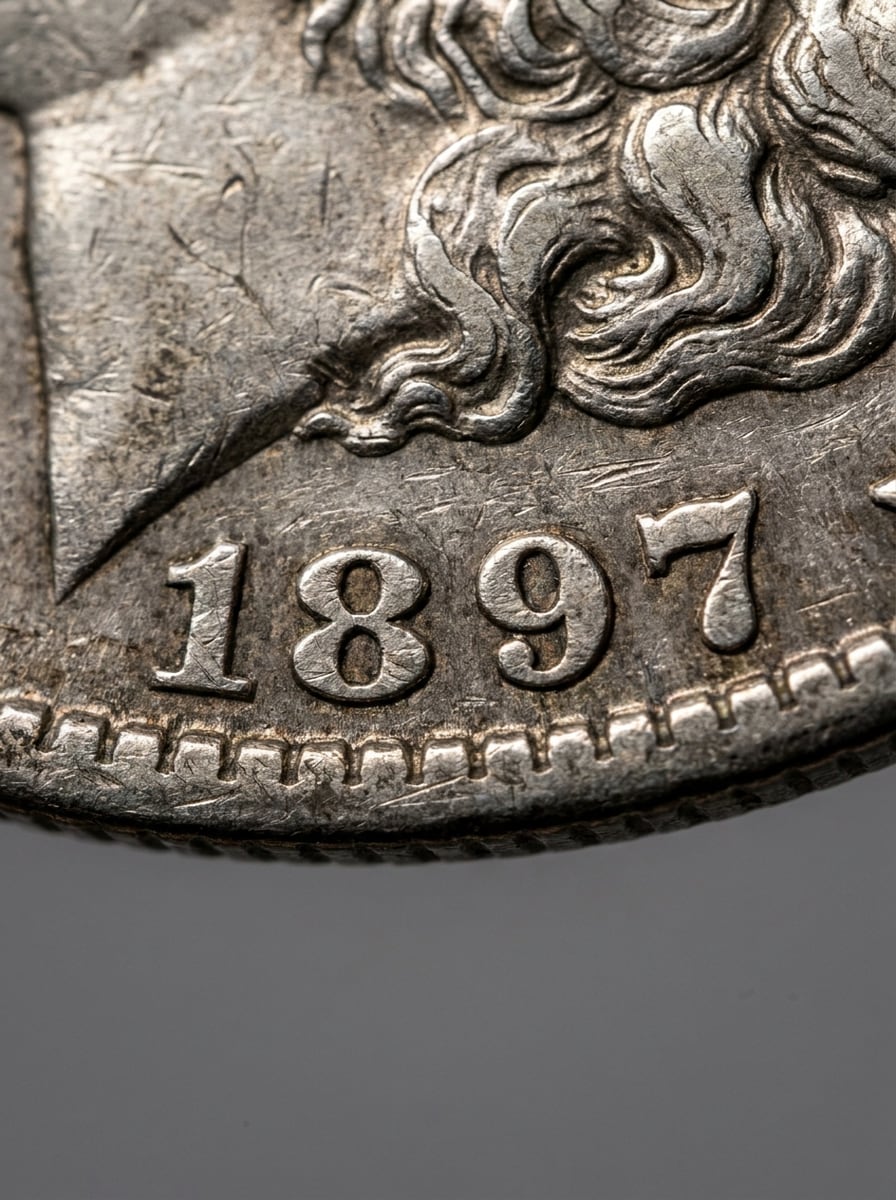
Makro Pembacaan Tanggal
Gunakan gambar koin yang diunggah dan ubah menjadi studi makro berfokus tanggal. Tekankan angka ukiran, keausan permukaan yang realistis, tepi tajam di sekitar tahun, pantulan terkontrol, dan latar belakang netral, menciptakan visual yang jelas, teknis, dan mudah dibaca untuk mengidentifikasi koin lama dengan detail yang memudar.
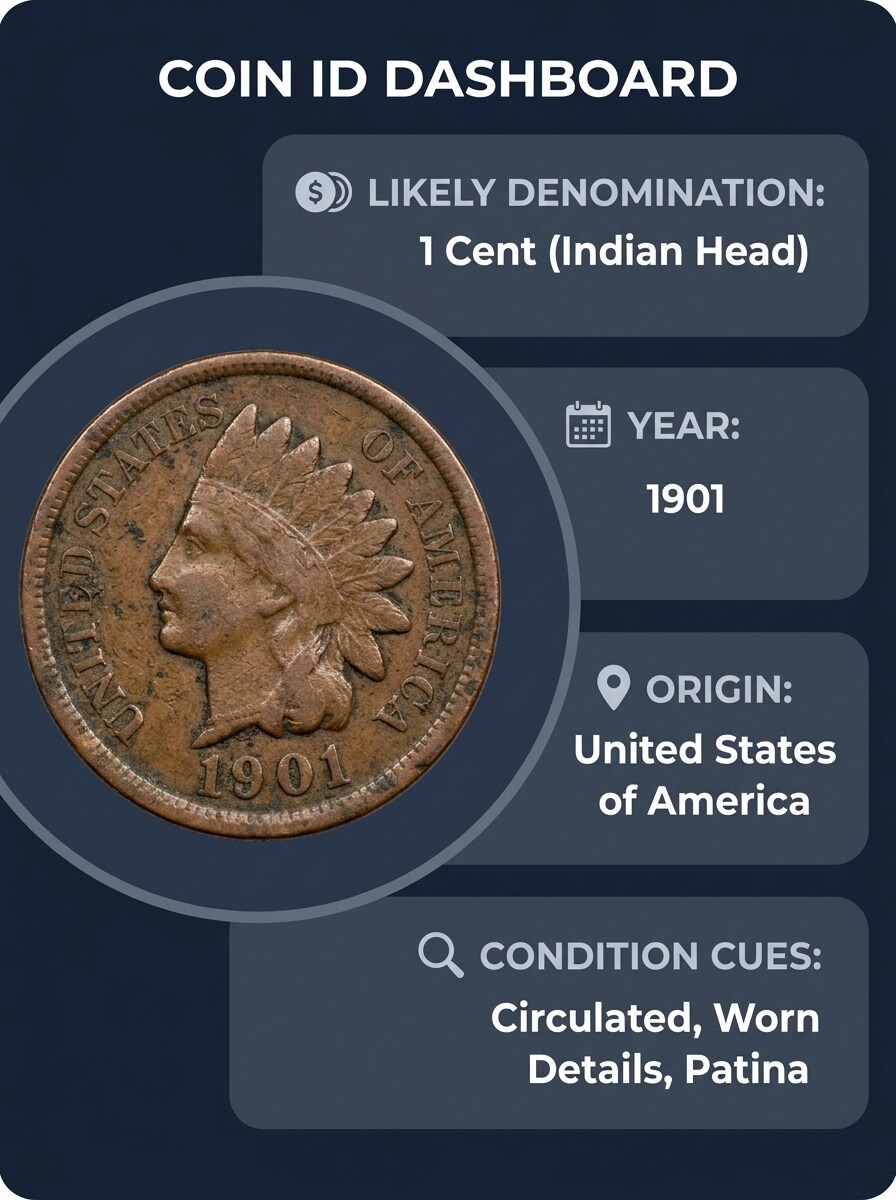
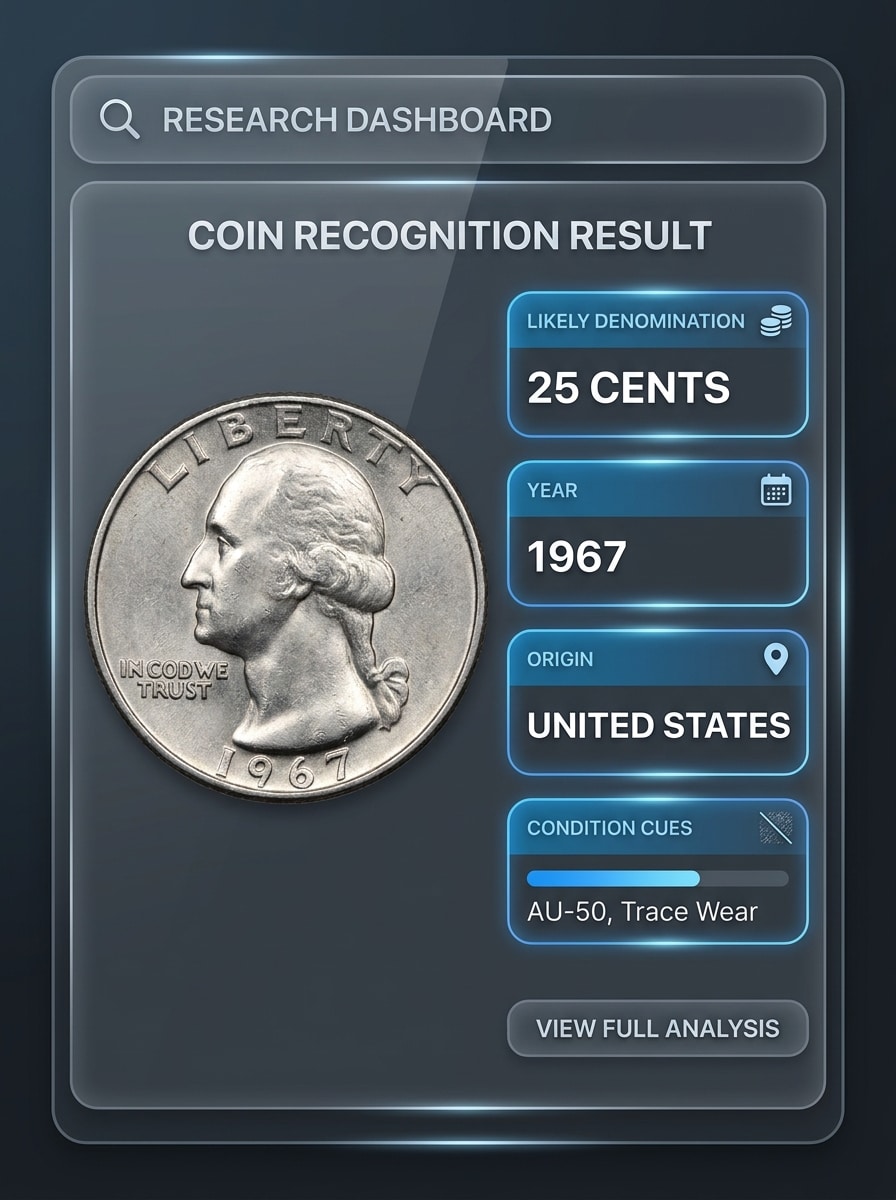
Kartu Hasil Koin dengan Atribut
Gunakan gambar koin yang diunggah dan sajikan sebagai kartu hasil pengenalan yang bersih. Sertakan tata letak yang dipoles dengan area untuk kemungkinan denominasi, tahun, asal, dan petunjuk kondisi, sambil menjaga foto koin tetap tajam, tercahayai merata, akurat warnanya, dan bergaya seperti dasbor identifikasi modern yang ramah penelitian.
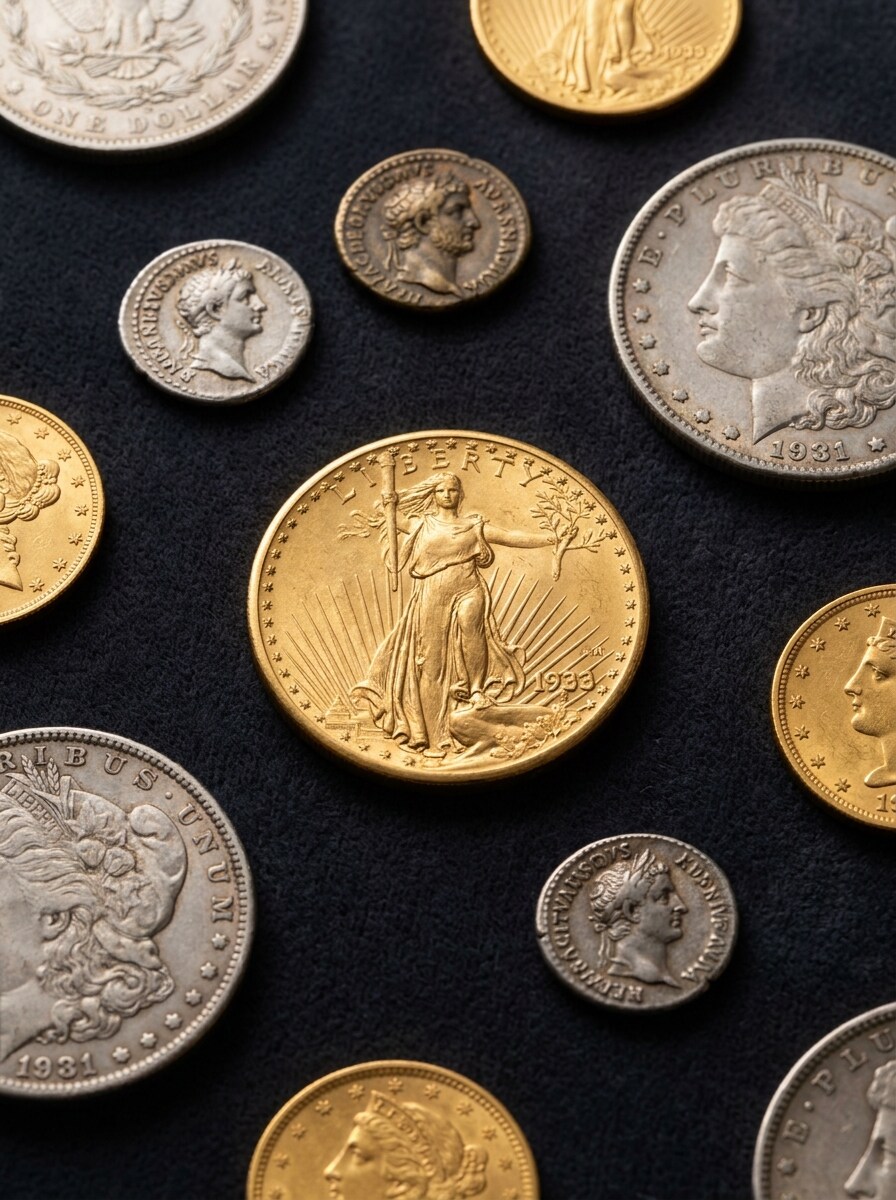
Flat Lay Kolektor
Gunakan gambar koin yang diunggah sebagai subjek utama dalam flat lay kolektor premium. Kelilingi dengan susunan koin terkait yang halus di atas beludru atau permukaan arsip netral, menggunakan pencahayaan studio yang lembut, detail metalik yang kaya, nada mewah yang tenang, dan komposisi editorial yang tetap mendukung perbandingan visual.
Mengapa Menggunakan Media.io untuk Identifikasi Foto Koin
Foto Koin yang Lebih Bersih Sebelum Anda Membandingkan Detail
Foto yang gelap, buram, atau kontras rendah dapat menyembunyikan detail penting, tetapi Media.io membantu para kolektor dan penemu kasual membersihkan gambar koin sebelum inspeksi sehingga tanggal, huruf, dan tanda mint lebih mudah dibaca dan proses identifikasi dimulai dengan lebih kuat.
Jelajahi Tampilan Berbeda Tanpa Kehilangan Arah
Untuk catatan penelitian, daftar penjualan kembali, atau diskusi kolektor, Media.io memudahkan persiapan visual sisi depan dan belakang berdampingan, potongan detail yang diperbesar, atau kartu hasil edukatif, memberikan Anda presentasi bergaya situs web pengidentifikasi koin yang lebih mudah ditinjau.
Buat Gambar Resolusi Tinggi untuk Penggunaan Nyata
Untuk proyek yang membutuhkan lebih dari kualitas draf, Media.io membantu menghasilkan visual pengidentifikasi koin dengan output hingga 4K sehingga detail tetap lebih jelas saat Anda mempresentasikan, memotong, atau menggunakan kembali file akhir.
Pemindaian Berbasis Browser Tanpa Instalasi Aplikasi
Berpindah antara desktop dan mobile sangat mudah dengan Media.io karena alur kerja tetap berada di browser Anda, memudahkan tinjauan draf di laptop, melanjutkan di ponsel, dan menggunakan pemindai koin online atau pengaturan pemindai koin online.
Cara Menggunakan Pengidentifikasi Koin AI Ini
Ubah kata-kata Anda menjadi visual yang memukau dalam tiga langkah sederhana, lalu terus perbaiki hasilnya jika Anda ingin melangkah lebih jauh.
Langkah 1
Unggah Gambar Referensi Anda
Unggah foto koin yang jelas dalam format JPG, PNG, atau JPEG. Untuk hasil yang lebih baik, gunakan gambar yang terpusat dengan teks yang dapat dibaca dan, jika memungkinkan, siapkan foto depan dan belakang ketika Anda ingin membandingkan detail sisi depan dan belakang.
Langkah 2
Jelaskan Perubahan dan Atur Opsi
Beritahu Media.io apa yang Anda butuhkan, seperti mempertajam tanggal, meningkatkan kontras, atau membuat perbandingan berdampingan. Kemudian pilih model dan atur rasio aspek, kualitas gambar, dan opsi resolusi yang sesuai dengan alur kerja tinjauan atau katalog Anda.
Langkah 3
Buat, Unduh, dan Terus Tingkatkan
Buat versi yang ditingkatkan, bandingkan hasilnya, dan unduh hasil yang paling jelas untuk penelitian atau berbagi. Jika detail kecil masih perlu dikerjakan, sesuaikan prompt, coba variasi lain, atau perbaiki gambar lagi untuk keterbacaan yang lebih baik.
Lihat bagaimana para kreator menggunakan pengidentifikasi koin Media.io ini untuk konten, pemasaran, dan proyek pribadi, lalu adaptasi setiap ide agar sesuai dengan kebutuhan.
Periksa Temuan Tidak Dikenal dari Perjalanan, Pasar, atau Koleksi Keluarga
Gunakan foto yang diunggah untuk meninjau benda yang tidak familiar saat Anda bertanya, "koin apa ini?" Media.io membantu Anda menyiapkan gambar yang lebih jelas untuk identifikasi koin asing, pemeriksaan pengidentifikasi koin asing, lot campuran, keping regional, dan temuan yang sulit dibaca dari koleksi pribadi.
Perbaiki Koin Lama Sebelum Meneliti Tanggal dan Tanda Mint
Untuk identifikasi koin kuno, keping yang telah beredar lama, atau temuan pusaka yang aus, Media.io membantu membuat gambar jarak dekat yang lebih bersih sehingga prasasti dan detail tahun lebih mudah diperiksa sebelum penelitian katalog lebih dalam, umpan balik forum, atau perbandingan pengidentifikasi koin kuno.
Siapkan Gambar yang Lebih Baik untuk Pencarian Koin Regional dan Berbasis Skrip
Jika Anda membutuhkan identifikasi koin arab, identifikasi koin china, atau identifikasi koin asia yang lebih luas, Media.io dapat mempertajam foto yang diunggah untuk mengungkap skrip, angka, dan penempatan simbol dengan lebih jelas. Itu memudahkan penggunaan pengidentifikasi koin arab, membandingkan hasil pengidentifikasi koin asia, atau mengidentifikasi jenis koin china dan desain asing lainnya secara online.
Apa Kata Pengguna
Derek M.
Penghobi Koin
"Membantu untuk detail yang aus" Saya menggunakan Media.io pada foto koin gelap dari sebuah kotak warisan, dan peningkatan kontras membuat tanggal jauh lebih mudah dibaca. Ini memberi saya gambar yang jauh lebih baik untuk dibandingkan sebelum mencoba mengidentifikasi koin tersebut.
Lina R.
Penjual Online
"Alur kerja browser yang mudah" Yang paling saya sukai adalah saya tidak perlu menginstal apa pun. Saya mengunggah foto depan dan belakang, membersihkannya, dan mendapatkan gambar yang dipoles yang bisa saya gunakan untuk daftar dan forum kolektor.
Ahmed S.
Kolektor Koin Regional
"Berguna untuk visibilitas skrip" Saya sering berurusan dengan koin Arab dan koin asing yang lebih tua, dan foto yang lebih jelas sangat penting. Media.io membantu saya mempertajam prasasti sehingga saya bisa membandingkannya dengan lebih percaya diri dengan referensi online.
Grace T.
Penemu Kasual
"Bagus untuk pemeriksaan cepat" Saya memiliki koin misterius dan ingin cara cepat untuk meningkatkan gambar di ponsel saya. Prosesnya sederhana, dan gambar yang ditingkatkan memudahkan pencarian berdasarkan tanggal, tanda, dan desain keseluruhan.
1. Apakah ada pengidentifikasi koin gratis secara online?
Media.io menawarkan kredit gratis, sehingga Anda dapat mencoba alur kerja pengidentifikasi koin AI berbasis browser secara online tanpa menginstal aplikasi. Penggunaan gratis mungkin menyertakan tanda air. Jika Anda membutuhkan lebih banyak kredit atau unduhan resolusi tinggi tanpa tanda air, Anda dapat melihat halaman harga dan meningkatkan ke paket berbayar.
2. Bisakah saya mengambil foto koin untuk mengidentifikasinya?
Anda biasanya bisa mendapatkan draf pertama dengan cepat, kemudian memperbaikinya dengan pengeditan prompt singkat daripada membangun ulang seluruh desain dari awal.
3. Seberapa akurat pengidentifikasi koin AI dari foto?
Akurasi sangat bergantung pada kualitas gambar dan detail yang terlihat. Media.io membantu meningkatkan ketajaman, kontras, dan keterbacaan gambar yang Anda unggah, yang mendukung tinjauan berbasis foto yang lebih baik untuk tugas pengidentifikasi koin asing, penelitian koin lama, dan perbandingan prasasti atau tanggal secara berdampingan.
4. Apakah saya perlu foto kedua sisi koin?
Seringkali membantu. Foto depan dan belakang dapat mengungkapkan petunjuk berbeda seperti denominasi, asal, skrip, tanggal, dan tanda mint. Media.io berguna untuk menyiapkan gambar sisi depan dan belakang yang lebih bersih untuk perbandingan lebih dekat dalam alur kerja pengidentifikasi koin berdasarkan gambar.
5. Bisakah pengidentifikasi koin membantu dengan koin lama atau aus?
Ya, terutama ketika foto aslinya gelap, buram, atau kontras rendah. Media.io dapat membantu menyiapkan gambar untuk pengidentifikasi koin kuno, pengidentifikasi koin arab, dan kasus penelitian berbasis foto lainnya dengan membuat angka yang aus, detail permukaan, dan prasasti lebih mudah dilihat sebelum analisis.
6. Apakah berfungsi di iPhone, Android, dan desktop?
Media.io berbasis web, sehingga berfungsi di perangkat apa pun dengan browser, termasuk iPhone, ponsel Android, tablet, PC Windows, dan komputer Mac. Itu membuatnya nyaman jika Anda menginginkan alur kerja pengidentifikasi koin berdasarkan gambar yang fleksibel atau perlu mengidentifikasi koin berdasarkan gambar di berbagai perangkat.
Lebih dari Pengidentifikasi Koin Online Bertenaga AI