Pilih / @ karakter, jelaskan adegan yang ingin Anda buat.
0/2000
9:16
1K
1
Unlimited Banana Pro
Creations
Ideas Hub
How It Works
All
Popular features
View All
Tantangan Kreatif Halloween
View All
Cerita Buah AI
View All
Video Cerita AI
View All
Video Viral Hari Ini
View All
Video Produk AI
View All
Karakter AI
View All
Tren Tari
View All
GPT Image 2
View All
Seedance 2.0
View All
Kecocokan Selebriti AI
View All
Petunjuk Pose Pasangan
View All
Prompt Pose Gadis AI Estetika
View All
Prompt Pose Anak Laki-Laki AI Bergaya
View All
Generate List
Creations are stored for only 7 days. Assets created after upgrading to a Membership plan will be stored permanently.
Unlock your creative potential and experience the magic of Media AI right away!
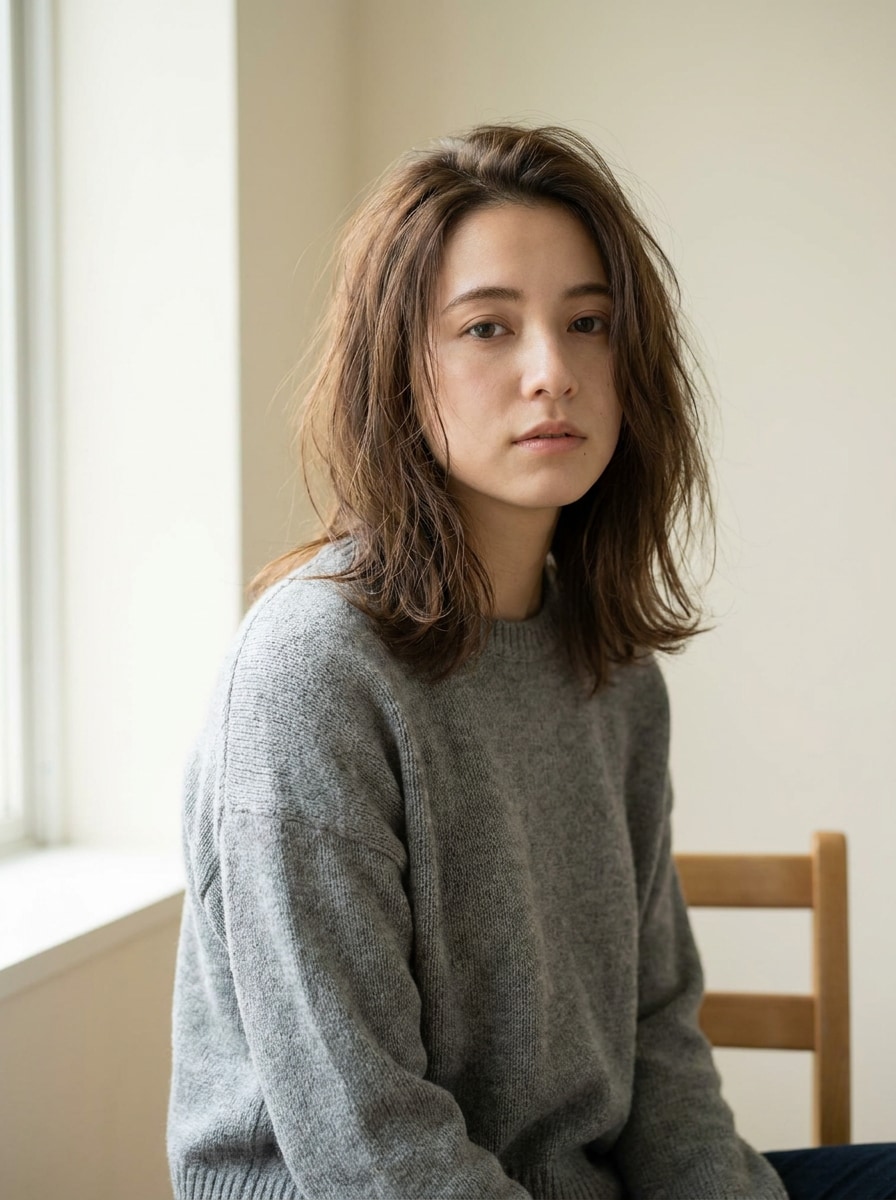
Filter Kamera Digital untuk Transformasi Foto Retro Cepat Secara Online
Ubah unggahan apa pun menjadi gambar bergaya kamera nostalgia dengan filter kamera digital. Media.io membantu Anda merekrasi tampilan kilat disposable, noise warna CCD, suasana camcorder VHS, dan filter kamera digital era 2000-an dalam alur kerja berbasis browser yang cepat tanpa perlu menginstal aplikasi. Ini juga dapat membantu dengan filter kamera digital lama.
Ketik ide Anda -> AI mendesainnya. Gratis untuk dicoba.
Tinjau contoh arahan ini, lalu sesuaikan detail prompt untuk mendapatkan hasil yang lebih baik dengan Filter Kamera Digital di Media.io.
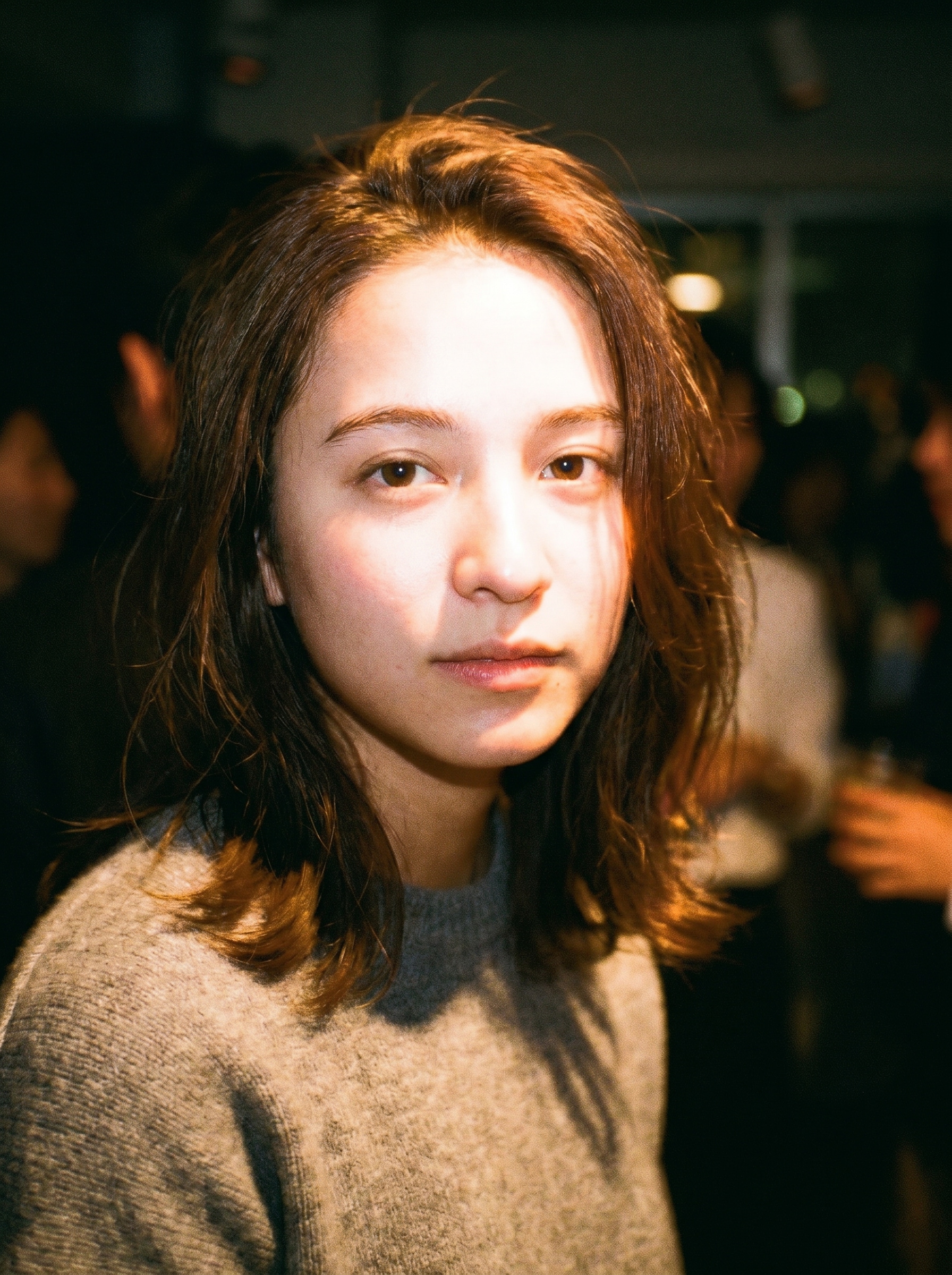
Kilat Disposable
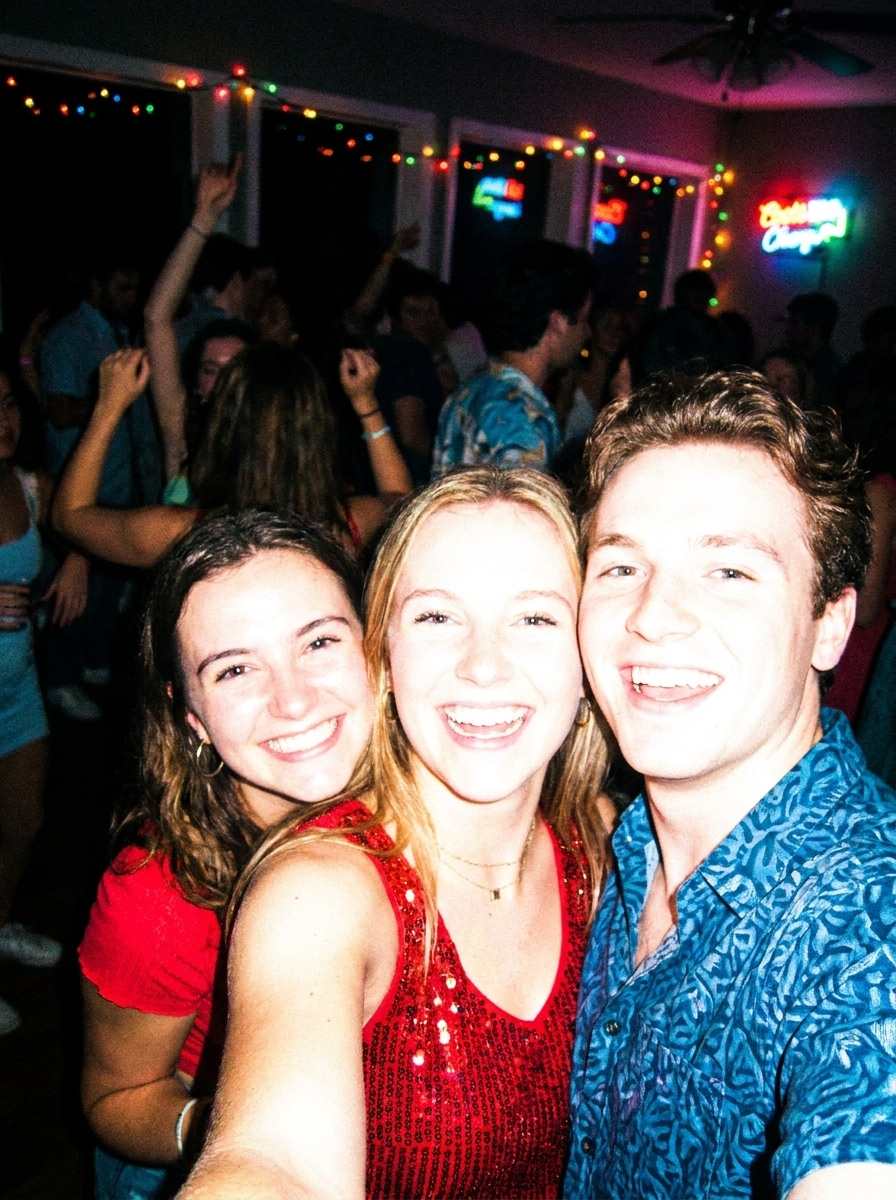
Gunakan gambar yang diunggah sebagai subjek dan ubah menjadi foto malam kamera disposable dengan kilat frontal langsung, butiran yang terlihat, sedikit motion blur, warna kulit hangat, sorotan yang terlalu terang, bayangan yang dalam, framing pesta santai, dan rendering warna awal 2000-an yang nostalgik.
Estetika Kamera CCD
Gunakan gambar yang diunggah sebagai subjek dan ubah gayanya dengan estetika kamera kompak CCD, kilat putih dingin, noise sensor yang halus, aberasi kromatik ringan, detail lembut, bloom cahaya rendah, rendering warna kamera kompak, dan suasana snapshot candid dengan ketidaksempurnaan digital yang realistis.
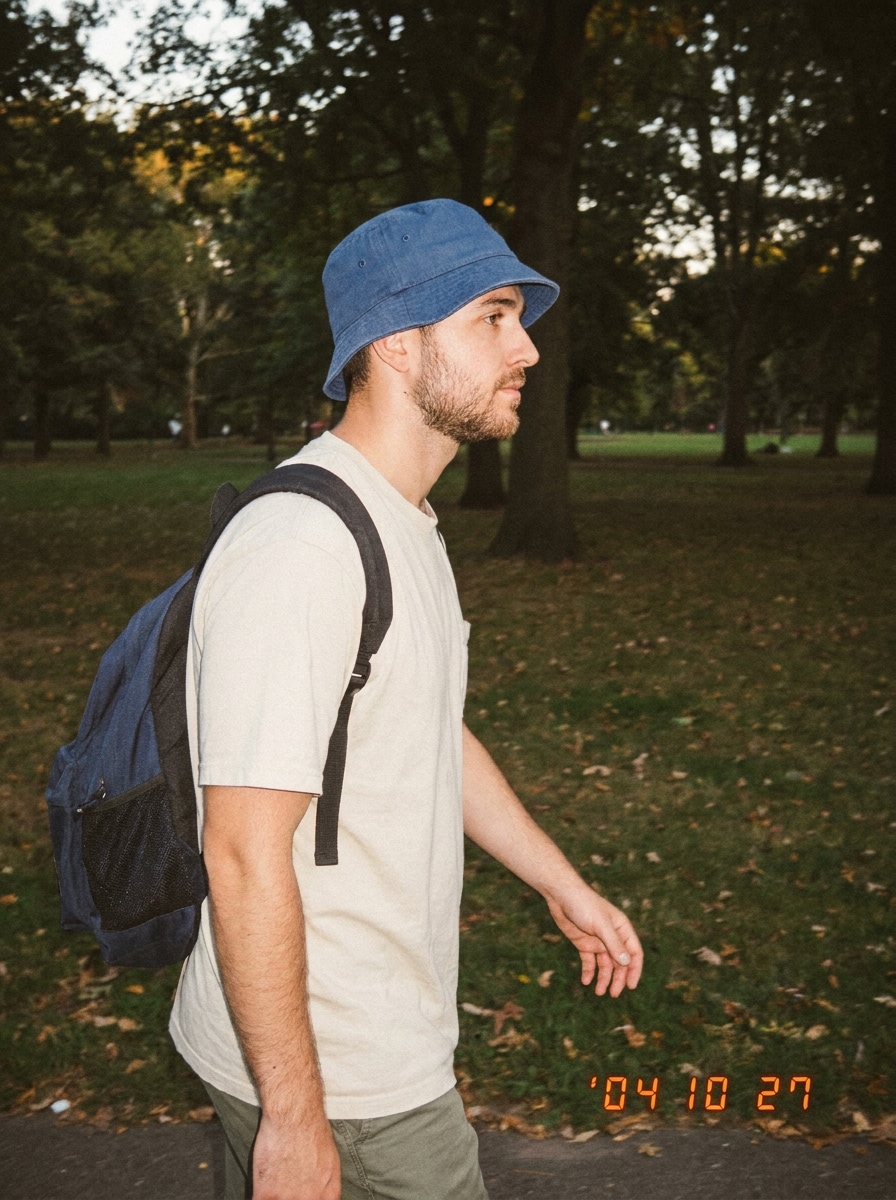
Digicam Stempel Tanggal
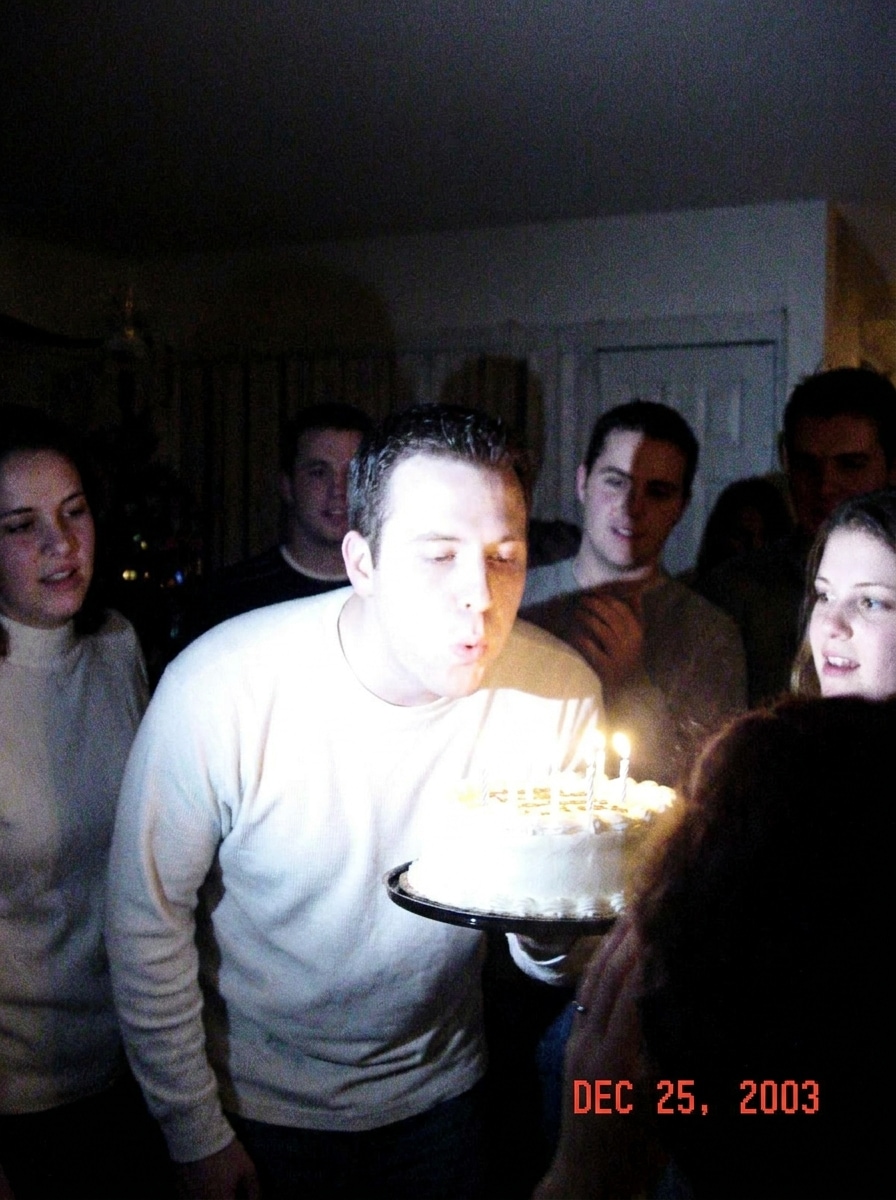
Gunakan gambar yang diunggah sebagai subjek dan terapkan filter digicam yang nostalgik dengan stempel tanggal oranye, artefak kompresi ringan, subjek yang diterangi kilat, kontras yang redup, butiran halus, warna yang sedikit pudar, framing kamera point-and-shoot kompak, dan nuansa foto kenangan yang autentik.
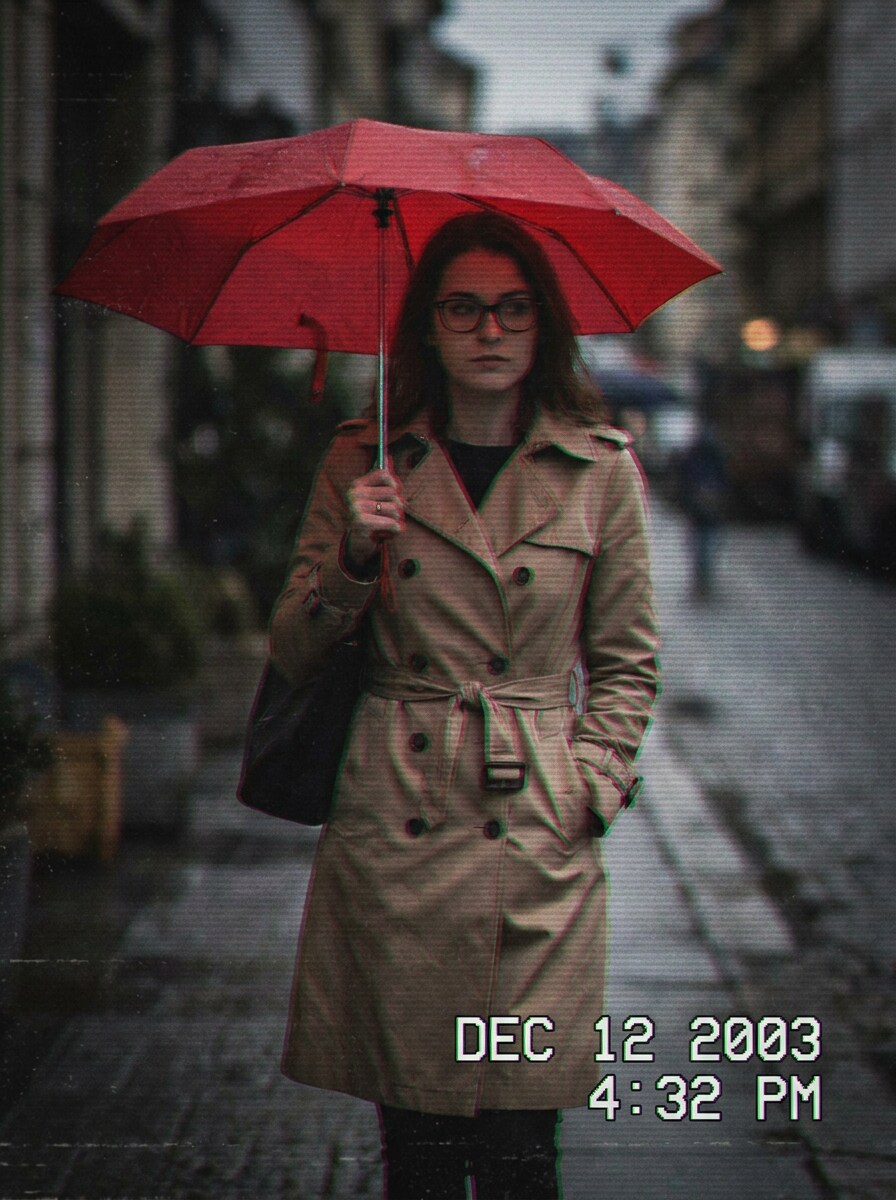
Camcorder VHS
Gunakan gambar yang diunggah sebagai subjek dan ubah menjadi gambar diam camcorder VHS dengan noise analog, garis pindai samar, overlay timestamp, kelembutan gerak ringan, perdarahan warna, bayangan kontras rendah, tekstur video rumahan retro, dan atmosfer arsip era 2000-an yang penuh suasana.
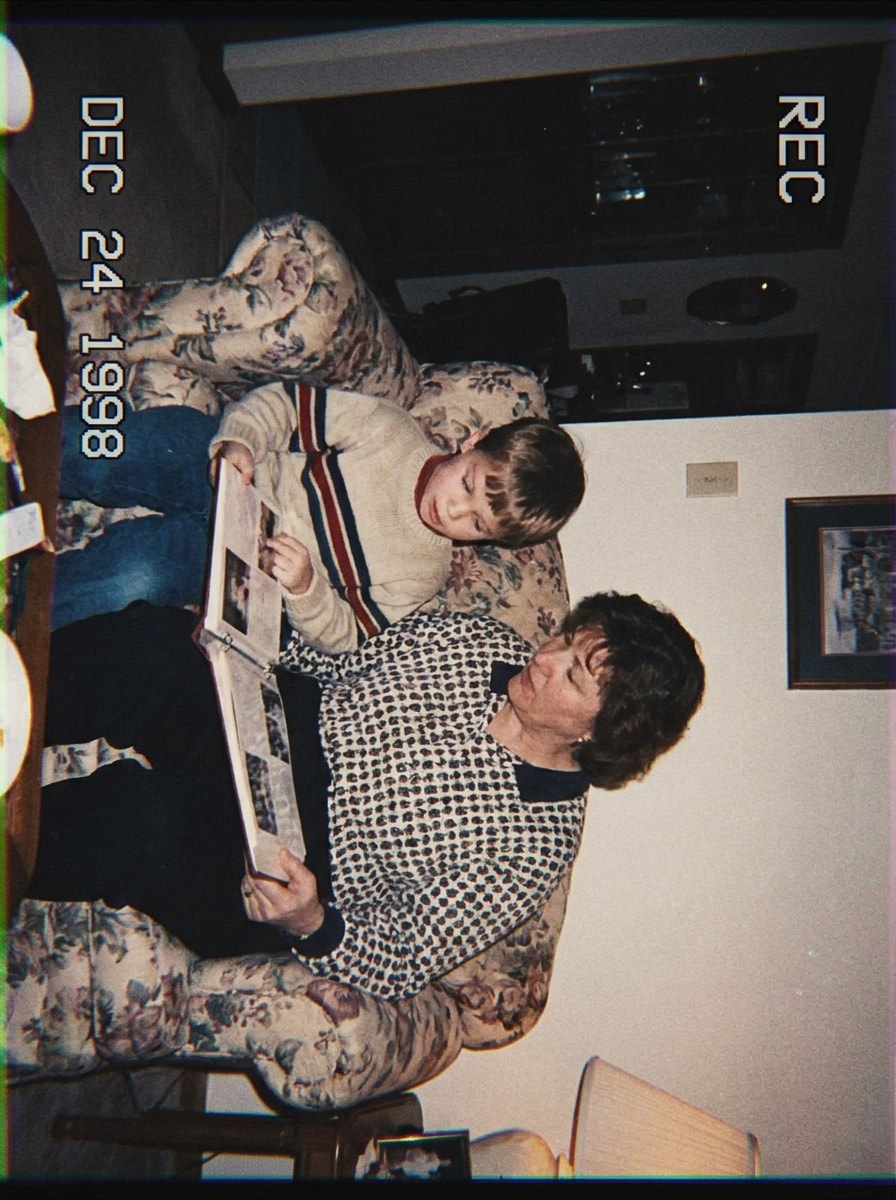
Video Rumahan MiniDV
Gunakan gambar yang diunggah sebagai subjek dan berikan tampilan video rumahan MiniDV dengan nuansa kilat onboard yang datar, sedikit kelembutan, warna pucat, noise digital, pinggiran tepi, komposisi arsip keluarga sederhana, dan suasana nostalgik yang nyaman yang terasa alami direkam, bukan dipoles.
Snapshot Film Hangat
Gunakan gambar yang diunggah sebagai subjek dan ubah gayanya menjadi snapshot terinspirasi film hangat dengan kontras lembut, butiran organik, pudar warna lembut, kehangatan kulit alami, bloom sorotan halus, framing candid, dan suasana sehari-hari sentimental yang tetap mempertahankan detail yang dapat dikenali.
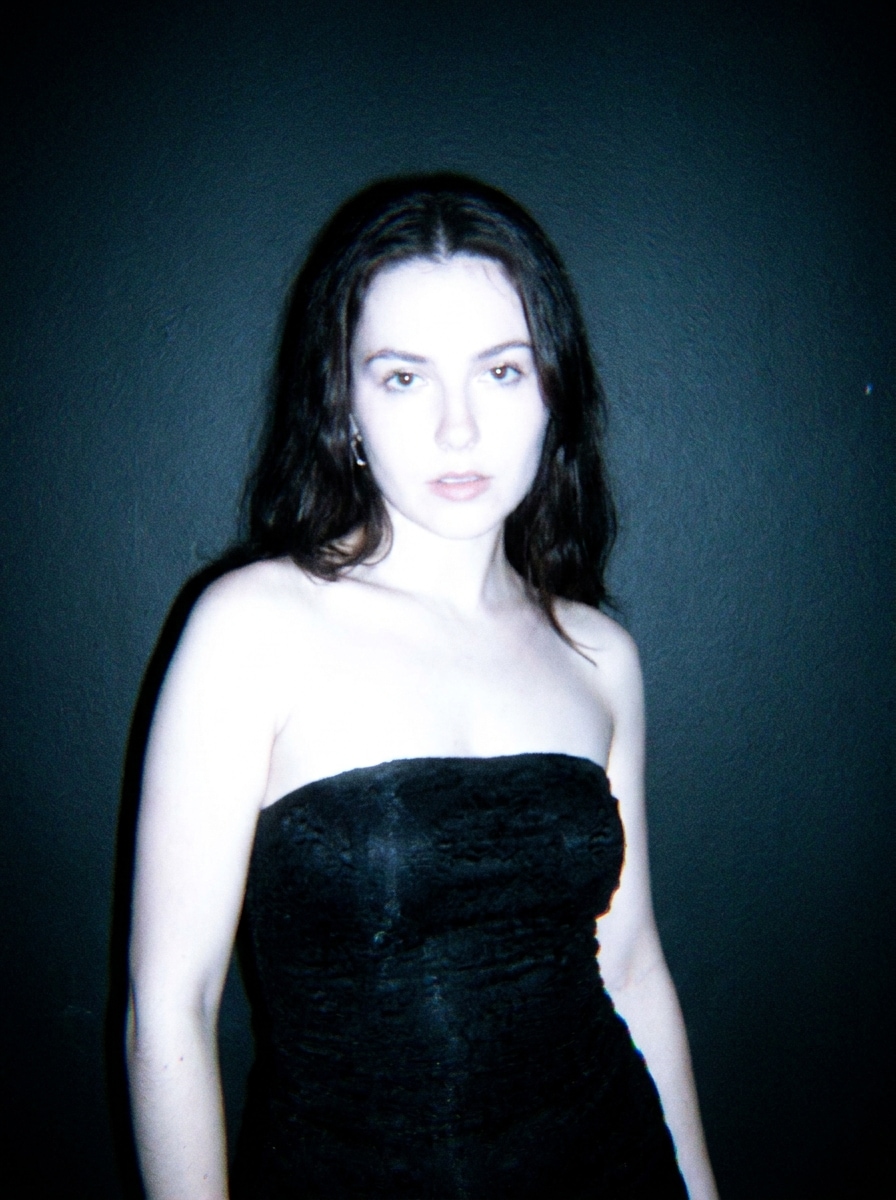
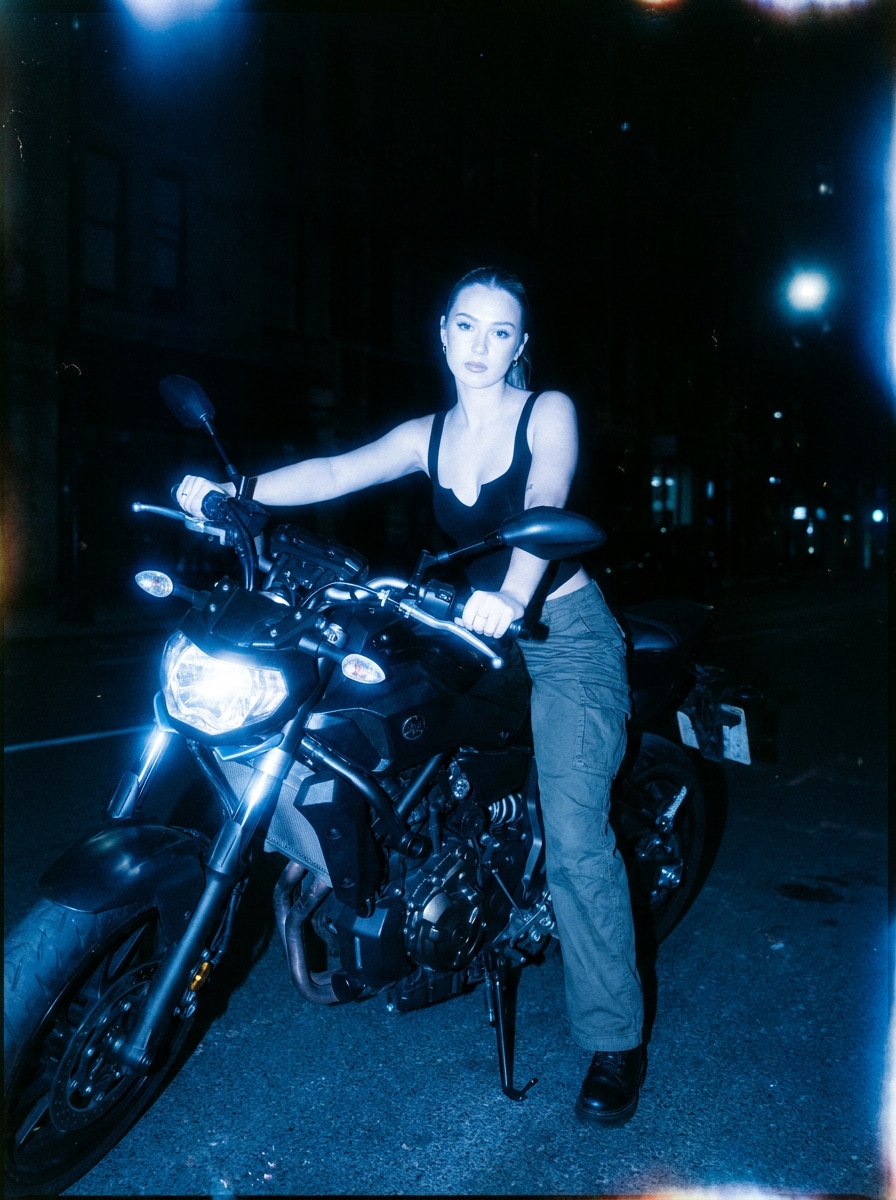
Film Malam yang Sejuk
Gunakan gambar yang diunggah sebagai subjek dan buat tampilan kamera malam bernada dingin dengan latar depan yang diterangi kilat, bayangan dalam, butiran halus, pendar warna biru, halasi lembut di sekitar sorotan, framing bertema kehidupan malam, dan atmosfer editorial namun tidak sempurna.
Kamera Kompak Resolusi Rendah
Gunakan gambar yang diunggah sebagai subjek dan buat terlihat seperti filter kamera digital lama hasil dengan kelembutan piksel ringan, detail terkompresi, kilat keras, rendering warna sederhana, noise ringan, komposisi point-and-shoot yang lugas, dan ketidaksempurnaan kamera kompak awal yang meyakinkan.
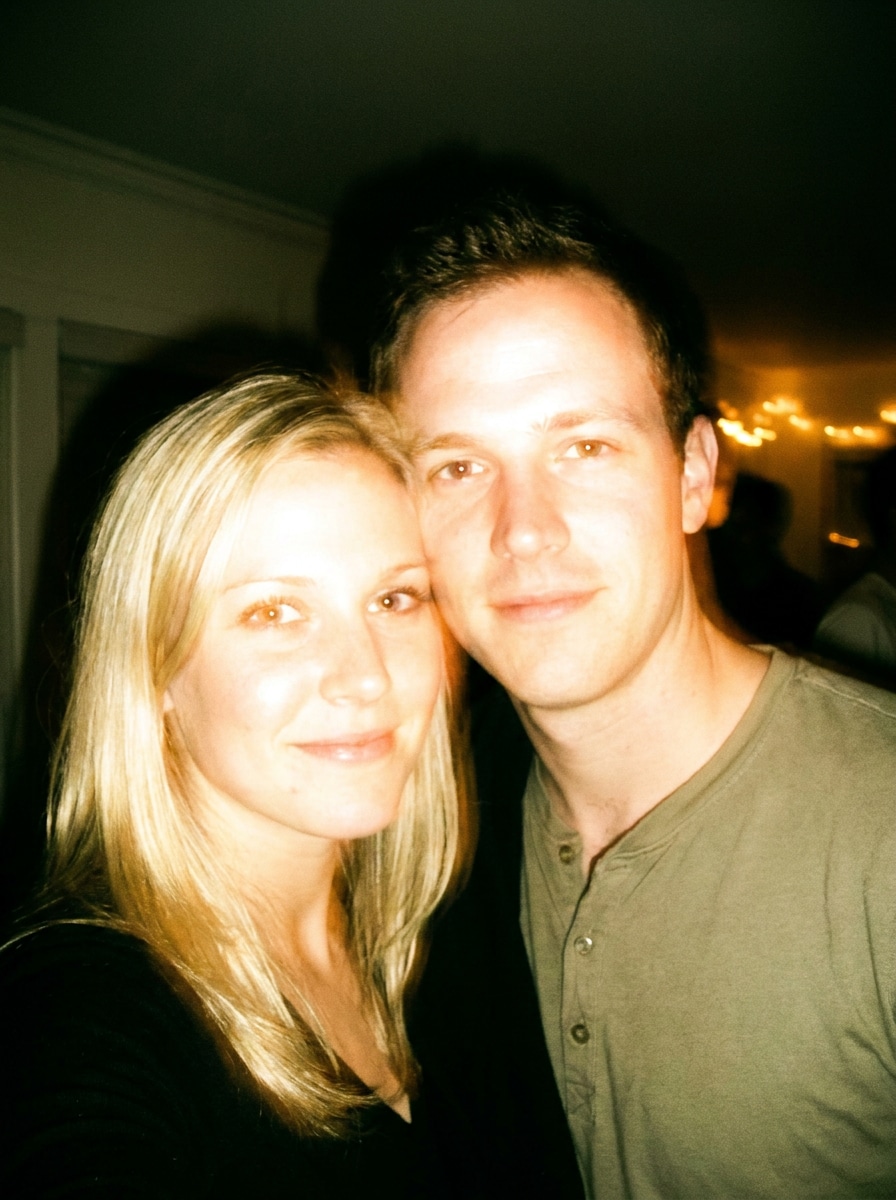
Kilat Pesta yang Terlalu Terang
Gunakan gambar yang diunggah sebagai subjek dan terapkan gaya kilat kamera pesta yang terlalu terang dengan kilat frontal cerah, sorotan kulit yang terbakar, latar belakang sekitar yang gelap, warna mencolok, butiran yang terlihat, framing candid spontan, dan nuansa snapshot kehidupan malam yang energik.
Nostalgia Blur Lembut
Gunakan gambar yang diunggah sebagai subjek dan ciptakan efek kamera buram yang nostalgik dengan blur lensa ringan, detail lembut, butiran ringan, warna pudar, kehilangan kontras lembut, komposisi candid sederhana, dan atmosfer foto kenangan digital awal yang emosional.
Mengapa Menggunakan Media.io untuk Efek Kamera Retro
Unggah sekali dan ubah foto modern menjadi jepretan kamera yang nostalgik
Untuk postingan sosial, branding, atau mockup yang masih perlu terlihat seperti orang atau produk asli, Media.io mempertahankan fitur yang dapat dikenali sambil menerapkan gaya filter kamera digital secara keseluruhan, sehingga gambar akhir terasa retro tanpa kehilangan subjeknya.
Pertahankan wajah yang dapat dikenali sambil mengubah gaya kamera
Keputusan kreatif menjadi lebih mudah ketika Anda dapat mengeksplorasi opsi dari satu gambar awal. Media.io memungkinkan Anda membandingkan berbagai tampilan dari dasar filter kamera digital yang sama, membantu tim dan kreator memilih arah lebih cepat.
Pertahankan Visual Akhir yang Tajam untuk Proyek Nyata
Untuk gambar yang benar-benar akan diterbitkan, Media.io dapat menghasilkan hasil yang lebih tajam hingga 4K, sehingga visual filter kamera digital retro tetap jelas dalam presentasi, latar belakang, dan aset kampanye yang digunakan kembali.
Edit dari perangkat apa pun dalam alur kerja browser yang cepat
Baik Anda menjelajahi visual filter kamera digital di laptop atau memeriksa draf dari ponsel, Media.io menjaga semuanya berbasis browser sehingga Anda dapat melanjutkan alur kerja yang sama di berbagai perangkat dengan lebih mudah.
Cara Menerapkan Filter Kamera Digital Secara Online
Ubah kata-kata Anda menjadi visual yang memukau dalam tiga langkah sederhana, lalu terus sempurnakan hasilnya jika Anda ingin melangkah lebih jauh.
Langkah 1
Unggah Gambar Referensi Anda
Mulailah dengan foto yang jelas yang ingin Anda ubah gayanya, seperti potret, foto pesta, pemandangan jalanan, atau selfie santai. Unggahan JPG, PNG, dan JPEG bekerja dengan baik ketika subjek dan pencahayaan mudah dibaca oleh AI.
Langkah 2
Deskripsikan Perubahan dan Atur Opsi
Masukkan tampilan retro yang Anda inginkan, seperti kilat disposable, noise CCD, tekstur camcorder VHS, overlay timestamp, blur, atau warna kamera kompak. Kemudian pilih model Anda dan sesuaikan rasio aspek, resolusi, dan jumlah variasi gambar.
Langkah 3
Hasilkan, Unduh, dan Terus Tingkatkan
Buat hasil yang telah difilter, bandingkan berbagai versi, dan unduh favorit Anda. Jika Anda menginginkan filter kamera digital lama yang lebih kuat, sempurnakan prompt, hasilkan variasi baru, atau lanjutkan pengeditan untuk output yang siap di media sosial.
Lihat bagaimana para kreator menggunakan Filter Kamera Digital ini untuk konten, pemasaran, dan proyek pribadi, lalu sesuaikan setiap ide agar sesuai dengan kebutuhan menggunakan Media.io.
Buat foto kehidupan malam terasa seketika nostalgik
Ubah foto smartphone yang bersih menjadi gambar pesta penuh kilat dengan butiran, bloom, dan warna yang tidak sempurna. Media.io membuat tampilan kamera nostalgik ini sangat cocok untuk kreator yang menginginkan energi throwback kamera kompak untuk TikTok, Instagram, dan konten berbasis moodboard.
Ubah gaya potret menjadi konten profil dan feed Y2K
Gunakan efek kamera retro untuk membuat potret tampak candid dengan overlay timestamp, blur lembut, atau kilat gaya CCD. Media.io membantu memberikan branding pribadi, penyegaran profil, dan postingan estetik lebih karakter dibandingkan editan standar, termasuk nuansa filter digicam yang natural.
Buat visual sebelum-dan-sesudah untuk kampanye sosial
Desainer dan pemasar dapat mengubah foto produk atau gaya hidup modern menjadi aset bergaya kamera nostalgik untuk promosi, sampul, dan tes kreatif. Dengan Media.io, alur kerja browser yang cepat memudahkan perbandingan orisinal yang dipoles dengan variasi retro lo-fi.
Apa Kata Pengguna
Maya R.
Kreator Konten
"Nuansa kamera Y2K yang luar biasa" Saya ingin tampilan kilat disposable yang cepat tanpa mengunduh aplikasi lain. Media.io memberikan saya nuansa pesta awal 2000-an yang berantakan dengan cepat, dan hasilnya terlihat jauh lebih mirip kamera kompak nyata dibandingkan filter preset biasa.
Jordan K.
Manajer Media Sosial
"Alur kerja sebelum-dan-sesudah yang mudah" Kami menggunakannya untuk mengubah foto merek yang dipoles menjadi variasi kampanye retro. Mengunggah, menguji prompt, dan membandingkan versi sangat mudah, dan alur kerja browser memudahkan tim kami untuk meninjau konsep dengan cepat.
Alina P.
Blogger Gaya Hidup
"Lebih baik dari aplikasi filter generik" Gaya CCD dan timestamp adalah favorit saya. Alih-alih hanya mewarnai gambar, ini benar-benar merekrasi kilat berisik dan detail lembut yang membuat foto digital lama terasa meyakinkan.
Ethan S.
Desainer Mahasiswa
"Berguna di ponsel dan laptop" Saya mengujinya di ponsel dan desktop saya, dan berjalan dengan lancar. Saya suka bahwa saya bisa menghasilkan beberapa versi, lalu memilih yang memiliki butiran dan pergeseran warna terbaik untuk moodboard saya.
Filter kamera digital adalah efek yang mengubah foto sehingga terlihat seolah diambil dengan gaya kamera tertentu alih-alih gambar ponsel modern. Di Media.io, itu bisa berarti merekrasi kilat disposable, noise CCD, overlay timestamp, tekstur camcorder, atau karakteristik snapshot retro lainnya melalui pengeditan gambar-ke-gambar.
2. Bagaimana cara membuat foto terlihat seolah diambil dengan kamera digital?
Anda biasanya bisa mendapatkan draf pertama dengan cepat di Media.io, lalu memperbaikinya dengan editan prompt singkat alih-alih membangun ulang seluruh desain dari awal.
3. Bisakah saya menerapkan filter kamera digital retro secara online secara gratis?
Pengguna gratis dapat mencoba Media.io dengan kredit gratis, yang berguna untuk menguji efek kamera digital retro secara online sebelum meningkatkan versi. Hasil gratis mungkin menyertakan watermark, sementara paket berbayar mendukung unduhan resolusi tinggi bebas watermark. Anda dapat membandingkan opsi di halaman harga.
4. Filter mana yang memberikan foto tampilan kamera disposable atau CCD?
Untuk tampilan disposable, gunakan prompt yang menekankan kilat langsung, butiran yang terlihat, nada hangat, bayangan latar belakang yang dalam, dan sorotan yang terlalu terang. Untuk hasil bergaya CCD atau digicam, minta kilat putih dingin, noise sensor ringan, aberasi kromatik, detail lembut, dan rendering warna kamera kompak. Media.io dapat menghasilkan kedua gaya dari foto yang sama yang diunggah.
5. Apakah efek kamera digital akan mengurangi kualitas atau resolusi gambar?
Gayanya mungkin sengaja menambahkan kelembutan, noise, blur, atau artefak kompresi untuk meniru kamera yang lebih lama, tetapi Media.io tetap memberi Anda kontrol atas kualitas ekspor. Anda dapat memilih output 1K, 2K, atau 4K, sehingga tampilan retro adalah pilihan kreatif bukan kehilangan resolusi yang dipaksakan. Pengguna gratis mungkin memiliki watermark.
6. Bisakah saya menggunakan filter kamera digital ini di iPhone, Android, atau desktop?
Media.io berbasis web, sehingga Anda dapat menggunakannya di browser di iPhone, Android, Mac, Windows, dan perangkat desktop atau mobile lainnya. Itu memudahkan penerapan efek kamera retro tanpa menginstal aplikasi terpisah hanya untuk menguji satu gaya.
Melampaui Filter Kamera Digital Online Bertenaga AI