Animated vs Real-Life Comparison
Build the signature two-part composition: a stylized animated fashion doll on top and a realistic human lookalike below. Keep the horizontal split clear.
Create a Barbie slideshow trend photo with an animated doll look on top and a real-life recreation below. Explore four reference-matched poses, copy a detailed AI image prompt, and use Media.io Image to Image to make your own split-screen comparison.
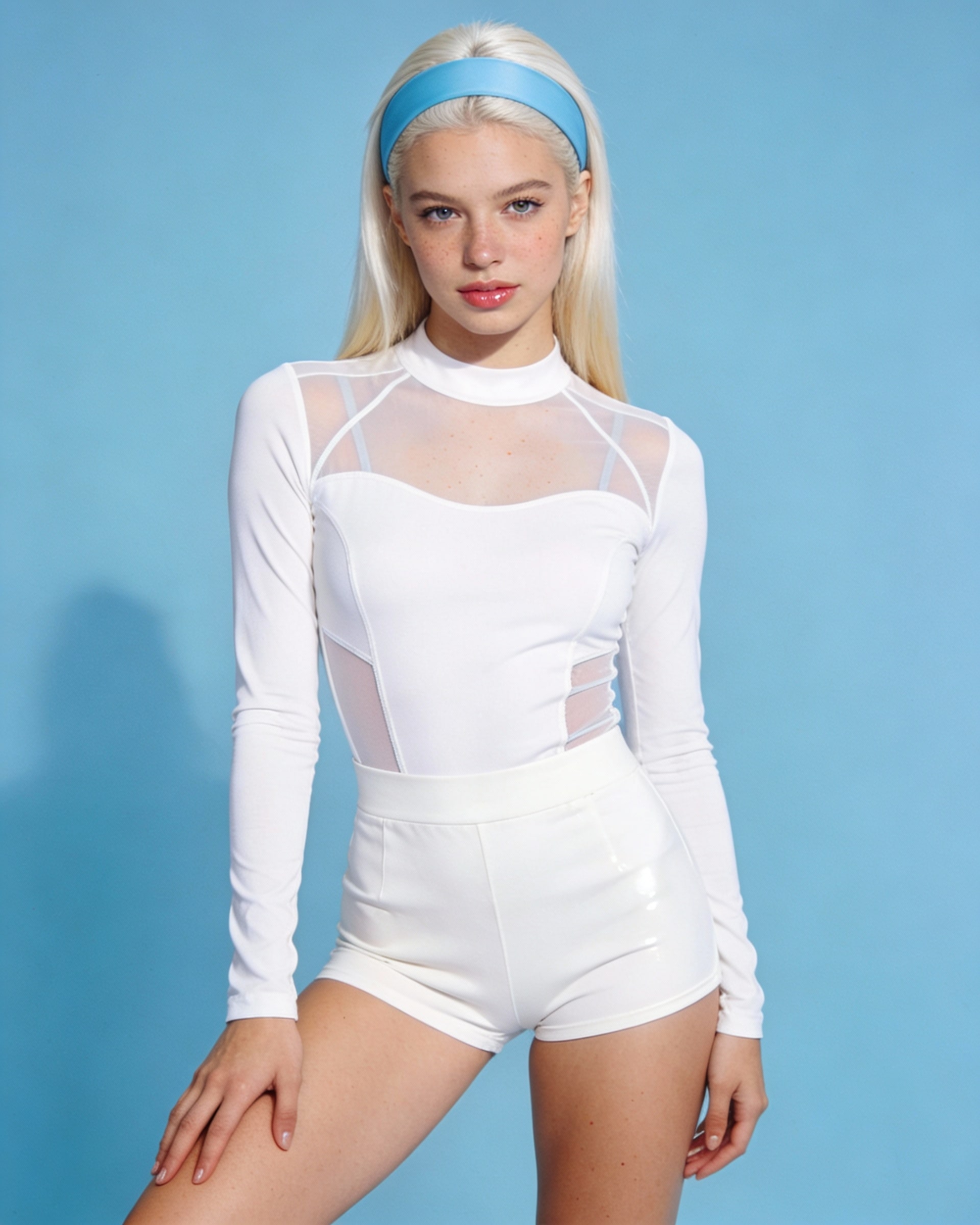
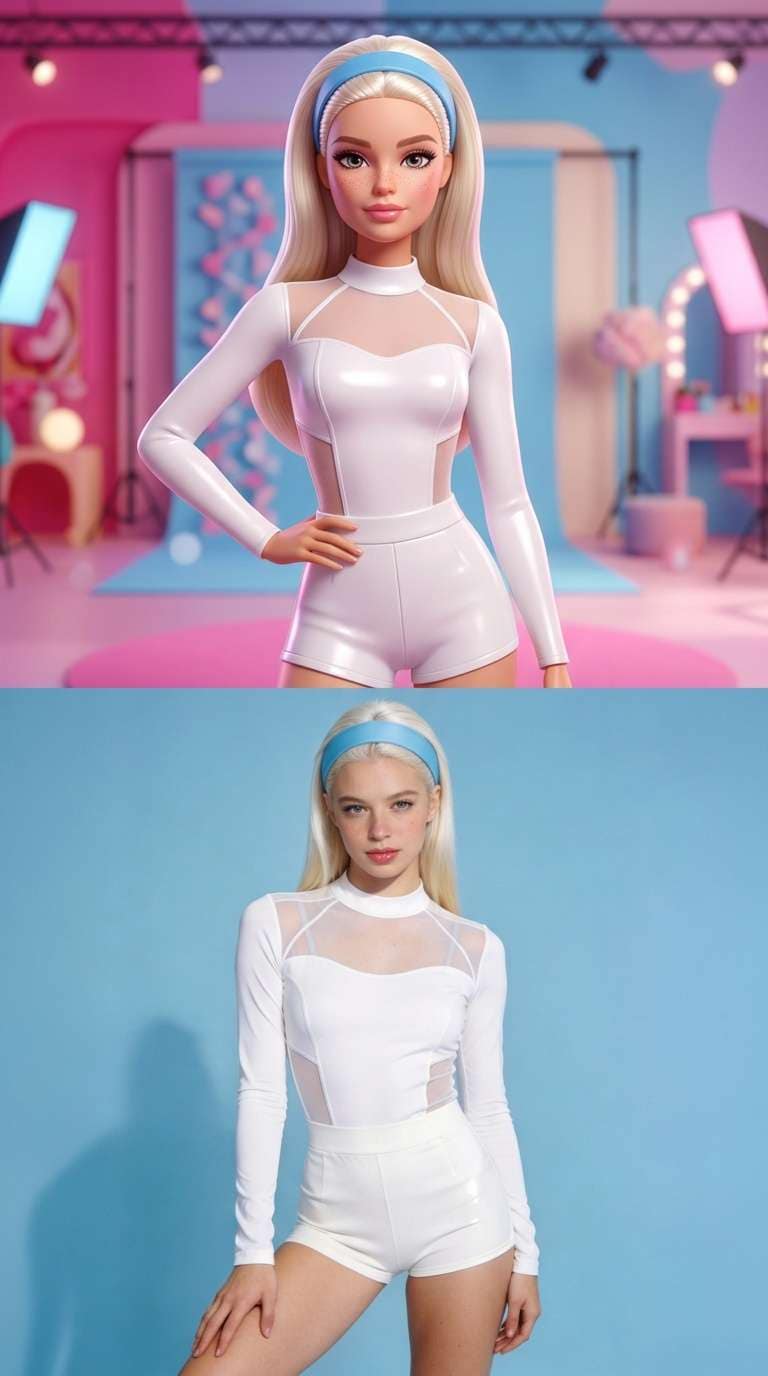
Before and after: recreate the two-panel Barbie character vs real-life lookalike format.
Upload a photo and use a matching prompt. Results depend on your input image and selected model.
Build the signature two-part composition: a stylized animated fashion doll on top and a realistic human lookalike below. Keep the horizontal split clear.
Follow your uploaded reference for the character’s outfit, hairstyle, makeup, pose, and background instead of inventing an unrelated Barbie look.
Explore the leopard-print phone pose, pink glam hand-to-hair pose, playful pout close-up, and high-ponytail side profile.
Generate vertical comparison frames and assemble several images into a social slideshow. Add audio separately using music you have permission to use.
Open Media.io Image to Image and upload a clear portrait you have permission to edit. Choose one of the four reference looks below.
Paste the corresponding Barbie vs real-life prompt. If the workflow supports reference images, add the matching uploaded reference for layout guidance.
Generate your image. Confirm the upper half is animated, the lower half is photorealistic, and the framing matches the reference. Refine and export.
It is a visual comparison format featuring an animated Barbie-inspired character in the top half and a real person recreating the pose, styling, or expression in the bottom half. A slideshow can combine several matching frames. Individual edits and soundtracks vary.
Upload a portrait to Media.io Image to Image, choose a reference look, and paste its corresponding prompt. If your selected model supports image references, add the matching reference picture. Check that the final image has exactly two horizontal panels and refine as needed.
Yes, you can use a photo you own or have permission to edit. Ask the model to retain recognizable features in the lower real-life panel. Facial similarity, hand details, and outfit consistency can vary across models and generations.
Image models may reinterpret composition, hairstyle, background, or the 50/50 split. Use the specific uploaded reference, describe both panels separately, set a vertical aspect ratio, and request no extra people, captions, or panels. Re-run or adjust the prompt if needed.
Yes. Export several vertical comparison frames and arrange them as a slideshow in a video editor or social app. Add transitions and music you have permission to use. The available output sizes and generation options depend on your chosen workflow.