Realistic Kiss Motion That Feels Natural
Create smooth, believable AI kiss animations with natural movement and romantic vibes — no stiff or awkward results. Great for couple edits, love moments, and trend content.
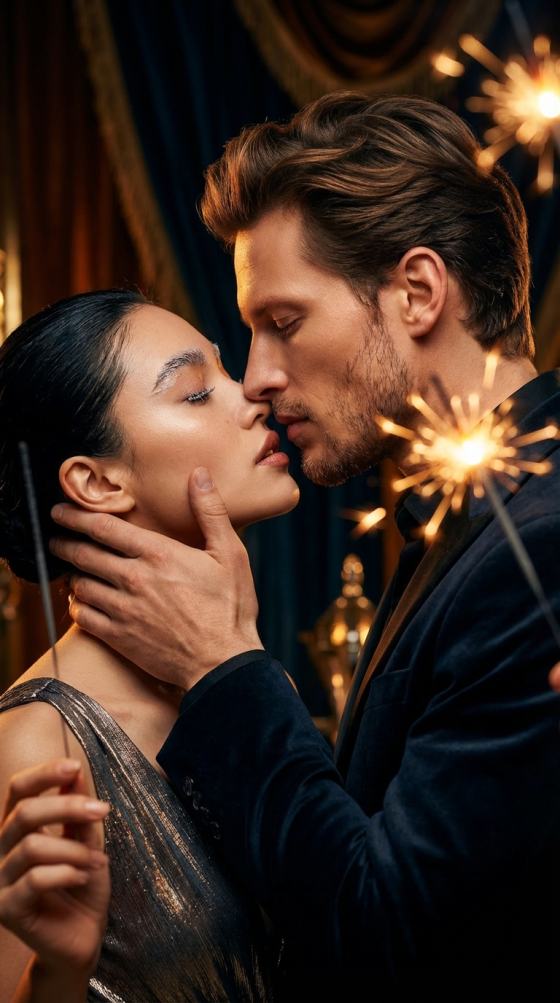
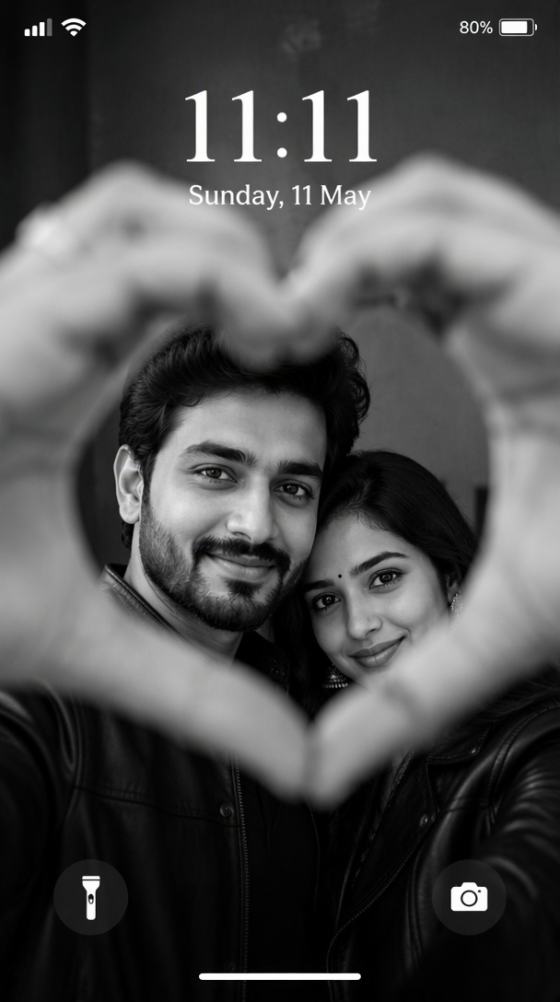
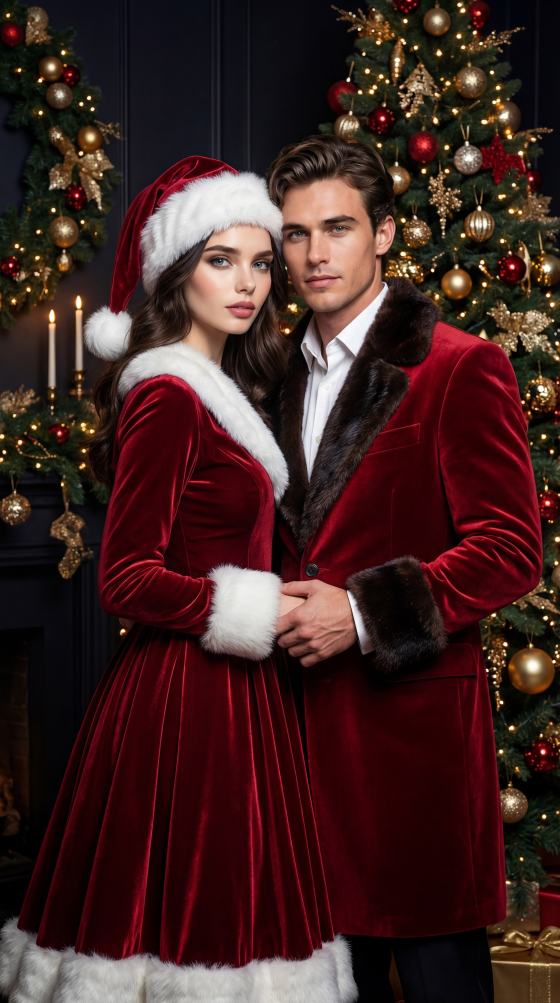
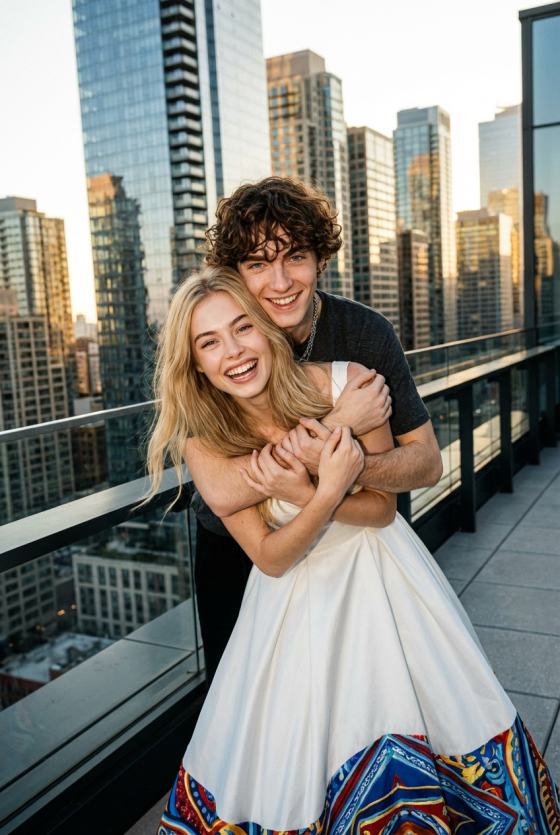
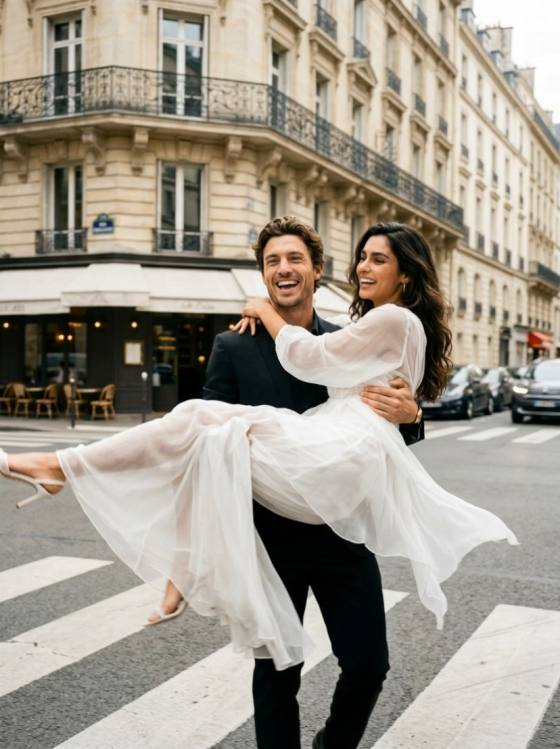
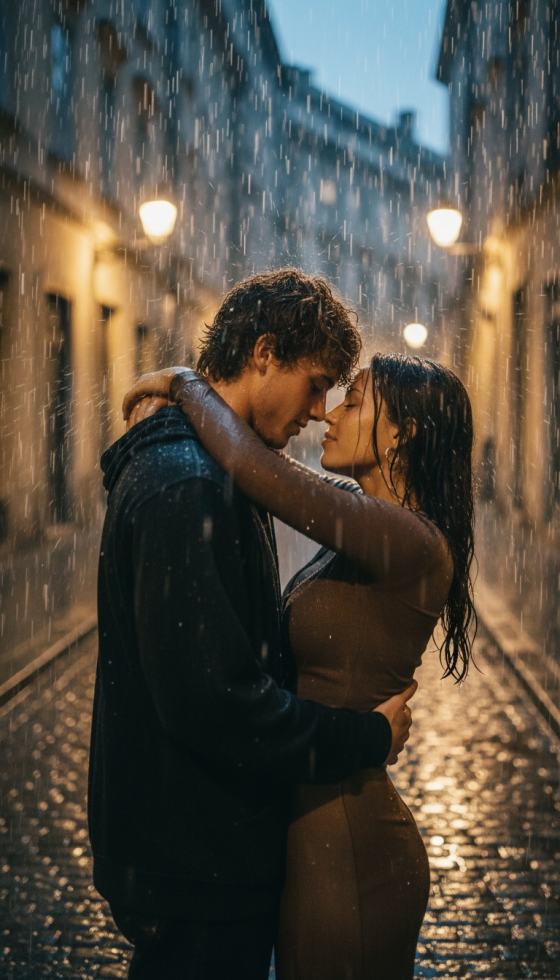
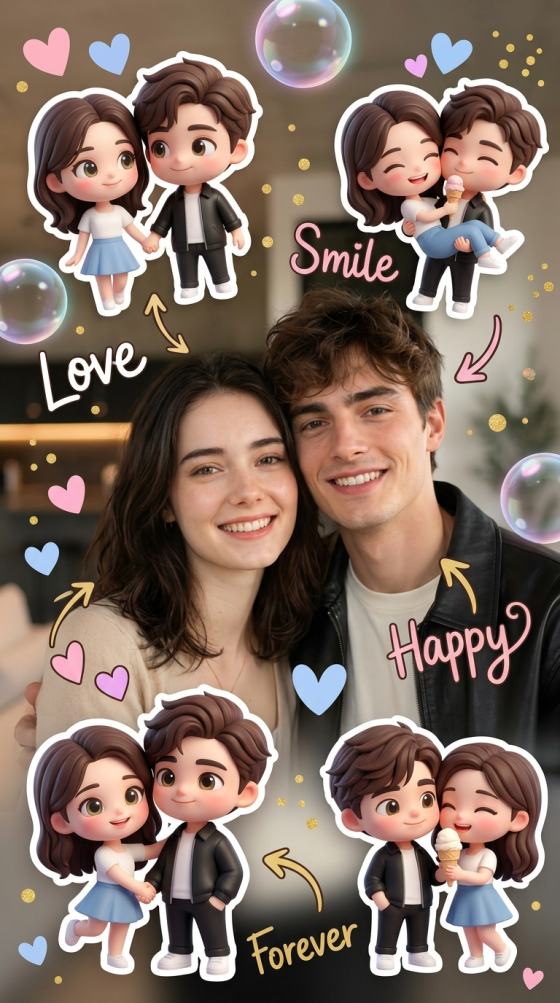
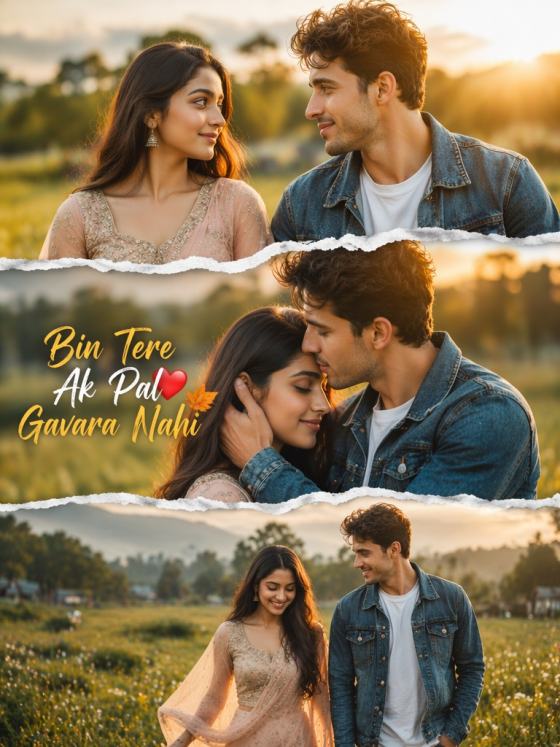
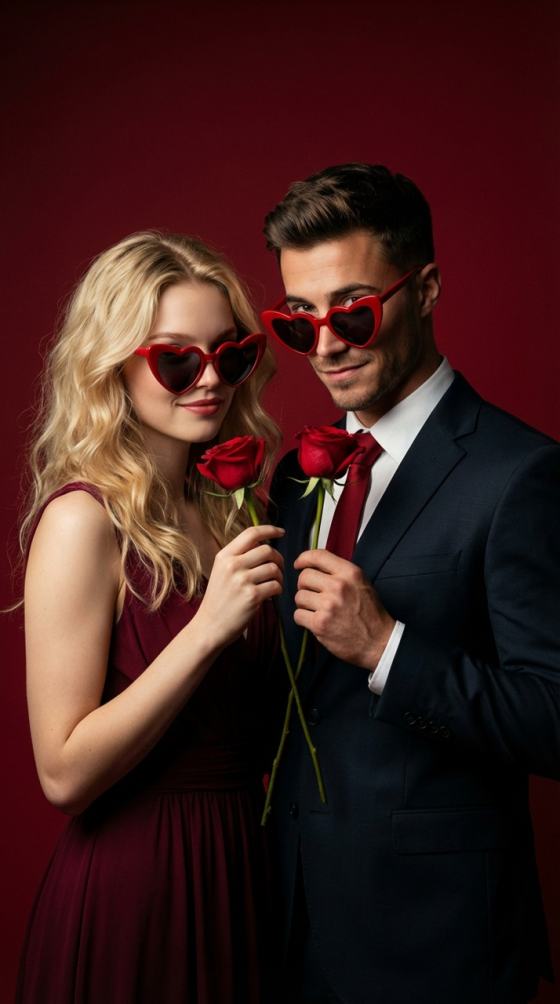
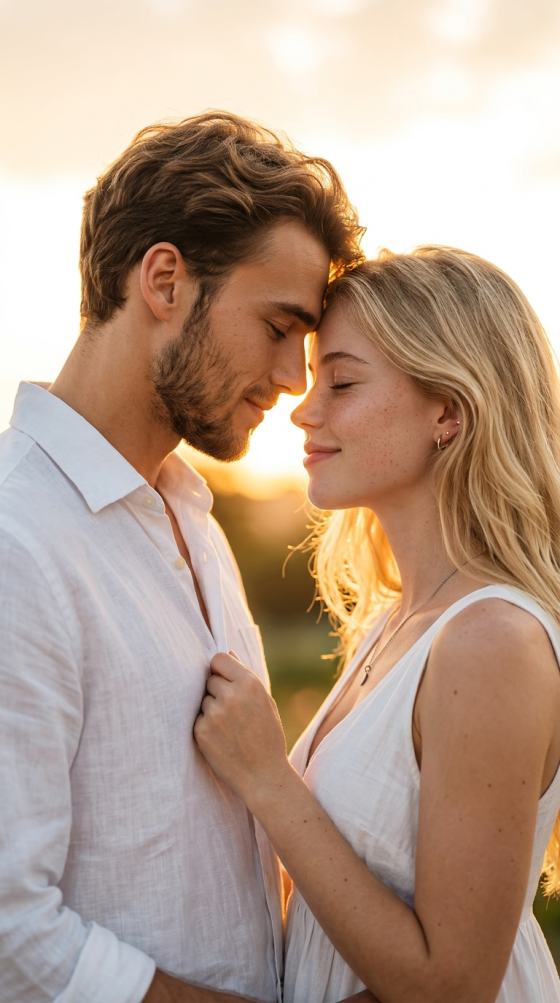
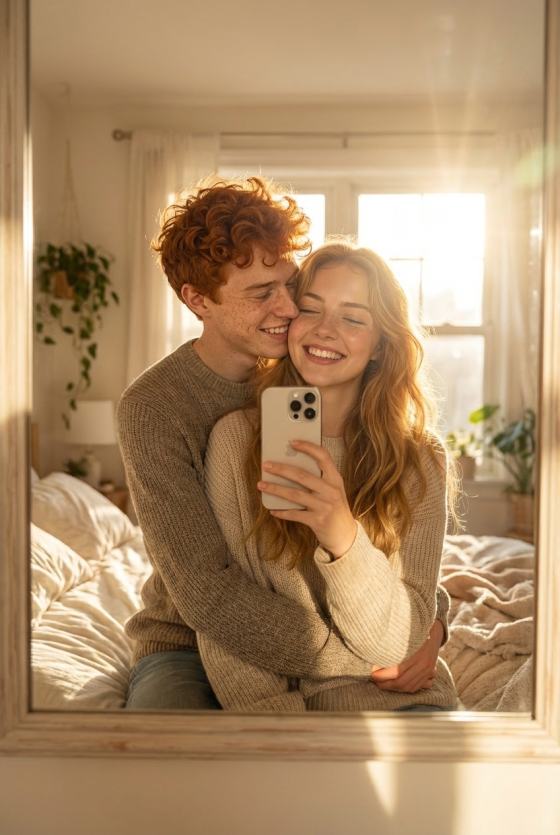
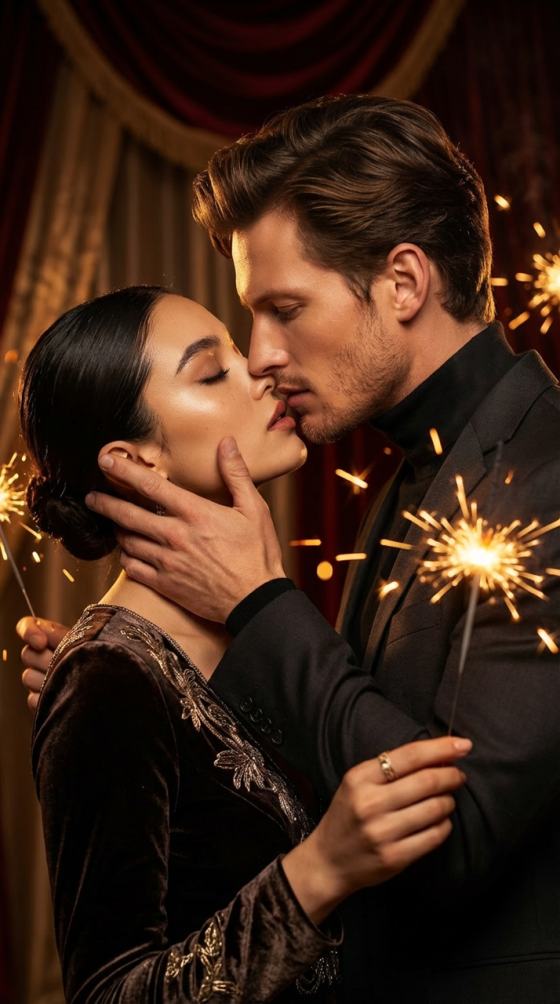
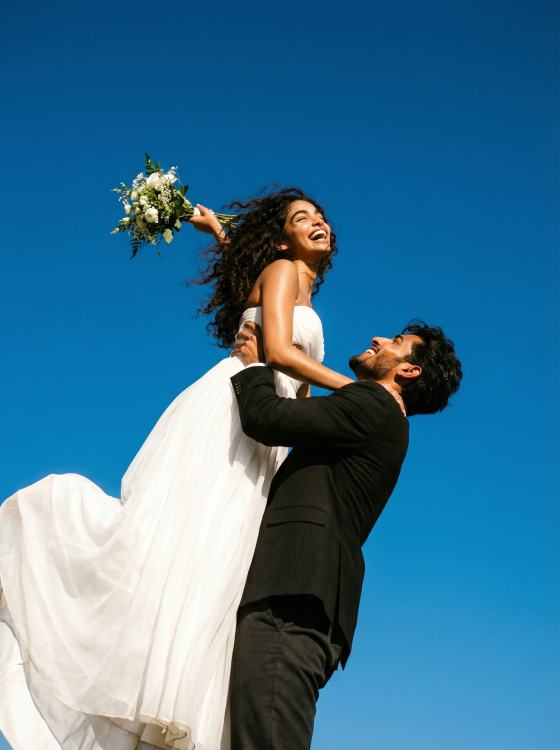
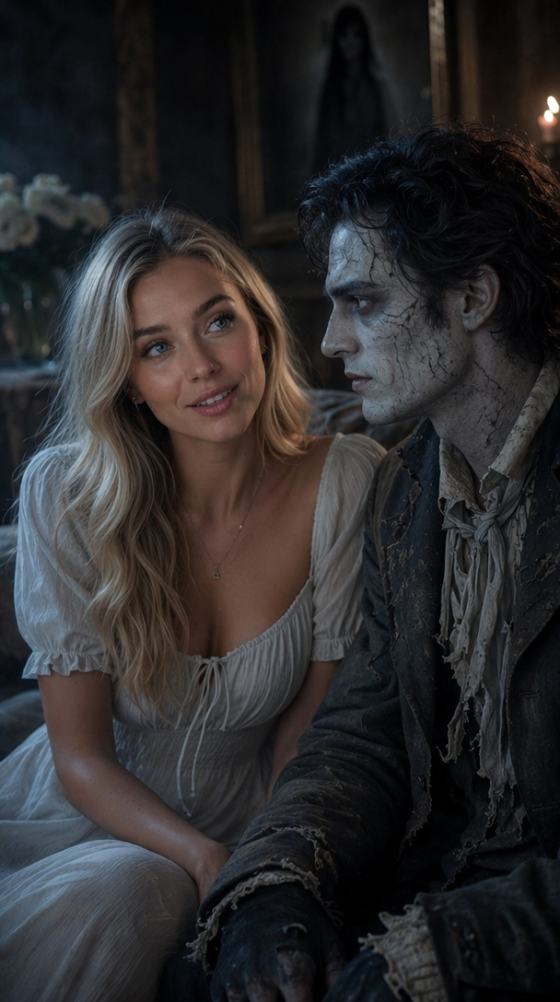
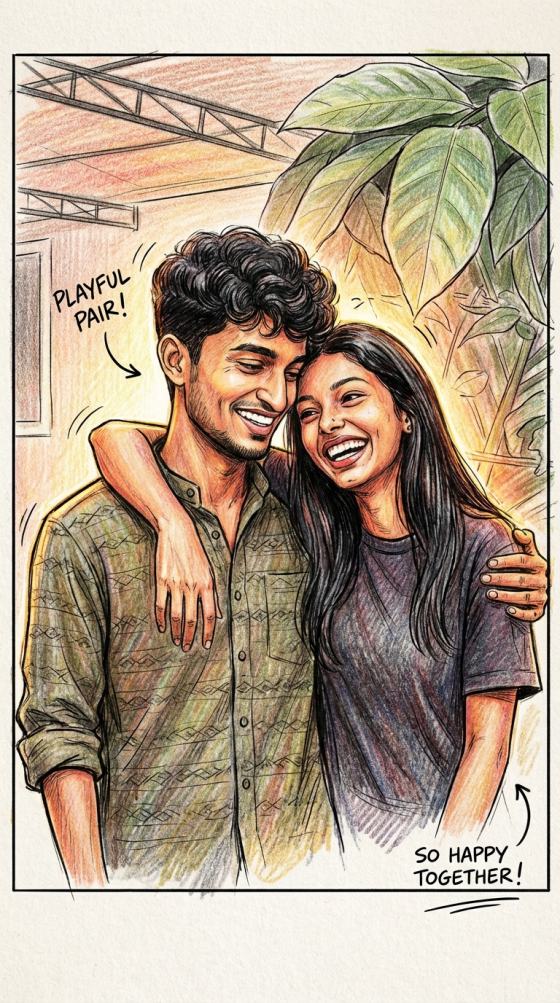
Turn your photos into a sweet AI kissing video or a dreamy AI kiss photo instantly. Upload one couple photo or two separate selfies, and let Media.io animate a natural romantic moment — perfect for Valentine’s Day edits, TikTok trends, and playful couple content. No complicated editing, 100% online.
No signup/login. Free Generation
| Style | AI Kiss Prompt | Preview | Copy |
|---|---|---|---|
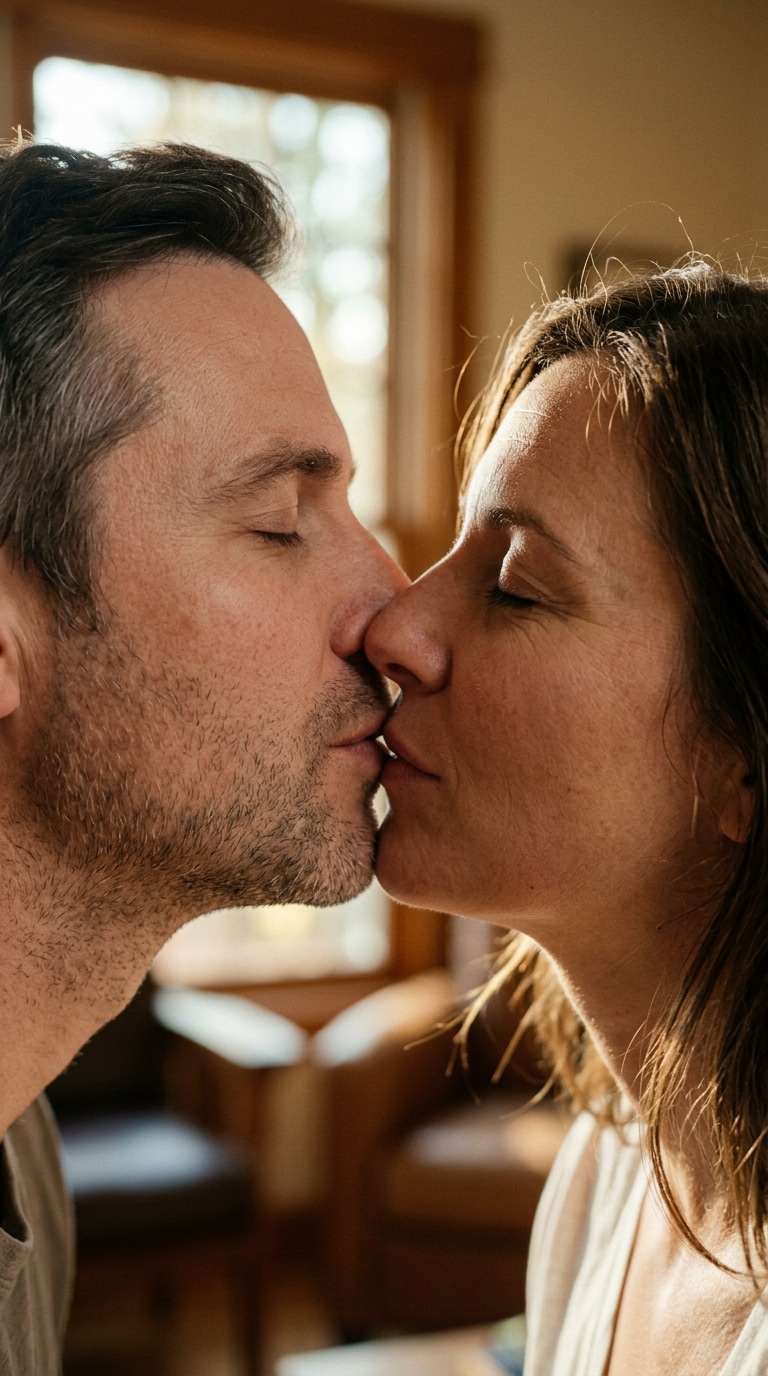
Cinematic Close-Up Kiss |
Transform the uploaded photo or photos into a tender, photorealistic kiss between the same two adults. If two selfies are uploaded, use each image for the identity of one person. Preserve both recognizable faces, skin tones, hairstyles, and natural proportions. Bring them close in a gentle three-quarter profile, eyes softly closed, sharing a light kiss with relaxed expressions. Frame their faces and shoulders in a cinematic close-up with soft warm window light, subtle background bokeh, and natural skin texture. Keep exactly two adults, believable facial contact, and natural anatomy. No extra people, text, logos, or watermark. |
|
|
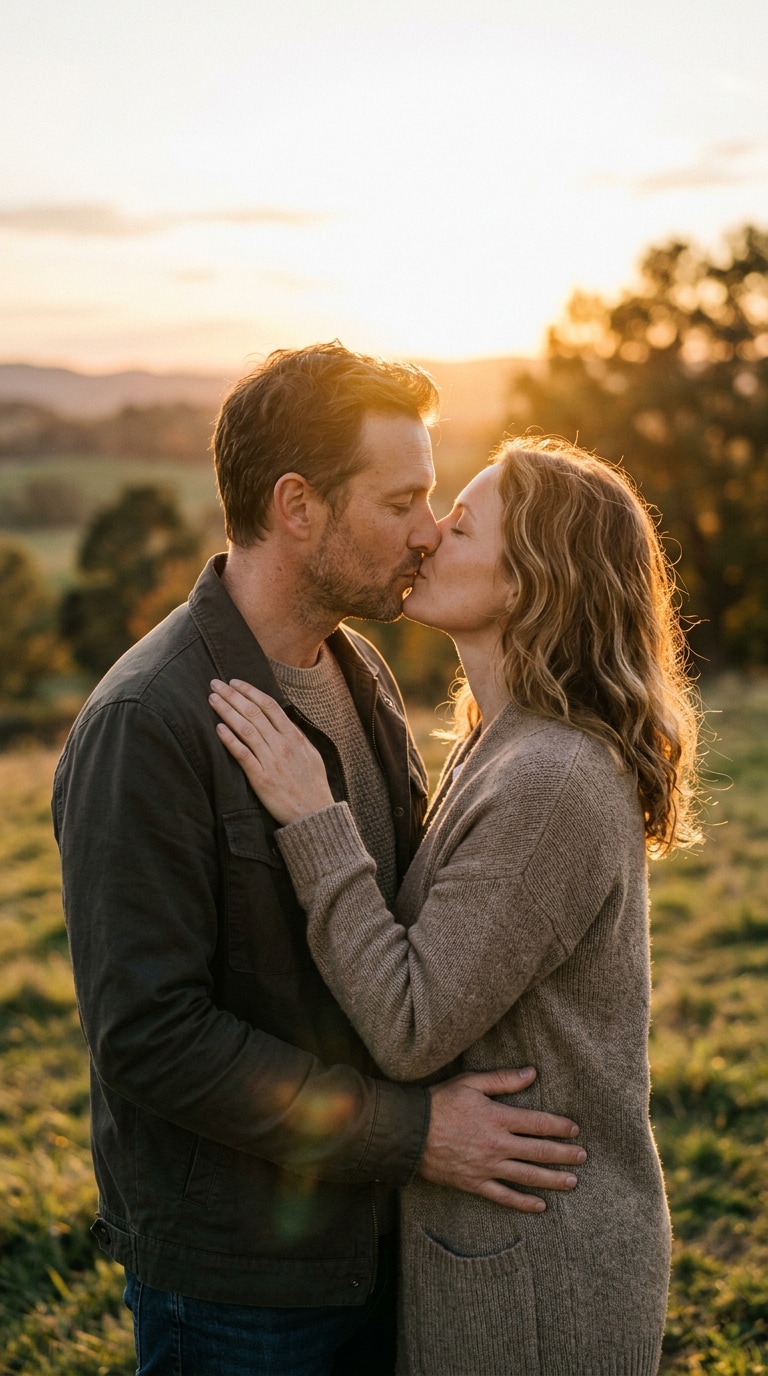
Golden-Hour Embrace |
Transform the uploaded photo or photos into a romantic golden-hour portrait of the same two adults sharing a gentle kiss. If two selfies are uploaded, use each image for the identity of one person. Preserve both recognizable faces, skin tones, hairstyles, and natural proportions. Show them standing close in a relaxed embrace, one person's hand resting gently at the partner's shoulder while the other holds their waist. Place them outdoors at sunset with a softly glowing sky, warm rim light, and a softly blurred landscape. Keep both faces recognizable, exactly two adults, and the kiss natural and affectionate. No extra people, text, logos, or watermark. |
|
|
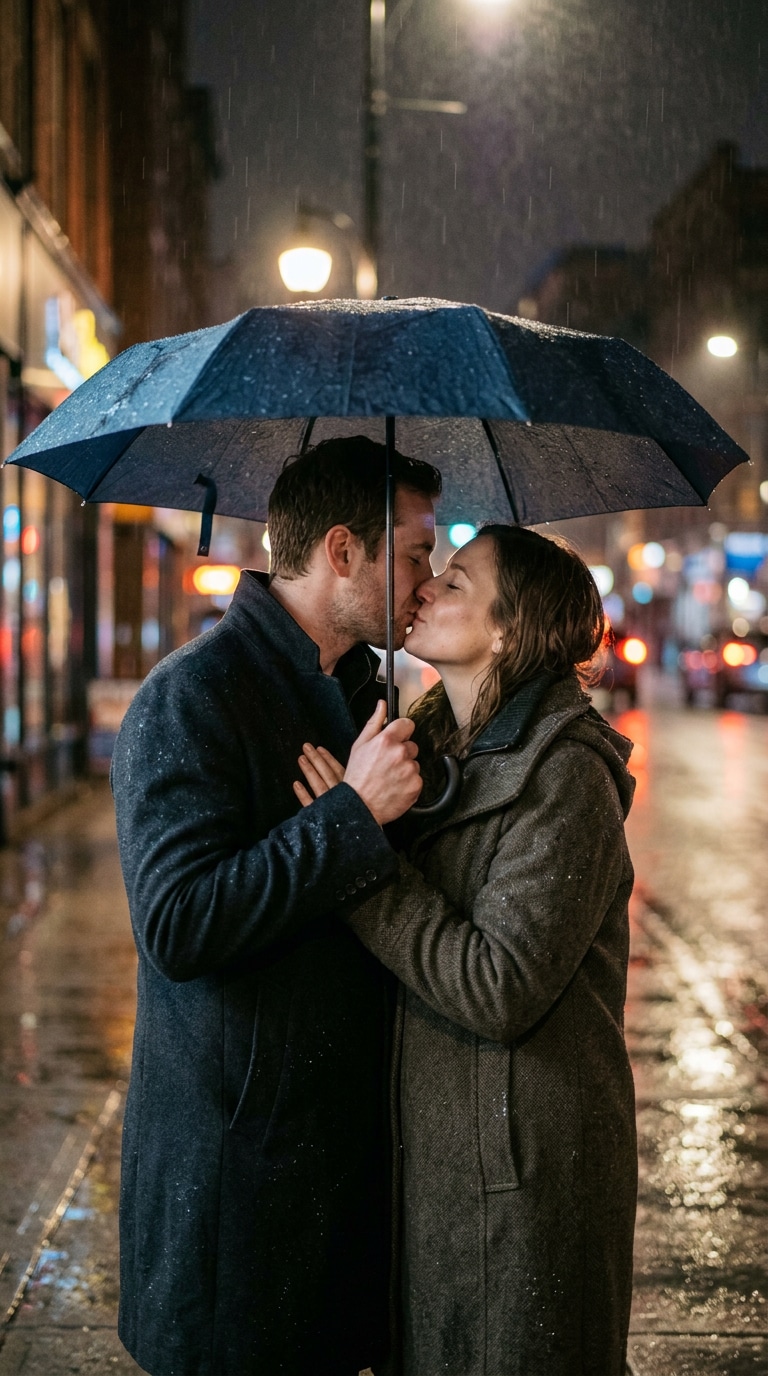
Rainy City Umbrella Kiss |
Transform the uploaded photo or photos into a cinematic rainy-city portrait of the same two adults sharing a gentle kiss beneath one umbrella. If two selfies are uploaded, use each image for the identity of one person. Preserve both recognizable faces, skin tones, hairstyles, and natural proportions. Frame them from the waist up, standing close as one person tilts the umbrella overhead and the other rests a hand lightly on their coat. Add softly reflecting streetlights, fine visible raindrops, and colorful city bokeh in the background. Keep exactly two adults, natural expressions, believable contact, and realistic anatomy. No extra people, text, logos, or watermark. |
|
|
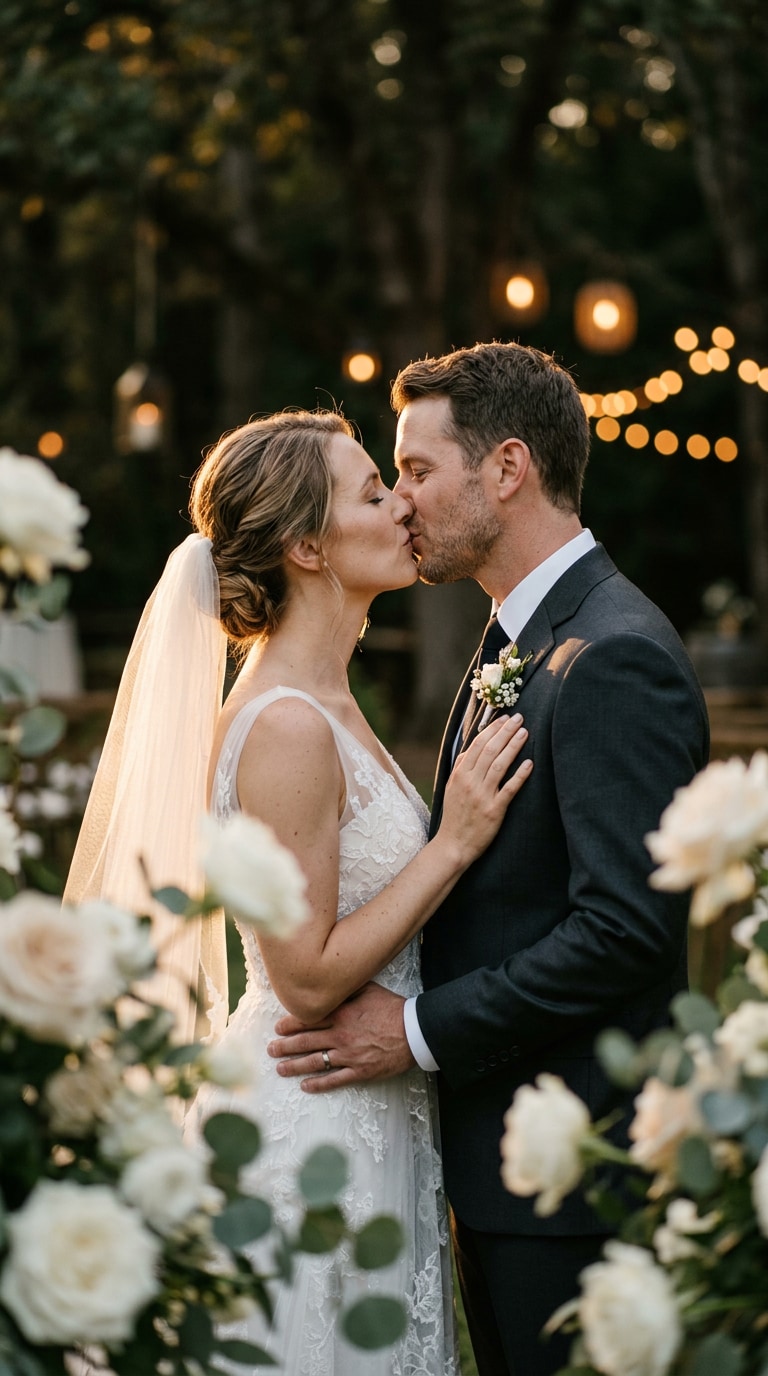
Intimate Wedding Kiss |
Transform the uploaded photo or photos into an elegant wedding portrait of the same two adults sharing a soft kiss. If two selfies are uploaded, use each image for the identity of one person. Preserve both recognizable faces, skin tones, hairstyles, and natural proportions. Show them in a close waist-up composition, gently leaning toward each other, with one hand softly touching the partner's cheek. Dress them in refined wedding attire, with a simple veil and tailored suit, surrounded by softly blurred white flowers and warm evening lights. Keep exactly two adults, natural anatomy, and a sincere romantic mood. No extra people, text, logos, or watermark. |
|
Create smooth, believable AI kiss animations with natural movement and romantic vibes — no stiff or awkward results. Great for couple edits, love moments, and trend content.
Use one photo of two people, or upload two separate photos and let the AI kiss generator bring them together in one romantic scene. Simple and beginner-friendly.
Generate share-ready results for TikTok, Instagram Reels, and Shorts. Whether it’s Valentine edits, couple content, or playful trend posts, your AI kiss video is ready fast.
Create your kiss effect online — no downloads needed. Get started with free credits, preview instantly, and download your result to share anytime.
Browse the AI kiss effects above and choose the style you want to recreate — romantic, playful, or viral-trend vibes.
Replace the template photos with your own. You can upload one couple photo, a group photo, or two separate selfies — whatever fits your scene.
Use the preset prompt as-is or tweak it for a different mood. Then click Generate to create your AI kiss video and download the result to share.

Long-Distance Partner

“Felt so real it made me cry.” My boyfriend and I are 3,000 miles apart. I used the ai kiss generator with our photos, and seeing us kiss on screen was the most emotional gift ever.

TikTok Creator
“Instant viral content.” The realism is crazy. I made a video 'kissing' my celebrity crush for a trend, and the AI kiss video got 2M views overnight. Best tool for creators.

Fanfiction Writer
“Visualized my story perfectly.” I needed to see my characters together. I uploaded two character art pieces, and Media.io generated the perfect romantic scene. It's magic for storytellers.

Comedy YouTuber
“Hilarious results!” I mashed up my dog and cat photos just to see what would happen. The result was weirdly cute and totally seamless. This kiss generator handles everything.


The AI kissing trend is a viral couple-edit effect where users turn a static photo into a romantic kissing moment using AI. It’s popular on TikTok and Instagram because it’s fast to create, fun to share, and feels like a mini love-story clip.
Choose an AI kiss template, swap in your own photo (a couple photo or two separate selfies), and click Generate. Each template includes a preset prompt, and you can tweak it if you want a different mood or style.
Yes. Many kiss templates can also generate a romantic kiss-style photo result. You can create a soft, cinematic couple kiss image for profile pictures, wallpapers, or Valentine posts — without needing video editing.
Media.io focuses on keeping faces recognizable and natural. The AI mainly adds the kiss motion or romantic vibe while preserving the key facial details from your uploaded photo.
Use clear photos with good lighting and faces visible. Couple photos and front-facing selfies usually generate smoother kissing motion and more natural expressions. Avoid blurry images, heavy filters, or sunglasses when possible.
Yes. You can try AI kiss effects on Media.io with free credits after signing up or logging in. Some advanced video generations may require more credits depending on the template and model.