
Create Original 3D Story Shorts with an AI Pixar Video Maker
Media.io helps storytellers, educators, and social creators shape detailed scripts into warm 3D animated scenes with original characters, expressive settings, and script-based audio. Use the AI Pixar Video Maker when you want a family-movie feel without building every shot by hand, then review the outline and storyboard images before generating.
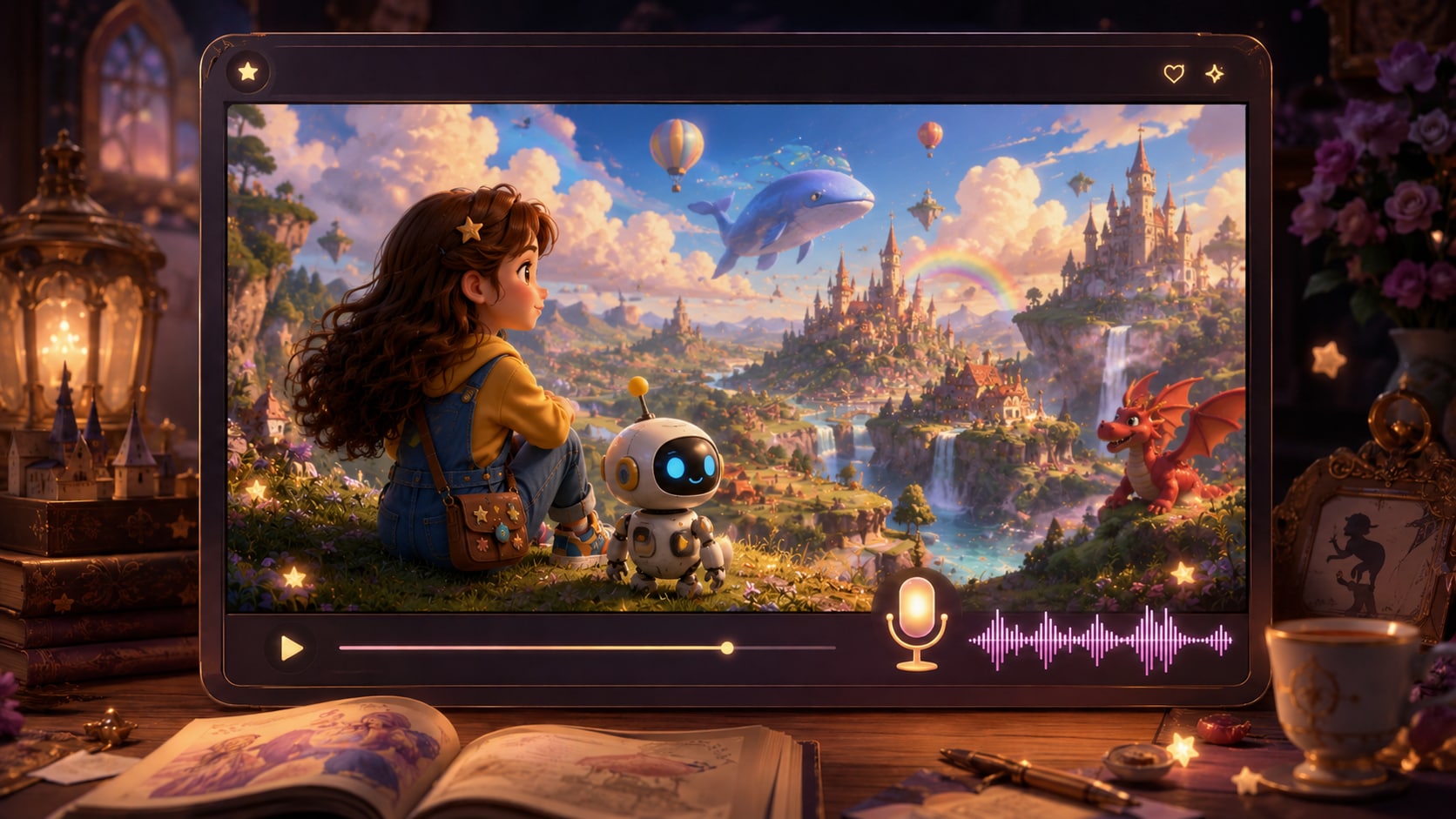
Shape Warm 3D Stories Without Losing the Plot
Build animated shorts around story structure, character intent, and the viewing context your audience expects.
Create a Family-Movie Feel with Original 3D Worlds
Set the mood before generation with format, style, and visual choices that favor round characters, warm lighting, cozy classrooms, magical streets, or toy-like adventure spaces. It also fits AI story video maker workflows when the audience expects topic-specific scenes.
- Mood Direction - Choose visual direction that fits comedy, adventure, lesson, or heartfelt scenes
- Original Worlds - Describe charming locations without copying protected studio settings
- Scene Fit - Keep backgrounds tied to the script instead of random visual filler
- Creator Control - Prepare format and style choices before the storyboard is generated
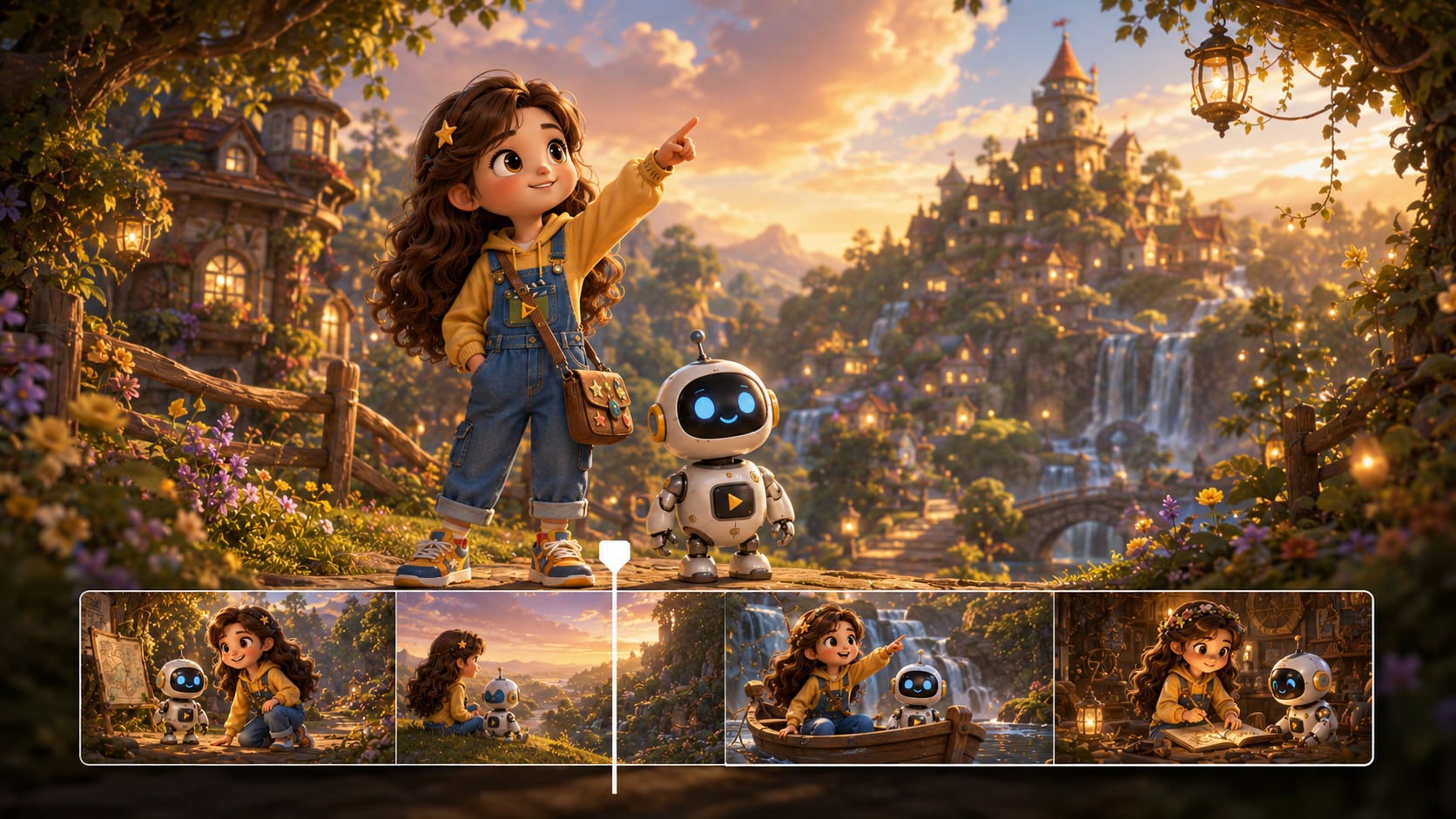
Turn Detailed Scripts into a Clear Scene Plan
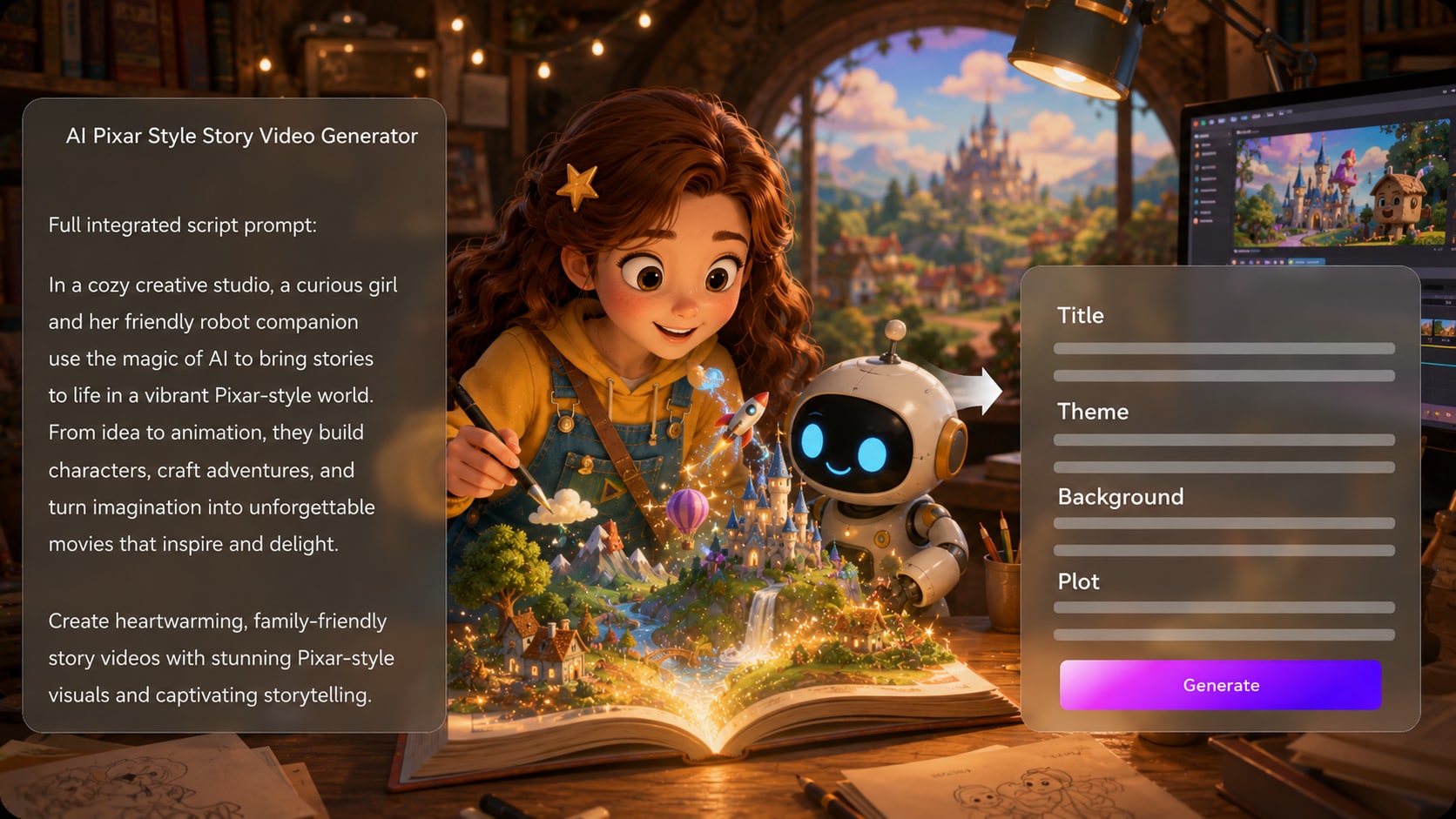
Start with a detailed narration draft, lesson script, or short story and let Media.io extract an editable outline with title, theme, setting / background, plot, and characters. Use it for script to video generator ideas without adding another editing step.
- Script First - Use complete scene notes instead of a vague one-line idea
- Editable Outline - Review the story title, theme, setting, plot, and cast
- Better Continuity - Confirm the arc before moving into storyboard images
- Less Guesswork - Give the generator enough context to follow the story
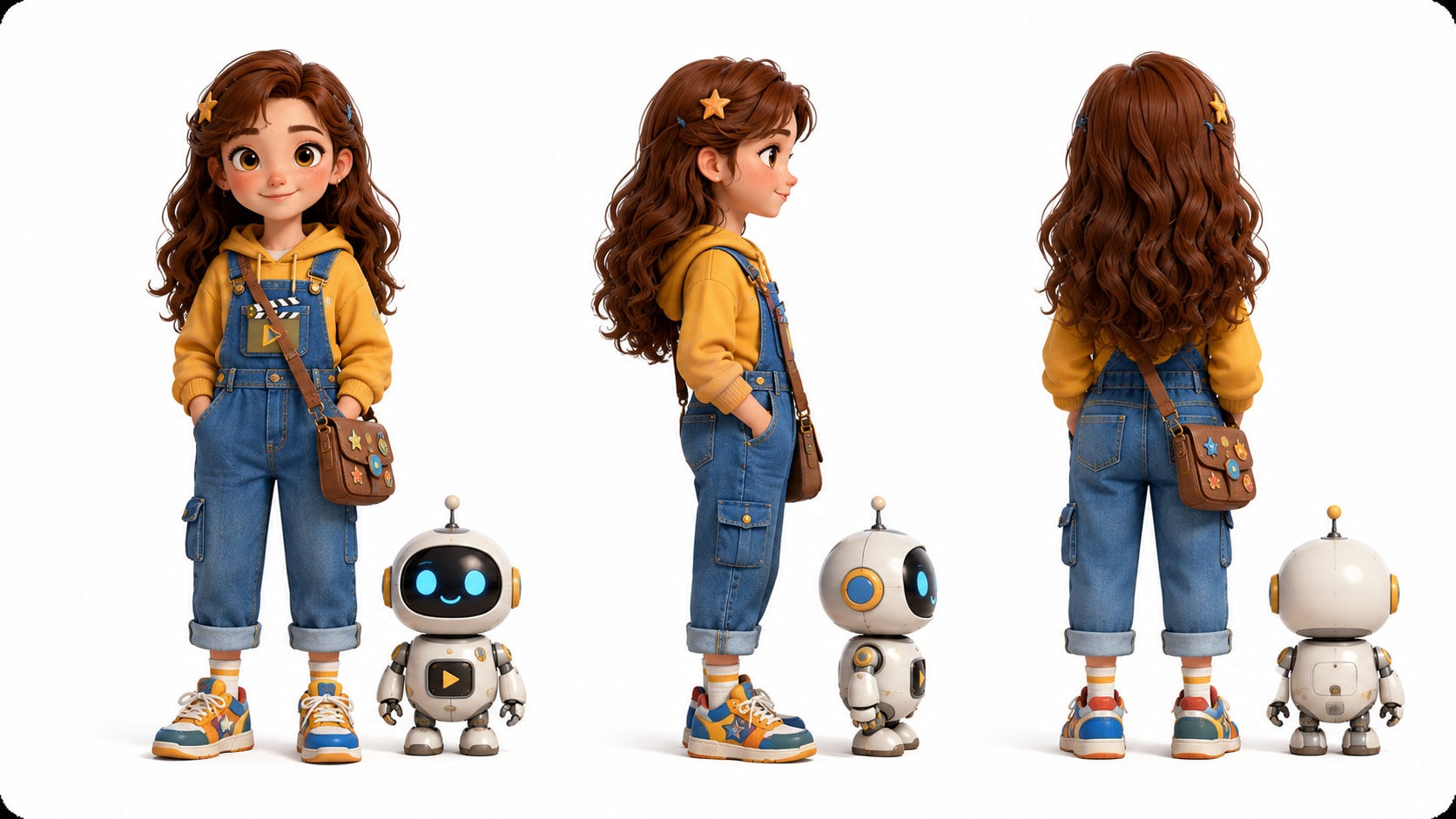
Guide Heroes That Viewers Can Recognize
Create clearer character guidance from text descriptions, real photos, or sketches, then shape the cast around your original story.
- Original Cast - Build heroes, friends, mentors, creatures, or classroom mascots
- Reference Inputs - Start from text, photos, or sketches when shaping characters
- Role Clarity - Define personality, age, outfit, and story function in the script
- Viewer Memory - Help audiences follow recurring characters across scenes
Match Pacing, Voice, and Music to the Moment
Give each scene a purpose: a hook, a reveal, a joke, a lesson, or a soft emotional beat. The final video can include voiceover and music based on the script, making Media.io a practical 3D animated story video maker for Shorts, Reels, lessons, and pitches.
- Script-Based Audio - Generate voiceover and music that follow the written story
- Platform Rhythm - Plan short scenes for YouTube, TikTok, or classroom attention spans
- Clear Captions - Support viewers who watch with sound low or off
- Post-Generation Polish - Review the result and improve it with Media.io tools when needed
Make a 3D Animated Story Video from a Real Script
Use a practical script-based workflow instead of hoping a single prompt creates a finished story.

Prepare the Script
Provide a detailed script or structured story input with scene notes, dialogue, narration, setting, and character descriptions. Review and edit the extracted outline fields, including title, theme, setting / background, story plot, and characters, then choose an aspect ratio such as 9:16, 1:1, or 16:9 during setup.

Review the Storyboard
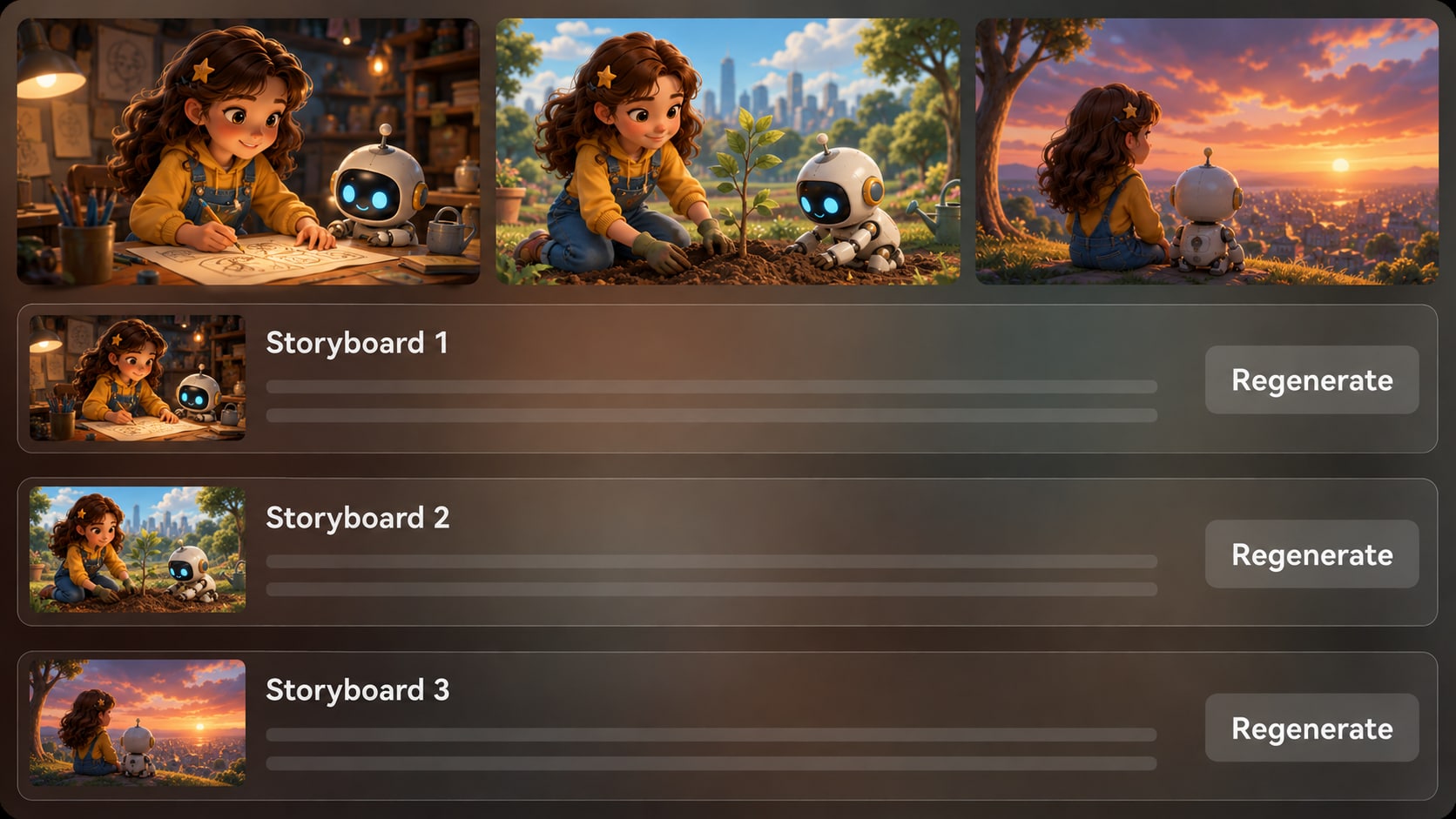
Media.io generates storyboard images after the outline so you can check whether the warm 3D scenes, characters, and emotional beats match your script. The storyboard itself is not manually editable, but you can regenerate a specific storyboard image if a shot feels off.

Generate and Polish
Generate the final video with voiceover and music based on the script, then watch it like a viewer. If needed, refine unsatisfying shots, improve the final result with Media.io tools such as Enhance Video Quality, and prepare the video for your chosen channel or presentation.
Choose an AI Pixar Video Maker Built for Story Control
A generic cartoon clip generator may look fun, but a story-first workflow gives creators more control over plot, characters, pacing, and audience fit.
Create 3D Animated Stories for Every Creator Moment

YouTube Creators
Create character-led animated stories, explainers, and channel shorts from complete scripts that need visual charm and clear pacing.

TikTok Creators
Build vertical story clips with bold hooks, expressive characters, and script-based audio for fast-scrolling audiences.

Educators
Explain lessons, classroom scenarios, vocabulary, or social-emotional topics with friendly original characters and simple scene structure.

Storytellers
Convert short stories, fables, personal tales, or serialized scripts into animated scenes that viewers can follow.
View More Scripts to Story Video Examples
Explore how different creators use structured scripts, scene pacing, and visual direction to publish story videos faster.
Loved by 3D Story Creators
Creators like having a story outline, character guidance, and storyboard review before generating the final video.


"The outline review helped me fix the plot before generating. My short felt much more like a real animated story."

"I used a lesson script and made a friendly classroom scene my students could follow without extra animation work."

"The storyboard images made it easier to catch weak shots before creating the final vertical clip."

"I liked being able to shape original characters from notes and sketches instead of settling for random cartoon faces."

"Our founder story needed warmth, not a corporate slideshow. The script-based flow gave us a clearer emotional arc."

"I pasted a full scene draft, adjusted the characters in the outline, and got a video that matched the tone better than expected."
FAQs on AI Pixar Video Maker
What Is an AI Pixar Video Maker?
An AI Pixar video maker is a creator workflow for making warm 3D animated story videos from scripts, character notes, and scene descriptions. Media.io focuses on original animated stories and should not be used to copy protected characters, studio-owned scenes, or branded worlds.
What Should I Paste into Media.io for the Best 3D Animated Story Video?
Use a detailed script or structured story input with scene order, narration, dialogue, setting, character descriptions, mood, and visual cues. A complete story draft gives Media.io more context than a one-line idea.
Can the Video Include Voiceover and Music from My Script?
Yes. The final generated video can include voiceover and music based on the script, so narration beats, emotional pauses, and scene mood should be written clearly before generation.
How Do I Write a Better Script for a Warm 3D Animated Short?
Write in short scenes with one clear action per beat. Describe the character's goal, the setting, the emotional shift, and any important visual detail such as lighting, props, gestures, or reaction shots.
What Mistakes Should I Avoid When Making a Pixar-Like Animated Video?
Avoid asking for copied characters, vague story prompts, too many locations, or scene descriptions that do not explain emotion. Use original characters and describe the mood as warm, comedic, adventurous, heartfelt, or classroom-friendly.
Can I Create Recognizable Original Characters?
Media.io can help create character guidance from text, real photos, or sketches, which makes characters easier for viewers to recognize across the story. It is better to describe original features, outfits, personality, and role than to request a famous character.
Can I Make Videos for YouTube Shorts, TikTok, or Classroom Presentations?
Yes. During setup, choose a format and aspect ratio that fits your destination, such as vertical for Shorts and TikTok or widescreen for classroom and presentation use. Review the final video before publishing.
Can I review the storyboard After It Is Generated?
You can review and edit the extracted outline before storyboard generation. The storyboard images themselves are not manually editable, but if a specific storyboard image is unsatisfying, you can regenerate that shot and review the direction again.
Why Use Media.io Instead of a Generic Cartoon Video Generator?
Media.io is useful for 3D animated storytelling because it starts with detailed script input, extracts an editable story outline, supports original character guidance, generates storyboard images for review, and creates video with script-based voiceover and music.
Explore More Script-to-Video Story Workflows
If your next project needs a different tone, audience, or format, explore related Media.io generators for story videos, animated lessons, trailers, and social-ready scripts.















Start Your Original 3D Story
With an AI Pixar Video Maker
Paste a detailed script, guide the characters and scenes, then generate a warm animated video your audience can actually follow.
 4.8 (286 Votes)