
AI Biography Story Video Generator for Clear Life-Story Videos
Profile a founder, artist, historical figure, teacher, athlete, or family member from a real timeline. Media.io's AI Biography Story Video Generator helps creators start with detailed scripts, notes, or scene drafts, then shape an editable outline, guided character visuals, storyboard images, and script-based narration for a polished biography video.
Build Biography Videos That Feel Structured, Respectful, and Watchable
Give the generator better source material, then guide the life story through outline, visuals, scenes, and final polish.
Turn Life Timelines into a Watchable Story Arc
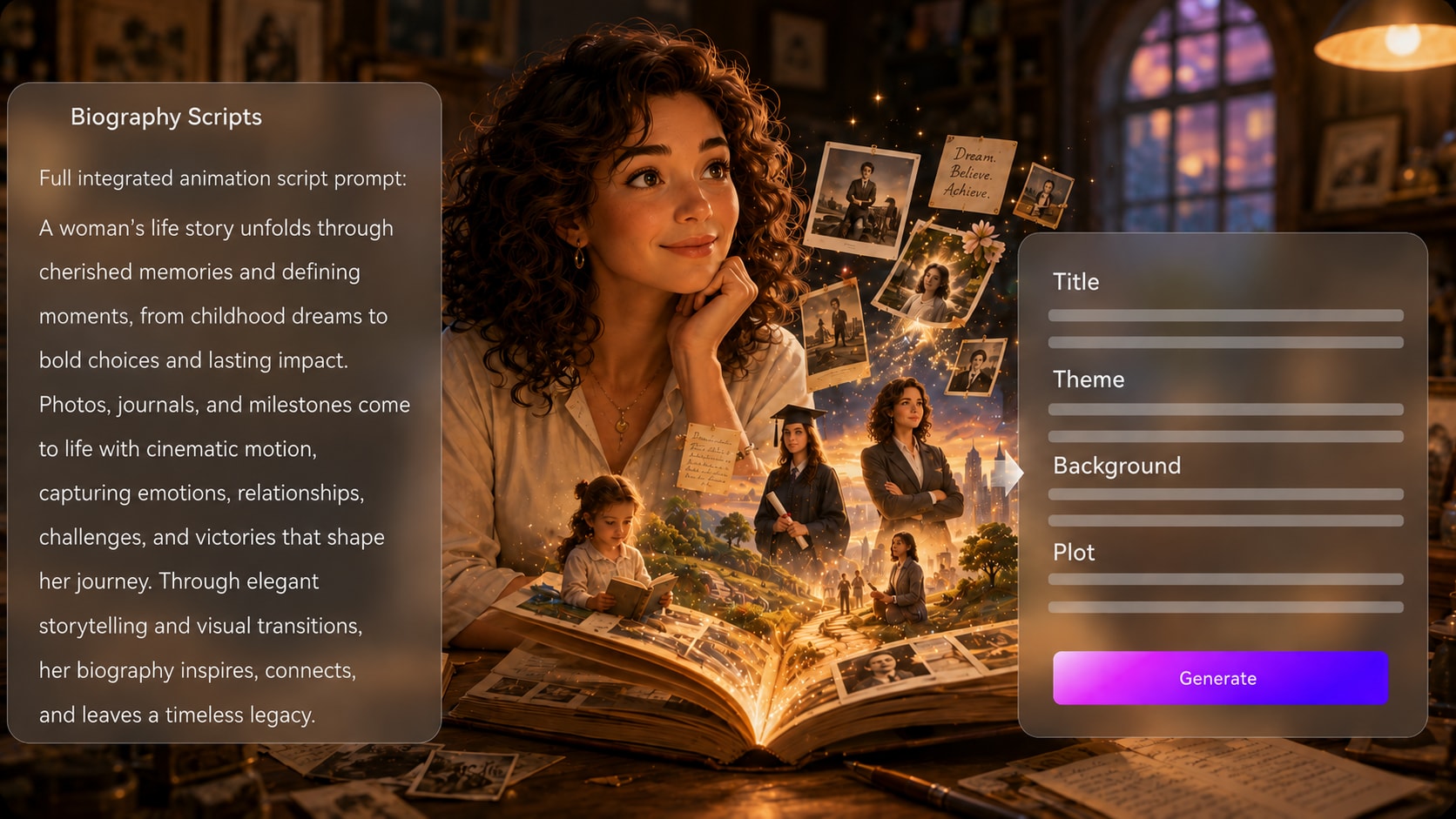
Start with real source material, not a vague prompt. Paste a detailed script, milestone list, interview draft, or research timeline, then review the extracted title, theme, setting, plot, and characters before generating a biography story video maker workflow.
- Editable Outline - Adjust the title, theme, setting / background, story plot, and characters before moving forward
- Timeline Clarity - Organize childhood, turning points, career wins, setbacks, and legacy into a clear sequence
- Research-Friendly Input - Use verified notes, lesson drafts, or narration scripts as the creative base
- Better Story Shape - Give viewers a beginning, conflict, growth, and ending instead of a loose fact list
Guide the Person Behind the Biography
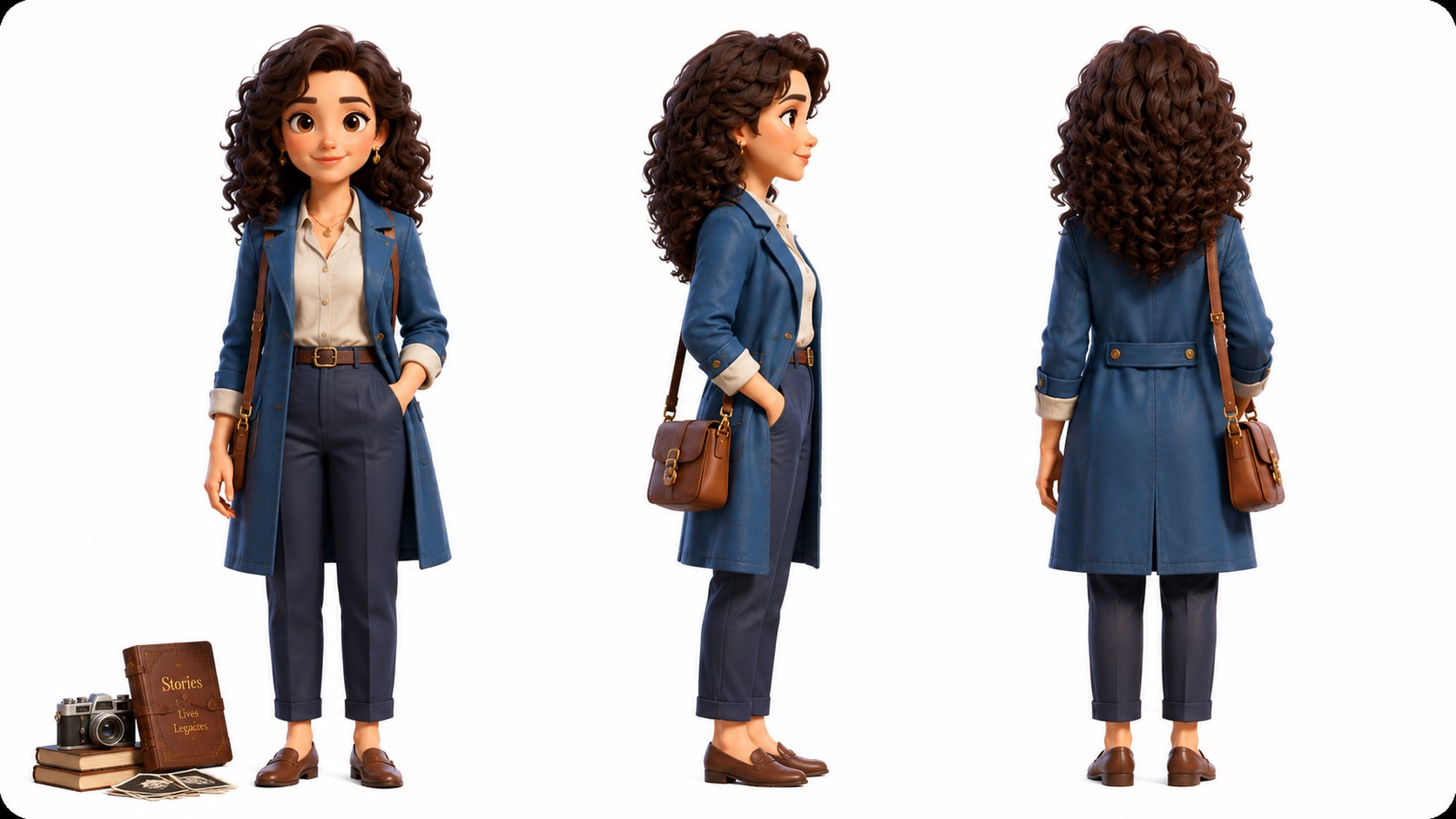
Help viewers recognize the subject with clearer visual direction. Use it for script to video generator ideas without adding another editing step.
- Photo Guidance - Use reference photos to help define the subject's look and presence
- Text Characters - Describe younger years, later life, outfits, posture, or profession when photos are limited
- Sketch Support - Turn concept sketches into visual direction for dramatized scenes
- Respectful Framing - Keep visuals aligned with the biography's era, mood, and audience
Direct Review the Biography Before It Becomes a Video
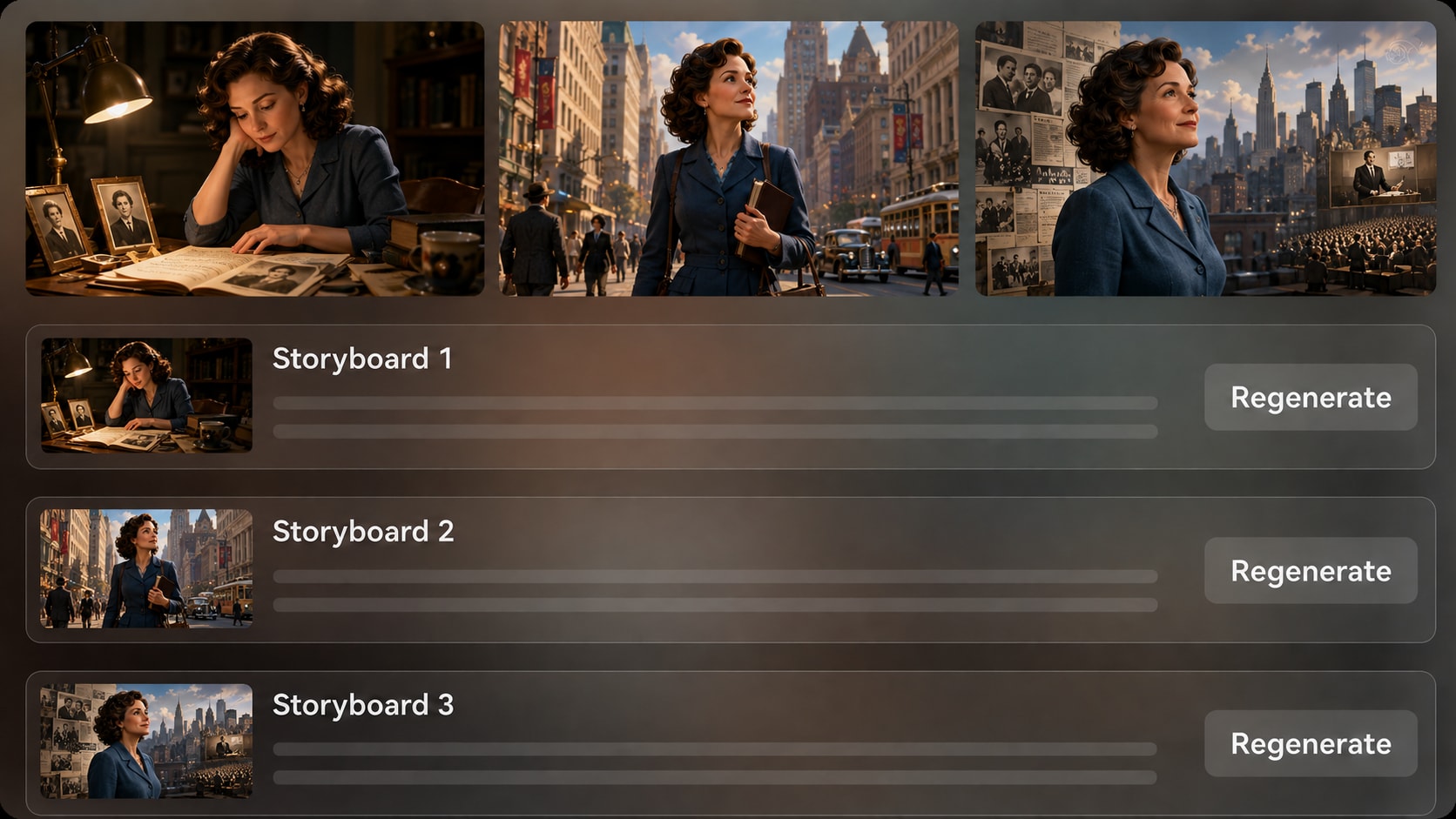
Catch weak scenes early by reviewing generated storyboard images after the outline step. If one image does not match the moment, setting, or emotional beat, regenerate that storyboard image and keep the life-story sequence moving in the right direction.
- Scene Visibility - Preview key moments such as first breakthrough, conflict, public recognition, or legacy
- Shot Regeneration - Create a new version of a specific storyboard image when it misses the brief
- Continuity Check - Look for mismatched eras, unclear characters, or distracting settings before final generation
- Creator Control - Make decisions at outline and storyboard review points instead of accepting random visuals
Publish with a Documentary-Ready Rhythm
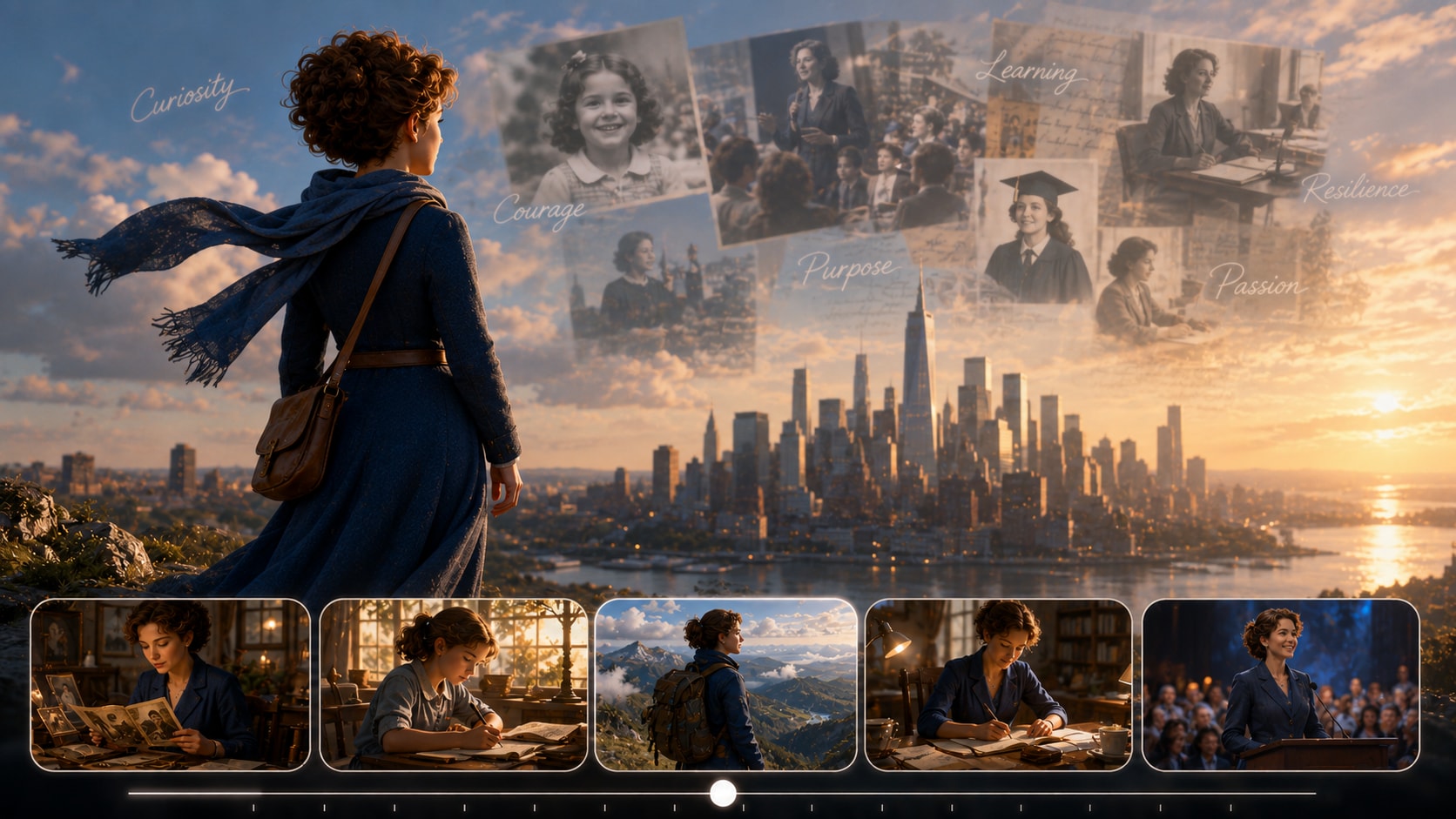
Build videos that fit where people actually watch biographies. Choose format and visual direction during setup, then generate a final video with voiceover and music based on the script. Review the result and polish it with Media.io tools when needed.
- Platform Fit - Prepare vertical shorts, square posts, or widescreen biography videos during setup
- Script-Based Audio - Let the narration and music follow the tone of the written story
- Creator Polish - Review the final video and use Media.io tools for cleanup when the cut needs refinement
- Audience Context - Shape outputs for YouTube profiles, TikTok explainers, classrooms, or campaign pages
Create a Biography Story Video in Three Practical Steps
Start with a strong script or timeline, review the story structure, then generate and polish the video.

Add Source Material
Provide a detailed script or structured story input such as a life timeline, narration draft, or research outline. Review and edit the extracted title, theme, setting / background, story plot, and characters, then choose a setup format such as 9:16, 1:1, or 16:9.

Guide Visual Scenes
Prepare character direction with available photo, sketch, or text-based character guidance, then let Media.io generate storyboard images from the outline. Check whether each image matches the subject, era, location, and emotional beat of the biography.

Generate and Polish
Generate the final video with voiceover and music based on the script. If a storyboard image is unsatisfying before generation, regenerate that shot; after generation, review the video and use Media.io polish tools such as Enhance Video Quality when needed.
Why Use an AI Biography Story Video Generator Instead of a Generic Video Tool?
Biography videos need timeline logic, human context, and visual continuity, not just a quick text-to-video clip.
Create Biography Videos for the Audiences That Need Them Most

YouTube Biography Creators
Build narrated profile videos with clear openings, turning points, visual scenes, and a documentary-style arc.

TikTok Storytellers
Condense a life story into vertical profile shorts with a stronger hook, faster pacing, and focused scenes.

Educators
Explain historical figures, scientists, authors, or community leaders with visual scenes students can follow.

Marketers
Turn founder notes, brand history, or customer-impact stories into concise videos for campaigns and landing pages.
Explore Story Videos Types
Explore fixed sample categories for pacing ideas, narration structure, and visual storytelling approaches you can adapt to life-story content.
Loved by Biography Creators
Creators like using a script-first workflow that keeps life stories organized before the final video is generated.


"The outline step helped me turn a messy athlete timeline into a clear video structure before I worked on the narration."

"I used it to make a short profile for class, and the storyboard review made it easier to catch scenes that did not match the period."

"Our founder notes finally felt like a story instead of a company timeline. The generated narration direction fit the campaign tone well."

"It gave me a faster way to plan profile shorts around key turning points instead of writing every scene from scratch."

"I liked being able to guide the visuals from photos and notes, then review the scenes before making the final tribute video."

"For pitch prep, it was useful to see a biography arc as storyboard images before deciding which scenes deserved more development."
FAQs on AI Biography Story Video Generator
What Is an AI Biography Story Video Generator?
An AI biography story video generator helps turn a detailed life-story script, timeline, or structured biography notes into a narrated video workflow. Media.io extracts an editable outline, generates visual scenes, and can create a final video with voiceover and music based on the script.
What Should I Prepare Before Making a Biography Video?
Prepare verified facts, a timeline of major milestones, names, dates, places, character descriptions, and a narration draft if possible. The more specific your source input is, the easier it is to create scenes that match the person's story.
Can the Script Guide the Voiceover and Music?
Yes. The final generated video can include voiceover and music based on the script, so the narration and mood can follow the biography's tone, whether it is educational, cinematic, reflective, or social-first.
How Do I Write a Better Biography Script for AI Video?
Write in scenes instead of only listing facts. Include the subject's background, turning points, conflicts, achievements, locations, time period, and emotional takeaway so the generator has enough context to build a coherent story.
What Mistakes Should I Avoid in a Biography Story Video?
Avoid using a one-line prompt, mixing unverified facts with confirmed events, skipping the story arc, or giving vague character descriptions. Always review the outline and final video before publishing.
Can I Use Photos to Guide the Biography Character Visuals?
Yes. Media.io can use real photos, sketches, or text descriptions for character feature extraction and character generation. This provides clearer character guidance, but you should not treat it as a guarantee of perfect or locked character consistency.
Can I Make Biography Videos for YouTube, TikTok, or Classrooms?
Yes. During setup, you can prepare the video direction with available format, style, and visual choices for different viewing contexts, including vertical social shorts, square posts, or widescreen educational and documentary videos.
Can I review the storyboard in a Biography Video Project?
You can review and edit the extracted outline fields before storyboard generation. The generated storyboard images themselves are not manually editable, but if a specific storyboard image is unsatisfying, you can regenerate that image and review the result.
Why Is Media.io Useful for Biography Story Videos?
Media.io is useful because biography videos need more than a quick text prompt. It supports detailed script input, editable story outline extraction, character guidance, storyboard image review, script-based audio, and post-generation polish tools.
Explore More AI Story Video Generators for Biography and Beyond
Finished a biography story video and want to try another narrative direction? Explore more Media.io AI Story Video Generators for historical explainers, faceless life stories, realistic character scenes, brand founder stories, documentary recaps, animated storytelling, and other script-to-video workflows for different audiences and channels.















Start with the Timeline
Finish with a Biography Video
Paste a detailed script, guide the outline and visuals, then create a life-story video ready for review, polish, and publishing.
 4.8 (281 Votes)