ChatGPT Image Generation Down Today
If ChatGPT is down or image generation is affected, requests may time out, stay loading, or return a failed generation message. Check status first before rewriting every prompt.
Seeing chat gpt image generation failed, image generation failed ChatGPT, or a generic ChatGPT error? ChatGPT image generation may fail because of server overload, prompt restrictions, browser issues, account limits, or temporary model availability. Media.io gives creators a direct backup path through its GPT Image 2 model workflow, helping you generate ChatGPT-style AI images online when ChatGPT image generation fails.
When users search for “ChatGPT image generation down today,” “ChatGPT image generator status,” or “ChatGPT image generator not working,” they usually need two things: a quick diagnosis and a working AI image generation alternative.
A failed image request does not always mean your prompt is wrong. The issue can come from ChatGPT status, a temporary outage, image generation disabled for your account, usage limits, browser conflicts, or prompt safety checks.
If ChatGPT is down or image generation is affected, requests may time out, stay loading, or return a failed generation message. Check status first before rewriting every prompt.
Some users may see image generation unavailable because of account access, model changes, workspace settings, temporary restrictions, or plan-side usage limits.
Very complex, ambiguous, restricted, or copyrighted prompts can trigger a ChatGPT image failed response. Simplify the request and describe the visual outcome clearly.
Cache, extensions, VPN routing, unstable internet, or an expired session can break image generation even when ChatGPT itself is working normally.
Open the ChatGPT image generator status page or OpenAI status page. If there is an active incident, the issue is likely server-side.
Start a new chat, shorten the prompt, remove risky wording, clear cache, disable extensions or VPN, and try another browser or network.
When image generation failed in ChatGPT again, use Media.io ChatGPT Image Generate powered by GPT Image 2 to upload a photo, paste a prompt, and create AI images online.
Media.io is designed for users who need a practical ChatGPT image generator alternative when ChatGPT image generation failed, image generation is disabled, or ChatGPT image generator is not working today. The GPT Image 2 model workflow supports image-to-image creation, prompt-based edits, and fast visual generation directly in the browser.
Use Media.io when ChatGPT is down, overloaded, stuck, or returning failed image requests. Your creative workflow does not need to stop.
Paste a ChatGPT photo prompt, describe your visual idea, or upload a reference image to generate portraits, edits, posters, thumbnails, and social visuals with Media.io GPT Image 2.
Media.io supports collage, flash filter, color analysis, hairstyle, makeup, aura farm, black-and-white couple, and AI saree style prompts.
No Photoshop skills or heavy software are required. Generate, preview, refine, and export AI images from your browser.
These prompt and image examples are adapted from Media.io's ChatGPT Trending Prompts page. Use them to test Media.io when ChatGPT image generator is not working or when you want faster copy-and-paste image creation.
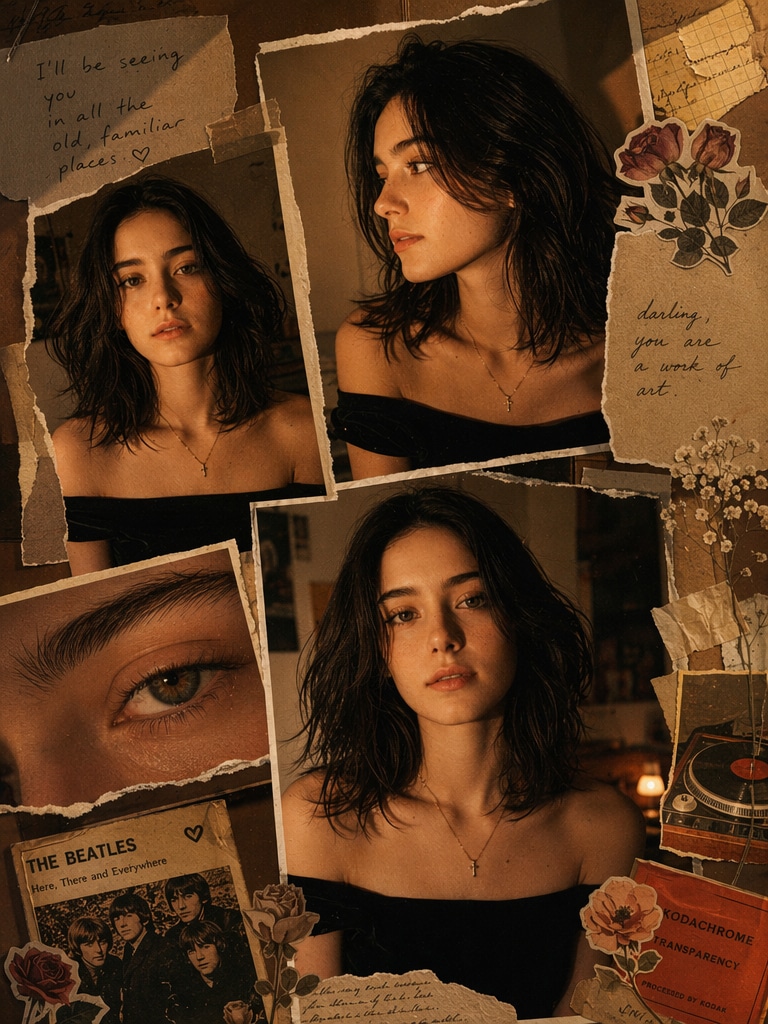
A warm, moody scrapbook-style portrait collage of the uploaded person with messy dark hair, glowing tan skin, black shirt, and a gold cross necklace. Multiple overlapping printed portrait photos of the same person, including front view, side profile, and extreme eye close-up. Add torn paper, masking tape, vintage floral stickers, aged notebook scraps, and a retro music-card detail. Use amber low light, flash-photo look, deep shadows, subtle grain, brown-orange vintage color grading, and an intimate indie Tumblr/Pinterest moodboard aesthetic.
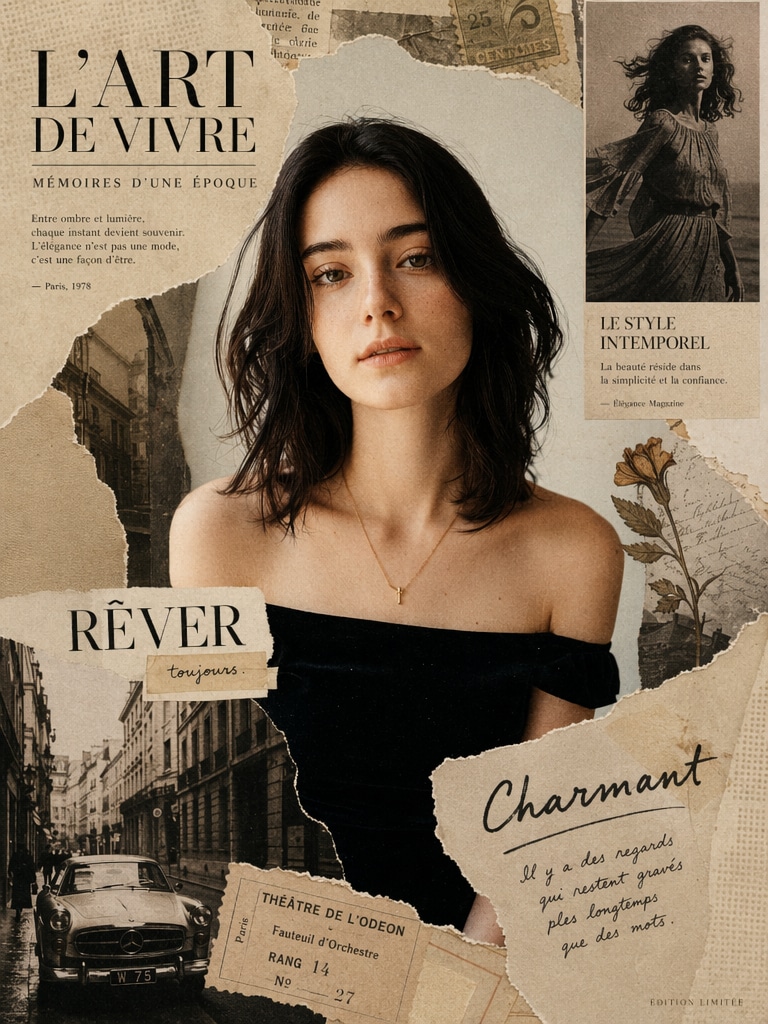
Vintage magazine collage, retro fashion model, sepia tones mixed with muted colors, torn paper edges, analog textures, classic editorial layout, soft grain, nostalgic lighting, layered composition, ultra detailed.
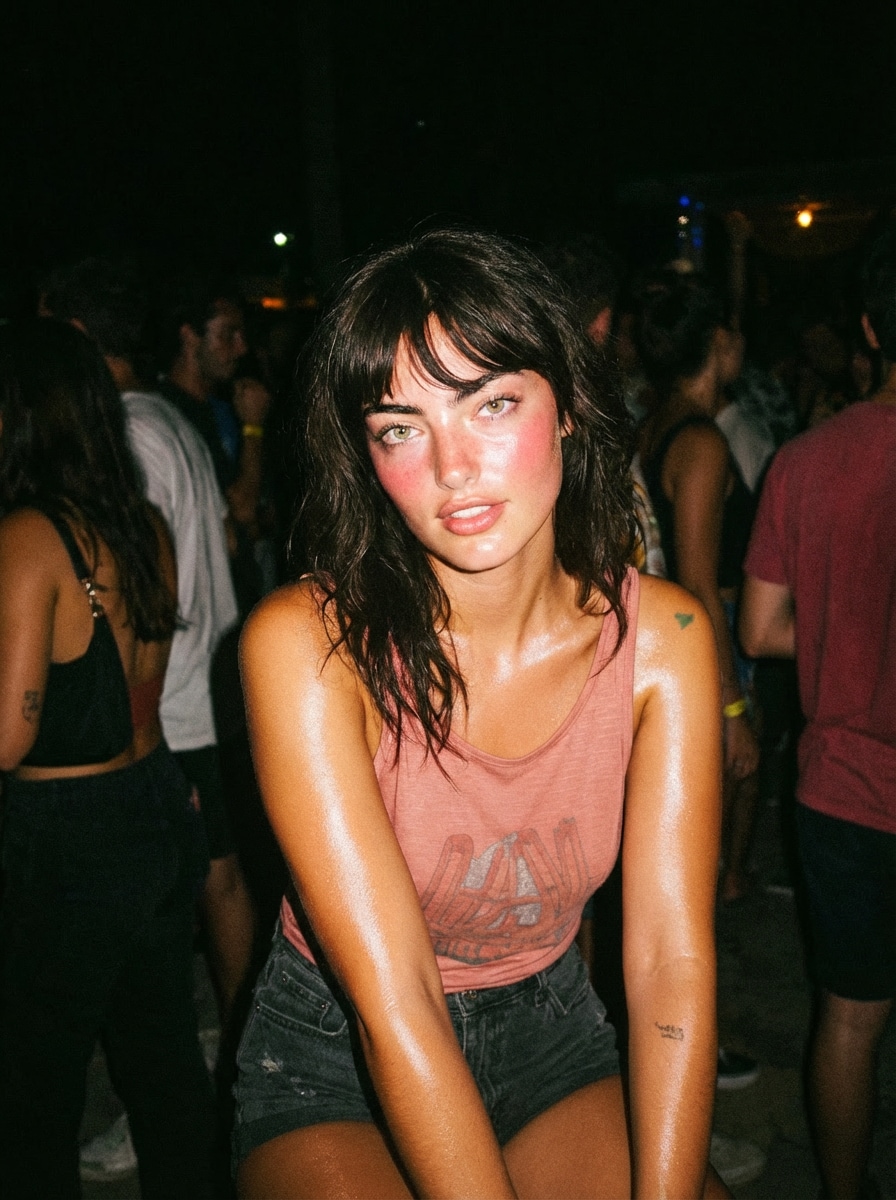
Young woman at night party, direct camera flash, overexposed highlights, shiny skin, dark background, candid pose, 2000s Instagram flash filter effect, high contrast, grainy texture.
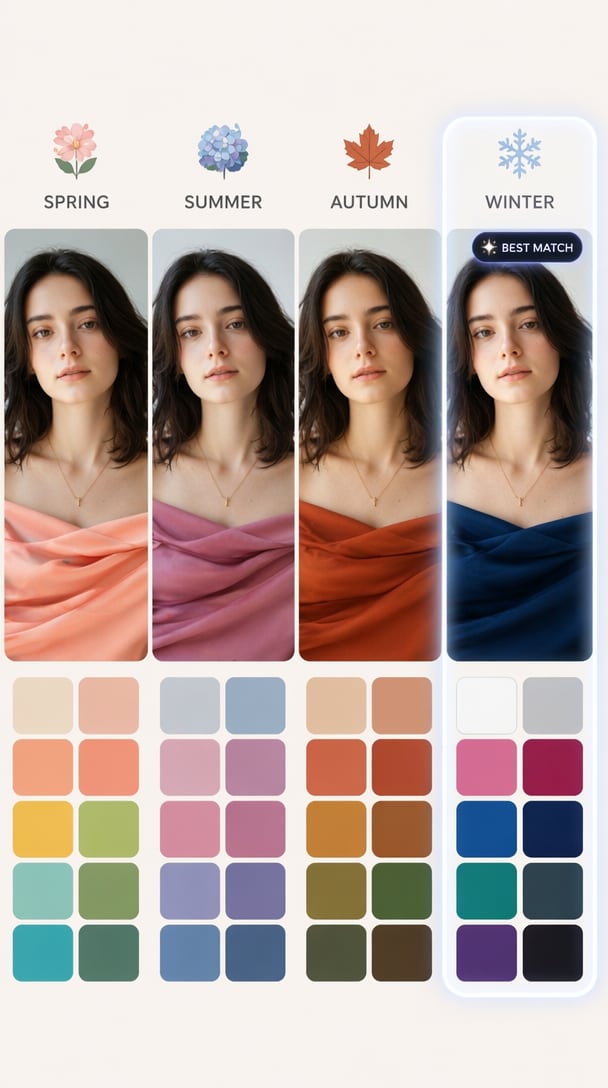
Create a personal color analysis graphic using this portrait, show 4 seasonal palettes: spring, summer, autumn, winter side by side. Apply clothing color overlays on the subject, highlight best match with glow effect, clean layout, short labels only, no paragraphs, visual-first, modern UI style.
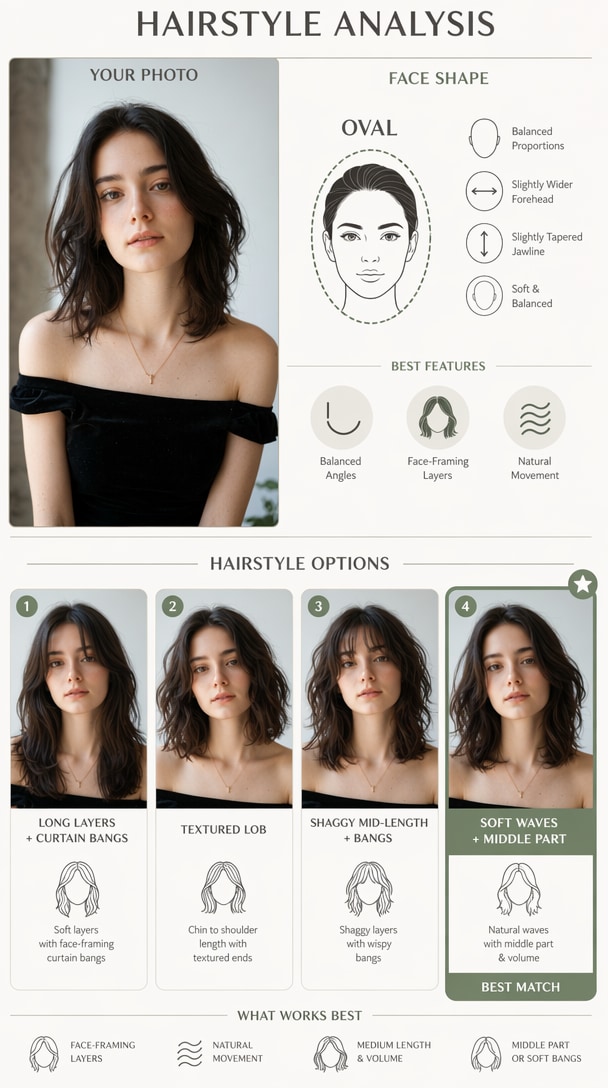
Create a hairstyle analysis graphic using this portrait, detect face shape and show 4 hairstyle options side by side, highlight best match, clean infographic layout, short labels only, no paragraphs.
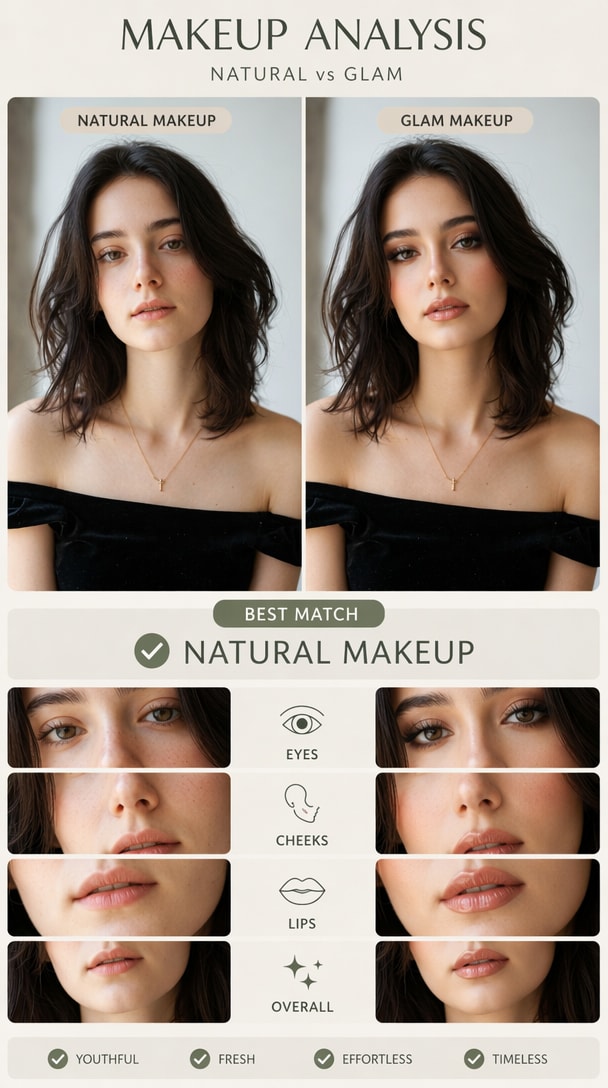
Create a visual makeup analysis graphic using this portrait, compare natural makeup vs glam makeup side by side, highlight which suits the subject better, short labels only, no paragraphs.
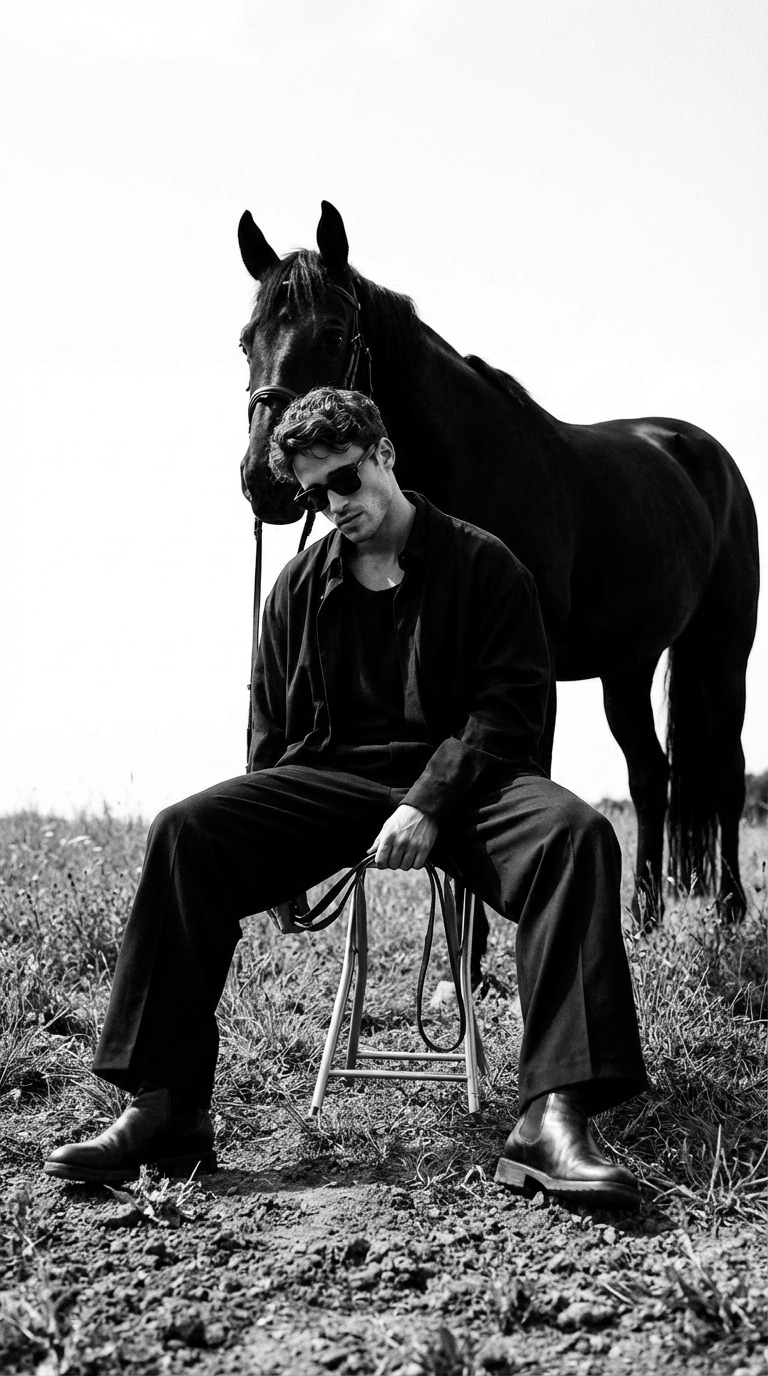
A high-fashion, monochrome editorial emphasizing grounded posture, restrained authority, and symbolic tension between human and horse. Cinematic composition, matte textures, and conceptual luxury aesthetics with introspective calm.
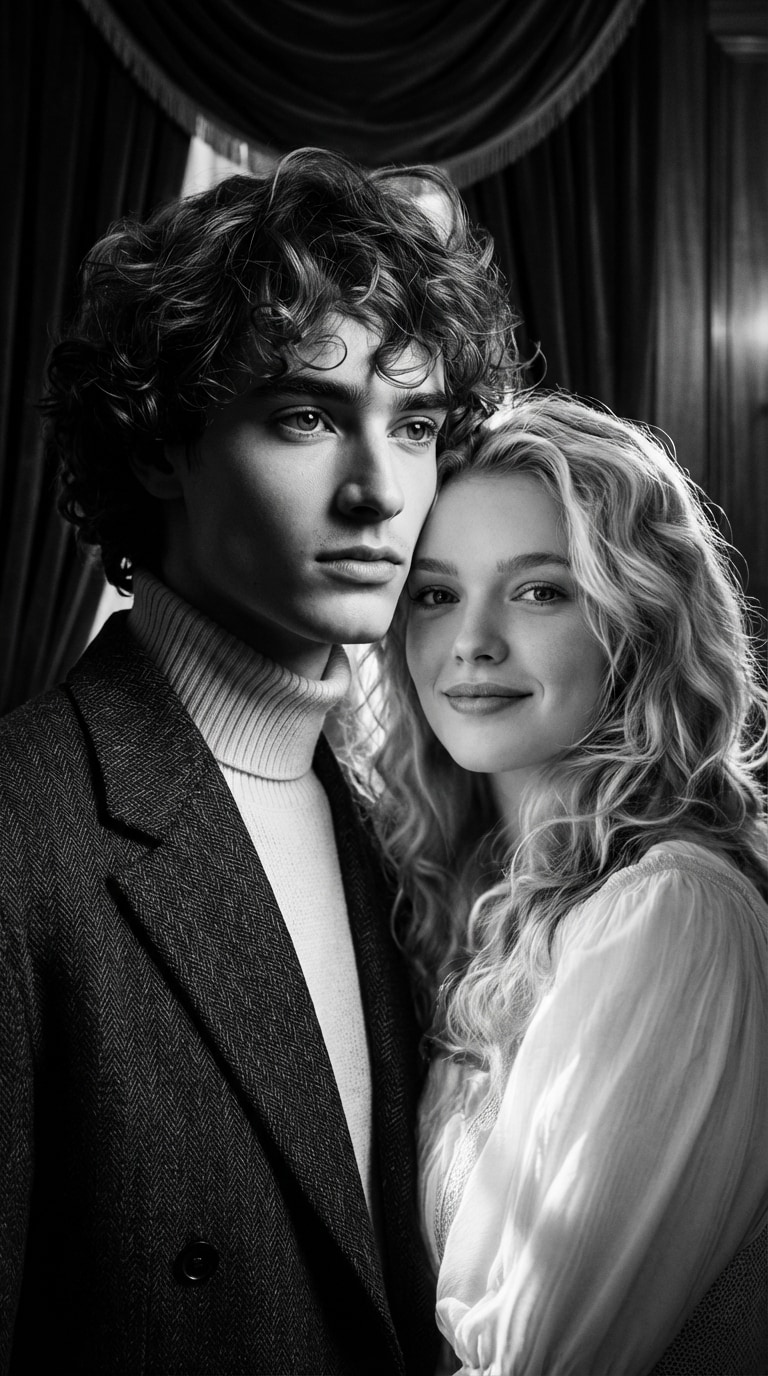
Classic Hollywood black and white cinema, 1950s film photography, high contrast lighting, elegant and timeless couple portrait with emotional storytelling and romantic composition.
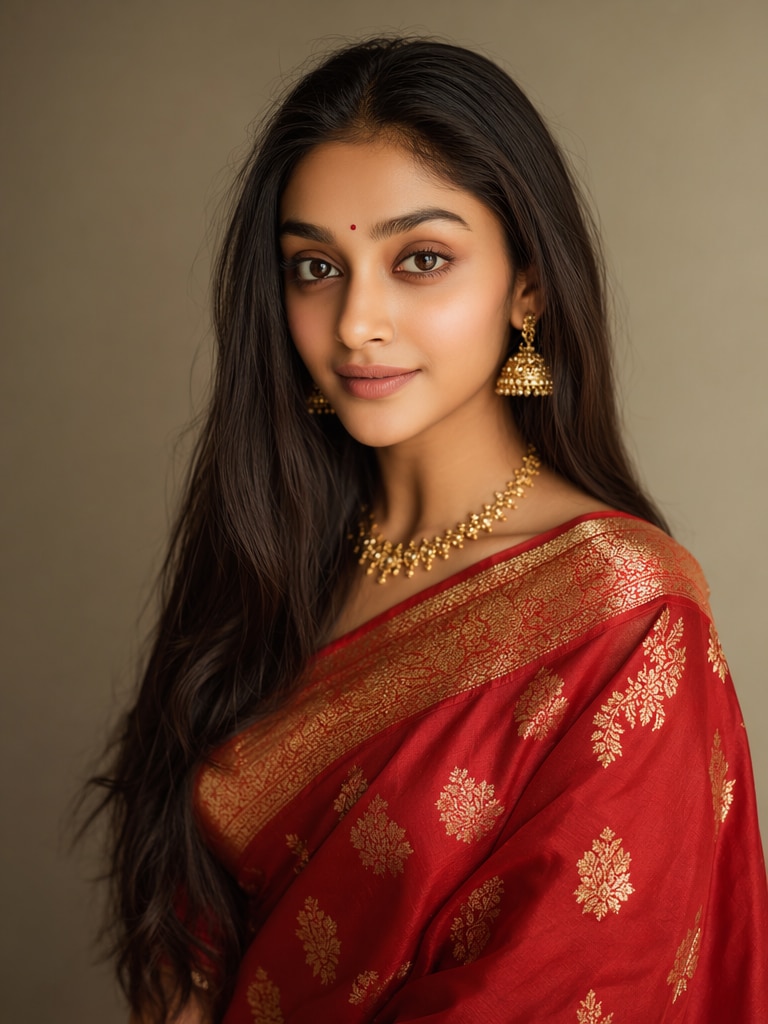
Ultra-realistic Indian saree transformation, traditional red silk saree with golden zari embroidery, preserve original face identity, natural skin texture, studio lighting, DSLR photography, high detail fabric folds, cinematic portrait.
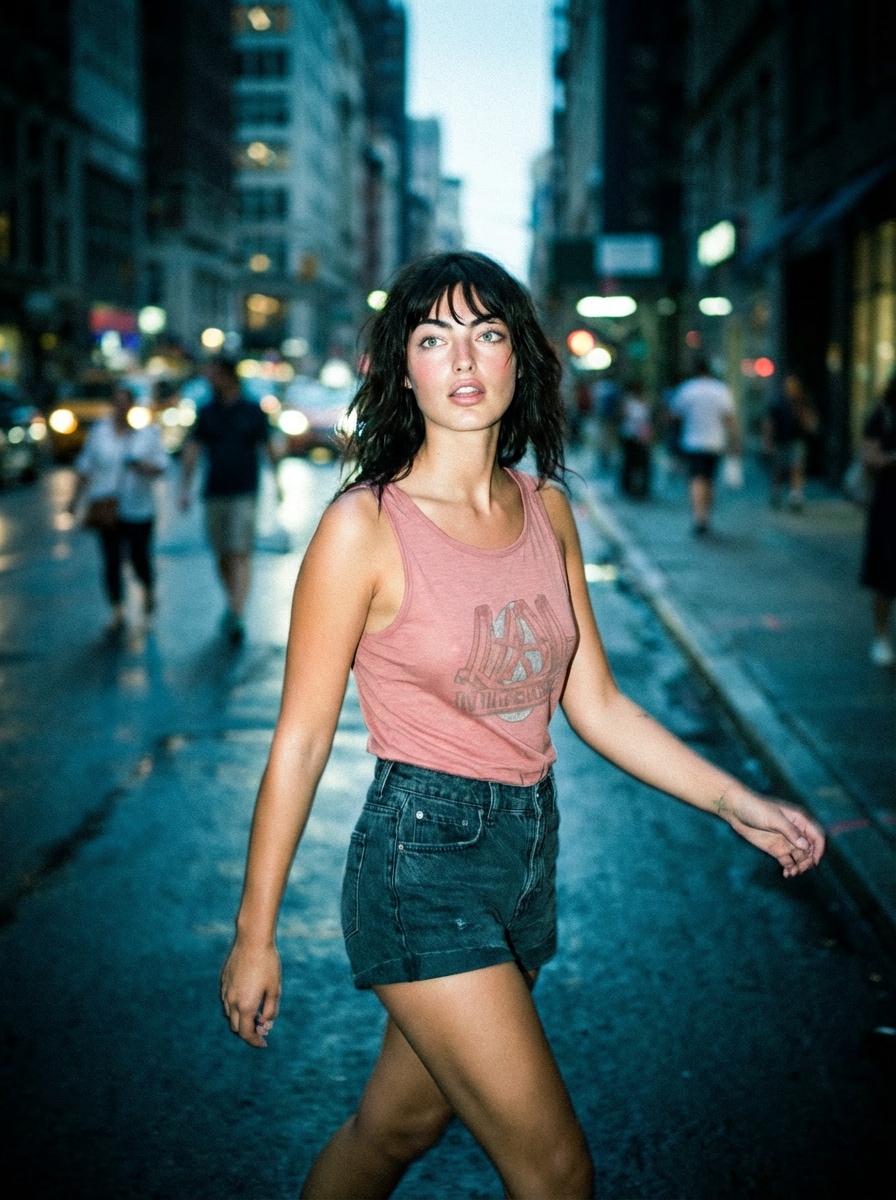
Urban street at night, subject walking, harsh flash lighting, deep shadows, paparazzi style, motion blur, Instagram flash effect, cinematic realism, cool tones.
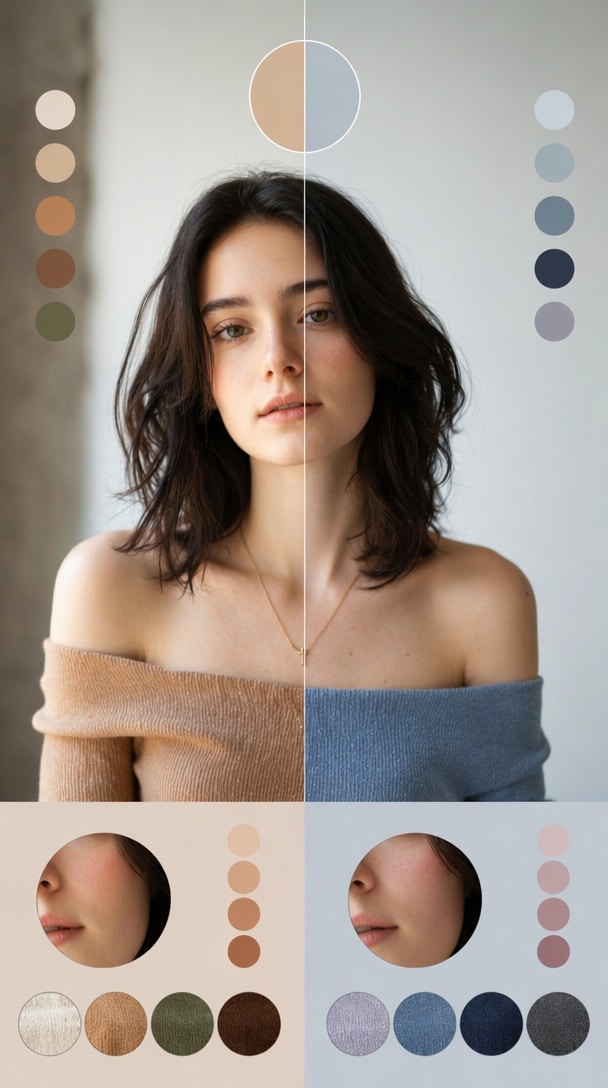
Create a color analysis graphic using this portrait, split into warm tones vs cool tones comparison, apply different outfit colors on each side, highlight skin harmony differences, minimal labels, no text blocks, aesthetic infographic style.
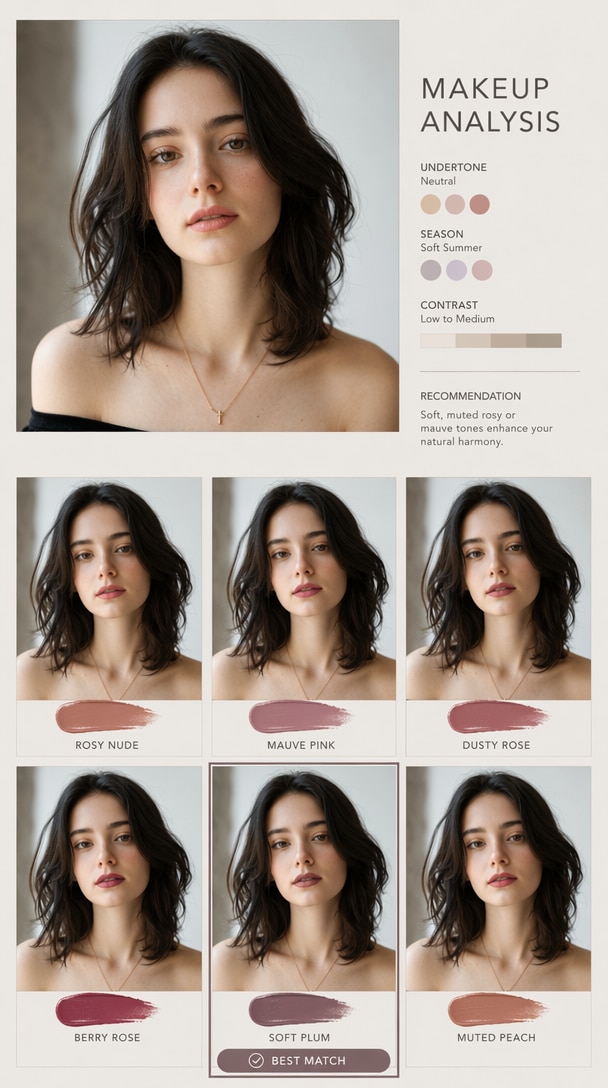
Create a makeup analysis graphic using this portrait, show different lipstick shades applied side by side, highlight best matching color, clean visual grid, minimal labels.
Capture users searching “chatgpt image failed,” “chat gpt image generator not working today,” and “is ChatGPT image generation down.”
Help users upload portraits and apply ChatGPT-style prompts for flash photos, hairstyle guides, makeup analysis, saree edits, and collage effects.
Generate Instagram, TikTok, YouTube thumbnail, blog, ad, and campaign visuals while ChatGPT image generation is unavailable.
Users checking “chatgpt image generation failed reddit” often want real workarounds. Media.io provides an immediate creation path.

“Saved My Post”
ChatGPT image generation failed while I was preparing Instagram content. Media.io helped me create a similar AI image quickly.

“Easy Backup Tool”
When ChatGPT image generator was not working today, I used Media.io to test prompts and generate AI photos online.

“Fast for Campaigns”
Media.io is useful when I need quick AI images for ads, landing pages, and social posts without waiting for ChatGPT to recover.
It can happen because ChatGPT is down, image generation is overloaded, your prompt triggers restrictions, your browser session has an error, your network is unstable, or your account has reached usage limits. First check status, then retry with a simpler prompt or use Media.io to continue generating images.
Check the official ChatGPT image generator status or OpenAI status page. If there is an active incident, repeated retries may not help. You can wait for recovery or use Media.io as a backup image generation workflow.
ChatGPT image generation may appear disabled because of plan access, model availability, workspace settings, safety restrictions, temporary outages, or product-side changes. If other users report the same issue on Reddit or communities, it may be a wider availability problem.
Refresh the page, start a new chat, simplify your prompt, clear cache and cookies, disable browser extensions or VPN, switch browsers, test another network, and check whether your account still has image generation access. If you need an immediate result, use Media.io.
Yes. Media.io can work as a practical ChatGPT image generator alternative. With the GPT Image 2 model workflow, you can upload a photo, paste a ChatGPT-style prompt, and create AI images online for portraits, social posts, product visuals, thumbnails, and creative photo edits.