Créer une image similaire ↗
 Nano Banana Pro
 Libérez votre potentiel créatif et découvrez la magie de l'IA médiatique dès mIAntenant!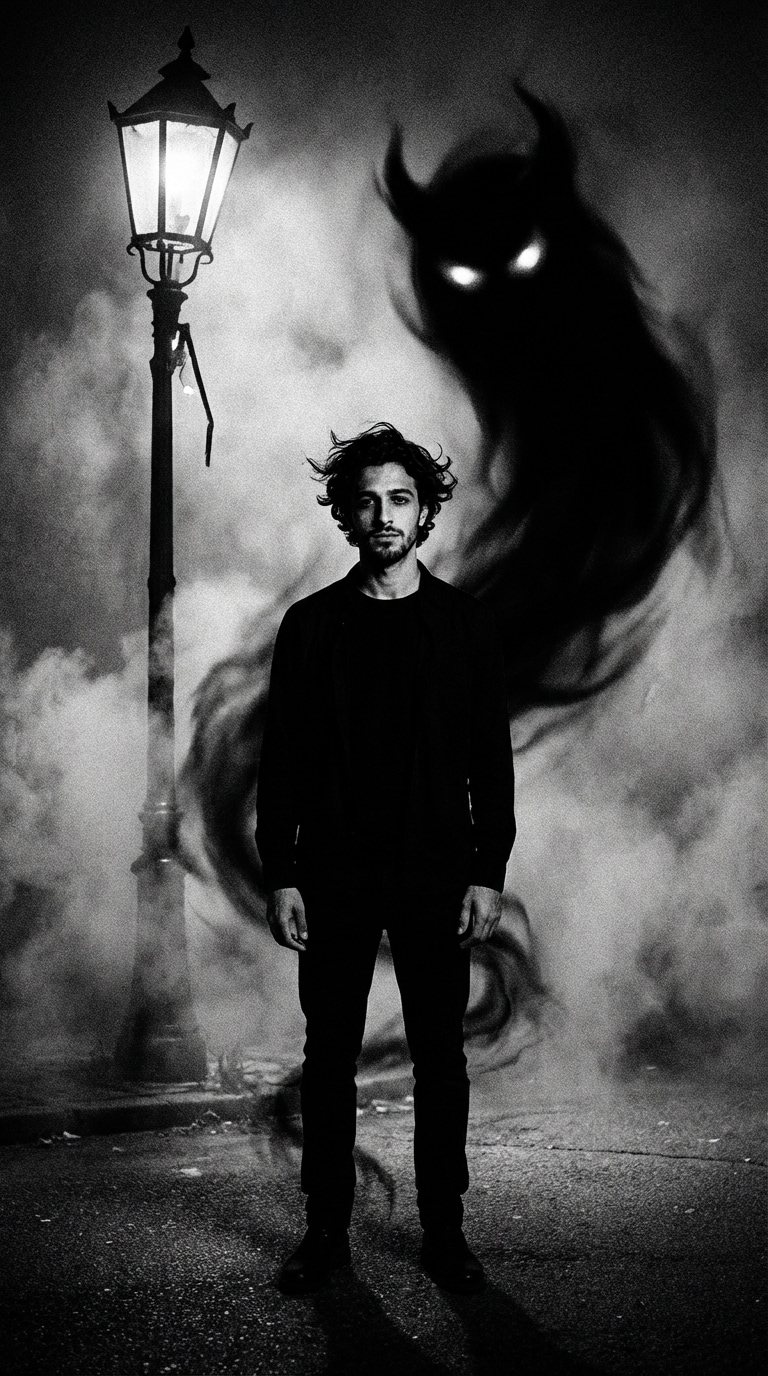
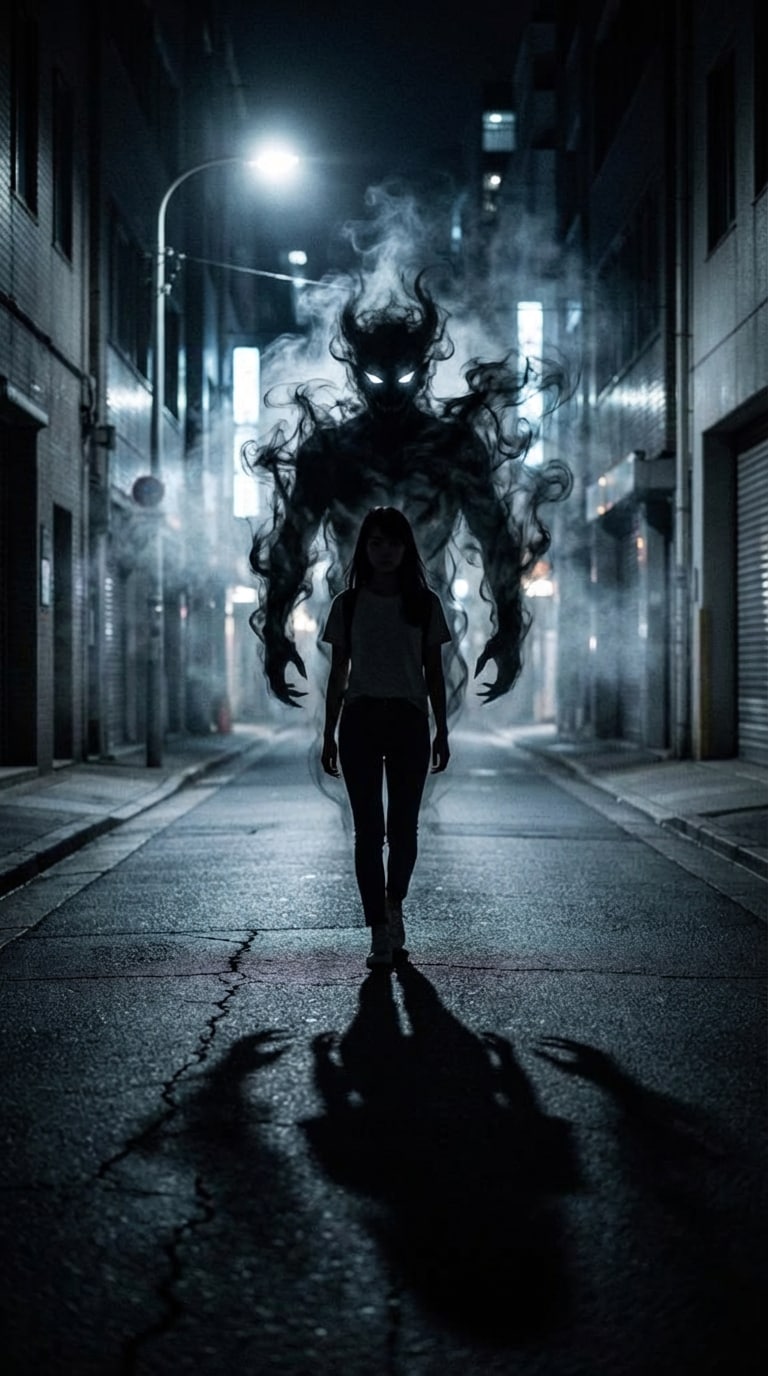
Envie de ce portrait de fantôme ou démon IA qui circule partout ? Découvrez les prompts fantôme ChatGPT & Gemini tendance, importez votre selfie et générez un portrait d’horreur cinématographique — yeux luminescents, démons d’ombre, effets de fumée, lumières inquiétantes — tout en gardant votre vrai visage intact.
Copiez les prompts. Aucune compétence en retouche requise.
| Styles d’horreur Gemini IA Fantôme | Prompt Fantôme ChatGPT à copier-coller | Aperçu | Copier |
|---|---|---|---|
|
01 • Démon d’ombre sous le lampadaire
#ghostai
#portraitdhorreur
#démonombre
|
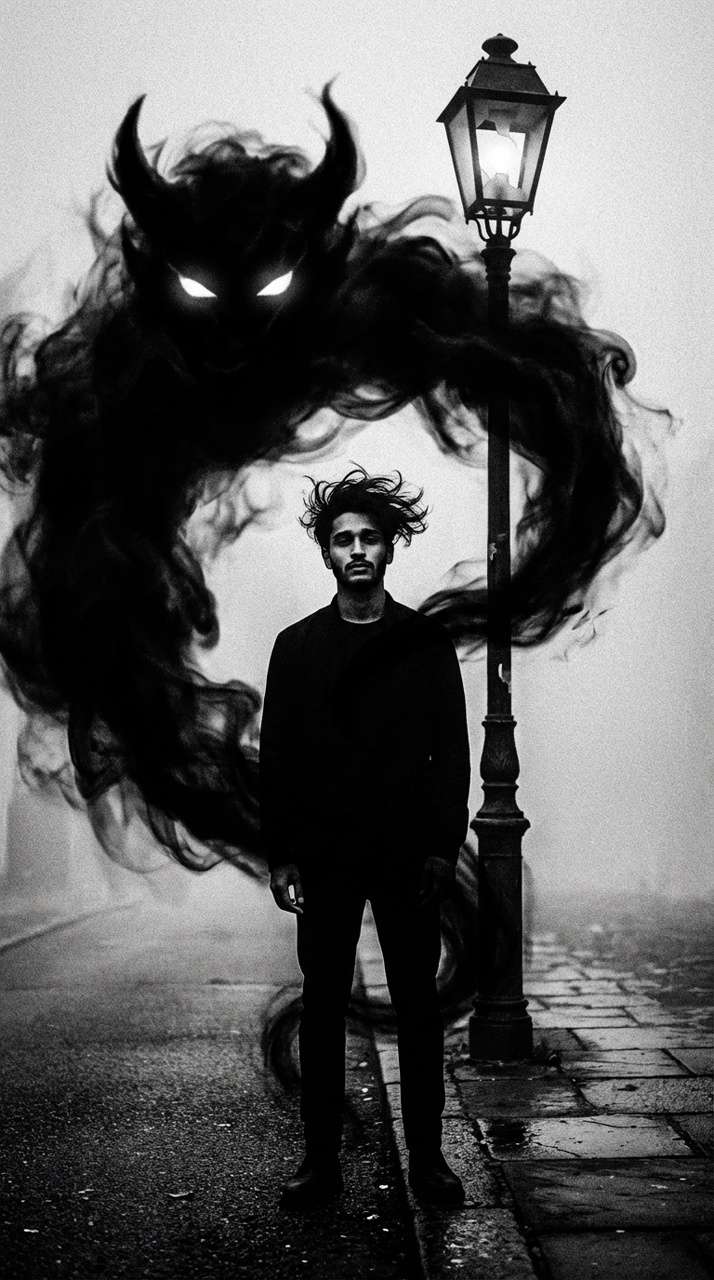
Transformez un portrait sombre en une scène saisissante où le sujet se tient devant un lampadaire cassé faiblement éclairé. Derrière lui, une vaste ombre noire de fantôme démoniaque surgit, tourbillonnant dans une fumée inquiétante. Les yeux blancs luminescents de la créature percent l’obscurité. Maintenez le sujet en pose neutre, habillé de noir, cheveux décoiffés pour donner du mouvement. Utilisez un noir & blanc à contraste élevé, détails granuleux sur la chaussée et texture de fumée enveloppant le corps. Misez sur un jeu d’ombres intense pour une ambiance glaçante, style grain de film. Ajoutez de la profondeur avec « dodge & burn » pour des contrastes marqués, et faites s’estomper lentement la fumée spectrale vers le bas. |
|
|
|
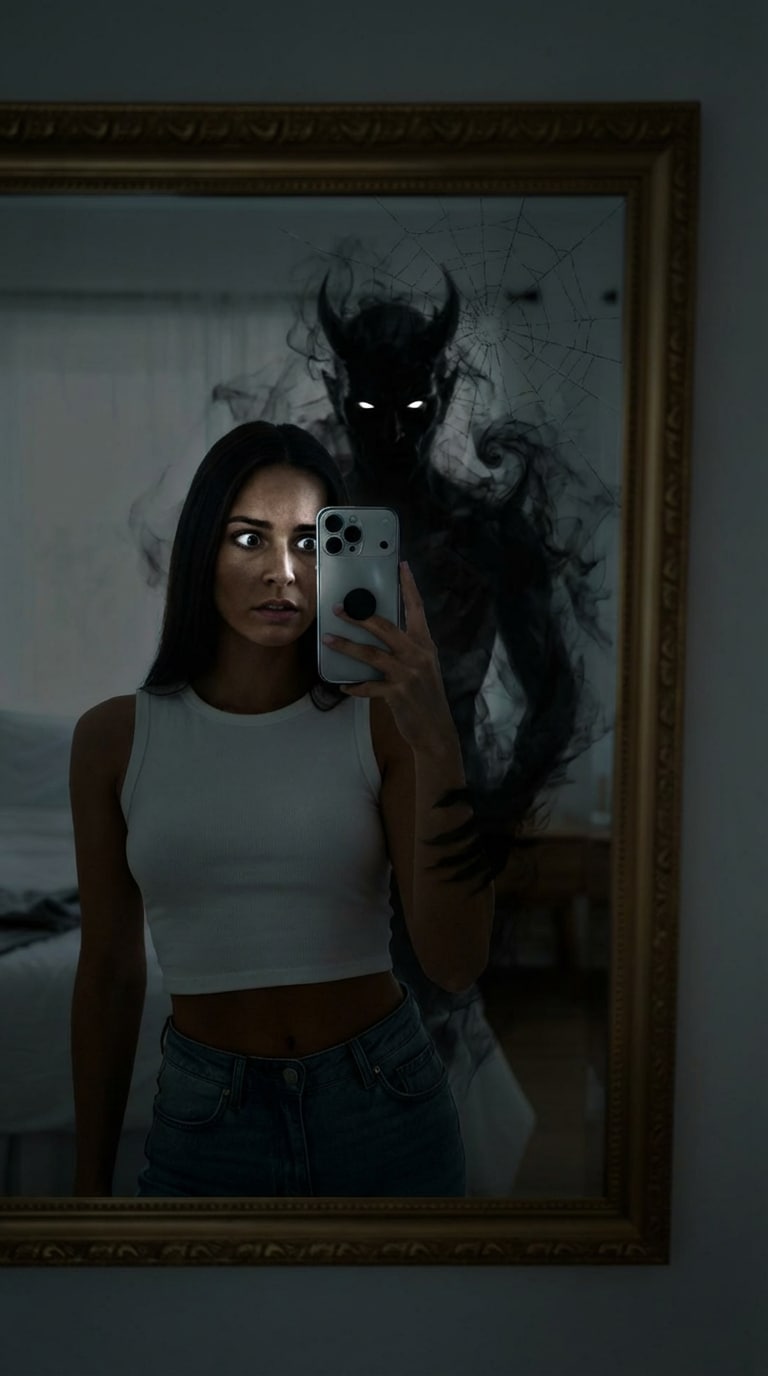
02 • Réflexion démoniaque dans le miroir
#aighostprompt
#portraitdémon>
#horreurdanslemirroir
|
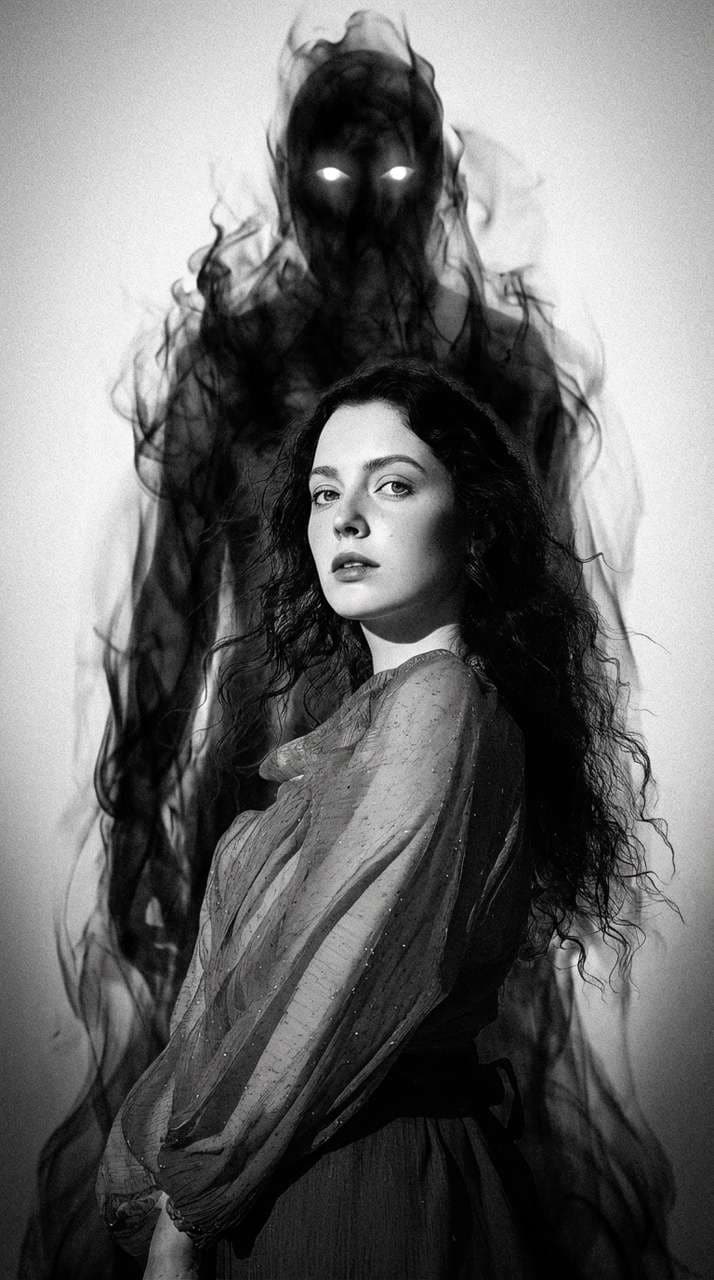
Imaginez un portrait d’horreur où le sujet regarde un miroir et y découvre derrière lui la silhouette noire menaçante d’un démon. Le reflet dévoile une entité démoniaque faite de fumée et d’ombre, aux yeux blancs perçants. Gardez une pose calme mais avec le regard écarquillé de terreur dans la glace. Créez une ambiance dérangeante avec couleurs sombres atténuées et lumière dramatique projetant des ombres profondes sur le visage. L’entité doit sembler semi-transparente, la fumée fusionnant avec l’environnement. Ajoutez de fines fissures au reflet du miroir. |
|
|
|
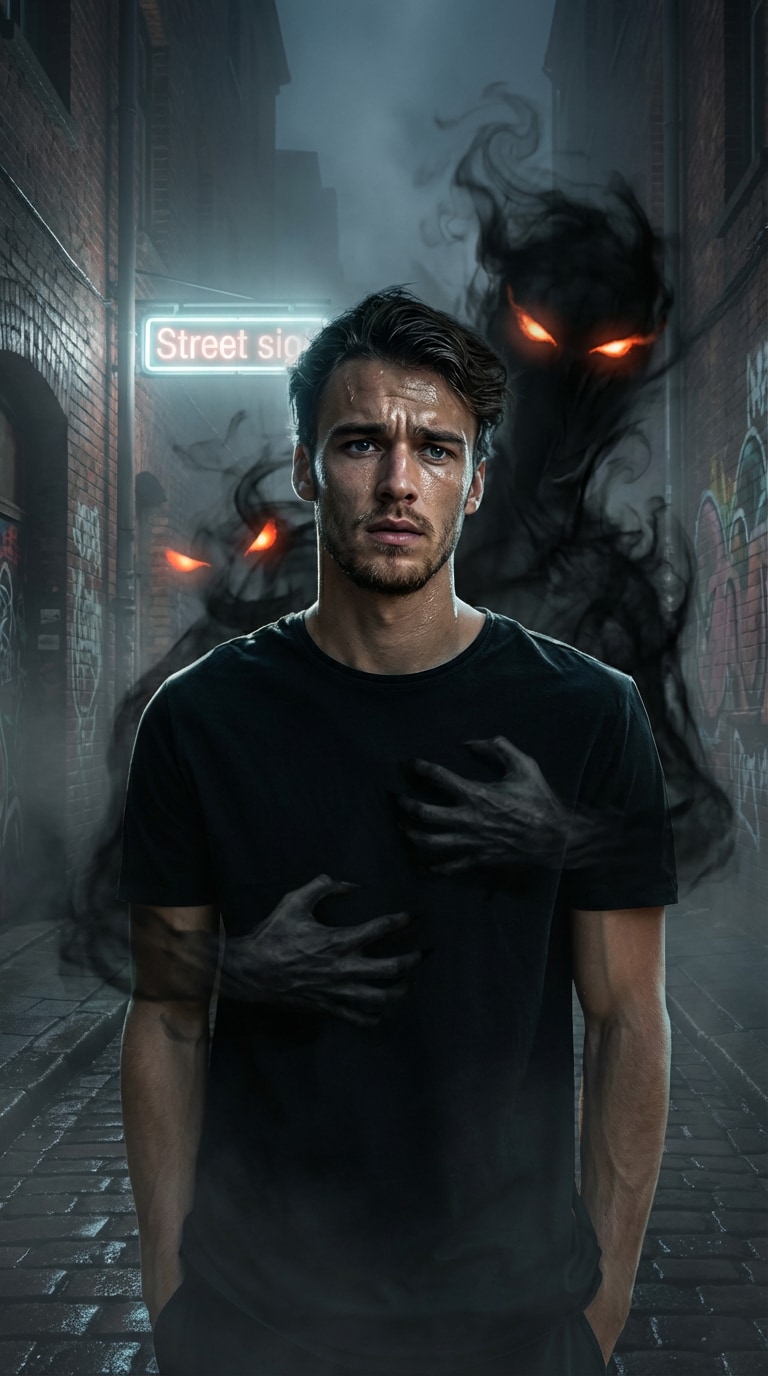
03 • Prise d’ombre dans la ruelle
#a-horror
#démonfumée
#cinematicrimlight
|
Créez un portrait glaçant où le sujet semble pris dans l’étreinte d’une ombre noire semi-transparente et tourbillonnante. L’entité démoniaque s’élève derrière, mains fantomatiques entourant le torse pour un effet de tension et d’intimité angoissante. Insistez sur les ombres profondes et les yeux lumineux émergeant de la fumée. Fond : ruelle brumeuse, enseigne lointaine luminescente. L’expression doit mélanger peur et détermination pour renforcer l’ambiance dark fantasy. Utilisez un éclairage cinématique bordure sur le visage pour la profondeur et le contraste. |
|
|
|
04 • Horreur miroir fissuré
#promptfantôme
#luminositésombres
#miroirfissuré
|
Imaginez un portrait d’horreur où le sujet regarde un miroir et y découvre derrière lui la silhouette noire menaçante d’un démon. Le reflet dévoile une entité démoniaque faite de fumée et d’ombre, aux yeux blancs perçants. Gardez une pose calme mais avec le regard écarquillé de terreur dans la glace. Créez une ambiance dérangeante avec couleurs sombres atténuées et lumière dramatique projetant des ombres profondes sur le visage. L’entité doit sembler semi-transparente, la fumée fusionnant avec l’environnement. Ajoutez de fines fissures au reflet du miroir. |
|
|
|
05 • Démon yeux blancs en forêt brumeuse
#ghostaiàlatendance
#forêtbrumeuse
#yeuxlumineux
|
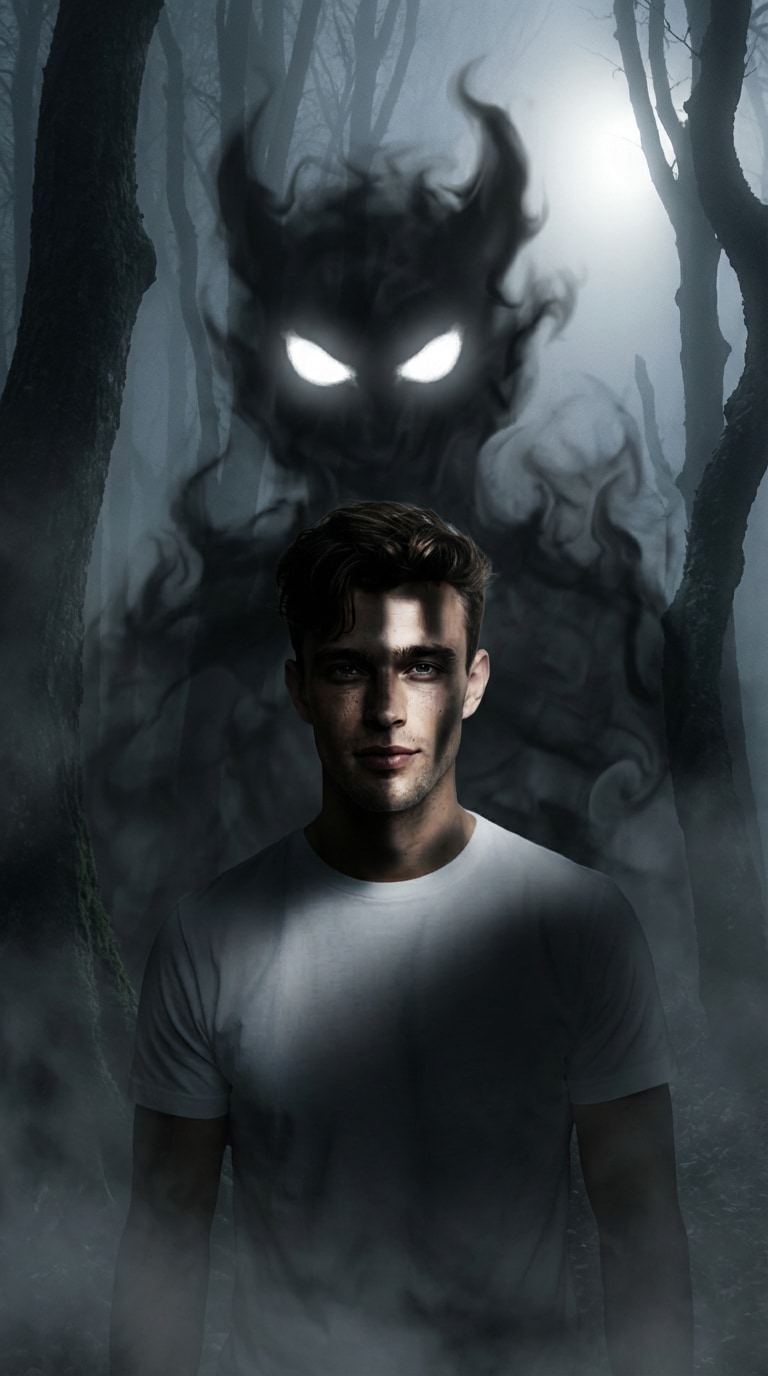
Transformez un simple portrait, sujet debout au cœur d’une forêt noyée dans le brouillard nocturne, en scène horrifique. Derrière, un immense démon d’ombre émerge des brumes, s’enroule autour, tel un nuage sombre. Les yeux blancs luminescents du démon captent l’attention. Gardez le sujet debout, innocent, avec un éclairage dramatique venant de loin pour souligner ses traits. L’ambiance de la forêt doit rester intimidante, la brume rampant autour des arbres. Renforcez le contraste avec des ombres ciselées sur le visage pour un effet surréaliste et troublant. |
|
|
|
06 • Démon d’ombre sous la lune de sang
#portraitdémonia
#lunedusang
#horreurvirale
|
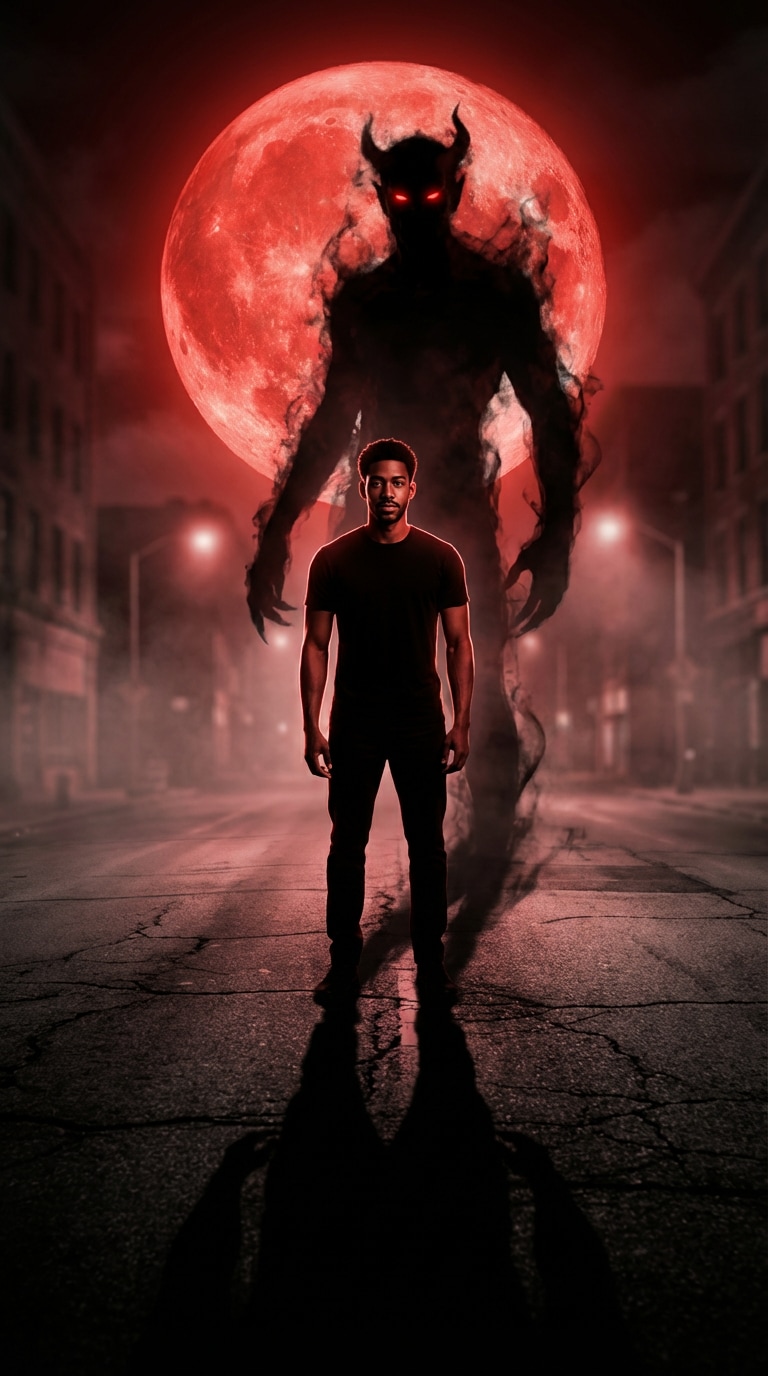
Transformez un selfie décontracté en portrait démoniaque IA : le sujet debout sous une lune rouge sang dans une rue déserte. Un démon fantomatique s’élève depuis son ombre, silhouette instable s’étirant derrière, yeux luisants, cornes diffuses. Utilisez contre-jour frappant, ombres allongées, contraste noir & rouge prononcé. Ajoutez une profondeur de champ cinématographique et un brouillard fantomatique pour l’effet horreur viral. |
|
|
|
07 • Démon couronne rituelle
#promptiéditionia
#scènerituel
#glyphesgéométriques
|
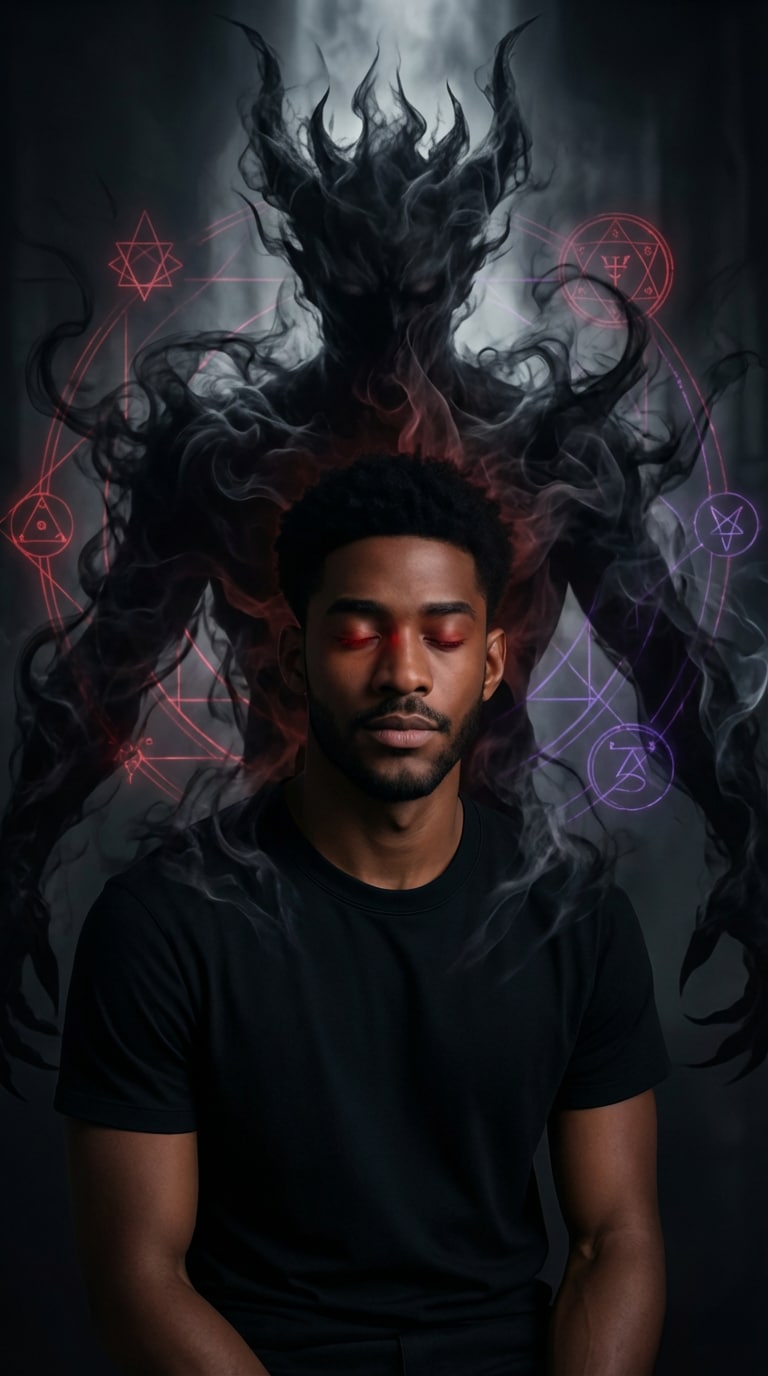
Transformez un portrait ordinaire en scène de rituel démoniaque : le sujet, serein yeux clos, assis alors qu’un vaste démon d’ombre se dresse derrière, formant une couronne au-dessus de la tête. Des symboles spectraux et motifs géométriques AI flottent, luisant doucement. Le démon, fait de fumée/sombreur, se fond lentement dans la silhouette. Utilisez éclairage ciné sombre, forts contrastes, lueur rouge subtile dans les yeux pour amplifier la tension surnaturelle. |
|
|
|
08 • Fantômes dupliqués IA
#tendancefantôme
#couloircreepy
#grainfilm
|
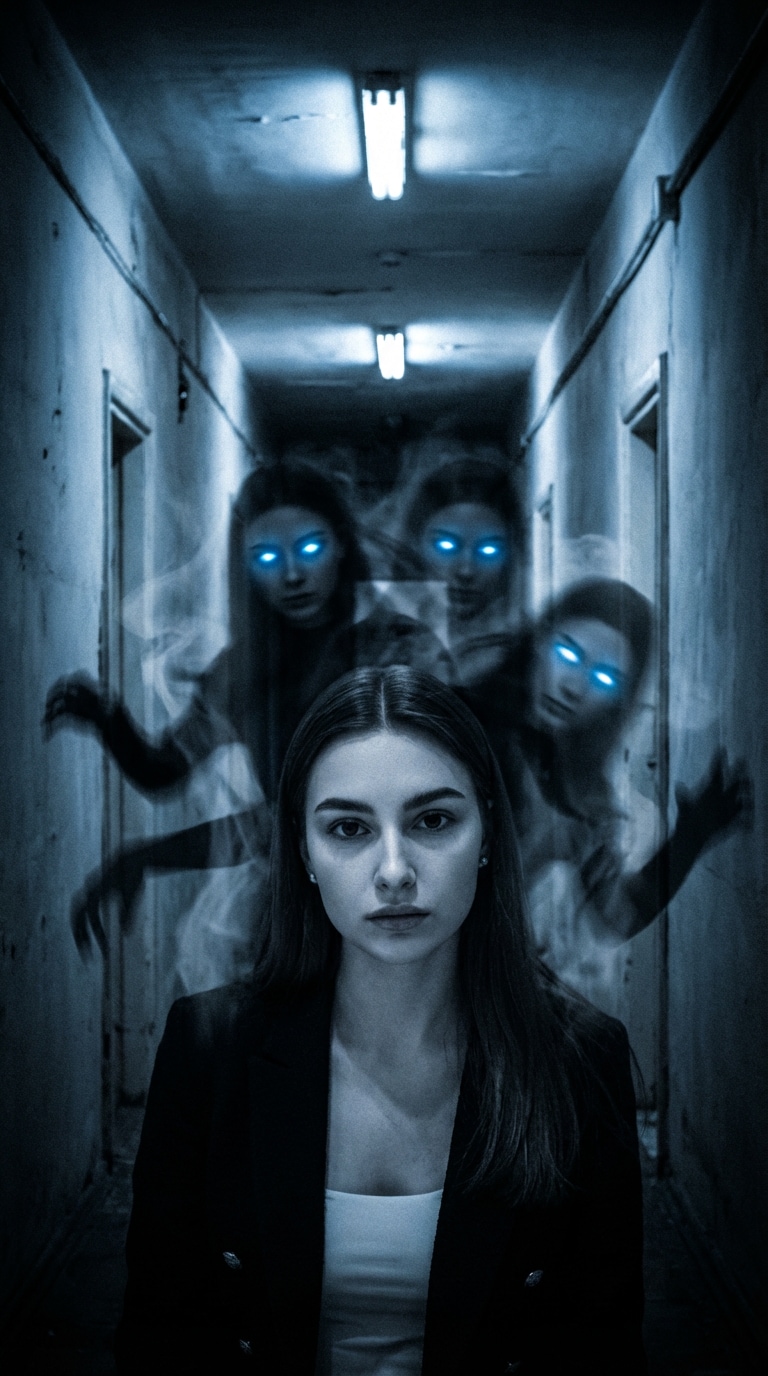
Créez une photo IA fantomatique angoissante : sujet debout dans un couloir étroit éclairé par des néons vacillants. Derrière, multiples silhouettes de fantômes translucides empilés, partageant tous les mêmes yeux brillants, telles des copies générés par un prompt maudit. Les spectres paraissent dupliqués mais déformés, membres tordus, fumée traînante. Utilisez des teintes désaturées, reflets bleus froids, flou de mouvement marqué sur les figures. Ajoutez du grain et un vignettage pour une ambiance d’angoisse oppressante. |
|
Arrêtez d’hésiter. Accédez à une bibliothèque de prompts à copier-coller pour ChatGPT et Gemini pensés pour générer instantanément des photos de fantôme IA et portraits de démons précis.
Créez l’effet viral "fantôme derrière moi" sans effort. Idéal pour les créateurs TikTok / Insta souhaitant des contenus effrayants à fort engagement qui stoppent le scroll.
Peur d’être déformé ? Media.io utilise une IA avancée pour garantir que votre identité reste visible tout en appliquant des effets terrifiants de démon d’ombre ou de maquillage zombie.
Obtenez des photos de fantôme IA virales en 1 clic. Aucun montage compliqué ni Photoshop : prompt, import, et téléchargez en ligne vos images d’horreur HD gratuitement.
Parcourez notre page pour trouver les meilleurs prompts ChatGPT fantôme. Copiez celui du style voulu, type "portrait démoniaque" ou "fantôme derrière moi".
Importez votre selfie. Collez le prompt dans le générateur IA pour appliquer des effets effrayants tout en gardant votre visage naturel et reconnaissable.
Cliquez sur générer et admirez la transformation. Téléchargez votre photo de fantôme ia virale sans filigrane et partagez-la sur TikTok ou Instagram.

Créateur TikTok

“Ma photo fantôme a fait 1M vues !” J’ai utilisé le prompt fantôme chatgpt trouvé ici pour ajouter une silhouette ombragée derrière moi. Tellement réaliste que mes commentaires ont explosé.

Cosplayeuse
“Enfin un filtre démon qui garde mon visage.” La plupart des applis IA me déforment. Cet outil portrait démon ia a gardé mes traits nickel tout en ajoutant des cornes et des yeux flippants.

Artiste IA
“Meilleur choix de prompts Gemini fantôme.” Je voulais des prompts précis pour des effets miroir d’horreur. Les prompts Gemini à copier-coller ont marché du premier coup.

Influenceur IG
“Résultat instantané, sans Photoshop.” Je voulais vite une photo de profil flippante. J’ai juste importé mon selfie et le générateur photo horreur ia m’a sorti une image qualité cinéma en quelques secondes.
C’est facile ! Parcourez nos exemples de prompts ChatGPT fantôme, copiez la phrase (ex : "silhouette spectrale derrière une femme"), collez-la dans la zone de génération Media.io après l’upload de votre selfie. L’IA interprète le prompt pour produire l’effet d’horreur choisi.
Non, Media.io est conçu pour préserver votre identité faciale. Que ce soit pour un portrait démon ia ou look zombie, l’outil accentue juste les éléments effrayants (texture, yeux…), mais vos traits restent reconnaissables.
Oui ! Des prompts fantôme derrière moi ia sont dispo. Uploadez votre photo, utilisez la phrase proposée pour que l’IA ajoute une ombre ou un démon en arrière-plan.
Oui, vous pouvez essayer Media.io gratuitement. Crédit offert à l’inscription, testez divers prompts d’horreur et fantôme ia et exportez vos créations, pour juger la qualité.
Pour de meilleurs résultats, misez sur des mots-clés comme "démon d’ombre", "miroir d’horreur", "portrait hanté" et "lueur spectrale". Notre site liste des prompts Gemini et ChatGPT optimisés pour booster l’impact visuel.