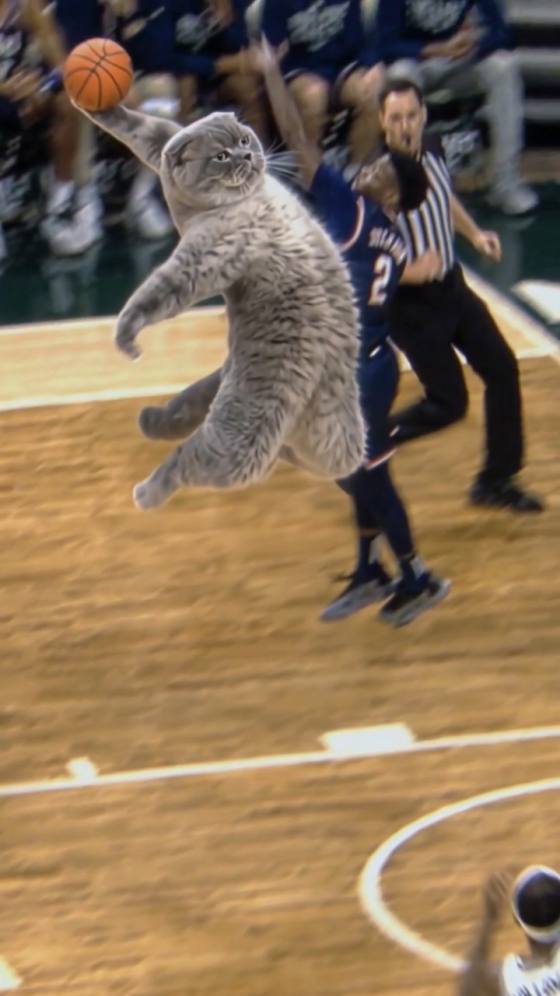
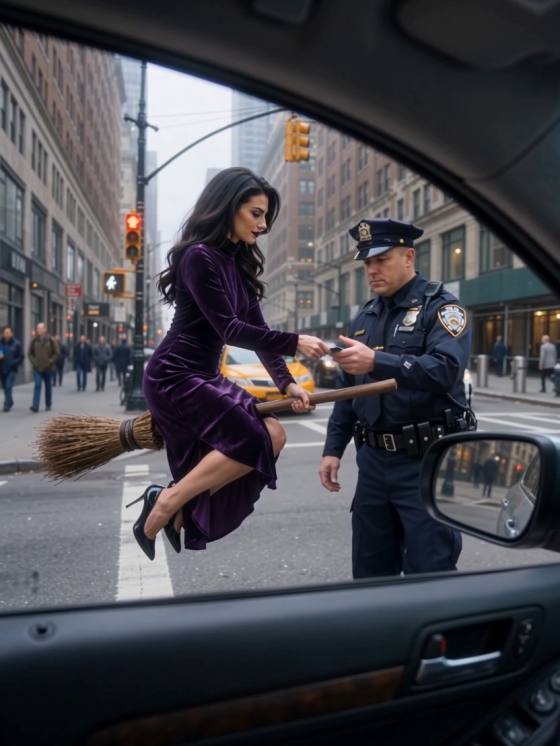
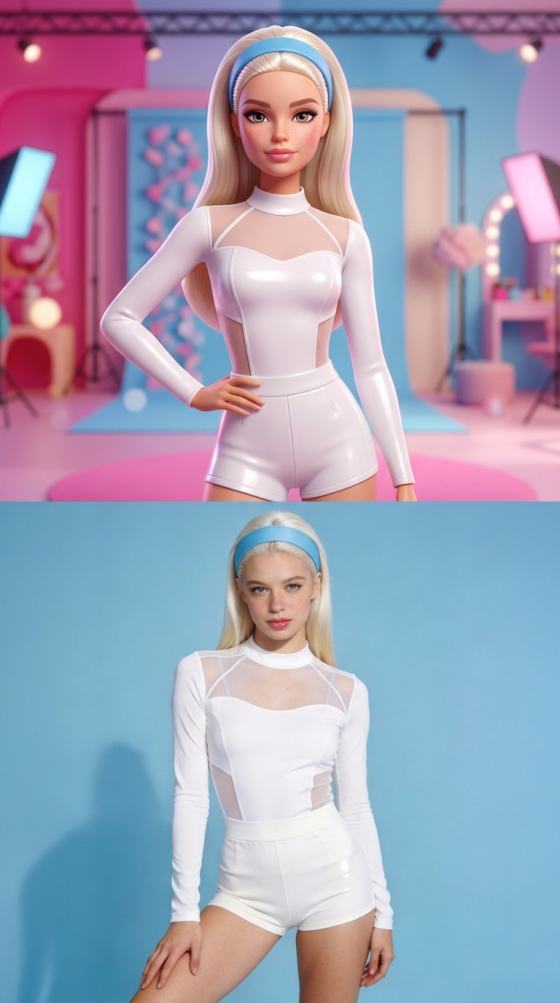
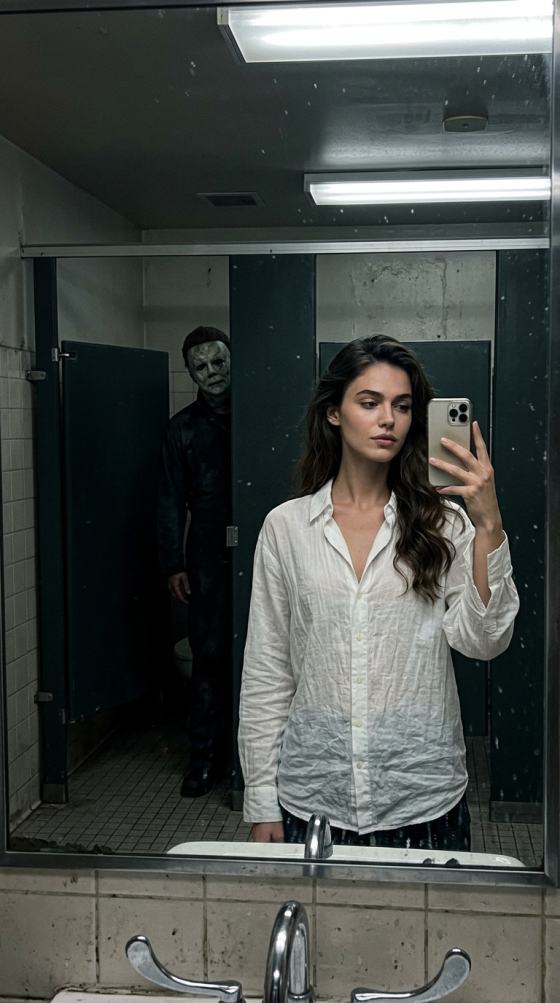
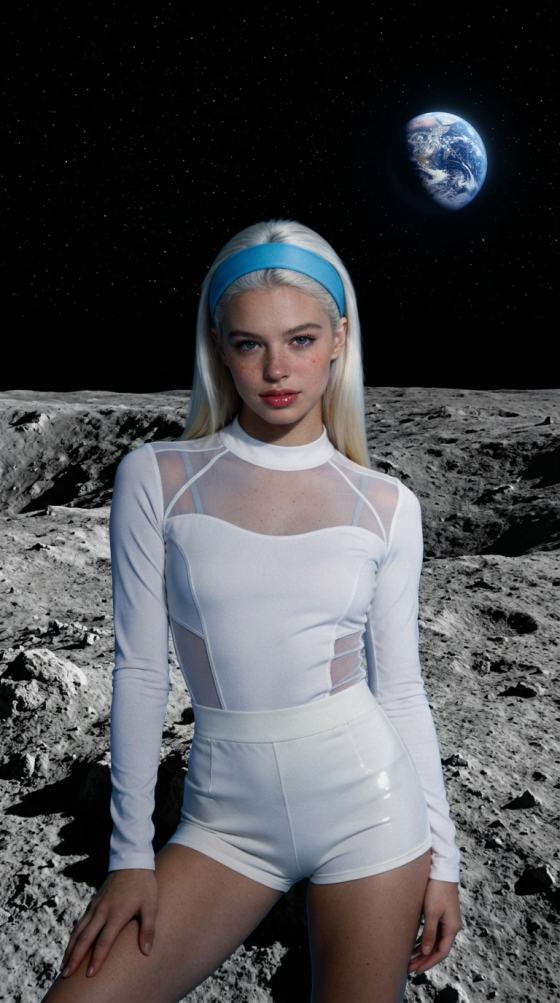

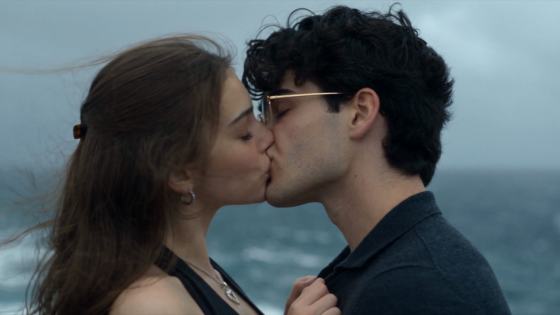
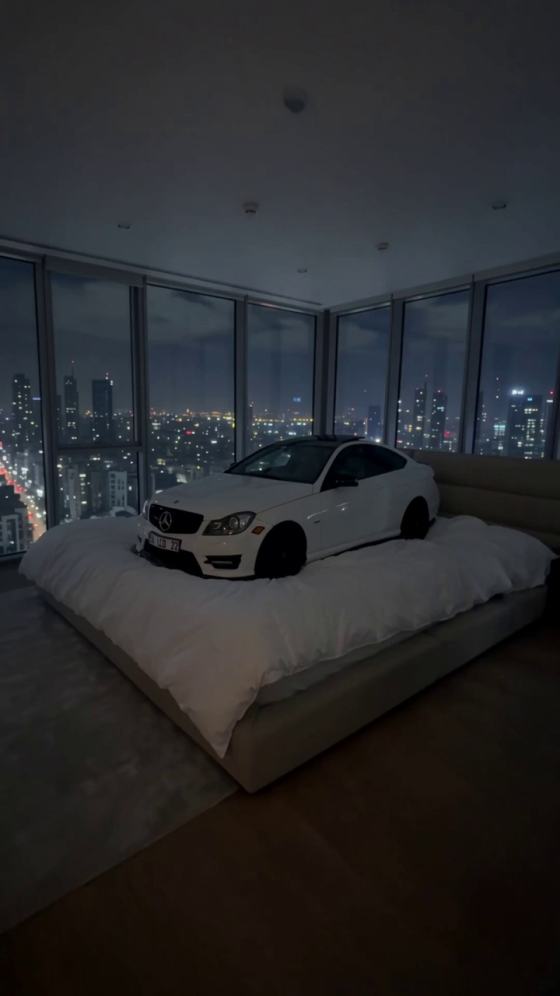


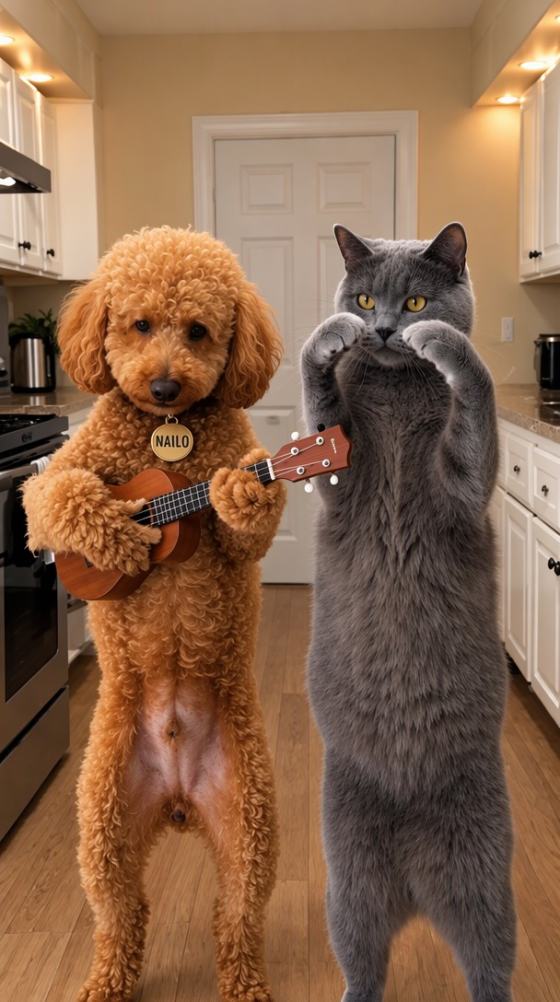
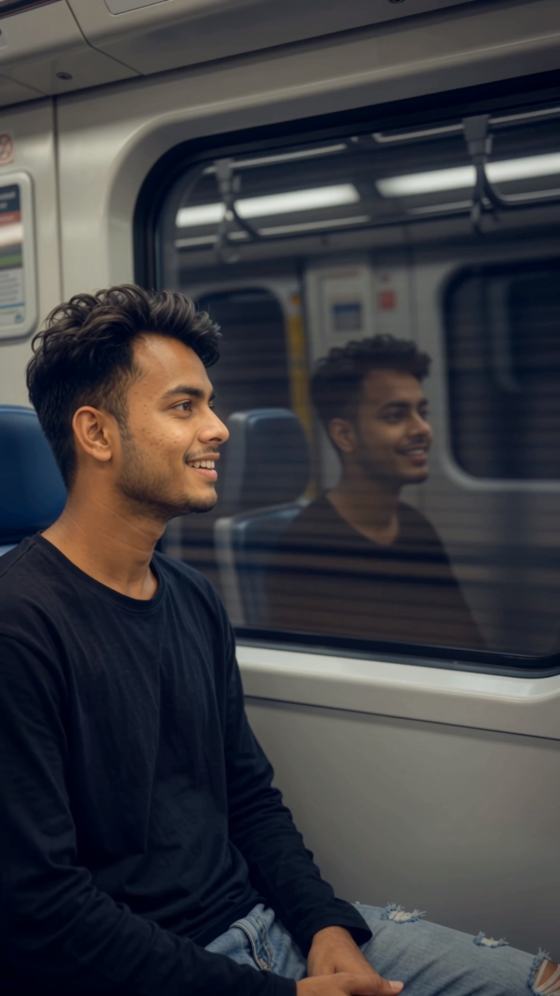
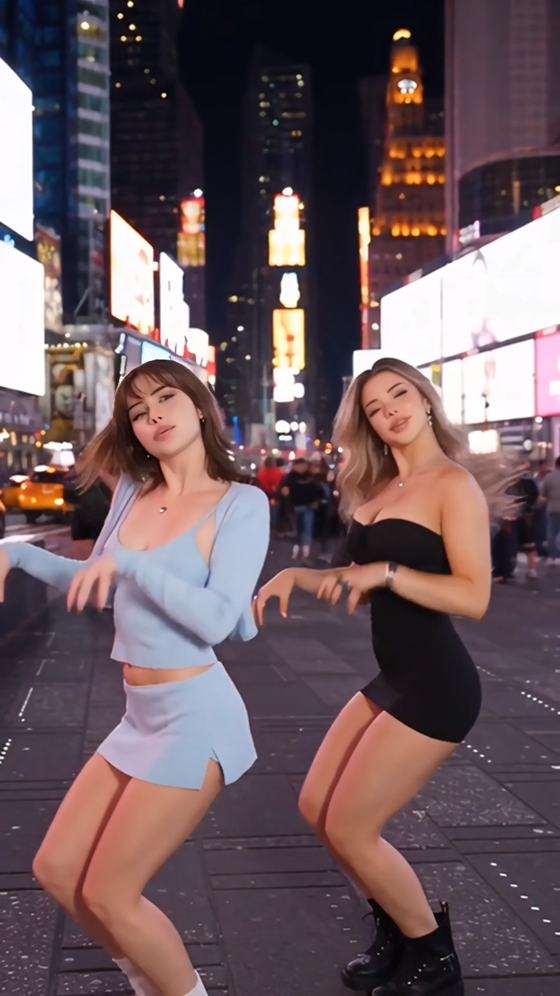
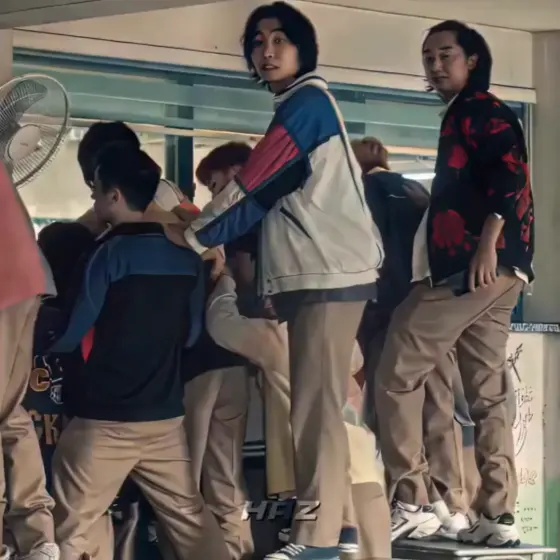

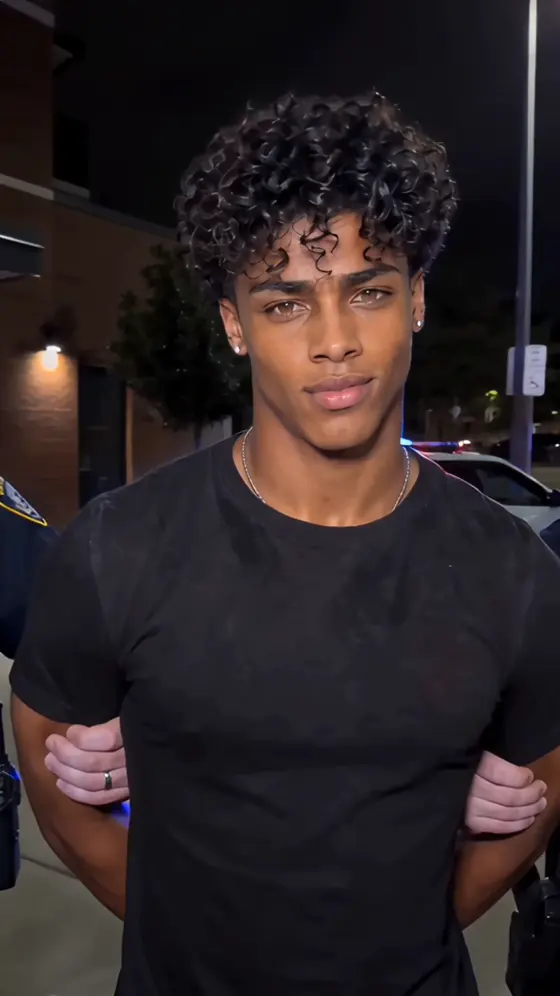


























Hub de Prompts Photo IA | Plus de 100 prompts d'images IA tendance et idées de photos virales

Découvrez les derniers prompts photo IA pour ChatGPT, Gemini, Midjourney, Flux et bien plus. Explorez plus de 100 prompts d'images IA tendances, des idées de photos virales pour Instagram et TikTok, des portraits cinématographiques, des montages de couples, des styles fantastiques, de l'anime, des effets saisonniers et des modèles de prompts prêts à l'emploi - tout en un seul endroit.

Temp Seen Trending Templates: Create Viral AI Videos from Photos

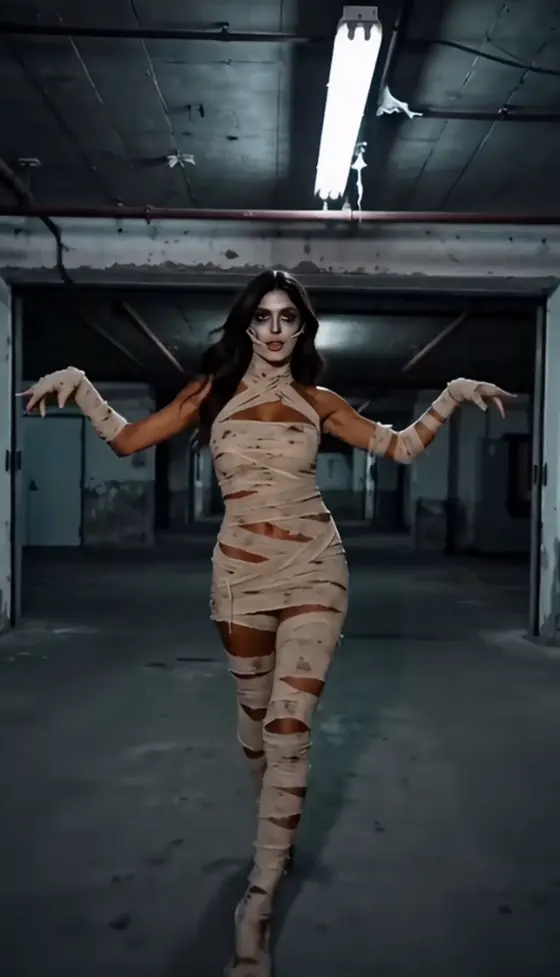
Turn one photo into a scroll-stopping AI video with the latest temp seen trending templates. Media.io helps you recreate temp seen, prom seen, cinematic portrait, glow-up, couple, and social video trends online—without complex editing or app installation.

Create Temp Seen Video Now

Free credits on signup.

Why Create Temp Seen Trending Templates with Media.io

Create Online Without Editing Software

Open Media.io in your browser, upload a photo, and start creating. There is no timeline to master, no desktop software to install, and no need to search for unofficial temp seen editing apps.

One Photo, Dynamic AI Motion

AI adds camera movement, facial motion, cinematic zooms, light changes, and smooth transitions to a single portrait. It is ideal for creators who want a polished temp seen result without manual keyframing.

Built for Social Video Trends

Create vertical videos for TikTok, Instagram Reels, YouTube Shorts, and story posts. Choose a temp seen or prom seen style, generate several versions, and publish the strongest result.

Fast, Beginner-Friendly Creation

No advanced prompting or editing experience is required. Pick a template, upload a clear photo, and let AI handle the movement, pacing, transitions, and visual styling.

How to Create a Temp Seen Trending Video

01

Step 1: Upload a Clear Photo

Choose a front-facing portrait, selfie, couple photo, fashion image, or character picture. A sharp subject with good lighting usually produces the most natural AI motion.

02

Step 2: Choose a Trending Template

Select a temp seen trending template, prom seen transition, cinematic portrait effect, glow-up style, or another social-ready motion preset that matches your content idea.

03

Step 3: Generate and Share

Generate the video, preview the motion and framing, then download the final result for TikTok, Instagram Reels, YouTube Shorts, stories, profile posts, or personal edits.

Popular Temp Seen Trending Template Ideas

Explore practical ways to use temp seen and prom seen templates for viral posts, profile upgrades, fashion content, couple edits, and creative AI experiments. Each concept can be adapted to different moods, formats, and audiences.

Cinematic Portrait Temp Seen

Animate a single portrait with slow camera movement, dramatic lighting, emotional expressions, and premium color grading. This style works well for profile videos, creator intros, and aesthetic social posts.

Prom Seen and Glow-Up Transitions

Turn casual photos into formal, elegant, or transformation-style edits. A prom seen template can highlight outfit changes, event memories, graduation moments, or before-and-after reveals.

Couple, Fashion, and Character Edits

Create romantic couple videos, editorial fashion motion, anime-inspired edits, or character transformations. These templates help creators join trends while keeping the original subject recognizable.

Creators Make Temp Seen Videos Faster with Media.io

user
Emma R.

TikTok Creator

starstarstarstarstar

“Perfect Trend Generator.” Media.io makes it easy to test several temp seen trending templates from one portrait. The motion feels polished, and I can quickly choose the version that works best for TikTok.

user
Jason M.

Social Media Manager

starstarstarstarstar

“Fast and Professional.” I use it for fast Reels and Shorts production. Uploading one photo is enough to create a clean temp seen or prom seen video without spending hours on keyframes.

user
Sophia K.

Lifestyle Creator

starstarstarstarstar

“Easy for Beginners.” I had no editing experience. I selected a prom seen template, uploaded a selfie, and the AI handled the movement and transitions automatically.

FAQs About Temp Seen Trending Templates

1. What are temp seen trending templates?

Temp seen trending templates are AI-powered video styles that animate static photos with camera motion, facial movement, transitions, lighting effects, and cinematic pacing. They are commonly used for TikTok, Instagram Reels, YouTube Shorts, profile posts, and other short-form content.

Yes. Upload one clear portrait, selfie, couple photo, or character image and select a temp seen trending template. Media.io analyzes the subject and generates motion automatically. Clear faces, balanced lighting, and uncluttered backgrounds usually improve consistency.

Temp seen generally refers to trendy photo-to-video motion styles, including cinematic zooms, facial animation, transitions, and mood-based edits. Prom seen usually describes formal-event, graduation, outfit-reveal, or elegant transformation content. The terms can overlap because creators often rename or remix viral templates.

Media.io provides free signup credits for supported AI generation tools, so new users can test temp seen and prom seen ideas online. Credit cost, export quality, queue speed, watermark rules, and available models may vary by account, region, or subscription plan.

Not directly. “Promote seen ChatGPT” may be a misspelling or search variation connected to prompts, promoted scenes, or AI content ideas. “Temperature in LA Fahrenheit” is a weather query and is unrelated to temp seen video templates. This page focuses on AI-powered photo-to-video trends.

Media.io Online AI Tools Quality Rating:
vote 4.7 (162,357 Votes)



