Premier abonnement jusqu'à50 % de réduction
Acheter maintenant

Générateur de vidéos de rap par IA – Créez des clips de rap | Media.io

Créez des vidéos de rap avec IA à partir d’images, d’instructions et de références de performance. Explorez des idées de freestyle solo, de duo de rap et de clips de hip-hop avec Media.io.
Toutes les Soumissions

AI Rap Video Generator: Create Your Own Rap Performance

Bring your rap video idea to life with Media.io. Start with a character image, a scene prompt, or a performance reference to create a solo freestyle, a rap duo, or hip-hop music video visuals. Explore image-to-video and reference-based workflows, keep your characters consistent, and prepare a clip for TikTok, Reels, or YouTube Shorts.

Create My AI Rap Video

Available credits, audio features, lip-sync, and export options depend on your account and selected model.

Create Rap Videos with Images, Prompts, and References

Turn Your Image into a Rap Performance

Use a clear character image to guide your AI rap video. Define the face, hairstyle, outfit, and scene, then animate rhythmic gestures for a solo rapper or a two-person performance. Use images of yourself or consenting adults.

Explore Solo and Rap Duo Ideas

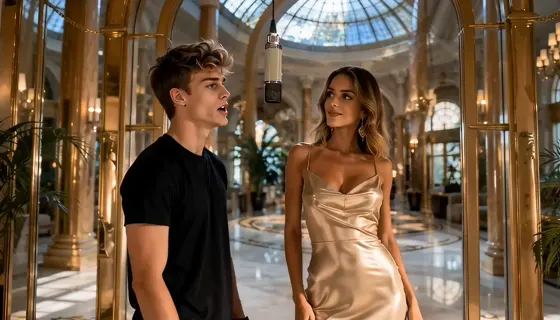
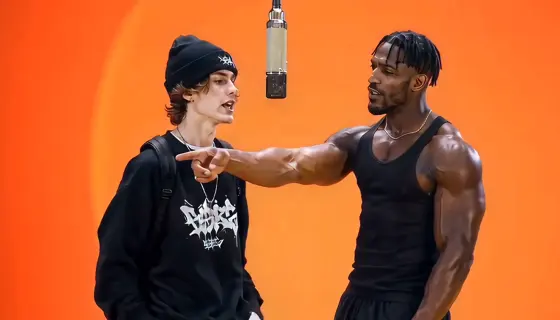
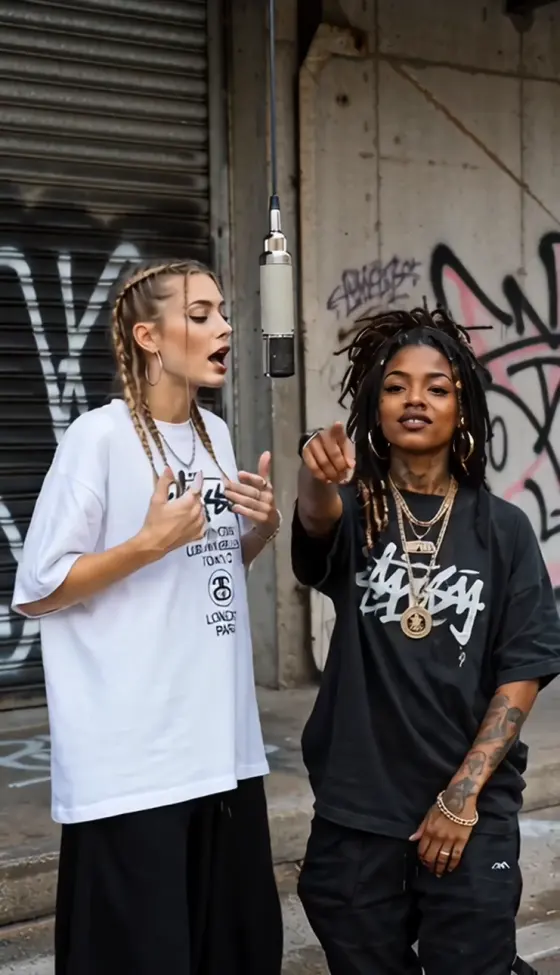
Choose from rap video ideas such as a studio freestyle, an orange-booth duet, a street cypher, or a short track teaser. Match your scene and performer count to the reference inputs your chosen mode supports.

Copy and Customize Rap Video Prompts

Start with AI rap video prompts for performance and hip-hop music video visuals. Specify the scene, gestures, character roles, and camera movement. A reference clip can guide an existing routine; text and images can guide an original performance.

Plan Audio, Lip-Sync, and Social Formats

Build your AI rap music video around the output you need. Choose 9:16 for short social clips where supported, check the model’s audio options, and use a compatible lip-sync workflow when precise mouth movements matter.

How to Make an AI Rap Video Online

01

Step 1: Choose Your Rap Video Style

Decide whether you want a solo rap video, rap duo, or music clip. Choose a studio, street, or stage setting. Prepare an original idea or a performance reference you have permission to use, then select a mode that supports your inputs.

02

Step 2: Add Images and a Rap Prompt

Upload clear character images or a combined duo image, depending on the selected mode. Customize the AI rap video prompt with your performers, scene, gestures, and camera. If using a reference clip, follow its action order and timing. Keep each character’s face, outfit, and role consistent.

03

Step 3: Review Audio and Export

Generate a supported short segment and review your AI rap performance video. Check identity, hands, motion, and scene continuity. Verify audio and lip-sync support; add suitable audio through compatible tools if needed. Download the finished clip with the available export settings.

Copy-Ready AI Rap Video Prompts for Four Styles

Decorative avatar beside an AI rap video prompt
Solo Studio Rap

One Character Image · Original Performance

Solo AI Rap Video Prompt: Use @Image1 as the only performer in a minimalist recording studio. Preserve the subject’s face, hair, skin tone, outfit, and accessories. Guide this AI rap performance with confident head nods, subtle torso rhythm, expressive but controlled hand gestures, and natural facial movement. Keep one microphone, a fixed front-facing medium shot, soft studio lighting, and a stable background. SAME IDENTITY. NO DUPLICATE. NO NEW SCENES. No extra people, distorted fingers, sliding feet, or clothing flicker. Create a supported 5–10-second vertical 9:16 clip. Generate vocals only if supported; precise mouth timing requires supplied audio and a compatible lip-sync mode.

Decorative avatar beside an AI rap video prompt
Orange-Booth Rap Duo

Two Character Images · Reference Performance

AI Rap Duo Video Prompt: Assign @Image1 to the LEFT performer and @Image2 to the RIGHT performer in @Video1. Each image defines that subject’s face, hairstyle, outfit, and accessories. Preserve the orange studio and ONE hanging microphone. Match each source performer’s gestures, body rhythm, lead/support roles, mouth movements, and timing. Keep the reference framing, camera movement, lighting, and cuts. SAME IDENTITY for both subjects. NO ROLE SWAP. NO DUPLICATE. NO NEW SCENES. No blended faces, extra limbs, outfit flicker, or microphone drift. Use a supported 5–10-second segment in 9:16 with both performers visible. Handle suitable audio and precise lip-sync through supported tools.

Decorative avatar beside an AI rap video prompt
Street Freestyle Rap

One Character Image · Reference Performance

Freestyle Rap Video Prompt: Use @Image1 to replace only the designated lead rapper in @Video1. Follow the reference’s freestyle gestures and performance timing while maintaining the new subject’s face, hair, skin tone, build, clothing, and accessories. Preserve every other person, source location, props, lighting, camera path, framing, and shot order. Keep SAME IDENTITY during turns and after occlusion. NO ROLE SWAP. NO DUPLICATE. NO NEW SCENES. No extra subjects, distorted hands, wardrobe flicker, or background drift. Use a supported 5–10-second excerpt and keep the performer visible in 9:16 where supported. Retain or add suitable audio only through compatible tools.

Decorative avatar beside an AI rap video prompt
Hip-Hop Track Teaser

One Character Image · Music Video Visuals

AI Rap Music Video Prompt: Create a short hip-hop track teaser using @Image1 as the only performer. Use these music video visuals to establish a neon-lit recording studio, a slow camera push-in, and confident rhythmic head and hand movement. Preserve the performer’s face, hairstyle, outfit, proportions, and accessories. Keep SAME IDENTITY, one continuous shot, consistent lighting, and a stable background. NO DUPLICATE. NO NEW SCENES. No extra people, distorted hands, flickering lights, or outfit changes. Start with a supported 5–10-second clip in 9:16. Align the visual edit to your own or licensed rap track separately unless compatible audio input is available. Do not generate text or subtitles inside the scene.

FAQs About the AI Rap Video Generator

1. What is an AI rap video generator?

An AI rap video generator helps create rap performance clips or music video visuals from inputs such as images, prompts, reference videos, or audio. Tools differ: some generate original lyrics, beats, and vocals, while others animate characters or create visuals for an existing track. In Media.io, choose a workflow that supports the inputs and output you need.

2. Can I create an AI rap video from my own image?

Yes, use an image-compatible video mode and a clear image of yourself or a consenting adult. Show the face, hairstyle, and intended outfit clearly. A solo performance can start from one image; a rap duo may require separate character references or one combined image. Available inputs depend on the selected model.

3. Can I turn rap lyrics or a song into a music video?

Lyrics can guide a scene concept, while a supported audio-to-video workflow can use an existing track to guide music video visuals. Writing lyrics in a visual prompt does not by itself guarantee sung or rapped vocals. Check whether your selected tool accepts audio, generates music, or needs a separate editing step to combine the track and video.

4. Does the AI rap video include sound and accurate lip-sync?

Sound and mouth synchronization depend on the selected model and mode. Some workflows support native audio or supplied audio; others generate visual clips only. For fast rap delivery or two performers, review each vocal part carefully. Precise lip-sync needs compatible audio conditioning or a dedicated synchronization tool.

5. Is the AI rap video generator free to use?

Check your account’s current credits and the selected model’s generation cost before creating a video. Trial access, paid credits, resolution, duration, and watermark options can vary. Do not assume that every rap video mode or export setting is free; review the options shown in the tool.

Media.io Online AI Tools Quality Rating:
vote 4.7 (162,357 Votes)
