Design Reusable Characters with the Media.io AI Fantasy OC Generator

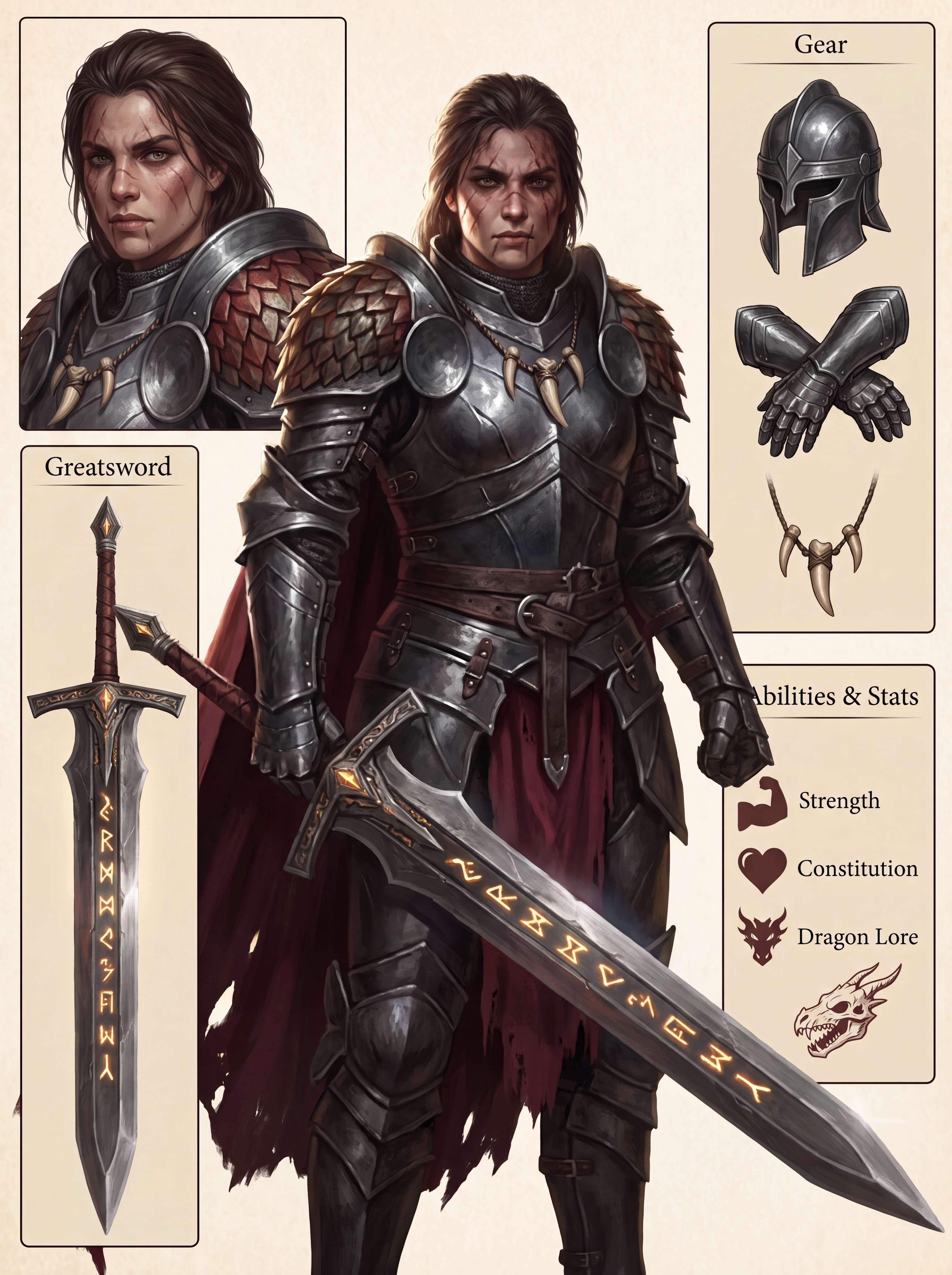
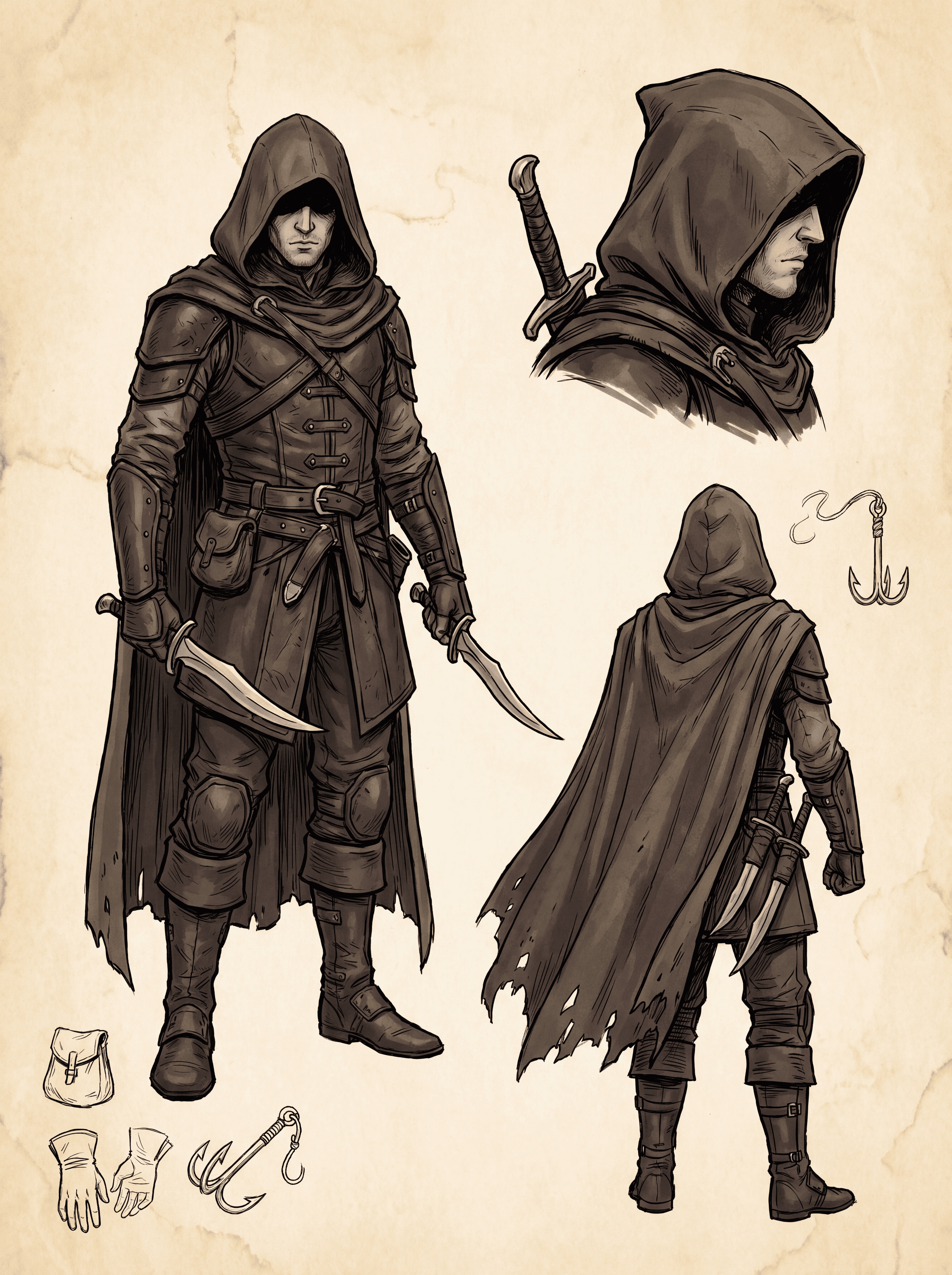
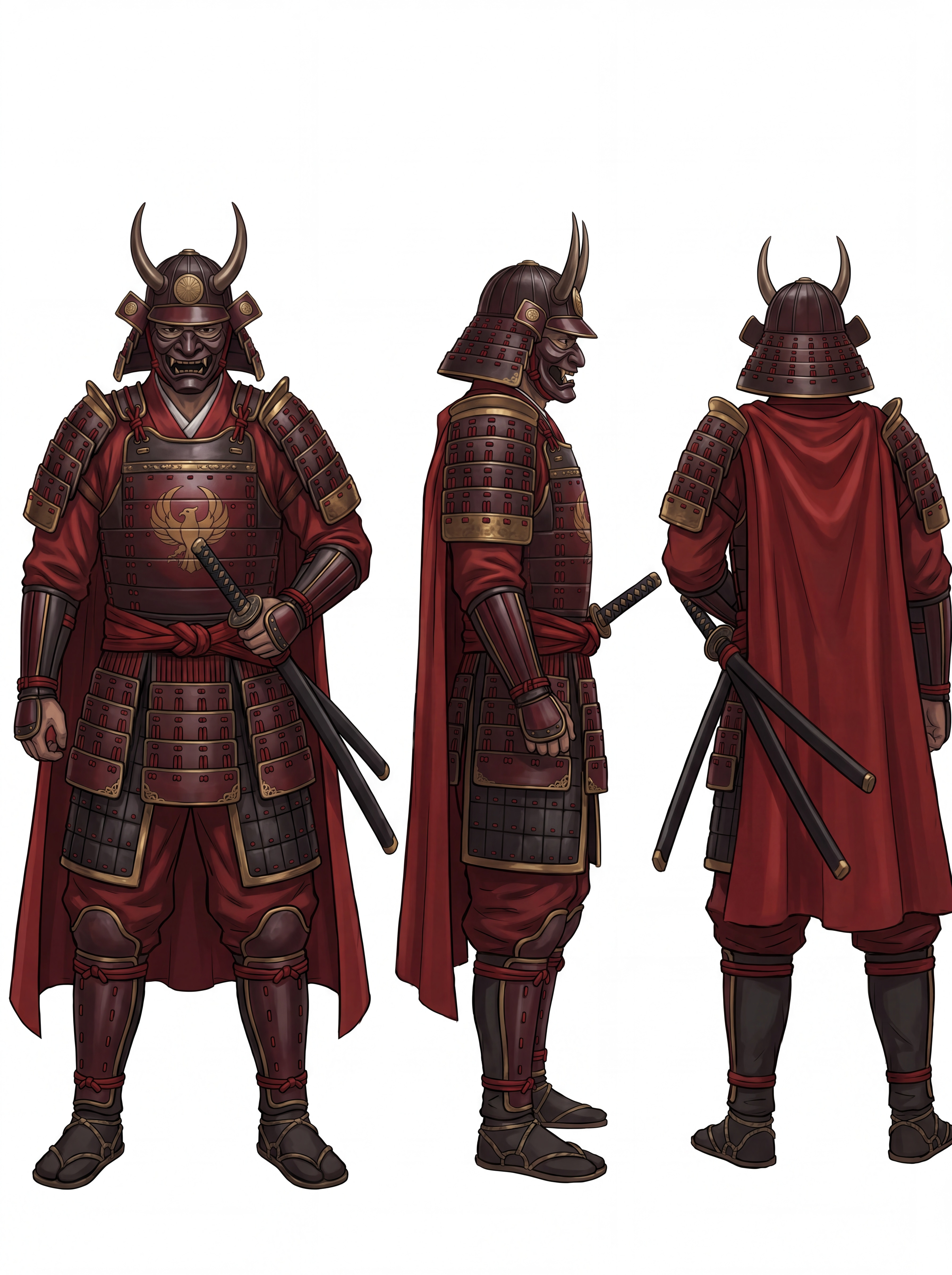
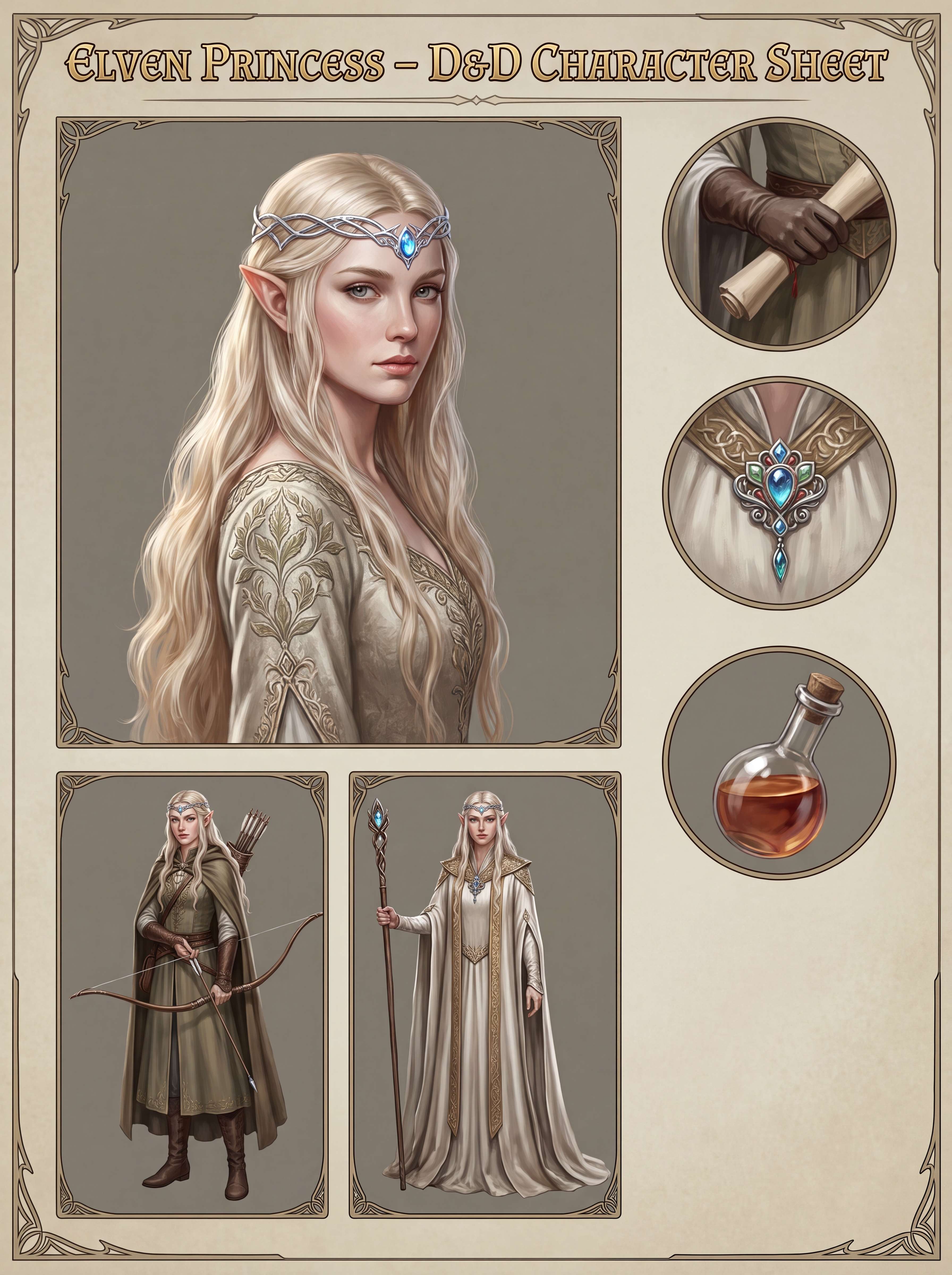
Bring your unique original characters to life. Use our AI fantasy character generator to design consistent elves, mages, warriors, princesses, or dark fantasy villains once, save them to Assets, and seamlessly reuse them across future AI-generated scenes, poses, and videos using @character.

Why Choose Media.io for AI Fantasy Character Creation

Persistent Character Consistency

Create a reusable fantasy character once and save it directly to Assets. Bring your hero back in any future AI image or video just by typing @character, maintaining identity across scenes.

From Photos or Creative Prompts

Use our AI fantasy character generator from photo to adapt real faces, or describe your vision from scratch to create a completely unique elf, vampire, or warrior from text prompts.

Multi-Angle Character Sheets

Select from various views including Face Close-ups, Face + Full Body, or structured AI fantasy character sheet generator layouts to establish flawless reference models for your stories.

Build Visual Worlds & AI Videos

Take your saved OCs beyond static concept art. Animate your fantasy characters directly in AI video generation, perfect for RPG lore, comic book creation, webtoons, and roleplay visuals.

How to Create Your Custom AI Fantasy OC Online for Free

01

Step 1: Input Prompts or Upload Photo

Provide a prompt describing your fantasy character (e.g., "silver-haired elven mage with glowing blue eyes, crystal staff"). Optionally, upload a photo to use as a structural or face reference.

02

Step 2: Select Your Output View Style

Choose your format: Front View, Face Close-up, Face + Full Body, stylized Creative Model Card, or a structured multi-angle Character Sheet to outline your fantasy OC details.

03

Step 3: Save to Assets & Reuse

Generate your character and click "Save to Assets". Mention @character in future image or video prompts to consistently reuse your unique hero across multiple scenes.

Join Creators Designing Consistent AI Fantasy Characters in Seconds

user
@elven_scribe

Fantasy Author & RPG Creator

star star star star star

“My characters are now completely consistent across chapters!” I’ve used other AI tools, but my elven mage’s face changed in every render. Saving him to Assets on Media.io lets me reuse him in different scenes using @character easily.

user
@pixel_knight

Indie Game Developer

star star star star star

“The character sheet generator saved me weeks of work.” I generated a multi-angle character reference sheet and full-body view for my warrior hero. It acts as an incredible design guide for our 3D modelers.

user
@vamp_director

AI Video Animator

star star star star star

“Perfect consistency from image to motion.” Usually, turning a static character design into video makes the face warp. Using Media.io’s reusable OC feature, my vampire villain remains completely recognizable in every video frame.

user
@dm_sarah

RPG Campaign Master

star star star star star

“Turned my players into real fantasy heroes!” I uploaded pictures of my tabletop group and turned them into custom RPG character sheets. It made our campaign visual boards look stunning, high-quality, and deeply personalized.

FAQs About the AI Fantasy OC Generator

1. What is the Media.io AI Fantasy OC Generator?

It is a specialized tool designed to create original fantasy characters (OCs) like elves, mages, warriors, and villains using advanced AI. Unlike typical filters, this generator focuses on establishing a consistent character identity. Once saved to Assets, your fantasy character can be summoned continuously across multiple future images and video generations using the simple @character command.

2. How do I keep my fantasy character's face and style consistent?

Once you generate a fantasy OC that you love, click "Save to Assets". This locks in their distinctive facial structure, hairstyle, and overall aesthetic. When generating new scenes or videos on Media.io, type "@character" in the prompt, and the AI will reference the saved model, maintaining a highly consistent look across various poses and backgrounds.

3. Can I use a photo to generate an AI fantasy character?

Yes, you can upload any photo of yourself, a friend, or an existing reference to serve as a base. Our AI fantasy character generator from photo processes facial geometries and converts them into customizable styles, transforming the subject into an epic RPG hero, dark fantasy vampire, or medieval princess while preserving recognizable likeness.

4. What view types are supported by the character sheet generator?

Media.io offers multiple output formats tailored to your creative workflow. You can select Front View for a clean blueprint, Face Close-up for detailed expressions, Face + Full Body for a complete costume layout, a stylized Creative Model Card, or a structured multi-angle Character Sheet for comprehensive RPG reference.

5. Can I animate my saved fantasy OCs in AI videos?

Absolutely! The OCs you save in your Assets are fully compatible with Media.io's AI video tools. Simply trigger your character with @character in your text-to-video or image-to-video prompt to generate fluid animations, cinematic fight scenes, or dialogue cuts keeping the original style fully preserved.

Media.io Online AI Tools Quality Rating:
vote 4.7 (162,357 Votes)






