
Personnage IA
Nano Banana Pro
0/2000
1K
3:4
Type de Vue
Carte Modèle Créative
Pour des concepts stylisés et une exploration rapide.
Style
Réaliste
Réaliste
Tout
Ajouté
Non ajouté
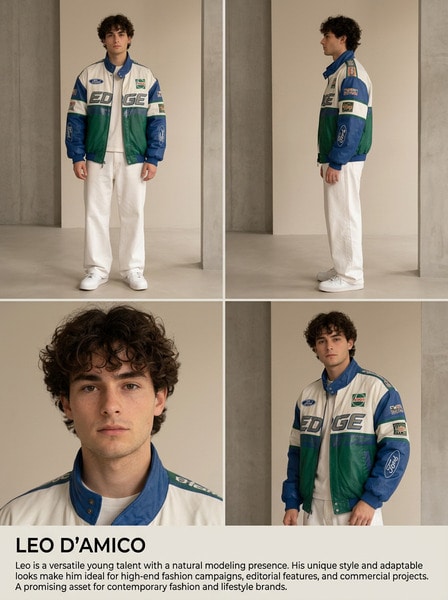
Générez des personnages IA réutilisables et des influenceurs de marque
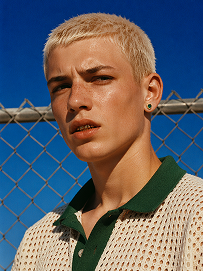
Outdoor bust portrait, cool teenage young man with short platinum blonde buzz cut, freckles across nose and cheeks, gold teeth grills on front teeth, single emerald green gem earring in left ear, sweat drop on cheek, wearing off-white open-knit polo shirt with dark green collar, standing in front of chain-link fence, vivid deep blue clear sky background, harsh bright midday direct sunlight, high contrast sharp shadows, 90s street fashion editorial photography, realistic skin texture, film grain, saturated vibrant color grading, shot on 35mm film, ultra detailed, 8K, sharp focus
Utiliser le prompt
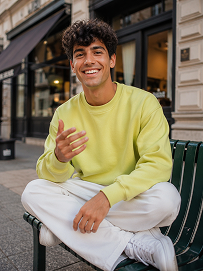
Realistic treet portrait, handsome young man with fluffy dark curly hair, sitting cross-legged on a dark green outdoor metal bench on city sidewalk, big bright smile showing teeth, right hand raised gesturing as if chatting, wearing lime yellow crew neck sweatshirt, loose white casual trousers, white sneakers, modern urban building background with shallow depth of field, natural soft daylight, lifelike skin texture, casual lifestyle photography, shot on Canon R5, 50mm f/1.8 lens, sharp focus, 8K, ultra detailed, warm natural tone
Utiliser le prompt
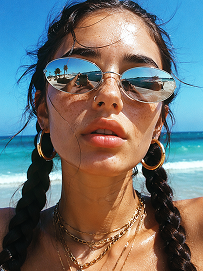
Close-up beach portrait, young woman with two thick dark long braids, freckles all over nose and cheeks, futuristic silver oval mirrored sunglasses reflecting beach scenery, large gold hoop earrings, layered multiple gold chain necklaces, slightly open mouth, bright harsh summer midday sunlight, clear turquoise ocean and blue sky background, wind blowing stray hair strands on face, realistic skin texture, sun-kissed complexion, vintage film grain, summer coastal fashion photography, sharp details, high saturation, shot on 35mm film, 8K ultra realistic
Utiliser le prompt

Create a LinkedIn Headshot That Looks Ready to Hire

Your profile photo shapes first impressions before a recruiter reads a single line. Media.io helps you generate a clean, credible AI LinkedIn headshot that fits modern hiring, networking, and personal branding needs. Build polished portraits for resumes, outreach campaigns, founder bios, and speaker pages without booking a studio.

Generate Your LinkedIn Headshot

Best results: use clear facial details, simple clothing references, and a professional tone for your prompt.

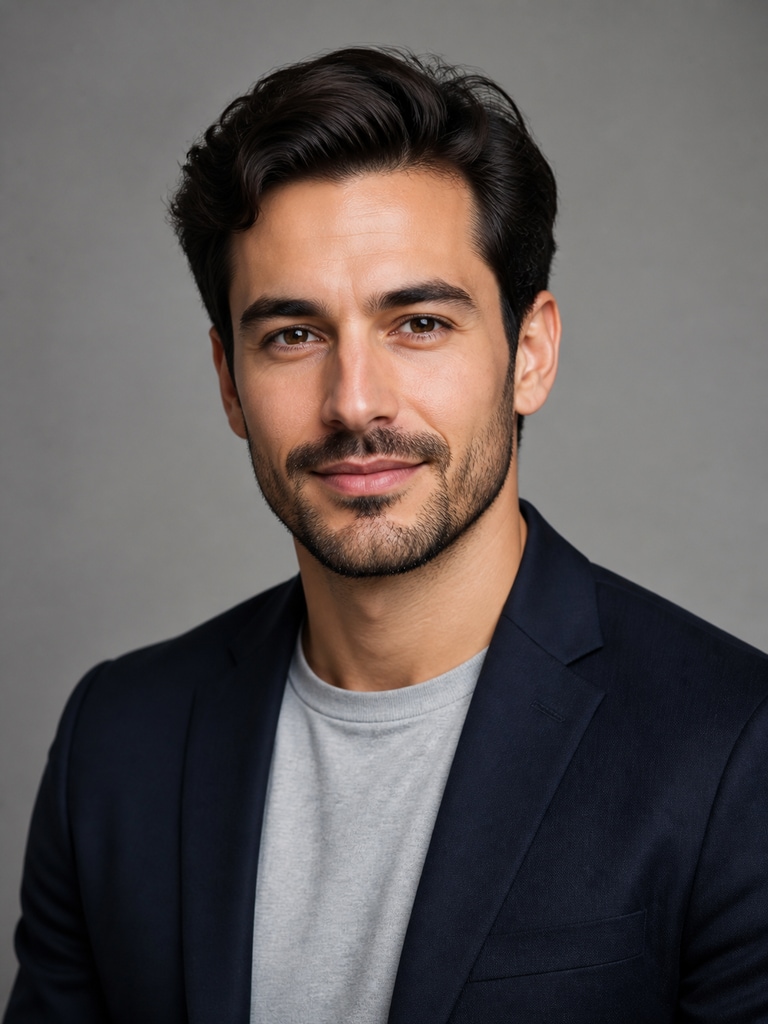
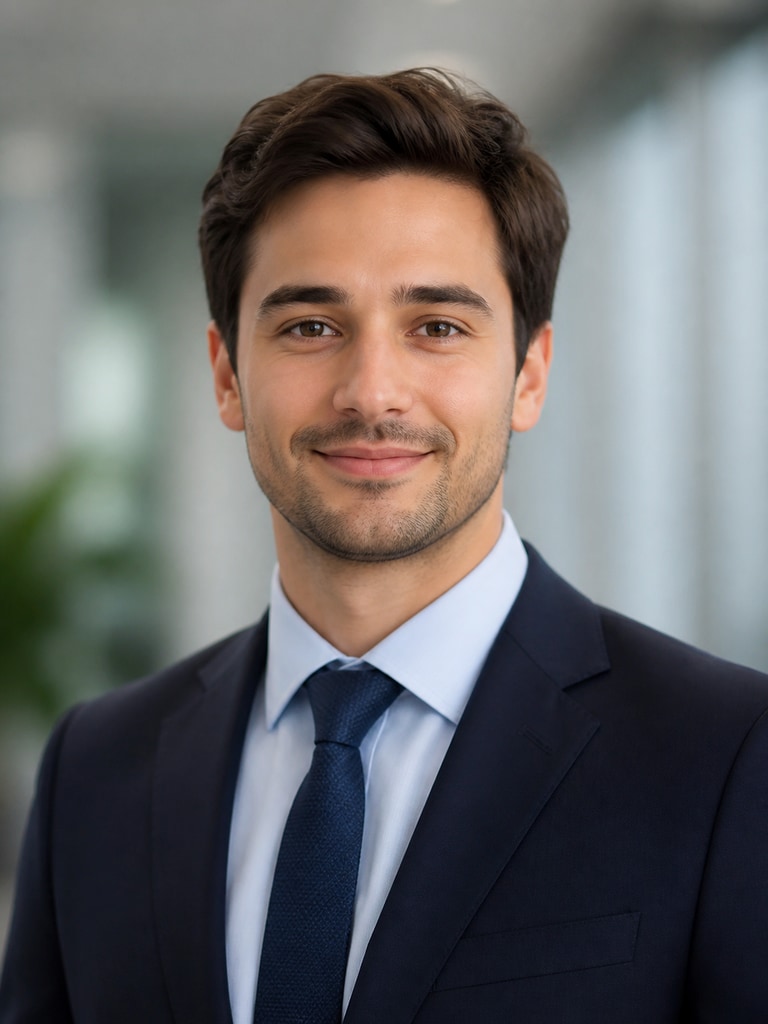
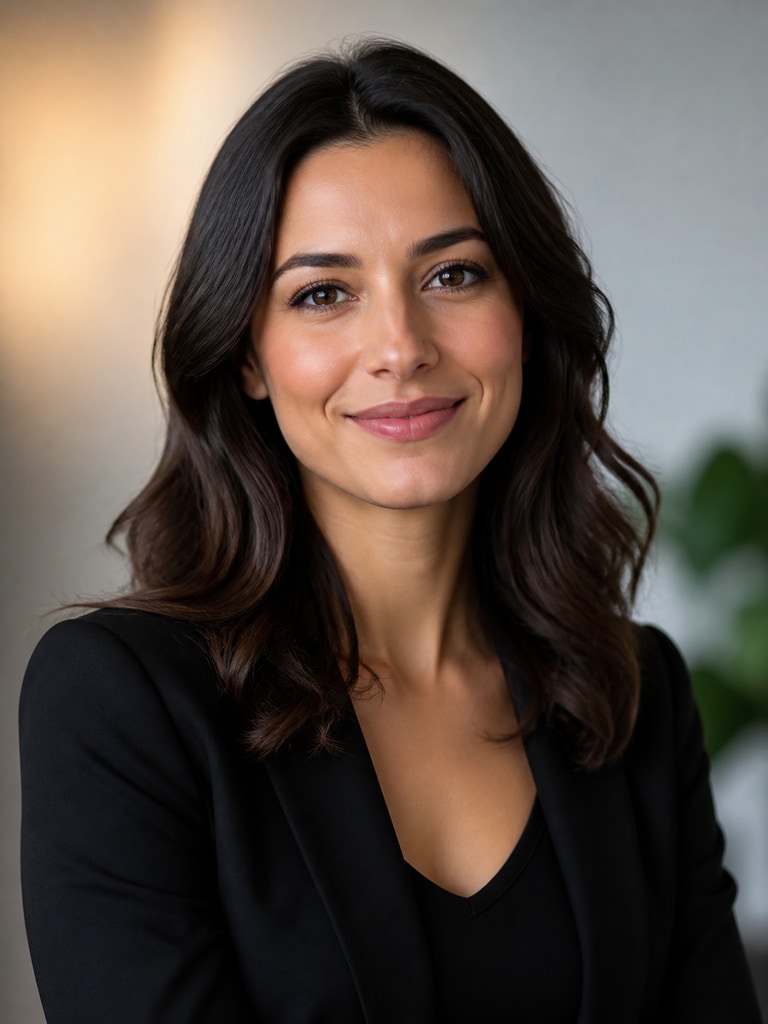
AI LinkedIn headshot of an adult job seeker in business attire with a clean corporate background

Job Seeker with a Clean Corporate Look

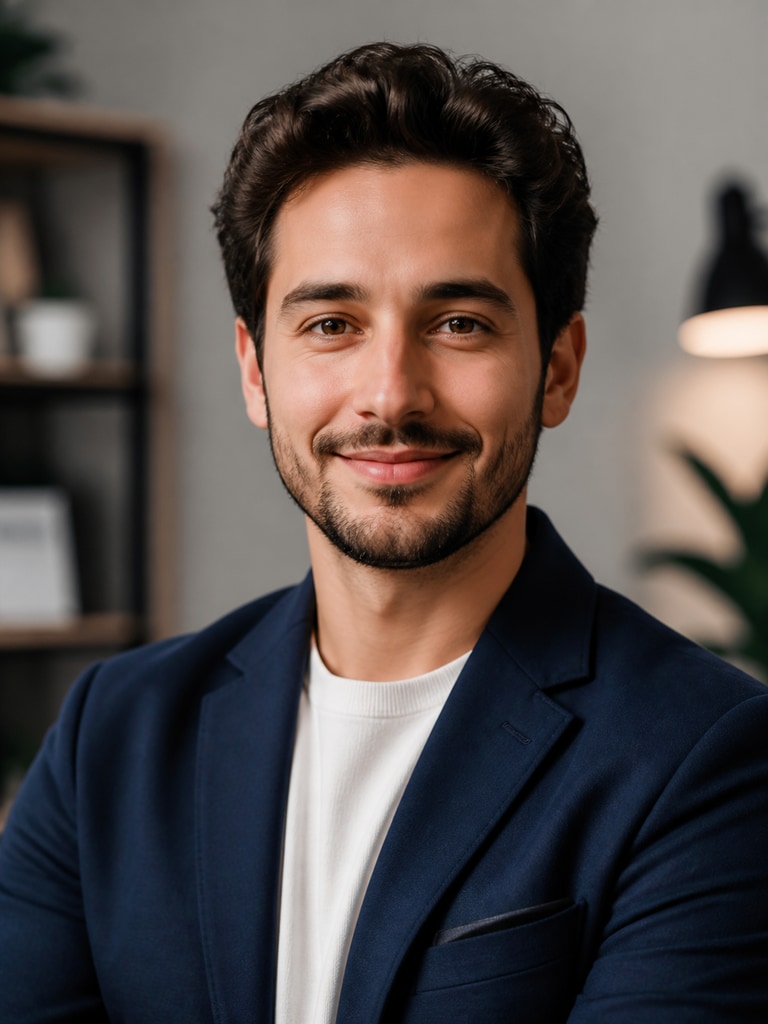
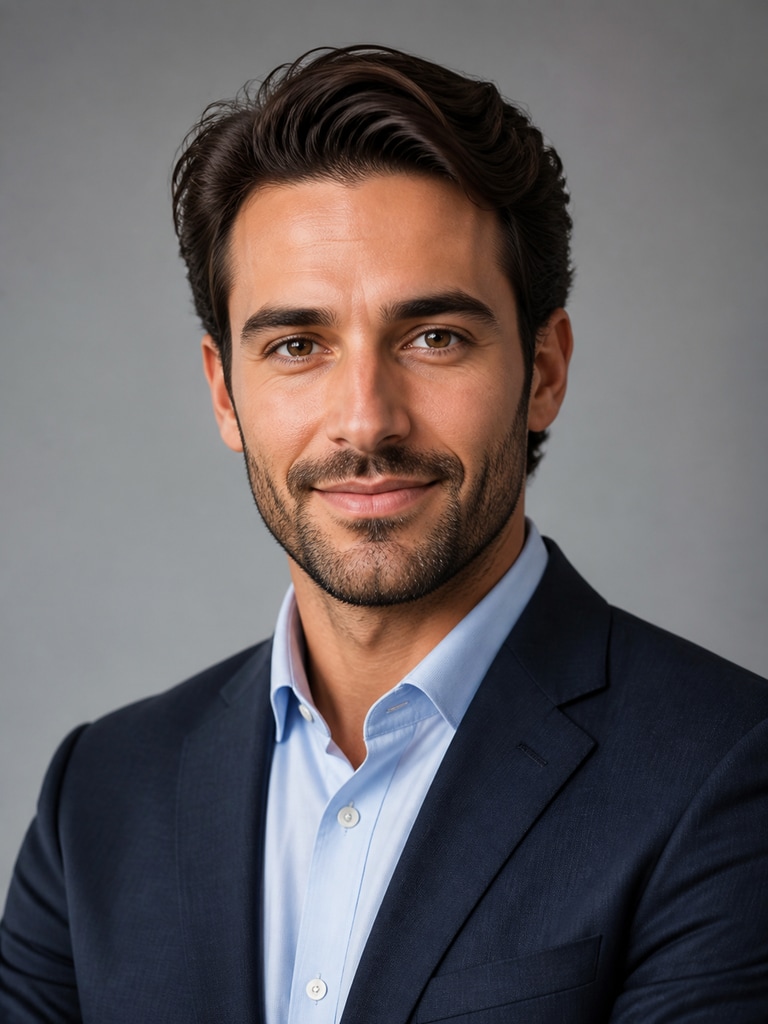
AI LinkedIn headshot of an adult startup founder with a modern approachable personal branding style

Startup Founder with a Modern Personal Brand

AI professional headshot of an adult consultant for LinkedIn and client-facing profile pages

Consultant Portrait for Client-Facing Profiles

AI headshot of an adult speaker with confident framing for event pages and LinkedIn profiles

Speaker Bio Headshot with Confident Framing

AI LinkedIn profile photo of an adult remote professional with a warm home-office inspired style

Remote Professional with a Friendly Home-Office Tone

AI headshot of an adult creative executive for LinkedIn, resumes, and professional social avatars

Creative Executive with a Refined Social Avatar

Why Professionals Use AI for LinkedIn Headshots

A strong LinkedIn image can improve profile trust before someone opens your experience section or portfolio. Professionals often need updated headshots for new roles, fundraising, consulting, speaking, or outreach, but studio sessions can be slow and expensive. Media.io gives you a faster way to test styles that still look credible in professional settings. You can create multiple polished options for different contexts while keeping your personal brand consistent across channels.

Look Credible in Recruiter Searches

Recruiters often scan quickly, so your photo needs to signal professionalism right away. A clear, balanced headshot can make your profile feel more complete and trustworthy in search results and outreach threads. Media.io helps you generate business-ready looks with appropriate framing, wardrobe, and background tone. That makes it easier to align your image with the roles and industries you want to target.

Refresh Your Brand Without a Studio Shoot

Many professionals need a new headshot after changing roles, launching a company, or updating their online presence. Traditional photography can require scheduling, travel, styling, and retouching before you get usable options. With Media.io, you can explore polished profile looks in far less time and refine them based on your goals. It is a practical way to test visual direction before committing to one final image.

Create Variations for Every Professional Use

One image style does not always fit every platform or audience. You may want a more formal portrait for LinkedIn, a warmer image for newsletters, and a modern version for your founder bio or speaker page. Media.io helps you generate consistent variations without losing your core visual identity. That flexibility is useful when you want one brand presence across multiple professional touchpoints.

Stay Consistent Across Profile and Resume Assets

Personal branding works better when your visual presentation feels aligned from one channel to the next. A cohesive headshot style can support your LinkedIn page, resume, email signature, portfolio, and outreach materials. Media.io makes it easier to keep color, framing, expression, and wardrobe direction consistent across these assets. The result feels more intentional and more professional to people evaluating your profile.

How to Make an AI LinkedIn Headshot

01

Describe Your Professional Look

Start with the role and impression you want your profile photo to communicate. Mention details like wardrobe, expression, lighting, background style, and whether you want a formal corporate tone or a modern founder look. The clearer your prompt, the easier it is to generate a headshot that fits your target audience.

02

Generate and Compare Headshot Styles

Create several options instead of settling on the first result. Compare framing, posture, outfit choices, and background tone to see which version feels strongest for LinkedIn, resumes, or outreach pages. This step helps you choose an image that looks both polished and believable.

03

Refine for Your Final Profile Use

Adjust details until the image matches the level of professionalism you want to present online. You can tune the style for job search visibility, networking credibility, or personal brand consistency across platforms. Once it feels right, export the version that best supports your professional goals.

What Professionals Say

user
Maya

Product Marketing Manager

starstarstarstarstar

"It helped my profile look more current" I needed a new LinkedIn photo after moving into a more senior role, but I did not have time to plan a shoot. Media.io let me test several polished looks that felt appropriate for recruiter searches and networking. I liked that I could compare formal and slightly more approachable styles side by side. The final image looked clean, modern, and much stronger than my old profile picture.

user
Ethan

Startup Founder

starstarstarstarstar

"Useful for founder bio and outreach pages" I wanted a headshot that worked for LinkedIn, my company site, and investor outreach materials. Media.io made it easy to create a consistent visual style without spending days coordinating photography. The variations helped me find a look that felt professional without being too stiff. It saved time and gave me options I could actually use across multiple pages.

user
Priya

Independent Consultant

starstarstarstarstar

"More polished than my usual webcam photo" Most of my client leads first see me on LinkedIn, so I wanted a profile image that matched the quality of my consulting brand. Media.io helped me generate a cleaner, more balanced headshot with a professional background and better framing. I appreciated being able to refine the tone until it looked credible for client-facing work. The result felt more intentional than the photos I was using before.

user
Jordan

Career Switcher

starstarstarstarstar

"Great for a resume and LinkedIn refresh" I was updating my resume, LinkedIn page, and outreach messages at the same time, so I wanted one headshot style that worked everywhere. Media.io gave me a fast way to create options that looked professional without feeling overly edited. It was helpful to see how small changes in expression and wardrobe shifted the overall impression. I ended up with a photo that made my profile feel more complete and confident.

user
Sofia

Conference Speaker and Creator

starstarstarstarstar

"Helped me keep my personal brand consistent" I use the same general headshot across LinkedIn, speaker bios, and social channels, so consistency matters a lot. Media.io helped me create an image that looked polished enough for professional pages but still approachable for my audience. The style options made it easier to match my existing branding without hiring a photographer. That balance between credibility and personality was exactly what I needed.

Professionals are using AI headshots to refresh LinkedIn profiles faster and keep their personal branding consistent across work channels.

FAQ

1. What is an AI LinkedIn headshot generator?
faqfaq

An AI LinkedIn headshot generator helps you create a professional profile-style portrait using text prompts and image styling tools. It is designed for people who want a polished image for LinkedIn, resumes, outreach, or personal branding without arranging a full photo session. Media.io lets you explore different looks, backgrounds, and levels of formality in one place. That makes it easier to find a version that fits your role, industry, and audience.

Many professionals use AI-generated profile photos when they want a clean, updated image for online networking and job search visibility. The key is choosing a result that looks credible, professional, and aligned with how you present yourself in real work settings. Media.io helps you create headshots that are suitable for profile pages, resumes, and personal branding use cases. You should still aim for a photo style that feels honest, current, and appropriate for your field.

A good LinkedIn headshot usually has clear facial visibility, balanced lighting, a natural expression, and a background that does not distract from your face. Clothing should match your professional context, whether that means corporate, startup, consultant, or creative leadership style. Media.io makes it easier to test those details without repeating a full shoot. The best result is one that helps people trust your profile quickly and remember your personal brand.

Yes, and that is often one of the most useful reasons to generate multiple versions. A resume headshot may call for a simpler, more formal look, while a founder bio or speaker page can support a slightly more branded or approachable tone. Media.io lets you keep the same core identity while adjusting wardrobe, composition, and background. That gives you a consistent presence across channels without making every image look identical.

Start by naming the use case, such as LinkedIn profile, recruiter outreach, resume, or consultant bio. Then describe the look you want, including clothing, expression, background, lighting, and whether the tone should feel formal, approachable, modern, or executive. Media.io responds better when the prompt is specific enough to guide style but simple enough to stay focused. A strong prompt usually combines role, mood, setting, and visual polish in one clear sentence.

Yes, because professional presentation changes from one field to another. A finance candidate may want a more formal corporate image, while a creator, founder, or consultant might prefer a modern and approachable style. Media.io gives you room to adjust those details so your headshot matches the expectations of your audience. That flexibility is useful when you are applying broadly or tailoring your profile to a specific opportunity.

Yes, many users adapt the same headshot style for resumes, speaker pages, portfolio sites, email signatures, and professional social avatars. The main advantage is brand consistency across platforms where people may check your profile before responding to an introduction or inquiry. Media.io helps you create variations that still feel visually related. That way your online presence looks more coordinated and more intentional.

Media.io is useful when you want a faster route to a polished professional portrait without sacrificing control over style. It supports the practical needs behind this keyword, including LinkedIn updates, recruiter outreach, founder branding, and profile refreshes for career moves. You can generate options, compare different looks, and refine the one that best fits your goals. That combination of speed, flexibility, and branding focus makes it a strong fit for professional headshot creation.

Media.io Online AI Tools Quality Rating:
vote 4.7 (162,357 Votes)