Personnage IA
Nano Banana Pro
0/2000
1K
3:4
Type de Vue
Carte Modèle Créative
Pour des concepts stylisés et une exploration rapide.
Style
Réaliste
Réaliste
Tout
Ajouté
Non ajouté
Générez des personnages IA réutilisables et des influenceurs de marque
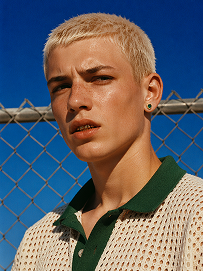
Outdoor bust portrait, cool teenage young man with short platinum blonde buzz cut, freckles across nose and cheeks, gold teeth grills on front teeth, single emerald green gem earring in left ear, sweat drop on cheek, wearing off-white open-knit polo shirt with dark green collar, standing in front of chain-link fence, vivid deep blue clear sky background, harsh bright midday direct sunlight, high contrast sharp shadows, 90s street fashion editorial photography, realistic skin texture, film grain, saturated vibrant color grading, shot on 35mm film, ultra detailed, 8K, sharp focus
Utiliser le prompt
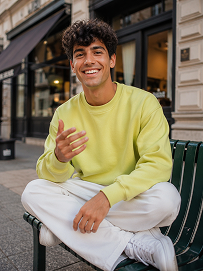
Realistic treet portrait, handsome young man with fluffy dark curly hair, sitting cross-legged on a dark green outdoor metal bench on city sidewalk, big bright smile showing teeth, right hand raised gesturing as if chatting, wearing lime yellow crew neck sweatshirt, loose white casual trousers, white sneakers, modern urban building background with shallow depth of field, natural soft daylight, lifelike skin texture, casual lifestyle photography, shot on Canon R5, 50mm f/1.8 lens, sharp focus, 8K, ultra detailed, warm natural tone
Utiliser le prompt
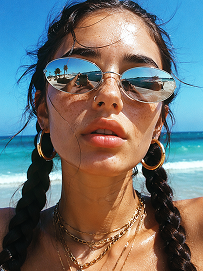
Close-up beach portrait, young woman with two thick dark long braids, freckles all over nose and cheeks, futuristic silver oval mirrored sunglasses reflecting beach scenery, large gold hoop earrings, layered multiple gold chain necklaces, slightly open mouth, bright harsh summer midday sunlight, clear turquoise ocean and blue sky background, wind blowing stray hair strands on face, realistic skin texture, sun-kissed complexion, vintage film grain, summer coastal fashion photography, sharp details, high saturation, shot on 35mm film, 8K ultra realistic
Utiliser le prompt

Create Police Officer Portraits That Look Ready for Public Use

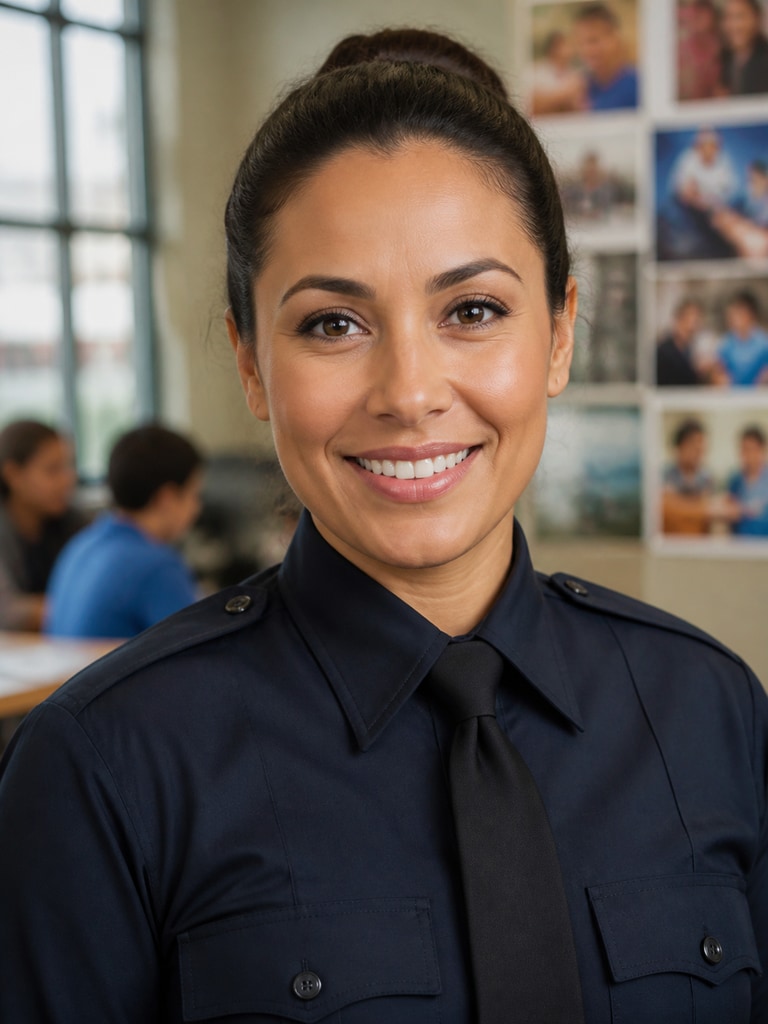
Generate polished police officer headshots for public safety bios, training materials, recruiting pages, and community outreach profiles. Media.io helps you keep portraits consistent while staying clearly fictional and non-deceptive. Use it to build a clean visual style for department directories, staff pages, and educational content.

Generate Officer Portraits

Tip: Keep uniforms, lighting, and background style consistent across every profile for a cleaner department look.

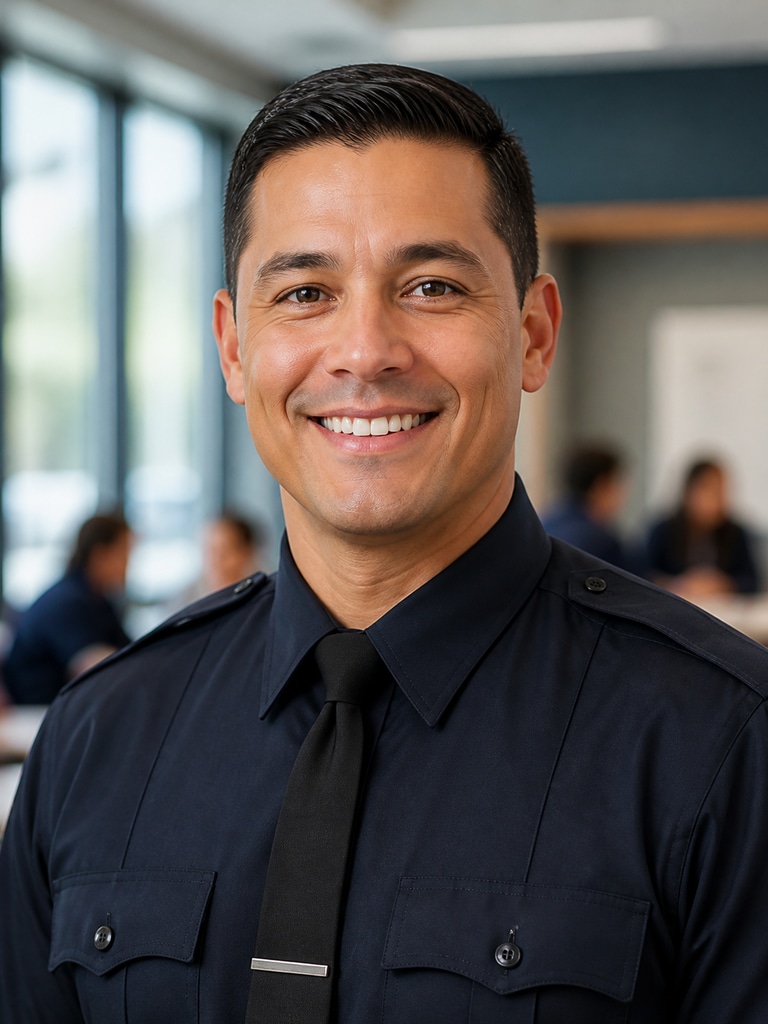
Fictional adult police officer portrait for community outreach, realistic 3:4 headshot

Community Outreach Officer Portrait

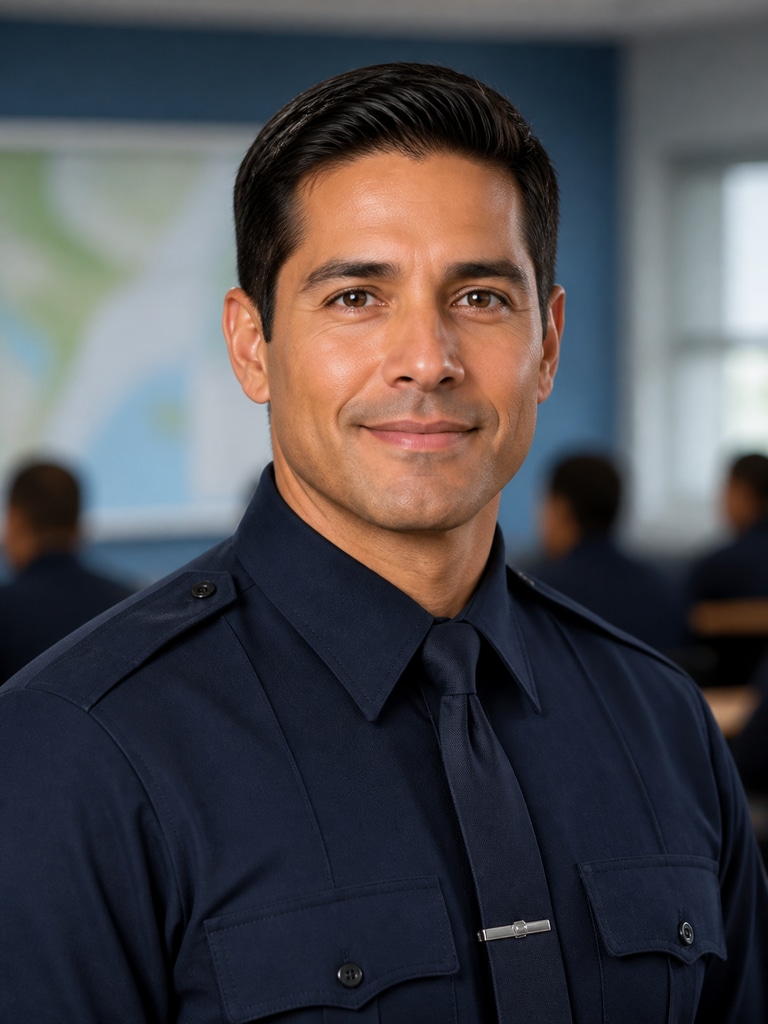
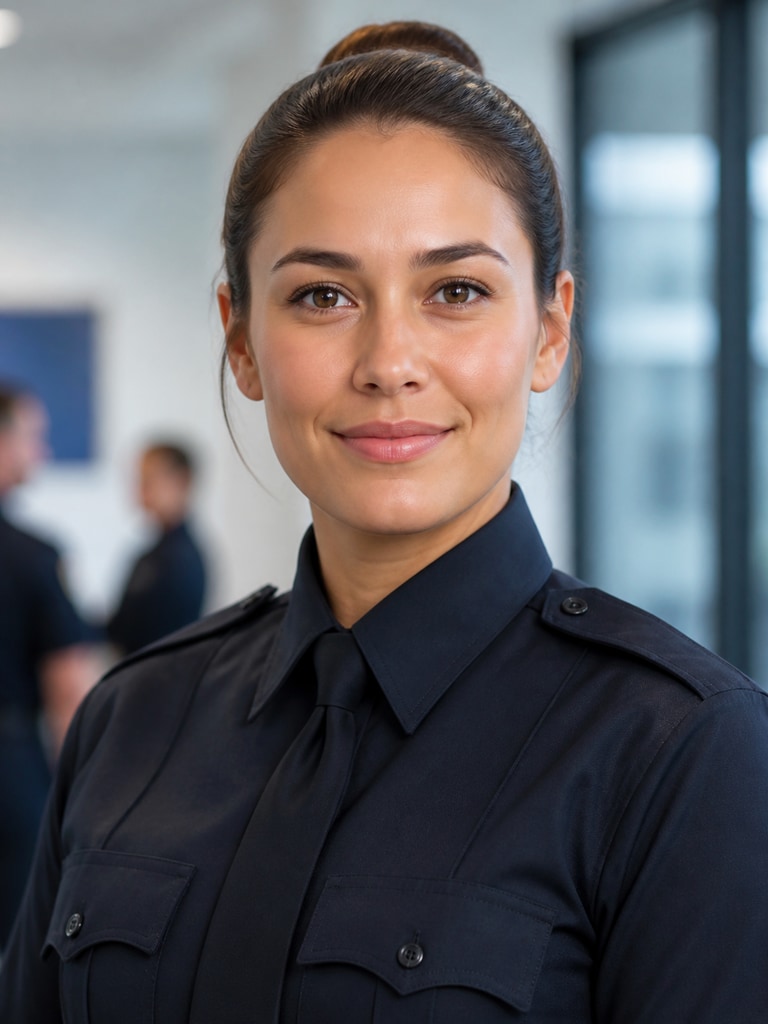
Professional fictional police instructor profile photo in a clean 3:4 portrait format

Training Academy Instructor Headshot

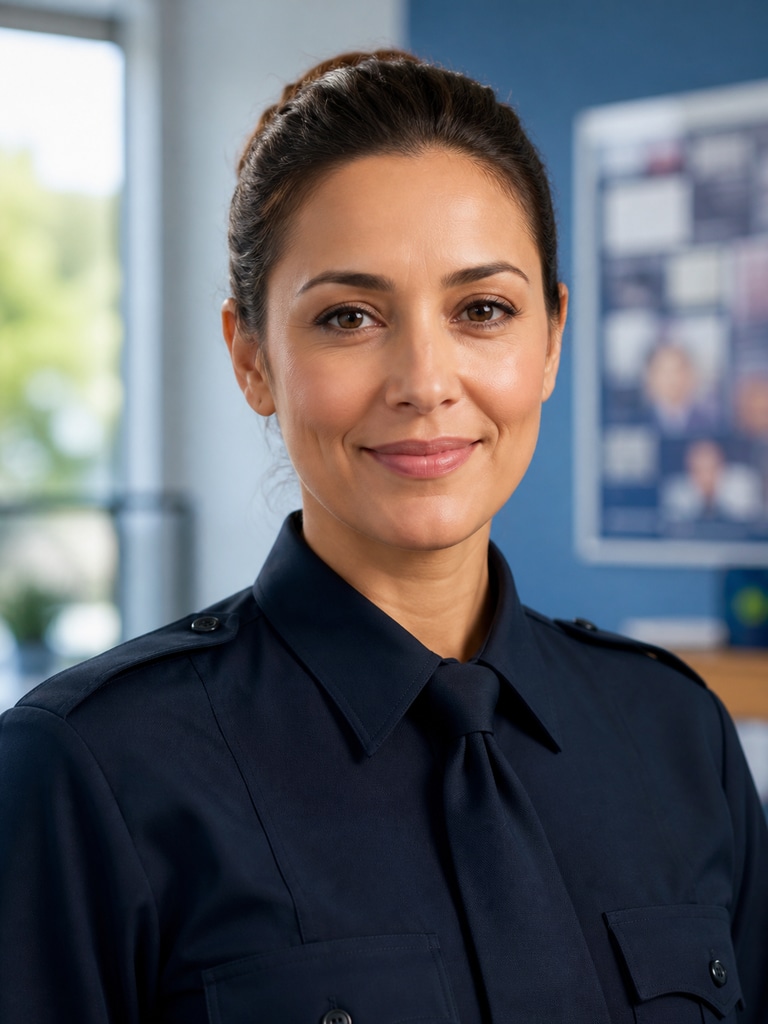
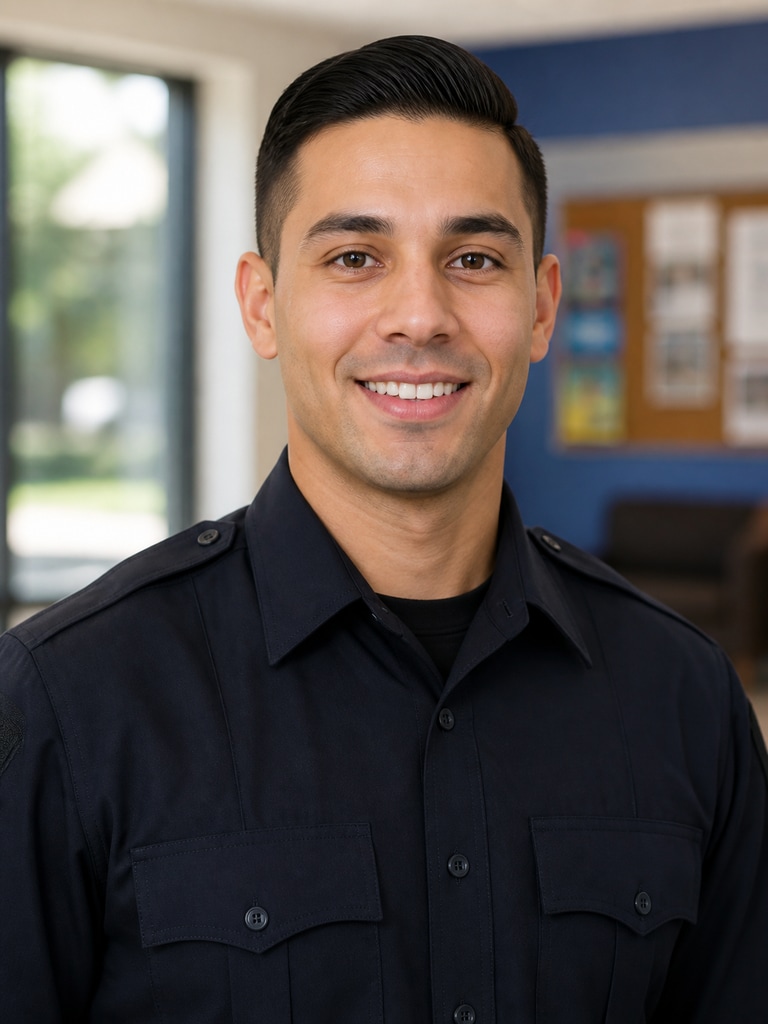
Fictional adult police department staff headshot for a directory page, realistic 3:4 portrait

Records Division Staff Profile

Polished fictional patrol supervisor portrait for a public safety bio, 3:4 headshot

Patrol Supervisor Bio Photo

Fictional police recruiting portrait with a professional, approachable look in 3:4 format

Recruiting Campaign Officer Portrait

Friendly fictional neighborhood resource officer headshot for outreach materials, realistic 3:4 portrait

Neighborhood Resource Officer Visual

Why Public Safety Teams Use Media.io

When a department needs portraits for bios, directories, or campaign assets, consistency matters as much as realism. Media.io gives you a fast way to create matching officer visuals without relying on one-off photoshoots. That makes it easier to update staff pages, training documents, and outreach materials on a tight timeline. It also helps fictional creators build believable character references without crossing into deceptive use.

Built for Clean Bio Pages

Generate headshots that work on staff directories, leadership pages, and recruiting landing pages. The portraits are easy to keep uniform across a team, which helps your page look organized and credible. You can focus on the message instead of chasing mismatched photos. That is especially useful when a department updates personnel often.

Flexible for Training and Outreach

Use the same tool for academy materials, community handouts, workshop slides, and public education pages. The results can look formal enough for internal use while still feeling approachable for outreach. That balance matters when you want the visuals to support trust and clarity. It also saves time when teams need multiple versions for different audiences.

Easy to Keep Non-Deceptive

The best police officer visuals should look professional without pretending to show a real person. Media.io supports fictional character creation, so you can build clearly illustrative portraits for safe commercial use. That makes it a practical choice for concept art, training examples, and mockup pages. You get a polished result without blurring identity or role boundaries.

Fast Enough for Team Rollouts

If you are launching a new recruiting page or refreshing department branding, speed matters. Media.io helps you generate a portrait set quickly so you can review, refine, and publish sooner. You can test different looks for various units, roles, or outreach programs. That gives your project more flexibility without slowing the workflow.

How to Make a Police Officer Headshot

01

Choose the Role and Setting

Start with the exact use case, such as a bio photo, recruiting portrait, training avatar, or outreach profile. A clear role helps the generator build the right expression, wardrobe, and framing. If you need team consistency, keep the setting simple and repeatable.

02

Refine the Look for Trust and Clarity

Adjust the prompt for uniform style, background color, and overall mood. For public-facing pages, aim for professional and approachable rather than dramatic. Keep the result fictional and avoid real department identifiers.

03

Export and Reuse Across Assets

Once you get the right portrait, reuse it for web bios, training slides, social posts, and internal directories. Media.io makes it easy to generate matching visuals for a full team or program.

What Teams Say About the Results

user
Maya Thompson

Public Information Coordinator

starstarstarstarstar

"Our directory looks much cleaner now" We needed a set of police officer portraits for bios, and the results looked consistent right away. The images felt professional without looking staged or overdone. It was easy to keep the whole page visually aligned. That saved us a lot of time during a busy update cycle.

user
Evan Brooks

Recruiting Content Lead

starstarstarstarstar

"Great for recruiting pages and campaign assets" We used the portraits for a recruiting landing page and a few supporting graphics. The characters looked approachable, which helped the page feel more welcoming. I also liked that the visuals stayed clearly fictional and suitable for commercial use. It made the workflow simple for our small team.

user
Priya Nair

Training Program Designer

starstarstarstarstar

"Helpful for academy and workshop materials" I needed headshots for course slides, instructor bios, and a few scenario examples. Media.io gave us a fast way to keep the look polished across every asset. The portraits felt realistic enough for professional materials but still easy to control. That mix worked well for our training content.

user
Caleb Morgan

Community Outreach Manager

starstarstarstarstar

"Better fit for public outreach than stock photos" Stock images never quite matched our message, so we tried AI-generated portraits instead. The officer visuals looked more relevant to the work we were presenting. They also fit our brochure and event page much better. It gave our outreach materials a more consistent identity.

user
Sofia Alvarez

Digital Producer

starstarstarstarstar

"Fast, flexible, and easy to reuse" I liked how quickly we could create different officer looks for different pages. We tested a few variations and picked the one that matched the department tone best. The final image worked in both web and print layouts. That kind of flexibility is hard to beat for a fast-moving project.

Public safety and recruiting teams are using AI portraits to keep staff visuals consistent without scheduling a separate studio day.

FAQ

1. Can I use this for real police officer bios?
faqfaq

Yes, if you are creating a non-deceptive portrait for a bio page, directory, or recruiting asset. The image should represent the role clearly and not be used to impersonate a real officer. Media.io is best when you want a professional-looking visual that is clearly fictional or illustrative. That makes it suitable for public-facing content and internal planning.

Yes, recruiting pages are one of the strongest use cases for this keyword. You can create portraits that feel polished, approachable, and consistent across the full campaign. That helps a landing page look more organized and trustworthy. It also gives you a reusable visual style for ads, social posts, and forms.

Yes, and that is one of the biggest advantages for department pages. Keep the prompt consistent for uniform tone, lighting, and background color so each portrait feels like part of the same set. This is especially useful for directories, leadership pages, and training rosters. A consistent look makes the whole site feel more professional.

Yes, you can guide the image toward a warmer and more approachable tone. Many teams prefer that style for outreach, education, and neighborhood events. Use clear, calm lighting and a neutral setting to keep the result friendly. That approach works better than a heavy, dramatic look for public engagement pages.

No, it also works for fictional character concepts and illustrative headshots. You can use it to prototype officer visuals for campaigns, story projects, or training materials. The important part is to keep the use non-deceptive and clearly aligned with the role you are presenting. That gives you creative flexibility without confusing viewers.

A 3:4 portrait is a strong choice for headshots and profile cards. It gives you enough space for the face and upper uniform while staying clean in web layouts. That format also works well for directories, slides, and printed bios. If you want a more standard headshot feel, keep the crop tight and centered.

Yes, and that is often the smartest workflow. A single strong portrait can be reused on a bio page, recruitment landing page, internal slide, and outreach flyer. Just make sure the image is appropriate for each context and still clearly represents a fictional or approved profile. Reuse helps keep branding consistent across channels.

No, you can start with a simple prompt and refine from there. Media.io is built to help you move from idea to usable portrait quickly, even if you do not have a design background. That makes it practical for communications teams, HR teams, and training staff. You can generate, review, and publish with minimal setup.

Media.io Online AI Tools Quality Rating:
vote 4.7 (162,357 Votes)



