Trending Infodost Prompt Ideas
Start with a trending Infodost AI photo prompt and customize the subject, outfit, location, mood, pose, camera angle, and lighting for your own image instead of writing everything from scratch.
Discover the latest AI photo prompts for ChatGPT, Gemini, Midjourney, Flux, and more. Explore 100+ trending AI image prompts, viral Instagram and TikTok photo ideas, cinematic portraits, couple edits, fantasy styles, anime, seasonal effects, and ready-to-use prompt templates - all in one place.
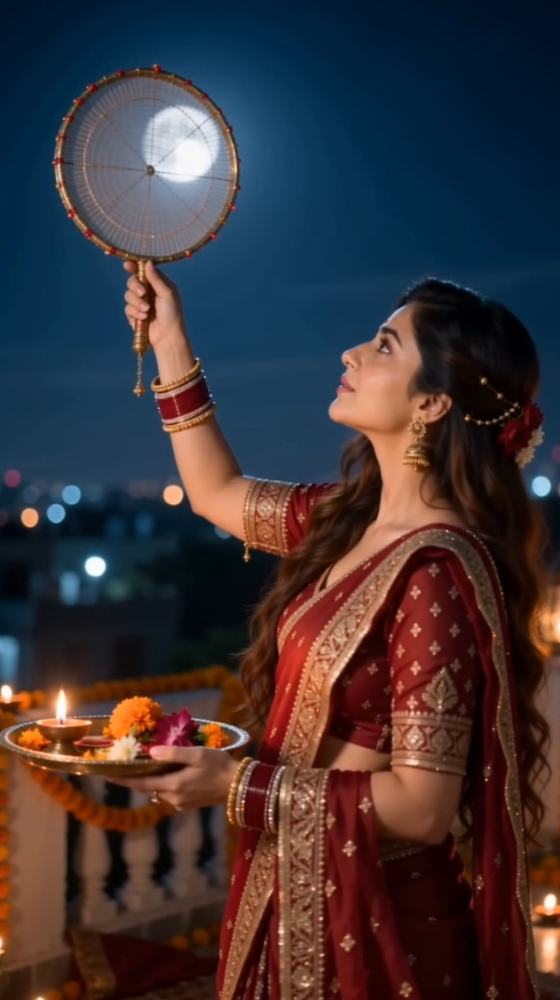
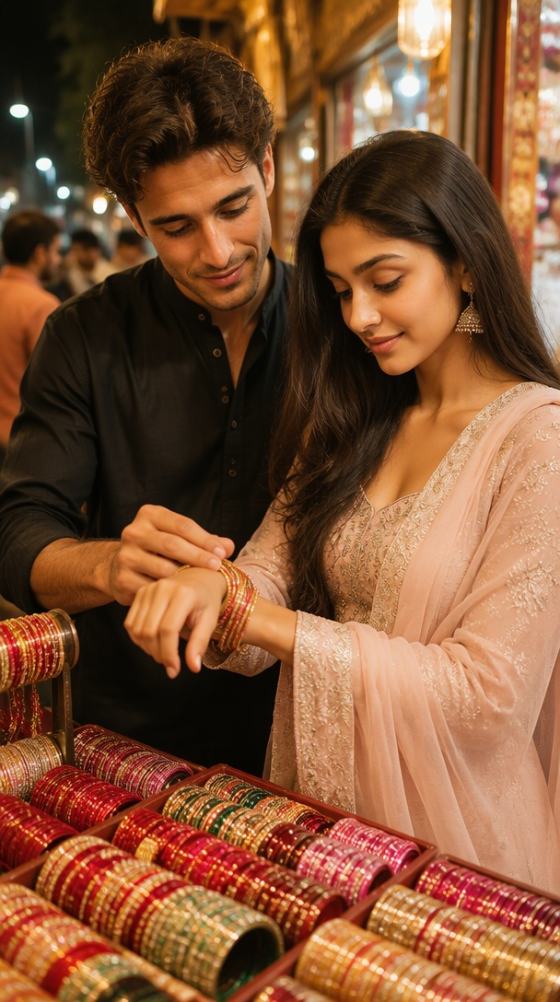

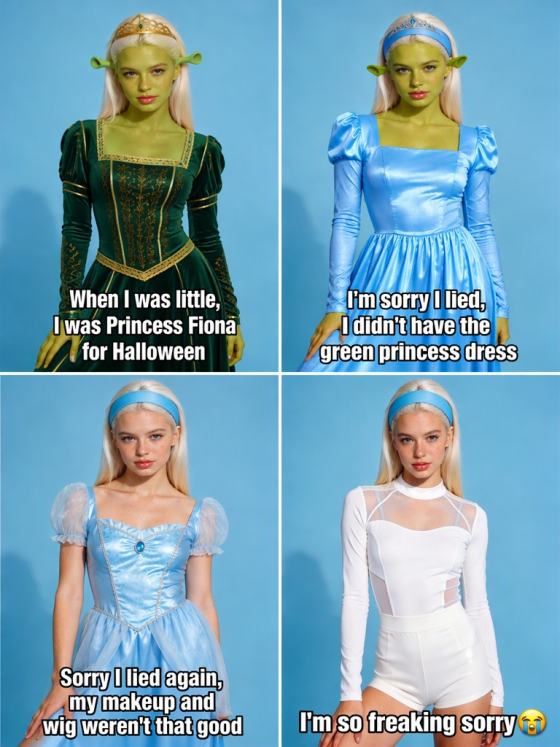
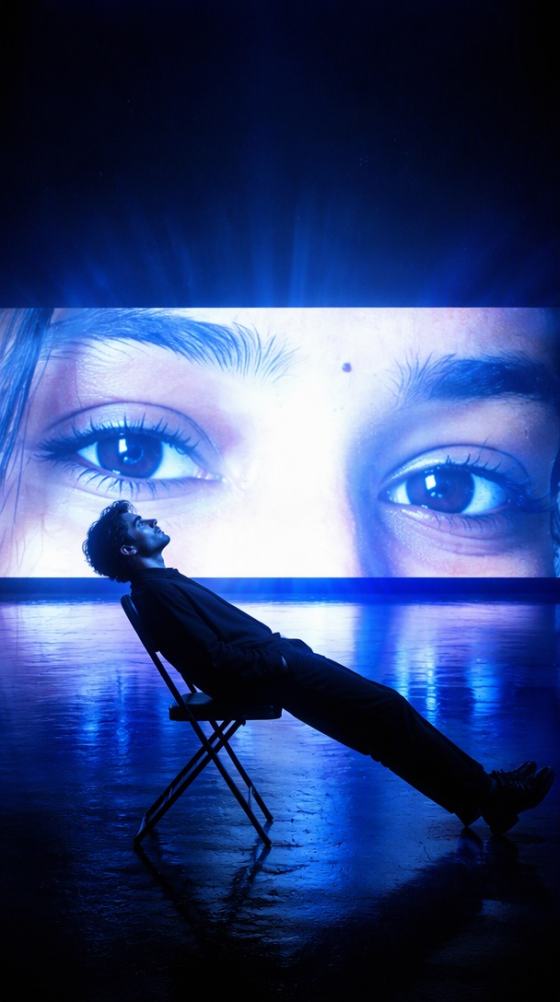
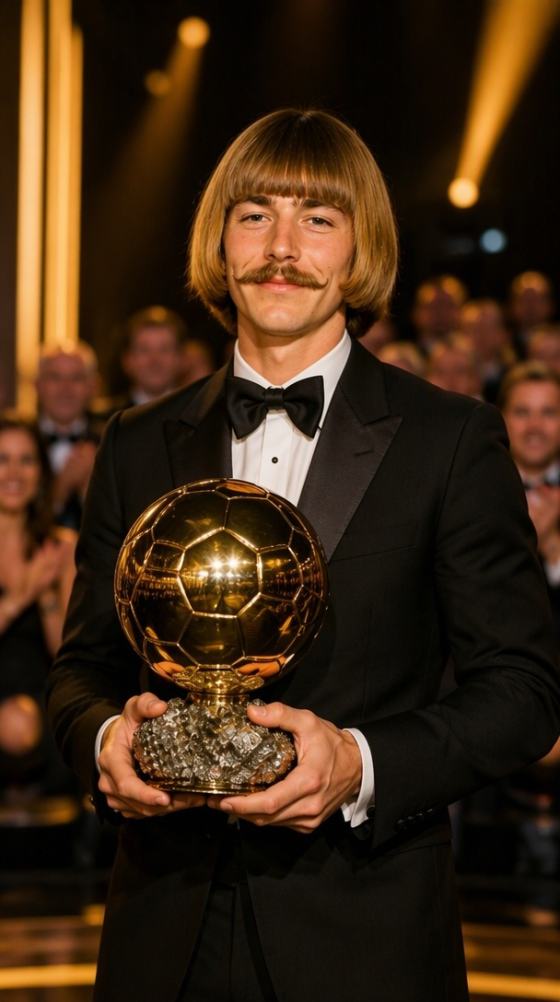
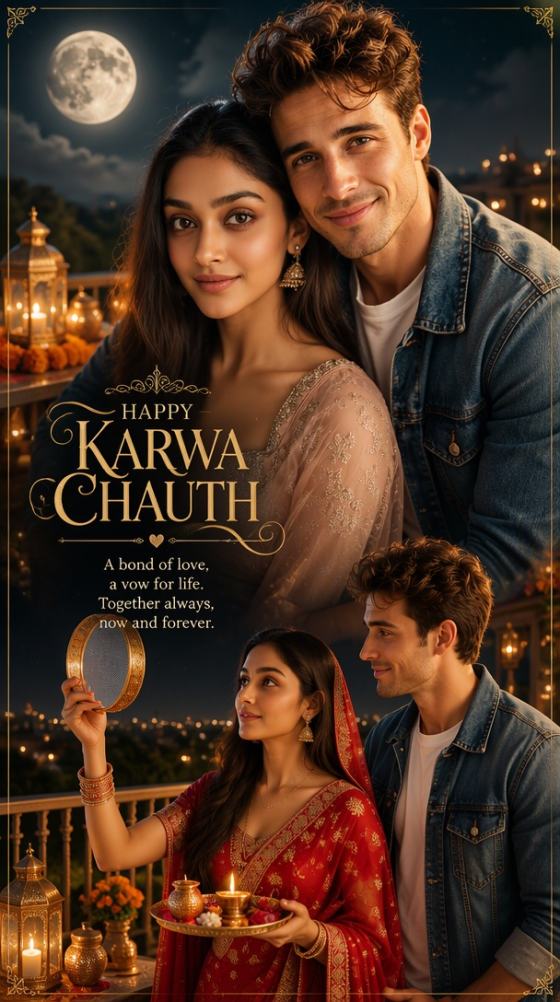


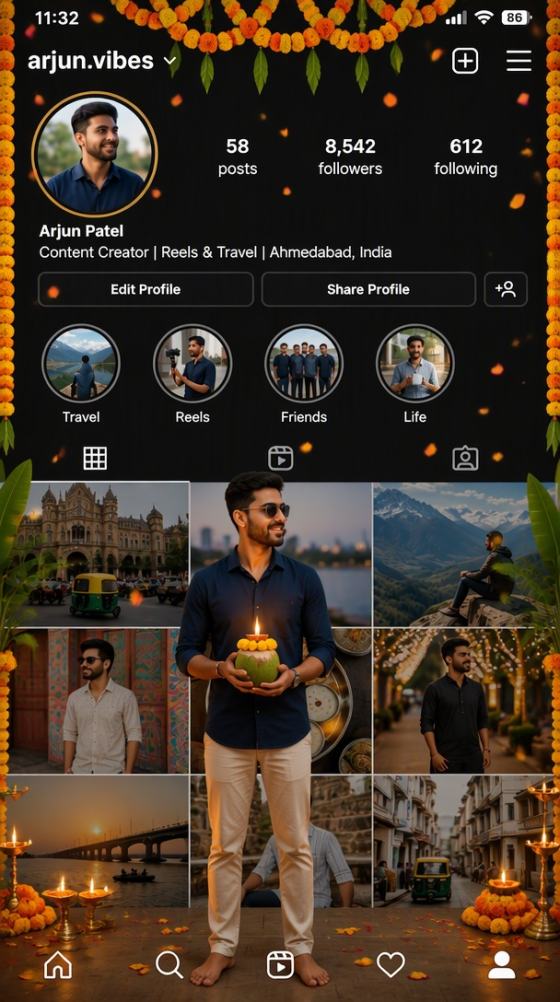

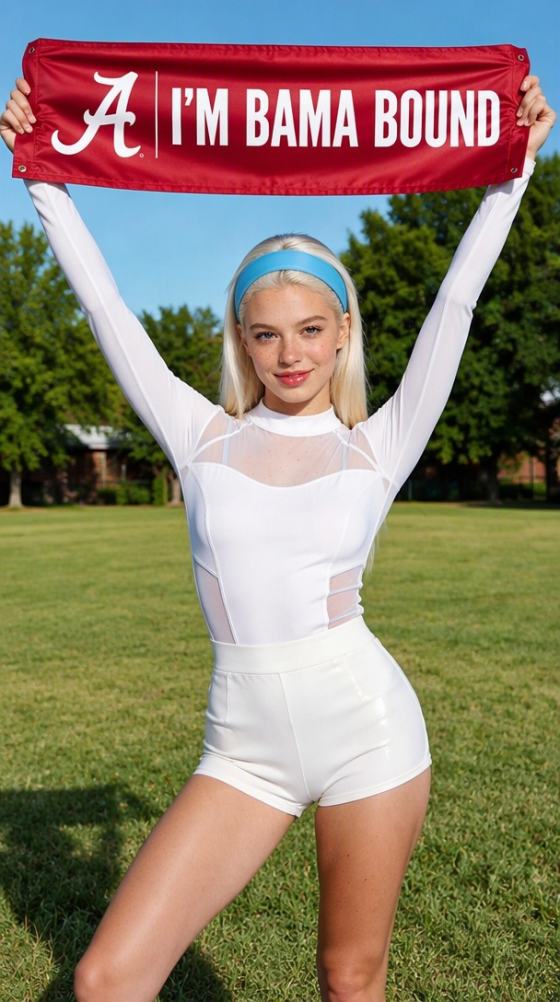


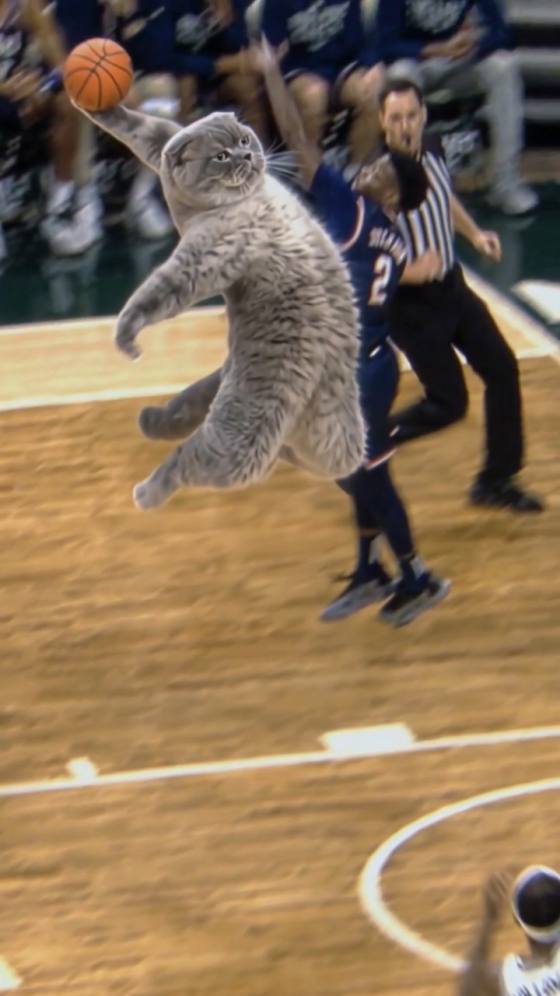
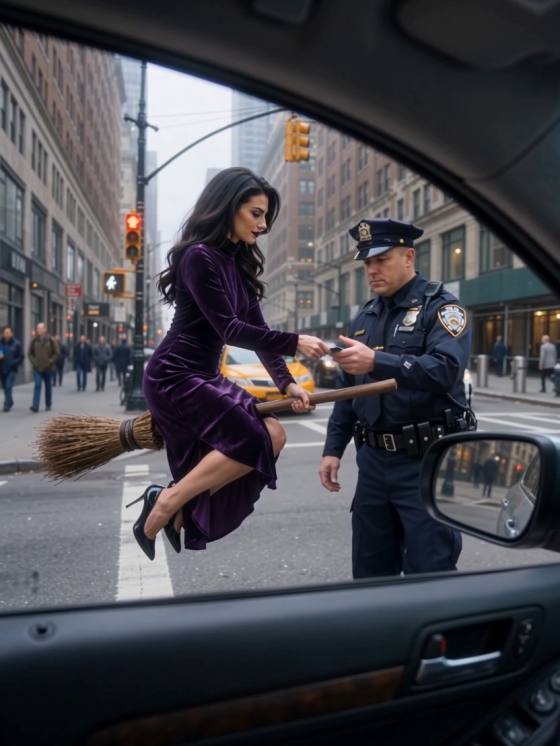
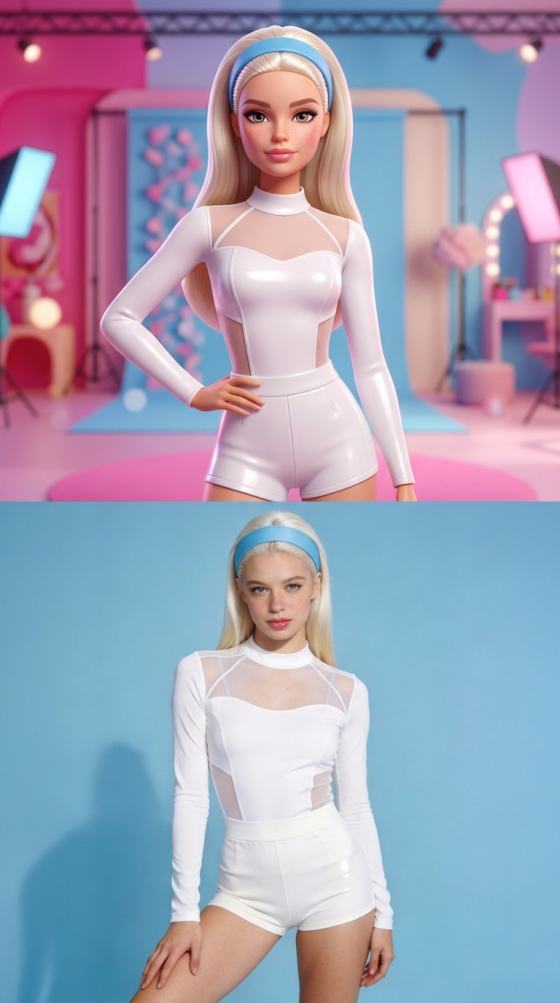
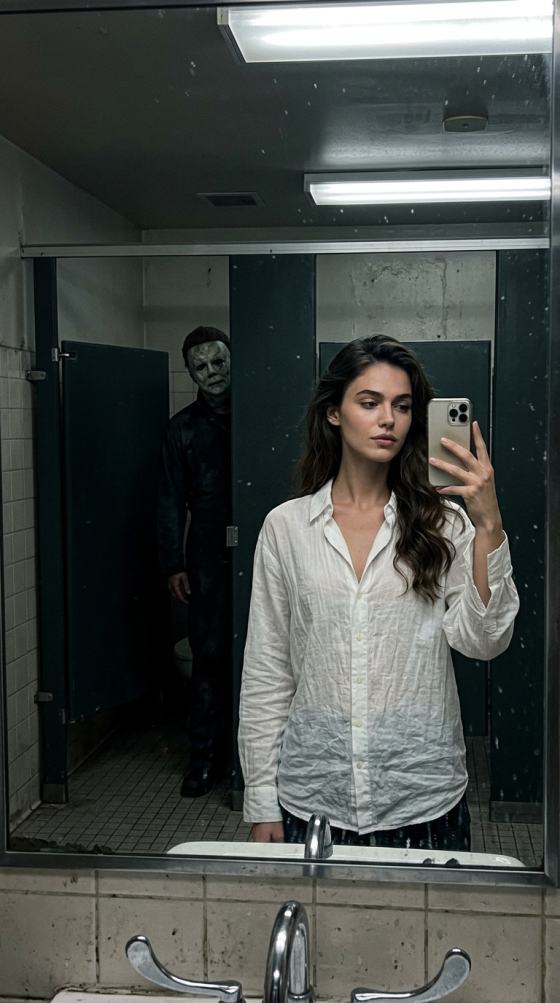
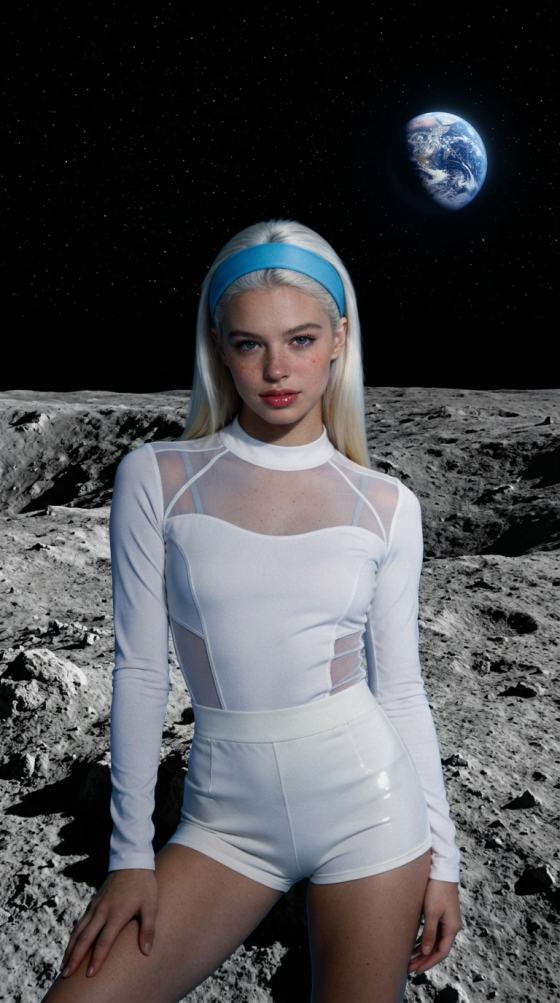

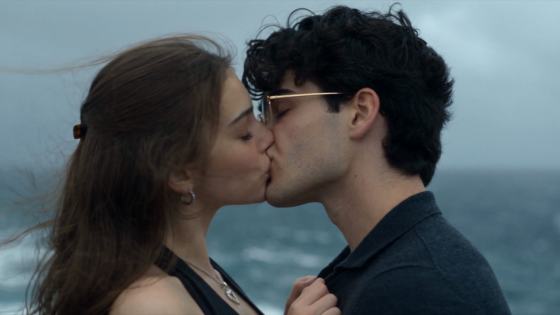
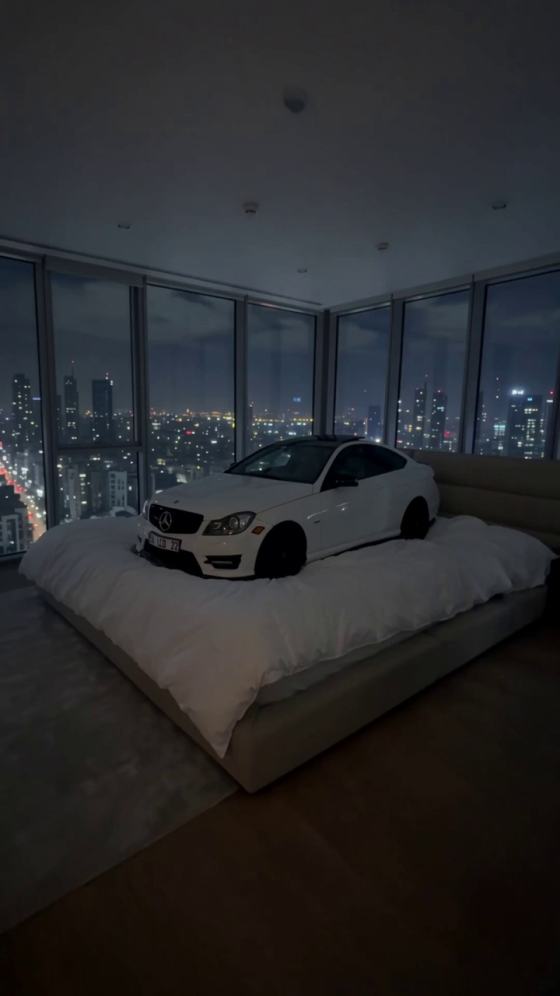
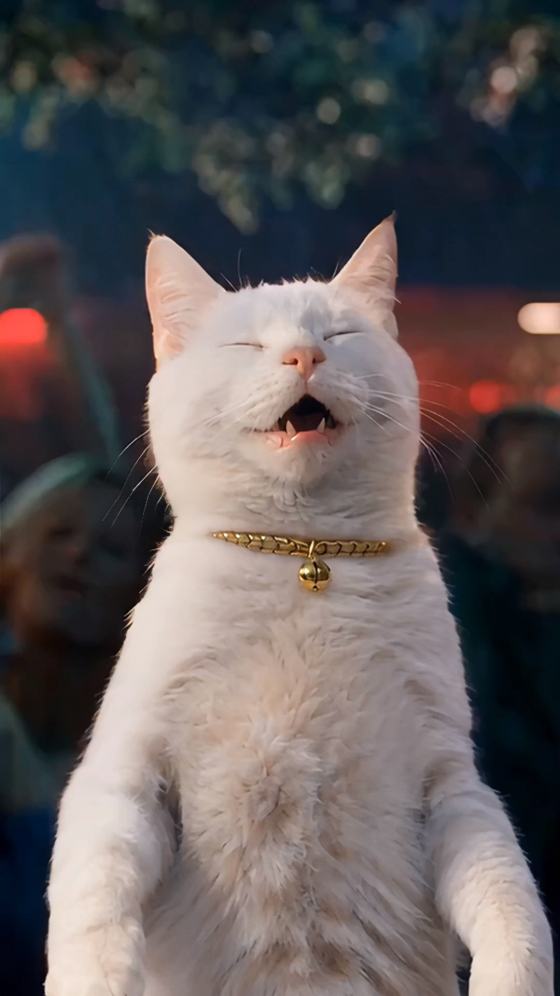

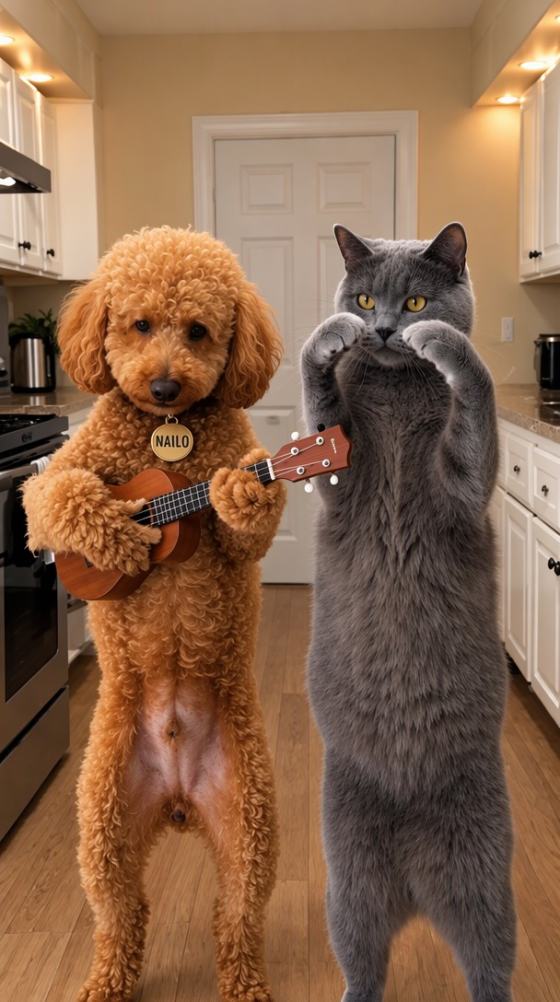
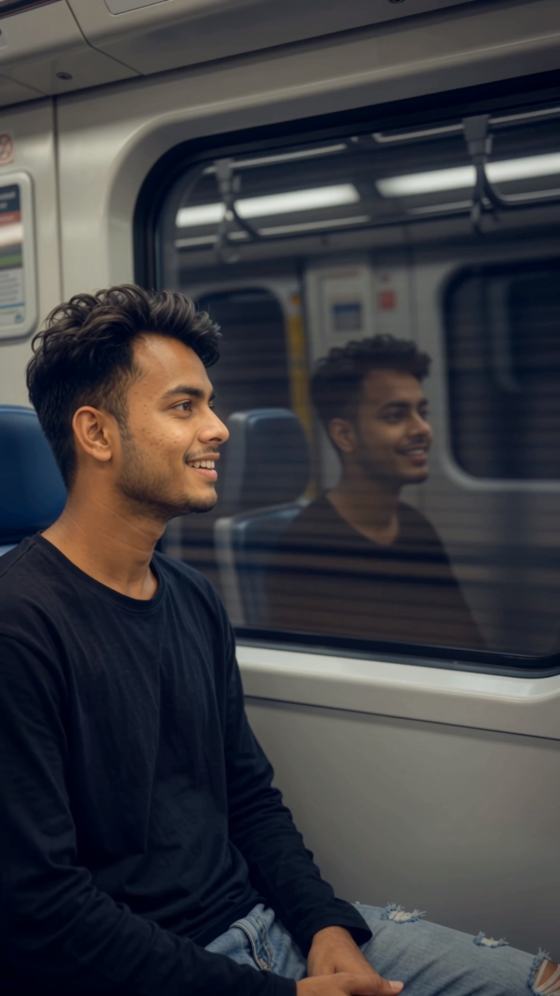
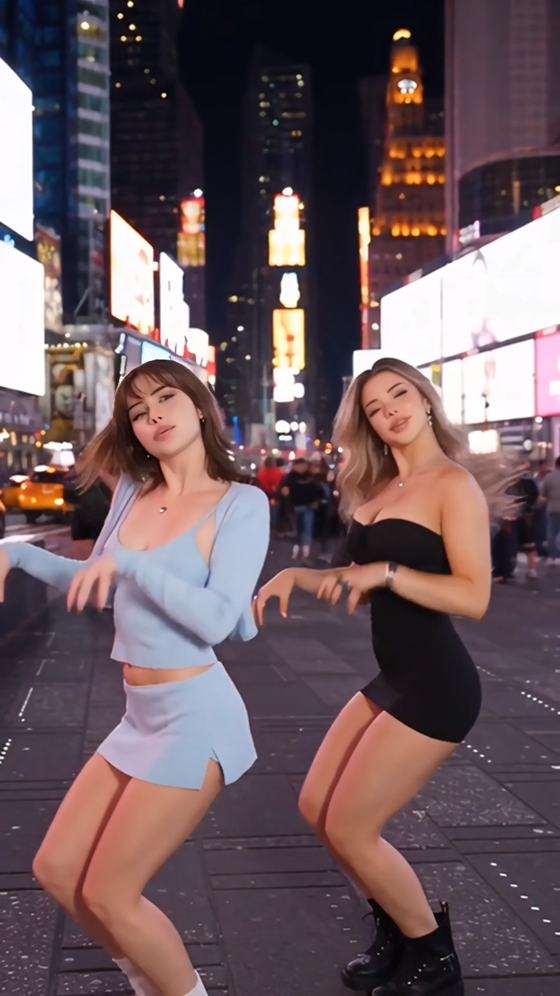


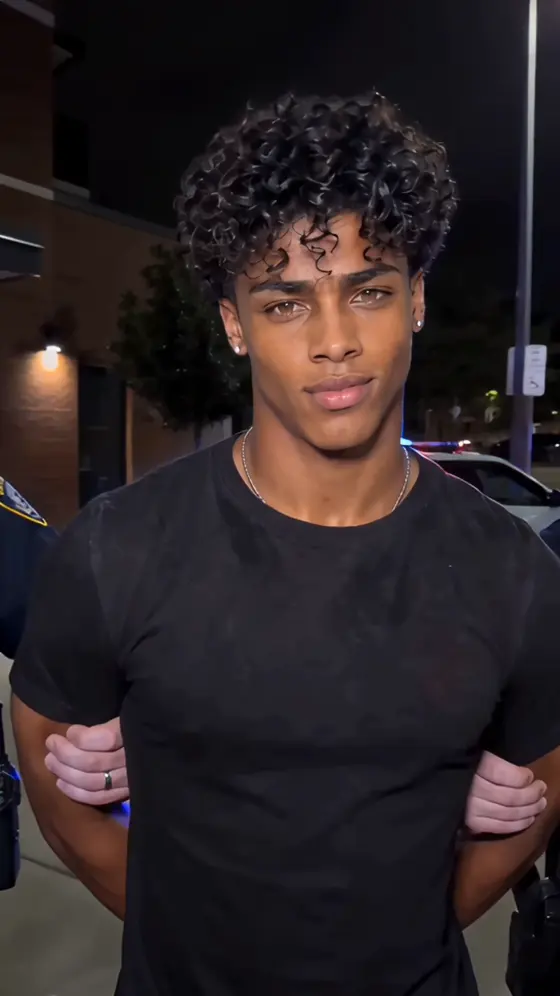




























Explore trending Infodost AI photo prompts for realistic portraits, cinematic edits, stylish boy and girl photos, couple looks, and viral social media images. Copy a prompt, customize the scene, and create your own AI photo with Media.io—no advanced prompt writing needed.
Upload a clear photo and customize the prompt for your scene.
Start with a trending Infodost AI photo prompt and customize the subject, outfit, location, mood, pose, camera angle, and lighting for your own image instead of writing everything from scratch.
Upload a clear portrait and use identity-preservation instructions to help keep facial features, skin tone, age, and overall likeness recognizable while changing the scene, outfit, lighting, and visual style.
Try popular Infodost photo editing prompt directions such as realistic boy and girl portraits, couple photos, lifestyle edits, luxury looks, outdoor scenes, traditional outfits, and cinematic social images.
Use your Infodost Gemini prompt idea in a simple browser workflow. Upload a photo, customize the scene, generate variations, refine details, and create polished images for Instagram, Reels, WhatsApp, profile photos, or creative posts.
Choose a clear selfie, couple photo, family image, or portrait. Good lighting and visible facial details give the AI a stronger identity reference.
Pick a realistic portrait, cinematic boy photo, stylish girl edit, couple photo, luxury look, traditional outfit, outdoor scene, or social media concept. Customize clothing, pose, background, emotion, lighting, and framing.
Generate the photo, review facial consistency, hands, clothing, and scene details, then refine only what needs adjustment and download your favorite result.
Create realistic boy or girl portraits with natural skin texture, stylish outfits, controlled lighting, clean backgrounds, DSLR-style depth of field, and recognizable facial identity.
Transform a couple or lifestyle photo into romantic, travel, luxury, street-style, traditional, or everyday scenes while preserving both subjects' facial features and natural interaction.
Create cinematic portraits and viral social edits with dramatic lighting, film-like color, depth of field, dynamic framing, premium fashion styling, and vertical compositions for Reels or profile posts.

Instagram Creator
“Easy to customize.” I started with an Infodost-style portrait prompt, changed the outfit, background, and lighting, and got a result that felt much closer to my original photo.

Festival Content Creator
“Face stayed recognizable.” Adding a clear identity-preservation instruction made it easier to change the full scene without making the portrait look like a different person.

Photo Edit Creator
“Great for trend testing.” I could test realistic, cinematic, couple, and social-media versions quickly before choosing the final image to post.
Infodost AI photo prompts are detailed text instructions used to create trending AI portrait and photo-editing styles. A strong prompt describes the subject, which facial details should stay recognizable, the outfit, pose, background, lighting, camera angle, visual mood, and level of realism.
Yes. You can use an Infodost AI photo prompt as inspiration on Media.io. Upload your own photo and customize clothing, background, pose, expression, lighting, camera angle, and framing so the result fits your source image and preferred visual style.
Popular Infodost AI photo prompt styles include realistic male and female portraits, couple photos, cinematic fashion edits, luxury lifestyle scenes, outdoor portraits, traditional outfit looks, Instagram profile photos, and vertical social-media images. Choose one clear visual direction and customize it around your own photo.
Start with a sharp, well-lit reference photo and ask the AI to preserve facial identity, natural skin texture, age, eye shape, and key facial features. Then describe the lighting, lens style, background, pose, and clothing clearly. If the result changes the face too much, simplify conflicting instructions and refine one element at a time.
Yes. A well-structured Infodost Gemini prompt or AI photo prompt can be adapted for Media.io, Gemini, ChatGPT, and other supported image-generation workflows. Different models may interpret instructions differently, so keep the essential details—identity, pose, outfit, setting, lighting, camera style, and realism—then adjust wording if needed.
 4.7 (162,357 Votes)