Tus creaciones solo se guardan durante 7 días. Los recursos creados después de actualizar a Membresía se almacenarán de forma permanente.
¡Desbloquea tu potencial creativo y experimenta la magia de Media AI ahora mismo!
Crea un retrato estilo creador de avatares de South Park en minutos
Usar creador de avatares de South Park Usa prompts para generar un autorretrato estilo dibujo animado plano en línea. Convierte ideas de texto en avatares atrevidos de estilo recortado para perfiles, memes y publicaciones sociales con IA rápida en navegador, atuendos flexibles y fácil personalización del fondo.
Escribe tu idea -> La IA lo diseña. Gratis para probar.
Revisa estos ejemplos de instrucciones y luego adapta los detalles del prompt para obtener mejores resultados con este Creador de Avatares estilo South Park.
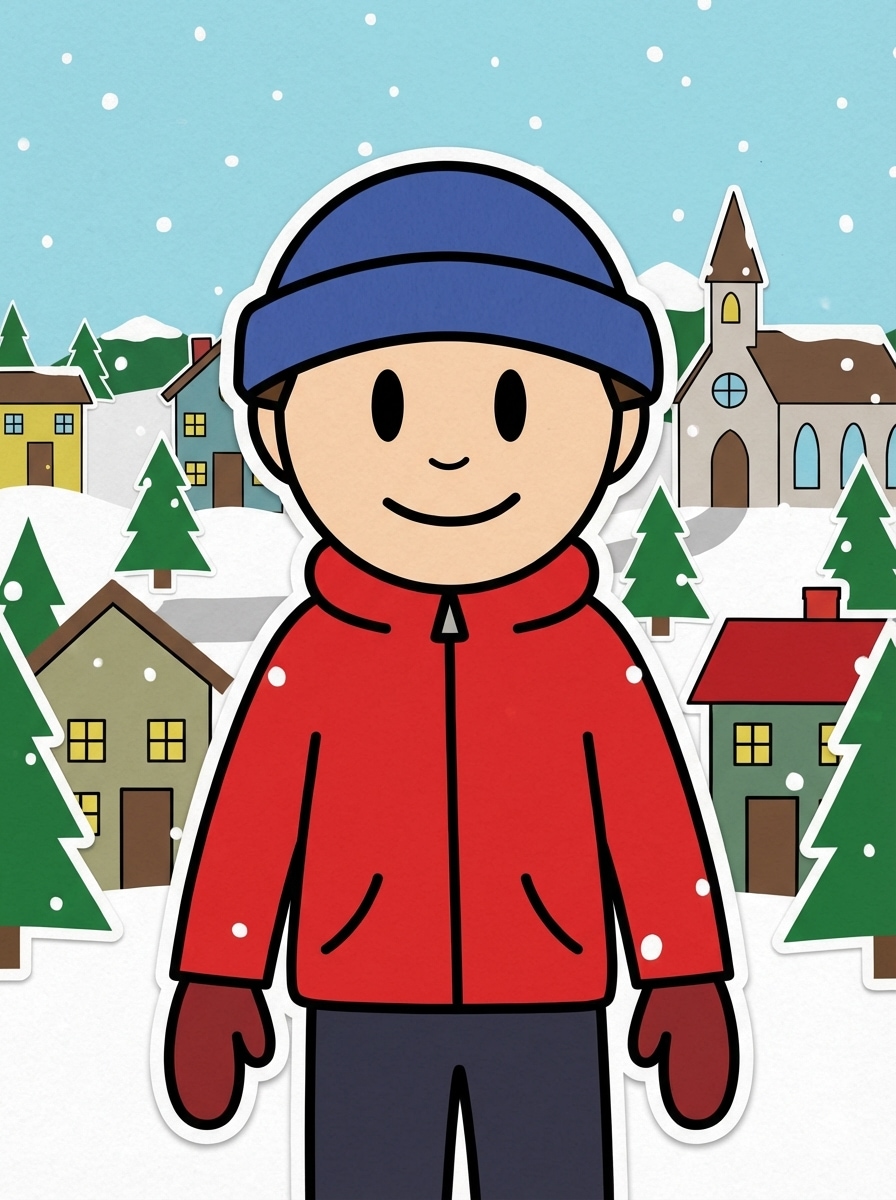
Autorretrato inspirado en South Park
Crea un autorretrato plano en 2D inspirado en la animación clásica de recortes, con una persona con gorro azul, chaqueta roja de invierno, manoplas y pantalones oscuros. Usa ojos ovalados simples, pocos detalles faciales, contornos negros gruesos, colores planos brillantes, fondo nevado de un pequeño pueblo, composición centrada y un ambiente alegre y nostálgico.
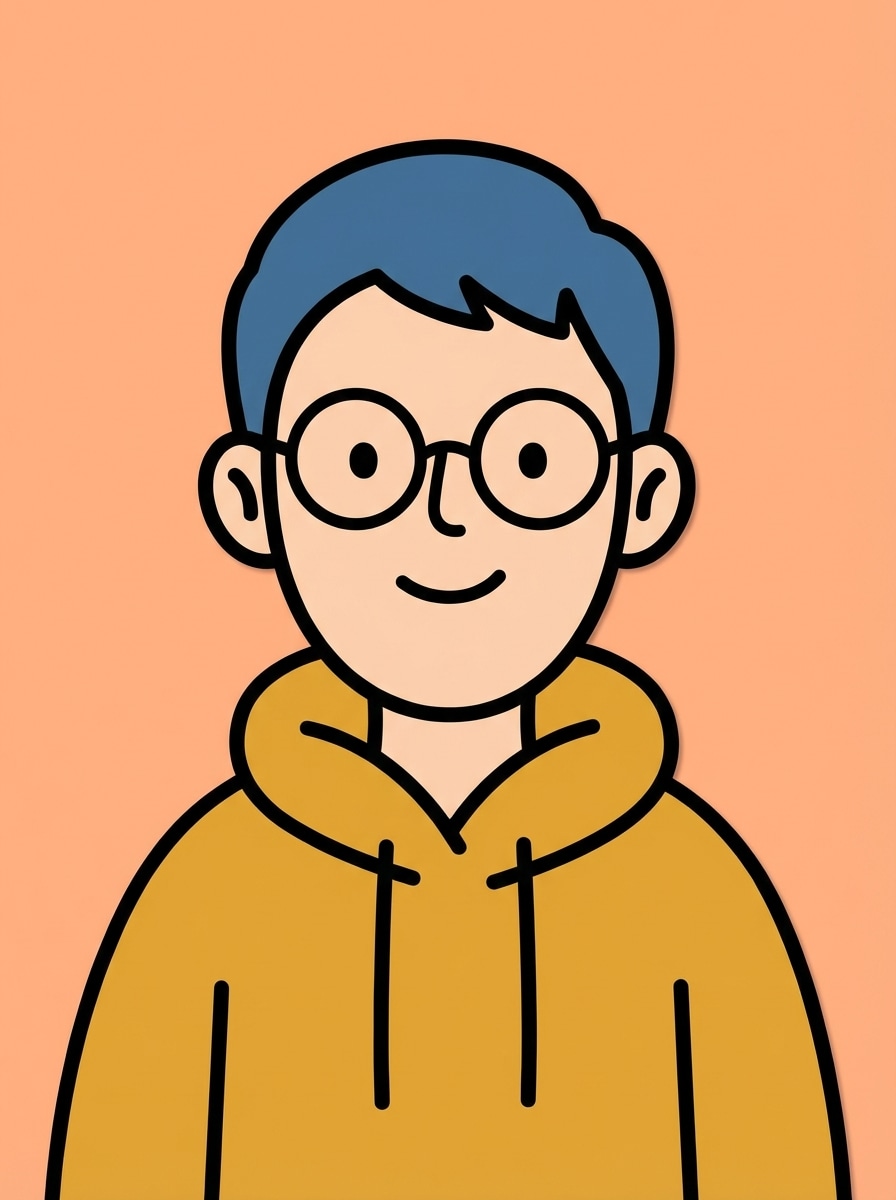
Avatar minimalista de perfil
Genera un avatar de perfil caricaturesco y plano inspirado en la animación por recortes, mostrando a una persona con gafas y sudadera con capucha sobre un fondo liso y limpio. Mantén el rostro muy simplificado, usa contornos gruesos, bloques de color sólido, encuadre equilibrado de cabeza y hombros, energía alegre y suave, y legibilidad nítida para redes sociales.
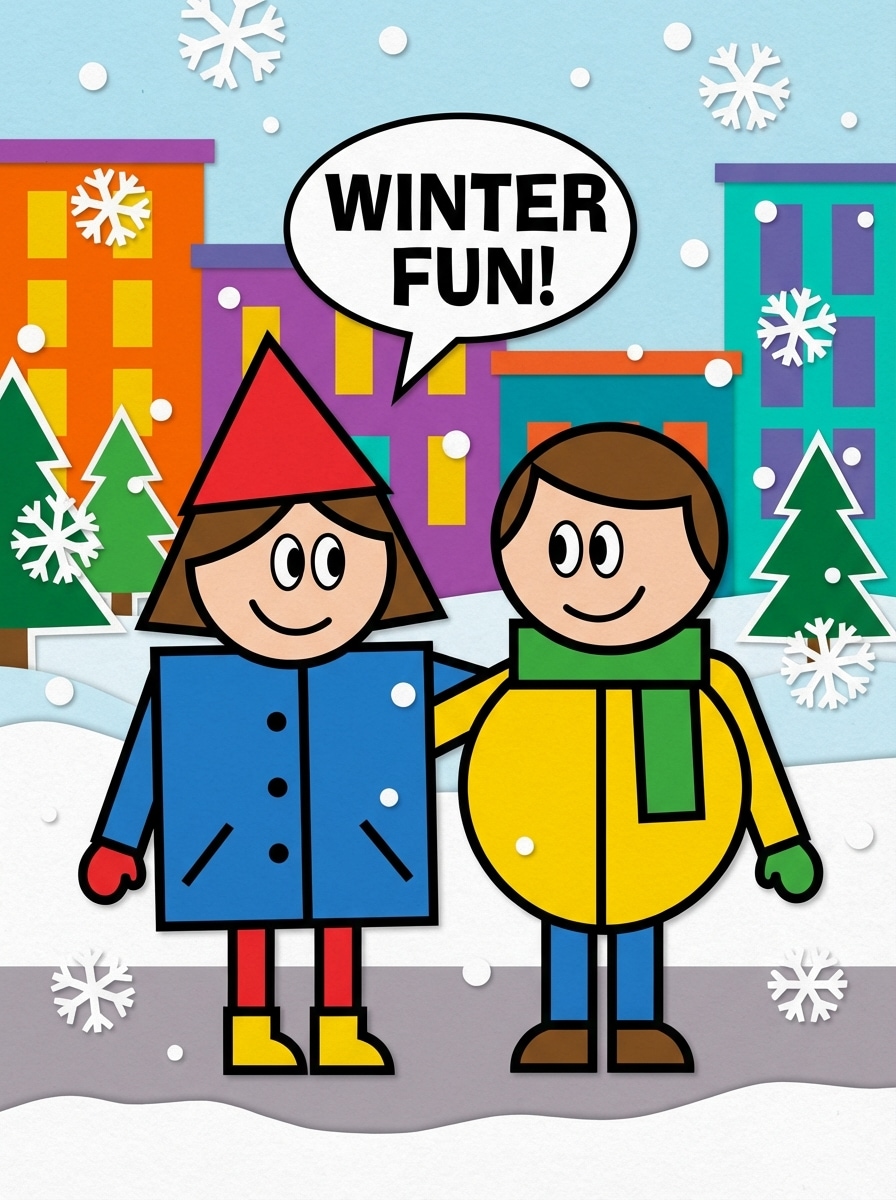
Dúo caricaturesco de dos personas
Ilustra a dos amigos en un estilo de caricatura paródica plana 2D inspirado en la animación por recortes, de pie lado a lado en atuendos de invierno coloridos en una calle nevada. Usa cuerpos geométricos simples, contornos gruesos, contraste de colores brillantes, expresiones amigables, composición centrada de cuerpo completo y un ambiente divertido para compartir en redes.
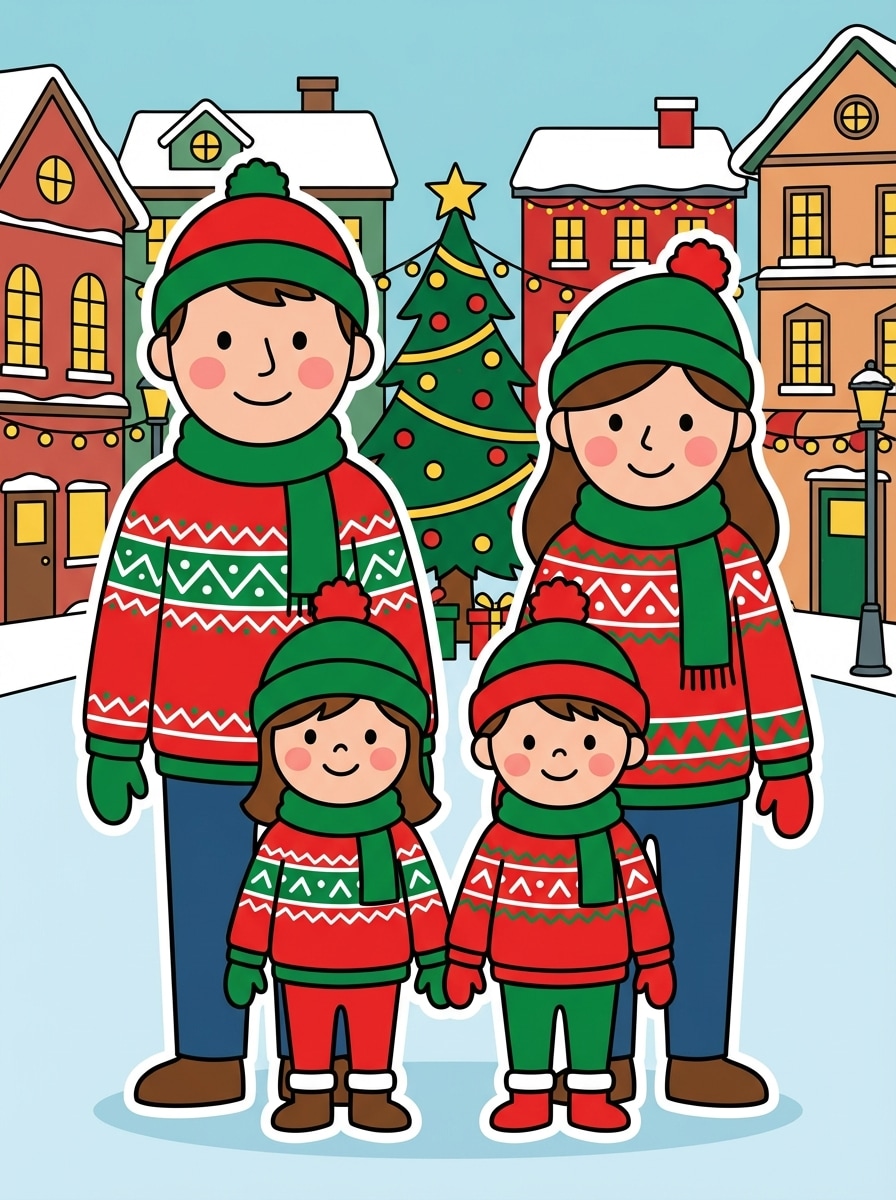
Caricatura de retrato familiar
Crea un retrato familiar en un estilo de caricatura plana inspirada en recortes, con rostros simplificados, atuendos de invierno a juego y un fondo festivo de pueblo pequeño. Distribuye el grupo simétricamente, separa claramente a cada personaje, usa contornos negros fuertes, colores planos vivos y un ambiente cálido y festivo con composición limpia y clara.
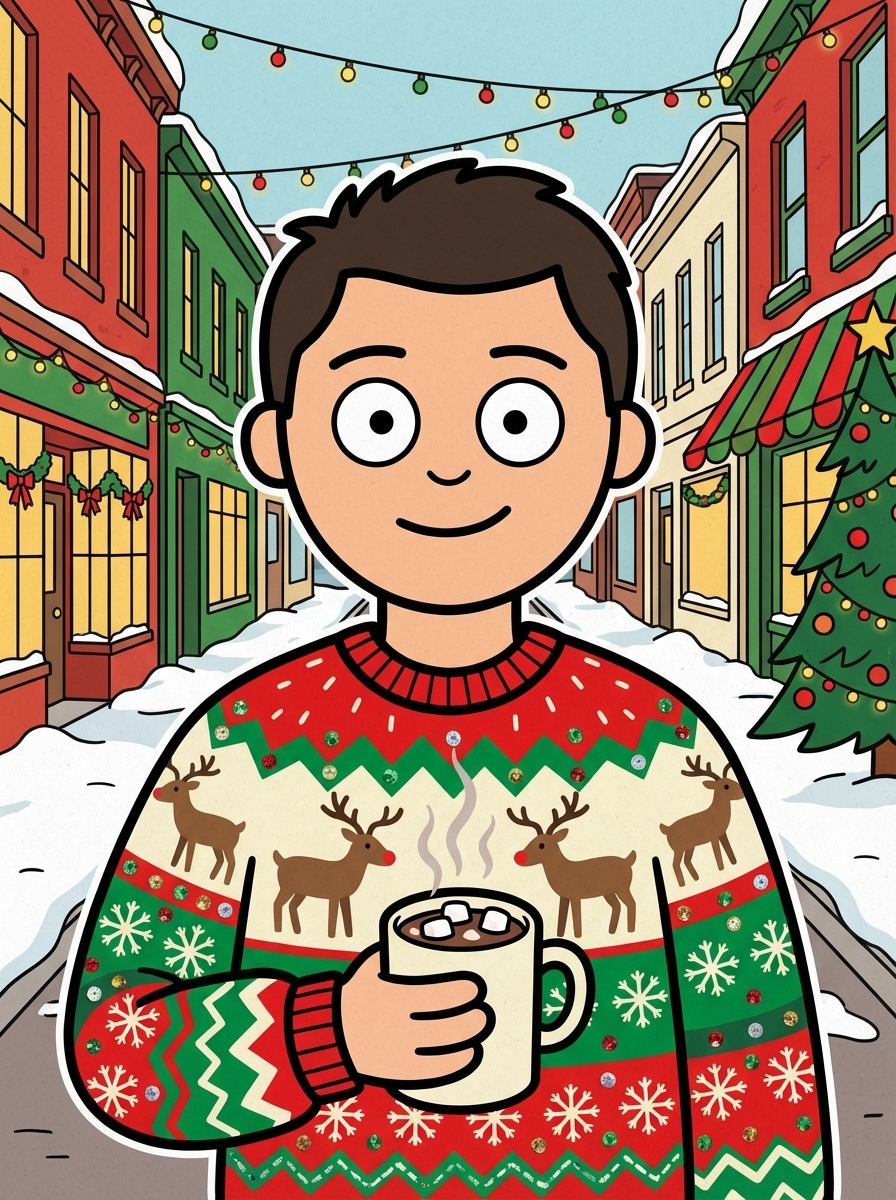
Avatar con suéter navideño
Haz un avatar plano caricaturesco festivo inspirado en la animación por recortes, con una persona en un suéter navideño feo sosteniendo una taza de chocolate caliente. Añade una calle nevada navideña, rojos y verdes brillantes de temporada, ojos simples, contornos gruesos, encuadre centrado a media distancia y un ambiente acogedor y divertido de invierno.
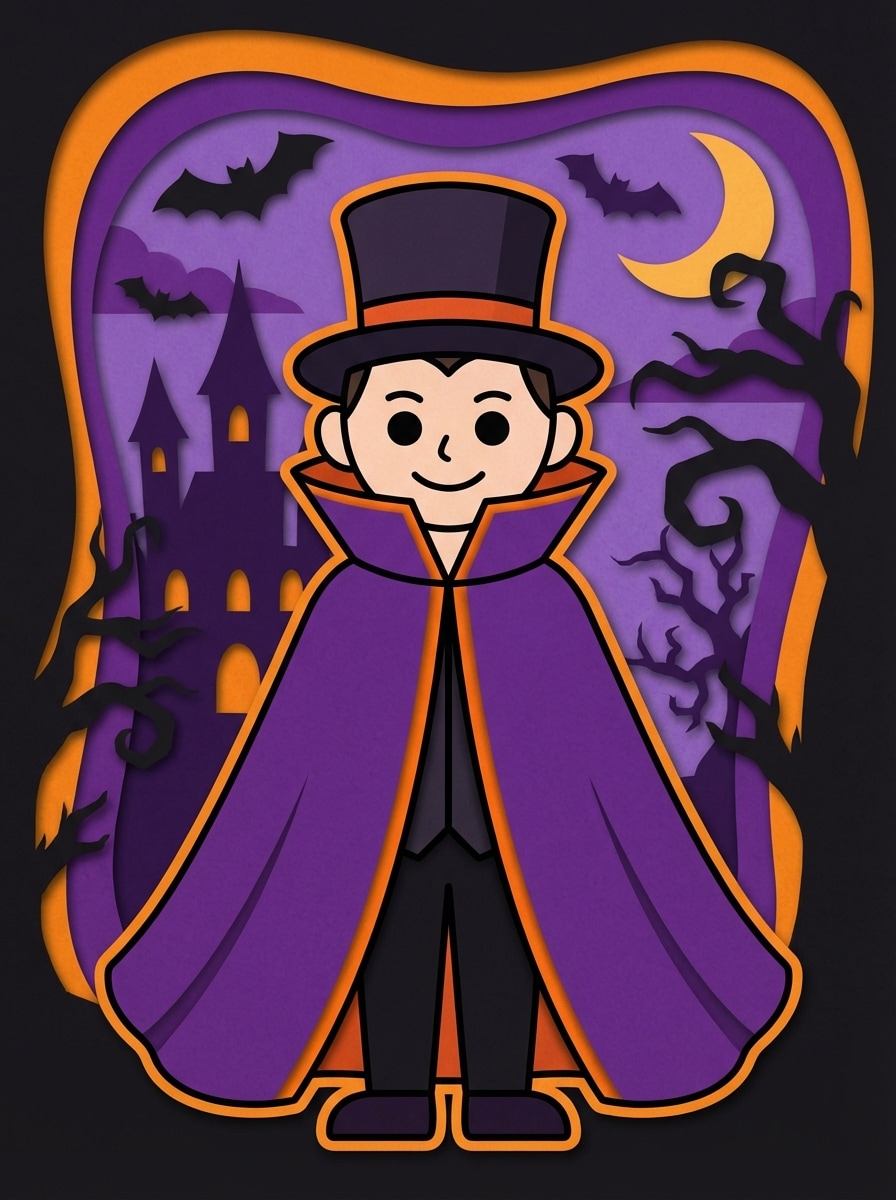
Personaje disfrazado de Halloween
Diseña un avatar plano caricaturesco 2D inspirado en la animación por recortes, mostrando a una persona con disfraz de vampiro con capa frente a un fondo nocturno tenebroso. Usa ojos redondos simples, contornos gruesos, colores púrpura y naranja de temporada, formas de siluetas claras y un tono divertido de Halloween en lugar de algo intenso.
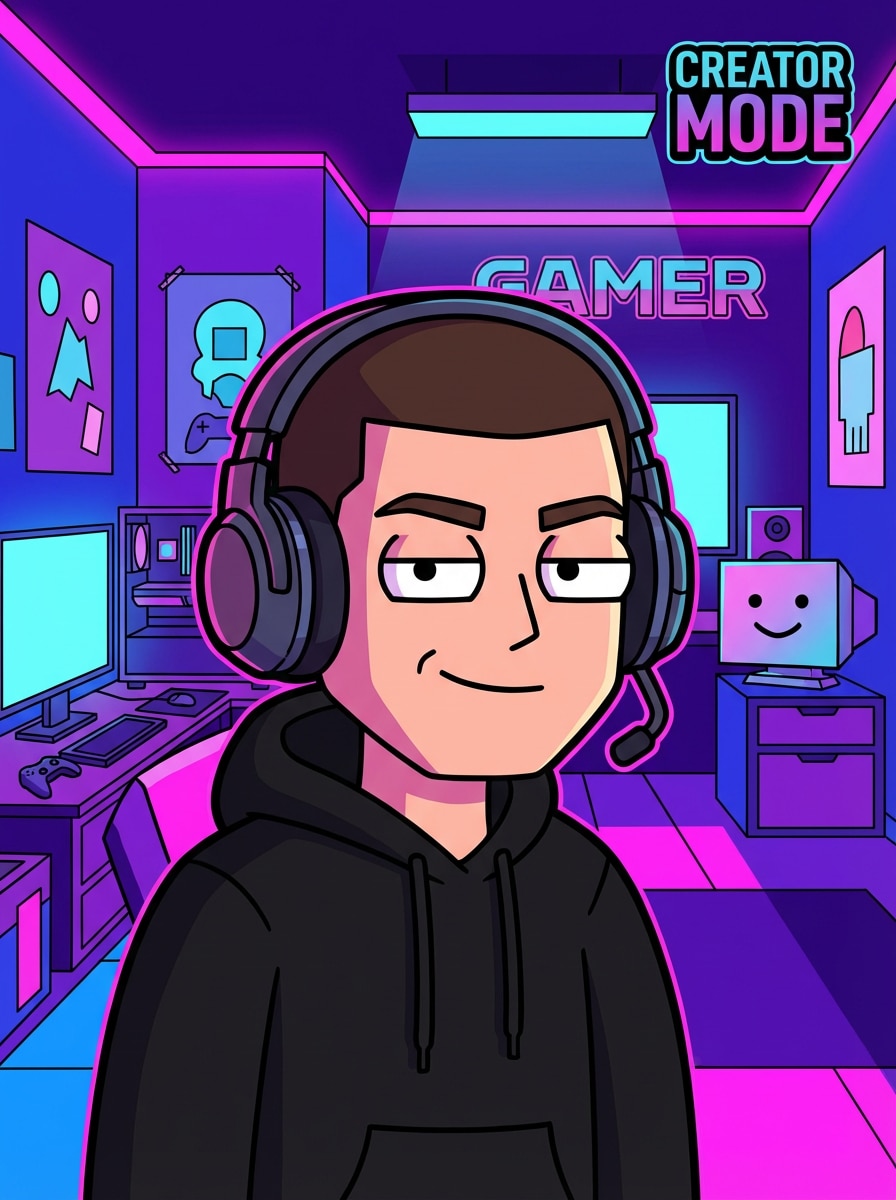
Avatar de persona gamer
Genera un retrato paródico plano de gamer inspirado en animación de recortes, con una persona con auriculares y sudadera negra en una sala de juego de neón. Mantén el rostro simplificado, usa contornos fuertes, zonas de color plano brillante, composición centrada de busto, acentos de luz azul y púrpura y un ambiente seguro para la marca de creador.
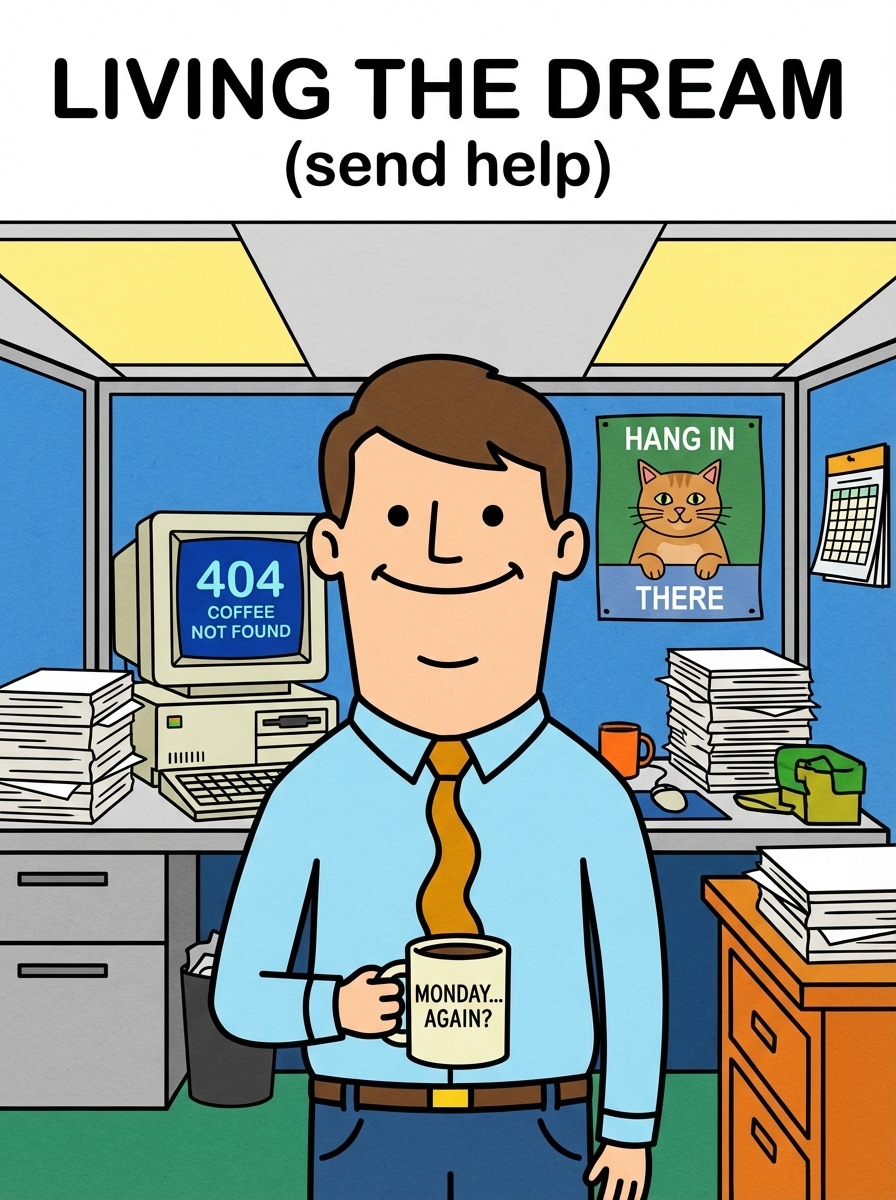
Avatar parodia de trabajador de oficina
Crea un personaje de oficina plano y humorístico inspirado en animación de recortes, con una persona usando corbata y sosteniendo una taza de café en una oficina tipo cubículo. Usa rasgos faciales simples, contornos gruesos, colores brillantes pero profesionales, composición frontal y un ambiente satírico amigable para memes o arte de perfil.
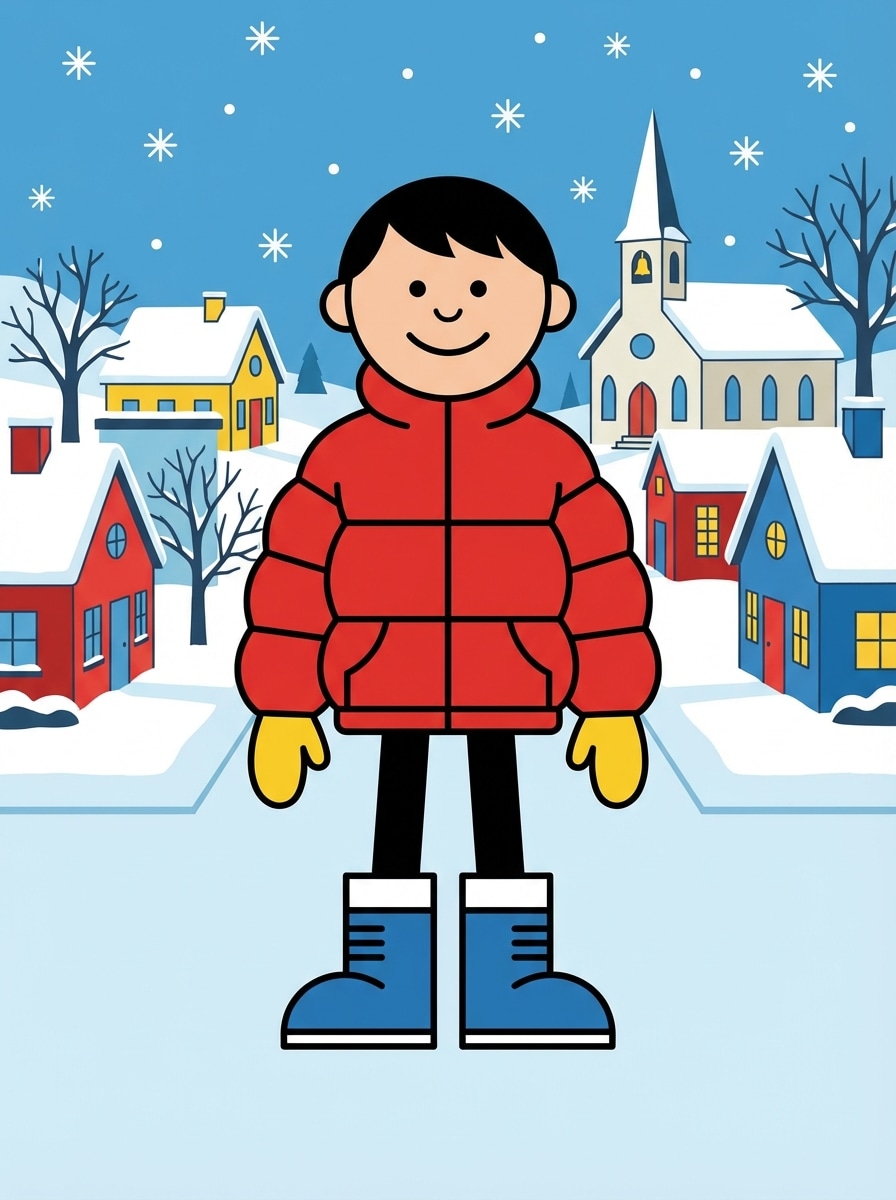
Personaje de cuerpo entero en ciudad nevada
Ilustra un personaje plano de cuerpo completo inspirado en la animación clásica de recortes en TV, de pie en la calle nevada de un pequeño pueblo con botas de invierno, guantes y chaqueta acolchada. Usa postura frontal, extremidades geométricas simples, contornos de alto contraste, colores planos brillantes, espaciado limpio y un fondo invernal nostálgico y nítido.
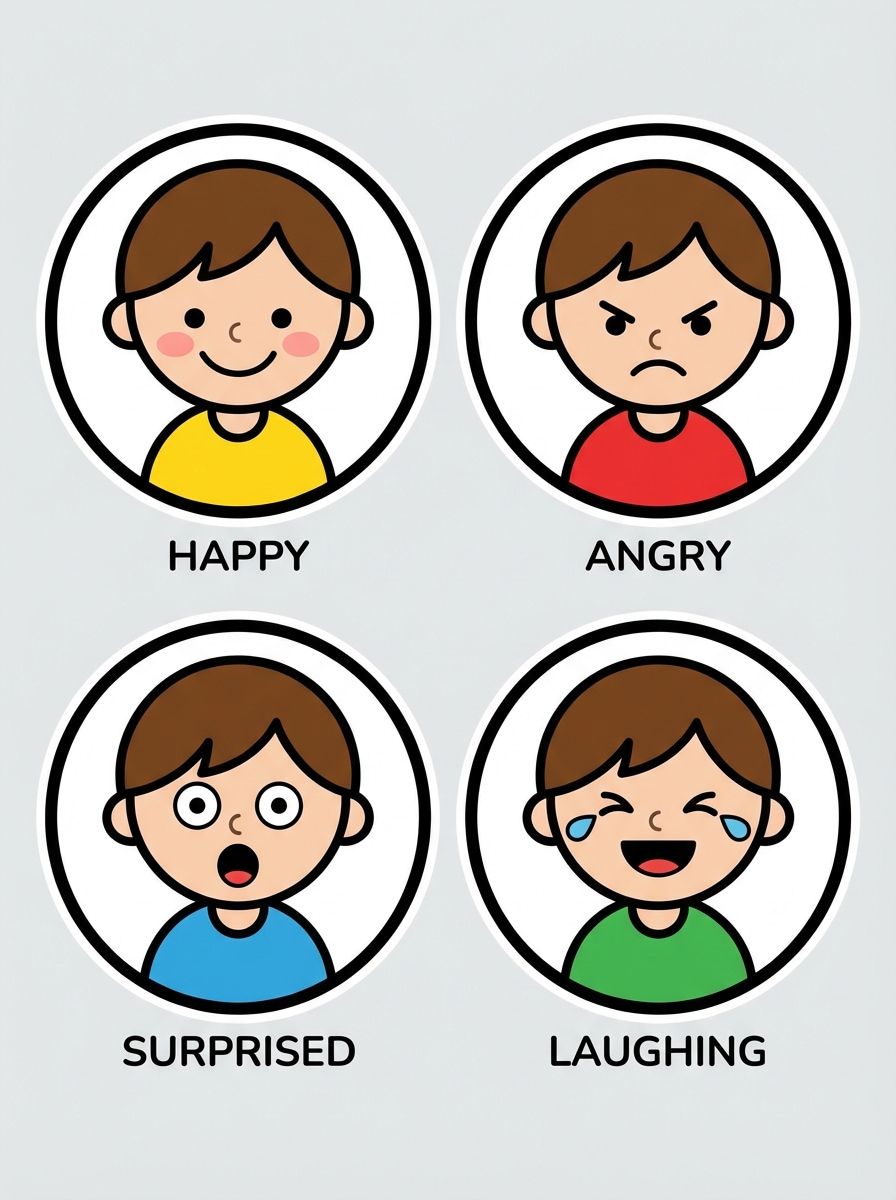
Set de expresiones tipo sticker
Diseña un set de cuatro stickers de avatar caricaturesco plano inspirado en animación de recortes, mostrando el mismo personaje con expresiones feliz, enojado, sorprendido y riendo. Usa contornos negros gruesos, colores planos y brillantes, fondos limpios y simples, distribución uniforme, alta legibilidad y consistencia visual adecuada para apps de mensajería.
Por qué usar Media.io para crear avatares estilo South Park
Creación rápida de texto a imagen
Convierte una idea simple en un avatar de caricatura en tu navegador sin dibujar ni ensamblar manualmente partes. Es una alternativa rápida para usuarios que comparan un generador IA con un creador de personajes tradicional.
Descargas de alta resolución
Genera avatares en calidad 1K, 2K o 4K para fotos de perfil, posts de memes y proyectos creativos. Media.io también soporta múltiples proporciones, así que tu imagen caricaturesca puede adaptarse fácilmente a formatos sociales y de contenido.
Modelos y estilos flexibles
Crea con modelos avanzados, como Nano Banana Pro y Nano Banana 2, además de otros generadores compatibles. Los prompts detallados en inglés te permiten controlar la ropa, los colores, los fondos y el aspecto plano de caricatura de forma consistente.
Funciona en cualquier dispositivo
Media.io es basado en la web, así que puedes crear avatares en Windows, Mac, iPhone, iPad o Android directamente en el navegador. Esto lo hace conveniente para ideas rápidas, revisiones y descargas desde cualquier lugar.
Cómo crear un avatar estilo South Park en línea
1
2
3
1
Abre el Generador de Imágenes IA de Media.io
Ve a Generador IA de texto a imagen y abre el Generador de Imágenes IA en AI -> Imagen. Esta herramienta online funciona en tu navegador, así puedes crear un avatar de caricatura desde tu ordenador o móvil sin instalar software.
2
Ingresa un prompt o sube una imagen
Escribe un prompt detallado, como “Crea un avatar de caricatura plano estilo recortes con un gorro azul, chaqueta roja, ojos ovalados simples y fondo de pueblo nevado”. También puedes probar ideas basadas en fotos por separado si quieres definir el aspecto de tu avatar.
3
Genera, refina y descarga
Haz clic en Generar, revisa el resultado y ajusta tu prompt para detalles de ropa, expresión, colores o fondo. Cuando te guste la imagen, descarga tu avatar en alta resolución para perfiles, posts o proyectos creativos.
Desbloquea el potencial del Creador de Avatares South Park
Ve cómo otros creadores usan este Generador de Avatares estilo South Park para contenido, marketing y proyectos personales, y luego adapta cada idea según tus necesidades.
Destaca con fotos de perfil sociales
Crea un retrato caricaturesco llamativo para TikTok, Instagram, X, Discord o comunidades gamer. Un avatar plano y limpio se ve bien en tamaños pequeños y da a tu perfil una identidad reconocible y divertida.
Crea avatares divertidos de amigos y grupos
Usa prompts para dúos, retratos familiares o escenas grupales de temporada para crear imágenes compartibles rápidamente. Esto es especialmente útil para bromas internas, posts festivos, iconos a juego y contenido paródico nostálgico.
Convierte ideas en un flujo de trabajo para crear personajes de caricatura
Si buscas una alternativa a creador de avatares South Park que empiece desde texto en vez de arrastrar y soltar partes, Media.io te ayuda a describir atuendos, escenas y estados de ánimo para luego generar variaciones nuevas en segundos.
Qué dicen los usuarios
Mia R.
Creadora de contenido
"Arte de perfil rápido y fácil" Quería una foto de perfil caricaturesca de parodia sin dibujar nada. Los prompts eran fáciles de personalizar y obtuve un avatar limpio en minutos.
Jordan T.
Streamer
"Genial para marca personal" Lo usé para hacer un retrato gamer estilo caricatura con auriculares y una sala de neón. Se veía genial para redes sociales y overlays, y el flujo en el navegador fue muy conveniente.
Elena P.
Gestora de redes sociales
"Útil para variaciones de concepto rápido" En lugar de editar manualmente un creador de personajes, pude probar diferentes ropas y fondos solo cambiando el prompt. Eso ahorró mucho tiempo.
Chris W.
Usuario casual
"Divertido para imágenes de grupo de amigos" Hicimos avatares invernales a juego para nuestro grupo y el resultado fue colorido y divertido. Fue simple incluso en el navegador de mi móvil.
Explora los efectos de video e imagen con IA más populares
Preguntas frecuentes sobre avatares estilo South Park
1. ¿Cómo creo un avatar estilo South Park a partir de texto?
Abre el Generador de Imágenes IA de Media.io en tu navegador y escribe un prompt detallado describiendo la ropa, colores, sencillez facial y fondo que quieres. Para mejores resultados, usa prompts claros en inglés, como un retrato caricaturesco plano estilo recortes con ropa de invierno, contornos gruesos y fondo de pueblo nevado.
2. ¿Este creador de avatares de South Park es gratis?
Sí, los usuarios gratuitos pueden probar Media.io con créditos gratis. Si necesitas más generaciones o beneficios extra, consulta la página de precios. Las exportaciones gratuitas pueden incluir marca de agua, mientras los planes pagos desbloquean descargas en alta resolución sin marca de agua. Los usuarios gratuitos pueden usar créditos gratis. Para mayor uso, puedes suscribirte a un plan en la página de precios. Mejora a un plan de pago en la página de precios para más créditos y descargas en alta resolución sin marca de agua.
3. ¿Puedo crear un avatar estilo South Park a partir de mi foto?
Aunque esta página se centra en prompts de texto a imagen, en Media.io, si quieres transformar una selfie en una imagen estilo creador de South Park, empieza con una foto clara y describe el estilo caricaturesco que deseas en el prompt.
4. ¿Qué calidad de imagen puedo descargar?
Media.io soporta generación de imágenes en 1K, 2K y 4K, junto con proporciones como 1:1, 9:16, 16:9, 4:3 y 3:4. Eso lo hace práctico para imágenes de perfil, posts, fondos y otros usos de avatares caricaturescos. Los usuarios gratuitos pueden tener marca de agua.
5. ¿Funciona en navegadores móviles y de escritorio?
Media.io es una herramienta web que funciona en dispositivos con navegador, incluyendo Windows, Mac, iOS y Android. Puedes crear y descargar tu avatar de caricatura sin instalar software de escritorio. Media.io es una herramienta online que funciona en cualquier dispositivo con navegador (Windows, Mac, iOS, Android).
6. ¿Cuánto tarda en generarse un avatar?
La generación suele ser rápida, y la mayoría puede crear un avatar en una breve sesión, dependiendo del modelo, la complejidad del prompt y las mejoras. Herramientas como Nano Banana 2 están diseñadas para generar más rápido sin sacrificar el control creativo. Nano Banana 2 está adaptado para generación e iteración más rápidas.
Más allá del creador de avatares estilo South Park impulsado por IA