Tus creaciones solo se guardan durante 7 días. Los recursos creados después de actualizar a Membresía se almacenarán de forma permanente.
¡Desbloquea tu potencial creativo y experimenta la magia de Media AI ahora mismo!
Crea un look de filtro Red Velvet a partir de tu retrato online
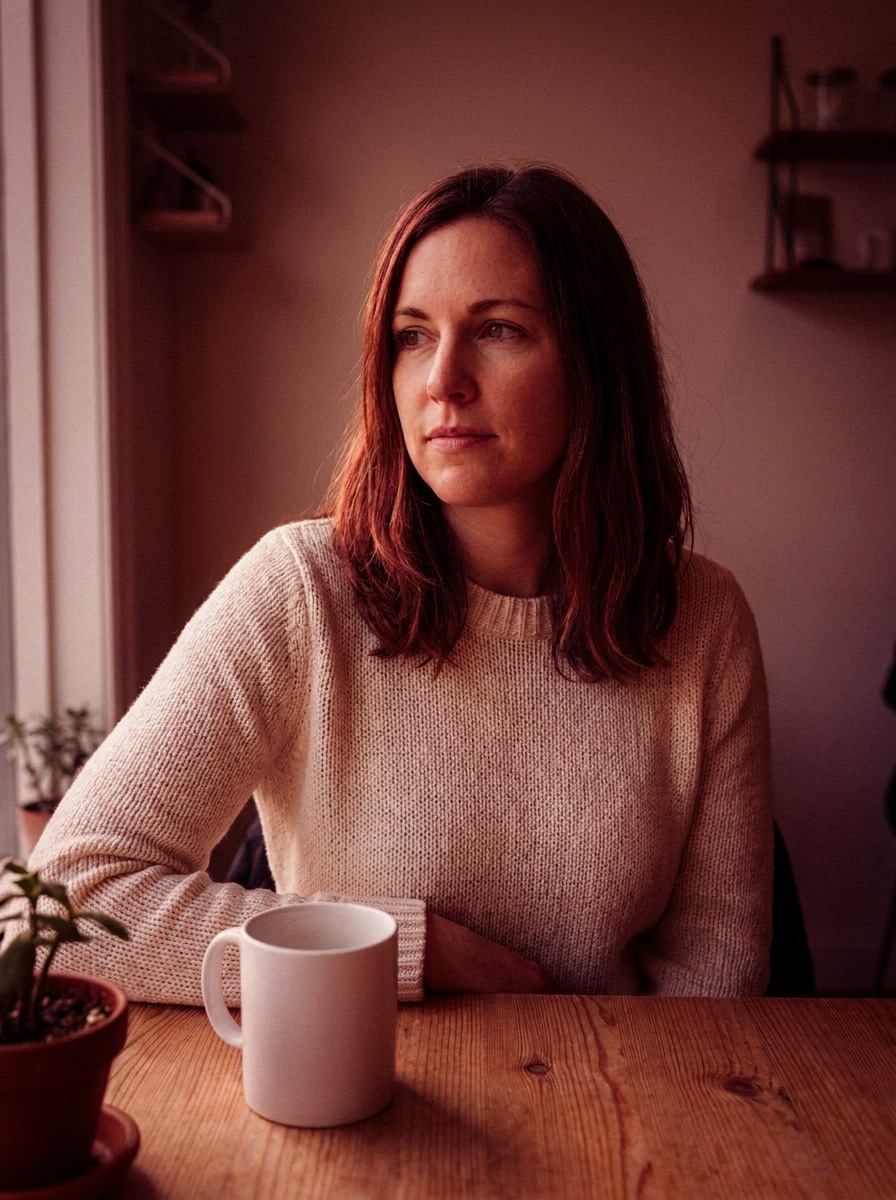
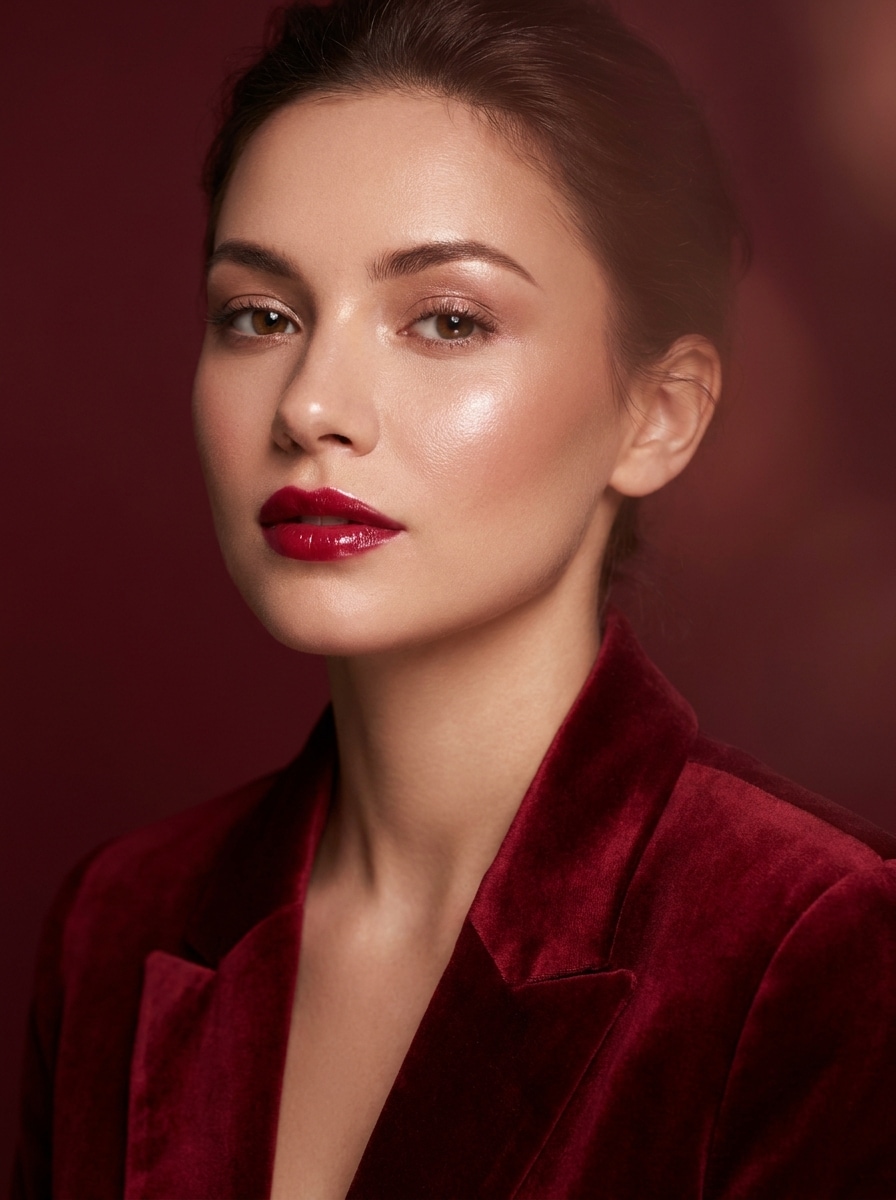
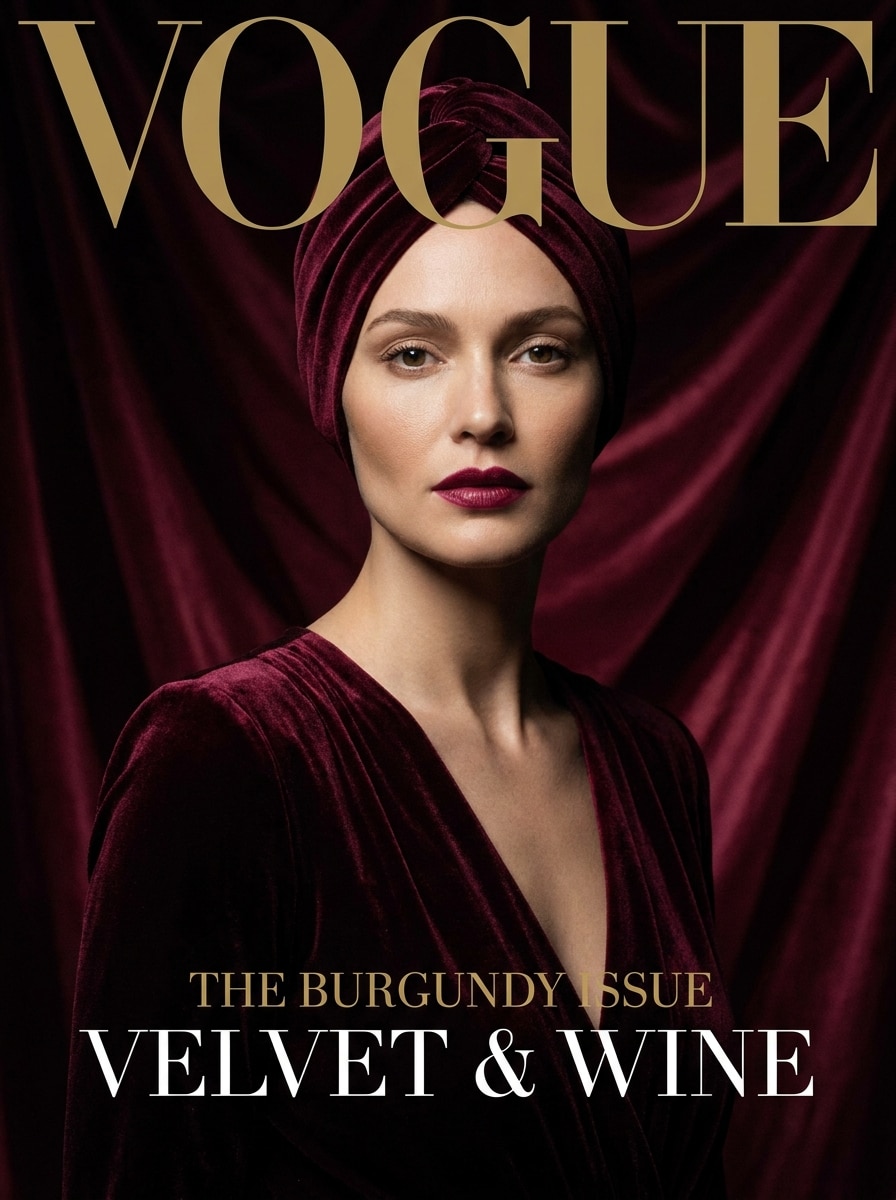
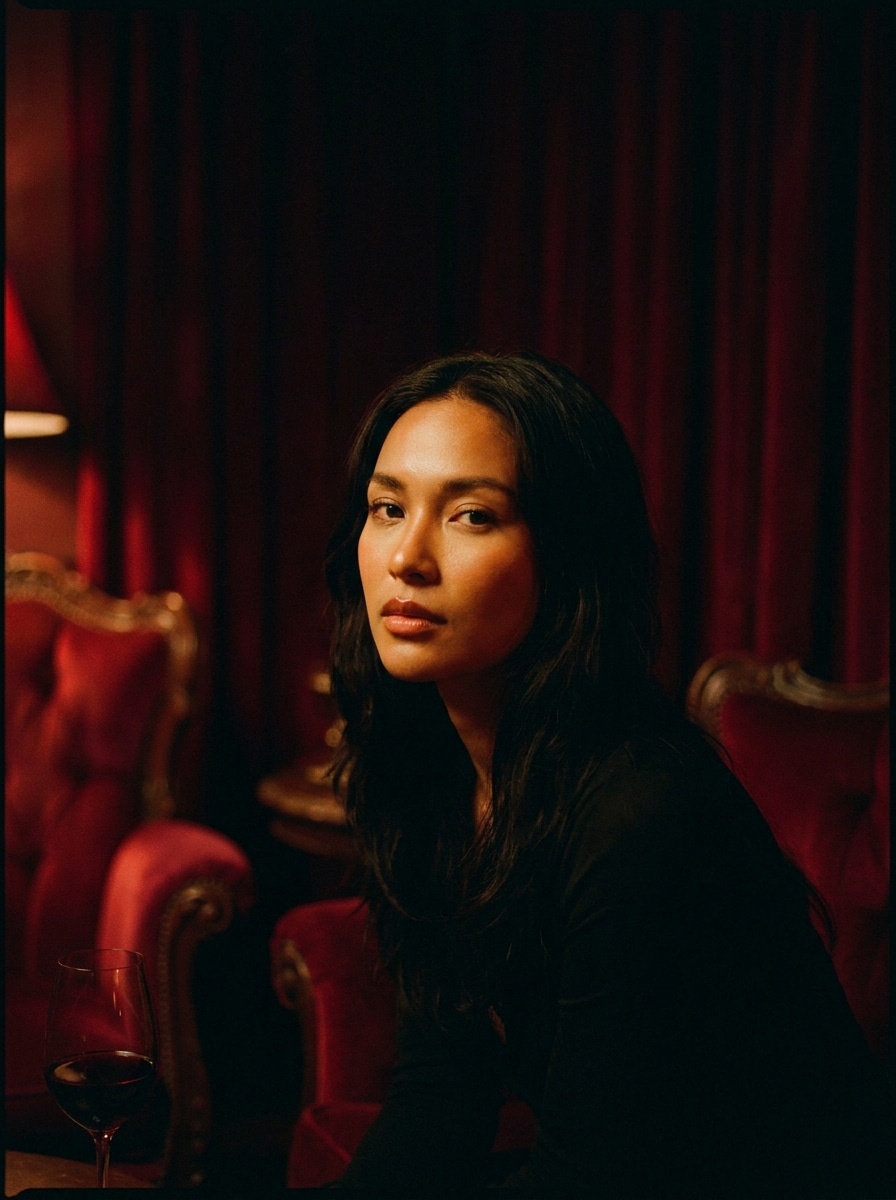
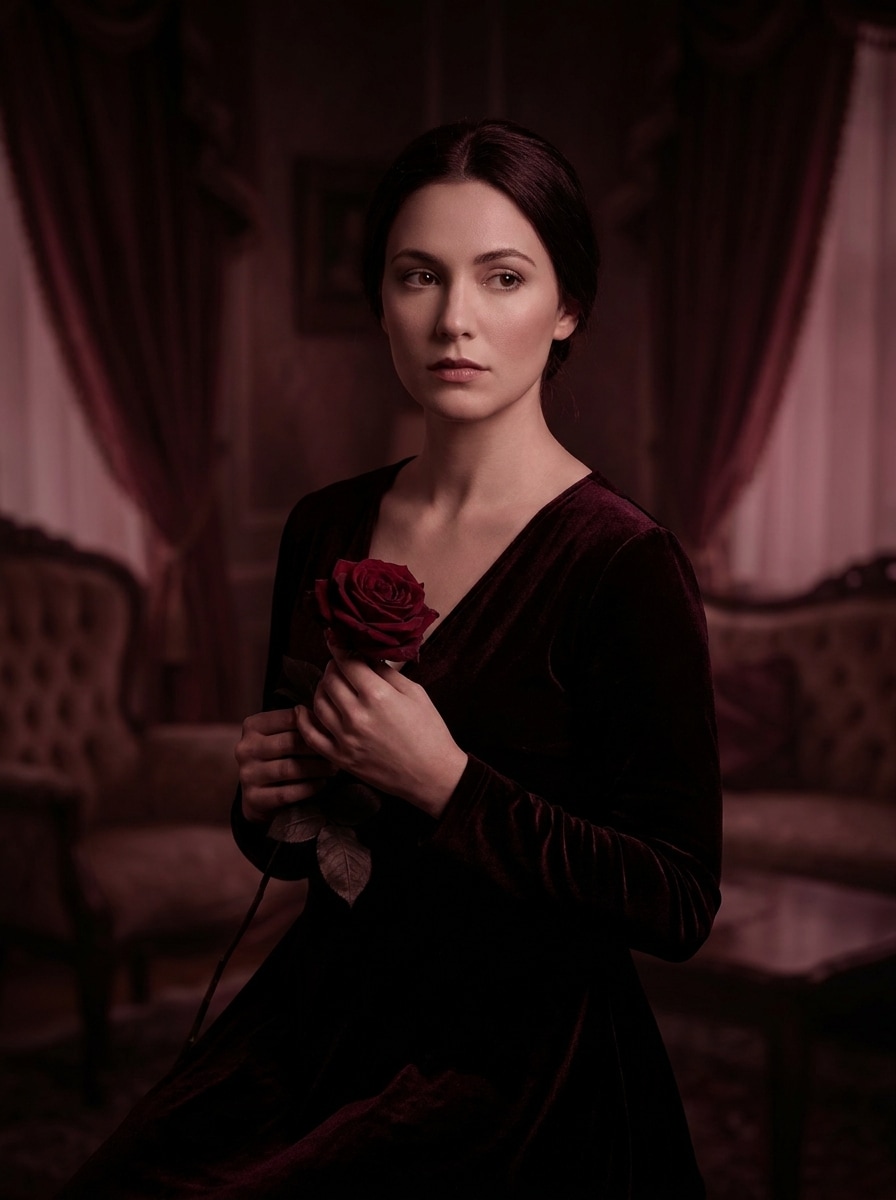
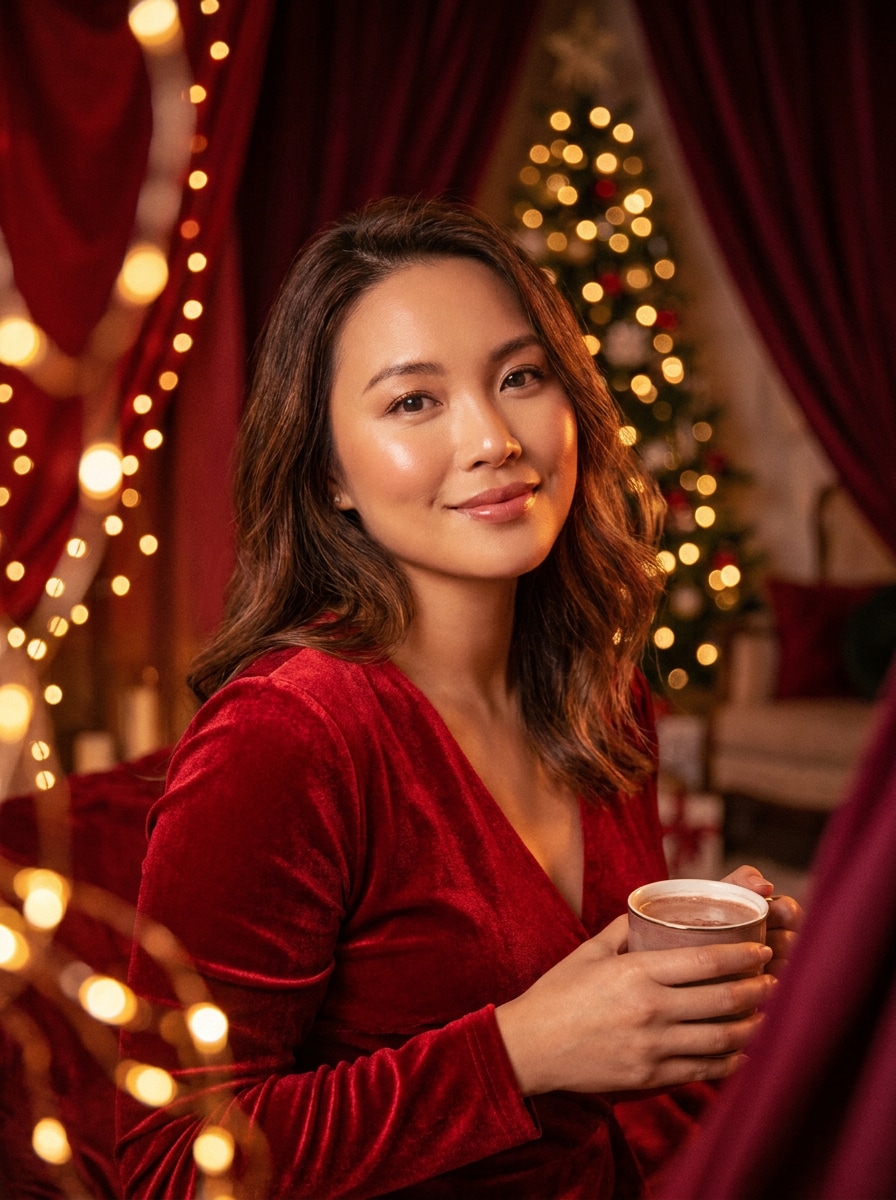
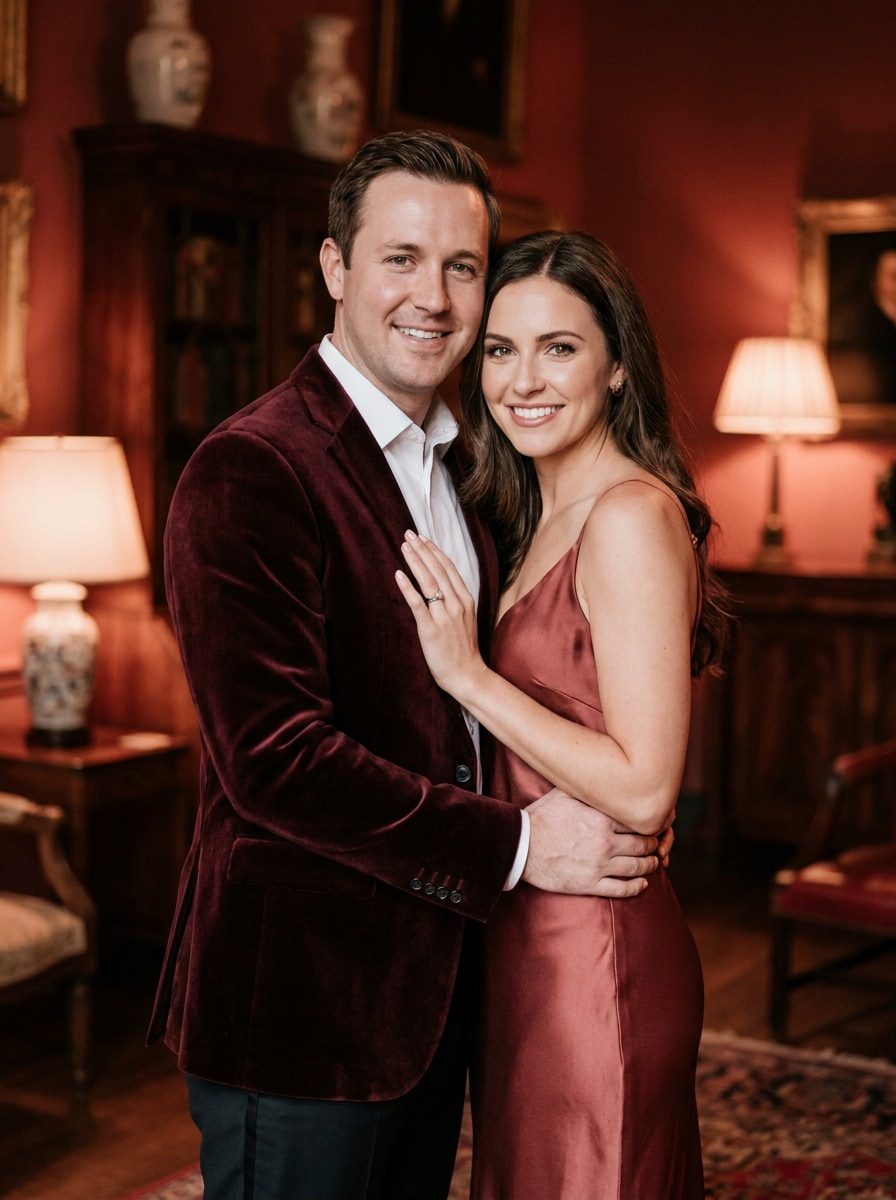
Convierte cualquier retrato subido en una imagen editorial carmesí intenso con un filtro red velvet. Media.io te ayuda a crear un retrato de terciopelo lujoso con piel Suave, iluminación envolvente y un efecto fotográfico de terciopelo Suave pulido en solo unos clics. Esta configuración funciona bien para filtro de textura de terciopelo.
Escribe tu idea -> La IA la diseña. Pruébalo gratis.
Revisa estas instrucciones de ejemplo y luego personaliza los detalles del prompt para obtener mejores resultados con este filtro Red Velvet y un look de inspiración aterciopelada más refinado.
Red Velvet glamuroso Suave
Usa la imagen cargada como sujeto y transfórmala en un retrato de terciopelo rojo con estilo glam Suave, tonos carmesí profundo y burdeos, iluminación de Belleza difusa, piel suave de aspecto natural, reflejos brillantes, Desenfoque de fondo sutil, contraste elegante y un acabado editorial de lujo pulido.
Estudio editorial burdeos
Usa la imagen subida como sujeto y rediseña su estilo como un retrato de estudio burdeos de alta moda con suavidad aterciopelada, Gradación de color rojo vino, iluminación facial esculpida, textura de piel refinada, separación nítida del sujeto, fondo de lujo minimalista y una atmósfera de campaña de Belleza Premium.
Cine carmesí atmosférico
Usa la imagen subida como sujeto y aplica un look cinematográfico red velvet con sombras oscuras, reflejos carmesí, balance cálido de piel, contraste sutil tipo película, sensación de poca profundidad de campo, ambiente dramático y una profundidad de color lujosa que se siente emocional, moderna y visualmente rica.
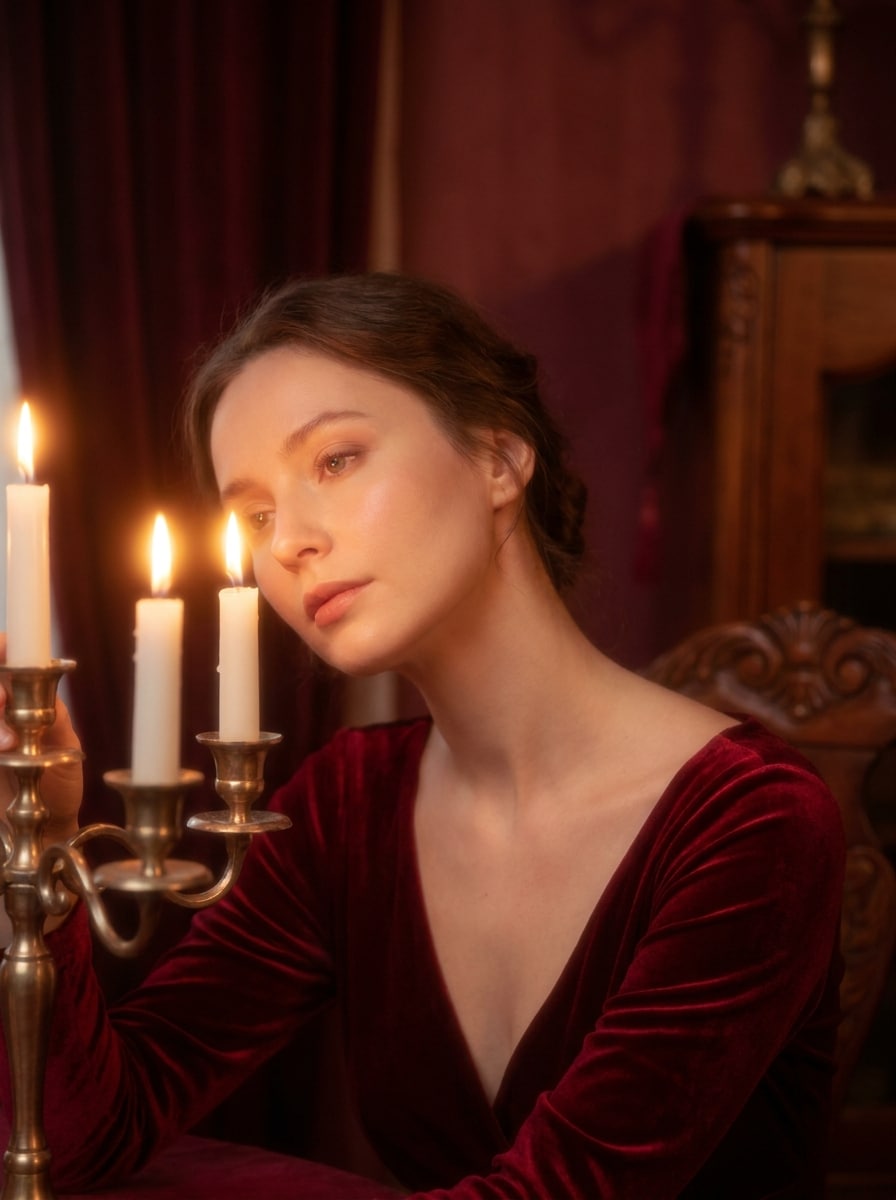
Rojo romántico a la luz de las velas
Usa la imagen cargada como sujeto y transfórmala en un retrato romántico de terciopelo rojo con calidez de luz de velas, reflejos brillantes y Suaves, tonos rojos aterciopelados, acabado de piel de ensueño, sombras íntimas, composición elegante y un ambiente de lujo sutil, perfecto para visuales de citas nocturnas o festividades.
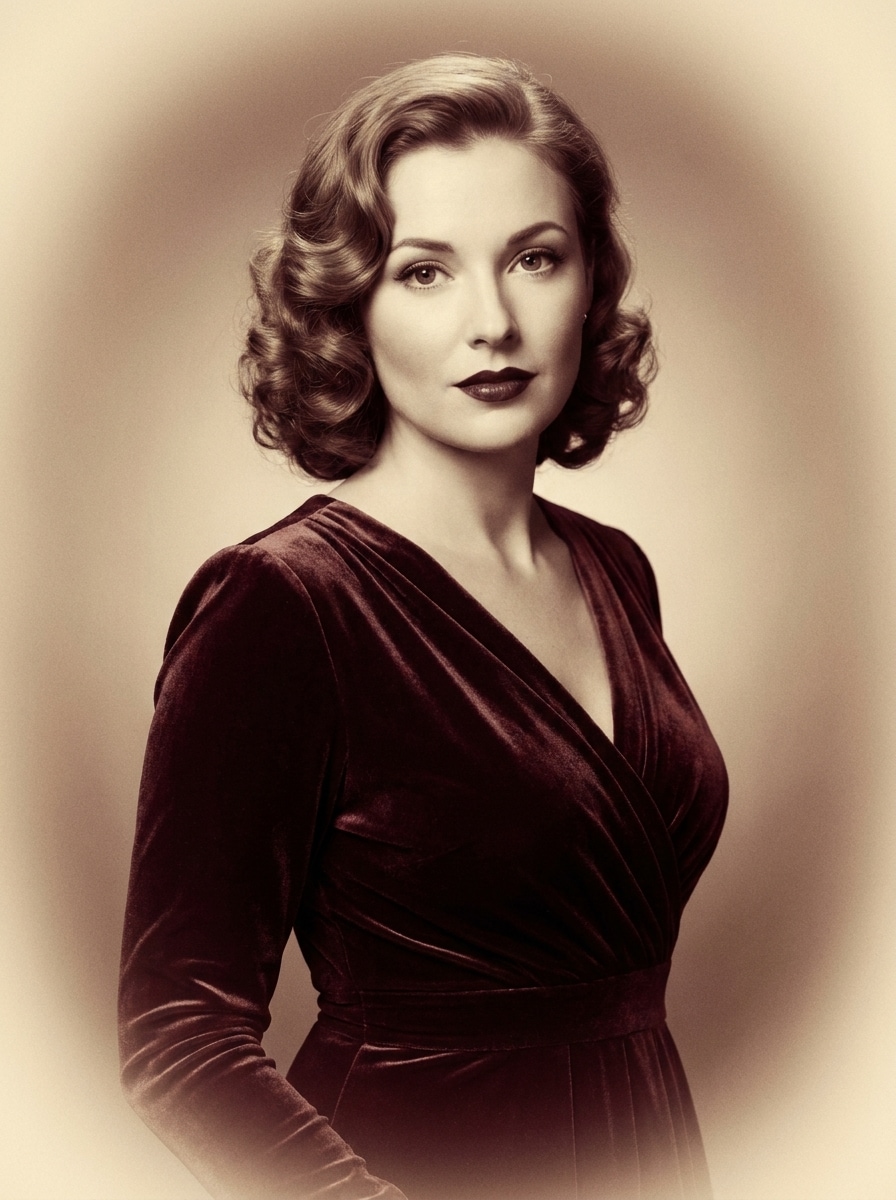
Película de terciopelo vintage
Usa la imagen cargada como sujeto y dale un tratamiento cinematográfico vintage de terciopelo rojo con tonos carmesí apagados, grano Suave, desvanecimiento tonal cálido, viñeta sutil, refinamiento delicado de la piel, estilo retro glamuroso y un acabado de retrato atemporal con riqueza nostálgica.
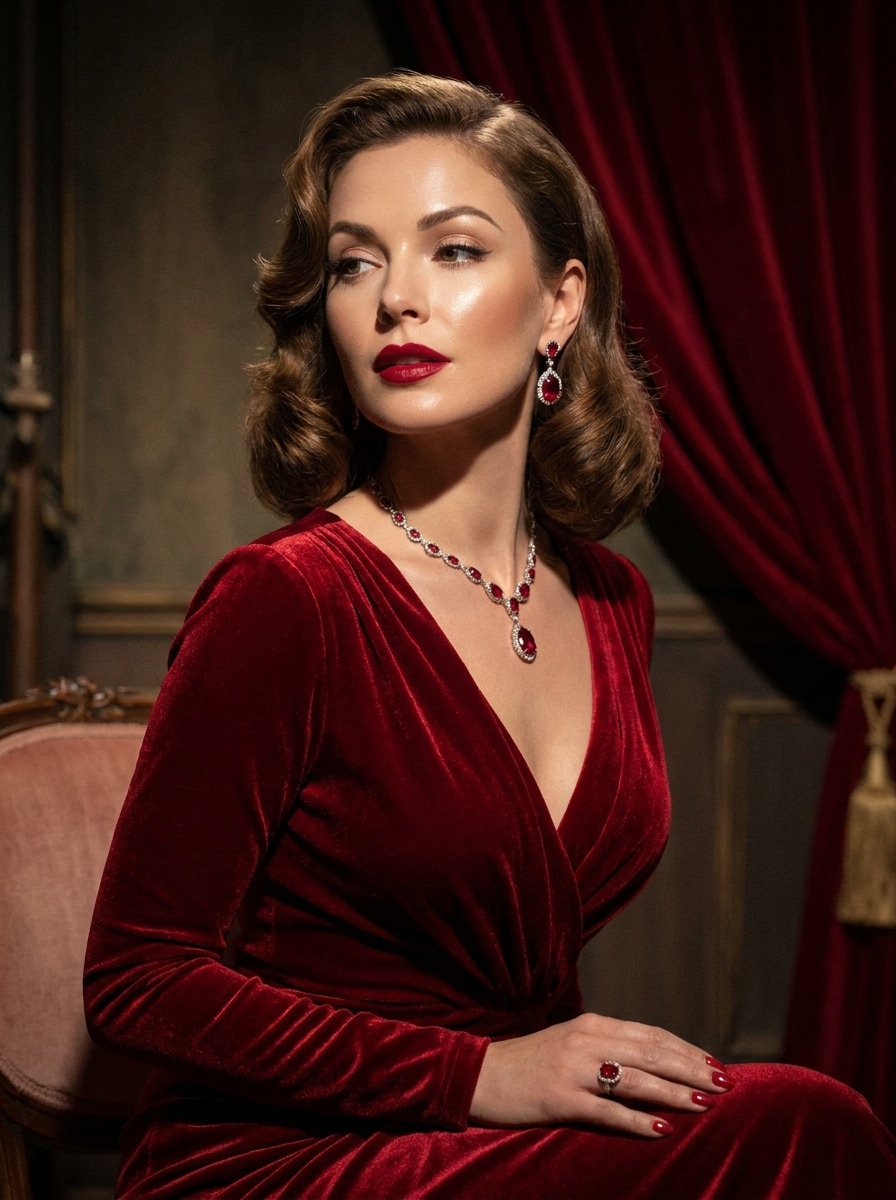
Red Velvet del viejo Hollywood
Usa la imagen subida como sujeto y conviértela en un retrato glamuroso red velvet del viejo Hollywood con paleta rojo rubí, piel pulida, modelado dramático de luz, sombras elegantes, textura lujosa, expresión serena y un acabado de Belleza cinematográfica atemporal.
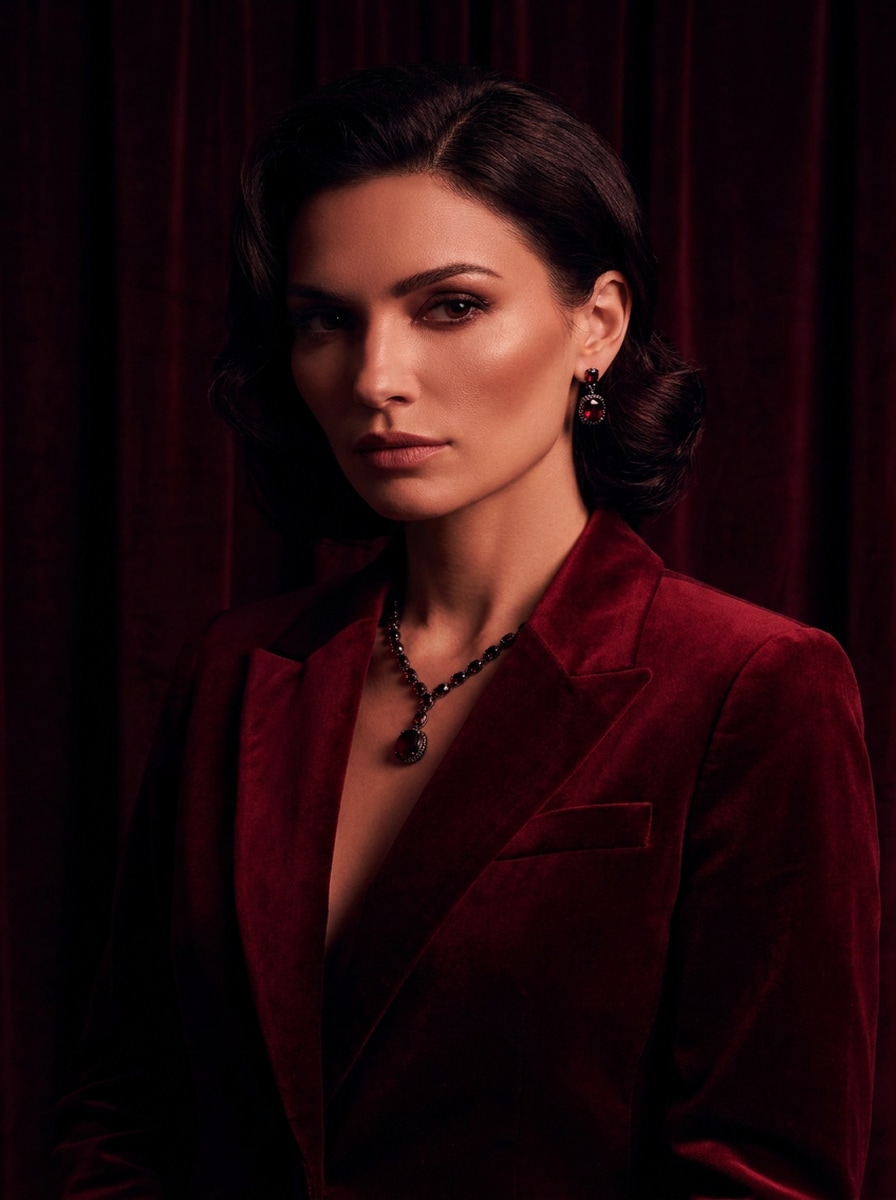
Terciopelo cereza oscuro
Usa la imagen subida como sujeto y aplica un filtro red velvet cereza oscuro con sombras negro-rojizas, contraste elegante, contornos faciales definidos, profundidad lujosa, ambiente dramático y una estética femenina oscura que se mantiene suave, estilosa y Premium.
Terciopelo Rose Noir
Usa la imagen subida como sujeto y crea un retrato de terciopelo rose noir con Gradación de color rojo vino, acabado de piel mate, iluminación en clave baja, oscuridad romántica, profundidad aterciopelada, rasgos suavemente esculpidos y una composición de alta gama lista para redes sociales con elegancia envolvente.
Brillo de terciopelo festivo
Usa la imagen cargada como sujeto y añade un efecto festivo de terciopelo rojo con luces cálidas brillantes, tonos escarlata y burdeos intensos, mejora favorecedora del retrato, resplandor acogedor, contraste Suave y un aspecto pulido listo para las fiestas que se siente lujoso y acogedor.
Romance Red Velvet en pareja
Usa la imagen cargada como sujeto y Transformara el retrato de pareja en una escena romántica de terciopelo rojo con Gradación de color carmesí Suave, iluminación cálida e íntima, refinamiento sutil de la piel, profundidad elegante, reflejos suaves y un ambiente de lujo compartible, ideal para aniversarios o publicaciones en redes sociales.
Por qué usar Media.io para un cambio de imagen fotográfico Red Velvet
Transformar retratos reales en looks de terciopelo reconocibles
Para selfies, fotos de Belleza o fotos de pareja, Media.io usa tu imagen subida como referencia visual, ayudándote a aplicar un filtro de terciopelo con IA mientras mantiene los rasgos faciales reconocibles y ofrece un resultado final más personal.
Ajusta el ambiente, el encuadre y la calidad de salida
La exploración de estilos resulta más fácil con Media.io, ya que puedes comparar múltiples direcciones creativas desde el mismo punto de partida del filtro red velvet y elegir la versión que mejor se adapte a tu concepto.
Crea imágenes de alta resolución para uso real
Si planeas reutilizar la imagen final más allá de una vista previa rápida, Media.io ayuda a producir resultados más nítidos de hasta 4K para que tu imagen con filtro de terciopelo rojo sea confiable para Presentaciones, maquetas y trabajos de diseño.
Crea ediciones de lujo rápidamente en tu navegador
Para creadores que alternan entre móvil y escritorio, Media.io mantiene la Creación visual del filtro red velvet en el navegador para que el flujo de trabajo sea práctico estés donde estés trabajando.
Cómo aplicar un filtro Red Velvet online
Convierte tus palabras en visuales impresionantes en tres sencillos pasos y luego continúa refinando el resultado si deseas llevarlo más lejos.
Paso 1
Sube tu imagen de referencia
Comienza con un retrato claro, selfie o foto de pareja en formato JPG, PNG o JPEG. Una imagen bien iluminada con detalles faciales visibles le da a Media.io una base más sólida para una transformación red velvet fluida.
Paso 2
Describe el cambio y configura las opciones
Introduce el estilo red velvet que deseas, como glamour Suave, carmesí cinematográfico o lujo cereza oscuro. Luego elige tu modelo y ajusta la Relación de aspecto, la calidad y la cantidad de imágenes según tu uso final.
Paso 3
Genera, descarga y sigue mejorando
Genera tus versiones editadas, compara los resultados y descarga tu imagen favorita. Puedes refinar el prompt, aumentar la intensidad o probar otra variación hasta que el ambiente, el acabado de piel y los tonos rojos se vean bien.
Desbloquea el potencial del filtro de terciopelo con IA
Descubre cómo los creadores usan este filtro Red Velvet para contenido, marketing y proyectos personales, y luego adapta cada idea a tu proyecto.
Mejora tus selfies a retratos editoriales de Belleza
Dale a tus selfies cotidianos un acabado pulido estilo revista con tonos burdeos más profundos, renderizado de piel más Suave e iluminación envolvente. Media.io ayuda a convertir retratos casuales en una identidad glamurosa Premium que funciona bien para fotos de perfil, contenido de Belleza y branding de creadores.
Crea contenido social romántico y de temporada
Usa una Gradación de color carmesí cálida y suavidad de luz de velas para crear imágenes que se sientan íntimas, festivas o listas para una cita nocturna. Con Media.io, este estilo de retrato es ideal para publicaciones navideñas, fotos de aniversario y ediciones de pareja compartibles con una estética de lujo.
Diseña mood boards distintivos para branding de moda
Convierte retratos en activos visuales consistentes para portadas, promociones y maquetas de campañas. Media.io ayuda a dar forma a una dirección memorable de alta gama a través de una paleta roja rica, estilismo de lujo Suave y un acabado sutil de inspiración aterciopelada para fotógrafos, estilistas y pequeñas marcas.
Lo que dicen los usuarios sobre este efecto de retrato aterciopelado
Amelia R.
Creadora de contenido de Belleza
"Perfecto para ediciones de selfies glamurosos" Quería un estilo de retrato rojo y lujoso sin tener que hacer la Gradación de color manualmente. Este efecto le dio a mis selfies tonos carmesí profundos e iluminación suave mientras mantenía mi rostro reconocible.
Noah T.
Gestor de redes sociales
"Forma rápida de hacer que los visuales se sientan Premium" Lo usamos para crear retratos románticos y envolventes para una campaña de temporada. El flujo de trabajo en el navegador fue rápido y los resultados se veían lo suficientemente pulidos para publicaciones en redes sociales y gráficos promocionales.
Sofia L.
Fotógrafa de retratos
"Gran control de ambiente para estilismo de retratos" Me gusta que puedo probar looks de glamour Suave, vintage y terciopelo más oscuro desde la misma imagen de origen. Es útil para previsualizar conceptos antes de hacer un retoque completo.
Jordan K.
Blogger de estilo de vida
"Fácil de usar en el Teléfono" Edité un retrato desde mi Teléfono y obtuve un look dramático de inspiración aterciopelada en minutos. El efecto se sintió estiloso en lugar de exagerado, y la imagen final funcionó bien para actualizar mi perfil.
Explora los efectos de video e imagen con IA más populares
Un filtro red velvet es un estilo de Edición de retratos que añade tonos carmesí intenso o burdeos, sombreado Suave de lujo, un tratamiento favorecedor de la piel y un ambiente editorial. En Media.io, puedes aplicar este aspecto a una imagen cargada para crear un retrato más rico y cinematográfico sin reconstruir la foto desde cero.
2. ¿Cómo puedo aplicar un filtro red velvet en línea de forma gratuita?
Puedes cargar tu retrato en Media.io, describir el aspecto red velvet que deseas y generar resultados usando créditos gratuitos. El acceso gratuito te permite probar el efecto primero, mientras que opciones de uso adicionales, más créditos y descargas en alta Resolución sin marca de agua están disponibles en la página de precios.
3. ¿Puedo convertir cualquier retrato en una estética red velvet con IA?
Sí, Media.io admite la Edición de imagen a imagen, por lo que puedes cargar un selfie, un retrato de Belleza o una foto en pareja y guiar el cambio de estilo con un prompt. Una imagen de origen clara suele funcionar mejor para obtener un resultado más potente del filtro red velvet, especialmente si deseas iluminación cinematográfica o un acabado refinado de retrato de terciopelo de lujo.
4. ¿El efecto red velvet mantendrá mi rostro natural?
Sí, especialmente cuando usas una foto de referencia clara y solicitas un suavizado Suave de la piel o un glamour equilibrado. Media.io utiliza tu imagen cargada como guía, lo que ayuda a preservar la estructura facial reconocible mientras añade un color más rico, ambiente y un acabado pulido inspirado en el terciopelo.
5. ¿Qué calidad de imagen o Resolución puedo exportar?
Media.io ofrece opciones de exportación en 1K, 2K y 4K, según las necesidades de tu flujo de trabajo. Esto lo hace práctico para publicaciones en redes sociales, imágenes de perfil y Recursos creativos de mayor calidad cuando quieres que tu retrato red velvet se mantenga nítido después de la descarga. Los usuarios gratuitos pueden tener marcas de agua.
6. ¿Este editor de fotos red velvet funciona en dispositivos móviles?
Media.io está basado en la web, por lo que puedes usar esta herramienta de filtro de terciopelo con IA en Teléfonos, tabletas, portátiles u ordenadores de escritorio con un navegador. Esto facilita crear o perfeccionar un efecto de foto de terciopelo Suave en casa, en el estudio o mientras estás en movimiento.