Tus creaciones solo se guardan durante 7 días. Los recursos creados después de actualizar a Membresía se almacenarán de forma permanente.
¡Desbloquea tu potencial creativo y experimenta la magia de Media AI ahora mismo!
Filtro de Chocolate AI para Transformaciones de Retratos Brillantes y Derretidos
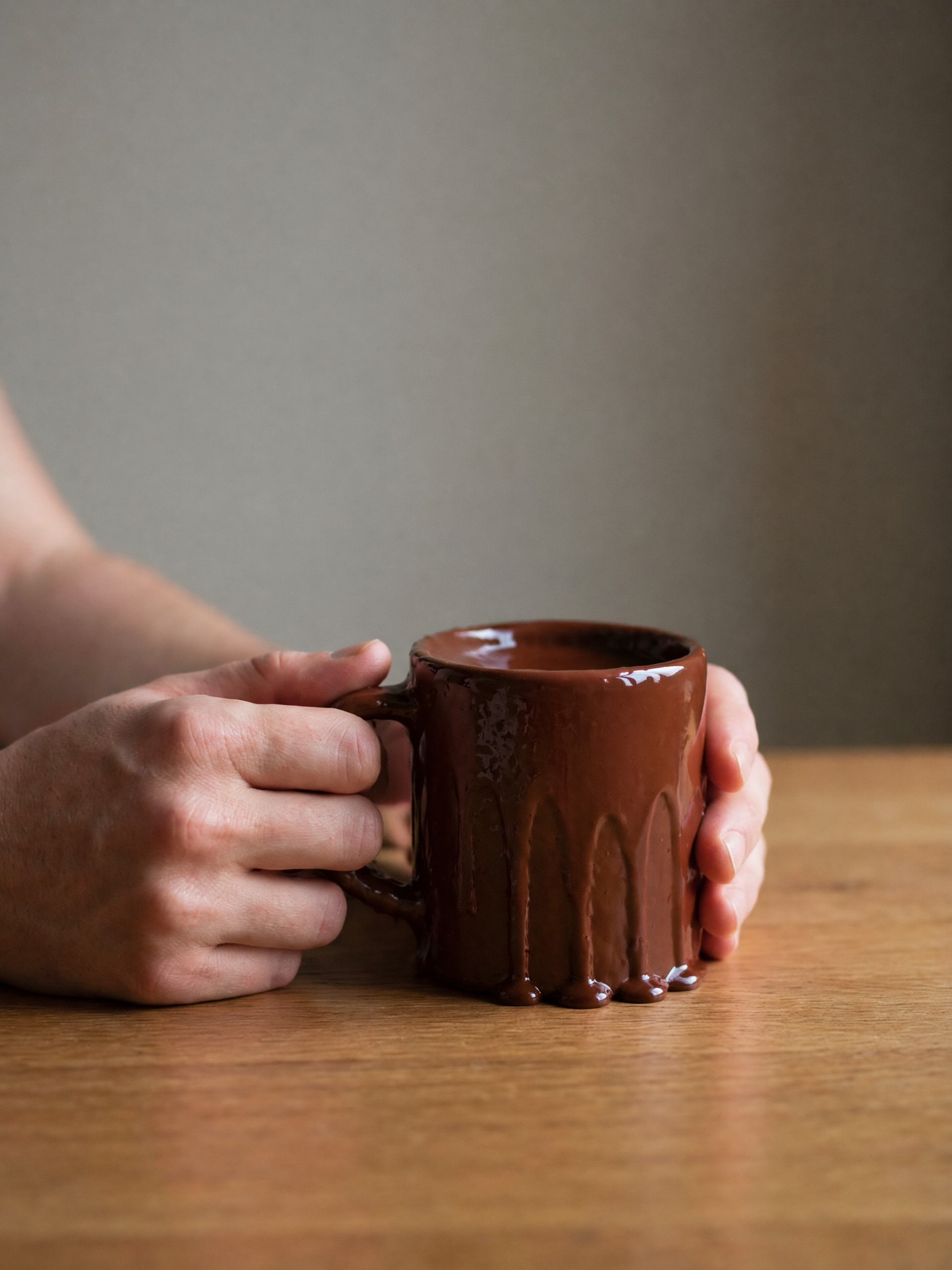
Crea retratos ricos con estilo chocolate usando tus propias fotos en minutos. Media.io te ayuda a aplicar unfiltro de chocolate AI, desde un refinadoefecto fotográfico de chocolate hasta un dramáticofiltro de chocolate derretido, manteniendo los detalles faciales claros y listos para redes sociales.
Escribe tu idea -> La IA lo diseña. Gratis para probar.
Revisa estas instrucciones de ejemplo y adapta los detalles del prompt para obtener mejores resultados con este Filtro de Chocolate, incluyendo un aspecto de postre brillante o unfiltro de retrato de chocolatemás definido.
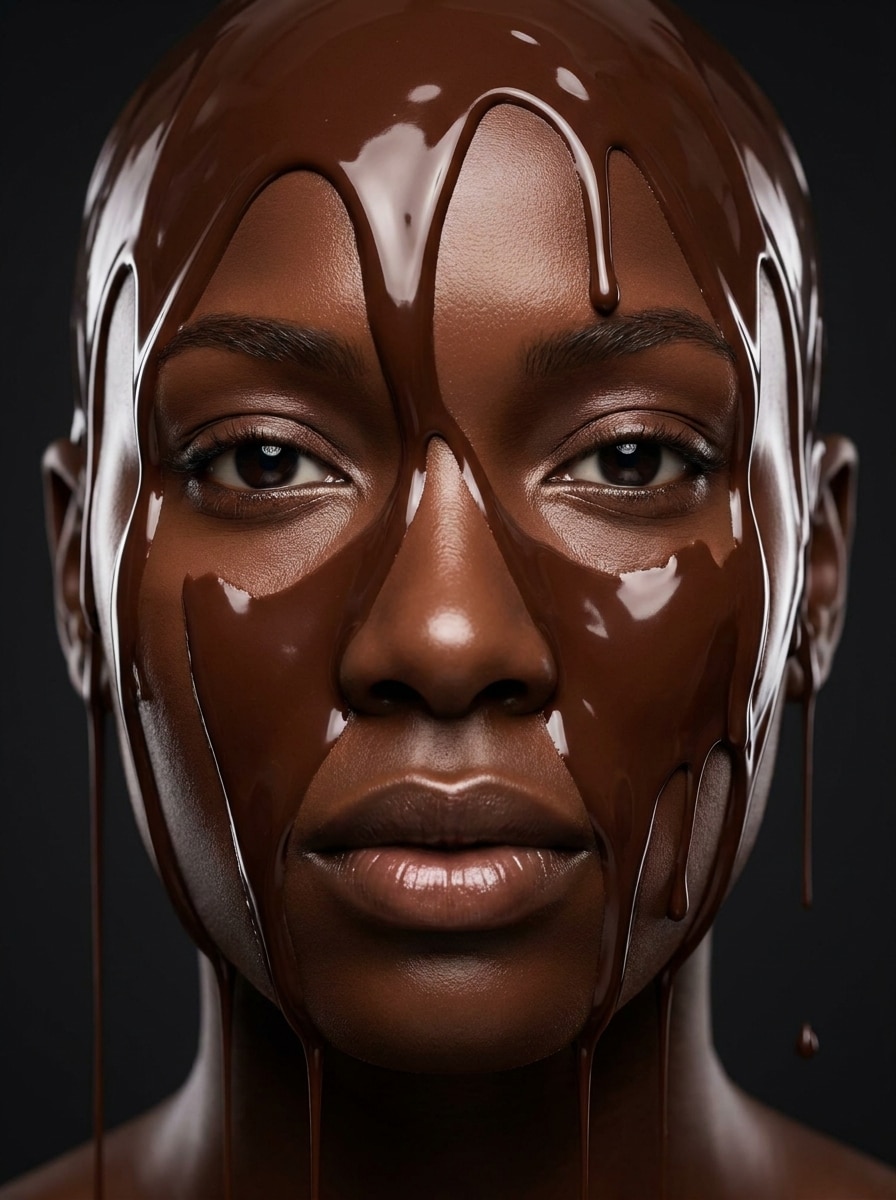
Rostro de Chocolate Derretido
Utiliza el retrato subido como sujeto y transforma el rostro en una versión de chocolate oscuro derretido realista, con gotas líquidas y brillantes sobre la frente y mejillas, tonos ricos de cacao, textura suave y reflectante, estructura facial preservada, iluminación de estudio suave, fondo limpio y realismo de postre altamente detallado.
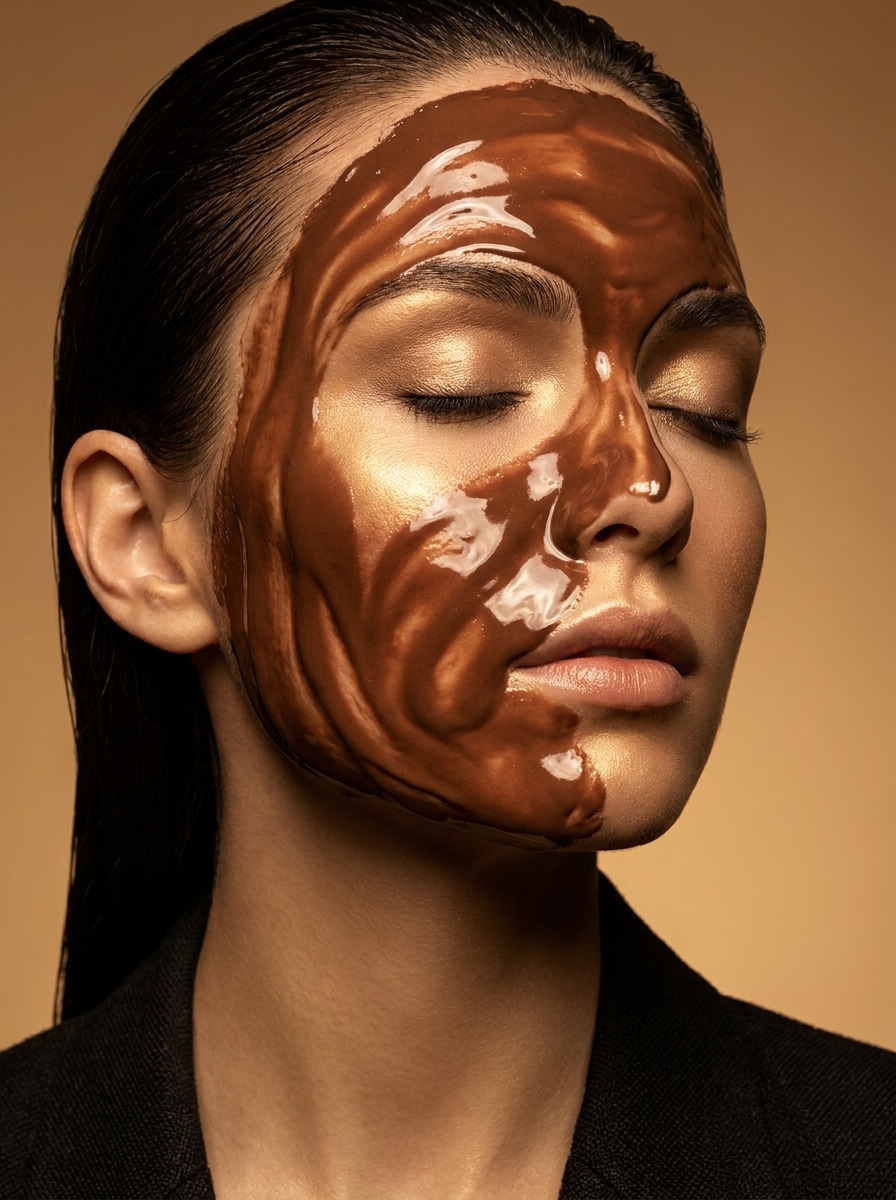
Belleza Glaseada de Chocolate
Usa la selfie subida como sujeto y crea un retrato de belleza de alta moda cubierto de glaseado de chocolate brillante, con resaltes elegantes sobre la piel, reflejos marrones suaves, detalles refinados de maquillaje, iluminación editorial cálida, ambiente cosmético lujoso, composición limpia y acabado de calidad revista pulido.
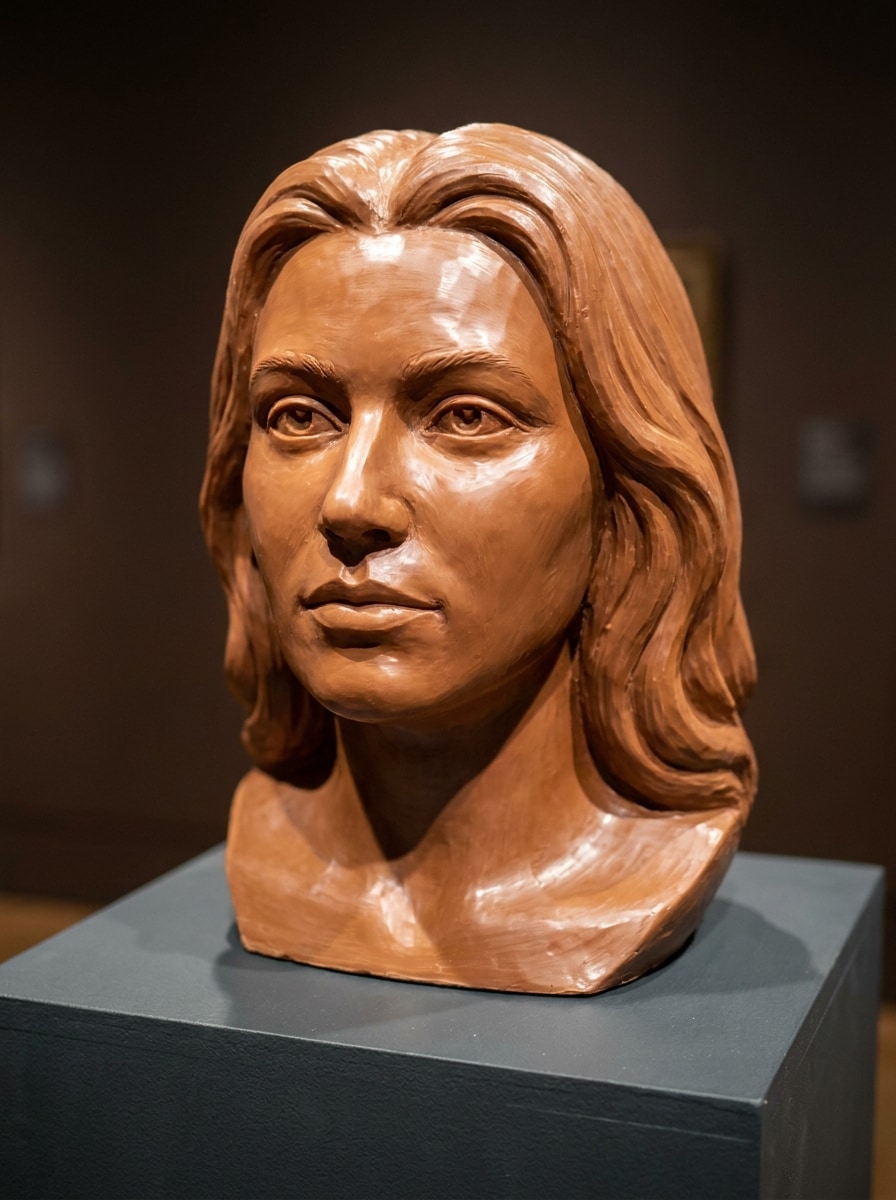
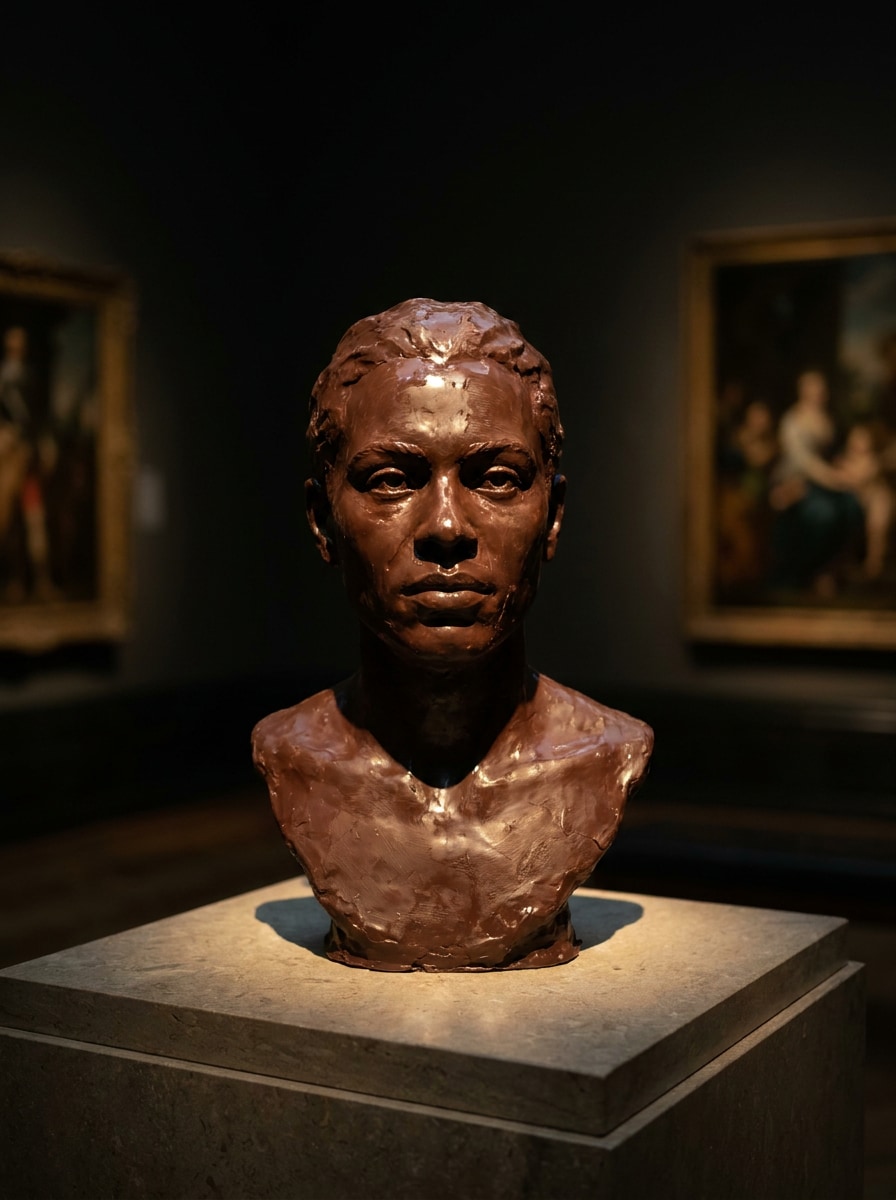
Retrato Esculpido en Chocolate
Usa el headshot subido como base y conviértelo en un retrato esculpido en chocolate, como si el sujeto estuviera tallado en chocolate de leche sólido, con contornos faciales definidos, textura sutil de confitería, brillo suave, iluminación estilo museo, tonos de caramelo y cacao profundos y material de postre artesanal realista.
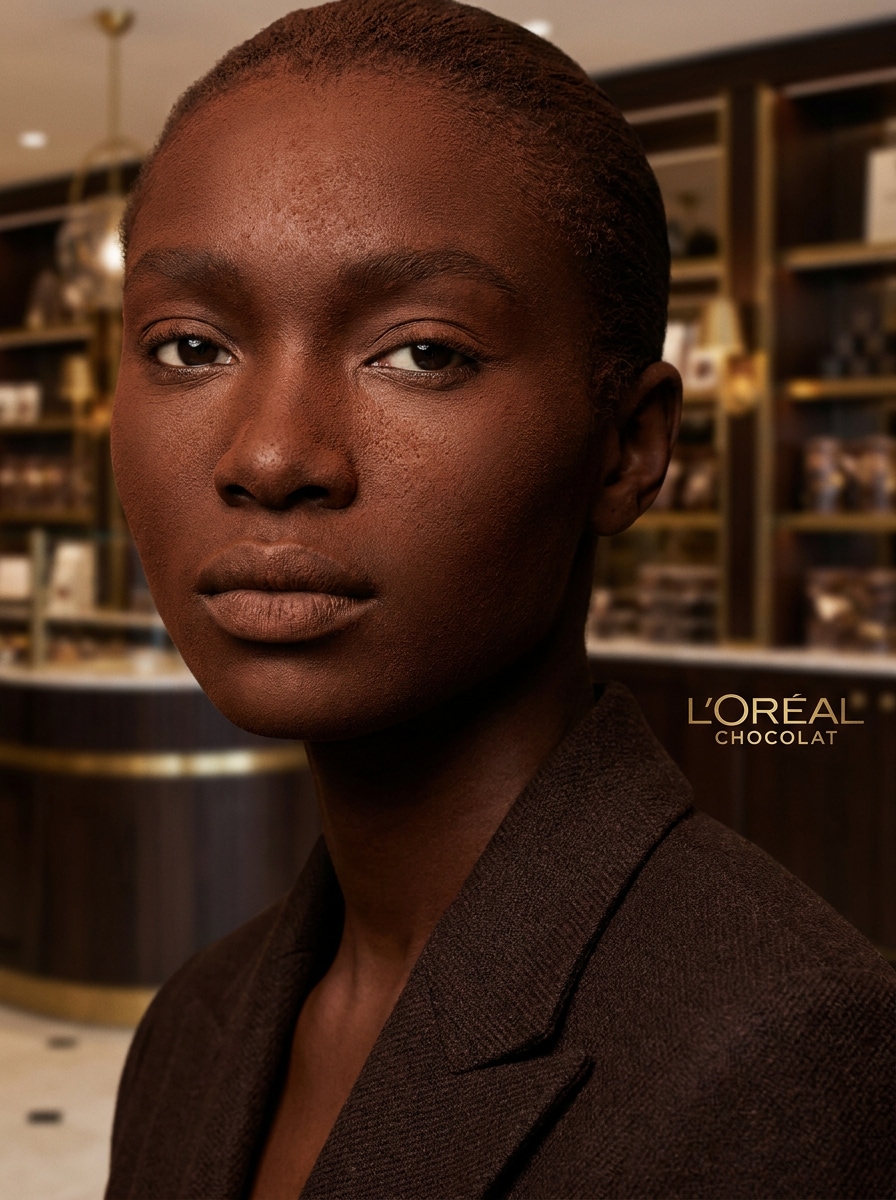
Headshot de Trufa
Usa el retrato subido como sujeto y restílalo en una imagen inspirada en trufas de lujo, con cobertura aterciopelada de cacao, tonos marrones ricos en ganache, textura fina en polvo, forma del rostro preservada, iluminación premium suave, composición elegante y un aspecto editorial refinado de confitería.
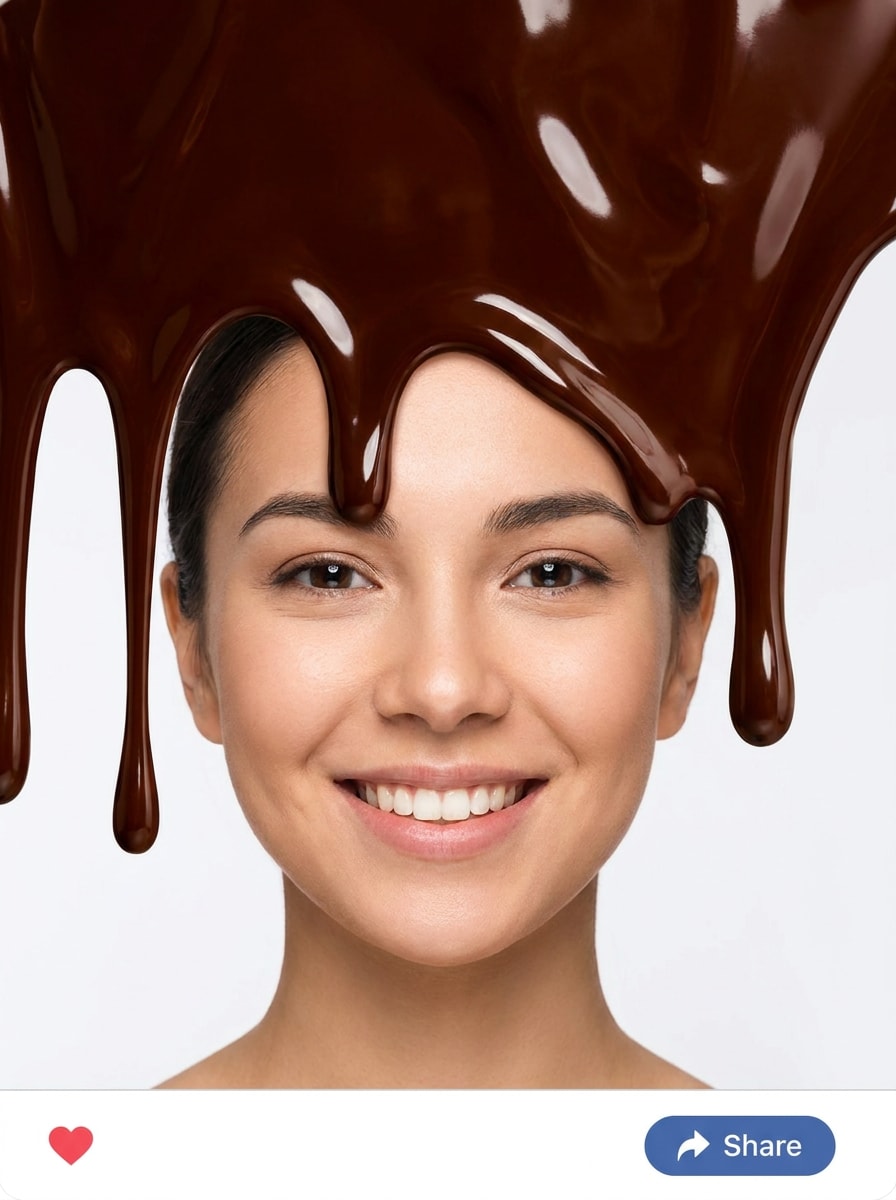
Filtro de Chocolate Sumergido
Utiliza la foto subida como sujeto y añade un efecto divertido de inmersión de chocolate desde la parte superior, con gotas gruesas y brillantes, transiciones de borde limpias, brillo oscuro intenso marrón, visibilidad facial preservada, contraste brillante, fondo simple y ambiente de filtro de postre listo para redes sociales.
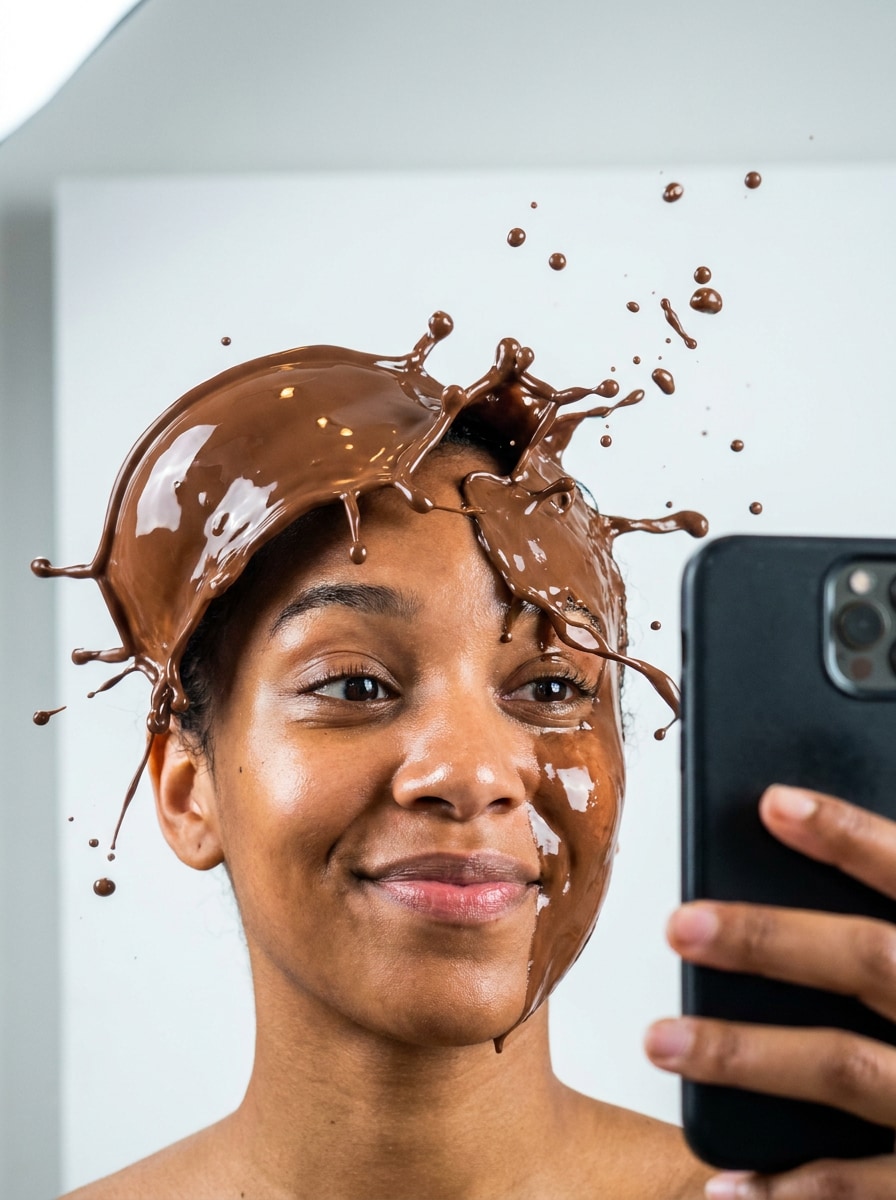
Selfie con Salpicadura de Chocolate
Usa la selfie subida como sujeto y crea una dinámica salpicadura de chocolate alrededor del rostro, con gotas suspendidas, movimiento fluido brillante, resaltes marrones realistas, preservación facial nítida, composición energética, iluminación limpia y brillante y un ambiente de filtro viral divertido.
Tono Cacao Cinematográfico
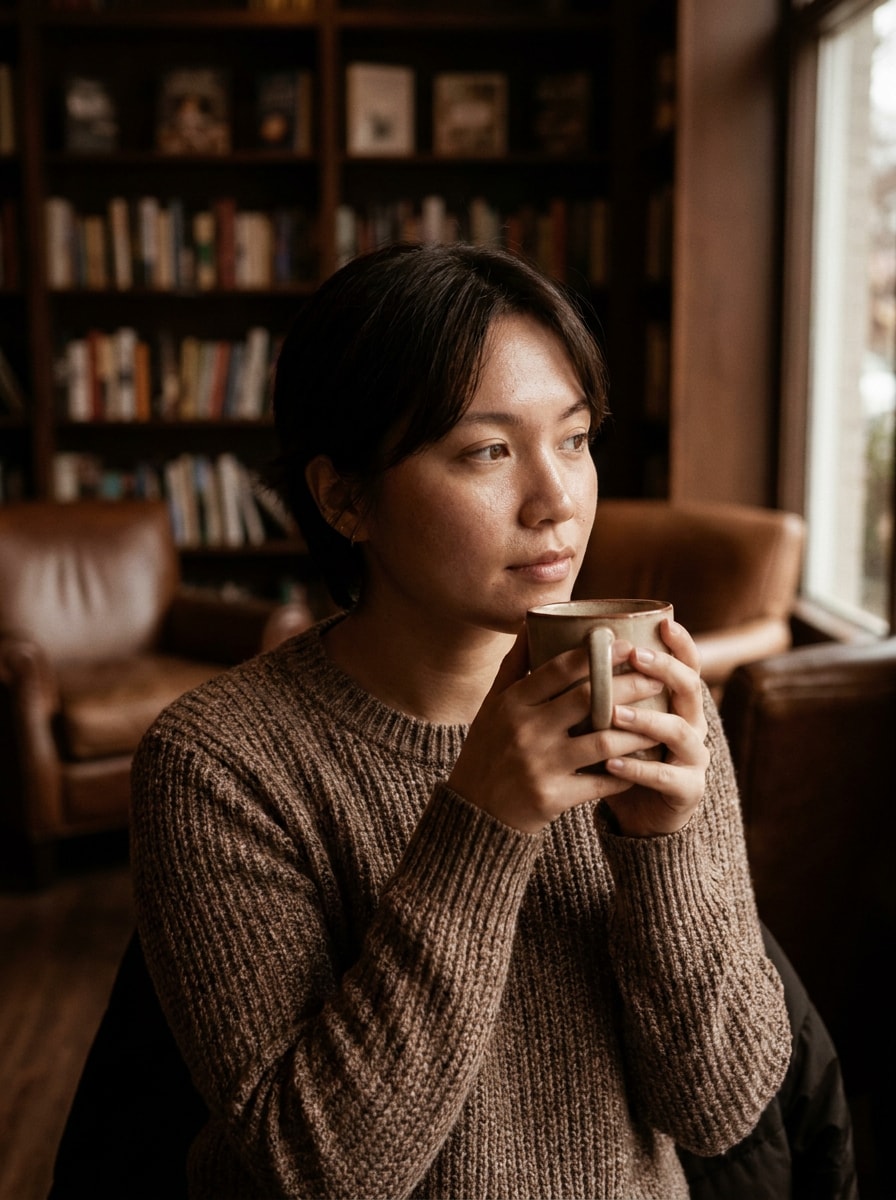
Utiliza la imagen subida como base y aplica una transformación cinematográfica en tonos marrón cacao, con sombras cálidas de chocolate, resaltes cremosos, contraste suave, texturas naturales preservadas, ambiente elegante, profundidad fílmica sutil y un acabado lifestyle premium de foto en vez de un efecto de disfraz pesado.
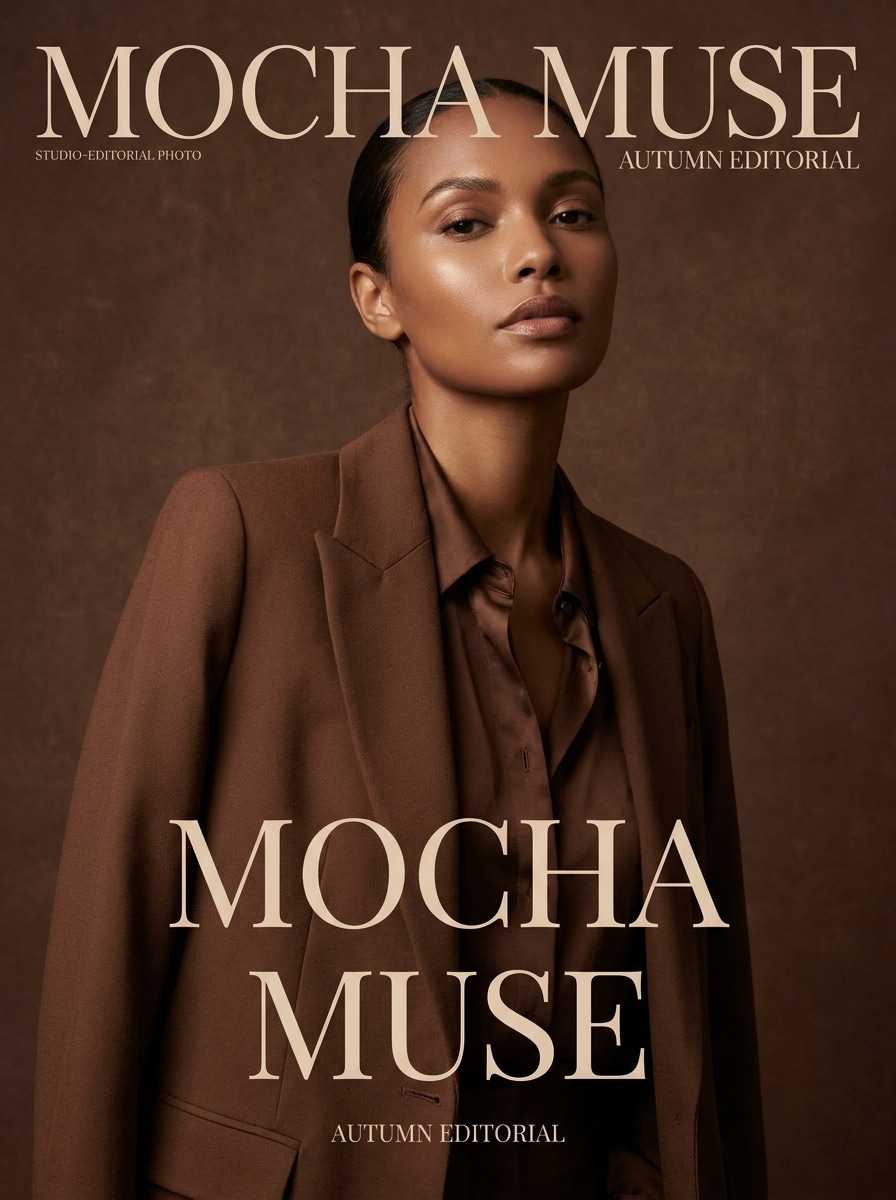
Filtro Editorial Mocha
Utiliza el retrato subido como sujeto y crea una versión editorial de mocha, mezclando tonos espresso y chocolate, iluminación de revista pulida, detalles suaves de piel, ambiente de moda de lujo, composición nítida y un acabado sofisticado apto para imágenes de perfil elegantes.
Efecto Estatua de Chocolate
Usa la persona subida como referencia y conviértela en una estatua surrealista de chocolate, con cuerpo sólido de chocolate oscuro, contornos escultóricos, brillo sutil, iluminación dramática de galería, pose preservada, profundidad de sombra rica y material de arte de postre realista que sigue pareciendo el sujeto original.
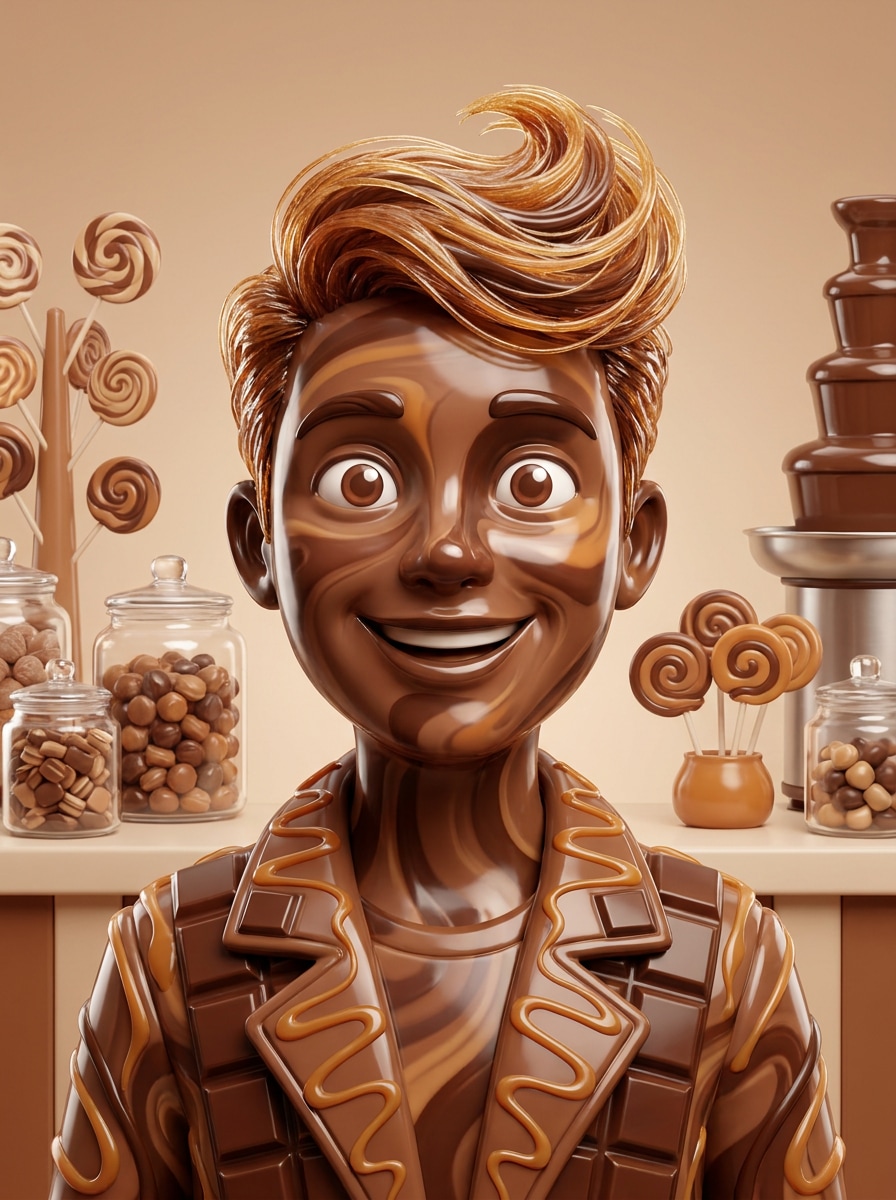
Avatar de Chocolate de Tienda de Dulces
Usa el retrato subido como sujeto y transfórmalo en un divertido avatar de chocolate de tienda de dulces, con texturas brillantes de confitería, estilización fantasiosa dulce, marrones y cremas vibrantes inspirados en postres, ambiente alegre, encuadre de retrato limpio y rasgos faciales reconocibles para arte de perfil compartible.
Por Qué Usar Media.io para Efectos de Retrato de Chocolate
Ediciones Basadas en Referencia Que Siguen Pareciéndose a Ti
Para transformaciones centradas en el rostro, Media.io usa tu foto subida como guía paraconvertir foto en chocolatemanteniendo detalles, expresiones y proporciones reconocibles, haciendo que el retrato final sea estilizado pero aún personal.
Reprocesa un Sujeto en Múltiples Estilos
Para ediciones derivadas de la carga, Media.io mantiene al sujeto de referencia visualmente consistente mientras cambia la dirección visual del filtro de chocolate final, lo que hace que sea fácil utilizar salidas personalizadas con confianza.
Crea Imágenes de Alta Resolución para Uso Real
Para proyectos que requieren más que calidad de borrador, Media.io ayuda a producir imágenes con filtro de chocolate con salida hasta 4K, así los detalles quedan limpios cuando presentas, recortas o reutilizas el archivo final.
Flujo Rápido en el Navegador Sin Retocado Complejo
Media.io facilita crear un look pulido de filtro de chocolate derretido desde JPG o PNG en tu navegador, así puedes evitar trabajo manual por capas y obtener resultados comparativos para compartir en escritorio o móvil.
Cómo Usar el Filtro de Chocolate AI
Convierte tus palabras en visuales sorprendentes en tres simples pasos, y luego sigue refinando el resultado si quieres llevarlo más lejos.
Paso 1
Sube tu Imagen de Referencia
Comienza con un retrato, selfie o headshot claro en formato JPG, PNG o JPEG. Una imagen bien iluminada con detalles faciales visibles le da a Media.io una base más fuerte para transformaciones de glaseado brillante, tono cacao o estilo postre.
Paso 2
Describe el Cambio y Configura Opciones
Ingresa el look de chocolate que deseas, como glaseado goteando, acabado de trufa, efecto de escultura o gradación marrón cinematográfica. Luego elige tu modelo y ajusta la relación de aspecto, resolución y cantidad de variaciones de imagen.
Paso 3
Genera, Descarga y Sigue Mejorando
Crea la edición, compara resultados y descarga tu versión favorita. Si quieres un efecto más fuerte o suave, afina el prompt, regenera nuevas variaciones o sigue editando la salida para contenido más pulido.
Desbloquea el Potencial del Efecto Fotográfico de Chocolate
Descubre cómo los creadores usan este Filtro de Chocolate para contenido, marketing y proyectos personales y adapta cada idea a tu necesidad.
Crea Publicaciones Virales de Antes y Después de Retrato
Convierte una selfie común en una transformación inspirada en postre brillante que destaca en feeds de formato corto. Ideal para creadores que quieren una revelación dramática, visual social pulida o edición facial divertida con realismo de textura fuerte.
Diseña Conceptos de Belleza y Moda Estilizados
Usa tonos cálidos de cacao, glaseado reflectante y texturas de confitería esculpidas para construir imágenes estilo editorial para moodboards, conceptos de looks o campañas creativas. El efecto funciona muy bien cuando deseas visuales de belleza surrealista sin retoques manuales complejos.
Haz Avatares, Portadas y Artes de Póster Únicos
Una transformación de chocolate puede ser arte de perfil, imagen de portada o diseño promocional temático para eventos y series de contenido. Con tamaños de salida flexibles, es fácil adaptar un concepto fuerte a materiales para redes sociales, maquetas impresas o visuales de presentación.
Lo Que Dicen los Usuarios
Tiana Brooks
Creadora de Contenido de Belleza
"Resultados brillantes sin complicaciones de edición"Quería un retrato estilo postre para una portada de Reel, y el resultado se veía sorprendentemente pulido. El rostro se mantuvo reconocible mientras el efecto glaseado de chocolate lucía suave y reflectante.
Marcus Lee
Diseñador de Redes Sociales
"Excelente para probar conceptos rápidamente"Usé un solo headshot y generé varias variaciones temáticas de chocolate en minutos. Fue mucho más rápido que intentar simular la textura manualmente en un editor tradicional.
Elena Ruiz
Bloguera de Estilo de Vida
"Fácil de usar en móvil"Lo probé desde mi teléfono para crear un retrato divertido con tonos de cacao para Instagram. El flujo en el navegador fue simple y me gustó poder volver a intentar un look más derretido.
Jordan Patel
Artista Digital
"Útil para ideas de retratos surrealistas"Los estilos de escultura y salpicadura de chocolate me dieron referencias visuales fuertes para un proyecto personal de arte. Mantiene suficiente estructura facial para que se sienta intencional en vez de aleatorio.
Explora los efectos de video e imagen con IA más populares
Preguntas Frecuentes sobre el Filtro de Chocolate AI
1. ¿Qué es un filtro de chocolate AI?
Un filtro de chocolate AI es un efecto imagen-a-imagen que usa tu foto subida como referencia y la transforma en un retrato temático de chocolate. Con Media.io, puede ser un glaseado brillante, aspecto esculpido de confitería, gradación en tonos cacao o un estilo de postre derretido dramático manteniendo visible al sujeto original.
2. ¿Cómo convierto una foto en un efecto de chocolate en línea?
Sube un JPG, PNG o JPEG a Media.io, describe el estilo que deseas y genera la edición en tu navegador. Puedes crear un tratamiento de color cacao suave, una cobertura total de chocolate o un retrato estilo postre sin Photoshop, lo que lo hace una forma simple de crear el resultado de convertir foto en chocolate en línea.
3. ¿Puedo usar un filtro de chocolate AI gratis?
Los usuarios gratuitos pueden probar Media.io con créditos gratis. Si necesitas más generaciones o descargas de alta resolución sin marca de agua, puedes comparar planes en la página de precios y actualizar para obtener más créditos y descargas.
4. ¿El filtro de chocolate mantendrá reconocibles los detalles de mi cara?
Media.io está diseñado para transformación de imágenes basada en referencia, por lo que puede preservar detalles clave de tu cara mientras aplica el estilo de chocolate. Los resultados dependen de la claridad de la imagen fuente y cuán fuerte o surrealista sea tu prompt, pero los retratos claros suelen mantener bien expresiones y semejanza general.
5. ¿Puedo usar este filtro de foto de chocolate en iPhone o Android?
Media.io es una herramienta basada en la web, así que puedes usar este efecto de foto de chocolate en iPhone, Android, Mac o Windows mientras tengas un navegador. Esto lo hace práctico para ediciones rápidas desde móvil o para trabajos más detallados en escritorio.
6. ¿Cuánto tarda una edición chocolate imagen-a-imagen?
La mayoría de ediciones están diseñadas para ser rápidas, ya que Media.io genera la transformación directamente en el flujo de trabajo de tu navegador tras subir la imagen y elegir los ajustes. El tiempo exacto varía según la elección de modelo, resolución y número de variaciones que generes.