

01
Generar imágenes a partir de indicaciones de texto
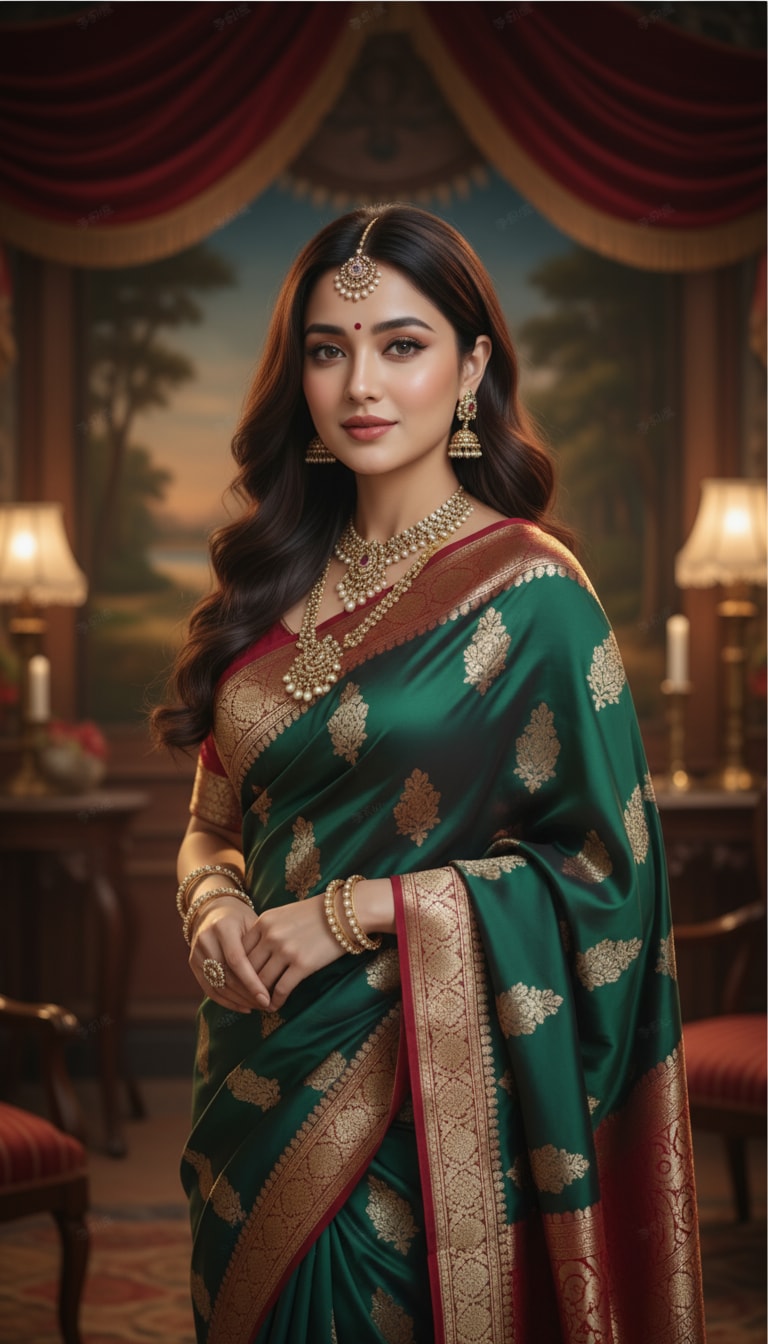
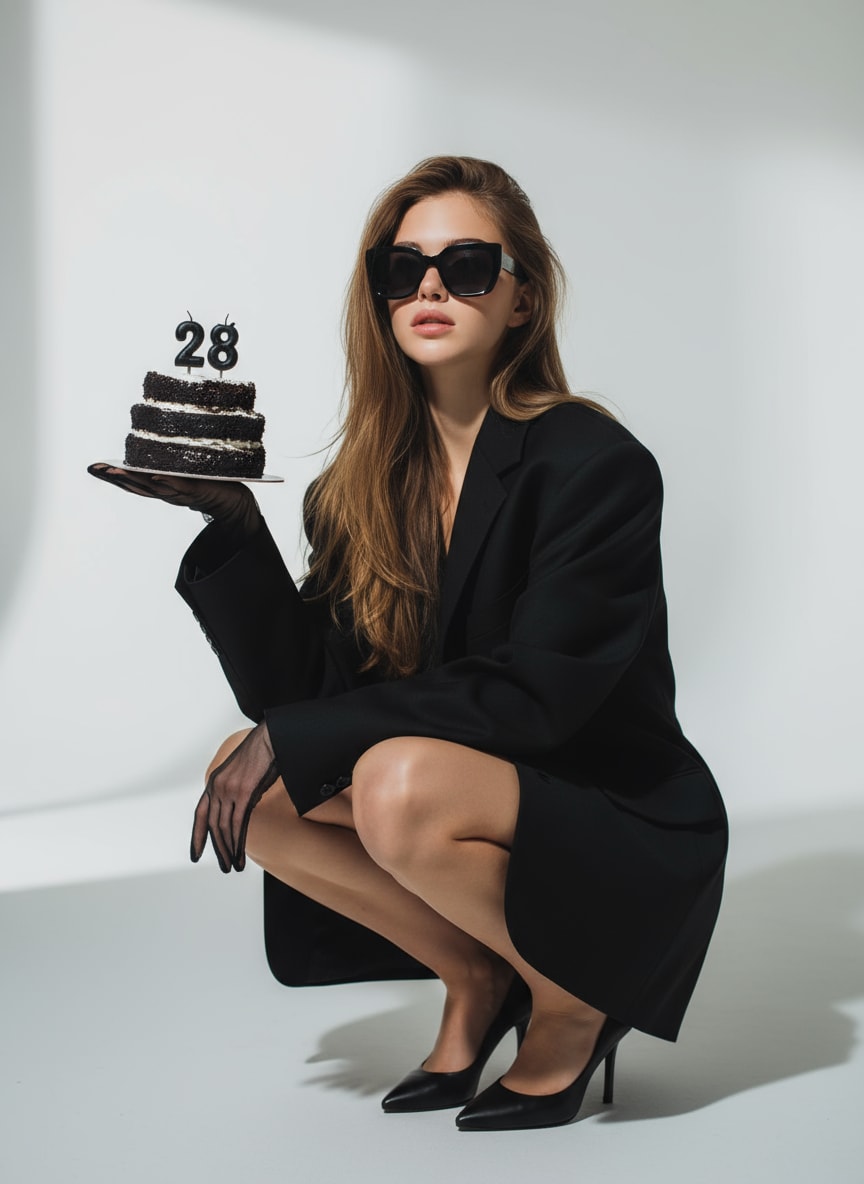
Crea retratos, arte anime, conceptos de productos, escenas cinematográficas, fotos de perfil estilo LinkedIn, carteles y gráficos para redes sociales a partir de una descripción escrita clara.
 ToMoviee Lite
Crea imágenes originales a partir de texto, transforma fotos subidas, genera variaciones de imágenes fluidas y anima ilustraciones estáticas con Media.io. Esta alternativa al generador de imágenes de IA Morphic basada en el navegador está diseñada para creadores que buscan un flujo de trabajo de generador de imágenes de IA de texto a imagen Morphic, morphing de imágenes con IA, y una ruta sencilla desde la creación de imágenes hasta el video.
Los creadores generalmente quieren una forma sencilla de generar imágenes a partir de indicaciones, transformar fotos de referencia, mantener sujetos consistentes, explorar efectos de IA de morphing de imágenes y continuar desde una imagen estática hasta un video animado.
Media.io conecta la generación de texto a imagen, la edición basada en referencias, la mejora de retratos, los efectos creativos y las herramientas de imagen a video en un espacio de trabajo en línea amigable para principiantes.
Crea retratos, arte anime, conceptos de productos, escenas cinematográficas, fotos de perfil estilo LinkedIn, carteles y gráficos para redes sociales a partir de una descripción escrita clara.
Sube una foto y describe un nuevo atuendo, fondo, configuración de iluminación, estilo artístico, ángulo de cámara o estado de ánimo visual para crear nuevas variaciones de imagen.
Continúa desde una imagen generada o editada con IA hacia el movimiento para TikTok, Reels, Shorts, anuncios, clips de personajes y narración visual.
Usa Media.io directamente en un navegador sin descargar software de escritorio, configurar modelos locales ni gestionar una configuración creativa compleja.
Escribe una indicación que describa el sujeto, la composición, la iluminación, los colores, el ángulo de cámara y el estilo, o sube una imagen que quieras transformar.
Genera a partir de texto, crea una nueva variación a partir de una imagen de referencia, cambia detalles visuales específicos, mejora la calidad o prepara el resultado para la animación.
Revisa el resultado, ajusta la indicación, genera variaciones adicionales, descarga la imagen final o continúa con un flujo de trabajo de imagen a video de Morph AI.
Usa Media.io para crear imágenes originales, transformar fotos existentes y animar imágenes terminadas para flujos de trabajo creativos, de marketing y de redes sociales.
Genera retratos realistas, personajes de fantasía, avatares, arte anime, imágenes de perfil y visuales de marca personal con control sobre el peinado, la ropa, el entorno y la iluminación.
Crea imágenes para comercio electrónico, conceptos de anuncios, escenas de productos, banners, visuales de campañas y recursos para redes sociales mientras pruebas múltiples direcciones creativas rápidamente.
Produce miniaturas, carteles, memes, retratos cinematográficos, efectos visuales y contenido animado corto para TikTok, Instagram y YouTube.
Morphic se centra en un lienzo creativo conectado para la generación de texto a imagen, la transformación de imágenes y la creación de video. Media.io ofrece una alternativa simplificada para usuarios que desean herramientas guiadas y flujos de trabajo directos de imagen a video.
| Herramienta | Principal fortaleza | Ideal para |
|---|---|---|
| Media.io | Generación de texto a imagen, edición basada en referencias, efectos visuales, mejora y herramientas de imagen a video en un flujo de trabajo de navegador. | Creadores, especialistas en marketing, vendedores de comercio electrónico y principiantes que desean una ruta directa desde la indicación hasta la imagen y el video. |
| Morphic | Un lienzo de IA colaborativo para generar imágenes a partir de texto, transformar imágenes en nuevas variaciones y generar video a partir de texto. | Equipos creativos y narradores que prefieren un entorno de producción de múltiples pasos basado en lienzo. |
| Flujo de trabajo de texto a imagen | Ambas plataformas admiten la creación de imágenes basada en indicaciones con controles determinados por el modelo y el flujo de trabajo seleccionados. | Usuarios que crean retratos, personajes, conceptos de productos, carteles y visuales de campaña. |
| Transformación de imágenes | Media.io enfatiza la edición guiada de fotos y efectos; Morphic enfatiza la variación de imágenes y la creación basada en lienzo. | Usuarios que cambian estilos, escenas, atuendos, fondos, iluminación o dirección visual. |
| Imagen a video | Media.io permite a los usuarios animar imágenes generadas o subidas a través de flujos de trabajo dedicados de imagen a video. | Creadores de contenido social que producen Reels, videos de TikTok, Shorts, anuncios y animaciones de personajes. |
| Facilidad de uso | Media.io proporciona herramientas y plantillas enfocadas; Morphic proporciona un lienzo creativo más amplio y un entorno de proyectos. | Elige según si prefieres la generación guiada o un espacio de trabajo colaborativo flexible. |
Quieres un lienzo creativo colaborativo para generar imágenes, transformar visuales en variaciones y desarrollar proyectos de narración más amplios.
Quieres herramientas de navegador enfocadas para generar imágenes, editar fotos, aplicar efectos, mejorar retratos y convertir imágenes estáticas en videos.

«Variaciones visuales rápidas.» Puedo generar un concepto de campaña, probar varias direcciones de imagen y animar el resultado más destacado para las redes sociales sin tener que cambiar entre editores complicados.

«Flujo de trabajo creativo fluido.» Media.io me ayuda a convertir indicaciones aproximadas y fotos de referencia en retratos pulidos, escenas de productos y conceptos visuales listos para el cliente en pocos pasos.

«Creación de imagen a video sencilla.»Lo uso para imágenes de perfil, miniaturas, transformaciones de estilo y clips animados cortos. El flujo de trabajo es accesible incluso cuando necesito contenido rápidamente.
Respuestas claras sobre Morphic AI Image Generator, acceso gratuito, búsquedas de inicio de sesión en Studio, consultas sobre Discord y LinkedIn, morfología de imágenes con IA, creación de texto a imagen y flujos de trabajo de morph AI de imagen a video.
Morphic es una plataforma creativa de IA construida en torno a un lienzo visual. Su Studio público describe herramientas para generar imágenes a partir de texto, transformar imágenes en nuevas variaciones y generar video a partir de texto. Media.io es una alternativa independiente que conecta la generación de texto a imagen, edición de fotos, mejora, efectos y creación de imagen a video en herramientas enfocadas basadas en el navegador.
Morphic puede ofrecer acceso gratuito limitado o créditos, mientras que los planes de pago pueden desbloquear uso y capacidades adicionales. Dado que los precios, los límites de crédito, los modelos compatibles y las reglas de exportación pueden cambiar, consulte los detalles del plan oficial actual antes de comenzar un proyecto grande. Media.io también ofrece flujos de trabajo de IA en línea accesibles, con disponibilidad y requisitos de crédito que varían según la herramienta.
Comience con un prompt preciso que describa el sujeto, el entorno, la composición, la iluminación, los colores, el ángulo de la cámara y el estilo. Genere una imagen inicial, luego refine la redacción para corregir detalles o crear variaciones. Con Media.io, también puede cargar una foto de referencia, editar elementos visuales, mejorar el resultado y continuar con la creación de imagen a video.
Sí. La morfología de imágenes con IA puede crear transiciones visuales o transformaciones entre dos apariencias, escenas, personajes, productos o etapas. Los resultados son más sólidos cuando las imágenes de origen tienen un encuadre similar y sujetos claramente visibles. Para una secuencia más fluida, mantenga el ángulo de la cámara, la posición del sujeto, la dirección de la iluminación y la estructura del fondo razonablemente consistentes.
Sí. Un generador de video morph AI o herramienta de imagen a video puede añadir movimiento de cámara, movimiento facial, animación ambiental o transiciones a una imagen fija. Media.io le permite pasar de una imagen generada por IA o cargada a la creación de imagen a video para TikTok, Instagram Reels, YouTube Shorts, promociones de productos y narración visual.
El Studio oficial está alojado en el dominio studio.morphic.com. Las consultas de búsqueda suelen escribirlo como "https studio morphic com sign in". Para proteger su cuenta, abra el dominio oficial directamente, verifique cuidadosamente la dirección del navegador y evite ingresar credenciales en páginas similares, descargas no oficiales o enlaces compartidos por cuentas desconocidas.
Los usuarios suelen buscar "Morphic AI Image Generator Discord" para encontrar debates de la comunidad y "Morphic LinkedIn" para actualizaciones de la empresa o ejemplos profesionales. Los perfiles sociales y los enlaces de invitación pueden cambiar, así que confirme que cualquier cuenta o servidor esté vinculado desde el sitio web oficial de Morphic antes de unirse, descargar archivos o compartir información de la cuenta.
El uso comercial depende de los términos de la plataforma, el plan de cuenta, el modelo seleccionado, los recursos cargados y el uso previsto. Revise la licencia actual antes de usar los resultados en anuncios, trabajos para clientes, listados de comercio electrónico o campañas de pago. También debe tener permiso para usar fotos cargadas, logotipos, marcas registradas, personajes protegidos por derechos de autor y personas reconocibles.
 4.7 (162,357 votos)

