
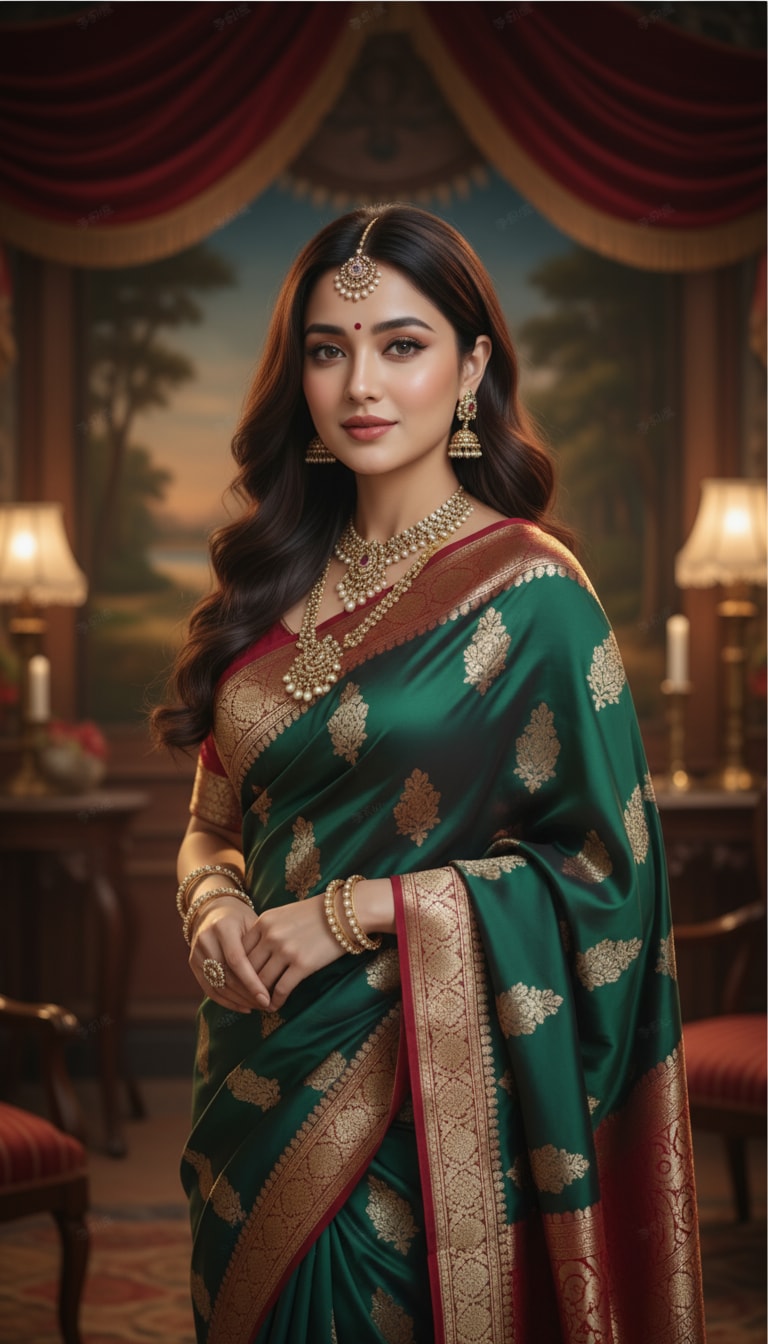
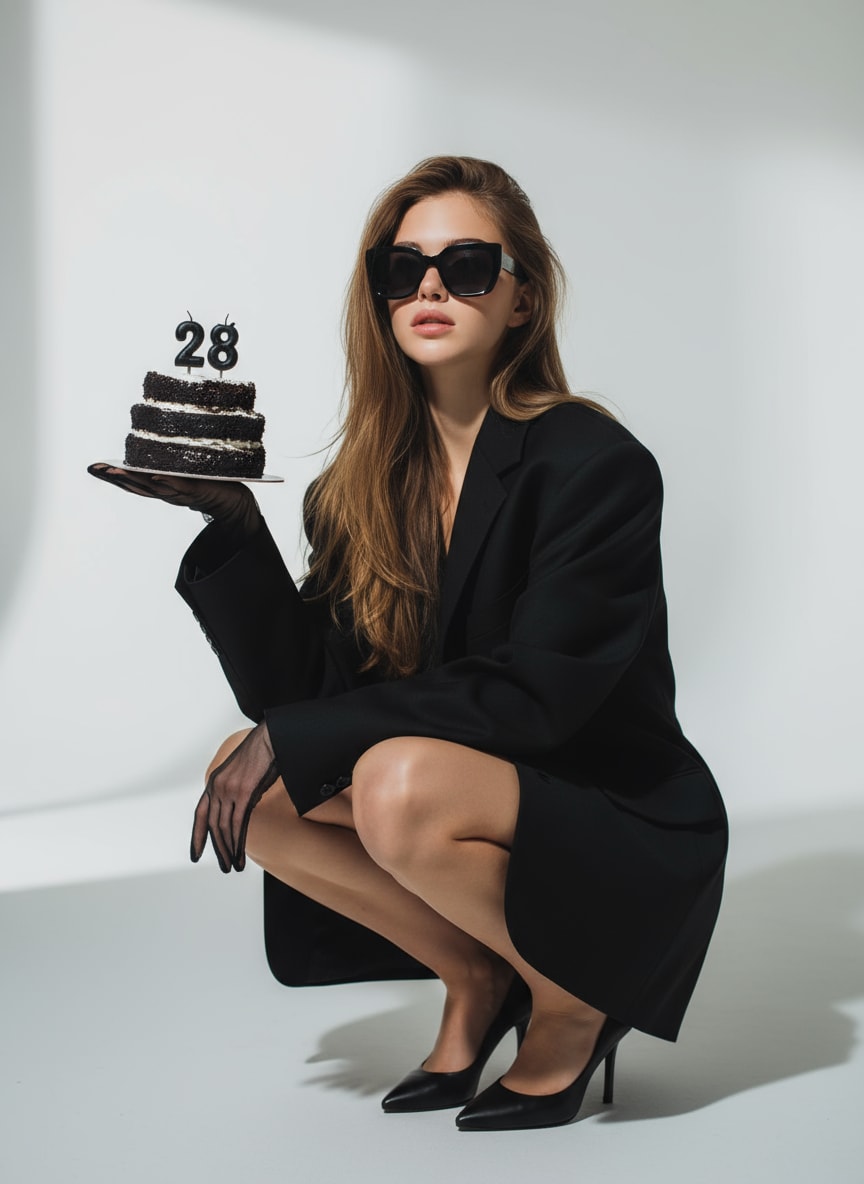

Imagen a Imagen
ToMoviee Lite
0/2000
Auto
4
Vídeo de muestra
Magic Hour AI Review & Online Alternative

Magic Hour AI Image Generator

Looking for a flexible Magic Hour AI image generator alternative? Media.io lets you generate images, edit portraits, swap faces, change clothes, create AI headshots, and turn still photos into engaging visual content in one browser-based workspace. It is ideal for creators exploring Magic Hour AI free, image editing, face swap, lip sync, and other AI media workflows.

✓ AI image generation✓ Browser-based creative tools✓ Image, face, and video workflows
Brand note: Magic Hour AI is a third-party brand. Media.io is an independent AI creation platform presented as an online alternative for users comparing Magic Hour AI image generation, editing, face swap, headshot, lip sync, voice, and free-credit options.

Why Users Search for Magic Hour AI

Users typically want to compare free credits, image generation, face swap, lip sync, voice tools, headshots, clothes changing, safety, and whether an online platform can replace modified APK downloads.

Magic Hour AI Image Generator
Magic Hour AI Free Credits
Magic Hour AI Lip Sync
Magic Hour AI Image Editor
Magic Hour AI Voice Cloner
Magic Hour AI Clothes Changer
Magic Hour AI Headshot Generator
Is Magic Hour AI Safe?

Why Use Media.io as a Magic Hour AI Alternative

Media.io brings AI image generation, prompt-based editing, face tools, portrait creation, clothes changes, and image-to-video workflows into one beginner-friendly online platform.

01

Magic Hour AI Image Generator Alternative

Turn text prompts or uploaded photos into portraits, illustrations, product visuals, cinematic scenes, and social media artwork without advanced design skills.

02

AI Face Swap, Headshots & Portraits

Create polished profile photos, realistic business headshots, character transformations, and natural face swaps for professional or creative use.

03

AI Clothes Changer & Image Editor

Replace outfits, remove objects, change backgrounds, improve lighting, restyle scenes, and refine images through simple prompt-based editing.

04

Image-to-Video Creative Workflow

Move beyond still-image creation by animating photos, building short-form content, and preparing visuals for lip sync, social clips, and marketing videos.

How to Create With a Magic Hour AI Alternative

01

Upload an Image or Add a Prompt

Upload a selfie, headshot, product photo, fashion image, or social visual, or describe the image you want to generate from scratch.

02

Choose Your AI Workflow

Generate a new image, edit a photo, swap a face, create a headshot, change clothes, replace a background, or prepare an image for video animation.

03

Generate, Refine & Export

Preview the result, adjust your prompt or style if needed, and export the final image or continue into an image-to-video workflow.

Core Magic Hour AI Use Cases

These three scenarios cover the main reasons creators search for Magic Hour AI image generation, editing, face, fashion, and video-ready content tools.

01

AI Portraits & Professional Headshots

Create LinkedIn photos, resume portraits, creator profile images, character looks, and polished personal-brand visuals without arranging a studio shoot.

02

Social Content, Face Swap & Lip Sync Prep

Build expressive portraits, face-swap concepts, thumbnails, avatars, and photo assets ready for animation, lip sync, short videos, and viral social formats.

03

Fashion, Product & Marketing Visuals

Change outfits, create campaign concepts, generate product scenes, design promotional artwork, and test multiple visual directions quickly.

Magic Hour AI vs Media.io

The better choice depends on whether you prioritize a dedicated AI media platform or a broad browser-based workflow that connects image generation, editing, face tools, and image-to-video creation.

Decision PointMagic Hour AIMedia.io
Main useAI image and video creation, face swap, lip sync, headshots, image editing, and other creative media workflows.Online AI image generation, prompt editing, face tools, clothes changes, enhancement, and connected image-to-video creation.
Free accessMagic Hour AI free credits, trial limits, and available tools may vary by plan, account status, and current product policy.Free signup credits or limited free use may be available depending on the selected tool, model, resolution, and output settings.
Access methodUsers may search for web access, apps, or unofficial Magic Hour AI mod APK downloads.Runs in a modern browser for common workflows, avoiding the need to install unofficial modified APK files.
Creative flexibilityCombines image, face, voice, and video-oriented AI features within the Magic Hour ecosystem.Connects AI image generation, editing, portrait tools, face transformations, fashion changes, and image-to-video workflows.
Best forUsers focused on Magic Hour AI lip sync, voice cloning, face swap, and its dedicated media toolkit.Creators, marketers, sellers, students, and casual users who want flexible online visual creation with minimal setup.

Choose Magic Hour AI when...

You specifically want its lip sync, voice cloning, voice changing, face swap, image, and video tools inside the Magic Hour AI ecosystem.

Choose Media.io when...

You want a straightforward browser-based workflow for AI image generation, editing, headshots, clothes changing, face transformations, and image-to-video creation.

Safety note: avoid unofficial Magic Hour AI mod APK or Magic Hour AI face swap mod APK downloads. Modified apps can contain malware, altered permissions, account-stealing code, or outdated components. Use official websites, verified app stores, and clear consent when working with faces or voices.

What Media.io Users Say

user
Emily Rivera
Content Creator
★★★★★

“Everything in one workflow.” I can generate a portrait, adjust the background, test a new outfit, and prepare the image for a short video without switching tools.

user
Jason Lee
Marketing Manager
★★★★★

“Professional visuals, created fast.” The headshot and image-editing tools help our team produce campaign concepts and profile images much faster.

user
Sophia Kim
Freelance Designer
★★★★★

“Flexible creative testing.” I use Media.io to explore headshots, fashion changes, product scenes, and social visuals before finalizing client concepts.

FAQs About Magic Hour AI

Answers to common questions about Magic Hour AI free credits, image generation, lip sync, image editing, voice tools, clothes changing, face swap, headshots, safety, and modified APK downloads.

1. What is Magic Hour AI, and what can it create?

Magic Hour AI is an AI media platform associated with image generation, image editing, face swap, lip sync, headshots, clothes changing, voice cloning, voice changing, and video creation. Users often compare it with Media.io when they want an online workflow for generating images, transforming portraits, preparing social content, or moving from a still image into an animated video.

Magic Hour AI free credits, trial access, supported models, output limits, and watermark rules can change by plan or promotion. Review the current pricing and account pages before starting a project. Media.io may also provide free signup credits or limited free generations for selected image and video tools, although the exact amount depends on the tool, model, resolution, and current policy.

Use the official Magic Hour AI website or verified app-store listings and review its privacy, retention, consent, and commercial-use terms before uploading sensitive media. Avoid unofficial Magic Hour AI mod APK or Magic Hour AI face swap mod APK files. Modified apps can contain malware, request excessive permissions, steal login details, or bypass important safety updates. Never clone a voice or swap a face without the subject’s permission.

Media.io is strongest as a visual creation platform for AI image generation, image editing, face transformations, headshots, clothes changes, and image-to-video workflows. Availability of dedicated lip-sync, voice-cloning, or voice-changing tools may differ by product area and region. For any voice workflow, use recordings you own or have permission to use, clearly label synthetic media where appropriate, and avoid impersonation or deceptive content.

Yes. Media.io supports prompt-based image creation and editing workflows that can enhance portraits, replace backgrounds, remove unwanted objects, create professional headshots, change clothing styles, and produce face-transformation concepts. You can then export the image or continue into an image-to-video workflow for social media, marketing, ecommerce, presentations, or personal creative projects.

Explore More Media.io AI Photo Tools

Media.io Online AI Tools Quality Rating:
vote4.7 (162,357 Votes)





