Tus creaciones solo se guardan durante 7 días. Los recursos creados después de actualizar a Membresía se almacenarán de forma permanente.
¡Desbloquea tu potencial creativo y experimenta la magia de Media AI ahora mismo!
Filtro Paper Cut para retratos de papel en Capas en minutos
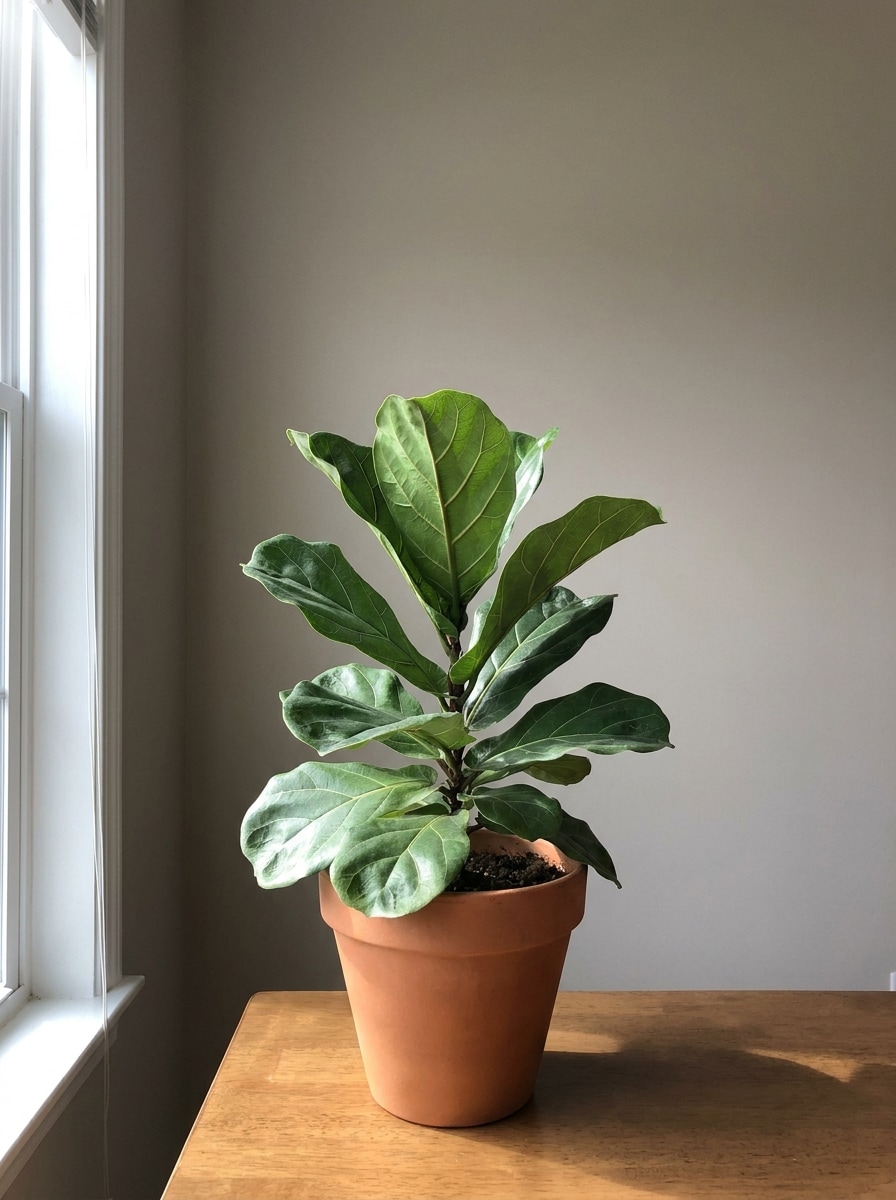
Transforma cualquier retrato en una obra de arte de papel en Capas con este filtro paper cut. Media.io te ayuda a crear imágenes recortadas en estilo pastel, floral, minimalista o de álbum de recortes en línea, con estilizado rápido por IA, tamaños de salida flexibles y una profundidad pulida que parece hecha a mano.
Escribe tu idea -> La IA la diseña. Pruébalo gratis.
Revisa estas indicaciones de ejemplo y luego ajusta los detalles del prompt para obtener mejores resultados con el filtro de recorte de papel con IA de Media.io.
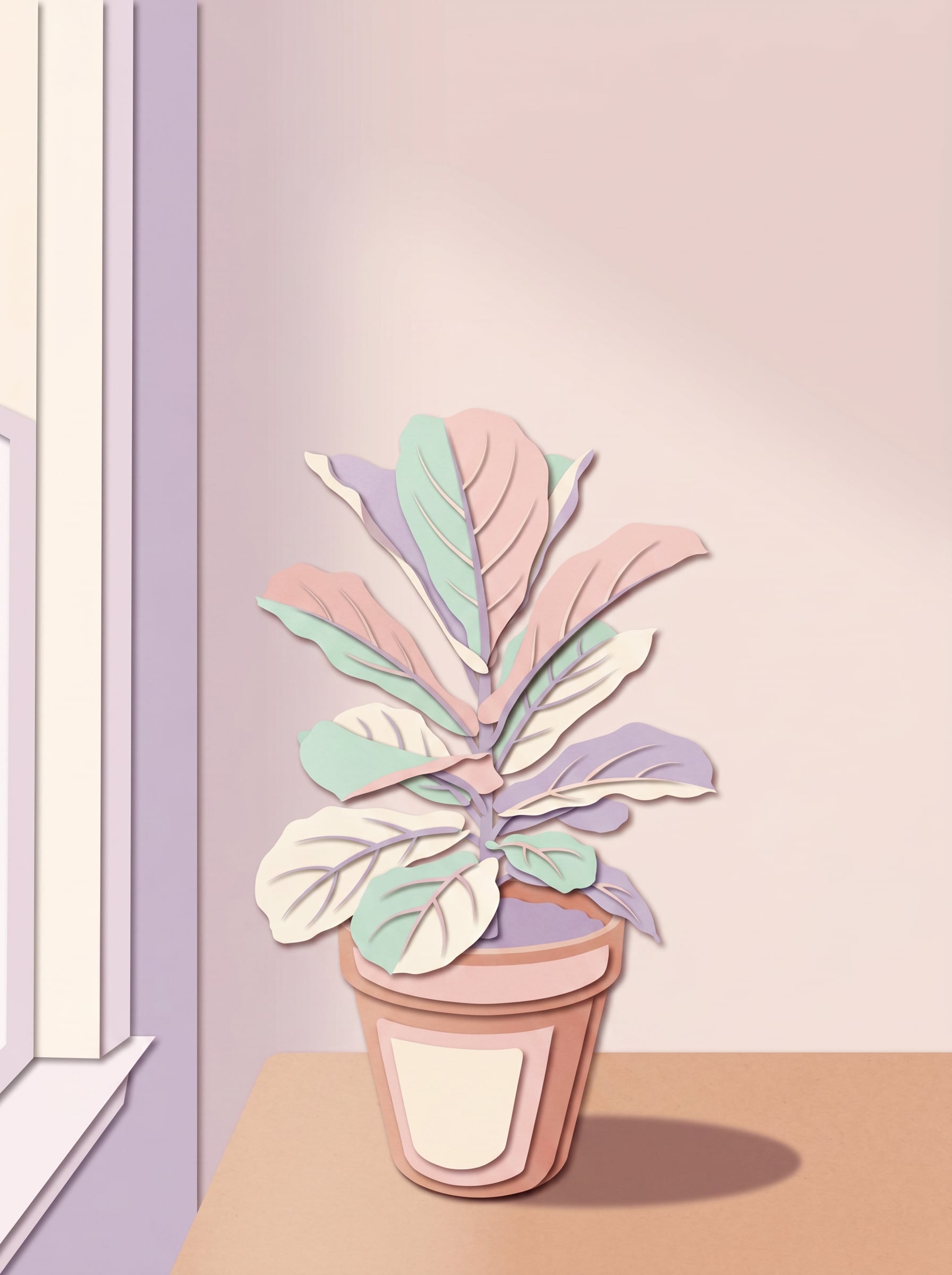
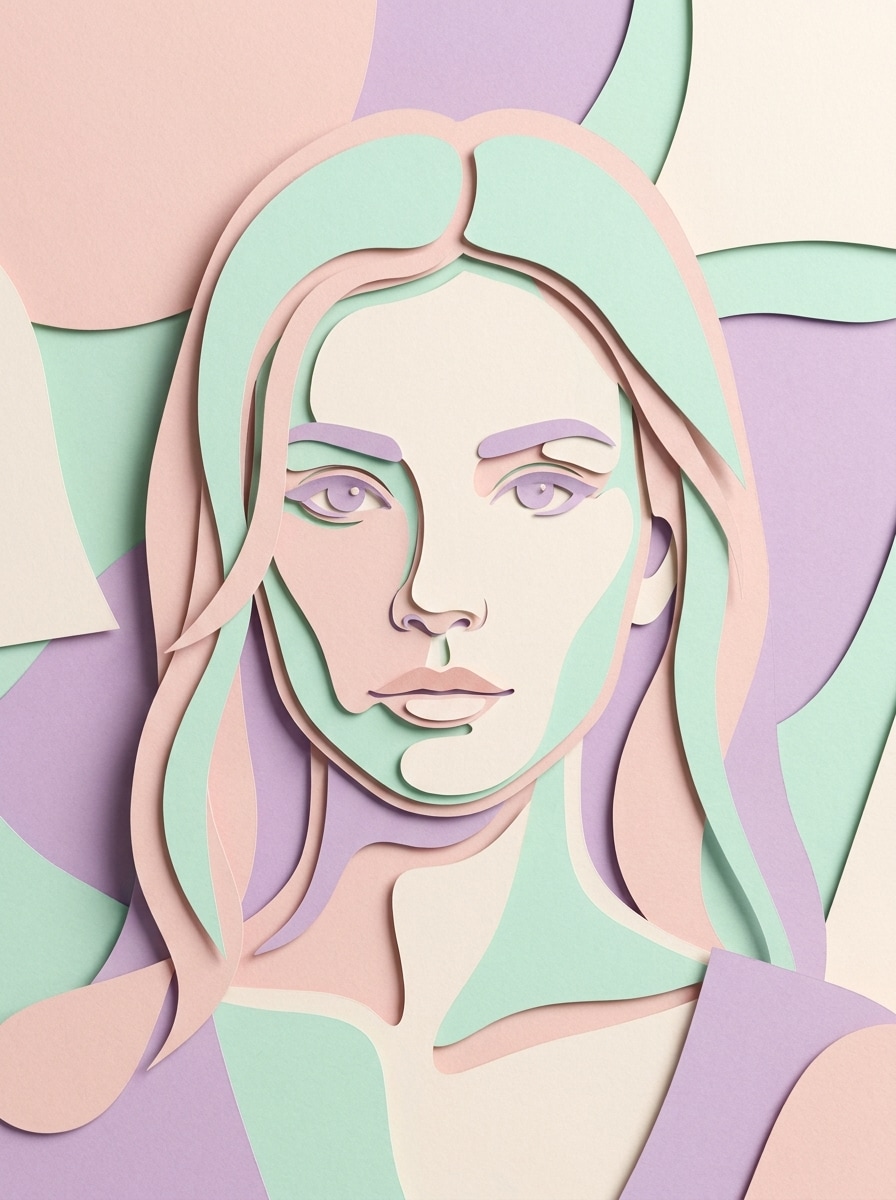
Retrato de papel en Capas en tonos pastel
Usa la imagen subida como sujeto y transfórmala en un retrato suave de capas de papel recortado en tonos pastel. Añade formas apiladas de papel artesanal, simplificación suave de la silueta facial, delicadas sombras paralelas entre capas, bordes limpios cortados a mano, una paleta de rosa rubor, menta, crema y lavanda, iluminación de estudio suave y un acabado pulido de collage 3D hecho a mano.
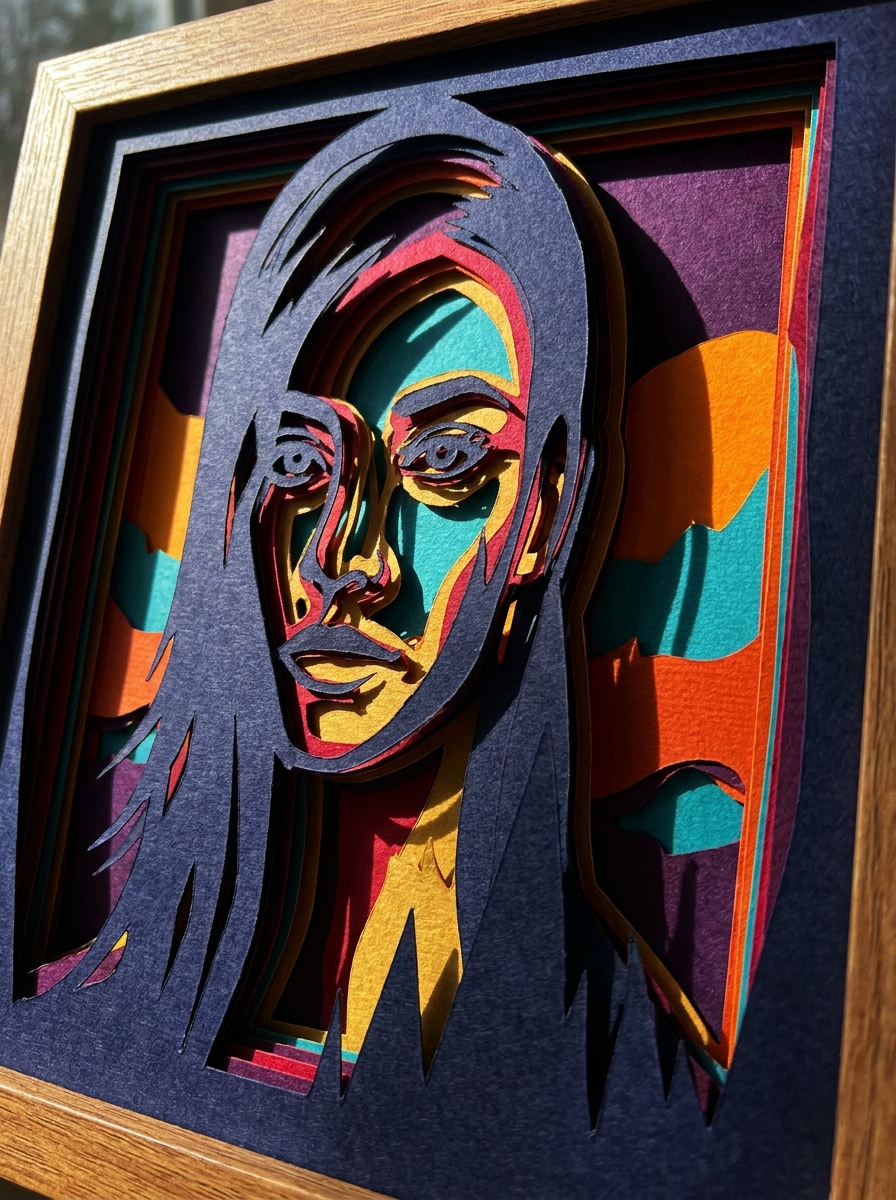
Recorte de caja de sombras audaz
Usa la foto cargada como sujeto y recréala como un diseño dramático de papel recortado en caja de sombras. Construye Capas profundas apiladas, separación audaz de siluetas, bloques de color vivos, contornos nítidos, sombras fuertes con luz lateral, superficies de cartulina texturizada y un efecto de profundidad artesanal de alto contraste con una composición moderna de estilo galería.
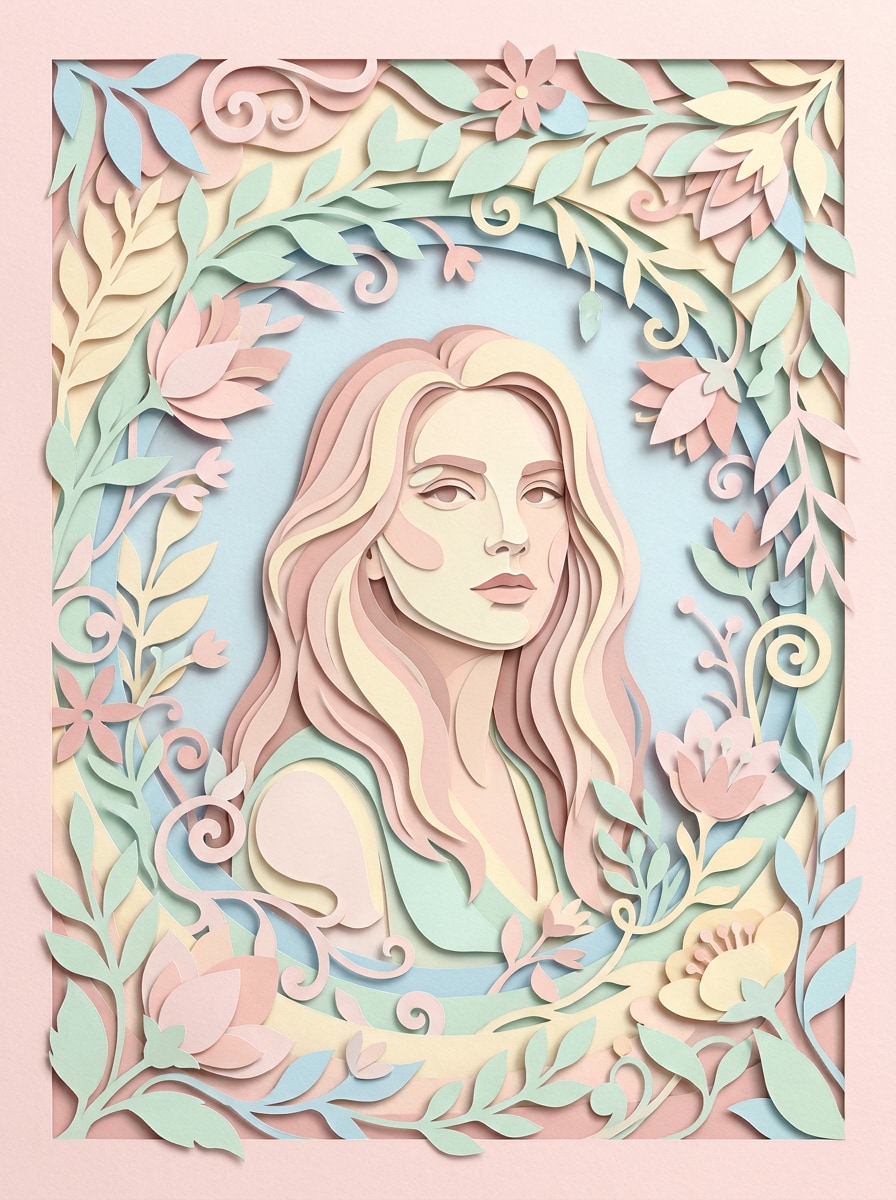
Marco floral de papel recortado
Usa el retrato cargado como pieza central y rodéalo con un elegante marco floral de papel recortado. Añade hojas en Capas, pétalos y enredaderas de papel curvadas, tonos pastel Suaves, espacio negativo elegante, sombras sutiles, textura fina de papel y una composición romántica hecha a mano adecuada para arte de perfil o imágenes de tarjetas de felicitación.
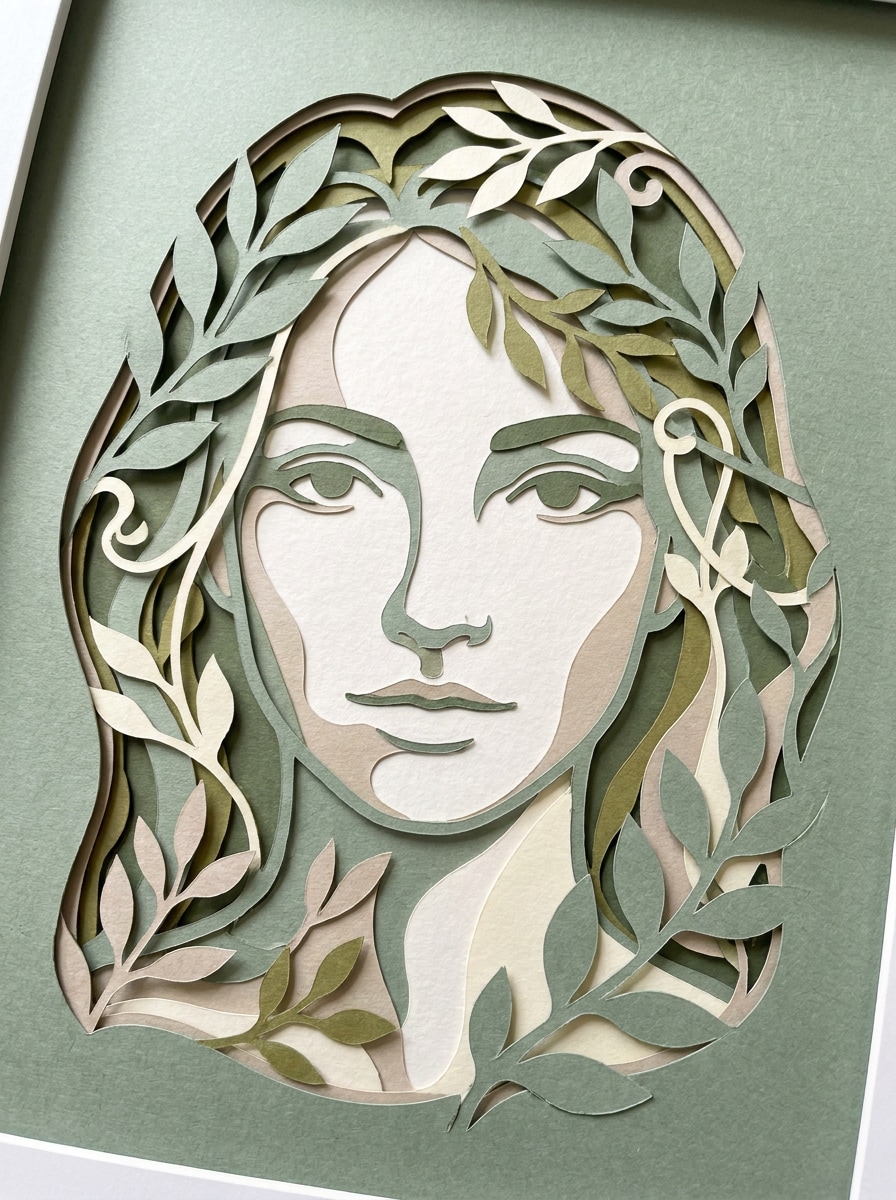
Recorte de silueta botánica
Usa la imagen subida como base y conviértela en un recorte de papel con silueta botánica refinada. Simplifica los detalles faciales en elegantes formas de capas, añade formas de hojas circundantes y curvas orgánicas, usa tonos terrosos de verde, marfil y salvia apagada, con profundidad de sombra suave y un ambiente tranquilo de arte en papel hecho a mano.
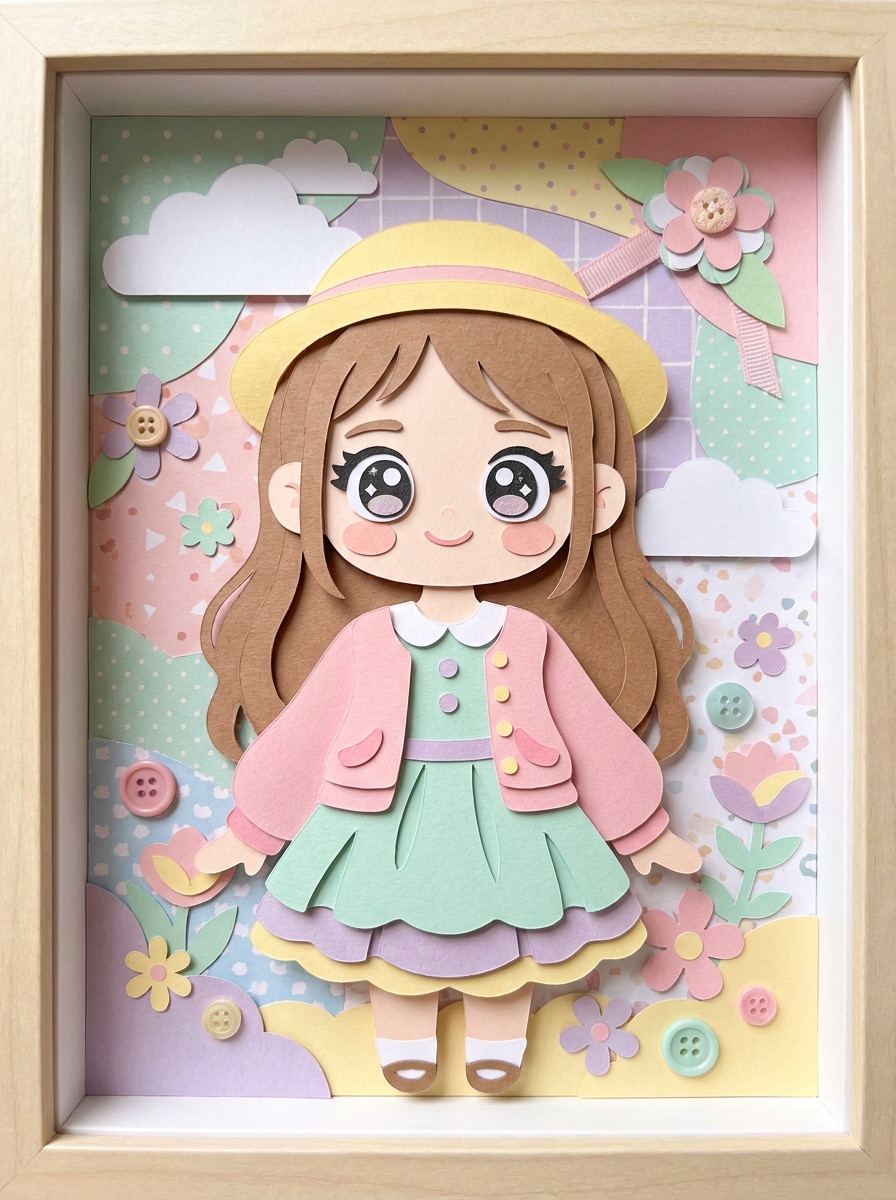
Filtro de muñeca de papel kawaii
Usa el retrato subido como sujeto y transfórmalo en una ilustración linda de muñeca de papel. Añade ropa de papel recortado en capas, formas faciales redondeadas, colores pastel brillantes, textura de papel suave, accesorios divertidos, bordes limpios, sombras suaves y un aspecto alegre hecho a mano con una composición encantadora ideal para redes sociales.
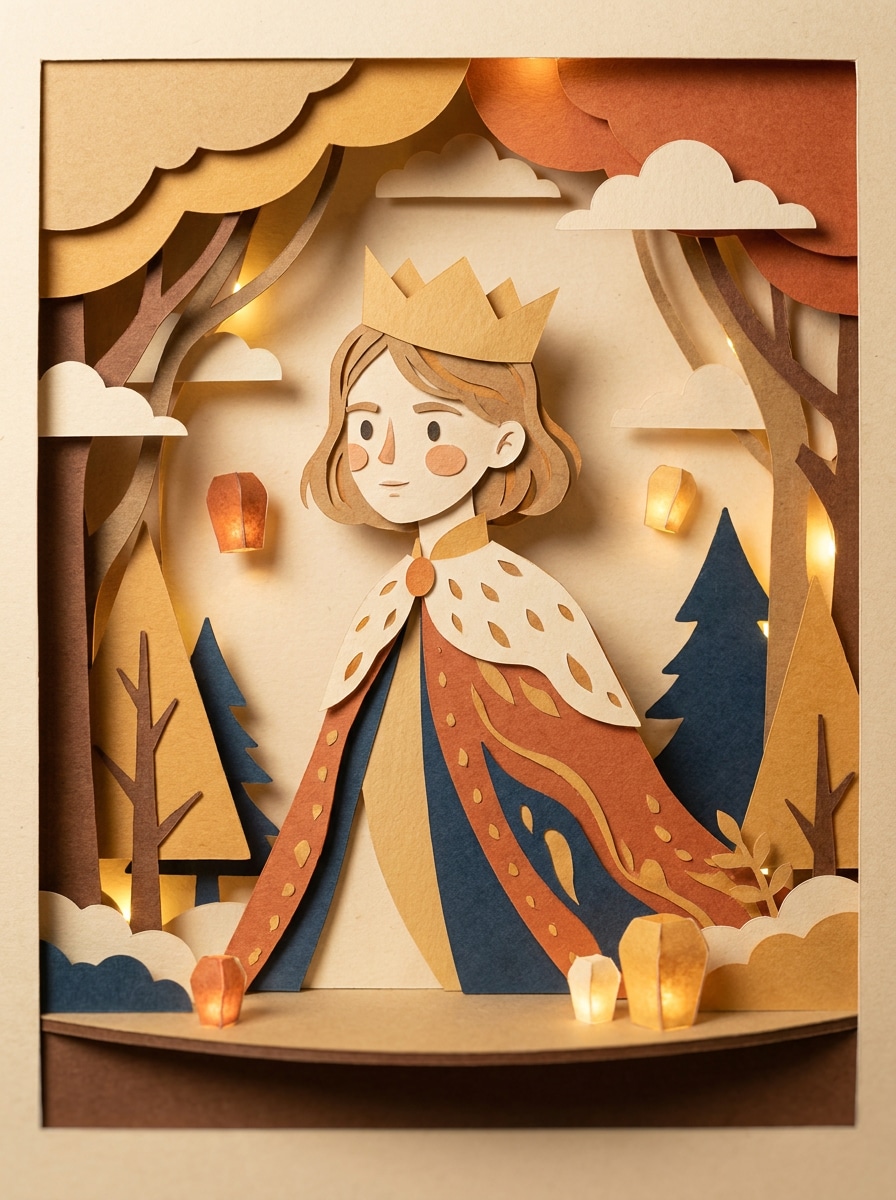
Personaje de papel recortado de cuento
Usa la imagen cargada como inspiración y rediseña al sujeto como un caprichoso personaje de cuento en papel recortado. Combina escenarios de papel artesanal en Capas, simplificación facial estilizada, sombras teatrales Suaves, colores cálidos de cuento, superficies de papel texturizado y una composición ilustrada encantadora con profundidad narrativa y un atractivo acogedor hecho a mano.
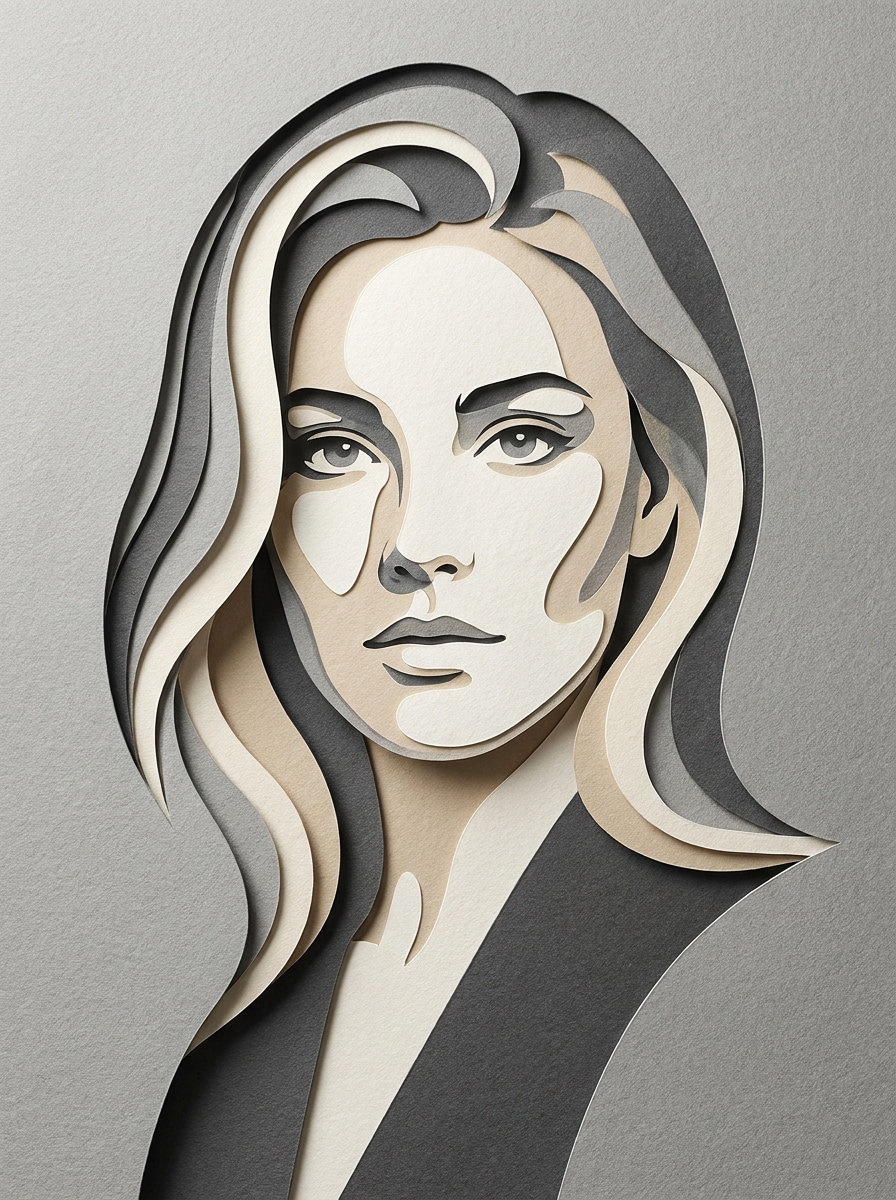
Recorte monocromático en Capas
Usa la foto cargada como sujeto y aplica un estilo minimalista de recorte monocromático en Capas. Construye formas de papel anidadas y limpias, profundidad de relieve sutil, contornos precisos, composición editorial, iluminación direccional Suave, textura de cartulina Premium y una paleta contenida en escala de grises o beige para un acabado moderno y elegante de arte en papel.
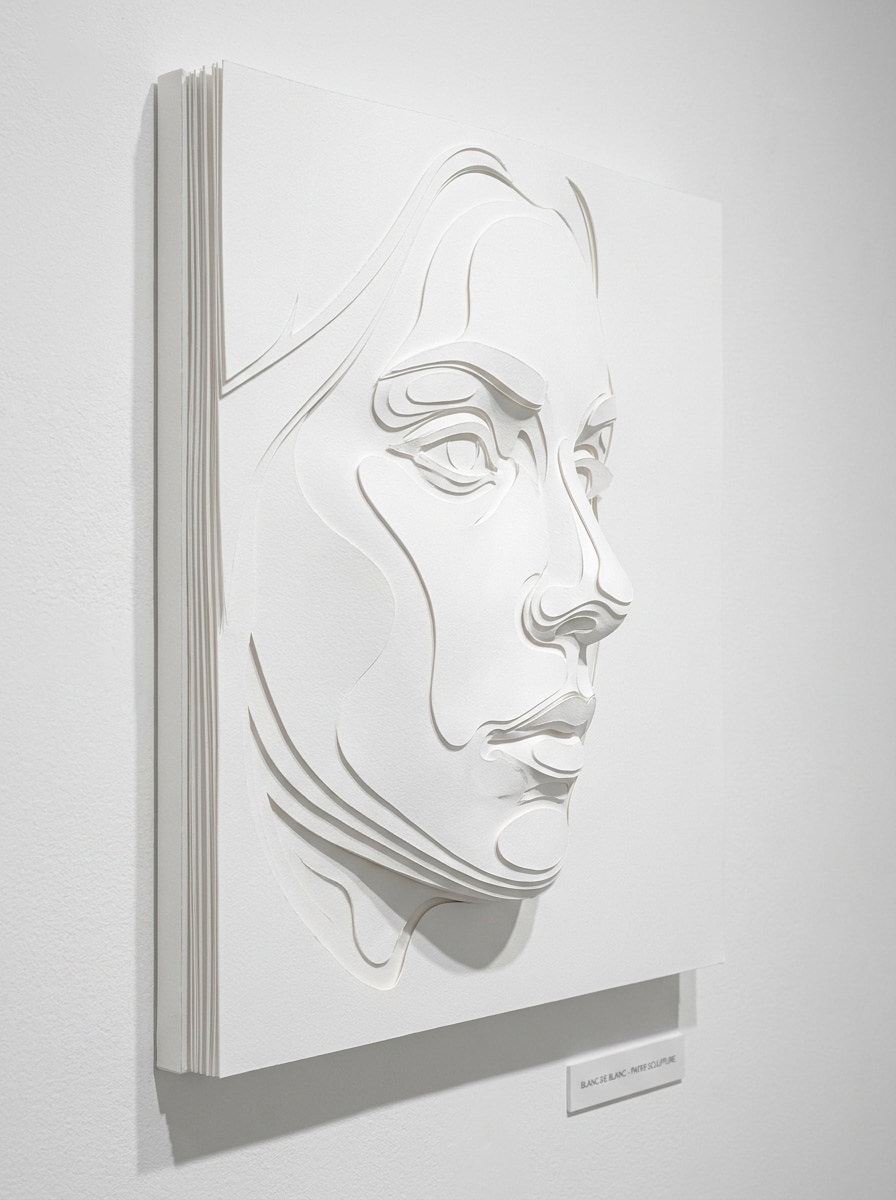
Papel recortado en relieve blanco sobre blanco
Usa el retrato cargado y conviértelo en un elegante arte de papel en relieve blanco sobre blanco. Moldea el rostro con cortes esculpidos en Capas, gradientes de sombra delicados, bordes nítidos en relieve, lujosa textura de papel mate, iluminación Suave de galería y una composición limpia de estilo museo con profundidad sutil y minimalismo refinado.
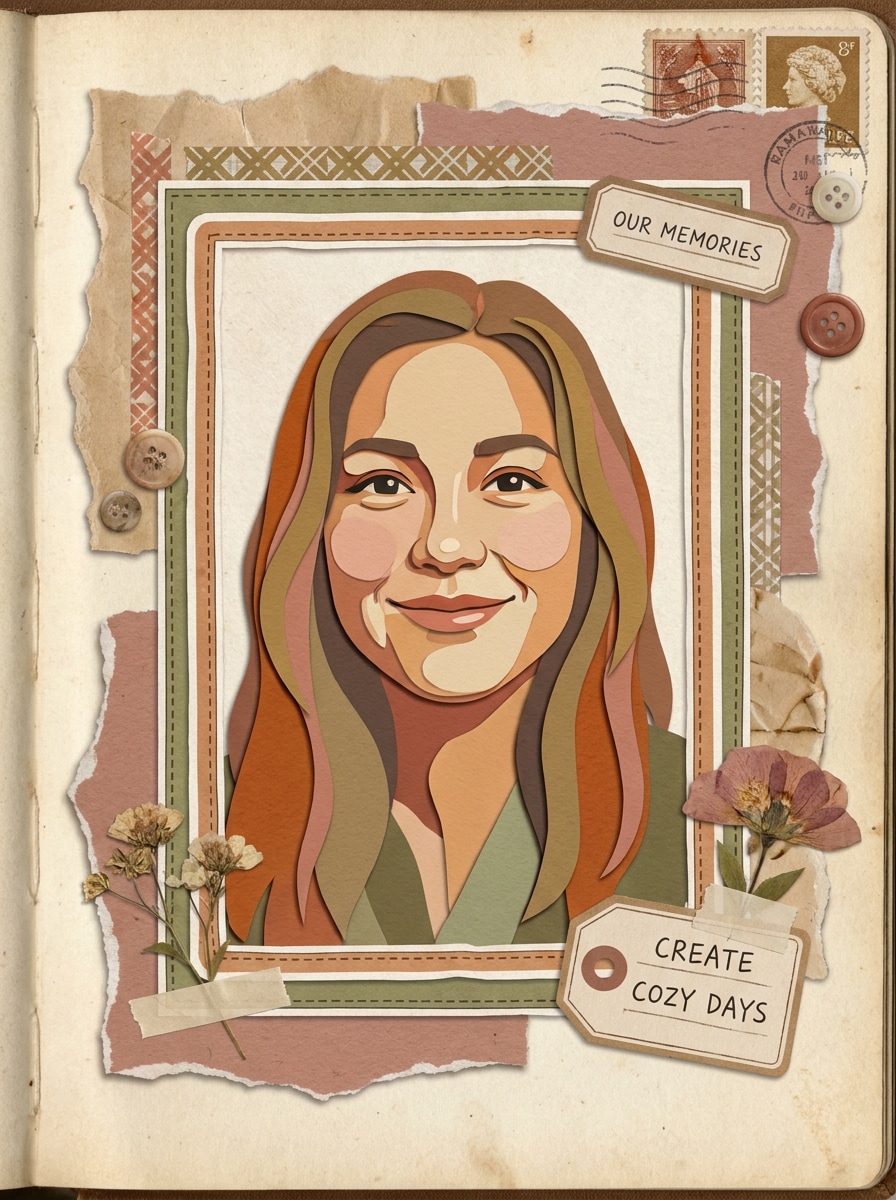
Collage de papel de álbum de recortes
Usa la imagen subida como sujeto y transfórmala en un acogedor collage de papel tipo álbum de recortes. Añade acentos de papel rasgado, formas recortadas en capas, marcos tipo pegatina, colores cálidos y apagados, texturas artesanales táctiles, elementos decorativos con estilo manuscrito, sombras suaves y una estética acogedora hecha a mano llena de personalidad.
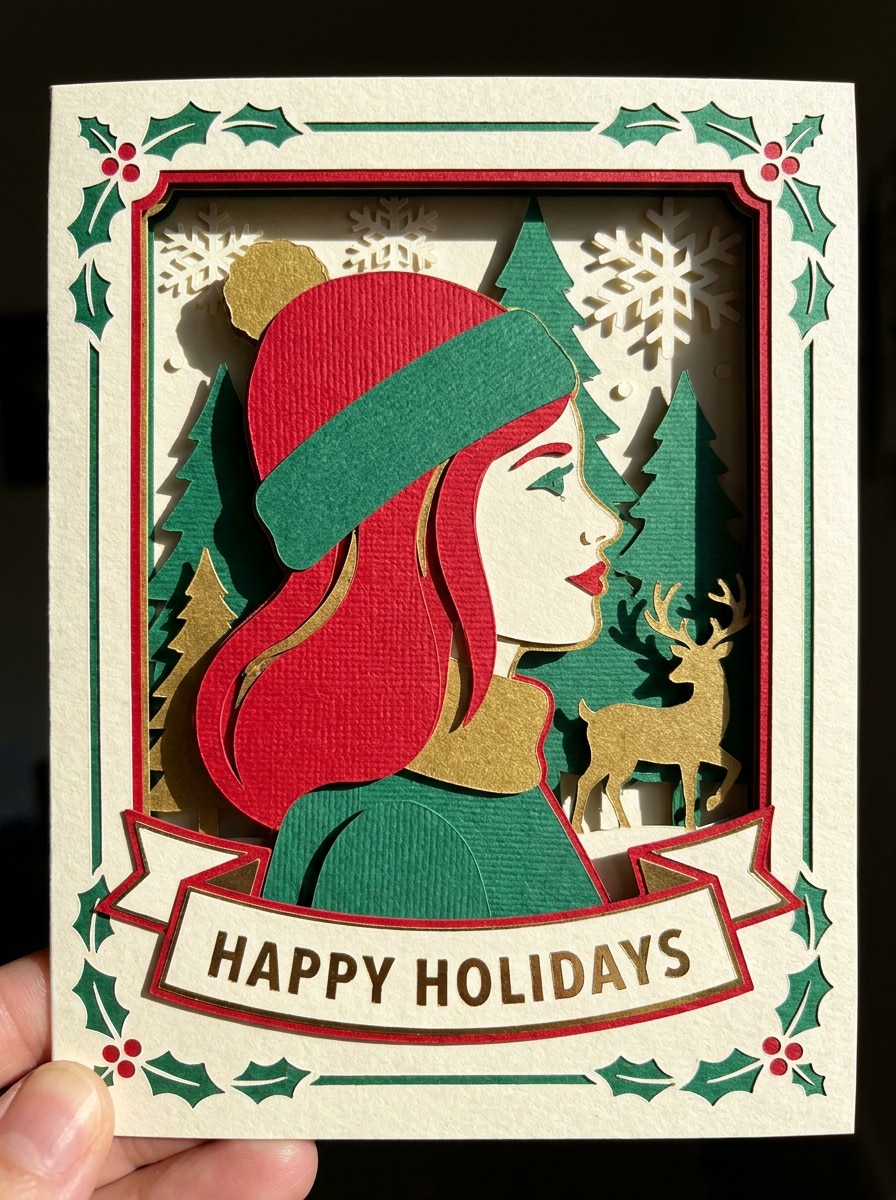
Estilo de tarjeta artesanal navideña
Usa el retrato cargado como sujeto principal y rediseñalo como una tarjeta de felicitación festiva de papel artesanal. Añade formas decorativas en Capas, sombras dimensionales, motivos de temporada, bordes de corte nítidos, ricas texturas de papel artesanal, composición equilibrada y colores cálidos de celebración para un resultado pulido con estilo de tarjeta hecha a mano.
Por qué usar Media.io para Efectos de retrato Paper Cut
Convierte fotos reales en arte de recorte en Capas rápidamente
Para publicaciones en redes sociales, branding o maquetas que aún necesitan parecerse a la persona original, Media.io preserva los rasgos reconocibles mientras aplica un estilo de filtro paper cut en Capas, de modo que la imagen final se siente creativa sin perder la identidad del sujeto.
Encuentra el estilo adecuado para cada versión
Diferentes resultados requieren diferentes estéticas. Media.io te ayuda a explorar tratamientos variados del mismo concepto visual de filtro paper cut para que el resultado final alcance el tono correcto más rápido.
Mantén los resultados finales nítidos para proyectos reales
Los elementos visuales listos para Presentación importan cuando planeas Recortar, compartir o reutilizar la imagen. Media.io crea arte de filtro paper cut pulido con salida de hasta 4K, para que los bordes, la profundidad en Capas y la claridad general se mantengan mejor en el archivo final.
Crea en el navegador desde cualquier dispositivo
Cuando una idea visual de filtro paper cut surge lejos de tu equipo principal, Media.io te permite crearla y perfeccionarla en el navegador para que alternar entre móvil y escritorio sea fluido en lugar de disruptivo.
Cómo crear un filtro Paper Cut a partir de tu foto
Convierte tus palabras en imágenes impresionantes en tres sencillos pasos y luego sigue perfeccionando el resultado si deseas llevarlo más lejos.
Paso 1
Sube tu imagen de referencia
Comienza con un retrato claro, selfie o foto del sujeto en formato JPG, PNG o JPEG. Las imágenes frontales con contornos limpios, fondos simples y buena iluminación suelen producir el resultado de recorte en Capas más convincente.
Paso 2
Describe el cambio y configura las opciones
Introduce el estilo que deseas, como retrato pastel, marco floral, collage de álbum de recortes o un aspecto en Capas inspirado en un efecto papercut de Photoshop. Luego elige tu modelo, Relación de aspecto, Resolución y el número de variaciones de imagen a generar.
Paso 3
Genera, descarga y sigue mejorando
Genera tus variaciones de estilo papel, compara la profundidad, el color y la calidad de la silueta, y luego descarga la mejor versión. Si es necesario, perfecciona el prompt, prueba un Diseño diferente o crea más resultados hasta que el aspecto hecho a mano se sienta perfecto.
Desbloquea el potencial del filtro de recorte de papel con IA
Descubre cómo los creadores usan este filtro Paper Cut para contenido, marketing y proyectos personales, y luego adapta cada idea a tu necesidad.
Mejora las fotos de perfil con profundidad artesanal
Convierte selfies comunes en retratos artesanales en Capas para TikTok, Instagram o branding de creadores. Las sombras Suaves, los bordes de corte nítidos y las paletas pastel o audaces ayudan a que tu imagen destaque con un estilo artesanal distintivo en lugar de otro tratamiento genérico de caricatura.
Diseña tarjetas personalizadas y arte para regalos
Crea piezas de retrato decorativas para cumpleaños, festividades y recuerdos con marcos florales, escenas de cuento o un elegante estilo de relieve blanco. Este tipo de resultado de filtro de arte en papel se siente más personalizado y listo para imprimir que un filtro plano, especialmente para tarjetas de felicitación y proyectos de exhibición en pared.
Crea portadas para redes sociales y visuales de álbum de recortes
Usa estéticas de collage en Capas para portadas de historias, tableros de inspiración, mini pósters o páginas acogedoras de recuerdos. Ya sea que quieras un aspecto divertido de filtro de papel artesanal o un estilo pulido similar a un flujo de trabajo de efecto papercut de Photoshop, Media.io te ayuda a crear visuales consistentes rápidamente a partir de tus propias fotos.
Lo que dicen los usuarios sobre este filtro Paper Cut
Maya R.
Creadora de estilo de vida
"Perfecto para arte de perfil" Quería una foto de perfil con estilo de papel artesanal en capas sin pasar horas en la edición. Los resultados se veían limpios, coloridos y sorprendentemente tridimensionales. Le dio a mi retrato esa sensación de caja de sombras hecha a mano de inmediato.
Jordan L.
Vendedor en Etsy
"Genial para diseños imprimibles" Lo probé para conceptos de tarjetas de felicitación y me impresionó lo bien que los bordes de corte en Capas se tradujeron en una imagen lista para imprimir. Los estilos florales y minimalistas fueron especialmente útiles para maquetas de productos.
Nina C.
Gerente de redes sociales
"Rápido y más fácil que la Edición manual" Normalmente este tipo de efecto requiere mucho enmascaramiento en software de diseño. Aquí simplemente subí un retrato, describí el asp
Ethan P.
Estudiante de diseño
"Variedad de estilos útil" Me gustó poder cambiar de collage de álbum de recortes a relieve monocromático sin cambiar de herramienta. Hizo que experimentar fuera fácil, y las imágenes finales mantuvieron el sujeto reconocible.
Explora los efectos de video e imagen con IA más populares
Preguntas frecuentes sobre el filtro de papel recortado
1. ¿Qué es un filtro de papel recortado?
Un filtro de papel recortado convierte una foto en una obra de arte que parece papel cortado en capas, con formas apiladas, profundidad visible, sombras Suaves y un acabado artesanal. En Media.io, subes una imagen de referencia y usas la IA para crear retratos con estilo de papel recortado en estilos como collage en tonos pastel, recorte floral, álbum de recortes o relieve minimalista.
2. ¿Cómo convierto una foto en un efecto de papel recortado en línea?
Sube una imagen JPG, PNG o JPEG a Media.io, luego introduce un prompt describiendo el estilo en capas que deseas, como papel recortado en tonos pastel, marco floral o arte artesanal de libro de cuentos. Después, elige tu modelo, Relación de aspecto y Resolución, genera la imagen y descarga la versión que mejor se ajuste a tu objetivo creativo.
3. ¿Puedo usar un filtro de papel recortado gratis?
Los usuarios gratuitos de Media.io pueden probar la herramienta con créditos gratuitos. Dependiendo de tu plan, los resultados gratuitos pueden incluir marcas de agua, mientras que los suscriptores de pago pueden descargar imágenes de alta resolución sin marcas de agua. Para más detalles de uso o para actualizar y obtener créditos adicionales, consulta la página de precios.
4. ¿Qué fotos funcionan mejor para un retrato de papel recortado?
Los retratos claros con buena iluminación, contornos faciales visibles y fondos simples suelen funcionar mejor. Un selfie centrado o una foto de medio cuerpo facilita que Media.io preserve el sujeto mientras aplica formas en capas, profundidad de sombras y los bordes estilizados que crean un potente efecto fotográfico de papel recortado.
5. ¿Puedo crear una imagen de papel recortado en alta resolución para imprimir?
Media.io admite opciones de Resolución de 1K, 2K y 4K, lo cual es útil cuando deseas exportaciones más nítidas para tarjetas, pósteres, impresiones enmarcadas o portadas artísticas. También puedes elegir relaciones de aspecto que se adapten mejor al Diseño de impresión final antes de generar la imagen. Los usuarios gratuitos pueden tener marcas de agua.
6. ¿El filtro de papel recortado funciona en Teléfono y escritorio?
Media.io está basado en la web, por lo que funciona en teléfonos, tabletas, portátiles y computadoras de escritorio a través de un navegador. Ya sea que comiences en iOS, Android, Windows o Mac, puedes subir una foto, generar una imagen con estilo de papel recortado o arte en papel, y descargar el resultado sin instalar software adicional.
Más allá del filtro de papel recortado en línea con IA