Seleccione / @ carácter, describa la escena que desea generar.
0/2000
9:16
1K
1
Modo Ilimitado Banana Pro
Creaciones
Centro de Ideas
Cómo funciona
Todo
Funciones populares
Ver todo
Desafío creativo de Halloween
Ver todo
Historia de Frutas con IA
Ver todo
Video de Historia de IA
Ver todo
Videos Virales Hoy
Ver todo
Videos de Productos de IA
Ver todo
Personaje de IA
Ver todo
Tendencias de Baile
Ver todo
GPT Image 2
Ver todo
Seedance 2.0
Ver todo
Emparejamiento de Celebridades con IA
Ver todo
Indicaciones de Poses para Parejas
Ver todo
Prompts de Poses de Chica AI Estética
Ver todo
Sugerencias de Pose Elegante para Chicos AI
Ver todo
Lista de generación
Tus creaciones solo se guardan durante 7 días. Los recursos creados después de actualizar a Membresía se almacenarán de forma permanente.
¡Desbloquea tu potencial creativo y experimenta la magia de Media AI ahora mismo!
Identificador de mariposas y polillas para verificación rápida de especies basada en fotos
Sube una foto clara de un insecto para explorar posibles rasgos de mariposas o polillas, comparar patrones de alas y crear elementos visuales educativos de estilo escaneo en segundos. Media.io ayuda con la identificación de polillas por foto, la comparación visual y el intercambio sencillo para Notas de campo, uso en el aula o referencia rápida en casa como un práctico identificador de mariposas y polillas. Este flujo de trabajo es especialmente útil para la identificación de polillas británicas.
Escribe tu idea -> La IA la diseña. Pruébalo gratis.
Revisa estas indicaciones de ejemplo y luego adapta los detalles del prompt para obtener mejores resultados con este identificador de mariposas y polillas en Media.io. También es una opción práctica para la identificación de orugas de polilla esfinge.
Ficha de especie limpia
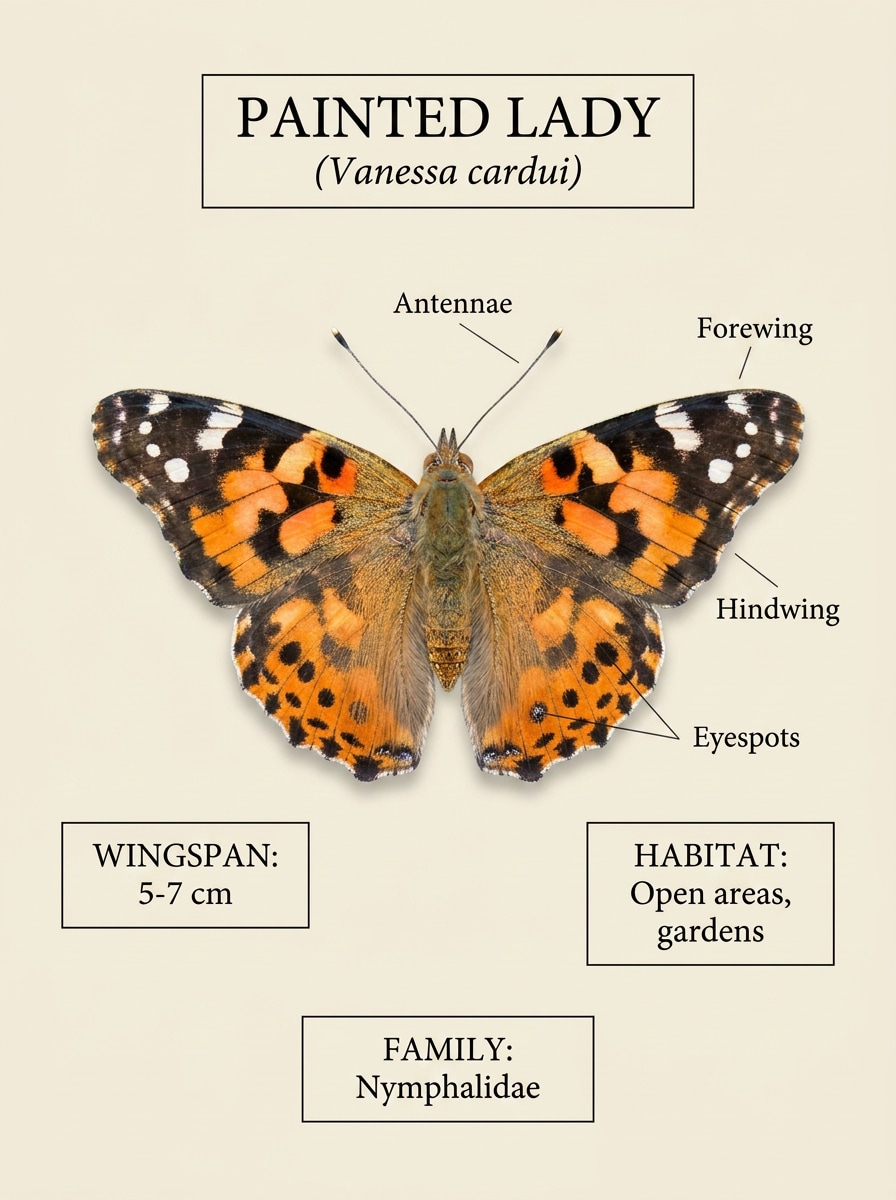
Usa la imagen subida como sujeto y transfórmala en una tarjeta de identificación limpia de guía de campo de mariposas. Mantén el insecto centrado sobre un fondo neutro Suave, conserva las marcas de las alas y el detalle de las antenas, añade áreas de etiquetas elegantes, líneas taxonómicas sutiles, color natural equilibrado, Diseño educativo nítido y claridad científica de alta Resolución.
Lámina comparativa
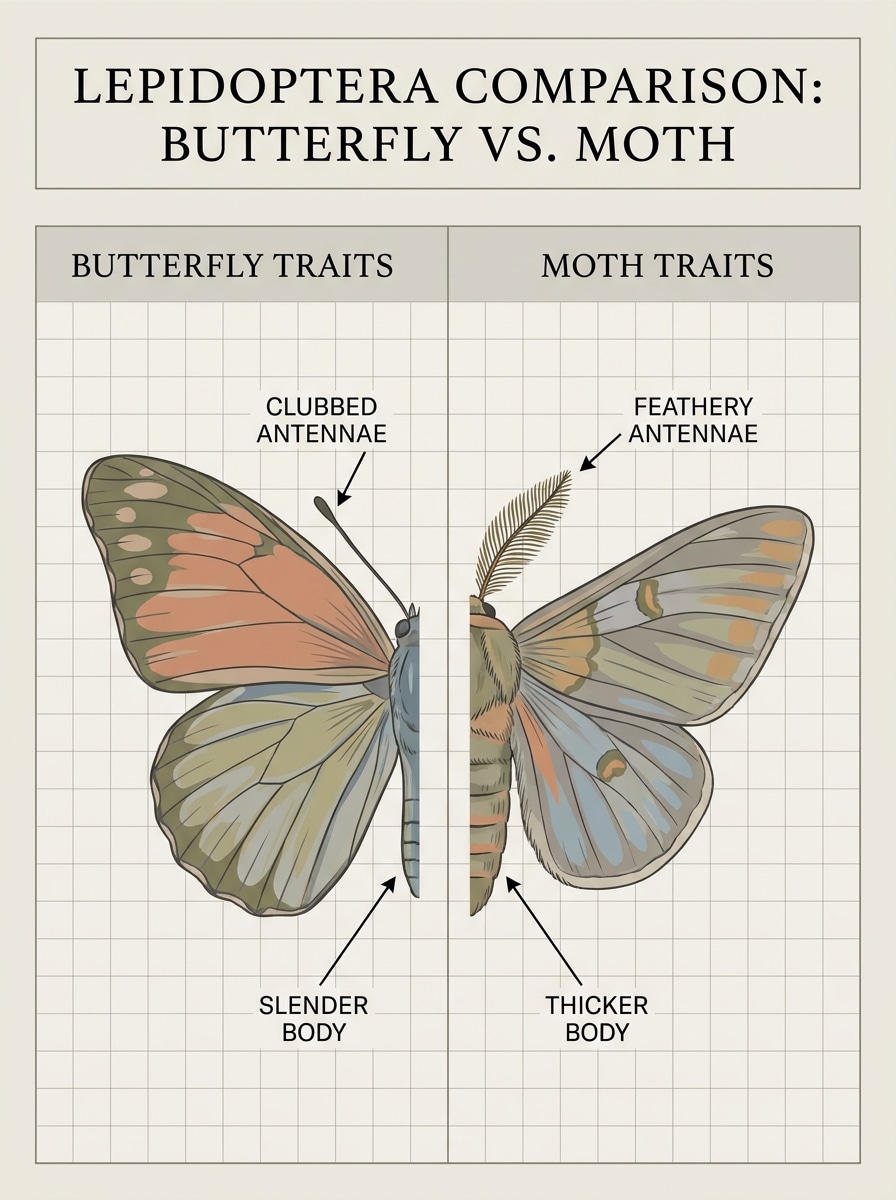
Usa la imagen del insecto subida como referencia principal y conviértela en una lámina comparativa lado a lado de mariposa versus polilla. Conserva la forma y el patrón reconocibles, añade líneas de Anotación limpias para antenas, grosor del cuerpo, postura de las alas y detalles de los bordes, usa una paleta educativa brillante, espaciado ordenado y una composición infográfica altamente legible.
Macro de alto detalle
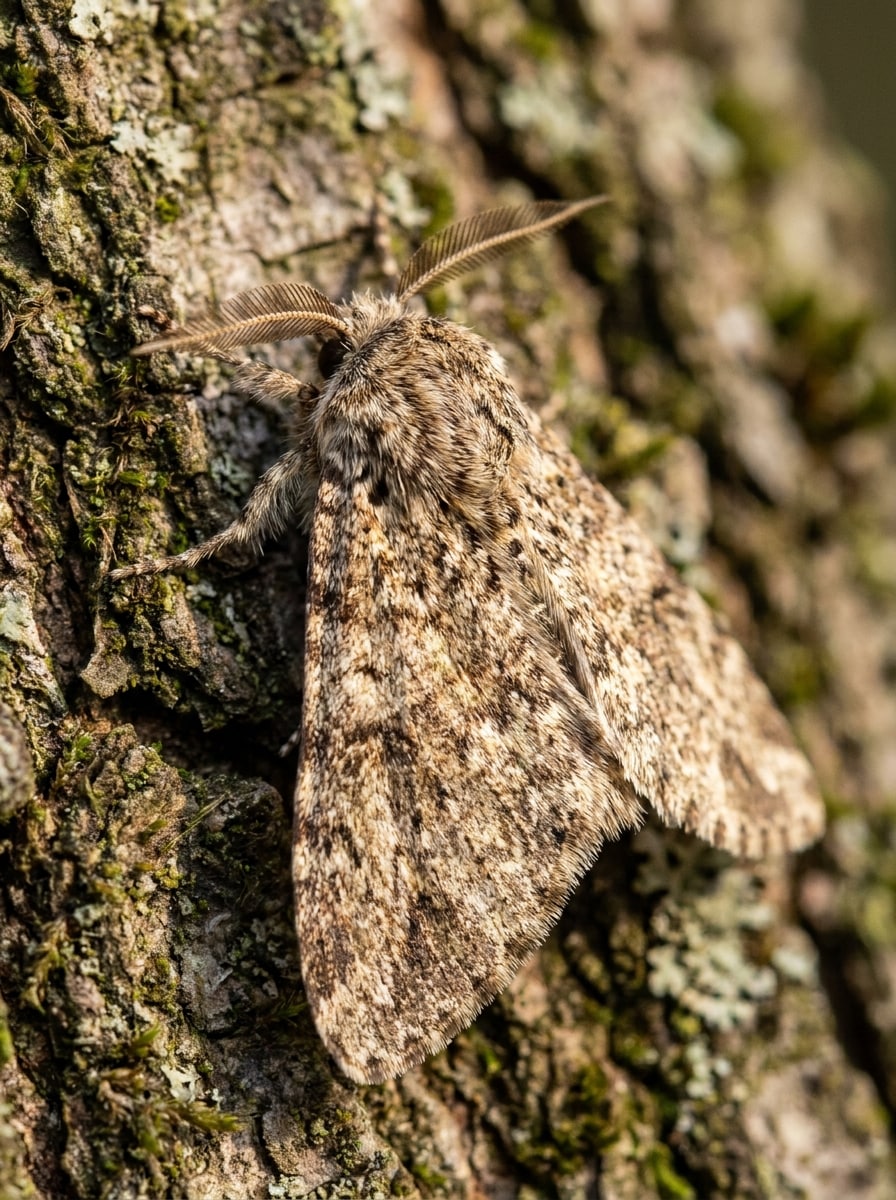
Usa la foto de polilla subida como sujeto y mejórala para obtener una imagen de identificación macro de alto detalle. Mantén las características originales de la especie reconocibles, enfoca las escamas de las alas, las antenas y la textura del cuerpo, añade Profundidad de campo reducida, iluminación natural realista, tonos terrosos y calidad profesional de fotografía de vida silvestre adecuada para un estudio visual detallado.
Enfoque en hábitat natural
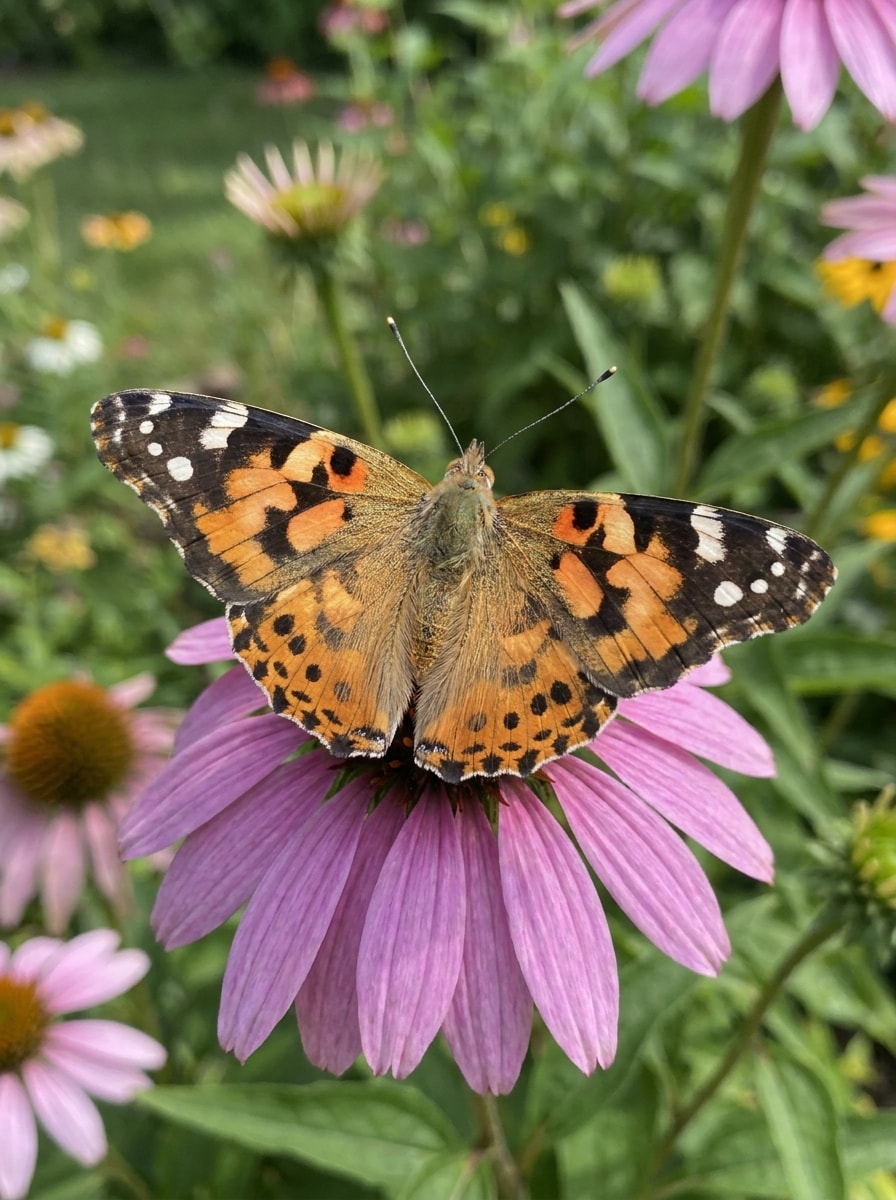
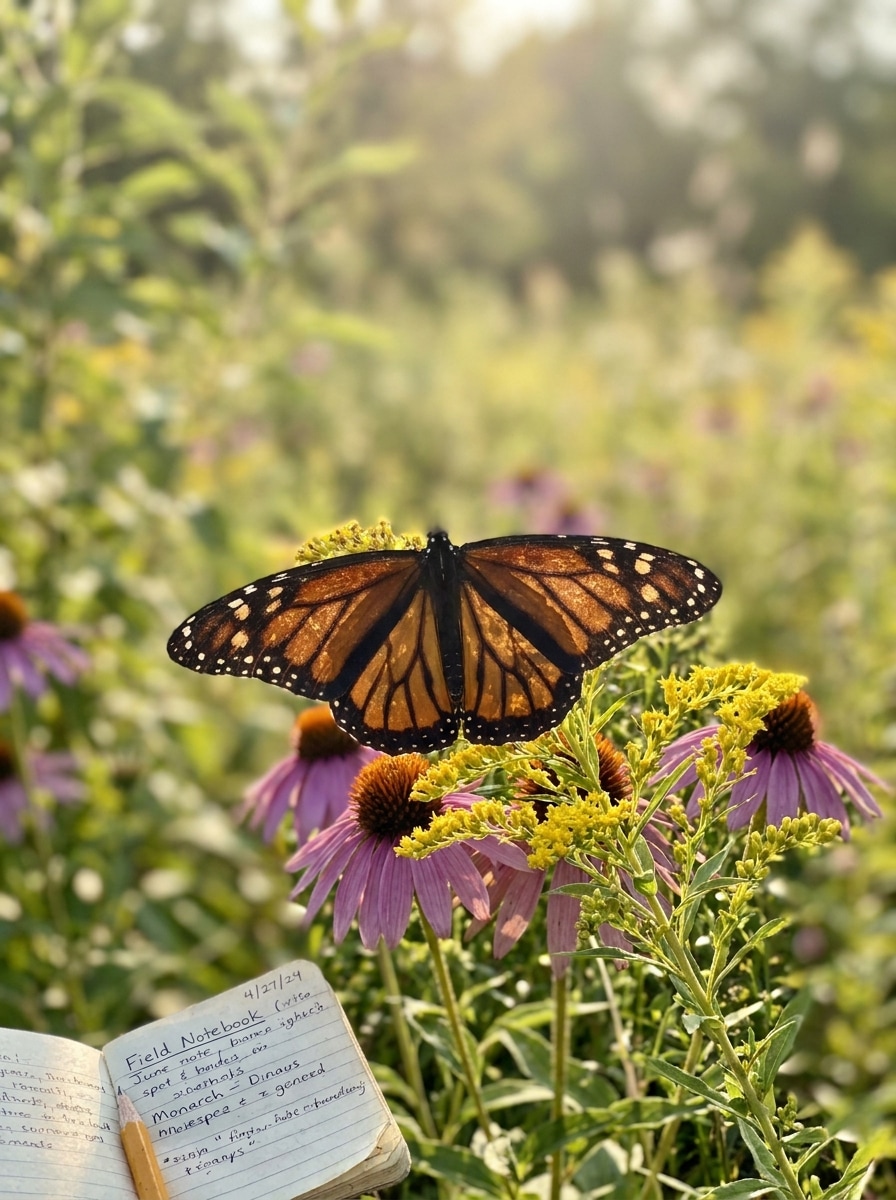
Usa la imagen de mariposa subida como sujeto y rediseñala como una foto de identificación realista basada en el hábitat. Conserva el detalle auténtico del patrón de las alas, coloca el insecto sobre flores o hojas nativas, usa luz exterior Suave, verdes naturales y acentos florales, composición documental y características de especie claras que sean fáciles de inspeccionar.
superponer resultado de escaneo
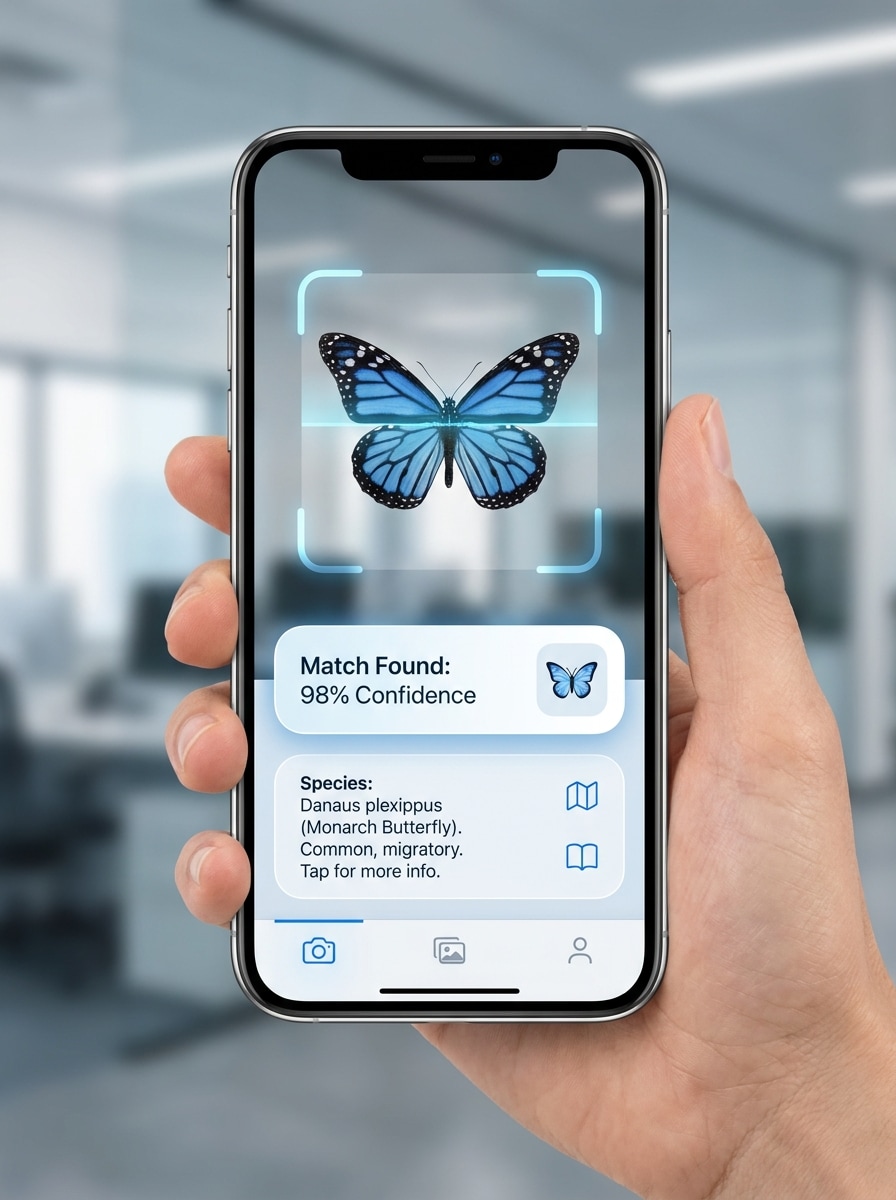
Usa la imagen subida como sujeto y preséntala como un resultado de escaneo de insectos de una aplicación móvil. Mantén la mariposa o polilla centrada, superponer un marco de escaneo sutil, tarjeta de resultado, área de confianza y resaltado de rasgos, usa una interfaz moderna y elegante, colores neutros fríos y una jerarquía visual nítida para una demostración de identificación creíble.
Antes y después de la identificación
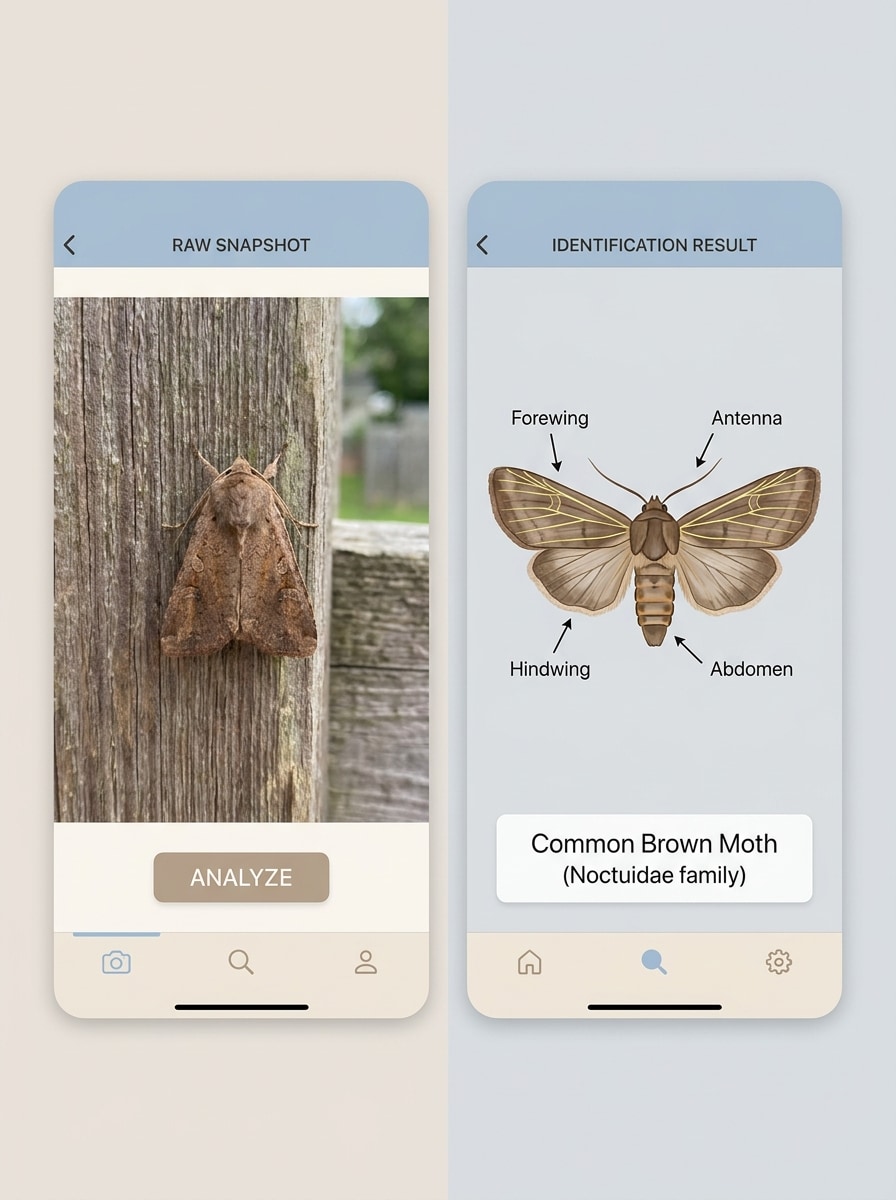
Usa la foto del insecto subida como referencia para un recurso visual de identificación de antes y después. Muestra la instantánea original en un lado y un resultado etiquetado y mejorado en el otro, conservando los rasgos de la especie mientras se mejora la claridad, el contraste y la legibilidad educativa con un Diseño dividido limpio y una composición adaptada a dispositivos móviles.
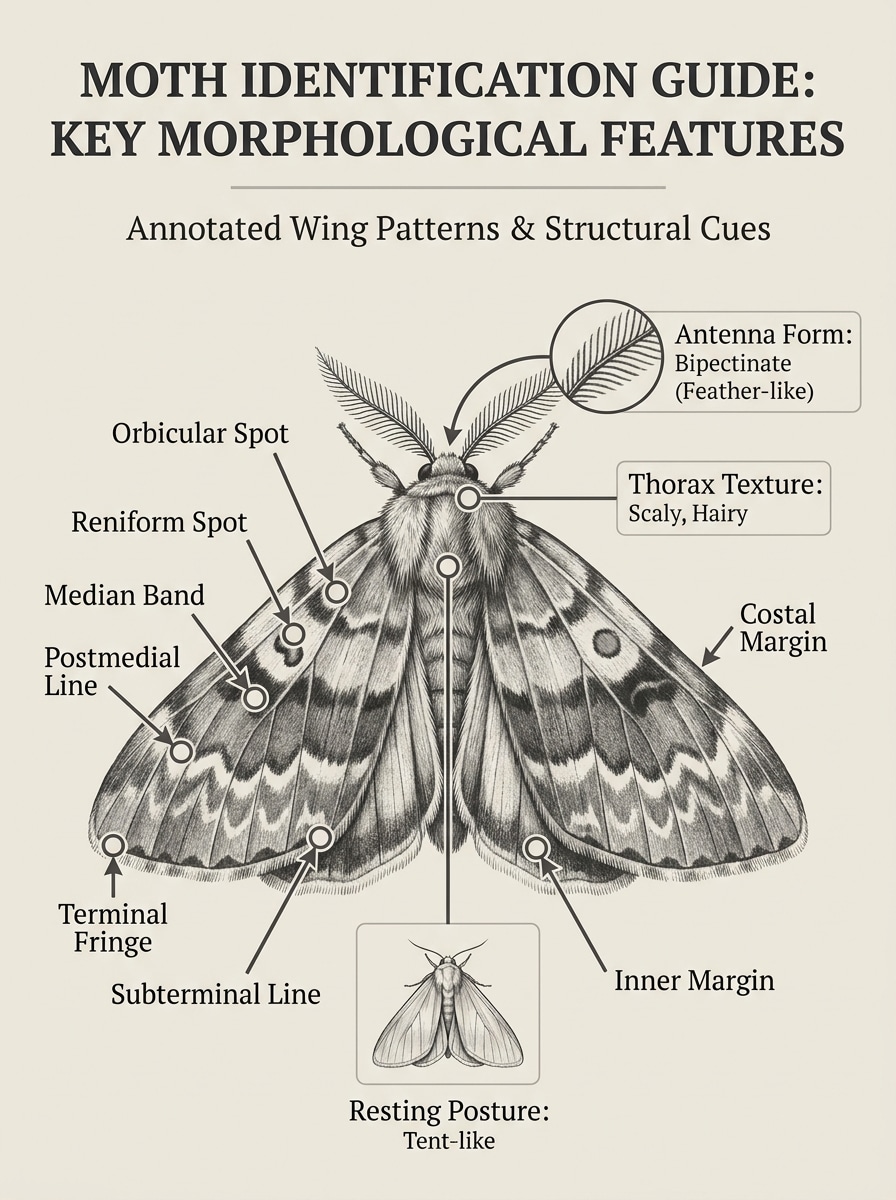
Señalizaciones de patrones de alas
Usa la foto de polilla subida como sujeto principal y añade señalizaciones visuales educativas para la identificación. Resalta bandas de las alas, manchas, flecos, tipo de antena, forma del cuerpo y postura de reposo con flechas ordenadas, colores contenidos, etiquetas legibles y un estilo infográfico limpio que mantenga el espécimen original fácil de examinar.
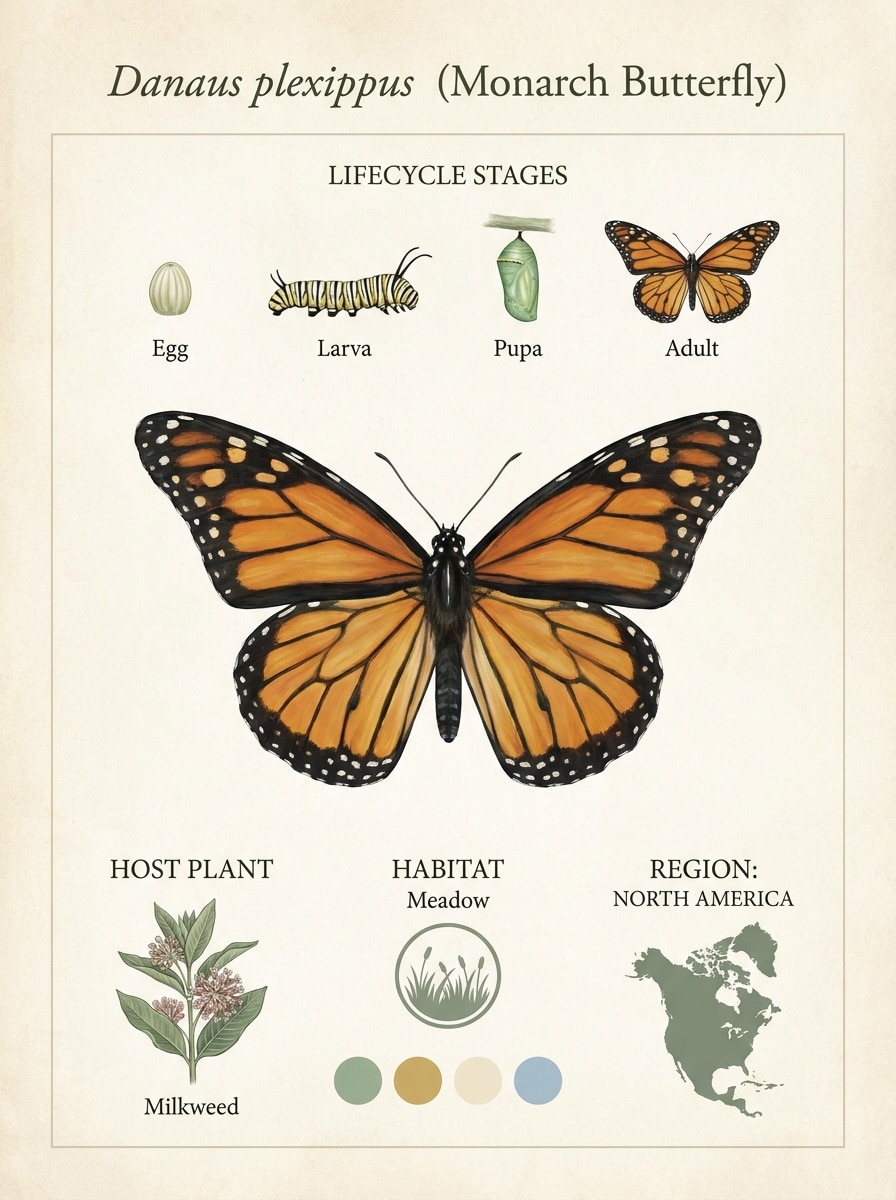
Ficha de contexto del ciclo de vida
Usa la imagen de mariposa subida como espécimen destacado y conviértela en una ficha educativa de contexto del ciclo de vida. Mantén el insecto realista y detallado, añade secciones limpias para huevo, oruga, crisálida, planta huésped y Notas de región, usa colores naturales Suaves, espaciado infográfico moderno y una Presentación confiable lista para el aula.
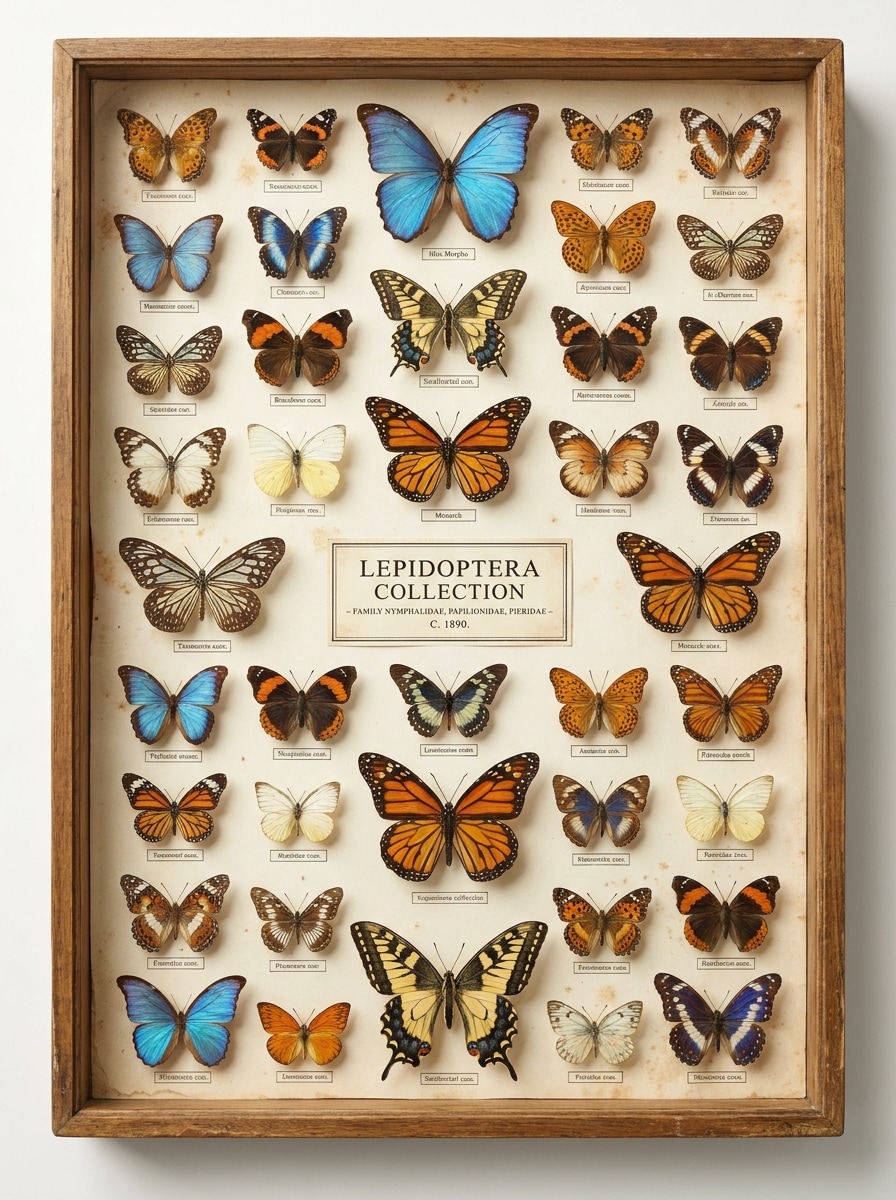
Tablero de espécimen de museo
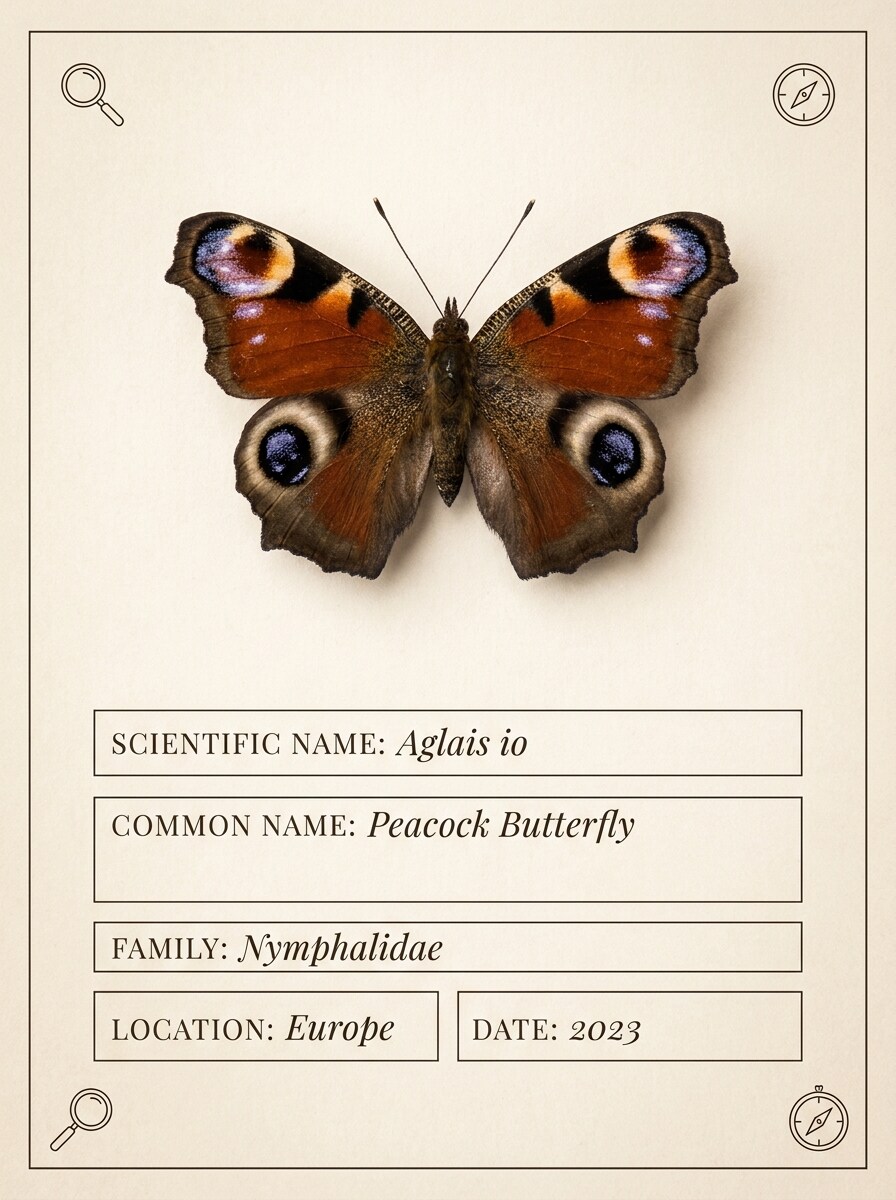
Usa la foto de mariposa subida como referencia y rediseñala como un tablero de espécimen de museo. Presenta las alas simétricamente, conserva los detalles finos del patrón, coloca el sujeto sobre una textura de papel de archivo, añade un espacio elegante para etiqueta taxonómica, tonos vintage apagados y una Presentación científica precisa con un aire de colección curada.
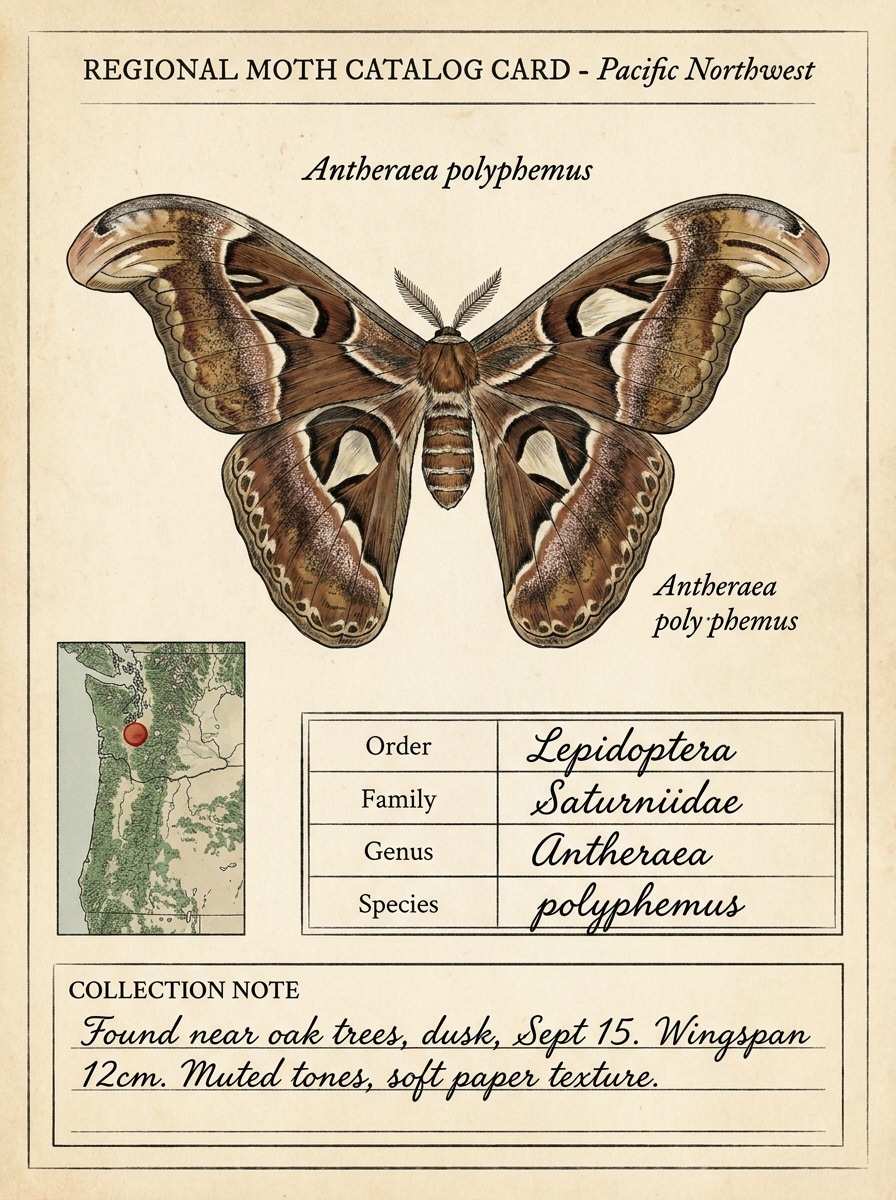
Catálogo regional de especies
Usa la imagen de polilla subida como sujeto y crea un recurso visual de catálogo regional de especies. Conserva las marcas realistas, añade un área limpia de referencia de mapa, campos de clasificación, marcadores de fecha y hábitat, paleta neutra discreta y enfoque nítido del espécimen para que el resultado sea útil para guías locales o documentación.
Por qué usar Media.io para el análisis fotográfico de mariposas y polillas
Resultados guiados por referencia que mantienen visibles los rasgos clave de la especie
Usando tu foto de insecto subida como referencia, Media.io ayuda a conservar las marcas de las alas, la forma de las antenas y la forma del cuerpo mientras convierte la imagen en recursos visuales más claros de comparación o estilo escaneo. Esta configuración funciona bien para la identificación de orugas y polillas.
Encuentra el estilo adecuado para cada versión
Cuando la dirección artística aún está abierta, Media.io te permite probar múltiples estilos en torno a la misma idea visual del identificador de mariposas y polillas, facilitando encontrar el estilo correcto sin reconstruir desde cero. También permite identificar polillas por imagen.
Control de detalle más nítido para alas, larvas y marcas de campo pequeñas
Cuando un elemento visual de identificador de mariposas y polillas está destinado a un uso de publicación real, Media.io te ofrece una salida más nítida de hasta 4K, lo que ayuda a que la imagen se mantenga clara en Presentaciones, fondos y recursos reutilizados. Los creadores a menudo lo usan para identificar mariposas a partir de una foto.
Funciona sin problemas en los dispositivos que ya usas al aire libre
El trabajo creativo rara vez se queda en una sola pantalla. Media.io mantiene el flujo de trabajo visual del identificador de mariposas y polillas en tu navegador, para que puedas empezar en el Teléfono y terminar en el escritorio sin detenerte a instalar software adicional. Este flujo de trabajo es especialmente útil para identificar mariposas por foto.
Cómo usar este identificador de mariposas y polillas
Convierte tus palabras en recursos visuales impresionantes en tres sencillos pasos y luego continúa refinando el resultado si deseas llevarlo más lejos.
Paso 1
Sube tu imagen de referencia
Comienza con un archivo JPG, PNG o JPEG claro que muestre el insecto, la larva, el grupo de huevos o la pupa con la mayor nitidez posible. Las fotos cercanas, bien iluminadas y con forma de alas, antenas, patrón corporal o detalle de etapa de vida visibles funcionan mejor para la revisión de mariposas, orugas y polillas.
Paso 2
Describe el cambio y configura las opciones
Añade un prompt explicando lo que deseas ver, como una tarjeta de especie, una lámina comparativa o una superposición de resultado de escaneo. Luego elige tu modelo preferido y ajusta la Relación de aspecto, la calidad o la Resolución para adaptarlos a publicaciones educativas, Notas o elementos visuales de identificación compartibles.
Paso 3
Genera, descarga y sigue mejorando
Crea variaciones, compara los resultados y descarga el más claro. Si necesitas mejores marcas de campo para identificar polillas por imagen o para identificar mariposas a partir de fotos, refina el prompt, prueba otro Diseño o genera una versión anotada más nítida.
Desbloquea el potencial del identificador de mariposas
Descubre cómo los creadores usan este identificador de mariposas y polillas para contenido, marketing y proyectos personales, y luego adapta cada idea a tu necesidad.
Convierte los avistamientos del jardín en fichas de referencia claras
Sube fotos del patio o del parque y conviértelas en fichas visuales ordenadas que faciliten un flujo de trabajo rápido de identificador de mariposas o identificación de polillas para consultar más adelante. Esto es especialmente útil para aficionados que rastrean visitantes estacionales, comparan marcas u organizan observaciones locales.
Crea mejores verificaciones de plagas domésticas y de tejidos
Para la identificación de polilla de la ropa, identificación de polilla de la lana y otras comparaciones de interiores, una imagen anotada más clara de Media.io puede ayudarte a inspeccionar la forma, el color y la postura de las alas antes de decidir qué hacer. Es una forma práctica de apoyar la identificación de polillas domésticas sin software complejo.
Apoya las lecciones sobre ciclos de vida y especies con contexto visual
Crea Diseños adaptados al aula para la identificación de huevos de mariposa, identificación de pupas de polilla o comparaciones larvales lado a lado. Profesores, padres y grupos de naturaleza pueden usar los recursos visuales de Media.io para identificar larvas de polilla, apoyar la identificación de larvas de polilla, comparar etapas y presentar los rasgos de identificación de polilla esfinge con mayor claridad.
Lo que dicen los usuarios
Ella Warren
Bloguera de naturaleza
"Ideal para convertir instantáneas en elementos visuales de identificación útiles" Lo usé para transformar fotos de mariposas en fichas de referencia limpias para mi blog. Los diseños de estilo escaneo hacen que los patrones de las alas y los detalles de las antenas sean mucho más fáciles de explicar a los lectores.
Tom Hargreaves
Aficionado a la jardinería del Reino Unido
"Útil para contenido de identificación de polillas británicas" A menudo fotografío polillas cerca de las luces del porche, y esto me ayudó a crear imágenes comparativas más claras. Es especialmente útil cuando quiero un enfoque más visual para la identificación de polillas británicas y las notas de identificación de orugas de polilla esfinge.
Maya Chen
Profesora de ciencias
"Los materiales visuales para el aula se crean rápidamente" Las indicaciones de fichas de ciclo de vida y láminas comparativas son excelentes para las lecciones. Puedo convertir una foto de insecto en material didáctico que los estudiantes entienden mucho más rápido que el texto simple.
Jordan Patel
Creador de contenido de organización del hogar
"Útil para imágenes comparativas de plagas domésticas" Lo probé para ejemplos de identificación de polillas domésticas y me gustó lo fácil que fue crear visuales lado a lado. Los resultados son sencillos de compartir en guías y publicaciones en redes sociales.
Explora los efectos de video e imagen con IA más populares
Preguntas frecuentes sobre el identificador de mariposas y polillas
1. ¿Cómo puedo identificar una mariposa o polilla a partir de una foto?
Sube una imagen clara del insecto a Media.io, luego usa una indicación que solicite un resultado estilo escaneo, lámina comparativa o ficha de especie etiquetada. Este flujo de trabajo es útil para el identificador de mariposas, la identificación de polillas y la identificación de polillas y orugas, ya que ayuda a resaltar rasgos visibles como el patrón de las alas, las antenas, la forma del cuerpo y la postura.
2. ¿Este identificador de mariposas y polillas es gratuito?
Los usuarios gratuitos pueden probar Media.io con créditos gratuitos. Si necesitas más generaciones o deseas descargas de mayor resolución sin marca de agua, puedes consultar las opciones de planes en la página de precios.
3. ¿Qué tan preciso es un identificador de polillas o mariposas con IA?
La precisión depende en gran medida de la foto de origen y de qué tan visibles sean las marcas de campo del insecto. Media.io puede ayudarte a crear resultados visuales más claros para comparación, pero los mejores resultados generalmente provienen de imágenes nítidas que muestren claramente los bordes de las alas, las marcas, las antenas y la forma del cuerpo, especialmente para revisiones complicadas como la identificación de polillas esfinge o cuando necesitas identificar detalles de orugas de polilla.
4. ¿Qué tipo de imagen funciona mejor para la identificación de mariposas?
La mejor imagen es clara, bien iluminada y enfocada en el insecto con la menor cantidad posible de elementos de fondo que distraigan. Intente capturar las alas abiertas cuando sea posible, mantenga el cuerpo visible y evite el desenfoque excesivo. Esto también ayuda con la revisión de etapas de vida, como identificar larvas de polillas, identificación de huevos de mariposas y comprobaciones similares donde los pequeños detalles importan.
5. ¿Puedo usar este identificador de mariposas en mi Teléfono?
Media.io está basado en la web, por lo que puedes usarlo en cualquier Teléfono o tableta con navegador, así como en computadora de escritorio. Eso lo hace conveniente para subidas rápidas en campo, identificación de polillas por foto o una verificación rápida después de avistar un insecto en interiores o en el jardín.
6. ¿La herramienta ayuda a distinguir una polilla de una mariposa?
Media.io puede ayudarte a crear visuales comparativos que enfaticen diferencias comunes como la forma de las antenas, el grosor del cuerpo, la postura de las alas en reposo y las pistas de patrones. Eso lo hace útil cuando quieres comparar rasgos de mariposas y polillas a partir de una imagen en lugar de depender solo de la memoria.
Más allá del identificador en línea de mariposas y polillas con IA