Predice la Cara de tu Futuro Bebé
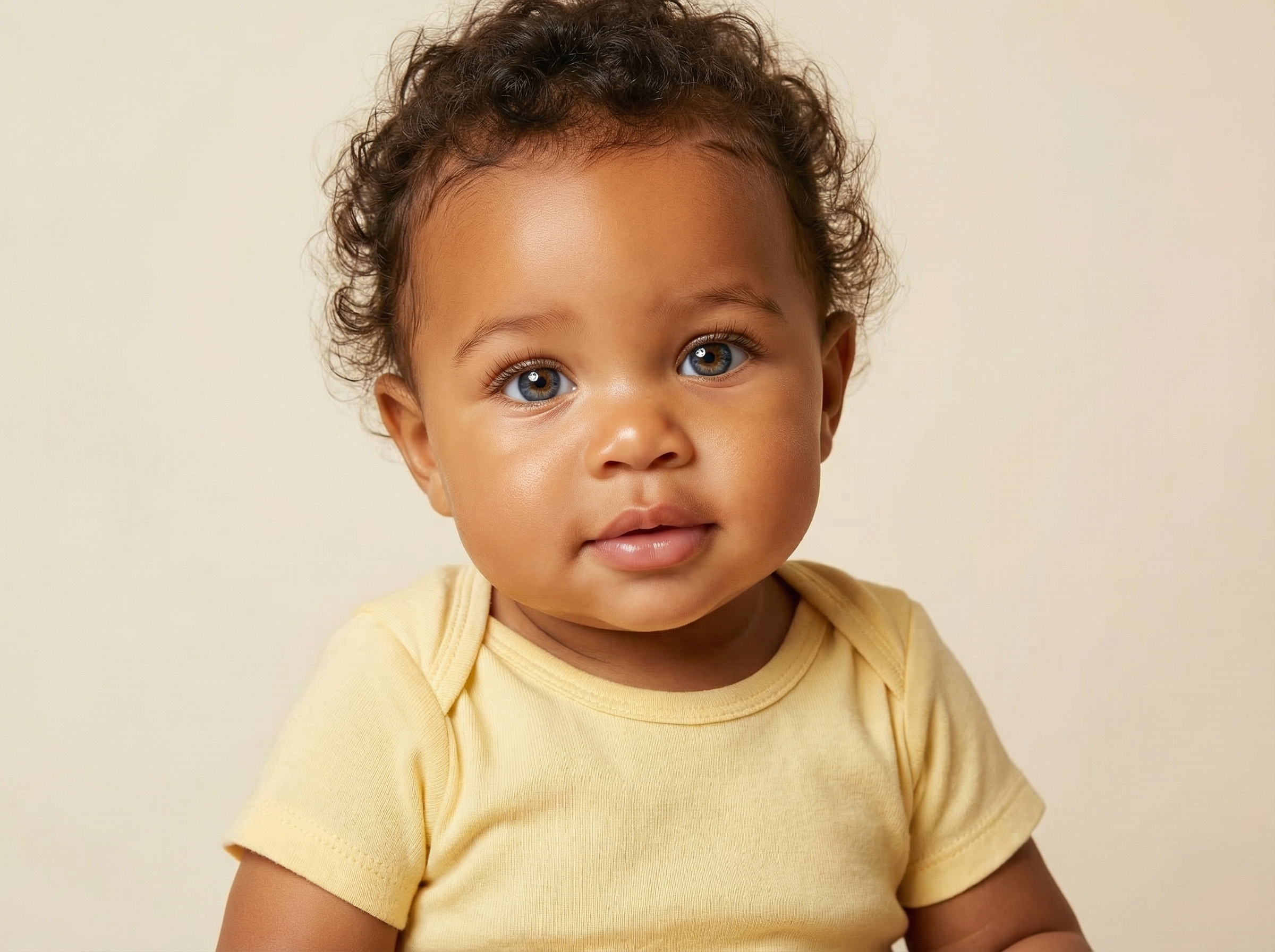
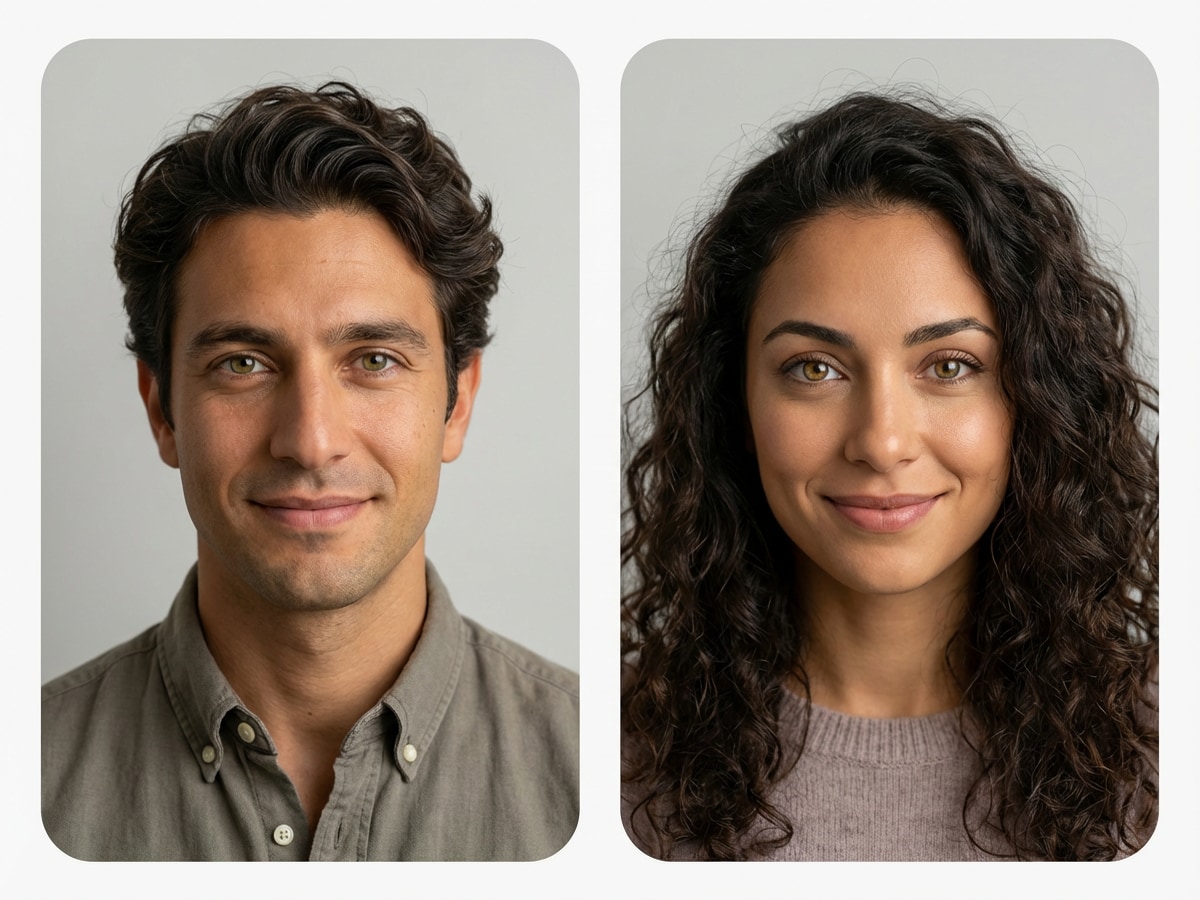
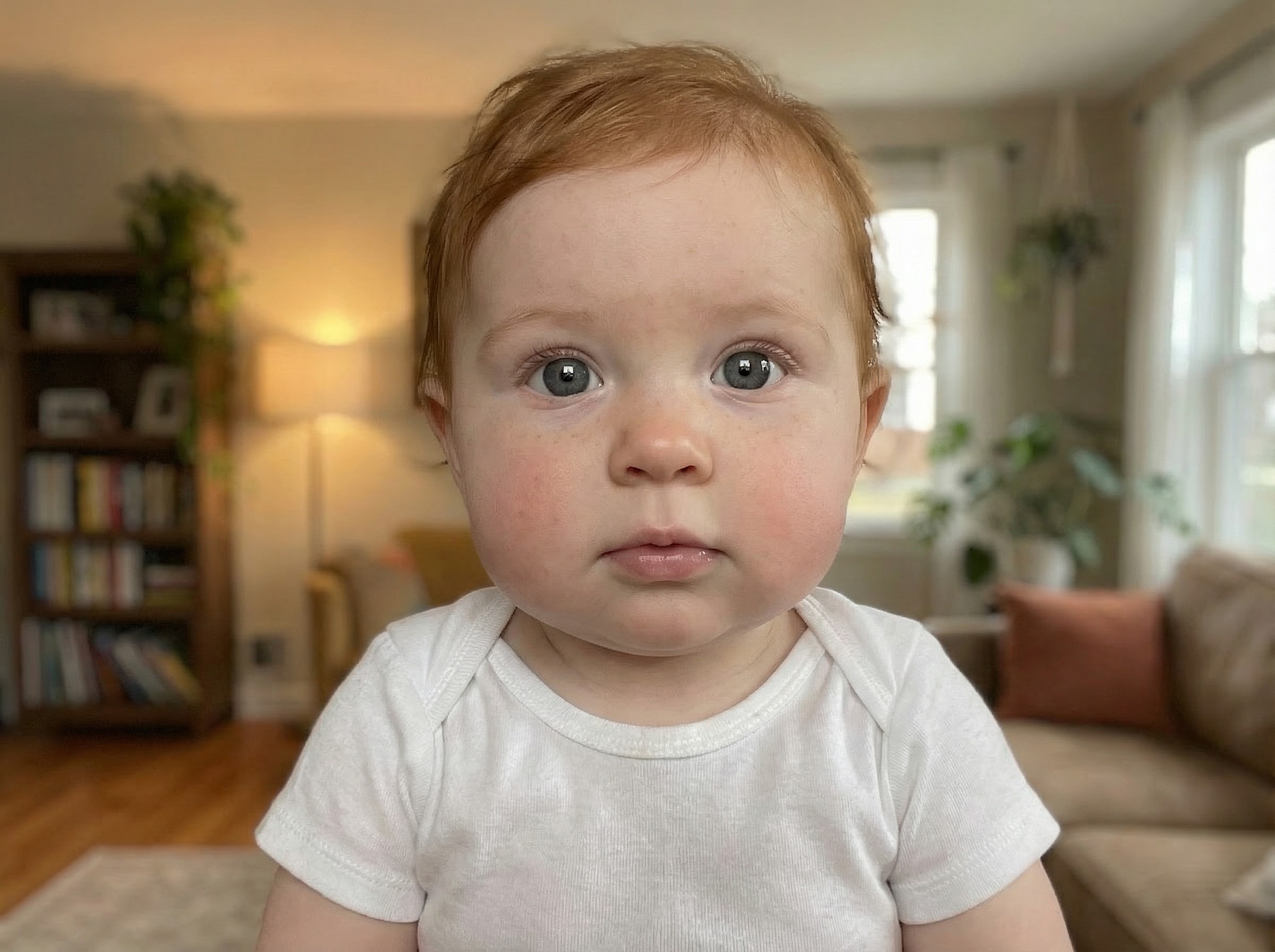
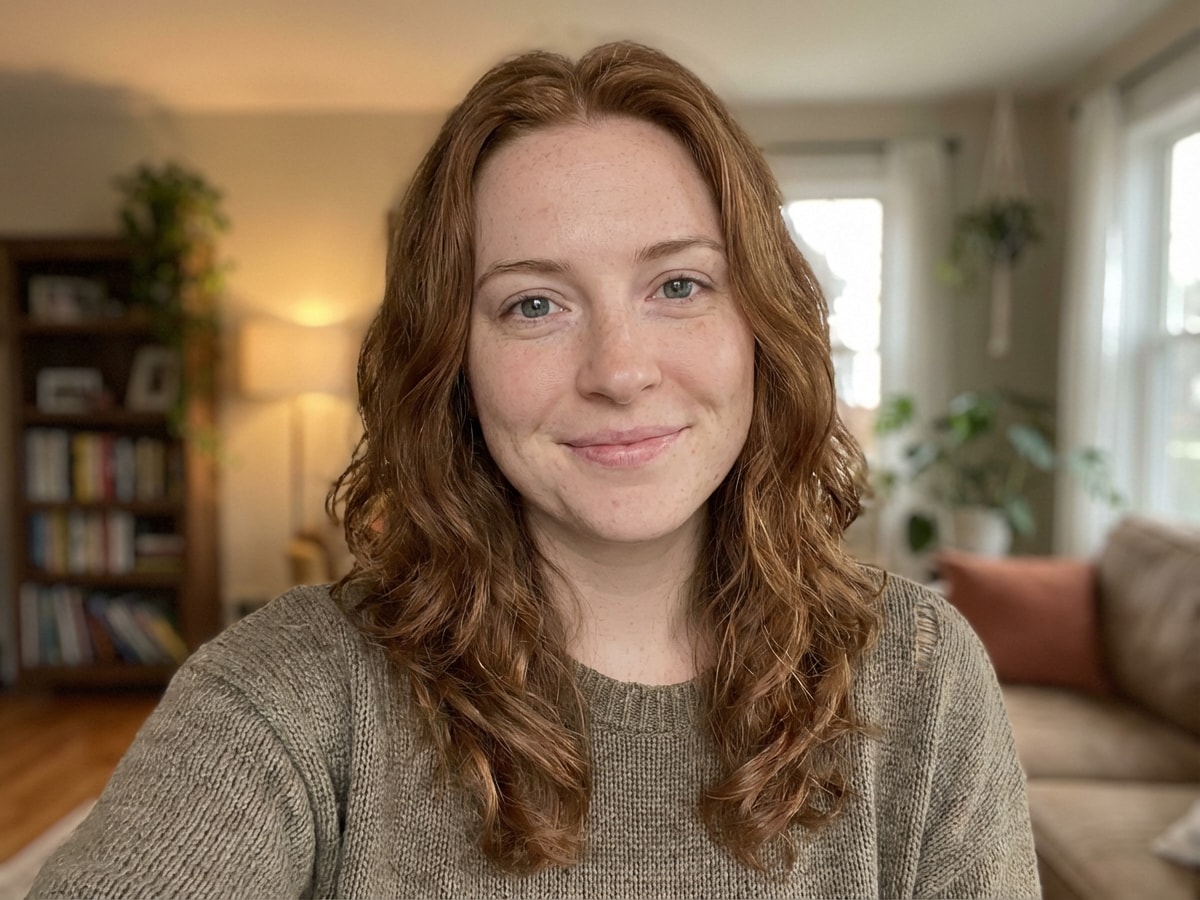
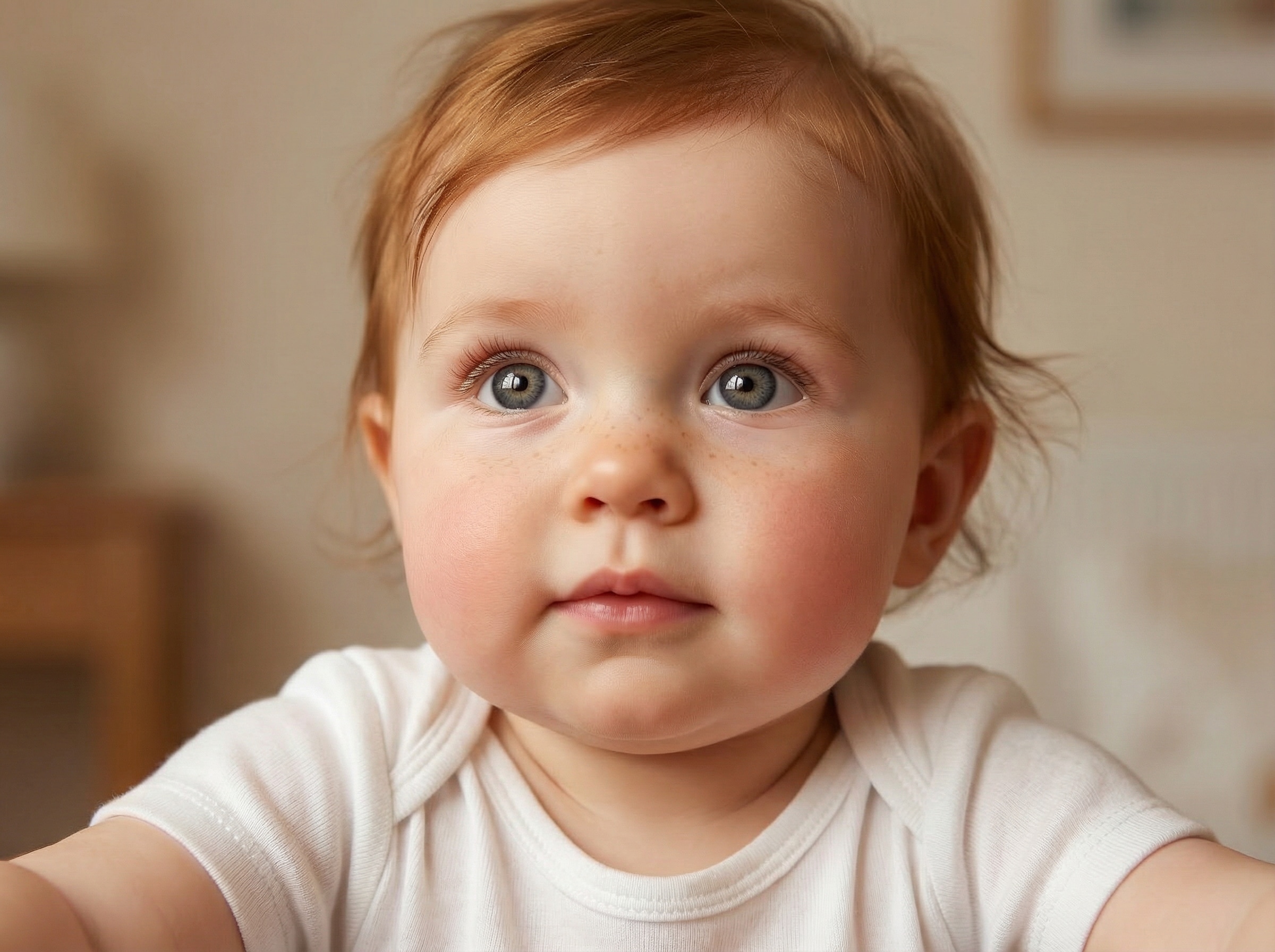
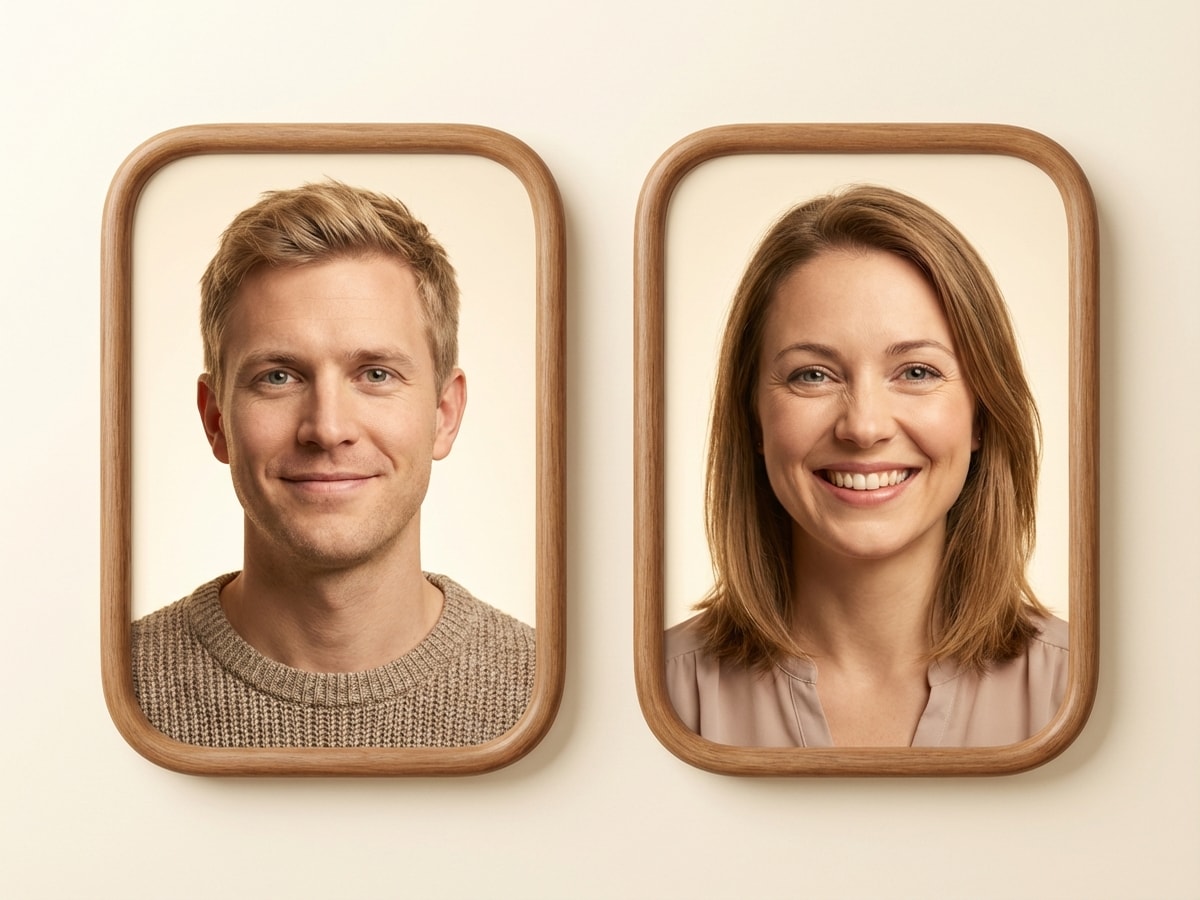
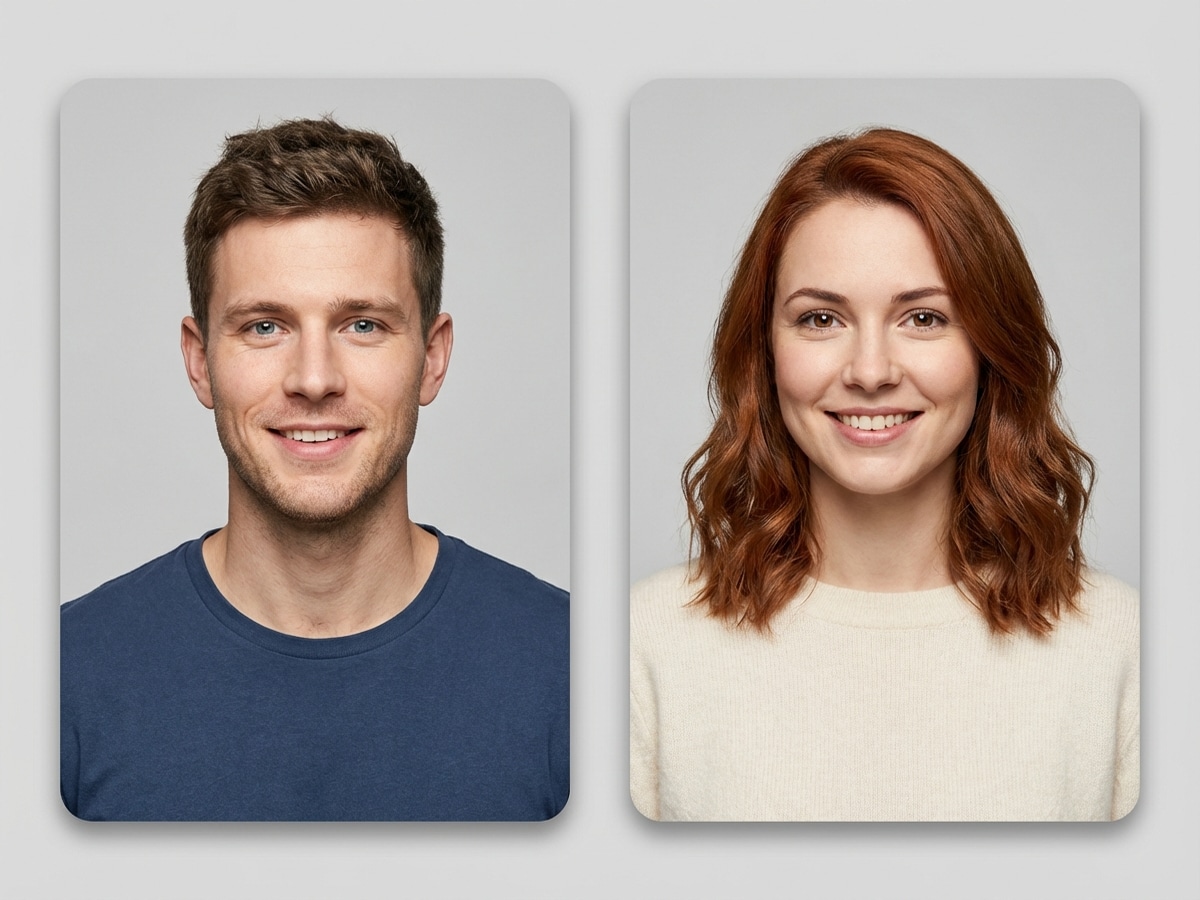
Sube una foto de cada padre y deja que la IA mezcle tus rasgos en un retrato fotorrealista de tu bebé. Descubre de quién heredará los ojos, la nariz y la sonrisa.
 Nano Banana Pro
 ¡Desbloquea tu potencial creativo y experimenta la magia de Media AI ahora mismo!














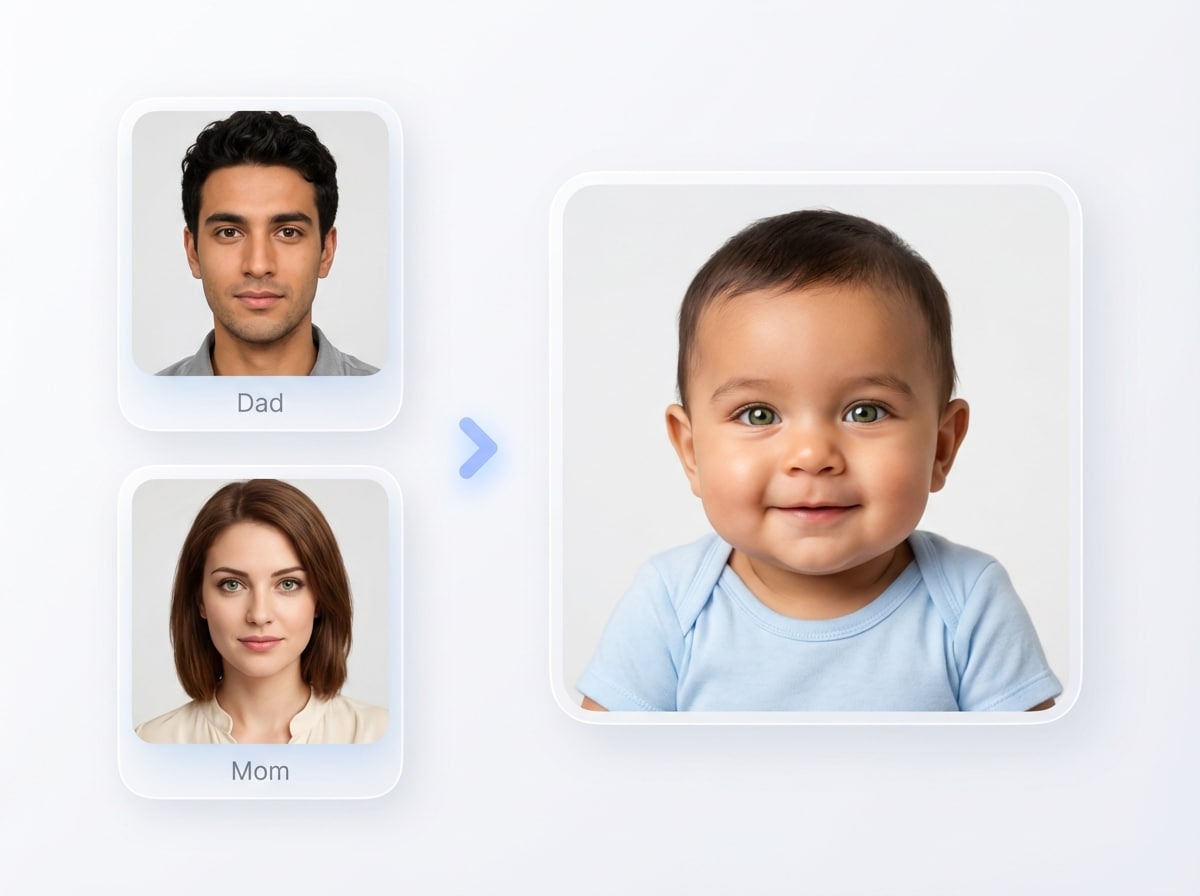
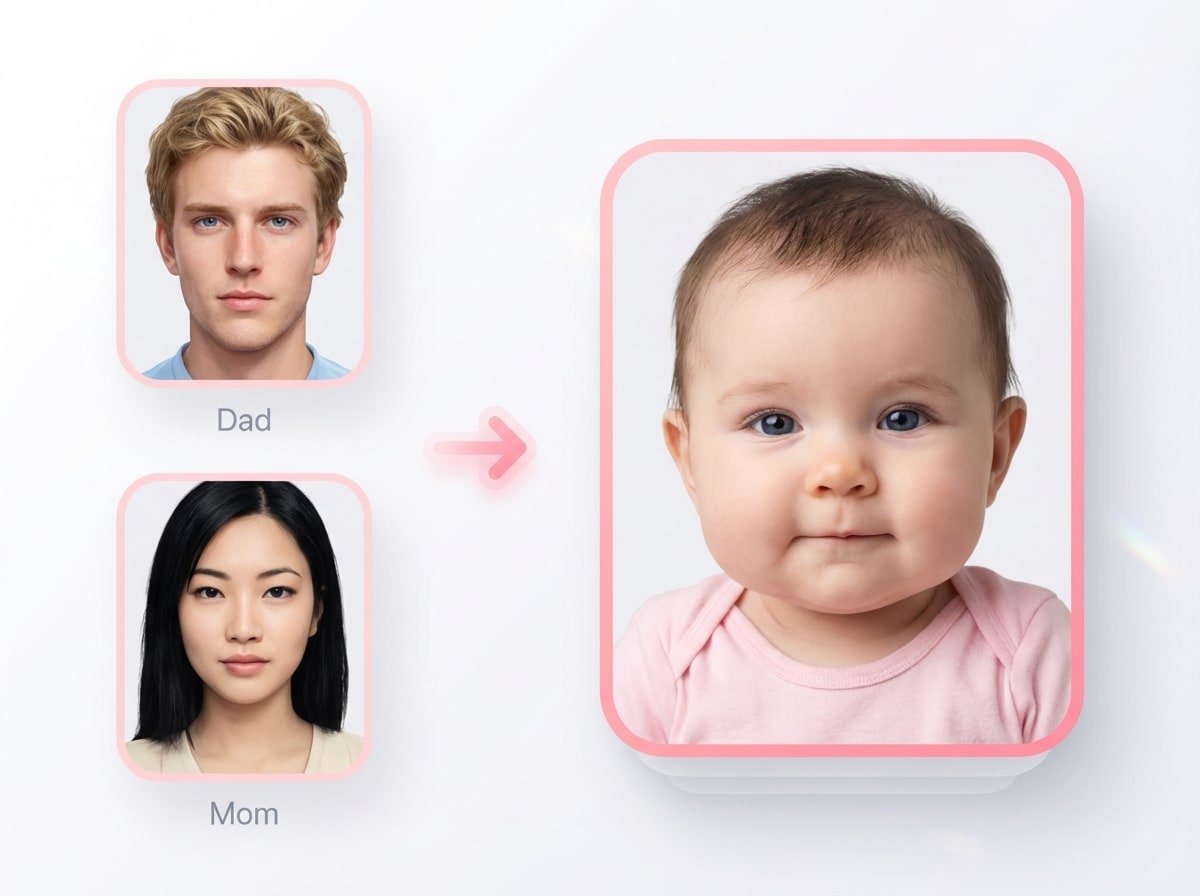
Sube fotos de los padres y crea una imagen de bebé futura linda y realista en segundos. Media.io generador de cara de bebé te ayuda a explorar predicciones de bebés realistas, estilos de revelación listos para redes sociales y variaciones divertidas con controles de imagen a imagen fáciles directamente en tu navegador.
Sube una foto de cada padre y deja que la IA mezcle tus rasgos en un retrato fotorrealista de tu bebé. Descubre de quién heredará los ojos, la nariz y la sonrisa.
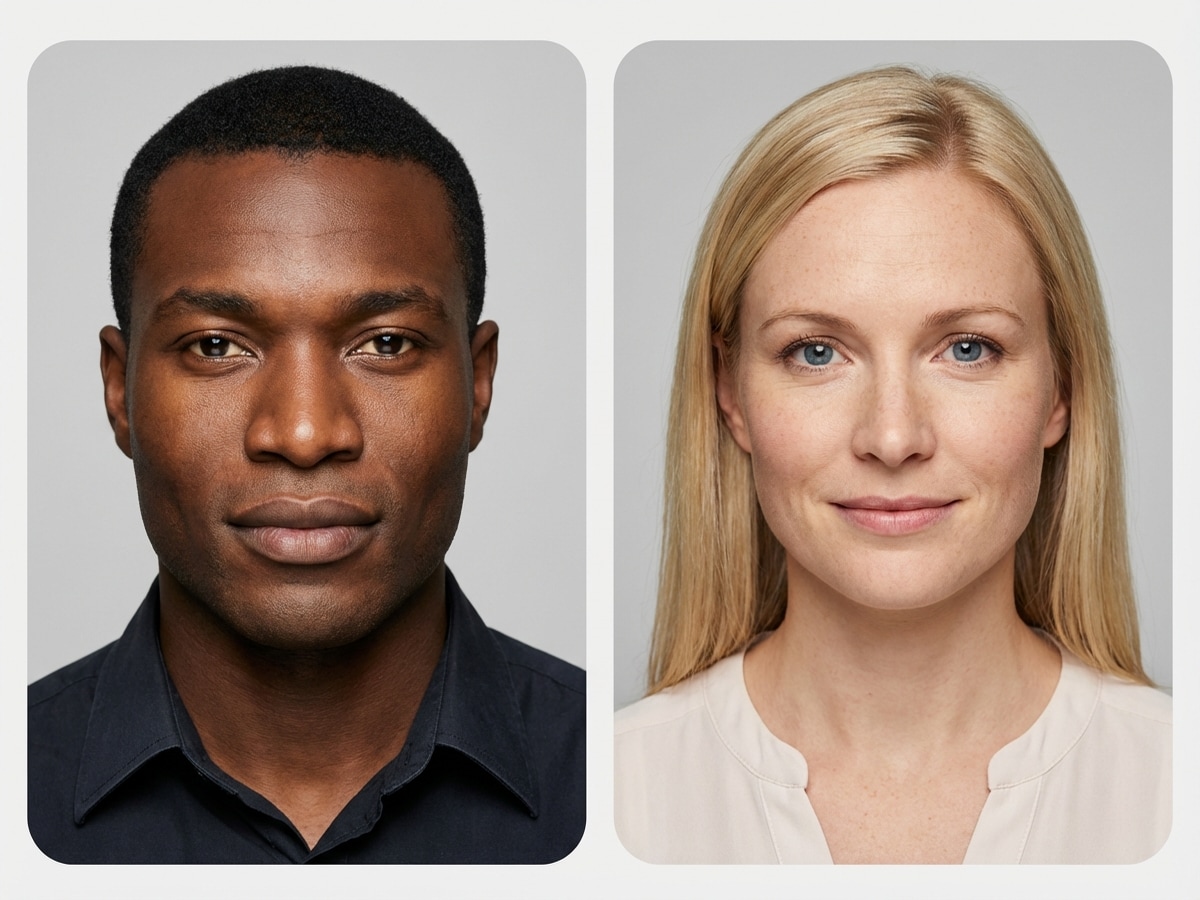
Descubre cómo se mezclan hermosamente tus rasgos cuando los padres provienen de diferentes orígenes étnicos. La IA captura atributos de herencia mixta — tono de piel, forma de ojos, textura de cabello — en un retrato realista de bebé.
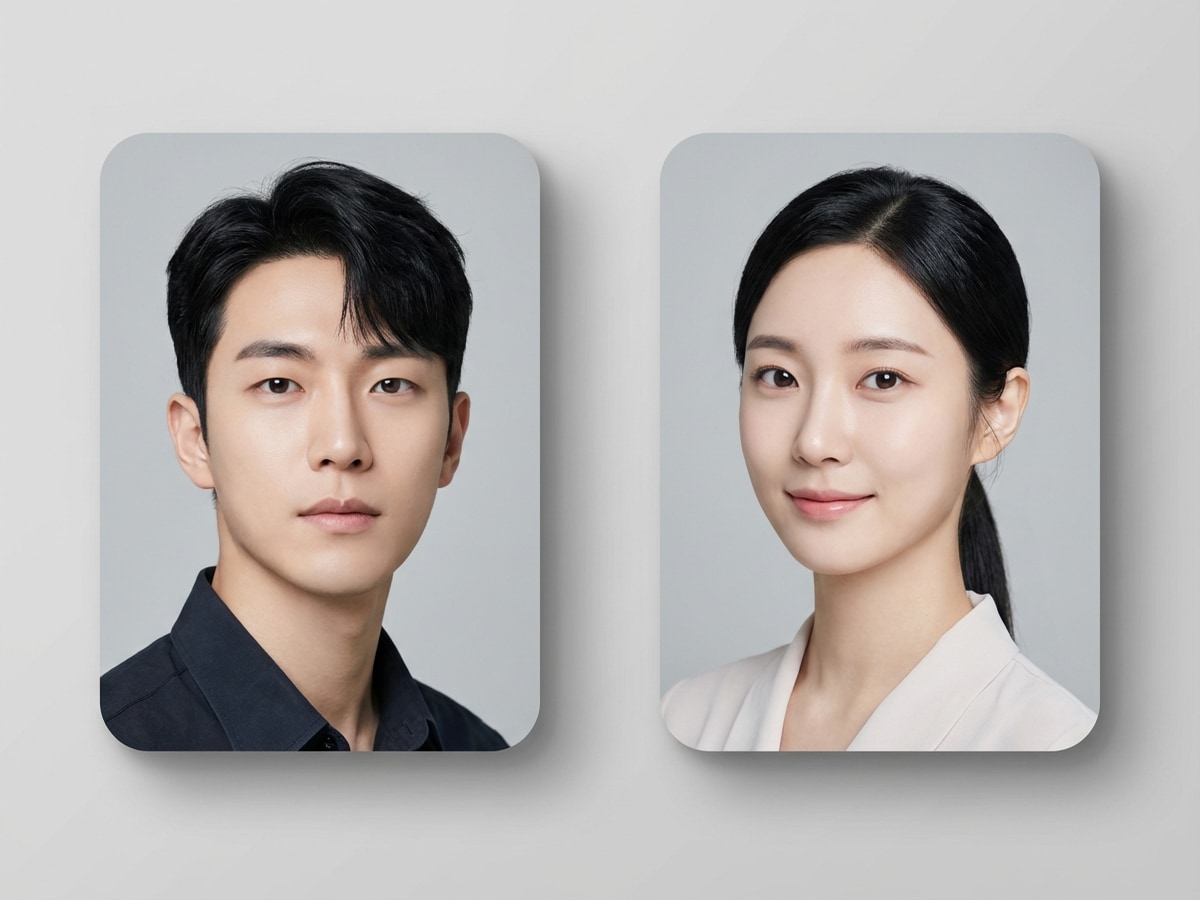
Popular entre futuros padres del este asiático — sube ambos retratos y visualiza la cara de tu futuro bebé con fusión precisa de rasgos de IA según tono de piel, forma de ojos y estructura facial.
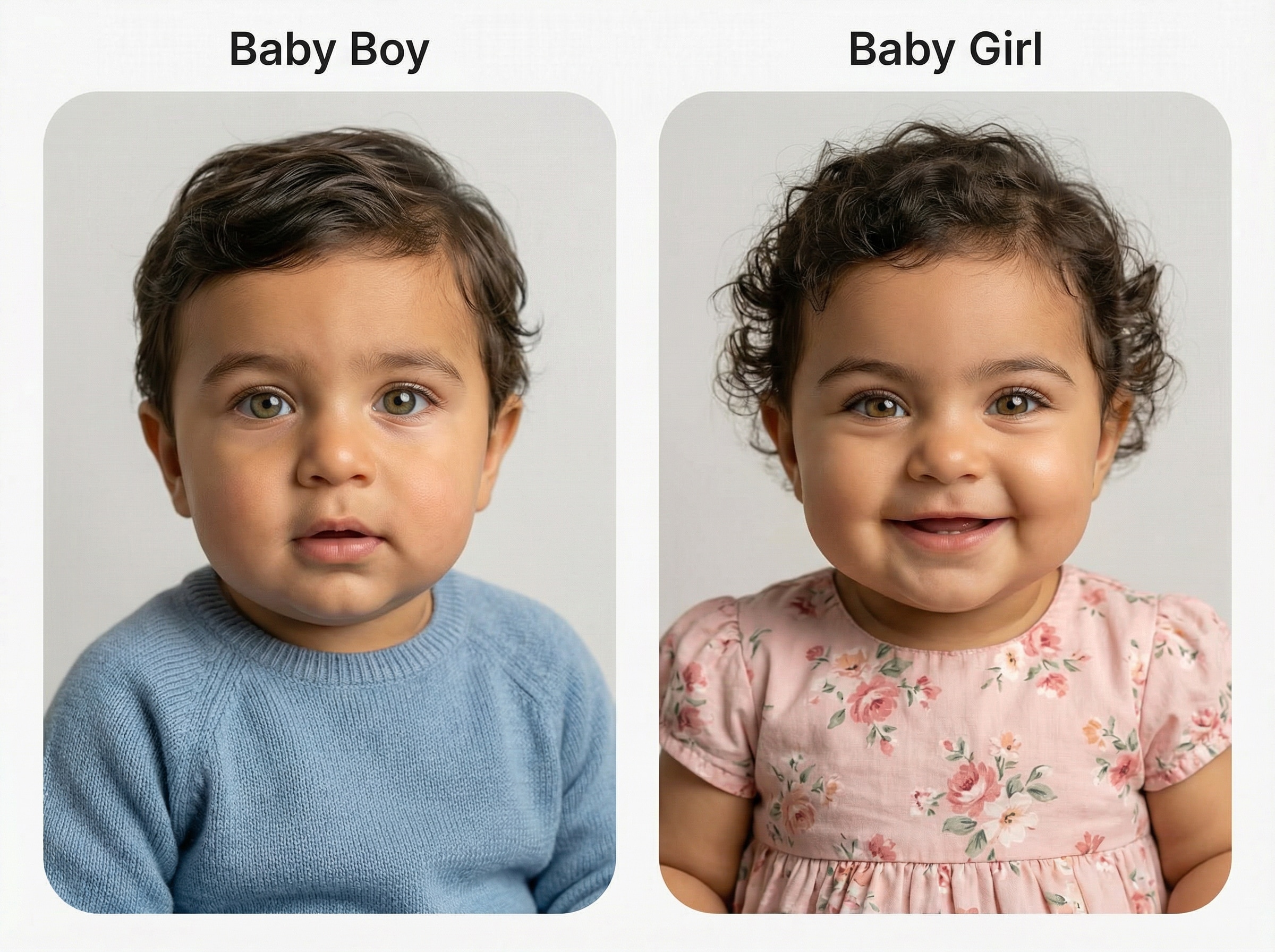
¿Tienes curiosidad por el género? Genera una versión de niño y otra de niña con las mismas fotos de los padres. Compáralas lado a lado y mira qué predicción te parece adecuada.
No necesitas la foto de pareja — simplemente sube tu propio retrato y la IA te transforma en una versión de bebé adorable de ti. Un favorito viral para compartir en redes sociales.
¿Esperando un bebé? Genera una vista previa emotiva del rostro de tu pequeño para compartir en tu baby shower o guardar como recuerdo personal. Una forma significativa de celebrar antes de la llegada.
Comienza rápidamente con imágenes JPG, PNG o JPEG. Sube las fotos de los padres para guiar al generador de bebés por IA y crear una vista previa más personalizada de tu futuro bebé desde tus referencias.
Elige entre múltiples relaciones de aspecto y resoluciones, incluyendo 1K, 2K y 4K. También puedes generar de 1 a 4 imágenes en lote para comparar diferentes rostros de bebé estilos y resultados.
Media.io soporta modelos avanzados como Nano Banana Pro, Nano Banana 2, Media 2.0, Seedream 5.0 Lite y Media 1.0 para la generación de retratos de bebé de imagen a imagen de alta calidad.
La herramienta funciona en Windows, Mac, iOS y Android sin necesidad de instalación. Las imágenes subidas se eliminan automáticamente de los servidores de Media.io después de 7 días para ayudar a proteger tu privacidad.
Ve a Media.io y abre el Generador de Rostro de Bebé bajo IA -> Imagen a Imagen. Esta herramienta online funciona en tu navegador, así que puedes crear imágenes futuras de bebé en escritorio o móvil sin instalar nada.
Sube fotos claras de los padres en formato JPG, PNG o JPEG. Luego escribe un prompt detallado como: “Utiliza las fotos subidas de los padres para crear un retrato de bebé recién nacido fotorrealista con iluminación de estudio suave, tonos de piel naturales, ojos brillantes y fondo pastel.” Ajusta la relación de aspecto, la resolución y la cantidad de imágenes si es necesario.
Haz clic en Generar para crear tu resultado de bebé por IA. Si es necesario, ajusta el prompt, prueba otro estilo o genera varias opciones. Luego, descarga tu retrato de bebé final en alta resolución para compartir, guardar o comparar variaciones.




Creadora de Estilo de Vida

"Resultados lindos y realistas" Probé este generador de rostro de bebé con fotos de ambos padres y el resultado se veía sorprendentemente natural. El retrato tipo estudio del bebé fue mucho más realista que otras herramientas de entretenimiento que había probado antes.

Usuario de Redes Sociales
"Fácil para publicaciones de revelación" Los estilos collage y de revelación son geniales para compartir. Hice una imagen futura de bebé para una publicación divertida con mi pareja, y el flujo en móvil fue sencillo desde la subida hasta la descarga.

Futuro Padre/Madre con Gusto por el Diseño
"Buenos controles y calidad de salida" Me gustó poder cambiar la relación de aspecto y generar más de una versión. Eso hizo más fácil comparar el aspecto de un recién nacido y la predicción de un niño sin comenzar de nuevo cada vez.

Creador Casual
"Mejor que los filtros de bebé de broma" Esto se sintió más refinado que una app de filtros de bebé al azar. El rostro generado tenía detalles más suaves, una composición más limpia y una mayor semejanza familiar en la imagen final.
Un generador de caras de bebé es una herramienta de imagen por IA que crea un retrato con estilo de bebé a partir de fotos subidas como referencia. Con Media.io, puedes subir imágenes de los padres y generar una vista previa de tu futuro bebé en diferentes estilos visuales, como retratos fotorrealistas, collages o variaciones estilizadas.
Media.io puede generar una imagen simulada de tu futuro bebé por IA basada en las fotos de los padres subidas, pero es una predicción creativa visual y no una certeza científica o genética. Es ideal para curiosidad, entretenimiento, compartir y probar diferentes estilos de retrato de bebé.
Abre la herramienta de imagen a imagen de Media.io, sube las fotos de los padres en formato JPG, PNG o JPEG e ingresa un prompt describiendo el tipo de retrato de bebé que deseas. Luego puedes elegir ajustes como relación de aspecto, resolución 1K/2K/4K y generar de 1 a 4 imágenes para comparar resultados.
Sí. Media.io permite subir imágenes de referencia para guiar la generación de imágenes, por lo que puedes usar fotos de los padres como base para el resultado del rostro futuro del bebé. Las fotos claras y de frente suelen tener mejores resultados para obtener una vista previa más pulida.
Los usuarios gratuitos obtienen 3 créditos al día en Media.io. Si necesitas más generaciones, mayor uso o un mejor flujo de trabajo para generación repetida de caras de bebé, puedes actualizar tu cuenta en la página de precios: https://www.media.io/es/pricing.html. Las descargas de usuarios gratuitos pueden incluir marca de agua, mientras los suscriptores pagos pueden descargar imágenes de alta resolución sin marca de agua.
Media.io es web y funciona en tu navegador en Windows, Mac, iOS y Android. Para tu privacidad, las imágenes subidas se eliminan automáticamente de los servidores de Media.io después de 7 días. Si necesitas un uso más avanzado y exportaciones más limpias, puedes ver opciones pagas aquí: https://www.media.io/es/pricing.html.
 4.7 (162,357 votos)