Tus creaciones solo se guardan durante 7 días. Los recursos creados después de actualizar a Membresía se almacenarán de forma permanente.
¡Desbloquea tu potencial creativo y experimenta la magia de Media AI ahora mismo!
Filtro de IA para cromos: transformaciones rápidas de foto a cromo personalizado
Crea un llamativo aspecto de filtro de IA para cromos a partir de tu retrato en minutos. Sube una imagen, aplica estilos deportivos, holo, fantasía o retro, y usa Media.io para convertir fotos en diseños de cromos listos para compartir, coleccionar o imprimir como maquetas en un flujo de trabajo fluido desde el navegador.
Escribe tu idea -> La IA la diseña. Pruébalo gratis.
Revisa estas indicaciones de ejemplo y luego ajusta los detalles del prompt para obtener mejores resultados con el filtro de foto para cromos de Media.io.
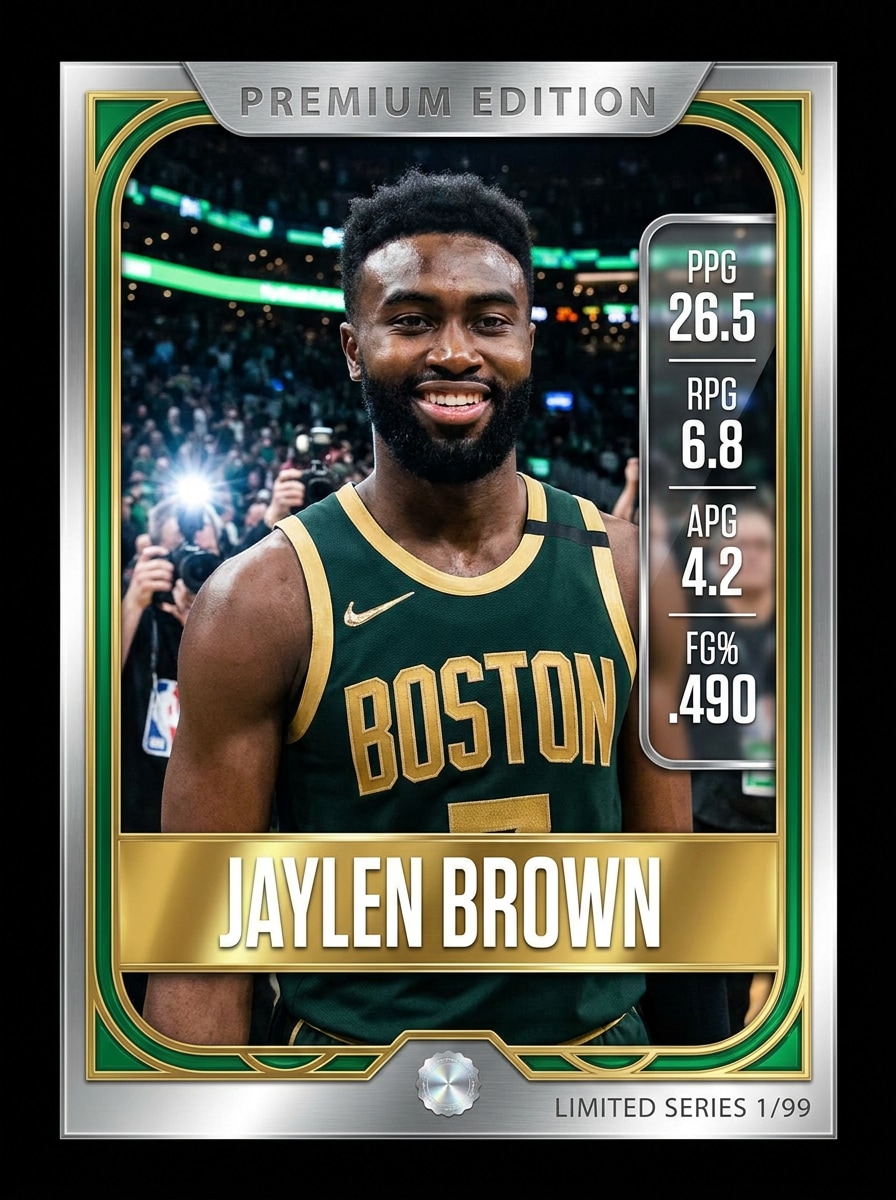
Cromo deportivo Pro moderno
Usa la imagen subida como el retrato principal del atleta y transfórmala en una tarjeta coleccionable deportiva Pro moderna Premium. Añade un marco de tarjeta brillante, placa de nombre del Reproductor en negrita, acentos en colores del equipo, fondo dinámico de estadio, panel de estadísticas, reflejos metálicos, tipografía nítida, iluminación deportiva dramática y un acabado coleccionable de alto detalle.
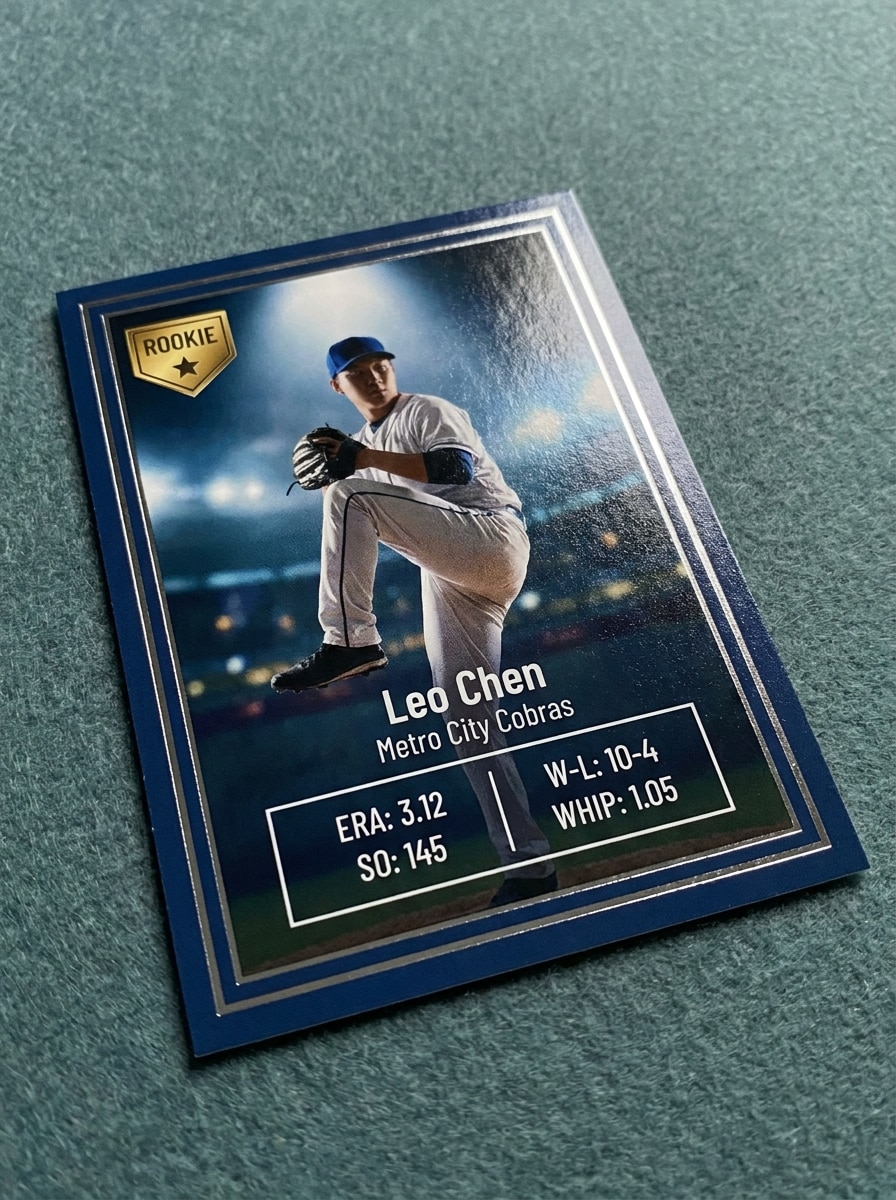
Cromo de novato
Usa el retrato subido como sujeto y conviértelo en un cromo de novato con un borde limpio, insignia de novato, sutil acabado de lámina, sección de estadísticas legible, fondo de estadio, iluminación de foco, textura de cartulina Premium y un ambiente auténtico de primera temporada coleccionable con detalles nítidos y pulidos.
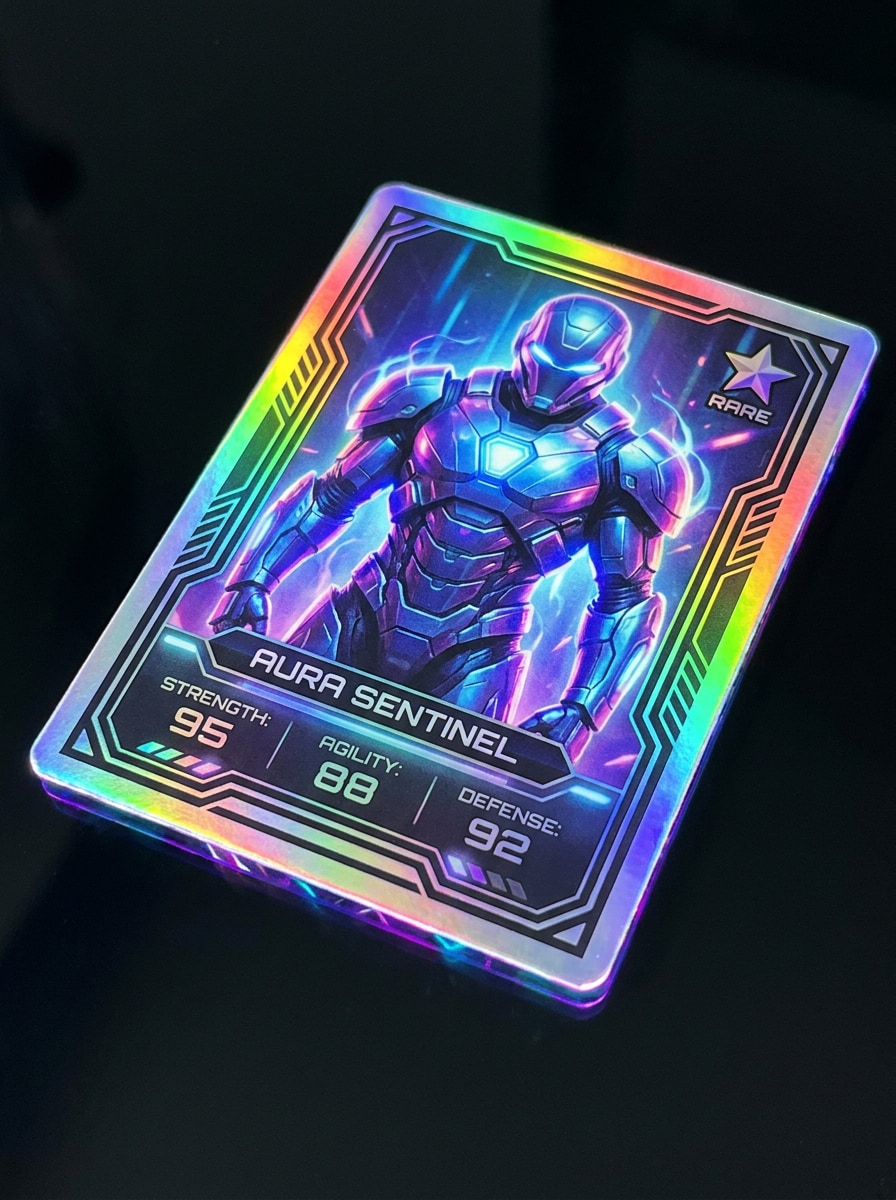
Holo foil raro
Usa la imagen subida como el retrato principal y conviértela en una tarjeta coleccionable holográfica rara. Añade reflejos de lámina arcoíris, superficie de tarjeta Premium brillante, icono de rareza, borde futurista, Efectos de bordes luminosos, Diseño de estadísticas limpio, contraste vívido y un acabado coleccionable nítido que se sienta valioso y digno de exhibir.
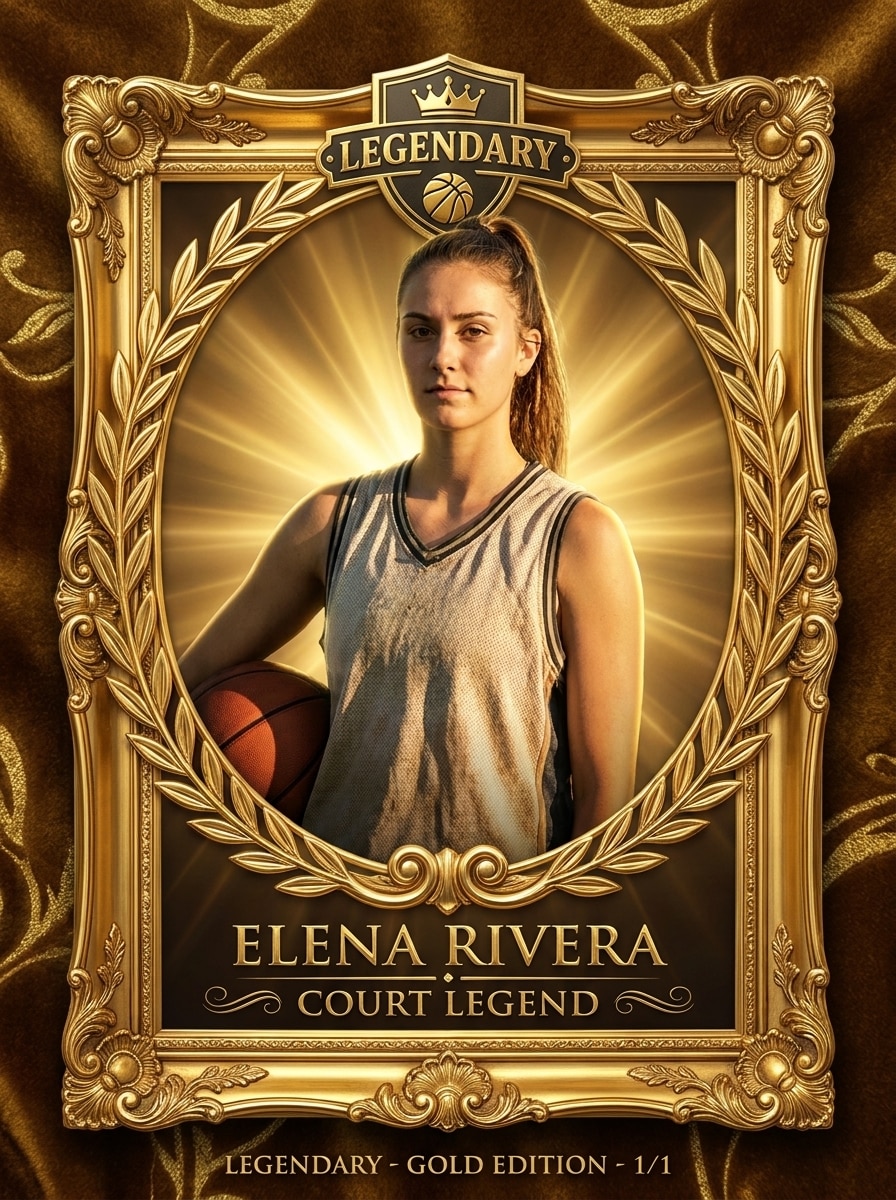
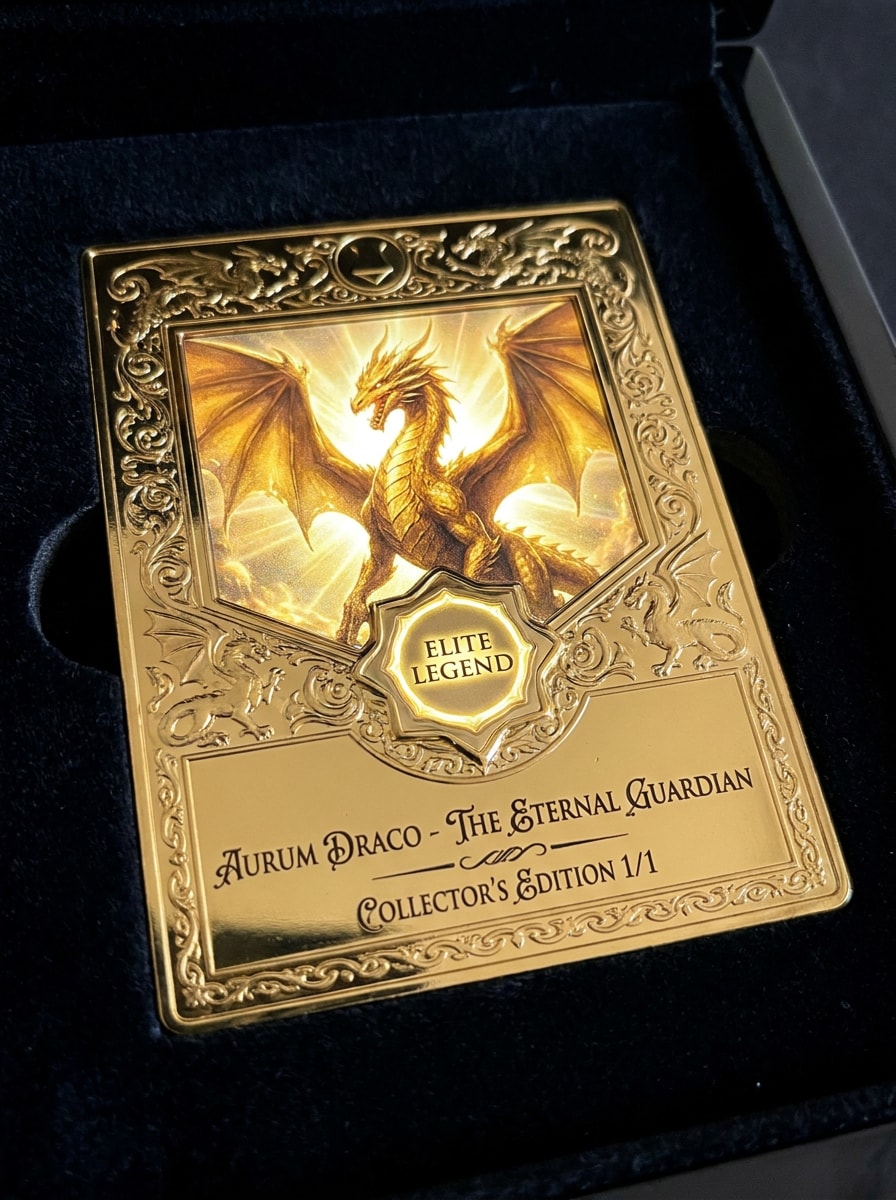
Cromo legendario dorado
Usa el retrato subido y transfórmalo en una tarjeta coleccionable dorada legendaria con un marco metálico ornamentado, insignia de élite, detalles en relieve, resplandor radiante de fondo, sombras dramáticas, acentos de lámina lujosa, tipografía elegante y un Diseño de edición de coleccionista que se sienta raro, poderoso y Premium.
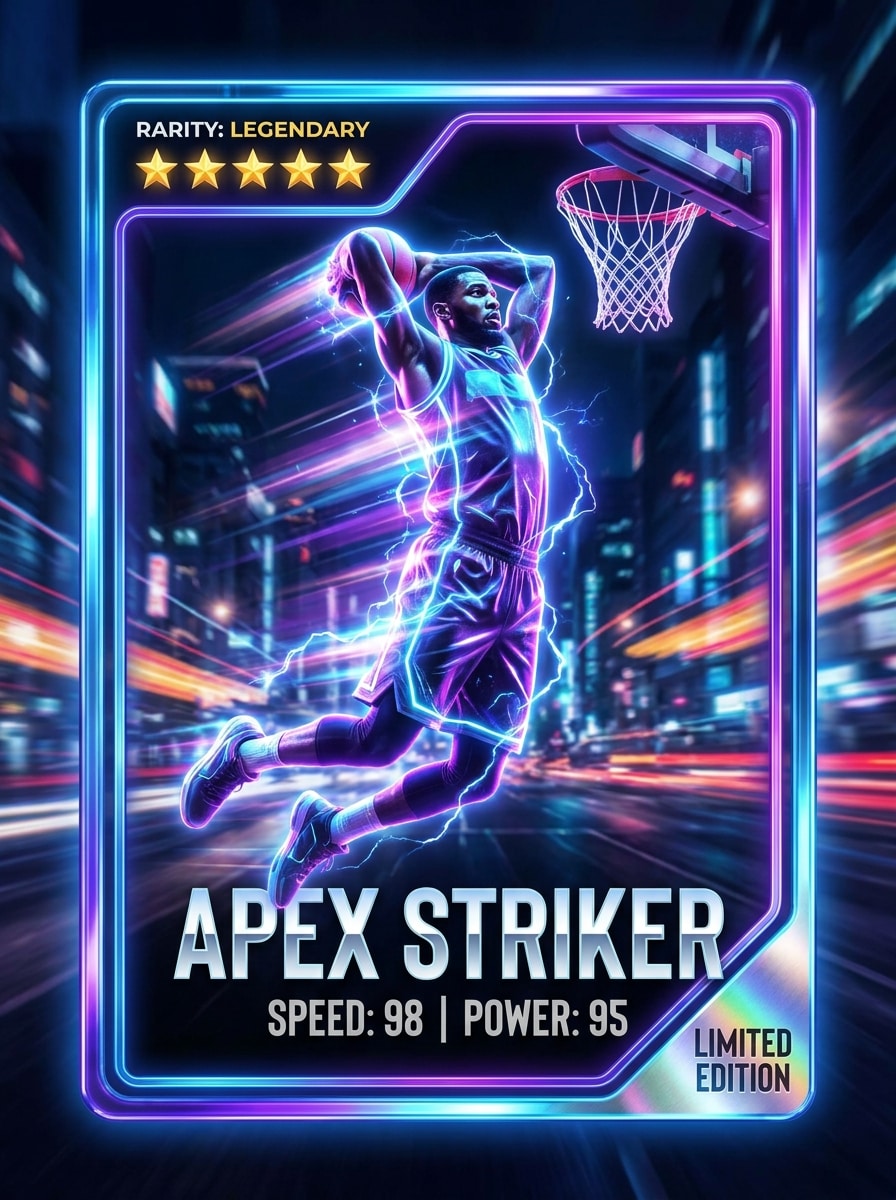
Delantero callejero neón
Usa la foto subida como sujeto y recréala como un cromo deportivo de neón. Añade iluminación de borde eléctrica, fondo urbano nocturno, acentos de Desenfoque de movimiento, degradados metálicos, estrellas de rareza, estadísticas de velocidad y potencia, marco brillante, tipografía moderna en negrita y un contraste de alta energía listo para redes sociales.
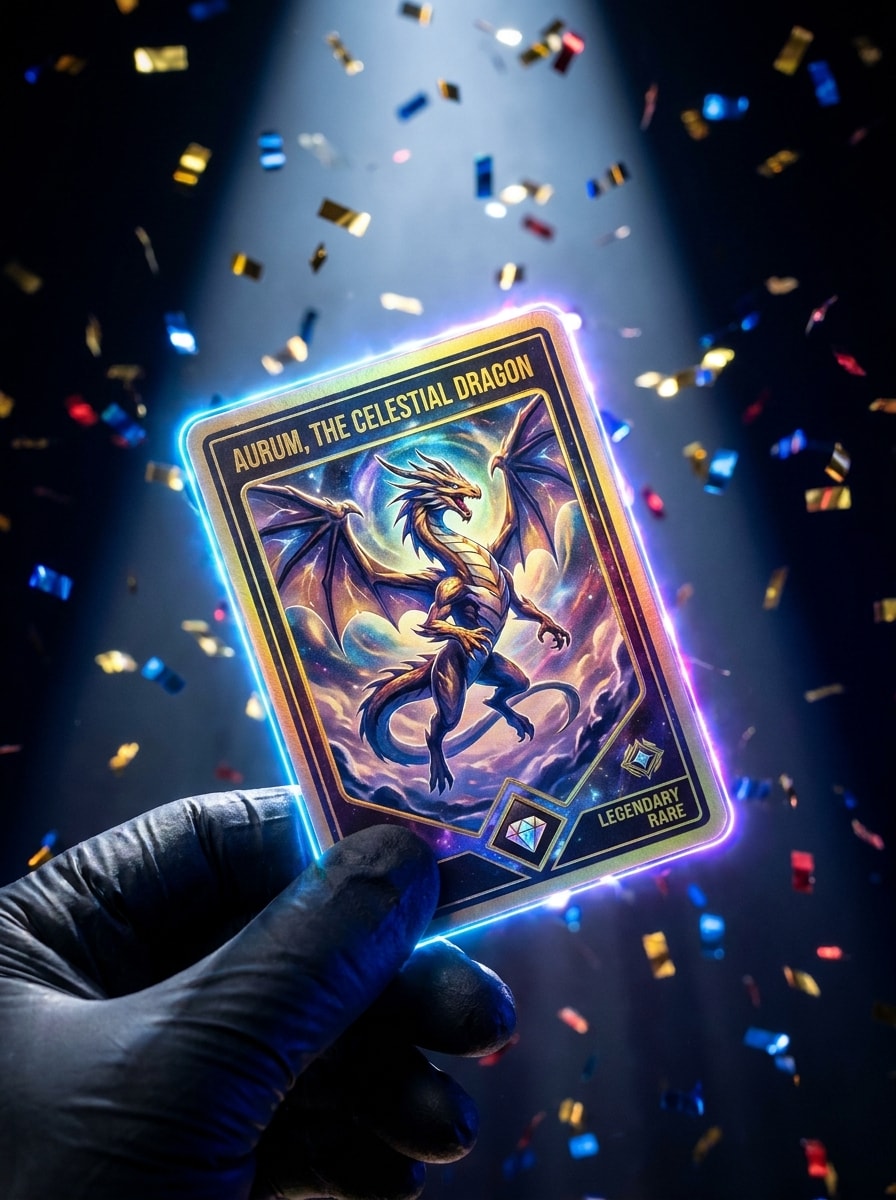
Revelación de apertura de sobre
Usa la imagen subida como el personaje destacado y transfórmala en una revelación de tarjeta coleccionable de alta energía. Añade bordes brillantes, chispas de confeti, foco dramático, marco de lámina Premium, contraste vívido, Efectos de rareza en capas, emoción lista para redes sociales y un acabado cinematográfico inspirado en los momentos virales de apertura de sobres.
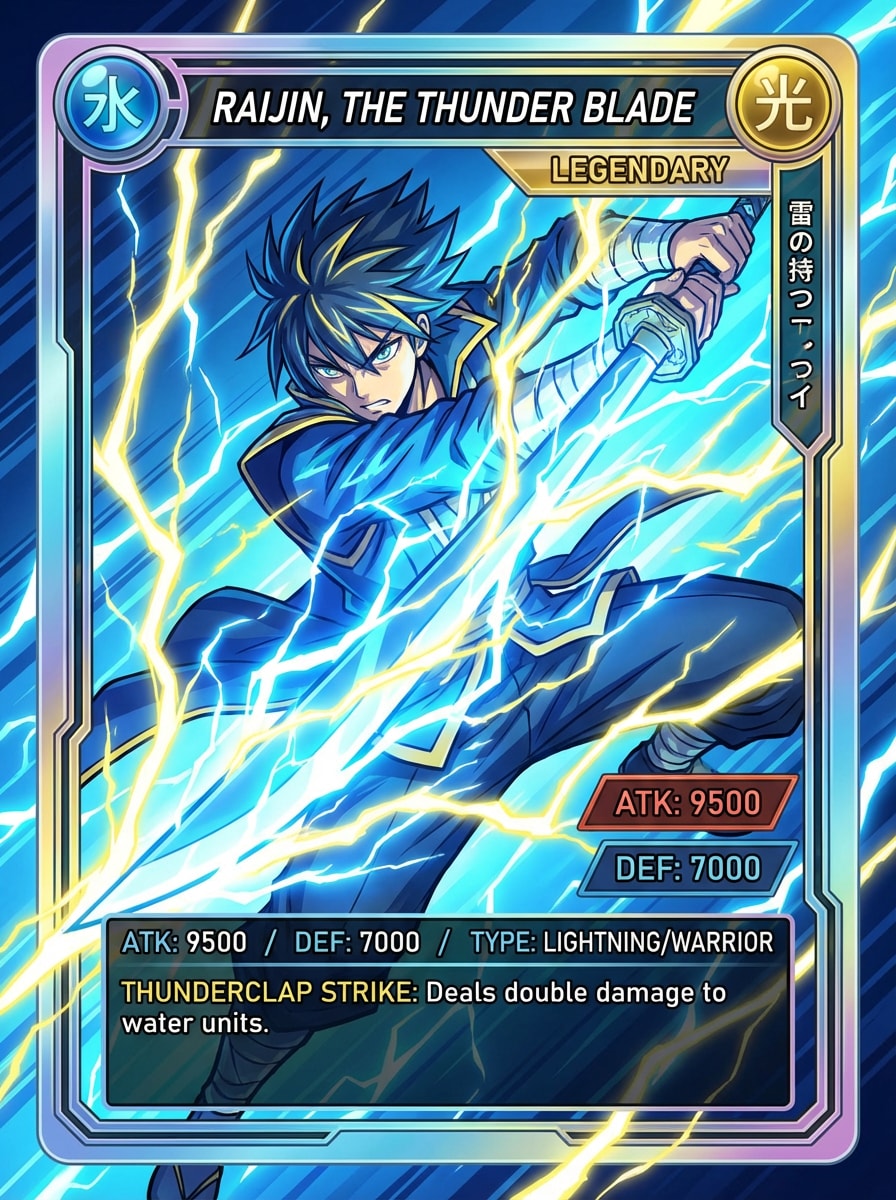
Cromo de batalla anime
Usa la foto subida como el sujeto base y conviértela en una tarjeta coleccionable de batalla anime. Añade estilo cel-shading, marco de fantasía, gema de rareza, Efectos de energía brillante, panel de estadísticas, colores vibrantes, detalle de líneas nítidas y un Diseño coleccionable pulido con intensidad llena de acción e inspirada en videojuegos.
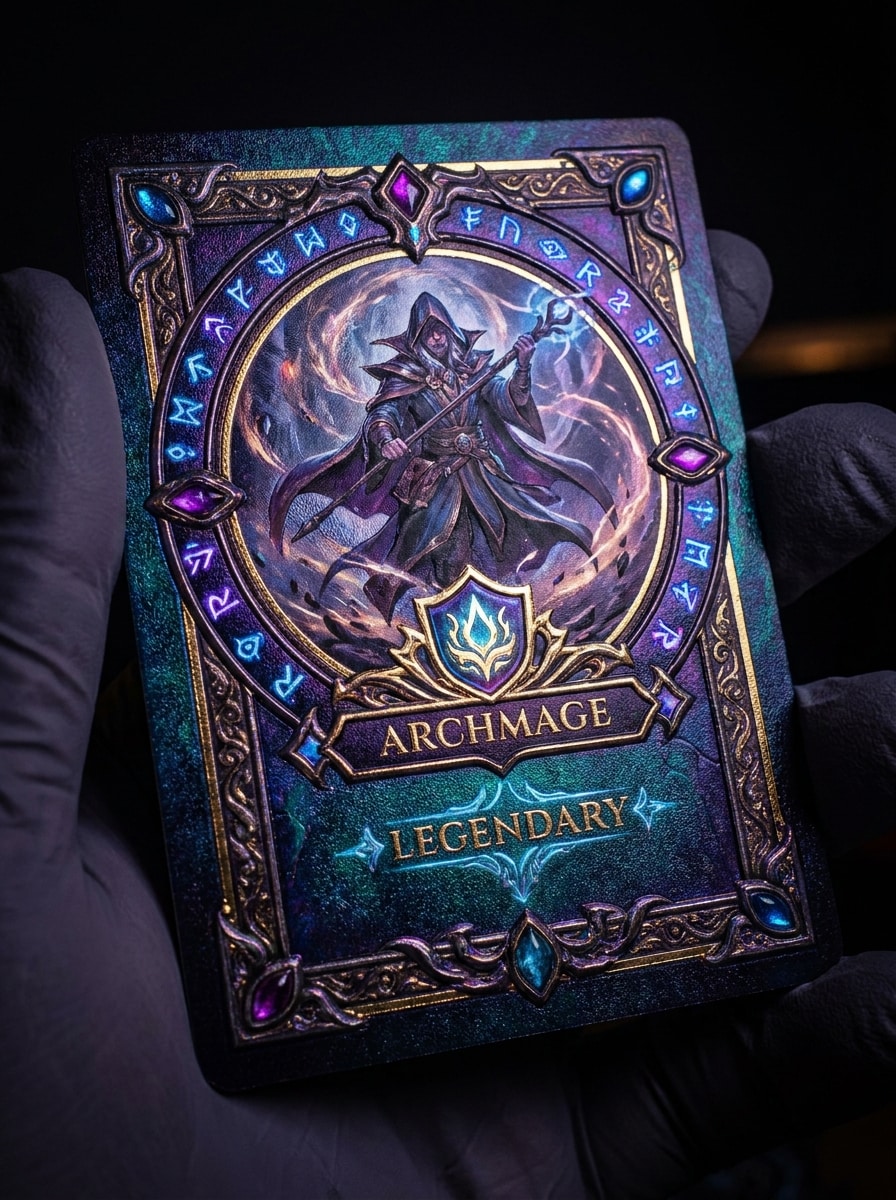
Cromo de fantasía arcana
Usa el retrato subido como el personaje principal y transfórmalo en una tarjeta coleccionable de fantasía arcana. Añade un aura mágica, borde místico ornamentado, símbolos brillantes, escudo de rareza, etiqueta de clase de personaje, iluminación cinematográfica, tonos profundos de joya y detalles coleccionables intrincados con un ambiente encantado.
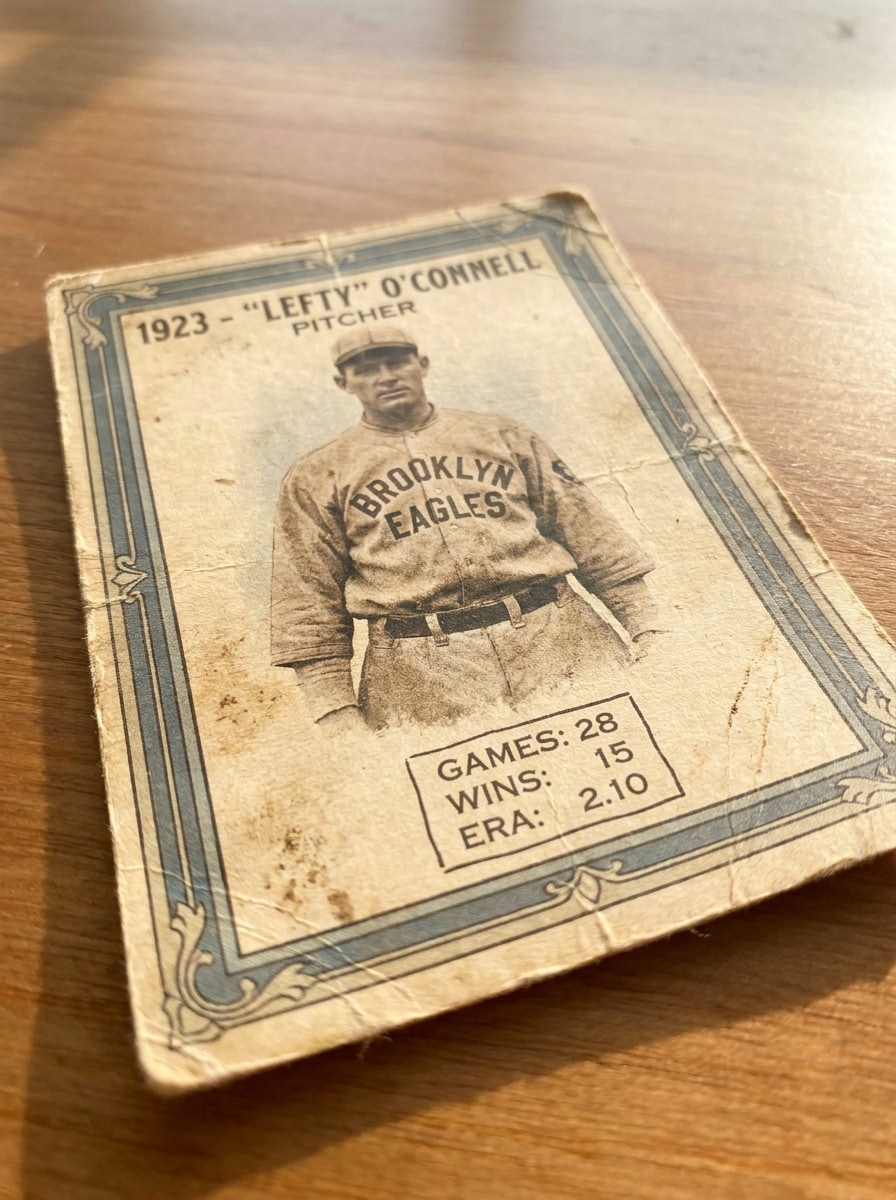
Cromo de béisbol vintage
Usa la imagen subida como el retrato del Reproductor y conviértela en una tarjeta de béisbol retro. Añade textura de papel envejecido, borde clásico, colores de equipo apagados, tipografía nostálgica, acabado de impresión ligeramente desgastado, área de estadísticas simple, tono de luz solar Suave y una sensación auténtica de coleccionable de la vieja escuela.
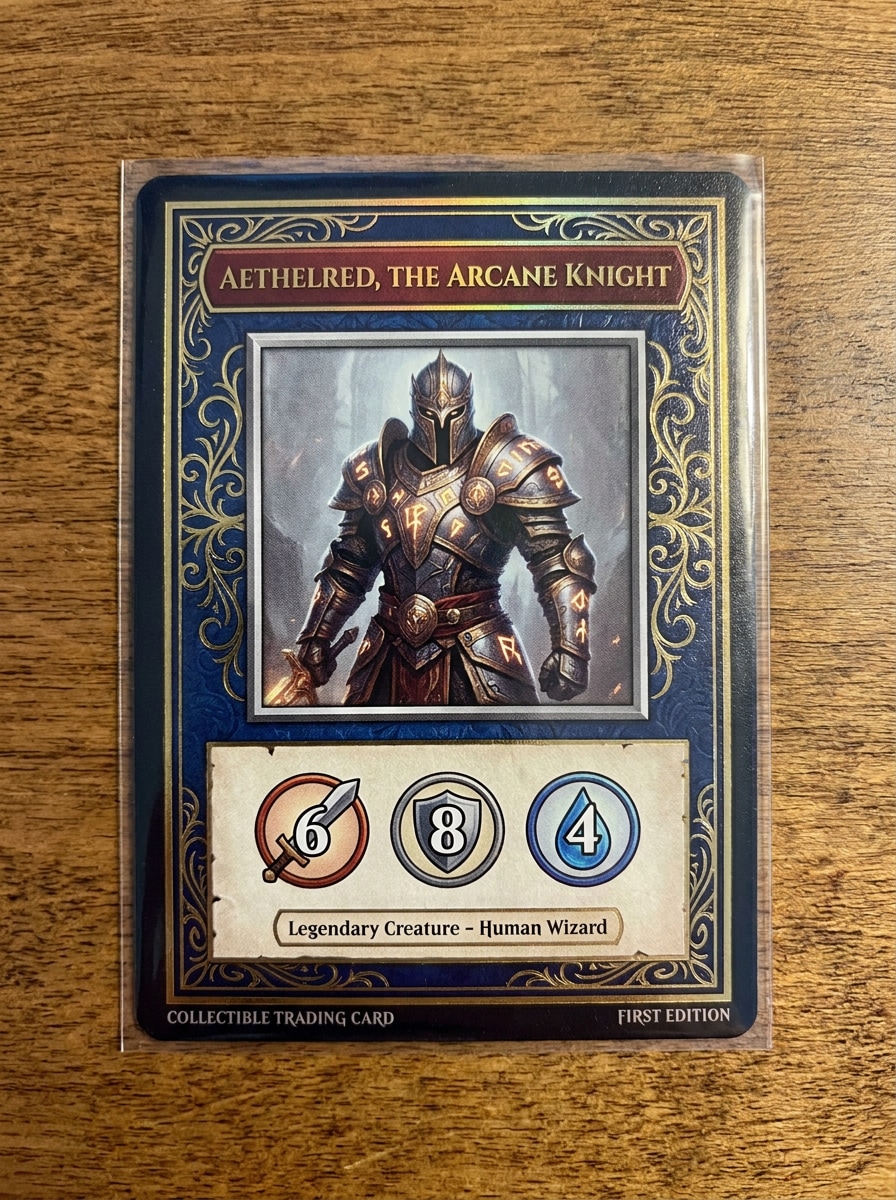
Cromo TCG personalizado imprimible
Usa la imagen subida como personaje destacado y construye un cromo TCG personalizado imprimible a su alrededor. Añade un marco equilibrado, zona de nombre, panel de estadísticas, borde limpio, estilo de tarjeta Premium, texturas pulidas, composición legible y un Diseño de alta Resolución adecuado para compartir o imprimir como maqueta.
Por qué usar Media.io para transformaciones de fotos en cromos
Transformar un retrato en múltiples estilos coleccionables
Desde un filtro de tarjeta coleccionable deportiva pulido hasta Diseños holo, anime o retro, Media.io te permite cambiar el estilo de una sola subida rápidamente, para que tu concepto de tarjeta coincida con tu tema y se sienta más como una foto de tarjeta coleccionable terminada en lugar de una.
Mantén a la persona reconocible mientras cambias el estilo del cromo
Diferentes proyectos requieren diferentes estéticas, y Media.io te ayuda a explorar tratamientos variados del mismo concepto de filtro de cromo personalizado para que el resultado visual final alcance el tono correcto más rápido.
Ajusta el Diseño y la calidad para publicaciones en redes o cromos imprimibles
Si un concepto tiene que cubrir más de una necesidad de publicación, Media.io ayuda a ajustar el resultado para diferentes Diseños, de modo que los recursos finales se sientan más adaptados al formato y listos para usar.
Genera resultados más limpios hasta 4K
Si el diseño final del cromo se reutilizará más allá de una vista previa pequeña, Media.io ayuda a entregar resultados más nítidos hasta 4K para que tu imagen de filtro de IA para cromos sea más fiable para trabajos prácticos de diseño y Presentación.
Cómo convertir tu foto en un cromo
Convierte tus palabras en imágenes impresionantes en tres sencillos pasos y luego sigue perfeccionando el resultado si quieres llevarlo más lejos.
Paso 1
Sube tu imagen de referencia
Comienza con un retrato claro en JPG, PNG o JPEG, una foto de atleta o una imagen de personaje. Una fuente nítida y bien iluminada le da a la IA más detalles con los que trabajar, ayudando a que tu cromo final mantenga al sujeto reconocible mientras añade un diseño coleccionable más impactante.
Paso 2
Describe el cambio y configura las opciones
Dile a Media.io qué aspecto de cromo deseas, como holo foil, cromo de novato, TCG de fantasía o diseño deportivo estilo póster. Luego elige tu modelo y ajusta la Relación de aspecto, la Resolución y la cantidad de imágenes para adaptarlas a publicaciones en redes o impresión.
Paso 3
Genera, descarga y sigue mejorando
Crea tus variaciones de tarjeta, compara los Diseños y descarga la que más te guste. Si es necesario, refina el prompt, prueba otro estilo o genera más versiones hasta que el marco de la tarjeta, el ambiente y la ubicación del texto se sientan correctos.
Desbloquea el potencial de las fotos de cromos coleccionables
Descubre cómo los creadores usan este filtro de IA para cromos en contenido, marketing y proyectos personales, y luego adapta cada idea a tu necesidad.
Cromos estilo deportivo para fans y atletas
Crea visuales dramáticos estilo Reproductor a partir de retratos para Introducciónducciones de equipo, ediciones de cumpleaños, publicaciones de momentos destacados o coleccionables de fans. Media.io te ofrece una forma rápida de crear una foto de tarjeta coleccionable con aspecto Premium a partir de tu propia imagen sin aprender software de diseño complejo.
Revelaciones de personajes de fantasía, anime y videojuegos
Transformar una selfie o foto de disfraz en arte de personaje estilizado con Efectos de rareza, paneles de estadísticas y bordes temáticos. Media.io funciona bien para creadores que desean una imagen de revelación destacada, un concepto de coleccionable digital o un resultado de filtro de tarjeta coleccionable personalizado para una publicación estilo Avatar.
Maquetas imprimibles y gráficos coleccionables para compartir
Crea Diseños de tarjetas pulidos para conceptos de merchandising, recuerdos de fiestas, contenido para redes sociales o proyectos de hobby. Si quieres convertir una foto en arte de tarjeta coleccionable que se vea listo para publicar o para impresión de prueba, Media.io facilita mucho el flujo de trabajo con opciones de tamaño flexibles.
Lo que dicen los usuarios sobre esta herramienta de estilo de cromos
Marcus T.
Creador de contenido deportivo
"Genial para ediciones rápidas de tarjetas deportivas" Subí un retrato y obtuve un aspecto pulido de tarjeta de Reproductor mucho más rápido de lo que esperaba. El estilo deportivo, los detalles de lámina y las opciones de Diseño hicieron que fuera fácil crear contenido que se sintiera listo para publicaciones en redes sociales.
Alyssa R.
Aficionada a los coleccionables
"Variedad divertida más allá de las Plantillas básicas" Me gustó poder probar estilos holo, retro y fantasía con la misma foto. Los resultados se sintieron más creativos que un simple superponer de marco estándar, y repetir estilos fue sencillo.
Devon P.
Diseñador de pequeña empresa
"Útil para maquetas y promociones" Lo usamos para convertir fotos del equipo en gráficos promocionales estilo coleccionable. El flujo de trabajo en el navegador fue sencillo, y cambiar la Relación de aspecto nos ayudó a crear versiones tanto para publicaciones como para maquetas impresas.
Jenna L.
Creadora móvil
"Fácil de usar en mi Teléfono" Quería un efecto rápido de foto de carta coleccionable sin descargar nada. Funcionó sin problemas en el móvil y pude seguir probando diferentes estilos de carta hasta encontrar uno que coincidiera con mi estilo.
Explora los efectos de video e imagen con IA más populares
Preguntas frecuentes sobre el filtro de cartas coleccionables con IA
1. ¿Cómo convierto una foto en una carta coleccionable con IA en línea?
Sube una imagen clara en formato JPG, PNG o JPEG a Media.io, luego introduce un prompt describiendo el estilo de carta que deseas, como un diseño deportivo, aspecto de lámina holográfica, carta de fantasía o Diseño de coleccionable retro. Después, elige tu modelo preferido y la configuración de salida, genera la imagen y descarga la versión que mejor se ajuste a tu idea.
2. ¿Este filtro de carta coleccionable con IA es gratuito para probar?
Media.io ofrece créditos gratuitos para que puedas probar la herramienta y experimentar con un flujo de trabajo de filtro de carta coleccionable con IA antes de comprometerte. Las descargas gratuitas pueden incluir una marca de agua, mientras que los planes de pago desbloquean más uso y exportaciones de alta Resolución sin marca de agua. Puedes comparar las opciones en la página de precios.
3. ¿Puedo hacer una carta deportiva a partir de mi propia foto?
Sí, puedes subir tu propio retrato y usarlo como imagen de referencia para una transformación personalizada en carta. Media.io es ideal para un estilo de filtro de carta deportiva coleccionable porque mantiene al sujeto original como base mientras la IA añade el marco de la carta, áreas de estadísticas, tipografía y un tratamiento visual más coleccionable.
4. ¿El generador de cartas coleccionables funciona en dispositivos móviles?
Media.io está basado en la web, por lo que funciona en Teléfonos, tabletas y computadoras a través de un navegador. Ya sea que estés editando en iPhone, Android, Mac o Windows, puedes subir una foto, generar variaciones de tarjetas y descargar tu resultado sin instalar software de diseño independiente.
5. ¿Qué calidad de imagen necesito para obtener los mejores resultados de cartas coleccionables?
Una imagen nítida y bien iluminada con un sujeto claro generalmente da el mejor resultado. Los detalles faciales definidos, un fondo simple y una iluminación equilibrada ayudan a Media.io a producir un efecto de foto de carta coleccionable más impactante. Los usuarios gratuitos pueden tener marcas de agua.
6. ¿Puedo personalizar el estilo de la carta, las estadísticas o el texto después de la generación?
Puedes guiar el estilo y el Diseño durante la generación describiendo elementos como insignias de novato, Efectos de rareza, temas de color, bordes de tarjetas, secciones de estadísticas y el ambiente general en tu prompt. Media.io también te permite probar diferentes modelos, relaciones de aspecto, resoluciones y múltiples generaciones, lo cual es útil cuando deseas una composición de tarjeta más personalizada a partir de la misma imagen de origen.
Más allá del filtro de cartas coleccionables en línea con IA