Tus creaciones solo se guardan durante 7 días. Los recursos creados después de actualizar a Membresía se almacenarán de forma permanente.
¡Desbloquea tu potencial creativo y experimenta la magia de Media AI ahora mismo!
Filtro AI Gorpcore para Transformaciones de Fotos de Moda de Exterior Resistentes
Convierte un retrato cotidiano en una imagen realista de moda de exterior con el Gorpcore Filter de Media.io AI Filtro Gorpcore. Sube una foto y restílala con prendas técnicas de exterior, capas listas para el sendero y una iluminación editorial para conseguir looks urbanos, alpinos o sociales en minutos.
Escribe tu idea -> La IA la diseña. Gratis para probar.
Revisa estas instrucciones de ejemplo y adapta los detalles del prompt para obtener mejores resultados con este Filtro Gorpcore.
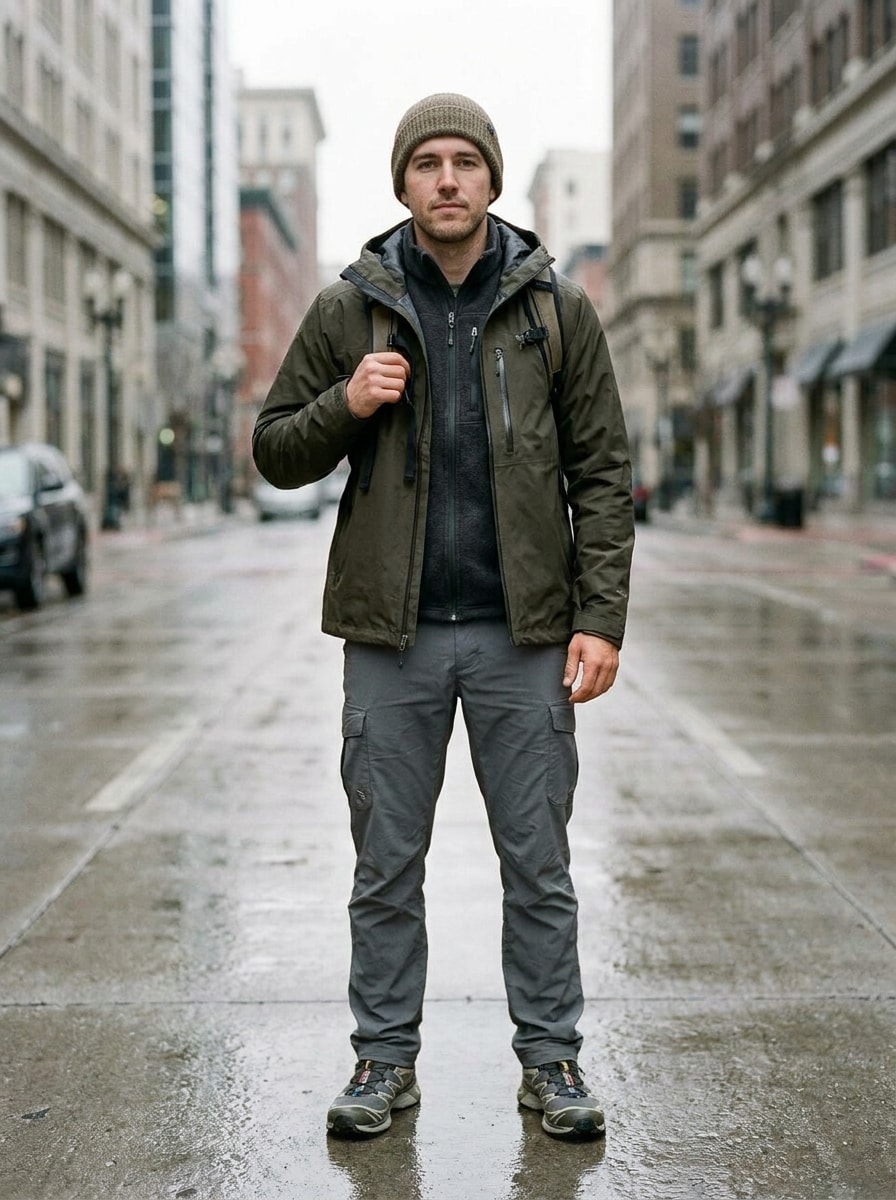
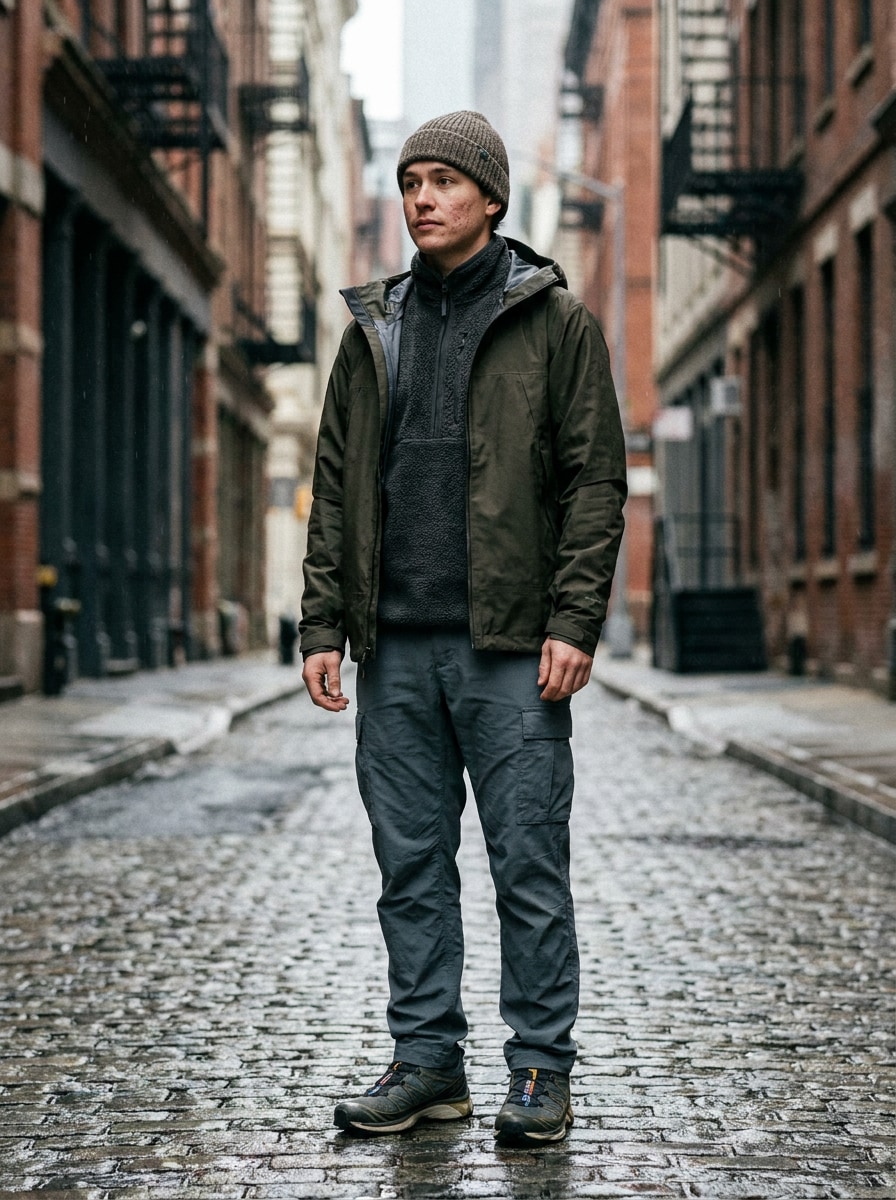
Ciudad Hiperreal Gorpcore
Utiliza la imagen subida como sujeto y transfórmala en un retrato hiperreal de moda gorpcore. Añade una chaqueta premium impermeable, capa intermedia de forro polar, pantalón cargo relajado, zapatillas de sendero y un gorro de punto, situados en una calle urbana con luz suave y nublada, textura natural de piel, detalle nítido de las prendas y tonos oliva apagados y carbón.
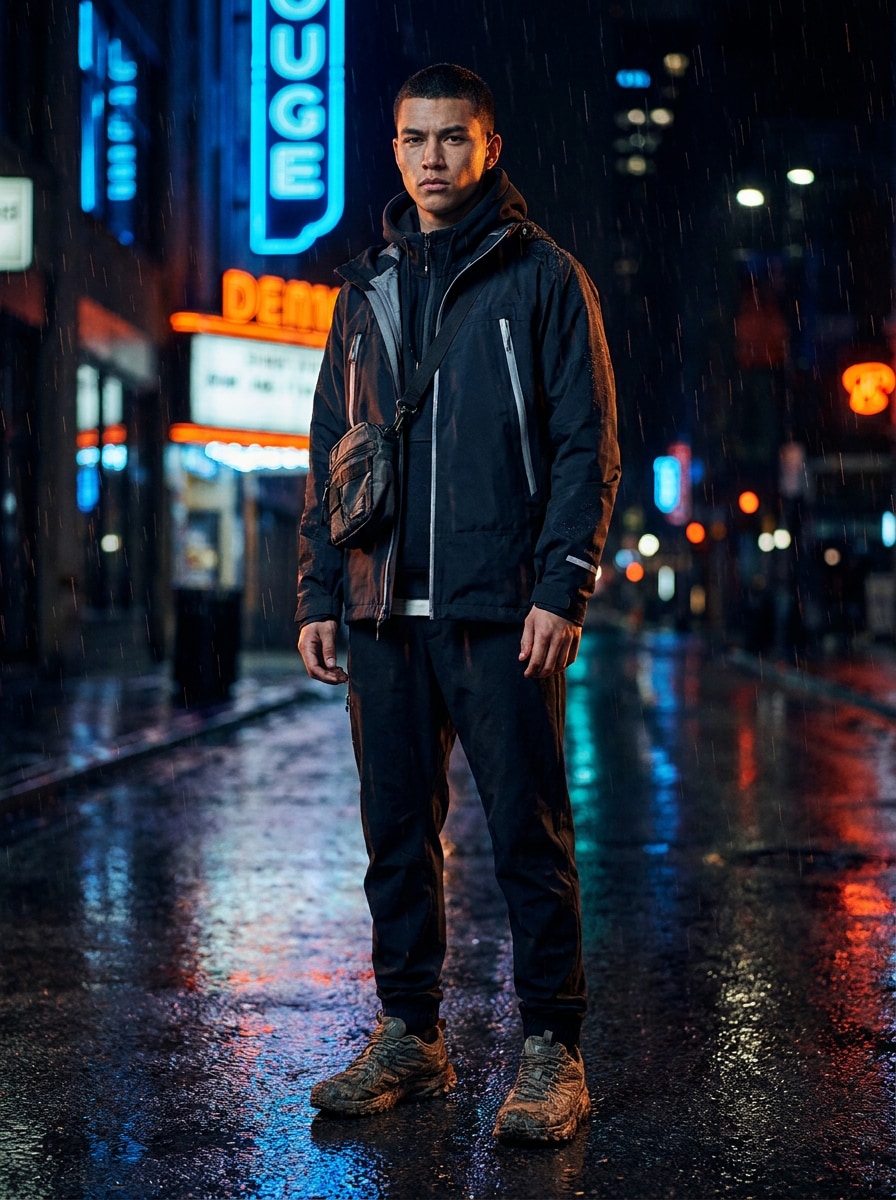
Streetwear Utilitario Nocturno
Usa la foto subida como sujeto y restílala para una editorial nocturna gorpcore. Viste a la persona con una chaqueta técnica con detalles reflectantes, streetwear en capas y un bolso utilitario cruzado, con pavimento húmedo, luces de ciudad brillantes, contraste dramático, sombras frías, preservación realista del rostro y un ambiente elegante de campaña de moda.
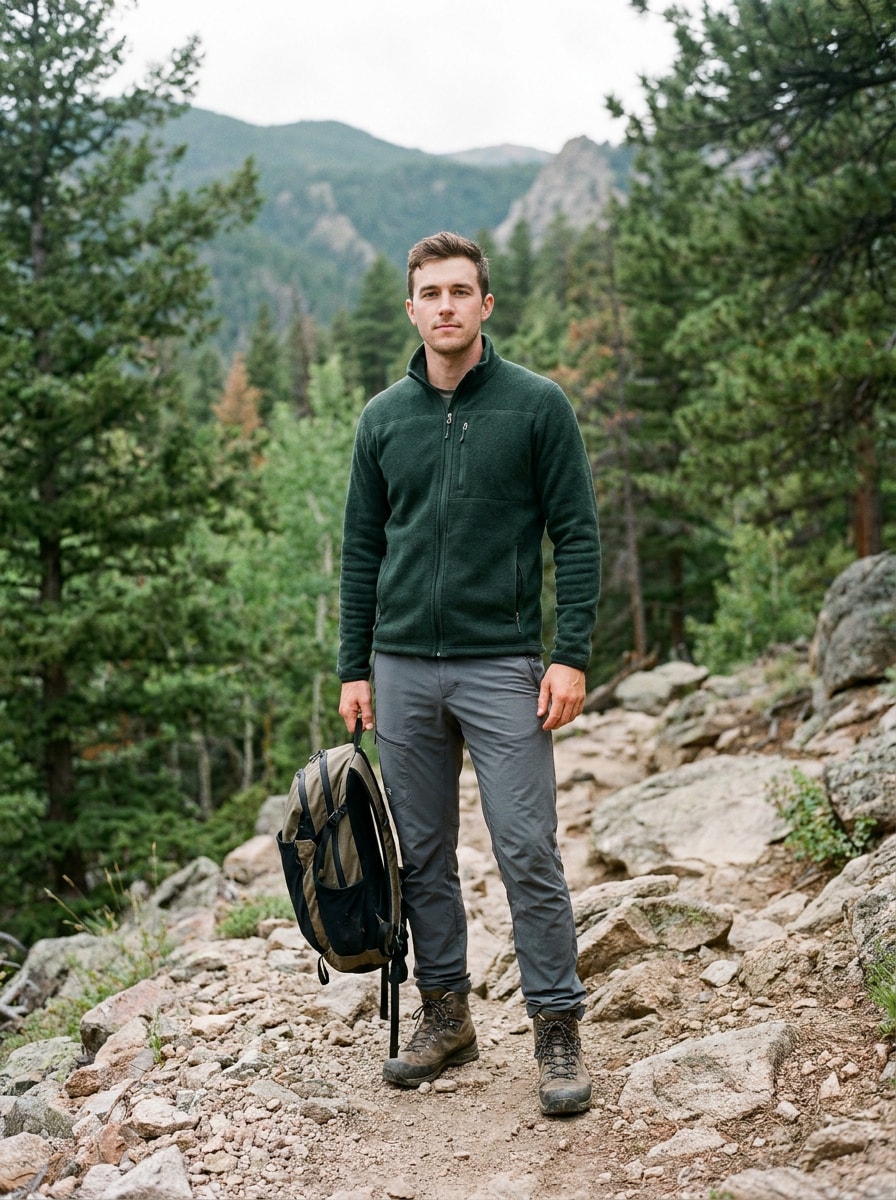
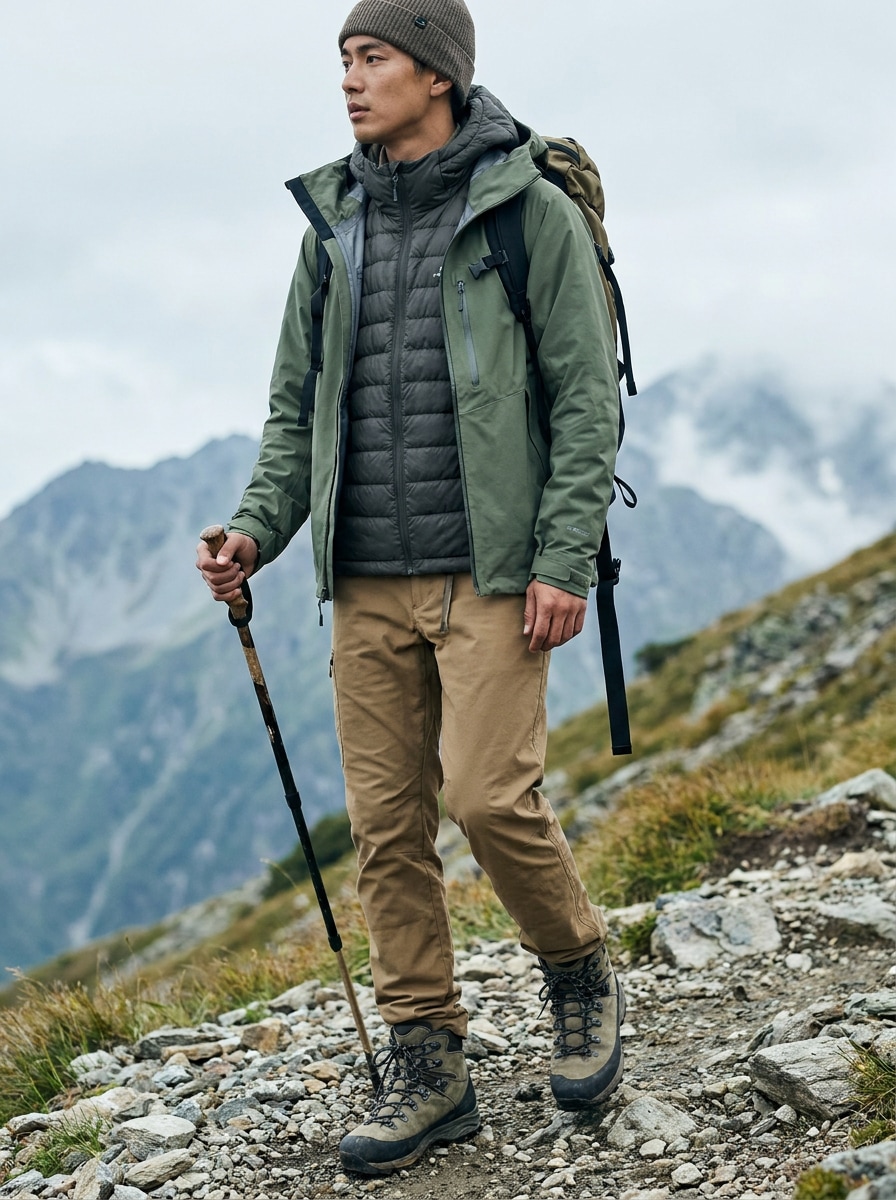
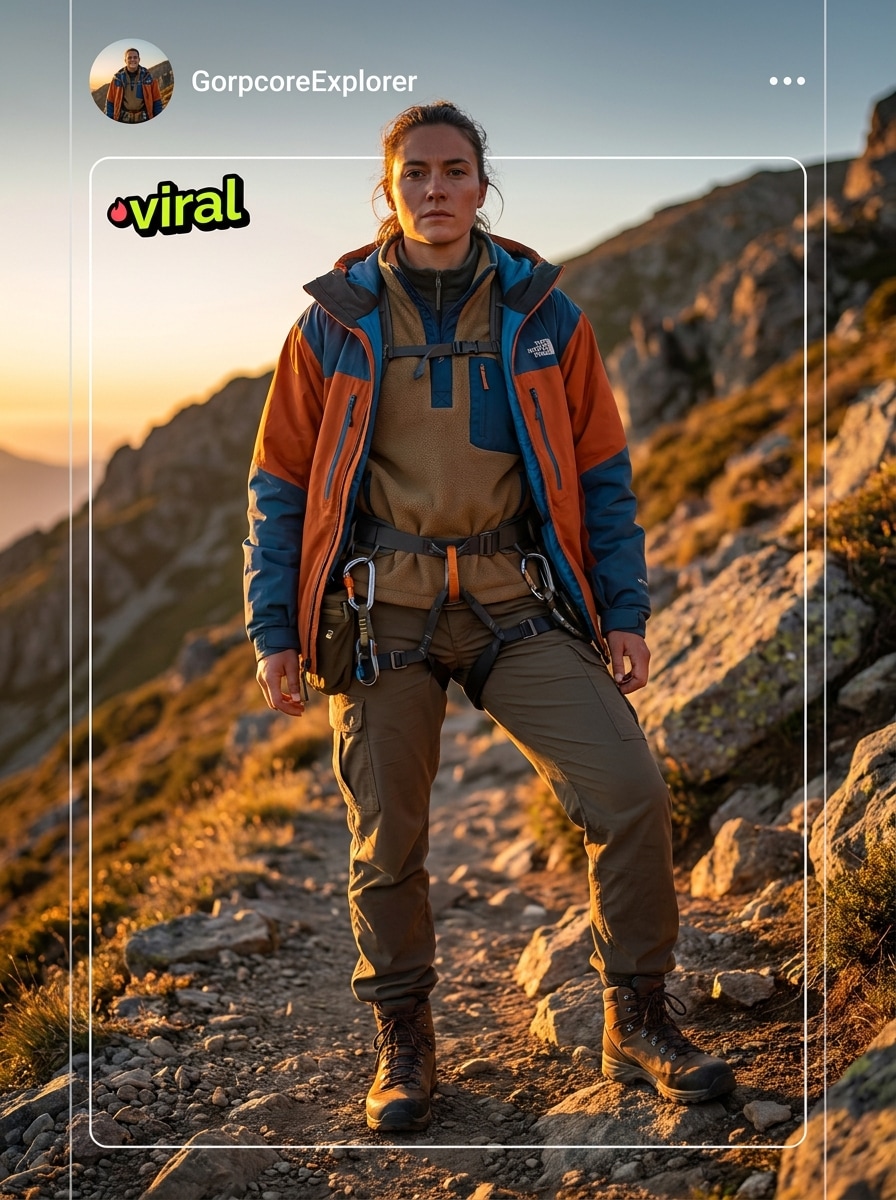
Explorador de Sendero de Montaña
Utiliza la imagen subida como sujeto y dale un cambio de imagen gorpcore de montaña resistente. Añade prendas de senderismo en capas, chaleco aislante, pantalones de sendero duraderos y botas de montaña, situando a la persona en un sendero alpino con luz natural fría, texturas nítidas, tonos terrosos y realismo premium de moda de exterior.
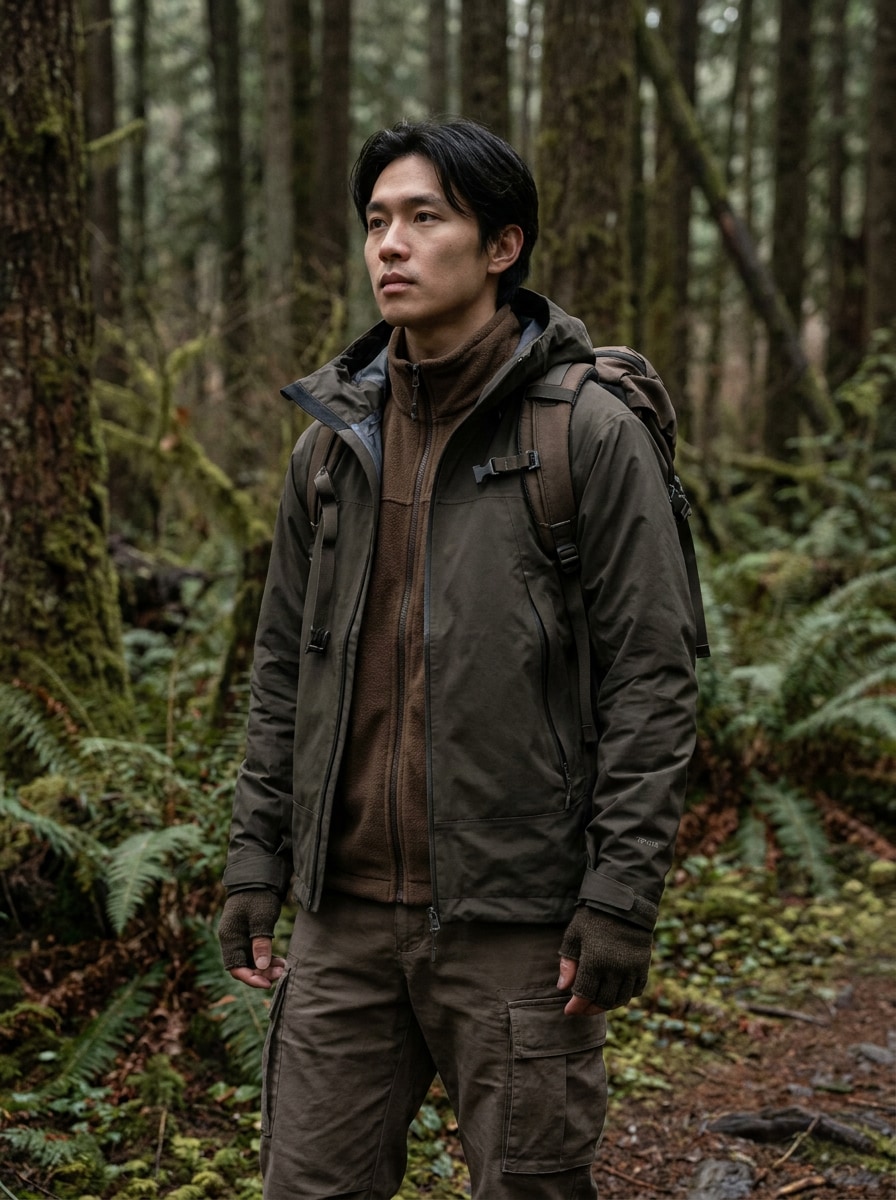
Vestimenta Técnica de Bosque
Usa la foto subida como sujeto y aplica una transformación gorpcore inspirada en el bosque. Viste a la persona con una chaqueta técnica, capas de forro polar y detalles de bolsillos utilitarios, con un fondo de sendero en el bosque, luz suave difusa, texturas nítidas de exterior, gradación de colores terrosos y fotografía editorial de moda realista.
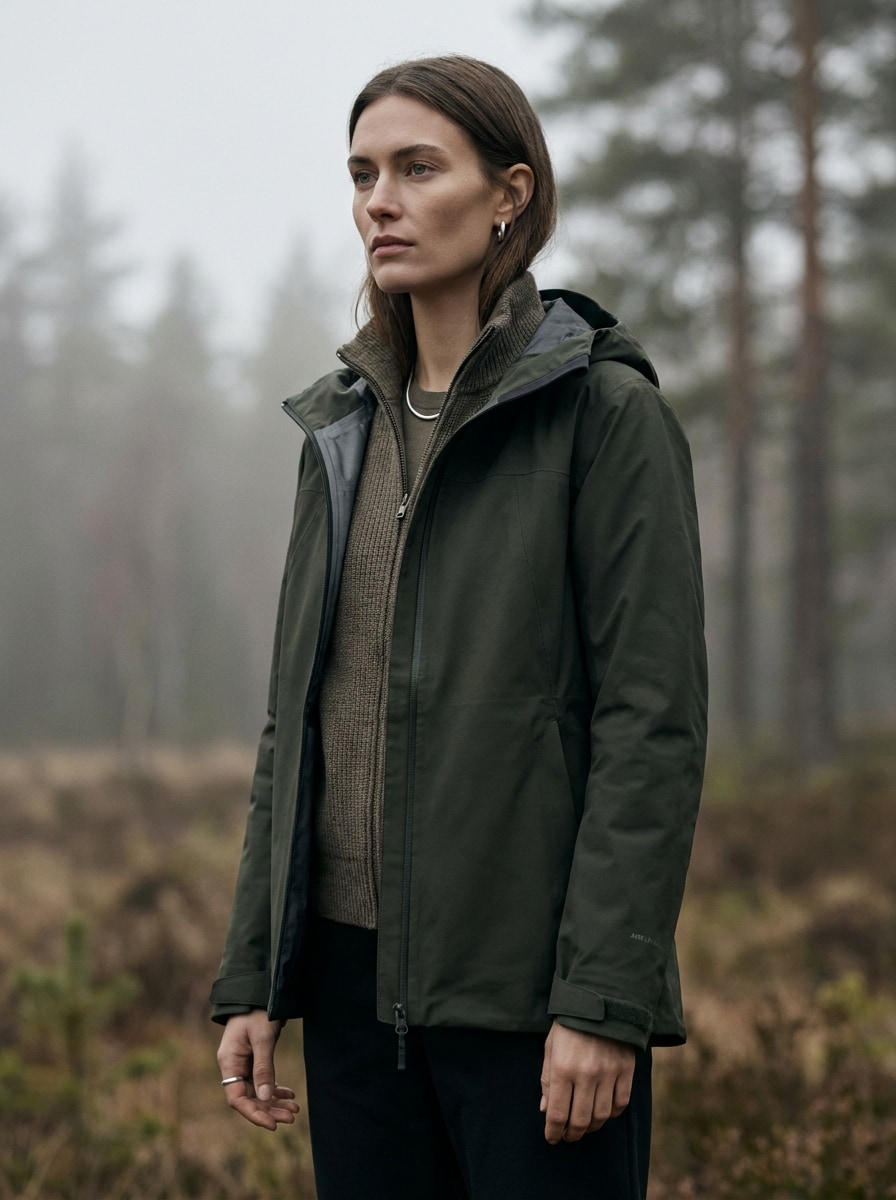
Campaña Outdoor de Lujo
Utiliza la imagen subida como sujeto y conviértela en un retrato de campaña gorpcore de alta gama. Añade prendas premium de exterior, capas técnicas refinadas y un estilo limpio, con luz suave nublada, poca profundidad de campo, composición tipo revista, detalles auténticos del tejido y un ambiente tranquilo y sofisticado de moda de exterior.
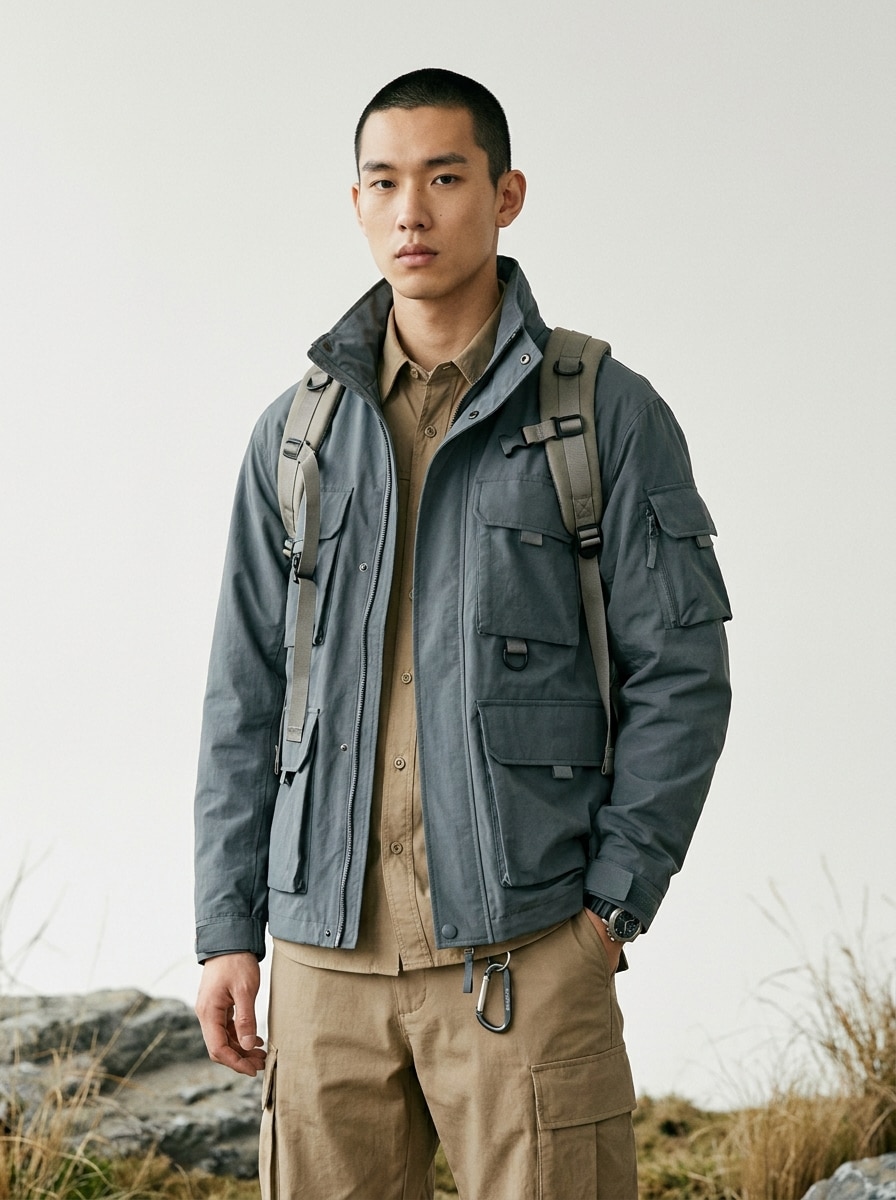
Lookbook Técnico Minimalista
Usa el retrato subido como sujeto y crea una imagen limpia de lookbook gorpcore. Añade chaqueta técnica, estilo cargo y accesorios de exterior sutiles, usando un fondo minimalista, encuadre pulido de moda, tonos neutros, textura nítida de las prendas y una sensación editorial de estudio-mezcla-con-exterior.
Meme Gorpcore Estilo Celebridad
Usa la imagen subida como sujeto y restílala para convertirla en un retrato viral hiperreal gorpcore. Añade capas audaces inspiradas en marcas de exterior, poses dramáticas, accesorios técnicos, encuadre adaptado a redes sociales, claridad intensa y un estilo de moda editorial divertido pero premium con detalle realista del rostro.
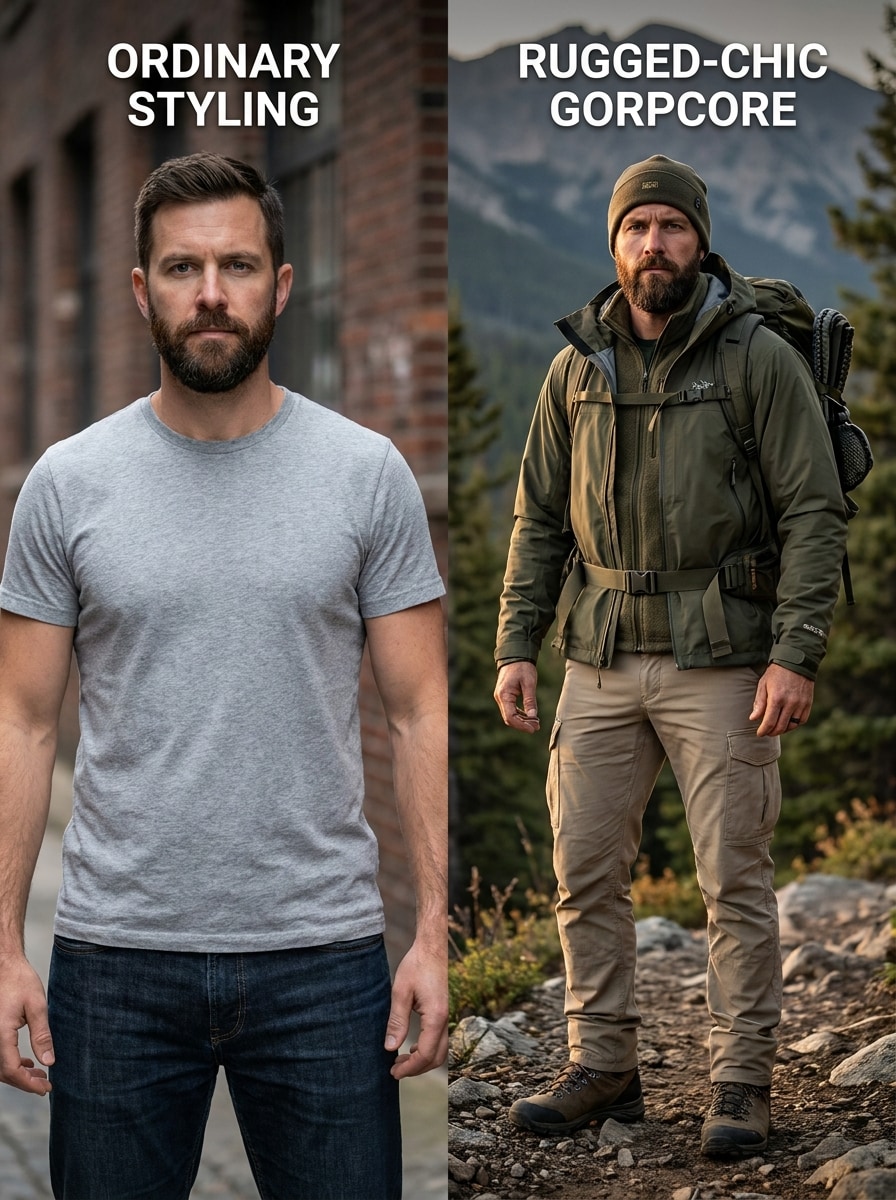
Glow-Up Oficina a Sendero
Usa la imagen subida como sujeto y crea una dramática transformación oficina-a-gorpcore. Sustituye el estilo cotidiano por chaqueta lista para el sendero, cargos, accesorios de senderismo y un conjunto resistente de capas, fusionando elementos urbanos y de exterior con detalle fotorrealista, contraste cinematográfico y una sensación sobresaliente de antes y después.
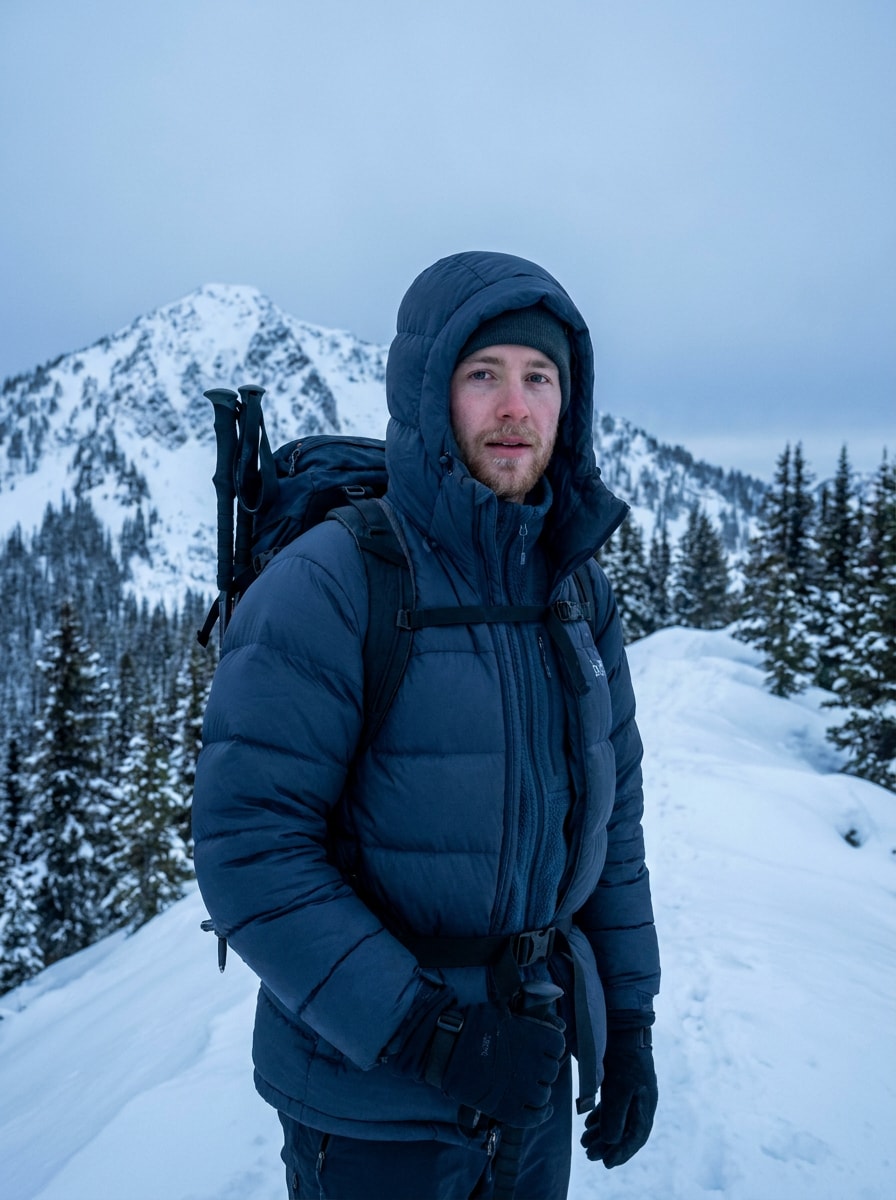
Gorpcore Alpino de Invierno
Usa la foto subida como sujeto y dale una estética gorpcore invernal. Añade un abrigo acolchado aislante, equipo de senderismo para clima frío y accesorios alpinos, con paisaje montañoso nevado, tonos azul-gris fríos, iluminación editorial premium, textura visible del tejido y estilo realista de lujo resistente.
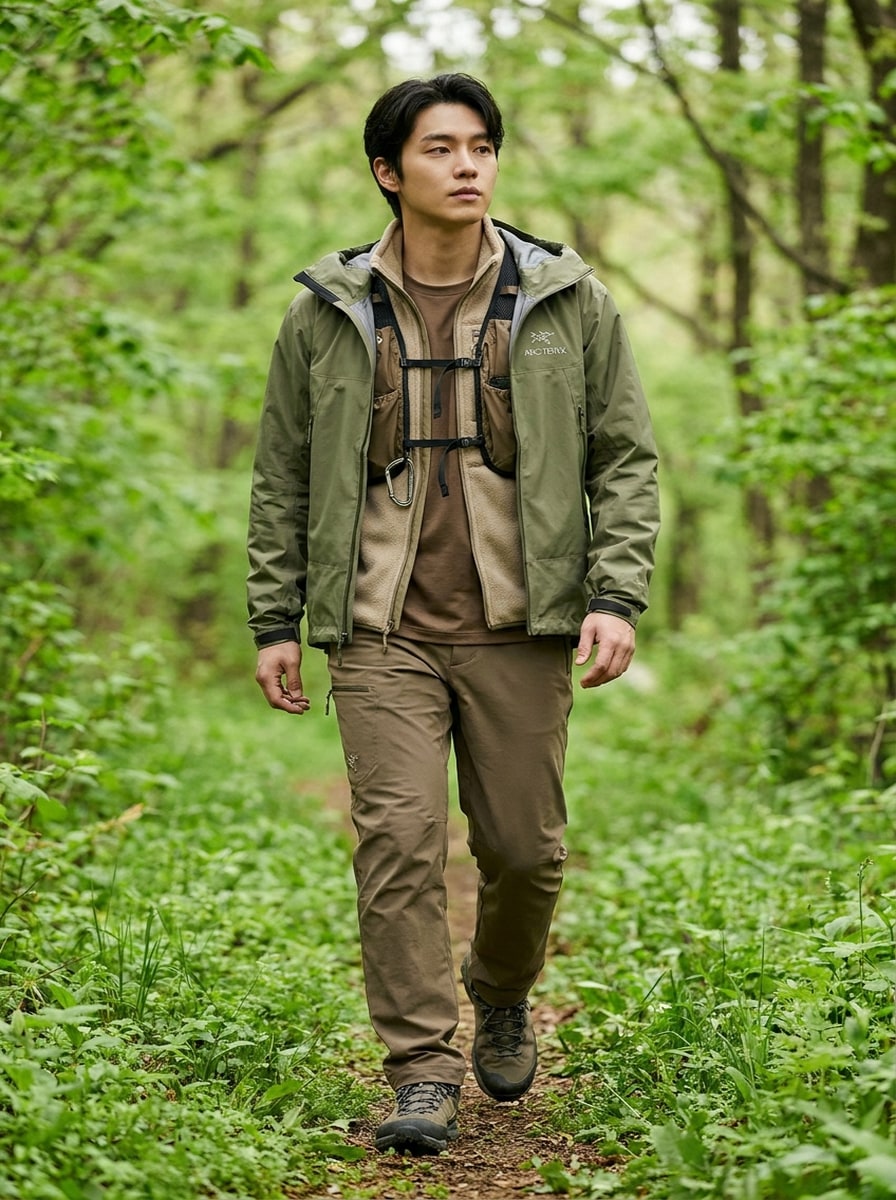
Luz Suave Trailcore de Primavera
Usa la imagen subida como sujeto y transfórmala en una sesión de moda trailcore de primavera. Añade chaqueta ligera tipo shell, conjunto en capas de tonos tierra, detalles sutiles de senderismo y fondo de sendero verde, con luz natural suave, composición editorial limpia y estilo fresco fotorrealista.
Por qué usar Media.io para Transformaciones de Fotos Gorpcore
Mantén tu Identidad al Cambiar el Estilo
Para selfies, fotos de perfil o retratos de creadores, Media.io usa la imagen de referencia para guiar la transformación, de modo que tu rostro permanezca reconocible mientras el atuendo, entorno y el mood gorpcore general se convierten en un resultado pulido de moda de exterior.
Cambia entre Looks Urbanos, de Sendero y Editorial Rápidamente
Diferentes resultados requieren diferentes estéticas. Media.io te ayuda a explorar variadas interpretaciones del mismo concepto visual del Filtro Gorpcore para que la imagen final tenga el tono adecuado más rápido.
Crea Imágenes en Alta Resolución para Uso Real
Si el visual del Filtro Gorpcore final se usará más allá de una vista previa pequeña, Media.io ayuda a ofrecer resultados más nítidos hasta 4K para que la imagen sea más fiable en el diseño y presentación prácticos.
Continúa el Flujo de Trabajo en Todos los Dispositivos
Ya sea que explores visuales de Filtro Gorpcore en laptop o revises borradores desde tu móvil, Media.io mantiene todo basado en navegador para que puedas continuar el mismo flujo de trabajo en distintos dispositivos fácilmente.
Cómo usar el filtro gorpcore en línea
Transforma tus palabras en imágenes impresionantes en tres pasos simples, y sigue perfeccionando el resultado si quieres avanzar más.
Paso 1
Sube tu Imagen de Referencia
Empieza con un retrato, selfie o foto de cuerpo completo claro en JPG, PNG o JPEG. Una imagen bien iluminada con detalles faciales visibles proporciona una base más sólida para cambios realistas de atuendo y estilo de moda de exterior.
Paso 2
Describe el Cambio y Ajusta las Opciones
Ingresa el look que deseas, como capas utilitarias urbanas, prendas alpinas de exterior o un filtro de estética gorpcore con iluminación editorial. Después, elige tu modelo y ajusta aspecto, resolución y cantidad de imágenes según tus necesidades de salida.
Paso 3
Genera, Descarga y Sigue Mejorando
Crea tu imagen transformada, compara variantes y descarga el resultado que más te guste. Si es necesario, perfecciona el prompt, prueba otro modelo o ajusta el encuadre y calidad para llevar el estilo más lejos.
Desbloquea el Potencial del Filtro de Estética Gorpcore
Descubre cómo los creadores usan el Filtro Gorpcore para contenido, marketing y proyectos personales, y adapta cada idea a tu necesidad.
Mejora Perfiles Sociales con Estilo Técnico de Moda
Convierte un selfie simple en un retrato editorial resistente para imágenes de perfil, portadas o contenido breve. Funciona especialmente bien cuando buscas energía de moda de exterior sin organizar una sesión en locación ni comprar todo el estilo de sendero.
Construye Moodboards para Conceptos de Streetwear y Outdoor
Los creadores, estilistas e investigadores de tendencias pueden generar múltiples looks a partir de un retrato para explorar capas, paletas de colores y accesorios utilitarios. Es una forma práctica de probar direcciones visuales antes de producir una campaña o serie completa de contenido.
Crea Publicaciones de Antes y Después Divertidas y Pulidas
El contraste entre una foto cotidiana y una transformación lista para el sendero hace que este efecto sea altamente compartible. Úsalo para portadas de reels, posts de moda estilo meme o visuales conceptuales que mezclen frescura urbana con equipo inspirado en montaña.
Lo que Dicen los Usuarios
Maya R.
Creadora de Contenido
"Ideal para ediciones con tendencias" Subí un selfie normal y obtuve un retrato de moda de exterior convincente en minutos. El resultado se veía editorial en vez de poco serio, lo que lo hizo útil para mi contenido social.
Jordan T.
Bloguero de Streetwear
"Gran preservación de la identidad" Lo que más me impresionó fue que mi rostro aún se veía como yo. Pude probar looks urbanos y alpinos rápidamente sin perder el realismo que hace que la imagen sea creíble.
Elena P.
Diseñadora de Moodboards
"Útil para crear conceptos visuales" Lo uso para hacer mockups de conceptos de estilo outdoor para presentaciones y tableros de inspiración. Cambiar ratios y generar varias variantes hace el flujo de trabajo mucho más fácil.
Chris L.
Gestor de Redes Sociales
"Flujo rápido basado en navegador" Me gusta poder hacer todo el proceso online desde mi móvil o laptop. Es una forma simple de crear transformaciones de estilo de moda audaces para portadas e ideas de campañas.
Explora los efectos de video e imagen con IA más populares
Un filtro AI gorpcore es un efecto imagen-a-imagen que transforma un retrato subido en un look resistente de moda outdoor. Con Media.io puedes restilar una foto con prendas técnicas de exterior, detalles utilitarios en capas y ambiente editorial, manteniendo el sujeto original como referencia visual.
2. ¿Cómo convierto una foto en una imagen estilo gorpcore online?
Sube una imagen clara en JPG, PNG o JPEG a Media.io y describe el estilo que quieres, como prendas urbanas de sendero, capas alpinas o un look editorial outdoor realista. Después, elige tu modelo, ajusta opciones como aspecto o resolución y genera variantes hasta lograr el resultado deseado.
3. ¿Puedo usar el filtro AI gorpcore gratis?
Media.io ofrece créditos gratuitos para probar el efecto antes de suscribirte. Los usuarios gratuitos pueden ver marcas de agua, mientras que los planes de pago permiten descargas en alta resolución sin marca de agua. Para más detalles, revisa la página de precios. Los usuarios gratuitos pueden usar créditos gratis. Para más uso, los usuarios pueden suscribirse a un plan en la página de precios. Mejora a un plan de pago en la página de precios para más créditos y descargas en alta resolución sin marca de agua.
4. ¿El filtro gorpcore mantendrá mi rostro reconocible?
Sí, especialmente si subes una foto de referencia clara. El flujo imagen-a-imagen de Media.io está diseñado para usar el retrato original como guía, lo que ayuda a preservar la identidad facial reconocible mientras se cambia ropa, estilo, iluminación y fondo hacia un resultado fotorrealista de filtro gorpcore.
5. ¿Qué tipo de fotos funcionan mejor para el efecto AI gorpcore?
Las mejores imágenes fuente son retratos o fotos de cuerpo completo claras y bien iluminadas, con detalles faciales visibles y mínima borrosidad. Los fondos limpios ayudan, pero no son obligatorios. Si quieres una filtro de estética gorpcore transformación fuerte, comienza con una foto donde el sujeto sea fácil de identificar y no esté muy obstruido.
6. ¿Puedo crear fotos gorpcore en mi móvil o solo en el escritorio?
Puedes usar Media.io en ambos. Es una herramienta basada en navegador web, y puedes crear ediciones de moda outdoor desde móvil, tablet o escritorio sin instalar software. Media.io funciona en cualquier dispositivo con navegador (Windows, Mac, iOS, Android).
Más allá del Filtro Gorpcore Online potenciado por IA