Tus creaciones solo se guardan durante 7 días. Los recursos creados después de actualizar a Membresía se almacenarán de forma permanente.
¡Desbloquea tu potencial creativo y experimenta la magia de Media AI ahora mismo!
Filtro de corazones online para selfis románticos, fotos de pareja y tarjetas
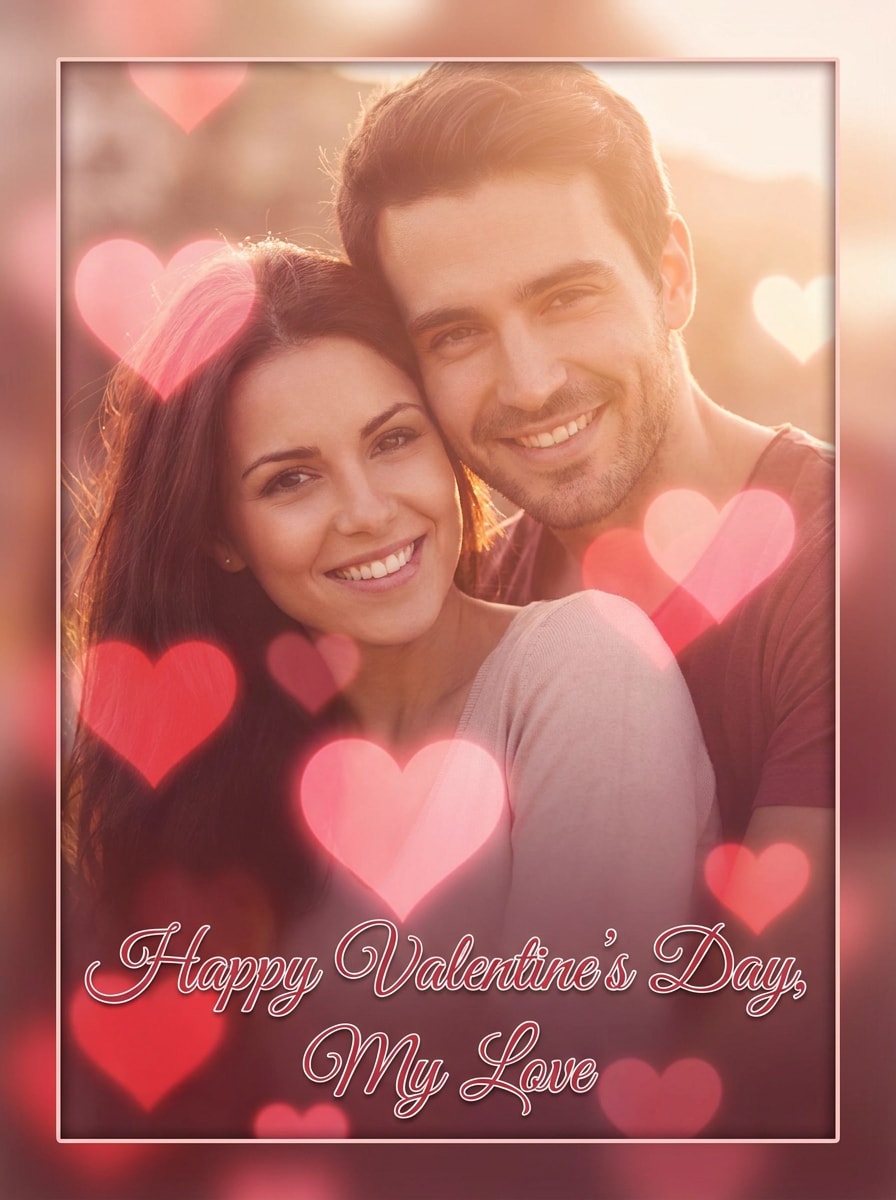
Crea un efecto de filtro de corazones para selfies, retratos y fotos de pareja en minutos. Media.io te ayuda a añadir superposiciones rosa, corazones flotantes en el rostro, bokeh soñador y ediciones en forma de corazón en un flujo de trabajo basado en navegador para publicaciones de San Valentín, recuerdos de boda y contenido social adorable. Los creadores a menudo lo usan como filtro de corazones estilo Snapchat. Esta configuración funciona bien como filtro de corazones rosa para Instagram.
Escribe tu idea -> La IA la diseña. Pruébalo gratis.
Revisa estas indicaciones de ejemplo y luego ajusta los detalles del prompt para obtener mejores resultados con este filtro de corazones online, ya sea que quieras una edición romántica Suave, un filtro de corazones transparente o un acabado estilo redes sociales. También admite el filtro de corazón en la cabeza.
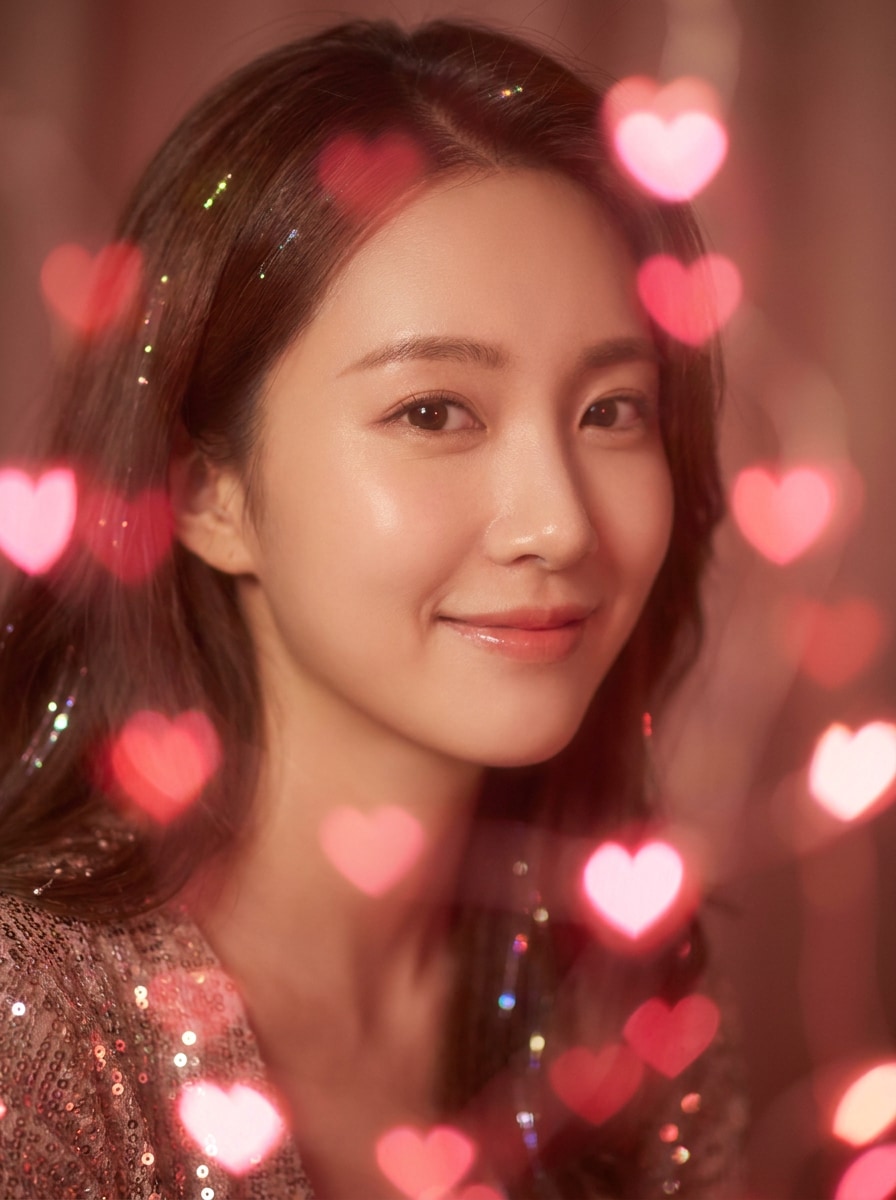
Bokeh de corazones rosas
Usa la imagen subida como sujeto principal y transfórmala con un efecto de bokeh soñador de corazones rosa. Añade luces Suave de corazones en primer plano y fondo, reflejos sutiles de rubor, Profundidad de campo cremosa, tonos de piel favorecedores y un ambiente romántico de San Valentín con calidad fotorrealista pulida.
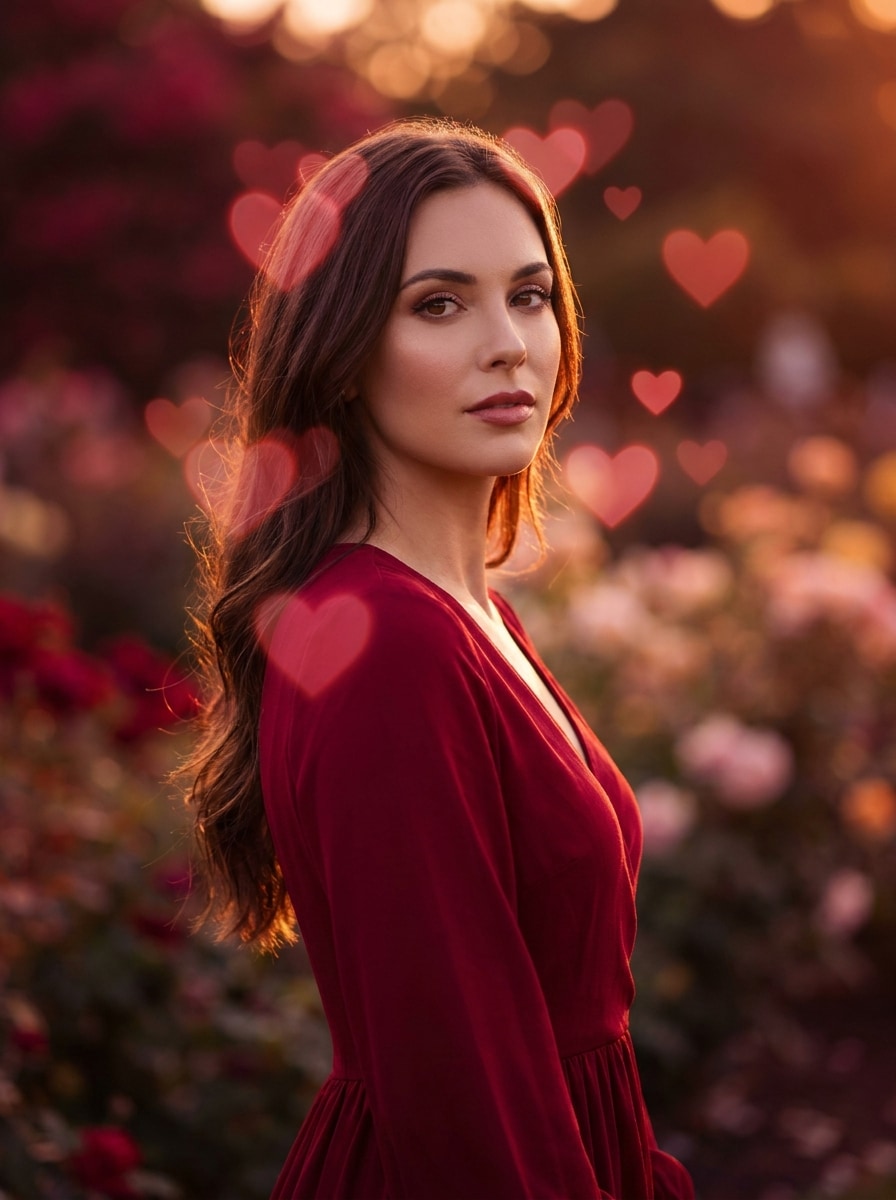
Resplandor rojo de amor
Usa la foto subida como sujeto y añade un filtro romántico de corazones rojos con superposiciones brillantes e iluminación cinematográfica cálida. Mantén el rostro reconocible mientras mejoras la escena con reflejos carmesí, neblina Suave, contraste elegante y una atmósfera nocturna rica y afectuosa.
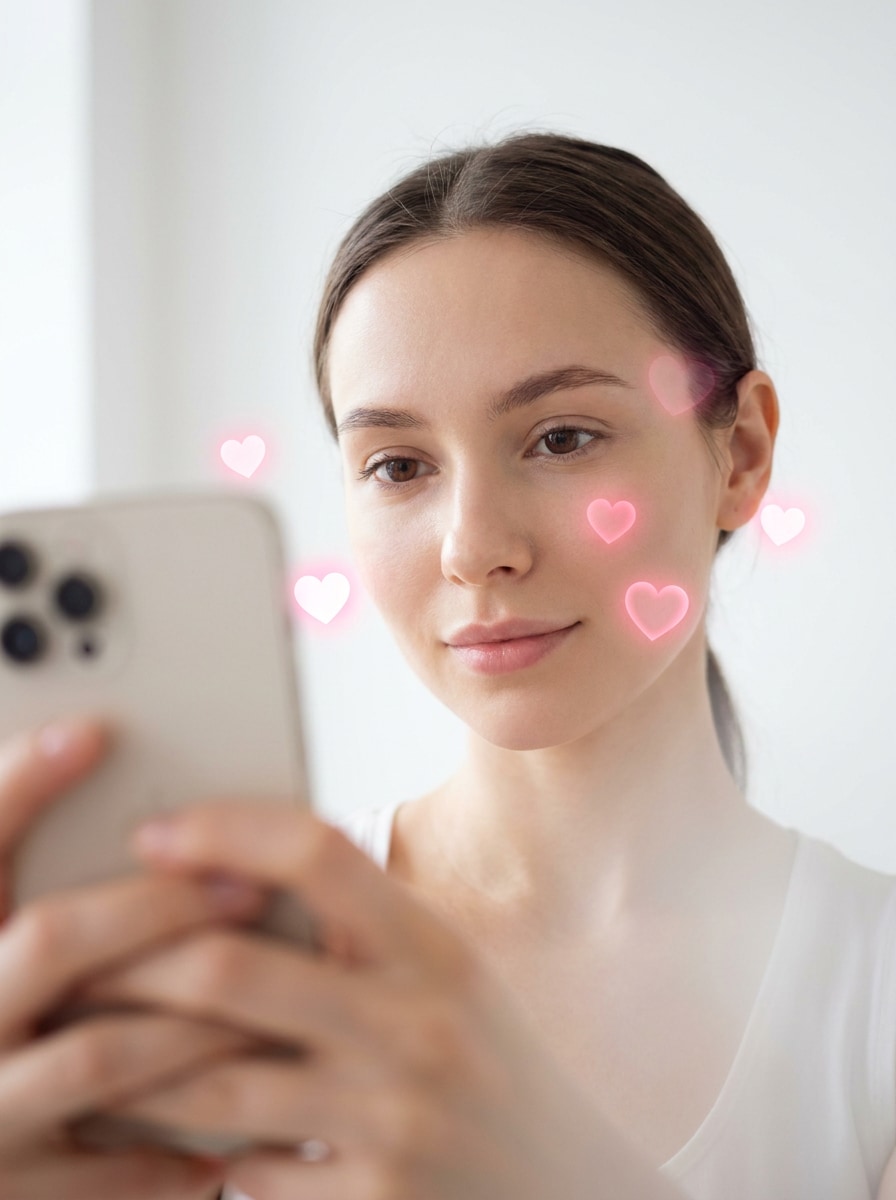
Corazones flotantes alrededor del rostro
Usa el selfi cargado como base y crea un efecto adorable de corazones enmarcando el rostro con corazones rosas flotantes alrededor de la cabeza. Conserva los rasgos faciales, añade iluminación de Belleza Suave, un fondo limpio, un brillo sutil y un ambiente juguetón inspirado en RA que se sienta listo para redes sociales y favorecedor.
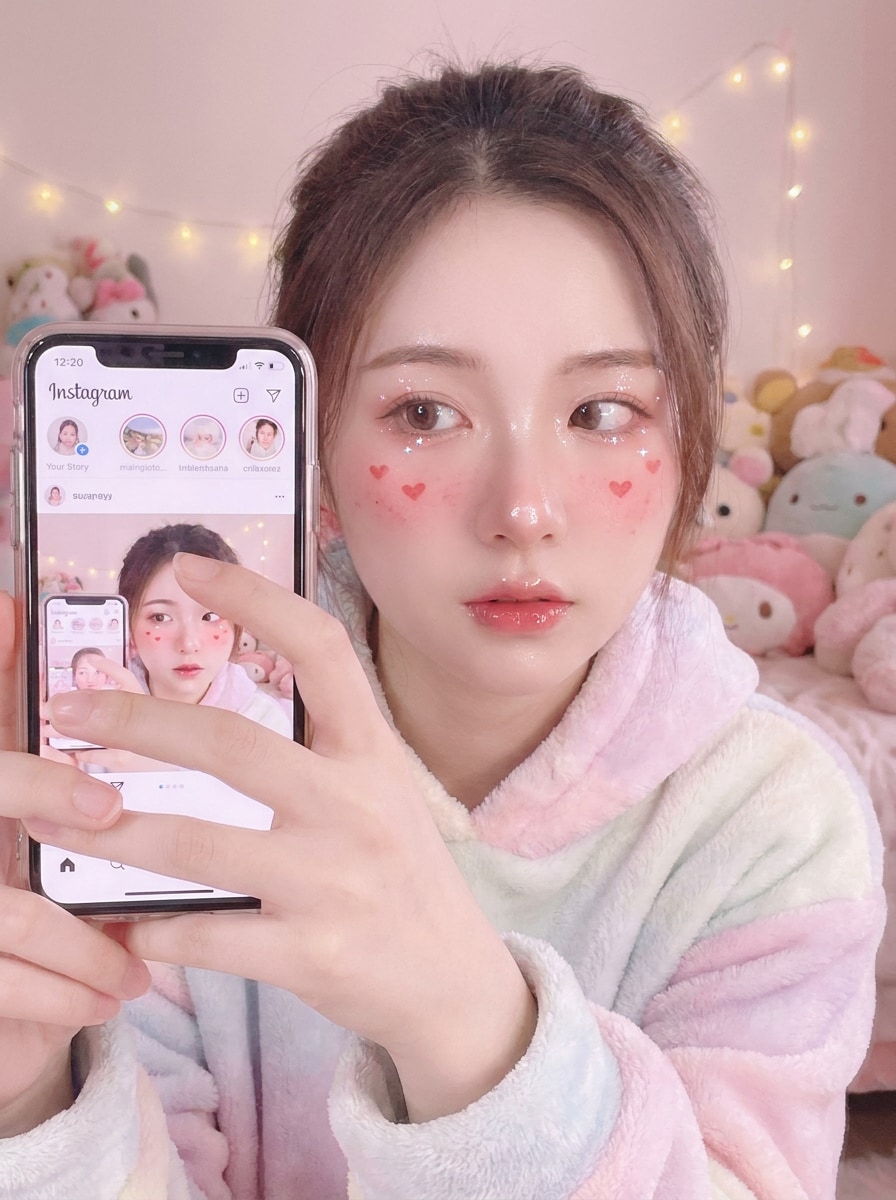
Selfi rubor con corazones
Usa la selfie subida y transfórmala en un retrato lindo con tonos rubor y pequeños acentos de corazones en las mejillas. Añade reflejos brillantes, Gradación de color rosa pastel, destellos sutiles, difusión Suave y un ambiente dulce kawaii manteniendo el rostro nítido y reconocible.
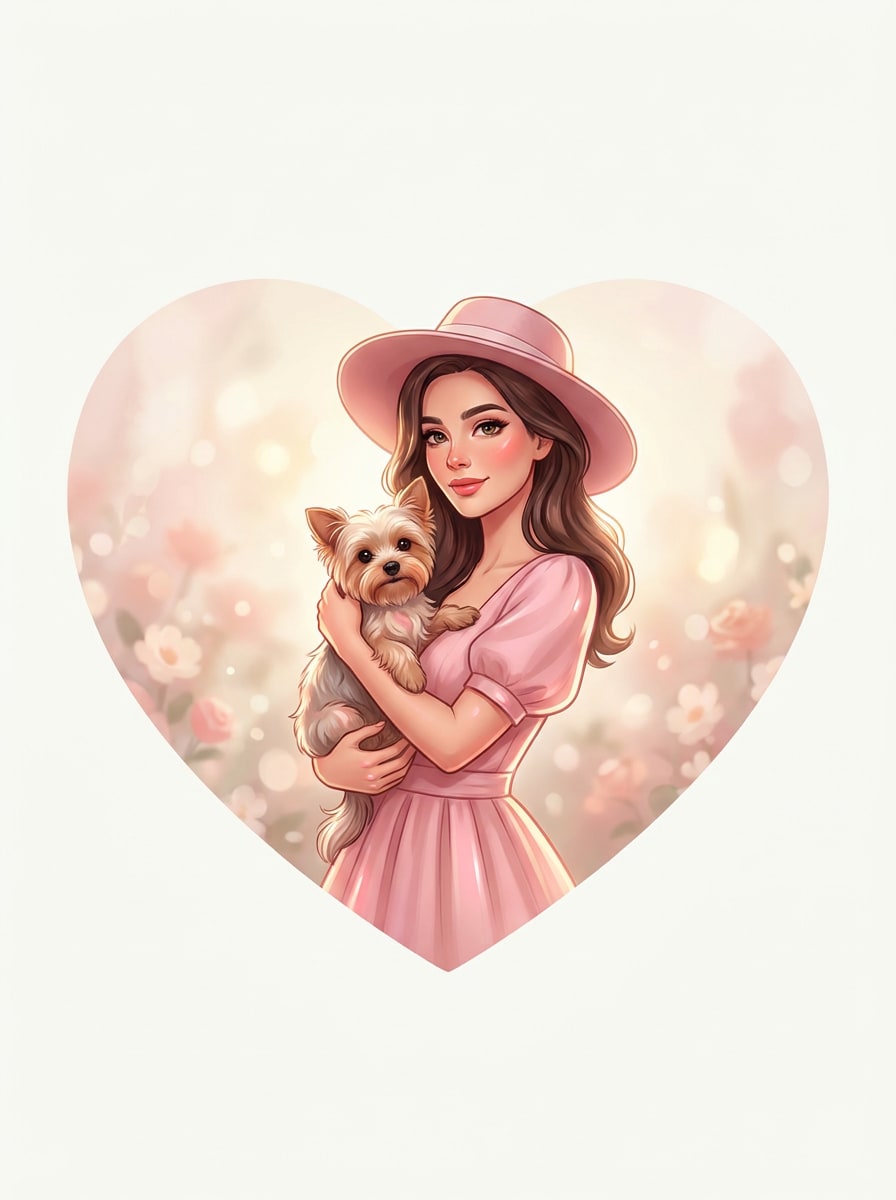
Recortar en forma de corazón
Usa la imagen cargada y conviértela en una composición limpia con forma de corazón. Centra el sujeto cuidadosamente, suaviza los bordes del corazón, añade un fondo romántico Suave, mantén el equilibrio visual y crea un resultado elegante adecuado para una tarjeta, imagen de perfil o publicación de recuerdo.
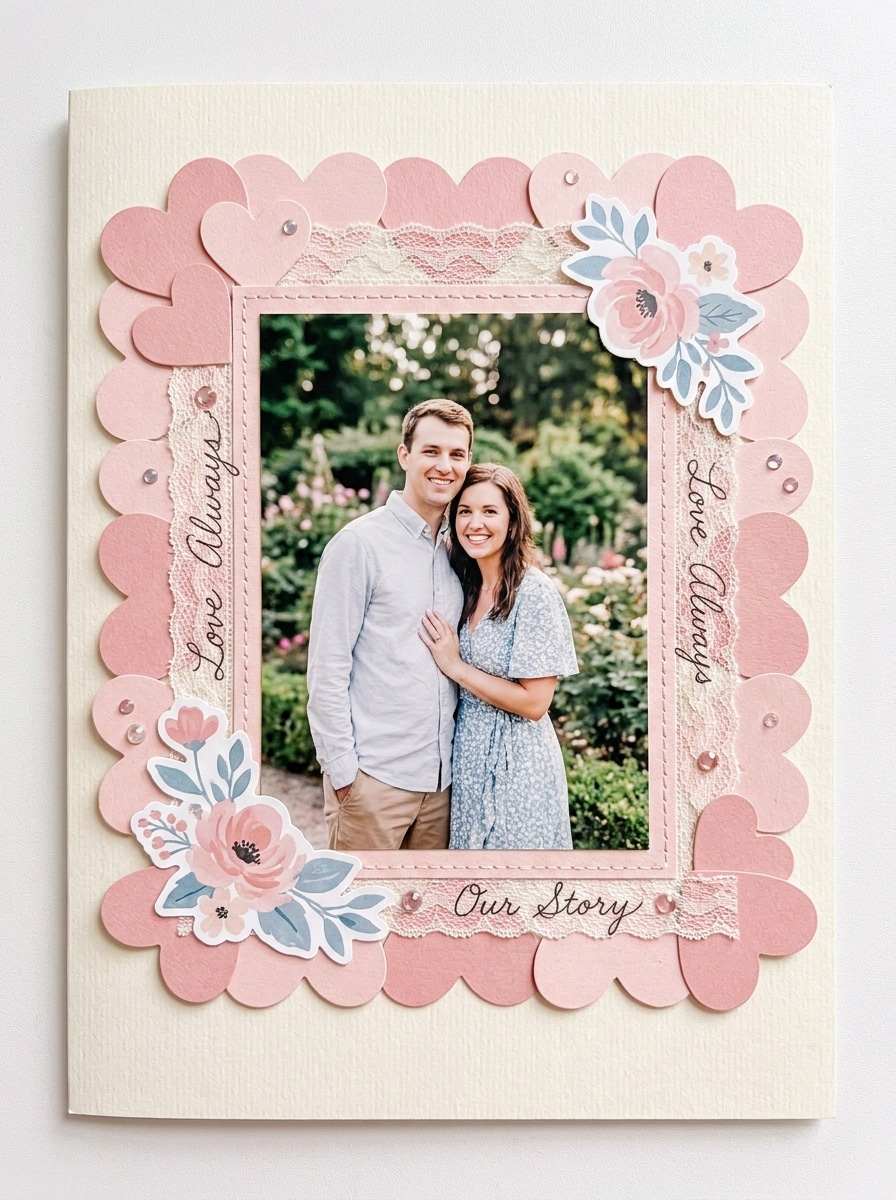
Marco con borde de corazones
Usa la imagen cargada como pieza central y añade un borde decorativo de corazones rosas a su alrededor. Crea un marco romántico inspirado en álbum de recortes con tonos pastel, espaciado ordenado, textura Suave tipo papel y un Diseño pulido que mantenga al sujeto principal claro y visualmente prominente.
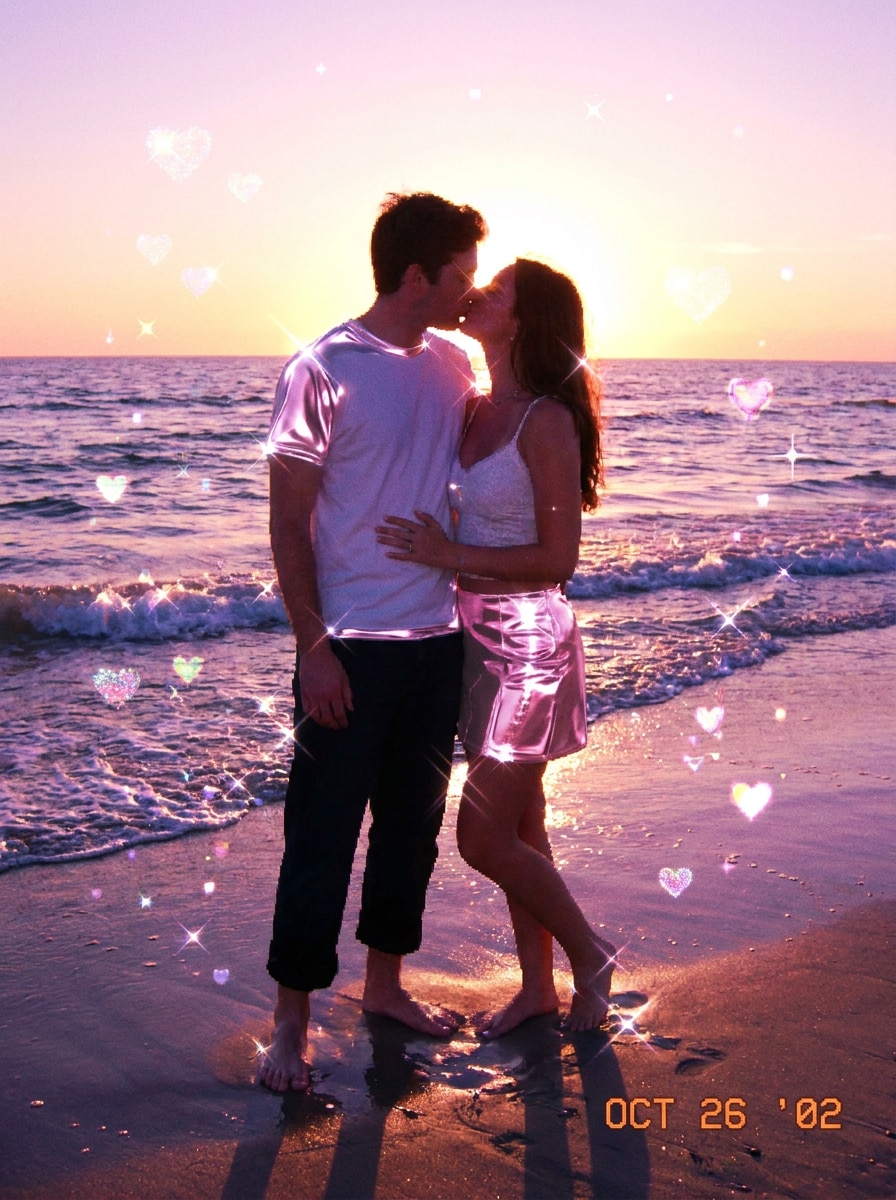
Destello de corazones Y2K
Usa la foto cargada y rediseñala con un efecto de destellos de corazones inspirado en el Y2K. Añade reflejos rosas brillantes, acentos tipo cromo, ambiente nostálgico de cámara digital, brillo juguetón, contraste vibrante y energía romántica adorable mientras conservas el rostro y la pose del sujeto.
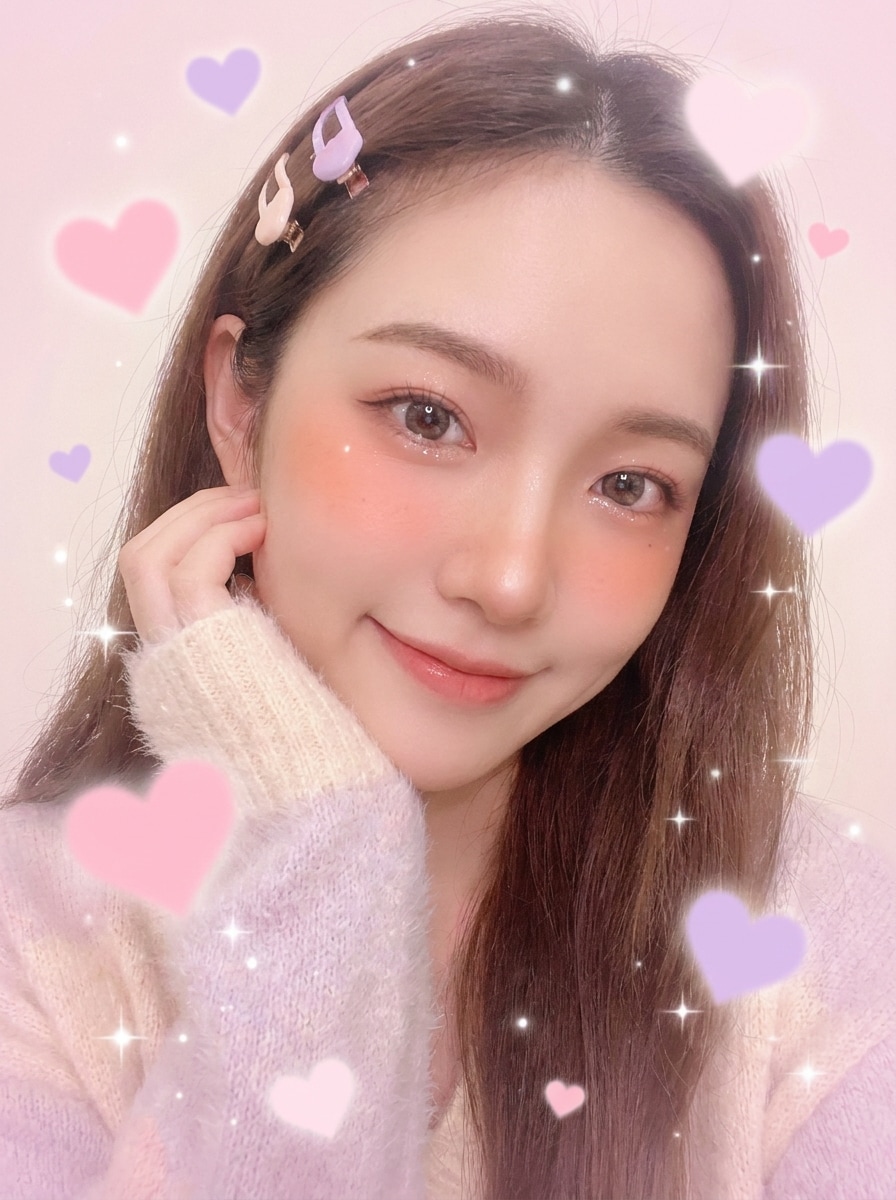
Filtro de amor kawaii
Usa la imagen cargada y aplica una edición adorable con temática de amor kawaii con corazones pastel, tonos ruborizados soñadores, brillo delicado y destellos juguetones. Mantén el retrato Suave y favorecedor, con detalles limpios, armonía de color dulce y un acabado alegre listo para redes sociales.
Foto de tarjeta de San Valentín
Usa la imagen cargada y conviértela en una edición fotográfica estilo San Valentín con corazones en capas, tonos elegantes rosa-rojo, brillo Suave y una sensación de tarjeta de felicitación. Mantén al sujeto claro, refina la composición y crea una imagen romántica festiva lista para compartir o imprimir.
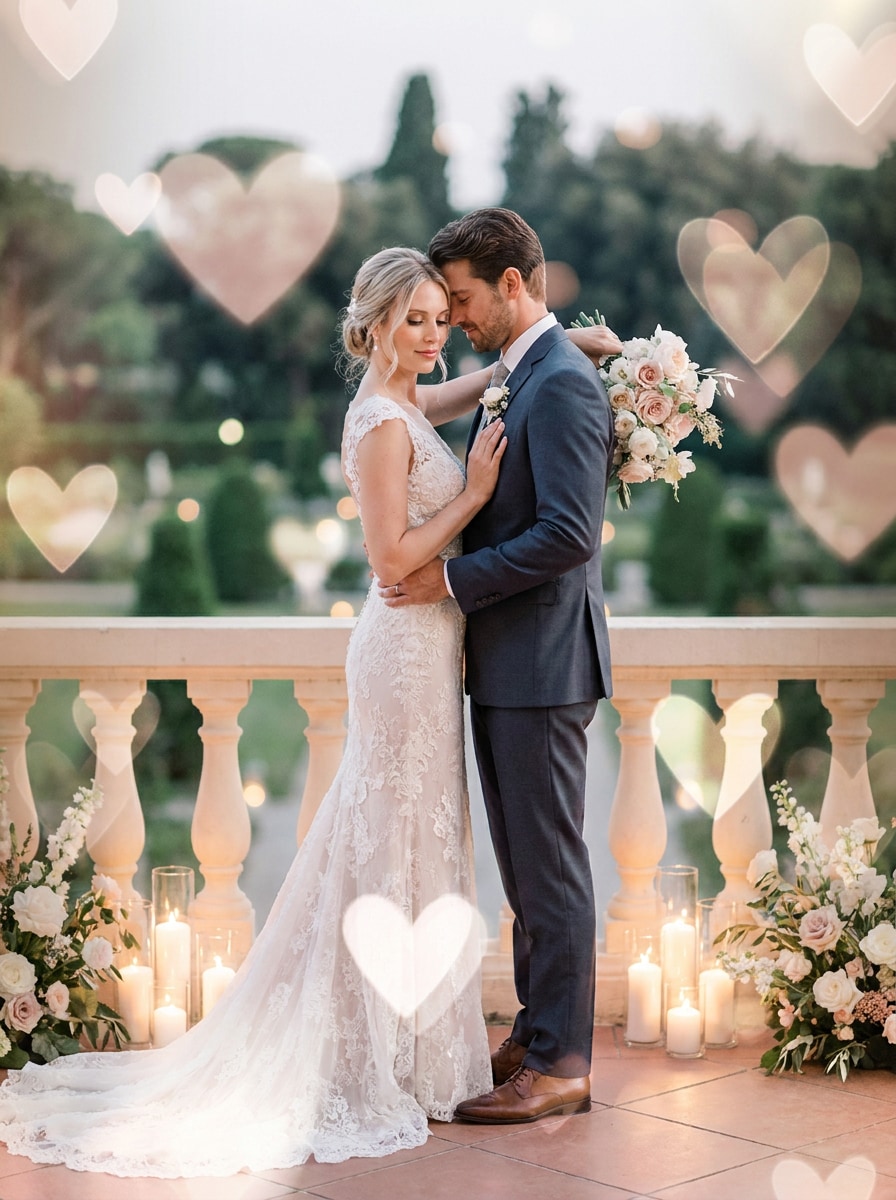
Superposición de amor para bodas
Usa la foto de boda o de pareja subida y mejórala con elegantes corazones translúcidos. Añade reflejos de rubor y blanco Suave, brillo refinado, profundidad sutil y una atmósfera romántica Premium manteniendo la ropa, los rostros y los detalles importantes naturales y de Alta calidad.
Por qué usar Media.io para Efectos de fotos con corazones
Refina rápido con el flujo de carga, prompt y Regenerar
En lugar de reconstruir cada idea desde cero, Media.io te permite cargar una foto, describir el efecto de corazón exacto que deseas y Regenerar variaciones rápidamente.
Mantén los rostros reconocibles mientras cambias el estilo
Cuando el estilo es parte de la toma de decisiones, Media.io te ayuda a comparar múltiples direcciones desde la misma base visual de filtro de corazones, lo que hace que la selección creativa sea más eficiente.
Mantén las imágenes finales nítidas para proyectos reales
Para proyectos que necesitan más que calidad de borrador, Media.io ayuda a producir imágenes con filtro de corazones con salida de hasta 4K para que los detalles se mantengan más limpios al presentar, Recortar o reutilizar el archivo final.
Crea en el navegador desde cualquier dispositivo
La Edición en diferentes pantallas se mantiene sencilla con Media.io porque todo se ejecuta en el navegador. Eso mantiene el flujo de trabajo en movimiento incluso cuando cambias entre Teléfono y escritorio.
Cómo crear una foto con filtro de corazones online
Convierte tus palabras en imágenes impresionantes en tres sencillos pasos y luego sigue refinando el resultado si quieres llevarlo más allá.
Paso 1
Sube tu imagen de referencia
Comienza con un selfi claro, retrato, foto de pareja o imagen de boda en JPG, PNG o JPEG. Una foto fuente limpia ayuda a Media.io a producir mejores resultados de estilo corazones flotantes, borde, bokeh o filtro de corazones transparente.
Paso 2
Describe el cambio y configura las opciones
Indica a la IA si deseas una superposición romántica Suave, un filtro de corazones rosa, un Recortar en forma de corazón o un aspecto que enmarque el rostro similar a un filtro de corazones en Instagram o un filtro de corazones en Snapchat. Luego elige el modelo, la Relación de aspecto, la Resolución y el número de resultados.
Paso 3
Genera, descarga y sigue mejorando
Genera varias variaciones, compara el ambiente y la intensidad, y descarga tu resultado favorito. Si es necesario, refina el prompt, cambia estilos o usa Regenerar para obtener un borde más limpio, un brillo más fuerte o un acabado más sutil listo para redes sociales.
Desbloquea el potencial del filtro de corazones en Instagram
Descubre cómo los creadores usan este filtro de corazones para contenido, marketing y proyectos personales, y luego adapta cada idea a tu objetivo con Media.io.
Crea publicaciones sociales románticas que se sientan listas para la plataforma
Convierte un simple selfi en una edición adorable con corazones flotantes, brillo Suave y tonos ruborizados inspirados en el aspecto que la gente suele buscar de un filtro de corazones en Instagram. Es ideal para historias, reels, actualizaciones de perfil y un ambiente juguetón de filtro de corazones de Instagram sin necesitar un efecto de aplicación nativa.
Diseña fotos de San Valentín y aniversario con más personalidad
Crea imágenes de pareja estilo recuerdo con superposiciones en capas, luces bokeh o un Recortar en forma de corazón para tarjetas, mensajes digitales y publicaciones de celebración. Esto funciona bien cuando deseas una estética de filtro de corazones de amor para Instagram, un visual de aniversario pulido o un recuerdo romántico imprimible con un acabado de filtro de corazones rosa.
Crea ediciones de selfis adorables más allá de los filtros de RA
Si te gusta el aspecto de un filtro de corazones estilo Snapchat, un efecto de filtro de corazones en Snapchat o una edición de filtro de corazón en la cabeza, Media.io te da más control sobre el color, el brillo, el encuadre y la calidad de exportación. También puedes crear un aspecto de filtro de corazón sobre la cabeza o un estilo de filtro de corazones transparente Suave desde tu propia imagen subida.
Qué dicen los usuarios sobre esta herramienta de filtro de corazones
Mia Reynolds
Creadora de estilo de vida
"Genial para ediciones lindas de pareja" Quería algo más suave que un paquete básico de stickers de una app, y esto me dio un aspecto romántico mucho más limpio. Los corazones flotantes y el brillo rosa hicieron que mis fotos de aniversario se vieran lo suficientemente pulidas para historias de Instagram e impresiones.
Jordan Lee
Gerente de redes sociales
"Forma fácil de crear publicaciones de temporada con marca" Lo usamos para los visuales de la campaña de San Valentín y probamos rápidamente múltiples estilos de corazones a partir de un retrato. Poder cambiar la Relación de aspecto para publicaciones del feed y diseños de historias nos ahorró mucho tiempo de producción.
Ava Patel
Estudiante de diseño
"Mejor control que los filtros del Teléfono" Me gustó poder subir mi propia selfie y describir el aspecto exacto que quería en lugar de conformarme con un preset. Las opciones de borde de corazón y Recortar en forma de corazón fueron especialmente útiles para imágenes estilo tarjeta.
Noah Bennett
Fotógrafo de bodas
"Ideal para superposiciones románticas suaves" El elegante estilo de superposición de corazones funcionó bien en vistas previas de compromisos y bodas. Los rostros se mantuvieron reconocibles y las imágenes finales lucieron refinadas en lugar de excesivamente artificiales, lo cual es importante para las galerías de clientes.
Explora los efectos de video e imagen con IA más populares
Un filtro de corazones para fotos es un efecto de Edición que añade elementos visuales románticos como corazones flotantes, bokeh de corazones, brillo rosa, bordes decorativos o un Recortar en forma de corazón. Con Media.io, puedes aplicar estos estilos a tu imagen cargada en un solo flujo de trabajo en lugar de depender únicamente de un efecto social integrado como un estilo de filtro de corazones de Instagram.
2. ¿Cómo añado un filtro de corazones a una imagen en línea?
Sube tu foto a Media.io, introduce un prompt describiendo el aspecto que deseas y elige la configuración de tu imagen antes de generar. Esto facilita crear un filtro de corazones en línea para selfies, fotos en pareja o publicaciones festivas, ya sea que quieras una superposición rosa, un efecto de corazones enmarcando el rostro o un aspecto pulido de tarjeta romántica.
3. ¿Puedo convertir una foto en forma de corazón?
Media.io puede Transformar tu imagen subida en una composición con forma de corazón, lo cual es útil para publicaciones románticas, tarjetas de felicitación y diseños de recuerdo. También puedes combinar ese Diseño basado en formas con superposiciones, bordes o un estilo bokeh más Suave para obtener un resultado más personalizado.
4. ¿Este filtro de corazones es gratuito?
Media.io ofrece créditos gratuitos, para que puedas probar la herramienta antes de actualizar tu plan. Si necesitas más uso o deseas descargas en alta Resolución sin marca de agua, puedes consultar la página de precios para ver los detalles de los planes.
5. ¿Puedo usar un filtro de corazones en iPhone, Android y escritorio?
Media.io es una herramienta basada en la web, por lo que puedes usarla en iPhone, Android, Windows o Mac siempre que tengas un navegador. Esto significa que puedes crear y perfeccionar efectos visuales de filtro de corazones sobre la marcha desde un Teléfono o continuar la Edición más tarde en el escritorio sin cambiar de herramienta.
6. ¿El efecto de corazones mantendrá la calidad alta de mi foto?
Media.io admite opciones de Resolución de 1K, 2K y 4K, para que tu imagen editada se mantenga nítida al compartirla o imprimirla. También ayuda a preservar el sujeto principal de tu foto subida mientras aplica Efectos como un filtro de corazón rosa, una superposición Suave o corazones enmarcando el rostro; los usuarios gratuitos pueden ver marcas de agua.