Tus creaciones solo se guardan durante 7 días. Los recursos creados después de actualizar a Membresía se almacenarán de forma permanente.
¡Desbloquea tu potencial creativo y experimenta la magia de Media AI ahora mismo!
Filtro de holograma 3D para ediciones fotográficas futuristas en minutos
Convierte retratos, productos y fotos creativas en imágenes holográficas brillantes con Media.io. Estefiltro de holograma 3Dte ayuda a crear proyecciones azul cibernético, superposiciones HUD yfiltro de holograma IAcon estilos online sin software de edición complejo.
Escribe tu idea -> La IA la diseña. Prueba gratis.
Revisa estas instrucciones de ejemplo y luego personaliza el prompt para obtener mejores resultados con este filtro de holograma 3D.
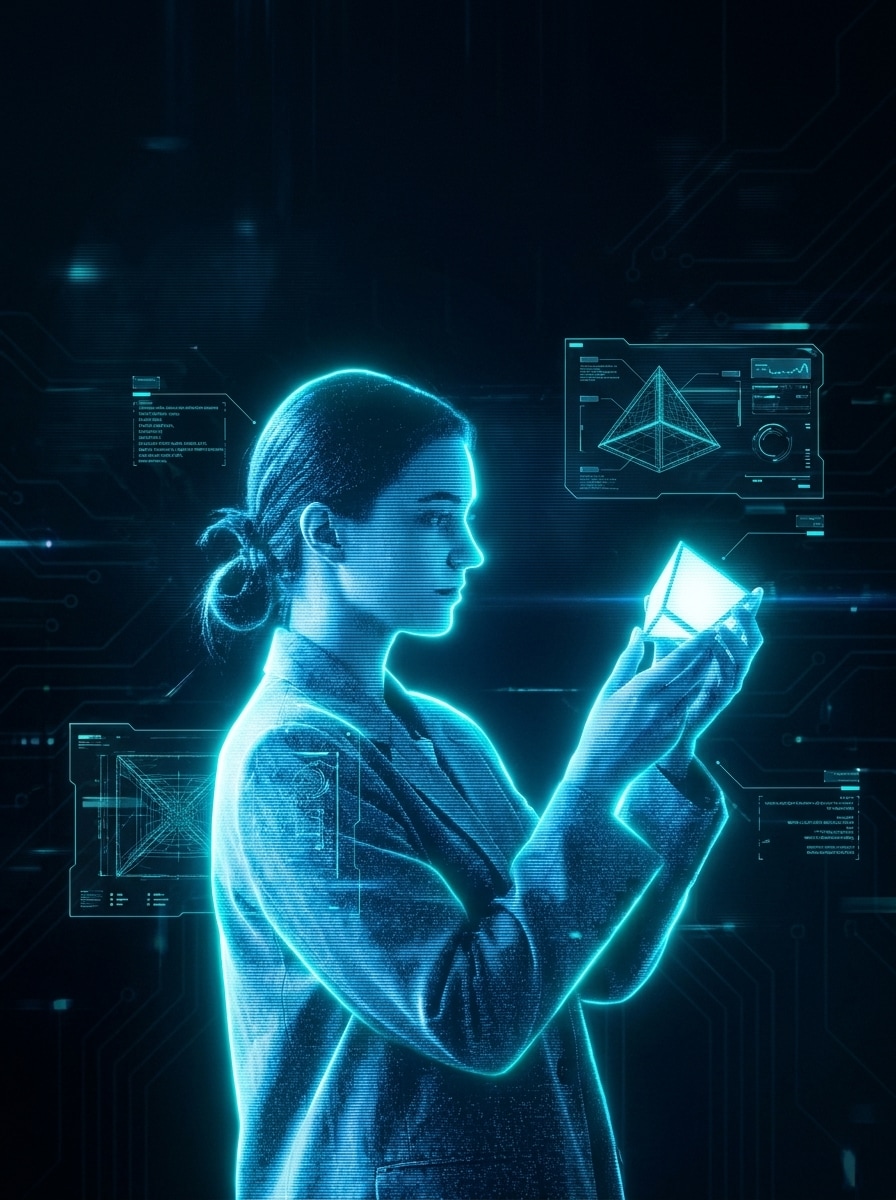
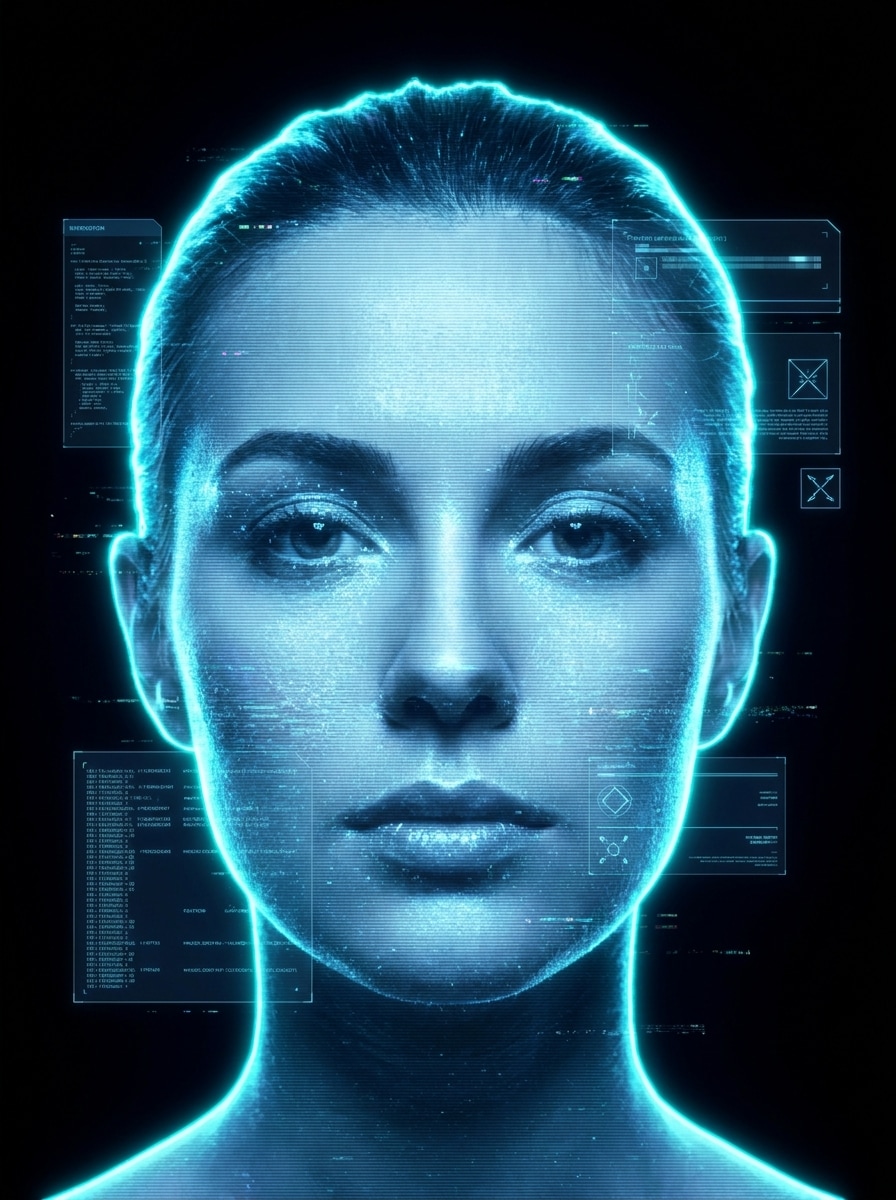
Retrato holograma azul cibernético
Usa la imagen subida como sujeto y transfórmala en un retrato holograma azul translúcido futurista con iluminación de borde cian neón, finas líneas de escaneo horizontales, grano digital sutil, bordes luminosos y gráficos HUD flotantes. Mantén los rasgos faciales reconocibles, utiliza un fondo oscuro y busca la máxima claridad cinematográfica en detalles.
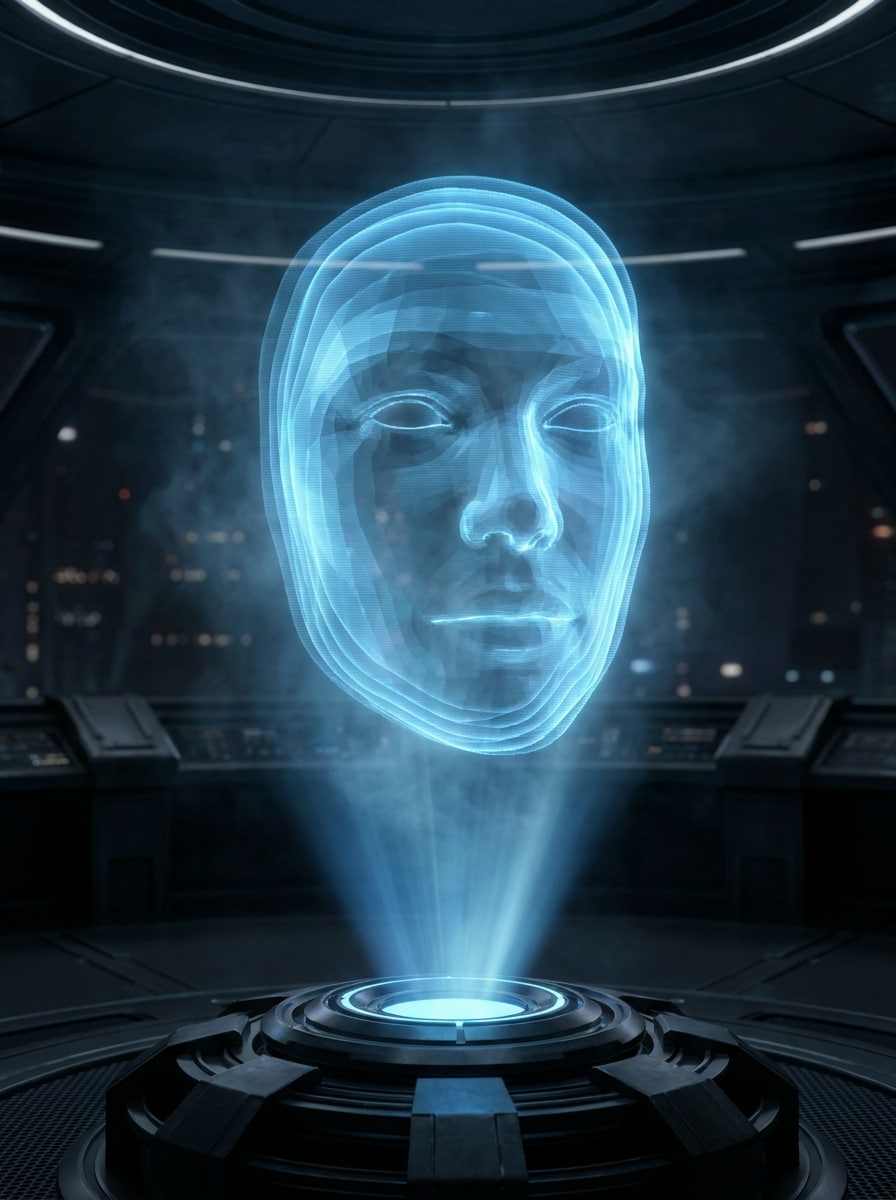
Proyección flotante de rostro
Usa la foto subida como sujeto y haz que parezca una proyección de ciencia ficción flotante. Añade capas holográficas semitransparentes, brillo azul suave, un haz de proyección desde abajo, neblina atmosférica y profundidad limpia de estilo cinematográfico mientras conservas la identidad y proporciones realistas del sujeto.
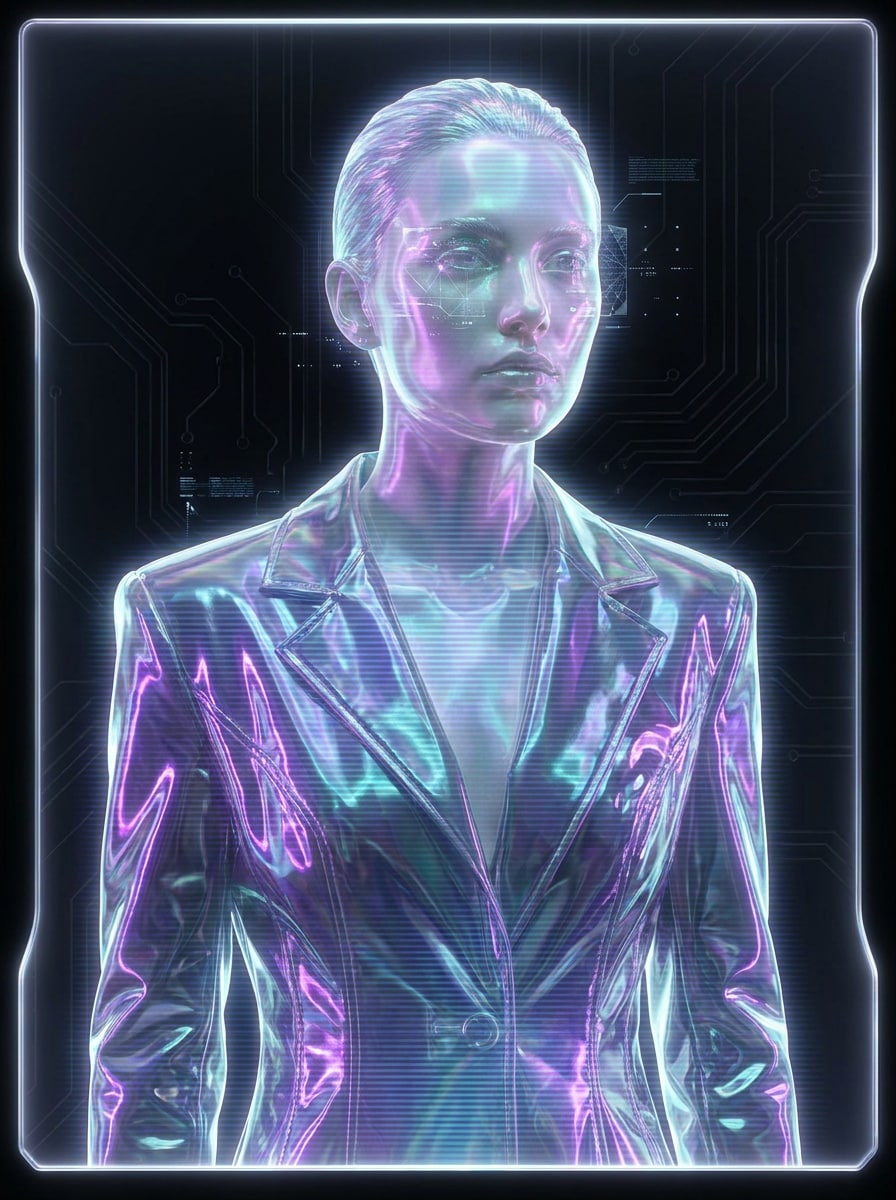
Edición belleza holograma púrpura y teal
Usa el retrato subido y aplica un elegante cambio holográfico con brillo iridiscente púrpura y teal, reflejos vidriosos, líneas suaves de escaneo, iluminación luminosa de bordes y sutiles acentos futuristas en el fondo. Mantén el rostro reconocible, la textura refinada y el look general brillante, moderno y editorial.
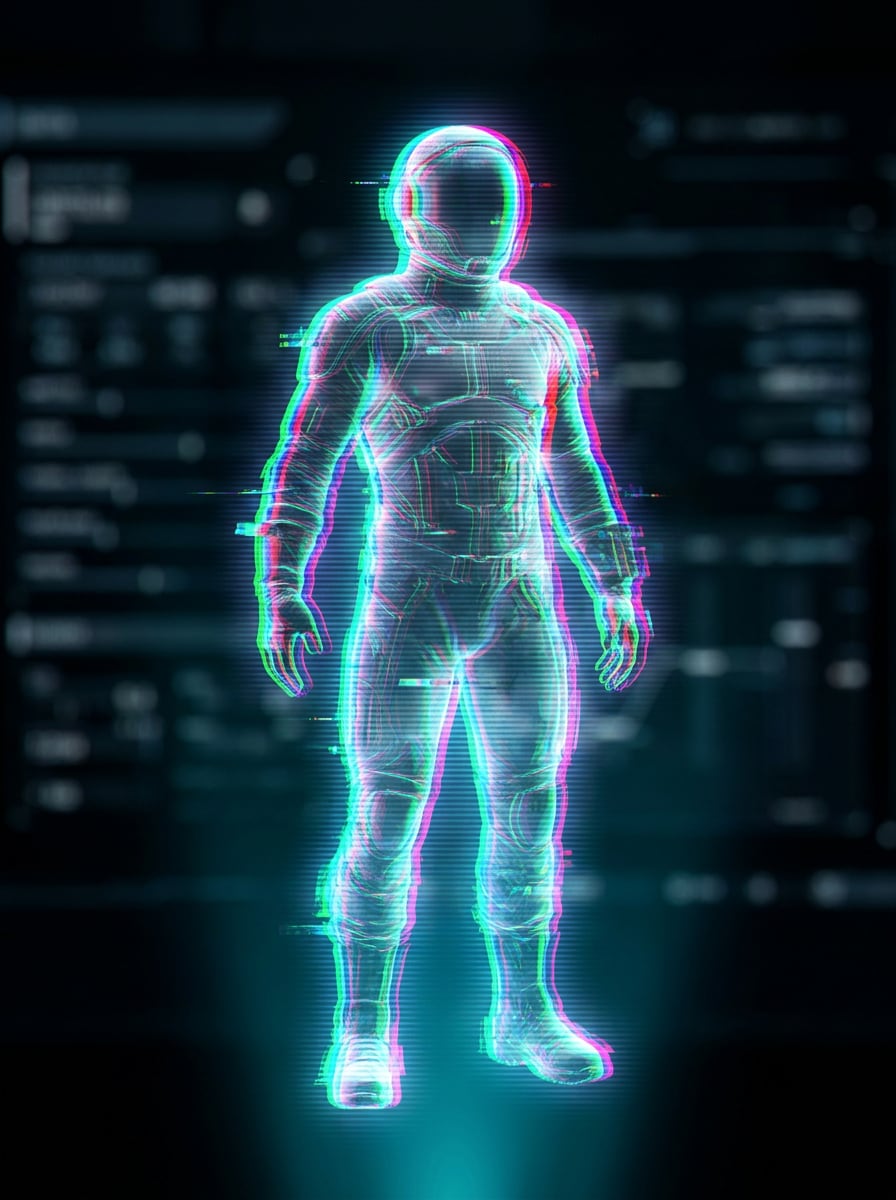
Superposición holograma glitch
Usa la imagen subida como base y añade un tratamiento holograma glitch con separación RGB, capas digitales transparentes, líneas de escaneo horizontales, ligera distorsión de señal, iluminación cian y magenta, y estilo sofisticado de ciencia ficción. Mantén el sujeto legible y haz el efecto dinámico y moderno.
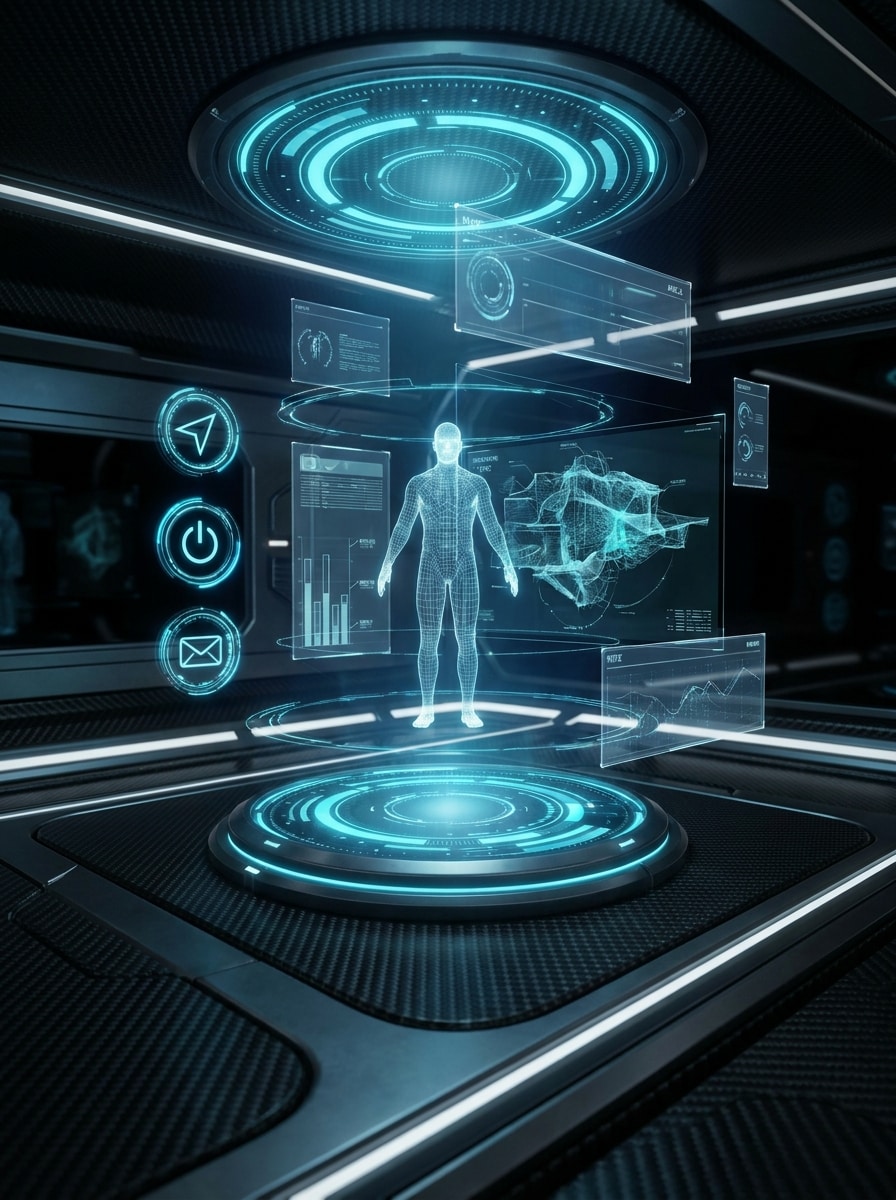
Interfaz AR holograma
Usa la imagen subida como sujeto y colócala dentro de una interfaz holográfica AR futurista. Añade anillos circulares HUD, paneles de datos, superposiciones transparentes azules, iconos luminosos y separación limpia del sujeto. Mantén la composición organizada, premium y nítida como un tablero de próxima generación.
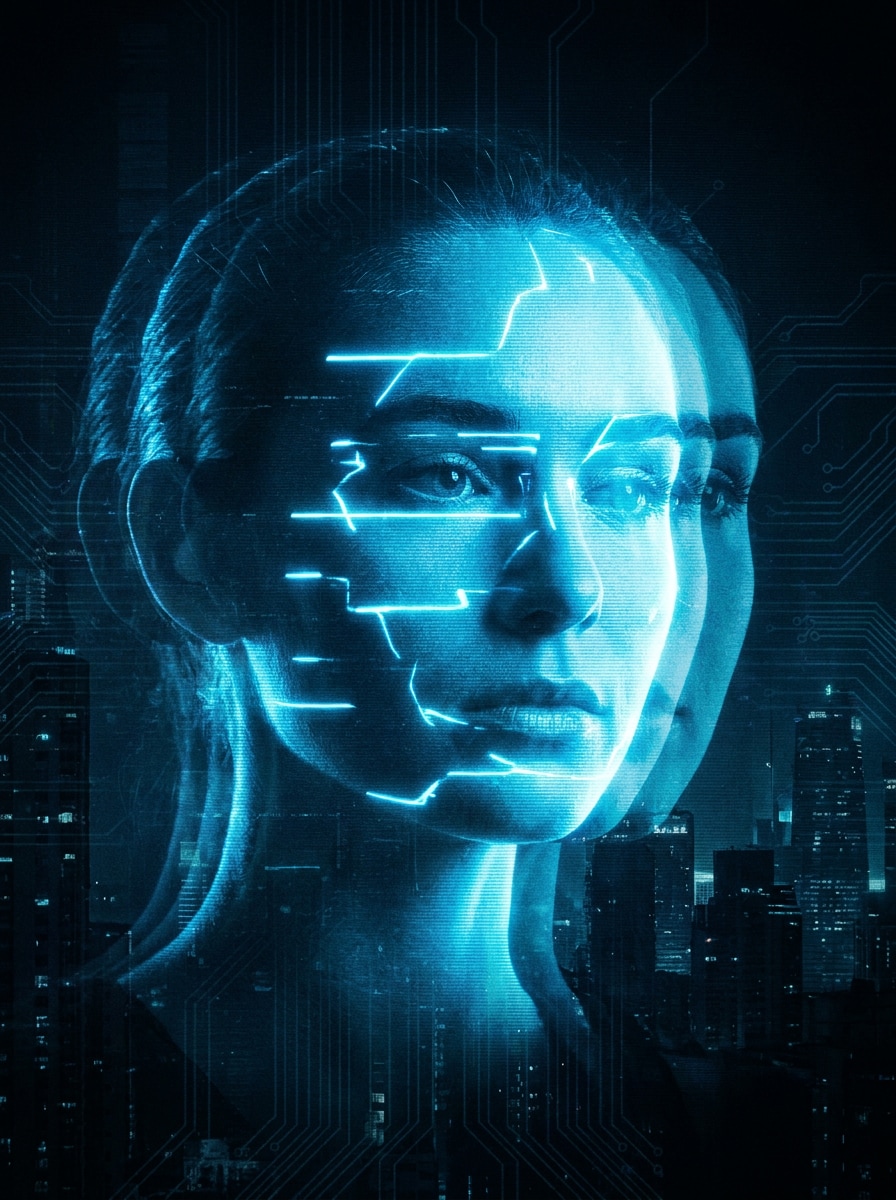
Doble exposición fantasma holograma
Usa la foto subida como sujeto y crea un efecto holográfico doble fantasma con silueta duplicada desplazada, capas transparentes, brillo azul neón, eco de movimiento y ruido estático suave. Conserva el reconocimiento facial y la postura mientras añades energía futurista dramática y profundidad.
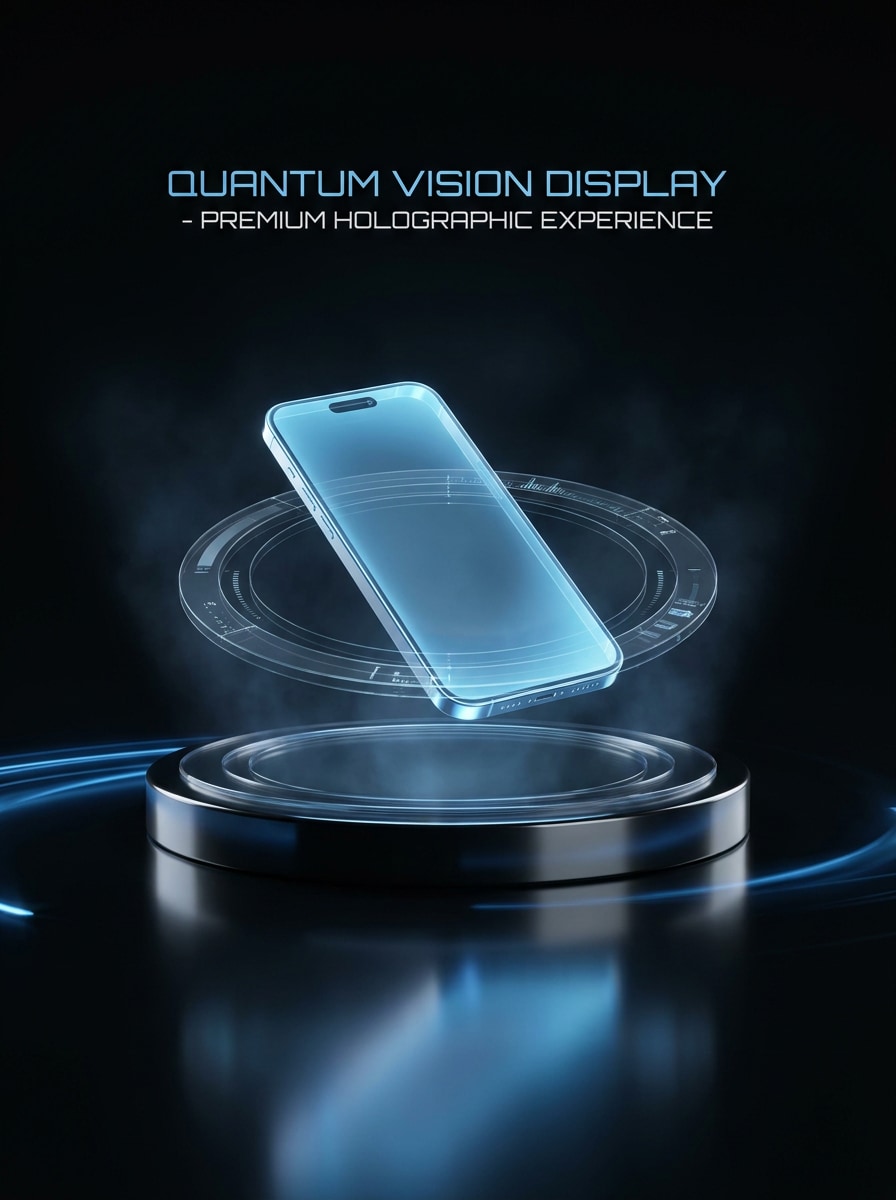
Producto minorista holograma
Usa la imagen del producto subida y transfórmala en una visual premium de publicidad holográfica. Añade luz de proyección azul, reflejo en el piso, anillos HUD, capas de luz transparentes, bordes nítidos y fondo oscuro de estudio. Mantén la forma del producto precisa mientras haces la escena elegante y lista para comercio.
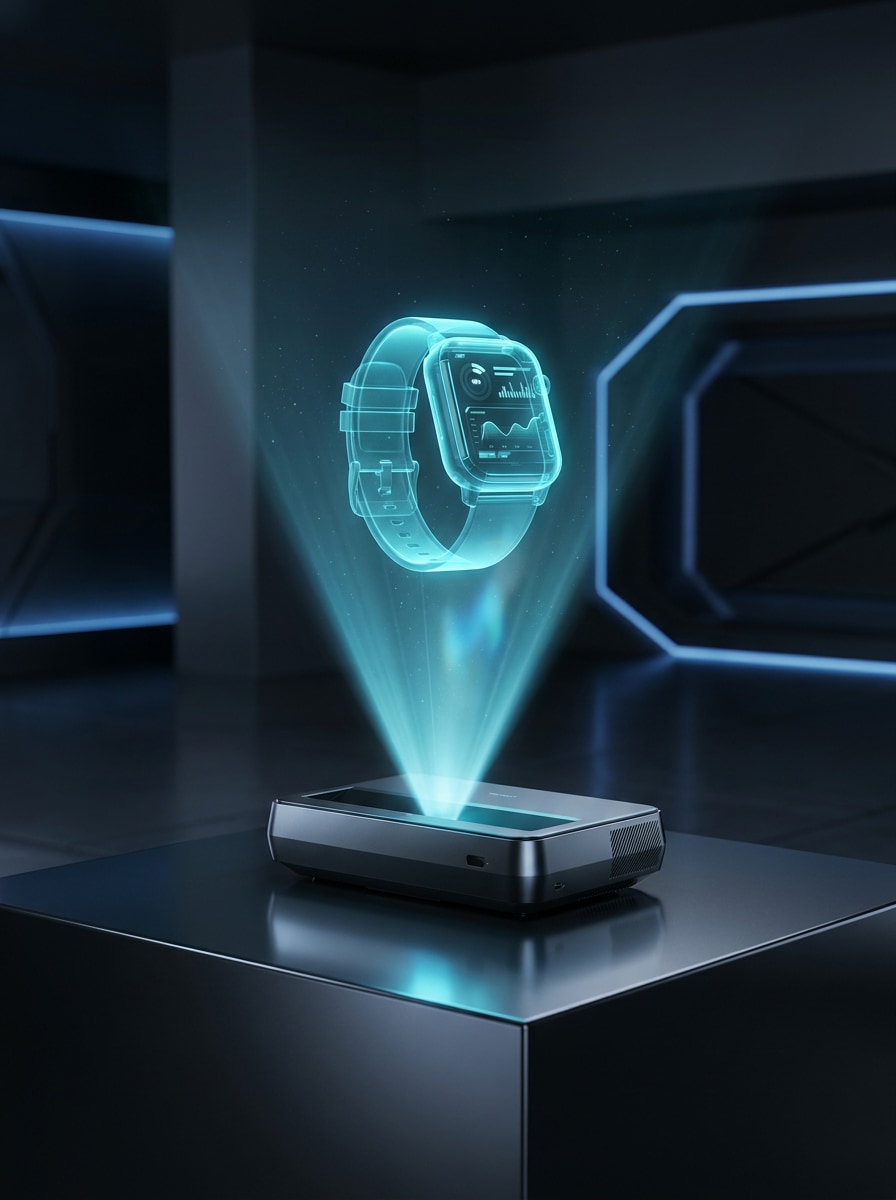
Proyección gadget tecnológico
Usa la foto del gadget subida y haz que parezca un holograma proyectado. Aplica transparencia luminosa cian, haz de luz volumétrico, reflejos brillantes, ambiente de exhibición futurista y contornos nítidos. Mantén el objeto reconocible y detallado, con un ambiente minimalista de ciencia ficción que sea premium y realista.
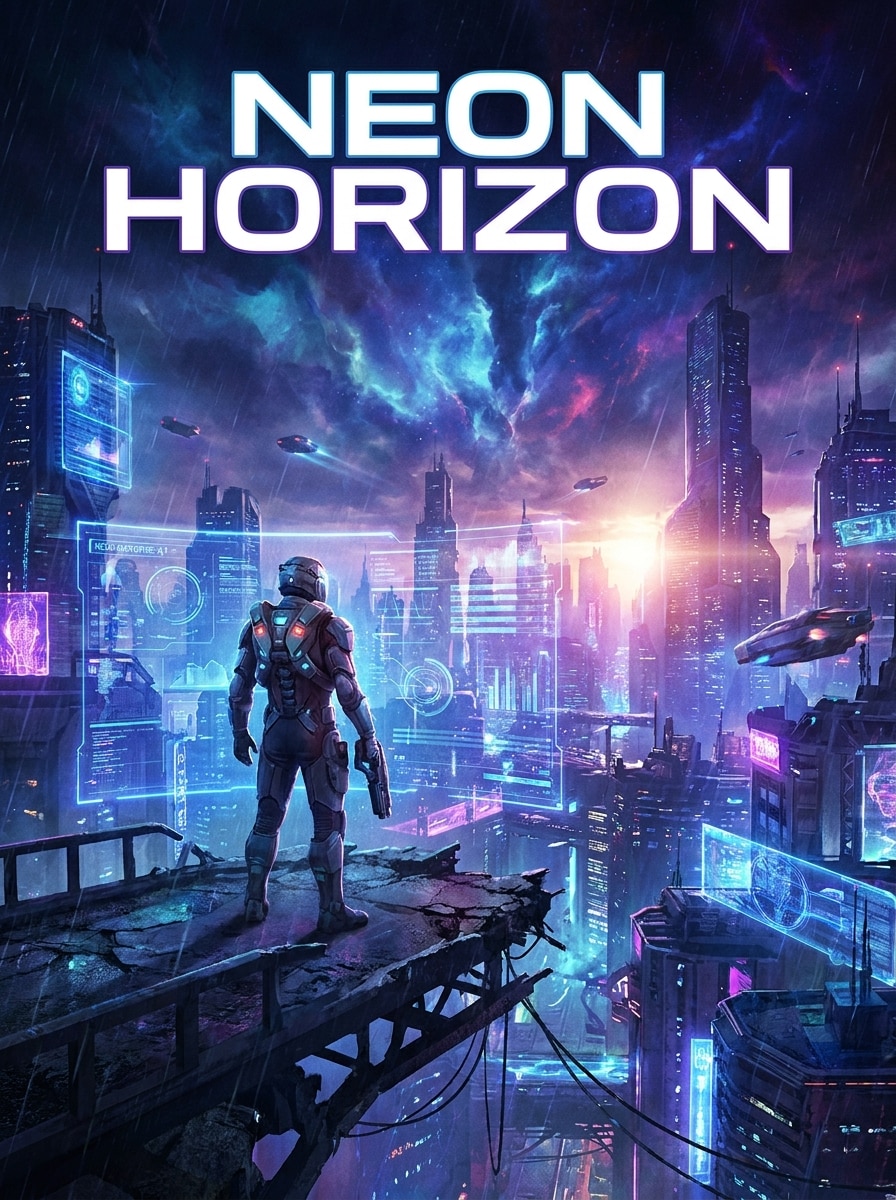
Cartel cinematográfico holograma sci-fi
Usa la imagen subida como sujeto principal y conviértela en un póster cinematográfico de ciencia ficción con iluminación holográfica, gráficos de interfaz en capas, contraste audaz, atmósfera azul-violeta y composición dramática. Mantén el sujeto reconocible y da a la escena un aspecto conceptual pulido para visuales compartibles.
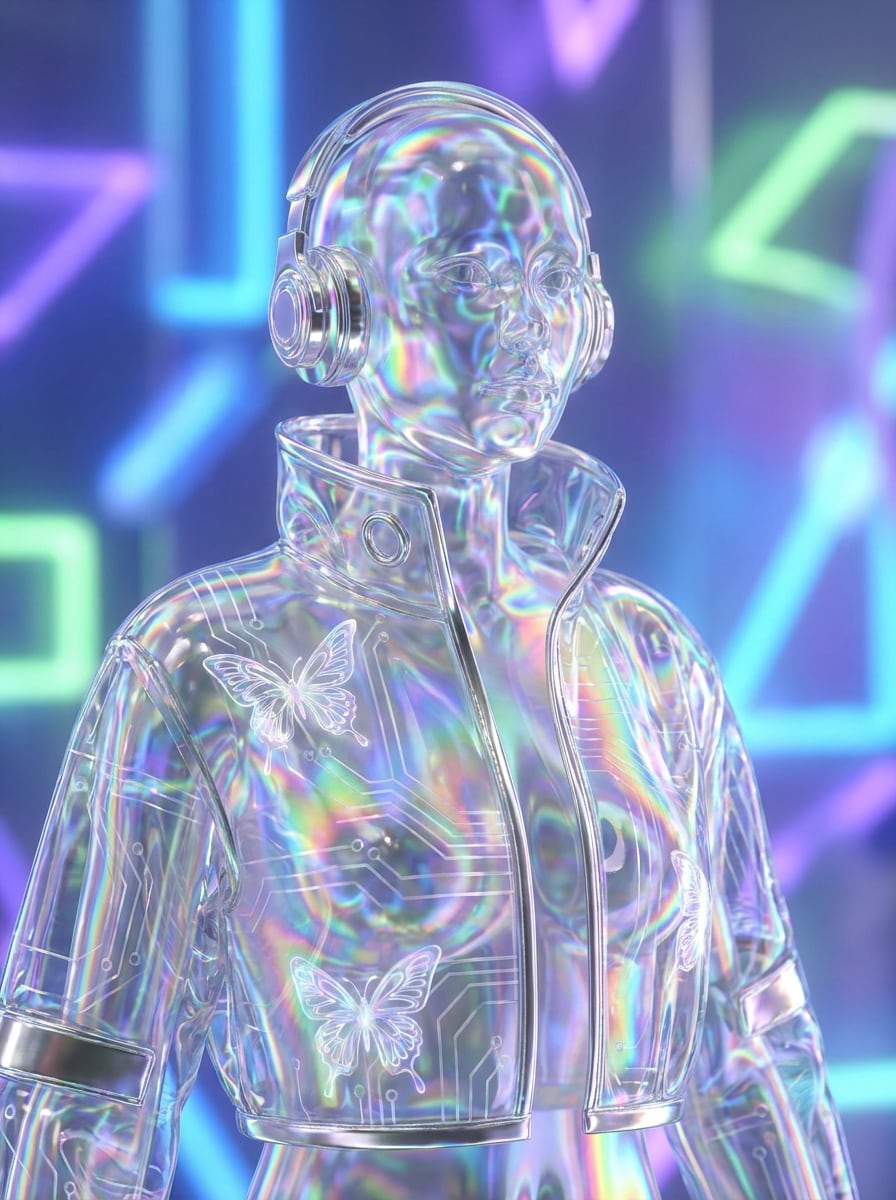
Holograma iridiscente Y2K
Usa la imagen subida como sujeto y aplica un brillo holográfico Y2K con iridiscencia de arcoíris, reflejos metálicos, superposiciones transparentes, luces soñadoras y resplandor futurista suave. Preserva claramente el sujeto original creando una edición de tendencia elegante con acabado liso y de alta calidad.
¿Por qué usar Media.io para editar imágenes estilo holograma?
Looks holográficos basados en referencia que siguen pareciéndose a ti
Para retratos, imágenes de creadores o fotos de productos, Media.io utiliza tu imagen subida como referencia, por lo que la transformación se mantiene reconocible mientras añade brillo futurista, capas HUD y profundidad de proyección para un resultado más creíble de filtro de holograma.
Transforma un sujeto en múltiples estilos
Las imágenes listas para vista previa no siempre son suficiente. Media.io ayuda a generar visuales de filtro holograma 3D más limpios con resultados de hasta 4K, así la imagen final se mantiene nítida en fondos de pantalla, presentaciones y maquetas.
Genera resultados limpios hasta 4K
Algunos resultados necesitan más que verse bien en vista previa. Media.io ayuda a generar visuales de filtro holograma 3D más limpios hasta 4K para que la imagen final sea óptima en fondos de pantalla, presentaciones y maquetas.
Flujo rápido en navegador sin software de edición
Los proyectos creativos suelen moverse entre dispositivos y Media.io mantiene elfiltro holograma sci-fiflujo en tu navegador para que puedas iniciar en el móvil y terminar en escritorio sin instalar software extra.
Cómo crear un efecto holograma 3D online
Convierte tus palabras en imágenes asombrosas en tres pasos sencillos, y sigue refinando el resultado si quieres avanzar más.
Paso 1
Sube tu imagen de referencia
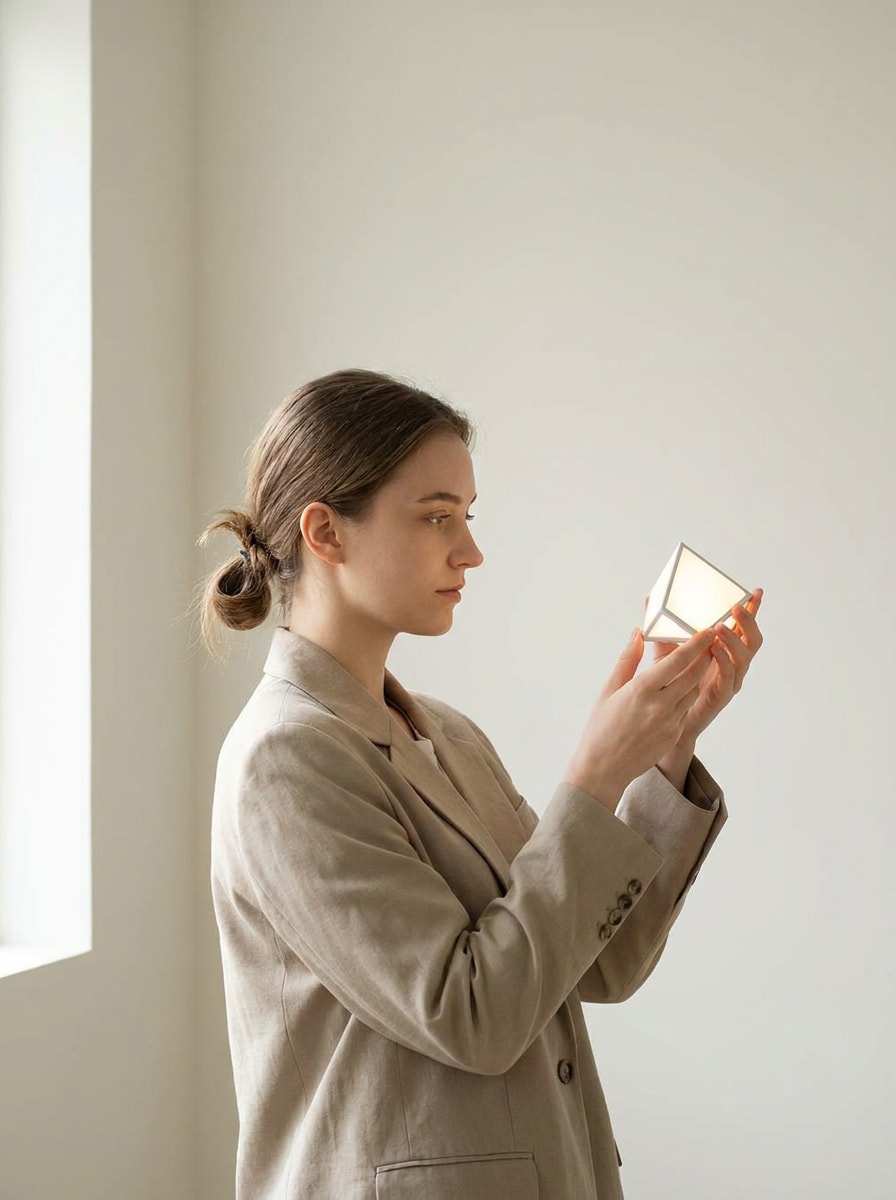
Empieza con un retrato claro, foto de producto u objeto en JPG, PNG o JPEG. Las imágenes con buenos contornos, iluminación visible y fondo simple suelen funcionar mejor para una transformación estilo holograma.
Paso 2
Describe el cambio y ajusta opciones
Ingresa un prompt describiendo el estilo de holograma que deseas, como proyección cian, overlay glitch, interfaz HUD o brillo iridiscente. Luego elige tu modelo y ajusta la relación de aspecto, resolución y número de variantes de imagen.
Paso 3
Genera, descarga y sigue mejorando
Crea tus resultados, compara diferentes versiones de holograma y descarga tu imagen favorita. Si lo necesitas, ajusta el prompt, prueba otro estilo o genera más variantes hasta que la iluminación y efectos digitales sean adecuados.
Mira cómo los creadores usan este filtro holograma 3D para contenido, marketing y proyectos personales, y adapta cada idea a tu necesidad.
Mejora retratos para contenido social
Convierte selfies y retratos de creadores en ediciones futuristas con brillo de proyección, líneas de escaneo y detalles de interfaz. Media.io facilita la creación de fotos de perfil llamativas, portadas de reels y miniaturas sin aprender software avanzado de diseño.
Crea imágenes elegantes de productos
Aplica iluminación holográfica a gadgets, accesorios o productos empaquetados para gráficos de lanzamiento y conceptos publicitarios. Media.io ayuda a dar a las imágenes de productos un ambiente premium y tecnológico que destaca más que un simple efecto neón.
Diseña posters y arte conceptual más rápido
Crea composiciones dramáticas de ciencia ficción para arte musical, posters de eventos o maquetas de campañas usando una imagen subida como base. Media.io puede convertir una foto común en arte cinematográfico listo para promo con estilo holograma sci-fi pulido.
Lo que dicen los usuarios sobre Media.io
Ava Lin
Creadora de contenido
"Perfecto para ediciones futuristas de perfil"Quería un retrato holograma limpio para redes sociales y esto lo hizo fácil. El brillo, líneas de escaneo y estilo HUD se veían pulidos y mi cara seguía pareciéndose a mí.
Marcus Reed
Diseñador ecommerce
"Genial para imágenes de productos"Lo usé para convertir una foto básica de gadget en un concepto premium de anuncio sci-fi. El flujo en navegador fue rápido y la imagen final lo suficientemente nítida para maquetas y diapositivas.
Nina Patel
Artista digital freelance
"Fácil para probar múltiples estilos"Lo que más me gusta es lo rápido que puedo probar un look azul cibernético, un tratamiento glitch y una versión holograma más iridiscente desde la misma carga. Ahorra mucho tiempo en la fase conceptual.
Javier Morales
Especialista en marketing
"Útil en escritorio y móvil"Lo probé en móvil primero y terminé el diseño en laptop. Para arte de campaña rápida con vibra futurista, es mucho más simple que abrir una app de edición completa.
Explora los efectos de video e imagen con IA más populares
Un filtro holograma 3D transforma una imagen común en una visual futurista con efectos como brillo azul de proyección, líneas de escaneo, capas transparentes, gráficos HUD y profundidad digital. Con Media.io funciona como una herramienta de edición de imagen a imagen: subes una foto y aplicas una transformación estilo holograma en vez de construir un modelo 3D real.
2. ¿Cómo convierto una imagen en efecto holograma online?
Sube un JPG, PNG o JPEG a Media.io, describe el estilo que quieres, como proyección azul cibernético, superposición glitch o escena holográfica basada en interfaz. Luego elige tus opciones, genera resultados y descarga la versión que prefieras. Así es fácil crear un efecto holograma online sin instalar software de edición.
3. ¿Este filtro holograma 3D es gratis?
Sí, los usuarios gratuitos pueden probar Media.io con créditos gratis. Si necesitas más generaciones, descargas sin marca de agua o un uso mayor, revisa la página de precios para ver los planes disponibles.
4. ¿Puedo crear una foto efecto holograma en iPhone o Android?
Media.io es web, así que puedes crear unfiltro foto hologramaen iPhone, Android, Mac o Windows siempre que tengas una conexión de navegador. Esto lo hace práctico para ediciones rápidas en móvil y ajustes mayores en escritorio.
5. ¿El filtro mantiene la calidad y resolución de mi imagen?
Media.io soporta opciones de salida 1K, 2K y 4K, lo que ayuda a mantener bordes, detalles de iluminación y overlays de interfaz limpios en el resultado final. También puedes elegir diferentes relaciones de aspecto según dónde quieras publicar la imagen, desde posts sociales hasta posters. Los usuarios gratuitos pueden tener marcas de agua.
6. ¿Qué tipos de fotos funcionan mejor para el efecto holograma?
Fotos con sujeto claro, bordes visibles, iluminación equilibrada y fondo relativamente simple suelen producir los mejores resultados. Retratos, productos tecnológicos y objetos centrados son especialmente efectivos porque Media.io puede aplicar brillo holográfico, haces de proyección y superposiciones transparentes alrededor del sujeto con mayor limpieza.