

















Centro de Prompts de Fotos IA | Más de 100 prompts de imágenes de IA de tendencia e ideas de fotos virales

Descubre los últimos prompts de fotos con IA para ChatGPT, Gemini, Midjourney, Flux y más. Explora más de 100 prompts de imágenes con IA en tendencia, ideas de fotos virales para Instagram y TikTok, retratos cinematográficos, ediciones para parejas, estilos de fantasía, anime, efectos estacionales y plantillas de prompts listas para usar, todo en un solo lugar.
AI Prompt Guide + Live Examples

How to Write Prompts for AI Art: Formula, Tips & Examples

Learn how to write prompts for AI art by seeing exactly how wording changes the image. Start with a simple formula, compare Basic → Better → Detailed prompts, copy proven examples, and test your own prompt with Media.io.

Beginner-friendlyCopy-ready promptsVisual examplesNo prompt jargon required

The 7-Part AI Art Prompt Formula

You do not need every part every time. Start with the subject, then add only the visual controls that matter for the image you want.

Build your prompt from left to right
1
Subject
2
Action / Pose
3
Environment
4
Art Style
5
Lighting
6
Composition
7
Color & Mood
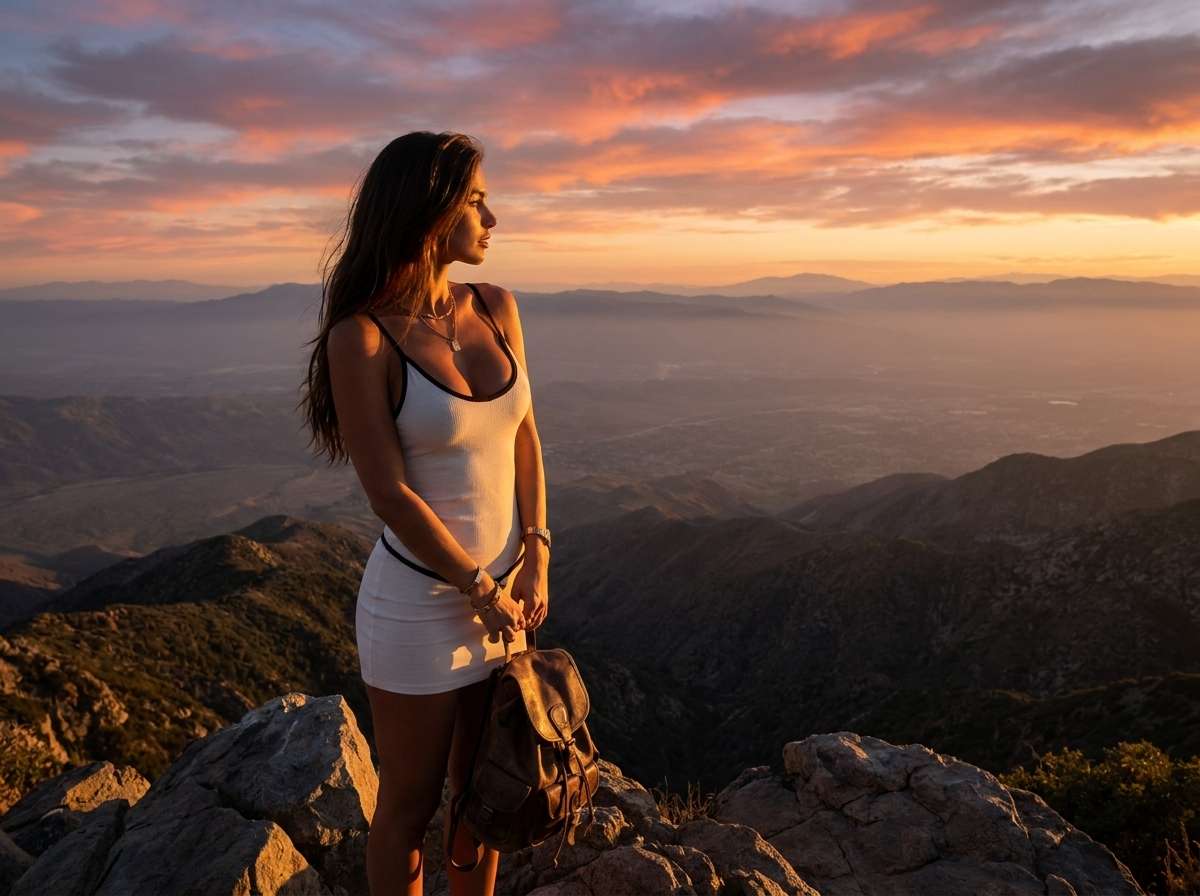
Example: A white tiger + walking slowly + misty bamboo forest + cinematic wildlife photography + soft morning backlight + low-angle full-body shot + muted green palette, mysterious mood.

Basic → Better → Detailed: Prompt Lab

Switch between prompt levels to see how each added detail changes creative control. The image URLs below are already reserved for your final Media.io outputs.

CURRENT PROMPT

Basic Prompt

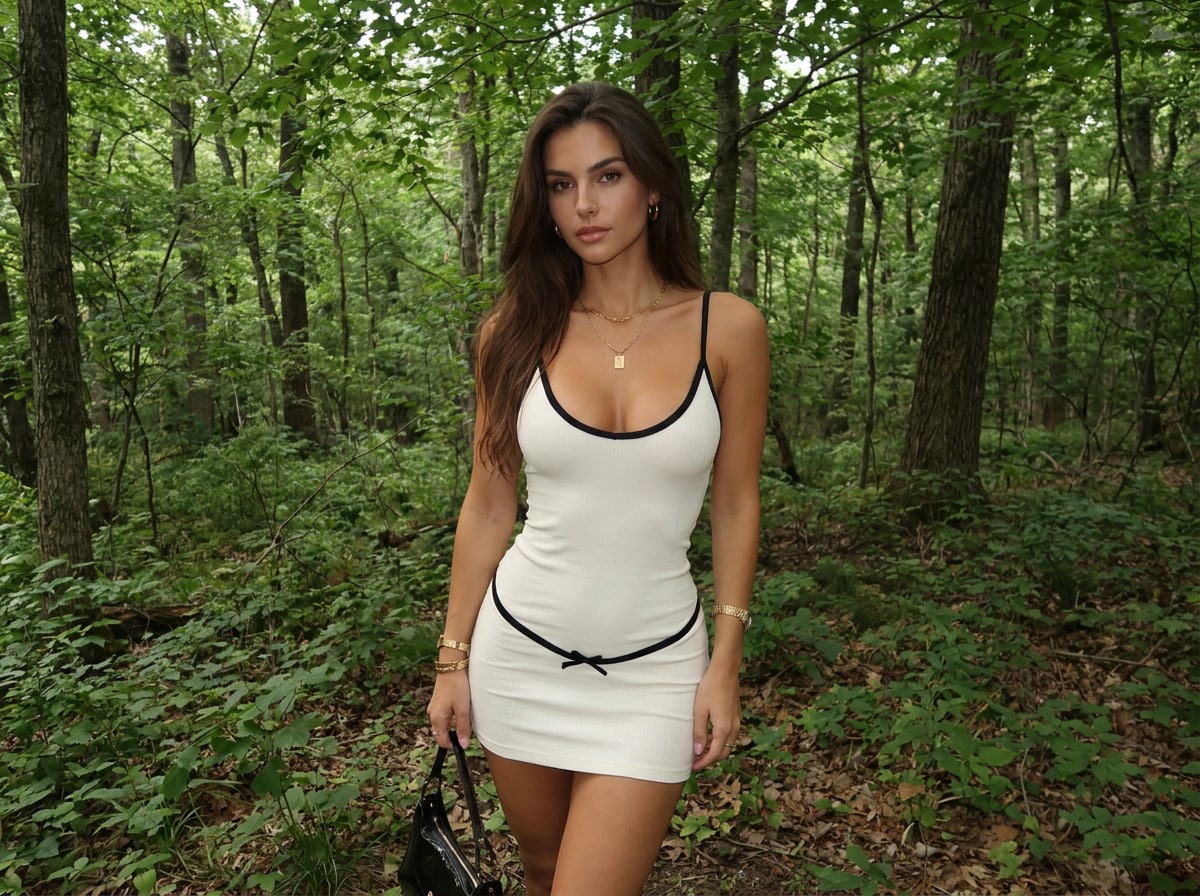
A girl in a forest.

The subject and location are clear, but style, lighting, framing, and mood are still open to interpretation.

Basic AI art prompt example

How to Write an AI Art Prompt in 5 Steps

Think of prompt writing as a sequence of decisions, not a single perfect sentence.

01

Start with the main idea

Write the subject and scene first. Example: “A futuristic city above the ocean.” Keep the first version simple.

02

Add the details that change the image

Describe meaningful elements such as clothing, pose, architecture, weather, props, or environment.

03

Choose one clear visual style

Use a recognizable direction such as realistic photography, anime, fantasy illustration, watercolor, cinematic concept art, or 3D render.

04

Control lighting and composition

Add golden-hour light, dramatic rim light, close-up framing, full-body composition, or a wide-angle view when those details matter.

05

Generate, inspect, refine

Change one or two variables at a time. If framing is wrong, edit the camera instruction. If the mood is flat, refine lighting and color.

AI Art Prompt Examples You Can Copy

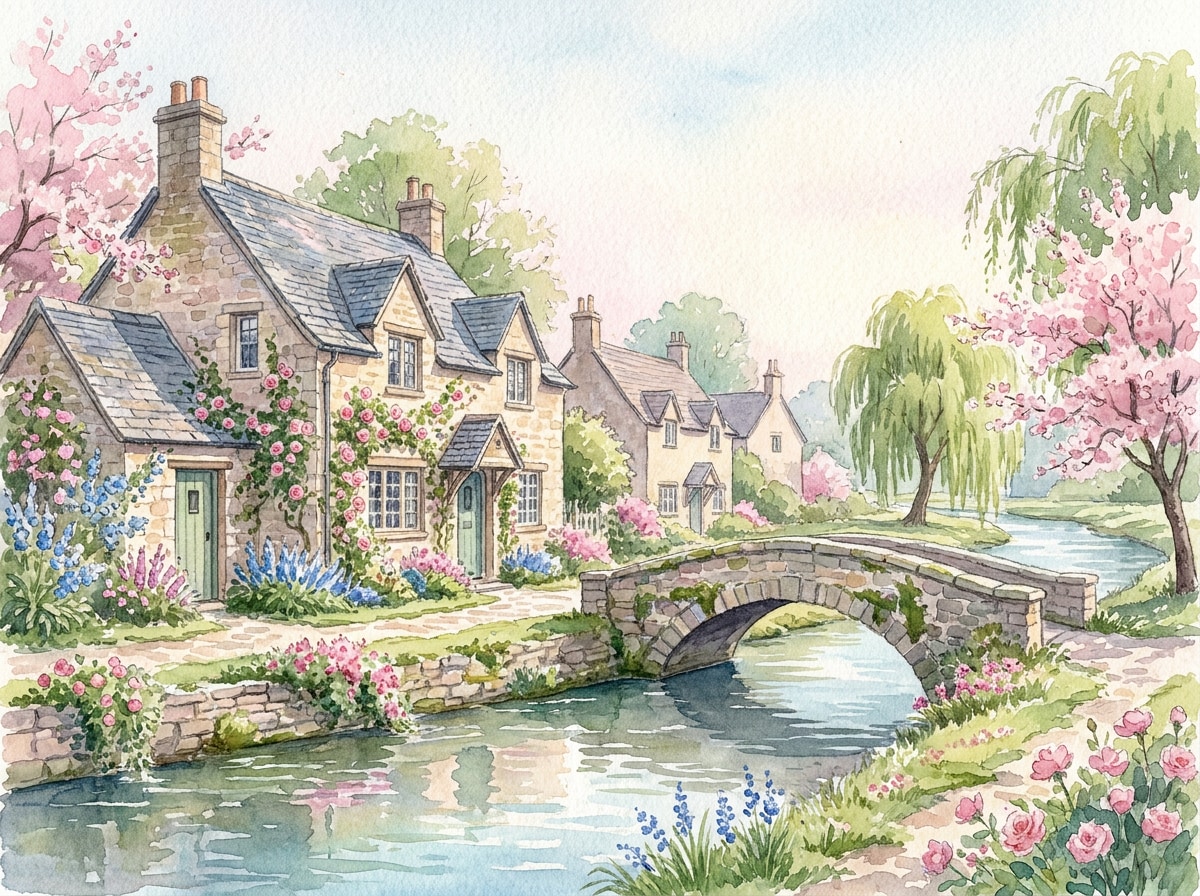
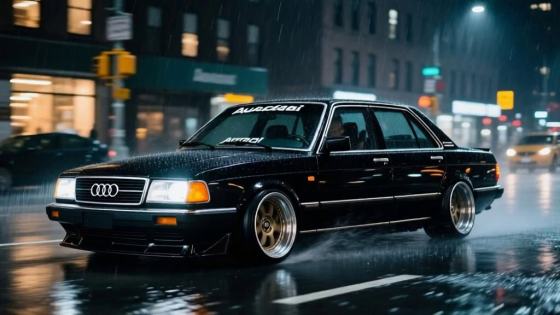
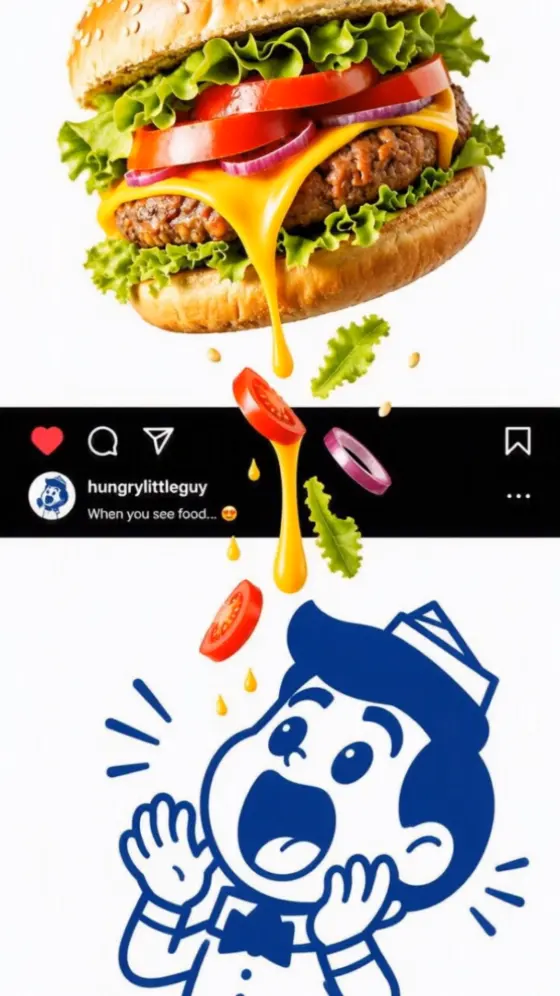
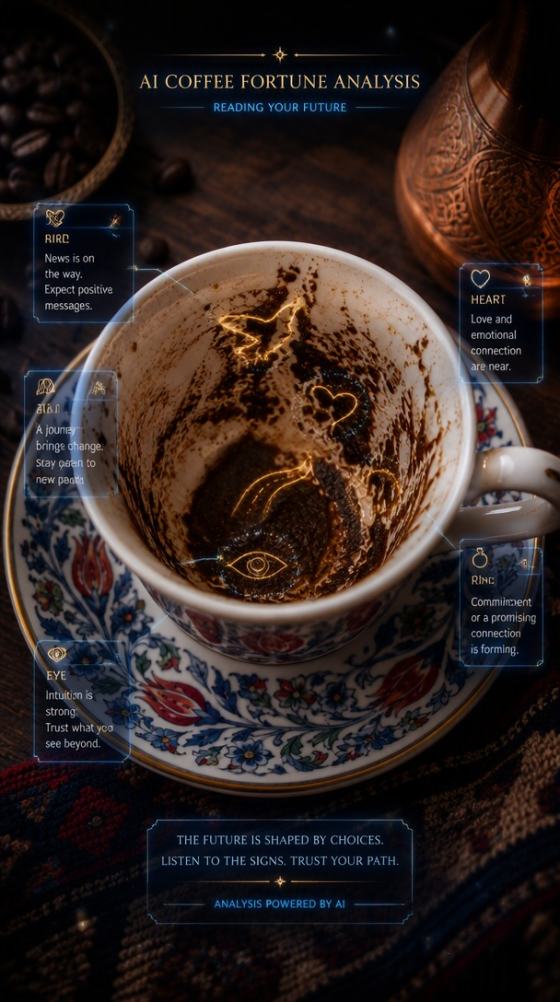
Each card pairs a copy-ready prompt with a reserved Media.io image URL. Replace the image files after you generate the final examples.

Useful Words for Different AI Art Styles

Photorealistic

Try: photorealistic, natural skin texture, realistic materials, soft window light, shallow depth of field, detailed photography.

Cinematic

Try: cinematic lighting, dramatic shadows, atmospheric haze, film still, wide-angle composition, cinematic color grading.

Anime

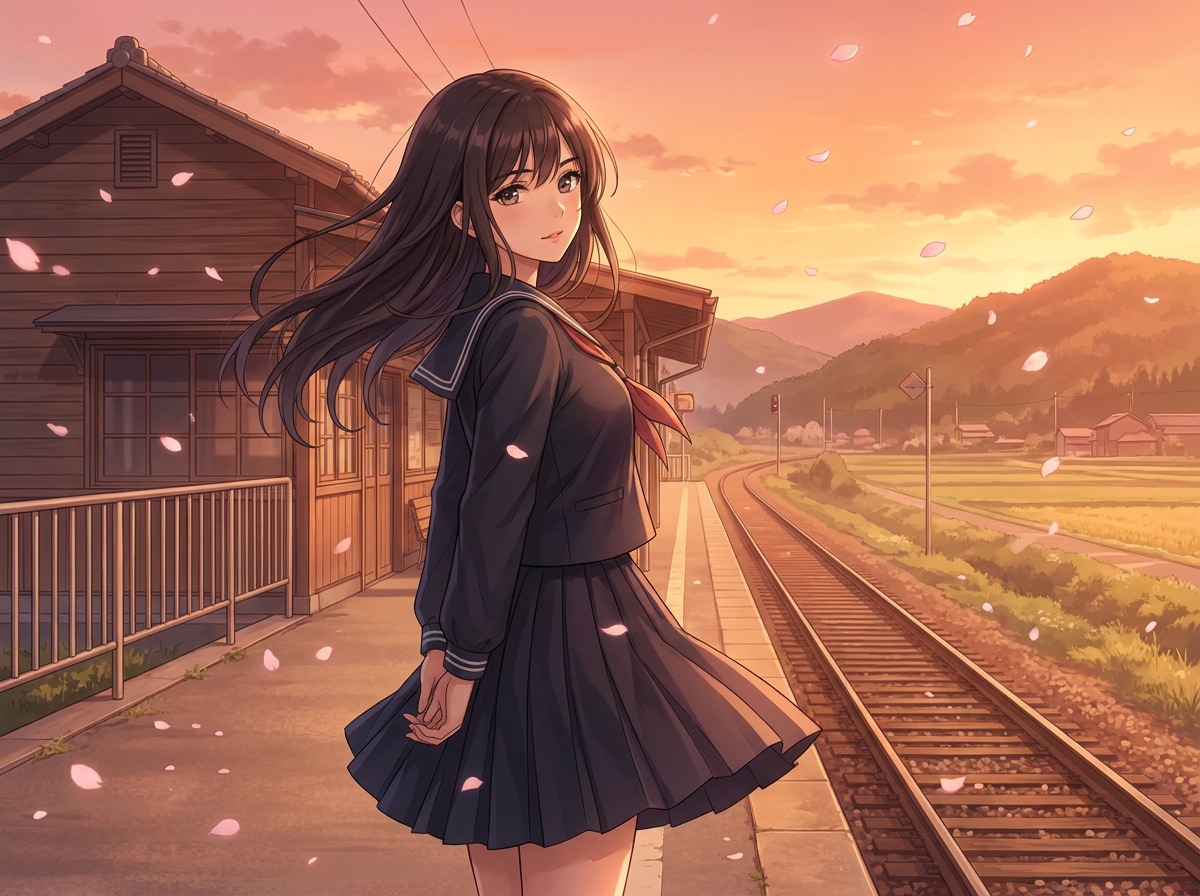
Try: anime illustration, expressive eyes, clean line art, detailed background, cel shading, dynamic composition.

Fantasy

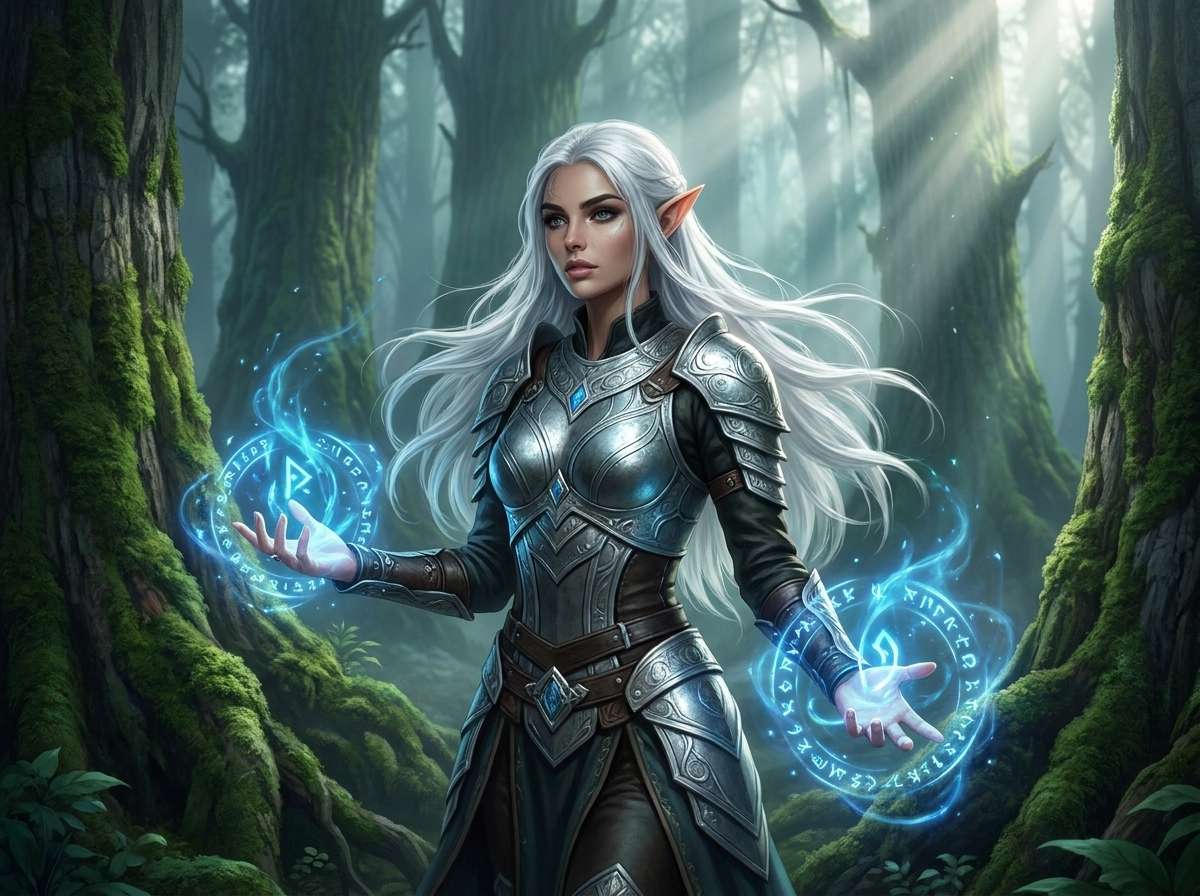
Try: ethereal fantasy art, enchanted environment, magical particles, volumetric light, intricate costume, epic atmosphere.

Why Your AI Art Prompt Is Not Working

Choose the problem you see in the output. The page shows the most useful type of prompt change to try next.

The subject looks wrong
Identity, outfit, pose, or visible details are off.
The image looks generic
The result is technically correct but visually flat.
The framing is wrong
Too close, too wide, or the subject is badly placed.
The prompt is too busy
The AI mixes styles or ignores instructions.
RECOMMENDED FIX
Make the subject more specific
Replace vague descriptions with visible details: hairstyle, clothing, pose, accessories, age range, and expression. Focus on the features that actually matter to the image.
SAVE THIS FORMULA

Copy This Reusable AI Art Prompt Template

Use it as a starting point, then remove any field you do not need. A shorter, focused prompt is often better than a long prompt with conflicting instructions.

[Main subject], [appearance/action], [environment], [art style], [lighting], [camera/composition], [color palette], [mood], [important details].
FROM LEARNING TO GENERATING

Test the Prompt While the Idea Is Fresh

Use Media.io to generate the first result, compare it with your intent, and refine one variable at a time. You can also start from a reference image when text alone is not enough.

Create AI Art Now

What Creators Say About Prompt-Based AI Art

user
Maya Collins

Content Creator

star star star star star

“The examples made it click.” Seeing the same idea go from a basic prompt to a more detailed one helped me understand which words actually changed the image.

user
Jordan Lee

Digital Designer

star star star star star

“Much easier to refine.” Instead of rewriting my prompt every time, I started changing one thing at a time—lighting, shot type, or mood—and got more consistent results.

user
Ava Ramirez

Social Media Editor

star star star star star

“Useful prompts, not filler.” The examples are practical enough to copy, but structured clearly enough that I can swap the subject or style for my own work.

FAQs About How to Write Prompts for AI Art

1. How do you write a good prompt for AI art?

Start with a clear subject, then add the visual details that matter most. A practical formula is Subject + Action + Environment + Art Style + Lighting + Composition + Color & Mood. You do not need every element in every prompt. Use enough detail to guide the image without adding conflicting instructions.

2. How detailed should an AI art prompt be?

Detailed enough to communicate the important visual decisions, but not necessarily long. A simple image may need only a subject, style, and lighting direction. A complex scene may need extra information about environment, pose, composition, or mood. Start simple and refine after seeing the result.

3. What are some good AI art prompt examples?

A strong example is: “A red fox sitting in a snowy forest at sunrise, realistic wildlife photography, soft golden backlight, shallow depth of field, peaceful winter atmosphere.” It tells the AI what to show and how the finished image should look.

4. How can I make AI-generated art look more realistic?

Use concrete photography language: natural skin texture, realistic materials, soft window light, 85mm portrait photography, shallow depth of field, or natural environmental lighting. Clear camera and lighting instructions are usually more useful than repeating the word “realistic.”

5. Do AI art prompts need to be long?

No. A concise, specific prompt can work better than a long prompt filled with unrelated adjectives. Include information that changes the subject, scene, style, composition, lighting, or mood. Remove details that do not contribute to the image.

6. How do I improve a bad AI-generated image?

Identify the problem first. If the subject looks wrong, clarify the subject. If the framing is wrong, add a shot type or camera angle. If the image feels flat, refine the lighting and mood. Change one or two variables at a time so you can see what improves the result.

7. Can I use the same AI art prompt with different AI image generators?

Usually, yes. The core description—subject, environment, style, lighting, composition, and mood—can generally be reused. Different AI models may interpret the same prompt differently, so model-specific refinement may still be useful.

8. Can I use an image together with an AI prompt?

Yes. Image-to-image generation is useful when a reference image communicates pose, composition, identity, or structure better than text alone. Upload the reference and use your prompt to describe what should change, such as the style, outfit, lighting, background, or mood.

Media.io Online AI Tools Quality Rating:
vote 4.7 (162,357 Votes)