Deine Werke werden nur 7 Tage lang gespeichert. Assets, die nach dem Upgrade auf einen Mitgliedschaftstarif erstellt werden, werden dauerhaft gespeichert.
Entfalten Sie Ihr kreatives Potenzial und erleben Sie jetzt die Magie der Media-KI!
KI YouTube Wasserzeichen-Maker für schnelles benutzerdefiniertes Kanal-Branding
Erstellen Sie YouTube-Wasserzeichen im Logo-Stil aus einfachen Textaufforderungen in SekundenWasserzeichen-Maker für youtube. Generieren Sie saubere Monogramme, Gaming-Embleme, Signaturmarken und transparente, überlagerungsfähige Branding-Ideen für videos, Shorts und Channel-Assets mit dem KI-Bildgenerator von Media.io.
Geben Sie Ihre Idee ein-> KI entwirft sie. Kostenlos zu versuchen.
Entdecken Sie unsere kuratierte Sammlung vonyoutube Wasserzeichen-Makerstyles zu schnellYouTube-Wasserzeichen erstellenIdeen, die zu Ihrem Kanal passen.
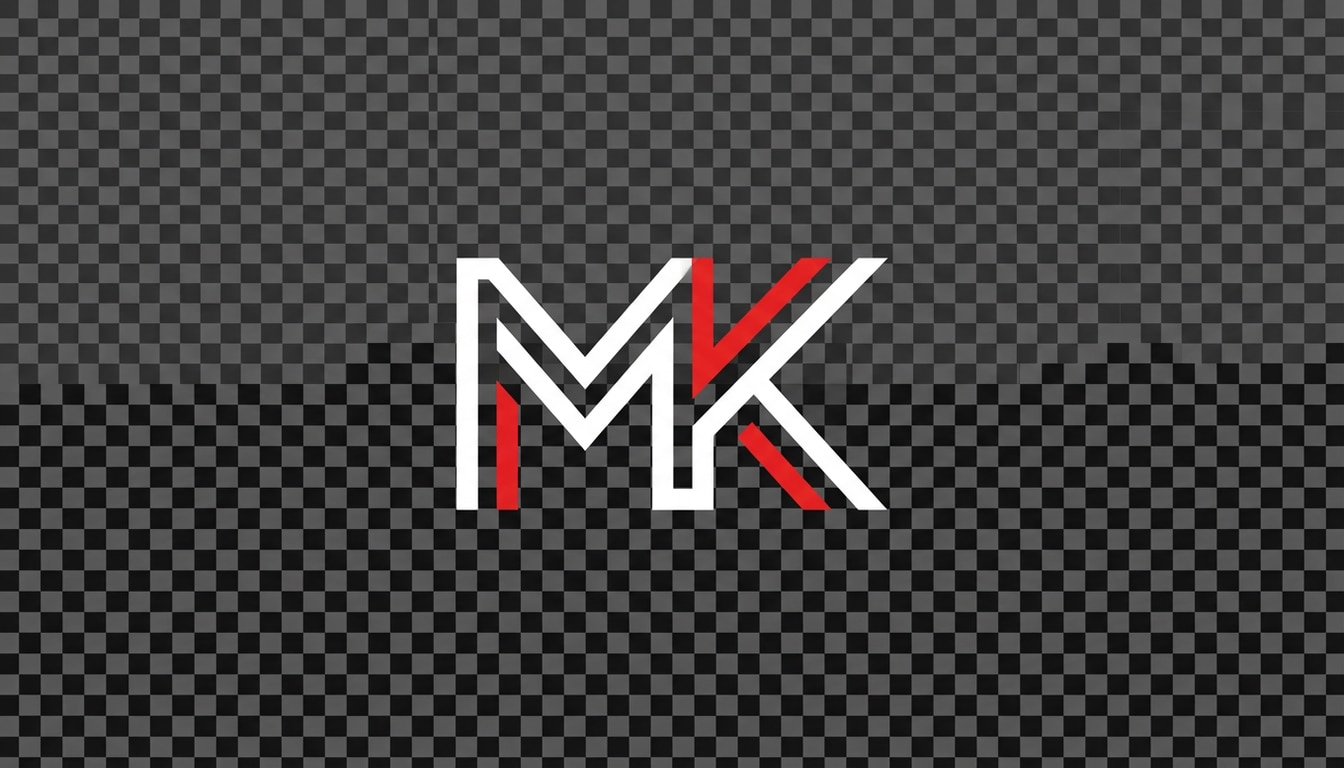
Monogramm-Wasserzeichen sauber
Entwerfen Sie ein minimalistisches Monogramm-Wasserzeichen mit transparentem Hintergrund für einen YouTube-Kanal mit den Initialen MK, moderner Sans-Serif-Geometrie, subtilen weißen und roten Akzenten, scharfen Kanten im Vektorstil, zentrierter Komposition, hohem Kontrast, sauberem Negativraum, optimiert für kleine Videoeckenüberlagerungen und professionelles Channel-Branding.
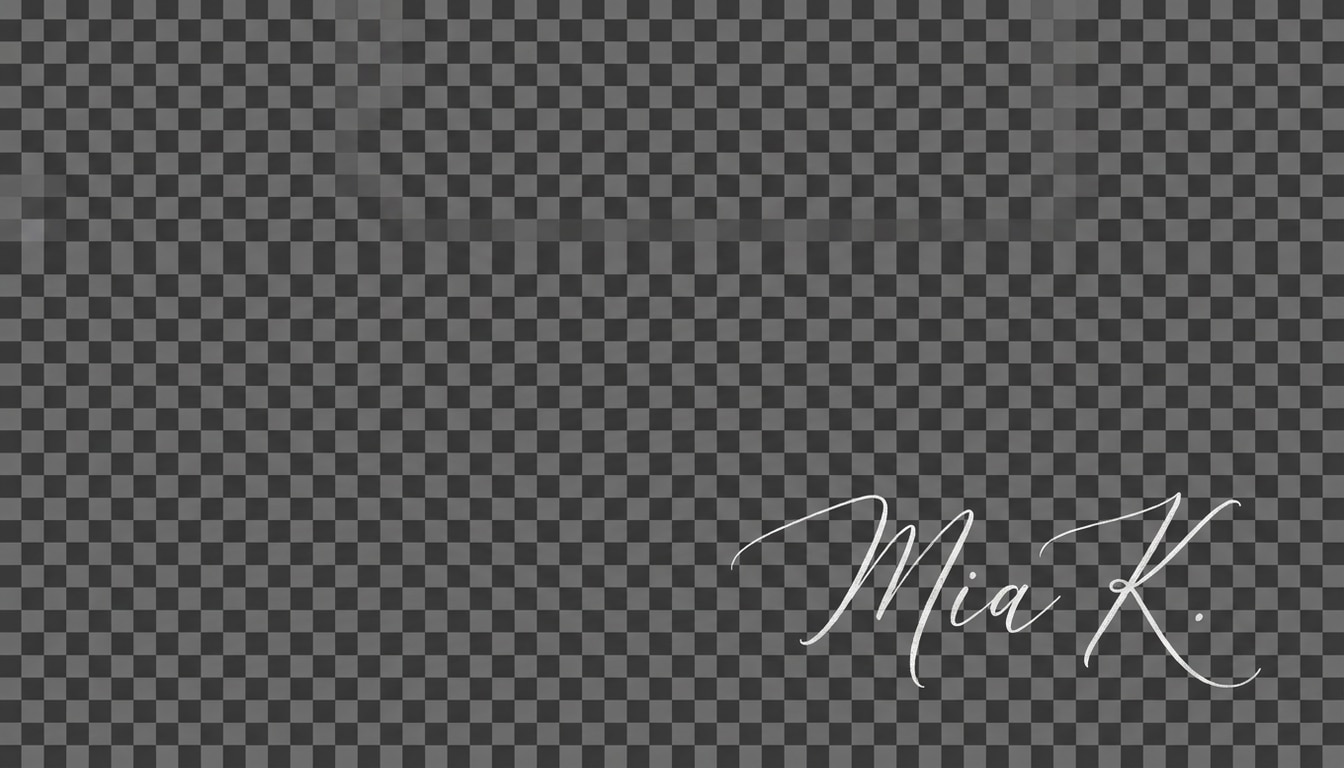
Luxus Signatur Wasserzeichen
Erstellen Sie ein elegantes handgeschriebenes Wasserzeichen im Signaturstil für YouTube-Videos mit dem Namen Mia K, fein fließendes Schrift, dünnen weißen Tinteneffekt, weiche Premium-Textur, transparenter Hintergrund, luftige Komposition, raffinierte minimalistische Stimmung, subtiles Luxus-Gefühl, entwickelt für die Platzierung in der unteren Ecke, ohne die Lesbarkeit zu verlieren.
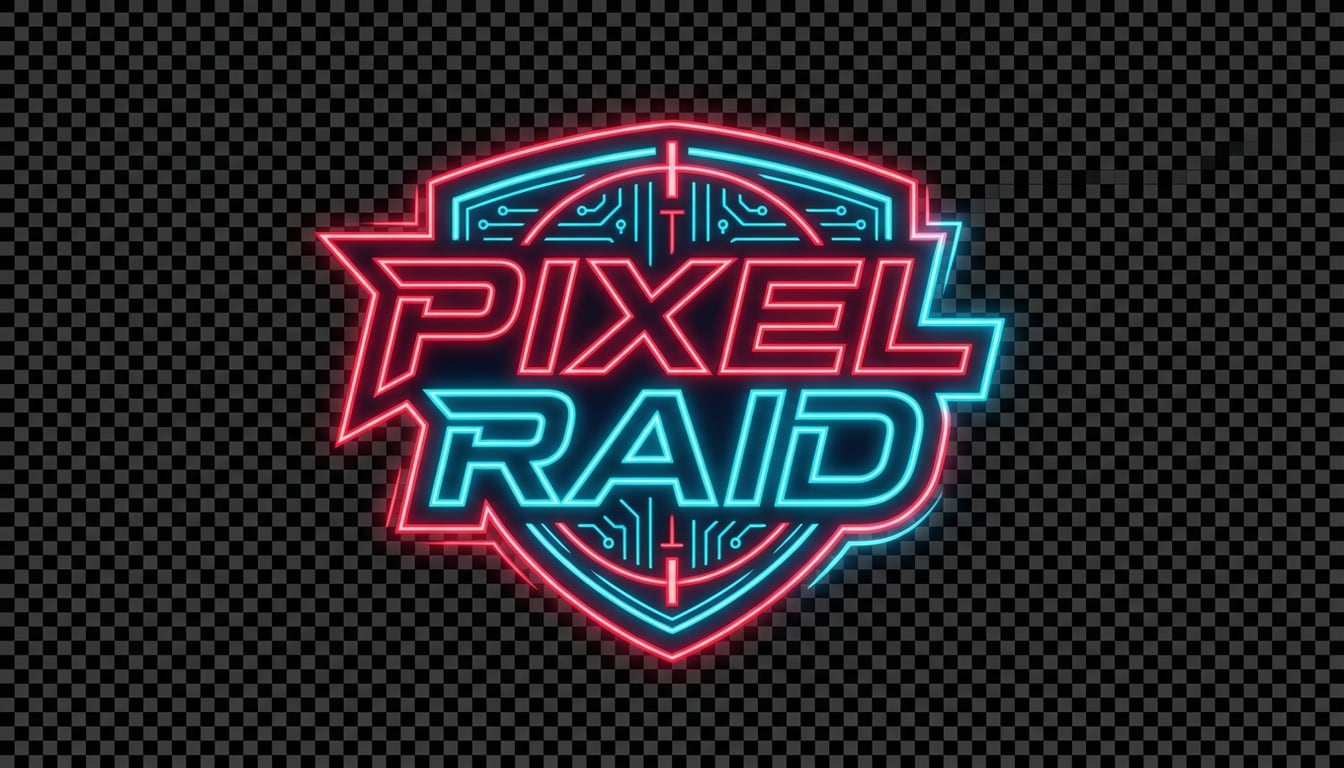
Neon Gaming Emblem
Entwerfen Sie ein kühnes YouTube-Wasserzeichen-Logo im Gaming-Stil für Pixel Raid, kompaktes Emblem-Layout, futuristische Typografie, neonrotes und cyanes glow, scharfe Vektorlinien, dunkles hochkontrastierendes styling, energische eSports-Stimmung, transparenter Hintergrund, starke Kantenbeleuchtung, sehr lesbar in kleinen Größen für Gameplay-Videos und Shorts.
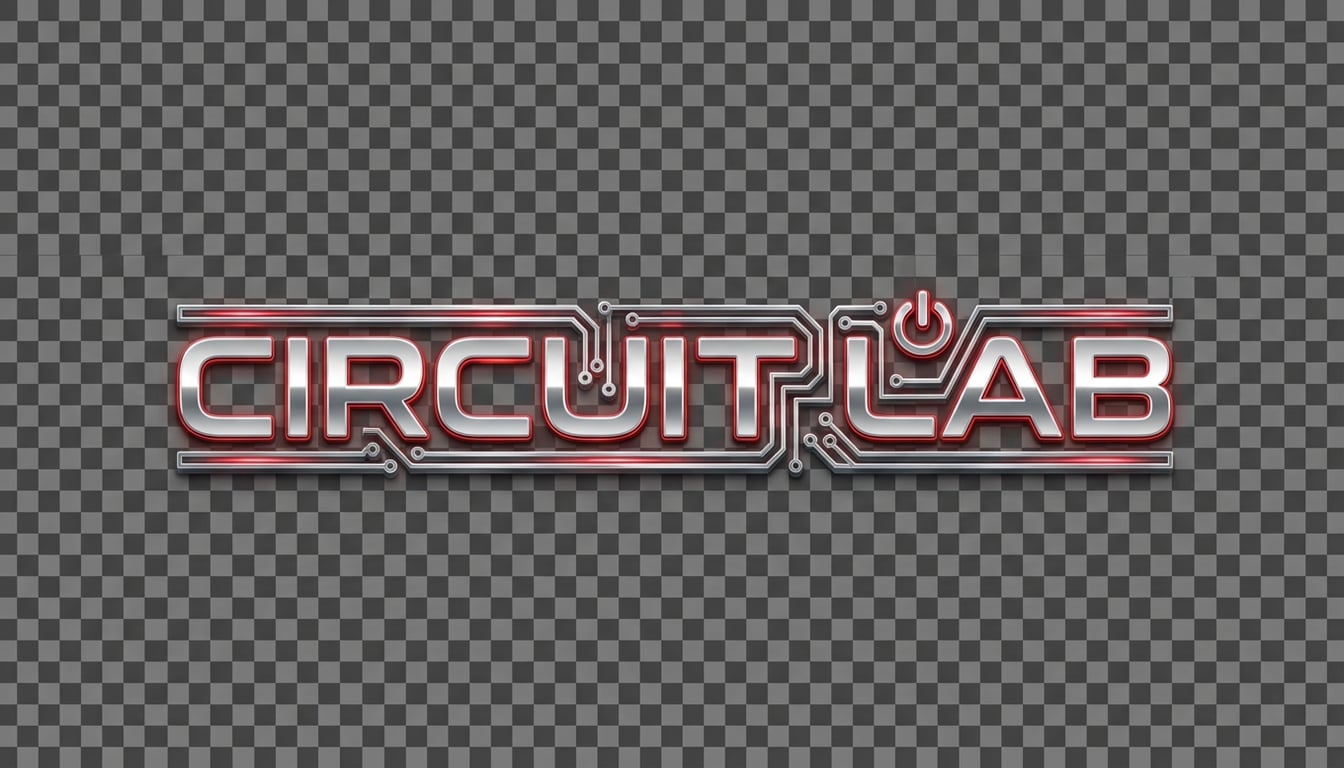
Chrome Tech Wörterzeichen
Generieren Sie ein kompaktes Chrom-Metallic-Wortzeichen-Wasserzeichen für Circuit Lab, eleganter futuristischer Tech-Stil, silberne Chrom-Textur mit subtilem rotem Akzent-Glow, transparenter Hintergrund, poliertes Vektor-inspiriertes finish, ausgewogene horizontale Komposition, coole moderne Stimmung, klare Beleuchtung, ideal für YouTube-Tech-Bewertungen und Tutorial-Branding.
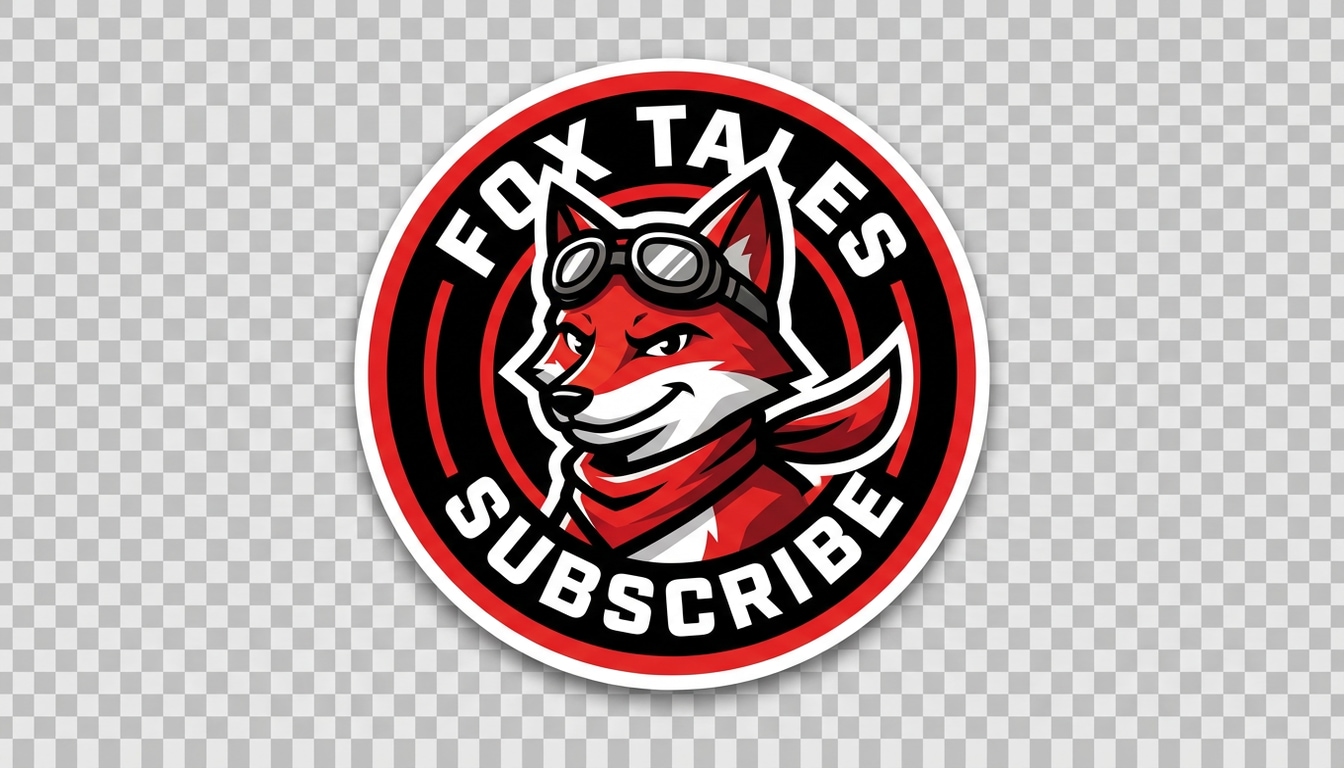
Schöpfer-Maskottchen-Abzeichen
Erstellen Sie ein kompaktes Maskottenabzeichen-Wasserzeichen für YouTube mit einem stilisierten Fuchs-Avatar, kreisförmiger Abzeichen-Komposition, kräftiger Umrissarbeit, rot-schwarz-weißer palette, klaren geschichteten Formen, verspielter selbstbewusster Stimmung, transparentem Hintergrund, starker Lesbarkeit, poliertem Vektor-Look, geeignet für Kanal-Branding und wiederkehrende Video-Überlagerungen.
Retro Abzeichen Siegel
Entwerfen Sie ein YouTube-Wasserzeichen im Retro-Siegel-Stil für Heimflamme, warme rote Creme und schwarze palette, Vintage-Abzeichen-Layout, kompaktes Symbol plus text, leicht distressed Vektor-Textur, freundliche handgefertigte Stimmung, transparenter Hintergrund, ausgewogene kreisförmige Komposition, lesbar in kleinem Maßstab für Kochvideos und food channel branding.
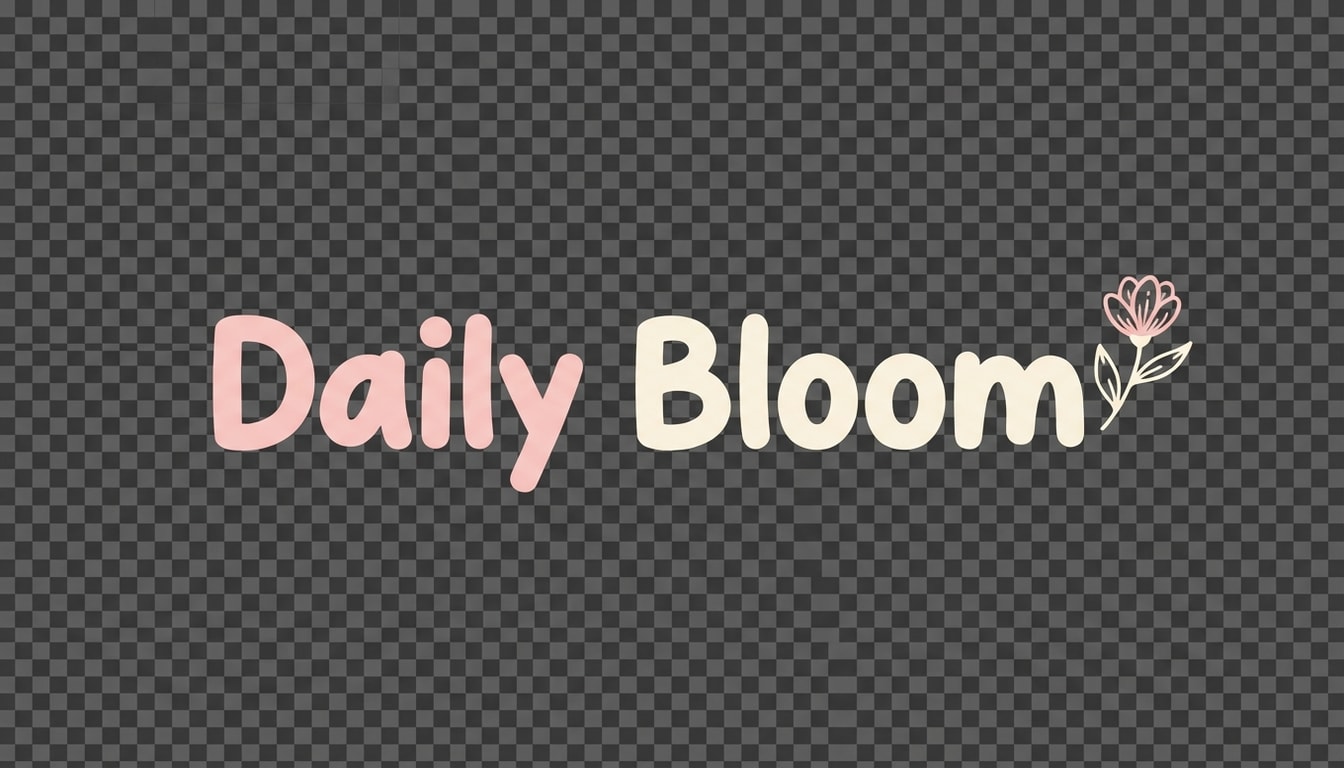
Schöpfermarke weich Pastel
Generieren Sie ein niedliches minimalistisches Wasserzeichen für die tägliche Blüte, weiche Pastellrosa-und Cremepalette, abgerundete Typografie, winzigen Blumenakzent, transparenten Hintergrund, sanfte Beleuchtung, saubere luftige Abstände, ästhetische Lifestyle-Stimmung, subtiles feminines branding, optimiert für Vlog-Einführungen, Video-Ecke-Überlagerungen und Konsistenz der Schöpferidentität.
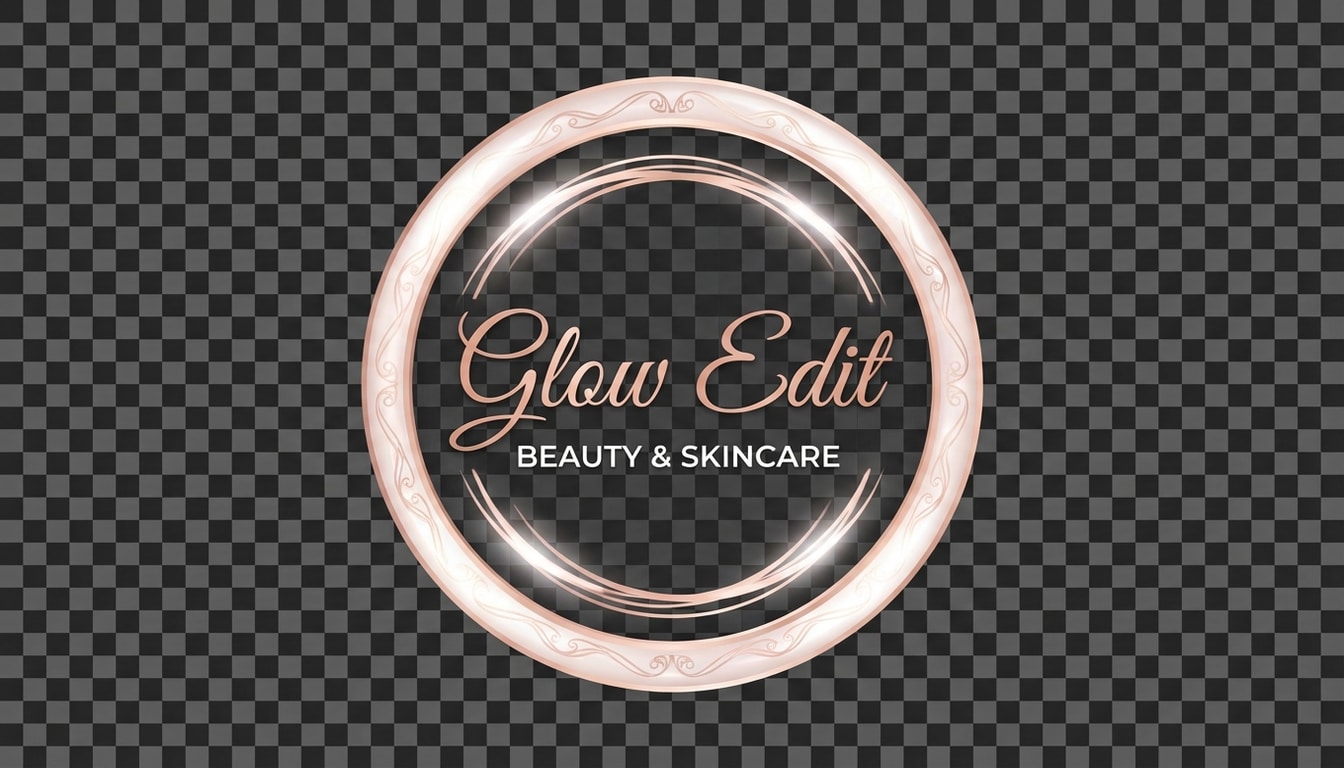
Beauty Channel Skript-Abzeichen
Entwerfen Sie ein schickes Beauty-Channel-Wasserzeichen für Glow-Bearbeitung, elegantes Skript gepaart mit einem kleinen Sans-Serif-Untertitel, Roségold und weiße Töne, polierte Abzeichenkomposition, transparenten Hintergrund, weiche leuchtende highlights, erstklassige redaktionelle Stimmung, glatte, raffinierte Linien, ideal für Make-up-Tutorials, Hautpflegevideos und Marken-YouTube-Überlagerungen.
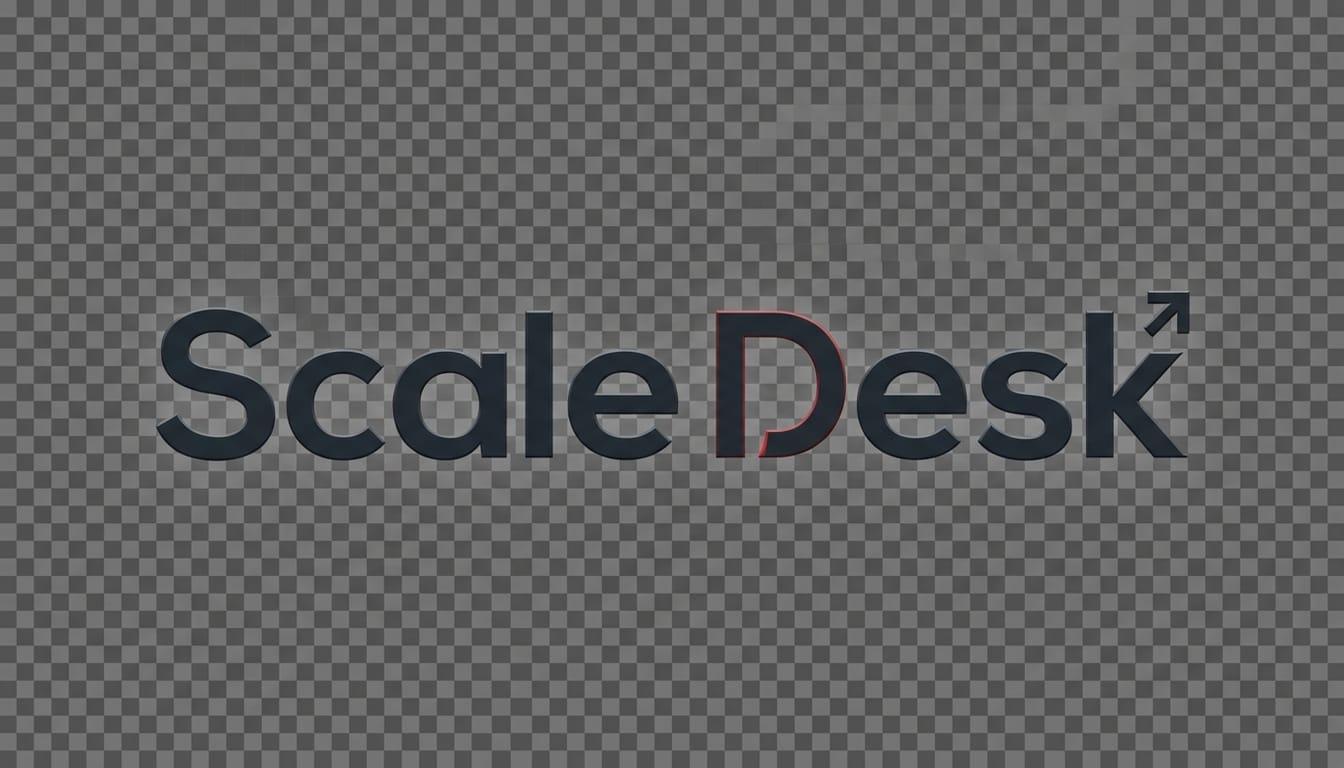
Wortzeichen für Corporate Creator
Erstellen Sie ein professionelles YouTube-Wasserzeichen im Corporate-Stil für Scale Desk, sauberes geometrisches Sans-Serif-Wortzeichen, dunkle Holzkohle mit rotem Akzent, transparenten Hintergrund, klare Vektor-Einfachheit, ausgewogene Abstände, moderne Startup-Branding-Stimmung, subtile Kontrastbeleuchtung, kompakte Komposition, geeignet für Geschäftskanäle, Erklärer und Bildungsvideo-Branding.
Shorts-Optimiertes Ecklogo
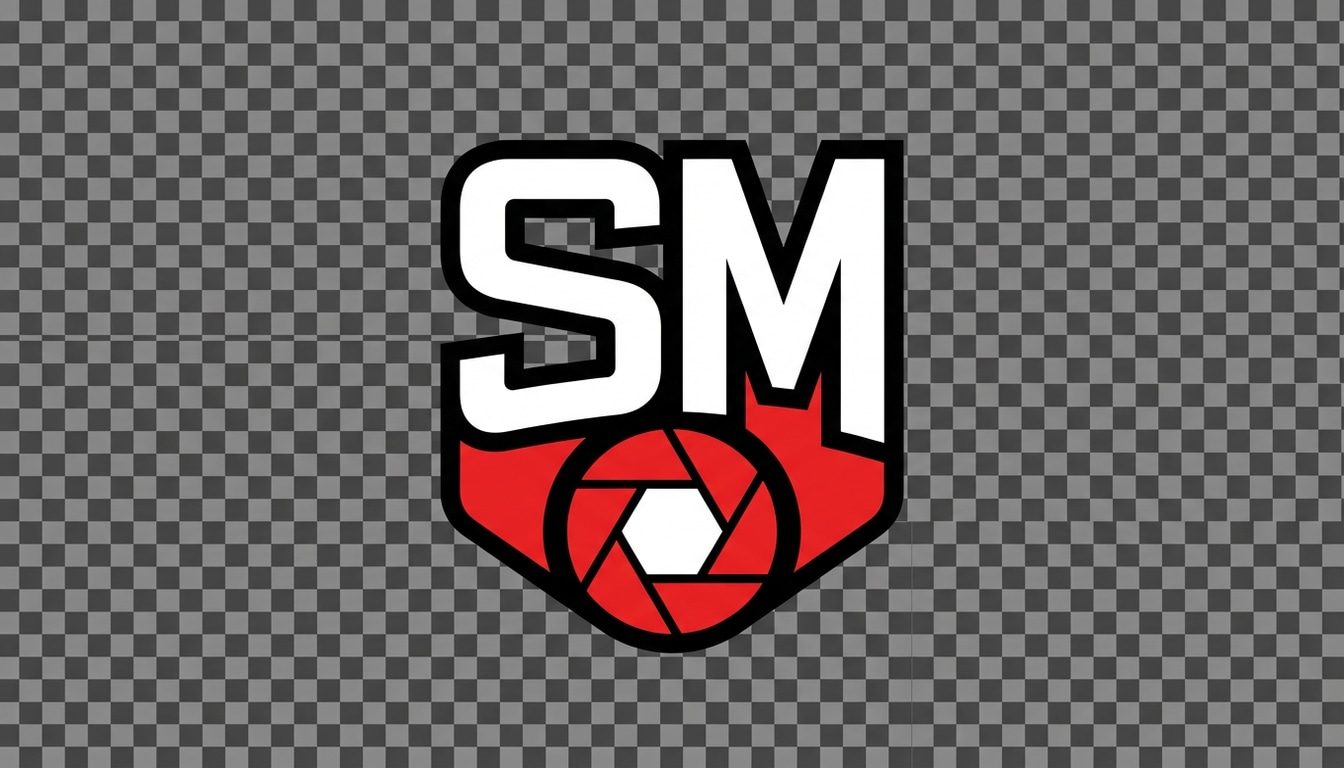
Entwerfen Sie ein hochlesbares kompaktes Wasserzeichen für Snap Mentor, vertikal-video-freundlich, fette Initialen mit einem einfachen Symbol, rot-weiß-und schwarze palette, transparenter Hintergrund, starker Kontrast, klare Vektorkanten, minimale Komposition, optimiert für die Platzierung in winzigen Ecken in YouTube-Shorts und bleibt auf mobilen Bildschirmen lesbar.
Warum Media.io als YouTube-Wasserzeichen-Maker verwenden?
Wasserzeichen-Ideen aus Textaufforderungen generieren
Verwandeln Sie einen Kanalnamen, Initialen, slogan oder Stilidee inWasserzeichen youtube makerKonzepte in Sekunden. Media.io unterstützt die schnelle Text-in-Bild-Erstellung für Monogramme, Abzeichen-Logos, Signaturmarken und andere Creator-Branding-Anweisungen.
Wählen Sie hohe Auflösung und flexible Seitenverhältnisse
Erstellen Sie Branding-Visuals in 1K, 2K oder 4K und wählen Sie aus Verhältnissen wie 1:1, 16:9 oder 9:16. Das erleichtert das Testen von Wasserzeichen-Konzepten für Kanalkunst, Standardvideos, Shorts und jeden YouTube-Video-Wasserzeichen-Maker-Workflow.
Erkunden Sie mehrere Branding-Stile in einem tool
Bauen Sie alles von sauberen minimalistischen Marken bis hin zu Cyberpunk-Gaming-Logos und polierten 3D-inspirierten looks. Media.io hilft Schöpfern, Stile schnell zu vergleichen, wenn sie ein YouTube-Wasserzeichen oder ein Kanal-Identitätskonzept erstellen möchten.
Funktioniert auf jedem Gerät in Ihrem browser
Media.io ist webbasiert, sodass Sie Videowasserzeichen für youtube kostenlose Stilkonzepte auf Windows, Mac, iPhone, Android oder tablet erstellen können, ohne Designsoftware oder plugins zu installieren.
Wie man ein YouTube-Wasserzeichen mit KI erstellt
1
2
3
1
Open Media.io AI Bildgenerator
Gehen Sie zu Media.io und öffnen Sie den AI Image Generator unter AI-> Image. Dieser Online-YouTube-Wasserzeichen-Maker läuft in Ihrem browser, sodass Sie Branding-Konzepte auf Ihrem desktop oder Mobilgerät erstellen können, ohne zusätzliche software zu installieren.
2
Geben Sie eine Aufforderung ein
Geben Sie eine detaillierte Eingabeaufforderung wie "Erstellen Sie ein minimalistisches Monogramm-Wasserzeichen mit transparentem Hintergrund für einen YouTube-Kanal mit den Initialen MK, weißen und roten Akzenten, klarem Vektorlook, optimiert für Videoeckenüberlagerung." Wählen Sie dann Ihr bevorzugtes Modell, Auflösung und Seitenverhältnis aus.
3
Generieren, verfeinern & herunterladen
Klicken Sie auf Generieren, um Ihr Wasserzeichenkonzept zu erstellen. Verfeinern Sie bei Bedarf die Aufforderung für ein saubereres logo, einen stärkeren Kontrast oder einen anderen Branding-Stil. Laden Sie das endgültige Bild herunter und verwenden Sie es in Ihrem Videobearbeitungs-Workflow oder Ihrem Channel-Branding-Asset.
"Schneller Weg zum Testen von channel branding"Ich habe Media.io verwendet, um mehrere Gaming-Wasserzeichen-Konzepte für meinen YouTube-Kanal zu generieren, bevor ich einen endgültigen Stil ausgewählt habe. Es war viel schneller, als in einer Design-App von Grund auf zu beginnen, und die Lesbarkeit in kleiner Größe war überraschend stark.
Mia Santos
Lifestyle-Vlogger
"Großartig für Überlagerungen im Signatur-Stil"Ich wollte ein weiches, elegantes Wasserzeichen für meine Vlog-Videos und Shorts. Die KI gab mir mehrere Anweisungen im Signaturstil von einer Eingabeaufforderung, wodurch es einfach war, einen look zu finden, der zu meiner Kanal-Ästhetik passte.
Dev Patel
Technischer Gutachter
"Hilfreich für logoähnliche Wasserzeichenkonzepte"Dies funktionierte gut als YouTube-Wasserzeichenerzeuger, als ich schnell ein cleantech-Wortzeichenkonzept brauchte. Mir gefiel es, unterschiedliche Seitenverhältnisse und Auflösungen testen zu können, ohne Werkzeuge zu wechseln.
Alyssa Grant
Podcast-Moderator
"Einfach auf dem Handy zu bedienen"Ich habe eine einfache Markenmarke für meine Podcast-Clips direkt im browser auf meinem Telefon erstellt. Der workflow war unkompliziert und es half mir, ein wiederverwendbares Wasserzeichen für Episodenpromos und YouTube-Shorts zu visualisieren.
Entdecken Sie die beliebtesten KI-Video- und Bildeffekte
Häufig gestellte Fragen zu YouTube Watermark Maker
1. Wie erstelle ich ein Wasserzeichen für meine YouTube-Videos?
Verwendung von ayoutube Wasserzeichen-MakerMedia.io ist einfach. Geben Sie einfach eine Eingabeaufforderung ein, die Ihre Marke beschreibt – z. B. "Minimalistische 'Abonnieren'-Schaltfläche mit einem Glockensymbol" oder "Professionelle Fotografie-Signatur" – und unsere KI wirdYouTube-Wasserzeichen erstellenKonzepte sofort. Sobald es generiert wurde, laden Sie das hochauflösende Bild herunter, um es auf Ihrer Video-Zeitleiste zu überlagern.
2. Was ist die beste Größe für ein YouTube-Wasserzeichen?
YouTube empfiehlt ein quadratisches Bild mit einer Größe von mindestens 150x150 Pixeln. wenn duErstellen Sie ein YouTube-WasserzeichenBei Media.io empfehlen wir, das Seitenverhältnis 1:1 zu verwenden. Verwenden Sie unsere KI, um ein klares logo mit hohem Kontrast zu erzeugen, das selbst dann lesbar bleibt, wenn es in die Ecke des Videoplayers geschrumpft ist.
3. Kann ich ein Video-Wasserzeichen für YouTube kostenlos erstellen?
Ja, du kannstWasserzeichen für youtube kostenlos erstellenVerwenden Sie die täglichen credits von Media.io. Neue Benutzer erhalten 3 kostenlose credits pro Tag, um mit verschiedenenYouTube-Video-Wasserzeichen-MakerStile. Um hochauflösende Bilder ohne eigenes Markenwasserzeichen herunterzuladen, können Sie unserePreispläne.
4. Wie füge ich das Wasserzeichen meinem YouTube-Kanal hinzu?
Sobald Sie unsereWasserzeichen-Maker für youtubeUm Ihr logo zu gestalten, gehen Sie zu YouTube Studio> Branding. Laden Sie unter "Video-Wasserzeichen" Ihre Datei hoch. Sie können wählen, um es am Ende des Videos, eine benutzerdefinierte Startzeit oder während des gesamten Videos anzuzeigen, um Ihre Inhalte vor unbefugten erneuten uploads zu schützen.
5. Welche Stile kann dieser Wasserzeichen youtube maker generieren?
Als vielseitigesWasserzeichen youtube maker, Media.io unterstützt verschiedene Ästhetiken. Sie können Monogramme im transparenten Stil, elegante Skripte, fette Branding-Icons oder sogar Wasserzeichen mit Maskotten-Thema erstellen. Passen Sie Ihre Textaufforderung einfach an die einzigartige Persönlichkeit Ihres Kanals an, egal ob es sich um gaming, tech oder lifestyle handelt.
6. Kann ich Wasserzeichen auf Mobilgeräten erstellen?
Ja! Media.io ist eine webbasierteYouTube-Video-Wasserzeichen-MakerDas funktioniert perfekt auf mobilen Browsern für iOS und Android. Du kannstYouTube-Wasserzeichen erstellenassets unterwegs und speichern Sie sie direkt in der Galerie Ihres Smartphones für die Verwendung in mobilen Videobearbeitungs-Apps wie Filmora oder CapCut.
Über den KI-gestützten Online-YouTube-Wasserzeichen-Maker hinaus