Text zu Bild
Nano Banana Pro
Tipps
0/2000
Tipp: Verwenden Sie Tipps in englischer Sprache für bessere Ergebnisse.
Seitenverhältnis
9:16
16:9
1:1
4:3
3:4
3:2
2:3
21:9
Auflösung
1K
2K
4K
Banana Pro Unbegrenzter Modus
Anzahl der Bilder
1
2
3
4
Öffentliche Sichtbarkeit
Alle
Bild
Video
Audio
Liste generieren
Die generierten Ergebnisse werden 7 Tage lang aufbewahrt. Bitte speichern Sie sie rechtzeitig.
ai_video_generatorEntfalten Sie Ihr kreatives Potenzial und erleben Sie jetzt die Magie der Media-KI!

Minecraft Texture Generator for Fast Custom Block and Resource Pack Ideas

Create Minecraft-style textures from simple text prompts in minutes. Use Media.io to generate block, ore, wood, and pixel-art-inspired texture concepts for resource packs, maps, mods, and creative mockups right in your browser.

Create My Minecraft Texture

Type your idea -> AI designs it. Free to try.

Explore our curated collection of minecraft texture generator styles.

Vanilla Grass Block

Vanilla Grass Block

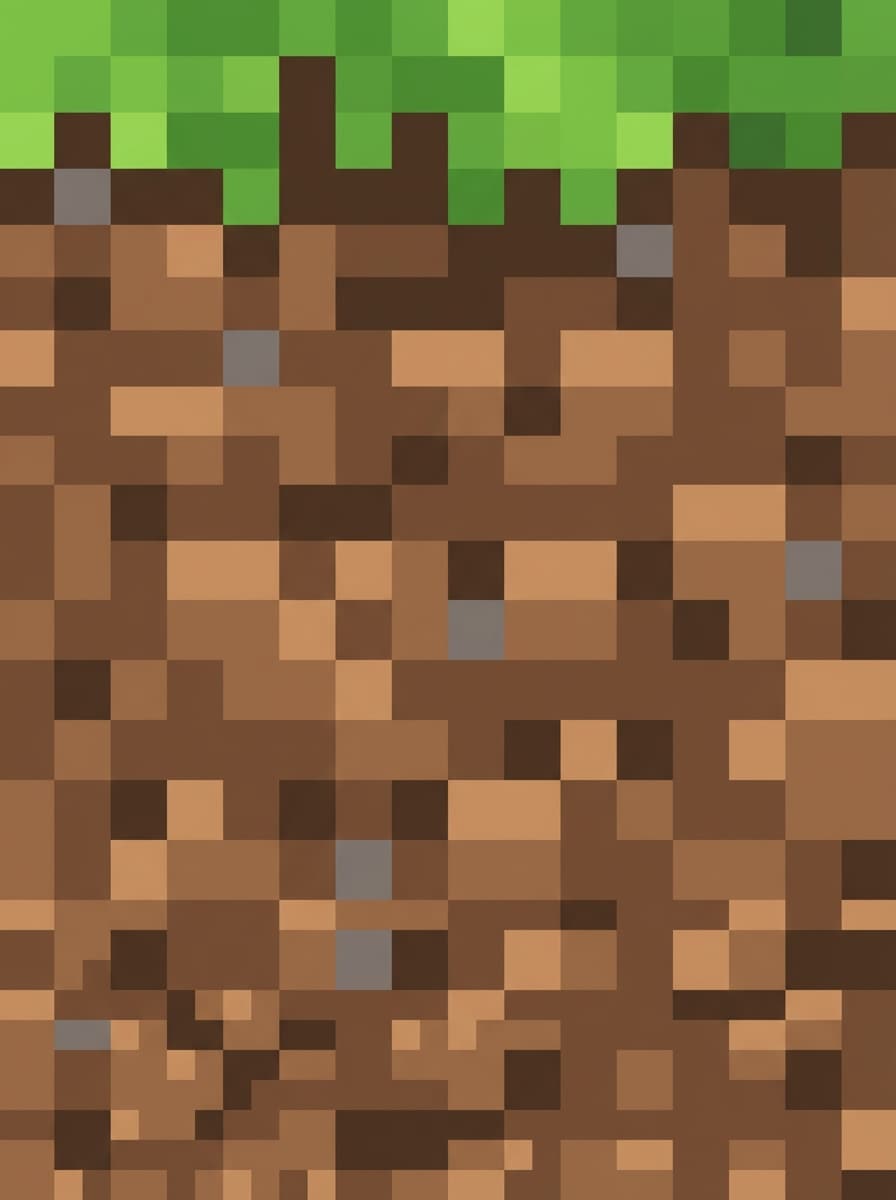
Create a Minecraft-inspired grass block texture in clean 16x16-style pixel art, showing a lush green grassy top and earthy brown dirt sides with a thin grassy edge. Use simple square shading, crisp pixel definition, balanced contrast, seamless tile logic, retro game mood, and a classic vanilla-like palette.

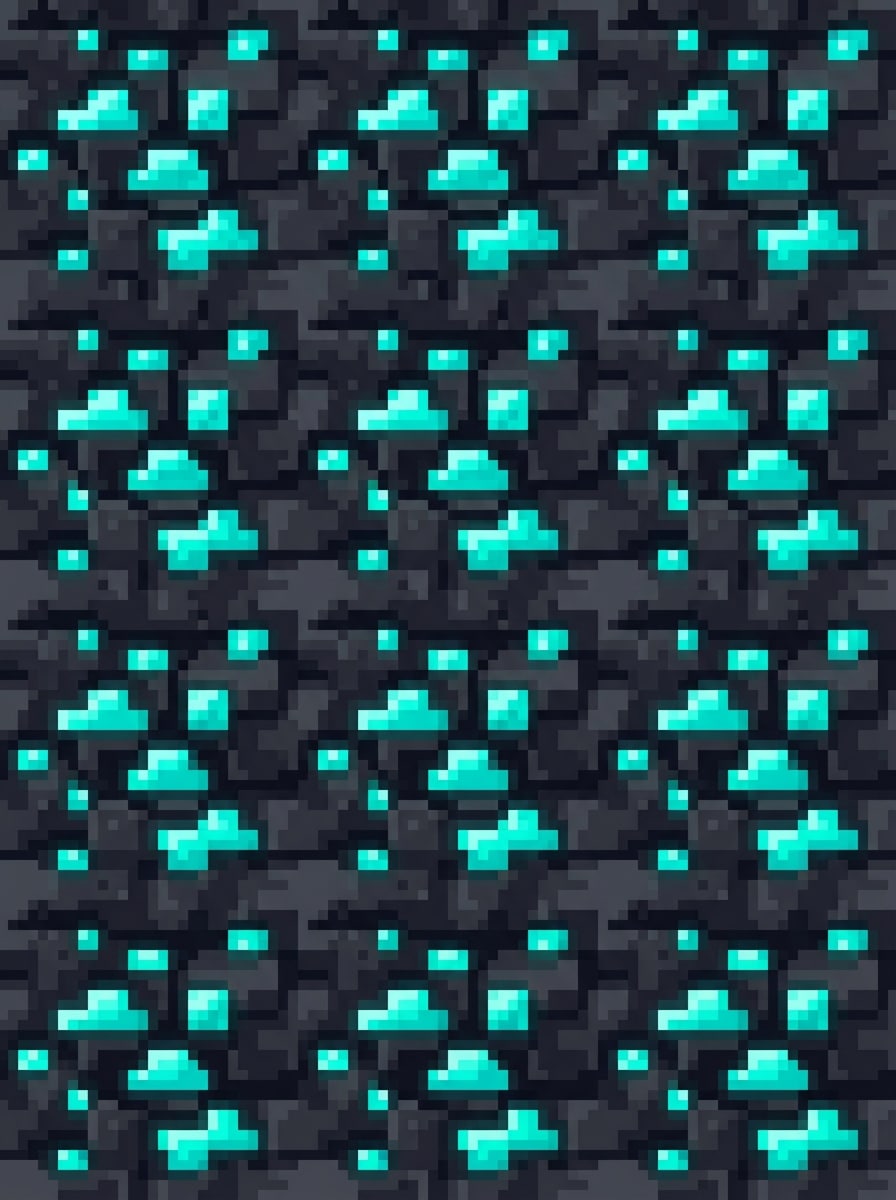
Glowing Diamond Ore

Glowing Diamond Ore

Design a seamless Minecraft block texture for diamond ore in detailed pixel art, with a dark gray stone base and bright cyan crystal fragments embedded throughout. Add subtle glow highlights, sharp pixel edges, clear block readability, high contrast lighting, collectible game feel, and a polished resource-pack-ready presentation.

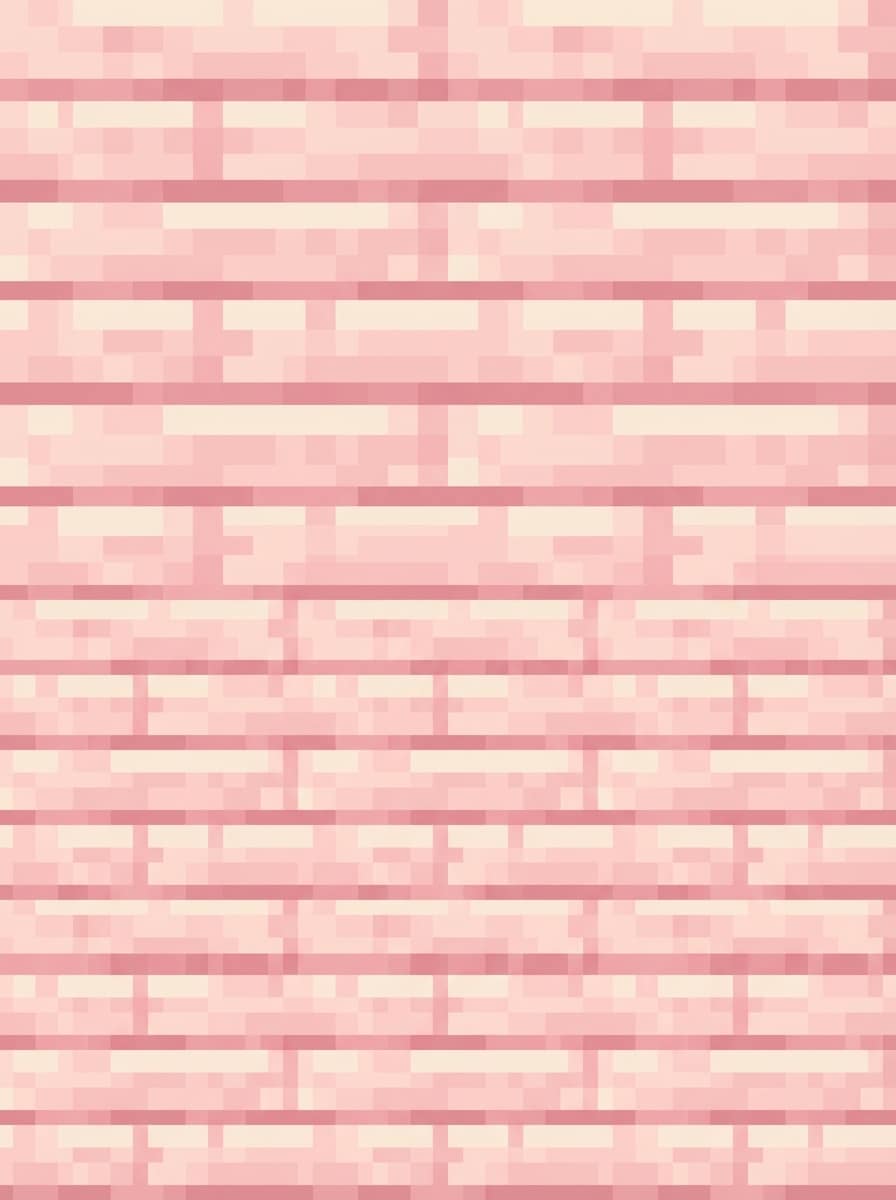
Cherry Wood Planks

Cherry Wood Planks

Generate a Minecraft-style cherry wood plank texture with soft pastel pink wood tones, horizontal plank structure, subtle grain lines, and neat pixel shading. Keep the composition seamless and tileable, with a cozy aesthetic, gentle highlights, clean retro texture detail, and a cute resource pack mood inspired by spring biomes.

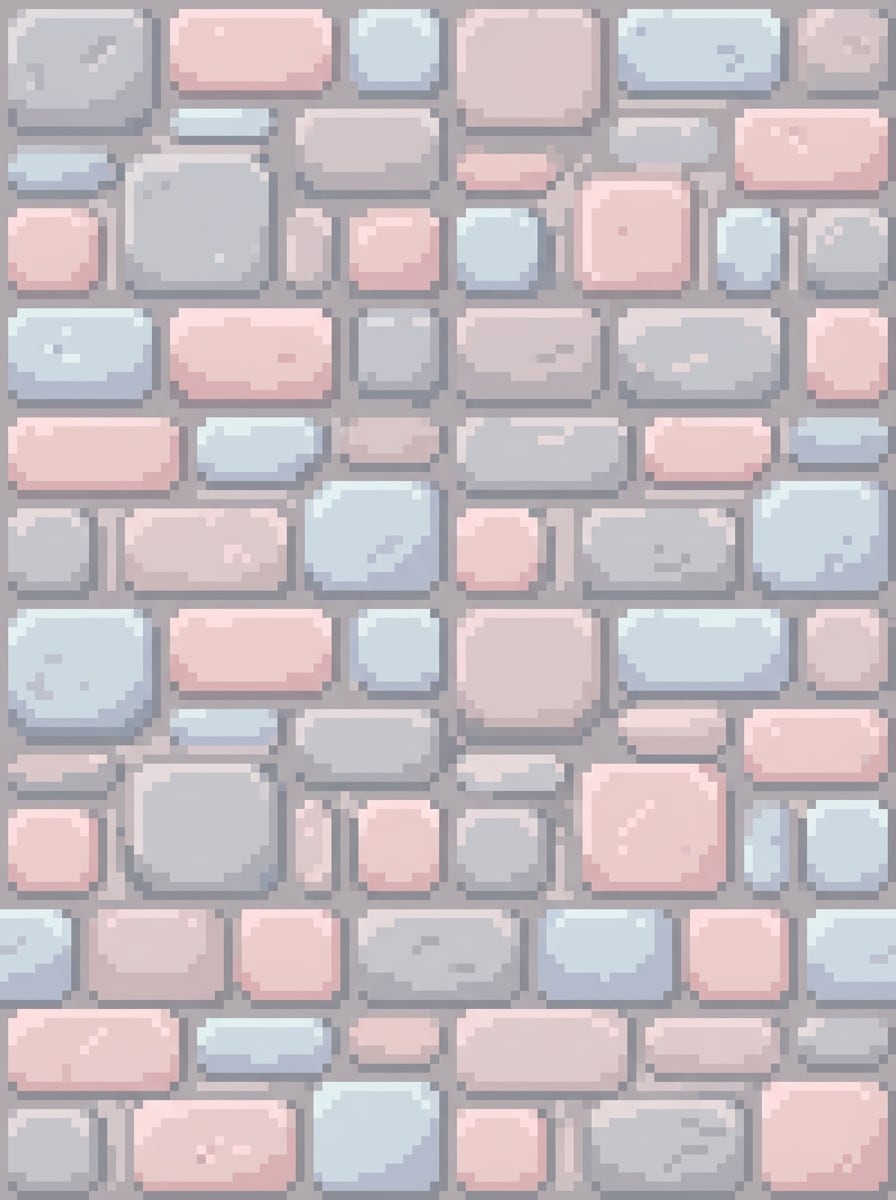
Kawaii Pastel Stone

Kawaii Pastel Stone

Make a cute Minecraft stone texture in seamless pixel art using soft gray, blush pink, and pale blue tones. Add rounded shading illusions while keeping square pixel structure, light texture variation, gentle contrast, charming cozy-game mood, and a clean 16x16-inspired block design suitable for pastel resource pack concepts.

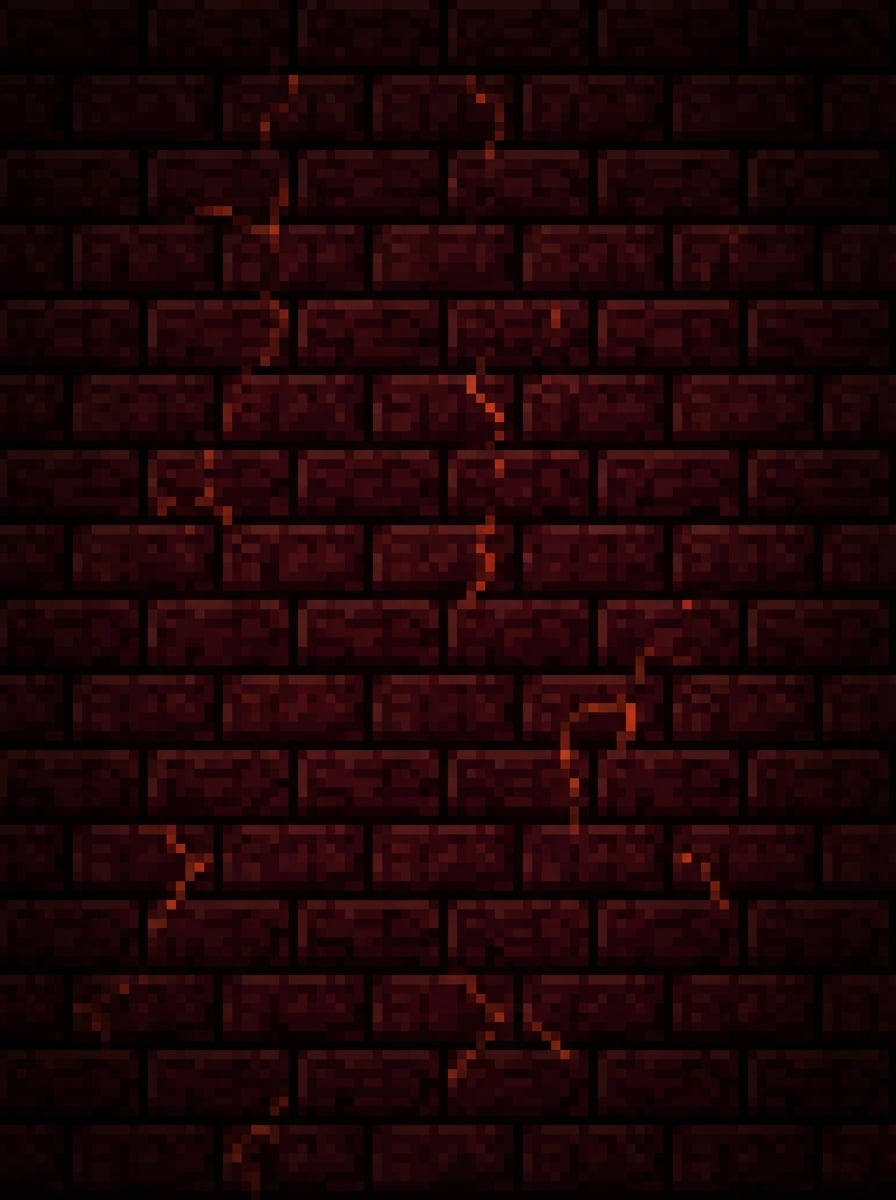
Nether Brick Reimagined

Nether Brick Reimagined

Create a dark fantasy Minecraft Nether brick texture with deep crimson, maroon, and black pixel tones, arranged in a structured brick pattern. Add faint glowing cracks, moody low-key lighting, rugged surface texture, seamless tile design, ominous atmosphere, and a dramatic resource-pack look for Nether or dungeon builds.

Why Use Media.io for Minecraft Texture Generation

Turn Prompts Into Texture Concepts Fast

Describe a block, ore, plank, or pixel-art style in words, and generate Minecraft-inspired texture ideas without drawing each pixel by hand. It's a practical way to brainstorm custom resource pack visuals quickly.

High-Resolution Exports for Editing

Generate images in 1K, 2K, or 4K, giving you more room to crop, refine, and adapt concepts into Minecraft texture workflows, tilesheets, mockups, or social content previews.

Multiple Styles for Resource Pack Ideas

Explore many looks for your minecraft texture generator workflow, from vanilla-inspired pixel art to cute pastel, dark fantasy, 3D-rendered, or stylized concepts using different AI models and prompt directions.

Works on Any Device in Your Browser

Media.io runs online on Windows, Mac, iPhone, iPad, and Android devices. You can generate custom Minecraft textures anywhere without installing desktop software.

How to Use Media.io Minecraft Texture Generator

1
2
3
1
Open Media.io Text to Image

Go to AI Text to Image Generator and open the Text to Image tool under AI -> Image. This online tool runs in your browser, so you can start creating Minecraft texture concepts on desktop or mobile without installing anything.

2
Enter a Prompt

Type a detailed prompt, such as "seamless Minecraft-style diamond ore texture, dark stone base, bright cyan crystal shards, crisp 16x16 pixel art, vanilla-inspired shading." Then adjust model, aspect ratio, or style settings to match your resource pack idea.

3
Generate, Refine & Download

Click Generate to create your texture concept. Tweak the wording if needed to refine palette, shading, or block details, then download the high-resolution result for editing, mockups, or resource pack planning.

Step 1
Step 2
Step 3

Unlock the Potential of Minecraft Texture Generator

Discover how creators and professionals are using our AI-powered Minecraft Texture Generator to transform their creative workflows and bring unique ideas to life.

Prototype Custom Resource Packs Faster

Quickly visualize blocks, ores, planks, and decorative surfaces before spending time on manual pixel polishing. This helps creators test multiple pack directions, from vanilla-like upgrades to fantasy or pastel themes.

Create Texture Concepts for Maps and Mods

Use AI-generated Minecraft texture ideas to brainstorm unique visual styles for adventure maps, biome overhauls, survival servers, or modded items. It's a simple way to explore mood, palette, and material direction early.

Make Eye-Catching Social and Store Previews

Generate polished block texture mockups for YouTube thumbnails, TikTok prompt reveals, Pinterest moodboards, or marketplace previews. You can showcase a full creative workflow from prompt to texture sheet to in-game concept.

What Creators Say

user
Liam R.

Resource Pack Hobbyist

star star star star star

"Great for fast texture ideas" I used it to brainstorm a cute pastel resource pack, and it gave me several solid Minecraft texture directions in minutes. It saved me a lot of time before I started manual pixel cleanup.

user
Ava M.

YouTube Gaming Creator

star star star star star

"Easy prompt-to-texture workflow" The browser-based workflow is simple, and the results are useful for thumbnails and concept sheets. I like that I can test ore, wood, and Nether block ideas quickly without installing anything.

user
Noah T.

Indie Map Designer

star star star star star

"Helpful for visual exploration" I needed dark fantasy block textures for an adventure map. Media.io helped me explore color palettes and mood fast, especially for stone, ruins, and glowing materials.

user
Sofia K.

Pixel Art Beginner

star star star star star

"Beginner-friendly texture generator" I’m new to making custom Minecraft textures, so typing prompts was much easier than drawing from scratch. It’s a great starting point for anyone building a first resource pack.

Minecraft Texture Generator FAQs

1. Is there a free Minecraft texture generator I can try?

Yes. Media.io offers free credits for new and free users, so you can try the minecraft texture generator workflow before upgrading. If you need more generations or watermark-free high-resolution downloads, you can check the pricing page. Free users can use free credits. For more usage, users can subscribe to a plan on the pricing page.

Yes. Media.io is a text-to-image tool that can turn detailed prompts into Minecraft-inspired block, ore, wood, and pixel-art texture concepts. For best results, write specific English prompts that describe the material, palette, shading, mood, and seamless tile look you want. This helps you create minecraft texture generator results more consistently.

Minecraft textures are often used at small tile sizes such as 16x16, but generating at higher resolution can be helpful for concepting and editing first. Media.io supports 1K, 2K, and 4K image output, so you can generate a detailed concept and then adapt it to your final resource pack workflow. This helps you create minecraft texture generator results more consistently.

You can create 16x16-style pixel art concepts by describing that look clearly in your prompt, such as asking for clean pixel edges, retro shading, and a vanilla-inspired palette. Since Media.io is an AI text-to-image generator, many creators use it to produce texture concepts first and then refine them into exact 16x16 files afterward. This helps you create minecraft texture generator results more consistently.

Use prompts that mention simple square shading, limited color palettes, clear block readability, subtle contrast, and seamless 16x16-inspired pixel art. Adding phrases like "vanilla-inspired," "classic Minecraft palette," or "clean retro block texture" can help guide the result toward a more familiar in-game style. Features **Nano Banana Pro** (Next-gen AI generation model) and **Nano Banana 2** (Faster generation, enhanced creative features). Also supports Seedream 5.0 Lite, Soul Character (Hyper-realistic), Nano Banana, Seedream 4.0, and Imagen 4. This helps you create minecraft texture generator results more consistently.

Yes. Media.io is web-based and works in your browser on Windows, Mac, iOS, and Android. That means you can generate Minecraft texture ideas on desktop, tablet, or phone without downloading extra software. Media.io is a web-based tool that works on any device with a browser (Windows, Mac, iOS, Android).

Media.io Online AI Tools Quality Rating:
vote 4.7 (162,357 Votes)