Deine Werke werden nur 7 Tage lang gespeichert. Assets, die nach dem Upgrade auf einen Mitgliedschaftstarif erstellt werden, werden dauerhaft gespeichert.
Entfalten Sie Ihr kreatives Potenzial und erleben Sie jetzt die Magie der Media-KI!
KI-Grundrissgenerator für schnelle, klare Layoutkonzepte
Ideen in poliert verwandelnHallenplanvisuals in Sekunden mit Media.io. Generieren Sie Haus-, Wohnungs-, Büro-, Studio-und tiny Home-Layout-Konzepte aus text in blueprint, minimalistischen oder möblierten Stilen – ohne CAD-Komplexität.
Geben Sie Ihre Idee ein-> KI entwirft sie. Kostenlos zu versuchen.
Entdecken Sie unsere kuratierte Sammlung vonGrundrissgeneratorStile.
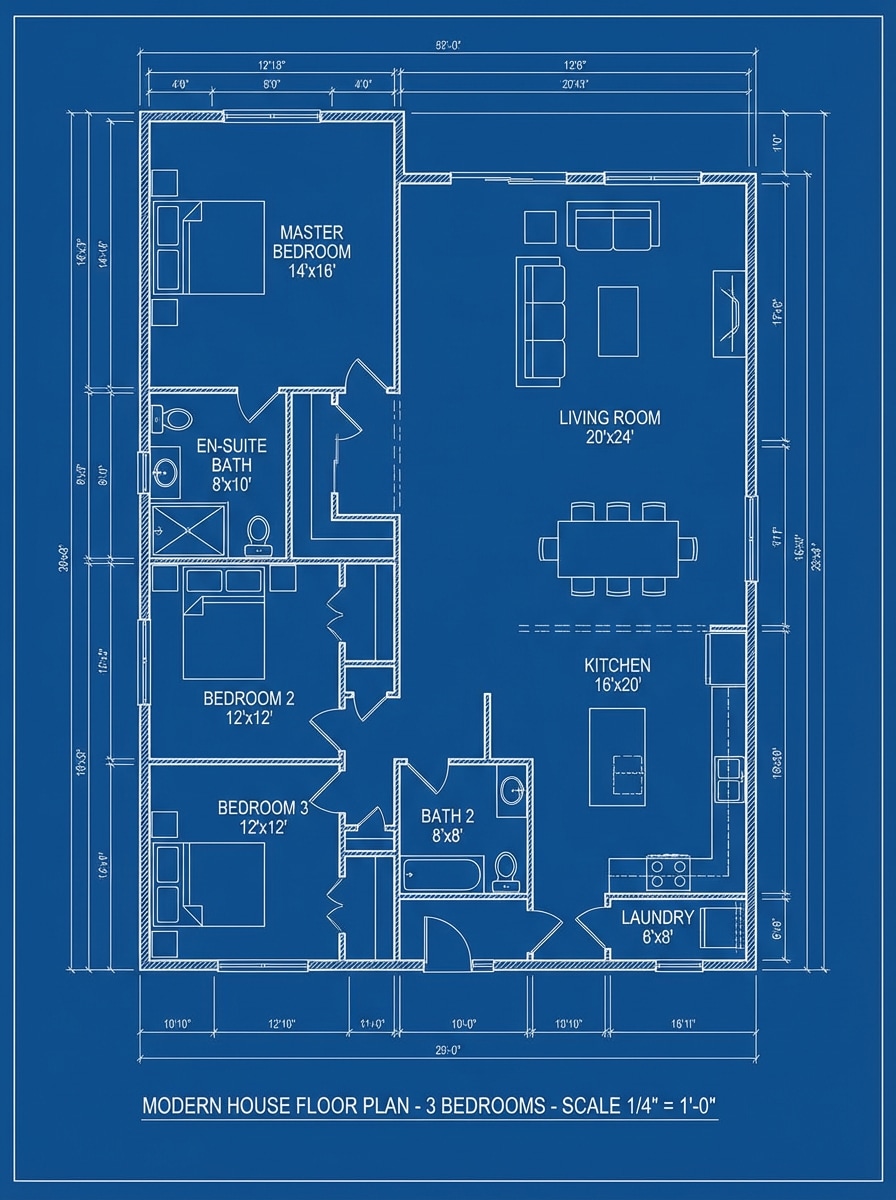
Klassische Blaupause
Erstellen Sie einen architektonischen 2D-Grundriss von oben nach unten für ein modernes Haus mit 3 Schlafzimmern mit Küche, Wohnzimmer, 2 Bädern, Waschküche und beschrifteten Abmessungen. Verwenden Sie klare weiße Zeichnungslinien auf einem tiefblauen Hintergrund, schließen Sie Türen, Fenster, Wandstärke, Möbelsymbole, eine ausgewogene Komposition und einen präzisen professionellen Blauplan-Look ein.
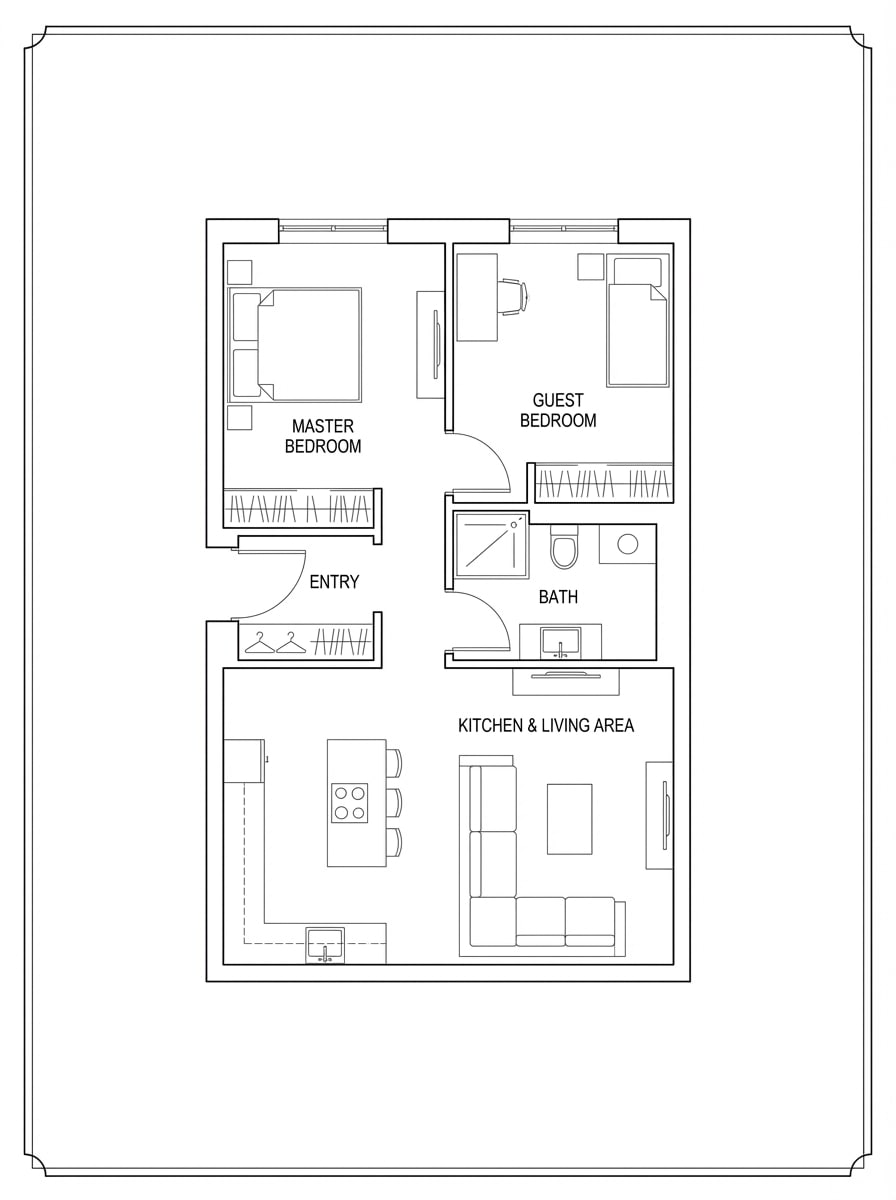
Minimaler Schwarz-Weiß-Plan
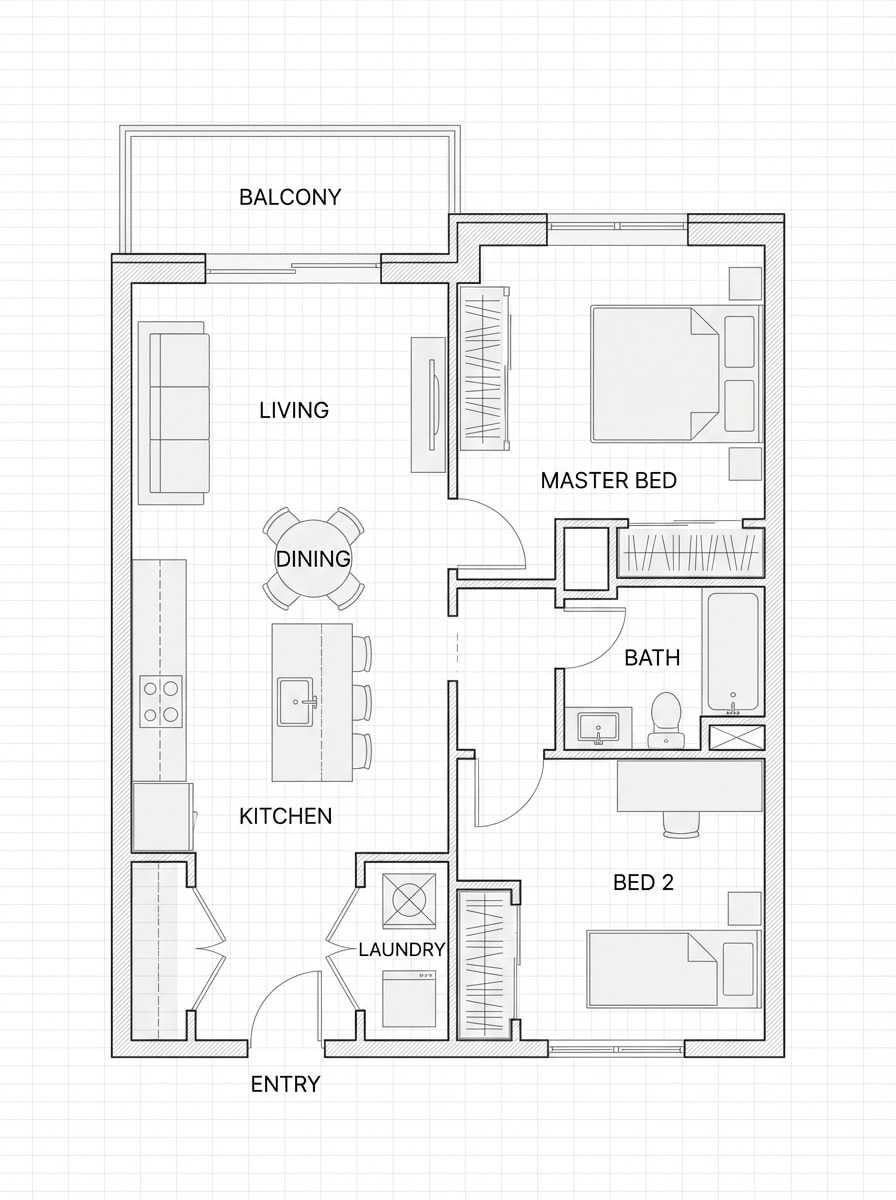
Erstellen Sie einen sauberen schwarz-weißen Grundriss für eine 2-Schlafzimmer-Wohnung mit einer offenen Küche und Wohnbereich, einem Badezimmer und einem kompakten Eingang. Verwenden Sie dünne architektonische Linien, hohen Kontrast, minimale Schattierungen, elegante Raumetiketten, subtile Möbelplatzierung, ordentliche Abstände und eine Pinterest-freundliche moderne Präsentation.
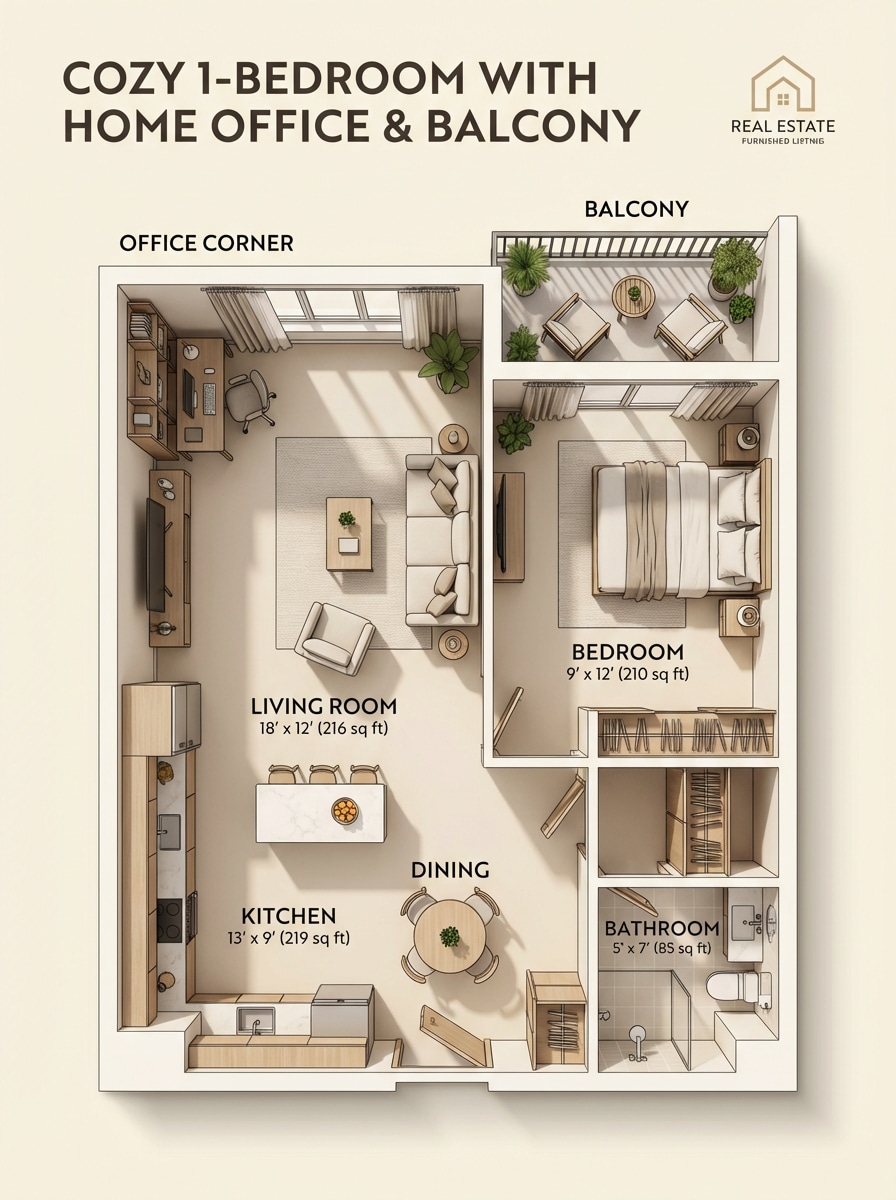
Möblierter Immobilienplan
Entwerfen Sie einen polierten möblierten Grundriss für eine gemütliche Wohnung mit 1 Schlafzimmer mit einer home Office-Ecke, Balkon, Küche, Essbereich und Bad. Zeigen Sie warme neutrale Töne, moderne Möbelikonen, weiche Schatten, klare Raumetiketten, lesbare Proportionen, einladende Stimmung und einen Immobilienpräsentationsstil.
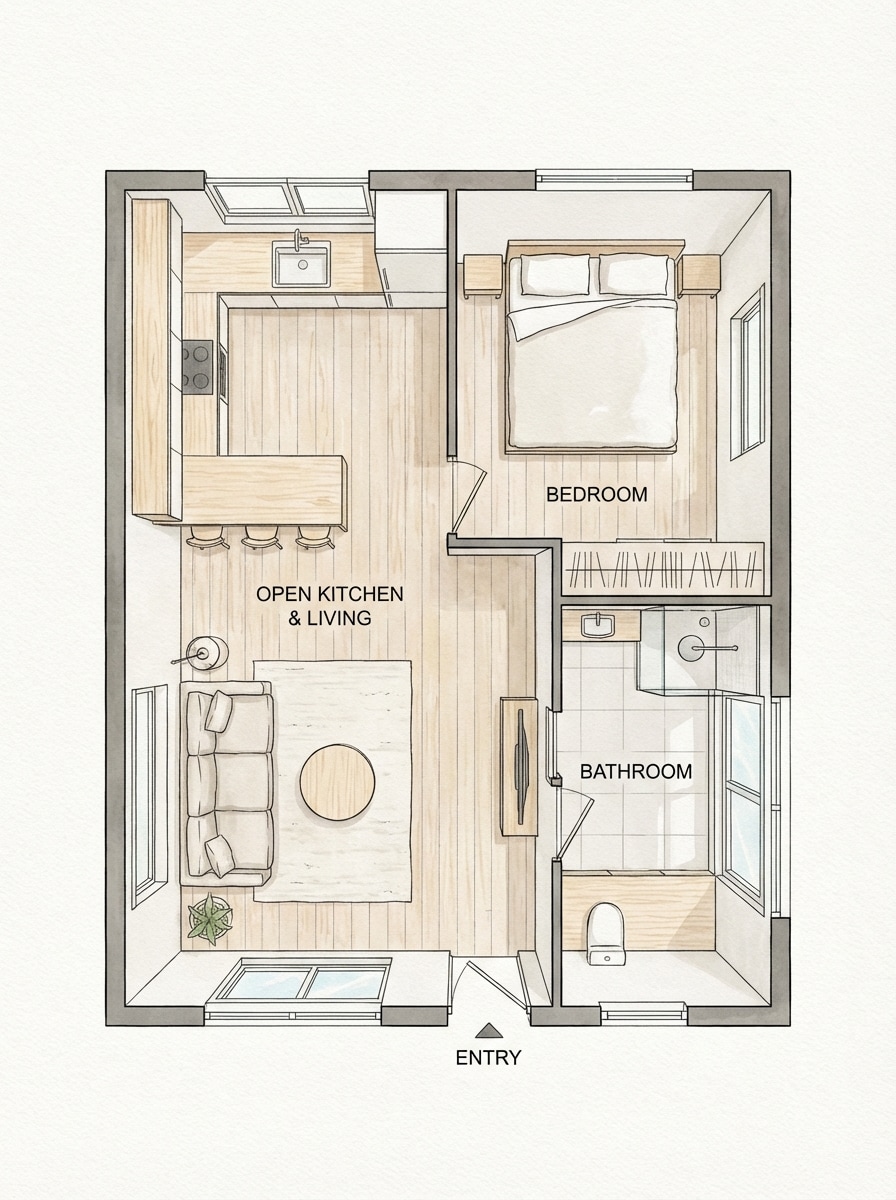
Skandinavisches offenes Konzept
Erstellen Sie einen Grundriss im skandinavischen Stil von oben nach unten für ein kleines Haus mit einer offenen Küche und Wohnfläche, einfacher Schlafzimmeraufteilung, hellem Badezimmer und leichten Möbeln. Verwenden Sie eine luftige Komposition, leichte Holzakzente, eine weiche neutrale palette, klare Etiketten, natürliches Lichtgefühl und eine elegante redaktionelle Innenarchitektur-Ästhetik.
Text zum Plankonzept
Erstellen Sie einen Grundriss aus dieser Beschreibung: Wohnung mit 2 Schlafzimmern, offene Küche, 1 Badezimmer, kompakte Waschküche und ein kleiner Essbereich. Rendern Sie es als sauberes, von KI generiertes 2D-Layout mit effizienter Zirkulation, beschrifteten Räumen, ausgewogener Top-Down-Komposition, subtilen Möbelsymbolen, moderner Planungslogik und einem polierten, demo-fertigen finish.
Skizze zum Reinigen des Layouts
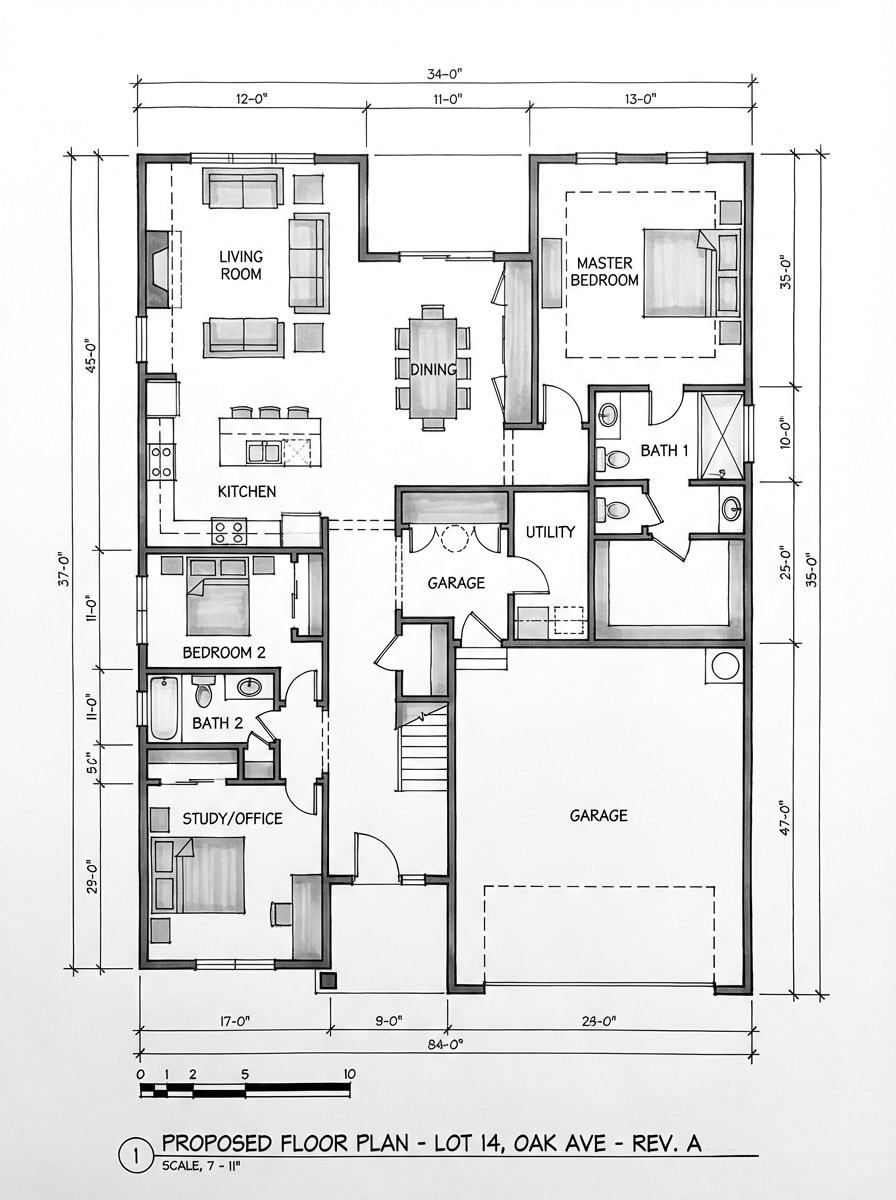
Erstellen Sie einen raffinierten architektonischen Grundriss, der aussieht, als ob eine grobe handgezeichnete Skizze in ein ordentliches endgültiges layout umgewandelt wurde. Verwenden Sie scharfe Linienarbeit, korrigierte Geometrie, beschrifteten Räume, einfache Möbelsymbole, Schwarz-Weiß-und Grautöne, technische Klarheit und ein sauberes professionelles Zeichnen-Finish.
Tiny House Optimierung
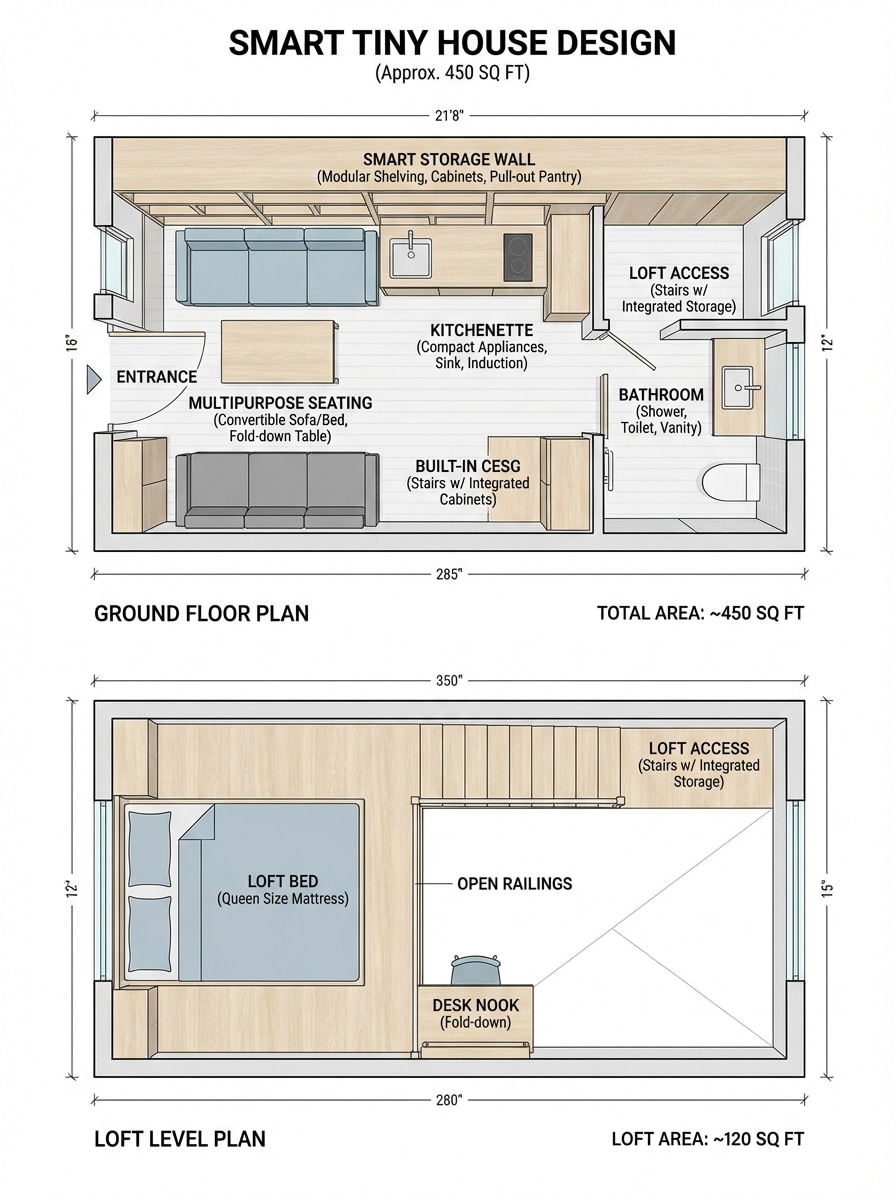
Entwerfen Sie einen intelligenten kleinen Haus Grundriss unter 500 Quadratfuß mit einem Dachbett, Küchenzeile, Bad, Aufbewahrungswand und Mehrzweck-Sitzbereich. Verwenden Sie platzsparende Layoutlogik, kompakte Möbel, klare Etiketten, Top-Down-Komposition, minimalistisches styling, starke Lesbarkeit und eine hochwertig teilbare Ästhetik für die Planung von Kleinräumen.
Studio Wohnung Layout
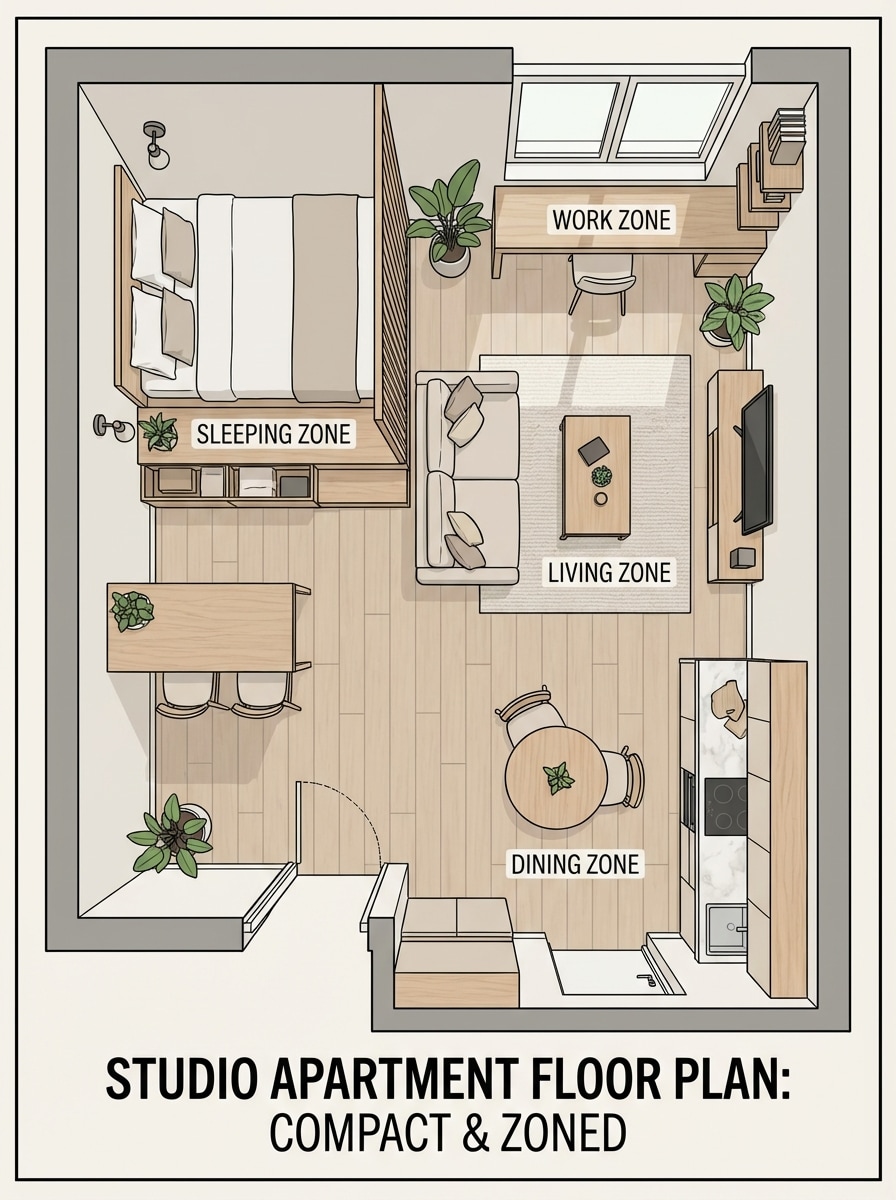
Erstellen Sie einen Grundriss einer Studio-Wohnung, der Schlaf-, Wohn-, Ess-und Arbeitsbereiche in einem kompakten Fußabdruck eindeutig trennt. Verwenden Sie eine stilvolle und doch praktische Möbelplatzierung, eine ausgeprägte Zoneneinteilung, weiche neutrale Farben, moderne Etiketten, saubere Linearbeit, einen ausgewogenen Layoutfluss und eine Instagram-freundliche Top-Down-Präsentation.
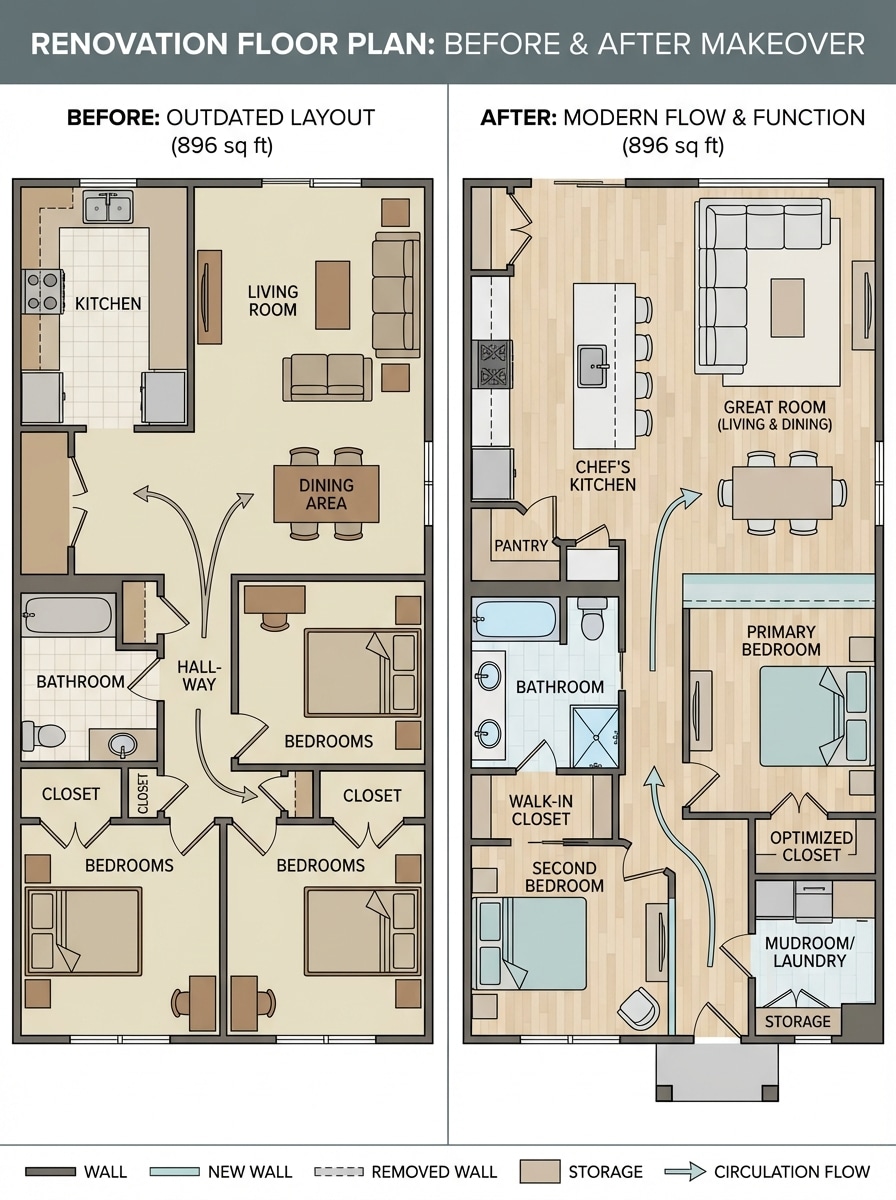
Renovierung vor und nach
Erstellen Sie einen renovierungsorientierten Grundriss für ein veraltetes Haus mit 2 Schlafzimmern mit verbessertem Fluss, einer größeren Küche, zusätzlichem Stauraum und einer besseren Verbindung zwischen gemeinsamen Räumen. Präsentieren Sie es in einem sauberen Top-Down-2D-Stil mit modernen Etiketten, klarer Zirkulation, praktischen Proportionen und einem überzeugenden Vorher-und-Nachher-Makeover-Gefühl.
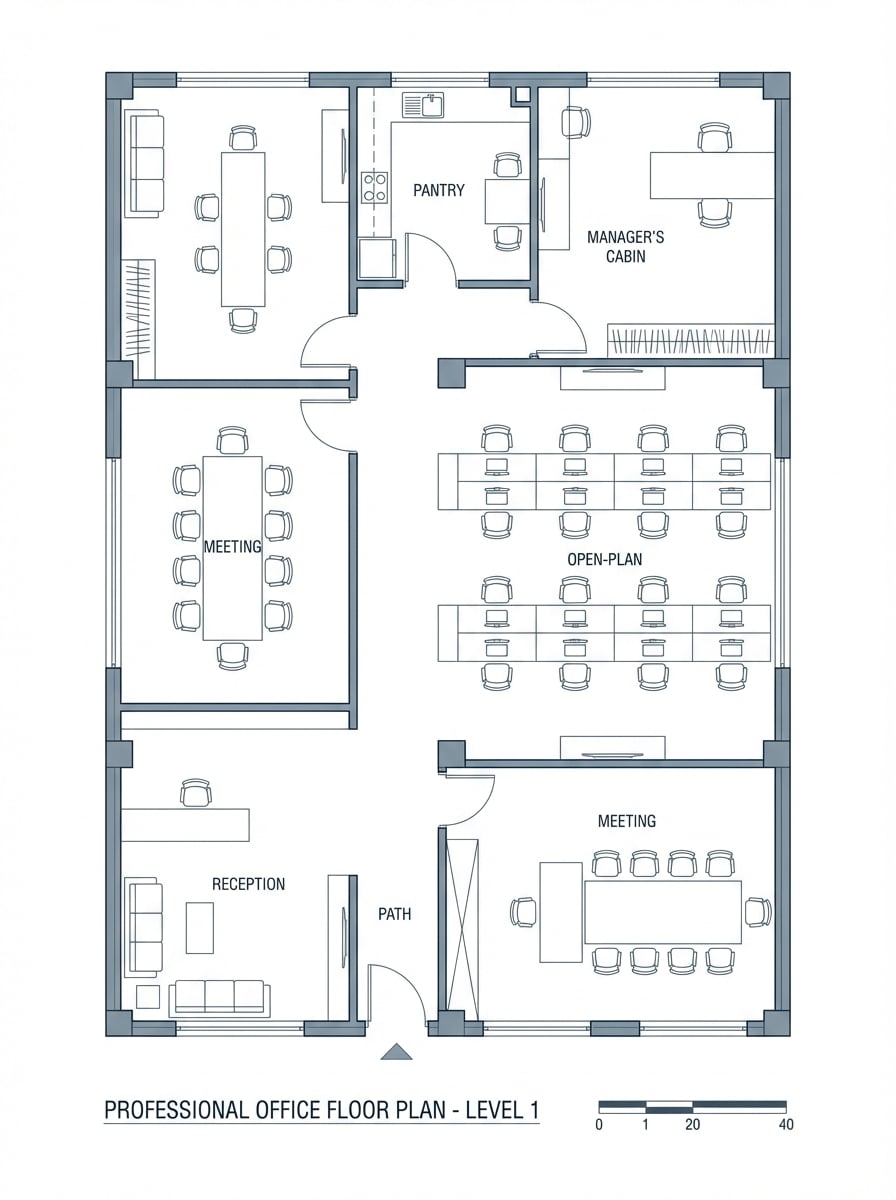
Büroraum-Layout
Erstellen Sie einen professionellen Bürogrundriss mit Rezeption, Tagungsraum, offenen Schreibtischen, Speisekammer, Managerkabine und Zirkulationswegen. Verwenden Sie saubere architektonische Linienarbeit, klare Raumetiketten, Möbelsymbole, organisierte Zoneneinteilung, blau-graue Firmenpalette, lesbare Top-Down-Komposition und eine polierte Geschäftsplanungspräsentation.
Warum Media.io für KI-Grundrissideen verwenden?
Aus Text in Sekunden generieren
Verwandeln Sie eine schriftliche Raumliste oder Layout-Idee in ein schnelles visuelles Konzept. Media.io ist ideal zum Erkundentext zum GrundrissIdeen, ohne fortgeschrittene Entwurfskompetenzen zu benötigen.
Mehrere visuelle Stile
Erstellen Sie blaupausinspirierte layouts, minimale Schwarz-Weiß-Pläne oder möblierte Präsentationsbilder. Das tool unterstützt verschiedene Generationsstile und hilft Ihnen, den richtigen look für Haus, Wohnung, Büro oder Renovierungskonzepte zu gestalten.
Hochauflösende Exportoptionen
generierenHallenplanKonzepte in 1K, 2K oder 4K Auflösung mit flexiblen Seitenverhältnissen. Das erleichtert die Erstellung klarer Bilder für Präsentationen, moodboards, Social-Posts oder Referenzen zur Planung im frühen Stadium.
Funktioniert auf jedem Gerät
Media.io läuft in Ihrem browser unter Windows, Mac, iOS und Android. Starten Sie einKI GrundrissgeneratorSitzung überall, ohne schwere Designsoftware zu installieren.
So verwenden Sie den Grundrissgenerator von Media.io
1
2
3
1
Schritt 1: Öffnen Sie Media.io Grundriss Generator
gehe zuKI Text-zu-Bild-GeneratorUnd öffnen Sie den Grundrissgenerator unter AI-> Text zu Bild. Dieses Online-Tool läuft in Ihrem browser, sodass Sie Layoutkonzepte auf dem desktop oder Mobilgerät erstellen können, ohne zusätzliche software zu installieren.
2
Schritt 2: Geben Sie eine Aufforderung ein
Geben Sie eine detaillierte Eingabeaufforderung ein, wie zum Beispiel: "Moderne 2-Zimmer-Wohnung Grundriss, offene Küche, 1 Badezimmer, kompakte Waschküche, beschrifteten Zimmer, Blaupausstil." Sie können auch die Stil-und Ausgabeeinstellungen so anpassen, dass sie einem blaupausigen, minimalistischen oder möblierten Präsentationslook entsprechen.
3
Schritt 3: Generieren, verfeinern & herunterladen
Klicken Sie auf Generieren, um Ihr Grundrisskonzept zu erstellen. Passen Sie die Eingabeaufforderung an, wenn Sie eine andere Layout-Stimmung oder einen anderen Präsentationsstil wünschen, und laden Sie dann das hochauflösende Bild herunter, um Ideen, Teilen oder frühzeitige Planungsinspiration zu erstellen.
Was Benutzer über das Erstellen von Grundrisskonzepten sagen
Ava Martinez
Innenarchitektur Student
"Schnelle Möglichkeit, Raumlayouts zu visualisieren"Ich habe Media.io verwendet, um einfache Textaufforderungen in Grundrisskonzepte für ein Studioprojekt umzuwandeln. Es half mir, schnell mehrere Layout-Richtungen zu erkunden, bevor ich mit technischeren Designarbeiten begann.
Daniel Brooks
Immobilienvermarkter
"Großartig für Präsentation-Stil plan visuals"Die möblierten Grundrissausgaben sind besonders nützlich für die Auflistung von Modellen und Konzeptpräsentationen. Mir gefällt, dass ich unterschiedliche Raumanordnungen testen kann, ohne mich mit komplexer software zu befassen.
Sophie Chen
Home Renovierung Enthusiast
"Hilfreich für Renovierungs-Brainstorming"Ich wollte mögliche layouts für ein älteres Haus sehen, bevor ich mit Fachleuten sprach. Dieser Grundrissgenerator gab mir schnelle visuelle Ideen für die Erweiterung der Küche, Lagerung und besseren Verkehrsfluss.
Marcus Reed
Startup Office Manager
"Nützlich für Bürolayout-Konzepte"Ich habe ein paar Büro-Grundrisskonzepte mit Rezeption, Besprechungsräumen und offenen Schreibtischen generiert. Es war eine praktische Möglichkeit, Optionen zu vergleichen und Ideen frühzeitig an das team zu kommunizieren.
Entdecken Sie die beliebtesten KI-Video- und Bildeffekte
Ja. Media.io kann Grundrisskonzepte aus Textaufforderungen mithilfe seiner Text-zu-Bild-Modelle generieren. Sie können den Raumtyp, die Räume, den Layout-Stil und den Präsentationslook beschreiben und dann in Sekunden ein visuelles Konzept erstellen.
2. Wie erstelle ich meinen eigenen Grundriss online?
Öffnen Sie das Text-zu-Bild-Tool von Media.io in Ihrem browser, geben Sie eine detaillierte Eingabeaufforderung ein, die das layout Ihres Hauses, Wohnungen, Büros oder Studios beschreibt, wählen Sie Ihren bevorzugten Stil aus und generieren Sie das Bild. Es funktioniert online auf Windows, Mac, iOS und Android.
3. Ist Media.io ein kostenloser Grundriss-Generator?
Media.io bietet kostenlosen täglichen Zugang mit 3 credits pro Tag, die Sie verwenden können, um Grundrissgenerierung auszuprobieren. Kostenlose Benutzer können Wasserzeichen sehen, während bezahlte Abonnenten hochauflösende Bilder ohne Wasserzeichen herunterladen können. Wenn Sie mehr credits benötigen, können Sie hier upgraden: https: / /www.media.io/pricing.html
4. Kann ich einen Hausgrundriss in hoher Auflösung erstellen?
Ja. Media.io unterstützt die Bilderzeugung in 1K, 2K und 4K Auflösung. Dies ist nützlich, wenn Sie klarere Grundrissbilder für sharing, Präsentationen oder concept boards wünschen.
5. Welche Art von Grundrissstile kann ich erstellen?
Sie können verschiedene visuelle Ansätze erstellen, z. B. layouts im Blueprint-Stil, minimalistische Schwarz-Weiß-Pläne und poliertere möblierte Konzepte. Media.io unterstützt mehrere Generationsstile, was es flexibel für unterschiedliche Design-und Präsentationsanforderungen macht.
6. Sind Media.io Grundriss Bilder privat?
Ja. Media.io sagt, dass hochgeladene Bilder nach 7 Tagen automatisch von seinen Servern gelöscht werden, um die Privatsphäre der Benutzer zu schützen. Für die textbasierte Grundrisserstellung können Sie vollständig im browser arbeiten, ohne software zu installieren.
Über den KI-gestützten Online-Grundrissgenerator hinaus