Deine Werke werden nur 7 Tage lang gespeichert. Assets, die nach dem Upgrade auf einen Mitgliedschaftstarif erstellt werden, werden dauerhaft gespeichert.
Entfalten Sie Ihr kreatives Potenzial und erleben Sie jetzt die Magie der Media-KI!
Fantasy Town Generator für schnelle Karten, Szenen und Weltaufbau-Kunst
Erstellen Sie fantasy town Bilder aus text in Sekunden mit Media.io. Dasfantasy town generatorHilft Ihnen bei der Gestaltung von layouts im Kartenstil, filmischen Straßen und druckbaren Worldbuilding-Konzepten für RPG-Kampagnen, Moodboards und Story-Grafiken mit flexiblen Stilen, Seitenverhältnissen und hochauflösenden Exporten.
Geben Sie Ihre Idee ein-> KI entwirft sie. Kostenlos zu versuchen.
Überprüfen Sie diese beispielhaften Anweisungen und passen Sie dann die Eingabedetails an, um mit diesem Fantasy Town Generator stärkere Ergebnisse zu erzielen.
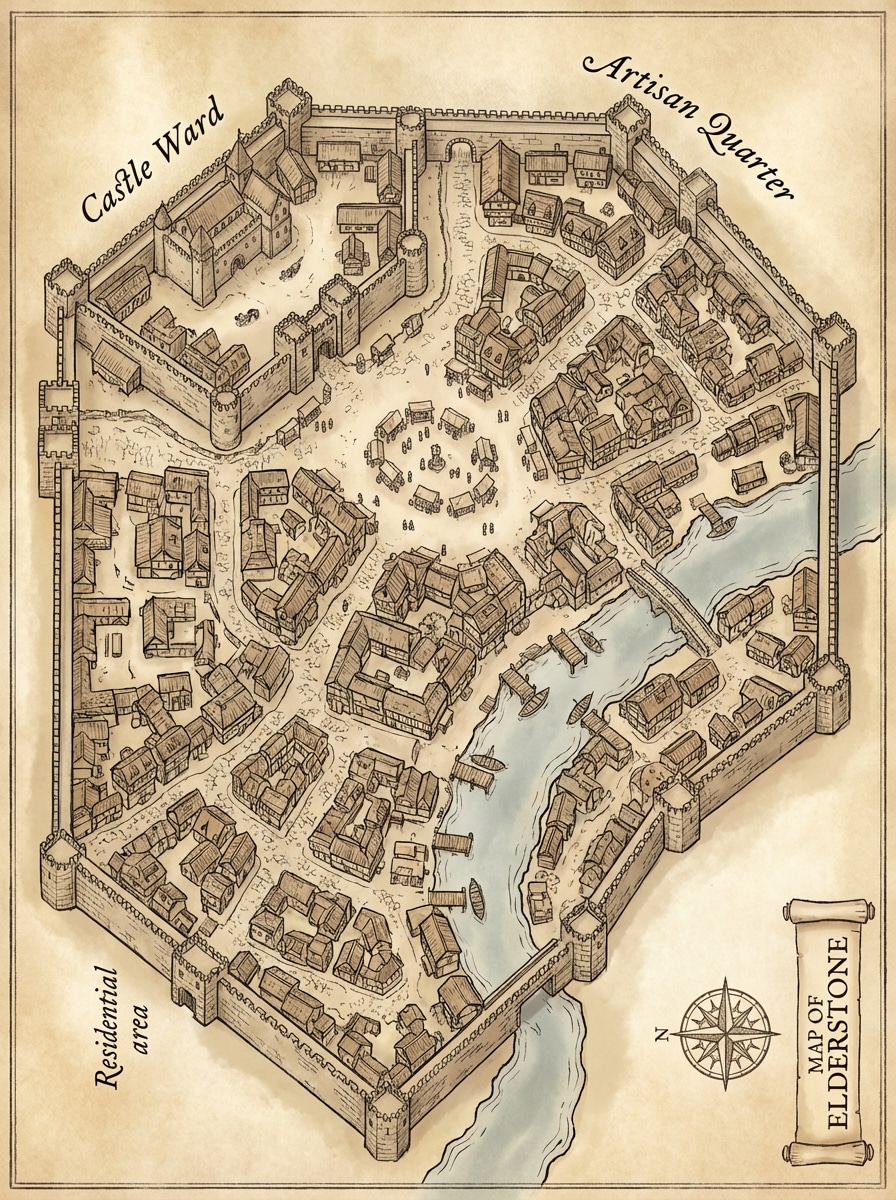
Isometrische mittelalterliche Stadtkarte
Sehr detaillierte isometrische Fantasy-Stadtkarte mit befestigten Steinmauern, einem zentralen Marktplatz, gewundenen Straßen, einem Fluss, der die Siedlung durchschneidet, Holzdocks und deutlich getrennten Stadtteilen. Verwenden Sie Pergament-inspirierte Beige-und Sepia-Töne, saubere Linienarbeit, miniaturisierte architektonische Details, sanfte Ambientenbeleuchtung und polierte Weltaufbau-Präsentation.
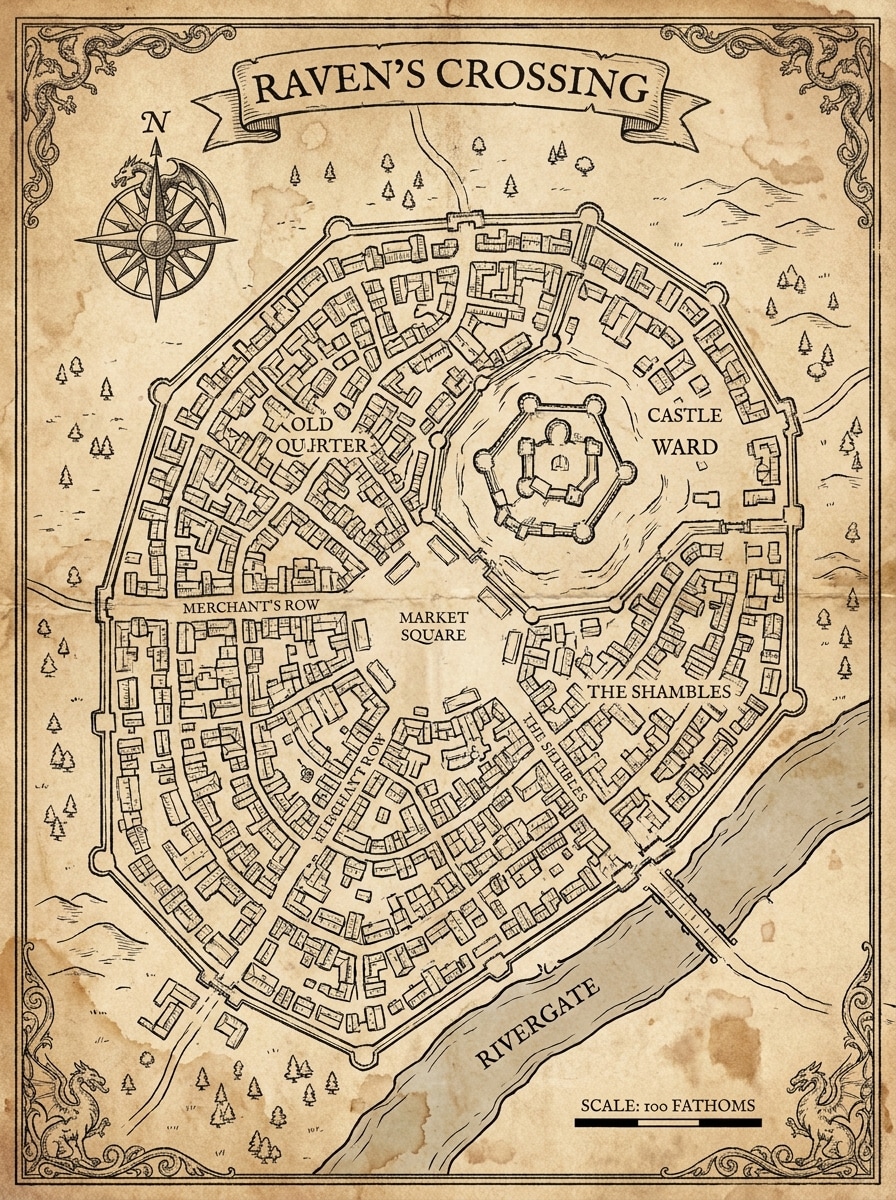
Pergamentkartographie
Erstellen Sie eine handgezeichnete Fantasy-Stadtkarte auf altem Pergament mit farbigen Gebäudeumrissen, Bezirksnamen, einer Kompassrose, dekorativen Rändern, engen mittelalterlichen Gassen und lesbarer Nachbarschaftsstruktur. Betonen Sie Sepia-Texturen, antike Papierkörner, elegante kartografische Symbole, ausgewogene Komposition und Tischplatten-RPG-Referenzqualität.
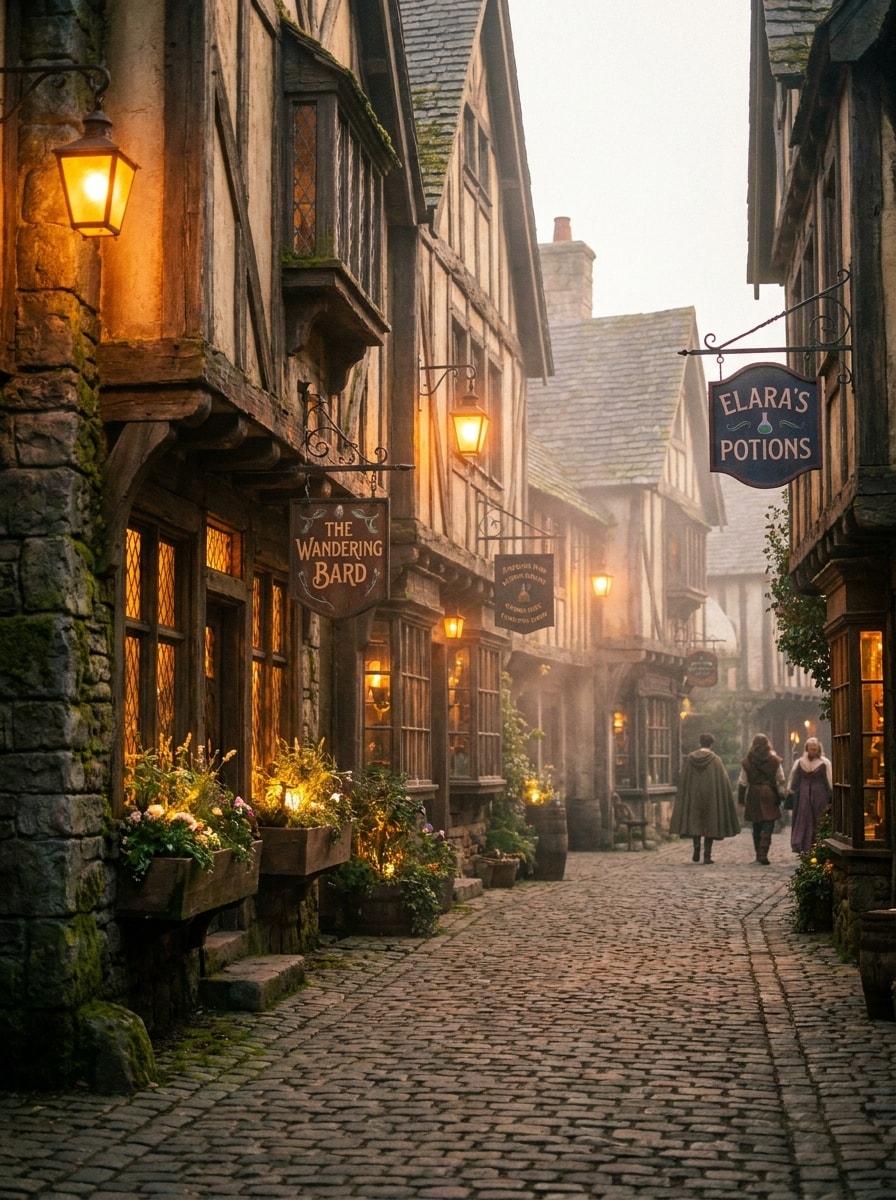
Laternenbeleuchtete mittelalterliche Straße
Generieren Sie eine gemütliche Fantasy-Stadtstraße in der Dämmerung mit Holzgeschäften, leuchtenden Laternen, Kopfsteinstraßen, hängenden Schildern, Blumenkästen und ein paar Stadtbewohnern in der Ferne. Verwenden Sie warmes Bernsteinlicht, weichen Nebel, strukturierte Stein-und Holzoberflächen, filmische Tiefe und eine einladende magisch-mittelalterliche Atmosphäre.
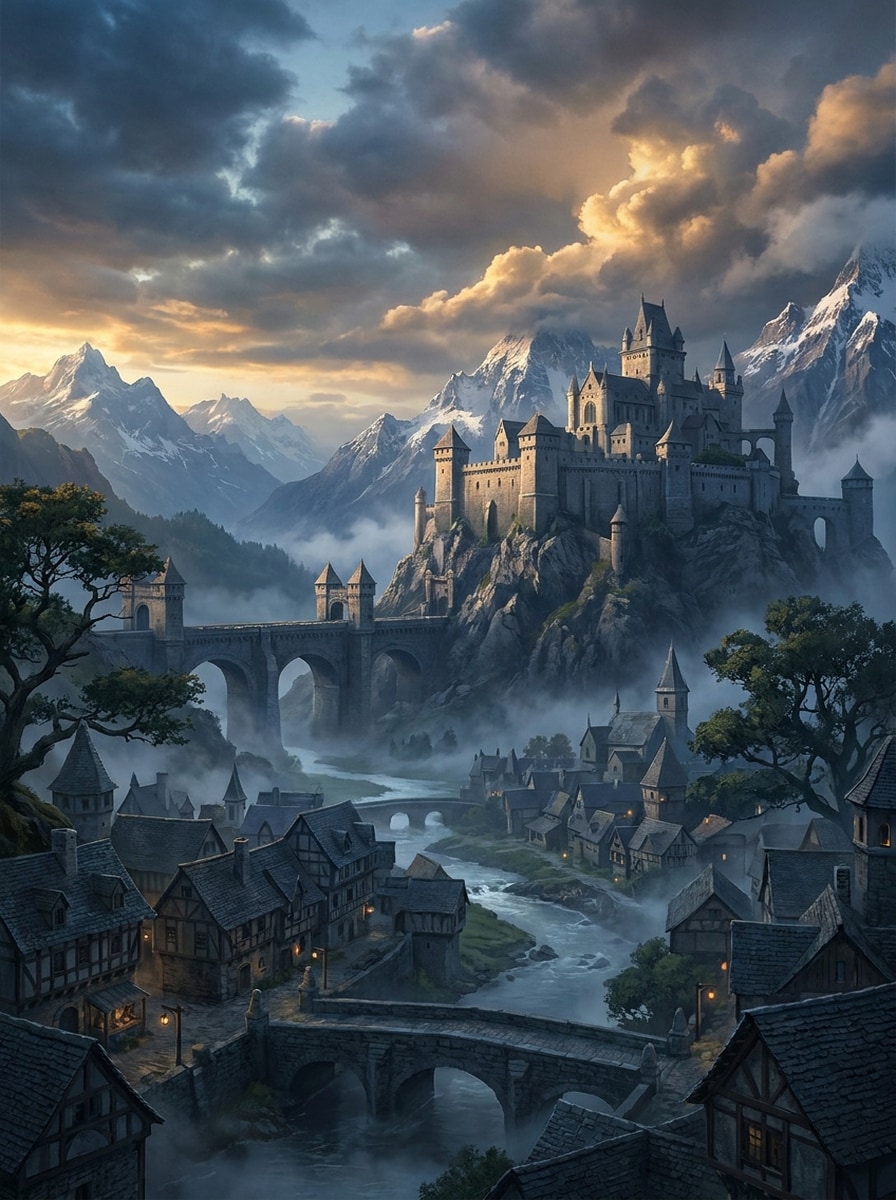
Epic Castle Town im Überblick
Schaffen Sie eine epische Fantasiestadt unter einem hoch aufragenden Schloss auf einem Hügel, mit gehäuften Dächern, Steinbrücken, Berggipfeln, treibendem Nebel und einem Fluss, der das Tal überquert. Verwenden Sie dramatische Wolkenbildungen, kühle Schatten, goldenes Licht, reiche Umweltdetails und eine umfangreiche filmische Mattmalerei-Komposition.
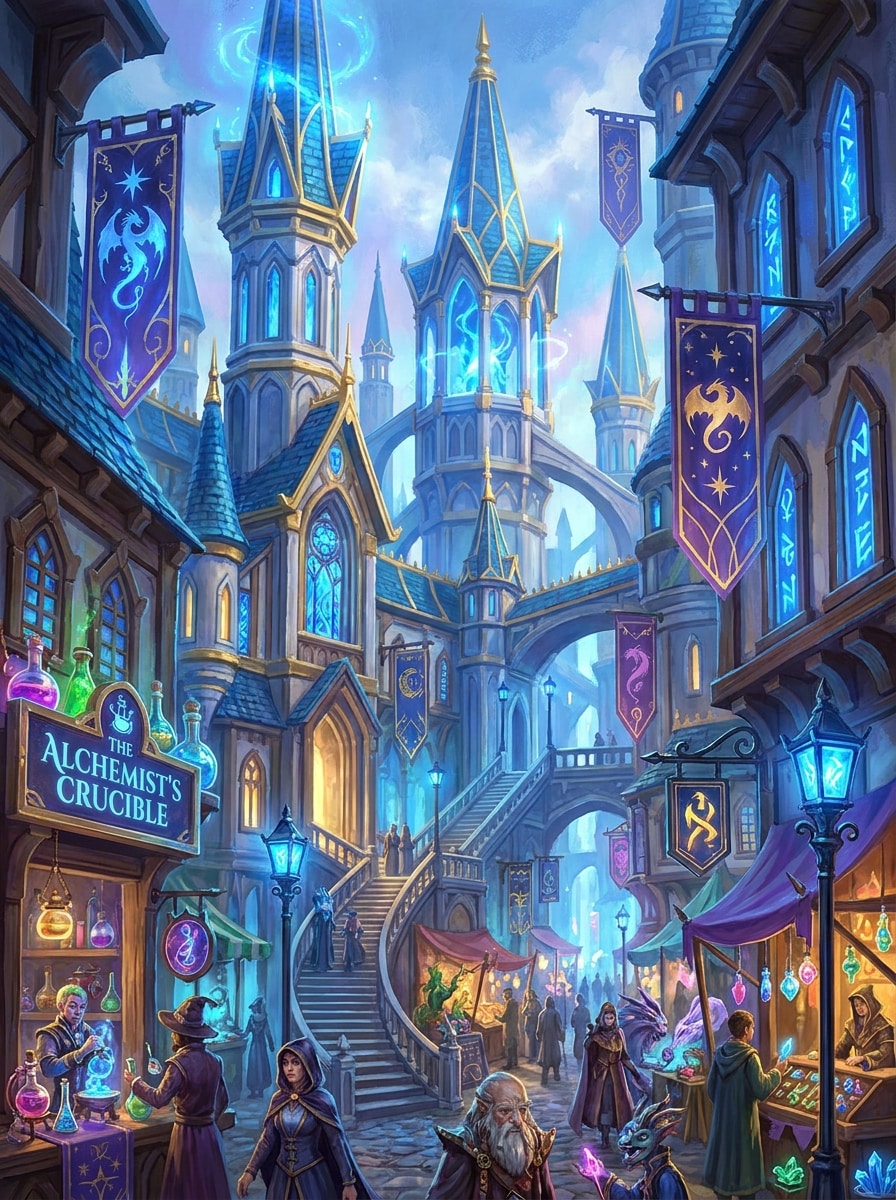
Mage Bezirk Stadt
Erzeugen Sie eine Fantasiestadt mit einem magischen Viertel voller leuchtender Türme, Alchemie-Läden, geheimnisvollen Bannern, verzauberten Straßenlaternen, runenbeleuchteten Fenstern und einem geschäftigen Markt. Verwenden Sie eine blau-goldene palette, leuchtende magische Effekte, eine geschichtete Architektur, klare details und einen lebendigen Fantasy-Illustrationsstil.
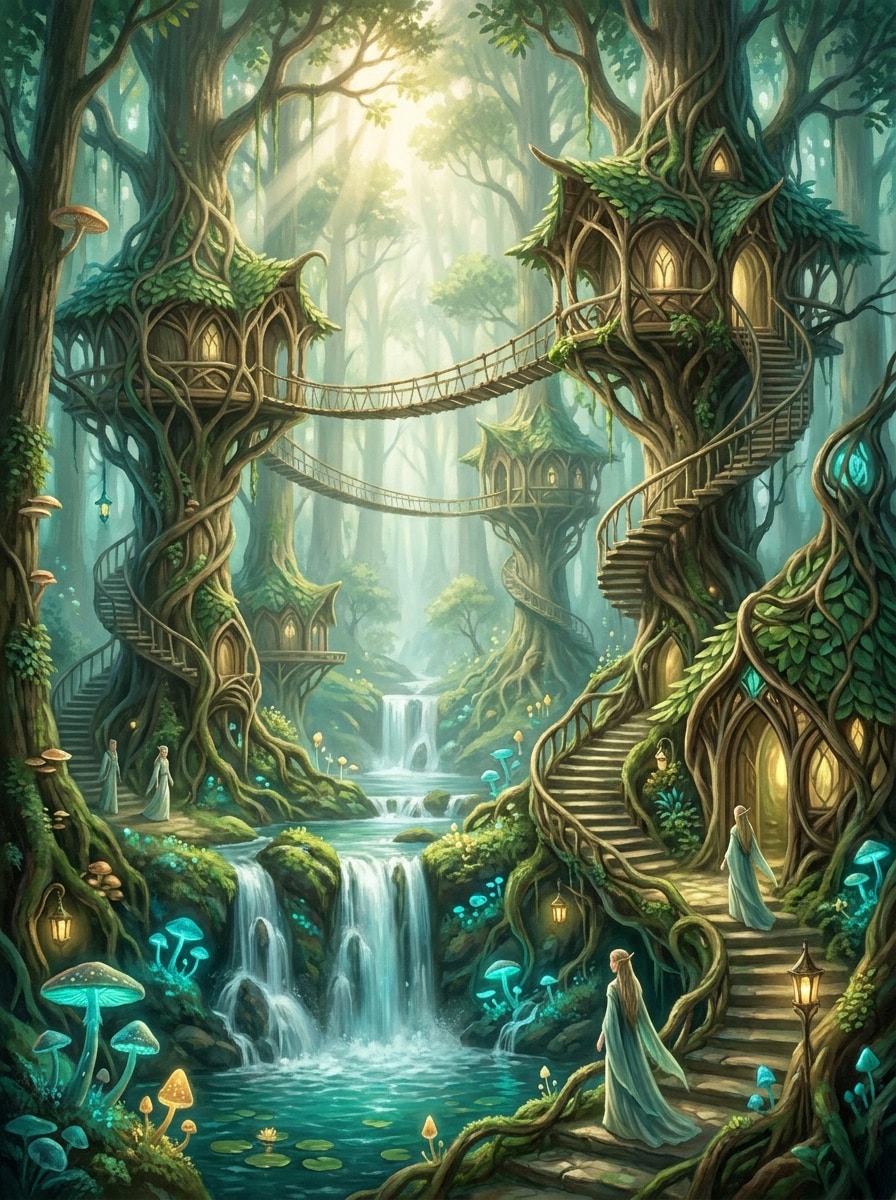
Elfenwaldsiedlung
Schaffen Sie eine Elfenfantasiestadt versteckt in einem üppigen Wald mit eleganten Baumhäusern, Seilbrücken, kaskadenförmigen Wasserfällen, leuchtenden Waldlichtern und natürlich gewebter Architektur. Verwenden Sie frisches Grün, blau blaue highlights, weiches Sonnenlicht, das durch die Blätter filtert, organische Texturen, ruhige Stimmung und verträumte, detaillierte Fantasy-Kunst.
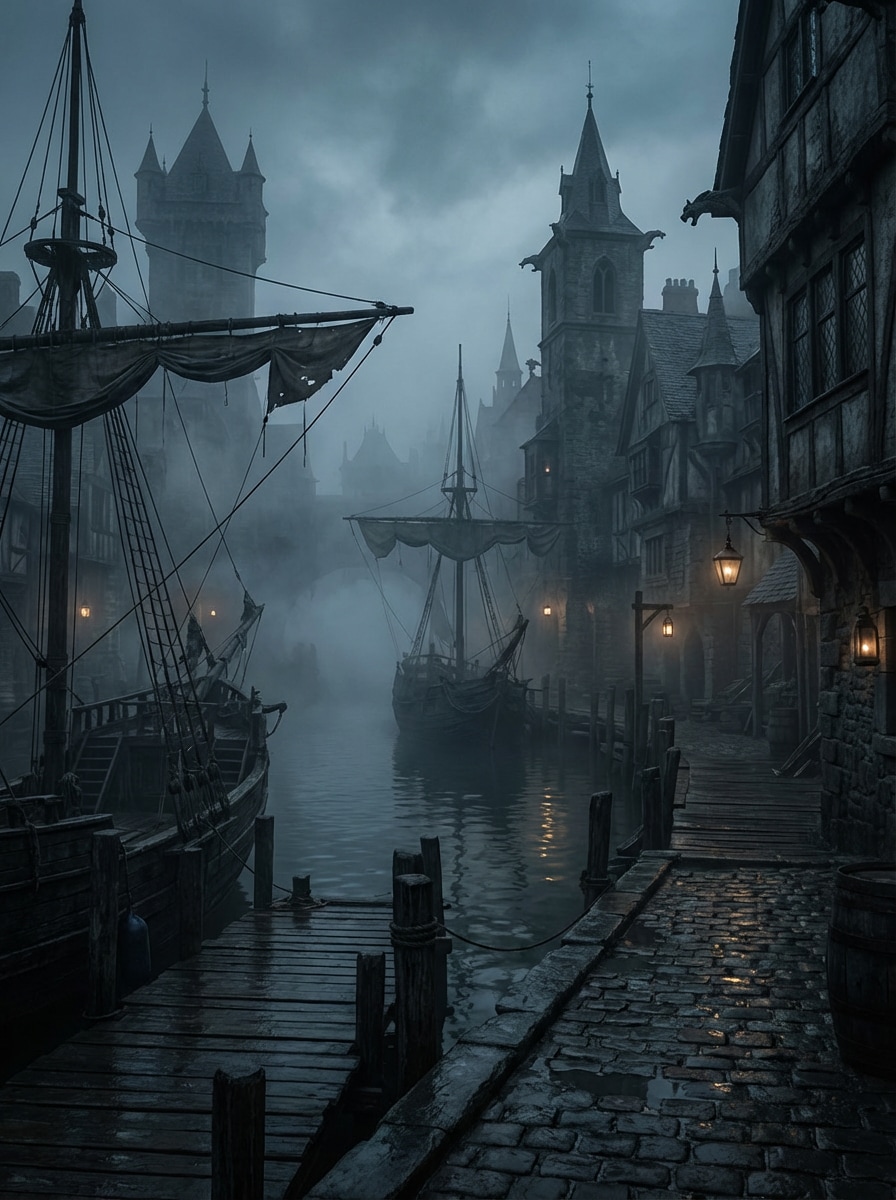
Dark Fantasy Hafenstadt
Erzeugen Sie eine dunkle Fantasy-Hafenstadt mit gotischen Gebäuden, anlegten Schiffen, nassen Kopfsteinpflastersteinen, dichtem Meeresnebel, schmalen docks und schwachen Laternen, die sich auf dem Wasser reflektieren. Verwenden Sie desaturierte Blau, Holzkohlegrau, verwitterte Texturen, stimmungsvollen Kontrast und filmische weltbildenden Details mit einer spukenden Küstenatmosphäre.
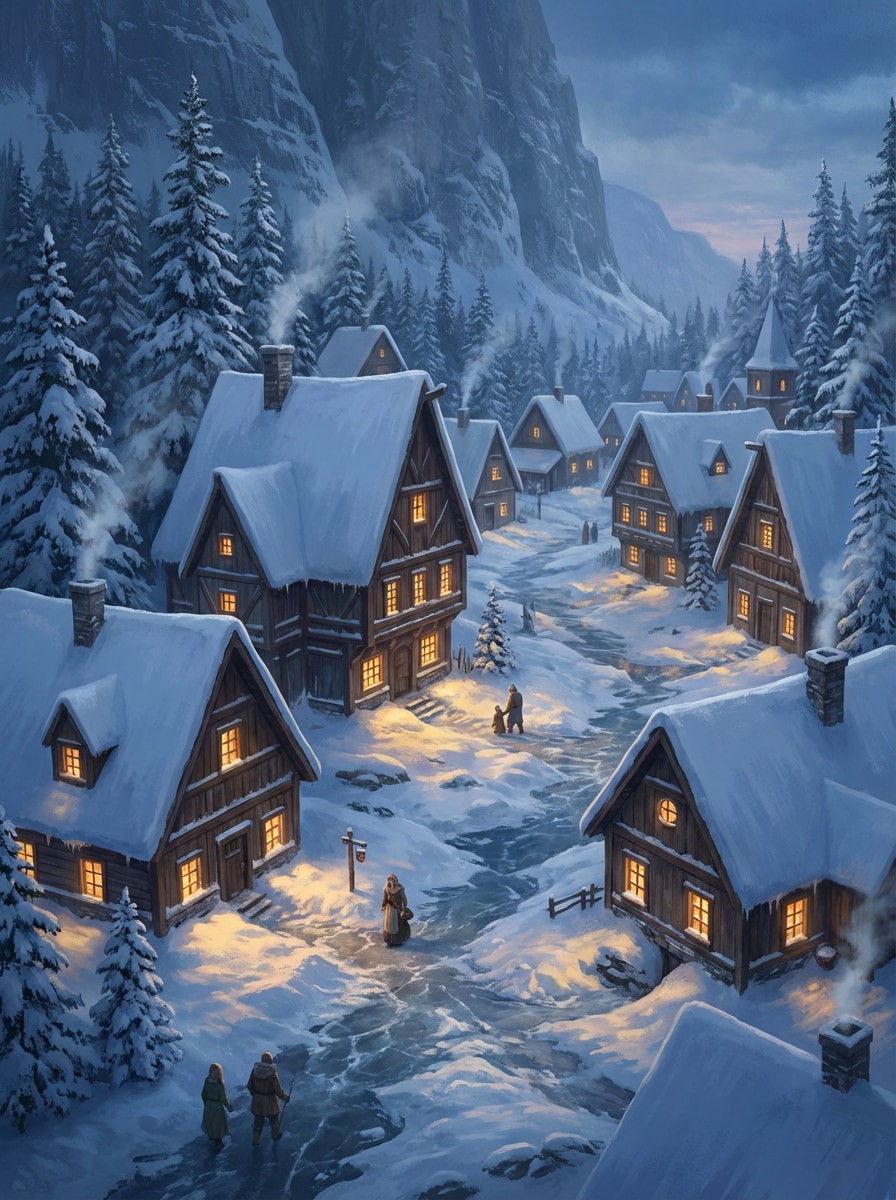
Schneegebundenes Norddorf
Schaffen Sie ein schneebedecktes Fantasy-Dorf mit Holzhäusern mit steilen Dächern, Schornsteinrauch, eisigen Wegen, Kiefern und Bergmauern, die die Siedlung umgeben. Verwenden Sie winterliche Dämmerungsbeleuchtung, kühle blaue Schatten, warmes Fensterleuchten, frische Schneetextur, ruhige Atmosphäre und immersive hochdetaillierte Fantasy-Umgebungskunst.
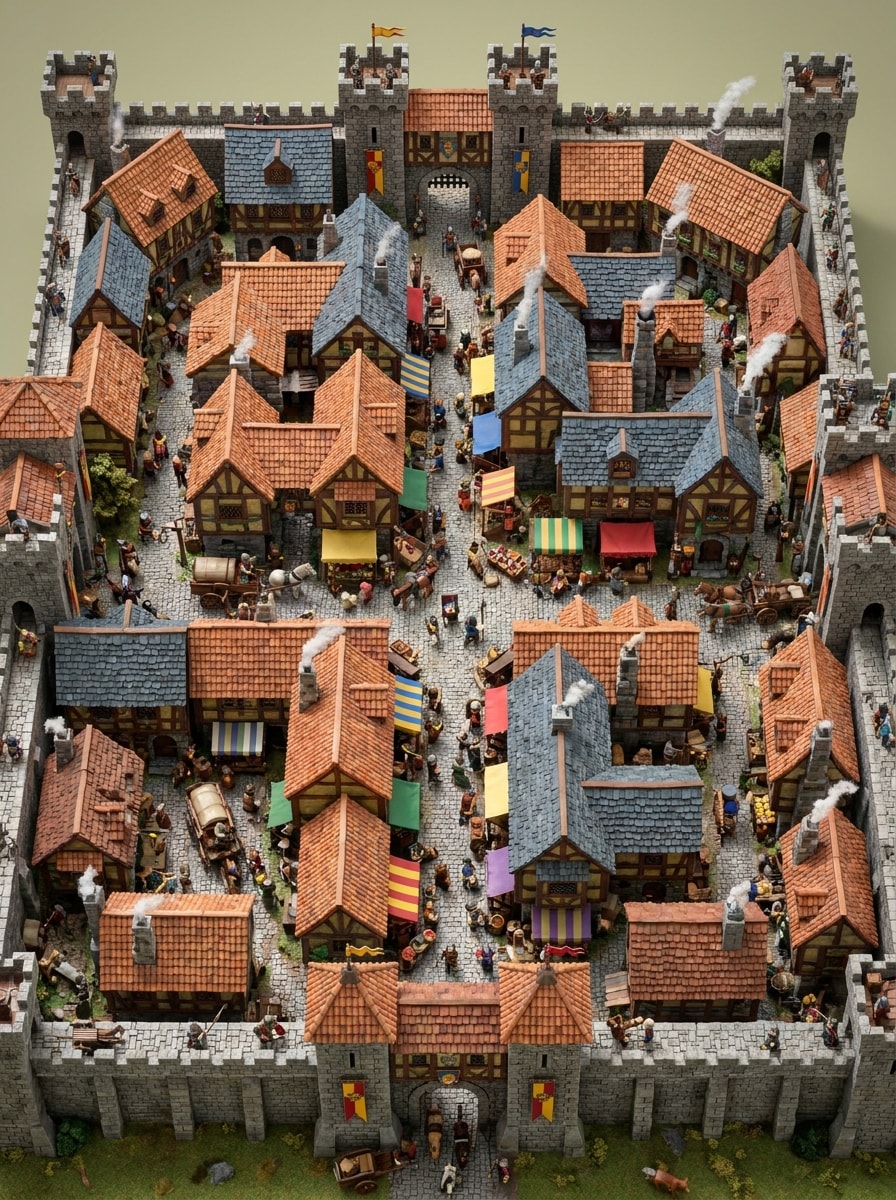
Top-Down Town Plus Zeichenskala
Erzeugen Sie eine Top-Down-Fantasy-Stadt mit sichtbaren Stadtbewohnern, Pferdekarren, geschäftigen Marktgassen, geschichteten Dächern, Torhäusern und Verteidigungsmauern. Betonen Sie miniaturisierte Details, lebendige mittelalterliche Farben, lesbare Straßen, subtile Schatten, geschäftiges bürgerliches Leben und eine polierte Overhead-Komposition, die ideal für Weltaufbau-Bilder ist.
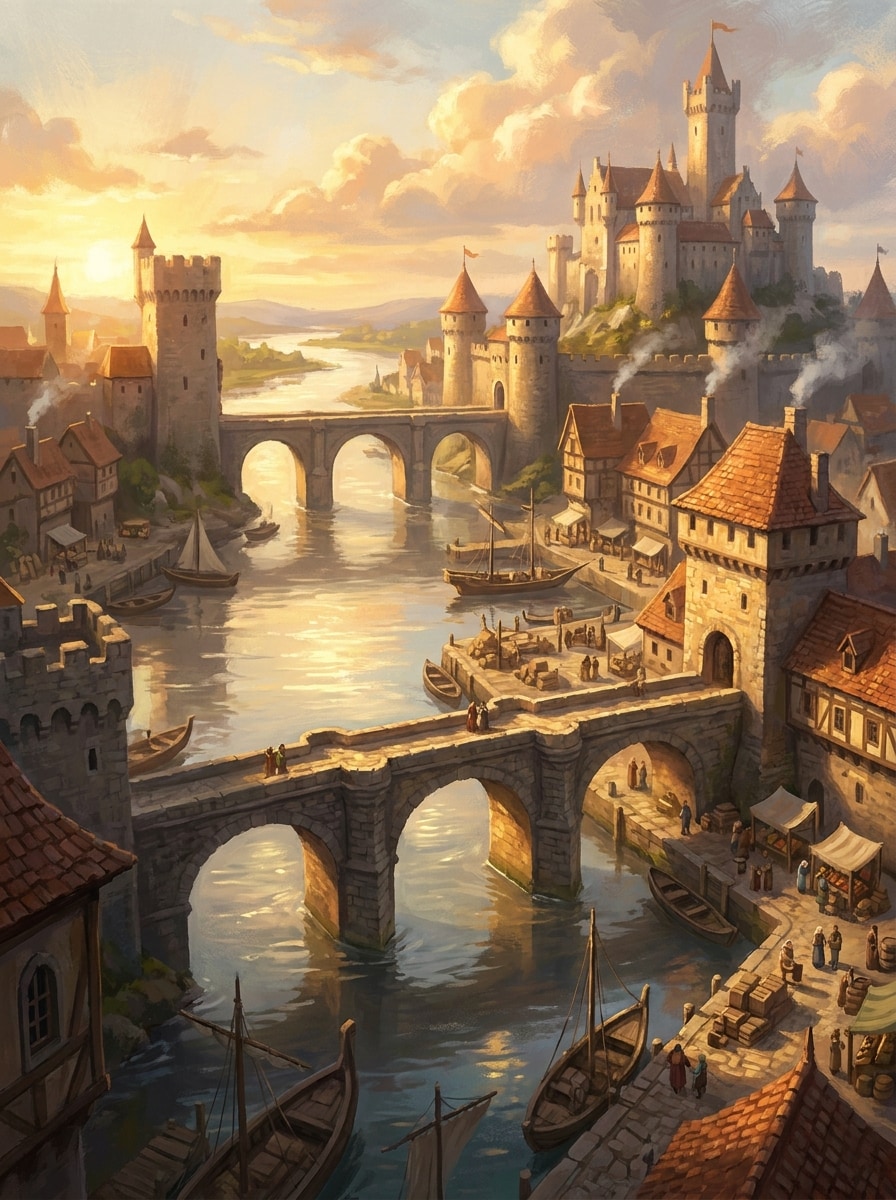
Golden Hour Riverside Stadt
Schaffen Sie eine wunderschöne Fantasiestadt am Flussufer in der goldenen Stunde mit Steinbrücken, Burgtürmen, reflektierendem Wasser, belebten Kai, Ziegeldachen und weichem Rauch, der aus den Schornsteinen steigt. Verwenden Sie warmes Sonnenlicht, leuchtende highlights, malerische Texturen, eine ausgewogene Perspektive und eine majestätische und doch einladende fantasy Concept-Art-Stimmung.
Warum Media.io für Fantasy Town Bilder verwenden?
Erstellen aus Text mit fortschrittlichen KI-Modellen
Verwandeln Sie eine kurze Idee in eine detaillierte Stadtszene, ein Dorfkonzept oder eine kartenähnliche illustration mit leistungsstarken Text-zu-Bild-Modellen wie Nano Banana Pro und Nano Banana 2.
Mehrere Stile für Karten und Stadtlandschaften
Wechseln Sie zwischen layouts im Kartenstil, isometrischen Szenen, realistischen Umgebungen, 3D-Rendering-Looks, Ölgemälde-Stimmungen und mehr, um Ihren Kampagnen-, Roman-oder Concept-Art-Anforderungen gerecht zu werden.
Hochauflösender Export bis 4K
Generieren Sie fantasy Town-Kunstwerke in 1K, 2K oder 4K Auflösung mit flexiblen Seitenverhältnissen, sodass Sie Ihre Bilder einfacher für Moodboards, Präsentationen und druckbare Referenzen verwenden können.
Schneller browserbasierter Workflow
Öffnen Sie das tool auf dem desktop oder Mobilgerät, geben Sie Ihre Eingabeaufforderung auf Englisch ein, generieren Sie schnell Variationen und verfeinern Sie Ihr fantasy Town-Kunstwerk, ohne zusätzliche software zu installieren.
Wie man den Fantasy Town Generator benutzt
1
2
3
1
Öffnen Sie Media.io Fantasy Town Generator
gehe zuKI Text-zu-Bild-GeneratorUnd öffnen Sie den Fantasy Town Generator unter AI-> Text zu Bild. Dieses Online-Tool läuft in Ihrem browser, sodass Sie mit der Erstellung von Stadtkarten, filmischen Siedlungen und Weltaufbau-Kunstwerken auf fast jedem Gerät beginnen können.
2
Geben Sie eine Aufforderung ein
Geben Sie eine detaillierte Eingabeaufforderung ein, wie zum Beispiel "Isometrische mittelalterliche Fantasy-Stadtkarte mit Mauern, Fluss, Marktplatz, Pergamentstruktur, beschrifteten Bezirken." Passen Sie Ihren bevorzugten Stil, Seitenverhältnis und Auflösung an, um das Aussehen Ihres Stadtbildes zu gestalten.
3
Generieren, verfeinern & herunterladen
Klicken Sie auf Generieren. Überprüfen Sie das Ergebnis, passen Sie Ihre Formulierung oder Einstellungen bei Bedarf an und laden Sie Ihr hochauflösendes fantasy Town-Bild für Storyplanung, Kampagnenanlagen oder visuelle inspiration herunter.
Freischalten Sie das Potenzial von Fantasy City Map Generator
Erfahren Sie, wie Schöpfer diesen Fantasy Town-Generator für Inhalte, marketing und persönliche Projekte verwenden, und passen Sie dann jede Idee an die Kurze an.
Erstellen Sie RPG-Standorte schneller
Verwandeln Sie schnelle Einstellungsnotizen in polierte Siedlungsgrafik für Tischkampagnen, Lore-Seiten oder Begegnungsplanung. Egal, ob Sie ein Fantasy-Stadtkartengenerator-Gefühl oder eine stimmungsreiche Straßenszene benötigen, Media.io hilft Spielmeistern, Orte ohne manuelle Zeichnung zu visualisieren.
Erstellen Sie Konzeptkunst für Geschichten und Spiele
Autoren, Indie-Entwickler und Künstler können die Aufforderungen nutzen, um verschiedene Stadtidentitäten zu erkunden, von Handelshäfen bis hin zu magischen Hauptstädten. Es funktioniert gut als einfantasy city map generatoralternative, wenn Sie visuelle Konzeptkunst statt eines streng verfahrenstechnischen Layouts wünschen.
Design Printable Worldbuilding Referenzen
Erstellen Sie Karten, Dorflayouts oder landschaftlich reizvolle Siedlungskunst für Präsentationen, Moodboards und handouts. Wenn Sie einen fantasy village map generator, einen fantasy town maker oder sogar einen random city generator fantasy workflow mit mehr Stilsteuerung benötigen, kann Text-in-Bild eine schnelle kreative option sein.
Was die Benutzer sagen
Ethan R.
Dungeon Master
"Großartig für schnelle Kampagnenvisuals"Normalerweise skizziere ich Orte von hand, aber das machte es viel einfacher, fantasy Town-Referenzen in wenigen Minuten zu erstellen. Die kartenähnlichen Eingabeaufforderungen sind überraschend für die Sitzungsvorbereitung nutzbar.
Maya L.
Fantasy Schriftsteller
"Hilfreich für Weltaufbau Moodboards"Ich habe es verwendet, um verschiedene Städte für meinen Roman zu erkunden, von gemütlichen Handelszentren bis hin zu nebligen Schlosssiedlungen. Die Ergebnisse gaben mir eine visuelle Richtung, ohne meinen Schreibprozess zu verlangsamen.
Jordan P.
Indie Spiel Künstler
"Flexible styles und starke Details"Die Fähigkeit, von der Pergamentkartographie zur filmischen Umgebungskunst zu wechseln, hat mich verkauft. Es fühlt sich sowohl für Kartenideen als auch für die polierte Fantasy-Szenen-Generierung nützlich an.
Sofia M.
Inhaltsersteller
„Einfach auf Mobilgeräten und Desktops "Ich habe zuerst die Aufforderungen auf meinem Telefon getestet und dann die Bilder auf dem desktop fertiggestellt. Es war ein reibungsloser Browser-Workflow und die fantasy Town-Ausgaben sahen großartig für Social-Posts und creative boards aus.
Entdecken Sie die beliebtesten KI-Video- und Bildeffekte
Ein fantasy town generator ist ein tool, das Ihnen hilft, visuelle Stadtkonzepte für den Weltaufbau, storytelling oder RPG-Einsatz zu erstellen. Mit Media.io können Sie eine Siedlung in text beschreiben und Fantasy-Stadt-Kunstwerke erstellen, die von kartenähnlichen layouts bis hin zu filmischen Dorf-und Stadtszenen reichen.
2. Kann ich ein fantasy Town-Bild aus text erstellen?
Media.io ermöglicht es Ihnen, ein fantasy Town-Bild aus text zu erstellen, indem Sie eine Eingabeaufforderung eingeben und Kunstwerke mit KI-Modellen wie Nano Banana Pro, Nano Banana 2, Seedream 5.0 Lite und Imagen 4 generieren. Dies macht es nützlich für Benutzer, die nach einemfantasy city map builderOder fantasy town concept creator ohne manuelle Zeichnung.
3. Ist dieser fantasy town generator kostenlos zu verwenden?
Ja, kostenlose Nutzer können das fantasy town generator mit kostenlosen credits ausprobieren. Für mehr Nutzung und zusätzliche Vorteile können Sie die Preisseite überprüfen. Kostenlose downloads können ein Wasserzeichen enthalten, während kostenpflichtige Pläne hochauflösende Bilder ohne Wasserzeichen unterstützen. Kostenlose Nutzer können kostenlose credits nutzen. Für mehr Nutzung können Benutzer einen plan auf der Preisseite abonnieren. Upgrade auf einen kostenpflichtigen plan auf derPreisseiteFür weitere credits und Wasserzeichen-kostenlose hochauflösende downloads.
4. Wie viel kostet ein fantasy town generator?
Media.io bietet Ihnen eine einfache Möglichkeit, fantasy town generator Bilder aus einer Eingabeaufforderung zu erstellen und sie online zu verfeinern.
5. Kann ich eine Karte einer fiktiven Stadt mit KI erstellen?
Sie können Media.io auffordern, Stadtbilder im Kartenstil mit overhead-, isometrischen oder Pergament-Kartographie-Aussehen zu erstellen. Dies macht es zu einer praktischen option für Benutzer, die nach einemfantasy city map creator, fantasy city map maker, oder fantasy town map maker, wenn sie visuell reichhaltige KI-generierte Kartenkonzepte wünschen.
6. Welche Bildqualität oder Auflösung kann ich exportieren?
Media.io unterstützt die 1K-, 2K-und 4K-Bilderzeugung sowie Seitenverhältnisse wie Auto, 1:1, 9:16, 16:9, 4:3, 3:4, 3:2 und 2:3. Dies bietet Ihnen Flexibilität für druckbare Referenzen, Widescreen-Szenen, Porträtkompositionen und Worldbuilding-Tafeln. Kostenlose Benutzer können Wasserzeichen haben.
Über den KI-gesteuerten Online-Fantasy-Stadt-Generator hinaus