Deine Werke werden nur 7 Tage lang gespeichert. Assets, die nach dem Upgrade auf einen Mitgliedschaftstarif erstellt werden, werden dauerhaft gespeichert.
Entfalten Sie Ihr kreatives Potenzial und erleben Sie jetzt die Magie der Media-KI!
Erstellen Sie ein professionelles E-Zeichen Online in Sekunden
Erstellen Sie eine poliertee ZeichenGrafik für Dokumente, websites, mockups und branding in nur wenigen Klicks. Media.io arbeitet als eine sign maker onlineMit schneller KI-Bilderzeugung, flexiblen Stilen und kostenlosen credits können Sie auf jedem Gerät einen charakteristischen look entwerfen.
Geben Sie Ihre Idee ein-> KI entwirft sie. Kostenlos zu versuchen.
Überprüfen Sie diese Beispielanweisungen und passen Sie dann die Eingabedetails an, um mit diesem E-Zeichen-Generator stärkere Ergebnisse zu erzielen.
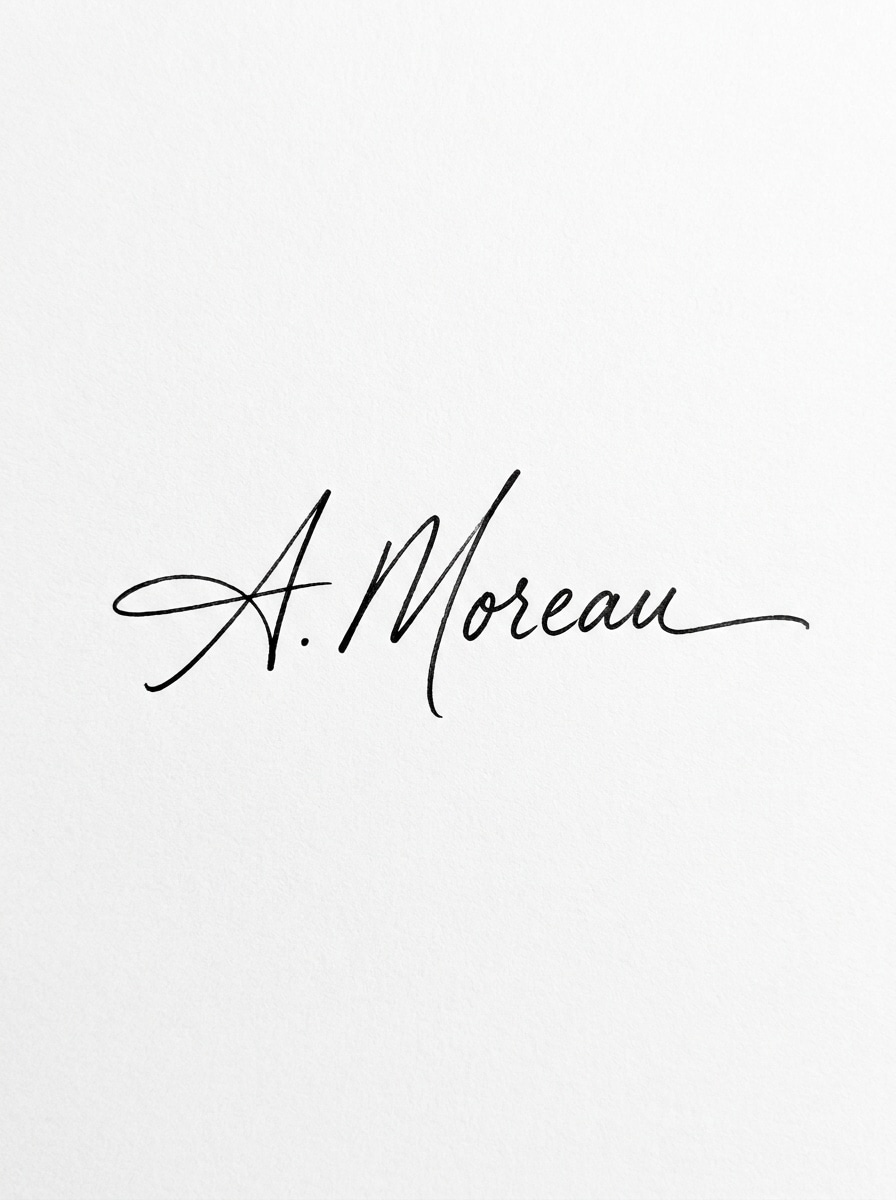
Elegante Tinte Signatur auf weiß
Erstellen Sie einen sauberen handgeschriebenen E-Sign-Stil auf einem reinen weißen Hintergrund, mit fließenden schwarzen Tintenstrichen, natürlicher Schwankung des Stiftdrucks, glatten Kurven, subtiler Textur, zentrierter Komposition, minimaler Luxus-Ästhetik, weicher Studiobeleuchtung, scharfen Kanten, professionellem Branding-Look, hoher Auflösung.
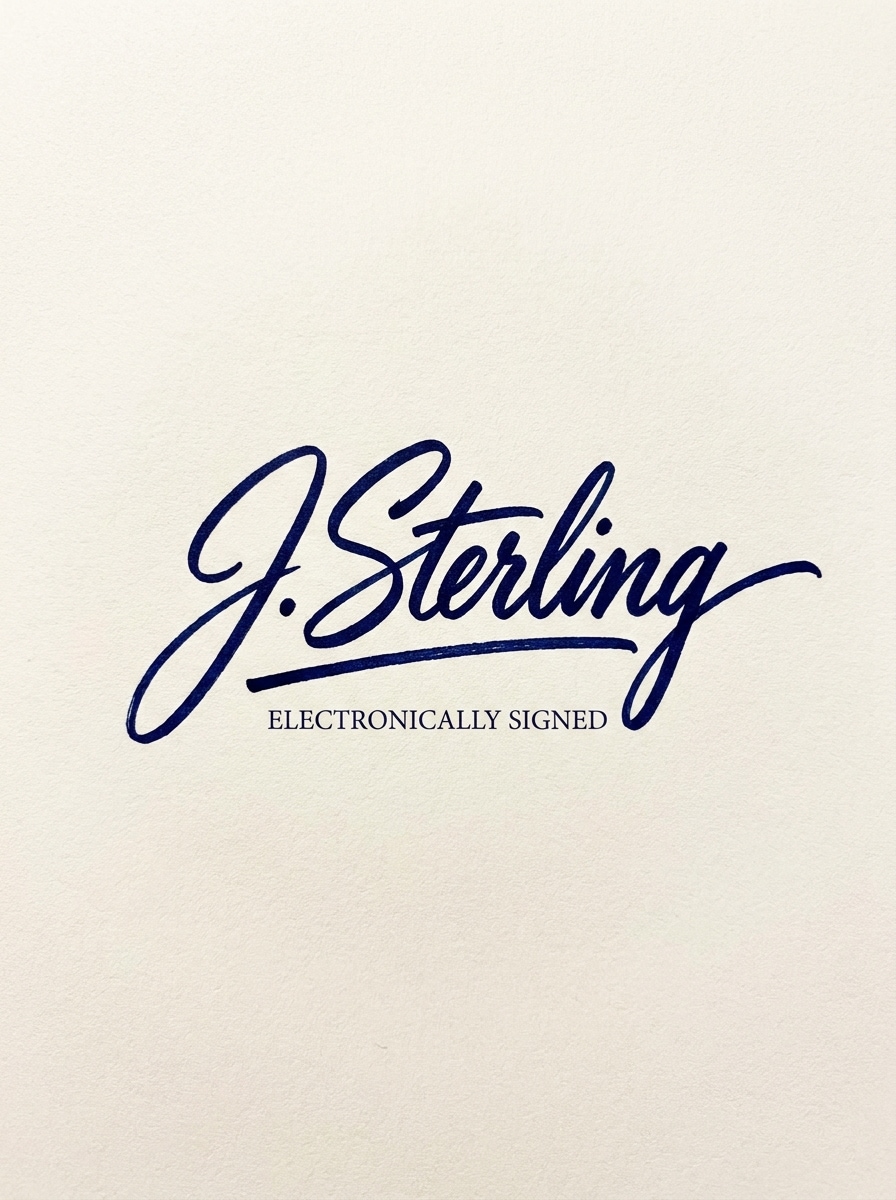
Fett Executive Signature Mark
Entwerfen Sie ein selbstbewusstes elektronisches Signaturzeichen mit kräftigen, durchgehenden Stiftlinien, tiefer marineblauer Tinte auf einem hellen, neutralen Hintergrund, ausgewogener horizontaler Komposition, erstklassiger Unternehmensstimmung, raffinierter Kalligraphie-Energie, subtiler Papierkornstruktur, klarem Kontrast und polierter Präsentation, die für Geschäftsdokumente geeignet ist.
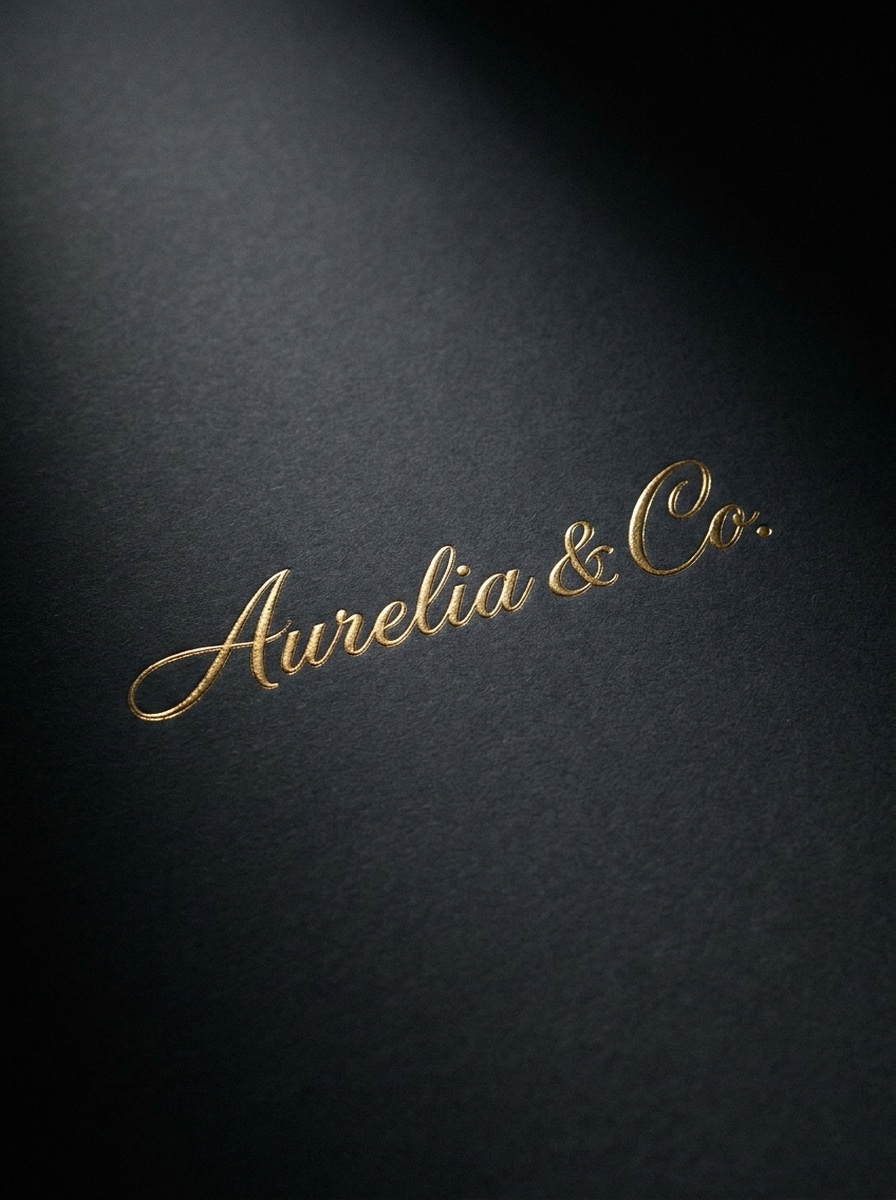
Goldfolie Signatur Branding
Erstellen Sie einen luxuriösen eSignature-Logo-Effekt mit eleganten kursiven Schriftstellungen in Goldfolie, platziert auf einem matten Holzkohlehintergrund, dramatischer weicher Beleuchtung, metallischen Reflexionen, erstklassiger geprägter Textur, zentrierter Komposition, anspruchsvoller Mode-Marke-Stimmung, ultra-sauberen details und hochwertiger visueller Qualität.
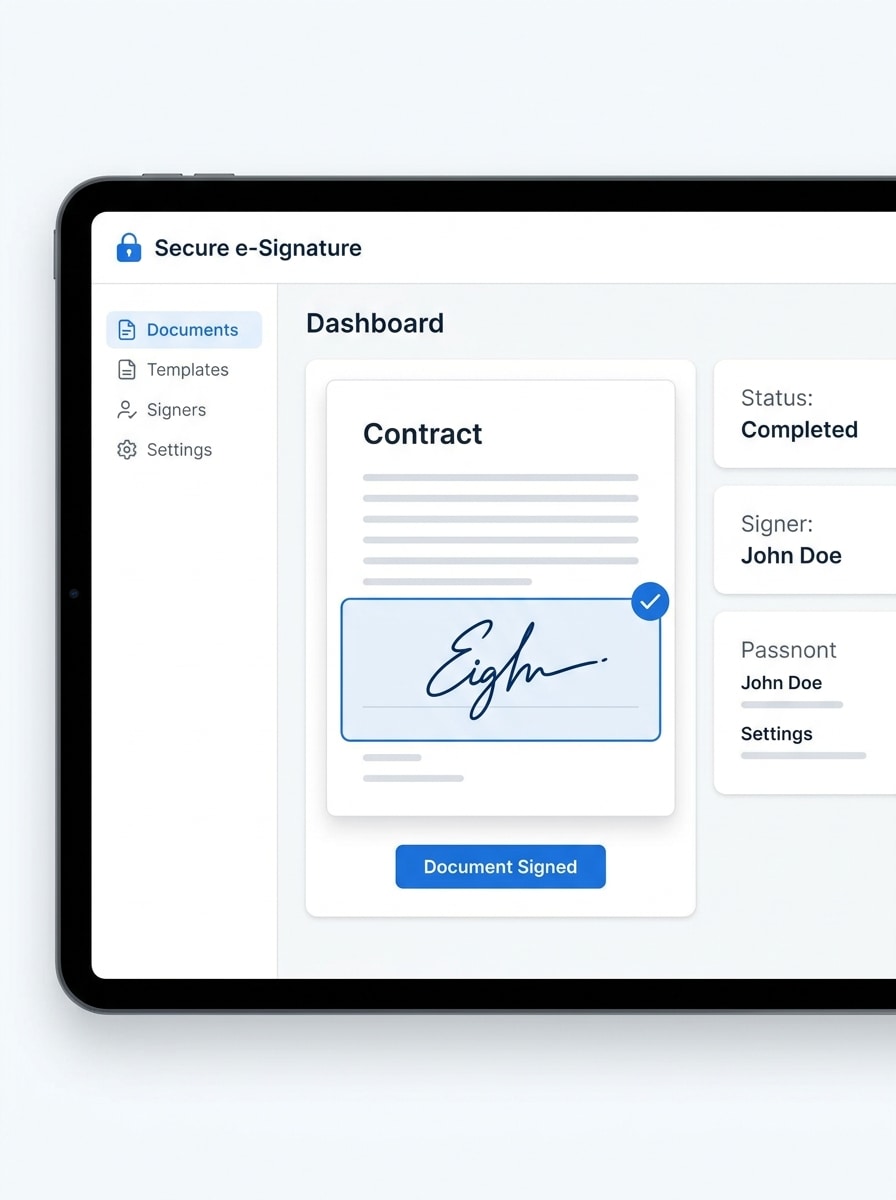
Blaue digitale Signatur UI Mockup
Erstellen Sie eine moderne illustration einer elektronischen Signatur im SaaS-Stil auf einer digitalen Schnittstelle, weiß-blaue Vertrauenspalette, signierte Dokumentvorschau, hervorgehobenes Signaturfeld, weiche Schatten, ordentliches Dashboard-Layout, saubere Typographieblöcke, sichere Geschäftsstimmung, konversionsfreundliche Komposition und scharfe Produktaufnahmequalität.
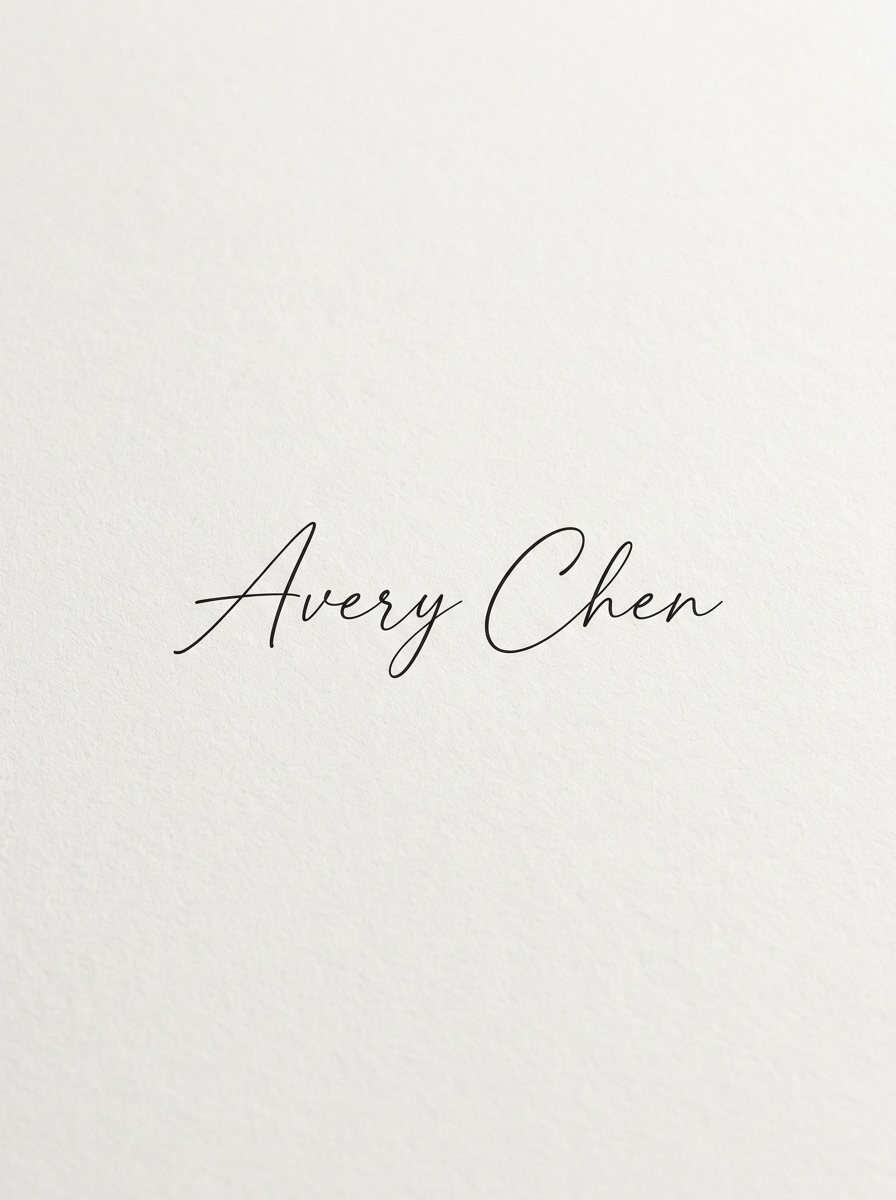
Minimale Schrift Signatur Logo
Generieren Sie ein minimalistisches persönliches Signaturlogo mit feiner schwarzer Schrift, luftigen Abständen, klarer weißer Leinwand, zartem Liniengewicht, zurückhaltender Eleganz, zentriertem layout, weichem natürlichen Kontrast, subtiler Schreibwaren-Textur, ruhiger Premium-Stimmung und präzisem hochauflösenden finish für modernes persönliches branding.
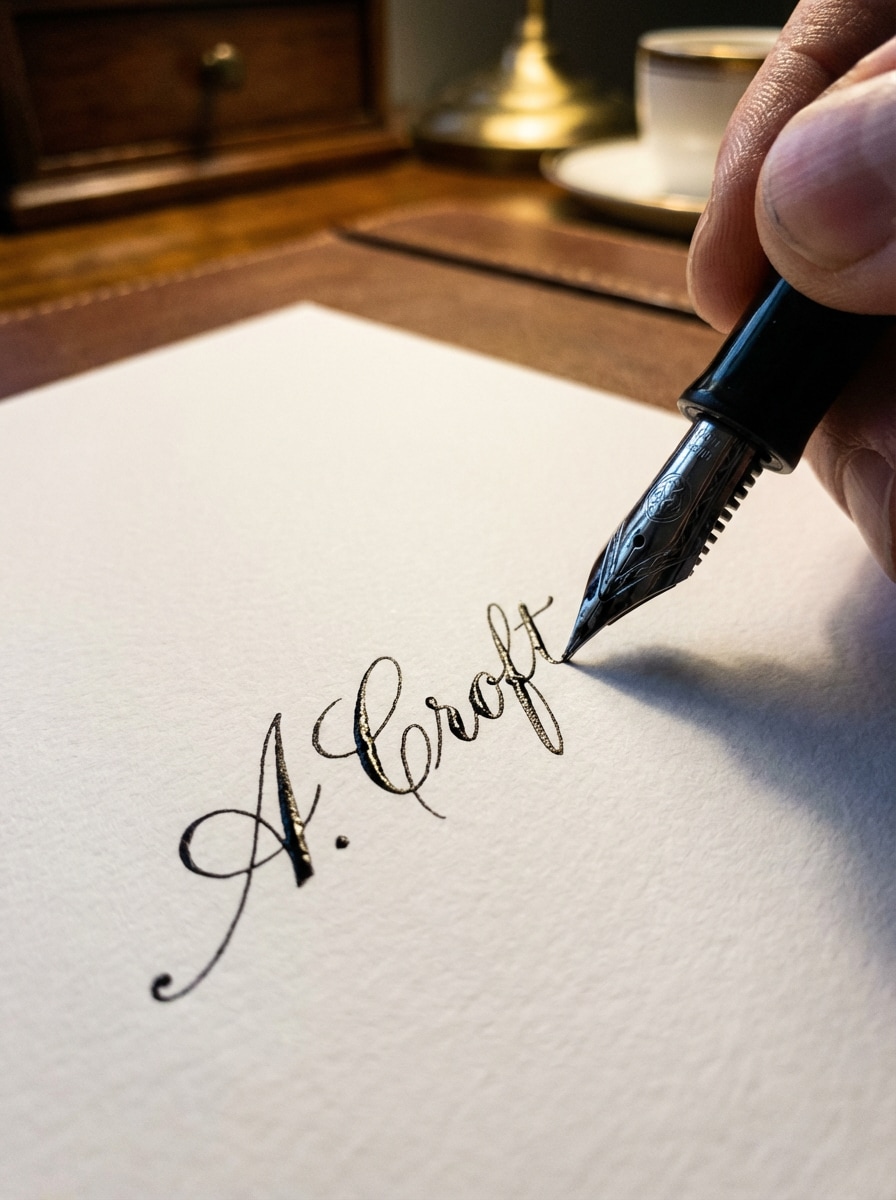
Stift-auf-Papier-Signatur Nahaufnahme
Erstellen Sie eine realistische Nahaufnahme einer Signatur, die auf hochwertigem weißem Papier, schwarzer Füllfedertinte, geringer Schärfentiefe, warmer neutraler Beleuchtung, detaillierten Papierfasern, eleganten handgeschriebenen Strichen, professioneller Bürostimmung, filmischer Makrokomposition und fotorealistischer Klarheit geschrieben wird.
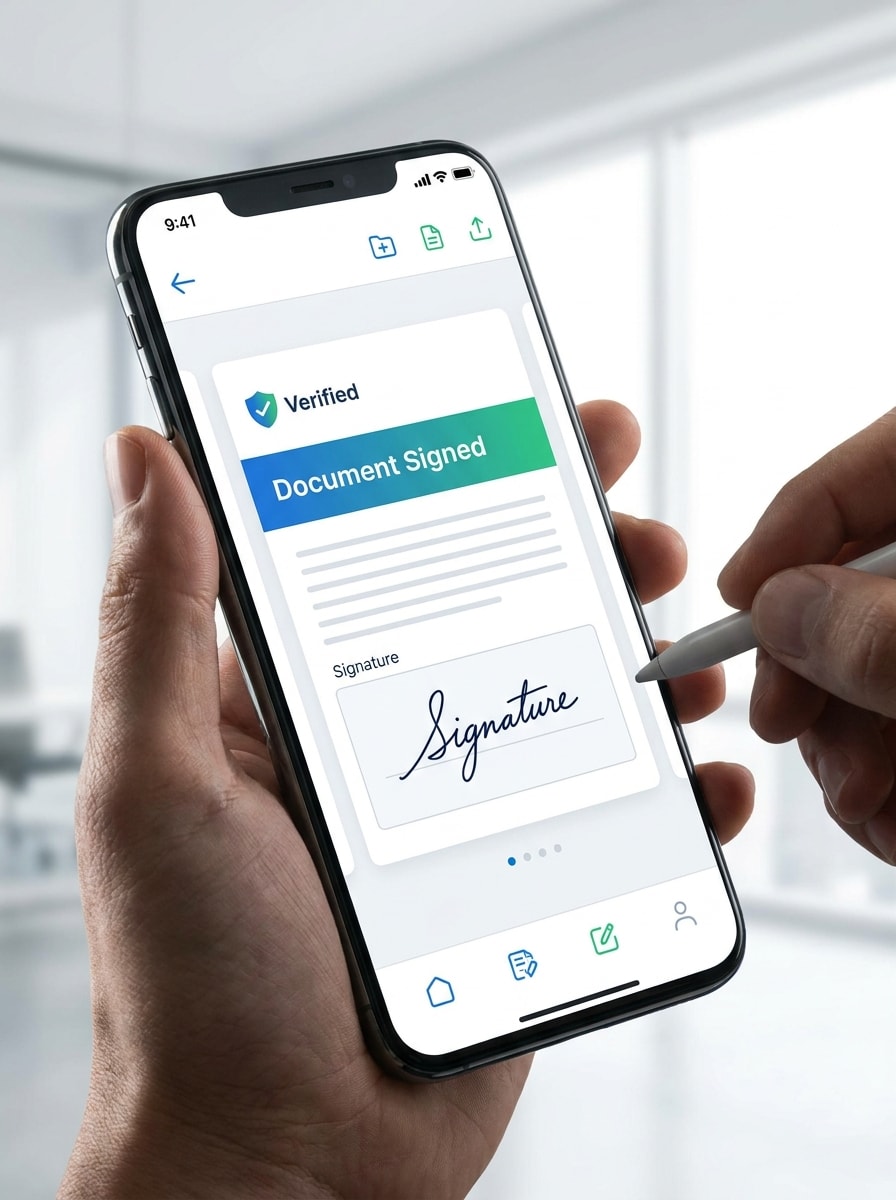
Mobile eSign App Konzept
Erstellen Sie ein elegantes mobiles App-Visual mit einem signierten Dokument auf einem Smartphone-Bildschirm, blauen und grünen Sicherheitsakzenten, Handinteraktion, sichtbarem Signaturbereich, heller professioneller Beleuchtung, glatten Glasreflexen, moderner Fintech-Ästhetik, sauberer Komposition, vertrauenswürdiger Stimmung und hochdetaillierter App-Mockup-Qualität.
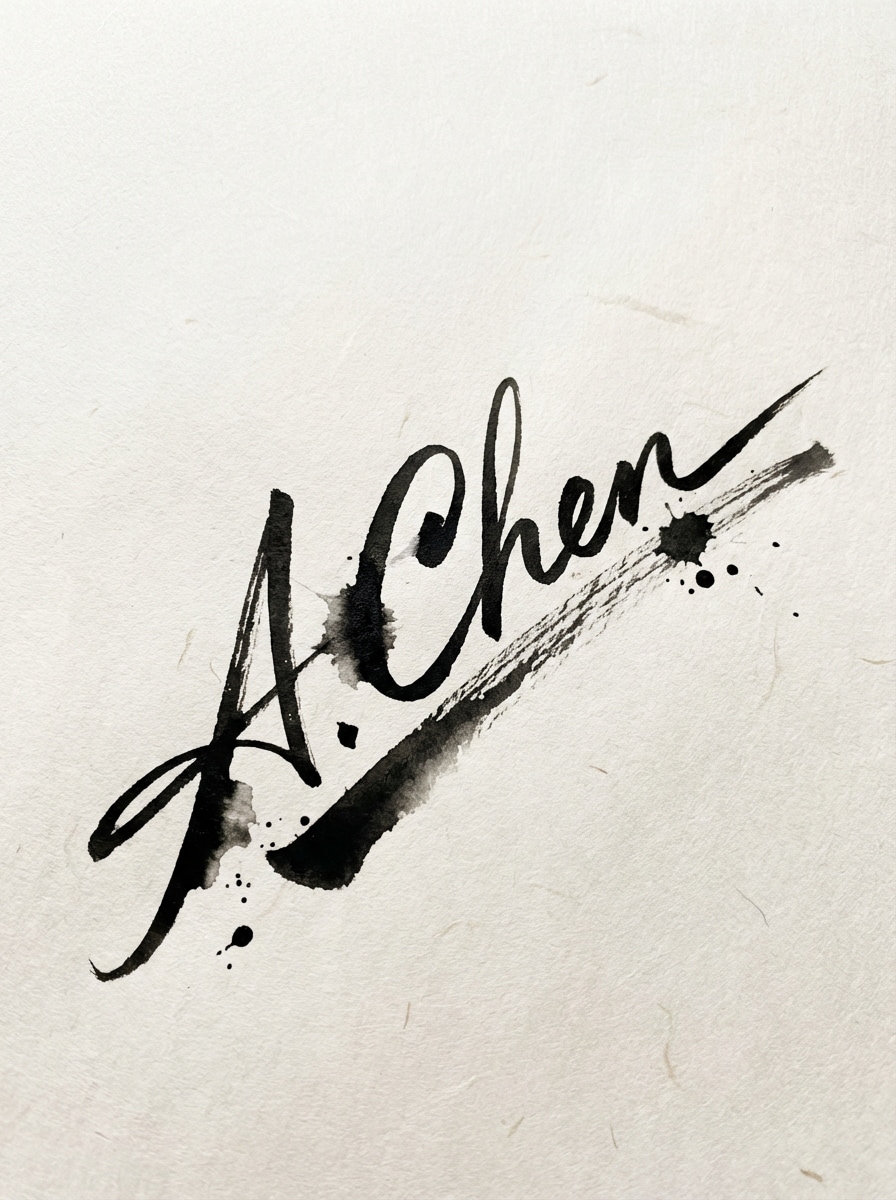
Signaturstempel für kreatives Branding
Entwerfen Sie ein künstlerisches handschriftliches Signatursiegel für creator branding, dynamische schwarze Pinselstriche auf einem weiß strukturierten Hintergrund, leicht diagonale Komposition, moderne redaktionelle Stimmung, organische Tintenblutung, taktiles Papiergefühl, sauberen negativen Raum und erstklassige visuelle balance für Wasserzeichen oder Logo-Verwendung.
Sicheres unterschriebenes Dokument Hero
Erstellen Sie ein professionelles Heldenbild eines digital signierten Dokuments mit einer sichtbaren Signatur, subtilen Schild-und Verifizierungssymbolen, einer blau-weißen Enterprise-Palette, einem sauberen Arbeitsplatz-Hintergrund, sanfter Umgebungsbeleuchtung, moderner Sicherheitskomposition, poliertem Corporate-Ton und klaren Details, die für die landing-page bereit sind.
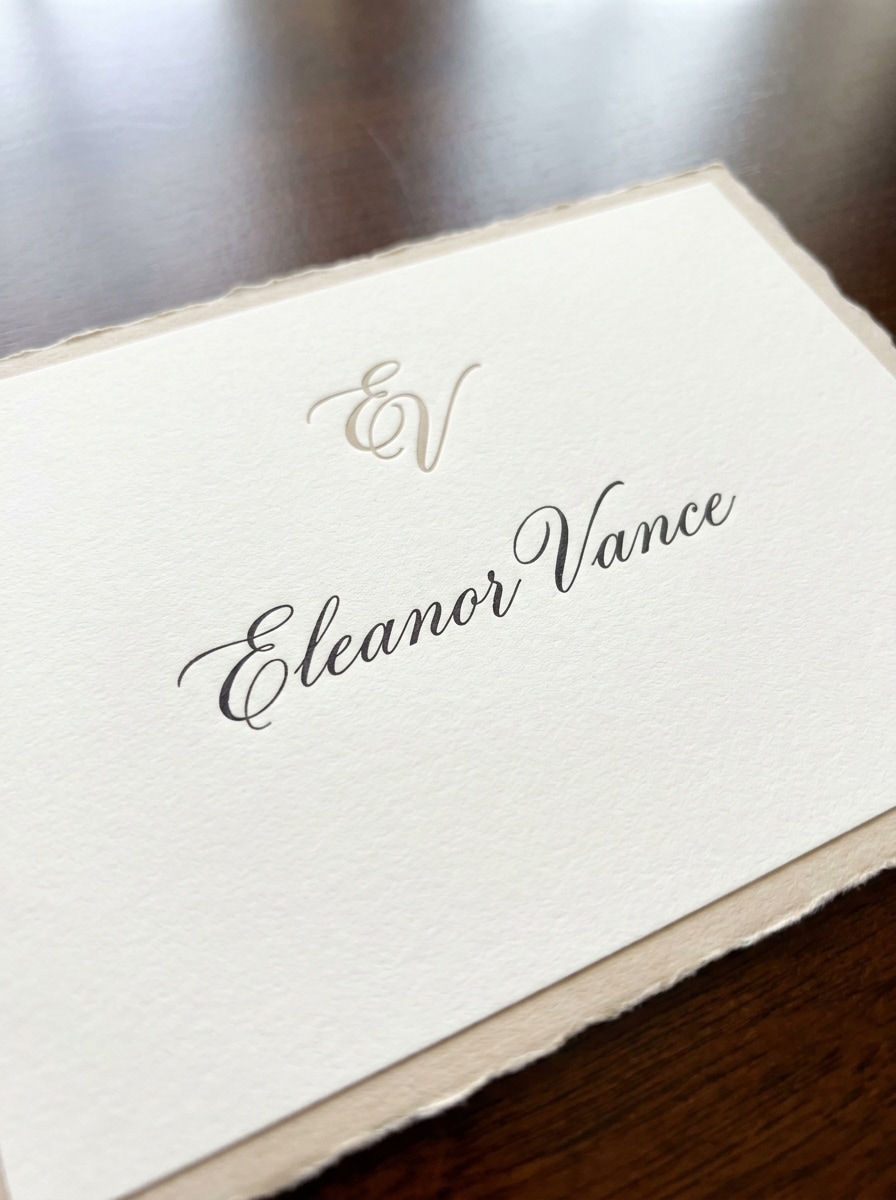
Luxus Monogramm Signatur Karte
Erstellen Sie ein exklusives Signatur-Kartendesign mit einem raffinierten handgeschriebenen Namen mit einem subtilen Monogramm-Akzent, Elfenbeinhintergrund, weicher Beige-und Schwarzpalette, erstklassiger Schreibwaren-Textur, eleganter zentrierter Komposition, sanftem Schatten, zeitloser Luxus-Stimmung und ultraschärfer Druckqualität.
Warum Media.io für E-Sign-Design verwenden?
Hochauflösende Signaturgrafik
Erstellen Sie polierte E-Sign-Bilder in 1K-, 2K-oder 4K-Auflösung, sodass sie für Präsentationen, Branding-Mockups, websites und kreative assets im Dokumentstil geeignet sind.
Schnelle browserbasierte Erstellung
Verwenden Sie Media.io als einee sign maker kostenlosoption ohne Softwareinstallation. Es läuft direkt in Ihrem browser für eine schnelle Erstellung auf dem desktop oder Mobilgerät.
Mehrere Stile für unterschiedliche Bedürfnisse
Von realistischen Tintensignaturen bis hin zum luxuriösen Folienbranding und Dokumentvisuals im App-Stil unterstützt Media.io eine breite Palette von looks für persönlichen, kreativen oder geschäftlichen Gebrauch.
Flexible Verhältnisse für Web und Social
Wählen Sie aus Seitenverhältnissen wie 1:1, 3:4, 4:3, 16:9 und mehr, damit Ihre eSignature-Grafiken zu Profilbildern, Portfolio-Bannern, Landingpages und Inhaltsmockups passen.
Wie man ein E-Zeichen mit Media.io erstellt
1
2
3
1
Open Media.io AI Bildgenerator
gehe zuKI Text-zu-Bild-GeneratorUnd öffnen Sie den AI-Bildgenerator unter AI-> Text zu Bild. Dieses Online-Tool läuft in Ihrem browser, sodass Sie schnell ein E-Zeichen-Konzept auf Windows, Mac, iPhone, iPad oder Android erstellen können.
2
Geben Sie eine Eingabeaufforderung oder eine Stilidee ein
Geben Sie eine detaillierte Eingabeaufforderung ein, wie zum Beispiel "Erstellen Sie eine elegante handgeschriebene elektronische Signatur in schwarzer Tinte auf einem weißen Hintergrund, minimaler Luxus-Stil, klare hohe Auflösung." Passen Sie den Stil, das Modell, das Seitenverhältnis und die Bildqualität an die beabsichtigte Verwendung an.
3
Generieren, verfeinern & herunterladen
Klicken Sie auf Generieren, um Ihr Bild im Signaturstil zu erstellen. Passen Sie die Eingabeaufforderung bei Bedarf an, testen Sie alternative looks und laden Sie ein hochauflösendes Ergebnis für branding, mockups, Präsentationen oder visuelle Konzepte herunter.
Freischalten Sie das Potenzial von E Sign Maker Free
Schauen Sie sich an, wie Schöpfer dieses E-Sign für Inhalte, marketing und persönliche Projekte verwenden, und passen Sie dann jede Idee an das brief an.
Erstellen Sie einen charakteristischen Look für Ihr persönliches Branding
Entwerfen Sie eine stilvolle E-Zeichen-Grafik für Portfolio-Kopfzeilen, Creator-Wasserzeichen, Visitenkarten oder Profilvisuals. Es ist eine schnelle Möglichkeit, handschriftliche Identitätskonzepte zu erkunden, bevor Sie Ihre Markenassets fertigstellen.
Mock-up Signing Workflows für SaaS und Marketing
Verwenden Sie Media.io, um elektronische Signaturvisuals für Landingpages, Produktdemos, Anzeigenkreative oder Erklärungsinhalte zu erstellen. Dies hilft teams, Online-Signaturkonzepte mit sauberen, vertrauensorientierten Bildern zu kommunizieren.
Erstellen von Dokument-und App-Visuals für Präsentationen
Erstellen Sie polierte Szenen für unterzeichnete Dokumente, mobile Signaturbildschirme oder sichere Genehmigungsvisuals für Verkaufsdecks, Blogbeiträge und Produktgeschichten. Es ist besonders nützlich, wenn Sie schnelle assets ohne einen vollständigen Design-Workflow benötigen.
Was Nutzer über Media.io sagen
Alyssa Chen
Markendesigner
"Ideal für Markenkonzepte im Signatur-Stil"Ich habe Media.io verwendet, um elegante Signatur-Stil-Grafiken für ein Kunden-Moodboard zu erstellen. Die Aufforderungen waren leicht zu verfeinern und die hochauflösenden Ergebnisse sahen poliert genug für die Präsentation aus.
Marcus Reed
SaaS Marketing Manager
"Schnelle Bilder für e-sign landing pages"Wir benötigten saubere Grafiken zur Dokumentenunterschrift für Anzeigen und Blog-Inhalte. Media.io hat uns geholfen, mehrere vertrauenswürdige, moderne Konzepte in Minuten ohne zusätzliche software zu generieren.
Nina Patel
Freiberuflicher Content-Ersteller
"Einfach auf jedem Gerät zu bedienen"Mir gefällt, dass es im browser funktioniert und es mir ermöglicht, verschiedene Signaturlooks schnell zu testen. Es ist nützlich für persönliche Branding-Mockups und präsentationsfertige kreative assets.
Daniel Foster
Produktberater
"Saubere Ausgabe und flexible styles"Die Auswahl an styles ist überraschend gut. Allein aus Textaufforderungen habe ich realistische Signaturnahaufnahmen, UI-Mockups und Premium-Branding-Konzepte generiert.
Entdecken Sie die beliebtesten KI-Video- und Bildeffekte
Mit Media.io können Sie ein Bild im eSignature-Stil online erstellen, indem Sie den KI-Bildgenerator in Ihrem browser öffnen, eine detaillierte Aufforderung eingeben, einen Stil oder ein Seitenverhältnis auswählen und das Ergebnis generieren. Das tool ist für englische Eingabeaufforderungen optimiert und unterstützt mehrere Bildstile und Auflösungen.
2. Kann ich ein PDF kostenlos unterschreiben?
Media.io bietet kostenlose credits an, sodass Sie kostenlos versuchen können, E-Sign-bezogene Bilder zu erstellen. Wenn Sie mehr Nutzung benötigen, können Sie auf der Preisseite aktualisieren. Kostenlose Benutzer können auch Wasserzeichen sehen, während kostenpflichtige Pläne hochauflösende downloads ohne Wasserzeichen unterstützen. Kostenlose Nutzer können kostenlose credits nutzen. Für mehr Nutzung können Benutzer einen plan auf der Preisseite abonnieren. Upgrade auf einen kostenpflichtigen plan auf derPreisseiteFür weitere credits und Wasserzeichen-kostenlose hochauflösende downloads.
3. Ist ein E-Zeichen rechtlich verbindlich?
Die Rechtsgültigkeit hängt von Ihrer Gerichtsbarkeit, dem Dokumenttyp und dem von Ihnen verwendeten E-Sign-Workflow ab. Media.io hilft bei der Erstellung von Bildern und kreativen Bildern im Signaturstil, aber Benutzer sollten die gesetzlichen und Compliance-Anforderungen für jeden offiziellen Signaturprozess in ihrer region bestätigen.
4. Ist die Online-Dokumentenunterzeichnung sicher?
Media.io ist eine webbasierte Plattform, die die Privatsphäre der Benutzer priorisiert. Die hochgeladenen Dateien werden nach 7 Tagen automatisch von unseren Servern gelöscht. Wenn Sie Signaturvisuals oder zugehörige Dokumentenbilder online erstellen, unterstützt dies einen Datenschutzbewussteren workflow. Hochgeladene Bilder werden nach 7 Tagen automatisch von unseren Servern gelöscht, um die Privatsphäre der Benutzer zu gewährleisten.
5. Kann ich Dokumente auf meinem Telefon oder tablet unterschreiben?
Media.io funktioniert auf jedem Gerät mit einem browser, einschließlich iPhone, iPad, Android-Tablets, Windows-PCs und Mac-Computer. Dadurch können Sie ganz einfach Bilder im Stil von e-sign von Mobilgeräten oder Desktops aus erstellen oder bearbeiten, wo immer Sie arbeiten.
6. Muss ich eine Datei drucken und scannen, um eine Signatur hinzuzufügen?
Ein browserbasierter workflow entfällt die Notwendigkeit zu drucken und zu scannen, nur um ein asset im Signaturstil oder eine Signaturvisuelle zu erstellen. Mit Media.io können Sie digitale Signaturkonzepte direkt online generieren, was für papierlose kreative Arbeit schneller und bequemer ist.